


 Скачать презентацию Computer Organization A Preliminary Study Parts of
b55421db4b0036713cbaf22647da5b0c.ppt
- Количество слайдов: 25
 Computer Organization A Preliminary Study
 Parts of a Computer • Let us look a little closer into Computers • The simplest and oldest organization – Central Processing Unit (CPU) – Memory (Storage Unit) – Input/Output Devices (I/O) – Disk, Monitor, Printer – all connected by a single bus (collection of wires)
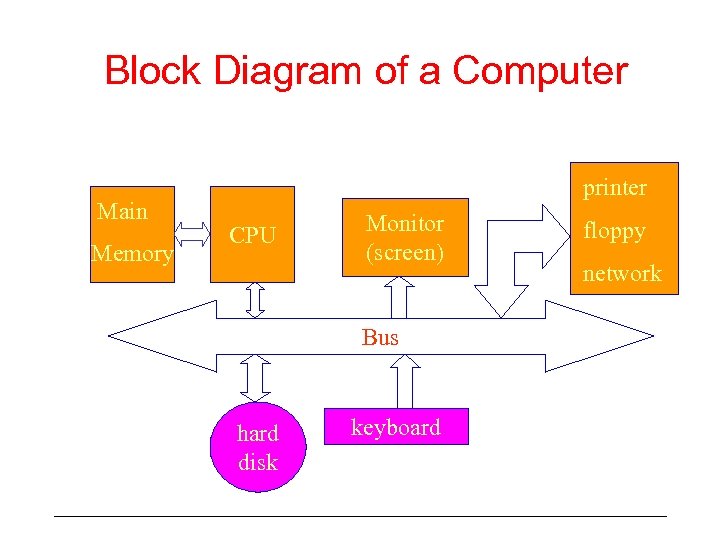 Block Diagram of a Computer Main Memory printer CPU Monitor (screen) Bus hard disk keyboard floppy network
 CPU • Brain of the computer • a number of storage units, called Registers – Instruction Register (IR), Program Counter (PC) • Control Unit • Arithmetic and Logical Unit (ALU)
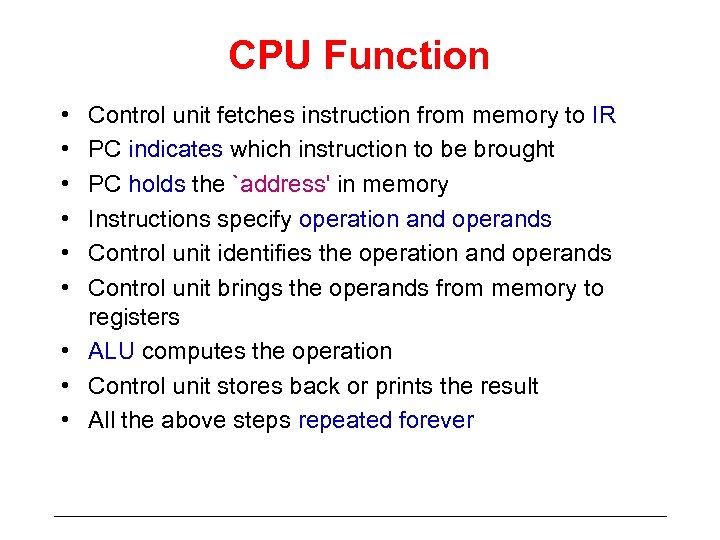 CPU Function • • • Control unit fetches instruction from memory to IR PC indicates which instruction to be brought PC holds the `address' in memory Instructions specify operation and operands Control unit identifies the operation and operands Control unit brings the operands from memory to registers • ALU computes the operation • Control unit stores back or prints the result • All the above steps repeated forever
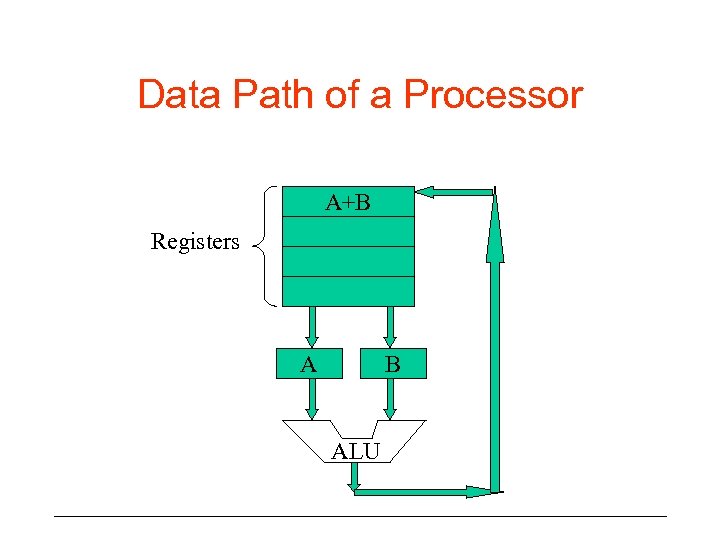 Data Path of a Processor A+B Registers A B ALU
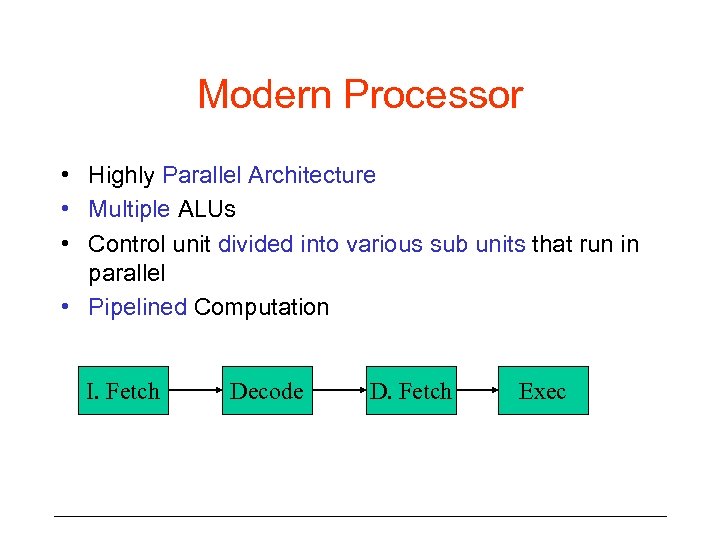 Modern Processor • Highly Parallel Architecture • Multiple ALUs • Control unit divided into various sub units that run in parallel • Pipelined Computation I. Fetch Decode D. Fetch Exec
 CPU Power Computing power of a CPU measured in various terms • The rate at with which basic steps are performed measured in terms of clock frequency (1 GHz) • number of instructions executed in a second (MFlops) • Size of the data values that can be operated upon in a single instruction (16 bit, 32 bit, 64 bit)
 How big is a CPU? • • CPU is a very tiny VLSI chip Very Large Scale Integrated Circuit size of 1/4 th square inches! Made of semi-conducting material Millions of Transistors are switches (0 and 1) Size of a CPU keeps decreasing No. of transistors doubles every eighteen months (Moore’s Law)
 Binary Encoding • All entities (operations, operands) encoded using BITS • BITS - Binary Digits: 0 and 1 • Decimal Digits: 0, 1, 2, . . . , 9 • Sequence of 0 and 1 enough to represent any information! • Idea: any type of info. can be enumerated (Is this true? ) • Numbers can be represented by sequence of bits
 Binary Representation • Conventional representation – Decimal 458 = 4 102 + 5 101 + 8 100 • 10 is the base - 10 distinct symbols • Binary Representation - base 2 • 2 distinct symbol 0, 1 • 0100, 10001, 110 are examples • value of 0100 = 0 23 + 1 22 + 0 21 + 0 20 = 4 • Compute the other values? • How do you represent 458 in binary?
 Hexadecimal Representation • • Any base can be used Another common representation Often used in System programming Base is 16 Distinct symbols are: 0, . . . , 9, A, B, C, D, E, F Examples: 9 CAD 0, FFF, AAA value of FFF = 15 162 + 15 161 + 15 160 = 4095
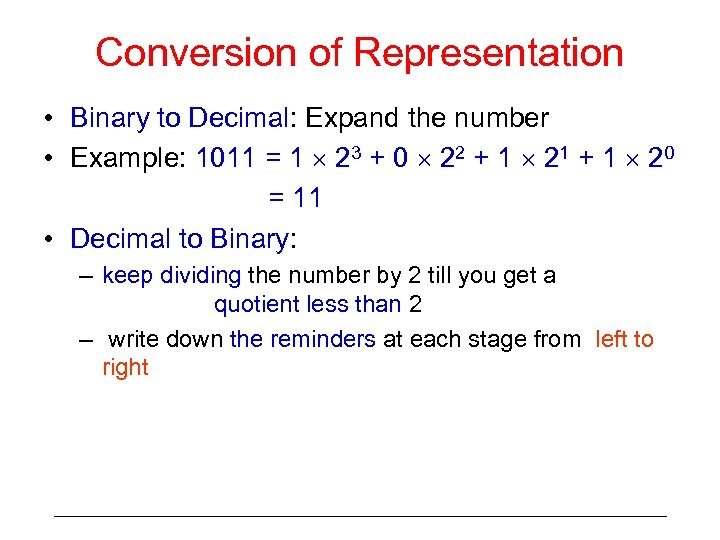 Conversion of Representation • Binary to Decimal: Expand the number • Example: 1011 = 1 23 + 0 22 + 1 21 + 1 20 = 11 • Decimal to Binary: – keep dividing the number by 2 till you get a quotient less than 2 – write down the reminders at each stage from left to right
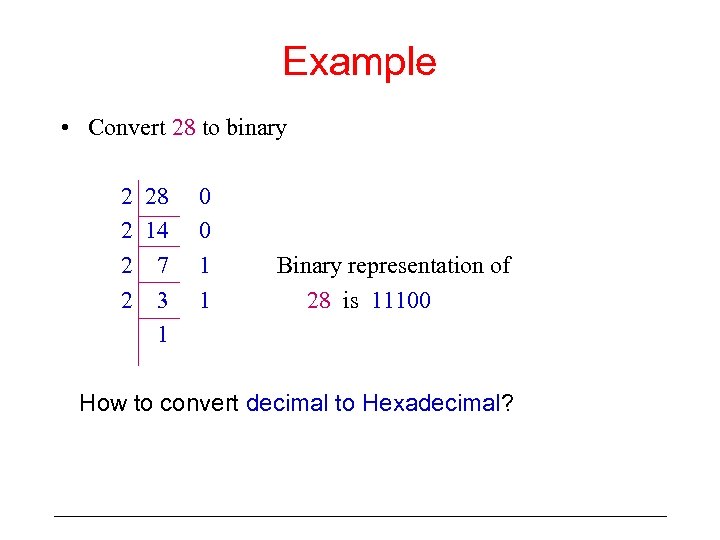 Example • Convert 28 to binary 2 28 2 14 2 7 2 3 1 0 0 1 1 Binary representation of 28 is 11100 How to convert decimal to Hexadecimal?
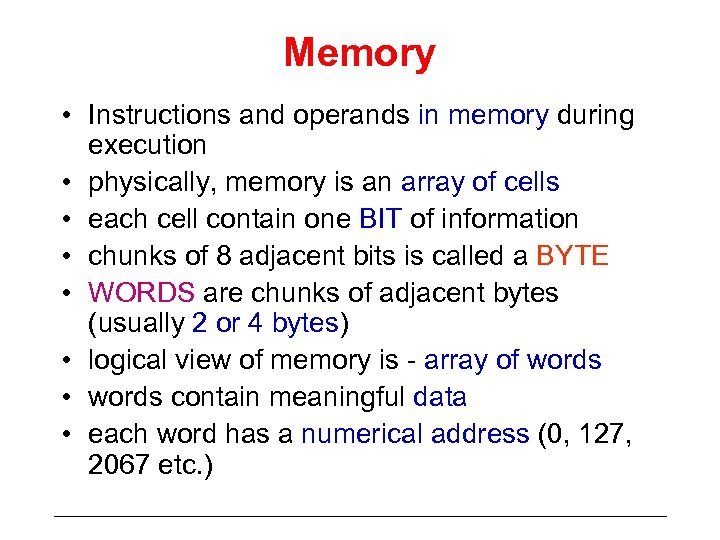 Memory • Instructions and operands in memory during execution • physically, memory is an array of cells • each cell contain one BIT of information • chunks of 8 adjacent bits is called a BYTE • WORDS are chunks of adjacent bytes (usually 2 or 4 bytes) • logical view of memory is - array of words • words contain meaningful data • each word has a numerical address (0, 127, 2067 etc. )
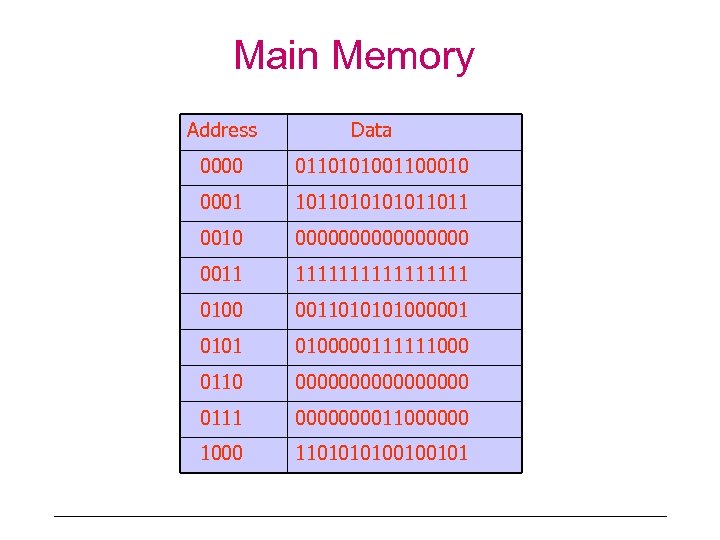 Main Memory Address Data 0000 0110101001100010 0001 101101011011 0010 00000000 0011 11111111 0100 00110100000111111000 0110 00000000 0111 000011000000 110100100101
 Memory Operations • CPU performs two operations on memory – READ and WRITE – contents of any word can be read or written – Random Access Memory (RAM) • CPU refers to the contents of memory by their addresses
 Memory capacity • Measured in various terms • Size of the memory: no. of bytes of data it can store – Current common sizes are: – 128 Kilo bytes, 256 Mega Bytes, 1 Giga Bytes 1 Kilo byte = 1024 bytes (210) 1 Mega Byte = 1024 KB (220) 1 Giga Byte = 1024 MB (230)
 Memory Capacity • Size of the word: – Transfer from/to CPU and memory take place in units of words – word size determines the number of bytes that can be transferred in a single operation – larger it is, faster the processing power – Common word sizes are: 16 bits, 32 bits, 64 bits
 Different Memory Types • Main memory Speed – 100 s of Mbytes per second • Types of Memory – Random Access Memory (RAM) – Read Only Memory (ROM) – Programmable ROM (PROM) – Erasable/Programmable Memory (EPROM)
 Peripherals • Secondary Memory - Hard Disk • Can store large amount of data (10 GB, 256 GB, . . . ) – Slower (tens of MB/sec) – Date retained even when not powered – Magnetic memory – Program and Data files are stored here • Video Display Unit (Monitor) • Keyboard, Mouse, Printer, Floppy Disk, CDROM • Network Devices (Ethernet card, Modem) • All these are interfaced to the main bus via CONTROLLERS • CPU deals with controllers and the latter with the devices
 Machine Programs Machine instructions • involve primitive operations like – reading and writing memory/registers – arithmetic and logical operations on binary nos. • involve references to registers, memory locations and binary strings • only one kind of data values: binary numbers • Too difficult to program, understand, debug, analyze and maintain • Not portable - instructions are machine peculiarities • Example: mov R 1, R 2 lda R 1, #0 AB add R 1, R 2, R 3 jmp end
 High Level Language • hides details of machine peculiarities • provides high level of abstractions of memory and registers • High level data types like integers, real, characters • suitable operations on these data types • easier to program, debug, analyze and maintain • portable - you need a compiler for each (type of) machine
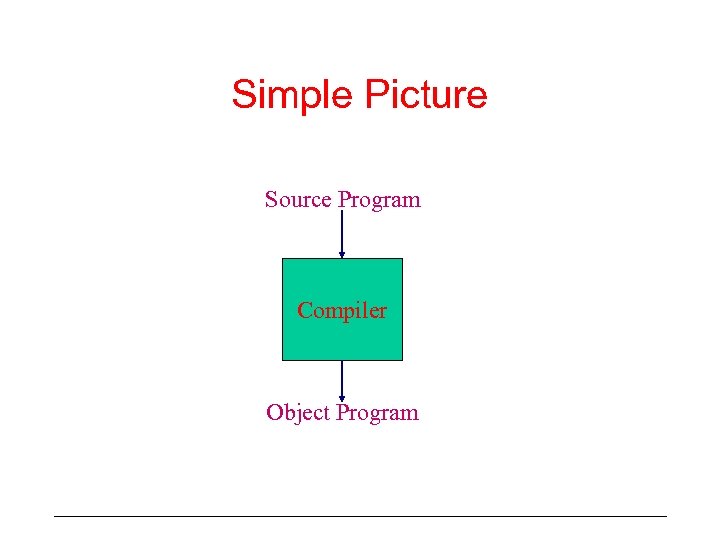
 Running a HL program • • • cannot be directly executed translate to low-level programs compilers do the job source and object programs compilers are machine dependent
 Simple Picture Source Program Compiler Object Program