


 Скачать презентацию Computer Networks with Internet Technology William Stallings Chapter
bb88f434880b947d2c7ce9b677557c9a.ppt
- Количество слайдов: 35
 Computer Networks with Internet Technology William Stallings Chapter 03 Traditional Applications
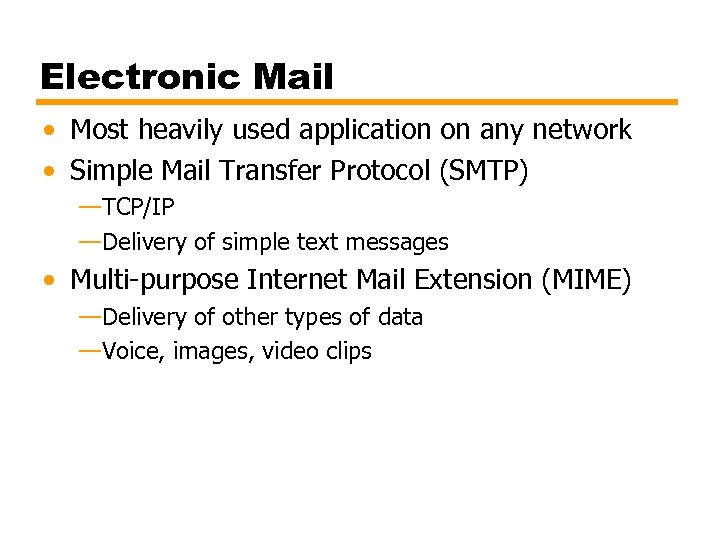 Electronic Mail • Most heavily used application on any network • Simple Mail Transfer Protocol (SMTP) —TCP/IP —Delivery of simple text messages • Multi-purpose Internet Mail Extension (MIME) —Delivery of other types of data —Voice, images, video clips
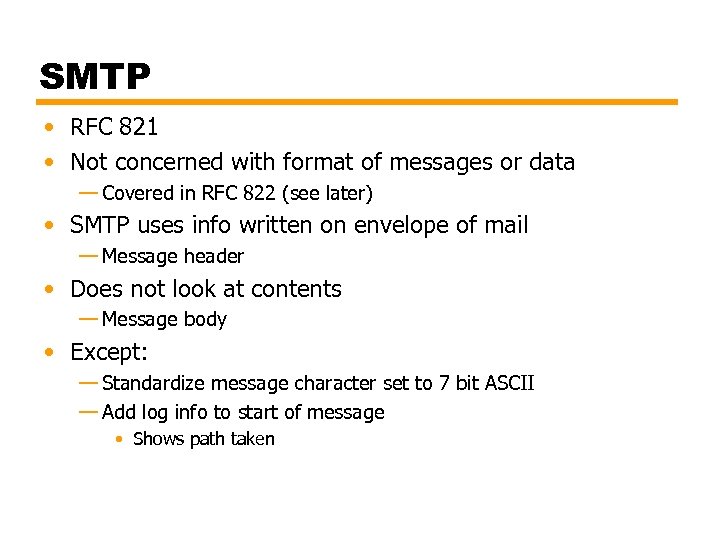 SMTP • RFC 821 • Not concerned with format of messages or data — Covered in RFC 822 (see later) • SMTP uses info written on envelope of mail — Message header • Does not look at contents — Message body • Except: — Standardize message character set to 7 bit ASCII — Add log info to start of message • Shows path taken
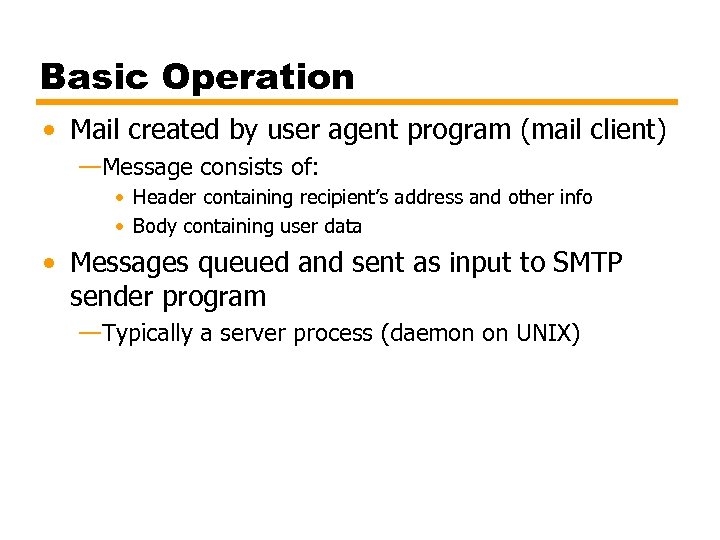 Basic Operation • Mail created by user agent program (mail client) —Message consists of: • Header containing recipient’s address and other info • Body containing user data • Messages queued and sent as input to SMTP sender program —Typically a server process (daemon on UNIX)
 Mail Message Contents • Each queued message has: —Message text • RFC 822 header with message envelope and list of recipients • Message body, composed by user —A list of mail destinations • • Derived by user agent from header May be listed in header May require expansion of mailing lists May need replacement of mnemonic names with mailbox names • If BCCs (Blind Carbon Copies) indicated, user agent needs to prepare correct message format
 SMTP Sender • Takes message from queue • Transmits to proper destination host — Via SMTP transaction — Over one or more TCP connections to port 25 • Host may have multiple senders active • Host should be able to create receivers on demand • When delivery complete, sender deletes destination from list for that message • When all destinations processed, message is deleted
 Optimization • If message destined for multiple users on a given host, it is sent only once —Delivery to users handled at destination host • If multiple messages ready for given host, a single TCP connection can be used —Saves overhead of setting up and dropping connection
 Possible Errors • • Host unreachable Host out of operation TCP connection fail during transfer Sender can re-queue mail —Give up after a period • Faulty destination address —User error —Target user changed address —Redirect if possible —Inform user if not
 SMTP Protocol - Reliability • Used to transfer messages from sender to receiver over TCP connection • Attempts to provide reliable service • No guarantee to recover lost messages • No end to end acknowledgement to originator • Error indication delivery not guaranteed • Generally considered reliable
 SMTP Receiver • Accepts arriving message • Places in user mailbox or copies to outgoing queue forwarding • Receiver must: —Verify local mail destinations —Deal with errors • Transmission • Lack of disk space • Sender responsible for message until receiver confirm complete transfer —Indicates mail has arrived at host, not user
 SMTP Forwarding • Mostly direct transfer from sender host to receiver host • May go through intermediate machine via forwarding capability —Sender can specify route —Target user may have moved
 Conversation • SMTP limited to conversation between sender and receiver • Main function is to transfer messages • Rest of mail handling beyond scope of SMTP —May differ between systems
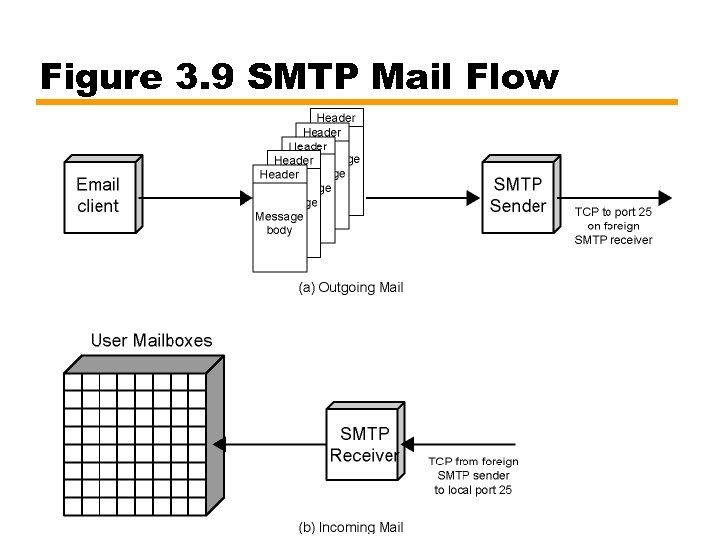 Figure 3. 9 SMTP Mail Flow
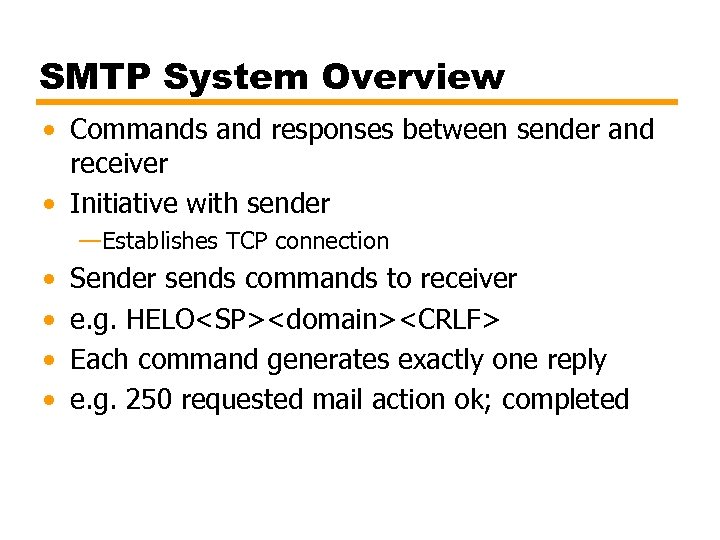 SMTP System Overview • Commands and responses between sender and receiver • Initiative with sender —Establishes TCP connection • • Sender sends commands to receiver e. g. HELO
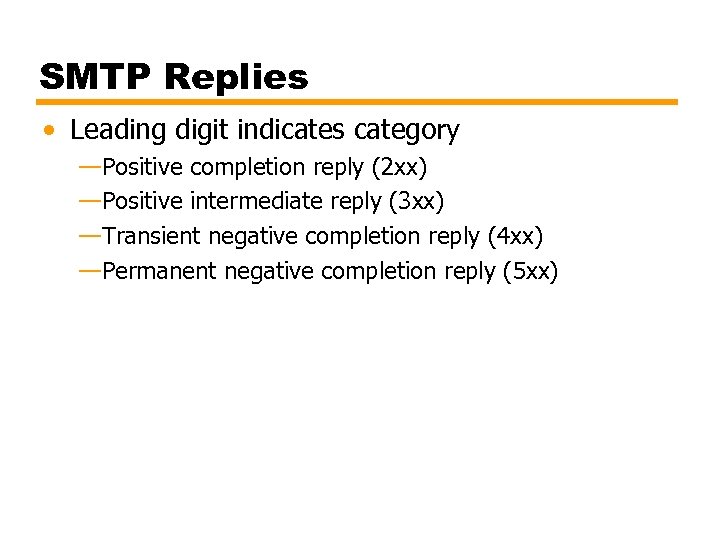 SMTP Replies • Leading digit indicates category —Positive completion reply (2 xx) —Positive intermediate reply (3 xx) —Transient negative completion reply (4 xx) —Permanent negative completion reply (5 xx)
 Operation Phases • Connection setup • Exchange of command-response pairs • Connection termination
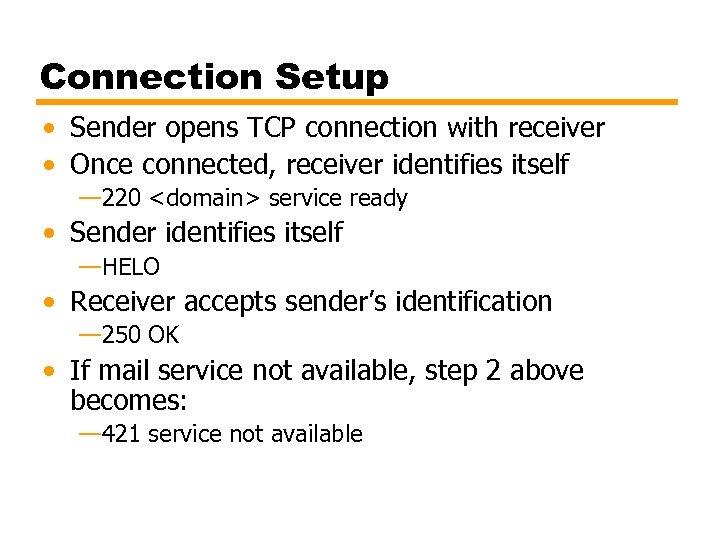 Connection Setup • Sender opens TCP connection with receiver • Once connected, receiver identifies itself — 220
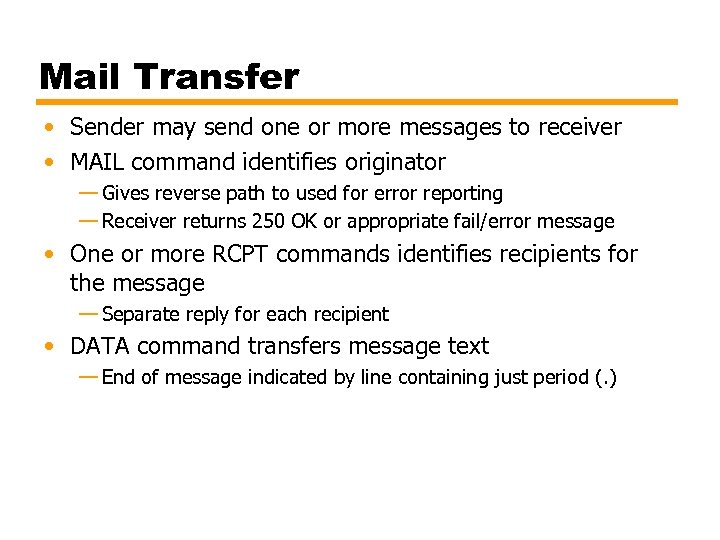 Mail Transfer • Sender may send one or more messages to receiver • MAIL command identifies originator — Gives reverse path to used for error reporting — Receiver returns 250 OK or appropriate fail/error message • One or more RCPT commands identifies recipients for the message — Separate reply for each recipient • DATA command transfers message text — End of message indicated by line containing just period (. )
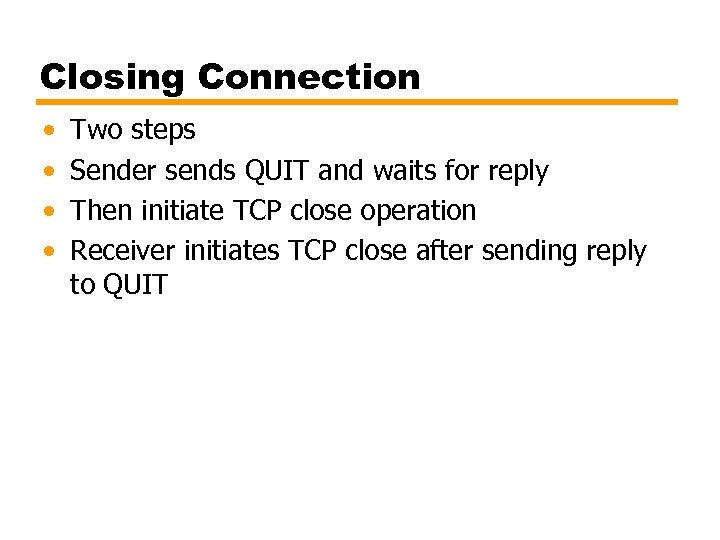 Closing Connection • • Two steps Sender sends QUIT and waits for reply Then initiate TCP close operation Receiver initiates TCP close after sending reply to QUIT
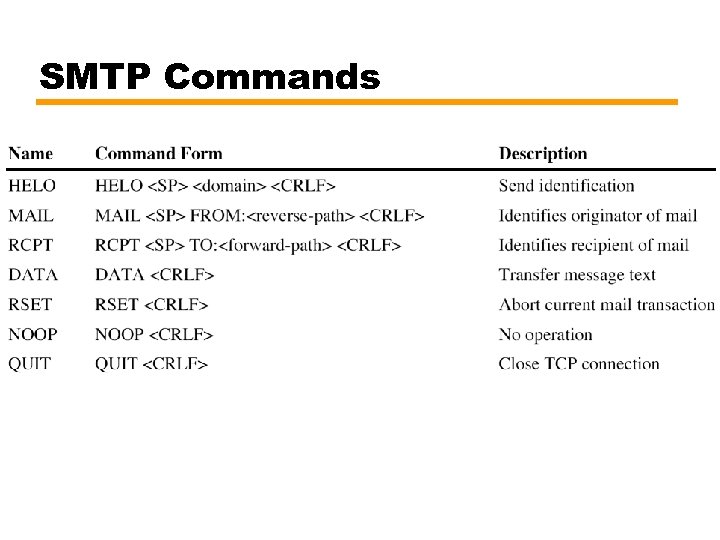 SMTP Commands
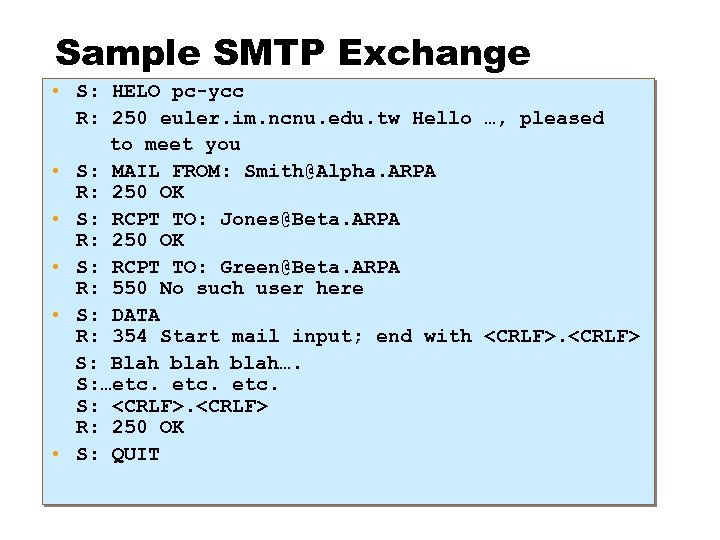 Sample SMTP Exchange • S: HELO pc-ycc R: 250 euler. im. ncnu. edu. tw Hello …, pleased to meet you • S: MAIL FROM: Smith@Alpha. ARPA R: 250 OK • S: RCPT TO: Jones@Beta. ARPA R: 250 OK • S: RCPT TO: Green@Beta. ARPA R: 550 No such user here • S: DATA R: 354 Start mail input; end with
 Format for Text Messages RFC 882 • Message viewed as having envelope and contents • Envelope contains information required to transmit and deliver message • Message is sequence of lines of text —Uses general memo framework —Header usually keyword followed by colon followed by arguments
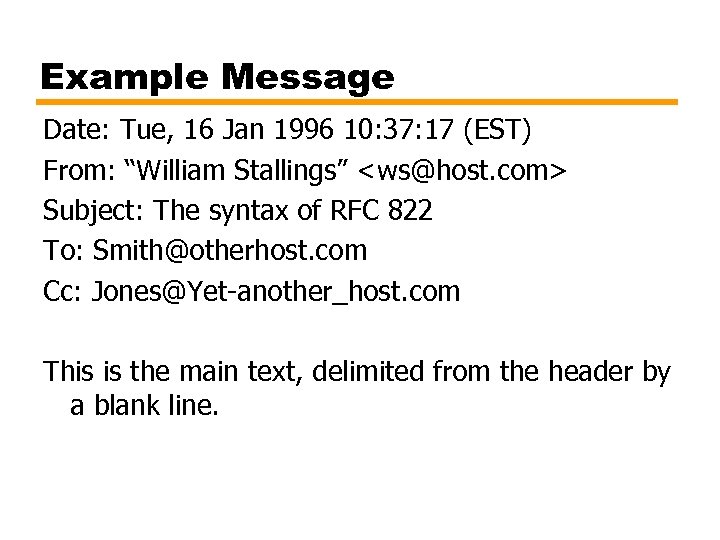 Example Message Date: Tue, 16 Jan 1996 10: 37: 17 (EST) From: “William Stallings”
 Multipurpose Internet Mail Extension (MIME) • Extension to RFC 822 • SMTP can not transmit executables — Uuencode and other schemes are available • Not standardized • Can not transmit text including international characters (e. g. â, å, ä, è, é, ê, ë) — Need 8 bit ASCII • Servers may reject mail over certain size • Translation between ASCII and EBCDIC not standard • SMTP gateways to X. 400 can not handle none text data in X. 400 messages • Some SMTP implementations do not adhere to standard — CRLF, truncate or wrap long lines, removal of white space, etc.
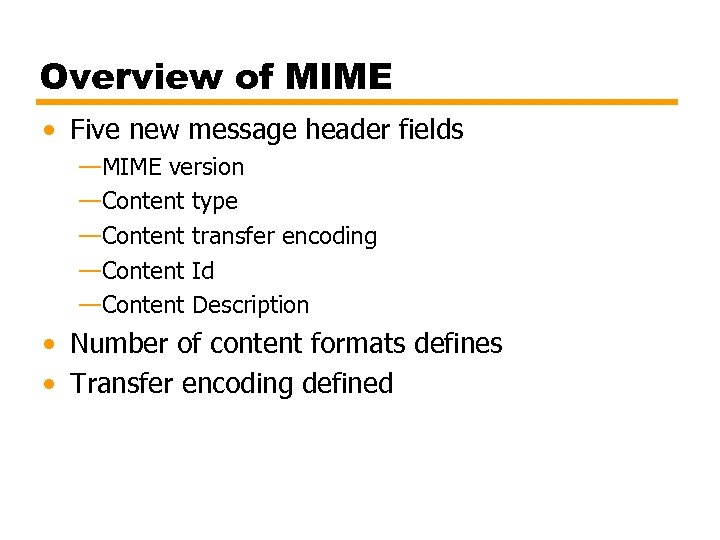 Overview of MIME • Five new message header fields —MIME version —Content type —Content transfer encoding —Content Id —Content Description • Number of content formats defines • Transfer encoding defined
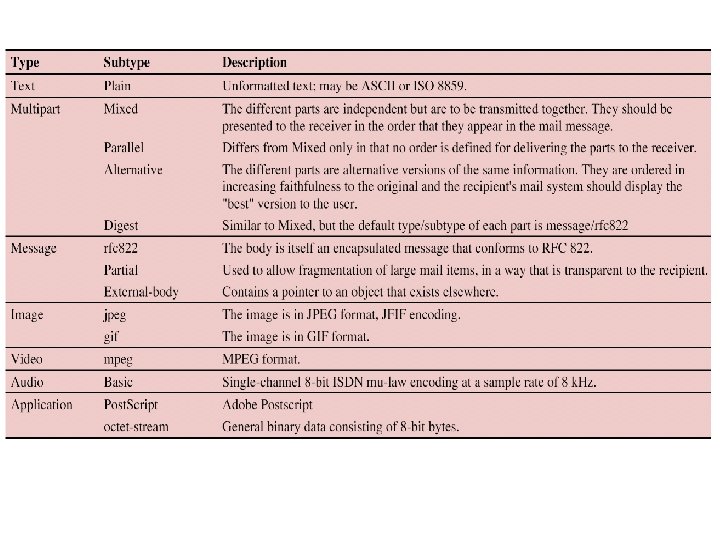
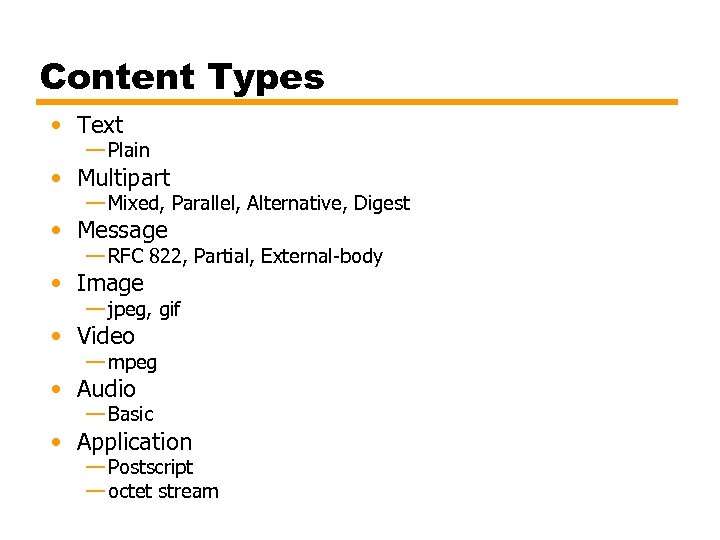 Content Types • Text — Plain • Multipart — Mixed, Parallel, Alternative, Digest • Message — RFC 822, Partial, External-body • Image — jpeg, gif • Video — mpeg • Audio — Basic • Application — Postscript — octet stream
To:
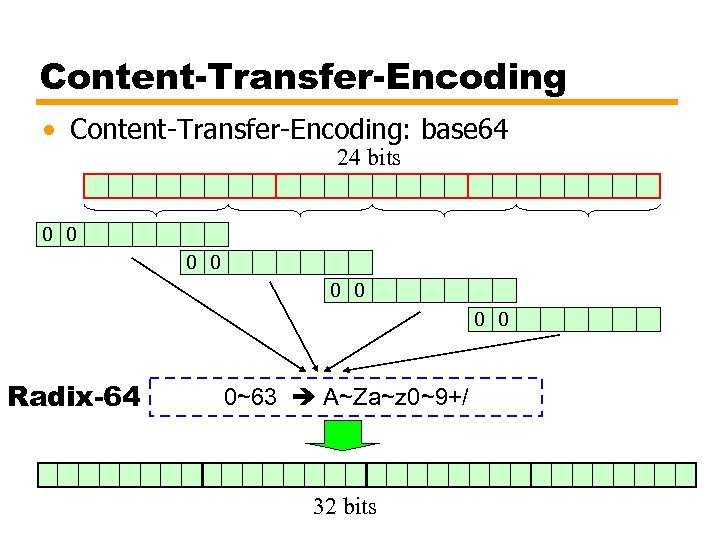
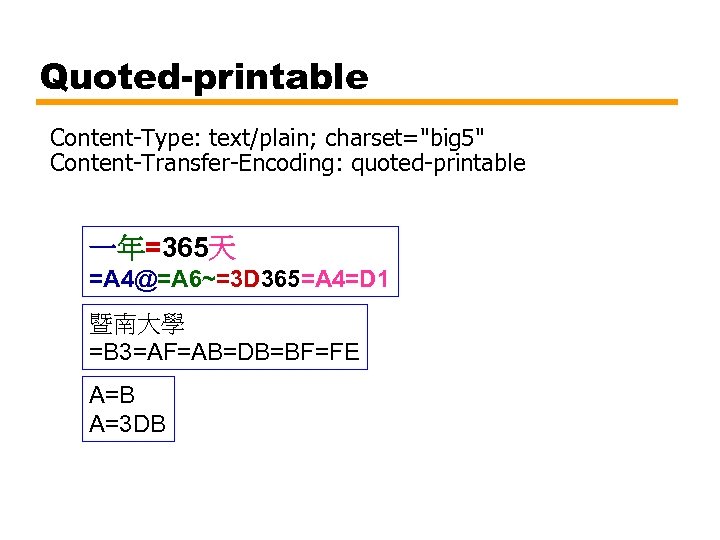
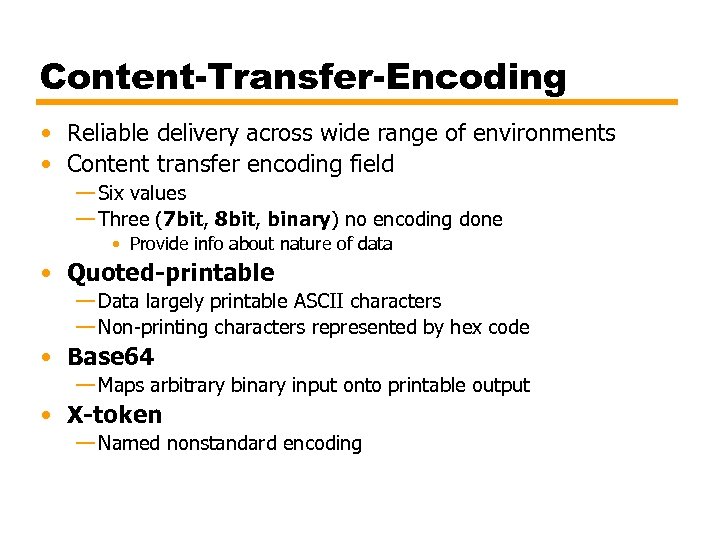 Content-Transfer-Encoding • Reliable delivery across wide range of environments • Content transfer encoding field — Six values — Three (7 bit, 8 bit, binary) no encoding done • Provide info about nature of data • Quoted-printable — Data largely printable ASCII characters — Non-printing characters represented by hex code • Base 64 — Maps arbitrary binary input onto printable output • X-token — Named nonstandard encoding
 Content-Transfer-Encoding • Content-Transfer-Encoding: base 64 24 bits 0 0 0 0 Radix-64 0~63 A~Za~z 0~9+/ 32 bits
 Quoted-printable Content-Type: text/plain; charset="big 5" Content-Transfer-Encoding: quoted-printable 一年=365天 =A 4@=A 6~=3 D 365=A 4=D 1 暨南大學 =B 3=AF=AB=DB=BF=FE A=B A=3 DB
 Discussion • • • Mail Relay Junk mail Virus Spreading via mails Mail Security: authentication, privacy, integrity, … MIME applications Developing mail applications
 POP 3 Post Office Protocol - Version 3 • RFC 1939 / Std 53 • To retrieve emails from server (POP 3 server) • Three states —Authorization State —Transaction State —Update State
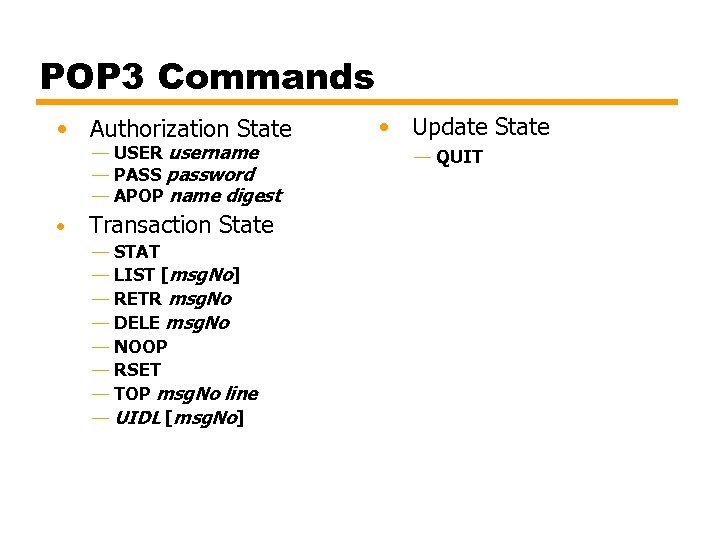 POP 3 Commands • Authorization State — USER username — PASS password — APOP name digest • Transaction State — — — — STAT LIST [msg. No] RETR msg. No DELE msg. No NOOP RSET TOP msg. No line UIDL [msg. No] • Update State — QUIT
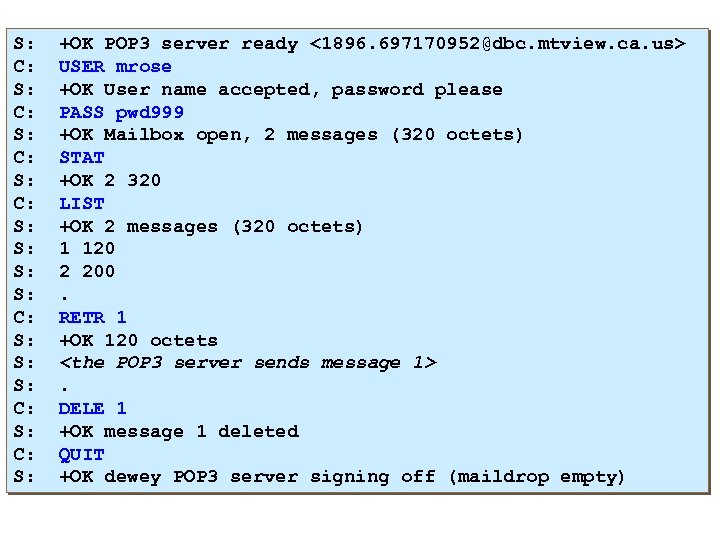 S: C: S: S: C: S: +OK POP 3 server ready <1896. 697170952@dbc. mtview. ca. us> USER mrose +OK User name accepted, password please PASS pwd 999 +OK Mailbox open, 2 messages (320 octets) STAT +OK 2 320 LIST +OK 2 messages (320 octets) 1 120 2 200. RETR 1 +OK 120 octets