 Скачать презентацию COMPUTER AND INTERNET BASICS Objectives Define Computers
415096cd9d4030a3b25a59b0c3828b7d.ppt
- Количество слайдов: 30



COMPUTER AND INTERNET BASICS
Objectives Define Computers Explore Computer Functions Categorize Computers Examine Personal Computer Systems Explore data, information, and files
Objectives Introduce Application and System Software Define Internet Basics Connect to the Internet Understand World Wide Web Basics Use Browsers Understand E-mail Basics
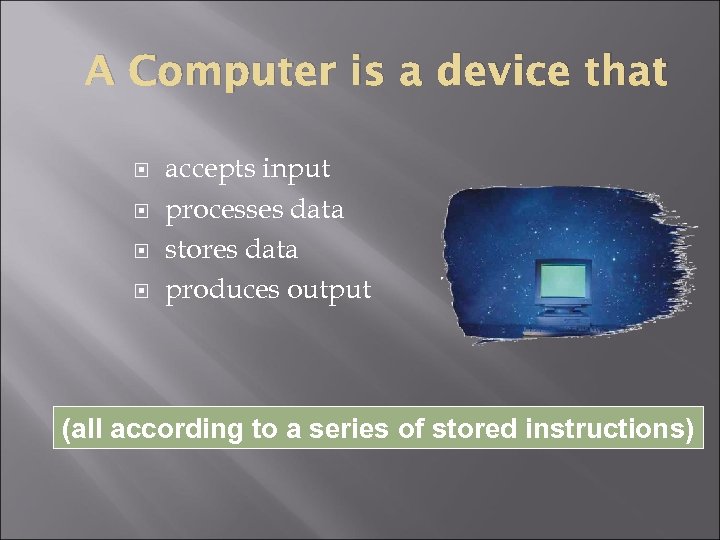
A Computer is a device that accepts input processes data stores data produces output (all according to a series of stored instructions)
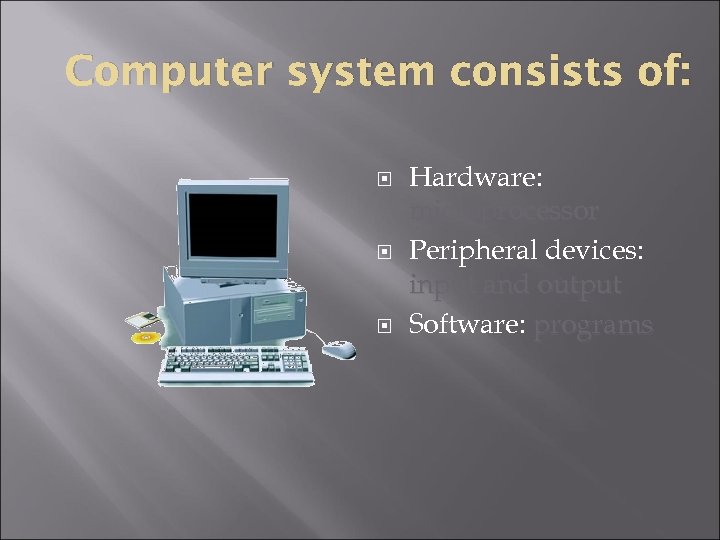
Computer system consists of: Hardware: microprocessor Peripheral devices: input and output Software: programs
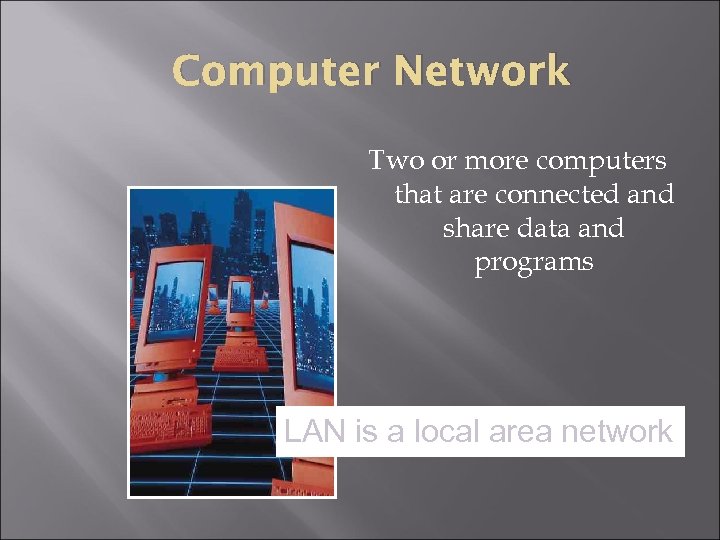
Computer Network Two or more computers that are connected and share data and programs LAN is a local area network
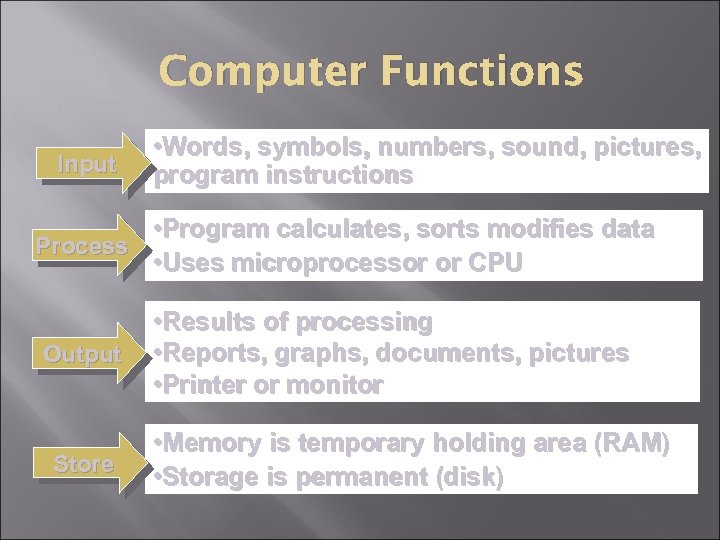
Computer Functions Input • Words, symbols, numbers, sound, pictures, program instructions • Program calculates, sorts modifies data Process • Uses microprocessor or CPU Output Store • Results of processing • Reports, graphs, documents, pictures • Printer or monitor • Memory is temporary holding area (RAM) • Storage is permanent (disk)
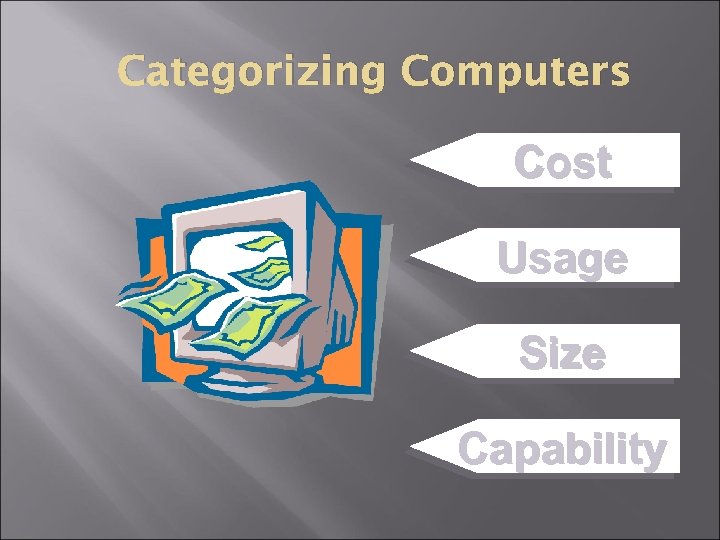
Categorizing Computers Cost Usage Size Capability
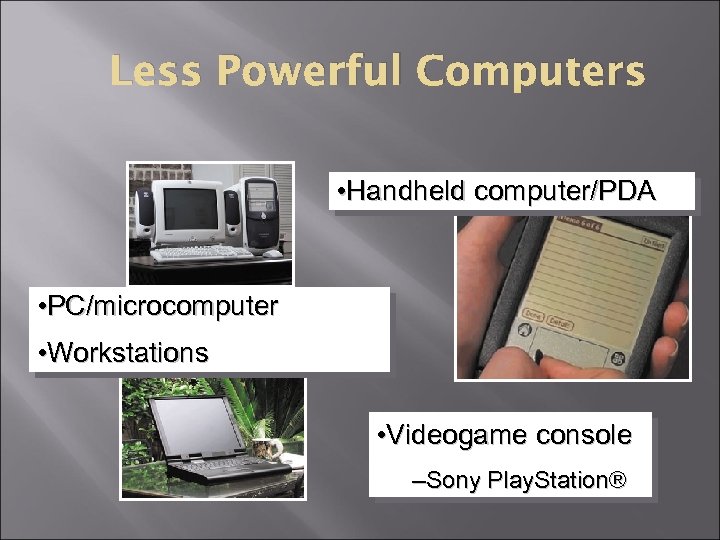
Less Powerful Computers • Handheld computer/PDA • PC/microcomputer • Workstations • Videogame console –Sony Play. Station®
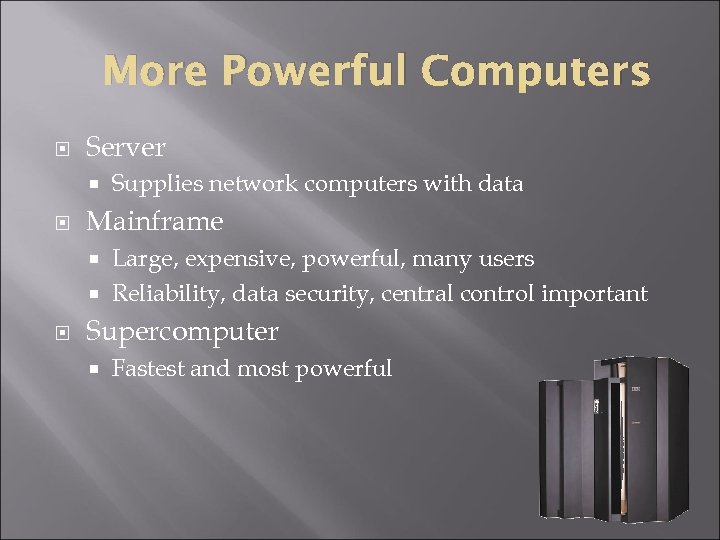
More Powerful Computers Server Supplies network computers with data Mainframe Large, expensive, powerful, many users Reliability, data security, central control important Supercomputer Fastest and most powerful
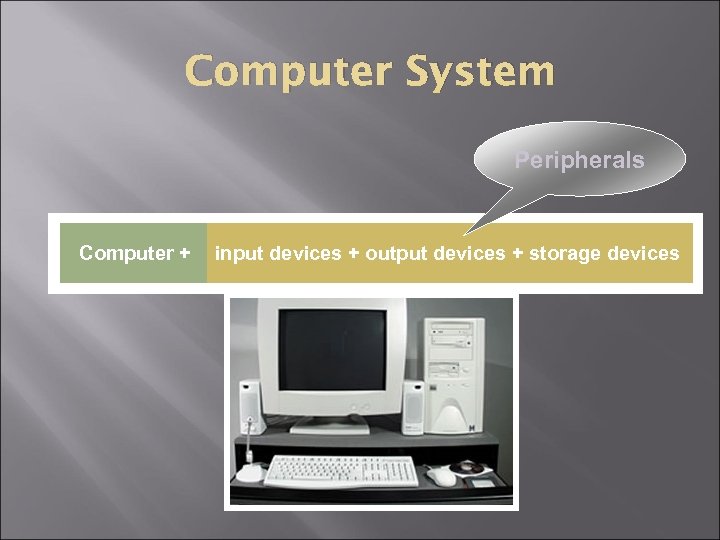
Computer System Peripherals Computer + input devices + output devices + storage devices
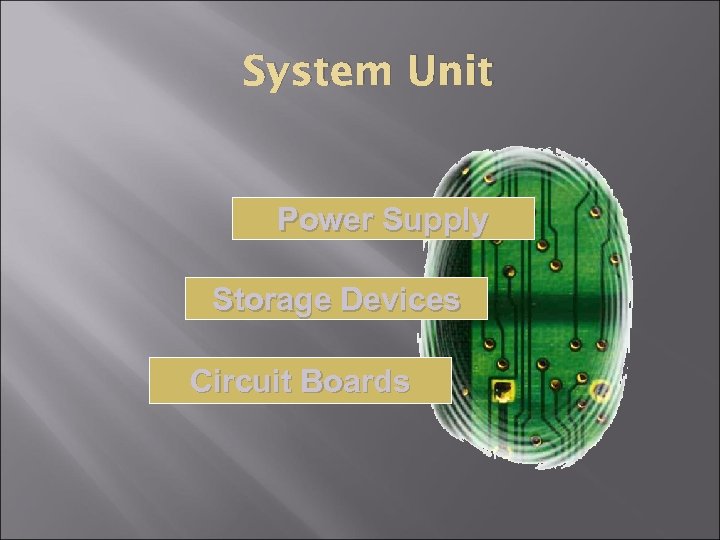
System Unit Power Supply Storage Devices Circuit Boards
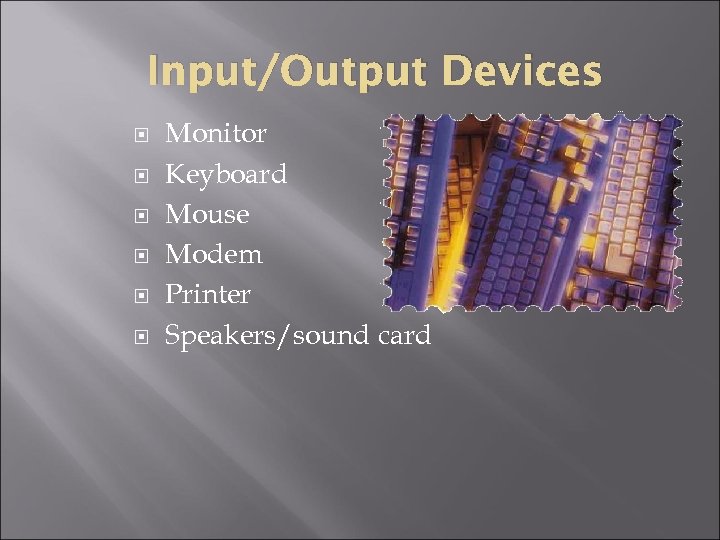
Input/Output Devices Monitor Keyboard Mouse Modem Printer Speakers/sound card
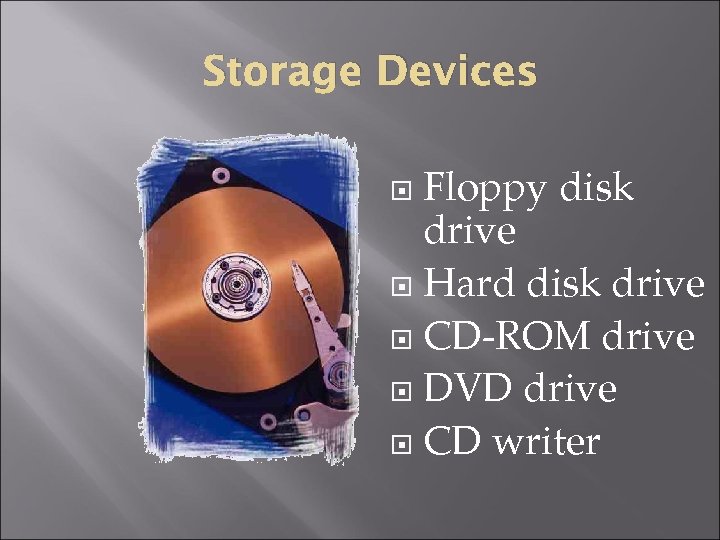
Storage Devices Floppy disk drive Hard disk drive CD-ROM drive DVD drive CD writer
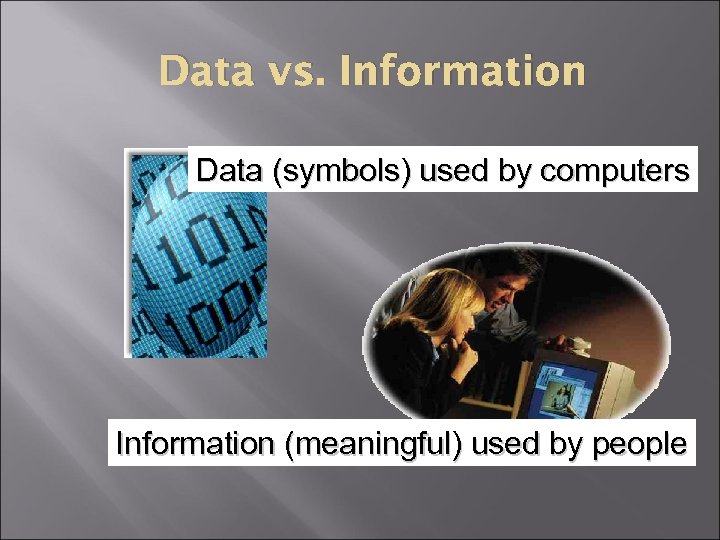
Data vs. Information Data (symbols) used by computers Information (meaningful) used by people
Data Binary number system to define electronic data 0 or 1 Bit Byte (8 bits)
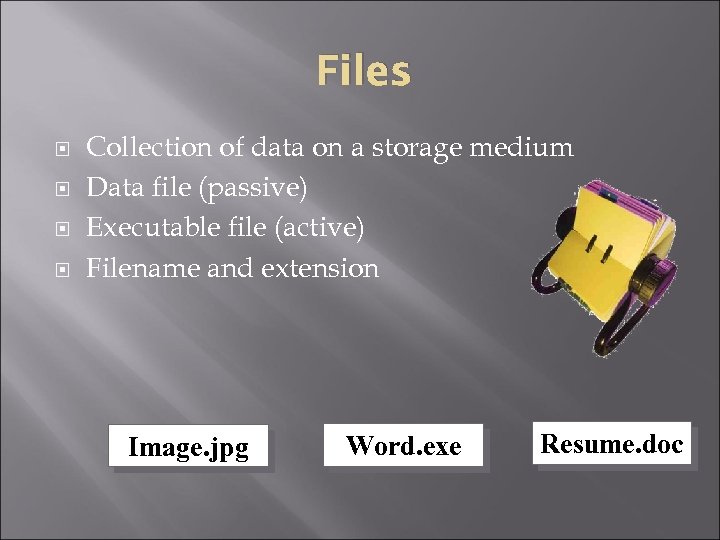
Files Collection of data on a storage medium Data file (passive) Executable file (active) Filename and extension Image. jpg Word. exe Resume. doc
System Software Helps the computer monitor itself in order to function efficiently Operating system Master controller of all computer activities Popular operating systems PCs: Microsoft Windows, Mac OS Handhelds: Windows CE and Palm OS Servers: Linux and UNIX
Platform Microprocessor + Operating system Mac and PC compatibility is an issue Apple computer = Mac platform Original IBM computer = Windows or PC platform
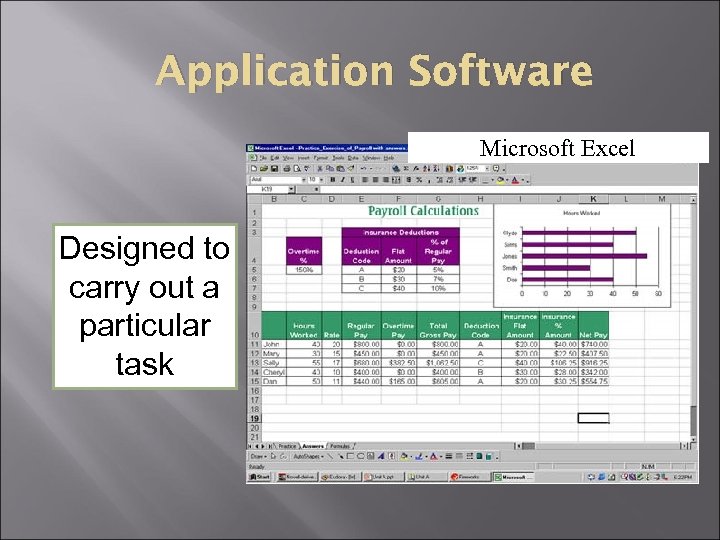
Application Software Microsoft Power. Point Microsoft Excel Designed to carry out a particular task
Internet Basics (Cyberspace) Internet is a collection of local, regional, national and international computer networks that are linked together to exchange data and distribute processing tasks.
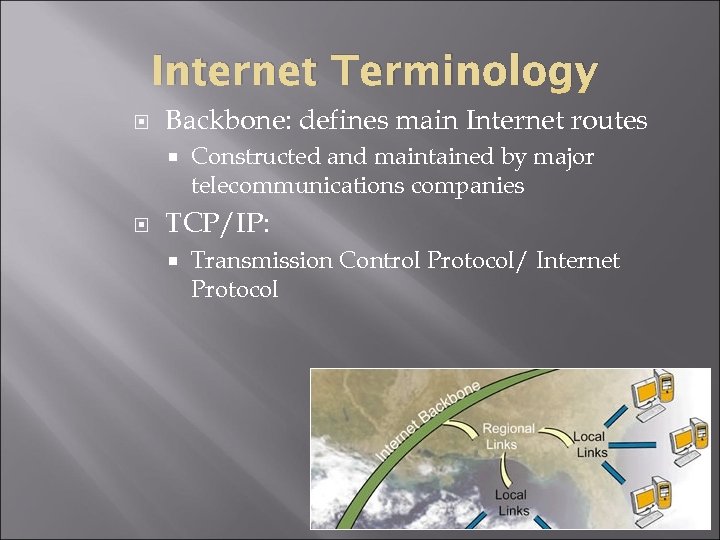
Internet Terminology Backbone: defines main Internet routes Constructed and maintained by major telecommunications companies TCP/IP: Transmission Control Protocol/ Internet Protocol
Internet Terminology Server/server software IP Address: unique number for each Internet computer
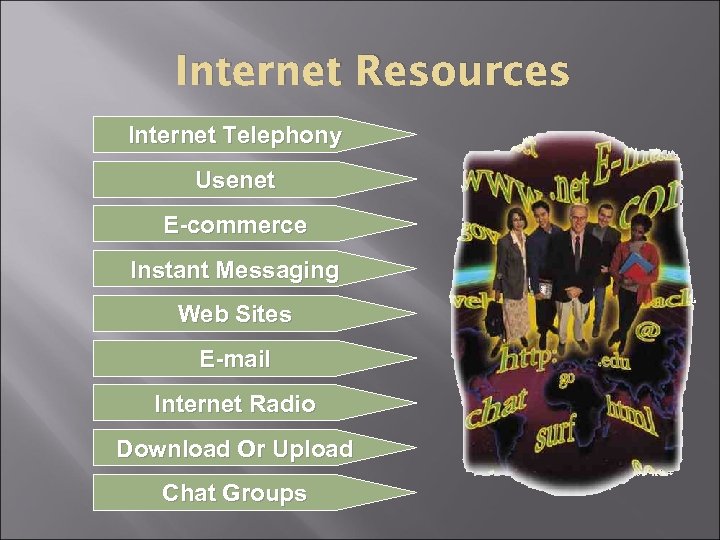
Internet Resources Internet Telephony Usenet E-commerce Instant Messaging Web Sites E-mail Internet Radio Download Or Upload Chat Groups
Internet Service Provider (ISP) Provides internet access to businesses, organizations and individuals Provides telecommunications equipment User ID and password required Connects you to backbone Email account monthly fee
World Wide Web Basics Files interconnected via hypertext Web pages make up a web site Home Page Links or hyperlinks Web servers
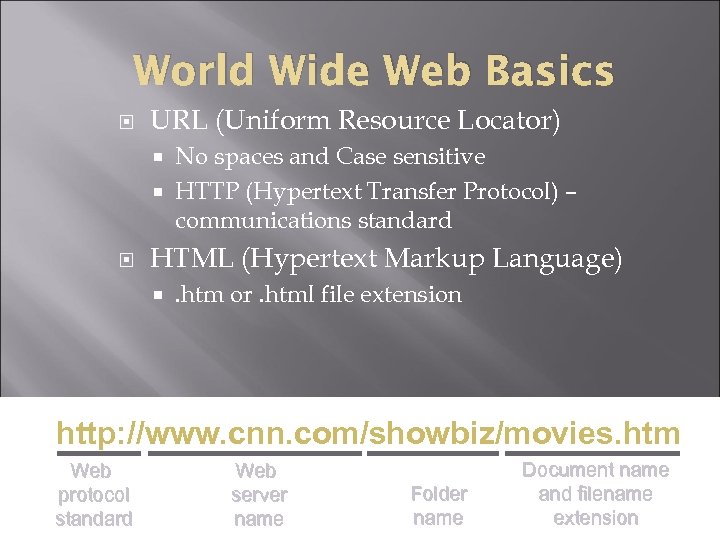
World Wide Web Basics URL (Uniform Resource Locator) No spaces and Case sensitive HTTP (Hypertext Transfer Protocol) – communications standard HTML (Hypertext Markup Language) . htm or. html file extension http: //www. cnn. com/showbiz/movies. htm Web protocol standard Web server name Folder name Document name and filename extension
Using Browsers Can type URLs HTML tags tell browser how to display web page data Back, forward and stop buttons Setting a home page Print options History list Favorites and bookmarks Edit and Find Microsoft Internet Explorer® and Mozilla Firefox®
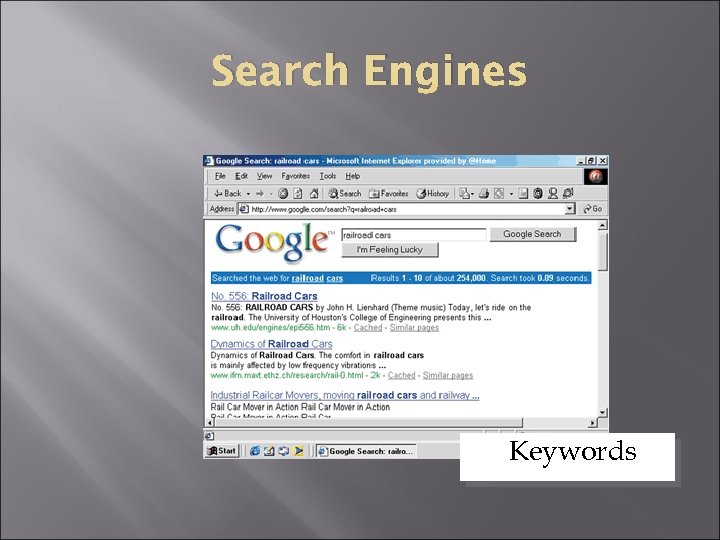
Search Engines Keywords
COMPUTER AND INTERNET BASICS End
Скачать презентацию COMPUTER AND INTERNET BASICS Objectives Define Computers
415096cd9d4030a3b25a59b0c3828b7d.ppt