


 Скачать презентацию COMP 3123 Internet Security Richard Henson University of
e13b1924e6df1defc241a92f2566dbea.ppt
- Количество слайдов: 43
 COMP 3123 Internet Security Richard Henson University of Worcester December 2011
 Week 9: Using the Secure Web Infrastructure to protect the Client-End n Objectives: Ø Explain how a browser can help to manage security of web pages on client machines Ø Establish how authentication can effectively be used to restrict level 7 access and protect sensitive data from unauthorised client users Ø Understand the needs of different client users as regards secure use of the www and configure the browser accordingly
 General principle for capturing sensitive data n Any potentially sensitive data to be captured via Internet… Øneeds to be sent securely Øneeds to be saved into secure storage Øotherwise (in the EU) the Data Protection Act is being infringed
 Security Role of the Browser n For some years now, browsers all have security “built in”: Ø means that they can » detect if the data is sent using https… » retrieve the server certificate n IF personal data is about to be taken from a web page by e. g. a HTML form and sent to a server: Ø without a server certificate… Ø therefore not running SSL… Ø THEN, by default a warning pop-up window will appear on the browser
 Security Role of the Browser n Browsers also have MANY other default security settings, allowing client participation in the PKI Øfeatures invisible Ømechanism is transparent: » set during installation to meet normal browsing needs » modifiable for advanced users Øfirst experience of any security settings will be through pop ups and error messages
 More about Level 7 Authentication & Privacy n Denial of access to data by the browser at the application layer Ø e. g. web pages not displayed n Secure web sites need to be designed to ensure https is used only where appropriate Ø often means the browsing experience involves switching between secure and non-secure pages Ø lots of pop-up messages Ø can be confusing for the web user
 Changing Browser’s PKI Settings n n Depends on the browser, and version In e. g. Internet Explorer use TOOLS/OPTIONS then click ADVANCED tag to gain control by… Ø checking for: » publishers certificate revocation » server’s certificate revocation Ø using “do not save encrypted pages to disk” Ø using warnings (popups): » about invalid site certificates » if changing from secure to not secure mode » If form submitted is being redirected
 B 2 C customers and client-end security… n n A savvy consumer e. g. a professional buying through B 2 C will probably be aware of security/https settings Easily recognise danger signs appearing (or not appearing!) on the screen… » digital certificates » SSL and https n But… Ø what about the naïve B 2 C consumer?
 Assuring the Naïve would-be B 2 C customer n Anyone wants to think their data sent through the Internet will be secure Ø most B 2 C customers don’t really want to understand encryption or digital certificates! Ø therefore very unlikely to have heard of Verisign, RSA, Public Keys, etc… n Most do know that data sent through the Internet COULD easily be viewed by other people Ø may steer clear of buying or interacting online on that basis…
 Protecting the Naïve customer n Without further assurance the cautious would rightly refuse to buy online… Øup to the online B 2 C trader to provide that assurance! n The one widely known and respected system is Paypal Øbut non-ebay users may not have heard of even that…
 BBC Watchdog B 2 C Consumer Guide n Advice for the naïve online shopper: Ø only shop at sites that offer secure payment procedures Ø use the browser effectively by making sure: » there is a padlock sign in the bottom bar on your screen » the site address has changed from one starting with http to one starting with https Ø Is this enough?
 Privacy and B 2 C customers n In recent years, people have become more aware that their personal data could be being misused Øsurveys showing concern even before the huge HMRC incident… n Realisation that the Data Protection Act was not providing the degree of protection that had previously been assumed… Øexpectation that their data will be better protected in future…
 Verisign Trust Seal n n “Verified by Verisign” Assures on-line shoppers that a vendor is looking after their security Ø not cheap… approx £ 17 per month Ø intended to build traffic through Trust n n Protection for vendor includes a daily malware scan How many UK customers even know about this? Ø http: //www. verisign. co. uk/trust-seal/index. html
 UK Data Protection Act n Principles underpinning the legislation can be summarised as: Ø “don’t mess around with your customer’s data… treat it as if it was your own” n Should be a matter of morality for a company to be careless with personal data Ø agreed by 1984 that morality wasn’t enough! Ø also, pressure from EU directive passed in 1981
 Greater Legal Powers for UK Information Commissioner n After 26 years, last year the UK government finally gave the ICO permission to “get tough”: Ø new legislation on 6 th April 2010 Ø first fines announced on 23 rd November 2010 » Hertfordshire Council (£ 100 K) n employees faxed highly sensitive personal information to the wrong recipients » A 4 e Employment Services (£ 60 K) n theft of unencrypted laptop » many more followed. . .
 Principle 1 of UK Data Protection Act n “Personal data shall be processed fairly and lawfully and, in particular, shall not be processed unless – Ø(a) at least one of the conditions in Schedule 2 is met, and Ø(b) in the case of sensitive personal data, at least one of the conditions in Schedule 3 is also met. ”
 DPA: Principles 2, 3 n “Personal data shall be obtained only for one or more specified and lawful purposes, and shall not be further processed in any manner incompatible with that purpose or those purposes. ” n “Personal data shall be adequate, relevant and not excessive in relation to the purpose or purposes for which they are processed. ”
 DPA: Principles 4, 5 n “Personal data shall be accurate and, where necessary, kept up to date. ” n “Personal data processed for any purpose or purposes shall not be kept for longer than is necessary for that purpose or those purposes. ”
 DPA: Principles 6, 7 n “Personal data shall be processed in accordance with the rights of data subjects under this Act. ” n “Appropriate technical and organisational measures shall be taken against unauthorised or unlawful processing of personal data and against accidental loss or destruction of, or damage to, personal data. ”
 DPA: Principle 8 n “Personal data shall not be transferred to a country or territory outside the EEA unless that country or territory ensures an adequate level of protection for the rights and freedoms of data subjects in relation to the processing of personal data. ” ØNB countries currently identified by the EU as complying are : Argentina Canada Guernsey Isle of Man Switzerland Jersey
 Legitimate Collection of Customer Data n Seller’s site uses cookies to gather customer clicking behaviour data Ø cookie is stored on the client computer Ø contains personal data Ø customer may regard this as private n To be any use for marketing purposes: Ø the cookie must be externally accessible to the sellers site: n BUT a potential security issue Ø In EU must NOT be accessible to other external sites n HOWEVER Ø sites OUTSIDE this jurisdiction not legislated to obey EU Data Protection laws Ø have a tendency to swap or sell customer details
 Examples of Use of Cookies n User ID & shopping cart data embedded in the cookie Ø customer orders the items selected from different pages they will expect to see the items and costs stored in their shopping cart Ø this happens by the data being written to the cookie Ø shopping cart system therefore needs to keep track of individual customer “clicking behaviour” to keep their shopping cart up to date… n Selections that are identified via search engine may want to keep track of the previously used search criteria Ø enables it to re-display those words after the initial search is complete n A forum website may use a cookie to report new additions since a user’s last visit
 Embedded cookies n It is possible to embed cookie style information via server scripts in dynamically created pages: Ø held on the server Ø NOT on the client computer n However: Ø if the client stops perusing that the server, the session is finished Ø When the client returns, a new session-ID will be allocated, and identification of that cookie is lost
 Long life cookies n To avoid the need for clients returning at a later date and having to start again, cookies with a longer life span may be implemented: Ø previously input information can be displayed automatically n BUT that data needs to be stored in the meantime… Ø not a wise thing to do where sensitive information is concerned!!!
 How secure are cookies? n A cookie will often contain personal data, and that data will be accessible to the server that put it there Ø it is up to the client whether to trust a web site requesting personal information Ø EU websites are legally required to look after personal data, but who checks up on them? n How can the customer identify a reputable site?
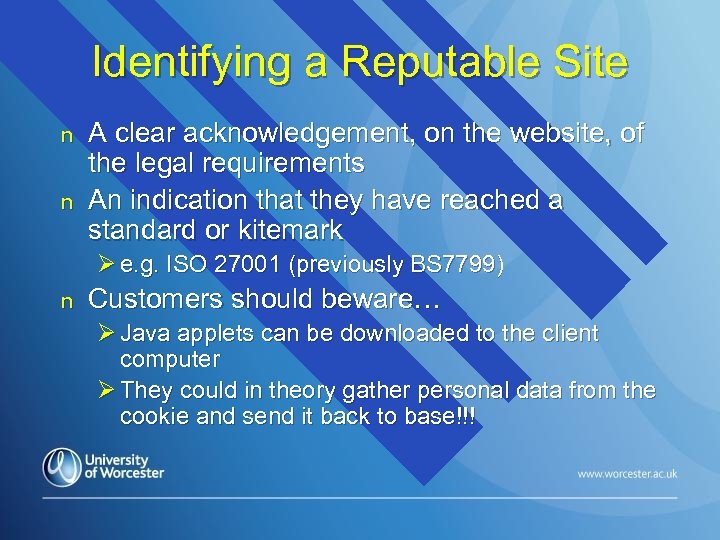 Identifying a Reputable Site n n A clear acknowledgement, on the website, of the legal requirements An indication that they have reached a standard or kitemark Ø e. g. ISO 27001 (previously BS 7799) n Customers should beware… Ø Java applets can be downloaded to the client computer Ø They could in theory gather personal data from the cookie and send it back to base!!!
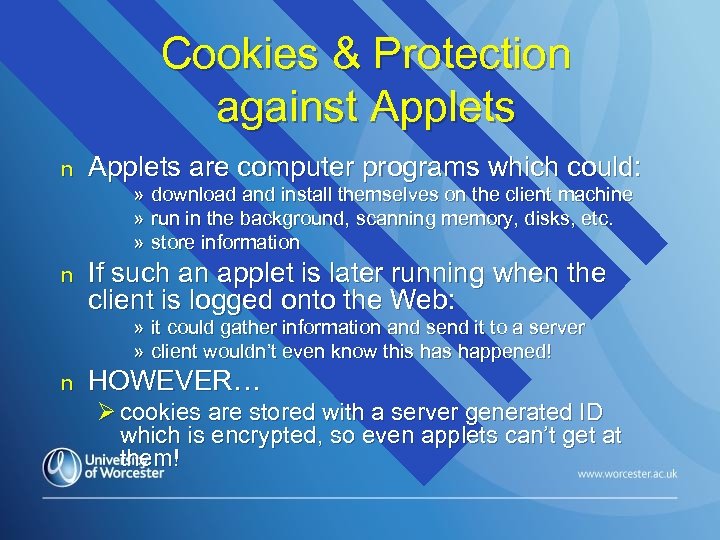 Cookies & Protection against Applets n Applets are computer programs which could: n If such an applet is later running when the client is logged onto the Web: » download and install themselves on the client machine » run in the background, scanning memory, disks, etc. » store information » it could gather information and send it to a server » client wouldn’t even know this happened! n HOWEVER… Ø cookies are stored with a server generated ID which is encrypted, so even applets can’t get at them!
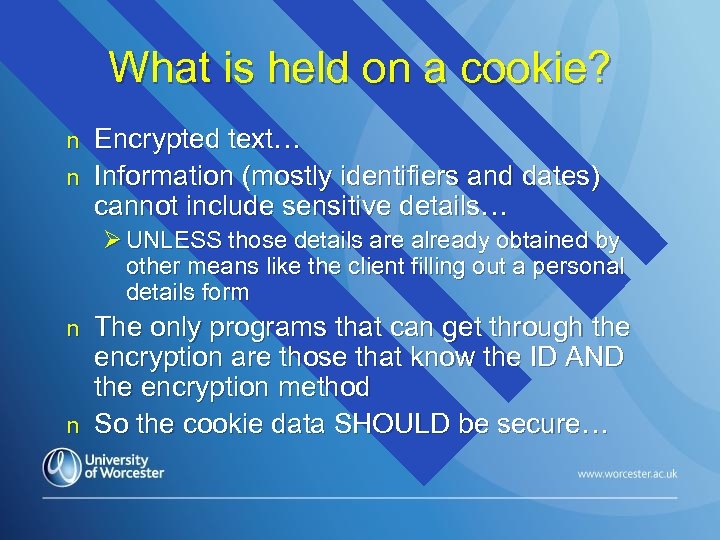 What is held on a cookie? n n Encrypted text… Information (mostly identifiers and dates) cannot include sensitive details… Ø UNLESS those details are already obtained by other means like the client filling out a personal details form n n The only programs that can get through the encryption are those that know the ID AND the encryption method So the cookie data SHOULD be secure…
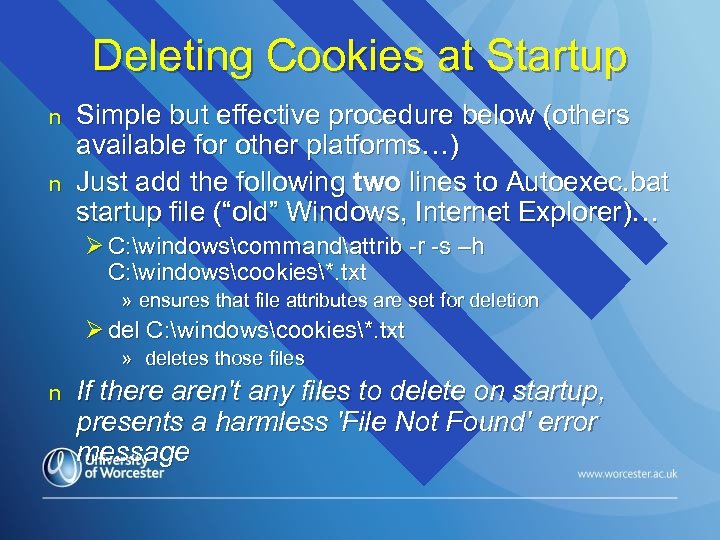 Deleting Cookies at Startup n n Simple but effective procedure below (others available for other platforms…) Just add the following two lines to Autoexec. bat startup file (“old” Windows, Internet Explorer)… Ø C: windowscommandattrib -r -s –h C: windowscookies*. txt » ensures that file attributes are set for deletion Ø del C: windowscookies*. txt » deletes those files n If there aren't any files to delete on startup, presents a harmless 'File Not Found' error message
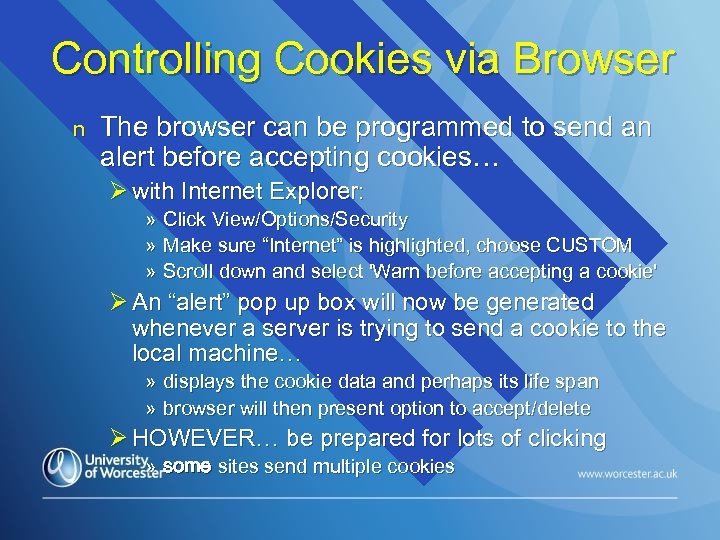 Controlling Cookies via Browser n The browser can be programmed to send an alert before accepting cookies… Ø with Internet Explorer: » Click View/Options/Security » Make sure “Internet” is highlighted, choose CUSTOM » Scroll down and select 'Warn before accepting a cookie' Ø An “alert” pop up box will now be generated whenever a server is trying to send a cookie to the local machine… » displays the cookie data and perhaps its life span » browser will then present option to accept/delete Ø HOWEVER… be prepared for lots of clicking » some sites send multiple cookies
 Stopping dodgy downloads with the Browser n Java Applets & Active X controls could be dangerous, especially if not “signed” Ø come “ready to run” and don’t need help from the Browser interpreter n BUT… Ø both types of executable can easily be controlled using appropriate Browser settings » As before, accept/reject choice is a suitable compromise…
 Controlling Java Applets and Active X controls with the Browser n Can be controlled/turned off in a similar way to cookies: Øe. g. (old Internet Explorer): » TOOLS/OPTIONS then SECURITY tag… » Make sure Internet option is highlighted: n n EITHER move slider down until secure option to approve Active X controls appears OR click ADVANCED option, scroll down, and select appropriate box(es)
 Restricting Client-side Access whatever the browser settings… n Use of SSL encryption & server certificates all about protecting DATA ON THE MOVE Ø encryption stops hackers getting at the data en route Ø server certificate enables savvy users to check the credentials of the site owner n Structure of web servers can allow access only through two-level authentication… Ø for the whole site Ø specific folders/web pages
 Secure Access to a website using the Web Server n n Matter of configuration of the web server Can be used with http and https access Ø set up authentication on the whole website at the server end Ø pop-up window allows login to specific username/password combinations » could be used as enterprise login in conjunction with an Intranet/Extranet Ø once user is logged in, full access to all pages on the site Ø closing down a connection to the site (no relevant web pages open) automatically logs the user off
 Registration of new users via browser n Main component: HTML or web form Øcollects user information » needs to have a “check user” function, to make sure the user doesn’t get a username that has already been taken » If not, data saved securely to one or more tables in a server database n Such user data is private… Øshould be sent to database only via a secure connection
 Restricting access to a group of pages - 1 n Problems: ØHTML is text Ørestriction can only be achieved through HTML and scripting n For security purposes: Ømakes sense also to use server scripts Øand pre-compiled code Økeep unauthenticated users away from “sensitive” pages
 Restricting access to a group of pages - 2 n One Solution… Ø option to login presented at the “home” or sensitive pages entry link… » no login – no access to the restricted pages Ø anyone can apply for a login Ø username/password typically provided in two ways: » automatically accept all users with their own unique logins » administrator to post username/password to a real email address » Which is more secure. . . why?
 Restricting access to a group of pages - 3 n Request for login achieved through a “registration page” created within the website Ø would-be users submit their details then… » either: n » or n n type in their own username & password allocated a username/password or just password by the site that needs to be protected Can (should? ) also be used in conjunction with SSL to ensure encryption in transit and enable authentication at both ends…
 Creating an asp. net Login system n Three components available in Visual Studio toolbox to “drag and drop” into web pages: Ø Login control: » text boxes & buttons » built-in validation Ø Login. View control: » presents differing page appearance » depending on whether logged on or off Ø Login. Status control: » feedback – logged on or not…
 How Loginview/Loginstatus work n Protect content across all pages in a site with authentication through use of two “templates”: ØLoginview » template x to display “logged on” text » template y “logged off” text ØLoginstatus » to identify whether logged on or logged off
 The Login Control & Securing User Data n Login control… Øpresents username & password box Øvalidates whether data submitted matches data already captured and securely stored Øsets a “session cookie” to allow “logged in” access to pages that would otherwise be unavailable
 Using the Login page to authenticate n Login data isn’t written to database! Ø an associated server script can compare this data with existing database entries Ø successful comparison generates a session variable for the user, based on username n Different users can be given different levels of access, based on username Ø e. g. only users who are “administrators” could access a HTML-based product editing system
 Restricting page access to authorized users n n What if an unauthorised user tries to “cheat” the system by typing in the URL of the secure page and displaying it manually? Protection is readily achieved for HTML pages with a server script that: Ø checks whether use in logged in Ø automatically brings the user back to a pre-defined page if they HAVEN’T successfully logged on » e. g. back to “home” page n Such an intercept and redirect facility only protects HTML pages