


 Скачать презентацию COMP 201 Java Programming Part III Advanced Features
b7b78e3987847eafd6152907b4dec621.ppt
- Количество слайдов: 33
 COMP 201 Java Programming Part III: Advanced Features Topic 13: Networking Volume II, Chapter 3 1
 COMP 201 Topic 14 / Slide 2 Objective and Outline l Objective: n Introduction to Java networking features – It is much easier to write networking programs in. Java than in C++ – But less efficient. l Outline n Motivating example: ICQ Server and Client n Networking basics – IP addresses, ports, protocols, client-server interaction n Socket-level programming – Writing a client (Socket) – Writing a server (Server. Socket) – Example: writing your own icq n Communicating with web servers – Retrieving information (URL, URLConnection) – Sending information 2
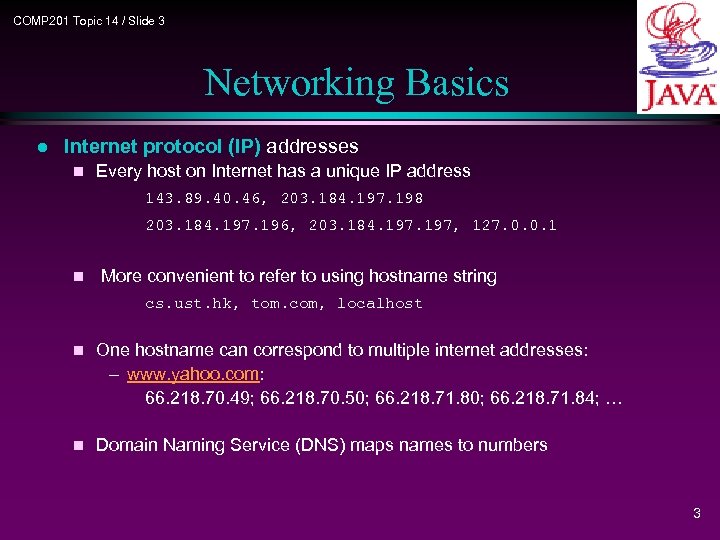 COMP 201 Topic 14 / Slide 3 Networking Basics l Internet protocol (IP) addresses n Every host on Internet has a unique IP address 143. 89. 40. 46, 203. 184. 197. 198 203. 184. 197. 196, 203. 184. 197, 127. 0. 0. 1 n More convenient to refer to using hostname string cs. ust. hk, tom. com, localhost n One hostname can correspond to multiple internet addresses: – www. yahoo. com: 66. 218. 70. 49; 66. 218. 70. 50; 66. 218. 71. 84; … n Domain Naming Service (DNS) maps names to numbers 3
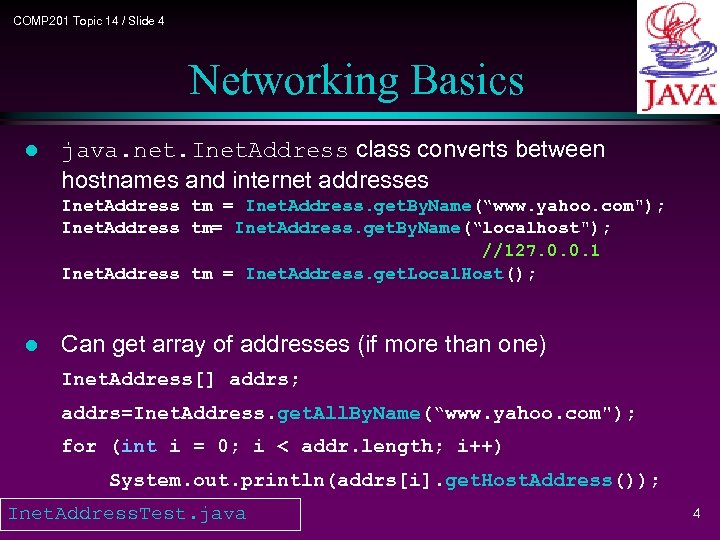 COMP 201 Topic 14 / Slide 4 Networking Basics l java. net. Inet. Address class converts between hostnames and internet addresses Inet. Address tm = Inet. Address. get. By. Name(“www. yahoo. com"); Inet. Address tm= Inet. Address. get. By. Name(“localhost"); //127. 0. 0. 1 Inet. Address tm = Inet. Address. get. Local. Host(); l Can get array of addresses (if more than one) Inet. Address[] addrs; addrs=Inet. Address. get. All. By. Name(“www. yahoo. com"); for (int i = 0; i < addr. length; i++) System. out. println(addrs[i]. get. Host. Address()); Inet. Address. Test. java 4
 COMP 201 Topic 14 / Slide 5 Networking Basics l Ports l Many different services can be running on the host l A port identifies a service within a host l Many standard port numbers are pre-assigned time of day 13, ftp 21, telnet 23, smtp 25, http 80 see /etc/services on workstation for list of all assigned ports l IP address + port number = "phone number“ for service 5
 COMP 201 Topic 14 / Slide 6 Networking Basics l protocols : rules that facilitate communications between machines l Examples: l l l HTTP: Hyper. Text Transfer Protocol FTP: File Transfer Protocol SMTP: Simple Message Transfer Protocol TCP: Transmission Control Protocol UDP: User Datagram Protocol, good for, e. g. , video delivery) Protocols are standardized and documented So machines can reliably work with one another 6
 COMP 201 Topic 14 / Slide 7 Networking Basics l Client-Server interaction l Communication between hosts is two-way, but usually the two hosts take different roles l Server waits for client to make request Server registered on a known port with the host ("public phone number") Usually running in endless loop Listens for incoming client connections 7
 COMP 201 Topic 14 / Slide 8 Networking Basics l Client "calls" server to start a conversation Client making calls uses hostname/IP address and port number Sends request and waits for response l Standard services always running ftp, http, smtp, etc. server running on host using expected port l Server offers shared resource (information, database, files, printer, compute power) to clients 8
 COMP 201 Topic 14 / Slide 9 Networking Basics l Using telnet to try out some services of servers: l Telnet assumes you want to connect to port 23 on the receiving host (port 23 is where the telnet server is listening) l However there is an optional argument after the hostname that allows you to connect to a different port l Try the following Get time: telnet time-A. timefreq. bldrdoc. gov 13 Get HTML page: telnet www. cs. ust. hk 80 and enter a GET command l Many servers now refuse telnet connections due to security reasons. 9
 COMP 201 Topic 14 / Slide 10 Outline l Outline n Networking basics – IP addresses, ports, protocols, client-server interaction n Socket-level programming – Writing a client – Writing a server – Example: writing your own icq n Communicating with web servers – Retrieving information – Sending information 10
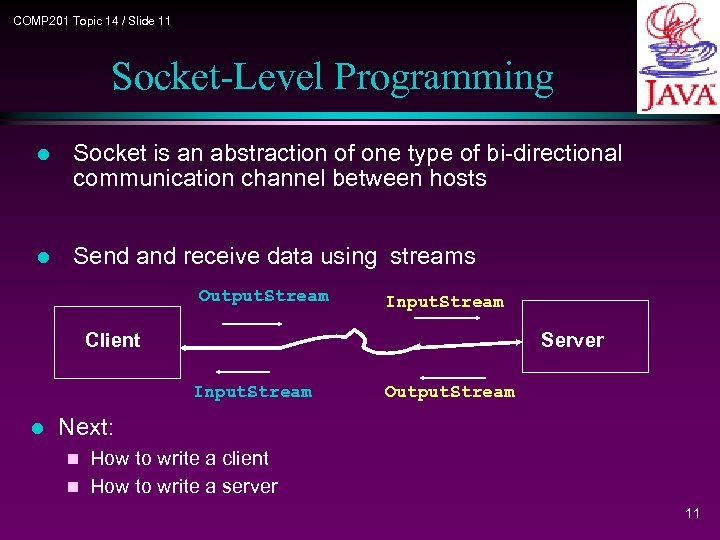 COMP 201 Topic 14 / Slide 11 Socket-Level Programming l Socket is an abstraction of one type of bi-directional communication channel between hosts l Send and receive data using streams Output. Stream Input. Stream Client Server Input. Stream l Output. Stream Next: How to write a client n How to write a server n 11
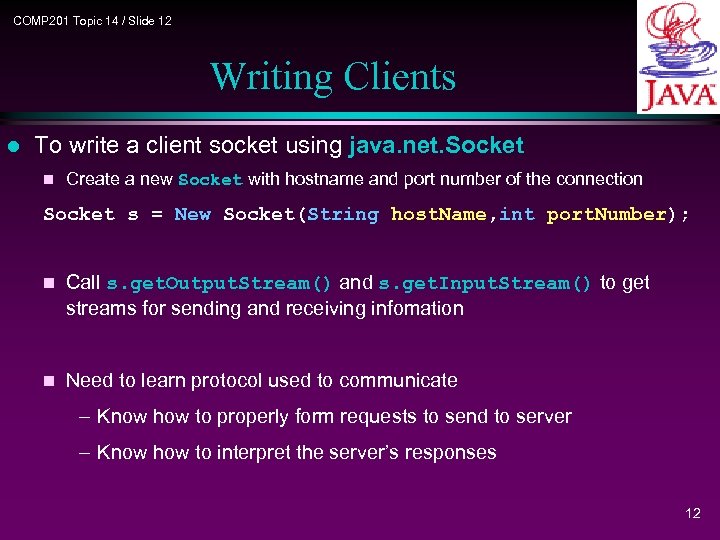 COMP 201 Topic 14 / Slide 12 Writing Clients l To write a client socket using java. net. Socket n Create a new Socket with hostname and port number of the connection Socket s = New Socket(String host. Name, int port. Number); n Call s. get. Output. Stream() and s. get. Input. Stream() to get streams for sending and receiving infomation n Need to learn protocol used to communicate – Know how to properly form requests to send to server – Know how to interpret the server’s responses 12
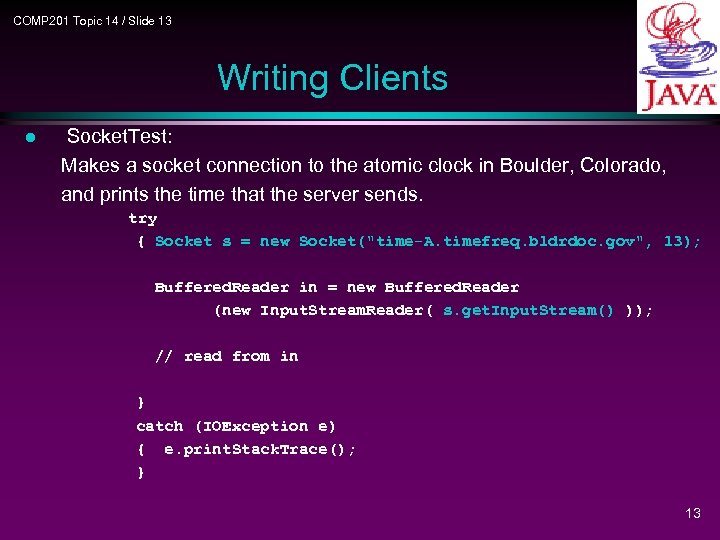 COMP 201 Topic 14 / Slide 13 Writing Clients l Socket. Test: Makes a socket connection to the atomic clock in Boulder, Colorado, and prints the time that the server sends. try { Socket s = new Socket("time-A. timefreq. bldrdoc. gov", 13); Buffered. Reader in = new Buffered. Reader (new Input. Stream. Reader( s. get. Input. Stream() )); // read from in } catch (IOException e) { e. print. Stack. Trace(); } 13
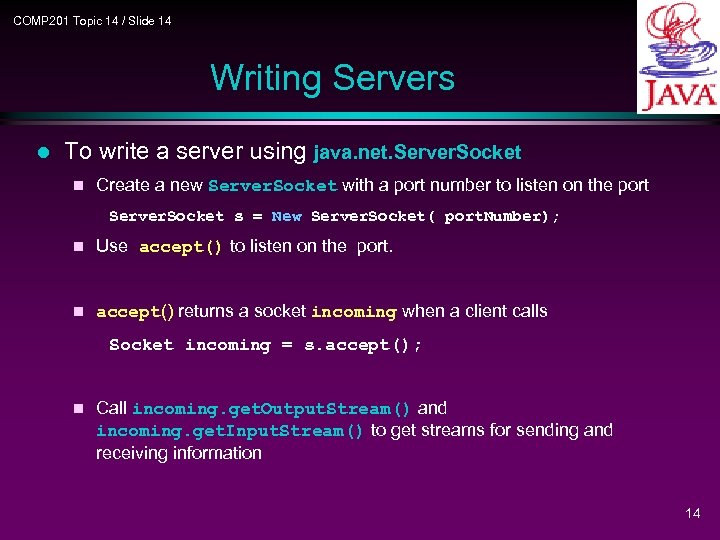 COMP 201 Topic 14 / Slide 14 Writing Servers l To write a server using java. net. Server. Socket n Create a new Server. Socket with a port number to listen on the port Server. Socket s = New Server. Socket( port. Number); n Use accept() to listen on the port. n accept() returns a socket incoming when a client calls Socket incoming = s. accept(); n Call incoming. get. Output. Stream() and incoming. get. Input. Stream() to get streams for sending and receiving information 14
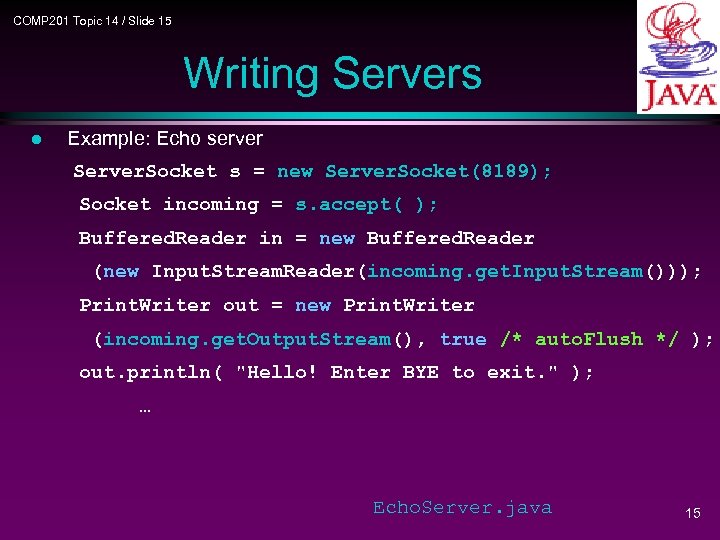 COMP 201 Topic 14 / Slide 15 Writing Servers l Example: Echo server Server. Socket s = new Server. Socket(8189); Socket incoming = s. accept( ); Buffered. Reader in = new Buffered. Reader (new Input. Stream. Reader(incoming. get. Input. Stream())); Print. Writer out = new Print. Writer (incoming. get. Output. Stream(), true /* auto. Flush */ ); out. println( "Hello! Enter BYE to exit. " ); … Echo. Server. java 15
 COMP 201 Topic 14 / Slide 16 A side note l Many machines in CSD now refuse socket connections due to security considerations. l However, you can n Run severs on any lab 4 machine and connect to the server from any other lab 4 machines. n Run severs on one of scpu 1 -14 and connect to the server from others or from the PC network. 16
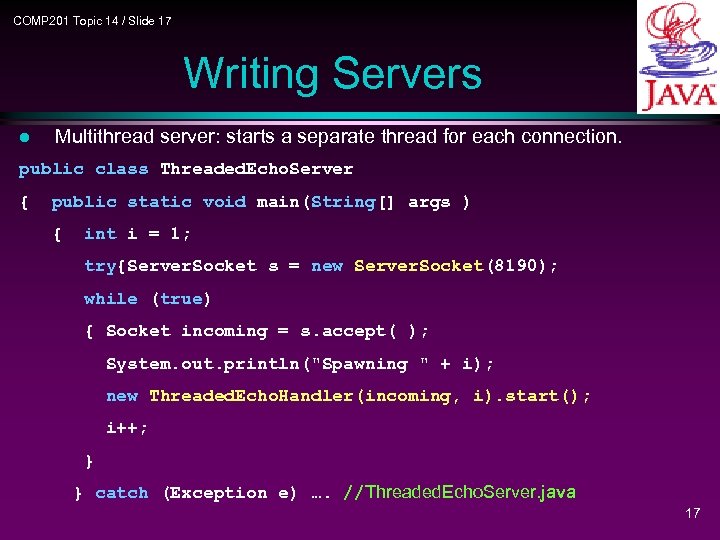 COMP 201 Topic 14 / Slide 17 Writing Servers l Multithread server: starts a separate thread for each connection. public class Threaded. Echo. Server { public static void main(String[] args ) { int i = 1; try{Server. Socket s = new Server. Socket(8190); while (true) { Socket incoming = s. accept( ); System. out. println("Spawning " + i); new Threaded. Echo. Handler(incoming, i). start(); i++; } } catch (Exception e) …. //Threaded. Echo. Server. java 17
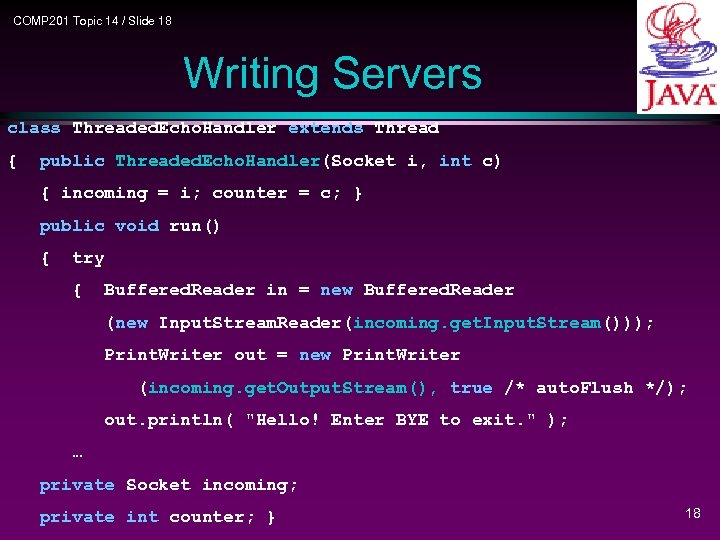 COMP 201 Topic 14 / Slide 18 Writing Servers class Threaded. Echo. Handler extends Thread { public Threaded. Echo. Handler(Socket i, int c) { incoming = i; counter = c; } public void run() { try { Buffered. Reader in = new Buffered. Reader (new Input. Stream. Reader(incoming. get. Input. Stream())); Print. Writer out = new Print. Writer (incoming. get. Output. Stream(), true /* auto. Flush */); out. println( "Hello! Enter BYE to exit. " ); … private Socket incoming; private int counter; } 18
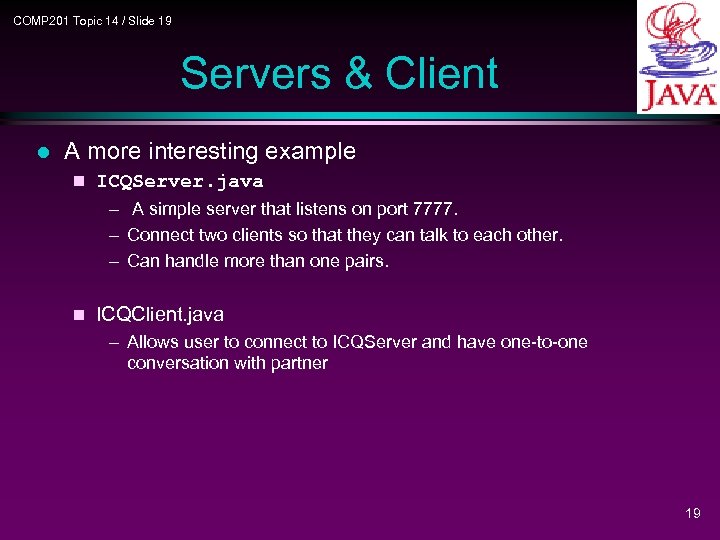 COMP 201 Topic 14 / Slide 19 Servers & Client l A more interesting example n ICQServer. java – A simple server that listens on port 7777. – Connect two clients so that they can talk to each other. – Can handle more than one pairs. n ICQClient. java – Allows user to connect to ICQServer and have one-to-one conversation with partner 19
 COMP 201 Topic 14 / Slide 20 Outline l Outline n Networking basics – IP addresses, ports, protocols, client-server interaction n Socket-level programming – Writing a client – Writing a server – Example: writing your own icq n Communicating with web servers – Retrieving information – Sending information 20
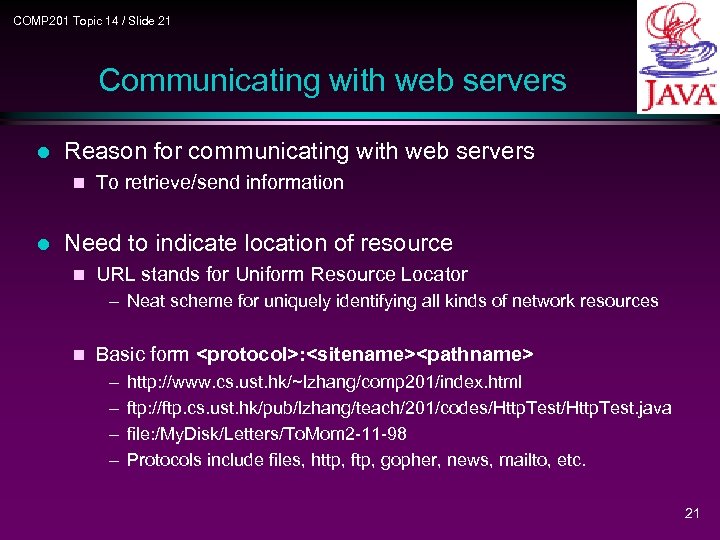 COMP 201 Topic 14 / Slide 21 Communicating with web servers l Reason for communicating with web servers n l To retrieve/send information Need to indicate location of resource n URL stands for Uniform Resource Locator – Neat scheme for uniquely identifying all kinds of network resources n Basic form
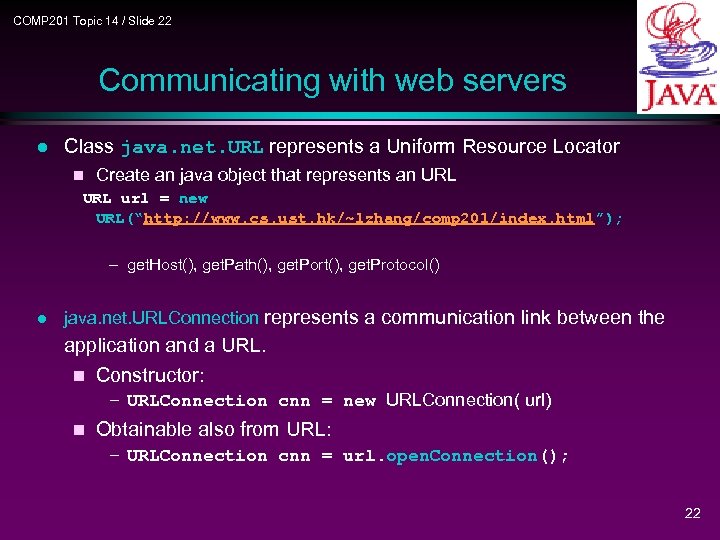 COMP 201 Topic 14 / Slide 22 Communicating with web servers l Class java. net. URL represents a Uniform Resource Locator n Create an java object that represents an URL url = new URL(“http: //www. cs. ust. hk/~lzhang/comp 201/index. html”); – get. Host(), get. Path(), get. Port(), get. Protocol() l java. net. URLConnection represents a communication link between the application and a URL. n Constructor: – URLConnection cnn = new URLConnection( url) n Obtainable also from URL: – URLConnection cnn = url. open. Connection(); 22
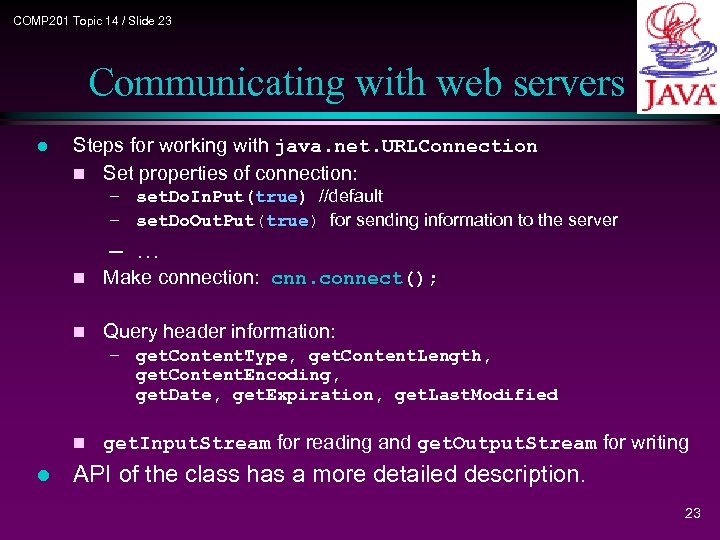 COMP 201 Topic 14 / Slide 23 Communicating with web servers l Steps for working with java. net. URLConnection n Set properties of connection: – set. Do. In. Put(true) //default – set. Do. Out. Put(true) for sending information to the server – … n Make connection: cnn. connect(); n Query header information: – get. Content. Type, get. Content. Length, get. Content. Encoding, get. Date, get. Expiration, get. Last. Modified n l get. Input. Stream for reading and get. Output. Stream for writing API of the class has a more detailed description. 23
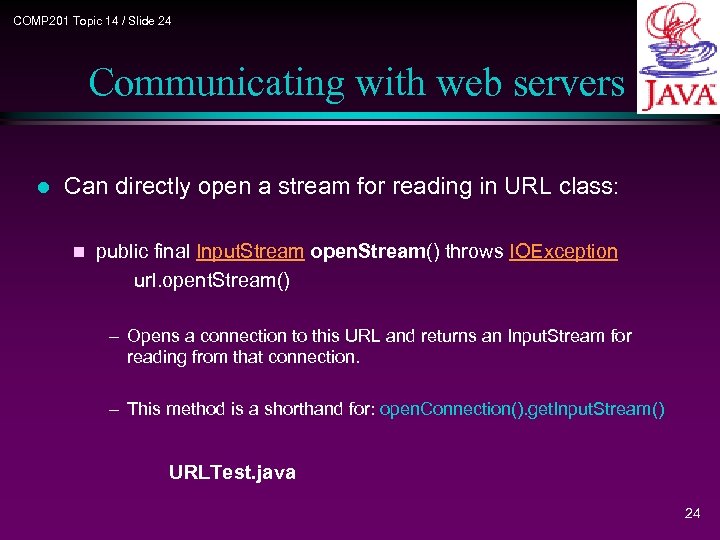 COMP 201 Topic 14 / Slide 24 Communicating with web servers l Can directly open a stream for reading in URL class: n public final Input. Stream open. Stream() throws IOException url. opent. Stream() – Opens a connection to this URL and returns an Input. Stream for reading from that connection. – This method is a shorthand for: open. Connection(). get. Input. Stream() URLTest. java 24
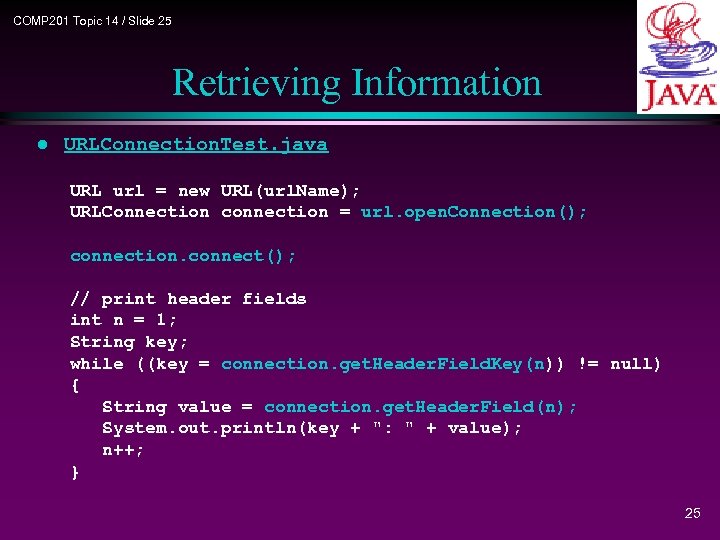 COMP 201 Topic 14 / Slide 25 Retrieving Information l URLConnection. Test. java URL url = new URL(url. Name); URLConnection connection = url. open. Connection(); connection. connect(); // print header fields int n = 1; String key; while ((key = connection. get. Header. Field. Key(n)) != null) { String value = connection. get. Header. Field(n); System. out. println(key + ": " + value); n++; } 25
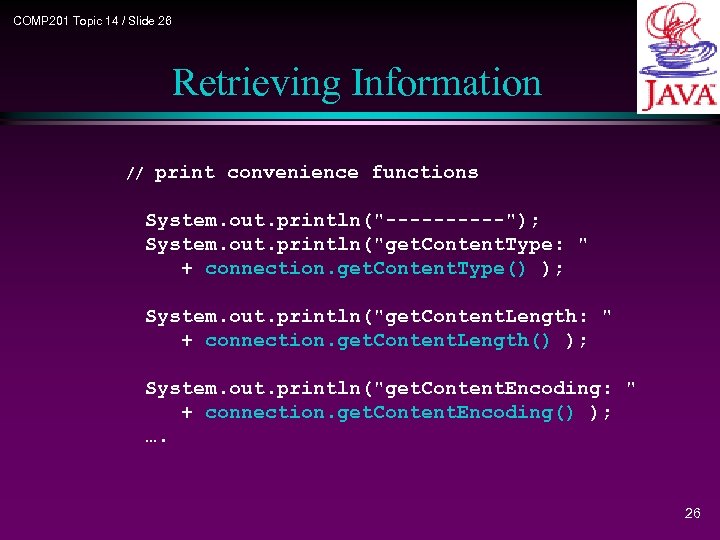 COMP 201 Topic 14 / Slide 26 Retrieving Information // print convenience functions System. out. println("-----"); System. out. println("get. Content. Type: " + connection. get. Content. Type() ); System. out. println("get. Content. Length: " + connection. get. Content. Length() ); System. out. println("get. Content. Encoding: " + connection. get. Content. Encoding() ); …. 26
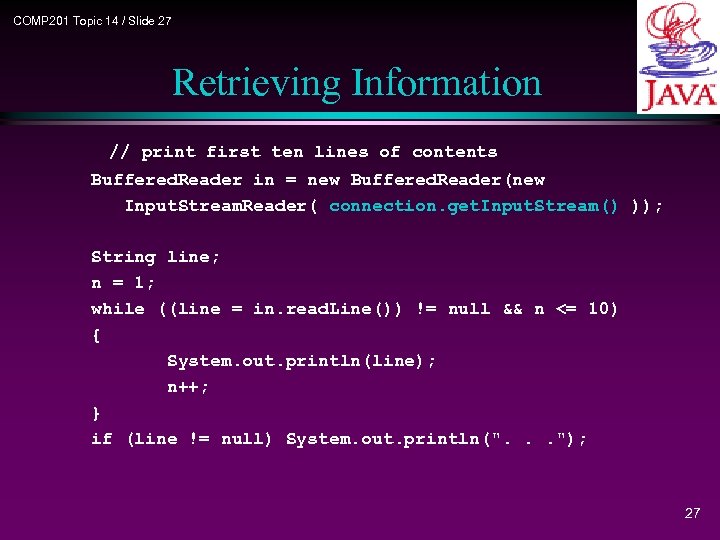 COMP 201 Topic 14 / Slide 27 Retrieving Information // print first ten lines of contents Buffered. Reader in = new Buffered. Reader(new Input. Stream. Reader( connection. get. Input. Stream() )); String line; n = 1; while ((line = in. read. Line()) != null && n <= 10) { System. out. println(line); n++; } if (line != null) System. out. println(". . . "); 27
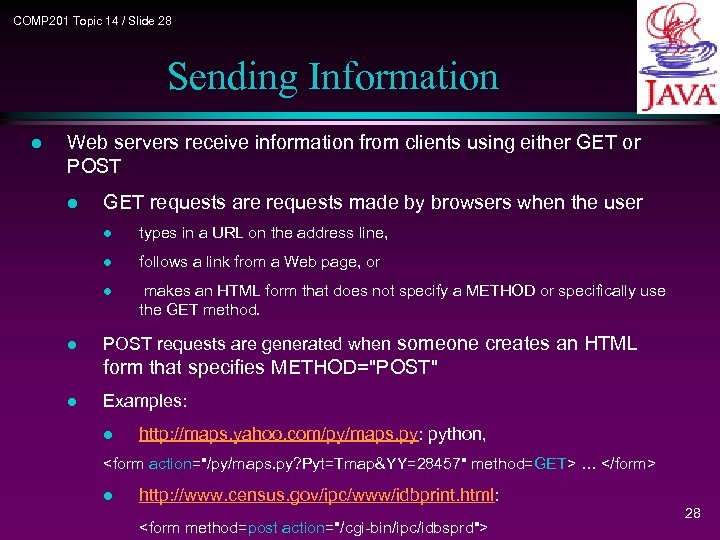 COMP 201 Topic 14 / Slide 28 Sending Information l Web servers receive information from clients using either GET or POST l GET requests are requests made by browsers when the user l l follows a link from a Web page, or l l types in a URL on the address line, makes an HTML form that does not specify a METHOD or specifically use the GET method. POST requests are generated when someone creates an HTML form that specifies METHOD="POST" l Examples: l http: //maps. yahoo. com/py/maps. py: python,
 COMP 201 Topic 14 / Slide 29 Sending Information l Appropriate CGI (common gateway interface) script is called to process info received and produce an HTML page to send back to client l CGI scripts usually written in C, Perl, shell script. (Out of the scope of this course. ) l Will discuss servlets, Java alternative to CGI scripts 29
 COMP 201 Topic 14 / Slide 30 Sending Information l Our task: Write java program to communicate with CGI scripts n The way we send parameters to a CGI script depends on – The parameters that CGI scripts expects l What to send – The way a CGI script receives parameters l How to send 30
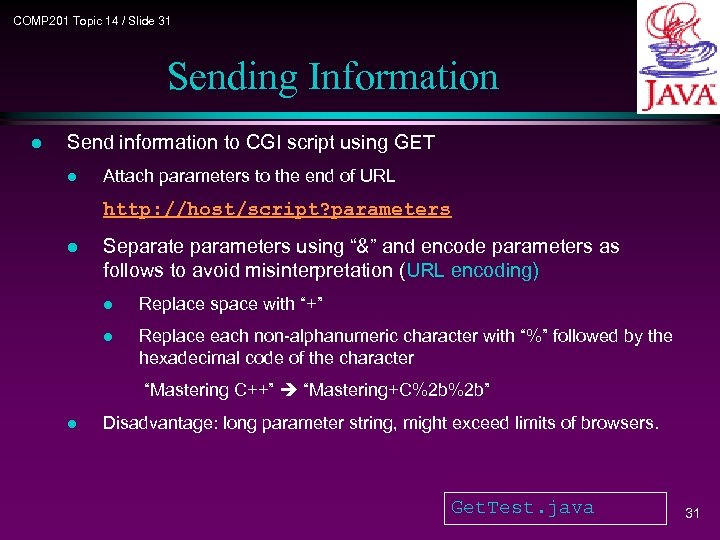 COMP 201 Topic 14 / Slide 31 Sending Information l Send information to CGI script using GET l Attach parameters to the end of URL http: //host/script? parameters l Separate parameters using “&” and encode parameters as follows to avoid misinterpretation (URL encoding) l Replace space with “+” l Replace each non-alphanumeric character with “%” followed by the hexadecimal code of the character “Mastering C++” “Mastering+C%2 b%2 b” l Disadvantage: long parameter string, might exceed limits of browsers. Get. Test. java 31
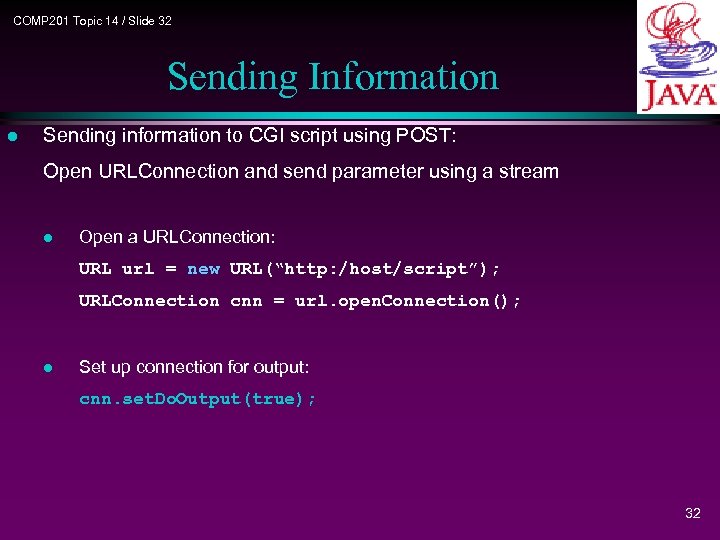 COMP 201 Topic 14 / Slide 32 Sending Information l Sending information to CGI script using POST: Open URLConnection and send parameter using a stream l Open a URLConnection: URL url = new URL(“http: /host/script”); URLConnection cnn = url. open. Connection(); l Set up connection for output: cnn. set. Do. Output(true); 32
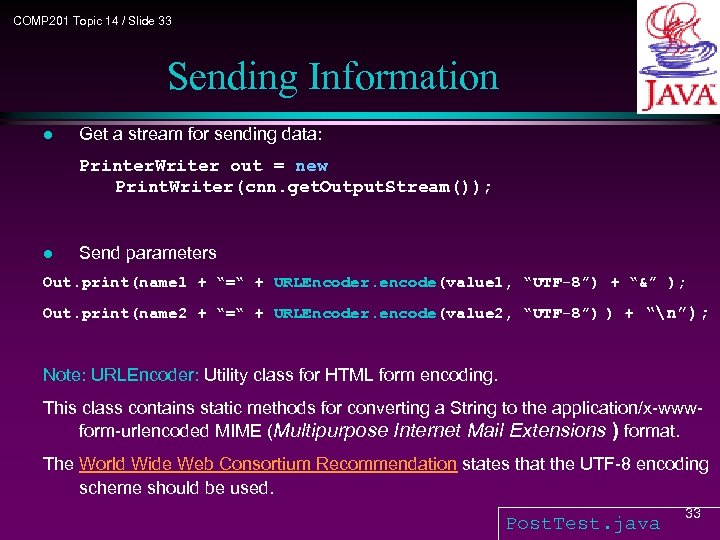 COMP 201 Topic 14 / Slide 33 Sending Information l Get a stream for sending data: Printer. Writer out = new Print. Writer(cnn. get. Output. Stream()); l Send parameters Out. print(name 1 + “=“ + URLEncoder. encode(value 1, “UTF-8”) + “&” ); Out. print(name 2 + “=“ + URLEncoder. encode(value 2, “UTF-8”) ) + “n”); Note: URLEncoder: Utility class for HTML form encoding. This class contains static methods for converting a String to the application/x-wwwform-urlencoded MIME (Multipurpose Internet Mail Extensions ) format. The World Wide Web Consortium Recommendation states that the UTF-8 encoding scheme should be used. Post. Test. java 33