 Скачать презентацию Communicating Mathematics A Problem Solving Approach Paul Eakin
4d8459abd2e95b4ed0148eddd65974d9.ppt
- Количество слайдов: 66



Communicating Mathematics: A Problem Solving Approach Paul Eakin, Carl Eberhart, Ken Kubota, Dan Chaney,
General Program • R&D on effective application of communications technology to the teaching of mathematics – software, methodology, materials • Associated Dissemination Project – Course (with text) – Workshops • Support System for teachers • Very much a work in progress
Program Goals • Improved Preparation of Pre Service Math Teachers • Improved communication/collaboration within mathematics community • Effective Application of technology to teaching of mathematics at all levels
Approach to Advancing these Objectives is through the application of Technology To Save Teacher Time
• Automation of tedious tasks • Collaboration on materials development • Sharing resources • Facilitating parental/community involvement with students
Concentration is on general tools • For active use by teacher rather than student • Have modest computing resource requirements • Are intended for remote and out-of-class use – No infringement on traditional class time • Require minimal computer skills – Trade off with very solid knowledge of mathematics • Support collaboration across large communities • Not dependent on local school computer systems
The greatest apparent saving lie in the management of homework • Assignment • Checking* – Feedback • Logistics – Collection – Return – Record Keeping
First System: WQS • Used for two years in basic calculus and linear algebra • Handles: • • • formatted Mathematics Chat groups Student-teacher email Visual rolls Video lectures Sharing of problem sets • Has primitive data handling • Multiple choice format • Too much data
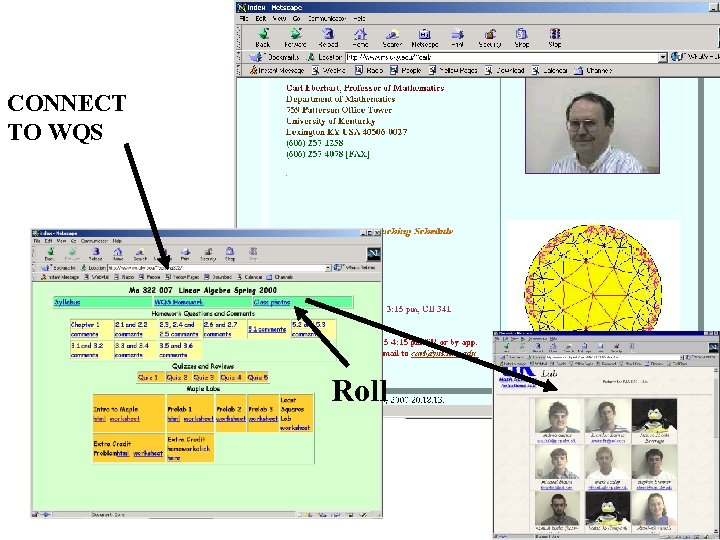
CONNECT TO WQS Roll
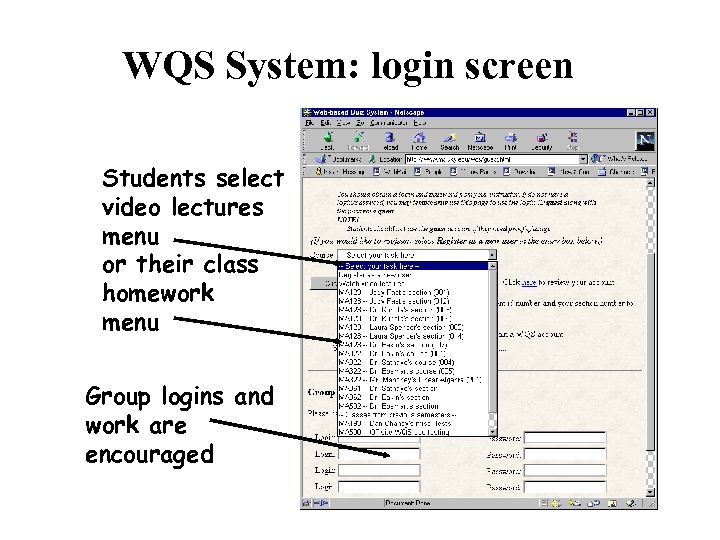
WQS System: login screen Students select video lectures menu or their class homework menu Group logins and work are encouraged
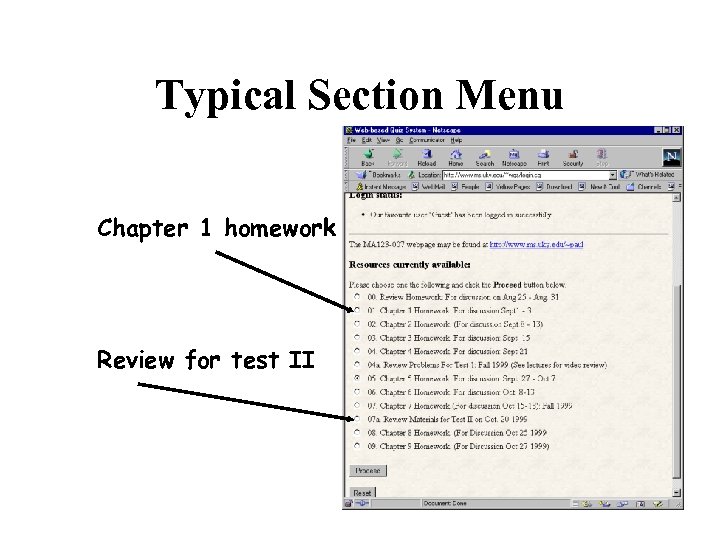
Typical Section Menu Chapter 1 homework Review for test II
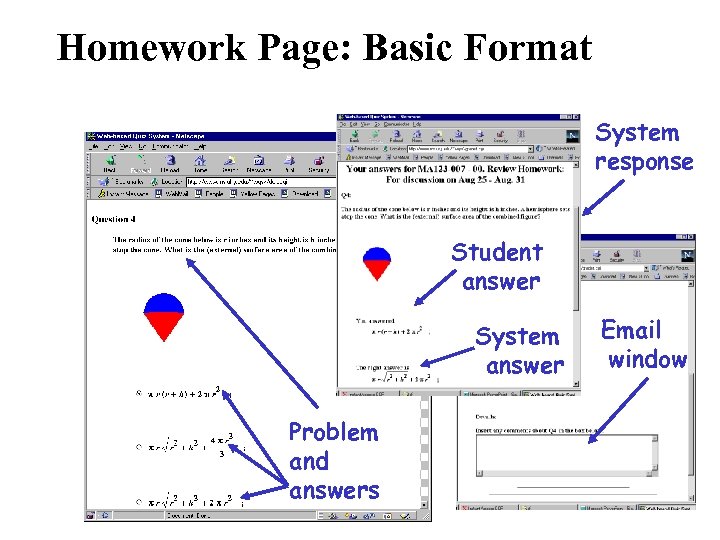
Homework Page: Basic Format System response Student answer System answer Problem and answers Email window
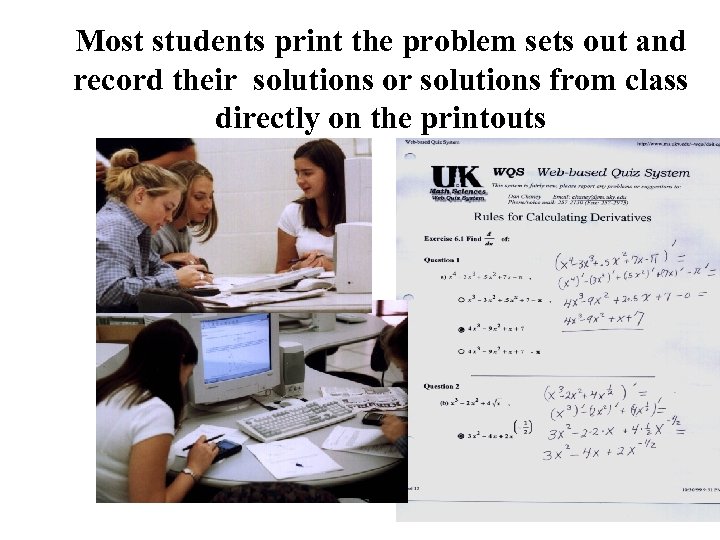
Most students print the problem sets out and record their solutions or solutions from class directly on the printouts
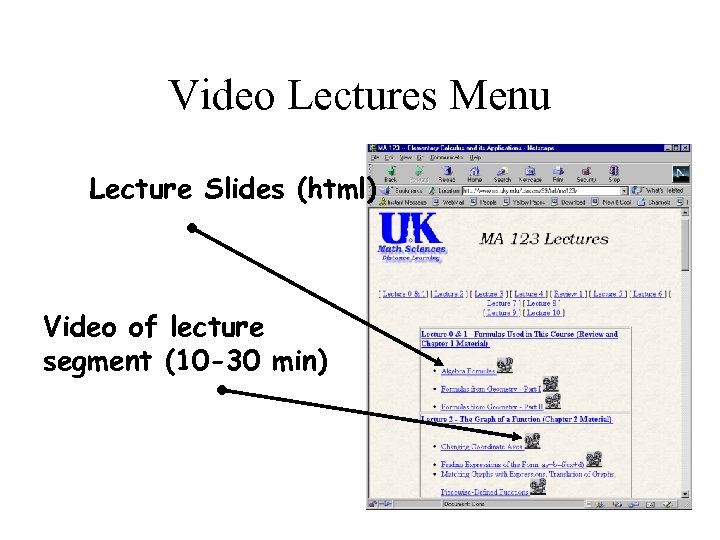
Video Lectures Menu Lecture Slides (html) Video of lecture segment (10 -30 min)
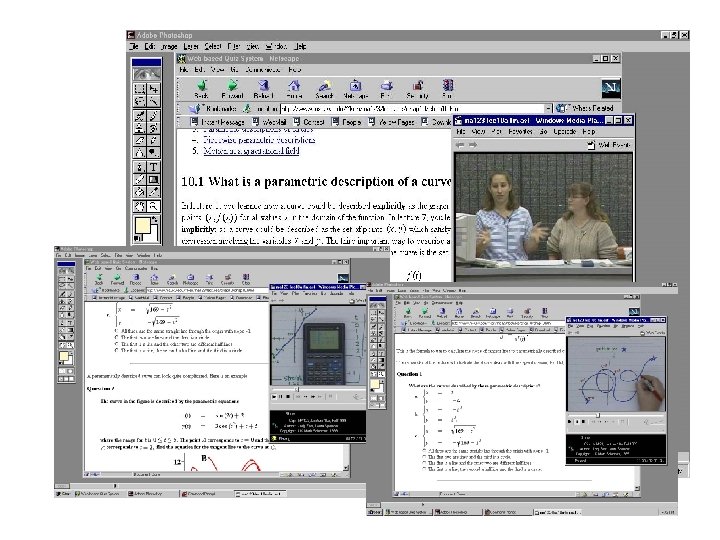
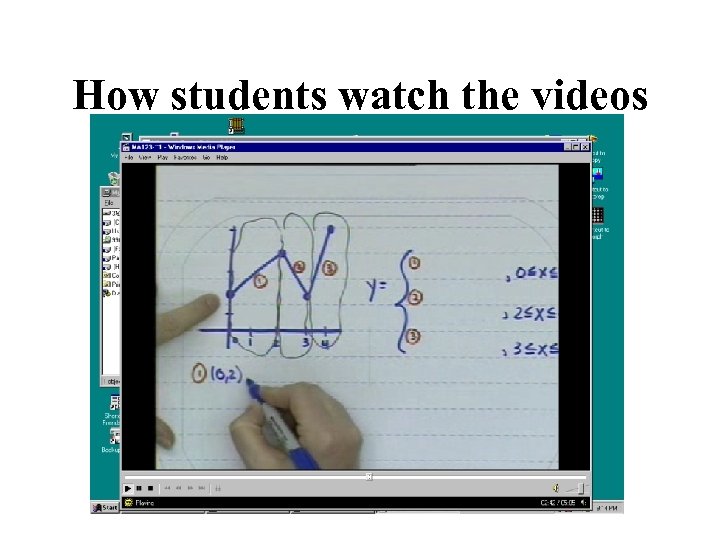
How students watch the videos
Data Logs • Every student action is logged with time stamp • All activity credited to each member on group login • Total number of answers submitted (right or wrong) correlates very well with performance on tests
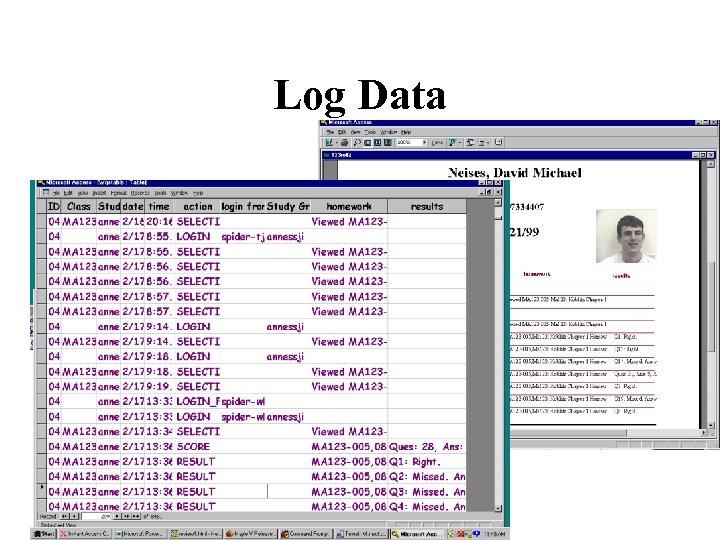
Log Data
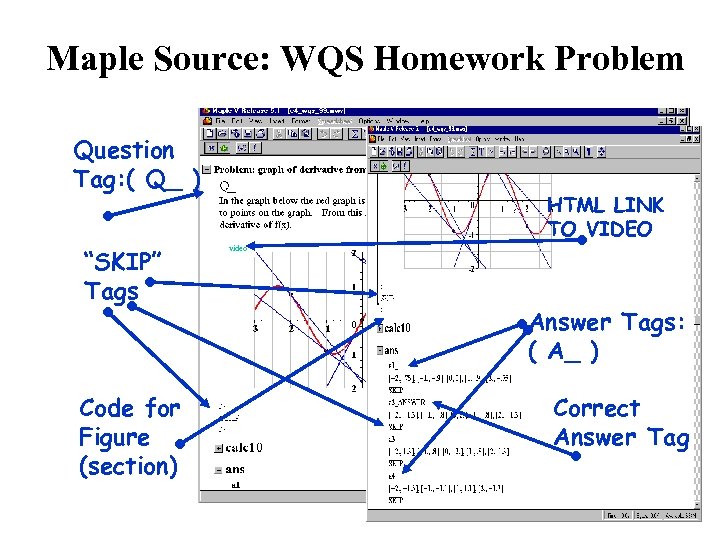
Maple Source: WQS Homework Problem Question Tag: ( Q_ ) “SKIP” Tags Code for Figure (section) HTML LINK TO VIDEO video Answer Tags: ( A_ ) Correct Answer Tag
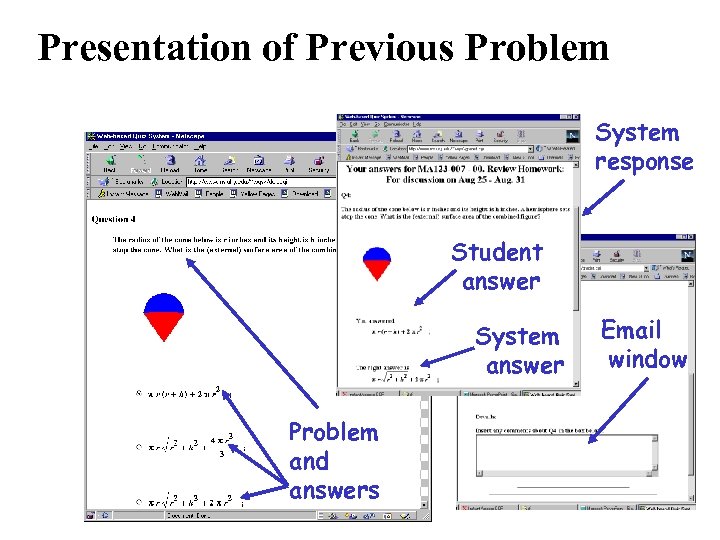
Presentation of Previous Problem System response Student answer System answer Problem and answers Email window
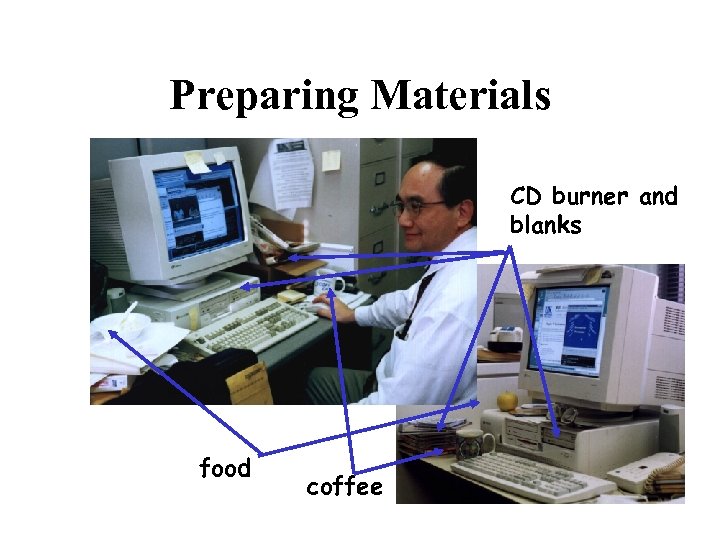
Preparing Materials CD burner and blanks food coffee
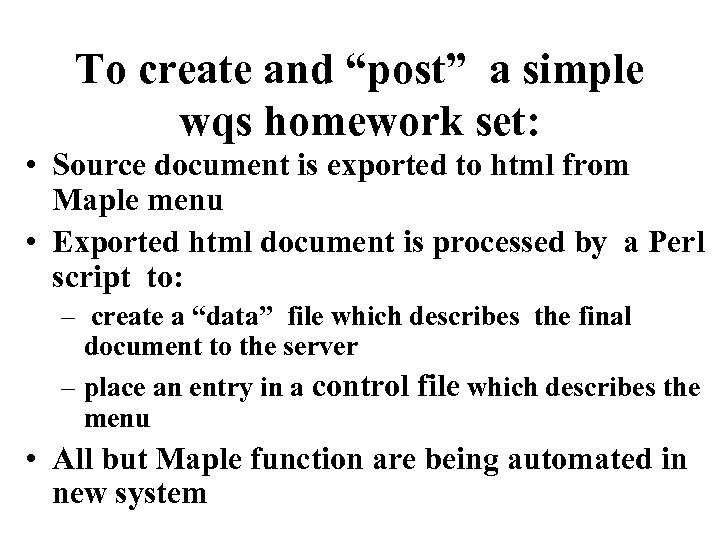
To create and “post” a simple wqs homework set: • Source document is exported to html from Maple menu • Exported html document is processed by a Perl script to: – create a “data” file which describes the final document to the server – place an entry in a control file which describes the menu • All but Maple function are being automated in new system
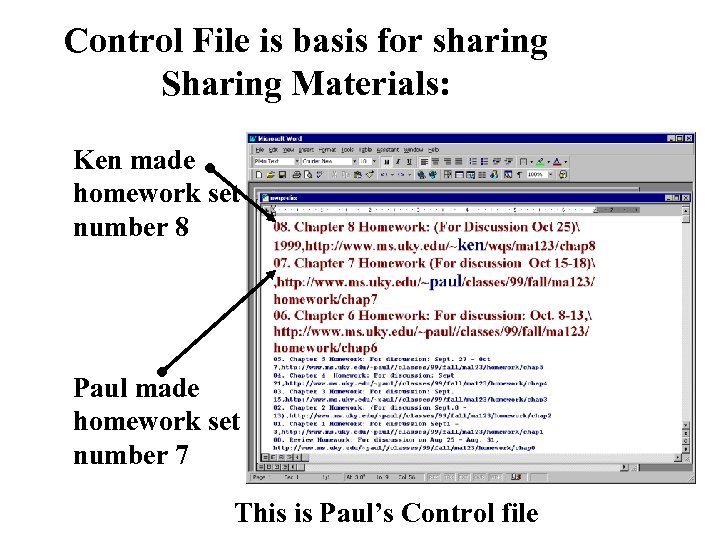
Control File is basis for sharing Sharing Materials: Ken made homework set number 8 Paul made homework set number 7 This is Paul’s Control file
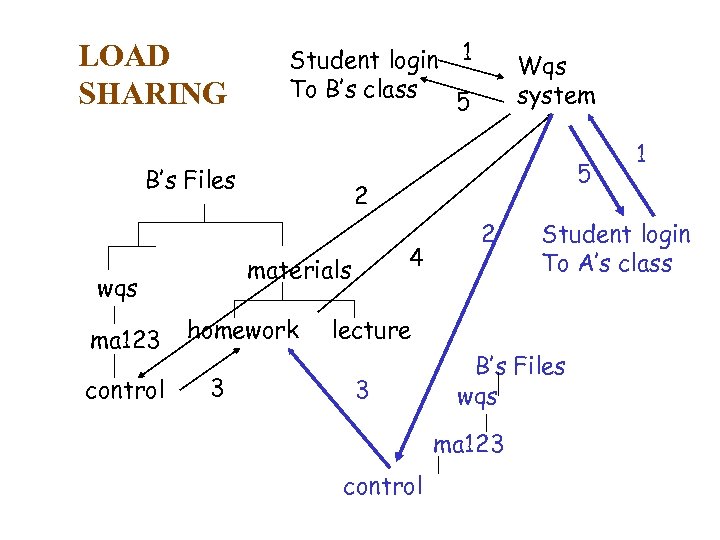
LOAD SHARING Student login 1 To B’s class 5 B’s Files ma 123 control homework 3 5 2 4 materials wqs Wqs system 2 Student login To A’s class lecture 3 B’s Files wqs ma 123 control 1
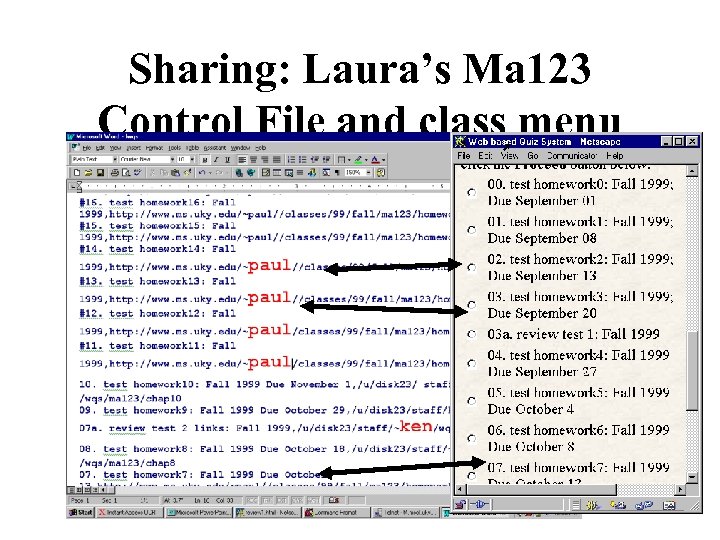
Sharing: Laura’s Ma 123 Control File and class menu
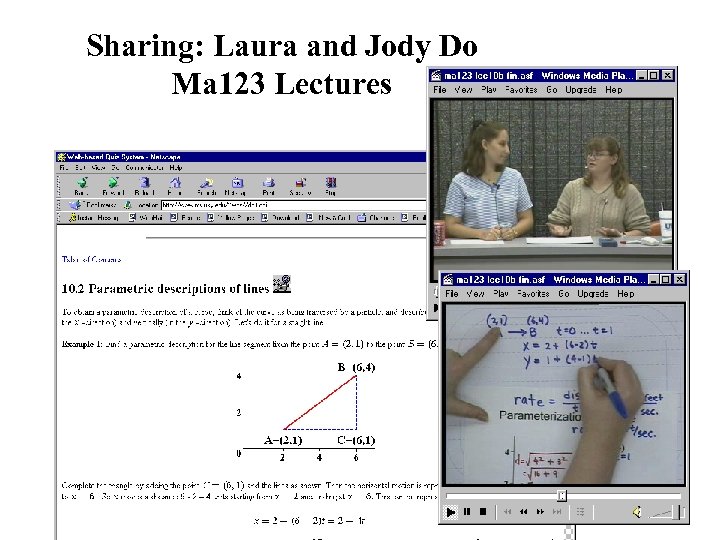
Sharing: Laura and Jody Do Ma 123 Lectures
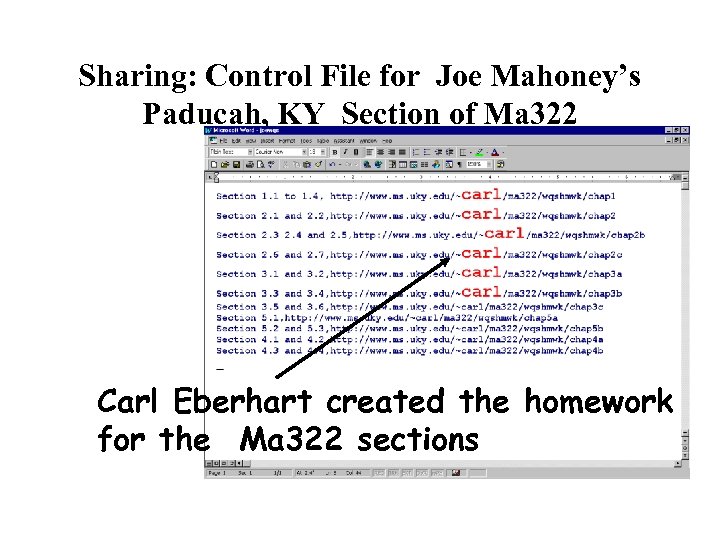
Sharing: Control File for Joe Mahoney’s Paducah, KY Section of Ma 322 Carl Eberhart created the homework for the Ma 322 sections
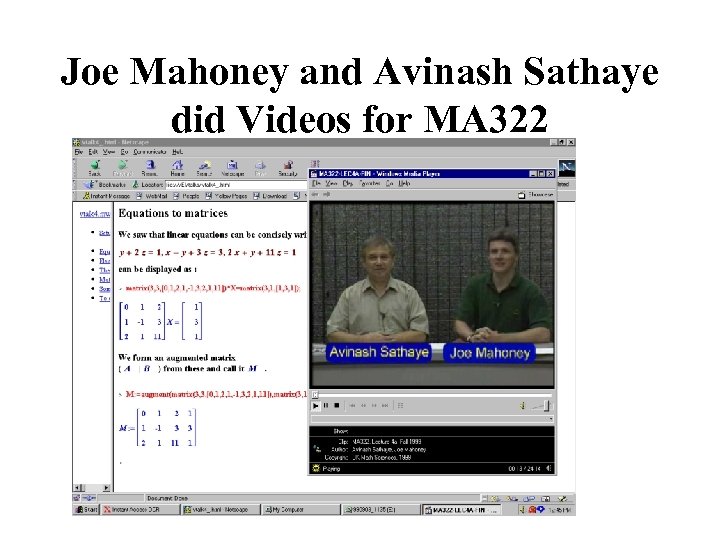
Joe Mahoney and Avinash Sathaye did Videos for MA 322
WQS CDs • Originated through necessity (bandwidth, reliability) • Natural corollary of HTML format – easily made at faculty desk, cheap – Students copy in lab on their own blank (15 min, $1) • Strongly favored by upper-level students who tend to live off-campus • Not used much by lower level students who tend to live on campus
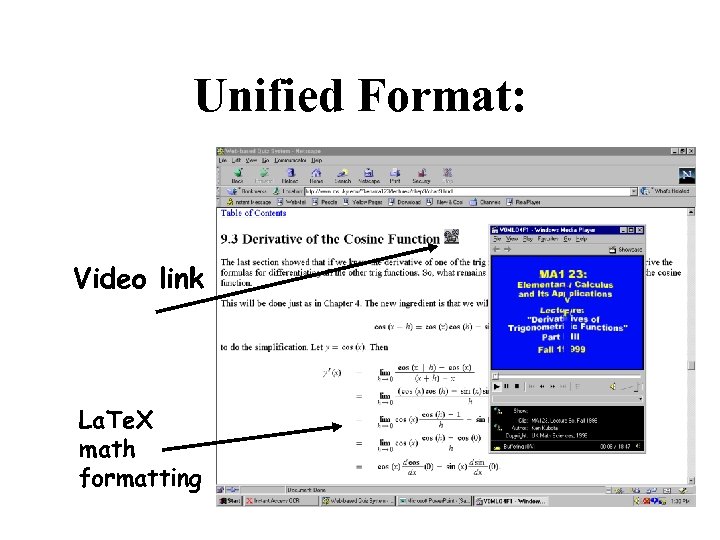
Unified Format: Video link La. Te. X math formatting
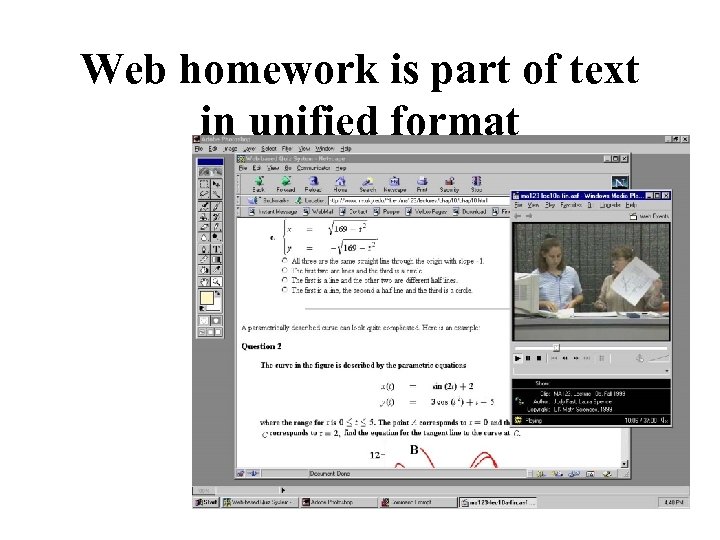
Web homework is part of text in unified format
Student response to Ma 123 as reported in the student paper
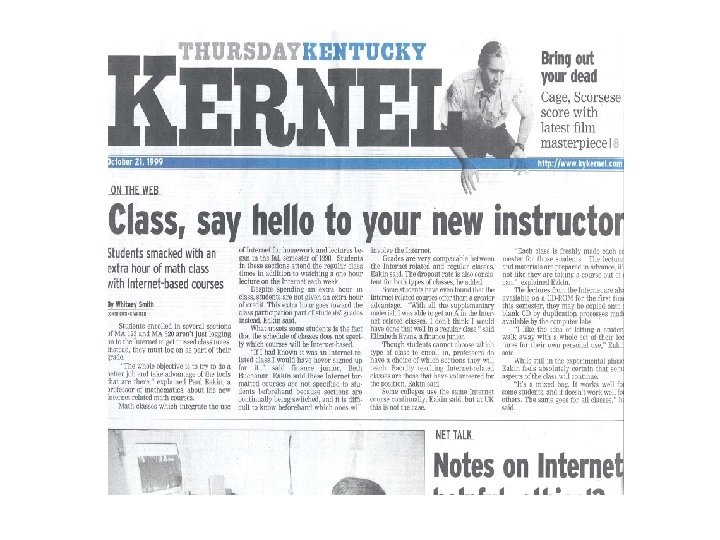
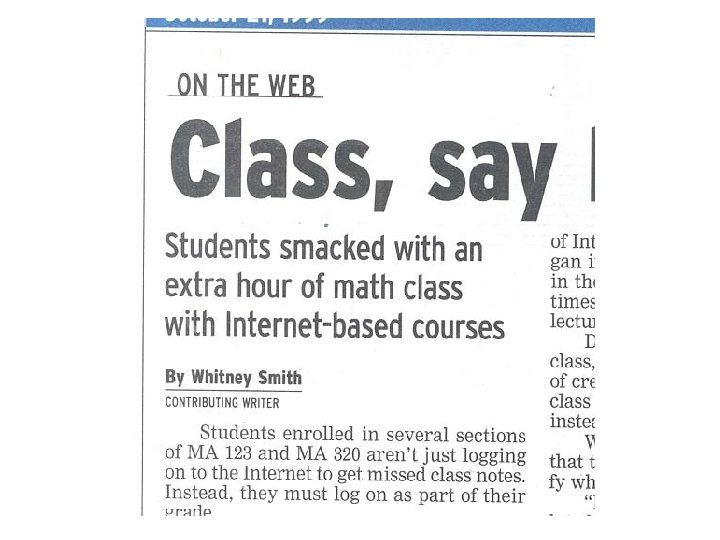
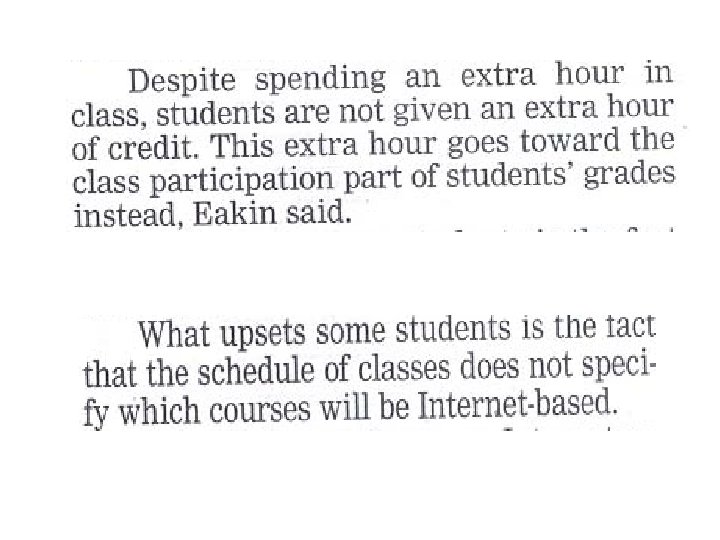
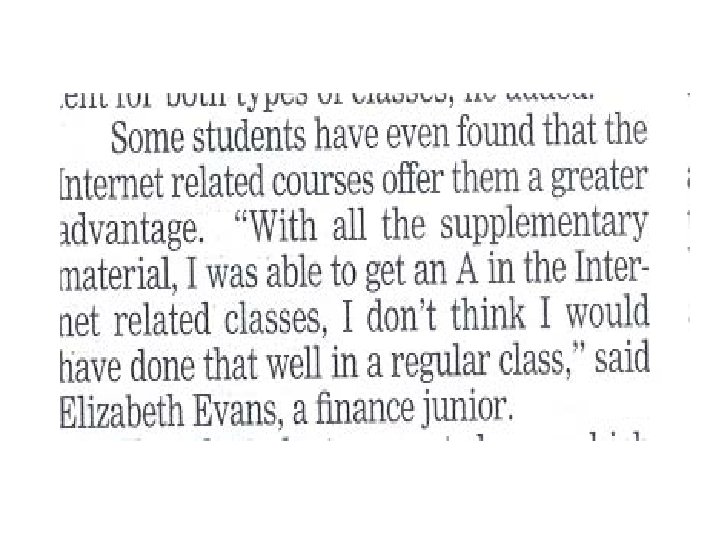
Experience with WQS: It does work. But … • Works much better with motivated, advanced students • Primary problem is compliance – Strong resistance to videos – Need for improved status feedback was evident • Limited format • Problem with misinformed faculty, advisors – “computer course” label – Perception of “sneaking” more instructional time
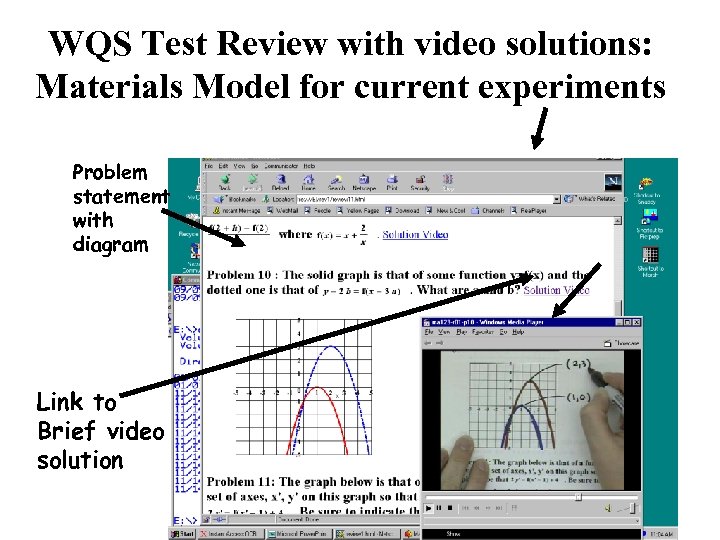
WQS Test Review with video solutions: Materials Model for current experiments Problem statement with diagram Link to Brief video solution
Phase II: (Math. Class) • • Currently under development Subsumes WQS Very general format Promotes sharing/collaboration across net: – development – individual problems • Better data management • “Autonomous” problems/sets – Much higher level of sharing
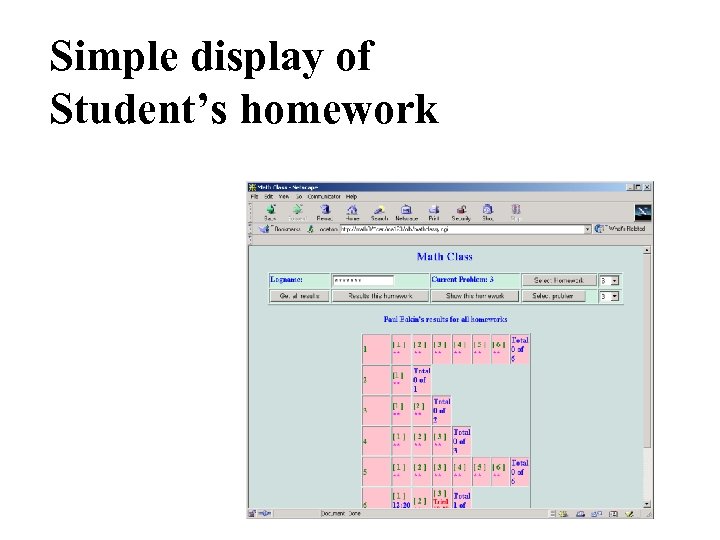
Simple display of Student’s homework
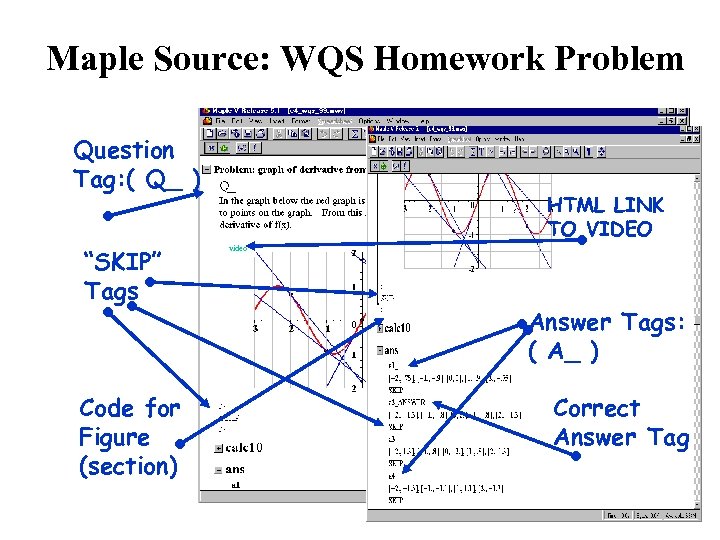
Maple Source: WQS Homework Problem Question Tag: ( Q_ ) “SKIP” Tags Code for Figure (section) HTML LINK TO VIDEO video Answer Tags: ( A_ ) Correct Answer Tag
Now Have Two Years’s Experience With • Technology Development Program – Useful, – Improving • Systematic testing and evaluation program
Must Begin to Address • Dissemination to users • User training • User support – Materials distribution
Software and Service • Software freely distributed (except Maple) • Materials sharing features also provide free source of materials • Problem (apparent) is hosting of service – Need reliable, convenient, efficient, persistent site location – Need full contol – Need after-hours access
Initial Training Focus is on Pre -service Teachers • They have TIME – Learn operation, tools, techniques – Set up and operate personal site – Prepare and implement complete, operational material sets – Form collaborative relationships for continuation • They can provide collegial consultation at their host schools • They will need a complete course
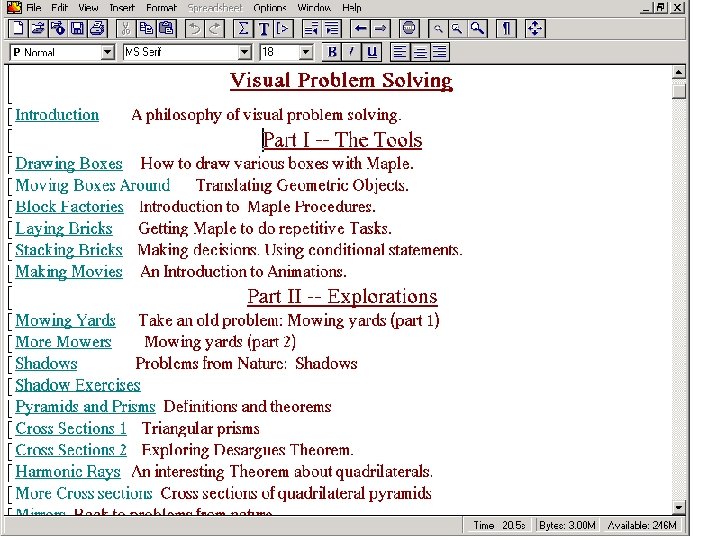
Course Needs to Provide: • Introduction to Maple (including graphics) • Comprehensive overview of how such systems work • Facility with tools • Experience in: – Use of system – Collaborative development of materials (teamwork)
Philosophical Difficulties: • Not a math class as described – Looks at best like an elementary computer skills class • Thin intellectual content? • Fit in a crowded curriculum?
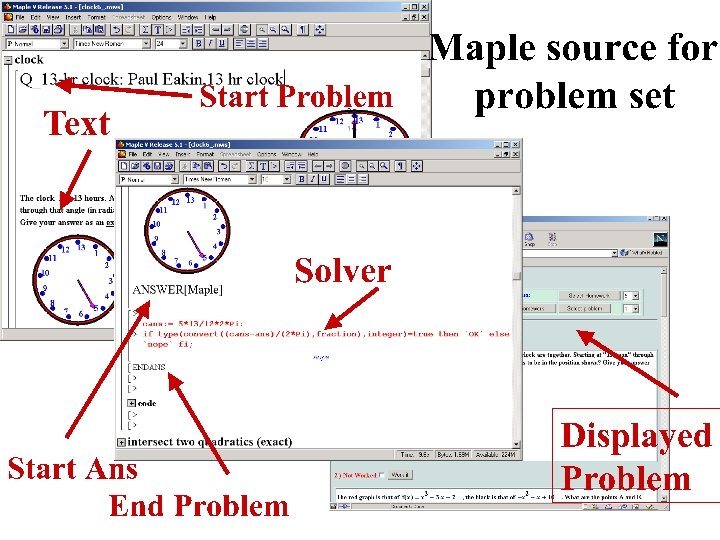
Observations • WQS materials move readily to Math. Class (something is conserved) • Effort is mathematical problem-solving at a non-trivial level – Creating diagrams, answers (WQS) – Creating solver (Math. Class) – Verification – Requires wide variety of math tools even for elementary problems • Math. Class environment permits development of non-traditional types of problems.
Mathematical Content • Designing problems – Includes solving them • Creating diagrams, answers (WQS) • Creating Solvers – Validation • Math required for even elementary problems: – Geometry, algebra, trig, formal logic, calculus, linear algebra, . .
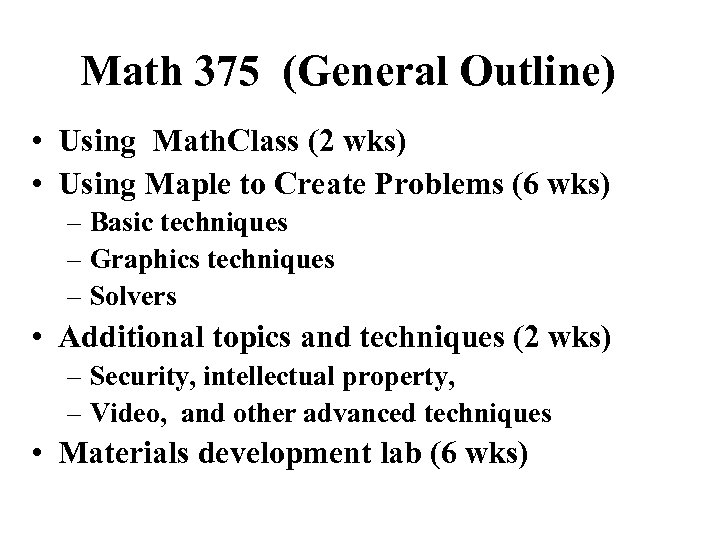
Math 375 (General Outline) • Using Math. Class (2 wks) • Using Maple to Create Problems (6 wks) – Basic techniques – Graphics techniques – Solvers • Additional topics and techniques (2 wks) – Security, intellectual property, – Video, and other advanced techniques • Materials development lab (6 wks)
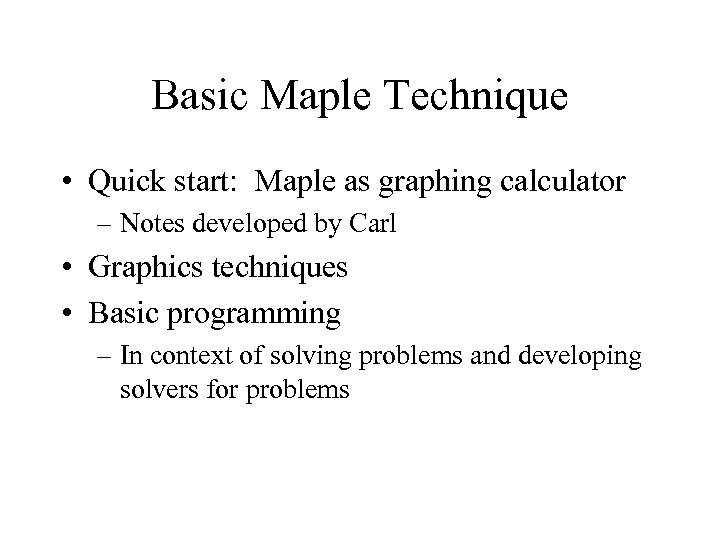
Basic Maple Technique • Quick start: Maple as graphing calculator – Notes developed by Carl • Graphics techniques • Basic programming – In context of solving problems and developing solvers for problems
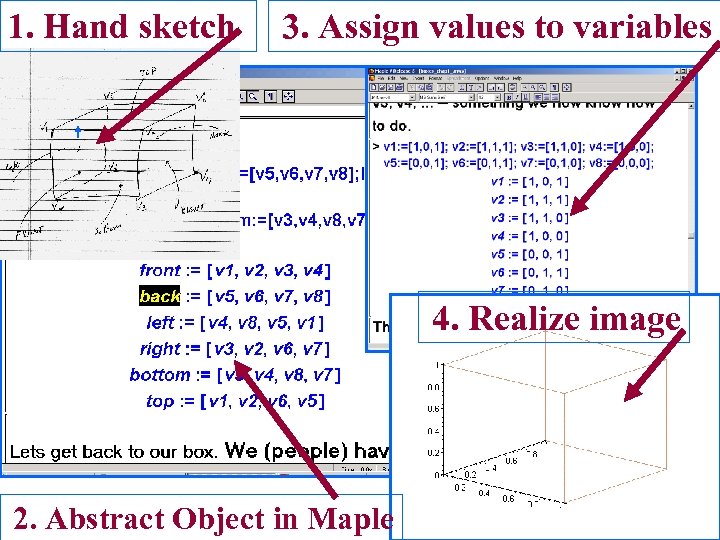
1. Hand sketch 3. Assign values to variables 4. Realize image 2. Abstract Object in Maple
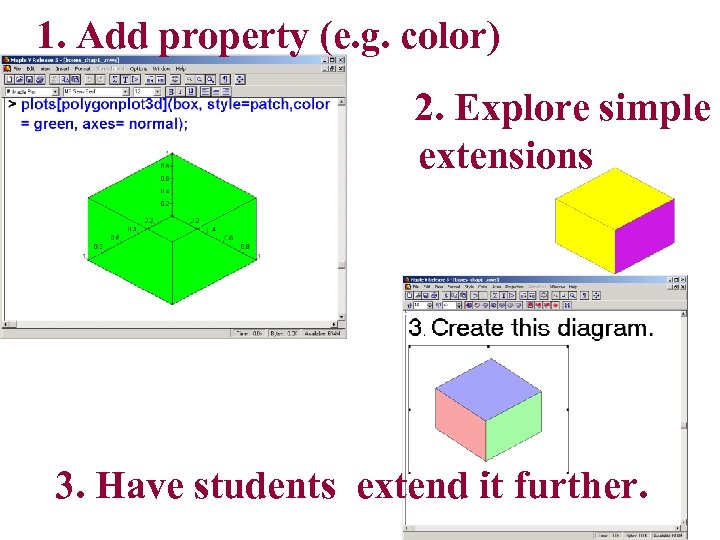
1. Add property (e. g. color) 2. Explore simple extensions 3. Have students extend it further.
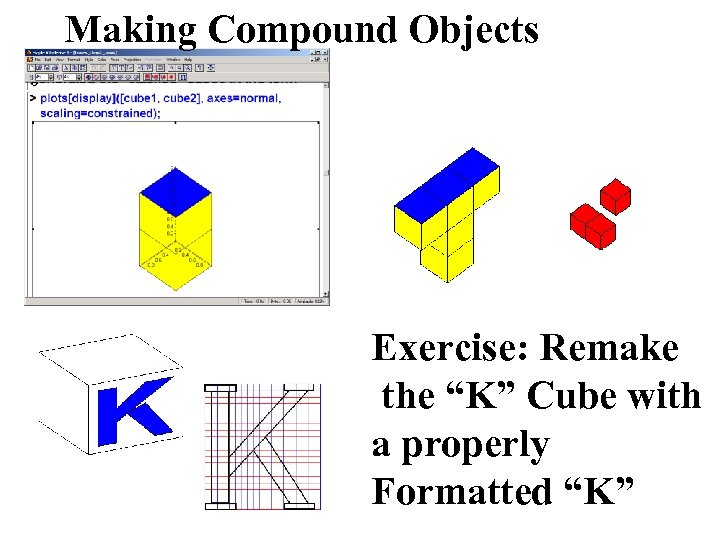
Making Compound Objects Exercise: Remake the “K” Cube with a properly Formatted “K”
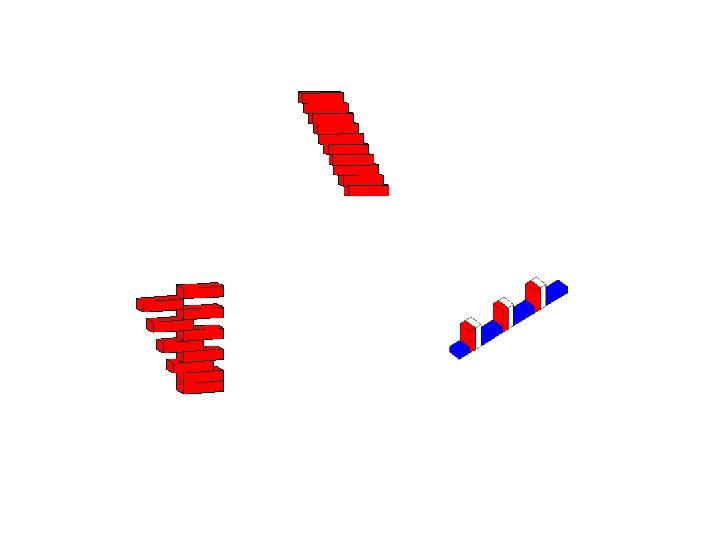
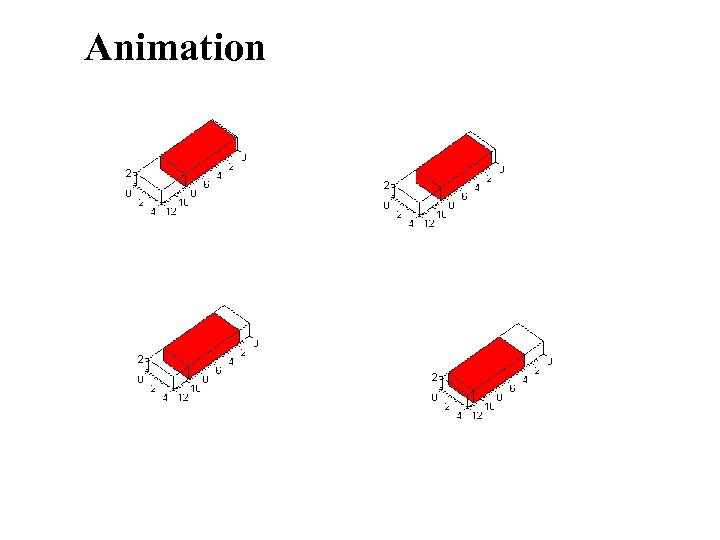
Animation
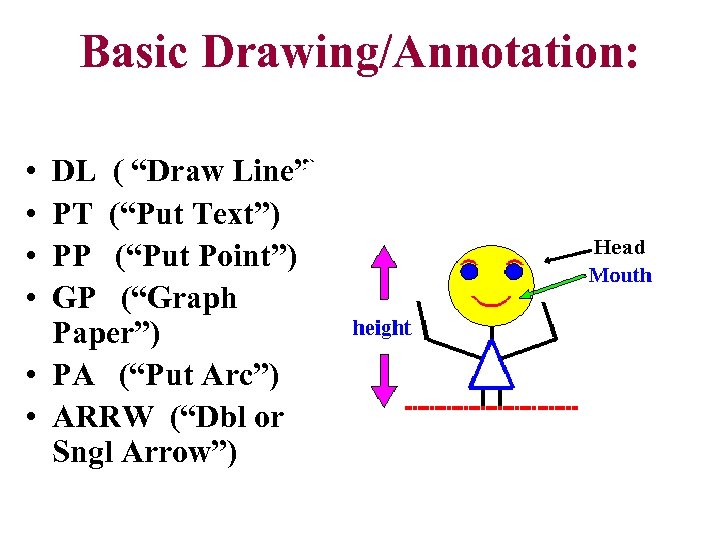
Basic Drawing/Annotation: • • DL ( “Draw Line”) PT (“Put Text”) PP (“Put Point”) GP (“Graph Paper”) • PA (“Put Arc”) • ARRW (“Dbl or Sngl Arrow”)
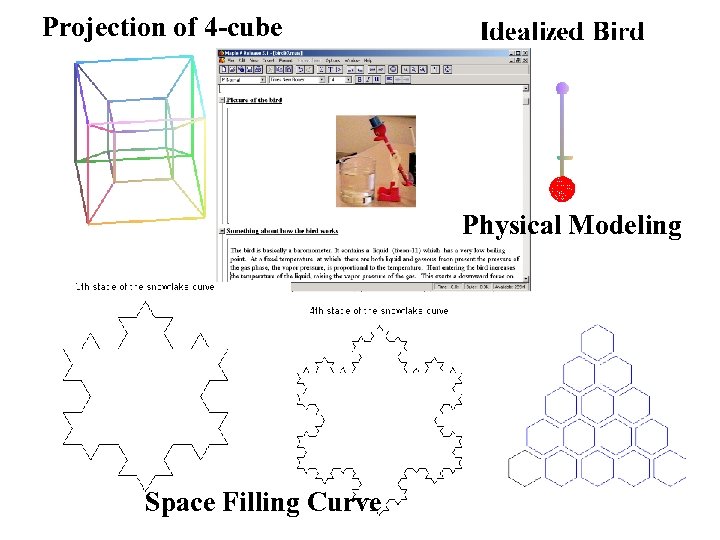
Projection of 4 -cube Physical Modeling Space Filling Curve
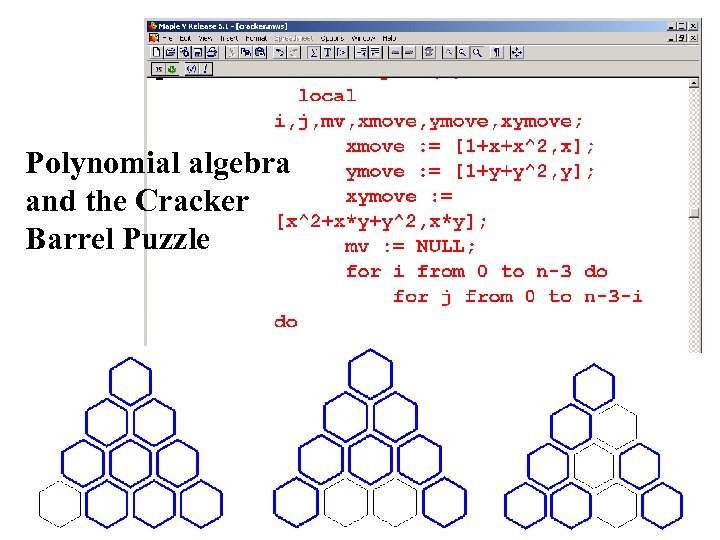
Polynomial algebra and the Cracker Barrel Puzzle
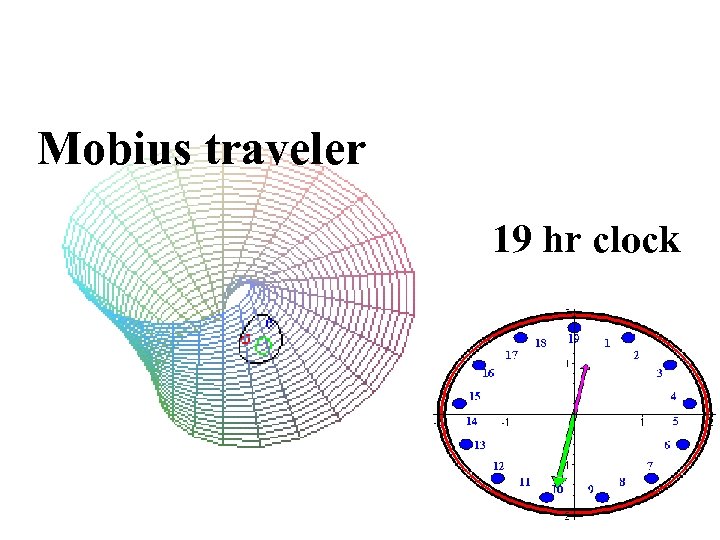
Mobius traveler 19 hr clock
Early Lab Activities • Operating individual Math. Class sites – Student chats, emails – Managing data • Working with extant materials • Making/integrating graphics/video – Class rolls • Making CD/DVD • etc
Major Course Project: Development and Implementation of Student Teaching Materials • Done with student team • In consultation with supervising teacher • Site will be maintained throughout student teaching and beyond
Скачать презентацию Communicating Mathematics A Problem Solving Approach Paul Eakin
4d8459abd2e95b4ed0148eddd65974d9.ppt