


 Скачать презентацию Communicating in Code Commenting Programming Studio Spring 2015
e0e433fba9fbda186edcda804e5bc186.ppt
- Количество слайдов: 38
 Communicating in Code: Commenting Programming Studio Spring 2015 Note: several examples in this lecture taken from The Practice of Programming by Kernighan and Pike
 Comments • An internal documentation mechanism – Documentation of the code stays with and close to the code • Comments should complement good coding style, not replace it – The better written your code, the fewer comments you will need • Poor commenting is a waste of time and sometimes harmful.
 What Comments are Not • Design documents
 What Comments are Not • Design documents • API references
 What Comments are Not • Design documents • API references • Specifications
 What Comments are Not • • Design documents API references Specifications Padding to increase your “lines of code”
 What Comments are Not • • • Design documents API references Specifications Padding to increase your “lines of code” Places to tell jokes to future programmers
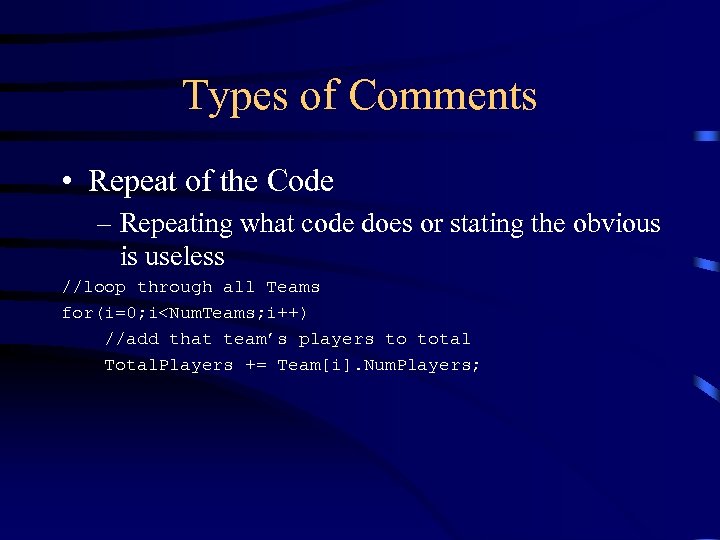 Types of Comments • Repeat of the Code – Repeating what code does or stating the obvious is useless //loop through all Teams for(i=0; i
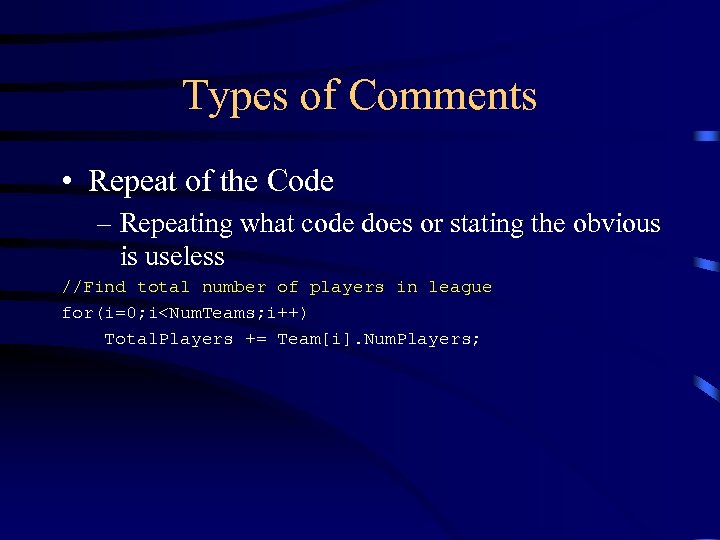 Types of Comments • Repeat of the Code – Repeating what code does or stating the obvious is useless //Find total number of players in league for(i=0; i
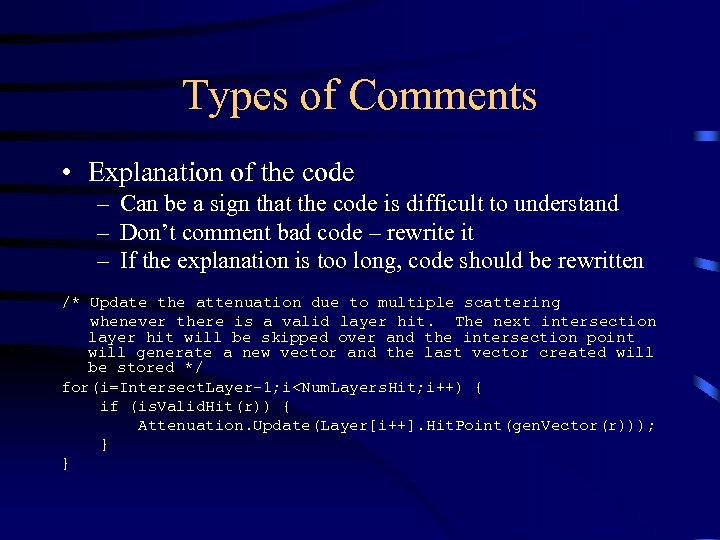 Types of Comments • Explanation of the code – Can be a sign that the code is difficult to understand – Don’t comment bad code – rewrite it – If the explanation is too long, code should be rewritten /* Update the attenuation due to multiple scattering whenever there is a valid layer hit. The next intersection layer hit will be skipped over and the intersection point will generate a new vector and the last vector created will be stored */ for(i=Intersect. Layer-1; i
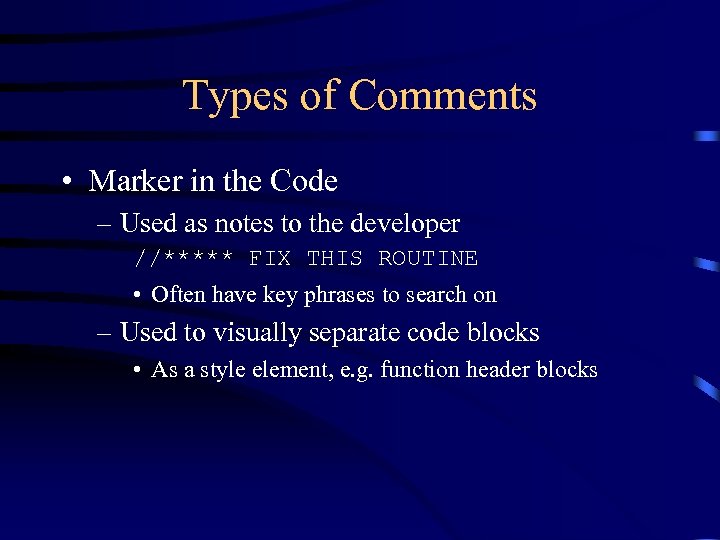 Types of Comments • Marker in the Code – Used as notes to the developer //***** FIX THIS ROUTINE • Often have key phrases to search on – Used to visually separate code blocks • As a style element, e. g. function header blocks
 Types of Comments • Summary of the code – Short statement summarizing several lines of code. – Useful for quick scanning over code to find areas where things are happening – Provides a global “map” to the code
 Types of Comments • Description of the code’s intent – Best type – explains the why, not the how – Comments should add something that is not immediately evident from the code – Understanding the intent of code is usually the issue – it’s much easier to tell exactly what the code is doing.
 Things to Comment • Functions • Global variables – Can be tough to keep track of • Code that is truly complicated – Might require lots of explanation, references to algorithms
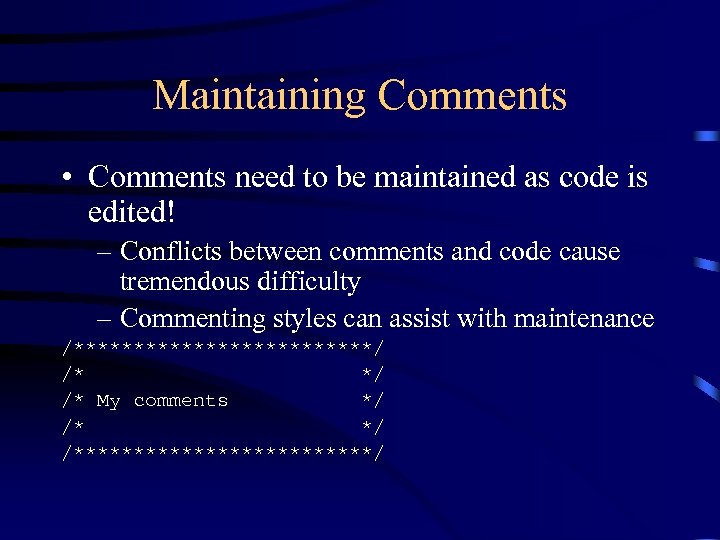 Maintaining Comments • Comments need to be maintained as code is edited! – Conflicts between comments and code cause tremendous difficulty – Commenting styles can assist with maintenance /*************/ /* My comments */ /*************/
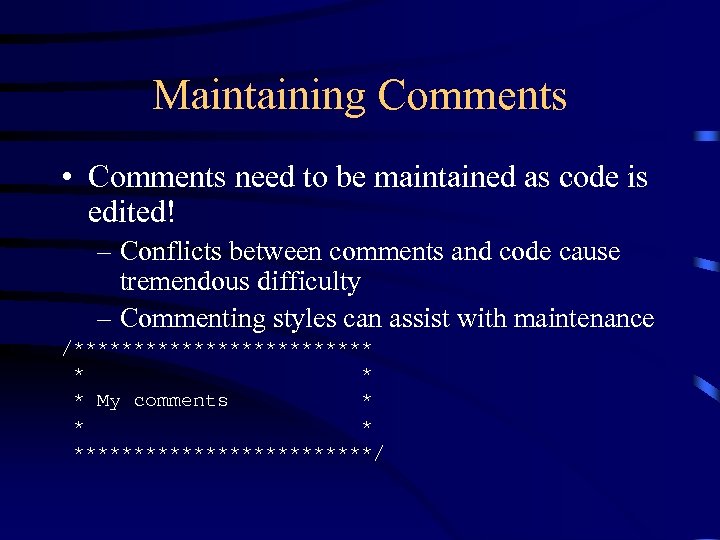 Maintaining Comments • Comments need to be maintained as code is edited! – Conflicts between comments and code cause tremendous difficulty – Commenting styles can assist with maintenance /************* * My comments * *************/
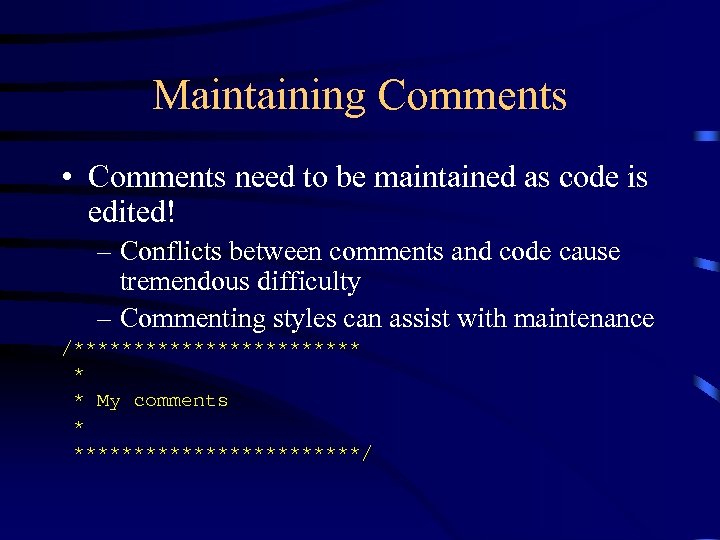 Maintaining Comments • Comments need to be maintained as code is edited! – Conflicts between comments and code cause tremendous difficulty – Commenting styles can assist with maintenance /************ * * My comments * ************/
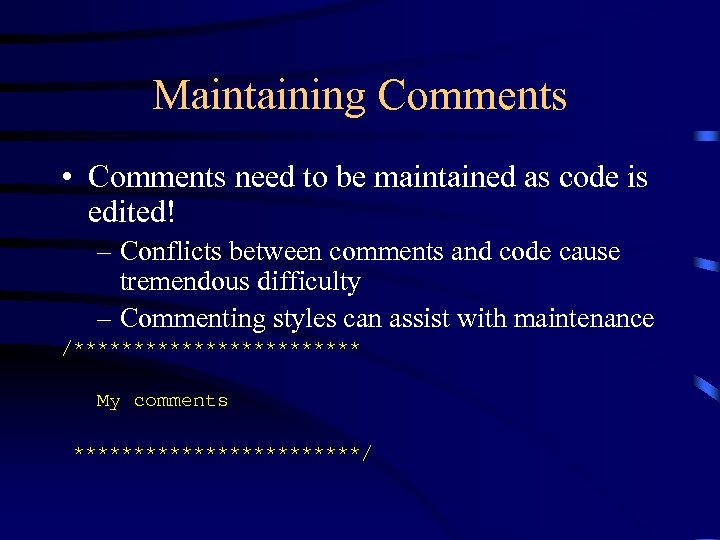 Maintaining Comments • Comments need to be maintained as code is edited! – Conflicts between comments and code cause tremendous difficulty – Commenting styles can assist with maintenance /************ My comments ************/
 Maintaining Comments • Comments need to be maintained as code is edited! – Conflicts between comments and code cause tremendous difficulty – Commenting styles can assist with maintenance • Blocks of comments • Lining up comments
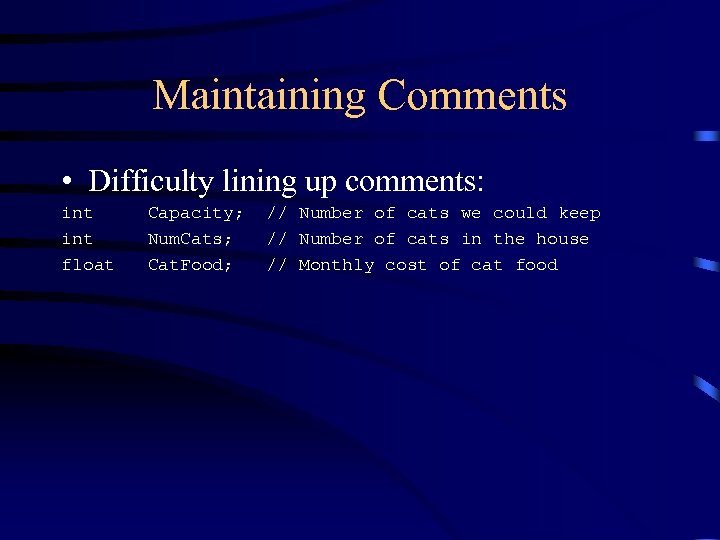 Maintaining Comments • Difficulty lining up comments: int float Capacity; Num. Cats; Cat. Food; // Number of cats we could keep // Number of cats in the house // Monthly cost of cat food
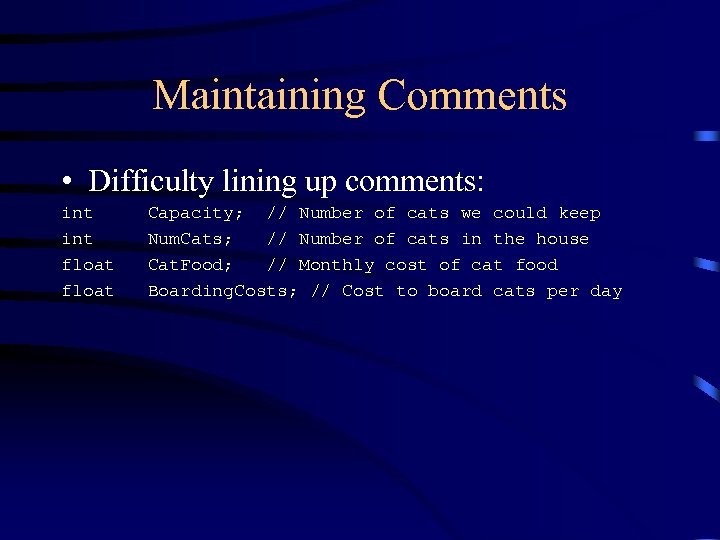 Maintaining Comments • Difficulty lining up comments: int float Capacity; // Number of cats we could keep Num. Cats; // Number of cats in the house Cat. Food; // Monthly cost of cat food Boarding. Costs; // Cost to board cats per day
 Maintaining Comments • Difficulty lining up comments: – Difficult to maintain over time, so tend to degrade with modification – Leaving enough space often leads to short comments
 Maintaining Comments • Comments often last – Don’t use comments you don’t want others to see – Don’t expect comments to really be “temporary” – If markers are left in code, be sure they will be found
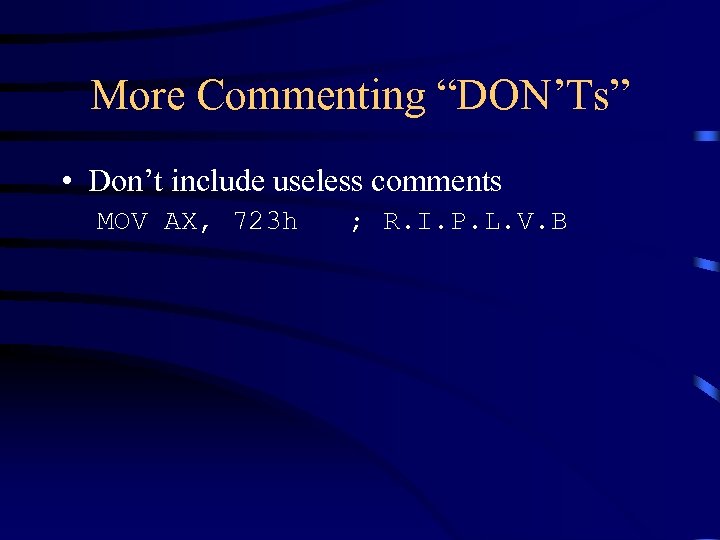 More Commenting “DON’Ts” • Don’t include useless comments MOV AX, 723 h ; R. I. P. L. V. B
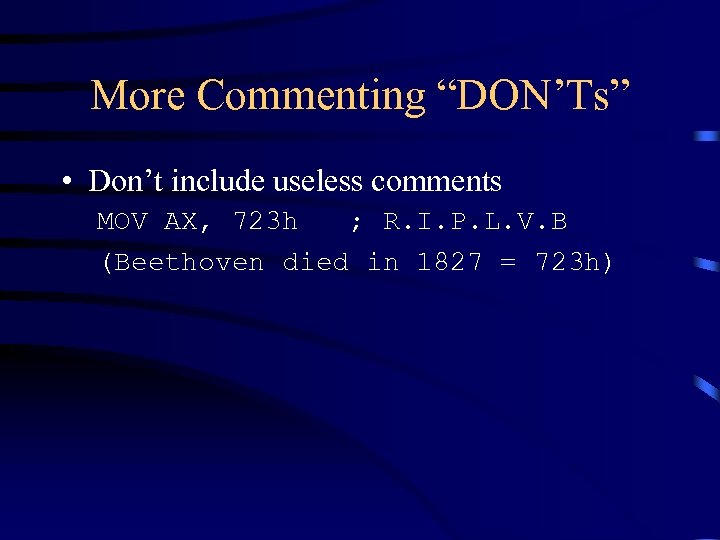 More Commenting “DON’Ts” • Don’t include useless comments MOV AX, 723 h ; R. I. P. L. V. B (Beethoven died in 1827 = 723 h)
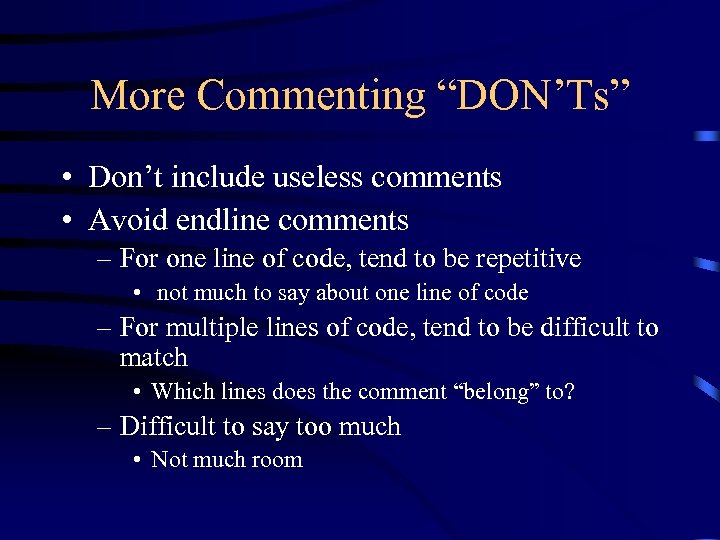 More Commenting “DON’Ts” • Don’t include useless comments • Avoid endline comments – For one line of code, tend to be repetitive • not much to say about one line of code – For multiple lines of code, tend to be difficult to match • Which lines does the comment “belong” to? – Difficult to say too much • Not much room
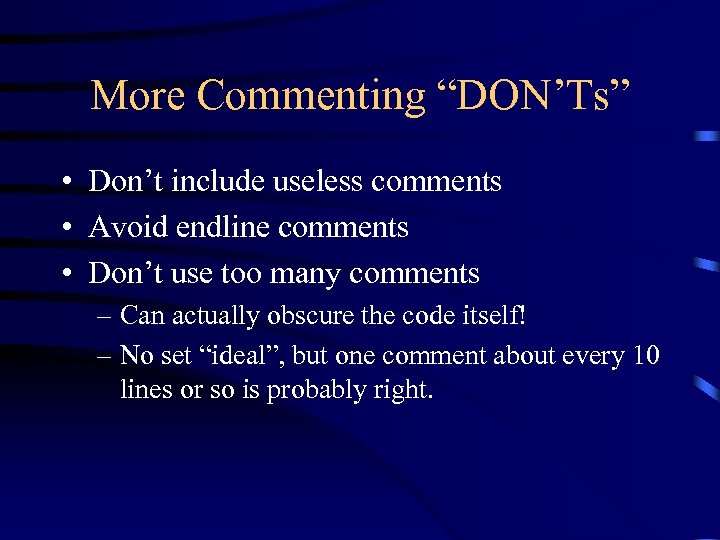 More Commenting “DON’Ts” • Don’t include useless comments • Avoid endline comments • Don’t use too many comments – Can actually obscure the code itself! – No set “ideal”, but one comment about every 10 lines or so is probably right.
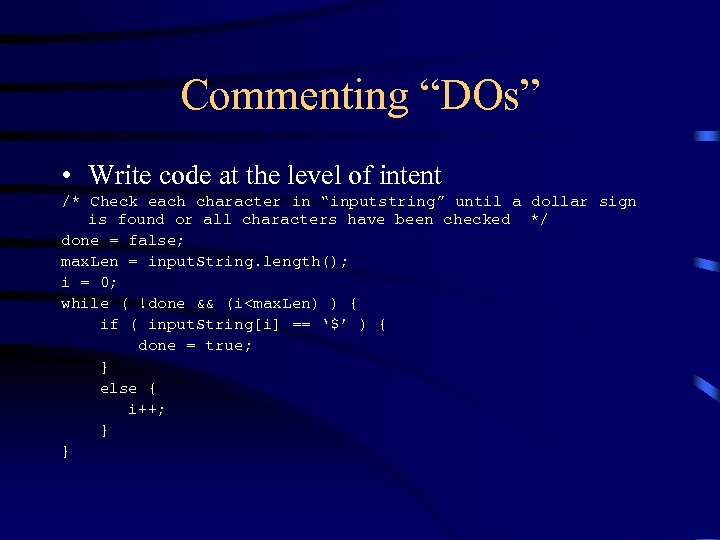 Commenting “DOs” • Write code at the level of intent /* Check each character in “inputstring” until a dollar sign is found or all characters have been checked */ done = false; max. Len = input. String. length(); i = 0; while ( !done && (i
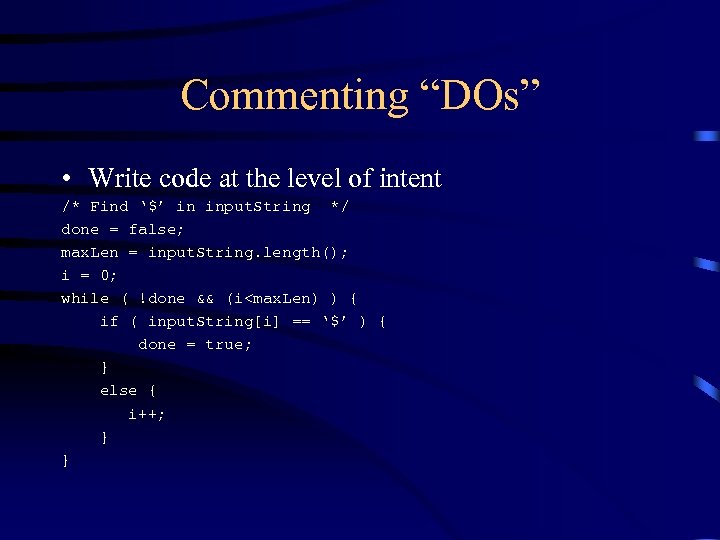 Commenting “DOs” • Write code at the level of intent /* Find ‘$’ in input. String */ done = false; max. Len = input. String. length(); i = 0; while ( !done && (i
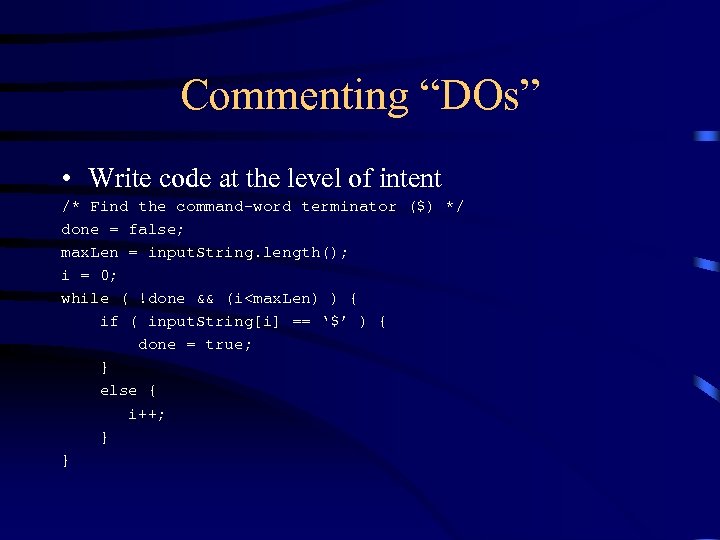 Commenting “DOs” • Write code at the level of intent /* Find the command-word terminator ($) */ done = false; max. Len = input. String. length(); i = 0; while ( !done && (i
 Commenting “DOs” • Write code at the level of intent • Use comments to prepare the reader for what is to follow – May not understand why things are being set up in one area for later use – Comments should precede statements they comment on.
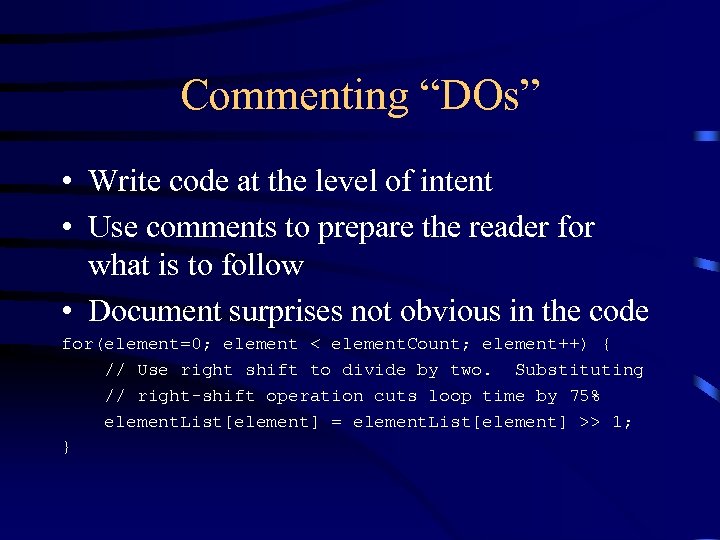 Commenting “DOs” • Write code at the level of intent • Use comments to prepare the reader for what is to follow • Document surprises not obvious in the code for(element=0; element < element. Count; element++) { // Use right shift to divide by two. Substituting // right-shift operation cuts loop time by 75% element. List[element] = element. List[element] >> 1; }
 Commenting “DOs” • Write code at the level of intent • Use comments to prepare the reader for what is to follow • Document surprises not obvious in the code • Avd crypt stats. and abbr.
 Commenting “DOs” • Write code at the level of intent • Use comments to prepare the reader for what is to follow • Document surprises not obvious in the code • Avoid cryptic statements and abbreviations
 Commenting “DOs” • Write code at the level of intent • Use comments to prepare the reader for what is to follow • Document surprises not obvious in the code • Avoid cryptic statements and abbreviations • Comment about anything that is used to avoid an error or an undocumented feature – Prevents that code from being accidentally deleted!
 Other Commenting Suggestions • • • Comment units for numeric data Comment ranges of allowable values Comment limitations on input data Document flags to the bit level Be sure comments stay associated with what they comment – avoid separating comments about a variable from the variable
 Commenting Control Structures • Comments before loops and large blocks are natural • Comment to identify the end of control structures, especially when end is far separated from beginning
 Commenting Functions • Input required – Restrictions/ranges • • Output produced Side effects and global effects Limitations of the routine Sources for algorithms implemented