 Скачать презентацию Cold Fusion Just the Basics Charlie Arehart Syste
70c32efd2c2457ac3f94232f05ed6b72.ppt
- Количество слайдов: 68



Cold. Fusion: Just the Basics Charlie Arehart Syste. Manage September 2000
Who Am I? • Founder/CTO of Syste. Manage – Web App Dev Training, Best Practices Consulting • Allaire Certified Instructor – Teaching Allaire’s Fast. Track to Cold. Fusion, Advanced CF classes, under contract to Fig Leaf Software • Frequent Speaker to User Groups nationwide • Monthly contributor to CFDJ Magazine • Co-author of CF For Dummies, Professional WAP – Other books coming out soon
Who Are You? • Web site developer – Looking to add more interactivity to your site • Web application developer or development manager who’s heard of Cold. Fusion – Wondering how it works, how easy it is to use, how scalable it is for enterprise apps
What We’ll Cover • We’ll show: – How CF can be used to add interactivity to your site – How easy it is to use and how it works – Just the basics: not presuming any CF experience • Not a sales seminar – Definitely task oriented – Discussions of basic topics and features – Several live walkthroughs, code samples
Topics • • • Introduction to Cold. Fusion Prominent Cold. Fusion Sites Basic Coding Demonstrations Database Integration When to/when not to use Cold. Fusion Q&A • All in just 2 hours!

Introduction to Cold. Fusion
About Cold. Fusion • Leading Web Application Development System – more than 430, 000 CF developers worldwide • Very easy to use, yet capable of enterpriseclass applications – being used by organizations large and small
CF: Ready for Prime Time • Robust – Industry leading development platform, at R 4. 5 • Scalable – Capable of enterprise-class applications • Secure – Integrates with OS security
Broad Database Support • CF can communicate with virtually any database, including: – SQL Server (Microsoft and Sybase) – Oracle – DB/2 – Informix – and many more enterprise DBMS’s, as well as desktop DBMS’s such as MS Access
Broad OS/Web Server Support • CF can run on Windows 95/98/NT/2000 – as well as Unix (Solaris, HP-UX , Linux) • Can run on all web servers: – high-performance integration on Netscape, Microsoft, Apache, and other major servers
Great Portability • CF Applications can generally be ported from one environment to another quite easily – Can generally change databases without impact on application • If using ANSI standard SQL – Can switch Web servers without impact – Can even switch platforms without code change (Unixto-Windows/vice versa) • Almost unheard of portability!
Scalability • Cold. Fusion now includes built-in clustering technologies – support for running multiple CF servers to enable high-volume transaction processing • Many significant performance features • Allaire also recently acquired Live Technologies, makers of JRUN – can now integrate CF apps and Java Servlets/Java Server Pages
Yet So Easy to Use! • All those features are great – and should give comfort when discussing CF with those not familiar with it • But what’s better, is it’s so easy to use! • This presentation will focus on simpler aspects of using, developing in CF
Some Prominent CF Sites
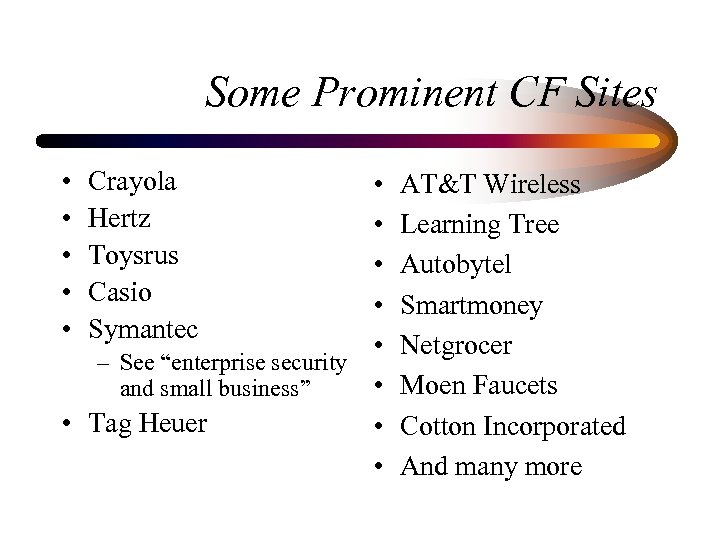
Some Prominent CF Sites • • • Crayola Hertz Toysrus Casio Symantec • • • – See “enterprise security • and small business” • Tag Heuer • • AT&T Wireless Learning Tree Autobytel Smartmoney Netgrocer Moen Faucets Cotton Incorporated And many more
And Did You Know? • Windows 2000 Magazine • SQL Server Magazine
Basic Coding Demonstrations
The Exploding Web • Broad web accessibility, ease of HTML development have made the web explode – nearly anyone can learn and apply HTML • Often web pages become stale for lack of changing content – someone responsible for “updating” pages, job often goes undone • CF makes it easy for pages to change on the fly! – Perhaps based on system information, or database
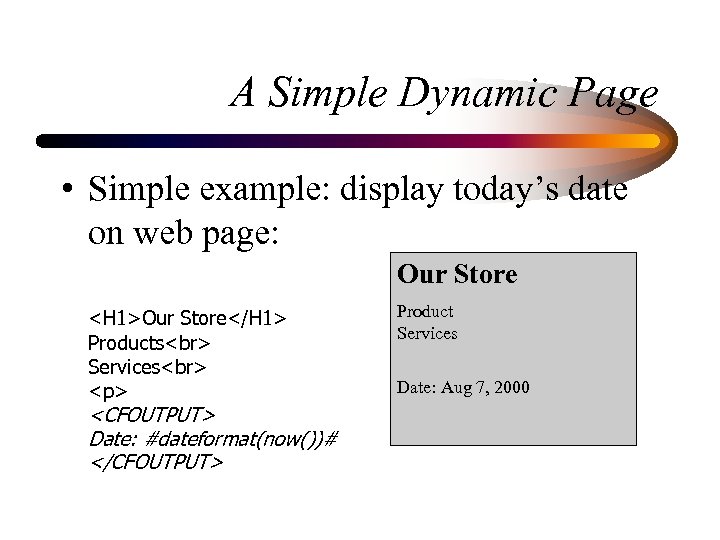
A Simple Dynamic Page • Simple example: display today’s date on web page: Our Store <H 1>Our Store</H 1> Products Services <p> <CFOUTPUT> Date: #dateformat(now())# </CFOUTPUT> Product Services Date: Aug 7, 2000
CF Tag Processing • Notice CFOUTPUT tag on previous page – this is not an HTML tag, instead is CF tag • Called CFML, or Cold. Fusion Markup Language – CFML looks like HTML, but is not understood by the browser • Instead, CF tags are processed on web server first: – CF tags often used to generate HTML
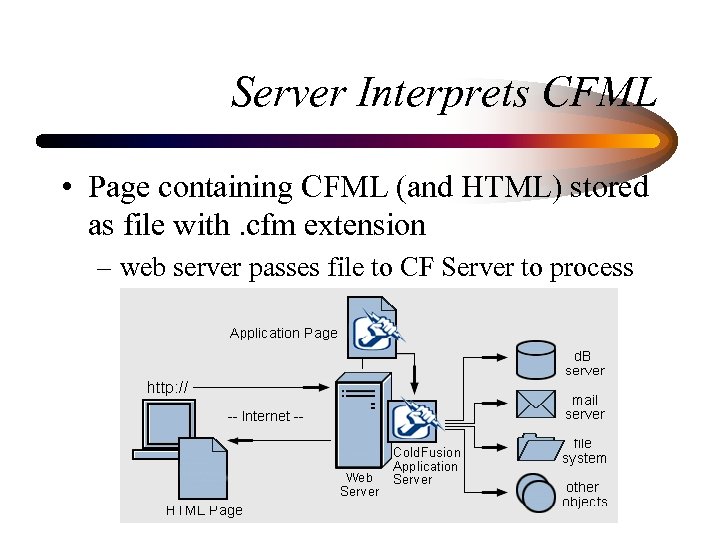
Server Interprets CFML • Page containing CFML (and HTML) stored as file with. cfm extension – web server passes file to CF Server to process
Demonstrations • Viewing CFML source • Browsing that page to see the conversion of CFML to HTML • Observing dynamic change of date/time without page modification
Server vs Client Processing • Cold. Fusion page processed on server • Can only have CFML, no other server-side processing – such as ASP, PERL, Java • But can send to browser any valid clientside code, in addition to HTML – such as Javascript, VBScript, Java applets, Activex controls, DHTML, WML, and more
Side Note: Technology Integration • • • Active. X COM/DCOM CORBA Java JSP, Servlets • Cybercash, ICVerify • Verity SEARCH'97 • Macromedia Flash • Macromedia Generator • Macromedia Dreamweaver • Net. Objects Fusion • XML • WML • SMIL
Why Dynamic Pages? • Extending last example, data to display on site may already be in databases – May want to present database-driven catalogs – may want to prompt users for input and process result (search pages, data entry applications) – may want to query or update databases • CF makes that sort of thing very easy!
Site Updating: Old Way • Manual maintenance – many sites maintain lists of data on web pages – changes are made manually – updates are e-mailed in to person responsible • Bottleneck – maintainer must know HTML – maintainer must make time to read and process emails – some changes fall through cracks, rarely timely
Site Updating: The CF Way • Fully automated, database-generated approach – Database created to hold site data – Static data is moved to database (copy/paste) – Cold. Fusion used to read data from database and display on web page. No change to user. – New administrator interface used to update data • or let the users enter the data themselves!
Demonstrations • New Line Software Employee App – database-driven catalog – simple search interface – drill down capability – simple data entry interface • Source code provided at end of handout
Additional Topics • Many more features of CF to consider as beginners: – Using variables and functions – Performing conditional processing – Form processing • Including form validation – Reusing code with CFINCLUDE – Using (and perhaps creating) custom tags – Passing data among programs
Still More Topics • Other topics worth noting: – Using CFMAIL to generate Email – Using CF’s Application framework – Using Session, Client, Application vars – Cookie processing – Gathering other web site data (CFHTTP, WDDX)
Yet More Topics • Still other topics worth noting: – Integrating with LDAPs – Advanced Security – COM integration – Incorporating Javascript – Lots More • For now, we’ll move on to Database Integration
Database Integration
CF Can Access Server Databases • If database is stored on the CF server – or can be reached over network from the server • That data can be made available on the web – Can build application against it • Of course, security can be applied to limit access – No time to discuss security matters in depth • Will show to integrate databases & CF
Some May Already Know. . . • Before explaining CF database integration, let’s review basics of databases and query processing
Database Basics • Databases are composed of tables – tables are composed of records and columns • SQL, or Structured Query Language, is a standard language for database processing – Cold. Fusion leverages SQL processing – you must understand SQL and db processing • but is relatively easy to learn, many resources
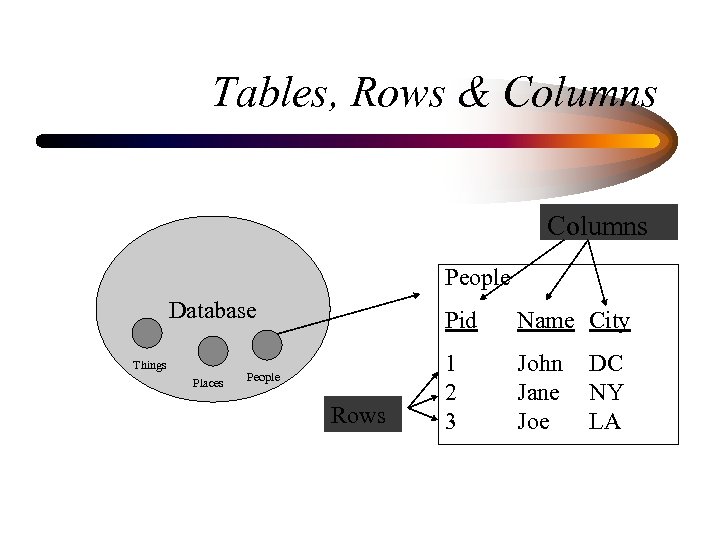
Tables, Rows & Columns People Database Things Places Pid People Rows Name City 1 2 3 John Jane Joe DC NY LA
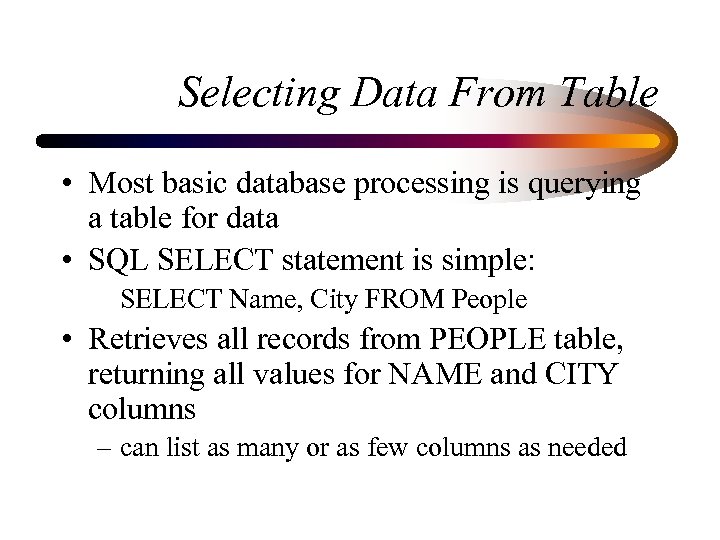
Selecting Data From Table • Most basic database processing is querying a table for data • SQL SELECT statement is simple: SELECT Name, City FROM People • Retrieves all records from PEOPLE table, returning all values for NAME and CITY columns – can list as many or as few columns as needed
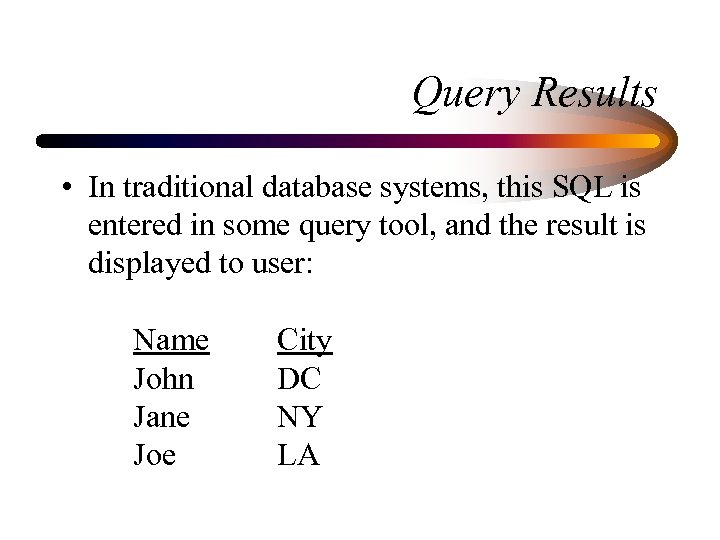
Query Results • In traditional database systems, this SQL is entered in some query tool, and the result is displayed to user: Name John Jane Joe City DC NY LA
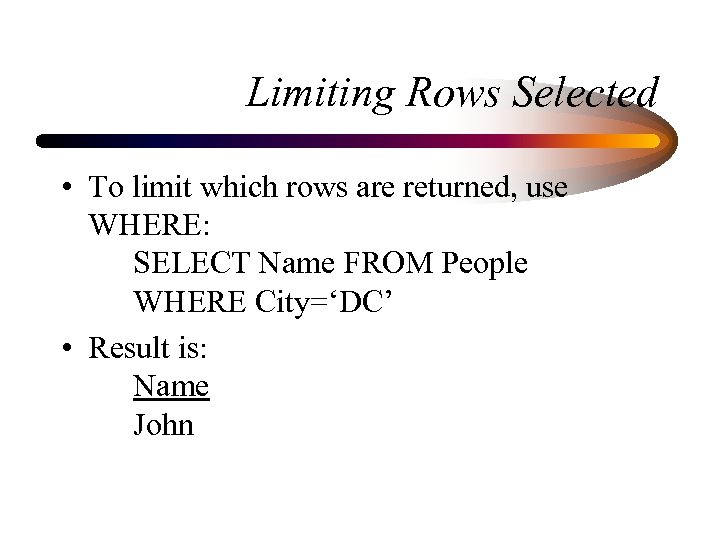
Limiting Rows Selected • To limit which rows are returned, use WHERE: SELECT Name FROM People WHERE City=‘DC’ • Result is: Name John
Cold. Fusion Query Processing • In Cold. Fusion, such results are not “displayed” to user: – instead is made available to CF program as a query result set – up to CF program to determine what to show, and how to format
Side Note: Data. Source Definition • CF can work with databases defined to it – Databases are defined as “datasources” • Definition performed in the CF Administrator – Administrator is an app installed with CF Server – Generally accessible only by authorized user with administrative control over entire CF server • Datasource maps a simple name to DB’s physical location, database type, and login (if any) • Discussed in more detail in CF documentation
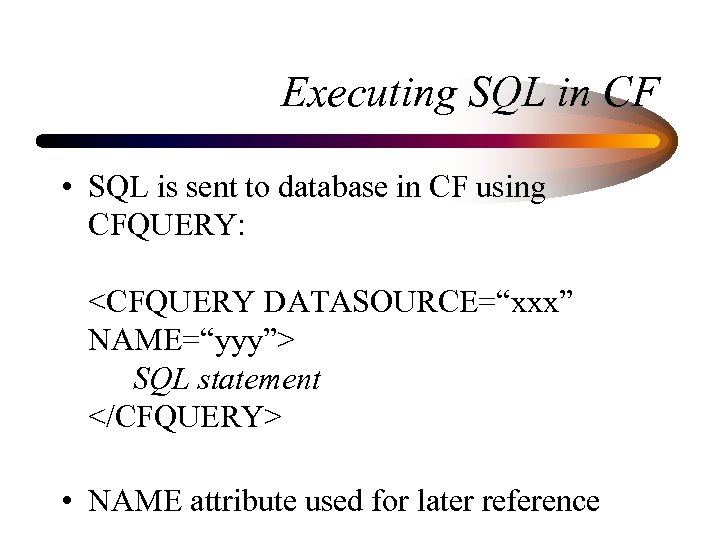
Executing SQL in CF • SQL is sent to database in CF using CFQUERY: <CFQUERY DATASOURCE=“xxx” NAME=“yyy”> SQL statement </CFQUERY> • NAME attribute used for later reference
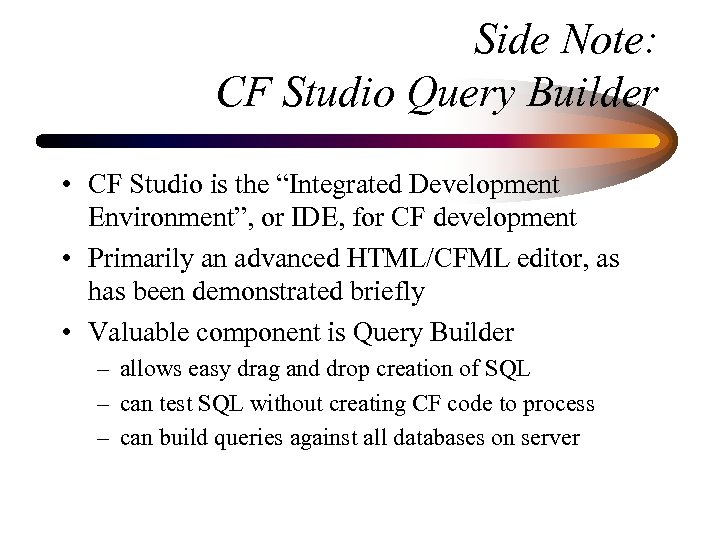
Side Note: CF Studio Query Builder • CF Studio is the “Integrated Development Environment”, or IDE, for CF development • Primarily an advanced HTML/CFML editor, as has been demonstrated briefly • Valuable component is Query Builder – allows easy drag and drop creation of SQL – can test SQL without creating CF code to process – can build queries against all databases on server
Demonstration • Defining a datasource • CF Query Builder – viewing data in various server database tables – using query building features against a single table • Placing SQL in a CFQUERY
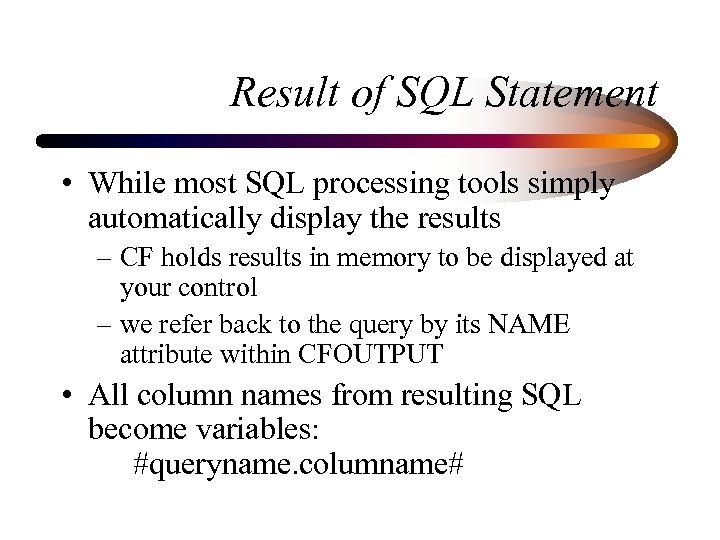
Result of SQL Statement • While most SQL processing tools simply automatically display the results – CF holds results in memory to be displayed at your control – we refer back to the query by its NAME attribute within CFOUTPUT • All column names from resulting SQL become variables: #queryname. columname#
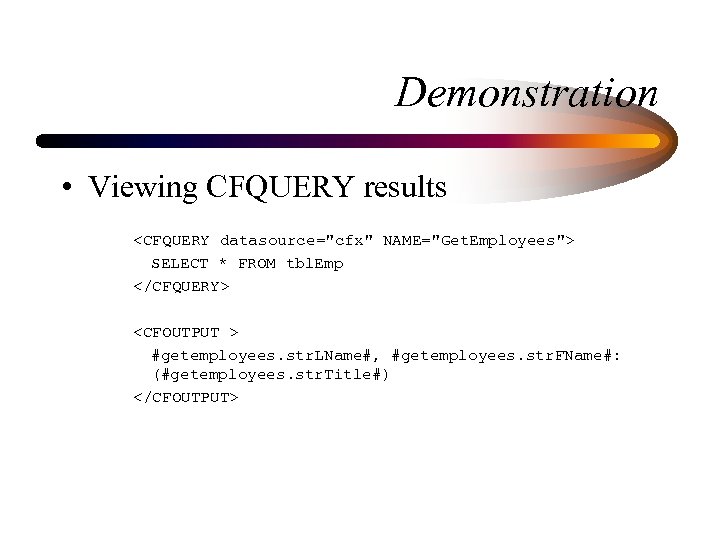
Demonstration • Viewing CFQUERY results <CFQUERY datasource="cfx" NAME="Get. Employees"> SELECT * FROM tbl. Emp </CFQUERY> <CFOUTPUT > #getemployees. str. LName#, #getemployees. str. FName#: (#getemployees. str. Title#) </CFOUTPUT>
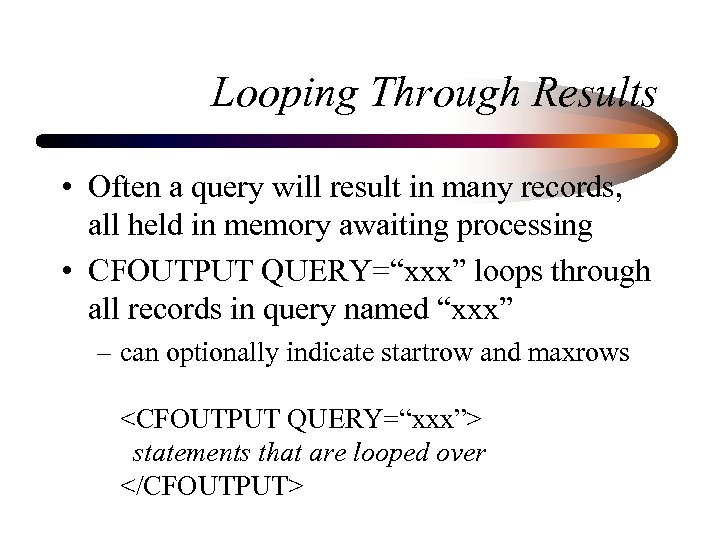
Looping Through Results • Often a query will result in many records, all held in memory awaiting processing • CFOUTPUT QUERY=“xxx” loops through all records in query named “xxx” – can optionally indicate startrow and maxrows <CFOUTPUT QUERY=“xxx”> statements that are looped over </CFOUTPUT>
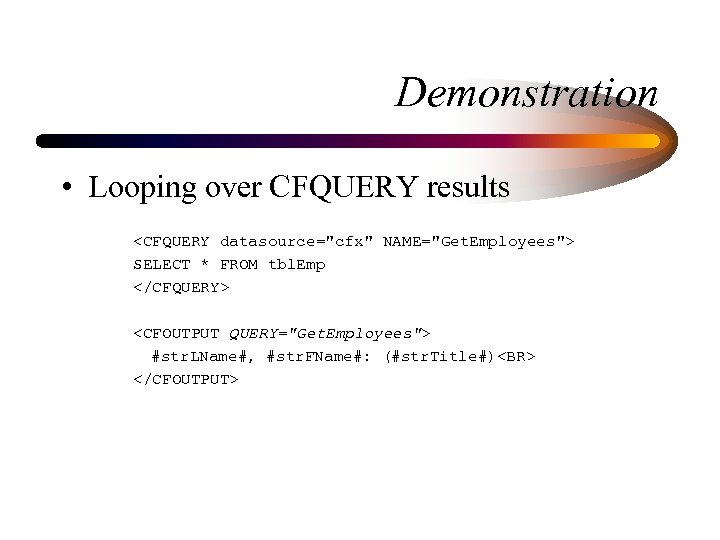
Demonstration • Looping over CFQUERY results <CFQUERY datasource="cfx" NAME="Get. Employees"> SELECT * FROM tbl. Emp </CFQUERY> <CFOUTPUT QUERY="Get. Employees"> #str. LName#, #str. FName#: (#str. Title#)<BR> </CFOUTPUT>
Using Results to Build HTML • Result of CFQUERY can be simply displayed, or used to format HTML elements: – Tables, Lists, Form elements – and much more
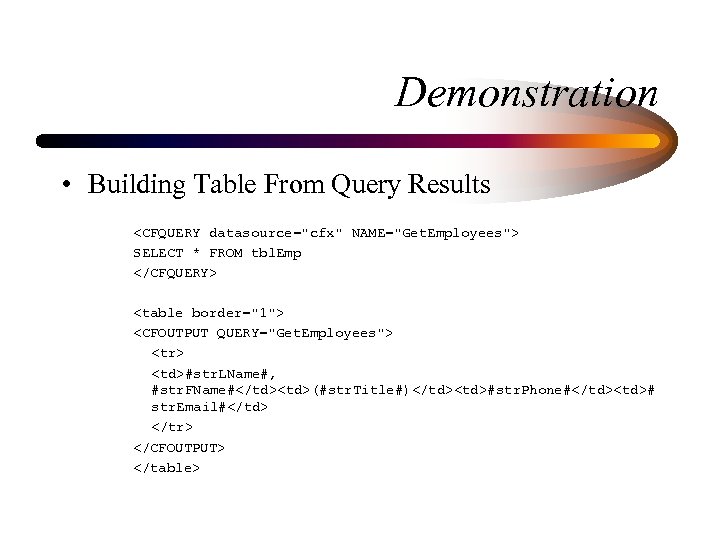
Demonstration • Building Table From Query Results <CFQUERY datasource="cfx" NAME="Get. Employees"> SELECT * FROM tbl. Emp </CFQUERY> <table border="1"> <CFOUTPUT QUERY="Get. Employees"> <tr> <td>#str. LName#, #str. FName#</td><td>(#str. Title#)</td><td>#str. Phone#</td><td># str. Email#</td> </tr> </CFOUTPUT> </table>
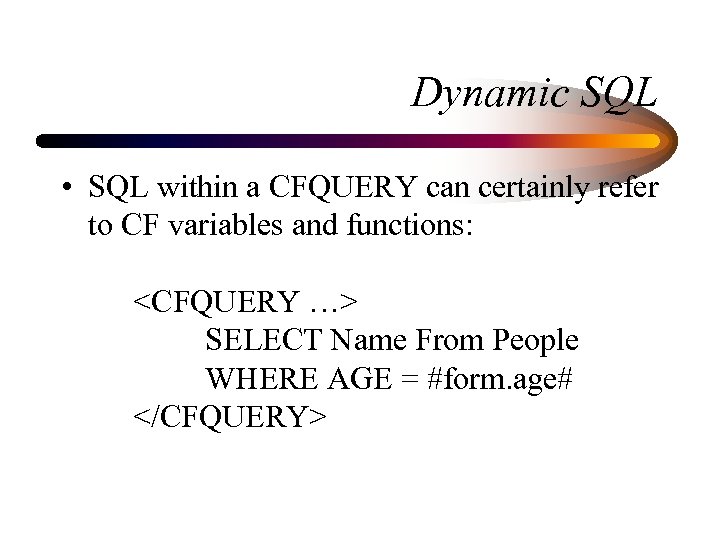
Dynamic SQL • SQL within a CFQUERY can certainly refer to CF variables and functions: <CFQUERY …> SELECT Name From People WHERE AGE = #form. age# </CFQUERY>
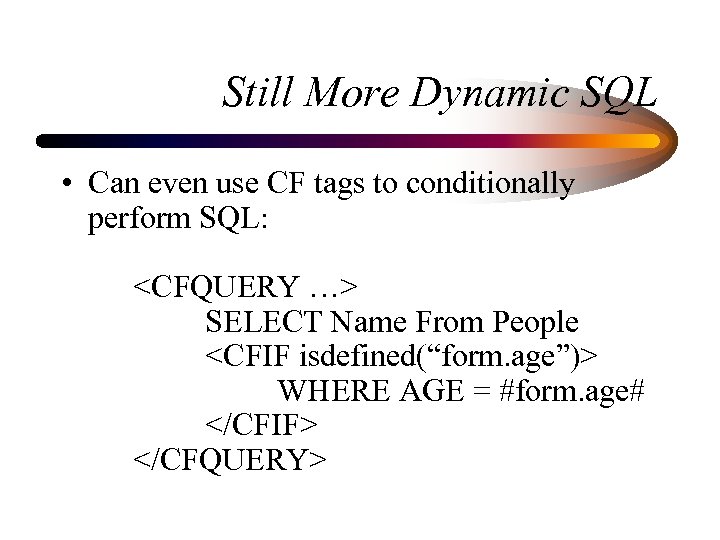
Still More Dynamic SQL • Can even use CF tags to conditionally perform SQL: <CFQUERY …> SELECT Name From People <CFIF isdefined(“form. age”)> WHERE AGE = #form. age# </CFIF> </CFQUERY>
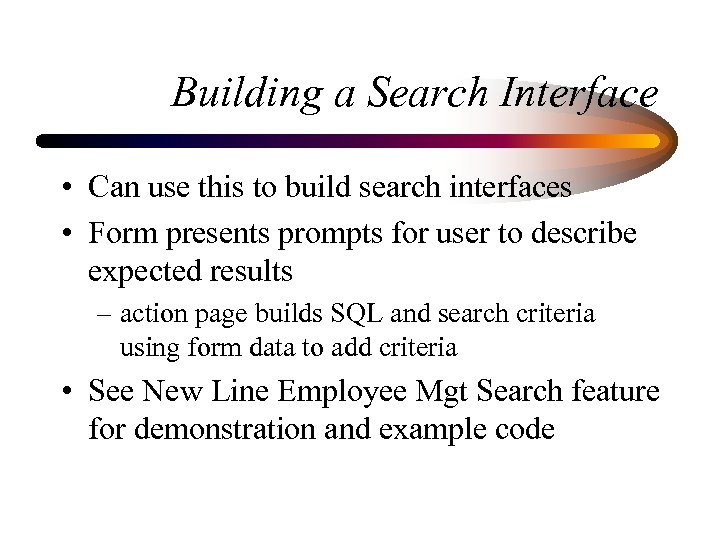
Building a Search Interface • Can use this to build search interfaces • Form presents prompts for user to describe expected results – action page builds SQL and search criteria using form data to add criteria • See New Line Employee Mgt Search feature for demonstration and example code
Additional Topics • Many more important database topics: – More complex SQL – Multi-table Joins – Transaction processing – Use of Stored Procedures, Triggers, Views – Caching database query results – Much More
When and When Not to Use CF
CF For Everything? • Many do indeed use CF for all web app dev – Some find they can do everything they need – Sometimes, they’re misusing it when something else would do a better job • At low volumes, may notice – When scalability is a concern, need to give each job to the right tool
Don’t Do the Database’s Work • Many beginning developers, new to SQL, force CF to do work that SQL could do – Performing a query within a loop over another query is almost always a missed opportunity for a join – And rather than looping over a record set to get a count, use SQL COUNT() aggregate function – Rather than perform input conversions in CF, and then need to manage that code among several apps, do it instead in the database as trigger or stored procedure – Consider stored procedures rather than performing SQL in CFQUERY
Leverage Other Objects • Most organizations use tools besides CF – may have incorporated business rules in them • Can leverage existing COM or Corba objects, or Java. Beans, using CFOBJECT • Can leverage existing java servlets with CFSERVLET • Can extend CF using C++ with CFX’s • Many more such examples
Server Side Java • Java Server Pages and Java Servlets are relatively new means to perform web application development in Java – Provide many capabilities similar to CF – JSP is even coded as embedded statements within HTML – Perhaps easier to find Java developers – Sometimes more scalable in some solutions
Allaire: Major Player in Server Side Java • Allaire acquired Live Software, makers of JRUN, a leading JSP and servlet engine – Has already led to enhanced integration between CF and java – Upcoming release of CF will embody even more substantial integration of the CF and J 2 EE
Learning More About CF and Java • See Jeremy Allaire’s interview in Java Developer Journal, at: – www. sys-con. com/java/archives/0507/radio/index. html – He clarifies how the move to java is not a threat to Cf developers, just an alternative development platform and improved underlying architecture • See also the Allaire site’s Developer area for articles on the subject
CF vs. ASP • Frequently asked question – For beginning developers, CF is much easier to learn – When maintaining someone else’s code, it’s much easier to understand at a glance – A given CF program is much shorter than same in ASP • But sites with strong VB skills will gravitate to it • The fact that it’s free seems a false economy – Due to learning curve and increased code size – And CF is very inexpensive compared to other products

Conclusion
CF: The Developer’s Choice • We’ve seen how easy CF is to work with • How database integration is trivial • How CF has many features to solve wide range of problems • How it can integrate with other tools when necessary
CF: A Complete Environment • Discussed that it’s also: – scalable (clustering, caching, etc. ) – secure (advanced security, integrated with OS) – robust (fail-over, load balancing, multi-threaded) – integrated with other tools and resources (CORBA, COM, Java, and more) • CF Studio provides integrated dev env (IDE)
Where to Learn More • Cold. Fusion documentation – Included with server, and with Studio • Cold. Fusion Web Application Construction Kit, by Ben Forta, et al – THE bible in many people’s eyes • www. allaire. com – an excellent informational and support web site • Cold. Fusion Developer’s Journal – www. coldfusionjournal. com • Fusion. Authority. com, Defusion. com, many more
Great Beginner SQL Resource • Sams’ Teach Yourself SQL In 10 Minutes, by Ben Forta – Great, simple, inexpensive, easy to understand introduction to SQL, especially as is typically used in environments like CF
Good Luck! • And enjoy Cold. Fusion! • Q & A time
Скачать презентацию Cold Fusion Just the Basics Charlie Arehart Syste
70c32efd2c2457ac3f94232f05ed6b72.ppt