


 Скачать презентацию CNIC Computing and Network Infrastructure for Controls
c2883ce003b490dcd23e9e9979d9e1cd.ppt
- Количество слайдов: 24
 CNIC Computing and Network Infrastructure for Controls ► Cyber. Threats on the Horizon ► The CNIC Mandate ► CNIC Tools for Control Systems & Networks ► The Impact on You Stefan Lüders IT/CO JCOP Team Meeting ― July 7 th, 2005
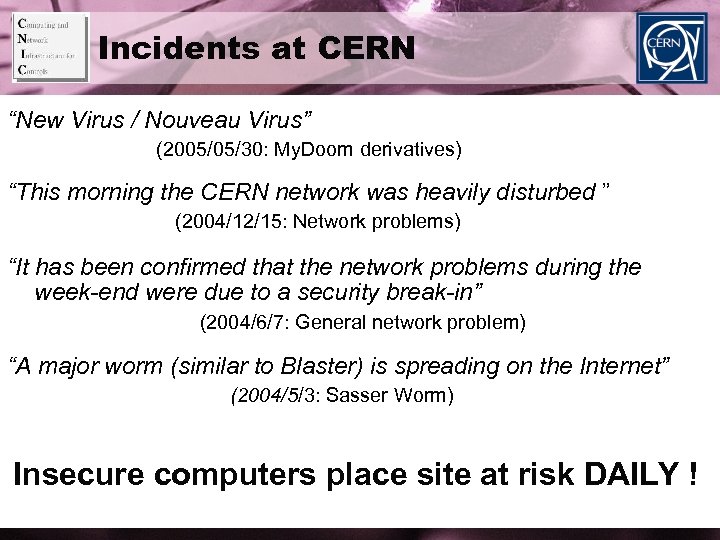 Incidents at CERN “New Virus / Nouveau Virus” (2005/05/30: My. Doom derivatives) “This morning the CERN network was heavily disturbed ” (2004/12/15: Network problems) “It has been confirmed that the network problems during the week-end were due to a security break-in” (2004/6/7: General network problem) “A major worm (similar to Blaster) is spreading on the Internet” (2004/5/3: Sasser Worm) Insecure computers place site at risk DAILY !
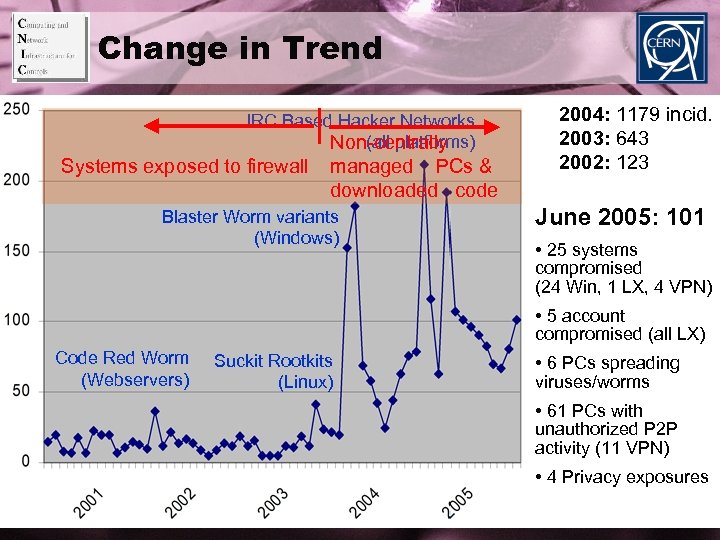 Change in Trend IRC Based Hacker Networks (all platforms) Non-centrally Systems exposed to firewall managed PCs & downloaded code Blaster Worm variants (Windows) 2004: 1179 incid. 2003: 643 2002: 123 June 2005: 101 • 25 systems compromised (24 Win, 1 LX, 4 VPN) • 5 account compromised (all LX) Code Red Worm (Webservers) Suckit Rootkits (Linux) • 6 PCs spreading viruses/worms • 61 PCs with unauthorized P 2 P activity (11 VPN) • 4 Privacy exposures
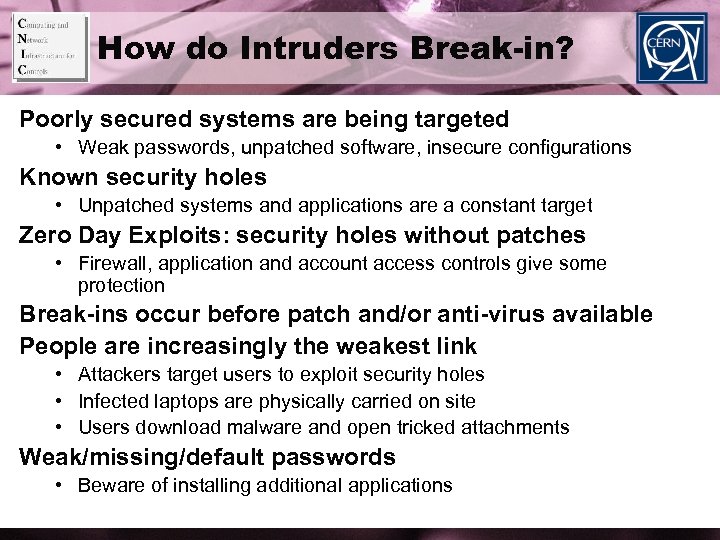 How do Intruders Break-in? Poorly secured systems are being targeted • Weak passwords, unpatched software, insecure configurations Known security holes • Unpatched systems and applications are a constant target Zero Day Exploits: security holes without patches • Firewall, application and account access controls give some protection Break-ins occur before patch and/or anti-virus available People are increasingly the weakest link • Attackers target users to exploit security holes • Infected laptops are physically carried on site • Users download malware and open tricked attachments Weak/missing/default passwords • Beware of installing additional applications
 Ways to Mitigate Use managed systems when possible • Ensure prompt security updates: applications, patches, anti-virus, password rules, logging configured and monitored, … Ensure security protections before connecting to a network • E. g. Firewall protection, automated patch and anti-virus updates Use strong passwords and sufficient logging • • Check that default passwords are changed on all applications Passwords must be kept secret: beware of “Google Hacking” Ensure traceability of access (who and from where) Password recommendations are at http: //cern. ch/security/passwords
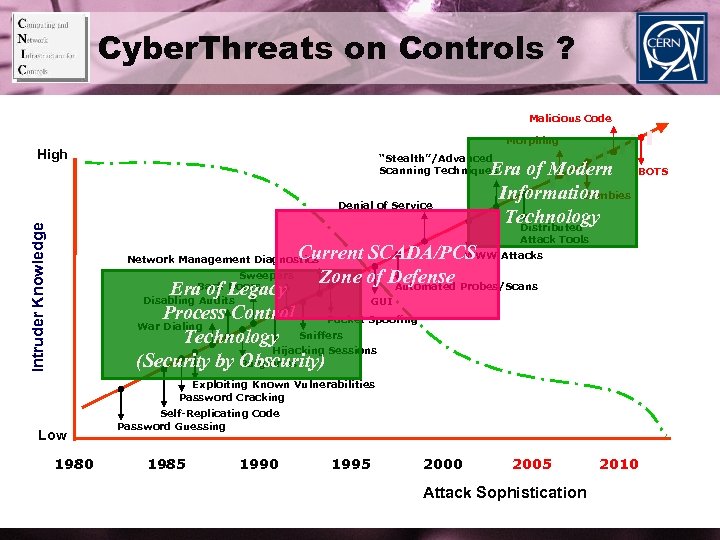 Cyber. Threats on Controls ? Malicious Code Morphing High “Stealth”/Advanced Scanning Techniques Intruder Knowledge Denial of Service Era of Modern Zombies Information Technology Distributed BOTS Attack Tools WWW Current SCADA/PCS Attacks Sweepers Zone of Defense Probes/Scans Back Doors Automated Era. Audits of Legacy Disabling GUI Process Control Packet Spoofing War Dialing Technology Sniffers Hijacking Sessions Burglaries (Security by Obscurity) Network Management Diagnostics Exploiting Known Vulnerabilities Password Cracking Low 1980 Self-Replicating Code Password Guessing 1985 1990 1995 2000 2005 Attack Sophistication 2010
 Control Systems are NOT safe Adoption of Open Standards: • TCP/IP & Ethernet: Increasing integration of IT and Controls • Windows: Control O/S can not always be patched immediately • OPC / DCOM runs on port 135 Controls network is entangled with the Campus network • Use of exposed infrastructure: The Internet, Wireless LAN Account passwords are know to several (many? ) people Automation devices have NO security protections • PLCs, SCADA, etc. • Security not factored into their designs
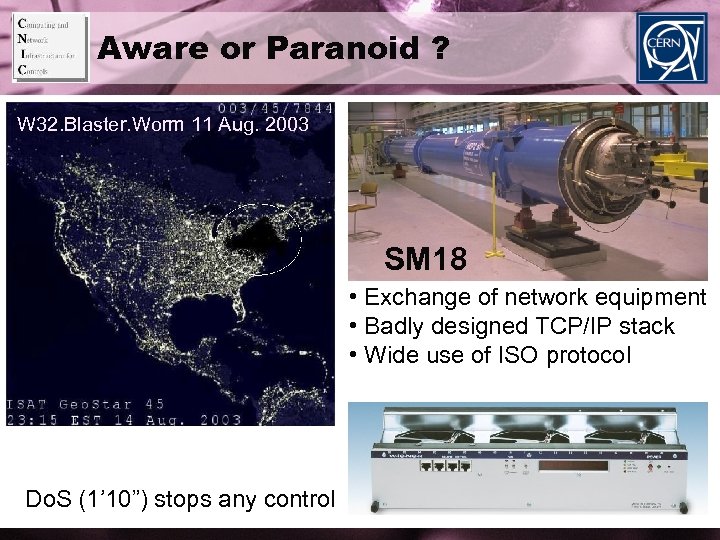 Aware or Paranoid ? W 32. Blaster. Worm 11 Aug. 2003 SM 18 • Exchange of network equipment • Badly designed TCP/IP stack • Wide use of ISO protocol Do. S (1’ 10”) stops any control
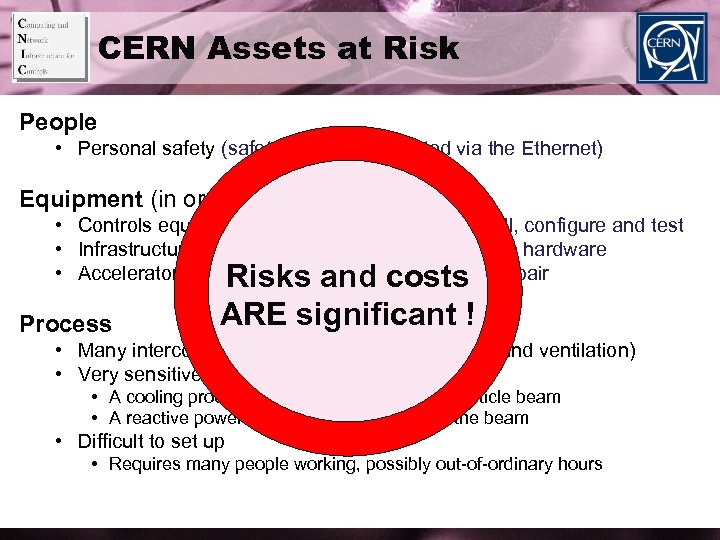 CERN Assets at Risk People • Personal safety (safety alarms transmitted via the Ethernet) Equipment (in order of increasing costs) • Controls equipment: Time-consuming to re-install, configure and test • Infrastructure process equipment: Very expensive hardware • Accelerator & Experiment hardware: Difficult to repair Risks and costs Process ARE significant ! • Many interconnected processes (e. g. electricity and ventilation) • Very sensitive to disturbances • A cooling process PLC failure can stop the particle beam • A reactive power controller failure can stop the beam • Difficult to set up • Requires many people working, possibly out-of-ordinary hours
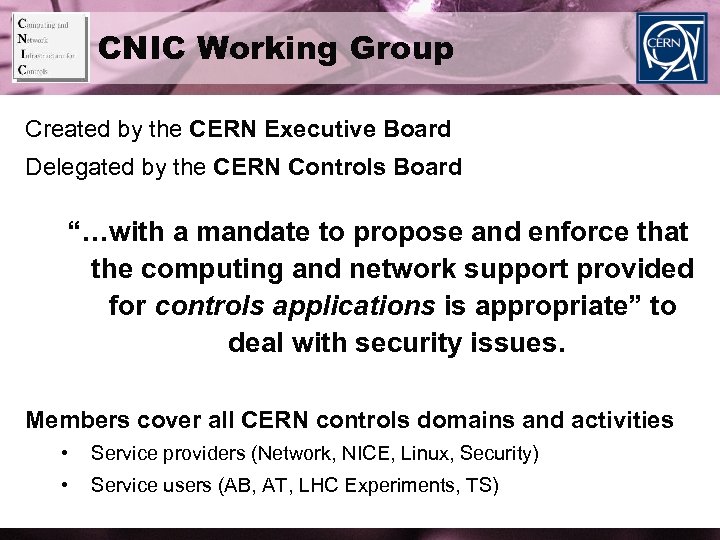 CNIC Working Group Created by the CERN Executive Board Delegated by the CERN Controls Board “…with a mandate to propose and enforce that the computing and network support provided for controls applications is appropriate” to deal with security issues. Members cover all CERN controls domains and activities • Service providers (Network, NICE, Linux, Security) • Service users (AB, AT, LHC Experiments, TS)
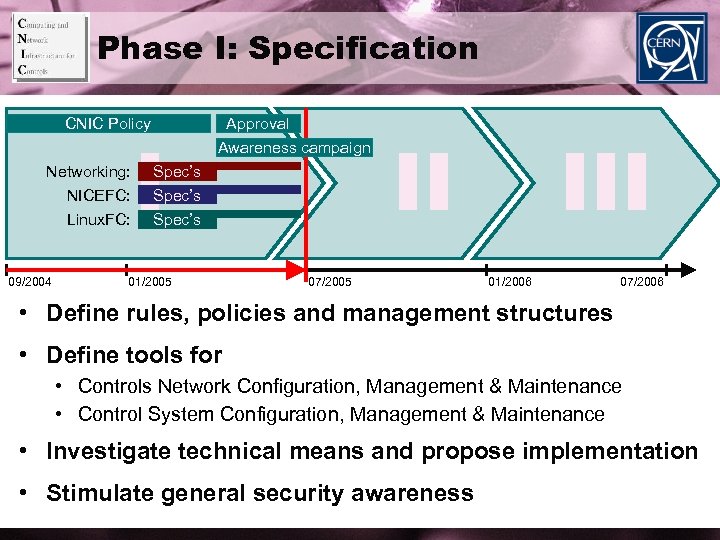 Phase I: Specification CNIC Policy Networking: NICEFC: Linux. FC: 09/2004 I Approval Awareness campaign Spec’s 01/2005 II 07/2005 III 01/2006 07/2006 • Define rules, policies and management structures • Define tools for • Controls Network Configuration, Management & Maintenance • Control System Configuration, Management & Maintenance • Investigate technical means and propose implementation • Stimulate general security awareness
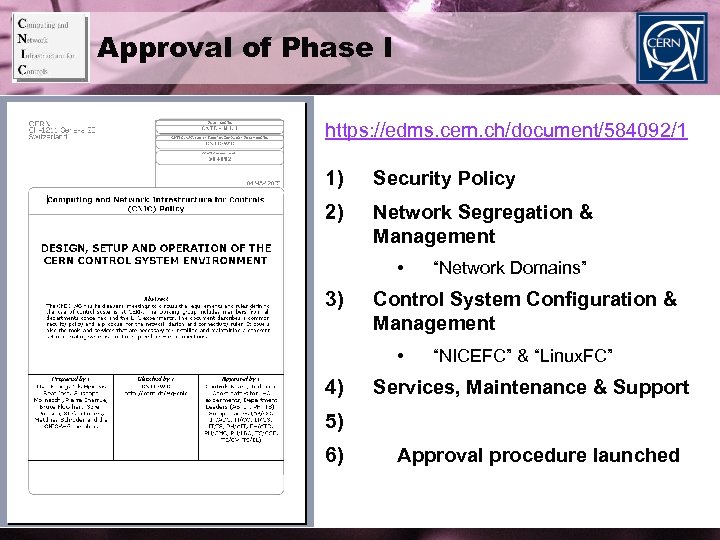 Approval of Phase I https: //edms. cern. ch/document/584092/1 1) Security Policy 2) Network Segregation & Management • 3) Control System Configuration & Management • 4) “Network Domains” “NICEFC” & “Linux. FC” Services, Maintenance & Support 5) 6) Approval procedure launched
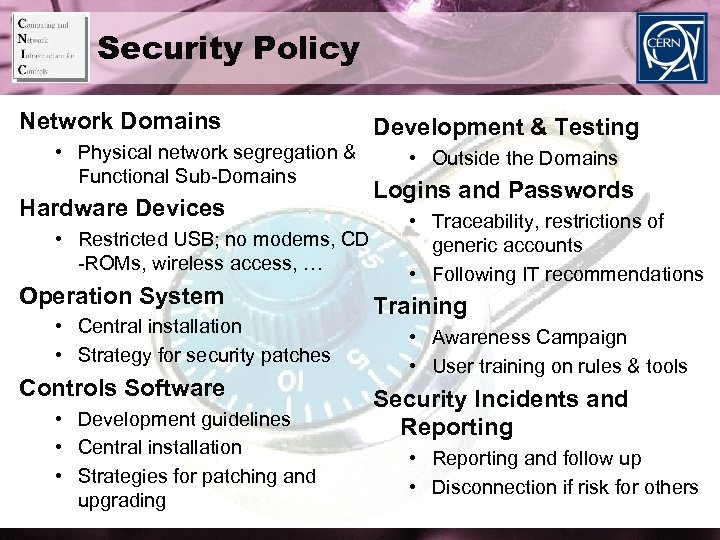 Security Policy Network Domains • Physical network segregation & Functional Sub-Domains Hardware Devices • Restricted USB; no modems, CD -ROMs, wireless access, … Operation System • Central installation • Strategy for security patches Controls Software • Development guidelines • Central installation • Strategies for patching and upgrading Development & Testing • Outside the Domains Logins and Passwords • Traceability, restrictions of generic accounts • Following IT recommendations Training • Awareness Campaign • User training on rules & tools Security Incidents and Reporting • Reporting and follow up • Disconnection if risk for others
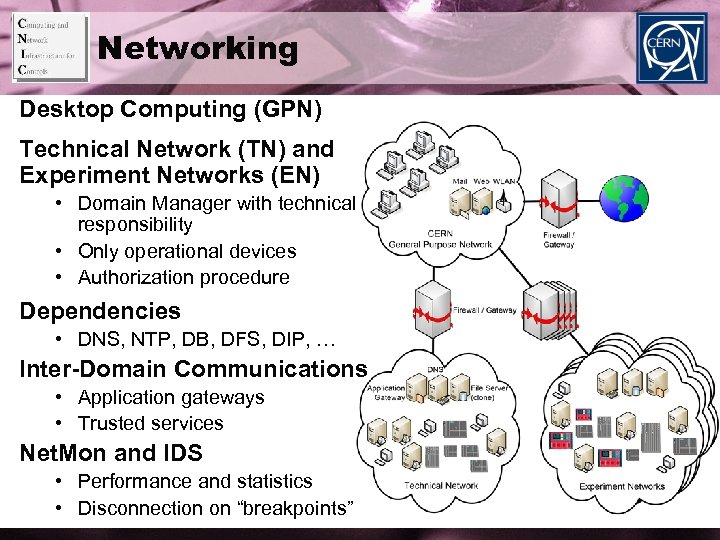 Networking Desktop Computing (GPN) Technical Network (TN) and Experiment Networks (EN) • Domain Manager with technical responsibility • Only operational devices • Authorization procedure Dependencies • DNS, NTP, DB, DFS, DIP, … Inter-Domain Communications • Application gateways • Trusted services Net. Mon and IDS • Performance and statistics • Disconnection on “breakpoints”
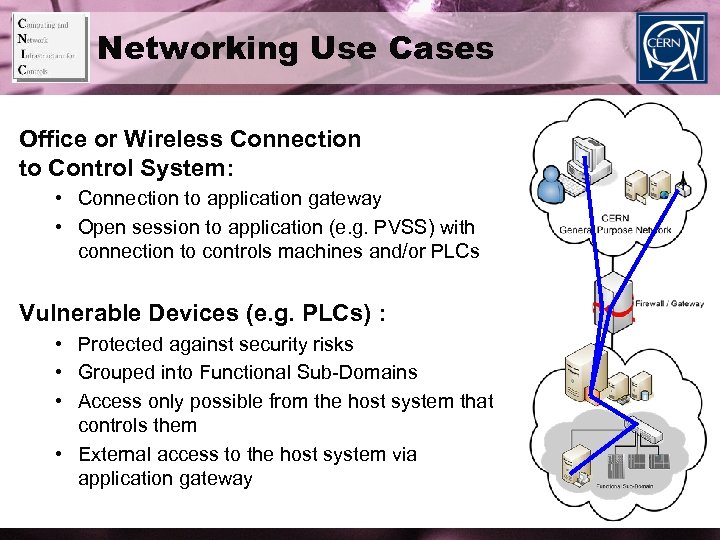 Networking Use Cases Office or Wireless Connection to Control System: • Connection to application gateway • Open session to application (e. g. PVSS) with connection to controls machines and/or PLCs Vulnerable Devices (e. g. PLCs) : • Protected against security risks • Grouped into Functional Sub-Domains • Access only possible from the host system that controls them • External access to the host system via application gateway
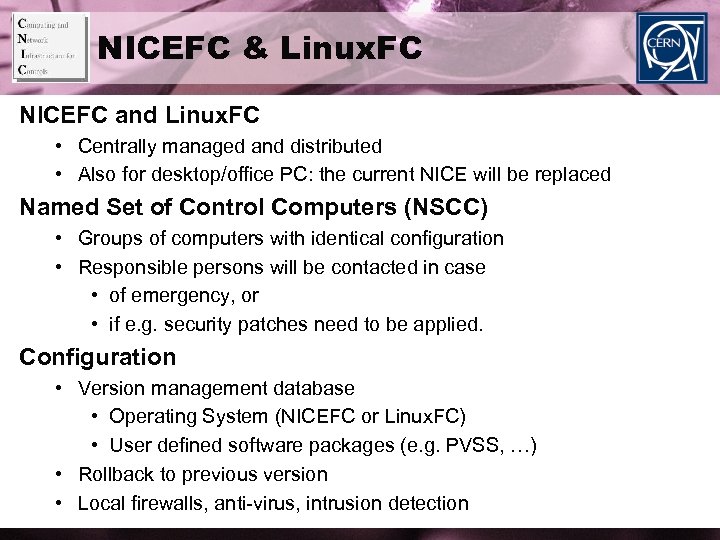 NICEFC & Linux. FC NICEFC and Linux. FC • Centrally managed and distributed • Also for desktop/office PC: the current NICE will be replaced Named Set of Control Computers (NSCC) • Groups of computers with identical configuration • Responsible persons will be contacted in case • of emergency, or • if e. g. security patches need to be applied. Configuration • Version management database • Operating System (NICEFC or Linux. FC) • User defined software packages (e. g. PVSS, …) • Rollback to previous version • Local firewalls, anti-virus, intrusion detection
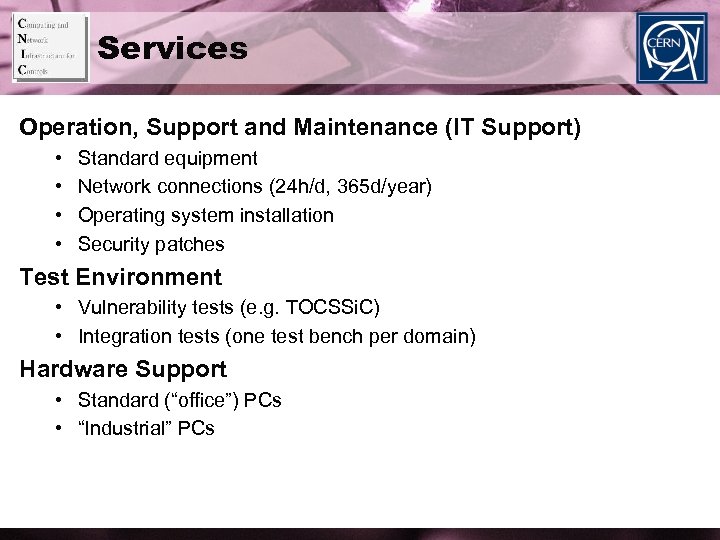 Services Operation, Support and Maintenance (IT Support) • • Standard equipment Network connections (24 h/d, 365 d/year) Operating system installation Security patches Test Environment • Vulnerability tests (e. g. TOCSSi. C) • Integration tests (one test bench per domain) Hardware Support • Standard (“office”) PCs • “Industrial” PCs
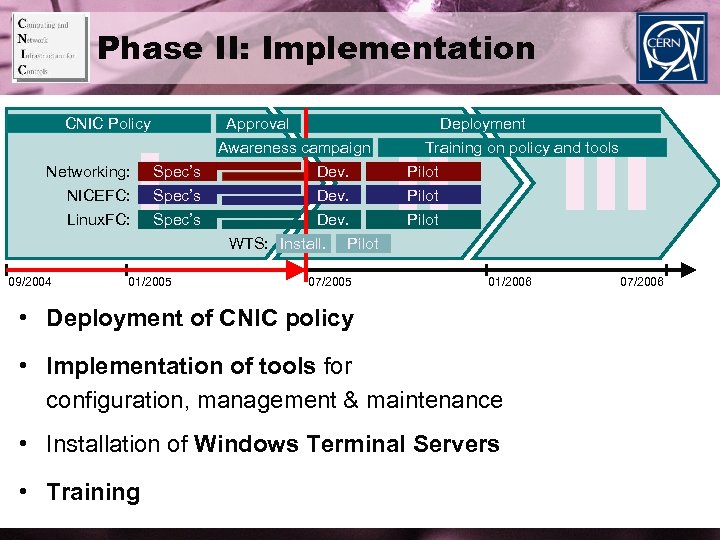 Phase II: Implementation CNIC Policy Networking: NICEFC: Linux. FC: 09/2004 I Spec’s 01/2005 Approval Deployment Awareness campaign Dev. WTS: Install. Pilot 07/2005 II Pilot 01/2006 • Deployment of CNIC policy • Implementation of tools for configuration, management & maintenance • Installation of Windows Terminal Servers • Training III Training on policy and tools Pilot 07/2006
 Phase II: Implementation Pilot tools ready by September 1 st, 2005
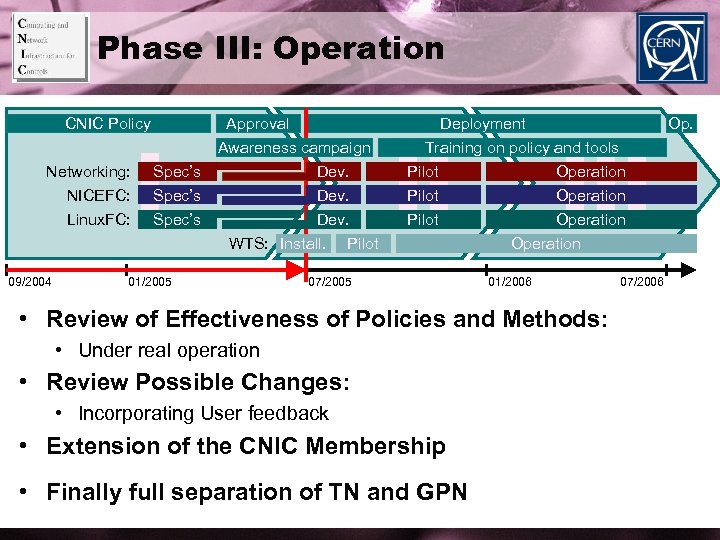 Phase III: Operation CNIC Policy Networking: NICEFC: Linux. FC: 09/2004 I Spec’s Approval Deployment Awareness campaign Dev. WTS: Install. Pilot 01/2005 II III Training on policy and tools Pilot Operation Pilot 07/2005 Operation 01/2006 • Review of Effectiveness of Policies and Methods: • Under real operation • Review Possible Changes: • Incorporating User feedback • Extension of the CNIC Membership • Finally full separation of TN and GPN 07/2006 Op.
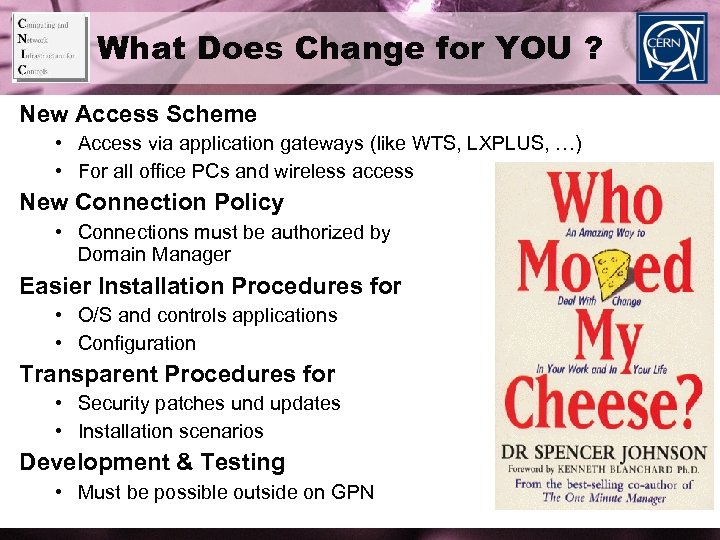 What Does Change for YOU ? New Access Scheme • Access via application gateways (like WTS, LXPLUS, …) • For all office PCs and wireless access New Connection Policy • Connections must be authorized by Domain Manager Easier Installation Procedures for • O/S and controls applications • Configuration Transparent Procedures for • Security patches und updates • Installation scenarios Development & Testing • Must be possible outside on GPN
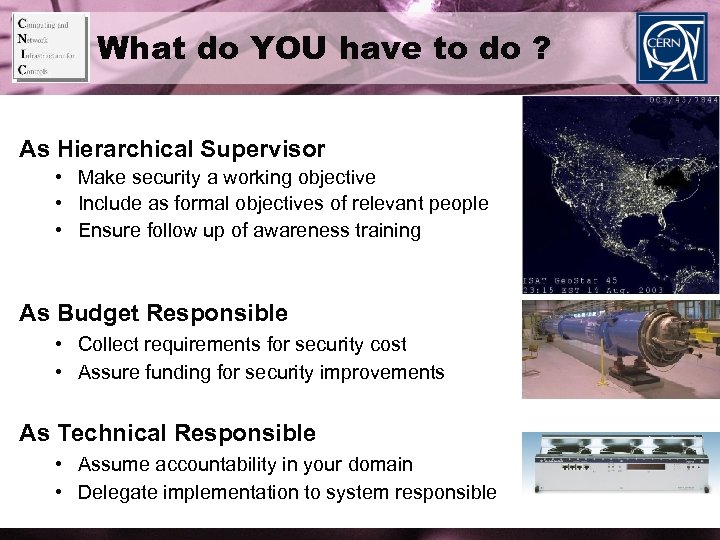 What do YOU have to do ? As Hierarchical Supervisor • Make security a working objective • Include as formal objectives of relevant people • Ensure follow up of awareness training As Budget Responsible • Collect requirements for security cost • Assure funding for security improvements As Technical Responsible • Assume accountability in your domain • Delegate implementation to system responsible
 Conclusions • Adoption of open standards exposes CERN assets at security risk. • CNIC provides methods for mitigation. • CNIC tools are ready soon. Do YOU act before or after the incident ?
 Questions ? Domain Responsible Persons: • GPN: • TN: • • ALICE EN: ATLAS EN: CMS EN: LHCb EN: IT/CS Uwe Epting & Søren Poulsen (TS), Pierre Charrue, Alastair Bland & Nicolas de Metz-Noblat (AB/AT) Peter Chochula Giuseppe Mornacchi Martti Pimia Beat Jost Security Incidents: Computer Security Info: http: //cern. ch/wg-cnic Computer. Security@cern. ch http: //cern. ch/security