


 Скачать презентацию CMS HIPAA Transaction Implementation Status Checklist An Overview
a3b79a1a3b826eec8f7331539727287d.ppt
- Количество слайдов: 23
 CMS HIPAA Transaction Implementation Status Checklist An Overview Assessment Tool 1
 GAO Project Phases n n n Awareness Assessment Remediation Validation Implementation Assessment Tool 2
 Purpose of Risk Assessment Checklist n n Help gauge where States are in the overall picture of HIPAA implementation Establish a barometer of progress; highlighting work still needing to be accomplished Allows States to gauge the level of risk associated with the implementation of the required EDI standard transactions Allow better focus of organization efforts in the time remaining until Oct. 16, 2003 Assessment Tool 3
 How is Checklist Used n n n Contains key questions about critical project activities Answered “Yes” or “No” “Yes” if accomplished or if adequate planning and resources for future efforts are in place “No” answers should be reviewed Decide if “No’s” should be included in risk analysis, if not, why not Companion to Privacy Project Checklist Assessment Tool 4
 Checklist Users n Intended to be used by the HIPAA Coordinator, HIPAA Project Lead, or other key agency representative in the State, Medicaid agency, or other agency NOTE: Use of the checklist is voluntary Assessment Tool 5
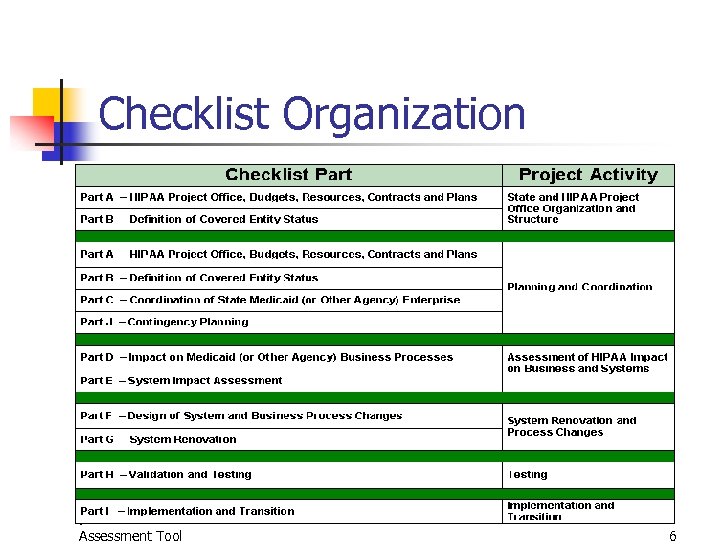 Checklist Organization Assessment Tool 6
 Checklist Part Descriptions n Part A - HIPAA Project Office, Budgets, Resources, Contracts and Plans n n What has been done to establish a HIPAA project office, acquire resources and establish a project schedule? Part B - Definition of Covered Entity Status n What has been done to determine who is covered by the Transaction Rule within the Medicaid enterprise? Assessment Tool 7
 Checklist Part Descriptions n Part C - Coordination of State Medicaid (or Other Agency) Enterprise n n What has been done to communicate expectations to business associates and trading partners, including agreement modifications? Part D - Impact on Medicaid (or Other Agency) Business Processes n What has been done to deal with the certain impact the Rule will have on Medicaid business processes? Assessment Tool 8
 Checklist Part Descriptions n Part E - System Impact Assessment n n What has been done to deal with the certain impact the Rule will have on Medicaid information systems? Part F - Design of System and Business Process Changes n What is the solution and how will it be implemented? Assessment Tool 9
 Checklist Part Descriptions n Part G - System Renovation n n What has been done to assure that system renovation will be successful? Part H - Validation and Testing n What are your test plans, which partners will testing include, and how will you know if testing is adequate to ensure a successful transition? Assessment Tool 10
 Checklist Part Descriptions n Part I - Implementation and Transition n n After renovation and testing have been completed, how will you move from the current way of doing business to processing HIPAA compliant transaction? Part J - Contingency Planning n What problems do you foresee and how will you deal with them? Assessment Tool 11
 Checklist Automation n n Paper version converted to Excel Provides immediate feedback Facilitates estimation of risk level Three sections: n Instructions, Data Entry, and Results Assessment Tool 12
 Using the Automated Checklist Tool n n n Instruction Screen Data Input Screen Checklist Attributes Weights and Scoring Results Screen Assessment Tool 13
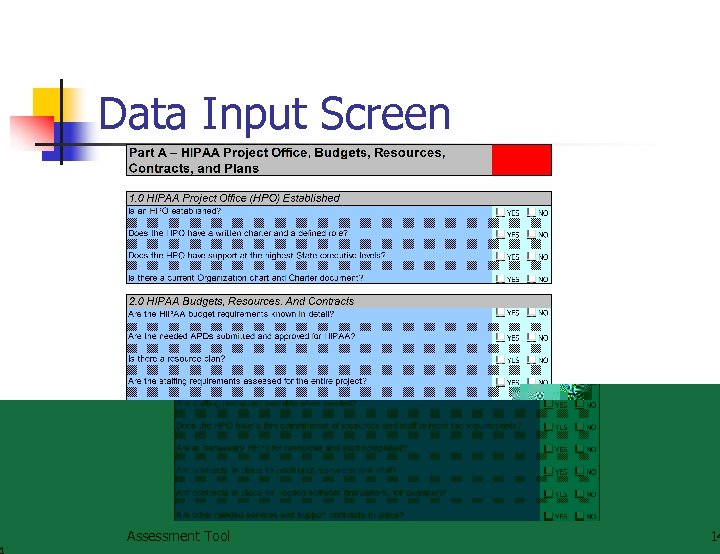 Data Input Screen Assessment Tool 14
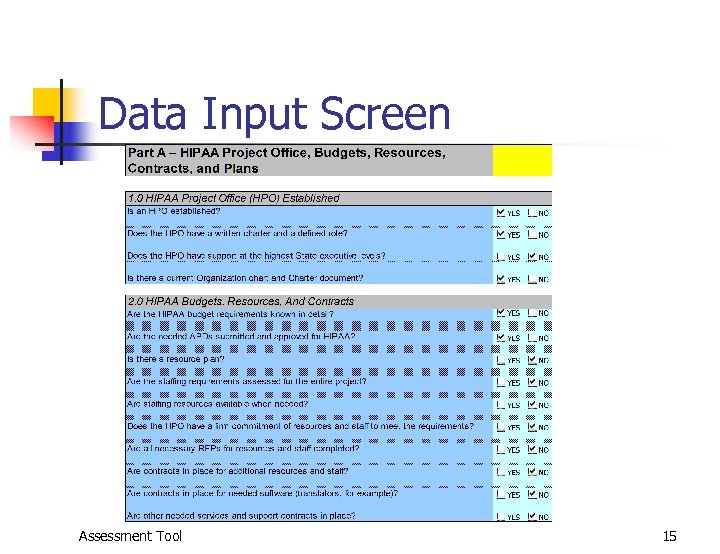 Data Input Screen Assessment Tool 15
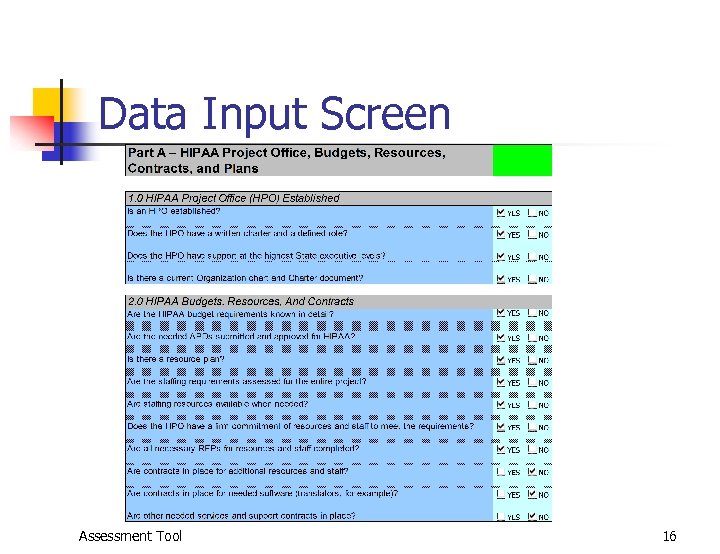 Data Input Screen Assessment Tool 16
 Checklist Attributes n n n Default response to all questions = “NO” Questions need not be answered in any particular order Responses are not locked, and can be changed at any time Results are calculated dynamically Part “tab” color indicates risk level (Red, Yellow, or Green) Assessment Tool 17
 Weights and Scoring n n n Each individual question is assigned a weighting factor of 1, 2, or 3 based on its relative importance to the success of the overall project Each part’s risk value (A-J) is calculated independently The overall score is determined by averaging the independent values from all parts Assessment Tool 18
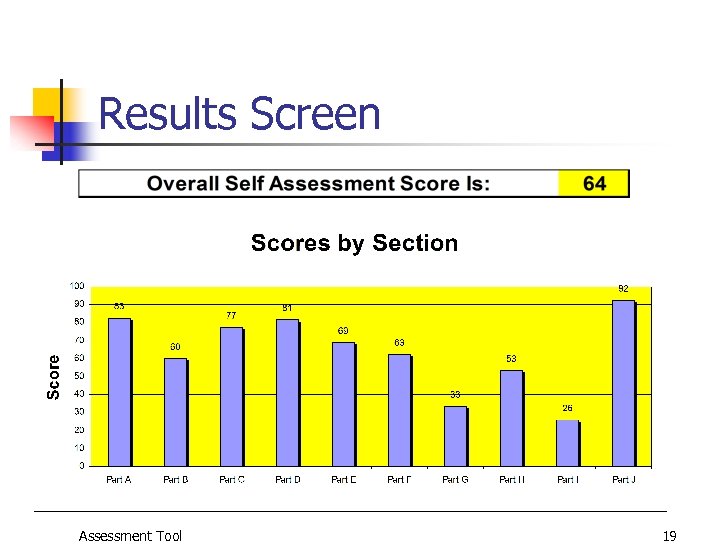 Results Screen Assessment Tool 19
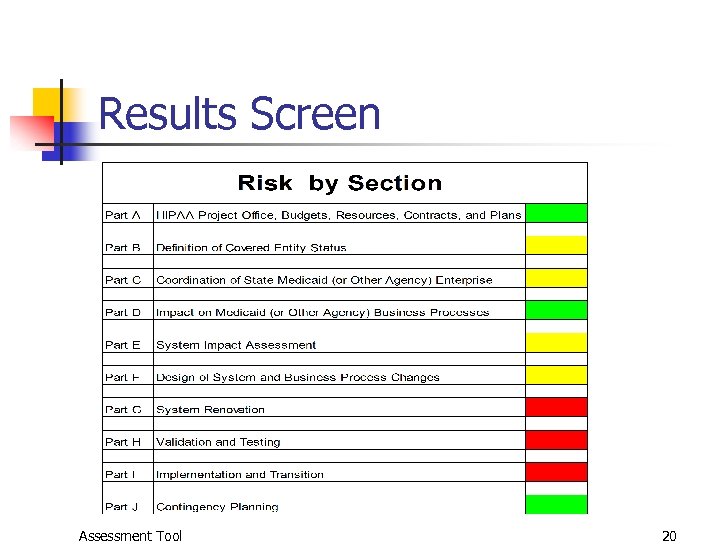 Results Screen Assessment Tool 20
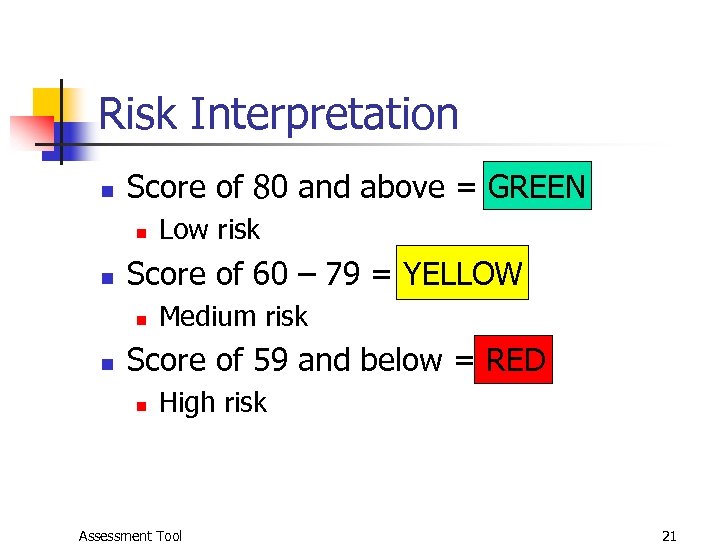 Risk Interpretation n Score of 80 and above = GREEN n n Score of 60 – 79 = YELLOW n n Low risk Medium risk Score of 59 and below = RED n High risk Assessment Tool 21
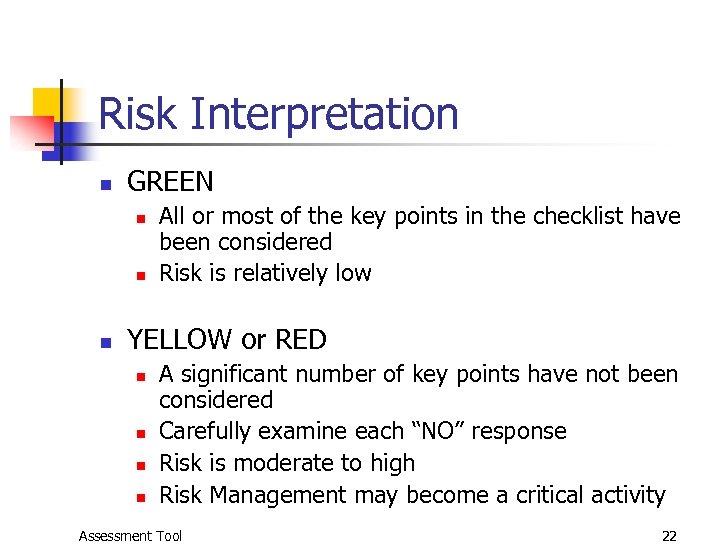 Risk Interpretation n GREEN n n n All or most of the key points in the checklist have been considered Risk is relatively low YELLOW or RED n n A significant number of key points have not been considered Carefully examine each “NO” response Risk is moderate to high Risk Management may become a critical activity Assessment Tool 22
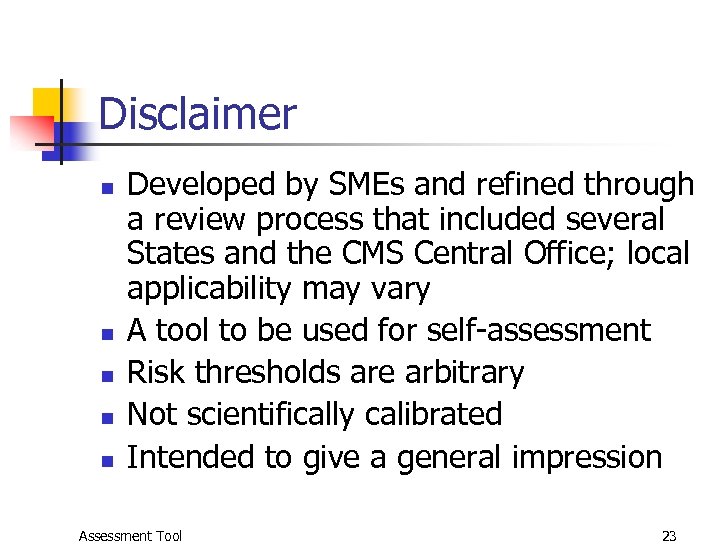 Disclaimer n n n Developed by SMEs and refined through a review process that included several States and the CMS Central Office; local applicability may vary A tool to be used for self-assessment Risk thresholds are arbitrary Not scientifically calibrated Intended to give a general impression Assessment Tool 23