


 Скачать презентацию cms 2 OE Trans Pwr Entry Price
5fe7e38475c866dfae6ef97e48896c2d.ppt
- Количество слайдов: 35
 cms 2 OE Trans. Pwr. Entry ™ Price: Call $350 (generous discounts on multiple purchase) Cougar Mountain Software Professional Version Revised 04/06/2009 © GPS Financial Services 2008 -2009 Slide#: 1
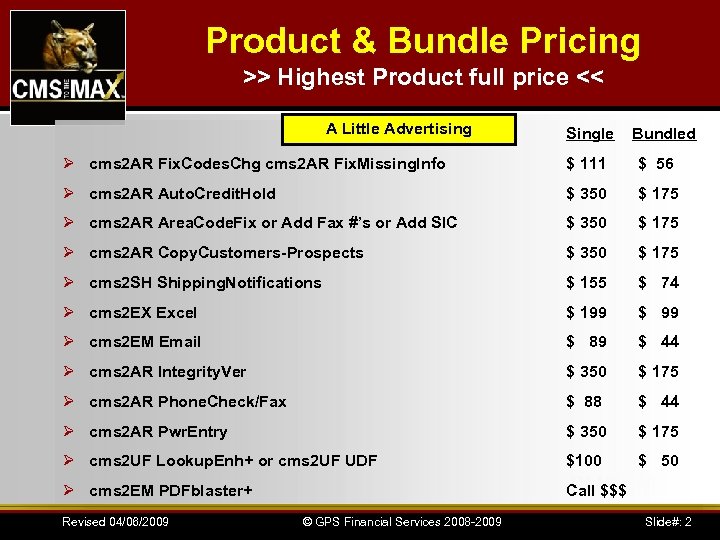 Product & Bundle Pricing >> Highest Product full price << A Little Advertising Single Bundled Ø cms 2 AR Fix. Codes. Chg cms 2 AR Fix. Missing. Info $ 111 $ 56 Ø cms 2 AR Auto. Credit. Hold $ 350 $ 175 Ø cms 2 AR Area. Code. Fix or Add Fax #’s or Add SIC $ 350 $ 175 Ø cms 2 AR Copy. Customers-Prospects $ 350 $ 175 Ø cms 2 SH Shipping. Notifications $ 155 $ 74 Ø cms 2 EX Excel $ 199 $ 99 Ø cms 2 EM Email $ 89 $ 44 Ø cms 2 AR Integrity. Ver $ 350 $ 175 Ø cms 2 AR Phone. Check/Fax $ 88 $ 44 Ø cms 2 AR Pwr. Entry $ 350 $ 175 Ø cms 2 UF Lookup. Enh+ or cms 2 UF UDF $100 $ 50 Ø cms 2 EM PDFblaster+ Call $$$ Revised 04/06/2009 © GPS Financial Services 2008 -2009 Slide#: 2
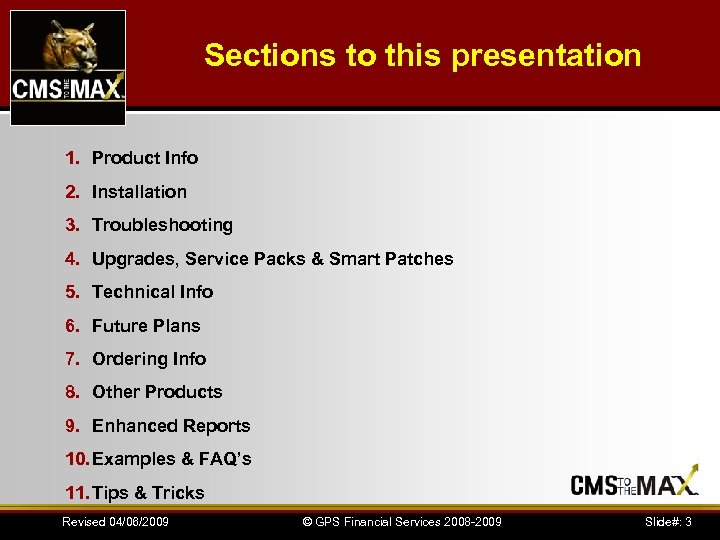 Sections to this presentation 1. Product Info 2. Installation 3. Troubleshooting 4. Upgrades, Service Packs & Smart Patches 5. Technical Info 6. Future Plans 7. Ordering Info 8. Other Products 9. Enhanced Reports 10. Examples & FAQ’s 11. Tips & Tricks Revised 04/06/2009 © GPS Financial Services 2008 -2009 Slide#: 3
 cms 2 OE Trans. Pwr. Entry ™ by CMS to the MAX Revised 04/06/2009 © GPS Financial Services 2008 -2009 Slide#: 4
 cms 2 OE Trans. Pwr. Entry ™ Product Info Ø Added Functionality Ø Improved User friendliness Ø Unpost Transactions Ø Emailing Ability Ø Export to Excel Ø Quickly fix missing or bad data Ø Credit and collection tools Ø Module Integrity Verification Ø Compatible with CMS Versions 4 through 12 & V 2009 Ø Automatically updates itself for version and service pack changes Revised 04/06/2009 © GPS Financial Services 2008 -2009 Slide#: 5
 cms 2 OE Trans. Pwr. Entry ™ Product Info Ø Added lookups by invoice number or amount mostly eliminates the need to lookup customer numbers Ø Automatically apply invoice amounts until the check amount is exhausted (with ability to override) Ø Displays selected customer's full name and address so masterfile errors can be easily identified Ø Hides fully paid transactions by default with an option to display all if needed Revised 04/06/2009 © GPS Financial Services 2008 -2009 Slide#: 6
 cms 2 OE Trans. Pwr. Entry ™ Product Info Ø Makes it easy to write-off small short or over pays (including early pay discounts) Ø Warning on double pays, short pays or over pays and automatically generates an unapplied entry as needed Ø Warnings on duplicate entries based on check number or dollar amount Ø Makes it easier to apply open credit memos Ø Option to notify customer and/or staff of skipped invoice(s) Ø Option to notify credit function/salesperson of payment problems Revised 04/06/2009 © GPS Financial Services 2008 -2009 Slide#: 7
 cms 2 OE Trans. Pwr. Entry ™ Product Info Ø Option to notify by a mailable/faxable document advising the customer of short pays (sales tax, shipping & etc. ) Ø Option to notify salesperson of payment Ø Handles one check paying multiple customers on the same check Ø Option to request a resale certificate on customers who short paid sales tax Revised 04/06/2009 © GPS Financial Services 2008 -2009 Slide#: 8
 cms 2 OE Trans. Pwr. Entry ™ Product Info Ø Option to request a new or updated credit application Ø Option to request info on next payment on past due customers. Ø Easily put a customer on or release a credit hold Ø Easily add collection code/comments to the customer masterfile Ø Easily change a customer's credit limit Ø Make a deposit slip Revised 04/06/2009 © GPS Financial Services 2008 -2009 Slide#: 9
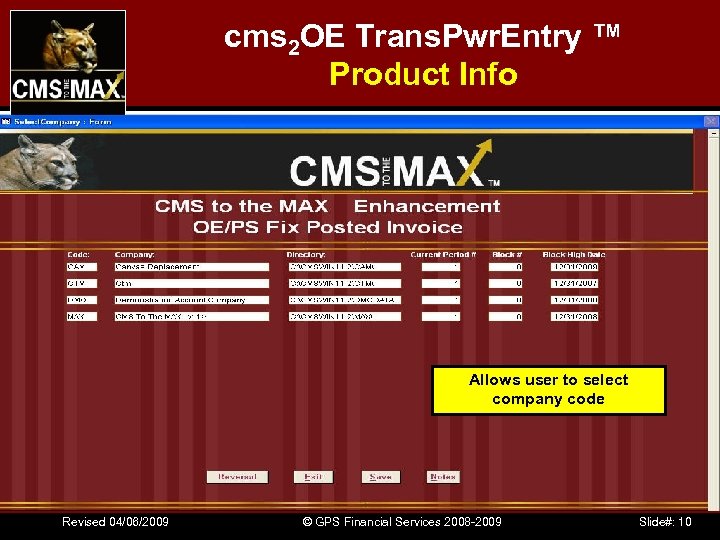 cms 2 OE Trans. Pwr. Entry ™ Product Info Allows user to select company code Revised 04/06/2009 © GPS Financial Services 2008 -2009 Slide#: 10
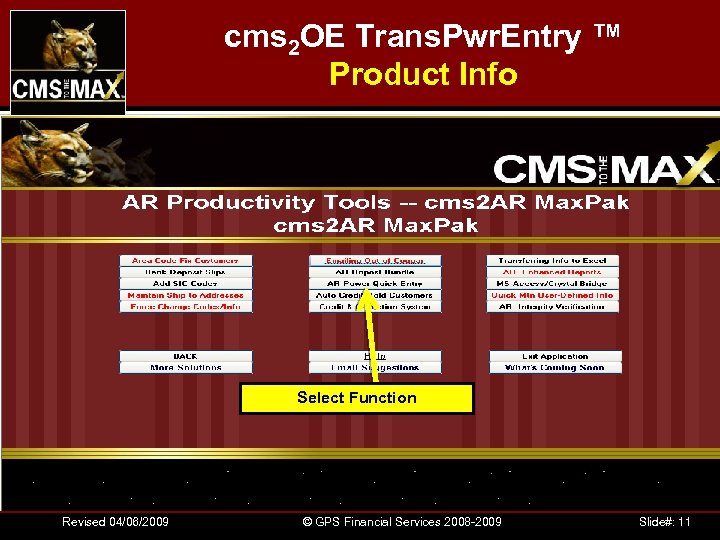 cms 2 OE Trans. Pwr. Entry ™ Product Info Select Function Revised 04/06/2009 © GPS Financial Services 2008 -2009 Slide#: 11
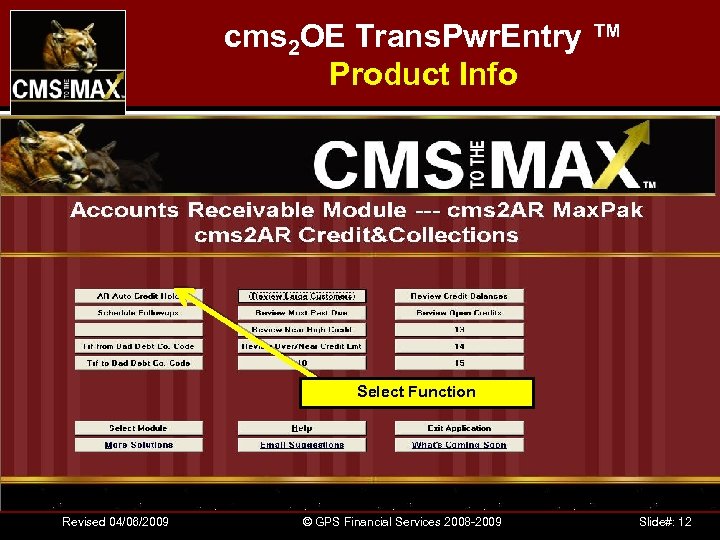 cms 2 OE Trans. Pwr. Entry ™ Product Info Select Function Revised 04/06/2009 © GPS Financial Services 2008 -2009 Slide#: 12
 cms 2 OE Trans. Pwr. Entry ™ by CMS to the MAX Revised 04/06/2009 © GPS Financial Services 2008 -2009 Slide#: 13
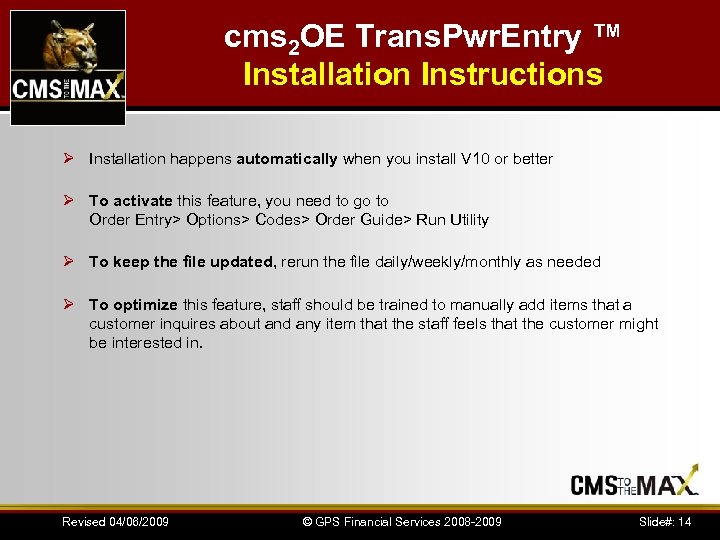 cms 2 OE Trans. Pwr. Entry ™ Installation Instructions Ø Installation happens automatically when you install V 10 or better Ø To activate this feature, you need to go to Order Entry> Options> Codes> Order Guide> Run Utility Ø To keep the file updated, rerun the file daily/weekly/monthly as needed Ø To optimize this feature, staff should be trained to manually add items that a customer inquires about and any item that the staff feels that the customer might be interested in. Revised 04/06/2009 © GPS Financial Services 2008 -2009 Slide#: 14
 cms 2 OE Trans. Pwr. Entry ™ by CMS to the MAX Revised 04/06/2009 © GPS Financial Services 2008 -2009 Slide#: 15
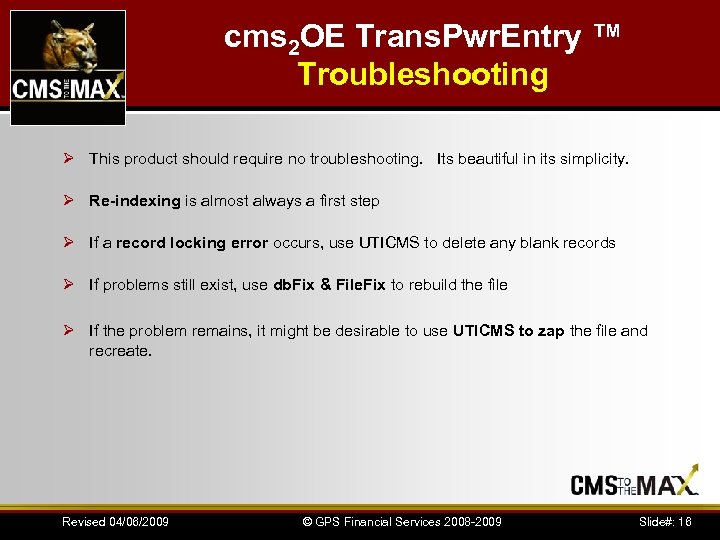 cms 2 OE Trans. Pwr. Entry ™ Troubleshooting Ø This product should require no troubleshooting. Its beautiful in its simplicity. Ø Re-indexing is almost always a first step Ø If a record locking error occurs, use UTICMS to delete any blank records Ø If problems still exist, use db. Fix & File. Fix to rebuild the file Ø If the problem remains, it might be desirable to use UTICMS to zap the file and recreate. Revised 04/06/2009 © GPS Financial Services 2008 -2009 Slide#: 16
 cms 2 OE Trans. Pwr. Entry ™ by CMS to the MAX Revised 04/06/2009 © GPS Financial Services 2008 -2009 Slide#: 17
 cms 2 OE Trans. Pwr. Entry ™ Upgrades, Service Packs & Smart Patches Ø This product will automatically be updated when a version change, service pack or smart pack is installed by the Win 2 Win utility Ø If a custom report was installed, it will need to be reloaded Revised 04/06/2009 © GPS Financial Services 2008 -2009 Slide#: 18
 cms 2 OE Trans. Pwr. Entry ™ by CMS to the MAX Revised 04/06/2009 © GPS Financial Services 2008 -2009 Slide#: 19
 cms 2 OE Trans. Pwr. Entry ™ Technical Information Revised 04/06/2009 © GPS Financial Services 2008 -2009 Slide#: 20
 cms 2 OE Trans. Pwr. Entry ™ by CMS to the MAX The pricing on future enhancements is not known at this time Revised 04/06/2009 © GPS Financial Services 2008 -2009 Slide#: 21
 cms 2 OE Trans. Pwr. Entry ™ Future Plans Ø Pending Revised 04/06/2009 © GPS Financial Services 2008 -2009 Slide#: 22
 cms 2 OE Trans. Pwr. Entry ™ by CMS to the MAX Revised 04/06/2009 © GPS Financial Services 2008 -2009 Slide#: 23
 How Can I Get the CMStothe. Max ™ Products? You can get this product from your favorite Cougar Mtn Dealer or GPS Financial Services (aka CMStothe. MAX. com and Cougar. Mtn. Support. com) 13337 South Street #352 Cerritos, CA 90703 714 228 -5444 Phone 800 531 -2944 Fax email us at: sales@CMStothe. MAX. com Revised 04/06/2009 © GPS Financial Services 2008 -2009 Slide#: 24
 CMS to the MAX & Cougar-Magic Revised 04/06/2009 © GPS Financial Services 2008 -2009 Slide#: 25
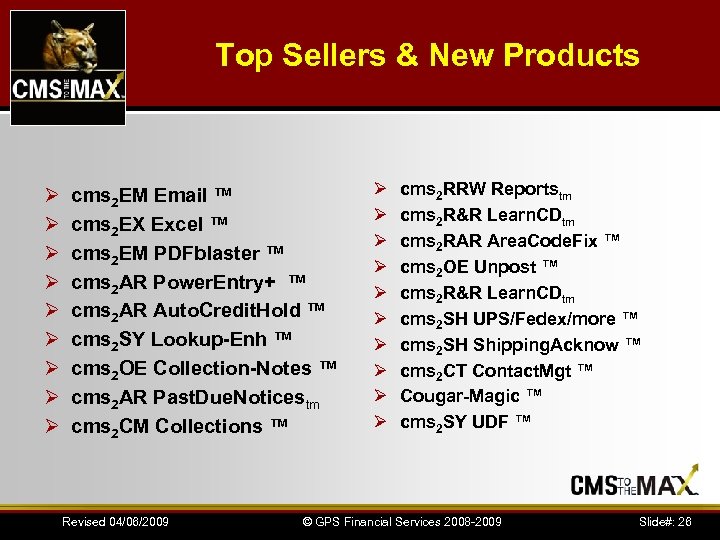 Top Sellers & New Products Ø Ø Ø Ø Ø cms 2 EM Email ™ cms 2 EX Excel ™ cms 2 EM PDFblaster ™ cms 2 AR Power. Entry+ ™ cms 2 AR Auto. Credit. Hold ™ cms 2 SY Lookup-Enh ™ cms 2 OE Collection-Notes ™ cms 2 AR Past. Due. Noticestm cms 2 CM Collections ™ Revised 04/06/2009 Ø Ø Ø Ø Ø cms 2 RRW Reportstm cms 2 R&R Learn. CDtm cms 2 RAR Area. Code. Fix ™ cms 2 OE Unpost ™ cms 2 R&R Learn. CDtm cms 2 SH UPS/Fedex/more ™ cms 2 SH Shipping. Acknow ™ cms 2 CT Contact. Mgt ™ Cougar-Magic ™ cms 2 SY UDF ™ © GPS Financial Services 2008 -2009 Slide#: 26
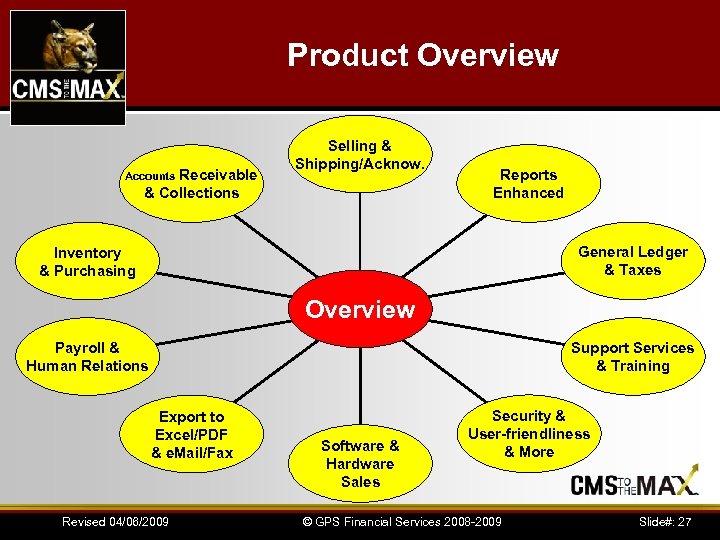 Product Overview Receivable & Collections Accounts Selling & Shipping/Acknow. Reports Enhanced General Ledger & Taxes Inventory & Purchasing Overview Support Services & Training Payroll & Human Relations Export to Excel/PDF & e. Mail/Fax Revised 04/06/2009 Software & Hardware Sales Security & User-friendliness & More © GPS Financial Services 2008 -2009 Slide#: 27
 cms 2 OE Trans. Pwr. Entry ™ by CMS to the MAX Revised 04/06/2009 © GPS Financial Services 2008 -2009 Slide#: 28
 Revised 04/06/2009 © GPS Financial Services 2008 -2009 Slide#: 29
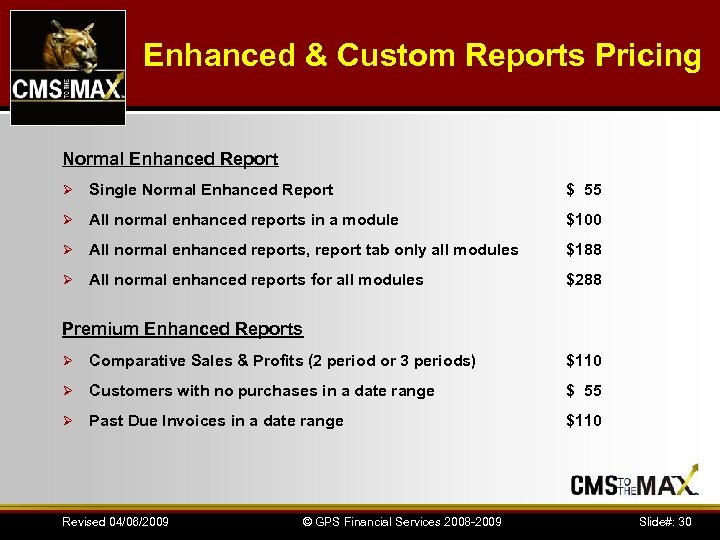 Enhanced & Custom Reports Pricing Normal Enhanced Report Ø Single Normal Enhanced Report $ 55 Ø All normal enhanced reports in a module $100 Ø All normal enhanced reports, report tab only all modules $188 Ø All normal enhanced reports for all modules $288 Premium Enhanced Reports Ø Comparative Sales & Profits (2 period or 3 periods) $110 Ø Customers with no purchases in a date range $ 55 Ø Past Due Invoices in a date range $110 Revised 04/06/2009 © GPS Financial Services 2008 -2009 Slide#: 30
 cms 2 OE Trans. Pwr. Entry ™ Enhanced Reports Ø Pending Revised 04/06/2009 © GPS Financial Services 2008 -2009 Slide#: 31
 cms 2 OE Trans. Pwr. Entry ™ by CMS to the MAX Revised 04/06/2009 © GPS Financial Services 2008 -2009 Slide#: 32
 cms 2 OE Trans. Pwr. Entry ™ Examples Ø Pending Revised 04/06/2009 © GPS Financial Services 2008 -2009 Slide#: 33
 cms 2 OE Trans. Pwr. Entry ™ by CMS to the MAX Revised 04/06/2009 © GPS Financial Services 2008 -2009 Slide#: 34
 cms 2 OE Trans. Pwr. Entry ™ Tips & Tricks Ø Pending Revised 04/06/2009 © GPS Financial Services 2008 -2009 Slide#: 35