


 Скачать презентацию Click to start Start your dictation Dictate
97f489d464bb249333c7d2fe3e2974f9.ppt
- Количество слайдов: 29
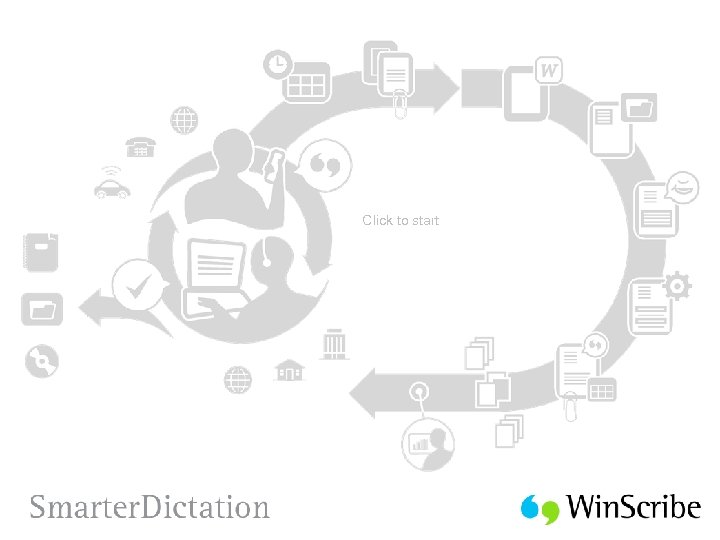 Click to start
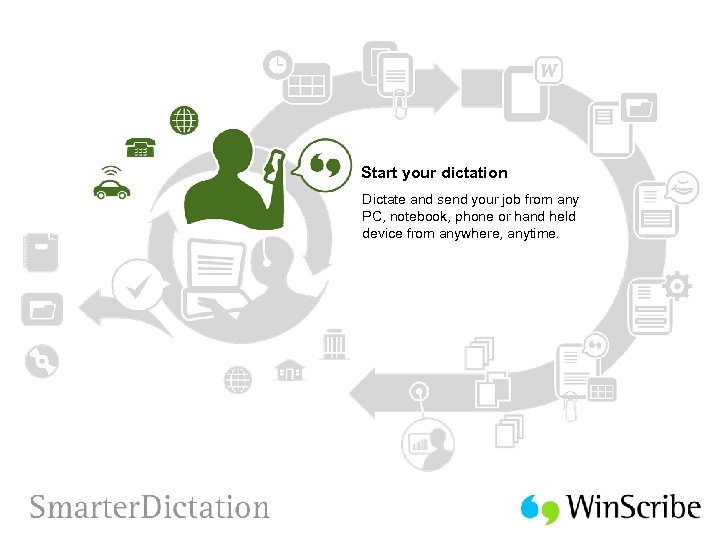 Start your dictation Dictate and send your job from any PC, notebook, phone or hand held device from anywhere, anytime.
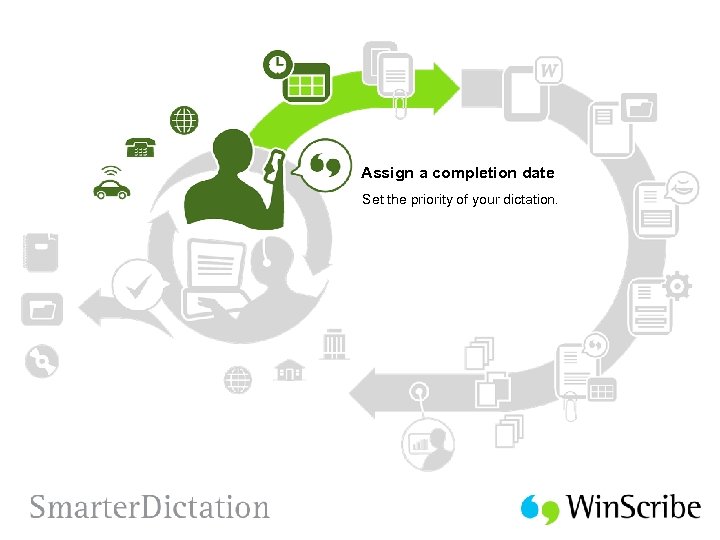 Assign a completion date Set the priority of your dictation.
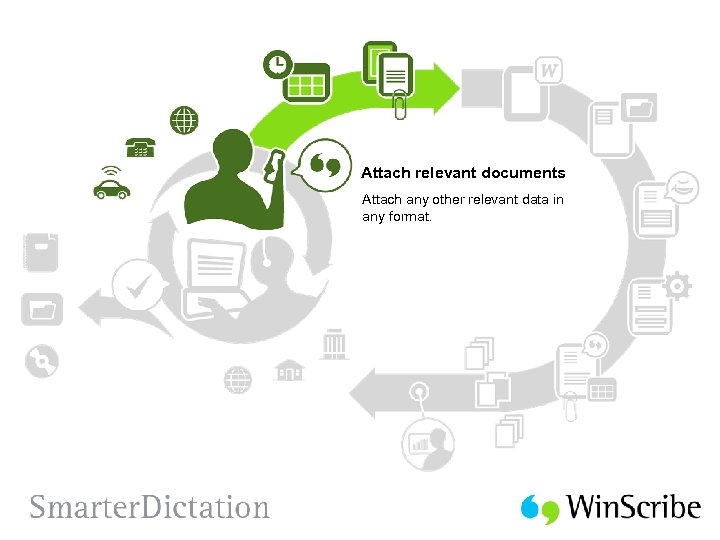 Attach relevant documents Attach any other relevant data in any format.
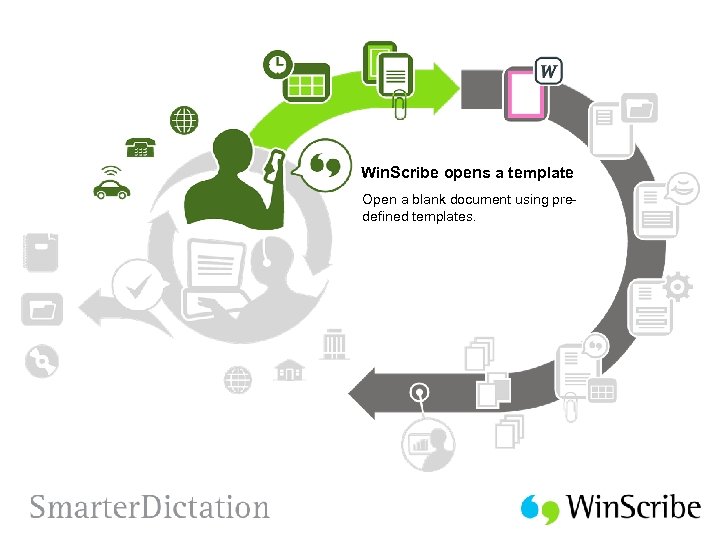 Win. Scribe opens a template Open a blank document using predefined templates.
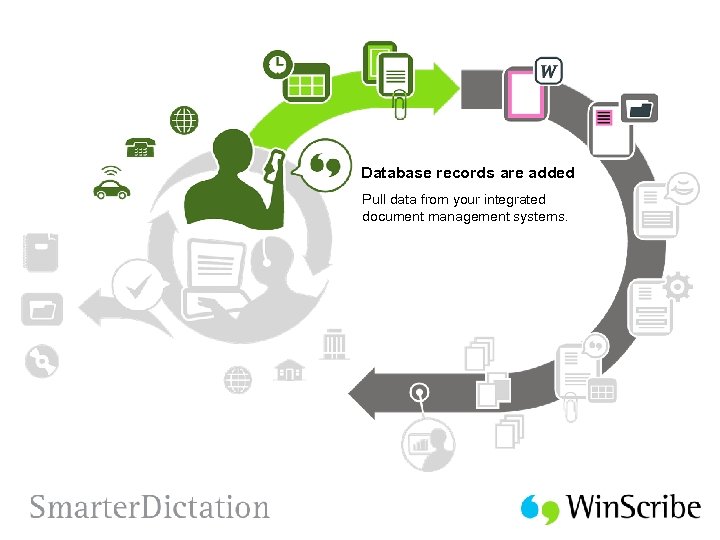 Database records are added Pull data from your integrated document management systems.
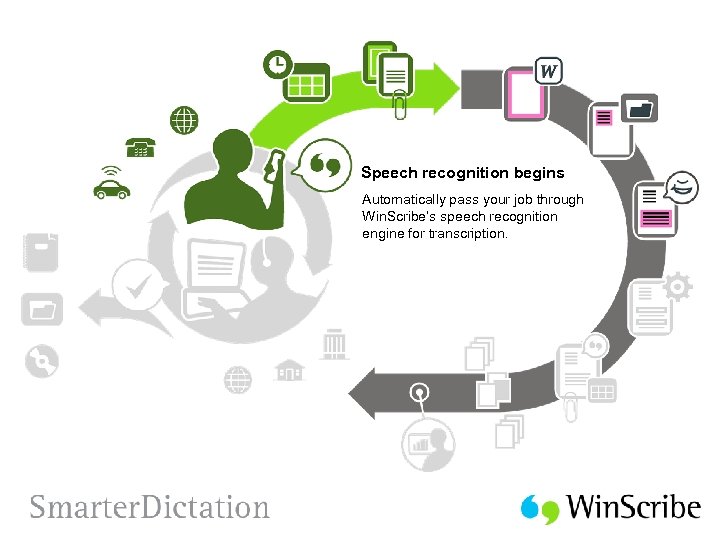 Speech recognition begins Automatically pass your job through Win. Scribe’s speech recognition engine for transcription.
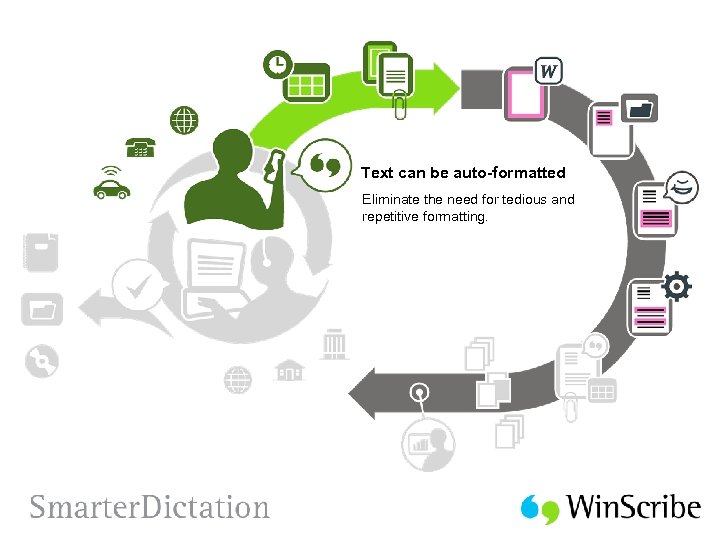 Text can be auto-formatted Eliminate the need for tedious and repetitive formatting.
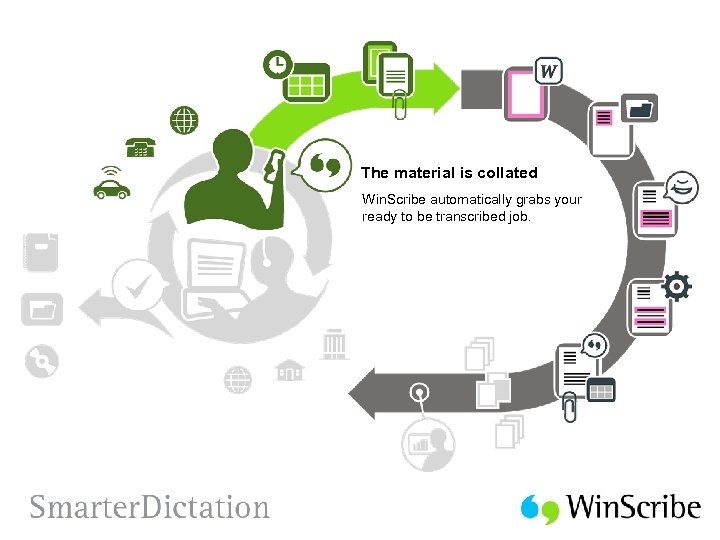 The material is collated Win. Scribe automatically grabs your ready to be transcribed job.
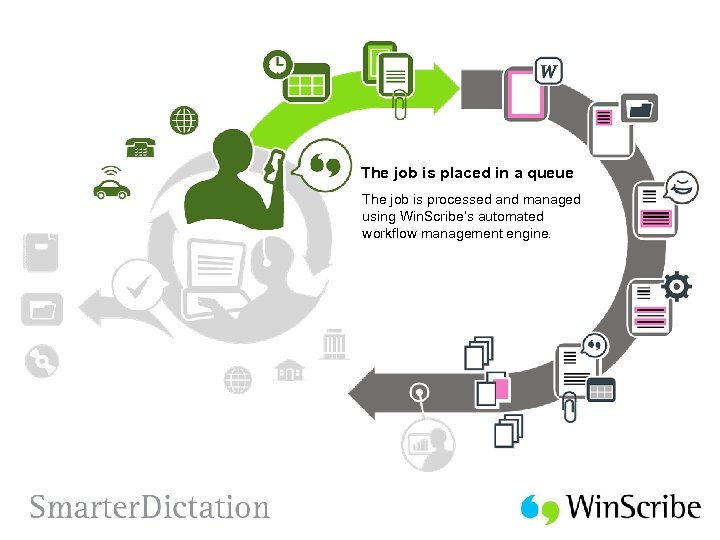 The job is placed in a queue The job is processed and managed using Win. Scribe’s automated workflow management engine.
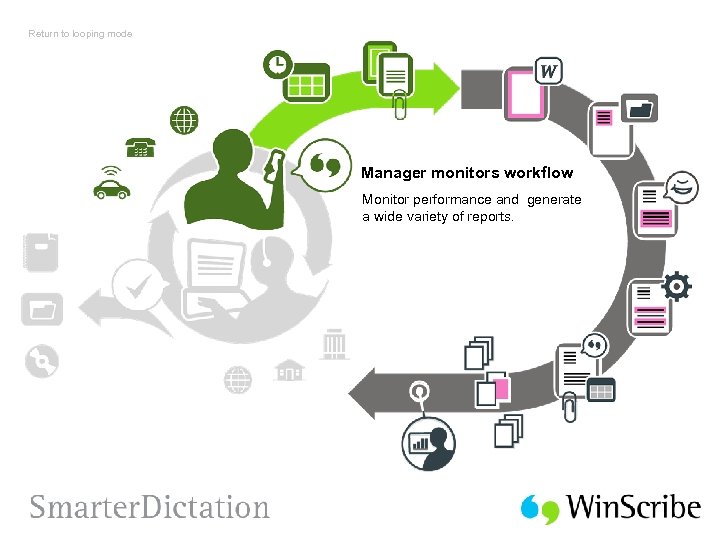
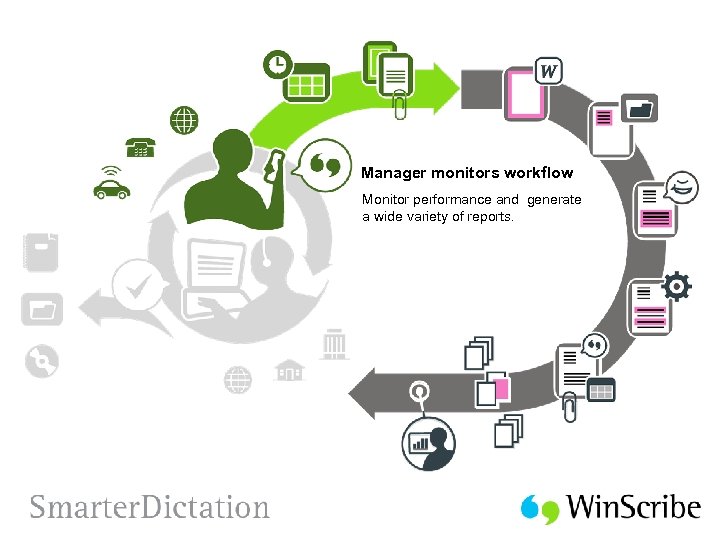 Manager monitors workflow Monitor performance and generate a wide variety of reports.
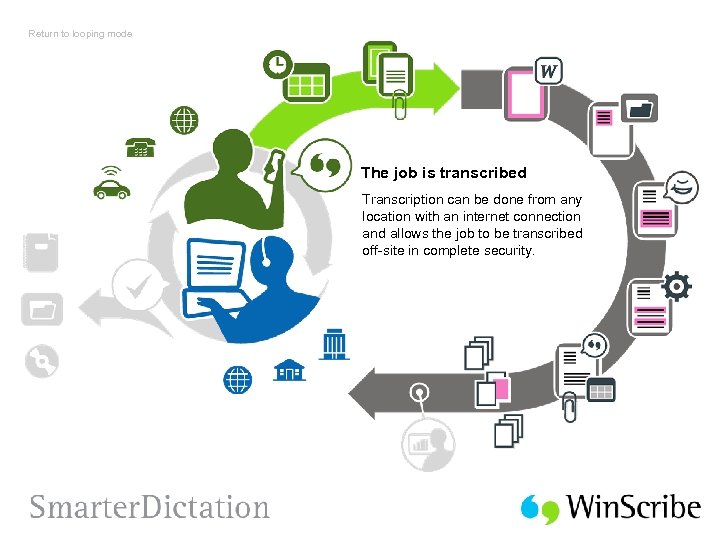
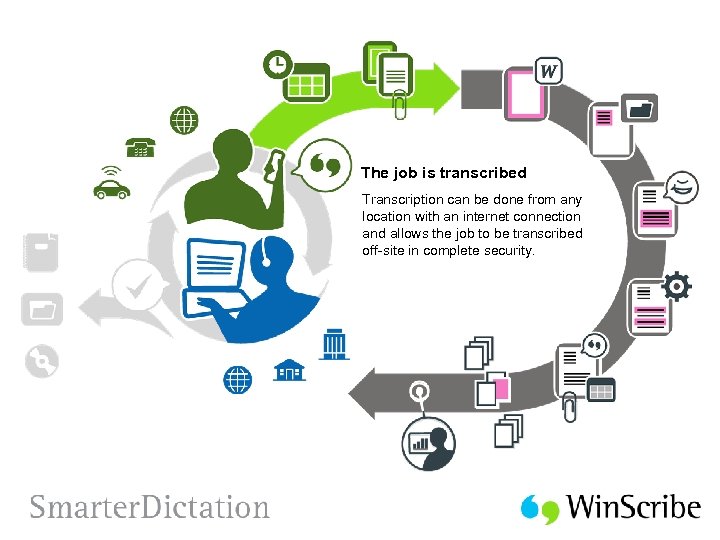 The job is transcribed Transcription can be done from any location with an internet connection and allows the job to be transcribed off-site in complete security.
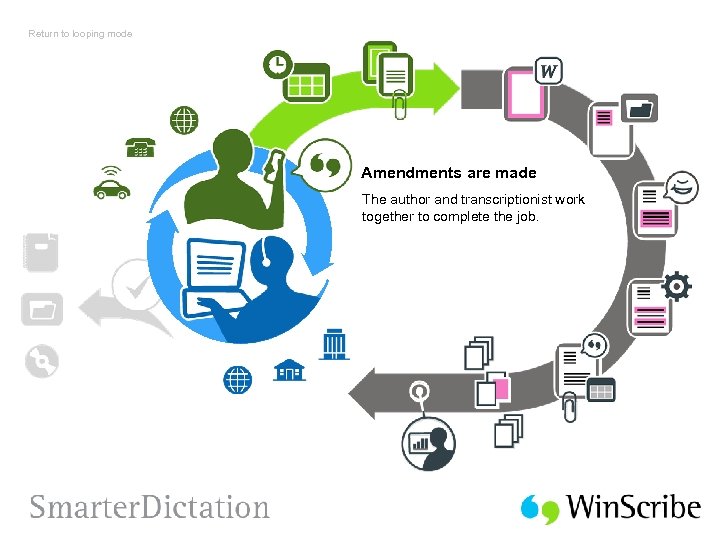
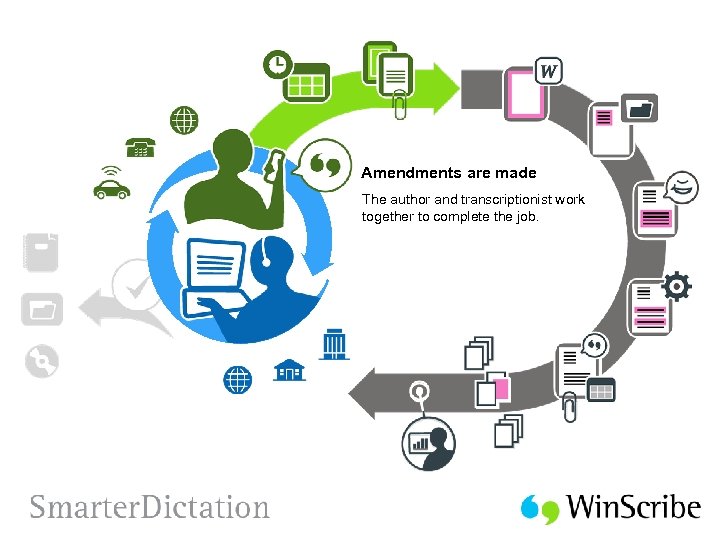 Amendments are made The author and transcriptionist work together to complete the job.
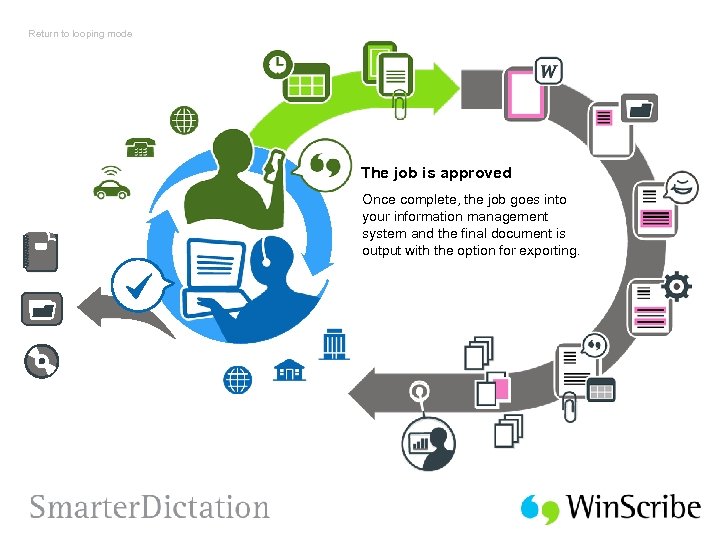
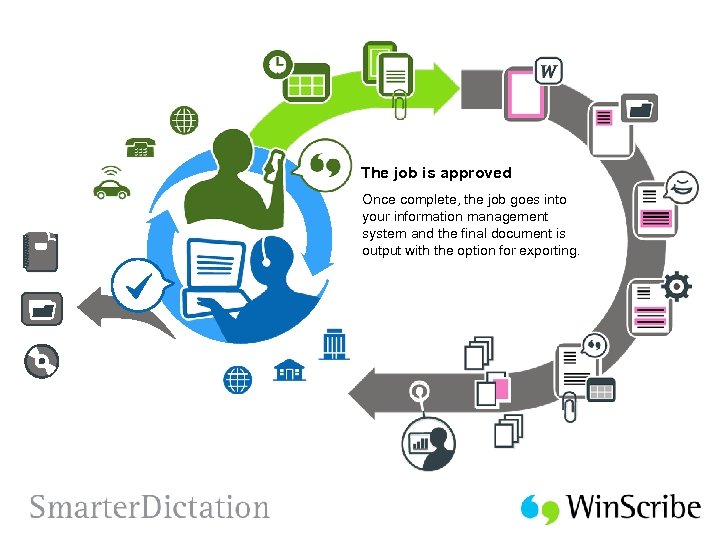 The job is approved Once complete, the job goes into your information management system and the final document is output with the option for exporting.
 Return to looping mode
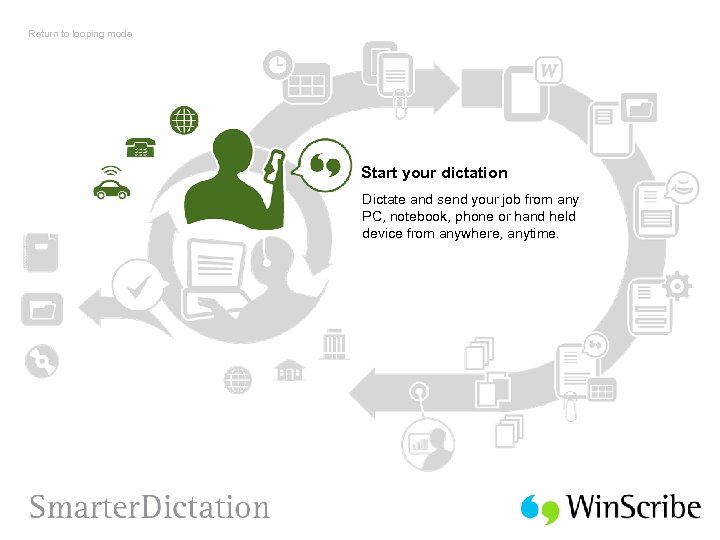 Return to looping mode Start your dictation Dictate and send your job from any PC, notebook, phone or hand held device from anywhere, anytime.
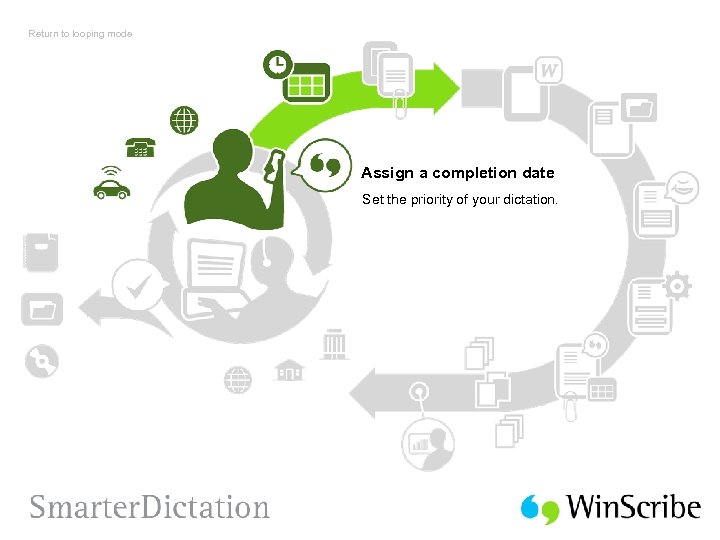 Return to looping mode Assign a completion date Set the priority of your dictation.
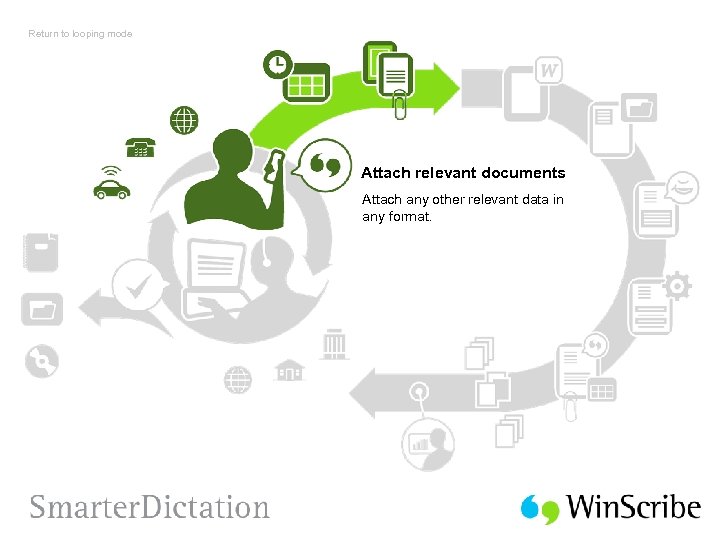 Return to looping mode Attach relevant documents Attach any other relevant data in any format.
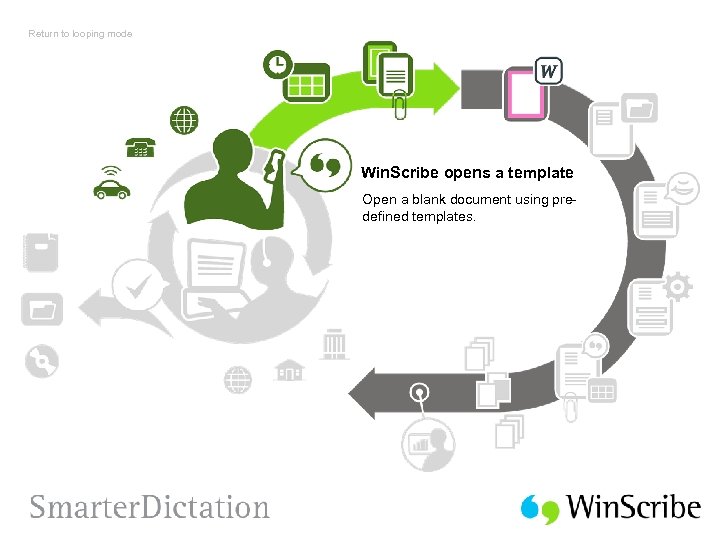 Return to looping mode Win. Scribe opens a template Open a blank document using predefined templates.
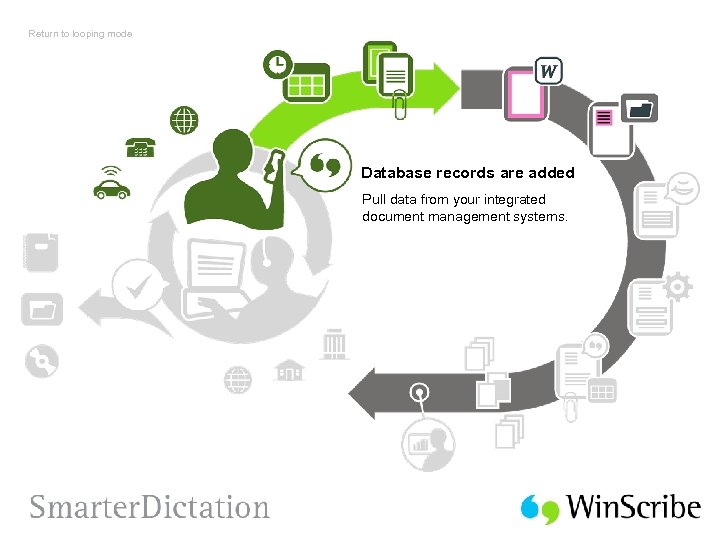 Return to looping mode Database records are added Pull data from your integrated document management systems.
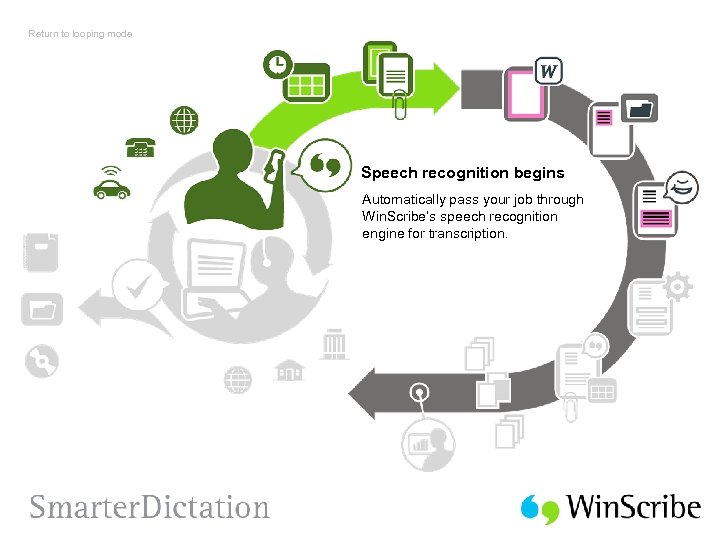 Return to looping mode Speech recognition begins Automatically pass your job through Win. Scribe’s speech recognition engine for transcription.
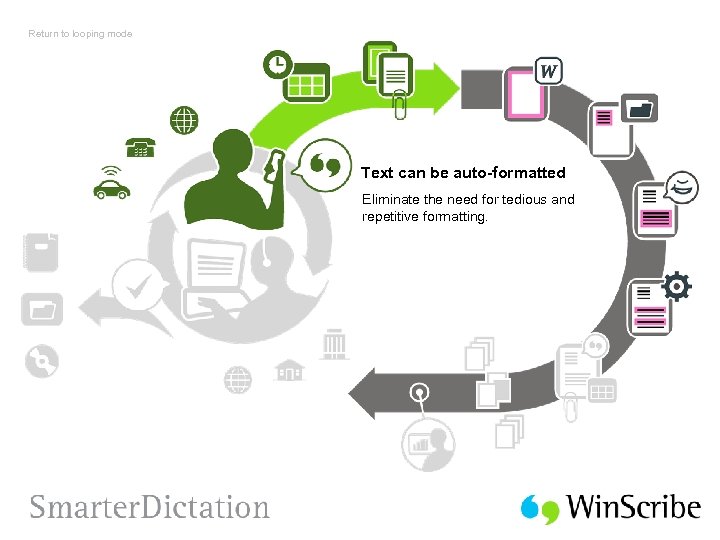 Return to looping mode Text can be auto-formatted Eliminate the need for tedious and repetitive formatting.
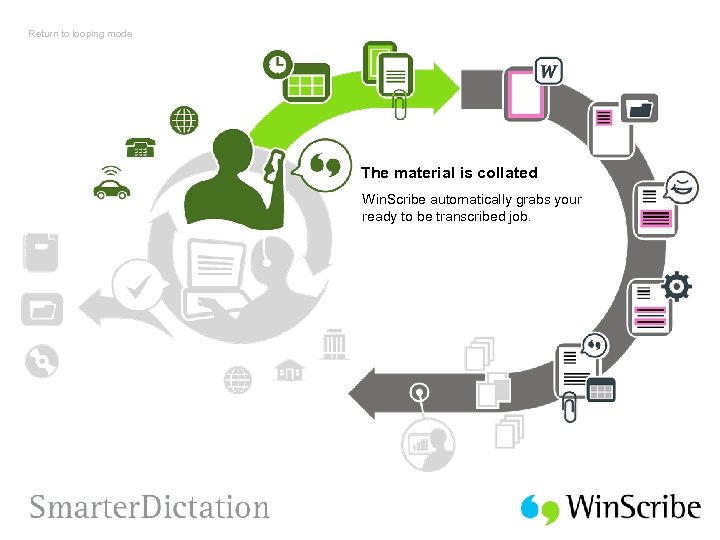 Return to looping mode The material is collated Win. Scribe automatically grabs your ready to be transcribed job.
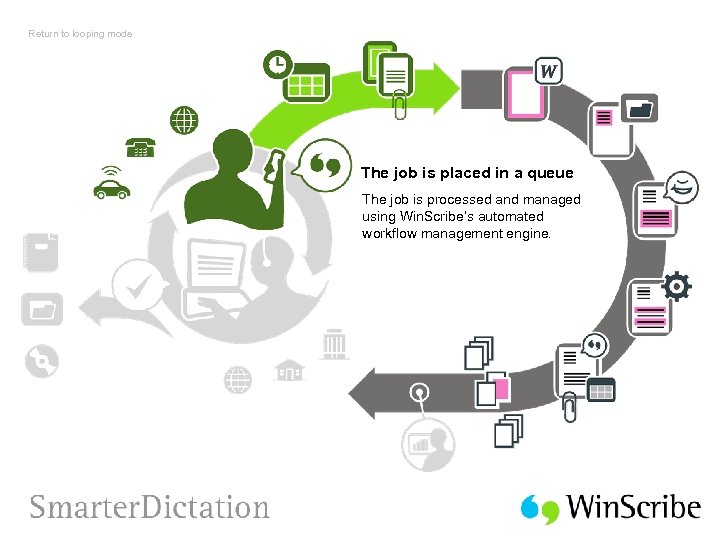 Return to looping mode The job is placed in a queue The job is processed and managed using Win. Scribe’s automated workflow management engine.
 Return to looping mode Manager monitors workflow Monitor performance and generate a wide variety of reports.
 Return to looping mode The job is transcribed Transcription can be done from any location with an internet connection and allows the job to be transcribed off-site in complete security.
 Return to looping mode Amendments are made The author and transcriptionist work together to complete the job.
 Return to looping mode The job is approved Once complete, the job goes into your information management system and the final document is output with the option for exporting.
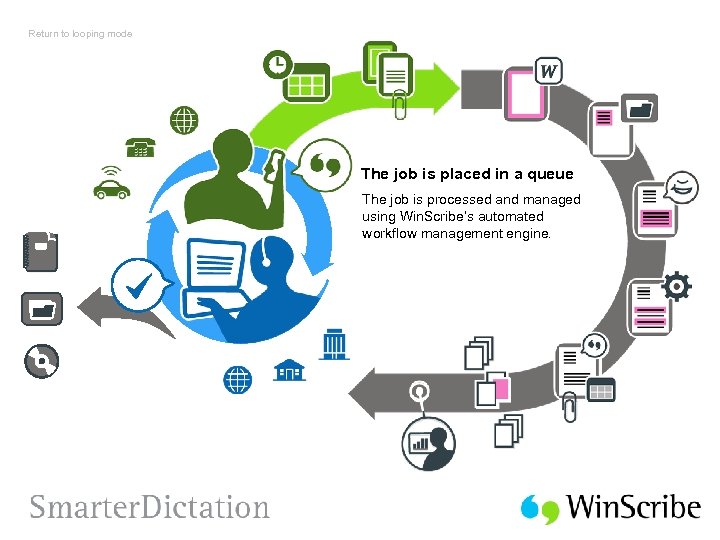 Return to looping mode The job is placed in a queue The job is processed and managed using Win. Scribe’s automated workflow management engine.