


 Скачать презентацию Click to edit Master title style Arc GIS
8ef89d00824c70b7456f2dce8ec8b5ef.ppt
- Количество слайдов: 56
 Click to edit Master title style Arc. GIS Explorer: ESRI’S ANSWER TO VIEWERS
 ARCGIS EXPLORER’S USES • ACCESS WEB SERVICES • PERFORM GIS TASKS • INTEGRATION OF VARIOUS DATA TYPES • CREATE A PRESENATION
 ARCGIS EXPLORER’S VALUE • • • READY TO USE WEB–BASED CONTENT INDIVIDUAL LAYER SERVICES 2 -D MAPS 3 -D GLOBES FREELY ACCESSED
 Who Has ARCGIS EXPLORER? All DOTD Windows 7 computers should have it Different Versions Newest Version is Build 2500 May not work properly due to video card issues Homepage: http: //www. esri. com/software/arcgis/explorer • Send Service Request if want it or need newest one or technical support • • •
 Saving Arc. GIS Explorer Maps
 Basic Arc. GIS Explorer Work Flow • • Choose Basemap Add Content Perform Task Make Presentation
 Choose Basemap • • • Imagery Streets Topographic Open. Steet. Map Imagery with Labels National Geographic Terrain Light Gray Canvas Oceans Bing Maps with Streets US Topo Bings Maps (please note all imagery basemaps taken at different times)
 Choose Basemap Part 2 • • De. Lorme Basemap World Labels (black) World Time Zones Population Density 2010 Projected Growth 2010 - 2015 USA Topo Maps
 Add Content
 Arc. GIS Layers • Layer File (. lyr) – includes symbolization and labeling that reference a data source that resides in another location. Does not contain the actual datasets. • Layer Package (. lpk) – includes data, symbolization, labeling, and metadata
 Adding H 13000 ms 006GIS in Windows 7 • • • In Windows Explorer right click Computer Select Add Network Location Click Next Type: \h 13000 ms 006GIS Click Next Rename it you want Click Next Click Finish
 MAP CONTENT FILES • • • Notes Folders Views Links GIS Service Layers KML Layers Feature Layers Raster Layers Layer Packages Image Overlays Layers based on Geo. RSS feeds
 KMLKMZ. • KML (KEYHOLE MARKUP LANGUAGE) • A XML FILE FORMAT FOR STORING GEOGRAPHY FEATURES • KMZ (COMPRESSED KML) • THE FORMAT THAT GOOGLE USES • When installing software check the box that says you want KML files to be associated with Arc. GIS Explorer
 GIS Web Services • Arc. GIS Server • Arc. IMS Server • World Map Server
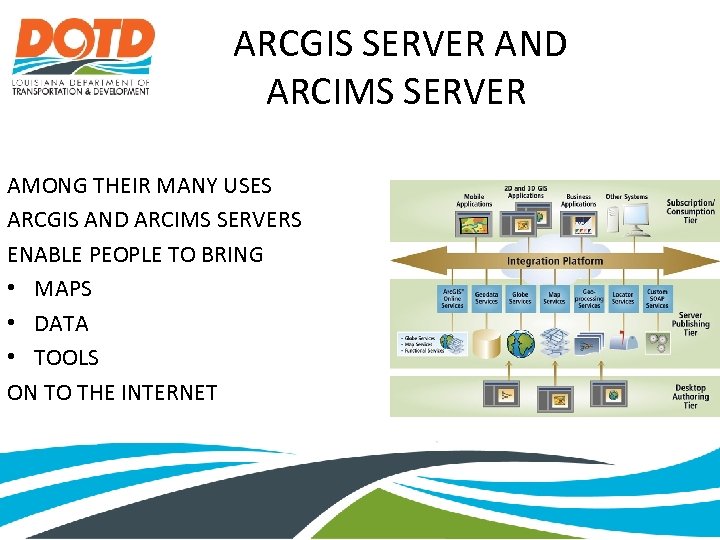 ARCGIS SERVER AND ARCIMS SERVER AMONG THEIR MANY USES ARCGIS AND ARCIMS SERVERS ENABLE PEOPLE TO BRING • MAPS • DATA • TOOLS ON TO THE INTERNET
 Adding DOTD GIS Web Service Click Add Content Click GIS Services Click New Server Connection Select Arc. GIS server for Server Type http: //gis. dotd. la. gov/arcgis/services for the Server • Click Next • Choose a Service • • •
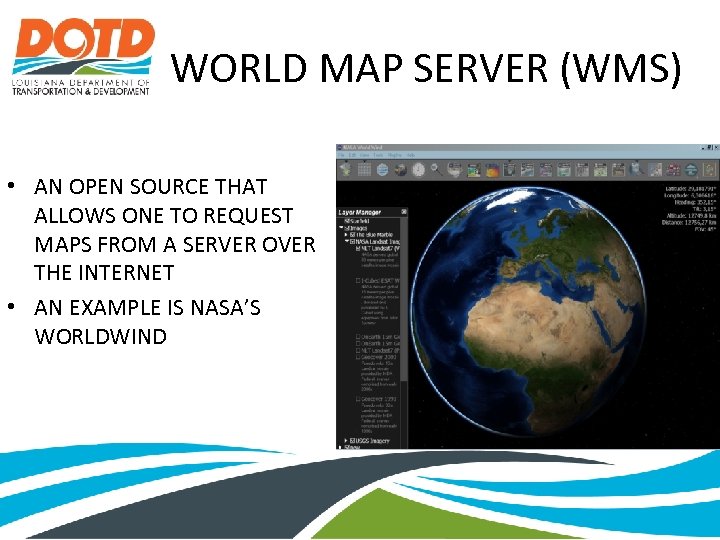 WORLD MAP SERVER (WMS) • AN OPEN SOURCE THAT ALLOWS ONE TO REQUEST MAPS FROM A SERVER OVER THE INTERNET • AN EXAMPLE IS NASA’S WORLDWIND
 SHAPEFILES • A SIMPLE, NONTOPOLOGICAL FORMAT FOR STORING GEOMETRIC LOCATION AND ATTRIBUTE INFORMATION OF GEOGRAPHIC FEATURES • ARCVIEW 3 X’S NATIVE FORMAT • Shapefiles are accessed the same way as layer files
 RASTERS • • • • Imagine image (. img) bitmap (. bmp) JPEG (. jpg, . jpeg) Portable Network Graphics (. png) Graphics Interchange Format (. gif) Tagged Image File Format (. tif, . tiff) ARC/INFO and Space Imaging BIL (. bil) ARC/INFO and Space Imaging BIP (. bip) ARC/INFO and Space Imaging BSQ (. bsq) DTED Level 0 -2 (. dted) ERDAS 7. 5 LAN (. lan) ERDAS 7. 5 GIS (. gis) JP 2 (. jp 2), Mr. SID (. sid) • • • RAW (. raw) NTIF (. ntf) USGS ASCII DEM (. dem) X 11 Pixmap (. xpm) PC Raster (. map) PCI Geomatics Database File (. pix) JPC (. jpc) J 2 C (. j 2 c) J 2 K (. j 2 k) HDF (. hdf) BSB (. kap) ER Mapper ECW (. ecw) Note: Rasters are accessed the same way as layer files
 GEODATABASE DATA • File Geodatabase – a collection of various types of GIS datasets held in a file system folder • Must add GIS Server again! • Connect to an Arc. SDE database (Arc. SDE is ESRI's technology for accessing and managing geospatial data within relational databases. )
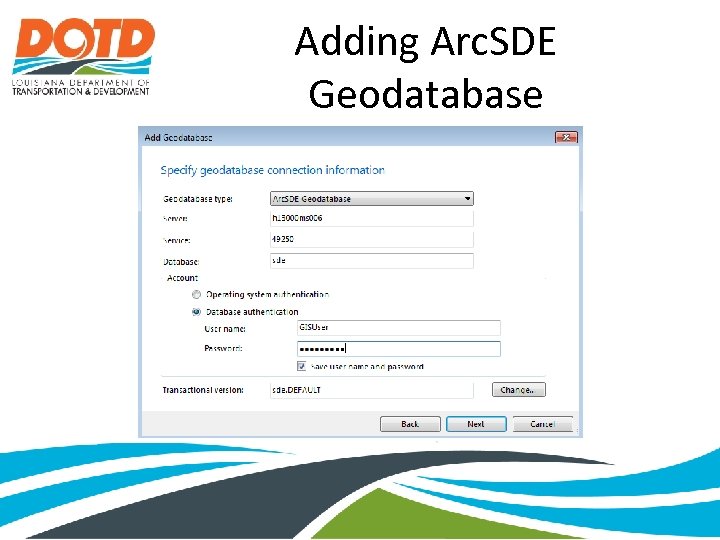 Adding Arc. SDE Geodatabase
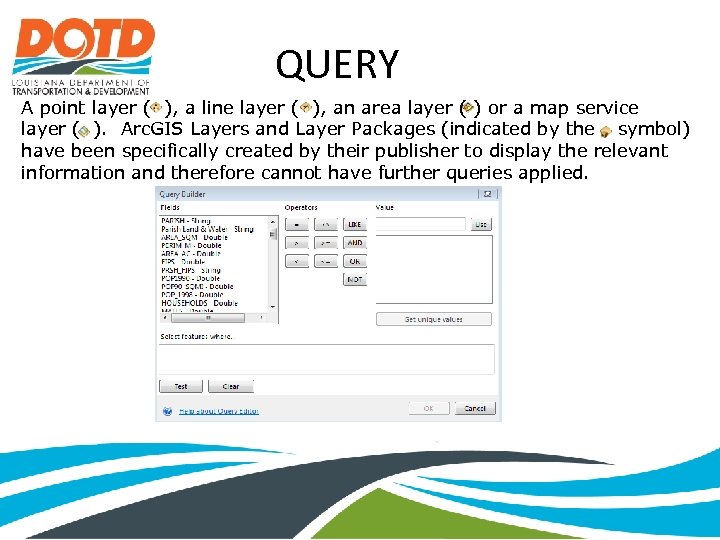 QUERY A point layer ( ), a line layer ( ), an area layer ( ) or a map service layer ( ). Arc. GIS Layers and Layer Packages (indicated by the symbol) have been specifically created by their publisher to display the relevant information and therefore cannot have further queries applied.
 TEXT FILES • ADDRESSES – 123 SMITH STREET, BATON ROUGE, LA 70808 • XY LATITUDE/LONGITUDE: 30. 12345, -90. 67890 U. S. NATIONAL GRID: 15 S YT 09843638 MILITARY GRID REFERENCE SYTEM (MGRS): 38 S MC 12345678
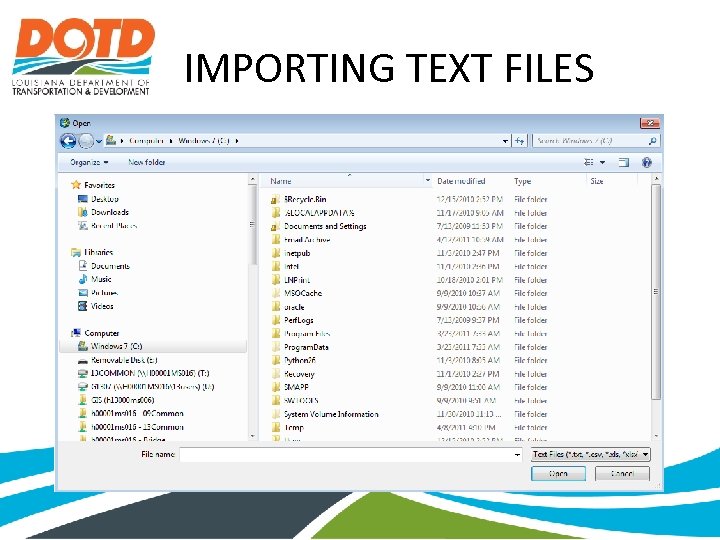 IMPORTING TEXT FILES
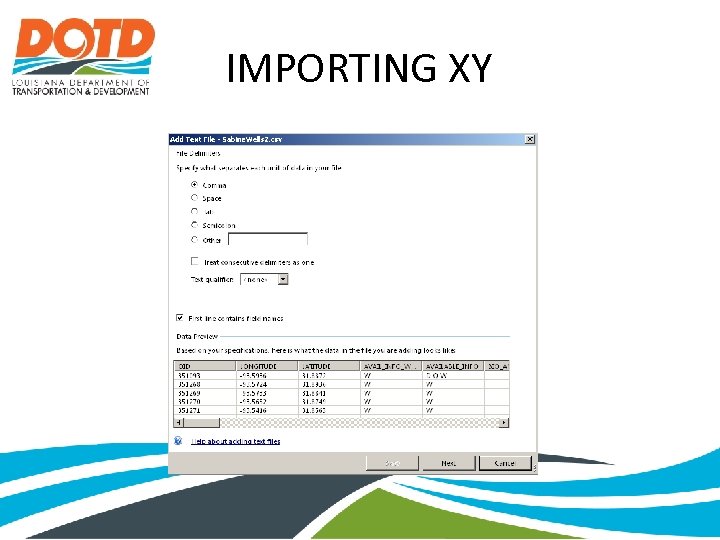 IMPORTING XY
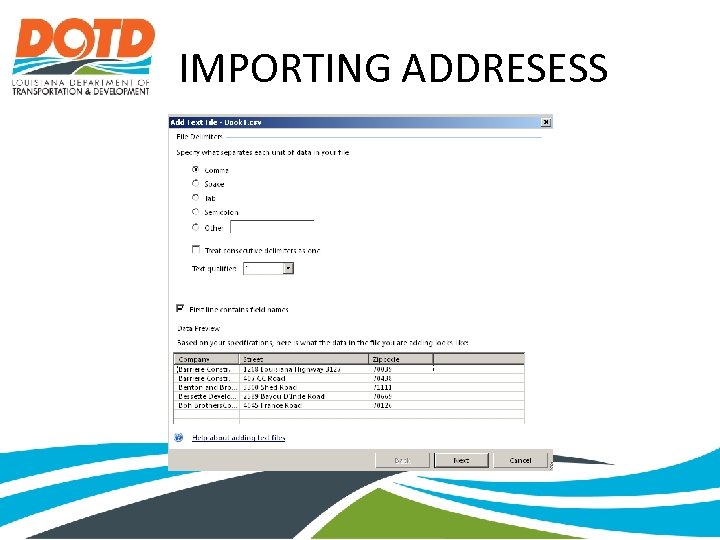 IMPORTING ADDRESESS
 GPS DATA FILES • GPS Exchange Format Files (*. gpx) You can add: » Waypoints » Tracks » Routes
 IMAGE OVERLAYS • Portable Network Graphics (. PGN) a bitmapped image format that employs lossless data compression • represent legends, logos, advisory text such as "Confidential" or "Draft“ • Generally supports presentations
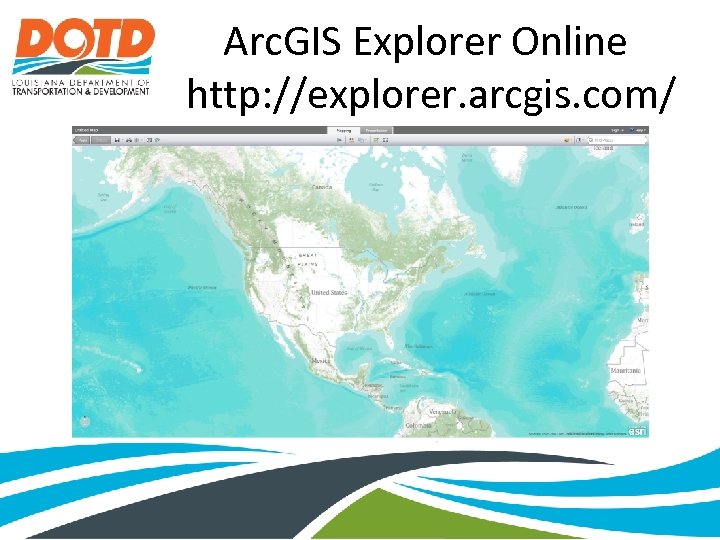
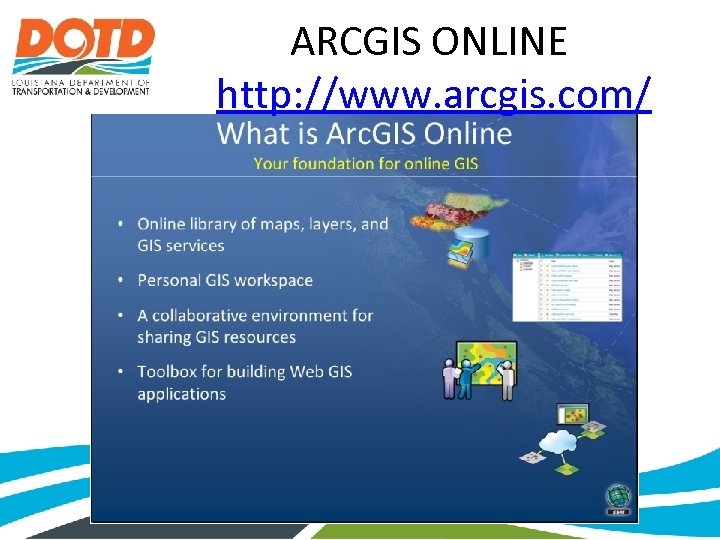 ARCGIS ONLINE http: //www. arcgis. com/
 Search Window
 TASKS • • • Find Directions Route Measure Notes Presentations
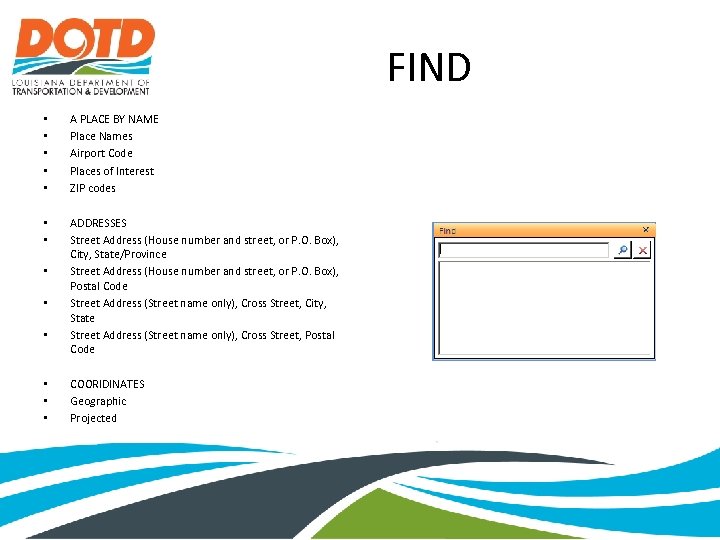 FIND • • • A PLACE BY NAME Place Names Airport Code Places of Interest ZIP codes • • ADDRESSES Street Address (House number and street, or P. O. Box), City, State/Province Street Address (House number and street, or P. O. Box), Postal Code Street Address (Street name only), Cross Street, City, State Street Address (Street name only), Cross Street, Postal Code • • • COORIDINATES Geographic Projected
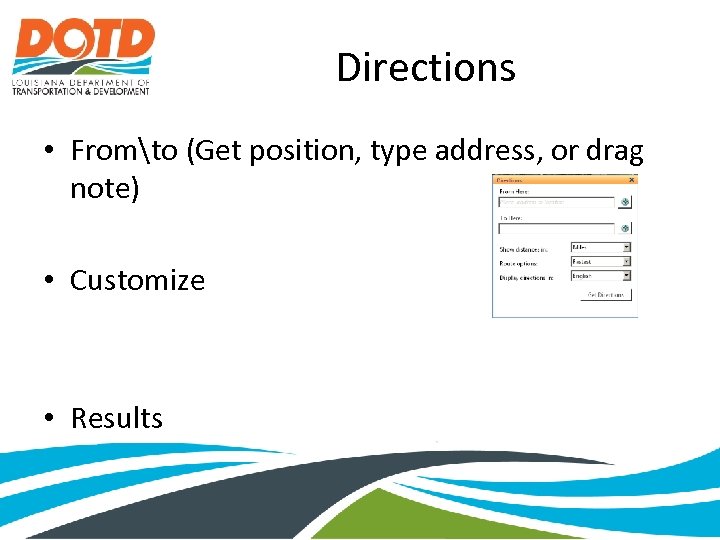 Directions • Fromto (Get position, type address, or drag note) • Customize • Results
 FIND ADDRESS Click the Get Position button and click a location on the map.
 Options • Show distances in • Miles • Kilometers • Route options • Fastest • Shortest • Display Directions in different languages
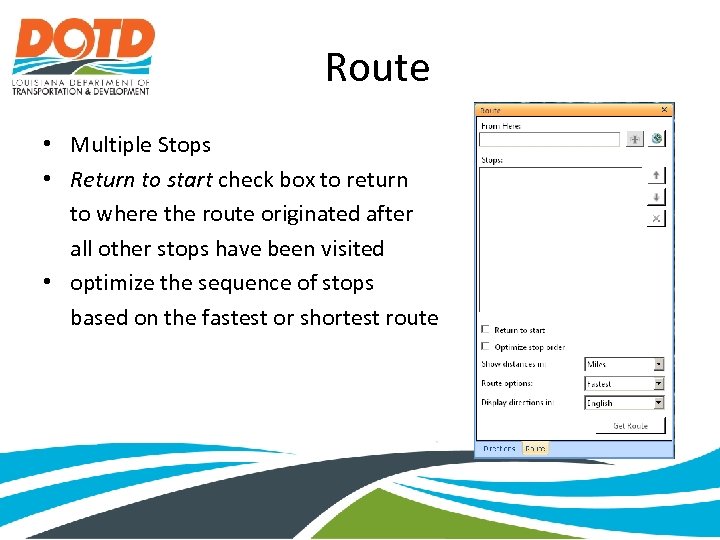 Route • Multiple Stops • Return to start check box to return to where the route originated after all other stops have been visited • optimize the sequence of stops based on the fastest or shortest route
 FIND ROUTE • provides the means to establish a route that travels among multiple stops. – Paste or type an address in the From Here text box, then click the Add button or press Enter. – Drag a Note that represents a point location from the Contents window to the box you want, then click the Add button or press Enter. – Use the Get Position tool to point at the display to find a location to add as a stop, then click the Add button or press Enter. – Prior to the address's inclusion in the Stops list Arc. GIS Explorer will make sure it's a valid address.
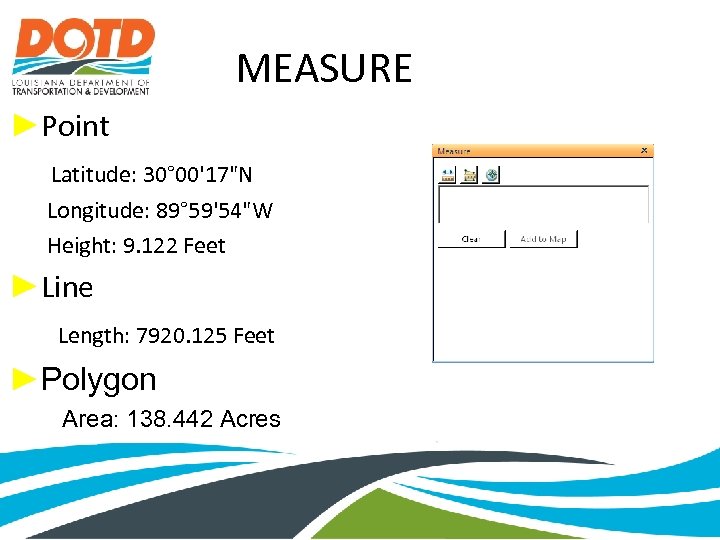 MEASURE ►Point Latitude: 30° 00'17"N Longitude: 89° 59'54"W Height: 9. 122 Feet ►Line Length: 7920. 125 Feet ►Polygon Area: 138. 442 Acres
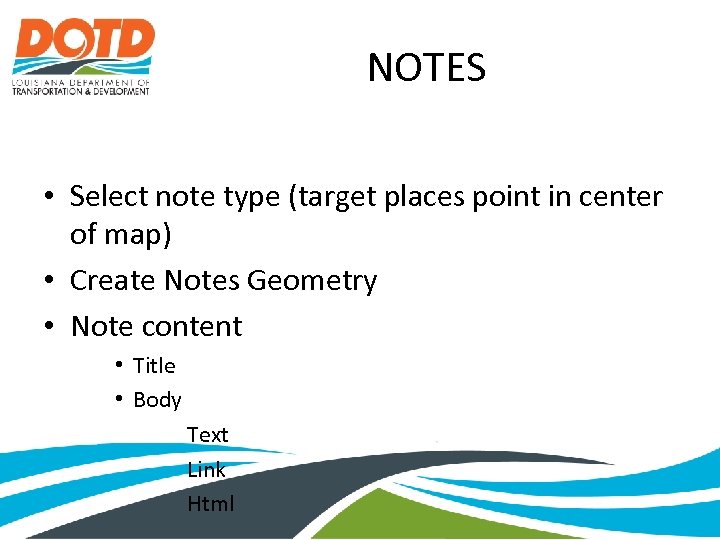 NOTES • Select note type (target places point in center of map) • Create Notes Geometry • Note content • Title • Body Text Link Html
 IDENTIFY • Works with GIS Layers and Layer Packages • Move the mouse over the feature and click it. A popup window that displays the attributes that the package or layer creator has made available appears.
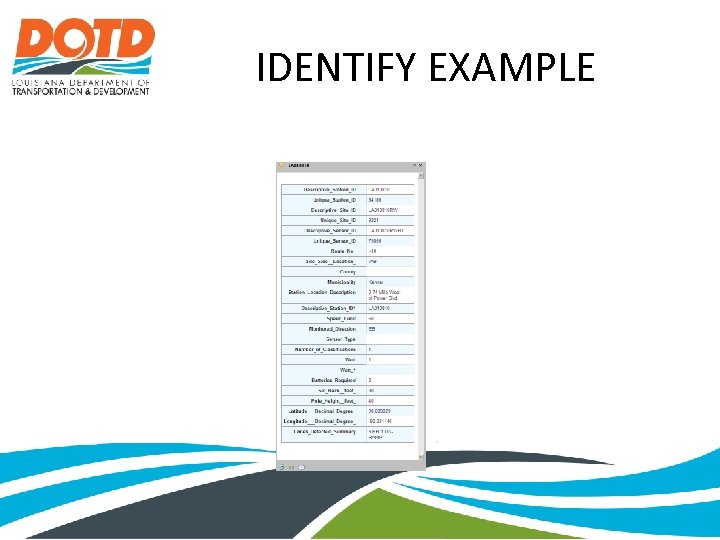 IDENTIFY EXAMPLE
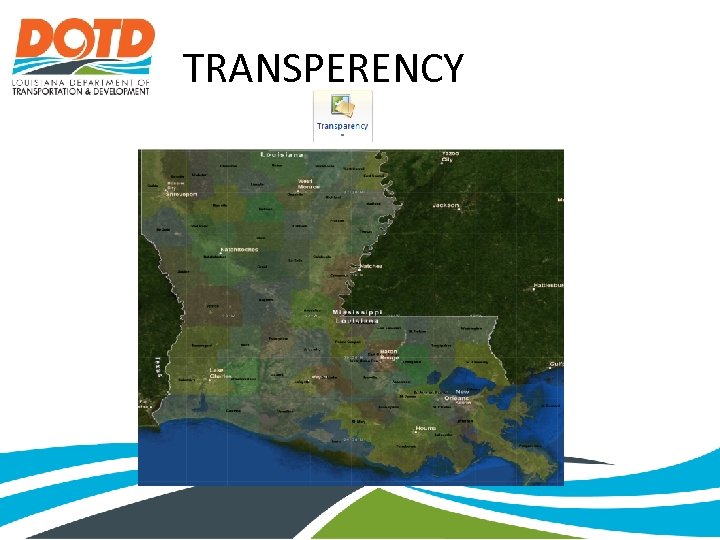 TRANSPERENCY
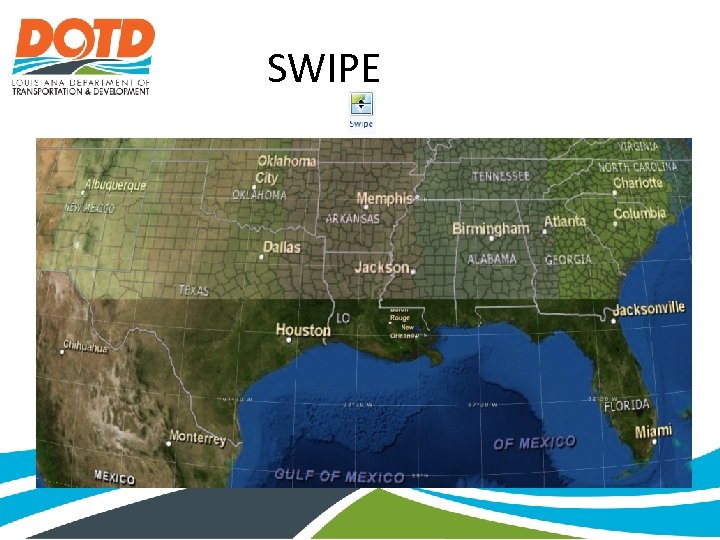 SWIPE
SWIPE
 View • Bookmarks for locations
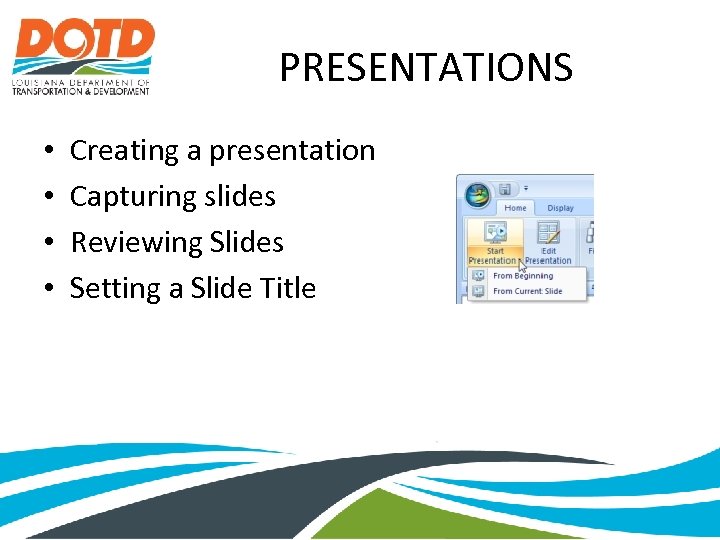 PRESENTATIONS • • Creating a presentation Capturing slides Reviewing Slides Setting a Slide Title
 CREATING PRESENTATIONS • Capturing slides includes: • The current camera position/extent • The current basemap • The visibility of the various map items (what’s on, what’s off) • Any popup windows that are opened and their size and position Does not include: • Individual properties of a map item (symbol, transparency, etc) • Application level settings (navigator position, vertical exaggeration, stars, fog, etc. )
 EDITING SLIDES • Delete the slide from the map • Hide the slide: this keeps the slide in the map, but skips it during the presentation • Re-capture the slide: this replaces the selected slide with the current state of the map
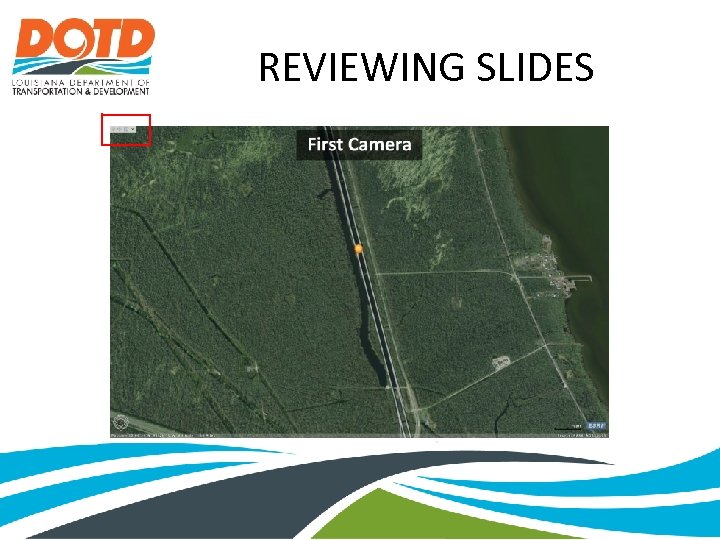 REVIEWING SLIDES
 SETTING A SLIDE TITLE • Edit Text • Change text position • Change text color and background color • Change Font, size, emphasis
 Add-Ins • Adds extra functionality • Examples include Google Street Viewer, Bing Bird’s Eye View, Create Microsoft Power. Point, Previous Extent/Next Extent, Query
 Adding Add-Ins
 Street View
 Bird’s Eye View
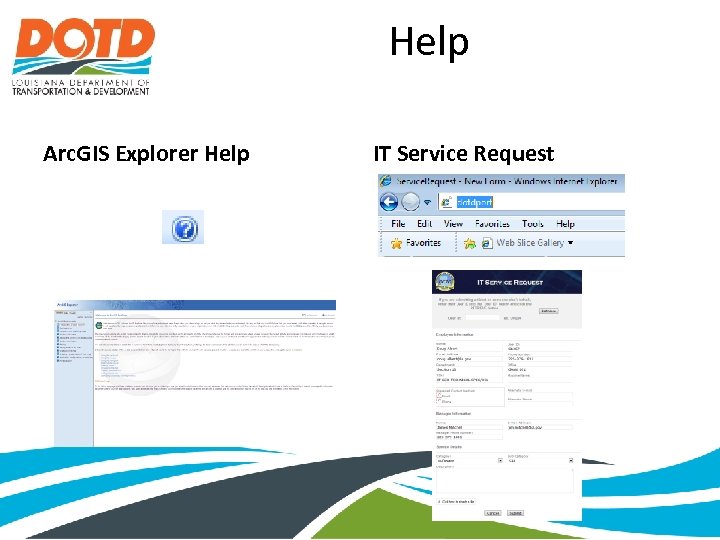 Help Arc. GIS Explorer Help IT Service Request
 Arc. GIS Explorer Online http: //explorer. arcgis. com/
 THE END