


 Скачать презентацию CIT 470 Advanced Network and System Administration Workstations
72ddd88cf7ecdcfc56fd993719dbe5a9.ppt
- Количество слайдов: 28
 CIT 470: Advanced Network and System Administration Workstations CIT 470: Advanced Network and System Administration Slide #1
 Topics 1. 2. 3. 4. Machine Lifecycle Automated Installs Updates Network Configuration CIT 470: Advanced Network and System Administration Slide #2
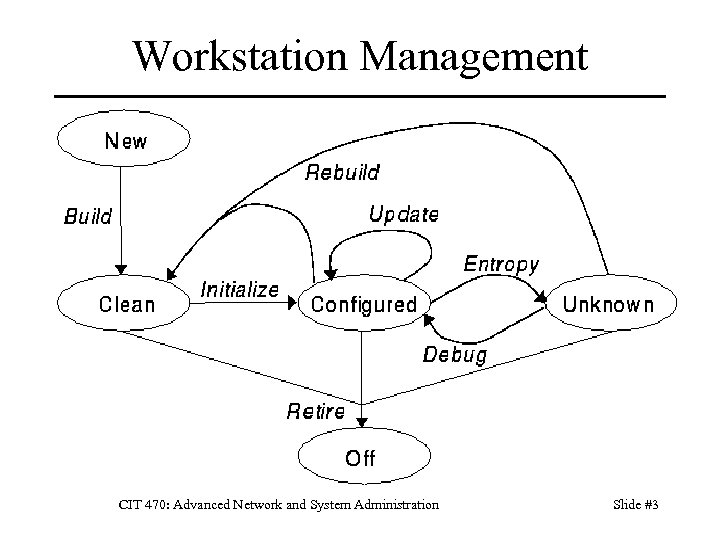 Workstation Management CIT 470: Advanced Network and System Administration Slide #3
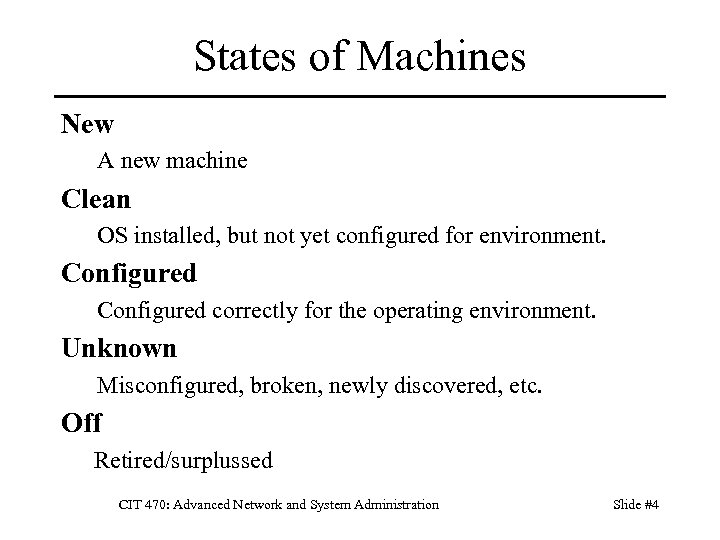 States of Machines New A new machine Clean OS installed, but not yet configured for environment. Configured correctly for the operating environment. Unknown Misconfigured, broken, newly discovered, etc. Off Retired/surplussed CIT 470: Advanced Network and System Administration Slide #4
 State Transitions Build Set up hardware and install OS. Initialize Configure for environment; often part of build. Update Install new software. Patch old software. Change configurations. CIT 470: Advanced Network and System Administration Slide #5
 Why Automate Installs? 1. Save time. Boot the computer, then go do something else. 2. Ensure consistency. No chance of entering wrong input during install. Avoid user requests due to mistakes in config. What works on one desktop, works on all. 3. Fast system recovery. Rebuild system with auto-install vs. slow tapes. CIT 470: Advanced Network and System Administration Slide #6
 Trusting the Vendor Installation Always reload the OS on new machines. – You need to configure the host for your env. – Eventually you’ll reload the OS on a desktop, leaving you with two platforms to support: the vendor OS install and your OS install. – Vendors change their OS images from time to time, so systems you bought today have a different OS from systems bought 6 months ago. CIT 470: Advanced Network and System Administration Slide #7
 Install Types 1. Hard Disk Imaging Duplicate hard disk of installed system. Advantages: fast, simple. Disadvantages: need identical hardware, leads to many images, all of which must be updated manually when you make a change 2. Scripted Installs Installer accepts input from script. Advantages: flexible, systems can be different Disadvantages: more effort to setup initially CIT 470: Advanced Network and System Administration Slide #8
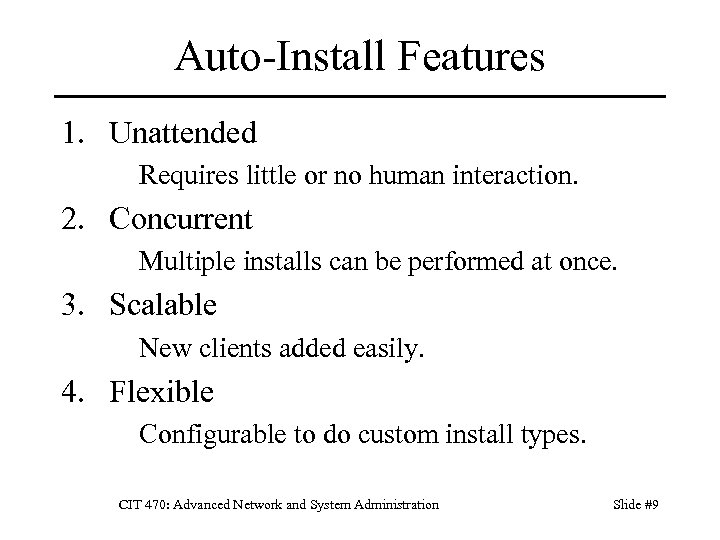 Auto-Install Features 1. Unattended Requires little or no human interaction. 2. Concurrent Multiple installs can be performed at once. 3. Scalable New clients added easily. 4. Flexible Configurable to do custom install types. CIT 470: Advanced Network and System Administration Slide #9
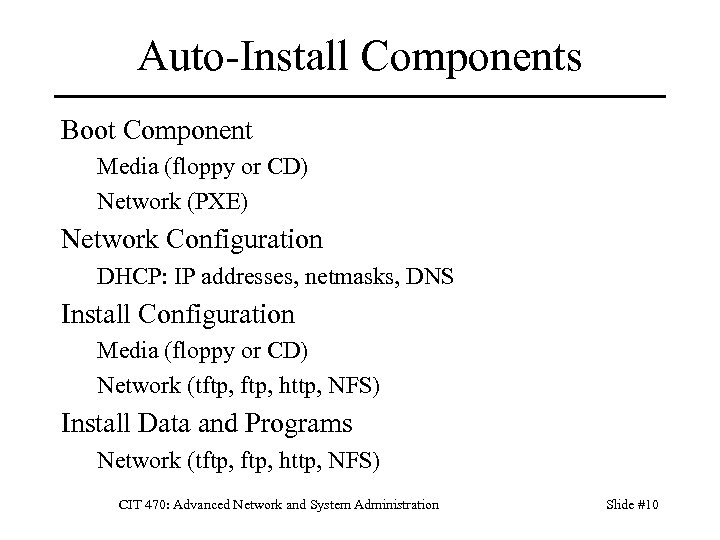 Auto-Install Components Boot Component Media (floppy or CD) Network (PXE) Network Configuration DHCP: IP addresses, netmasks, DNS Install Configuration Media (floppy or CD) Network (tftp, http, NFS) Install Data and Programs Network (tftp, http, NFS) CIT 470: Advanced Network and System Administration Slide #10
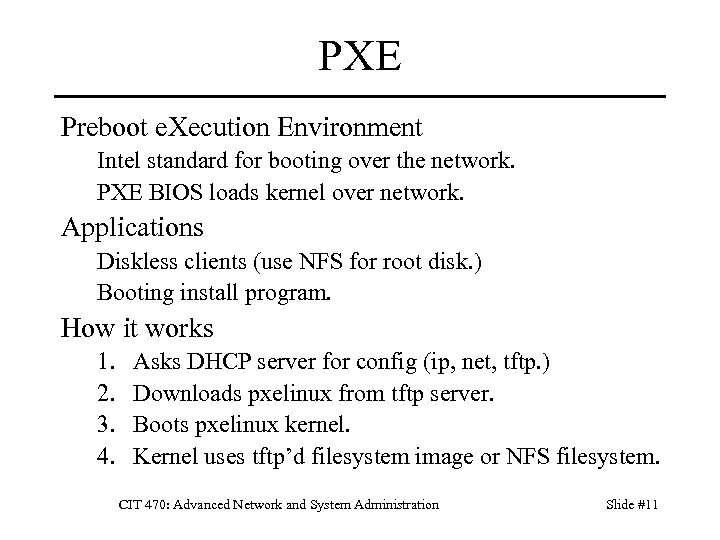 PXE Preboot e. Xecution Environment Intel standard for booting over the network. PXE BIOS loads kernel over network. Applications Diskless clients (use NFS for root disk. ) Booting install program. How it works 1. 2. 3. 4. Asks DHCP server for config (ip, net, tftp. ) Downloads pxelinux from tftp server. Boots pxelinux kernel. Kernel uses tftp’d filesystem image or NFS filesystem. CIT 470: Advanced Network and System Administration Slide #11
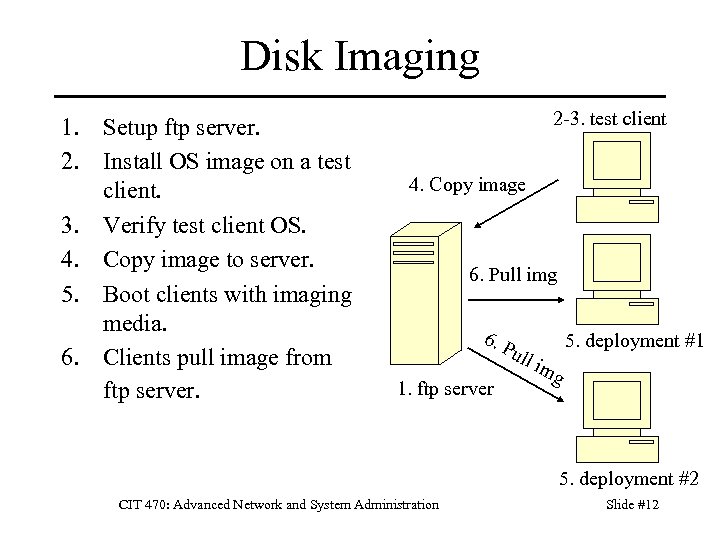 Disk Imaging 1. Setup ftp server. 2. Install OS image on a test client. 3. Verify test client OS. 4. Copy image to server. 5. Boot clients with imaging media. 6. Clients pull image from ftp server. 2 -3. test client 4. Copy image 6. Pull img 6. P ull 1. ftp server 5. deployment #1 im g 5. deployment #2 CIT 470: Advanced Network and System Administration Slide #12
 Disk Imaging Tools • • • Acronis True. Image Clonezilla (free) g 4 u: Ghost for UNIX (free) Symantec GHOST System Imager (free) CIT 470: Advanced Network and System Administration Slide #13
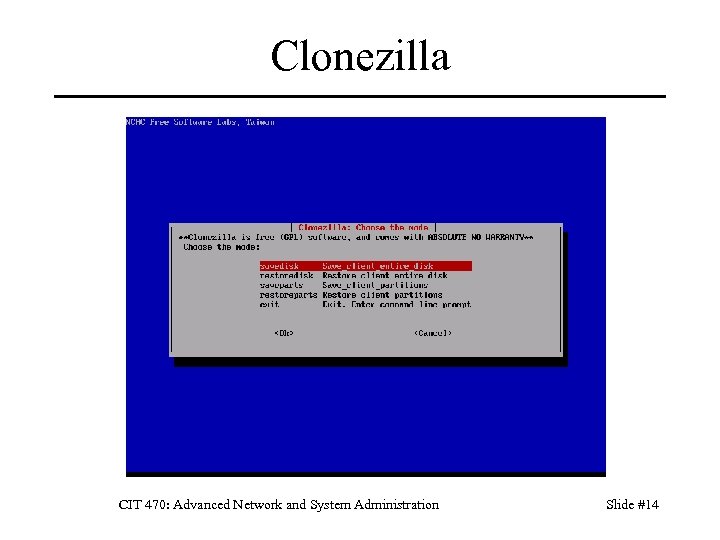 Clonezilla CIT 470: Advanced Network and System Administration Slide #14
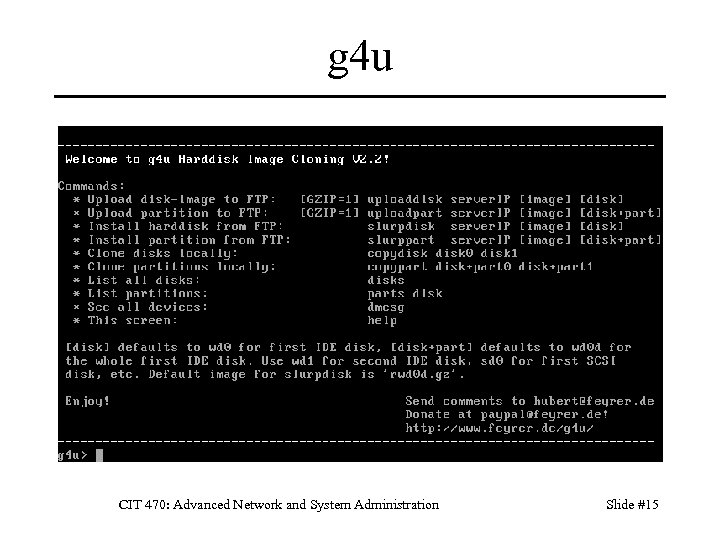 g 4 u CIT 470: Advanced Network and System Administration Slide #15
 Kickstart Components Bootable media – Small bootstrap kernel and filesystem. – Uses DHCP server to configure system. Source machine – Network server: ftp, http, nfs. – Kickstart configuration file(s). – Install files (RPMs). Target machine – Machine on which you’re installing. – Boot with bootable media. CIT 470: Advanced Network and System Administration Slide #16
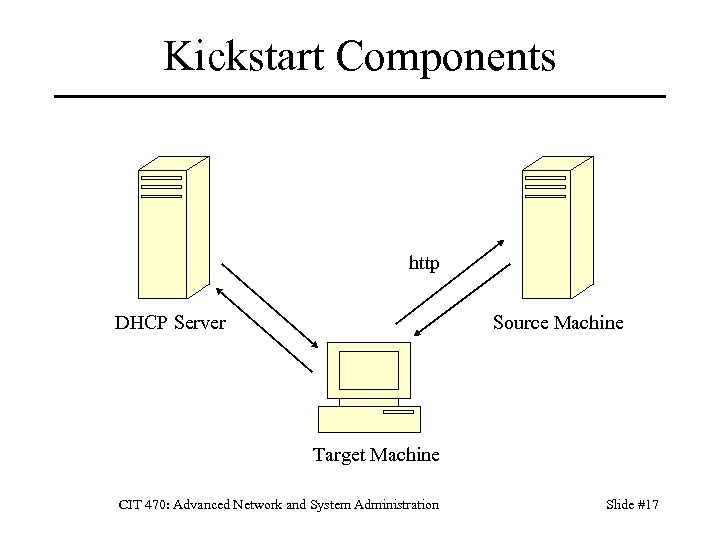 Kickstart Components http DHCP Server Source Machine Target Machine CIT 470: Advanced Network and System Administration Slide #17
 Source Machine Setup 1. Start network service. 2. Copy install media--for each CD: mount /mnt/cdrom cp -var /mnt/cdrom/Red. Hat /usr/local/ks umount /mnt/cdrom/ 3. Create config files. Store under kickstart subdirectory. CIT 470: Advanced Network and System Administration Slide #18
 Kickstart Configuration File Describes desired system configuration. Disk partition setup. Network configuration. Language and other configuration items. Package selection. Pre- and post-install scripts for customization. Creating a Kickstart file: Original install (located under /root) Kickstart Configurator application Manually CIT 470: Advanced Network and System Administration Slide #19
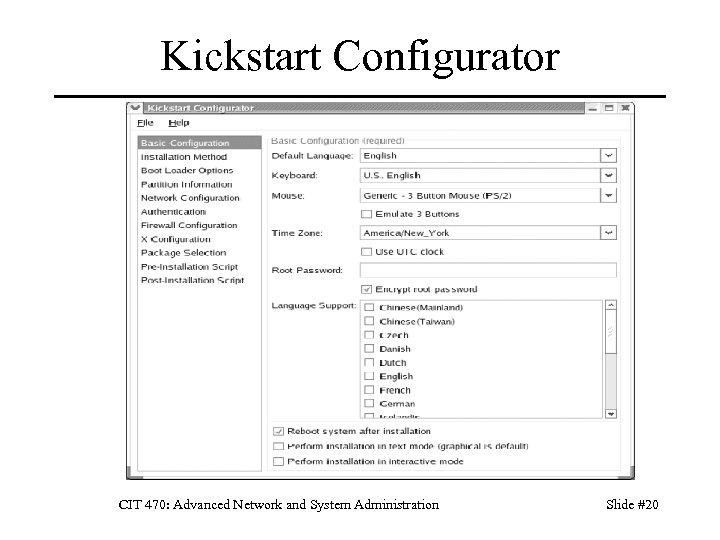 Kickstart Configurator CIT 470: Advanced Network and System Administration Slide #20
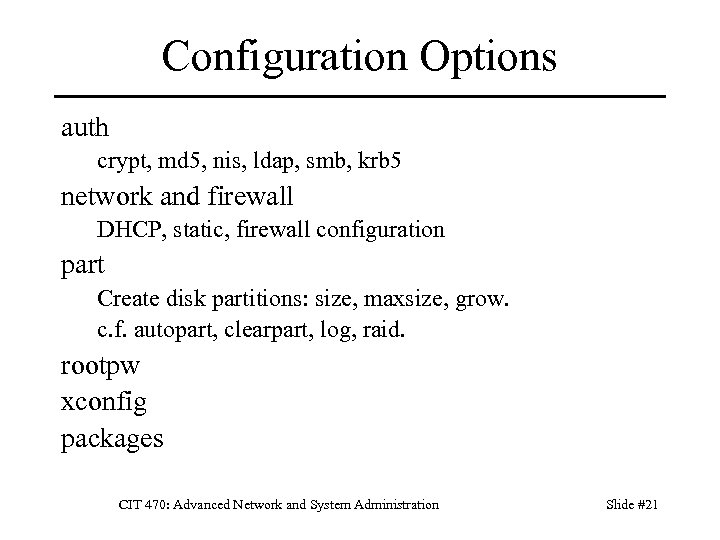 Configuration Options auth crypt, md 5, nis, ldap, smb, krb 5 network and firewall DHCP, static, firewall configuration part Create disk partitions: size, maxsize, grow. c. f. autopart, clearpart, log, raid. rootpw xconfig packages CIT 470: Advanced Network and System Administration Slide #21
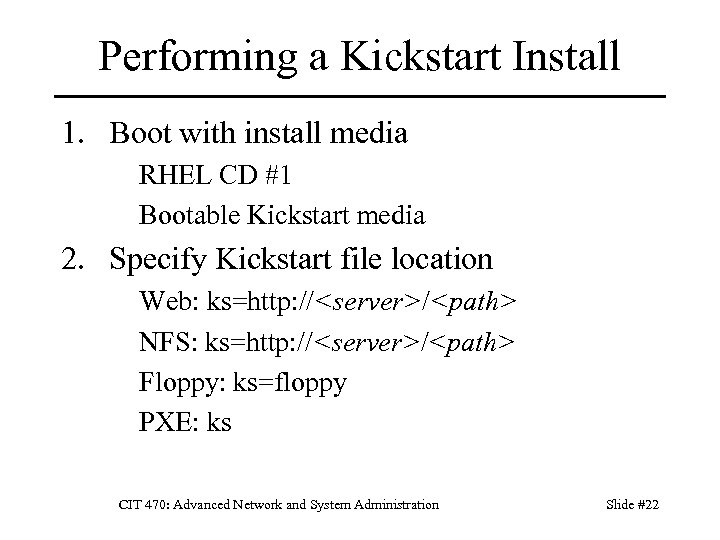 Performing a Kickstart Install 1. Boot with install media RHEL CD #1 Bootable Kickstart media 2. Specify Kickstart file location Web: ks=http: //
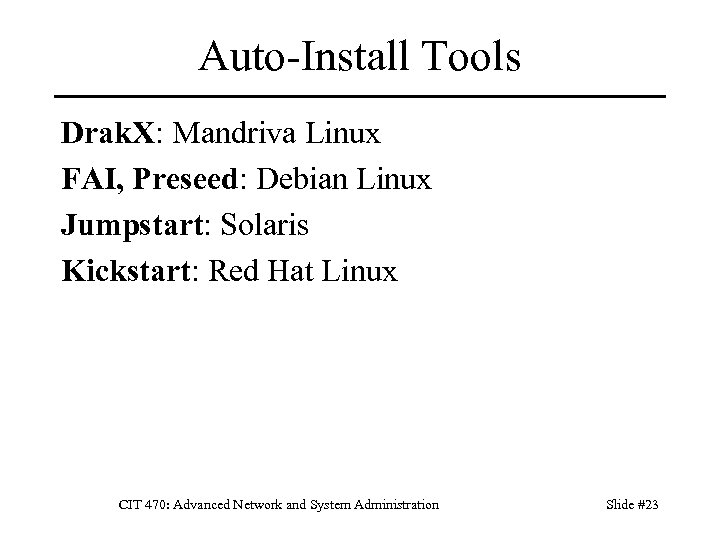 Auto-Install Tools Drak. X: Mandriva Linux FAI, Preseed: Debian Linux Jumpstart: Solaris Kickstart: Red Hat Linux CIT 470: Advanced Network and System Administration Slide #23
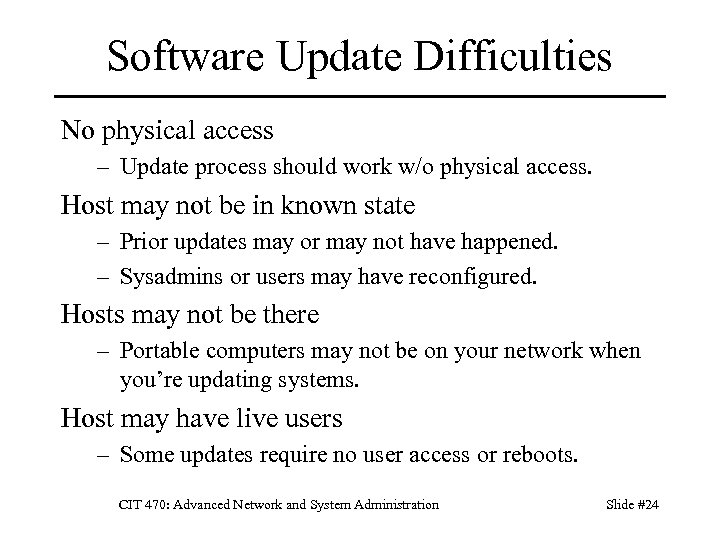 Software Update Difficulties No physical access – Update process should work w/o physical access. Host may not be in known state – Prior updates may or may not have happened. – Sysadmins or users may have reconfigured. Hosts may not be there – Portable computers may not be on your network when you’re updating systems. Host may have live users – Some updates require no user access or reboots. CIT 470: Advanced Network and System Administration Slide #24
 One, Some, Many Failed updates break someone’s machine. Vendor hasn’t tested updates in your env. One, some, many process mitigates risks One: Test update on one system first. Some: Test update on group of test systems that are representative of the target systems. Many: Schedule update for a time that limits disruption and update user systems. CIT 470: Advanced Network and System Administration Slide #25
 Network Configuration What’s so bad about manual net settings? – It’s only an IP address and netmask. – What happens if you need to renumber? Use DHCP instead of manual settings – Make all changes on a single server. – Easy to change settings for entire network. – DHCP can assign static IPs as well as dynamic. CIT 470: Advanced Network and System Administration Slide #26
 Key Points Desktop Lifecycle – New, clean, configured, unknown states. Automated Installs – – Why: consistency, fast recovery, saves time. Install types: imaging vs. scripted. Components: boot, network, config, data. Think about how Principles of SA apply. One, Some, Many approach to updates. CIT 470: Advanced Network and System Administration Slide #27
 References 1. 2. 3. 4. 5. Mark Burgess, Principles of System and Network Administration, Wiley, 2000. Aeleen Frisch, Essential System Administration, 3 rd edition, O’Reilly, 2002. R. Evard. "An analysis of unix system configuration. " Proceedings of the 11 th Systems Administration conference (LISA), page 179, http: //www. usenix. org/publications/library/proceedings/lisa 97/full_pa pers/20. evard/20_html/main. html, 1997 Thomas Limoncelli, Christine Hogan, Strata Chalup, The Practice of System and Network Administration, 2 nd ed, Limoncelli and Hogan, Addison-Wesley, 2007. Evi Nemeth et al, UNIX System Administration Handbook, 3 rd edition, Prentice Hall, 2001. CIT 470: Advanced Network and System Administration Slide #28