 Скачать презентацию CIS 375 Web App Dev II ASP NET 10
0ef88ad92597071e26c54e902e06a5ca.ppt
- Количество слайдов: 24



CIS 375—Web App Dev II ASP. NET 10 Database 2
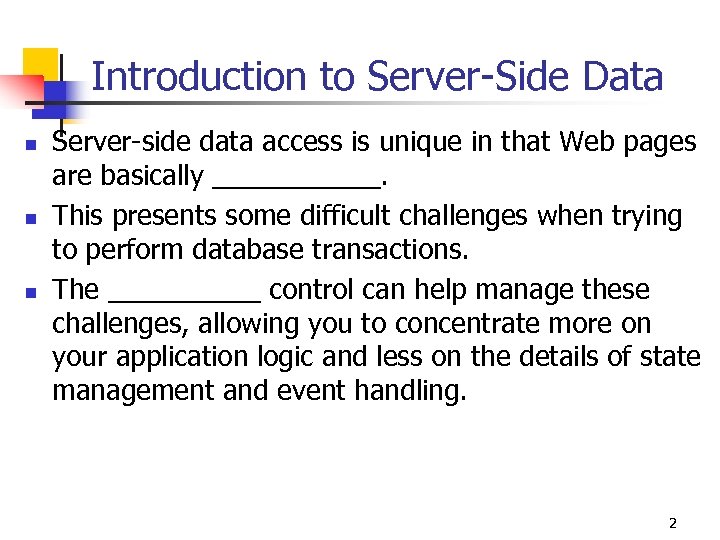
Introduction to Server-Side Data n n n Server-side data access is unique in that Web pages are basically ______. This presents some difficult challenges when trying to perform database transactions. The _____ control can help manage these challenges, allowing you to concentrate more on your application logic and less on the details of state management and event handling. 2

Connections, Commands, and Datasets 1 n n n The common language _____ provides a complete set of managed data access APIs for dataintensive application development. These APIs help to abstract the data and present it in a consistent way regardless of its actual source (SQL Server, OLEDB, XML, and so on). There are essentially three objects you will work with most often: n n n A _____ represents a physical connection to some data store. A _____ represents a directive to retrieve from (select) or manipulate (insert, update, delete) the data store. A _____ represents the actual data an application works with. 3
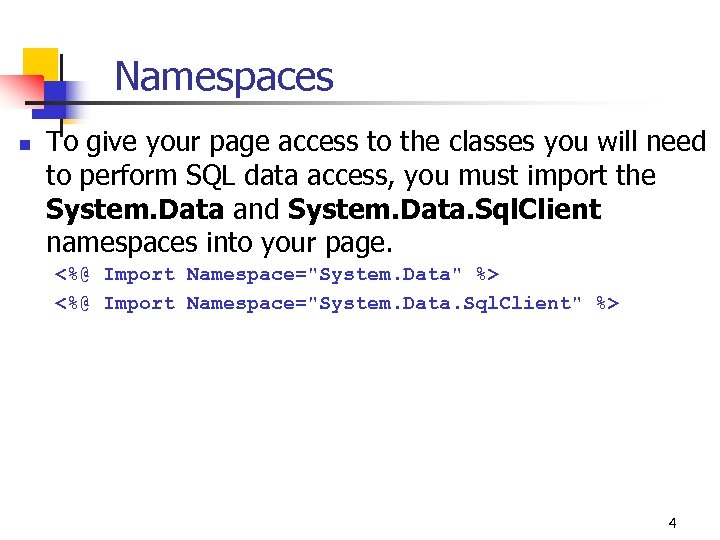
Namespaces n To give your page access to the classes you will need to perform SQL data access, you must import the System. Data and System. Data. Sql. Client namespaces into your page. <%@ Import Namespace="System. Data" %> <%@ Import Namespace="System. Data. Sql. Client" %> 4

SQL Query n To perform a select query to a SQL database, you create a Sql. Connection to the database passing the connection string, and then construct a Sql. Data. Adapter object that contains your query statement. Dim my. Connection As New Sql. Connection( _ "server=(local)Net. SDK; database=pubs; Integrated Security=SSPI") Dim my. Command As New Sql. Data. Adapter("select * from Authors", my. Connection) n To populate a Data. Set object with the results from the query, you call the command's ______ method. Dim ds As New Data. Set() my. Command. Fill(ds, "Authors") 5

Sql. Data. Reader n n For Web applications, you are usually performing short operations with each request (commonly to simply display the data). You often don't need to hold a ____ object over a series of several requests. For situations like these, you can use a Sql. Data. Reader. Dim my. Command As Sql. Command = New Sql. Command("select * from Authors", my. Connection) my. Connection. Open() Dim dr As Sql. Data. Reader = my. Command. Execute. Reader(). . . my. Connection. Close() 6
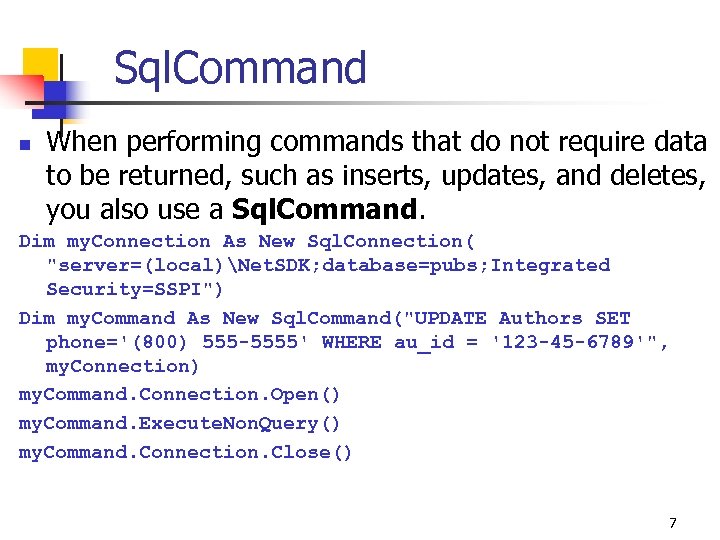
Sql. Command n When performing commands that do not require data to be returned, such as inserts, updates, and deletes, you also use a Sql. Command. Dim my. Connection As New Sql. Connection( "server=(local)Net. SDK; database=pubs; Integrated Security=SSPI") Dim my. Command As New Sql. Command("UPDATE Authors SET phone='(800) 555 -5555' WHERE au_id = '123 -45 -6789'", my. Connection) my. Command. Connection. Open() my. Command. Execute. Non. Query() my. Command. Connection. Close() 7
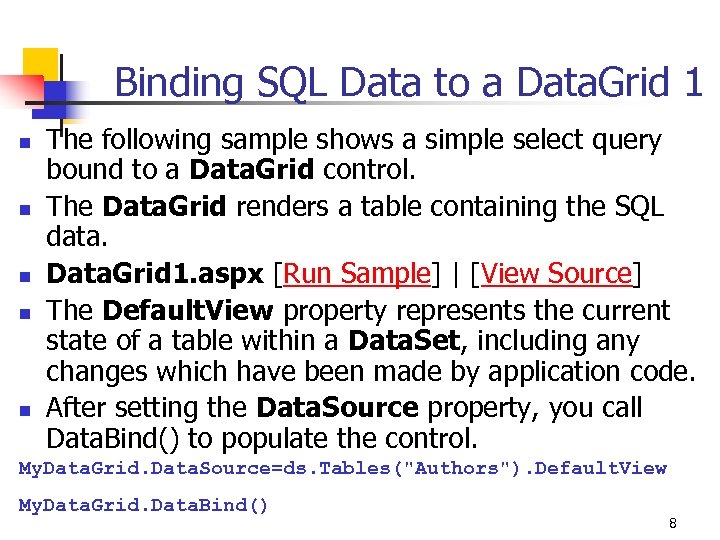
Binding SQL Data to a Data. Grid 1 n n n The following sample shows a simple select query bound to a Data. Grid control. The Data. Grid renders a table containing the SQL data. Data. Grid 1. aspx [Run Sample] | [View Source] The Default. View property represents the current state of a table within a Data. Set, including any changes which have been made by application code. After setting the Data. Source property, you call Data. Bind() to populate the control. My. Data. Grid. Data. Source=ds. Tables("Authors"). Default. View My. Data. Grid. Data. Bind() 8
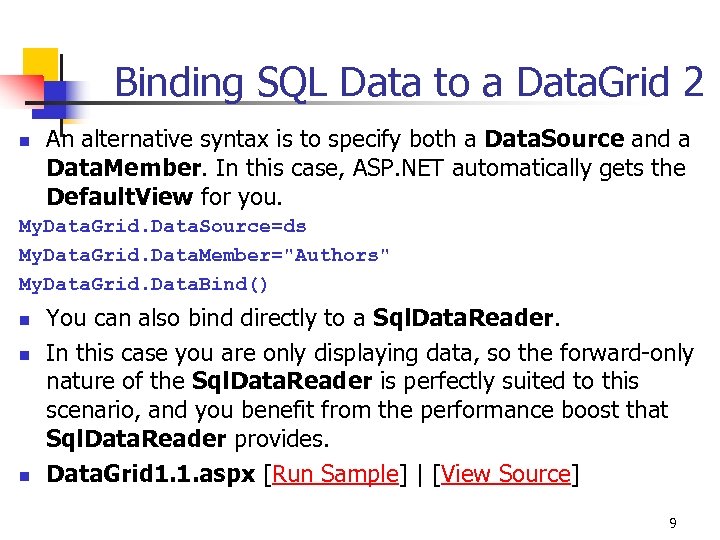
Binding SQL Data to a Data. Grid 2 n An alternative syntax is to specify both a Data. Source and a Data. Member. In this case, ASP. NET automatically gets the Default. View for you. My. Data. Grid. Data. Source=ds My. Data. Grid. Data. Member="Authors" My. Data. Grid. Data. Bind() n n n You can also bind directly to a Sql. Data. Reader. In this case you are only displaying data, so the forward-only nature of the Sql. Data. Reader is perfectly suited to this scenario, and you benefit from the performance boost that Sql. Data. Reader provides. Data. Grid 1. 1. aspx [Run Sample] | [View Source] 9

Performing a Parameterized Select 1 n n n You can also perform a parameterized select using the Sql. Data. Adapter object. The following sample shows how you can modify the data selected using the value posted from a select Html. Control. Data. Grid 2. aspx [Run Sample] | [View Source] 10
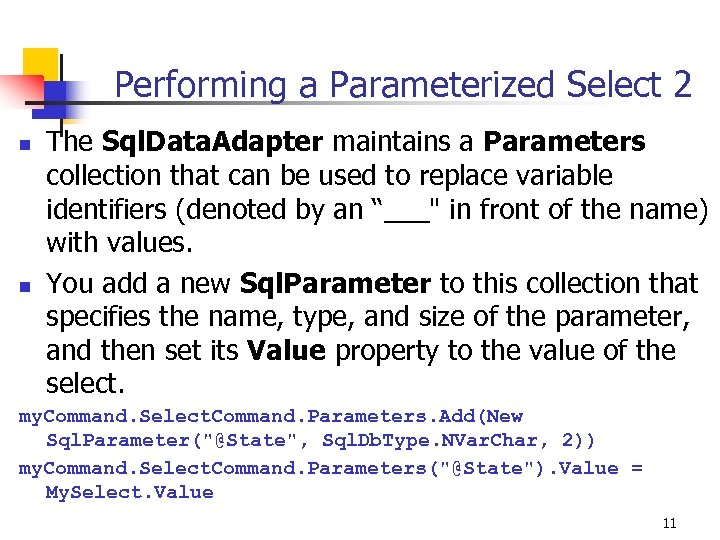
Performing a Parameterized Select 2 n n The Sql. Data. Adapter maintains a Parameters collection that can be used to replace variable identifiers (denoted by an “___" in front of the name) with values. You add a new Sql. Parameter to this collection that specifies the name, type, and size of the parameter, and then set its Value property to the value of the select. my. Command. Select. Command. Parameters. Add(New Sql. Parameter("@State", Sql. Db. Type. NVar. Char, 2)) my. Command. Select. Command. Parameters("@State"). Value = My. Select. Value 11
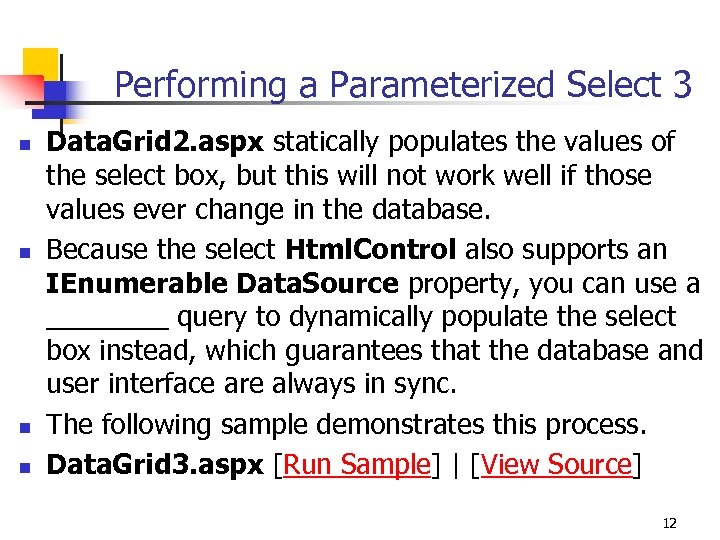
Performing a Parameterized Select 3 n n Data. Grid 2. aspx statically populates the values of the select box, but this will not work well if those values ever change in the database. Because the select Html. Control also supports an IEnumerable Data. Source property, you can use a ____ query to dynamically populate the select box instead, which guarantees that the database and user interface are always in sync. The following sample demonstrates this process. Data. Grid 3. aspx [Run Sample] | [View Source] 12
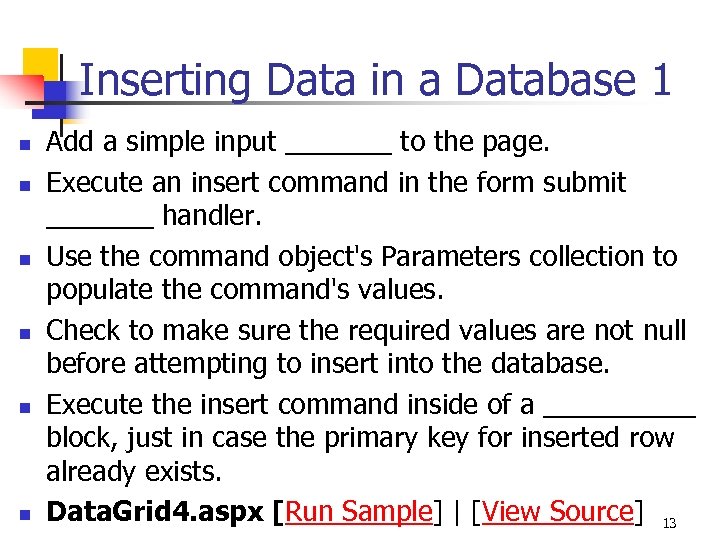
Inserting Data in a Database 1 n n n Add a simple input _______ to the page. Execute an insert command in the form submit _______ handler. Use the command object's Parameters collection to populate the command's values. Check to make sure the required values are not null before attempting to insert into the database. Execute the insert command inside of a _____ block, just in case the primary key for inserted row already exists. Data. Grid 4. aspx [Run Sample] | [View Source] 13
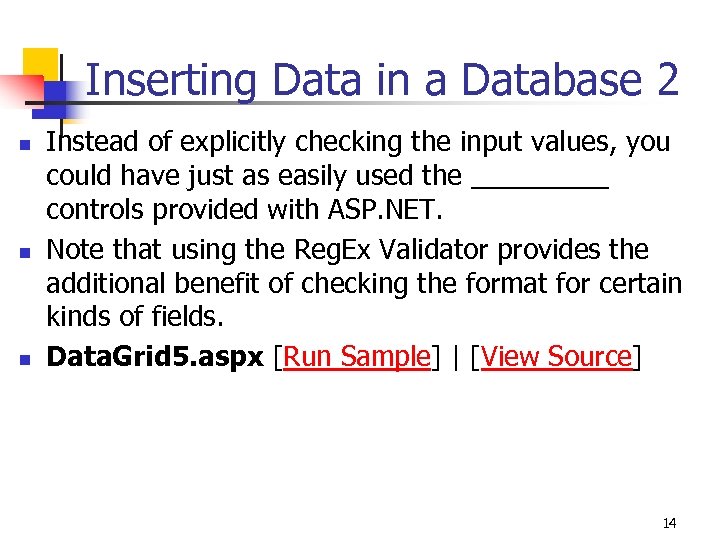
Inserting Data in a Database 2 n n n Instead of explicitly checking the input values, you could have just as easily used the _____ controls provided with ASP. NET. Note that using the Reg. Ex Validator provides the additional benefit of checking the format for certain kinds of fields. Data. Grid 5. aspx [Run Sample] | [View Source] 14
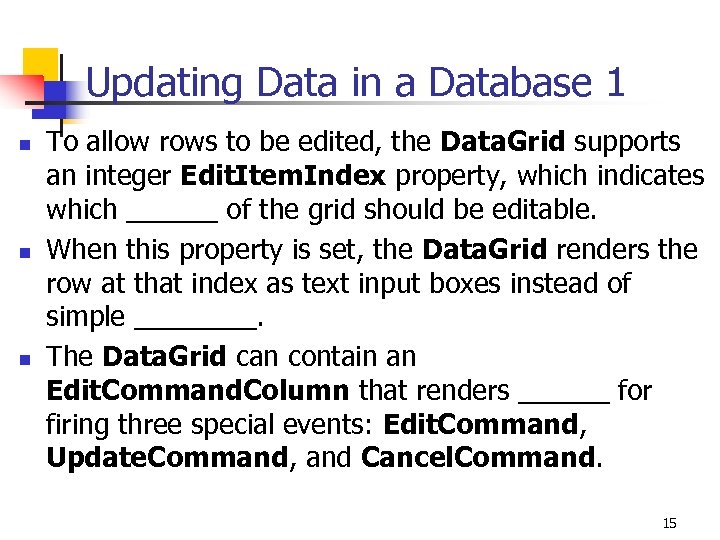
Updating Data in a Database 1 n n n To allow rows to be edited, the Data. Grid supports an integer Edit. Item. Index property, which indicates which ______ of the grid should be editable. When this property is set, the Data. Grid renders the row at that index as text input boxes instead of simple ____. The Data. Grid can contain an Edit. Command. Column that renders ______ for firing three special events: Edit. Command, Update. Command, and Cancel. Command. 15
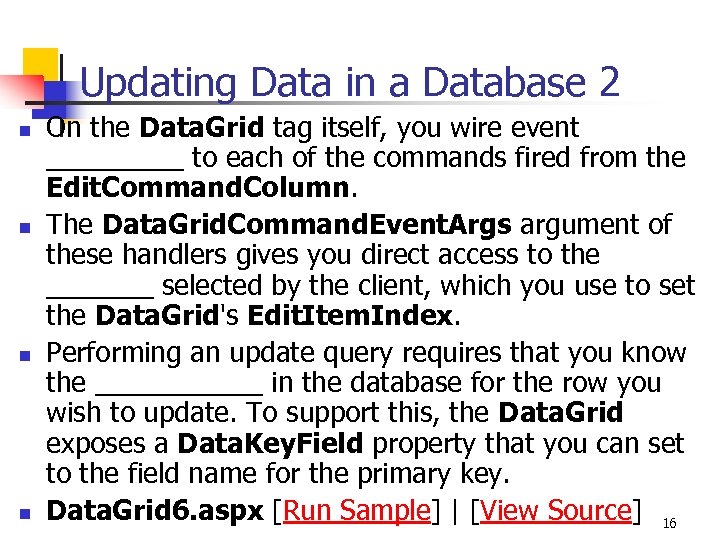
Updating Data in a Database 2 n n On the Data. Grid tag itself, you wire event _____ to each of the commands fired from the Edit. Command. Column. The Data. Grid. Command. Event. Args argument of these handlers gives you direct access to the _______ selected by the client, which you use to set the Data. Grid's Edit. Item. Index. Performing an update query requires that you know the ______ in the database for the row you wish to update. To support this, the Data. Grid exposes a Data. Key. Field property that you can set to the field name for the primary key. Data. Grid 6. aspx [Run Sample] | [View Source] 16
Updating Data in a Database 3 n n One problem with the preceding example is that the primary key field (au_id) also renders as a text input box when a row is editable. You can disable this column from rendering as a text box by specifying exactly what each column looks like for the editable row. You do this by defining each row in the Data. Grid's _____ collection, using the Bound. Column control to assign data fields with each column. Data. Grid 7. aspx [Run Sample] | [View Source] 17
Updating Data in a Database 4 n n n You can also specify a Template. Column, which gives you complete control over the contents of the column. The following sample demonstrates using the Template. Column control to render the "State" column as a drop-down list and the "Contract" column as a check box ______. Data. Grid 8. aspx [Run Sample] | [View Source] The following sample adds Validator controls to the columns to check the ______ input before attempting to perform the update. Data. Grid 9. aspx [Run Sample] | [View Source] 18
Deleting Data in a Database n n Another control that can be added to the Data. Grid's Columns collection is the Button. Column control. Button. Column supports a Command. Name property that can be set to Delete. On the Data. Grid, you _____ an event handler to the Delete. Command, where you perform the delete operation. Data. Grid 10. aspx [Run Sample] | [View Source] 19
Sorting Data from a Database 1 n n n While the Data. Grid control doesn't explicitly sort its data for you, it does provide a way to call an event handler when the user clicks a column header, which you can use to sort the data. When the Data. Grid's Allow. Sorting property is set to true, it renders _____ for the column headers that fire a Sort command back to the grid. You set the On. Sort. Command property of the Data. Grid to the handler you want to call when the user clicks a column link. 20
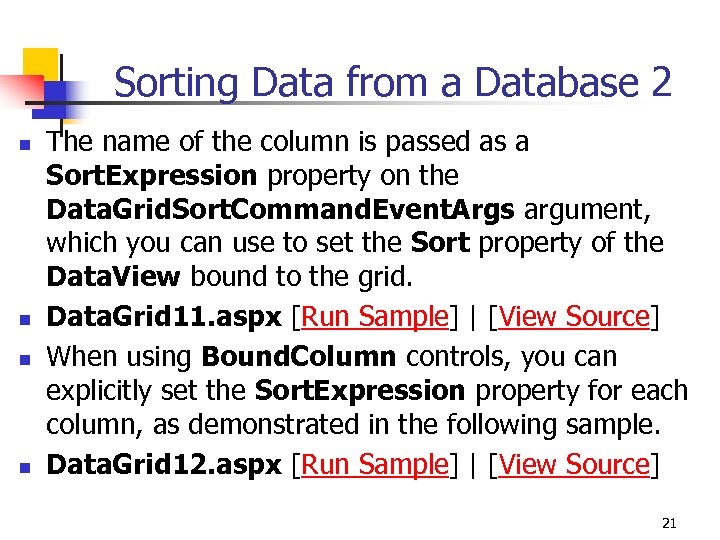
Sorting Data from a Database 2 n n The name of the column is passed as a Sort. Expression property on the Data. Grid. Sort. Command. Event. Args argument, which you can use to set the Sort property of the Data. View bound to the grid. Data. Grid 11. aspx [Run Sample] | [View Source] When using Bound. Column controls, you can explicitly set the Sort. Expression property for each column, as demonstrated in the following sample. Data. Grid 12. aspx [Run Sample] | [View Source] 21
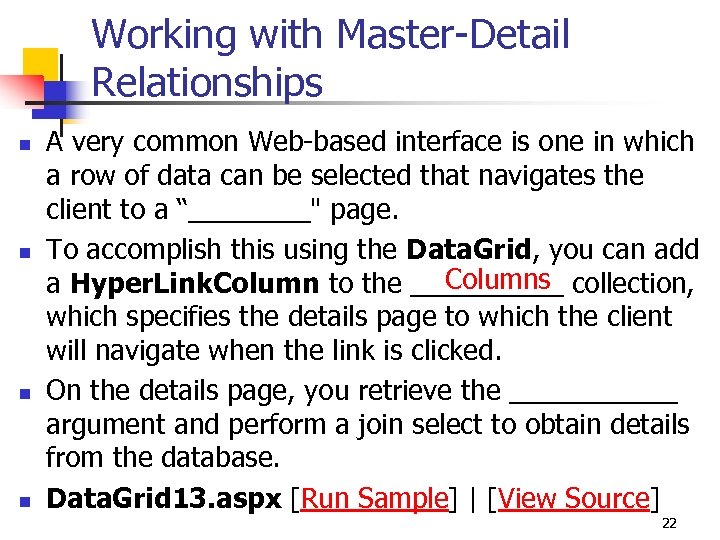
Working with Master-Detail Relationships n n A very common Web-based interface is one in which a row of data can be selected that navigates the client to a “____" page. To accomplish this using the Data. Grid, you can add Columns a Hyper. Link. Column to the _____ collection, which specifies the details page to which the client will navigate when the link is clicked. On the details page, you retrieve the ______ argument and perform a join select to obtain details from the database. Data. Grid 13. aspx [Run Sample] | [View Source] 22
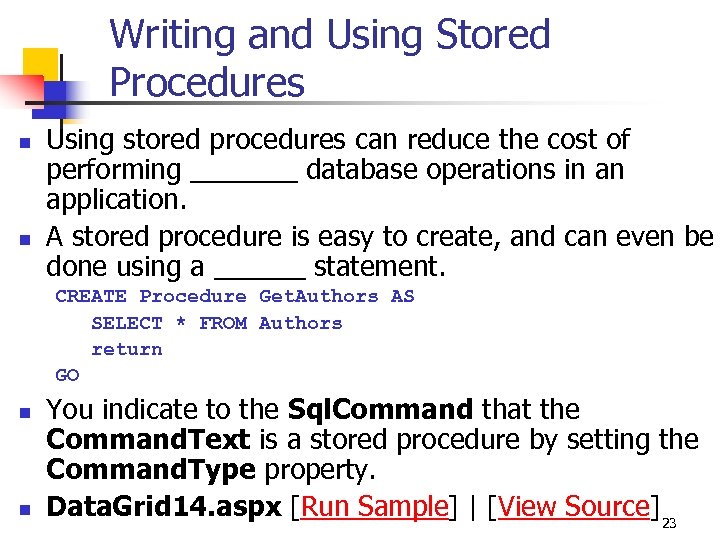
Writing and Using Stored Procedures n n Using stored procedures can reduce the cost of performing _______ database operations in an application. A stored procedure is easy to create, and can even be done using a ______ statement. CREATE Procedure Get. Authors AS SELECT * FROM Authors return GO n n You indicate to the Sql. Command that the Command. Text is a stored procedure by setting the Command. Type property. Data. Grid 14. aspx [Run Sample] | [View Source] 23
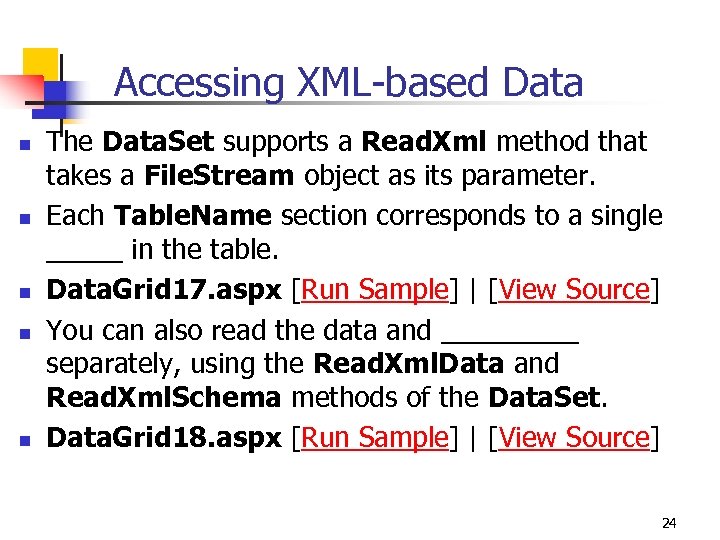
Accessing XML-based Data n n n The Data. Set supports a Read. Xml method that takes a File. Stream object as its parameter. Each Table. Name section corresponds to a single _____ in the table. Data. Grid 17. aspx [Run Sample] | [View Source] You can also read the data and _____ separately, using the Read. Xml. Data and Read. Xml. Schema methods of the Data. Set. Data. Grid 18. aspx [Run Sample] | [View Source] 24
Скачать презентацию CIS 375 Web App Dev II ASP NET 10
0ef88ad92597071e26c54e902e06a5ca.ppt