


 Скачать презентацию Christopher Greco Wesley Kunzler Koy Rehme Ryan Ruan
b8b9fd42730c811bb5861371224c71c8.ppt
- Количество слайдов: 18
 Christopher Greco, Wesley Kunzler, Koy Rehme, Ryan Ruan
 What you will learn today: • History of Bluetooth • Technical specifications • Applications/Devices that use Bluetooth • Advantages/Disadvantages over competitors • What the future holds…….
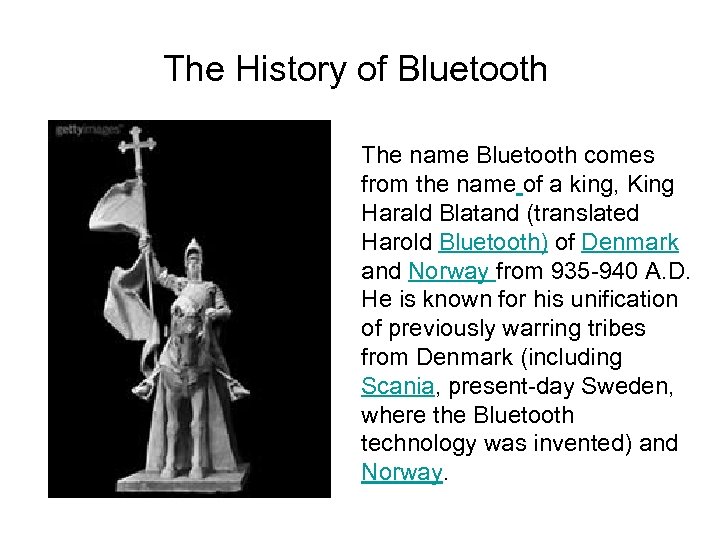 The History of Bluetooth The name Bluetooth comes from the name of a king, King Harald Blatand (translated Harold Bluetooth) of Denmark and Norway from 935 -940 A. D. He is known for his unification of previously warring tribes from Denmark (including Scania, present-day Sweden, where the Bluetooth technology was invented) and Norway.
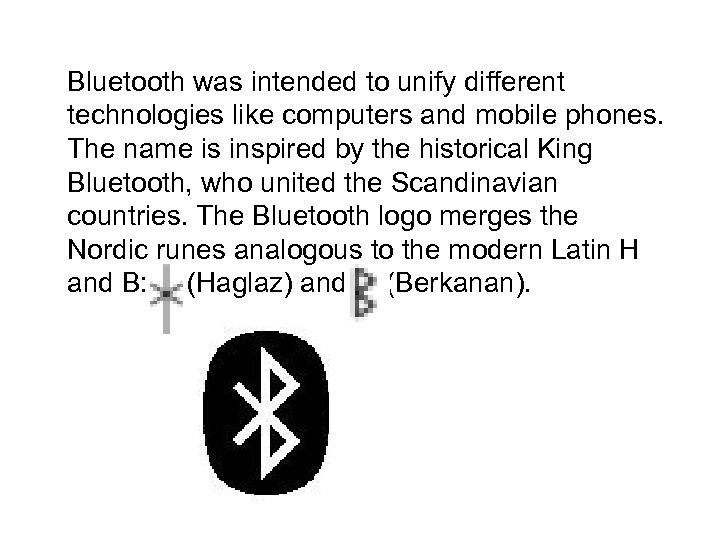 Bluetooth was intended to unify different technologies like computers and mobile phones. The name is inspired by the historical King Bluetooth, who united the Scandinavian countries. The Bluetooth logo merges the Nordic runes analogous to the modern Latin H and B: (Haglaz) and (Berkanan).
 Disgusting Problems • Twisted cables in the office or Home • lose the digital camera’s download cable and by chance find out your laptop has no interface for some certain storage sticks (CF, SD) • You have to answer the Cell-phone when driving on the high-way …………
 Easier and Better Life with Bluetooth • To connect all your office peripherals wirelessly (Printer, Scanner, Fax) • To send still or video images from any location to any location • To connect your wireless headset to your mobile phone • To unlock/lock the door, open/close the entry way light or air-conditioner automatically, upon arriving at home.
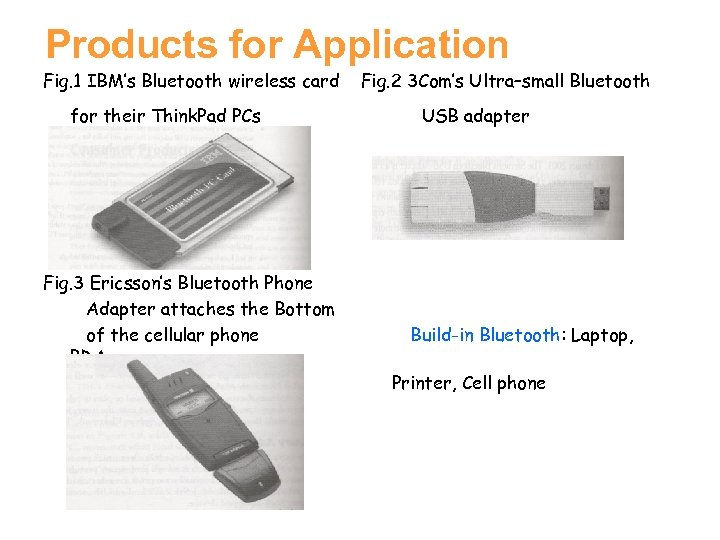 Products for Application Fig. 1 IBM’s Bluetooth wireless card for their Think. Pad PCs Fig. 3 Ericsson’s Bluetooth Phone Adapter attaches the Bottom of the cellular phone PDA, Fig. 2 3 Com’s Ultra–small Bluetooth USB adapter Build-in Bluetooth: Laptop, Printer, Cell phone
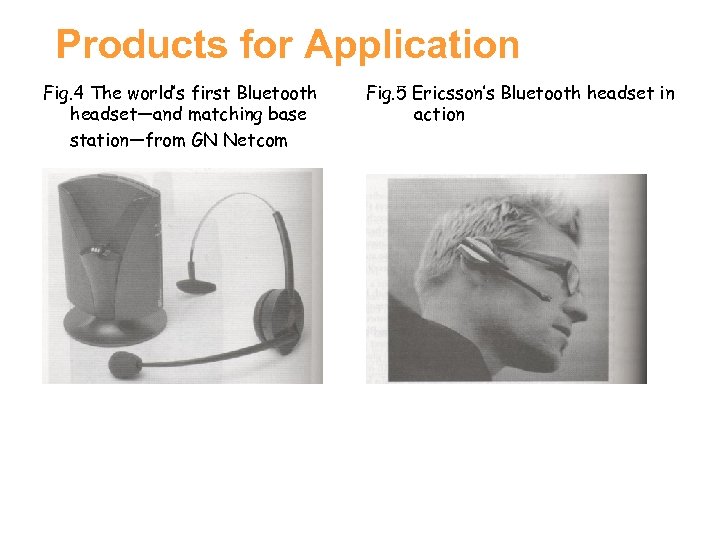 Products for Application Fig. 4 The world’s first Bluetooth headset—and matching base station—from GN Netcom Fig. 5 Ericsson’s Bluetooth headset in action
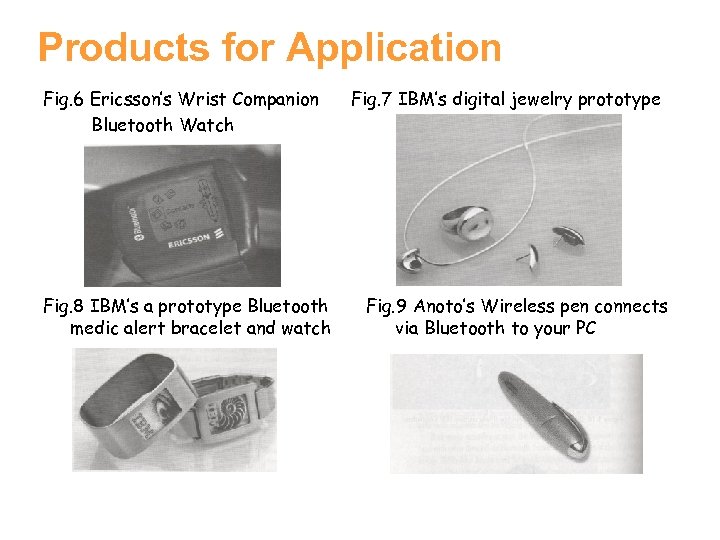 Products for Application Fig. 6 Ericsson’s Wrist Companion Bluetooth Watch Fig. 8 IBM’s a prototype Bluetooth medic alert bracelet and watch Fig. 7 IBM’s digital jewelry prototype Fig. 9 Anoto’s Wireless pen connects via Bluetooth to your PC
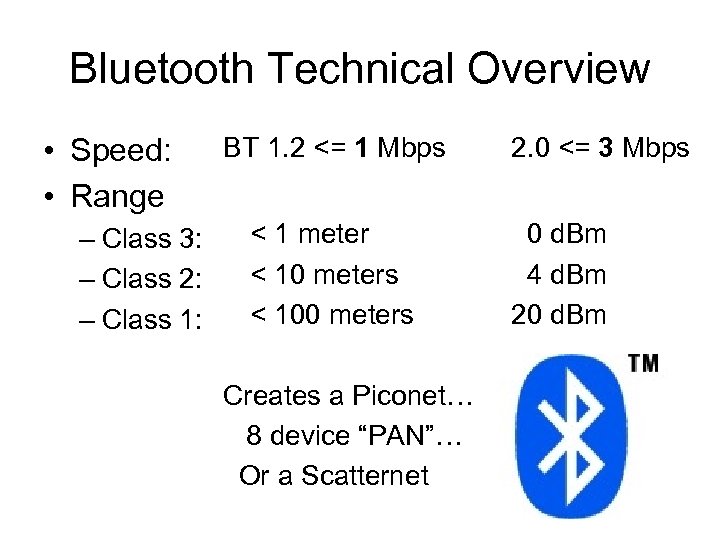 Bluetooth Technical Overview • Speed: • Range – Class 3: – Class 2: – Class 1: BT 1. 2 <= 1 Mbps < 1 meter < 10 meters < 100 meters Creates a Piconet… 8 device “PAN”… Or a Scatternet 2. 0 <= 3 Mbps 0 d. Bm 4 d. Bm 20 d. Bm
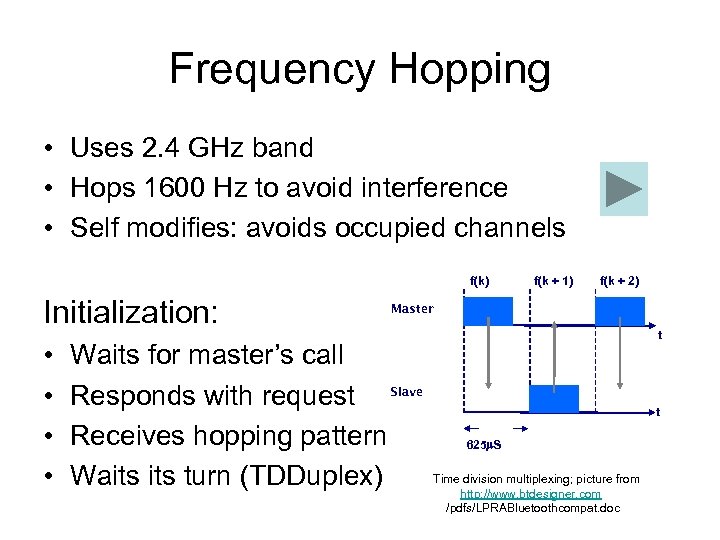 Frequency Hopping • Uses 2. 4 GHz band • Hops 1600 Hz to avoid interference • Self modifies: avoids occupied channels f(k) Initialization: • • f(k + 1) f(k + 2) Master Waits for master’s call Responds with request Slave Receives hopping pattern Waits turn (TDDuplex) t t 625 S Time division multiplexing; picture from http: //www. btdesigner. com /pdfs/LPRABluetoothcompat. doc
 More specifics • Dozens of protocols; not all are packets • Reduces power mode if not needed • 1600 packets/s to prevent re-link time (3 -5 sec. ) • 128 bit encryption, but still is subject to – Spam (business cards) – Hijacking (Blue. Bugging and Blue. Snarfing) – Do. S attacks (What? In a 10 m range? ) • Complexity makes it fit “all” needs (pervasive)
 Competing Technologies • Ir. DA – Traditional short-distance communication – Line-of-sight only • 802. 11 b (Wi-Fi) – Not meant for peripherals • Wibree – Nokia, October 2006 – Intended to compliment Bluetooth • Lower power, shorter range, slower speeds
 Advantages of Bluetooth • • • Frequency Hopping Low power & cost No line-of-sight required Low overhead Voice/Data support Ad-hoc networking
 Disadvantages of Bluetooth • • • Slower speeds Connection in busy environments Range Security? Limit of 8 devices
 The next version of Bluetooth (Code Name: Lisbon) • Automatic Encryption Change - links can change their encryption key periodically • Extended Inquiry Response - provides more information (i. e. name, services) during inquiry procedure to filter devices before connection • Sniff Subrating - lowers power consumption when devices are in sniff low -power mode. Human interface devices (HID) will benefit the most, increasing battery life of mice and keyboards from 3 to 10 times of those currently used • Qo. S Improvements - audio and video data will be transmitted at a higher quality, especially when best effort traffic is being transmitted in the same piconet. • Simple Pairing - radically improves the pairing experience for Bluetooth devices, while increasing the use and strength of security. This feature should significantly increase the use of Bluetooth.
 The version of Bluetooth after Lisbon (Code Name: Seattle) Bluetooth will use Ultra-Wide. Band (UWB) technology: • very fast data transfers • very fast syncronizations • very fast file pushes • same Bluetooth low power idle modes On 28 March 2006: Bluetooth SIG announced partnership with Wi. Media Alliance Multi-Band Orthogonal Frequency Division Multiplexing This new version of Bluetooth will enable high quality video and audio applications for: • multi-media projectors and television sets • wireless VOIP • portable devices • etc.
 Questions?