


 Скачать презентацию Chat and Text A New Way to Access
b62a072c5c19b11b45ca6217f25a7514.ppt
- Количество слайдов: 27
 Chat and Text: A New Way to Access I&R
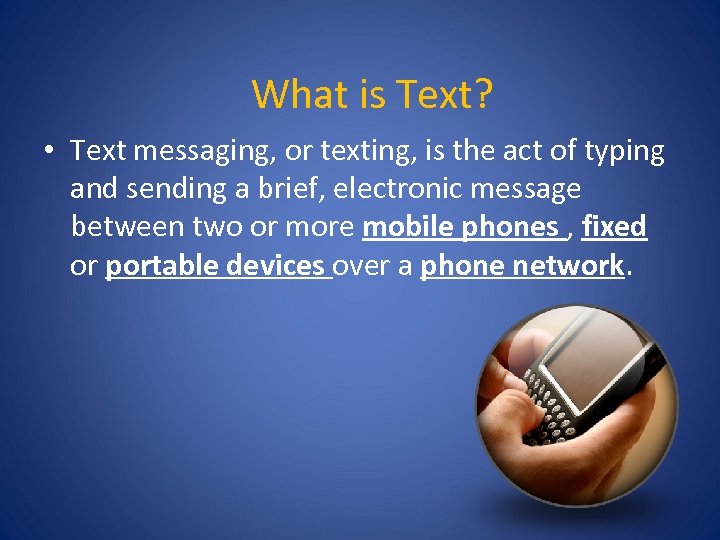 What is Text? • Text messaging, or texting, is the act of typing and sending a brief, electronic message between two or more mobile phones , fixed or portable devices over a phone network.
 History of Text • 1920 – RCA Communications, New York introduced the first "telex" service. • SMS messaging was used for the first time on December 3, 1992 • Today, text messaging is the most widely used mobile data service
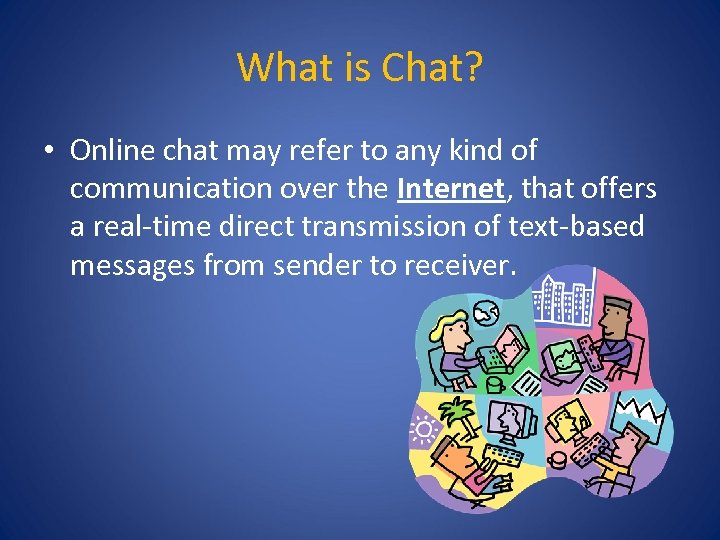 What is Chat? • Online chat may refer to any kind of communication over the Internet, that offers a real-time direct transmission of text-based messages from sender to receiver.
 History of Chat • The first online chat system was called Talkomatic, created in 1974 on the PLATO System at the University of Illinois • The first dedicated online chat service that was widely available to the public was the Compu. Serve CB Simulator in 1980, [1][2] created by Compu. Serve. Ancestors include network chat software such as UNIX "talk" used in the 1970 s.
 AIRS Chat Survey • 12% of respondents currently provide Chat but over 50% believe it is an “absolute” in the immediate future • Less than 15% are planning to make that move over the next 12 months • Software, training, best practices April 2013, 332 respondents
 Getting Management Buy-In • Potential access to new funding • Doing more without costing more • Improved Stakeholder Access Case Managers & Administrators • Improved Client Access Hearing / Speech Impaired No phone / no minutes Next Generation Reduces perceived stigma
 Managing the Paradigm Shift • Introducing the concept to your team – Advance training • Dealing with staff concerns – Fear of technology – Crisis intervention – Length of interaction / multi-tasking • Rolling it out
 Recruiting & Training New Staff • What makes a good chatter/texter? – Open to new ideas – Good typing skills (45 wpm) – Empathy assessment/ Emotional Vocabulary • Best Practice – NSPL – ABC’s of I&R – Shadowing & Quality Assurance
 Identifying Current Staff • • Strong written communication skills Strong typing skills Ability to multi task Previous experience
 Professional Communication • Use Summarization • Reflect Feelings • Use Clarifying Questions • Use Proper grammar/spelling • • • No abbreviations No slang No emoticons No CAPS No joking
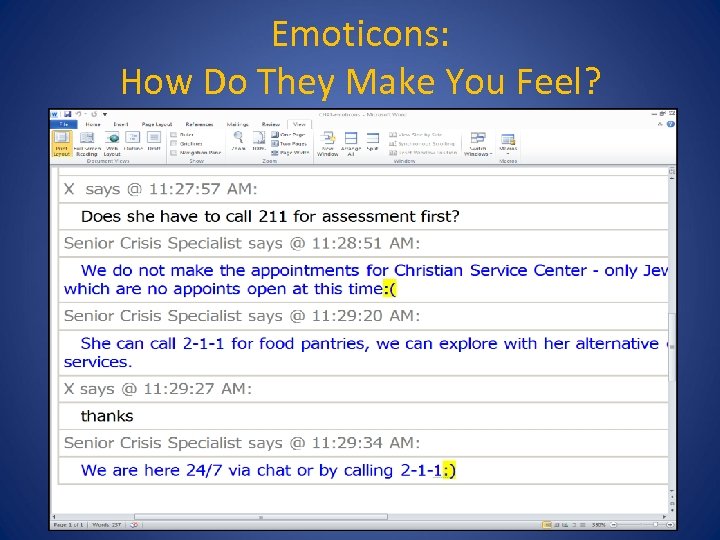 Emoticons: How Do They Make You Feel?
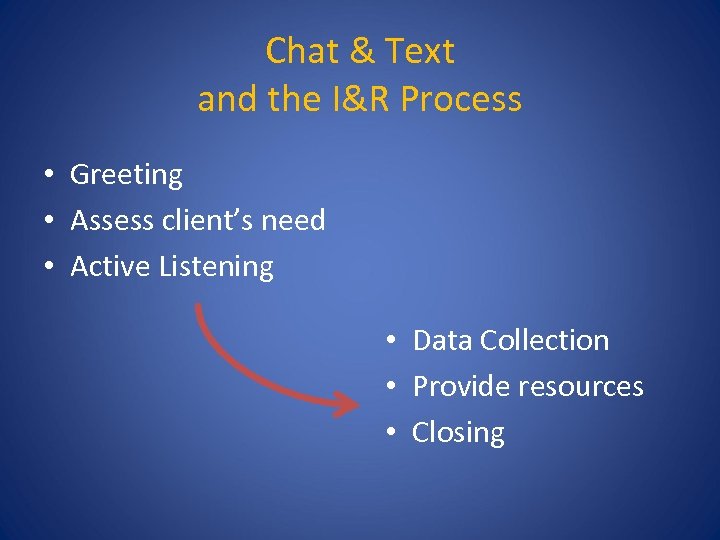 Chat & Text and the I&R Process • Greeting • Assess client’s need • Active Listening • Data Collection • Provide resources • Closing
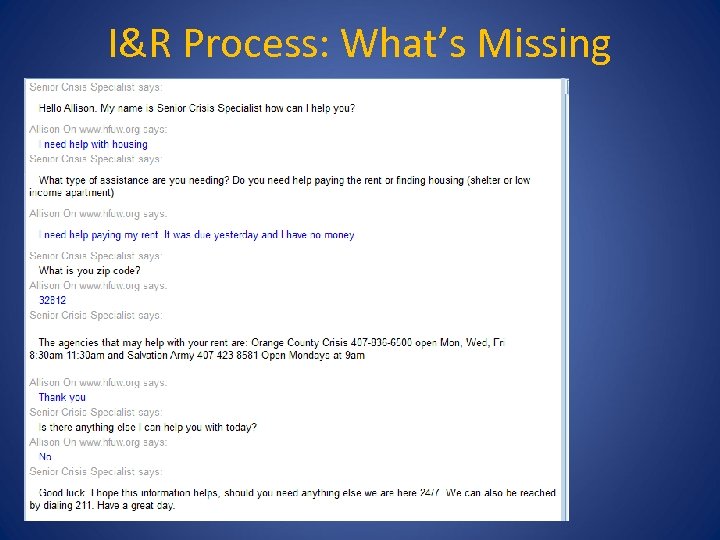 I&R Process: What’s Missing
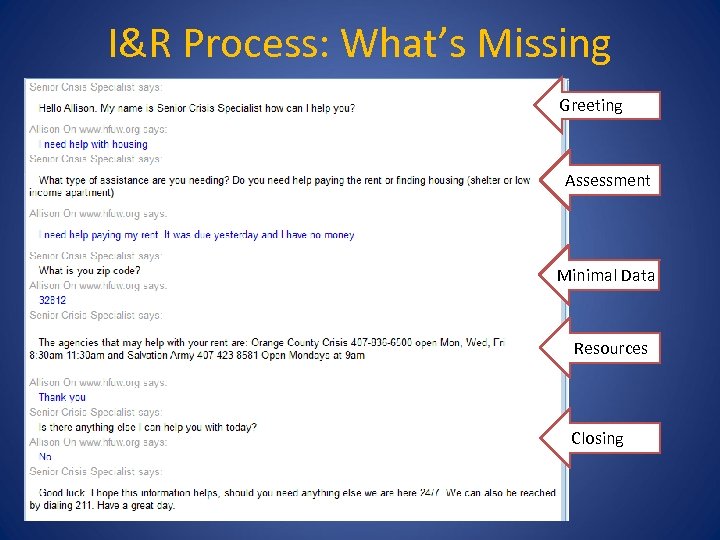 I&R Process: What’s Missing Greeting Assessment Minimal Data Resources Closing
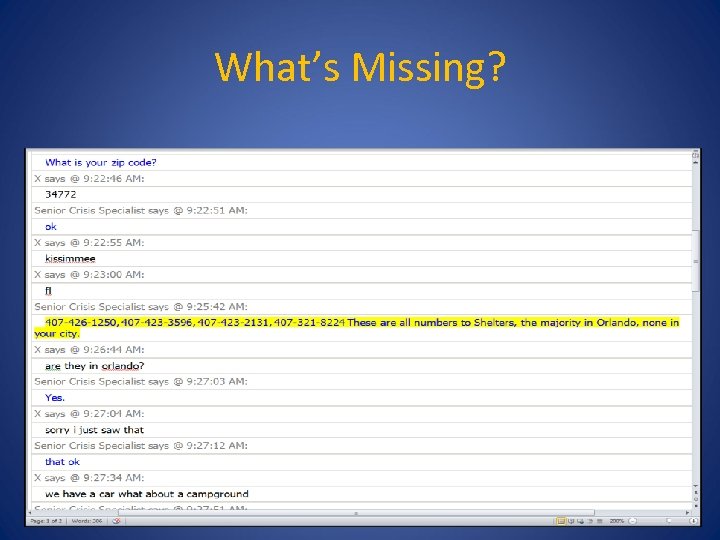 What’s Missing?
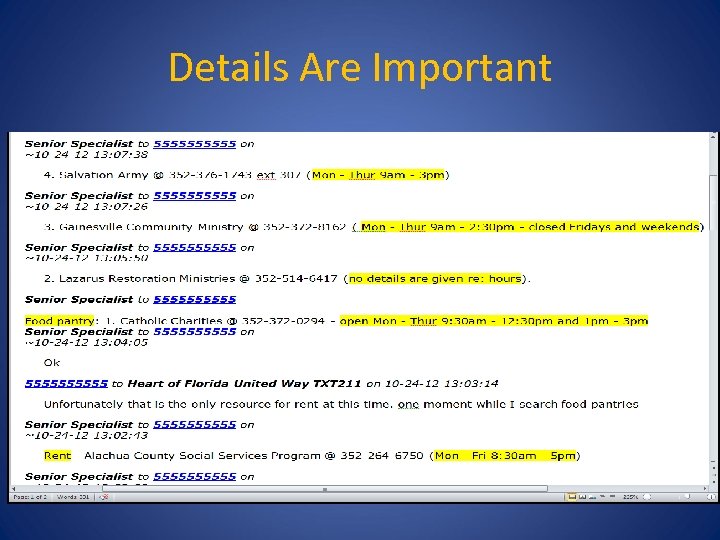 Details Are Important
 Challenges • • Multi Tasking Response Time Length of Chat Language barriers Assumptions Crisis vs. I & R Unable to hear client’s tone
 Quality Assurance • • • Self evaluation Monitoring while chat is occurring Reviewing previous chats Post chat survey Follow up with client
 Crisis Chats & Texts • • • Is the client alone? Active Listening Risk assessment Emergency Intervention Offer Follow Up
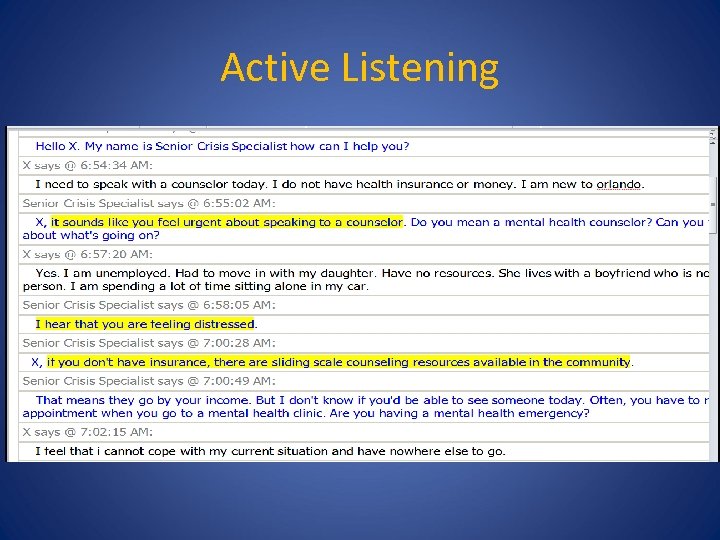 Active Listening
 Is Emergency Intervention Possible? • Gain cooperation from the person at risk • Use active listening and clarifying questions to get the details of the clients situation • Take detailed notes to share with emergency responders
 Locating a Chatter • Locate the chatter’s IP address via your chat software • Use http: //whatismyipaddress. com/ to locate the Internet Service Provider who owns the IP address • Reach out to the local 9 -1 -1 if the ISP includes a general location • Educate the police about http: //www. search. org/programs/hightech/isp/ that allows them to locate the 24/7 number for all ISP’s so they can request a location for the IP address you gave them.
 Text Beyond I&R • • Fund Raising Volunteering Donations Mapping Event Registration Surveys Disaster Response…….
 Software • Click and Chat – http: //www. clickandchat. com/ • Text Tom Evans, Chief Executive Educational Message Services tom@emsmail. org www. educationalmessageservices. com
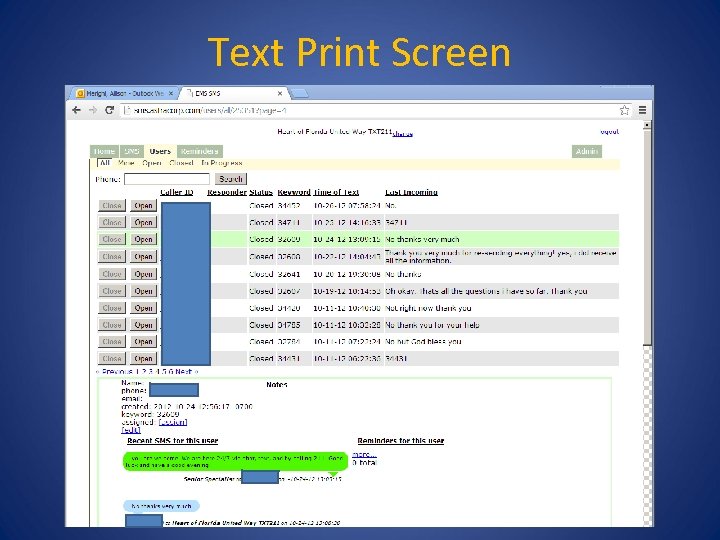 Text Print Screen
 Questions? • Larry Olness, larry. olness@hfuw. org • Caree Jewell, caree. jewell@hfuw. org