







 Скачать презентацию Chapter 8 Cookies and Security Java Script —
58aa8036b3d0a1ceb516b90c9bcfc67f.ppt
- Количество слайдов: 65
 Chapter 8: Cookies and Security Java. Script - Comprehensive
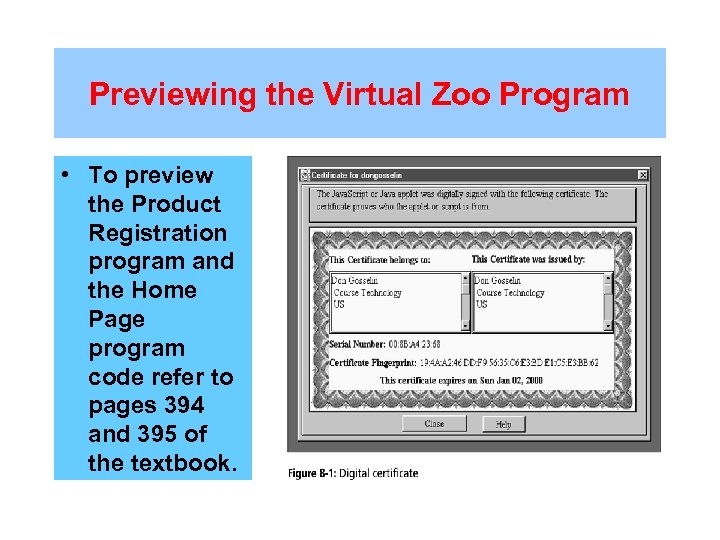 Previewing the Virtual Zoo Program • To preview the Product Registration program and the Home Page program code refer to pages 394 and 395 of the textbook.
 Section A: State Information and Cookies
 Objectives • In this section, the students will learn: • About state information • About the String object • How to save state information with query strings • How to create and read cookies
 State Information • HTTP was originally designed to be stateless, in that no persistent data was stored about a visit to a Web page • Although this stateless design was efficient, it was also limiting, since a Web server could not remember individual user information • There are many reasons for maintaining state information, including: – Individual Web page customization based on user preferences – Temporary storage of information when navigating within a multipart form
 State Information – Bookmarks for returning to specific locations within a Web site – Shopping carts that store order information for commercial Web sites – Storage of user Ids and passwords – Counters to keep track of how many times a user has visited a site • There are several methods of maintaining state information: – Hidden form fields – Query strings – Cookies
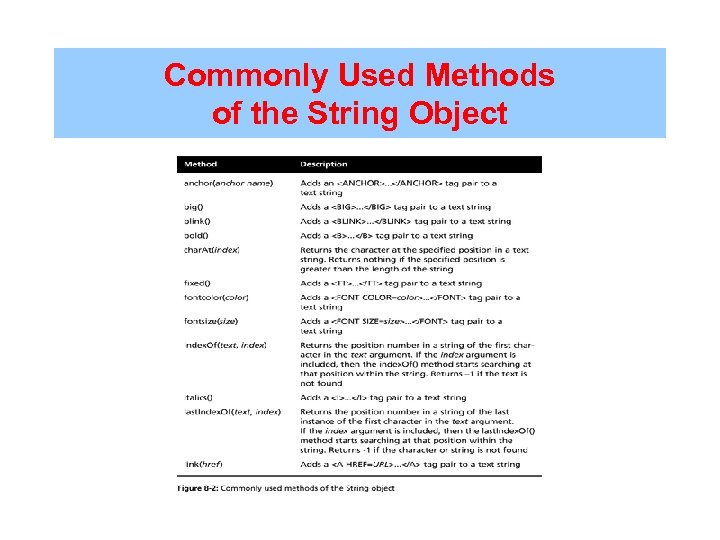 Commonly Used Methods of the String Object
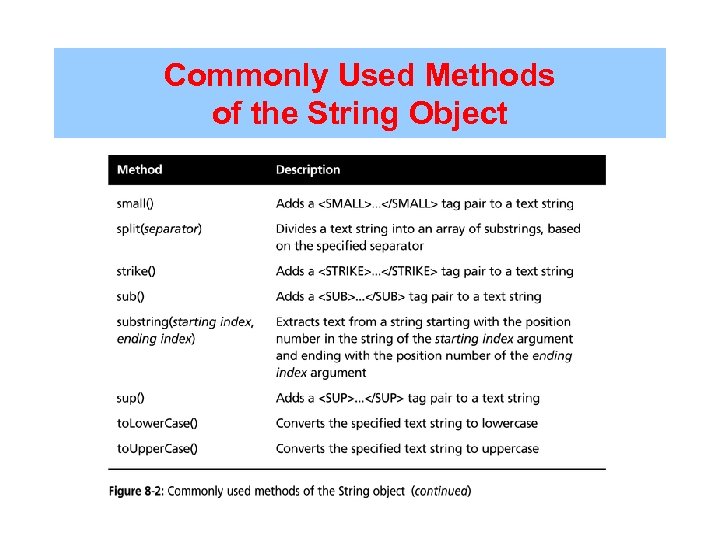 Commonly Used Methods of the String Object
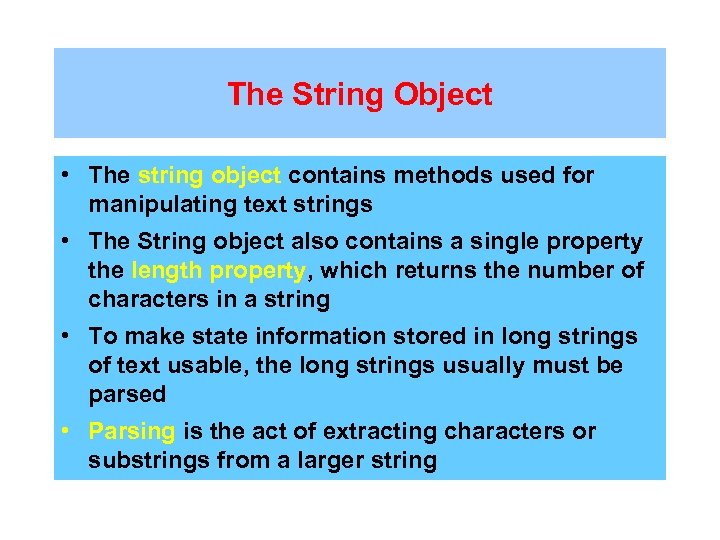 The String Object • The string object contains methods used for manipulating text strings • The String object also contains a single property the length property, which returns the number of characters in a string • To make state information stored in long strings of text usable, the long strings usually must be parsed • Parsing is the act of extracting characters or substrings from a larger string
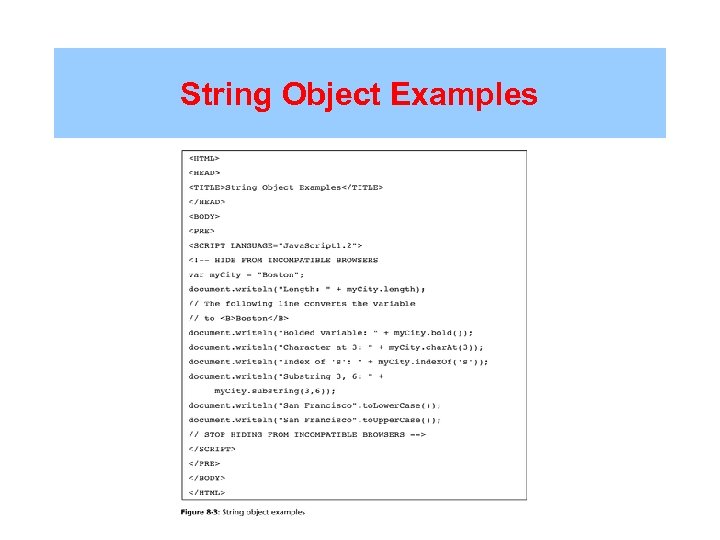 String Object Examples
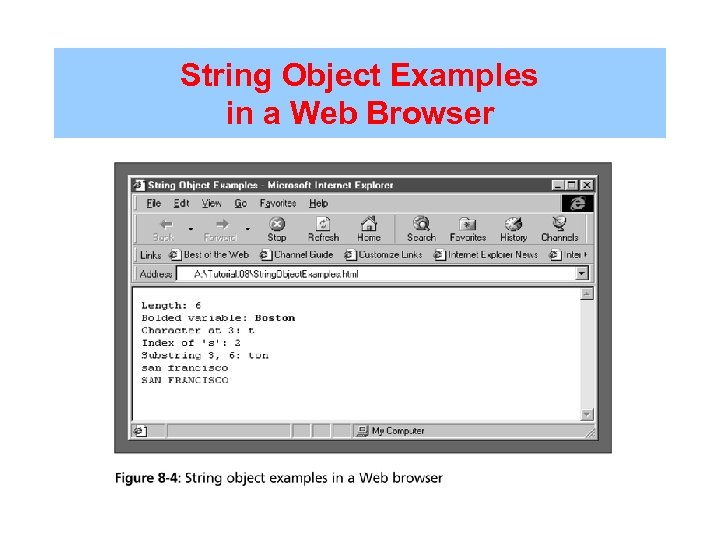 String Object Examples in a Web Browser
 Saving State Information with Query Strings • A query string is a set of name=value pairs appended to a target URL, and consists of a single text string containing one or more pieces of information • The search property of the Location object contains a URL’s query or search parameters • To use the data contained in a query string, you must manipulate the string using the String object’s methods and length property • To create a query string, add a question mark (? ) immediately after a URL, followed by name=value pairs for the information you want to preserve
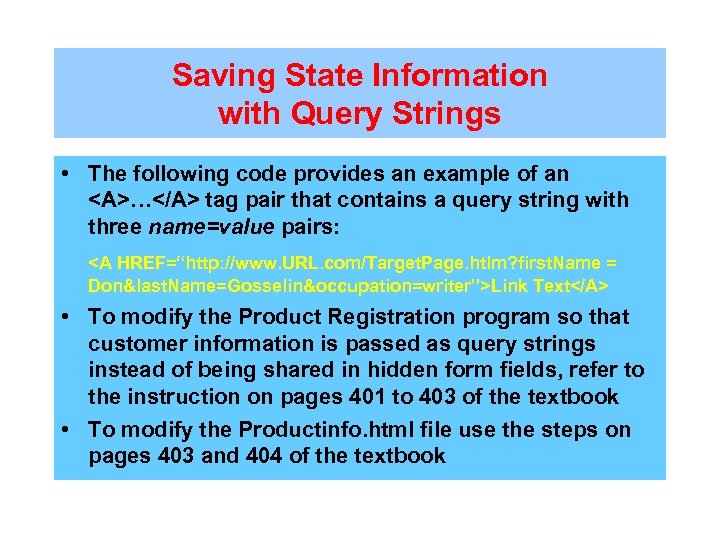 Saving State Information with Query Strings • The following code provides an example of an … tag pair that contains a query string with three name=value pairs: Link Text • To modify the Product Registration program so that customer information is passed as query strings instead of being shared in hidden form fields, refer to the instruction on pages 401 to 403 of the textbook • To modify the Productinfo. html file use the steps on pages 403 and 404 of the textbook
 Parsing a String • For a Web page to use the information in a query string, you must first parse the string, using a combination of several methods and the length property of the String object • The first task is to remove the question mark at the start of the query string, using the substring () method combined with the length property • The next step is to convert the individual pieces of information in the query. Data variable into array elements using the split() method
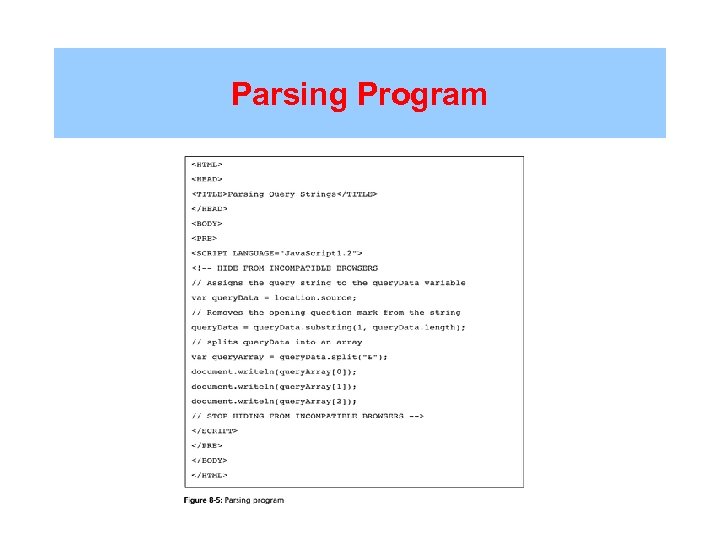 Parsing Program
 Parsing a String • You will parse the name=value pairs in the Product. Info. html query string and display them in an alert dialog box • To parse the name=value pairs in the Product. Info. html query string and display them in an alert dialog box use the directions on page 406 of the textbook
 Saving State Information with Cookies • Query strings do not permanently maintain state information • You can save the contents of a query string or hidden form fields by using a CGI script, but that method requires a separate server-based application • To be able to store state information beyond the current Web page session, Netscape created cookies
 Saving State Information with Cookies • Cookies can be temporary or persistent • Temporary cookies remain available only for the current browser session • Persistent cookies remain available beyond the current browser session and are stored in a text file on a client computer • In Navigator for Windows, cookies are stored in a file named cookies. txt located in the Navigator directory
 Creating Cookies • You use the cookie property of the Document object to create cookies in name=value pairs, the same way you used name=value pairs with a query string
 Name Attribute • The only required parameter of the cookie property is the name attribute, which specifies the cookie’s name=value pair • Cookies that are created with only the name=value parameter are called transient, or temporary • You can also build a list of cookies using a single document. cookie statement by separating the name=value pairs with semicolons
 Name Attribute • Cookies cannot include special characters because they are transmitted between Web browsers and Web servers using HTTP, which does not allow certain nonalphanumeric characters to be transmitted in their native format • It is good practice to encode text before assigning it to the cookie property • The escape() method is used in Java. Script for encoding text strings • To modify the product. Info. html file use the steps on page 409 of the textbook
 Expires Attribute • The expires attribute of the cookie property determines how long a cookie is to remain on a client’s system before it is deleted • Cookies created without an expires attribute are available for only the current browser session • The syntax for assigning the expires attribute to the cookie property, along with an associated name=value pair, is expires=date • The Date object is used for manipulating the date and time
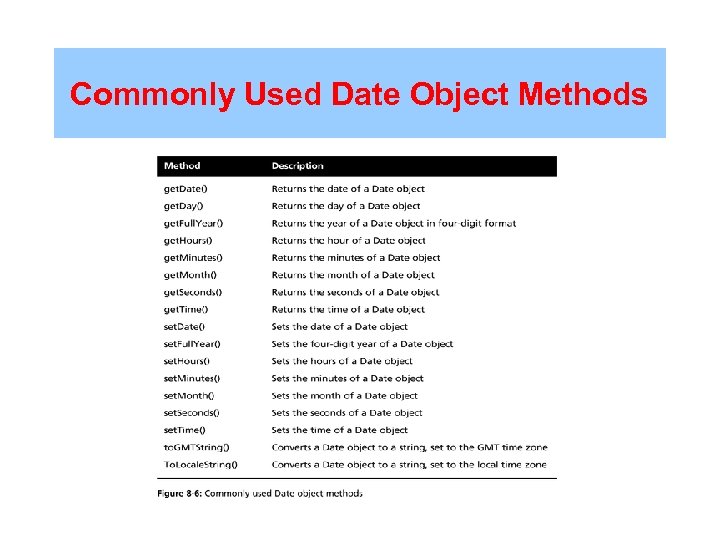 Commonly Used Date Object Methods
 Expires Attribute • To use a Date object with the expires attribute, you add the specified amount of time for which you want a cookie to be valid by using a combination of the set() and get() methods of the Date object my. Date. set. Date(my. Date. get. Date( ) +7; • To create a file that stores a user’s name and favorite background color in a persistent cookie, refer to the instructions on pages 411 and 412 of the textbook
 Path Attribute • The path attribute determines the availability of a cookie to other Web pages on a server • The path attribute is assigned to the cookie property, along with an associated name=value pair, using the syntax path=path name
 Domain Attribute • Using the path attribute allows cookies to be shared across a server • The domain attribute is used for sharing cookies across multiple servers in the same domain • You cannot share cookies outside of a domain
 Secure Attribute • To protect private data transferred across the Internet, Netscape developed Secure Sockets Layer, or SSL, to encrypt data and transfer it across a secure connection • Web sites that support SSL usually start with HTTPS instead of HTTP
 Secure Attribute • The secure attribute indicates that a cookie can only be transmitted across a secure Internet connection using HTTPS or another security protocol • To activate the secure attribute for a cookie, you use a statement similar to the following: document. cookie = “first. Name=Don” + “; secure=true”);
 Reading Cookies • The cookies for a particular Web page are available in the cookie property of the Document object • Cookies consist of one continuous string that must be parsed before the data they contain can be used • You must use the methods of the String object to extract individual name=value pairs
 Reading Cookies • Once you split the cookie into separate array elements, you still need to determine which cookie holds the value you need • To create a function that reads and displays the contents of the cookies created by the Product. Registration. html file, refer to the instructions on pages 415 to 416 of the textbook • To modify the Personal. Pref. html file so that a user’s personal options are read from the stored cookies, use the directions on pages 416 and 417 of the textbook
 Section A: Summary • State information refers to any stored information about a previous visit to a Web site • The String object contains methods and properties used for manipulating text strings • Parsing refers to the act of extracting characters or substrings from a larger string • A query string is a set of name=value pairs appended to a target URL and consists of a single text string containing one or more pieces of information
 Section A: Summary • For a Web page to use the information in a query string, you must parse the string, using a combination of several methods, and the length property of the String object • Cookies, or magic cookies, are small pieces of information about a user that are stored by a Web server in text files on the user’s computer • Cookies can be temporary or persistent • You create cookies in name=value pairs, using the cookie property of the Document object
 Section A: Summary • The only required attribute of the cookie property is the name attribute, which specifies the cookie’s name=value pair • The escape () method is used in Java. Script for encoding text strings • When you read a cookie or other text string encoded with the escape() method, you must first unencode it with the unescape() method • The expires attribute of the cookie property determines how long a cookie is to remain on a client’s system before it is deleted
 Section A: Summary • The path attribute determines the availability of a cookie to other Web pages on a server • The domain attribute is used for sharing cookies across multiple servers in the same domain • The secure attribute designates that a cookie can only be transmitted across a secure Internet connection using HTTPS or another security protocol • The cookies for a particular Web page are available in the cookie property of the Document object
 Section B Security
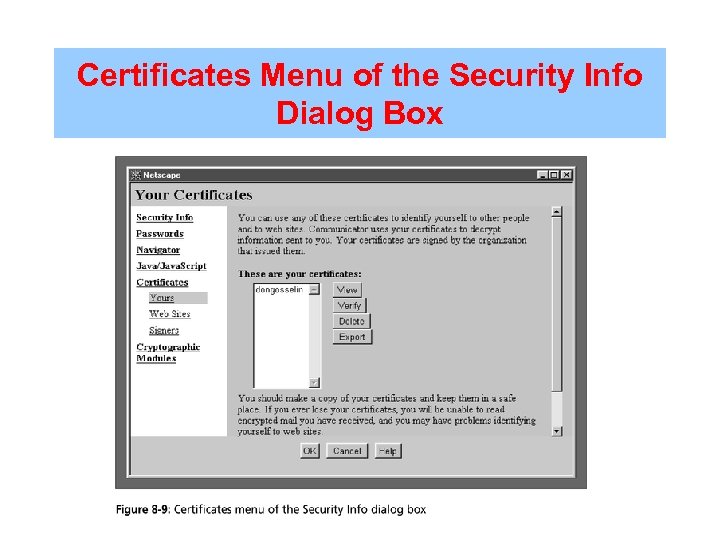
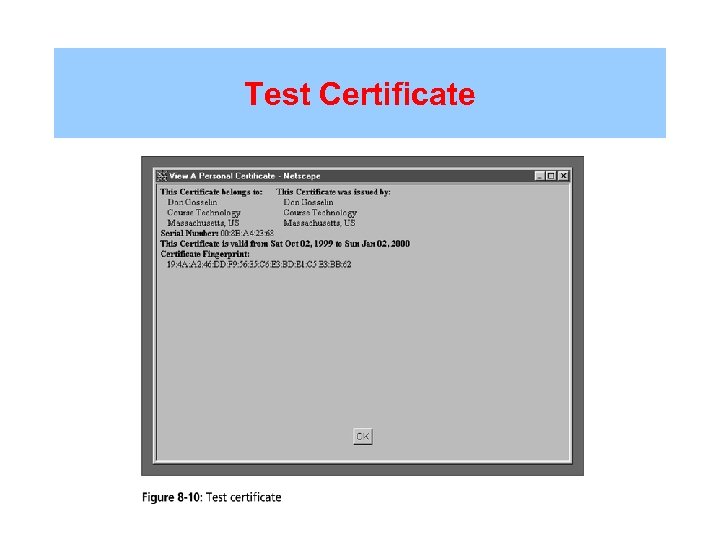
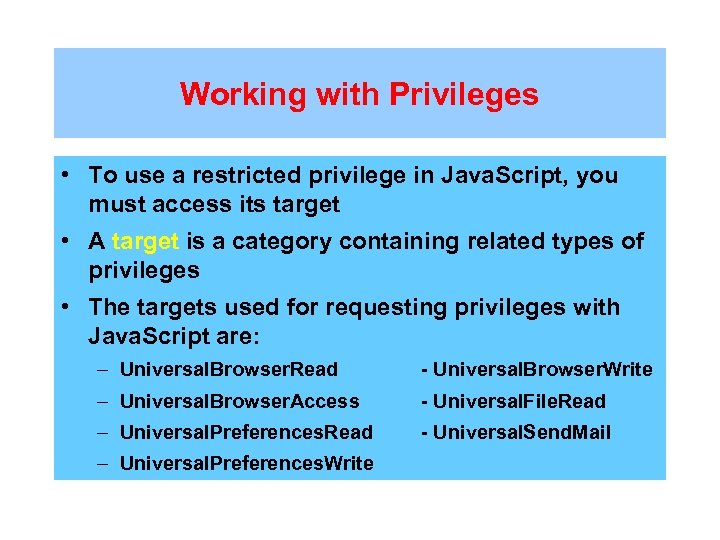
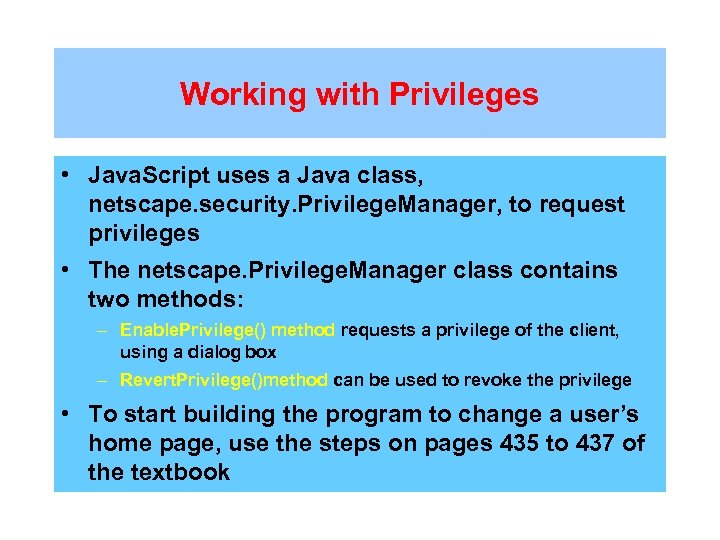
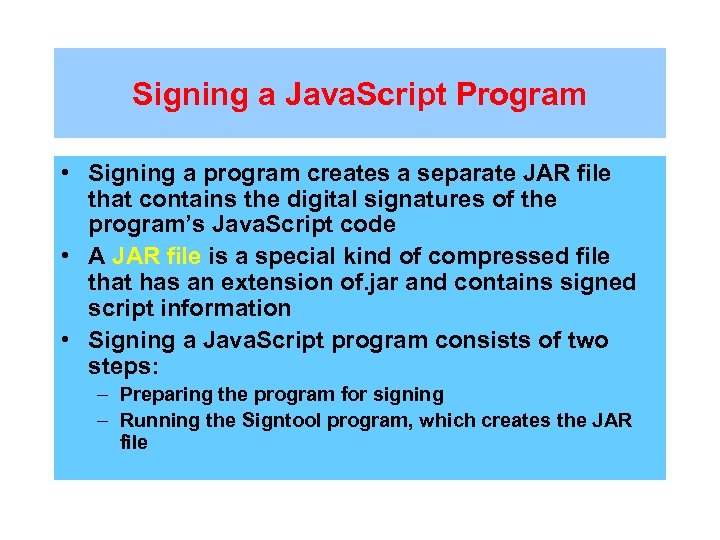
 Objectives • In this section, the student will learn: • About Java. Script security concerns • About the same origin policy • About signed scripts and digital certificates • How to create a test certificate • How to work with privileges • How to sign a Java. Script program • How to enable codebase principals
 Java. Script Security Concerns • The Web was originally designed to be read-only. Its primary purpose was to locate and display documents that existed on other areas of the Web • Web pages can now contain programs in addition to static content • This ability to execute programs within a Web page raises several security concerns
 Java. Script Security Concerns • The security areas of most concern to Java. Script programmers are: – Protection of a Web page and Java. Script program against malicious tampering – Privacy of individual client information – Protection of a client’s local file system or Web site from theft or tampering
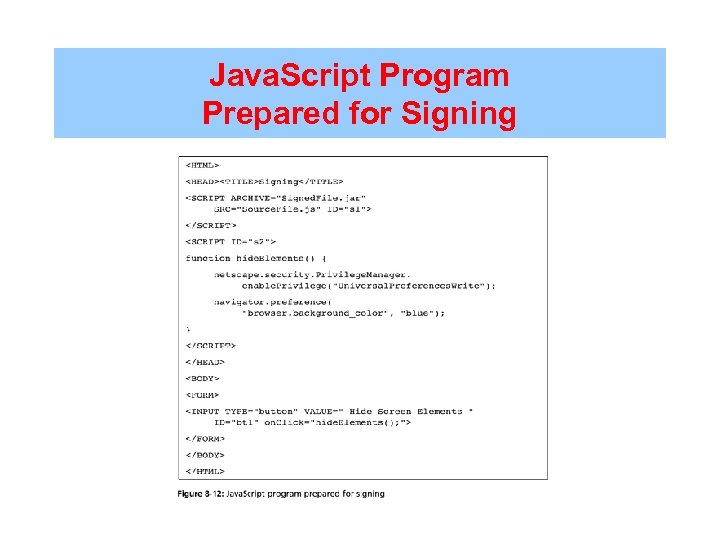
 Java. Script Security Concerns