


 Скачать презентацию Chapter 7 The Internet Intranets and Extranets 2000
3c90f48c5ca29859c6d9ca9004d952ee.ppt
- Количество слайдов: 22
 Chapter 7 The Internet, Intranets, and Extranets 2000 by Prentice Hall. 7 -1
 Learning Objectives After studying this chapter, you will be able to: m Describe the Internet, including the term “information superhighway” m Identify the four types of Internet tools, including the World Wide Web m Describe an intranet m Describe an extranet m Discuss Internet-related ethical issues 2000 by Prentice Hall. 2
 The Net m. One of the oldest longdistance communication networks; a network of networks. 2000 by Prentice Hall. 3
 The Internet Is an Information Superhighway Three characteristics of the information superhighway: m It has no central controlling entity. In other words, no one individual or organization controls the superhighway. m It is fully scalable, meaning that system performance will not degrade as the number of users increase. m User’s profiles are kept anonymous. 2000 by Prentice Hall. 4
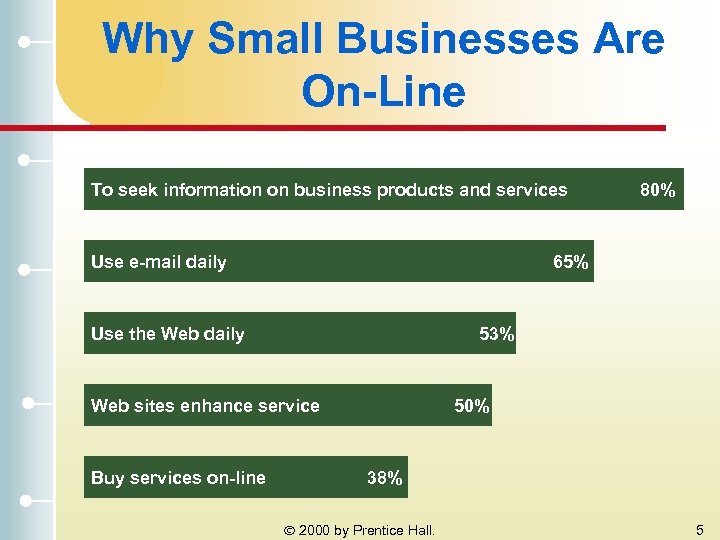 Why Small Businesses Are On-Line To seek information on business products and services Use e-mail daily 65% Use the Web daily 53% Web sites enhance service Buy services on-line 80% 50% 38% 2000 by Prentice Hall. 5
 Internet Tools m Information Retrieval Tools · File transfer protocol (FTP) – allows users to transfer files from one computer to another · Gopher – menu based interface that provides access to information residing on Gopher sites 2000 by Prentice Hall. 6
 Internet Tools (cont. ) m Information Search Tools · Archie – searches different networked computers, retrieves relevant files, and stores them in a database · Veronica – locates files in databases on Gopher sites · WAIS (Wide Area Information Server) – search tool that accesses computers linked to the Internet to locate specific files 2000 by Prentice Hall. 7
 Internet Tools (cont. ) m Communication Tools · E-mail – transmission of electronic messages over a network · Telnet – allows users to connect to a remote machine from their local computer · Usenet – provides users with electronic discussion groups or forums; an electronic bulletin board · Mailing Lists – electronic discussion forum using e-mail to share information · Chat Room – electronic conference where participants chat with one another using their keyboards 2000 by Prentice Hall. 8
 Internet Tools (cont. ) m World Wide Web · Internet (or Web) Browsers – software program that allows users to interface with and browse the Internet · Web Sites – electronic description of an individual, institution, or organization that resides on the Internet 2000 by Prentice Hall. 9
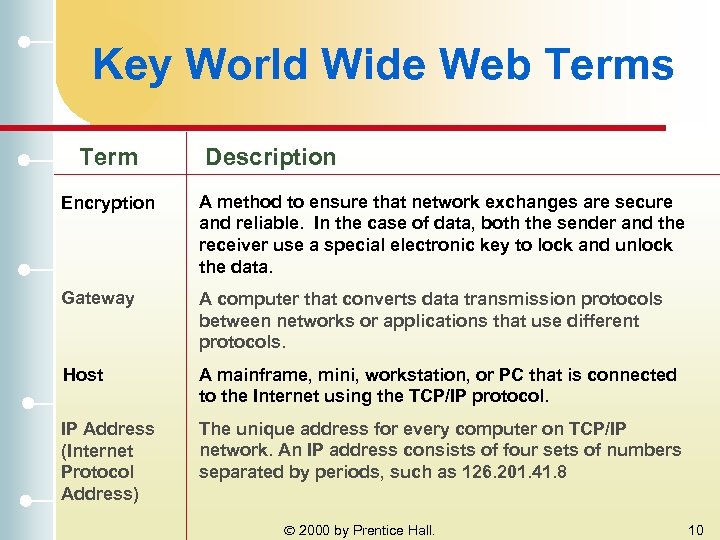 Key World Wide Web Terms Term Description Encryption A method to ensure that network exchanges are secure and reliable. In the case of data, both the sender and the receiver use a special electronic key to lock and unlock the data. Gateway A computer that converts data transmission protocols between networks or applications that use different protocols. Host A mainframe, mini, workstation, or PC that is connected to the Internet using the TCP/IP protocol. IP Address (Internet Protocol Address) The unique address for every computer on TCP/IP network. An IP address consists of four sets of numbers separated by periods, such as 126. 201. 41. 8 2000 by Prentice Hall. 10
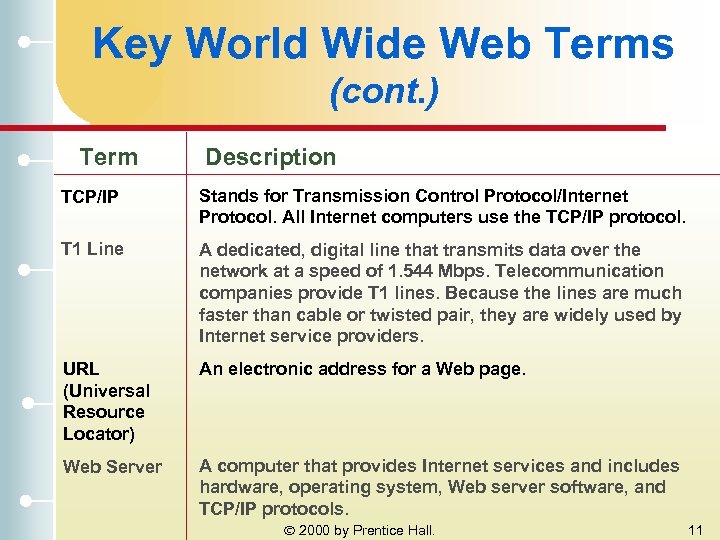 Key World Wide Web Terms (cont. ) Term Description TCP/IP Stands for Transmission Control Protocol/Internet Protocol. All Internet computers use the TCP/IP protocol. T 1 Line A dedicated, digital line that transmits data over the network at a speed of 1. 544 Mbps. Telecommunication companies provide T 1 lines. Because the lines are much faster than cable or twisted pair, they are widely used by Internet service providers. URL (Universal Resource Locator) An electronic address for a Web page. Web Server A computer that provides Internet services and includes hardware, operating system, Web server software, and TCP/IP protocols. 2000 by Prentice Hall. 11
 Web Page Do’s and Don’ts : Keep your pages small : Keep pages graphically light so downloading times are short : A word is worth a thousand pictures : Pay close attention to the graphics; reuse the same graphic as much as possible and avoid cute animations : Achieve a sense of balance between images and text : Test your site repeatedly : Know your customer 2000 by Prentice Hall. 12
 Intranet m. A private network designed exclusively to meet the internal information needs of an organization that the general public cannot access. 2000 by Prentice Hall. 13
 Firewall m. A piece of hardware and software installed between two or more networks to ensure that only authorized users access the network. 2000 by Prentice Hall. 14
 Intranet Strategies Some successful intranet strategies include the following: m Include widely used applications and make them simple to use m Secure the system m Integrate databases into intranet applications m Invest in excellent network capacities m Motivate employees to use the intranet 2000 by Prentice Hall. 15
 Intranet Applications Intranets can help businesses in several ways: m Save money by eliminating paper and mailing costs m Improve communications m Deliver information when and where needed m Train and reeducate employees m Enhance the efficiency of a business m Enrich global interactions 2000 by Prentice Hall. 16
 Extranet m. A corporate password-protected network that provides information to people or entities in the environment of the business. 2000 by Prentice Hall. 17
 Extranet Applications m Increase Business Efficiency · Extranets offer speed and round-the-clock access to valuable information m Change Business Partners’ Practices · Constructing an extranet to handle an aspect of a business will force others, who want to maintain a business relationship, to use it as well m Empower Customers · As well as forcing outsiders to change, extranets can also spur change in the organization (through rapid and efficient dissemination of information and customer response) 2000 by Prentice Hall. 18
 Extranet Strategies Recommendations for building successful extranets include: m Understand the return on investment m Select your audience and meet its needs m Be willing to change m Keep things simple m Be up and running 24 hours a day m Work with end users 2000 by Prentice Hall. 19
 Ethics and the Internet m. Employee Activities That Company Internet Policies Should Prevent · Solicitations for money for religious or political causes · Offensive or harassing statements, including “disparagement of others based on their race, national origin, sexual orientation, age, disability, religious or political beliefs” · The distribution or solicitation of sexually oriented messages or images · The dissemination or printing of materials (including articles and software) in violation of copyright laws 2000 by Prentice Hall. 20
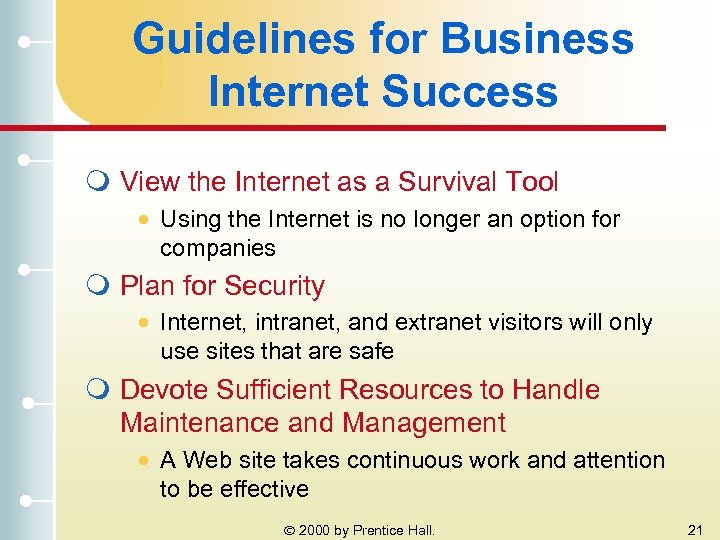 Guidelines for Business Internet Success m View the Internet as a Survival Tool · Using the Internet is no longer an option for companies m Plan for Security · Internet, intranet, and extranet visitors will only use sites that are safe m Devote Sufficient Resources to Handle Maintenance and Management · A Web site takes continuous work and attention to be effective 2000 by Prentice Hall. 21
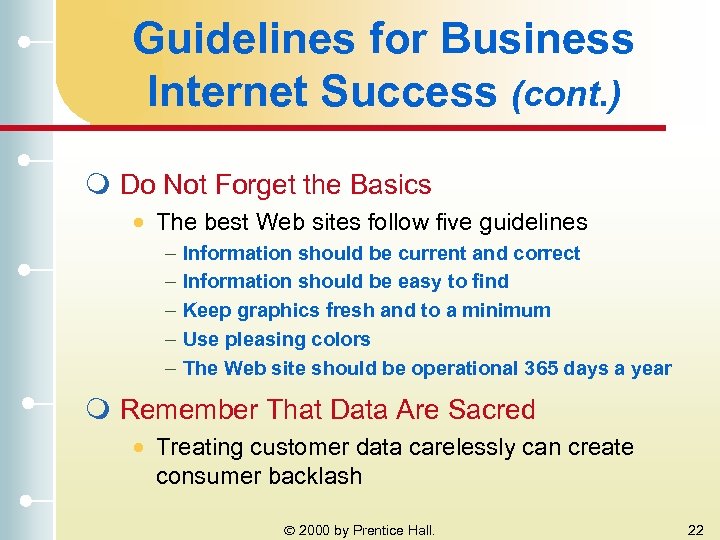 Guidelines for Business Internet Success (cont. ) m Do Not Forget the Basics · The best Web sites follow five guidelines – – – Information should be current and correct Information should be easy to find Keep graphics fresh and to a minimum Use pleasing colors The Web site should be operational 365 days a year m Remember That Data Are Sacred · Treating customer data carelessly can create consumer backlash 2000 by Prentice Hall. 22