


 Скачать презентацию Chapter 7 Managing Your Records Procedures for the
e7a6ae94a44179ad12039ece145c883f.ppt
- Количество слайдов: 38
 Chapter 7 Managing Your Records Procedures for the Automated Office, 6/e By Sharon Burton and Nelda Shelton © 2005 Pearson Education, Inc. Pearson Prentice Hall Upper Saddle River, NJ 07458
 Records Management • • • Records Management Preparation for Visible Filing Techniques for Putting Away Papers Supplies Offered Online Storing Information Procedures for the Automated Office, 6/e By Sharon Burton and Nelda Shelton © 2005 Pearson Education, Inc. Pearson Prentice Hall Upper Saddle River, NJ 07458
 Records Management (continued) • • Records retention and transfer Alphabetic filing procedures Alphabetic filing rules What about the future? Procedures for the Automated Office, 6/e By Sharon Burton and Nelda Shelton © 2005 Pearson Education, Inc. Pearson Prentice Hall Upper Saddle River, NJ 07458
 Records Management— Location of Files • Centralized: – One location convenient to many – Files are checked out, so their location is always known • Decentralized: – Files are maintained at individual workstations Procedures for the Automated Office, 6/e By Sharon Burton and Nelda Shelton © 2005 Pearson Education, Inc. Pearson Prentice Hall Upper Saddle River, NJ 07458
 Records Management— File Classification • How files are arranged • Major systems are: – Alphabetic – Numeric – Geographic – Subject Procedures for the Automated Office, 6/e By Sharon Burton and Nelda Shelton © 2005 Pearson Education, Inc. Pearson Prentice Hall Upper Saddle River, NJ 07458
 Preparations For Visible Filing • Current terminology used to describe paper filing Procedures for the Automated Office, 6/e By Sharon Burton and Nelda Shelton © 2005 Pearson Education, Inc. Pearson Prentice Hall Upper Saddle River, NJ 07458
 Preparation—Reviewing • Should papers stapled together be filed together? • Staple together related papers where one document refers to the other • Remove all paper clips and extra staples • Remove unnecessary small slips of paper • Keep routing slip with appropriate documents • Are documents duplicates – can they be deleted/destroyed, or filed? Procedures for the Automated Office, 6/e By Sharon Burton and Nelda Shelton © 2005 Pearson Education, Inc. Pearson Prentice Hall Upper Saddle River, NJ 07458
 Preparation—Indexing • Determine key word – Name – Subject – Geographic location • Incoming letters – use organization name on letterhead • Outgoing letters – use organization name in inside address Procedures for the Automated Office, 6/e By Sharon Burton and Nelda Shelton © 2005 Pearson Education, Inc. Pearson Prentice Hall Upper Saddle River, NJ 07458
 Preparation—Coding • After deciding how to file paper, mark indexing caption on it • To code by name, underline name • Bold key words • Identify number of indexing units according to bold words – Mr. Benjamin (2 nd) Ross (1 st) = 2 indexing units Procedures for the Automated Office, 6/e By Sharon Burton and Nelda Shelton © 2005 Pearson Education, Inc. Pearson Prentice Hall Upper Saddle River, NJ 07458
 Preparation—Cross-Referencing • Use when document is apt to be called for by two different names at different times • Make two copies of cross-reference sheet: – One copy is filed in cross-reference folder. It should be only piece of paper in folder. Its purpose is to send you to correct file. – Second copy is filed with actual folder. Procedures for the Automated Office, 6/e By Sharon Burton and Nelda Shelton © 2005 Pearson Education, Inc. Pearson Prentice Hall Upper Saddle River, NJ 07458
 Cross-Referencing (continued) • Avoid preparing unnecessary crossreferences. • Some examples of when to use: – When filed by subject instead of individual’s name (Temporary Employees) – When difficult to determine individual’s surname (Consider a name like Kent Ross. ) – When organizations are referred to by their acronym – IAAP (International Assoc. of Administrative Professionals) – Can you name some others? Procedures for the Automated Office, 6/e By Sharon Burton and Nelda Shelton © 2005 Pearson Education, Inc. Pearson Prentice Hall Upper Saddle River, NJ 07458
 Preparation—Sorting • Prearrange documents in same order in which they will be filed • First, divide documents into manageable groups. A-E, F-J, K-P, Q-T, and U-Z • Next, arrange papers in each group • When two pieces of correspondence share same name, place most recent on top Procedures for the Automated Office, 6/e By Sharon Burton and Nelda Shelton © 2005 Pearson Education, Inc. Pearson Prentice Hall Upper Saddle River, NJ 07458
 Techniques—Charge-Out Methods • System for tracking files that are removed from designated location • Does not apply to electronic filing • Charge-out information should contain: – Name of person who has taken file – Date issued Procedures for the Automated Office, 6/e By Sharon Burton and Nelda Shelton © 2005 Pearson Education, Inc. Pearson Prentice Hall Upper Saddle River, NJ 07458
 Techniques—Organization of Electronic Files • Directories that contain folders that contain files that contain documents • Storage can be: – On a network • Allotted to certain people for their files – On removable disks • CD-ROM, zip, or floppy disk • Be descriptive in labeling directories, folders, and files Procedures for the Automated Office, 6/e By Sharon Burton and Nelda Shelton © 2005 Pearson Education, Inc. Pearson Prentice Hall Upper Saddle River, NJ 07458
 Supplies Online • Catalog will be dynamic and prices will be up to date • Delivery is fast • Usually cost less Procedures for the Automated Office, 6/e By Sharon Burton and Nelda Shelton © 2005 Pearson Education, Inc. Pearson Prentice Hall Upper Saddle River, NJ 07458
 Supplies Offered Online (continued) • Supplies for Visible Filing – Supplies needed for filing documents: • Guides (dividers) • Folders (containers for documents) • Labels (Identify folders) • Supplies for Electronic Filing – Few are needed – CD-ROM, zip and floppy disks, and labels Procedures for the Automated Office, 6/e By Sharon Burton and Nelda Shelton © 2005 Pearson Education, Inc. Pearson Prentice Hall Upper Saddle River, NJ 07458
 Storing Information— Visible Documents • Filed vertically, standing upright, and supported by guides and folders in file drawers • Two types of popular file cabinets: – Vertical – Lateral • Wire organizers allow folders to be placed directly in file drawer without suspension folders. Procedures for the Automated Office, 6/e By Sharon Burton and Nelda Shelton © 2005 Pearson Education, Inc. Pearson Prentice Hall Upper Saddle River, NJ 07458
 Storing Information—Disks • Store disks in sturdy plastic cases – Can lock for security – Prevent dirt, dust, lint, & static electricity • Avoid – Exposure to heat – Eating or drinking while handling disk – Placing under heavy object – Placing near magnetic object Procedures for the Automated Office, 6/e By Sharon Burton and Nelda Shelton © 2005 Pearson Education, Inc. Pearson Prentice Hall Upper Saddle River, NJ 07458
 Storing Information— Electronic Databases • Software used for storing and sorting lists of anything, including records on employees, projects, and inventory • Each item gathered, like a name, is called a field • A group of fields make up a record • A collection of records make a file • A database is a set of related files Procedures for the Automated Office, 6/e By Sharon Burton and Nelda Shelton © 2005 Pearson Education, Inc. Pearson Prentice Hall Upper Saddle River, NJ 07458
 Retention • These factors determine how long records must be preserved: – Nature of organization’s business operations – State statute of limitations – Regulations of federal government • Never dispose of any record without clear knowledge of retention regulations Procedures for the Automated Office, 6/e By Sharon Burton and Nelda Shelton © 2005 Pearson Education, Inc. Pearson Prentice Hall Upper Saddle River, NJ 07458
 Categories of Records • Vital Records – Records essential to operation • Important Records – Customer/personnel records – Kept on-site to conduct daily business • Nonessential Records – Not needed beyond current use and can be discarded after use • Requests, acknowledgements, notices of meetings, duplicate copies Procedures for the Automated Office, 6/e By Sharon Burton and Nelda Shelton © 2005 Pearson Education, Inc. Pearson Prentice Hall Upper Saddle River, NJ 07458
 Transfer of Records • Perpetual Transfer Method – Continually transferring files to inactive storage, such as when project or case is completed • Periodic Transfer Method – Transferring files to inactive storage at predetermined intervals, such as 6 months, 1 year, or 18 months Procedures for the Automated Office, 6/e By Sharon Burton and Nelda Shelton © 2005 Pearson Education, Inc. Pearson Prentice Hall Upper Saddle River, NJ 07458
 Alphabetic Filing—Primary Guides • Divide file into alphabetic sections • Placed at beginning of each section • Correspondence is filed in individual or miscellaneous folders placed behind guides Procedures for the Automated Office, 6/e By Sharon Burton and Nelda Shelton © 2005 Pearson Education, Inc. Pearson Prentice Hall Upper Saddle River, NJ 07458
 Alphabetic Filing— Individual Name Folders • Use when at least five papers are accumulated for one correspondent • File individual folders in order immediately following primary guide • File correspondence – In chronological order – Most recent date is placed at front of folder Procedures for the Automated Office, 6/e By Sharon Burton and Nelda Shelton © 2005 Pearson Education, Inc. Pearson Prentice Hall Upper Saddle River, NJ 07458
 Alphabetic Filing— Miscellaneous Folders • Filed behind individual folders • Contains papers to and from all correspondents for whom you do not have individual name folders • Within this folder, arrange papers in alphabetical order by name – If two or more papers for one correspondent, place most recent in front – Staple related papers together Procedures for the Automated Office, 6/e By Sharon Burton and Nelda Shelton © 2005 Pearson Education, Inc. Pearson Prentice Hall Upper Saddle River, NJ 07458
 Alphabetic Filing— Special Guides • Direct eye to individual folders that are used frequently • Used for subdivisions of alphabet • Used to mark section of file containing individual folders for several correspondents with same surname Procedures for the Automated Office, 6/e By Sharon Burton and Nelda Shelton © 2005 Pearson Education, Inc. Pearson Prentice Hall Upper Saddle River, NJ 07458
 Alphabetic Filing—Color-Coding • Can be used on any filing system • Provides easy identification for sorting, filing, and finding, and confirms if folder is in right place. • Color can code certain digits or letters – Code two or three digits in numeric – Code 1 st two letters of a name Procedures for the Automated Office, 6/e By Sharon Burton and Nelda Shelton © 2005 Pearson Education, Inc. Pearson Prentice Hall Upper Saddle River, NJ 07458
 Color-Coding (continued) • Use color to: – Differentiate various types of files or records – Identify records temporarily removed from files – Check filing methods of new employees Simplify filing on media (micrographics, diskettes, and computer printouts) Procedures for the Automated Office, 6/e By Sharon Burton and Nelda Shelton © 2005 Pearson Education, Inc. Pearson Prentice Hall Upper Saddle River, NJ 07458
 Alphabetic Filing Rules— Order of Filing Units • Unit – each part of name is called a unit – B. R. Grove has three units • Indexing – Unit of name in order for filing. Always precedes alphabetizing. – Grove (1 st), B. (2 nd) R. (3 rd) • Alphabetizing – placing names in an Ato-Z sequence Procedures for the Automated Office, 6/e By Sharon Burton and Nelda Shelton © 2005 Pearson Education, Inc. Pearson Prentice Hall Upper Saddle River, NJ 07458
 Alphabetic Filing Rules— Names of Individuals • Surname is first filing unit, followed by first name or initial, and then middle name or initial • Abbreviations in names of individuals • Prefixes in names • Hyphens in names • Titles, designations, and degrees Procedures for the Automated Office, 6/e By Sharon Burton and Nelda Shelton © 2005 Pearson Education, Inc. Pearson Prentice Hall Upper Saddle River, NJ 07458
 Alphabetic Filing Rules—Names of Businesses and Organizations • Names of Business and Organization – As written • Central (1 st) Trust (2 nd) Company (3 rd) • Punctuation in Names – Ignore all punctuation marks, consider hyphenated word as one unit Procedures for the Automated Office, 6/e By Sharon Burton and Nelda Shelton © 2005 Pearson Education, Inc. Pearson Prentice Hall Upper Saddle River, NJ 07458
 Alphabetic Filing Rules— Names of Businesses and Organizations (continued) • Numbers in Names – Only 1 st number is considered • Ignore number following hyphen – (7 -11 Store) – Digit contains a suffix (st, d, th) • Ignore suffix, index only number – Number is spelled out • Ignore hyphen and two numbers become one unit Procedures for the Automated Office, 6/e By Sharon Burton and Nelda Shelton © 2005 Pearson Education, Inc. Pearson Prentice Hall Upper Saddle River, NJ 07458
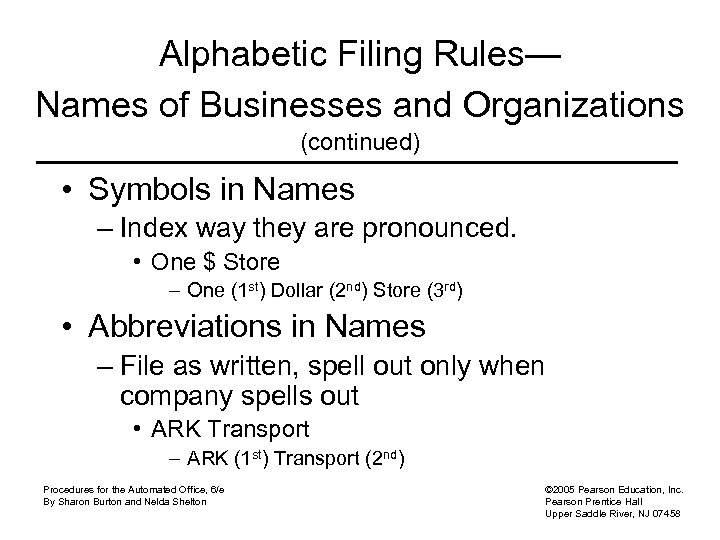 Alphabetic Filing Rules— Names of Businesses and Organizations (continued) • Symbols in Names – Index way they are pronounced. • One $ Store – One (1 st) Dollar (2 nd) Store (3 rd) • Abbreviations in Names – File as written, spell out only when company spells out • ARK Transport – ARK (1 st) Transport (2 nd) Procedures for the Automated Office, 6/e By Sharon Burton and Nelda Shelton © 2005 Pearson Education, Inc. Pearson Prentice Hall Upper Saddle River, NJ 07458
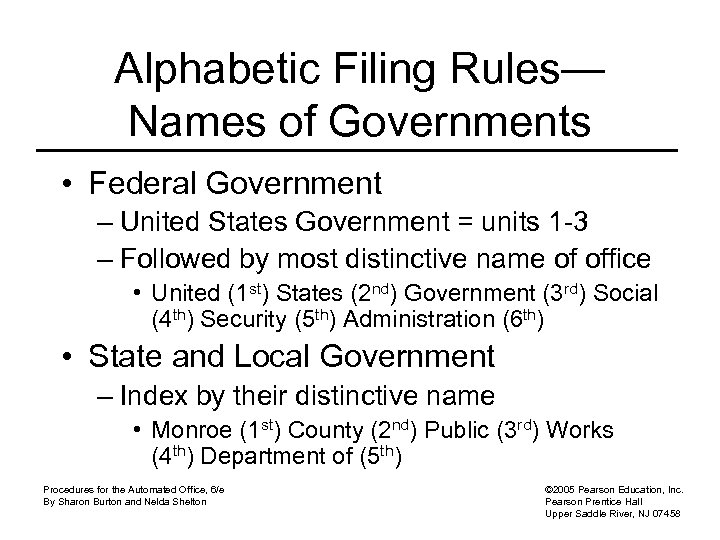 Alphabetic Filing Rules— Names of Governments • Federal Government – United States Government = units 1 -3 – Followed by most distinctive name of office • United (1 st) States (2 nd) Government (3 rd) Social (4 th) Security (5 th) Administration (6 th) • State and Local Government – Index by their distinctive name • Monroe (1 st) County (2 nd) Public (3 rd) Works (4 th) Department of (5 th) Procedures for the Automated Office, 6/e By Sharon Burton and Nelda Shelton © 2005 Pearson Education, Inc. Pearson Prentice Hall Upper Saddle River, NJ 07458
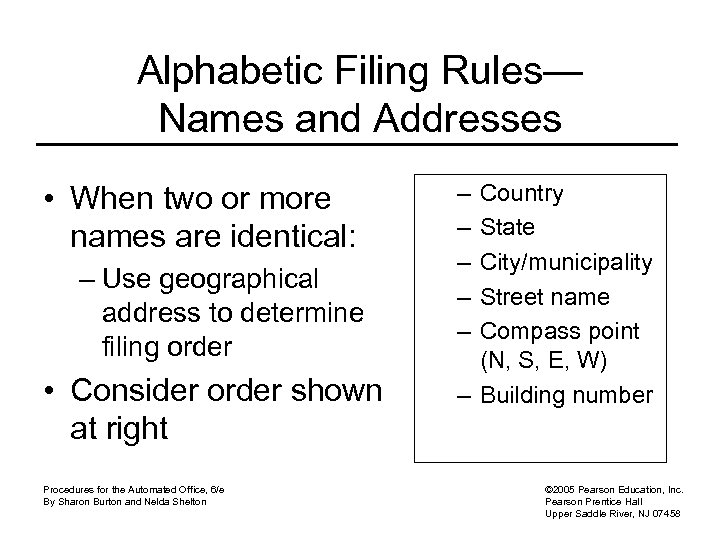 Alphabetic Filing Rules— Names and Addresses • When two or more names are identical: – Use geographical address to determine filing order • Consider order shown at right Procedures for the Automated Office, 6/e By Sharon Burton and Nelda Shelton – – – Country State City/municipality Street name Compass point (N, S, E, W) – Building number © 2005 Pearson Education, Inc. Pearson Prentice Hall Upper Saddle River, NJ 07458
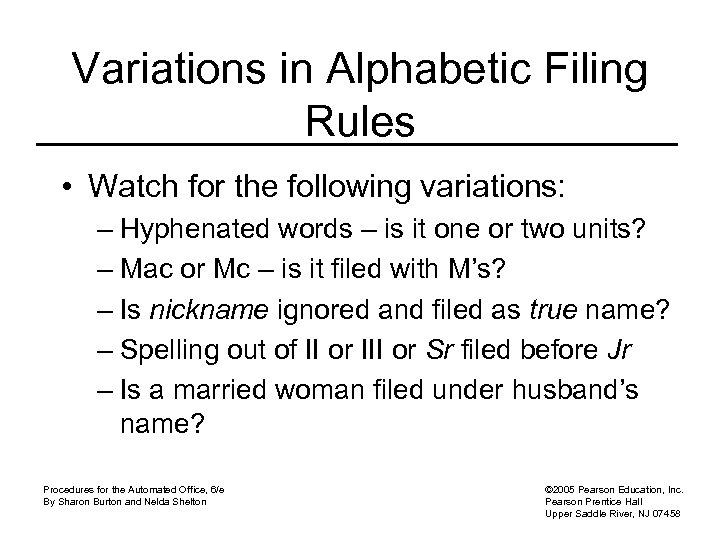 Variations in Alphabetic Filing Rules • Watch for the following variations: – Hyphenated words – is it one or two units? – Mac or Mc – is it filed with M’s? – Is nickname ignored and filed as true name? – Spelling out of II or III or Sr filed before Jr – Is a married woman filed under husband’s name? Procedures for the Automated Office, 6/e By Sharon Burton and Nelda Shelton © 2005 Pearson Education, Inc. Pearson Prentice Hall Upper Saddle River, NJ 07458
 Variations in Alphabetic Filing Rules (continued) • Watch for following variations (continued) – Hyphenated business name could be made up of two surnames, might be indexed and not treated as one unit – Geographic names or words involving compass point might be treated as two words – Names beginning with numbers expressed as figures, might be filed in regular alphabetical order, rather than number sequence Procedures for the Automated Office, 6/e By Sharon Burton and Nelda Shelton © 2005 Pearson Education, Inc. Pearson Prentice Hall Upper Saddle River, NJ 07458
 What About the Future? • Decide on best option for storing documents • Consider cost involved in migrating or moving scanned/stored documents to newer software or hardware • How easy is it to locate a stored document? • Seek advice from professional record manager consulting firms Procedures for the Automated Office, 6/e By Sharon Burton and Nelda Shelton © 2005 Pearson Education, Inc. Pearson Prentice Hall Upper Saddle River, NJ 07458