


 Скачать презентацию CHAPTER 7 JAVASCRIPT II JAVASCRIPTS AND HTML DOCUMENTS
010a115db28445f1b56d8d863ba28a5a.ppt
- Количество слайдов: 14
 CHAPTER 7 JAVASCRIPT II JAVASCRIPTS AND HTML DOCUMENTS
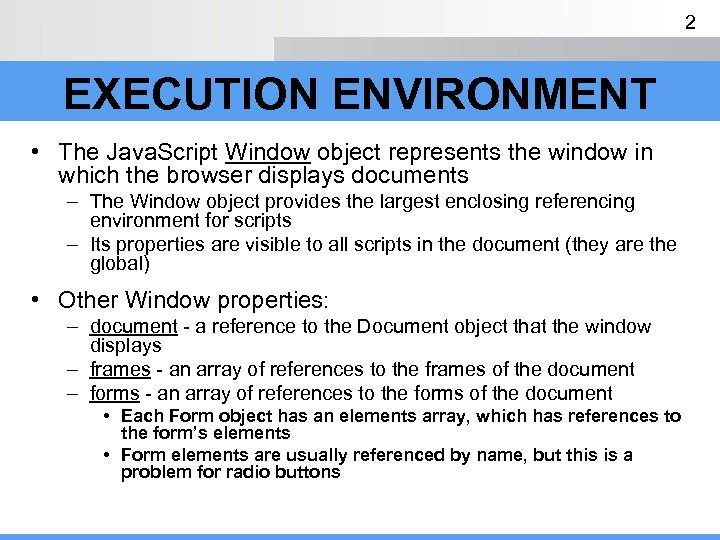 2 EXECUTION ENVIRONMENT • The Java. Script Window object represents the window in which the browser displays documents – The Window object provides the largest enclosing referencing environment for scripts – Its properties are visible to all scripts in the document (they are the global) • Other Window properties: – document - a reference to the Document object that the window displays – frames - an array of references to the frames of the document – forms - an array of references to the forms of the document • Each Form object has an elements array, which has references to the form’s elements • Form elements are usually referenced by name, but this is a problem for radio buttons
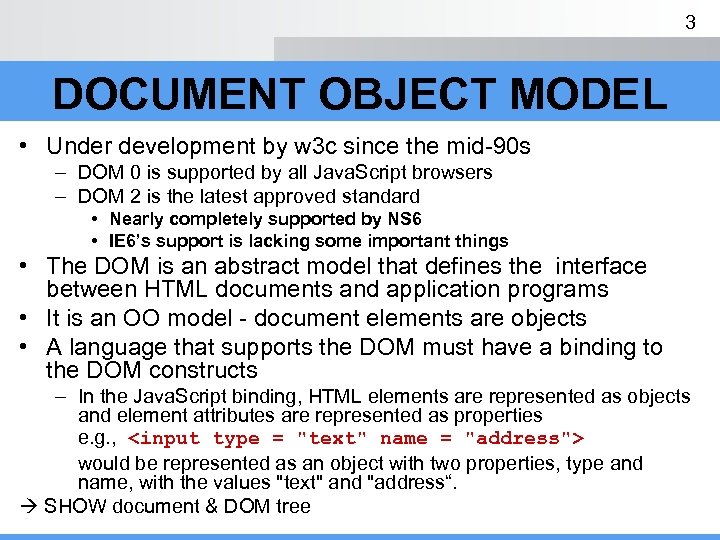 3 DOCUMENT OBJECT MODEL • Under development by w 3 c since the mid-90 s – DOM 0 is supported by all Java. Script browsers – DOM 2 is the latest approved standard • Nearly completely supported by NS 6 • IE 6’s support is lacking some important things • The DOM is an abstract model that defines the interface between HTML documents and application programs • It is an OO model - document elements are objects • A language that supports the DOM must have a binding to the DOM constructs – In the Java. Script binding, HTML elements are represented as objects and element attributes are represented as properties e. g. , would be represented as an object with two properties, type and name, with the values "text" and "address“. SHOW document & DOM tree
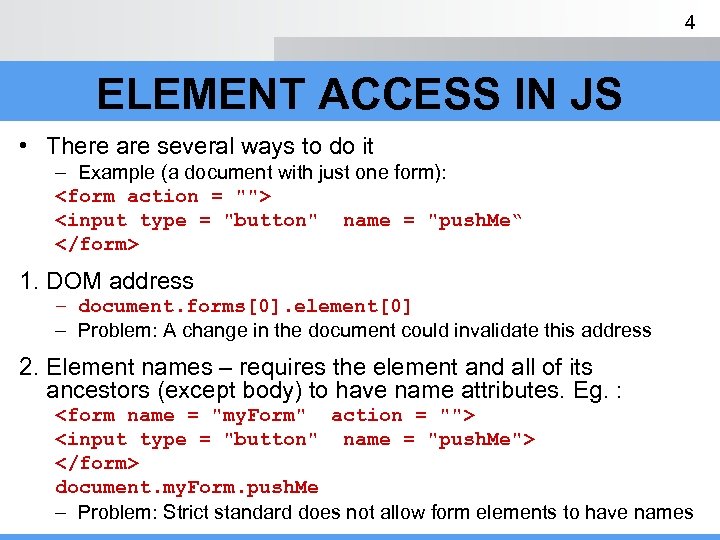 4 ELEMENT ACCESS IN JS • There are several ways to do it – Example (a document with just one form):
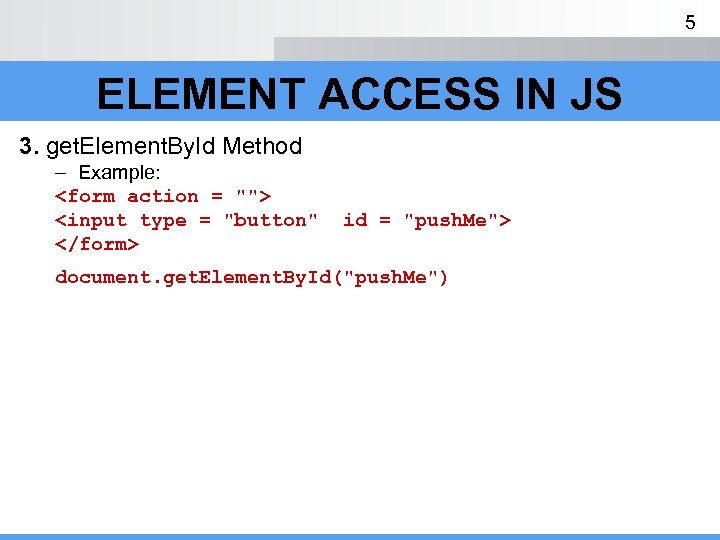 5 ELEMENT ACCESS IN JS 3. get. Element. By. Id Method – Example:
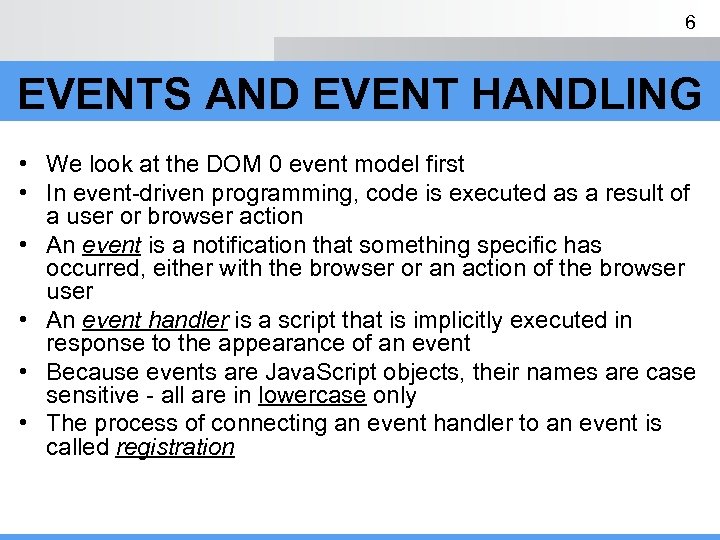 6 EVENTS AND EVENT HANDLING • We look at the DOM 0 event model first • In event-driven programming, code is executed as a result of a user or browser action • An event is a notification that something specific has occurred, either with the browser or an action of the browser user • An event handler is a script that is implicitly executed in response to the appearance of an event • Because events are Java. Script objects, their names are case sensitive - all are in lowercase only • The process of connecting an event handler to an event is called registration
 7 EVENTS AND EVENT HANDLING Event Tag Attribute abort on. Abort blur on. Blur change on. Change click on. Click error on. Error focus on. Focus load on. Load mouseout on. Mouse. Out mouseover on. Mouse. Over reset on. Reset resize on. Resize select on. Select submit on. Submit unload on. Unload
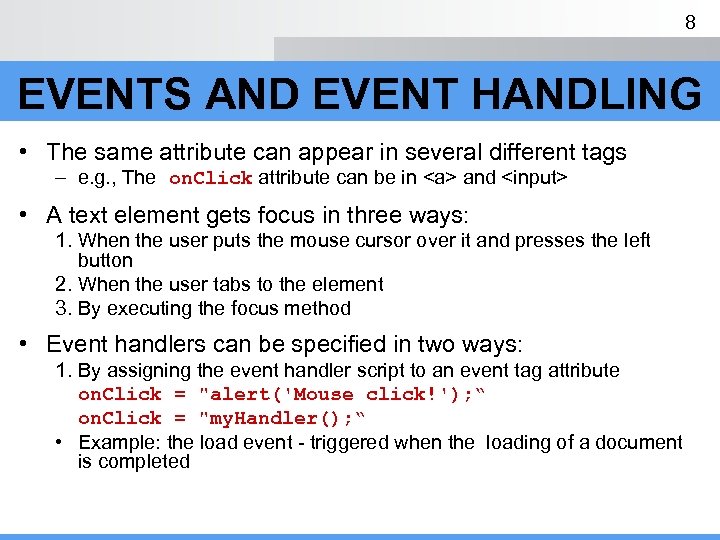 8 EVENTS AND EVENT HANDLING • The same attribute can appear in several different tags – e. g. , The on. Click attribute can be in and • A text element gets focus in three ways: 1. When the user puts the mouse cursor over it and presses the left button 2. When the user tabs to the element 3. By executing the focus method • Event handlers can be specified in two ways: 1. By assigning the event handler script to an event tag attribute on. Click = "alert('Mouse click!'); “ on. Click = "my. Handler(); “ • Example: the load event - triggered when the loading of a document is completed
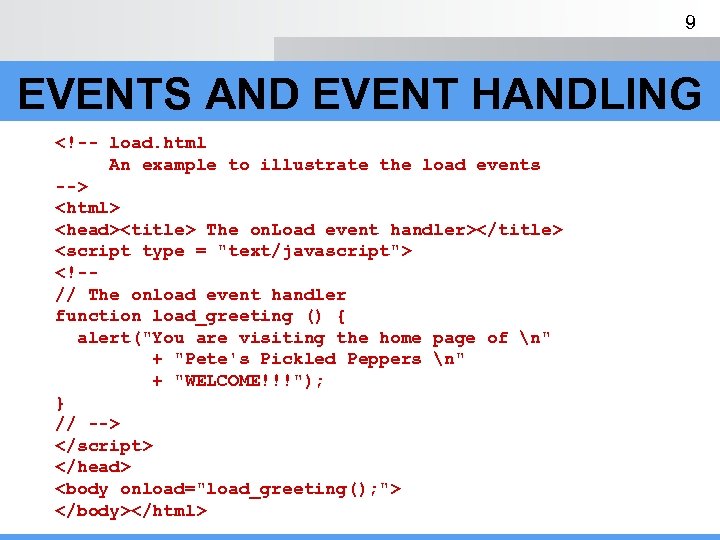 9 EVENTS AND EVENT HANDLING
– The checked property of a radio button object is true if the button is pressed – Can’t use the element’s name to identify it, because all buttons in the group have the same name – Must use the DOM address of the element, e. g. , var radio. Element = document. my. Form. elements; – Now we have the name of the array of elements for (var index = 0; index < radio. Element. length; index++) { if (radio. Element[index]. checked) { element = radio. Element[index]. value; break; } }
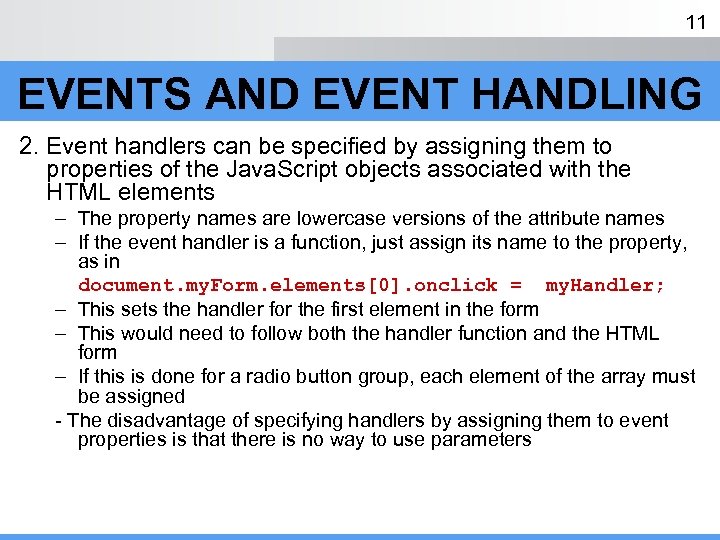 11 EVENTS AND EVENT HANDLING 2. Event handlers can be specified by assigning them to properties of the Java. Script objects associated with the HTML elements – The property names are lowercase versions of the attribute names – If the event handler is a function, just assign its name to the property, as in document. my. Form. elements[0]. onclick = my. Handler; – This sets the handler for the first element in the form – This would need to follow both the handler function and the HTML form – If this is done for a radio button group, each element of the array must be assigned - The disadvantage of specifying handlers by assigning them to event properties is that there is no way to use parameters
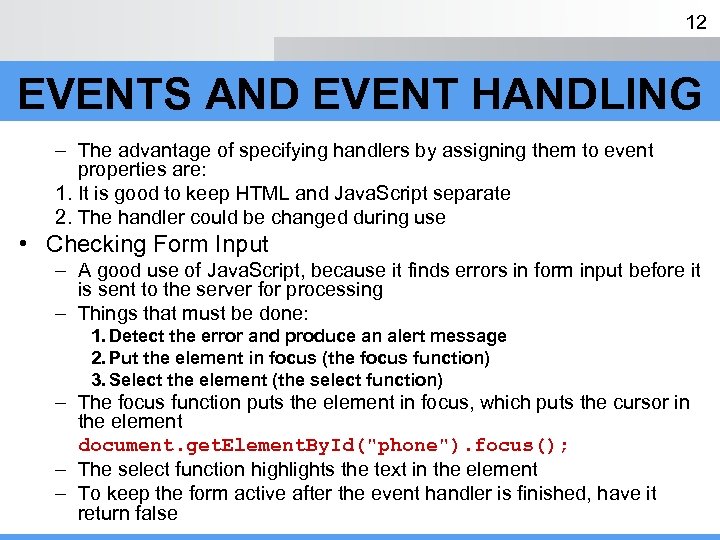 12 EVENTS AND EVENT HANDLING – The advantage of specifying handlers by assigning them to event properties are: 1. It is good to keep HTML and Java. Script separate 2. The handler could be changed during use • Checking Form Input – A good use of Java. Script, because it finds errors in form input before it is sent to the server for processing – Things that must be done: 1. Detect the error and produce an alert message 2. Put the element in focus (the focus function) 3. Select the element (the select function) – The focus function puts the element in focus, which puts the cursor in the element document. get. Element. By. Id("phone"). focus(); – The select function highlights the text in the element – To keep the form active after the event handler is finished, have it return false
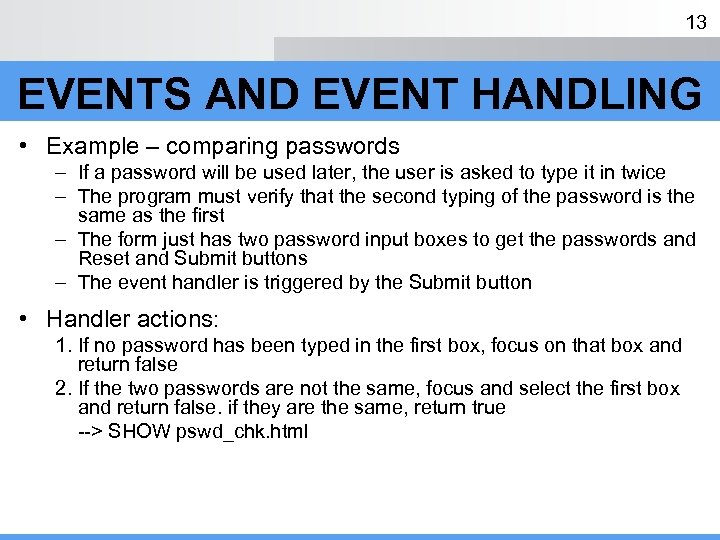 13 EVENTS AND EVENT HANDLING • Example – comparing passwords – If a password will be used later, the user is asked to type it in twice – The program must verify that the second typing of the password is the same as the first – The form just has two password input boxes to get the passwords and Reset and Submit buttons – The event handler is triggered by the Submit button • Handler actions: 1. If no password has been typed in the first box, focus on that box and return false 2. If the two passwords are not the same, focus and select the first box and return false. if they are the same, return true --> SHOW pswd_chk. html
 14 THE DOM 2 EVENT MODEL • • Does not include DOM 0 features, but they are still supported Much more powerful than the DOM 0 model Microsoft does not support it, yet For more information, please refer to Sebesta book, page 198