 Скачать презентацию Chapter 6 Security Before you send data
4e1e3f14cc5734126e5946928b5187a7.ppt
- Количество слайдов: 23




Chapter 6
Security: Before you send data you want to be sure of the machine with which you are communicating – getaddrinfo() Once you are in communication with another host you want to be sure that no one is “listening in” on the conversation – Transport Layer Security (TSL).
Computer Security: It is a bad world out there; believe it. Criminals, script “kiddies”, governments, militaries. Authors' suggestions: Test your code: Ned Batchelder's coverage. Isolate your code: virtualenv Write as little as possible: rely on third party libraries like googlemaps Use a high-level language: python Learn about known attack techniques: cross-scripting, SQL injection, privilege escalation, viruses, trojan horses, etc. Spend time verifying data that has traversed the Internet.
IP Access Rules: Used to be we trusted everyone: finger, whois, telnet, echo timed, . . . Effective protection restricts who can access your service. TCP Wrappers: /etc/hosts. allow and /etc/hosts. deny. Safest way is to deny all (ALL) and selectively allow some. Man page reading: (man 5 host. allow) Access will be granted when a (daemon, client) pair matches an entry in the /etc/hosts. allow file. Otherwise, access will be denied when a (daemon, client) pair matches an entry in the /etc/hosts. deny file. Otherwise, access will be granted.
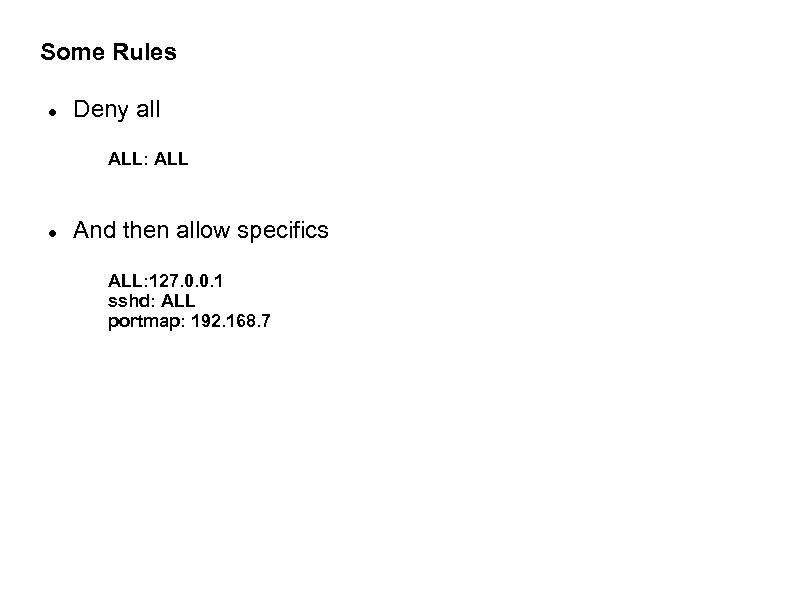
Some Rules Deny all ALL: ALL And then allow specifics ALL: 127. 0. 0. 1 sshd: ALL portmap: 192. 168. 7
Why Not Build Filtering into Python? We could pattern-match on IP addresses. Sys Admins now use firewalls, rather than trust that individual services are well-protected bytheir own code. IP address restrictions are not enough; although they can be effective in denial-of-service attacks. Some protections should be at the edge of your network Some protections are better provided by your OS (iptables). Simple python example: sc, sockname = s. accept() if not sockname[0]. startswith('192. 168. '): raise Runtime. Error('can not connect from other networks')
Cleartext on the Network Possible attacks: sniffing: somebody watches your traffic while sitting in a coffee shop or sets up near a popular tourist site - tcpdump or wireshark effectiveness depends on amount of traffic. usernames and passwords are visible; either customer or backend for a “replay” attack log messages can be intercepted – can see what “errors” look like (perhaps attacker's own mistakes) log message might include tracebacks. Might break into the database server itself if webserver 2 db traffic is visible.
Flank attack: What if someone can see or manipulate your DNS service? By redirecting traffic to yourdb. example. com an attacker can find out user. ID/PW pairs although a fake db server will soon run out of “answers” What if the fake database server forwards db requests to the real database and then logs all answers (man-in-themiddle). This even works with one-time passwords unlike “replay”. Insert SQL queries into the data stream and download an entire database. This can all happen even with no compromising of the server or network itself; just interfere with the naming service.
Or Controls a Network Gateway All the previous attacks are possible and DNS is safe.
TLS: TLS uses public-key encryption: Two keys, one private and one public. Each key is a few kb of data put in a data file with base 64 encoding. Features of public-key encryption: Anyone can generate a key pair (private, public) If someone uses your public key to encrypt data then only someone holding your private key can decrypt. If the private key is used to encrypt then any copy of the public key can decrypt it. Data is not secret but identity of sender is confirmed.
TLS Use of Public-key Encryption: Certificate Authority System: Lets servers prove who they really are and lets a server and a client communicate securely. Symmetric-key Encryption is faster. TLS is used to set up a symmetric key and then both ends switch over to the symmetric key. Details: what is the strongest symmetric key both ends support? In TLS, the terms “server” and “client” only identify who speaks first about encryption and who speaks second.
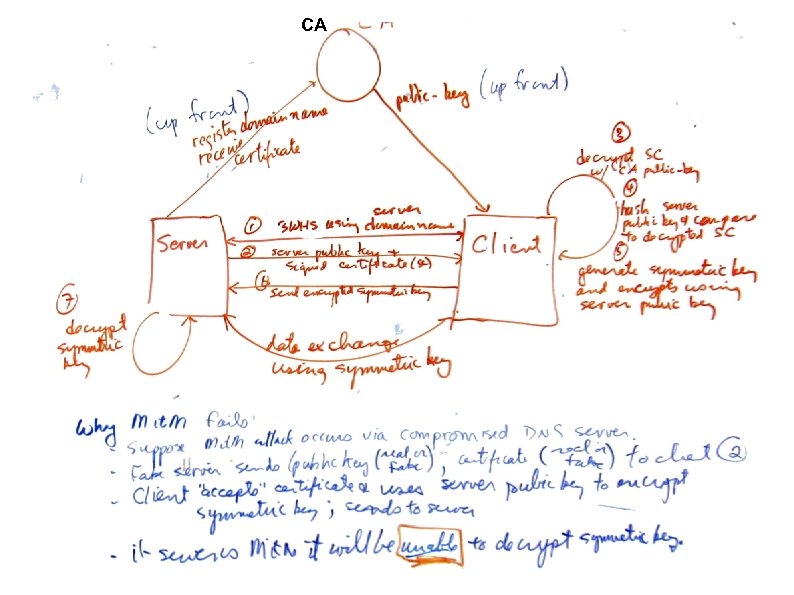
TLS Verifies Identities: Could someone perform a “man-in-the-middle” attack encrypting to you, decrypting momentarily to store the data exchanged and then re-encrypting to send data to the other end. TLS must perform identity check. Servers start by sharing a public key. The key they distribute has been “signed” for them by a certificate authority (CA) (you pay for this). A CA sets up their own key pair and then begins “signing” anyone else's public key using the CA's private key. Signing involves encrypting a hash of the server's public key. A server sends out its public key along with the signed version of the same key
TLS Verifies Identities: The client now uses the CA's public key to decrypt the signed data. The decrypted info says that you can trust anyone calling themselves mysite. com if their public key hashes to xyz. It is possible that this is coming from a host trying to inject itself into the conversation. Suppose a third party sends out a servers public key and the same servers certificate? The client can decrypt the certificate using the CA's public key (so it knows the certificate is authentic). The decrypted certificate says who you “should be” talking to. At this point the client sends back a symmetric key encrypted with the server's public key. If the certificate didn't come from the original server then the receiver won't be able to get the symmetric key and continue the conversation.
TLS Verifies Identities Clients trust this process because they trust the CA to keep its own private key secure. The CA is also trusted to ensure that the pair ( mysite. com, server public key) is real. Clients can keep copies of signed certificates for comparison during future exchanges (so no need to decrypt, etc). If you control, as a server, who your clients are you can sign your own certificates with a new key and physically move the certificate to each client. This way you save money. You can also sign your public key with itself but then who can trust you?
Installing SSL for Python Create a new virtual environment and install two packages $ pip install backports. ssl_match_hostname $ pip-2. 5 install ssl # for Python 2. 5 only
CA
![How to Code TSL; Some Client code(connected to a secure web server): [pletcha@archimedes 06]$](https://present5.com/presentation/4e1e3f14cc5734126e5946928b5187a7/image-17.jpg "How to Code TSL; Some Client code(connected to a secure web server): [pletcha@archimedes 06]$")
How to Code TSL; Some Client code(connected to a secure web server): [pletcha@archimedes 06]$ cat sslclient. py #!/usr/bin/env python # Foundations of Python Network Programming - Chapter 6 - sslclient. py # Using SSL to protect a socket in Python 2. 6 or later import os, socket, ssl, sys from backports. ssl_match_hostname import match_hostname, Certificate. Error try: script_name, hostname = sys. argv except Value. Error: print >>sys. stderr, 'usage: sslclient. py <hostname>' sys. exit(2) # First we connect, as usual, with a socket. sock = socket(socket. AF_INET, socket. SOCK_STREAM) sock. connect((hostname, 443))
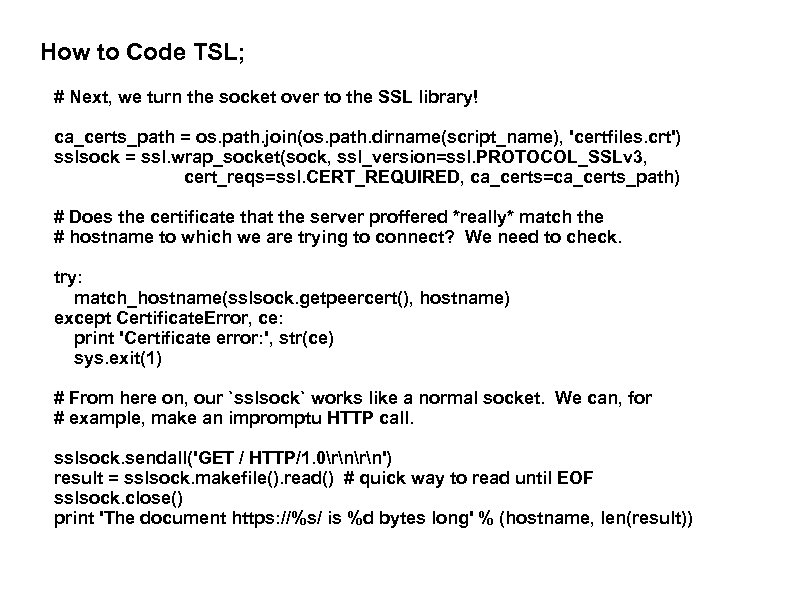
How to Code TSL; # Next, we turn the socket over to the SSL library! ca_certs_path = os. path. join(os. path. dirname(script_name), 'certfiles. crt') sslsock = ssl. wrap_socket(sock, ssl_version=ssl. PROTOCOL_SSLv 3, cert_reqs=ssl. CERT_REQUIRED, ca_certs=ca_certs_path) # Does the certificate that the server proffered *really* match the # hostname to which we are trying to connect? We need to check. try: match_hostname(sslsock. getpeercert(), hostname) except Certificate. Error, ce: print 'Certificate error: ', str(ce) sys. exit(1) # From here on, our `sslsock` works like a normal socket. We can, for # example, make an impromptu HTTP call. sslsock. sendall('GET / HTTP/1. 0rn') result = sslsock. makefile(). read() # quick way to read until EOF sslsock. close() print 'The document https: //%s/ is %d bytes long' % (hostname, len(result))
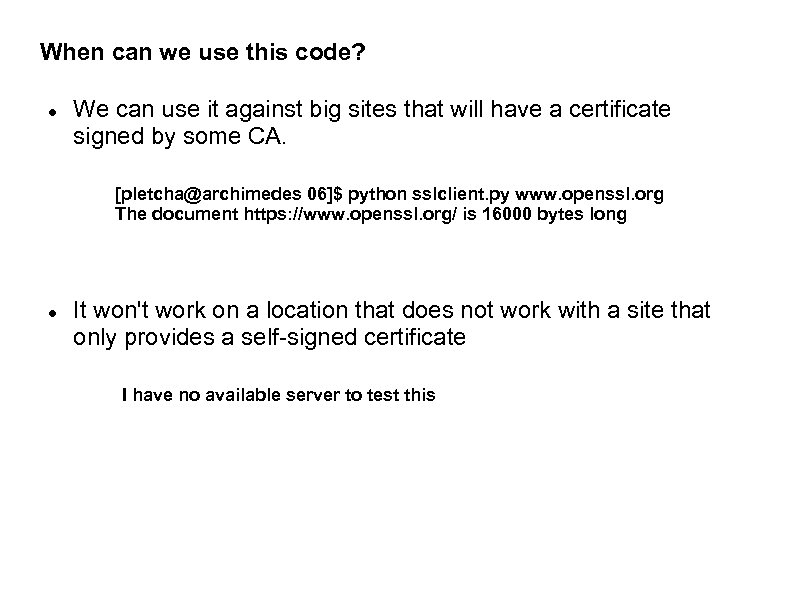
When can we use this code? We can use it against big sites that will have a certificate signed by some CA. [pletcha@archimedes 06]$ python sslclient. py www. openssl. org The document https: //www. openssl. org/ is 16000 bytes long It won't work on a location that does not work with a site that only provides a self-signed certificate I have no available server to test this
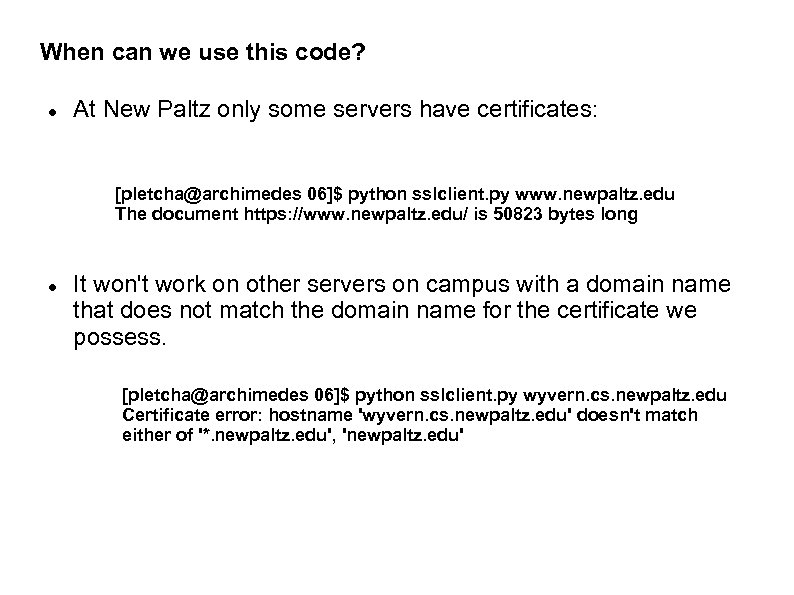
When can we use this code? At New Paltz only some servers have certificates: [pletcha@archimedes 06]$ python sslclient. py www. newpaltz. edu The document https: //www. newpaltz. edu/ is 50823 bytes long It won't work on other servers on campus with a domain name that does not match the domain name for the certificate we possess. [pletcha@archimedes 06]$ python sslclient. py wyvern. cs. newpaltz. edu Certificate error: hostname 'wyvern. cs. newpaltz. edu' doesn't match either of '*. newpaltz. edu', 'newpaltz. edu'
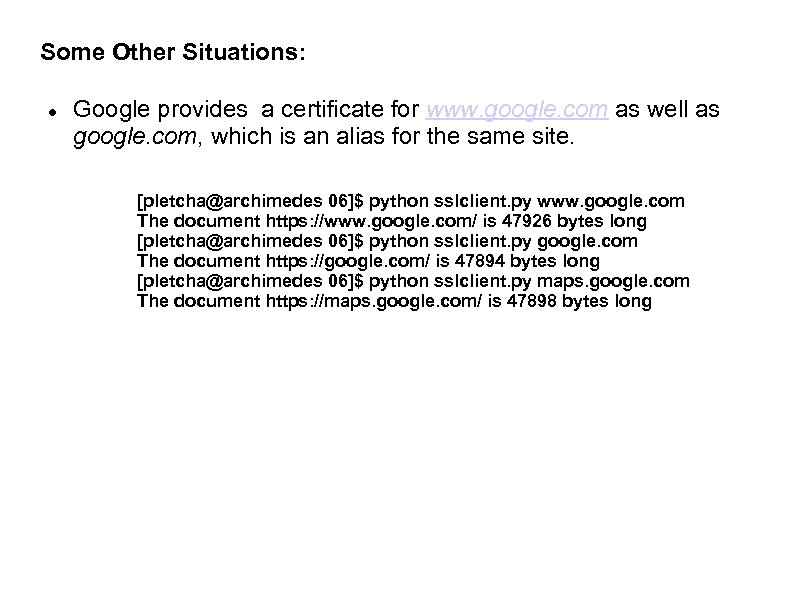
Some Other Situations: Google provides a certificate for www. google. com as well as google. com, which is an alias for the same site. [pletcha@archimedes 06]$ python sslclient. py www. google. com The document https: //www. google. com/ is 47926 bytes long [pletcha@archimedes 06]$ python sslclient. py google. com The document https: //google. com/ is 47894 bytes long [pletcha@archimedes 06]$ python sslclient. py maps. google. com The document https: //maps. google. com/ is 47898 bytes long
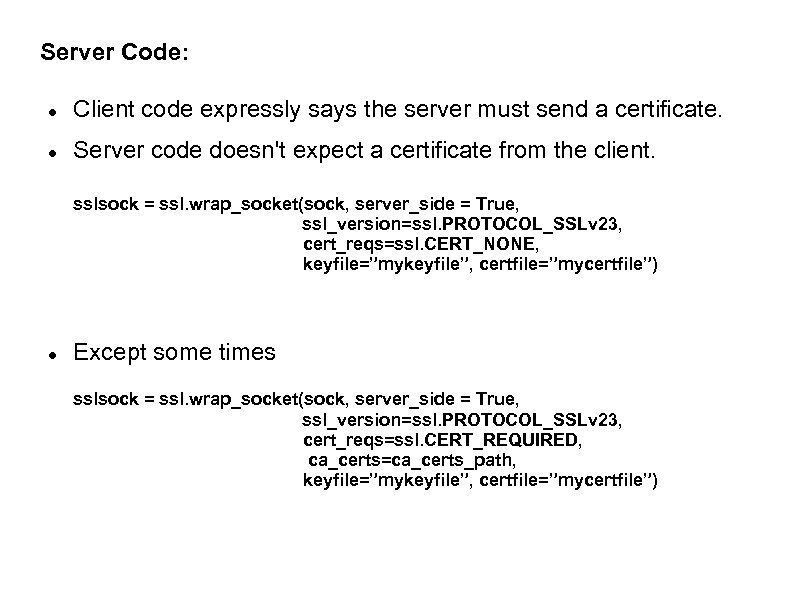
Server Code: Client code expressly says the server must send a certificate. Server code doesn't expect a certificate from the client. sslsock = ssl. wrap_socket(sock, server_side = True, ssl_version=ssl. PROTOCOL_SSLv 23, cert_reqs=ssl. CERT_NONE, keyfile=”mykeyfile”, certfile=”mycertfile”) Except some times sslsock = ssl. wrap_socket(sock, server_side = True, ssl_version=ssl. PROTOCOL_SSLv 23, cert_reqs=ssl. CERT_REQUIRED, ca_certs=ca_certs_path, keyfile=”mykeyfile”, certfile=”mycertfile”)
Exercise: Modify the details of slide 16 to take into account the expectation that the client as well as the server need supply a signed certificate.
Скачать презентацию Chapter 6 Security Before you send data
4e1e3f14cc5734126e5946928b5187a7.ppt