


 Скачать презентацию CHAPTER 6 Networks Chapter Outline 6 1
3df8aedfc1a6d399ff76c7c82688cc5d.ppt
- Количество слайдов: 52
 CHAPTER 6 Networks
 Chapter Outline 6. 1 What Is a Computer Network? 6. 2 Network Fundamentals 6. 3 The Internet and the World Wide Web 6. 4 Network Applications
 Learning Objectives 1. Define the term computer network, and compare and contrast the two major types of networks. 2. Describe the differences among the three types of wireline communications media, and discuss the main advantages and disadvantages of each type. 3. Differentiate between the Internet and the World Wide Web, and describe the most common methods for accessing the Internet.
 Learning Objectives (continued) 4. Identify six major categories of network applications, provide an example of each, and explain how that application supports business functions.
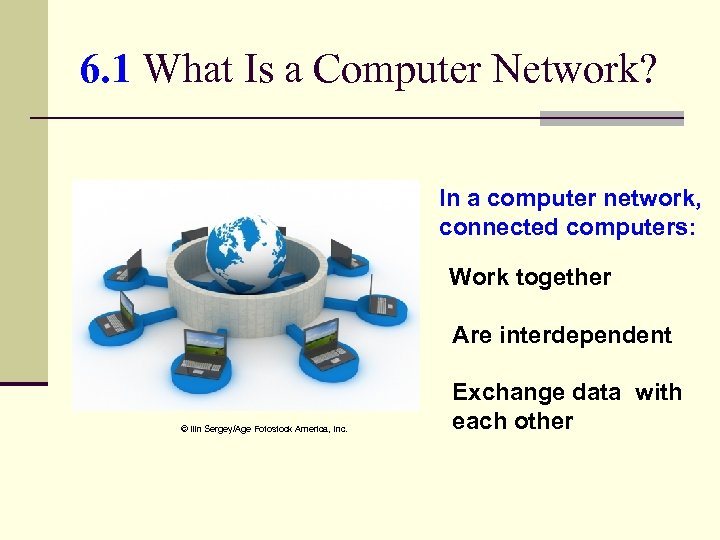 6. 1 What Is a Computer Network? In a computer network, connected computers: Work together Are interdependent © Ilin Sergey/Age Fotostock America, Inc. Exchange data with each other
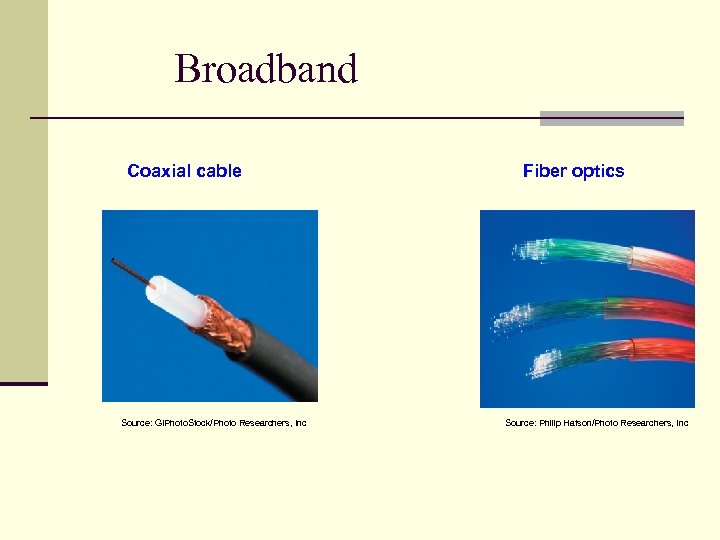 Broadband Coaxial cable Source: GIPhoto. Stock/Photo Researchers, Inc Fiber optics Source: Philip Hatson/Photo Researchers, Inc
 Size of Computer Networks Home computer network National computer network Global computer network
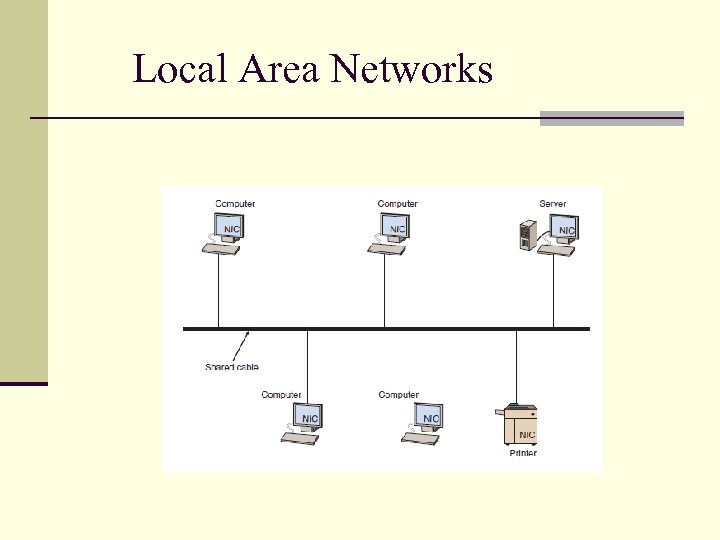 Local Area Networks
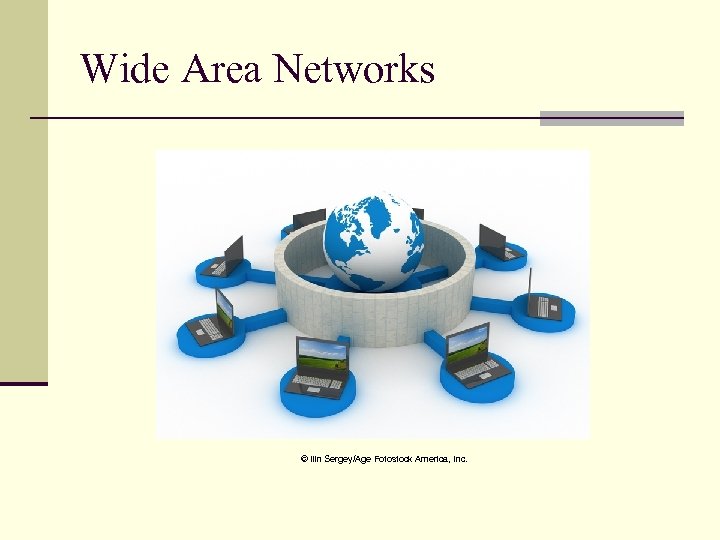 Wide Area Networks © Ilin Sergey/Age Fotostock America, Inc.
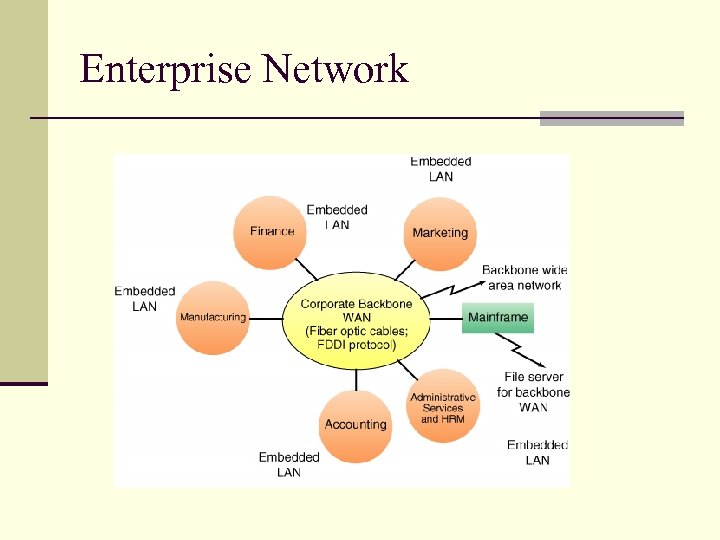 Enterprise Network
 6. 2 Network Fundamentals Analog and Digital Signals Communications Media and Channels Transmission Technologies Network Protocols Types of Network Processing
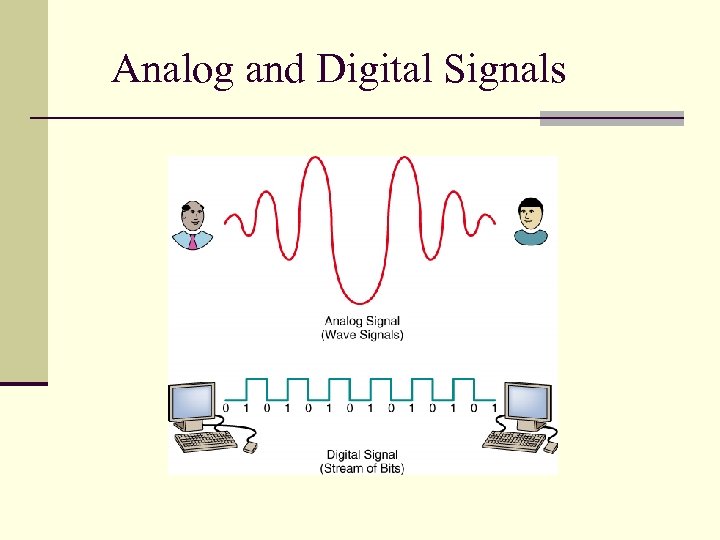 Analog and Digital Signals
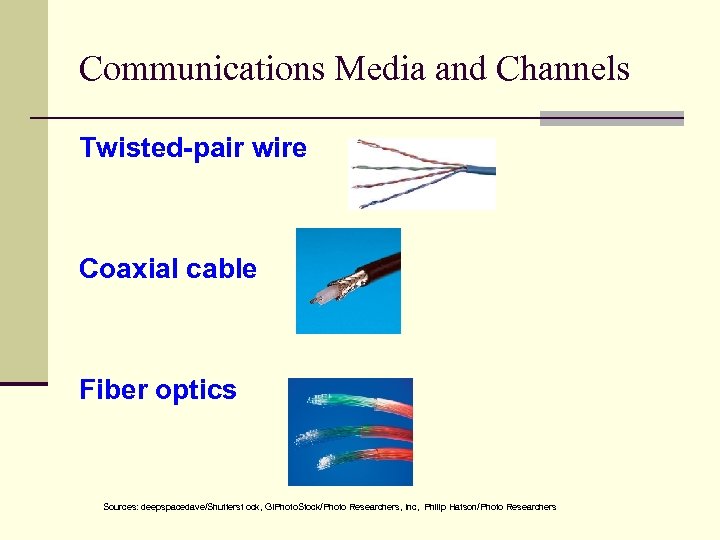 Communications Media and Channels Twisted-pair wire Coaxial cable Fiber optics Sources: deepspacedave/Shutterst ock, GIPhoto. Stock/Photo Researchers, Inc, Philip Hatson/Photo Researchers
 Transmission Technologies Digital subscriber line (DSL) Asynchronous transfer mode (ATM) Synchronous optical network (SONET) T-carrier system
 Network Protocols Ethernet Transmission Control Protocol/Internet Protocol (TCP/IP)
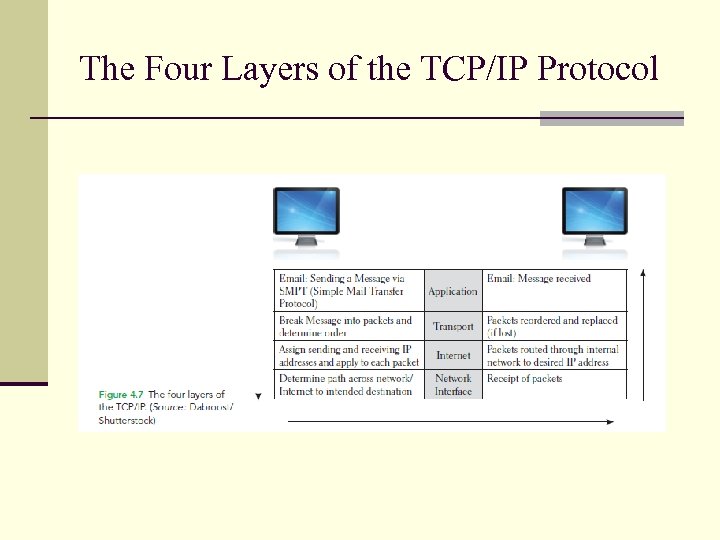 The Four Layers of the TCP/IP Protocol
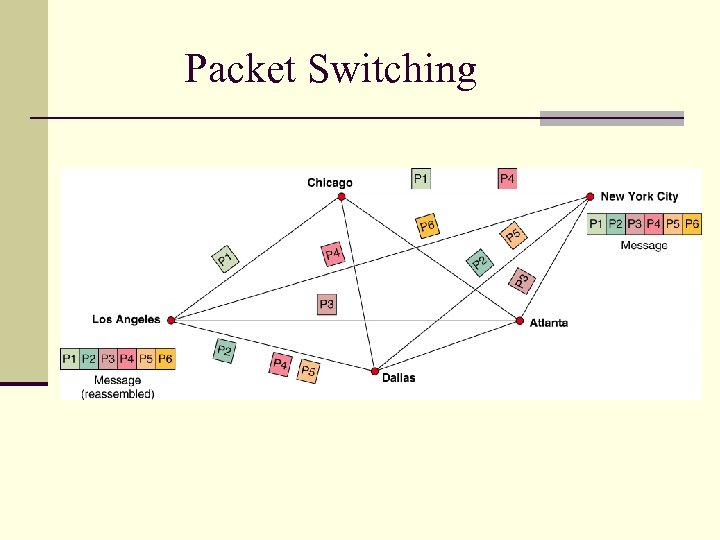 Packet Switching
 Types of Network Processing Client/server computing © Matthias Pahl/Age Fotostock America, Inc. Peer-to-peer processing © Toh Kheng Ho/Age Fotostock America, Inc.
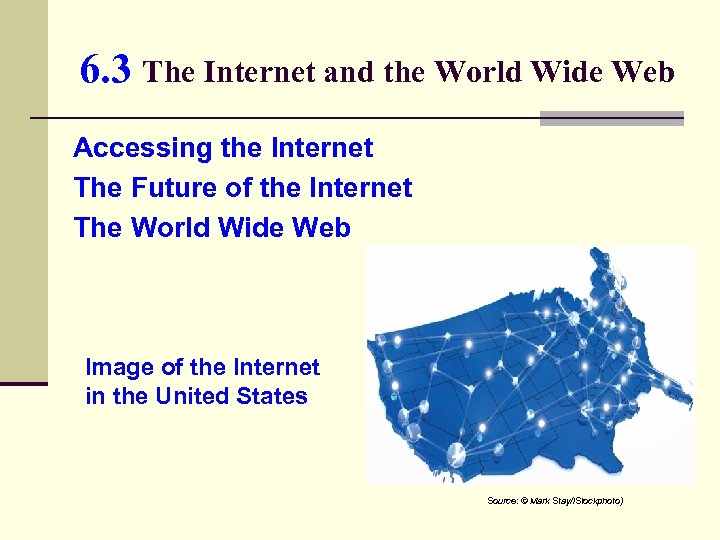 6. 3 The Internet and the World Wide Web Accessing the Internet The Future of the Internet The World Wide Web Image of the Internet in the United States Source: © Mark Stay/i. Stockphoto)
 An Intranet © Corbis/Age Fotostock America, Inc.
 Accessing the Internet Connecting via an online service Internet kiosks Dial-up DSL
 Accessing the Internet Cable Modem Satellite Wireless Fiber to the Home
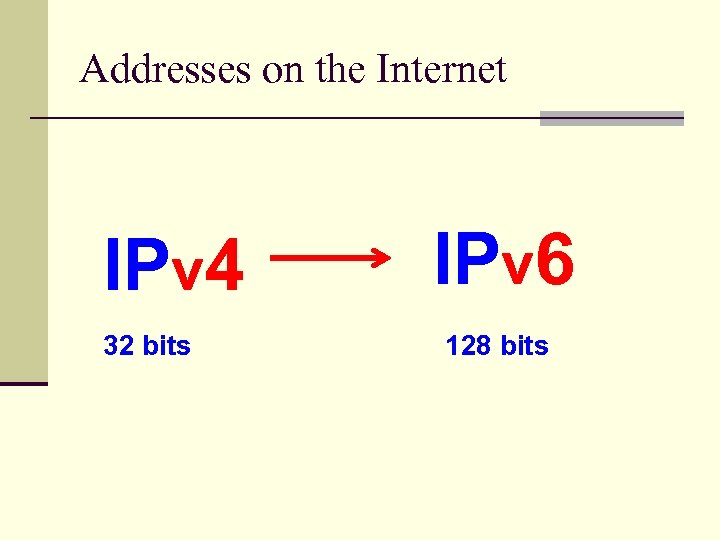 Addresses on the Internet IPv 4 32 bits IPv 6 128 bits
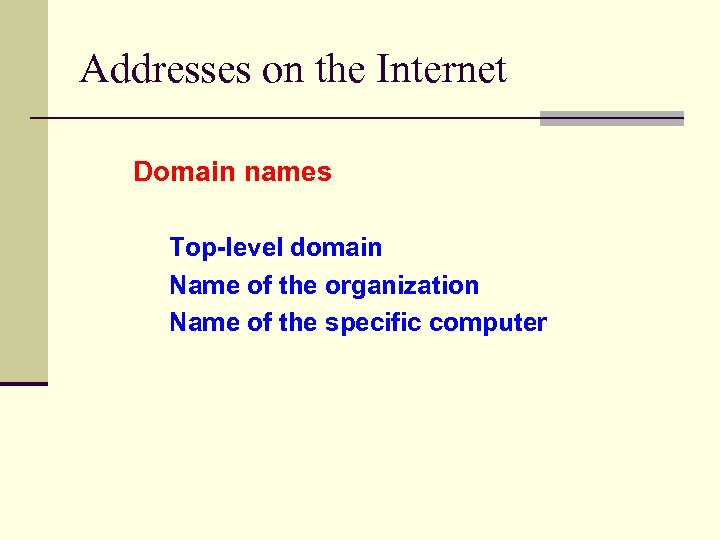 Addresses on the Internet Domain names Top-level domain Name of the organization Name of the specific computer
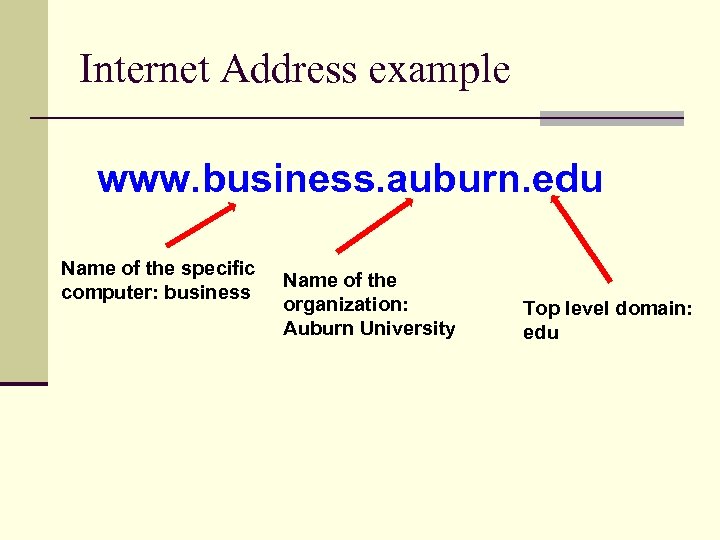 Internet Address example www. business. auburn. edu Name of the specific computer: business Name of the organization: Auburn University Top level domain: edu
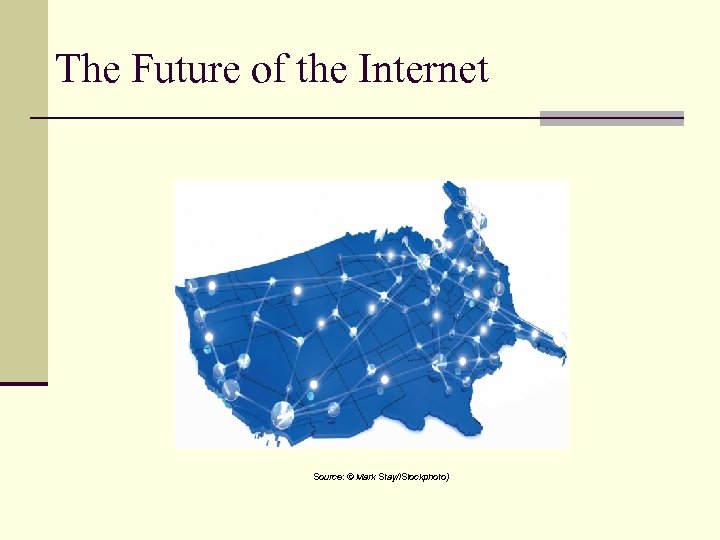 The Future of the Internet Source: © Mark Stay/i. Stockphoto)
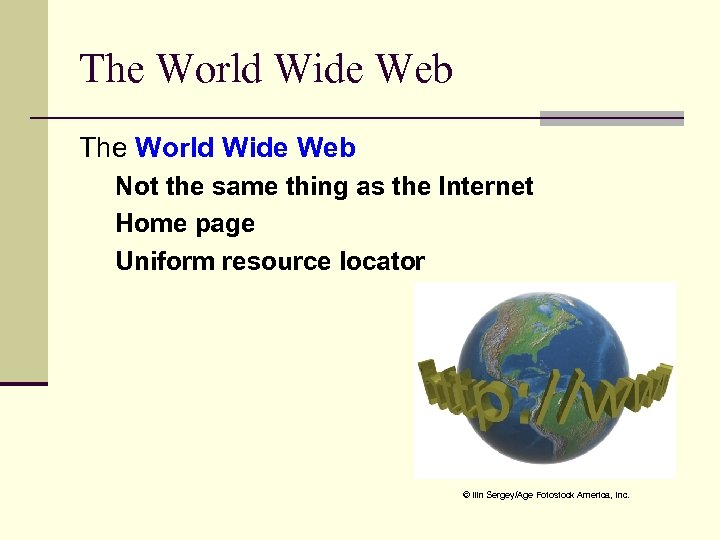 The World Wide Web Not the same thing as the Internet Home page Uniform resource locator © Ilin Sergey/Age Fotostock America, Inc.
 Browser Competition © Matthias Pahl/Age Fotostock America, Inc.
 6. 4 Network Applications Discovery Communication Collaboration E-Learning and Distance Learning Virtual Universities Telecommuting
 Discovery Search engines Metasearch engines Discovery of material in foreign languages Portals
 Four Large Search Engines The largest search engines are: • Google • Yahoo • Bing © Claver Carroll/Age Fotostock America, Inc. • Baidu
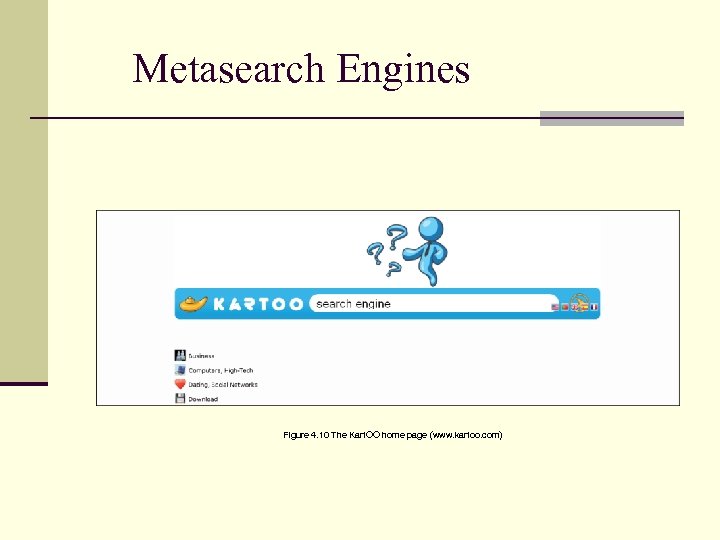 Metasearch Engines Figure 4. 10 The Kart. OO home page (www. kartoo. com)
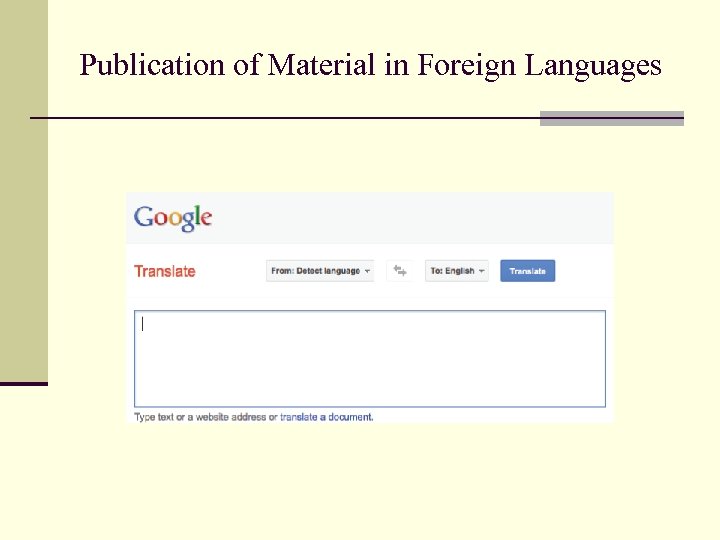 Publication of Material in Foreign Languages
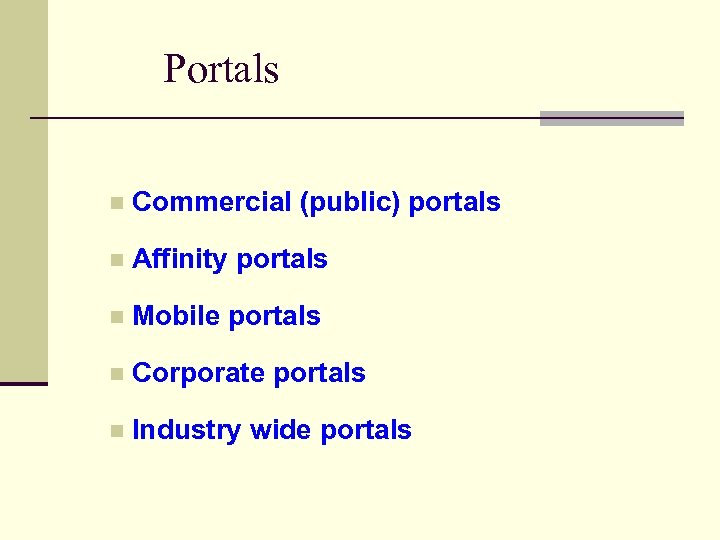 Portals n Commercial (public) portals n Affinity portals n Mobile portals n Corporate portals n Industry wide portals
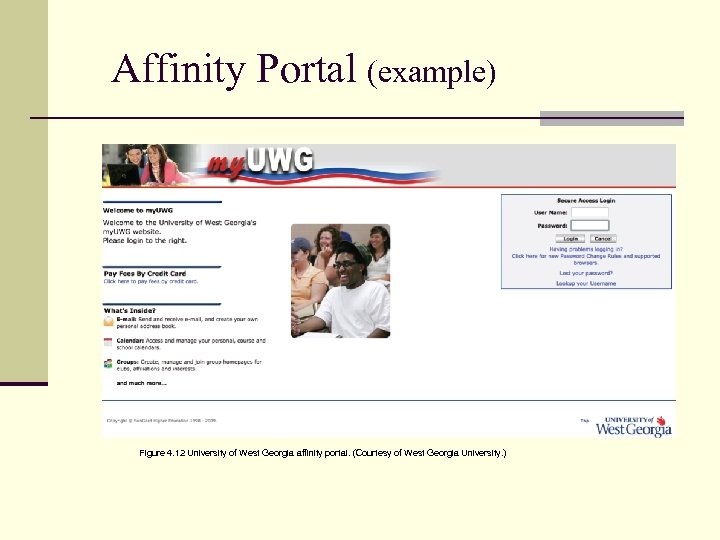 Affinity Portal (example) Figure 4. 12 University of West Georgia affinity portal. (Courtesy of West Georgia University. )
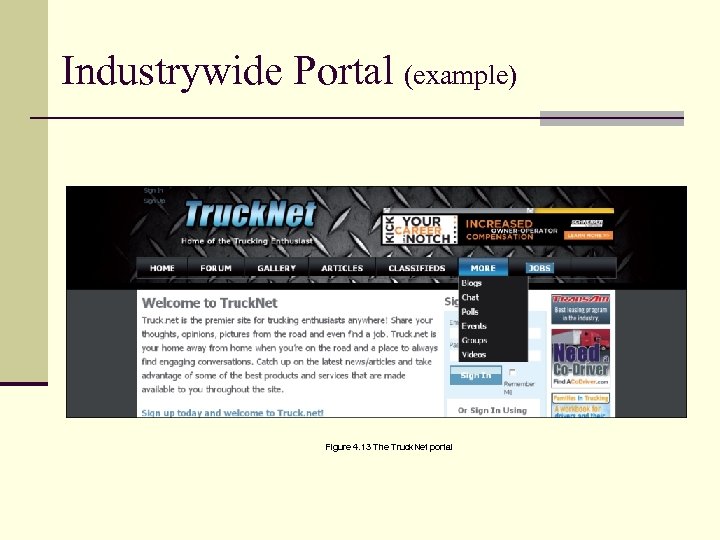 Industrywide Portal (example) Figure 4. 13 The Truck. Net portal
 Communication Electronic mail (e-mail) Web-based call centers (customer call center) Electronic chat room Voice Unified © Mario S Ragma Jr/Age Fotostock America, Inc.
 Electronic Mail Source: Stockphoto 4 u/i. Stockphoto
 Call Centers © Dinodia/Age Fotostock America, Inc.
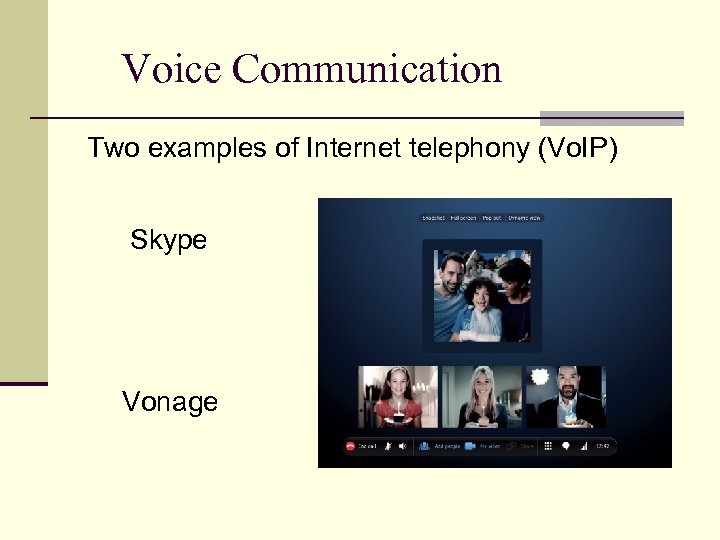 Voice Communication Two examples of Internet telephony (Vo. IP) Skype Vonage
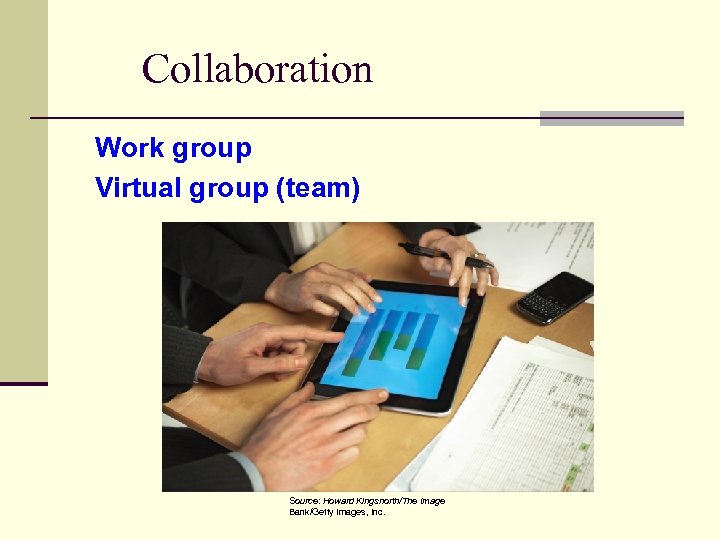 Collaboration Work group Virtual group (team) Source: Howard Kingsnorth/The Image Bank/Getty Images, Inc.
 Collaboration (continued) Virtual collaboration Collaboration software Electronic Teleconferencing E-Learning and Distance Learning
 Crowdsourcing © YURI ACURS/Age Fotostock America, Inc.
 Software products supporting collaboration Microsoft Sharepoint IBM Lotus Quickr Google Docs Jive Software
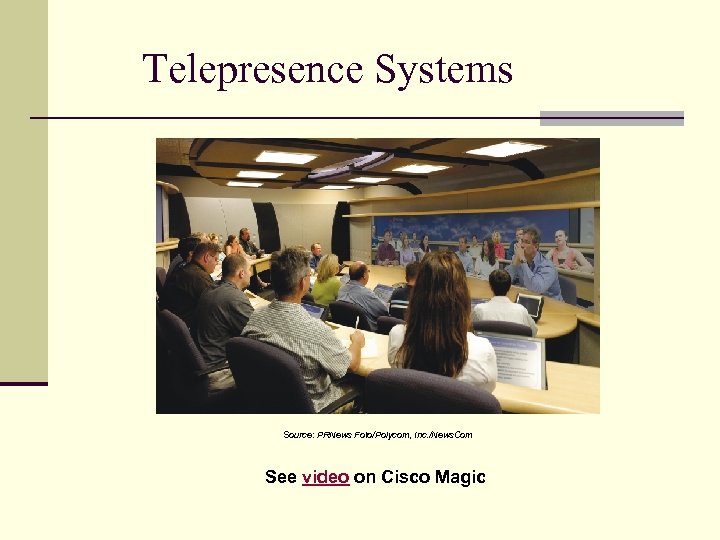 Telepresence Systems Source: PRNews Foto/Polycom, Inc. /News. Com See video on Cisco Magic
 E-Learning and Distance Learning E-Learning Distance learning Source: Mike Flippo/Shutterstock
 Benefits of E-Learning n Self-paced learning increases content retention. n Online materials deliver high-quality, current content. n Students have the flexibility of learning from any place at any time at their own pace. n Learning time generally is shorter, and more people can be trained due to faster training time. n Training costs can be reduced.
 Drawbacks of E-Learning n Instructors may need training to be able to teach electronically. n The purchase of additional multimedia equipment may be necessary. n Students must be computer literate and may miss the face-to-face interaction with instructors. n There are issues with assessing students’ work, as instructors really do not know who completed assignments.
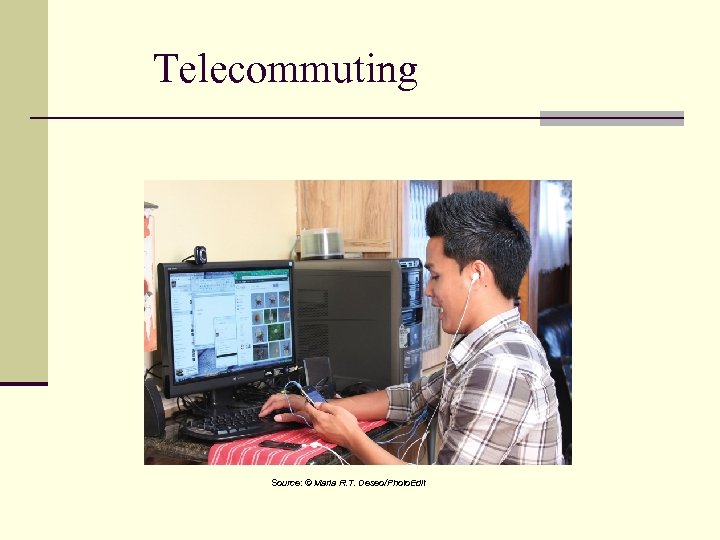 Telecommuting Source: © Maria R. T. Deseo/Photo. Edit
 Telecommuting Benefits n For Employees n Reduced stress, improved family life n Employment opportunities for single parents and persons with disabilities n For Employers n Increased productivity n Ability to retain skilled employees
 Telecommuting Disadvantages n For Employees n Feelings of isolation n No workplace visibility n Potential for slower promotions n For Employers n Difficulties in supervising work n Potential information security problems n Additional training costs
 Chapter Closing Case • The Problem • The Solution • The Results