


 Скачать презентацию CHAPTER 6 Decision Support Systems Development 1
5757c143e9183a6132f51bab5a9e4b07.ppt
- Количество слайдов: 52
 CHAPTER 6 Decision Support Systems Development 1
 Decision Support System Development n How to develop a DSS n DSS must usually be custom tailored 2
 System Development Issues n n n n System development life cycle (SDLC) Prototyping Forming the development team Complex process Technical issues Behavioral issues Different approaches 3
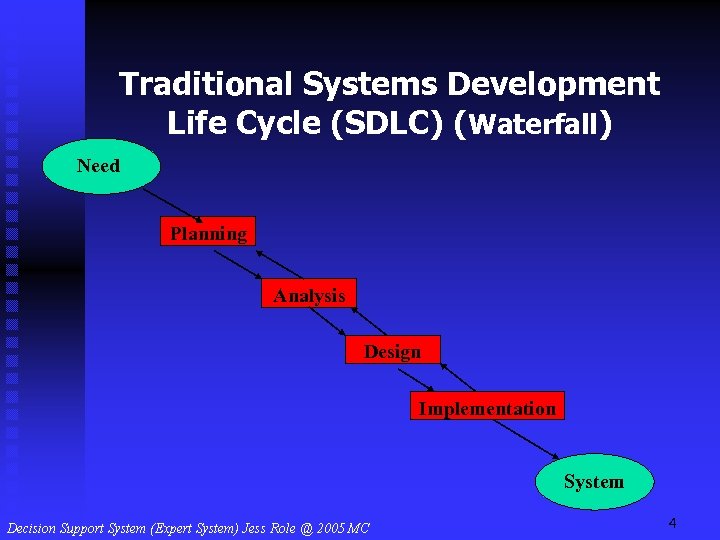 Traditional Systems Development Life Cycle (SDLC) (Waterfall) Need Planning Analysis Design Implementation System 4
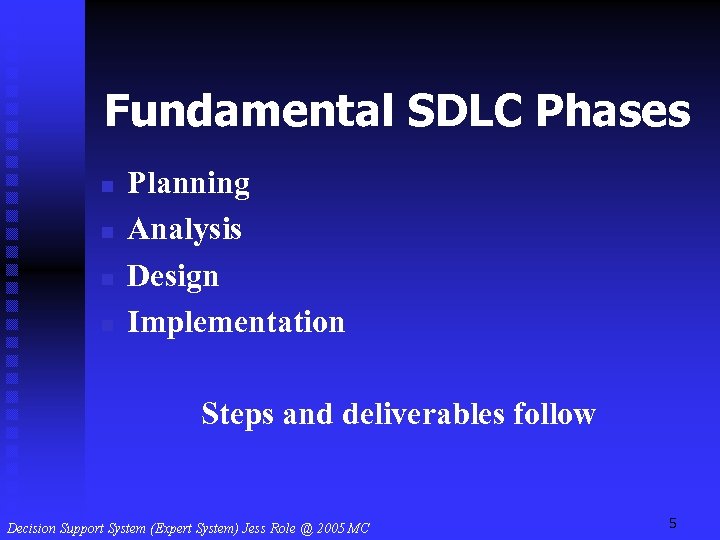 Fundamental SDLC Phases n n Planning Analysis Design Implementation Steps and deliverables follow 5
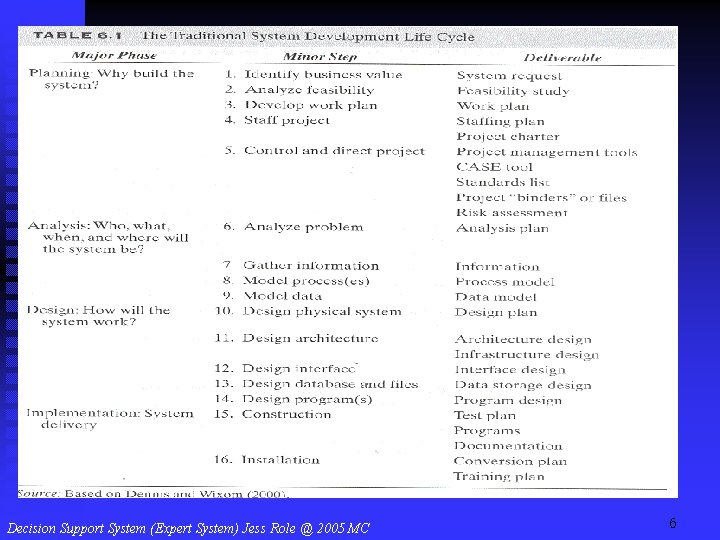 6
6
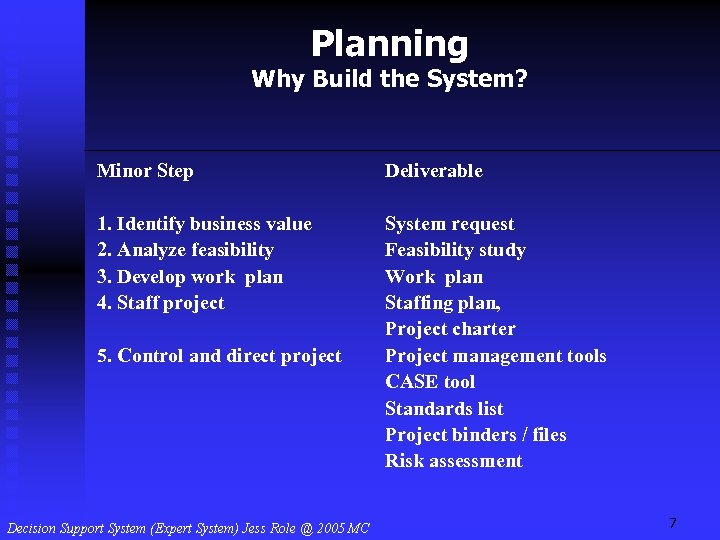 Planning Why Build the System? Minor Step Deliverable 1. Identify business value 2. Analyze feasibility 3. Develop work plan 4. Staff project System request Feasibility study Work plan Staffing plan, Project charter Project management tools CASE tool Standards list Project binders / files Risk assessment 5. Control and direct project 7
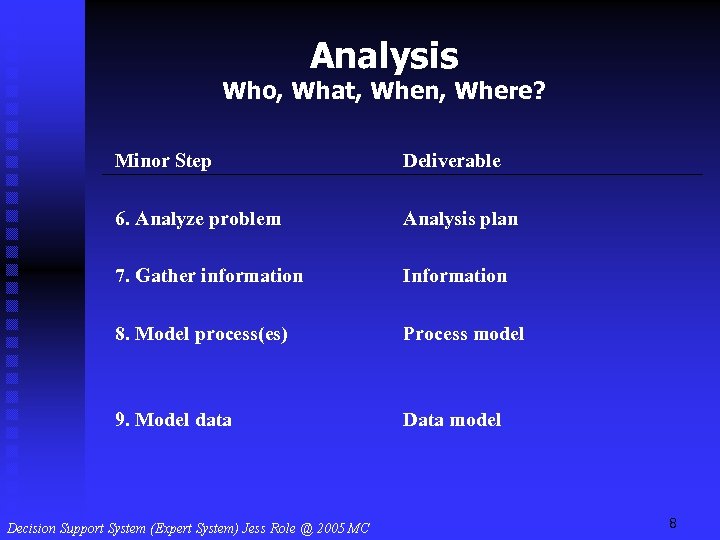 Analysis Who, What, When, Where? Minor Step Deliverable 6. Analyze problem Analysis plan 7. Gather information Information 8. Model process(es) Process model 9. Model data Data model 8
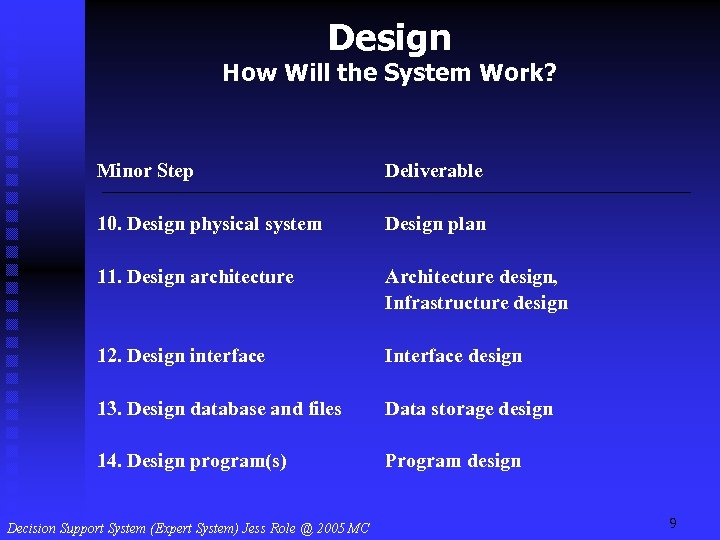 Design How Will the System Work? Minor Step Deliverable 10. Design physical system Design plan 11. Design architecture Architecture design, Infrastructure design 12. Design interface Interface design 13. Design database and files Data storage design 14. Design program(s) Program design 9
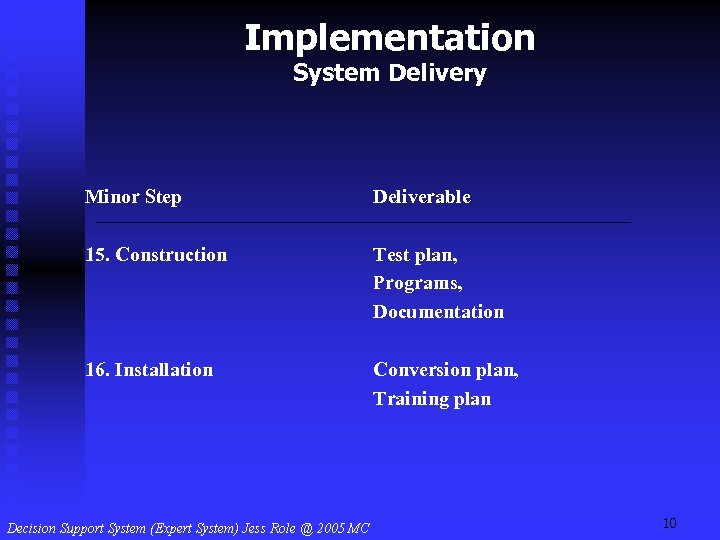 Implementation System Delivery Minor Step Deliverable 15. Construction Test plan, Programs, Documentation 16. Installation Conversion plan, Training plan 10
 11
11
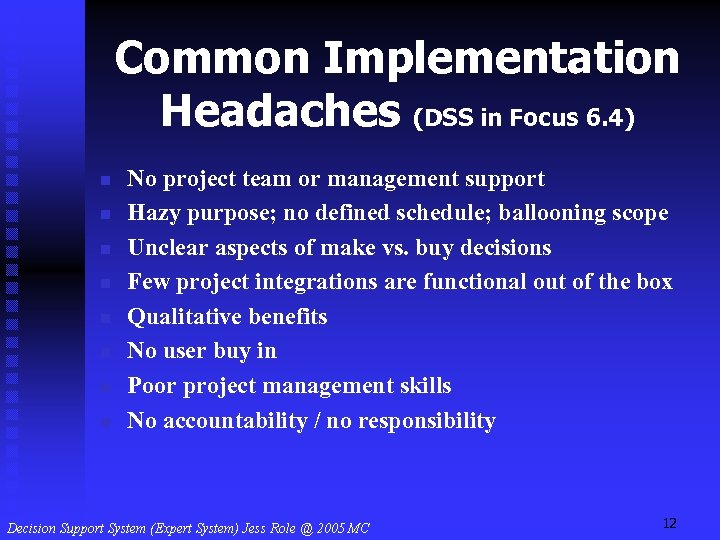 Common Implementation Headaches (DSS in Focus 6. 4) n n n n No project team or management support Hazy purpose; no defined schedule; ballooning scope Unclear aspects of make vs. buy decisions Few project integrations are functional out of the box Qualitative benefits No user buy in Poor project management skills No accountability / no responsibility 12
 CASE Tools n n n Information systems for systems analysts Can help manage system development Upper CASE (assists in analysis) Lower CASE (manages diagrams and code generation) Integrated CASE (both) 13
 CASE Tools n n n n Oracle Enterprise Development Suite Rational Rose Paradigm Plus Visible Analyst Logic Works Suite Axiom. Sys and Axiom. Dsn V 32 & X 32 Visual Studio 14
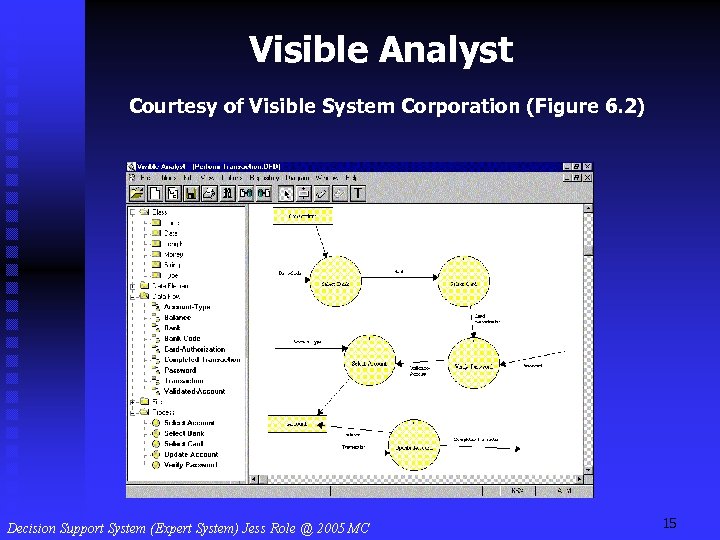 Visible Analyst Courtesy of Visible System Corporation (Figure 6. 2) 15
 Project Management (PM) n n n Team leader must have good PM skills Major reason for IS development failures -bad PM skills Only 26% of all projects surveyed (23, 000) in 1998 succeeded 28% failed, 46% challenged Lower success rates for large companies Better PM skills needed 16
 Skills for Project Managers n n n Technology and business knowledge Judgment Negotiation Good communication Organization 17
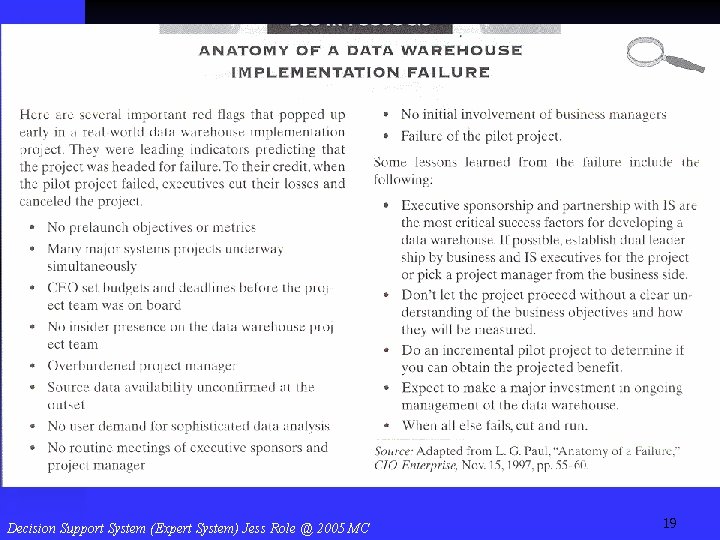
 Implementation Failures (DW Example) n n n No user involvement No clear objectives stated early No real executive sponsorship More in DSS in Focus 6. 5 18
 19
19
 Alternative Development Methodologies n n Parallel development Rapid application development (RAD) methodologies n n n Phased development Prototyping Throwaway prototyping 20
 Parallel Development n n n Multiple copies of design and implementation phases To develop separate subsystems All come together in a single implementation phase 21
 Phased Development n n n Break system up into versions developed sequentially Each version has more functionality Evolves into a final system Users gain functionality quickly But initial systems are incomplete 22
 Prototyping n n Performing analysis, design, and implementation phases concurrently, and repeatedly Users see system functionality quickly and provide feedback Decision maker learns about problem But can lose gains in repetition 23
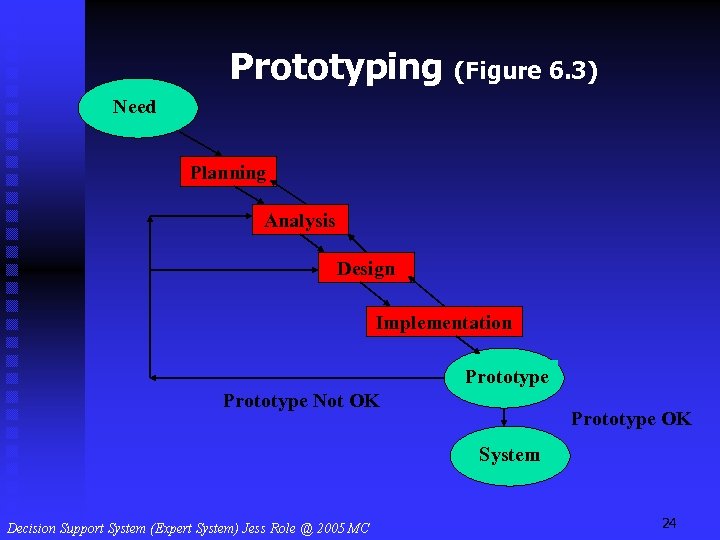 Prototyping (Figure 6. 3) Need Planning Analysis Design Implementation Prototype Not OK Prototype OK System 24
 Throwaway Prototyping n n n Like prototyping and SDLC Analysis phase is thorough Design prototypes assist in understanding the system Example: can use Excel, then Visual Basic (Figure 6. 4) 25
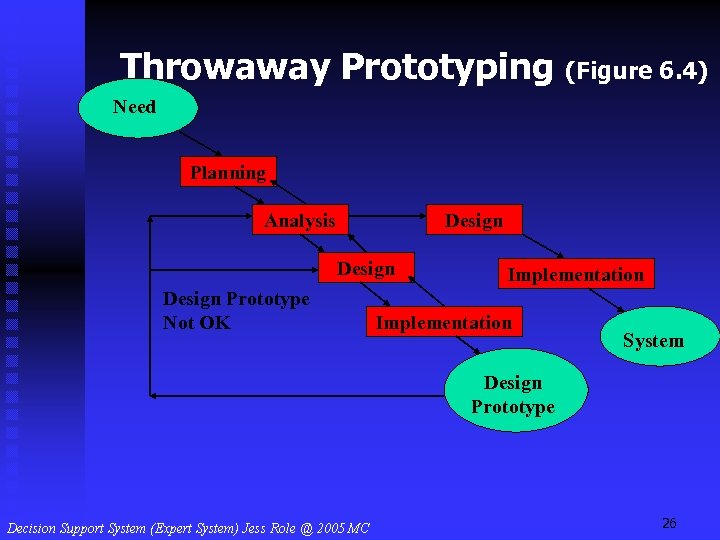 Throwaway Prototyping (Figure 6. 4) Need Planning Analysis Design Prototype Not OK Implementation System Design Prototype 26
 Prototyping for DSS Development n n n Problems are semistructured or unstructured Managers and developers may not completely understand problem Use prototyping 27
 Prototyping Terms n n n Iterative design Evolutionary development Middle-out process Adaptive design Incremental design 28
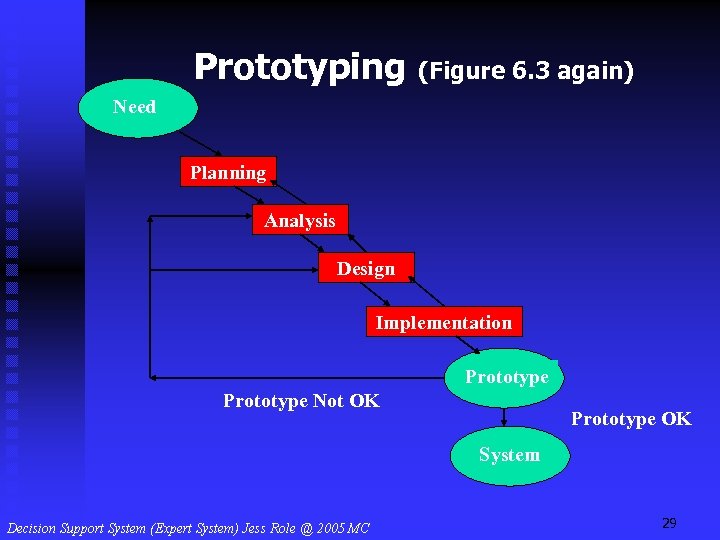 Prototyping (Figure 6. 3 again) Need Planning Analysis Design Implementation Prototype Not OK Prototype OK System 29
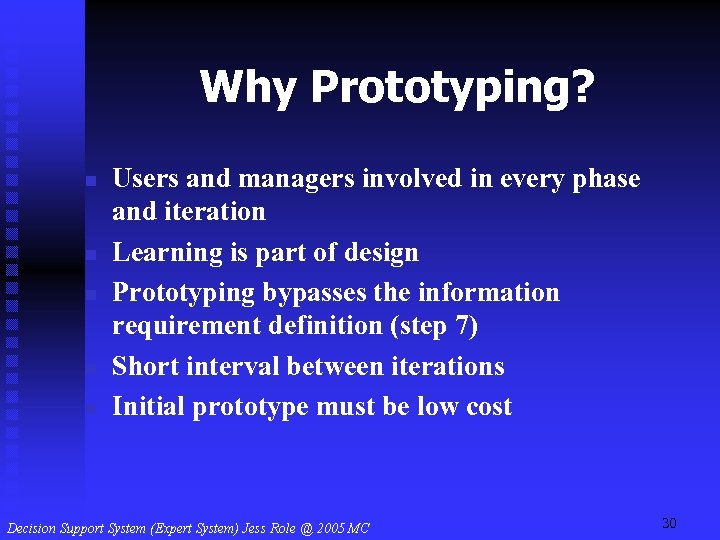 Why Prototyping? n n n Users and managers involved in every phase and iteration Learning is part of design Prototyping bypasses the information requirement definition (step 7) Short interval between iterations Initial prototype must be low cost 30
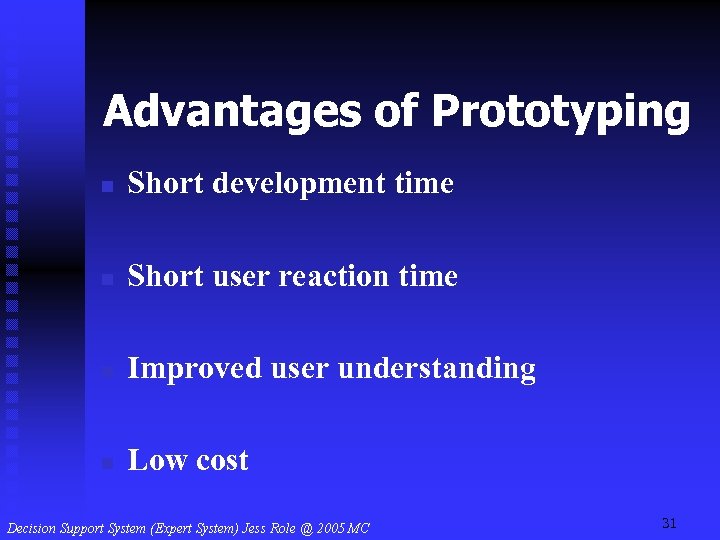 Advantages of Prototyping n Short development time n Short user reaction time n Improved user understanding n Low cost 31
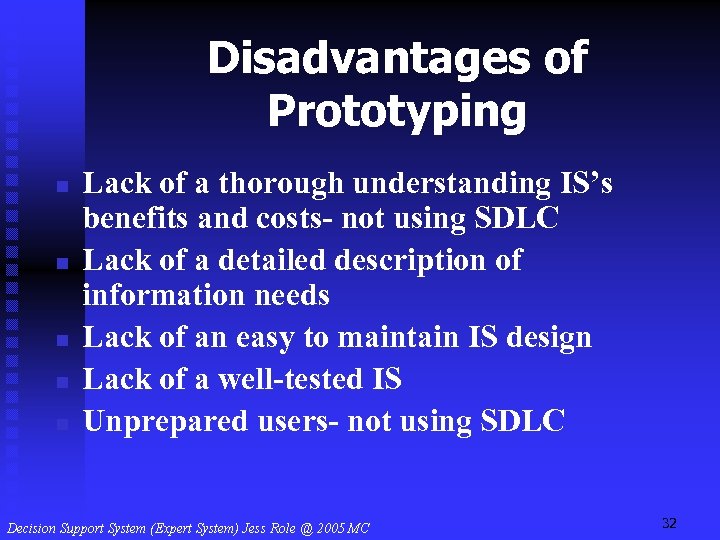 Disadvantages of Prototyping n n n Lack of a thorough understanding IS’s benefits and costs- not using SDLC Lack of a detailed description of information needs Lack of an easy to maintain IS design Lack of a well-tested IS Unprepared users- not using SDLC 32
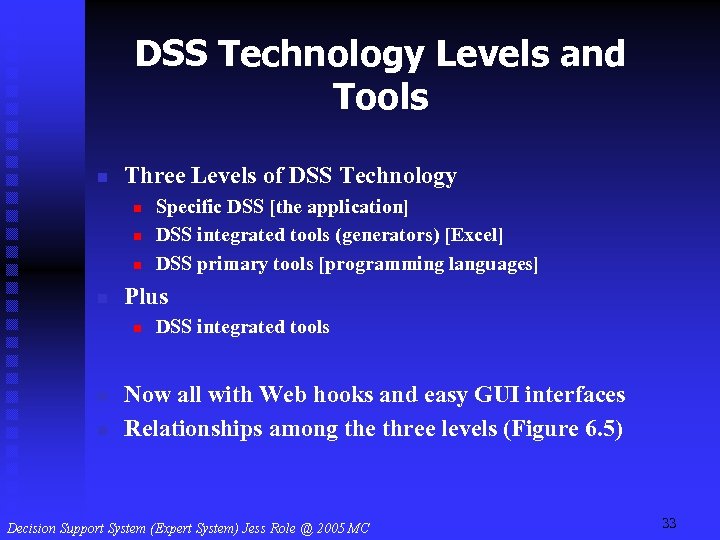 DSS Technology Levels and Tools n Three Levels of DSS Technology n n Plus n n n Specific DSS [the application] DSS integrated tools (generators) [Excel] DSS primary tools [programming languages] DSS integrated tools Now all with Web hooks and easy GUI interfaces Relationships among the three levels (Figure 6. 5) 33
 DSS Technology Levels (Figure 6. 5) Specific DSS Generators (Spreadsheets, …) DSS Tools (Languages, …) 34
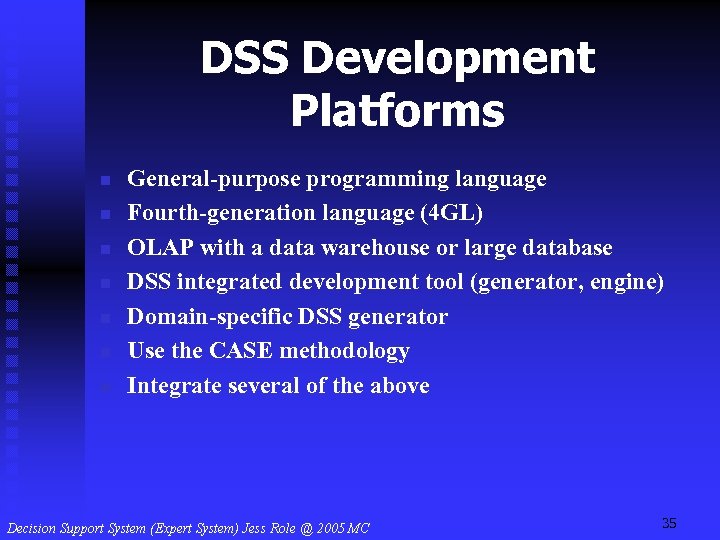 DSS Development Platforms n n n n General-purpose programming language Fourth-generation language (4 GL) OLAP with a data warehouse or large database DSS integrated development tool (generator, engine) Domain-specific DSS generator Use the CASE methodology Integrate several of the above 35
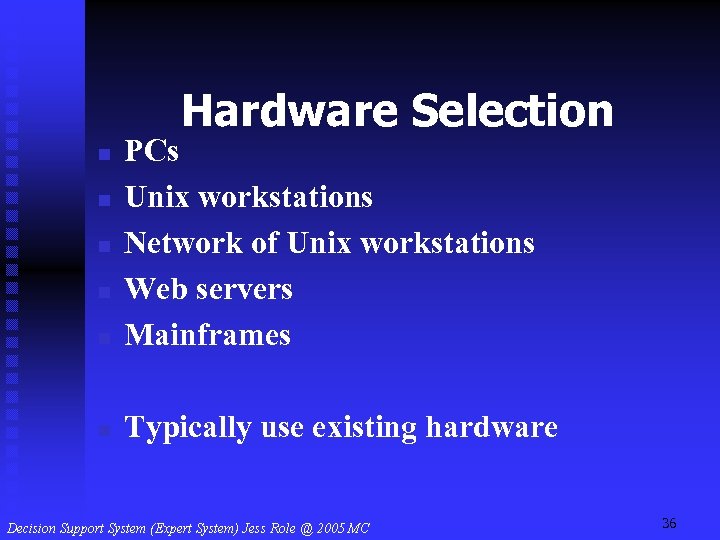 Hardware Selection n PCs Unix workstations Network of Unix workstations Web servers Mainframes n Typically use existing hardware n n 36
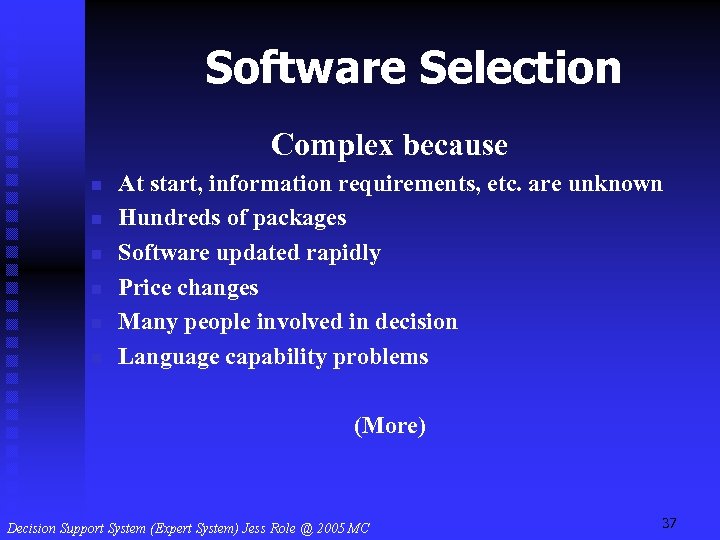 Software Selection Complex because n n n At start, information requirements, etc. are unknown Hundreds of packages Software updated rapidly Price changes Many people involved in decision Language capability problems (More) 37
 n Different tools might be needed Many criteria Technical, functional, end-user, and managerial issues Inaccurate published software reviews Might prefer a single vendor n Maybe use the AHP!!! n n 38
 Team-Developed DSS n n Substantial effort Extensive planning and organization Some generic activities Group of people to build and to manage it Size depends on n n Effort Tools 39
 Team-Developed Versus User. Developed DSS n n DSS 1970 s and early 1980 s Large-scale, complex systems Primarily provided organizational support Team efforts 40
 End-User-Developed Systems n n n n n Personal computers Computer communication networks PC-mainframe communication Friendly development software Reduced cost of software and hardware Increased capabilities of personal computers Enterprise-wide computing Easy accessibility to data and models Client/server architecture Now OLAP Balance 41
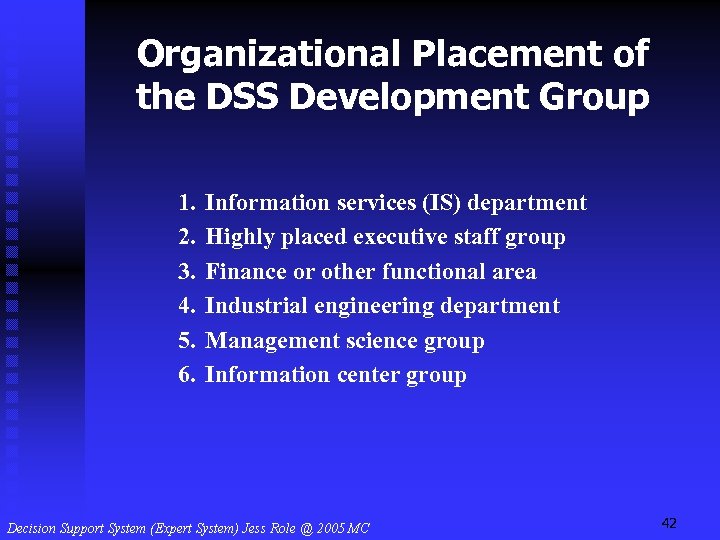 Organizational Placement of the DSS Development Group 1. 2. 3. 4. 5. 6. Information services (IS) department Highly placed executive staff group Finance or other functional area Industrial engineering department Management science group Information center group 42
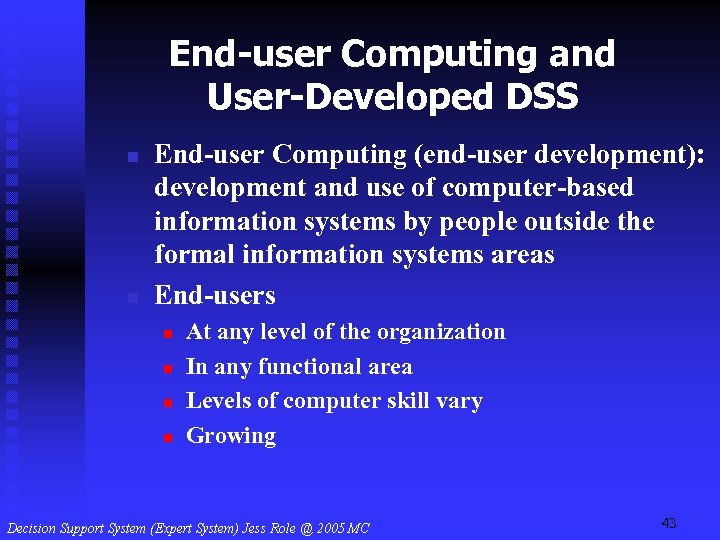 End-user Computing and User-Developed DSS n n End-user Computing (end-user development): development and use of computer-based information systems by people outside the formal information systems areas End-users n n At any level of the organization In any functional area Levels of computer skill vary Growing 43
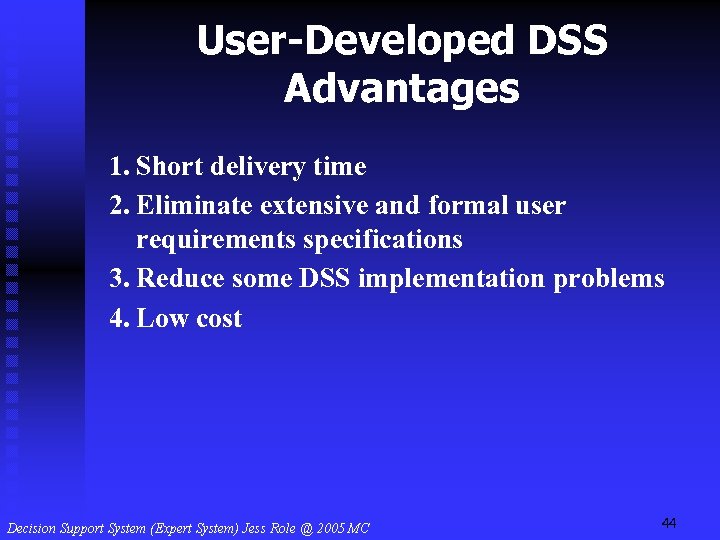 User-Developed DSS Advantages 1. Short delivery time 2. Eliminate extensive and formal user requirements specifications 3. Reduce some DSS implementation problems 4. Low cost 44
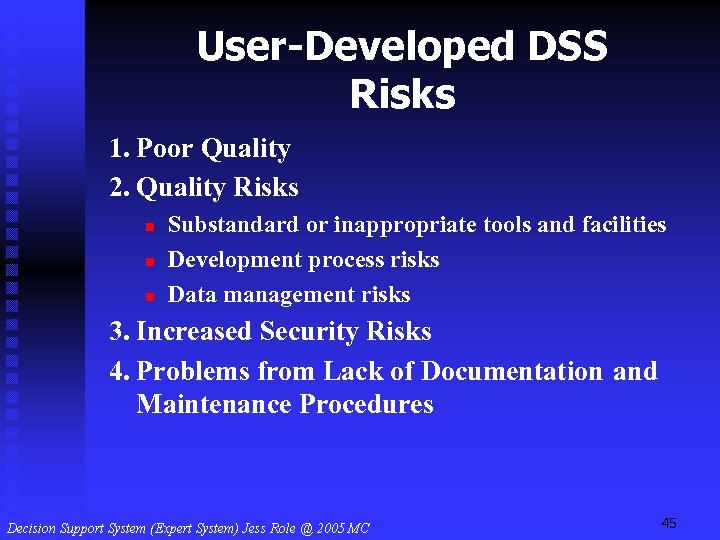 User-Developed DSS Risks 1. Poor Quality 2. Quality Risks n n n Substandard or inappropriate tools and facilities Development process risks Data management risks 3. Increased Security Risks 4. Problems from Lack of Documentation and Maintenance Procedures 45
 Issues in Reducing End. User Computing Risks n n n Error detection Use of auditing techniques Determine the proper amount of controls Investigate the reasons for the errors Solutions Spreadsheet errors n Should use same controls as normal IS 46
 Developing DSS: Putting the System Together n Development tools and generators Use of highly automated tools Use of prefabricated pieces n Both increase the developer’s productivity n n 47
 DSS Development System Includes n n n Request (query) handler System analysis and design facility Dialog management system Report generator Graphics generator Source code manager (more) 48
 n n n n Model base management system Knowledge-base (management) system Object-oriented tools Standard statistical and management science tools Special modeling tools Programming languages Document imaging tools 49
 DSS Development System Components n n n Some may be integrated into a DSS generator Others may be added as needed Components used to build a new DSS Core of system includes development language or DSS generator Construction by combining programming modules Windows environment handles the interface 50
 DSS Research Directions and The DSS of the Future n n n n n More AI Faster, more powerful computers The Web - interfaces and DB and model access More and better GSS ERM/ERP Knowledge management Better GUI Better telecommunications More research on theories More research on methods 51
 Summary n n n n DSS are complex and their development can be too SDLC Prototyping DSS technologies DSS teams or individuals End user computing Tool and generator selection can be tricky DSS research continues 52