


 Скачать презентацию Chapter 5 The AS 400 and the printing process
723765dc051b260d32acacd7c89cc8b6.ppt
- Количество слайдов: 34
 Chapter 5 The AS/400 and the printing process W 7 L 1 ops 400. ppt 1
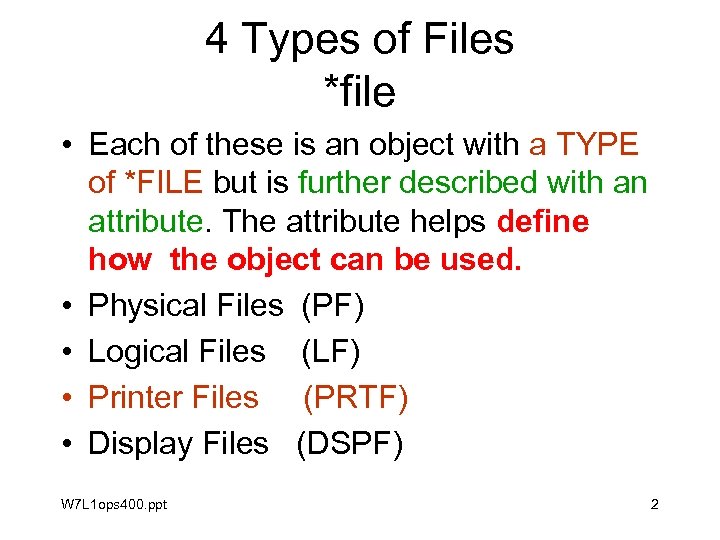 4 Types of Files *file • Each of these is an object with a TYPE of *FILE but is further described with an attribute. The attribute helps define how the object can be used. • Physical Files (PF) • Logical Files (LF) • Printer Files (PRTF) • Display Files (DSPF) W 7 L 1 ops 400. ppt 2
 4 Types of Files *file Opt Object Type CRTFILE *PGM TESTMENU *MSGF EVFEVENT *FILE MENUSRC *FILE QCMDSRC *FILE TESTDATA *FILE TESTMENU *FILE SUM 05 *CMD TESTPRT *FILE W 7 L 1 ops 400. ppt Attribute CLP PF-DTA PF-SRC PF-DTA DSPF Text SAMPLE COMMAND CREATION menu designs CREATING COMMAND SUMMER 2005 PRTF 3
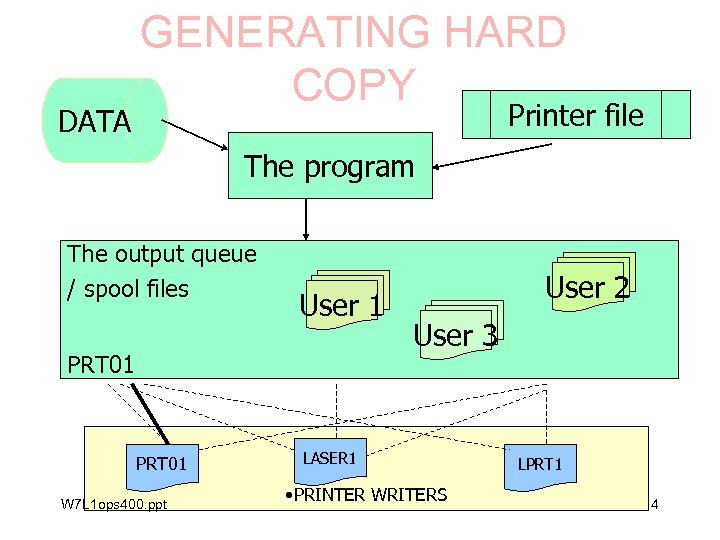 DATA GENERATING HARD COPY Printer file The program The output queue / spool files User 1 PRT 01 W 7 L 1 ops 400. ppt User 2 User 3 LASER 1 • PRINTER WRITERS LPRT 1 4
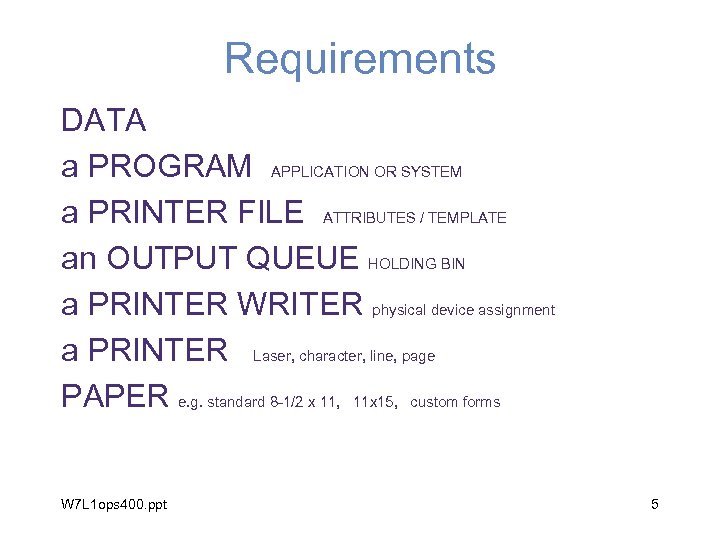 Requirements DATA a PROGRAM APPLICATION OR SYSTEM a PRINTER FILE ATTRIBUTES / TEMPLATE an OUTPUT QUEUE HOLDING BIN a PRINTER WRITER physical device assignment a PRINTER Laser, character, line, page PAPER e. g. standard 8 -1/2 x 11, 11 x 15, custom forms W 7 L 1 ops 400. ppt 5
 DATA • Can come from anywhere disk, tape, screen, communications, internet, e-biz • Is managed / created / manipulated by a program W 7 L 1 ops 400. ppt 6
 the program • Receives data by way of input • Processes the data • Generates output one form of which is reports – merges the data with the print file and directs it to a output queue e. g QPRINT W 7 L 1 ops 400. ppt 7
 the printer file • Holds the report attributes / properties (can be looked on as a template) – Lines per inch – characters per inch – Font – form length in lines – overflow line number – Printer device type W 7 L 1 ops 400. ppt 8
 The output queue • Temporary storage • Receives and directs the printer output to a printer writer or holds it until a printer writer is activated (varied on) • Can retain the documents and be redirected to another output queue • Is connected / associated with a printer writer. W 7 L 1 ops 400. ppt 9
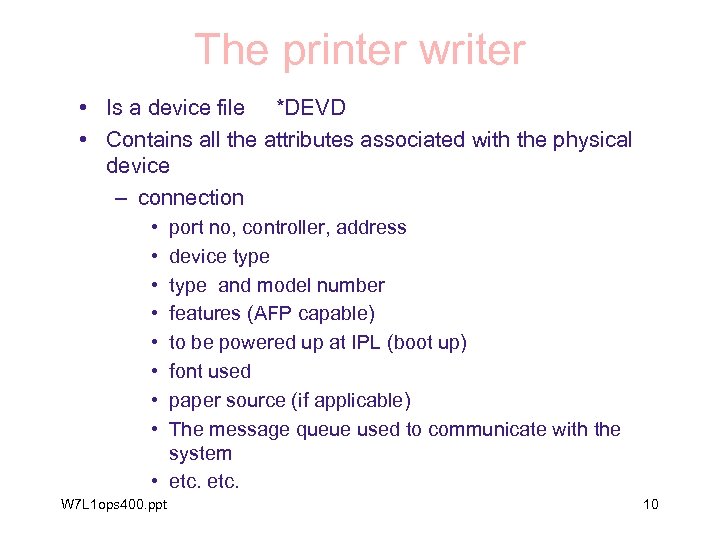 The printer writer • Is a device file *DEVD • Contains all the attributes associated with the physical device – connection • • port no, controller, address device type and model number features (AFP capable) to be powered up at IPL (boot up) font used paper source (if applicable) The message queue used to communicate with the system • etc. W 7 L 1 ops 400. ppt 10
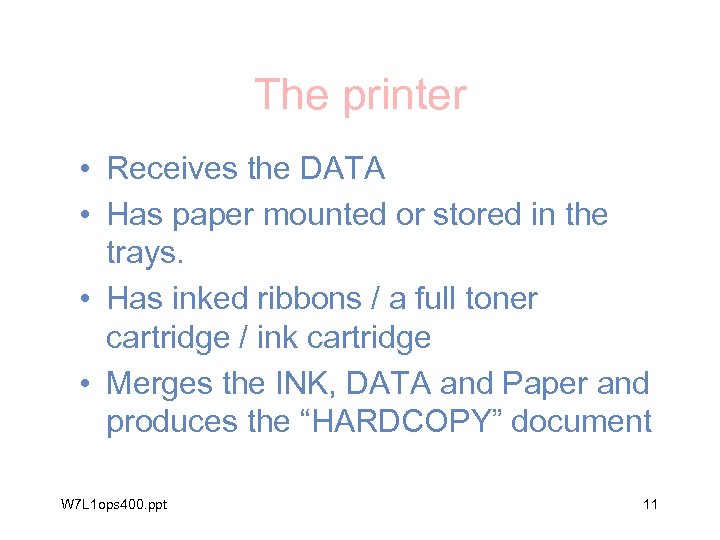 The printer • Receives the DATA • Has paper mounted or stored in the trays. • Has inked ribbons / a full toner cartridge / ink cartridge • Merges the INK, DATA and Paper and produces the “HARDCOPY” document W 7 L 1 ops 400. ppt 11
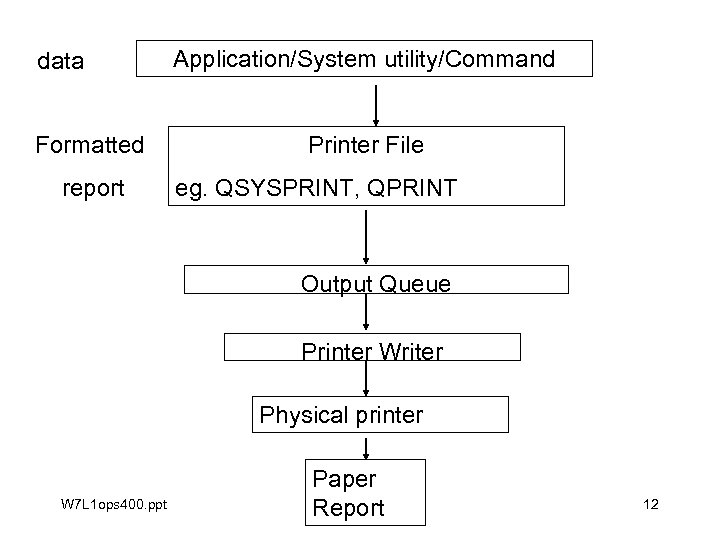 data Formatted report Application/System utility/Command Printer File eg. QSYSPRINT, QPRINT Output Queue Printer Writer Physical printer W 7 L 1 ops 400. ppt Paper Report 12
 PRINT FUNCTIONS OUTPUT QUEUES and SPOOL FILES W 7 L 1 ops 400. ppt 13
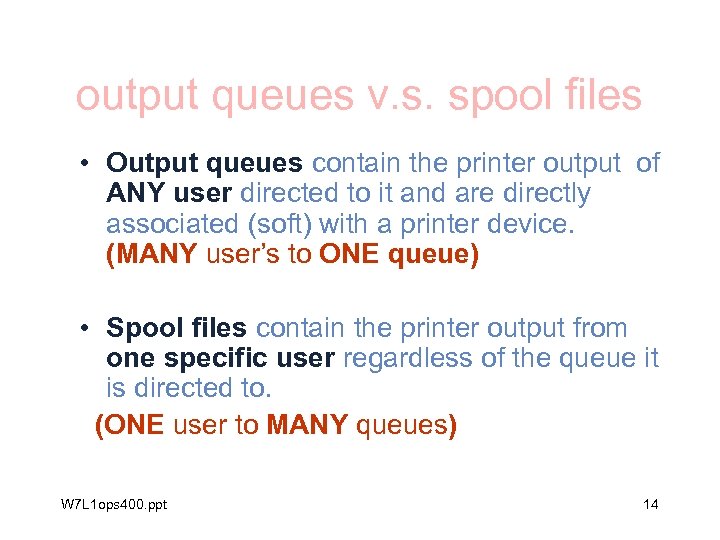 output queues v. s. spool files • Output queues contain the printer output of ANY user directed to it and are directly associated (soft) with a printer device. (MANY user’s to ONE queue) • Spool files contain the printer output from one specific user regardless of the queue it is directed to. (ONE user to MANY queues) W 7 L 1 ops 400. ppt 14
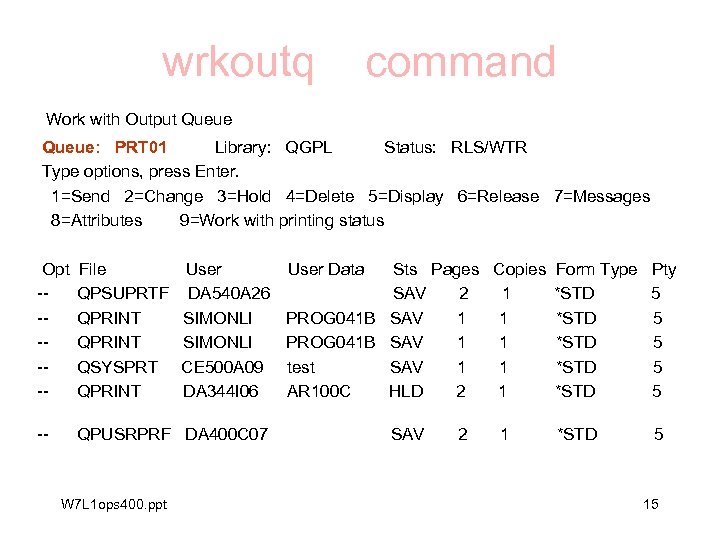 wrkoutq command Work with Output Queue: PRT 01 Library: QGPL Status: RLS/WTR Type options, press Enter. 1=Send 2=Change 3=Hold 4=Delete 5=Display 6=Release 7=Messages 8=Attributes 9=Work with printing status Opt ------ File QPSUPRTF QPRINT QSYSPRT QPRINT -- QPUSRPRF DA 400 C 07 W 7 L 1 ops 400. ppt User DA 540 A 26 SIMONLI CE 500 A 09 DA 344 I 06 User Data Sts Pages Copies Form Type SAV 2 1 *STD PROG 041 B SAV 1 1 *STD test SAV 1 1 *STD AR 100 C HLD 2 1 *STD SAV 2 1 *STD Pty 5 5 5 15
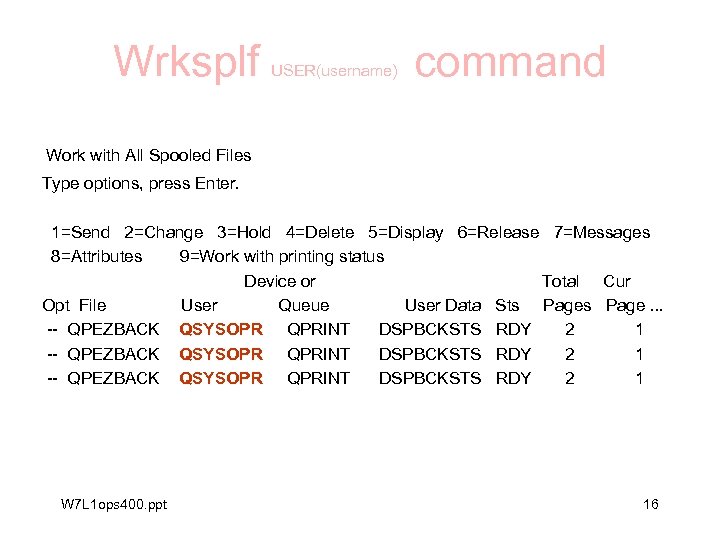 Wrksplf USER(username) command Work with All Spooled Files Type options, press Enter. 1=Send 2=Change 3=Hold 4=Delete 5=Display 6=Release 7=Messages 8=Attributes 9=Work with printing status Device or Total Cur Opt File User Queue User Data Sts Page. . . -- QPEZBACK QSYSOPR QPRINT DSPBCKSTS RDY 2 1 W 7 L 1 ops 400. ppt 16
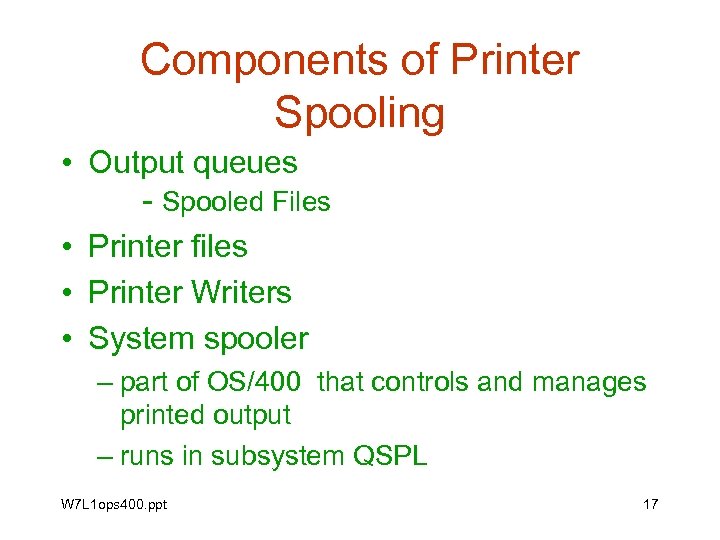 Components of Printer Spooling • Output queues - Spooled Files • Printer files • Printer Writers • System spooler – part of OS/400 that controls and manages printed output – runs in subsystem QSPL W 7 L 1 ops 400. ppt 17
 Printer Files • • Objects on the AS/400 Object Type is *FILE Sub-Type (attribute) is PRTF Holds the Report Layout and print characteristics • Commands: CRTPRTF, CHGPRTF W 7 L 1 ops 400. ppt 18
 Printer Files cont’d • Defaults are QSYSPRT, QPRINT … • CHGPRTF changes the attributes of a Printer Device File Some attributes you can change are: • • Page size: Length--lines per page. Width--positions per line Measurement method. . . Lines per inch. . . Characters per inch. . . Overflow line number. . . W 7 L 1 ops 400. ppt 19
 Spooled Files They are - AS/400 objects that contain data for printing - Stored in Output Queues And - To print a Spooled File, the file must be moved to an Output Queue attached to a printer. W 7 L 1 ops 400. ppt 20
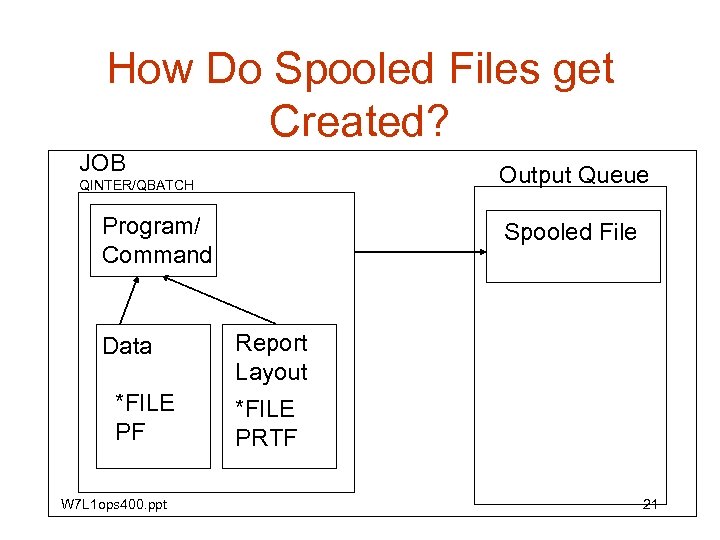 How Do Spooled Files get Created? JOB Output Queue QINTER/QBATCH Program/ Command Data *FILE PF W 7 L 1 ops 400. ppt Spooled File Report Layout *FILE PRTF 21
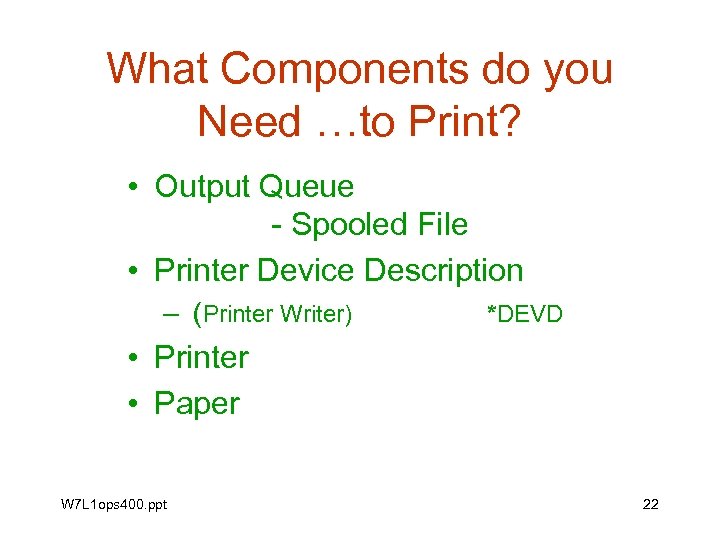 What Components do you Need …to Print? • Output Queue - Spooled File • Printer Device Description – (Printer Writer) *DEVD • Printer • Paper W 7 L 1 ops 400. ppt 22
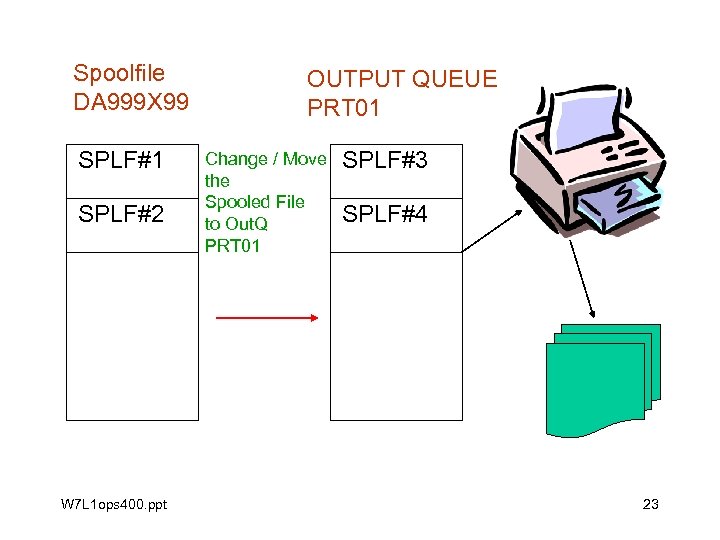 Spoolfile DA 999 X 99 SPLF#1 SPLF#2 W 7 L 1 ops 400. ppt OUTPUT QUEUE PRT 01 Change / Move the Spooled File to Out. Q PRT 01 SPLF#3 SPLF#4 23
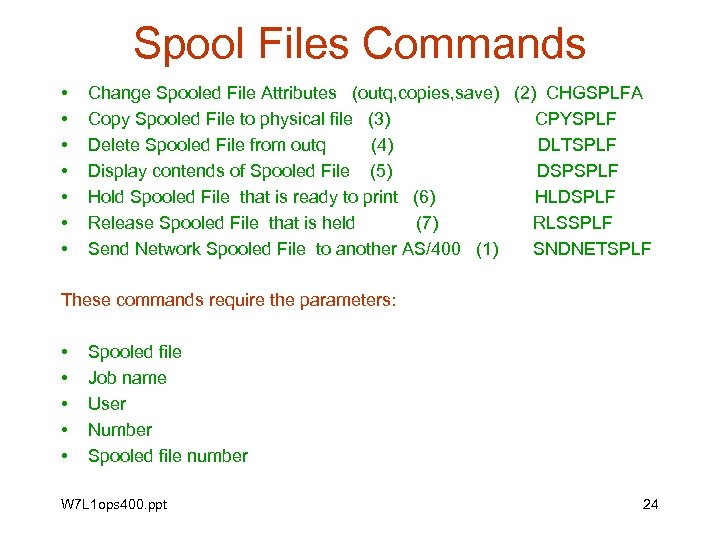 Spool Files Commands • • Change Spooled File Attributes (outq, copies, save) (2) CHGSPLFA Copy Spooled File to physical file (3) CPYSPLF Delete Spooled File from outq (4) DLTSPLF Display contends of Spooled File (5) DSPSPLF Hold Spooled File that is ready to print (6) HLDSPLF Release Spooled File that is held (7) RLSSPLF Send Network Spooled File to another AS/400 (1) SNDNETSPLF These commands require the parameters: • • • Spooled file Job name User Number Spooled file number W 7 L 1 ops 400. ppt 24
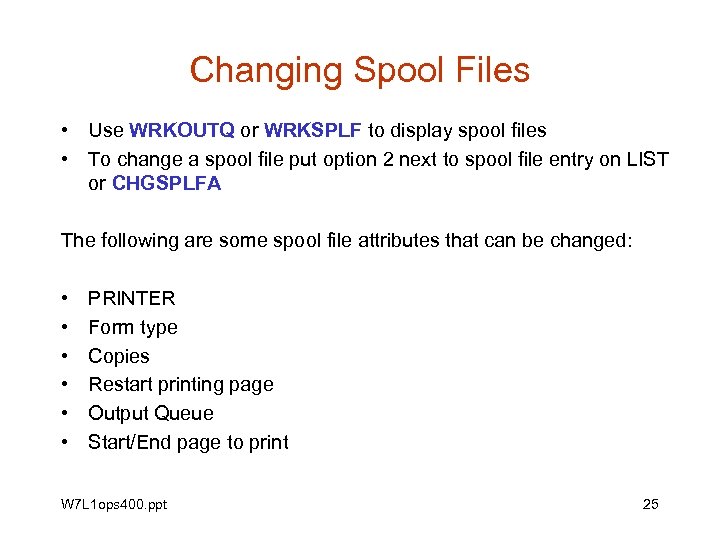 Changing Spool Files • Use WRKOUTQ or WRKSPLF to display spool files • To change a spool file put option 2 next to spool file entry on LIST or CHGSPLFA The following are some spool file attributes that can be changed: • • • PRINTER Form type Copies Restart printing page Output Queue Start/End page to print W 7 L 1 ops 400. ppt 25
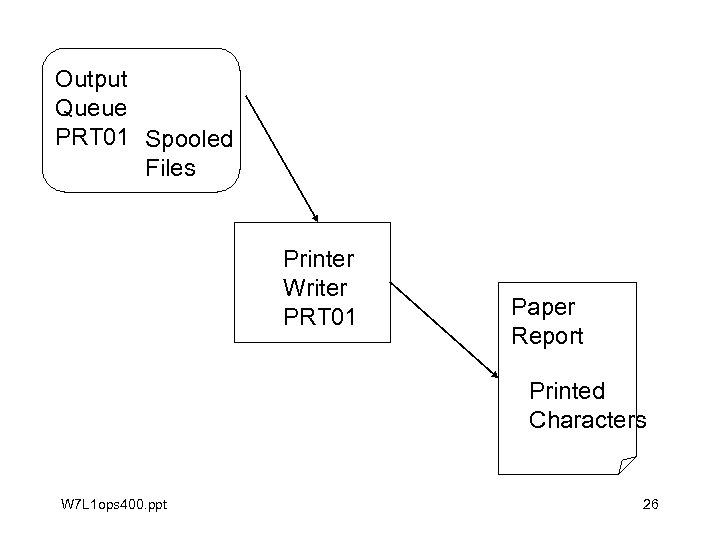 Output Queue PRT 01 Spooled Files Printer Writer PRT 01 Paper Report Printed Characters W 7 L 1 ops 400. ppt 26
 Printer Writer • • It is How the AS/400 sees a Printer It is an Object It has an Object Type of *DEVD The AS/400 creates an output queue with the same name as the printer when the Printer Device is created. W 7 L 1 ops 400. ppt 27
 Printer Writer CONT’D 1 • A utility used to move spooled files from the outq to the physical printer. • When the Printer Device is created (CRTDEVPRT) the AS/400 creates a writer and an output queue with the same name as the printer. • A writer is always associated with the printer it was created for W 7 L 1 ops 400. ppt 28
 Printer Writers cont’d • Usually the Printer Writer is attached to the output queue with the same name. Command: CHGWTR • To display the status of a printer, use the Work with Writer command, (WRKWTR) • STRPRTWTR Use this command to start a printer and / or assign it to a • different printer • different output queue • different message queue W 7 L 1 ops 400. ppt 29
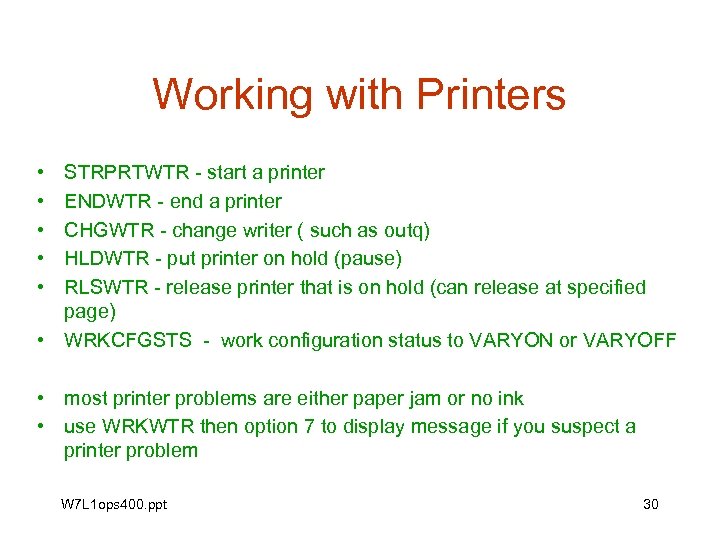 Working with Printers • • • STRPRTWTR - start a printer ENDWTR - end a printer CHGWTR - change writer ( such as outq) HLDWTR - put printer on hold (pause) RLSWTR - release printer that is on hold (can release at specified page) • WRKCFGSTS - work configuration status to VARYON or VARYOFF • most printer problems are either paper jam or no ink • use WRKWTR then option 7 to display message if you suspect a printer problem W 7 L 1 ops 400. ppt 30
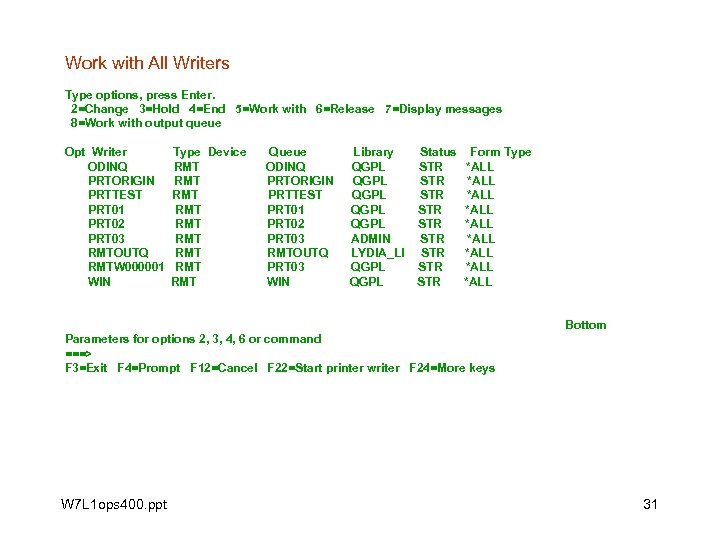 Work with All Writers Type options, press Enter. 2=Change 3=Hold 4=End 5=Work with 6=Release 7=Display messages 8=Work with output queue Opt Writer ODINQ PRTORIGIN PRTTEST PRT 01 PRT 02 PRT 03 RMTOUTQ RMTW 000001 WIN Type Device RMT RMT RMT Queue ODINQ PRTORIGIN PRTTEST PRT 01 PRT 02 PRT 03 RMTOUTQ PRT 03 WIN Library QGPL QGPL ADMIN LYDIA_LI QGPL Status STR STR STR Form Type *ALL *ALL *ALL Bottom Parameters for options 2, 3, 4, 6 or command ===> F 3=Exit F 4=Prompt F 12=Cancel F 22=Start printer writer F 24=More keys W 7 L 1 ops 400. ppt 31
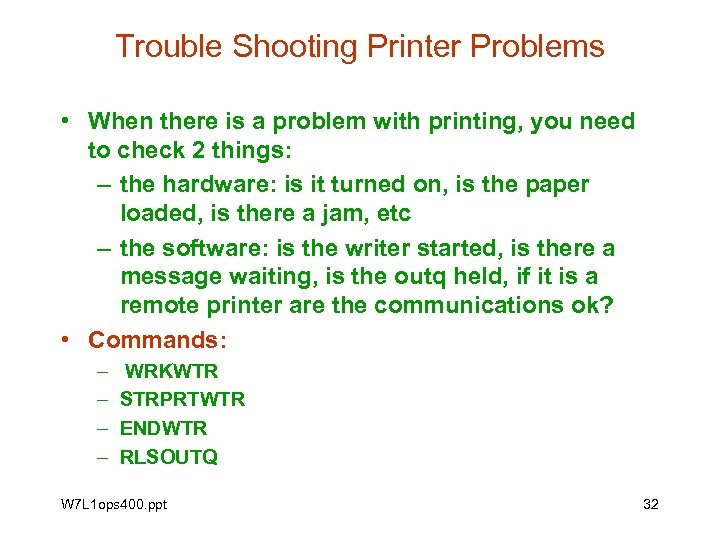 Trouble Shooting Printer Problems • When there is a problem with printing, you need to check 2 things: – the hardware: is it turned on, is the paper loaded, is there a jam, etc – the software: is the writer started, is there a message waiting, is the outq held, if it is a remote printer are the communications ok? • Commands: – – WRKWTR STRPRTWTR ENDWTR RLSOUTQ W 7 L 1 ops 400. ppt 32
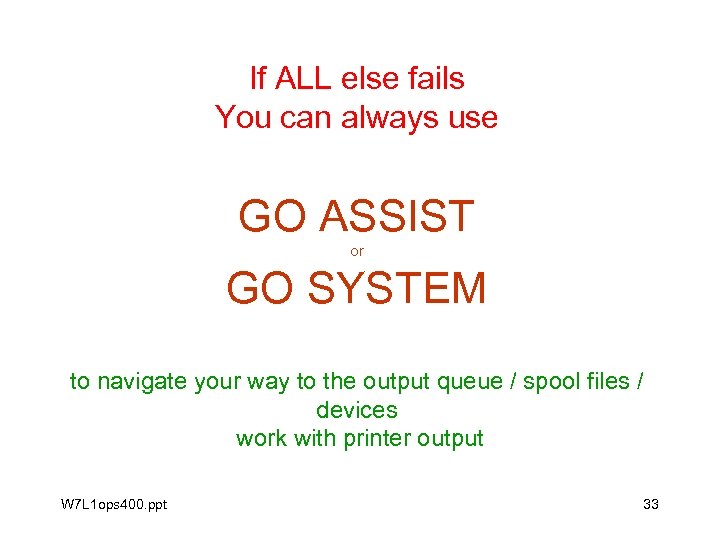 If ALL else fails You can always use GO ASSIST or GO SYSTEM to navigate your way to the output queue / spool files / devices work with printer output W 7 L 1 ops 400. ppt 33
 The END GOOD LUCK WITH THE TEST AND IN THE REMAINDER OF THE SEMESTER W 7 L 1 ops 400. ppt 34