


 Скачать презентацию Chapter 4 Storage Devices Maran Illustrated Computers CIS
96a22408965c8e82caa7a5d71ccca075.ppt
- Количество слайдов: 74
 Chapter 4 Storage Devices Maran Illustrated Computers CIS 102 1
 Contents What is a hard drive? What is the difference between a CD-ROM drive and a CD-RW drive? Why would you use a flash drive? Learn about storage devices in this chapter. • • Hard Drive Floppy Drive CD-ROM Drive CD-RW Drive • DVD-ROM Drive • DVD+/-RW Drive • Memory Card Reader • Flash Drive • Tape Drive 2
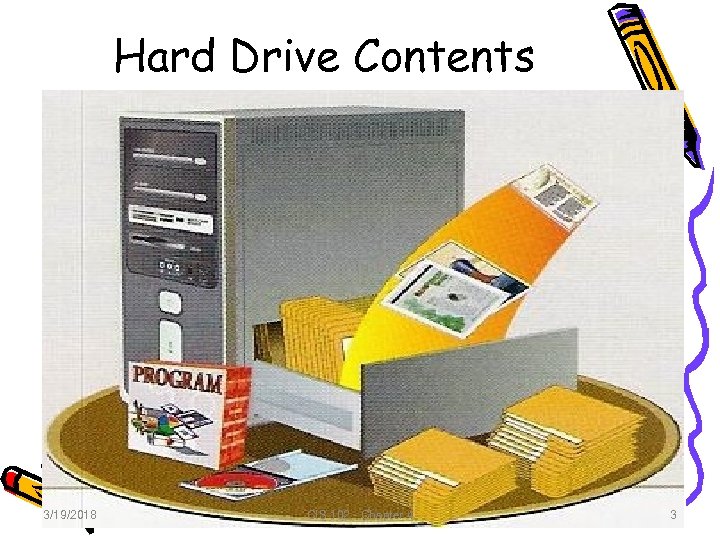 Hard Drive Contents 3/19/2018 CIS 102 - Chapter 4 3 3
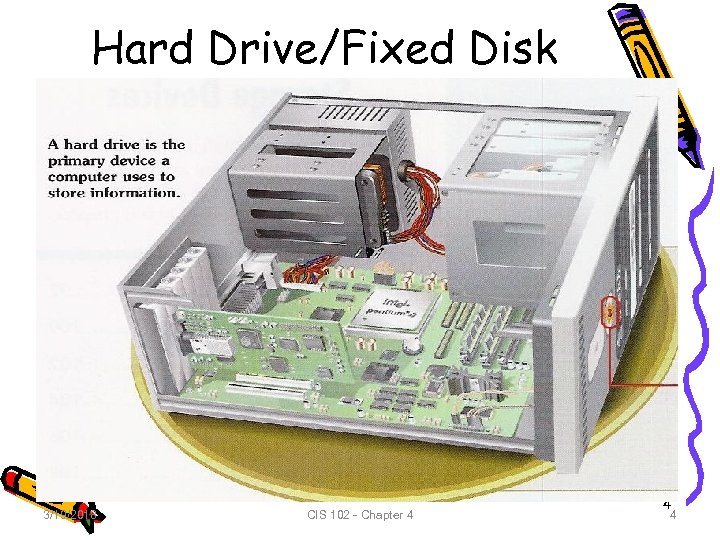 Hard Drive/Fixed Disk 3/19/2018 CIS 102 - Chapter 4 4 4
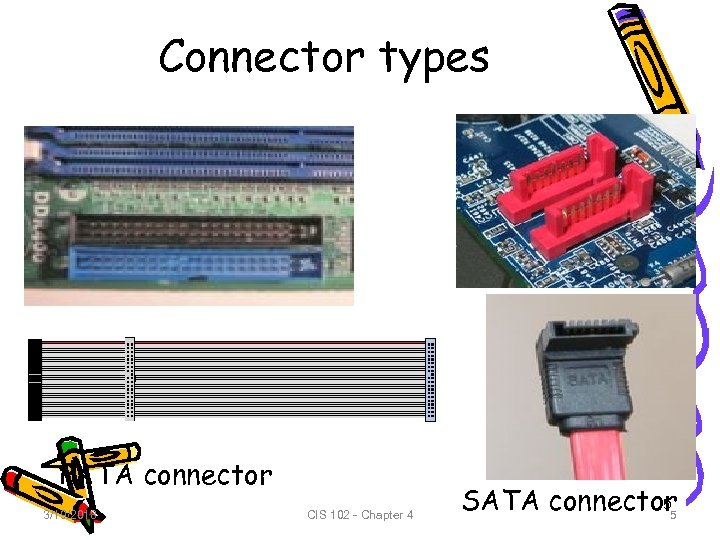 Connector types PATA connector 3/19/2018 CIS 102 - Chapter 4 5 SATA connector 5
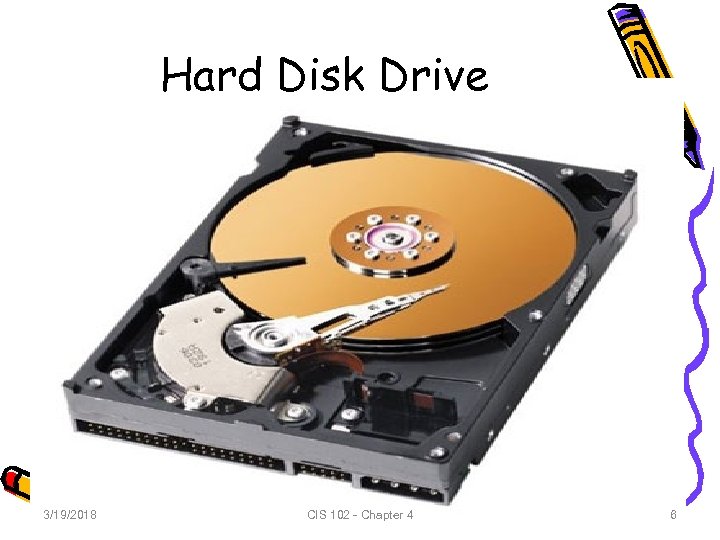 Hard Disk Drive 3/19/2018 CIS 102 - Chapter 4 6 6
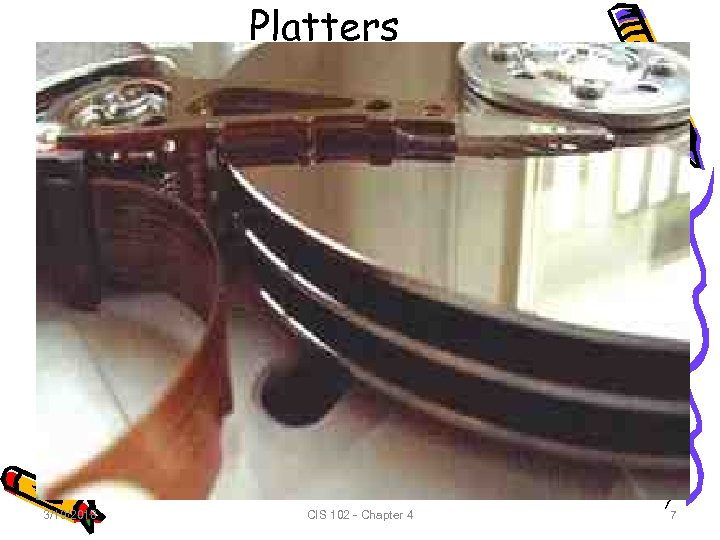 Platters 3/19/2018 CIS 102 - Chapter 4 7 7
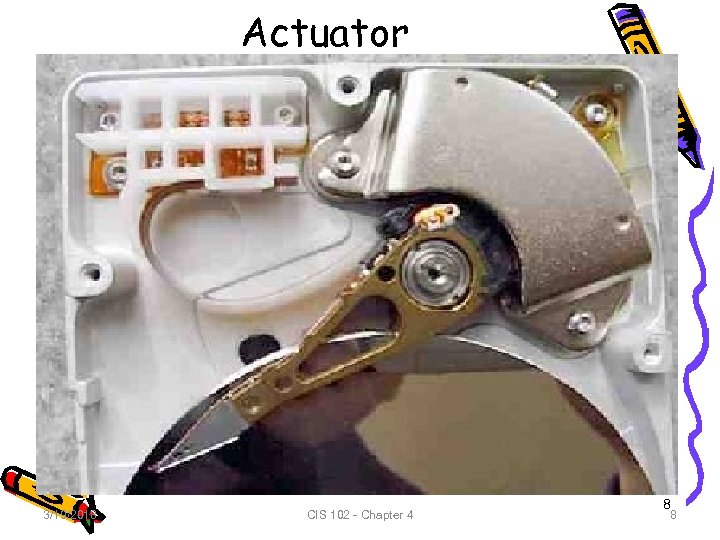 Actuator 3/19/2018 CIS 102 - Chapter 4 8 8
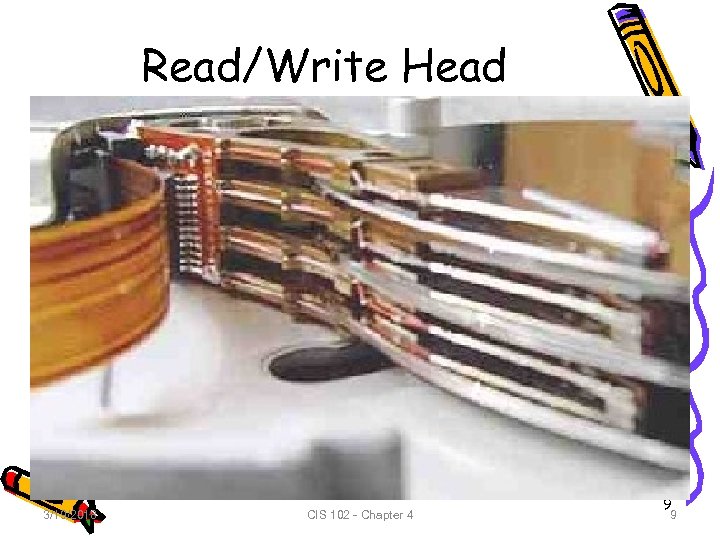 Read/Write Head 3/19/2018 CIS 102 - Chapter 4 9 9
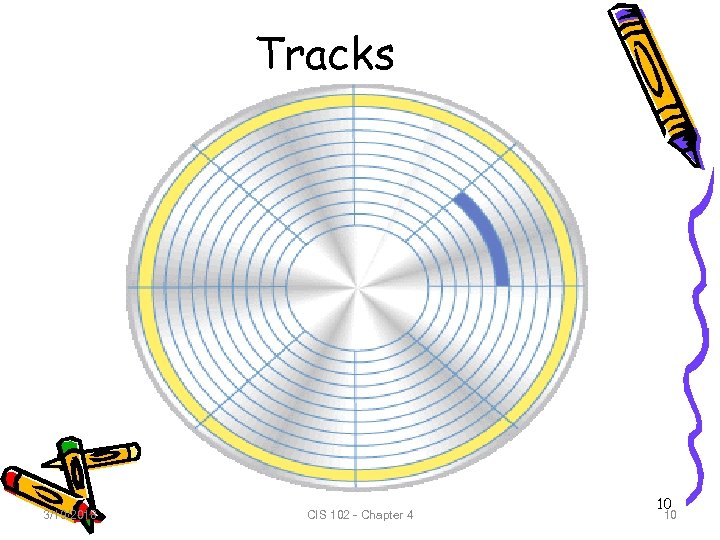 Tracks 3/19/2018 CIS 102 - Chapter 4 10 10
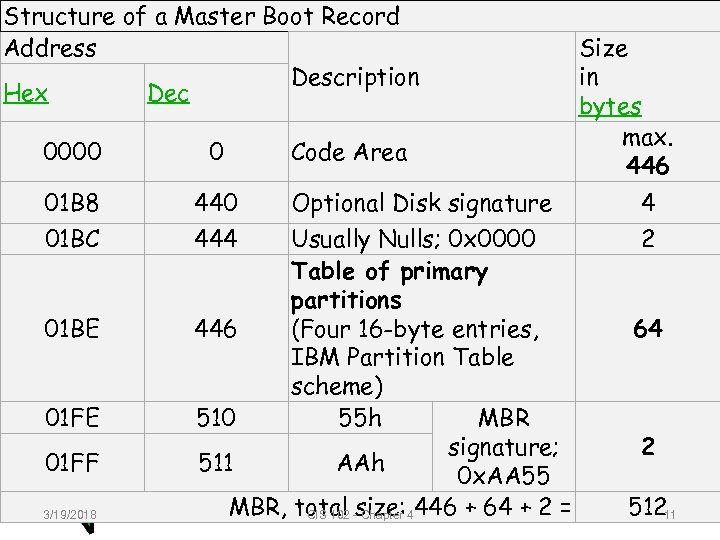 Structure of a Master Boot Record Address Description Hex Dec 0000 0 01 B 8 440 01 BC 444 01 BE 01 FF 3/19/2018 Code Area Optional Disk signature Usually Nulls; 0 x 0000 Table of primary partitions 446 (Four 16 -byte entries, IBM Partition Table scheme) 510 55 h MBR signature; 511 AAh 0 x. AA 55 MBR, total -size: 4446 + 64 + 2 = CIS 102 Chapter Size in bytes max. 446 4 2 64 2 11 51211
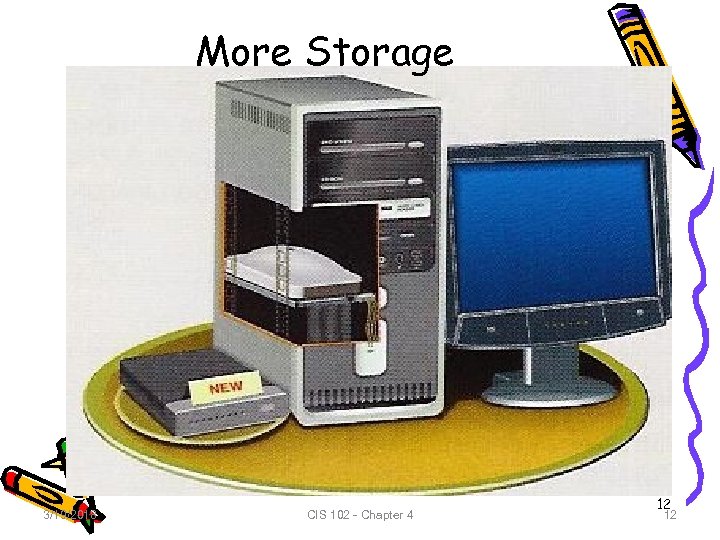 More Storage 3/19/2018 CIS 102 - Chapter 4 12 12
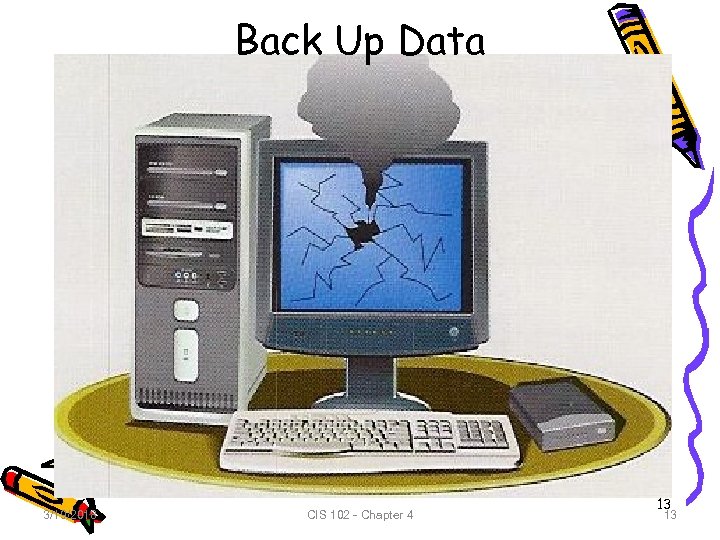 Back Up Data 3/19/2018 CIS 102 - Chapter 4 13 13
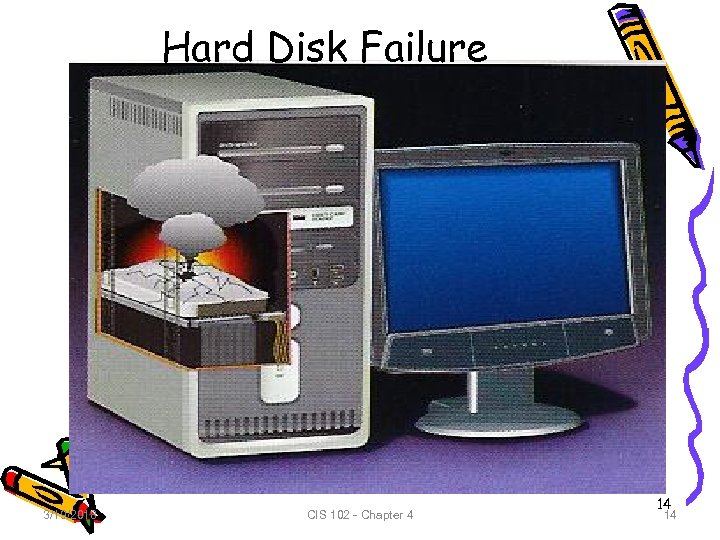 Hard Disk Failure 3/19/2018 CIS 102 - Chapter 4 14 14
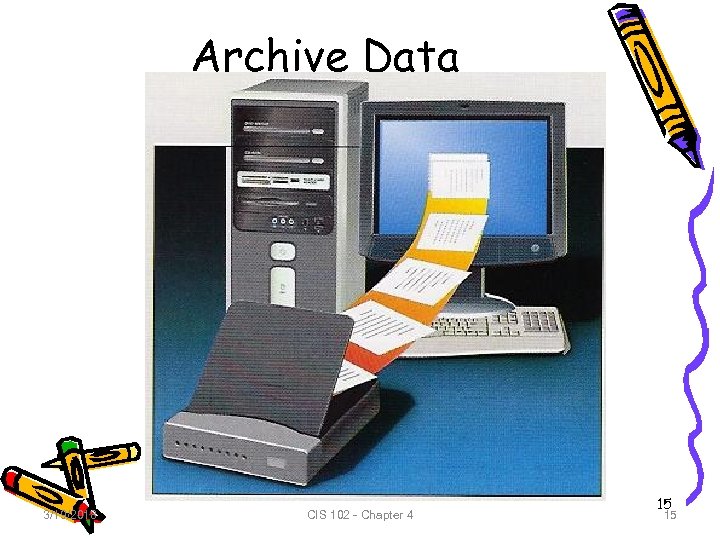 Archive Data 3/19/2018 CIS 102 - Chapter 4 15 15
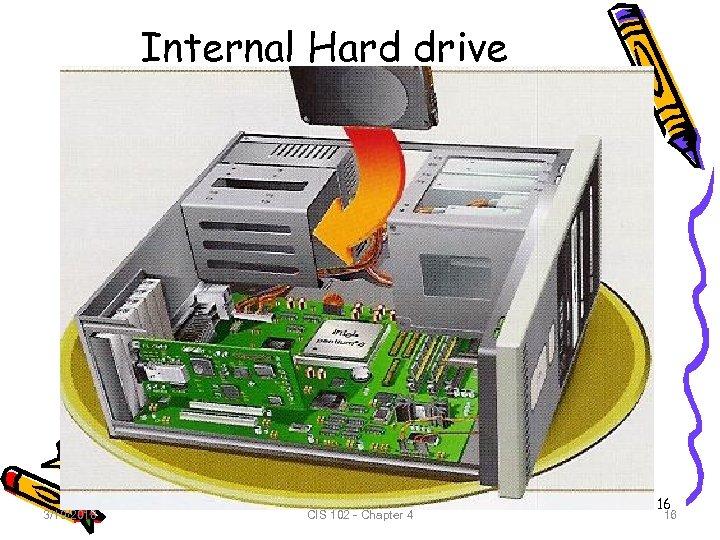 Internal Hard drive 3/19/2018 CIS 102 - Chapter 4 16 16
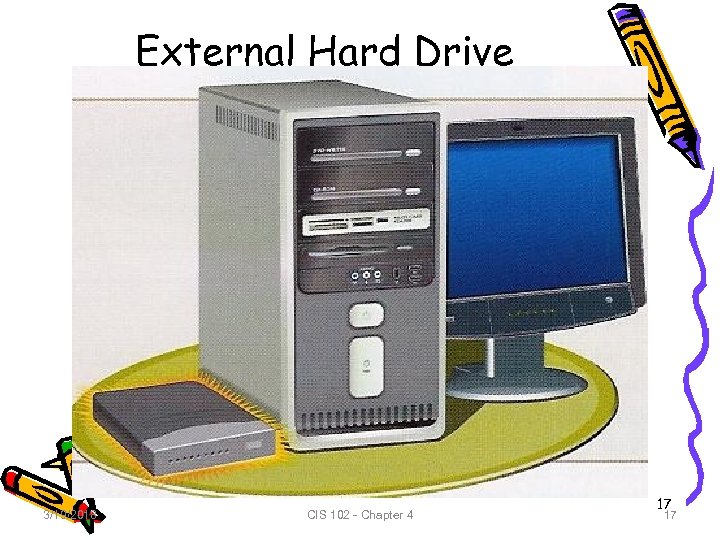 External Hard Drive 3/19/2018 CIS 102 - Chapter 4 17 17
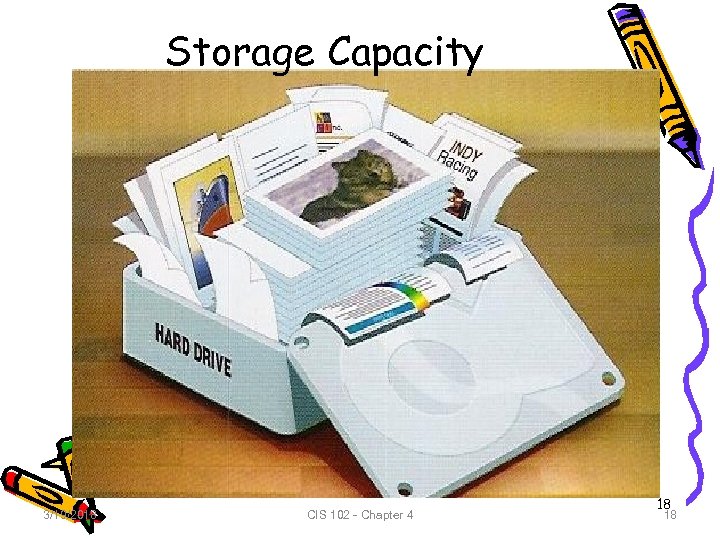 Storage Capacity 3/19/2018 CIS 102 - Chapter 4 18 18
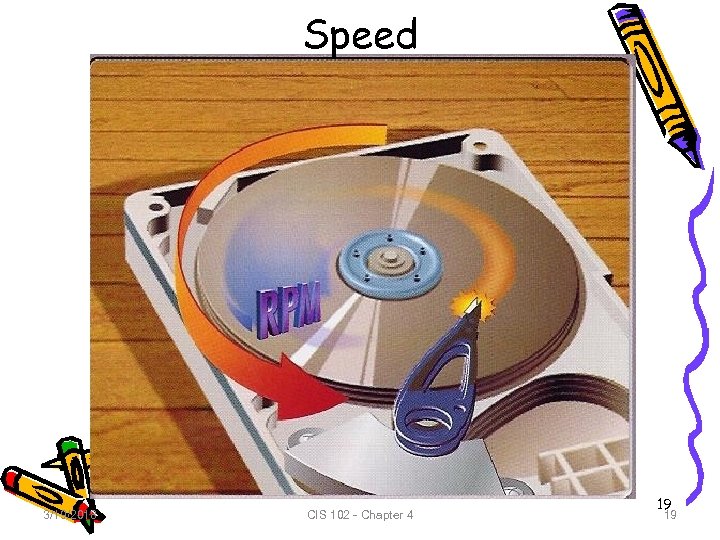 Speed 3/19/2018 CIS 102 - Chapter 4 19 19
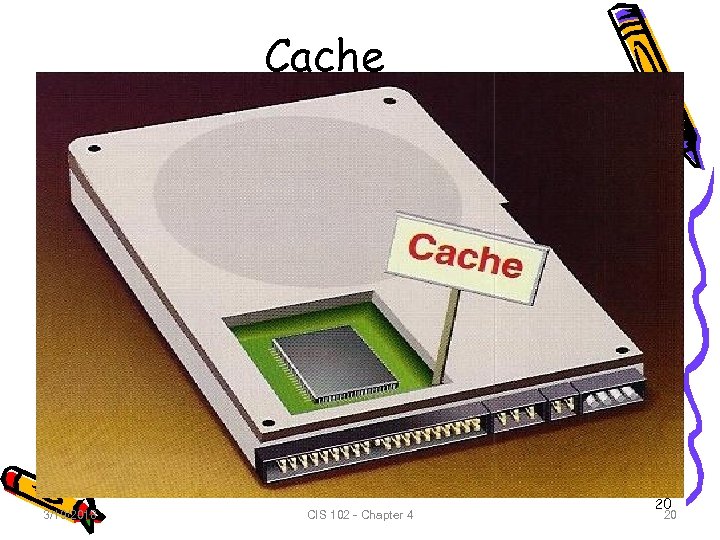 Cache 3/19/2018 CIS 102 - Chapter 4 20 20
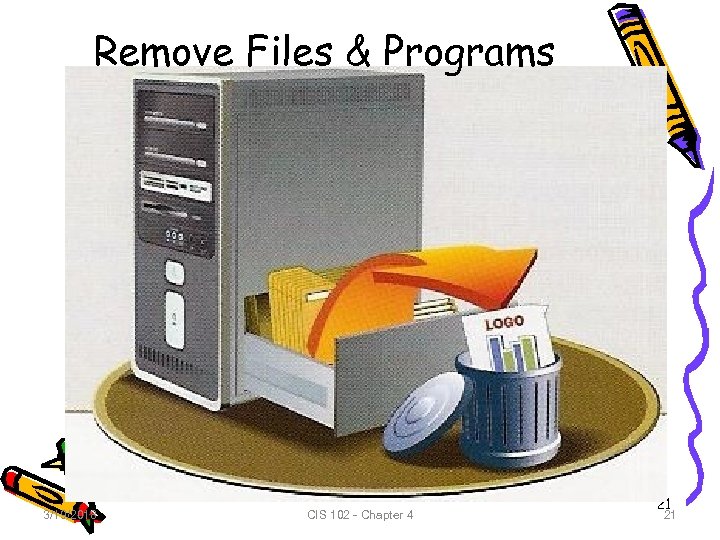 Remove Files & Programs 3/19/2018 CIS 102 - Chapter 4 21 21
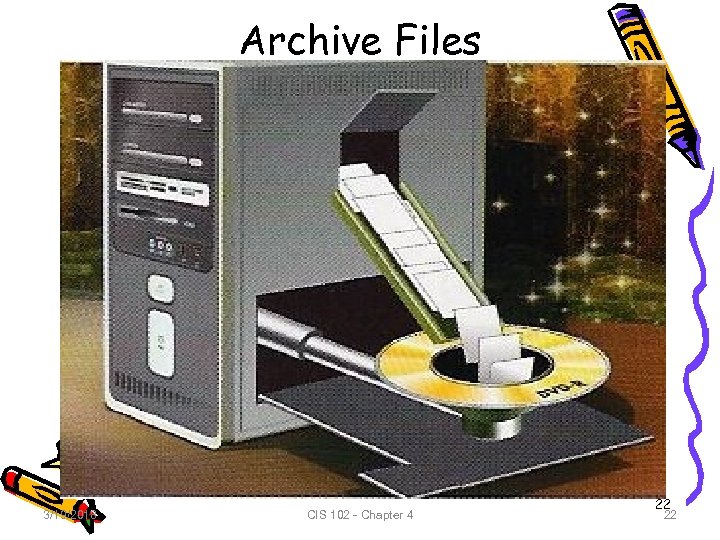 Archive Files 3/19/2018 CIS 102 - Chapter 4 22 22
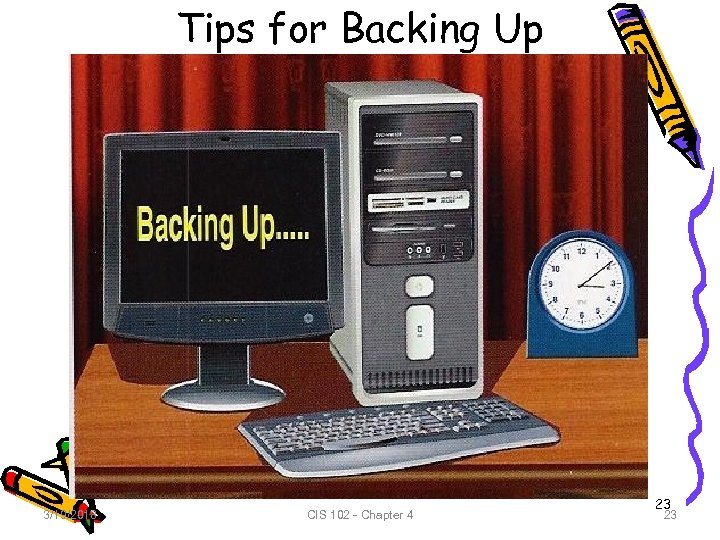 Tips for Backing Up 3/19/2018 CIS 102 - Chapter 4 23 23
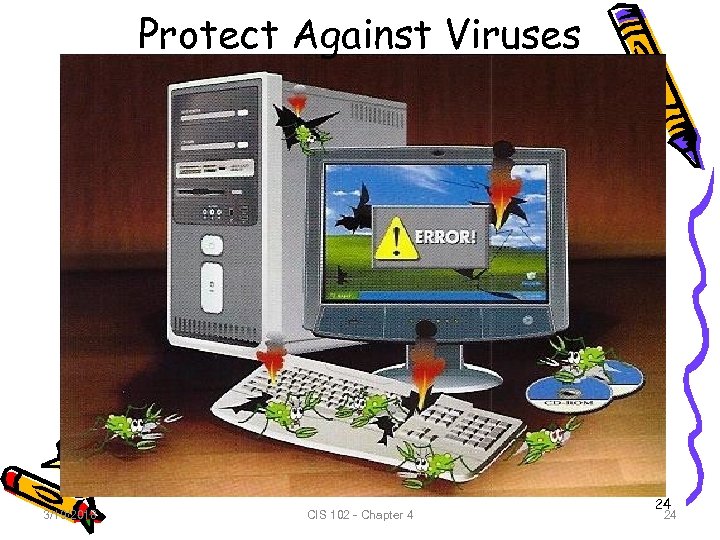 Protect Against Viruses 3/19/2018 CIS 102 - Chapter 4 24 24
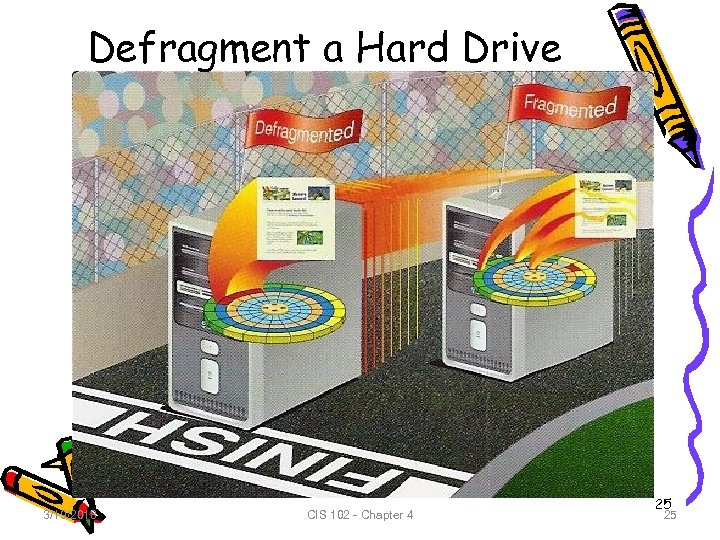 Defragment a Hard Drive 3/19/2018 CIS 102 - Chapter 4 25 25
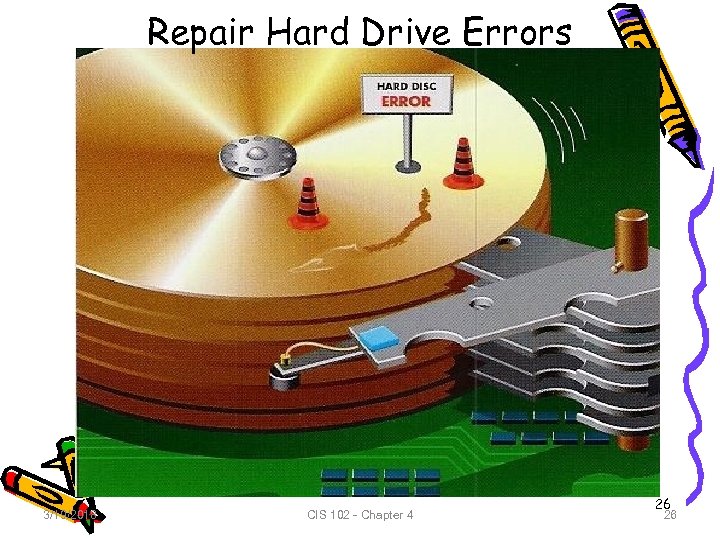 Repair Hard Drive Errors 3/19/2018 CIS 102 - Chapter 4 26 26
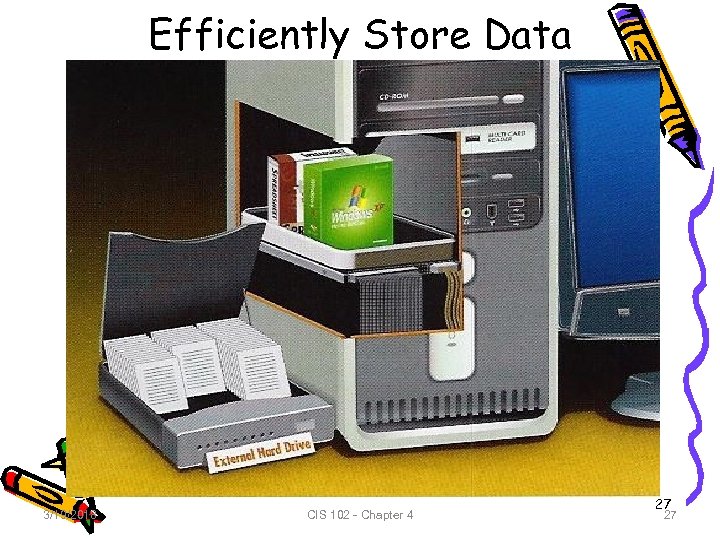 Efficiently Store Data 3/19/2018 CIS 102 - Chapter 4 27 27
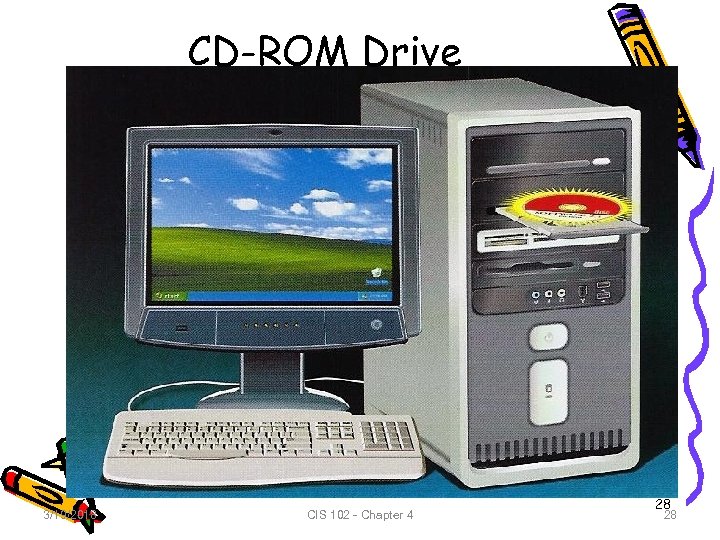 CD-ROM Drive 3/19/2018 CIS 102 - Chapter 4 28 28
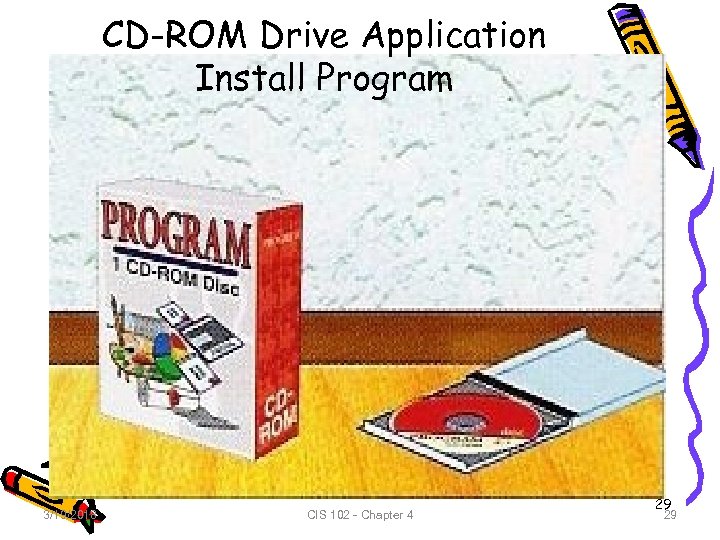 CD-ROM Drive Application Install Program 3/19/2018 CIS 102 - Chapter 4 29 29
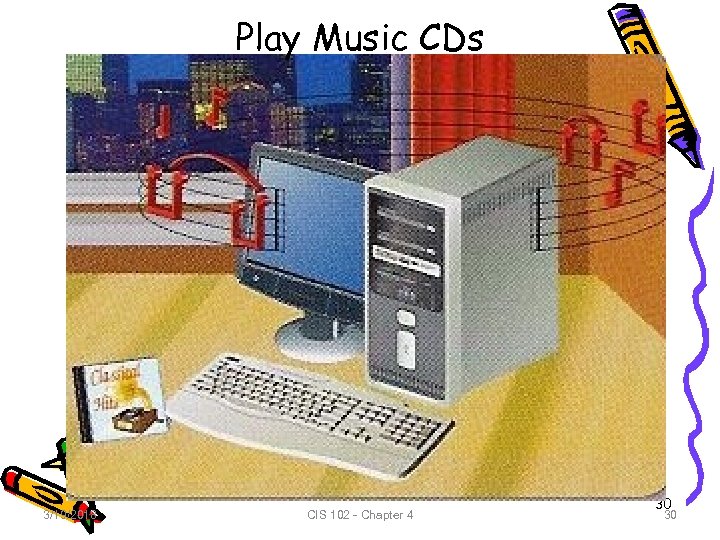 Play Music CDs 3/19/2018 CIS 102 - Chapter 4 30 30
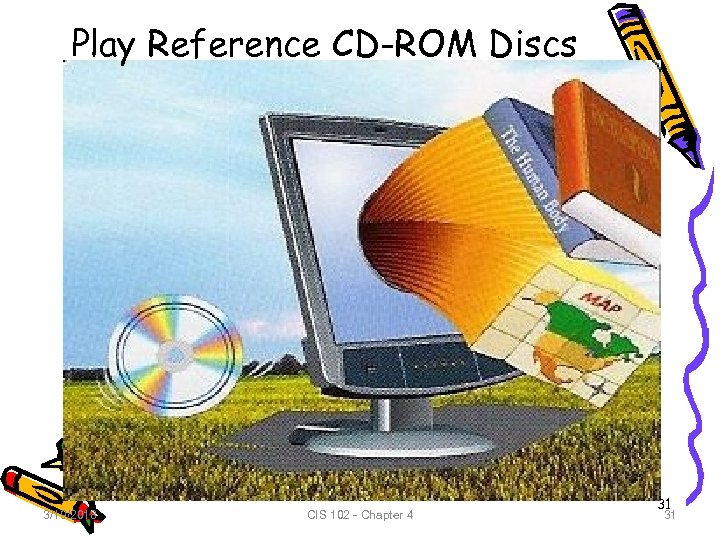 Play Reference CD-ROM Discs 3/19/2018 CIS 102 - Chapter 4 31 31
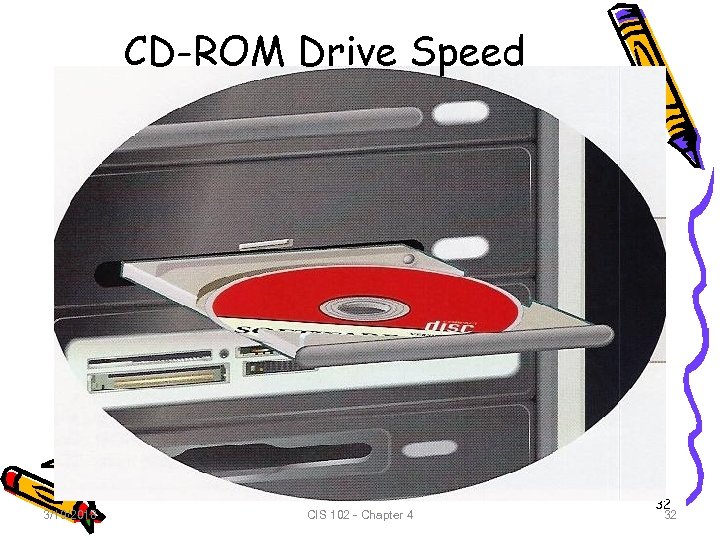 CD-ROM Drive Speed 3/19/2018 CIS 102 - Chapter 4 32 32
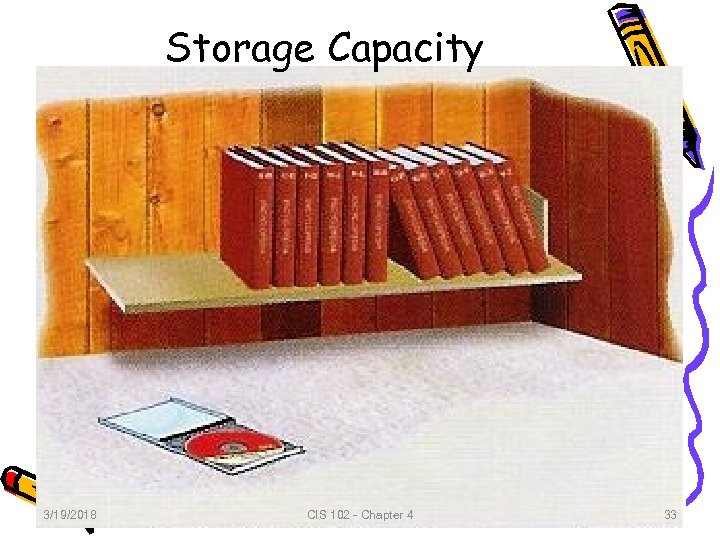 Storage Capacity 3/19/2018 CIS 102 - Chapter 4 33 33
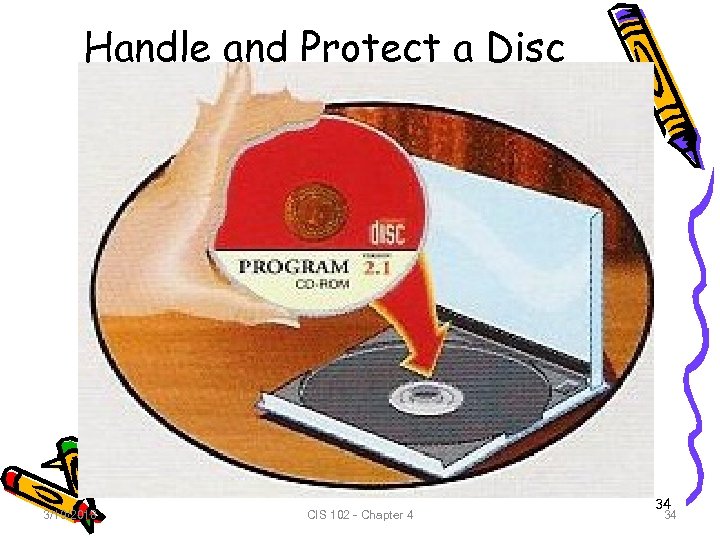 Handle and Protect a Disc 3/19/2018 CIS 102 - Chapter 4 34 34
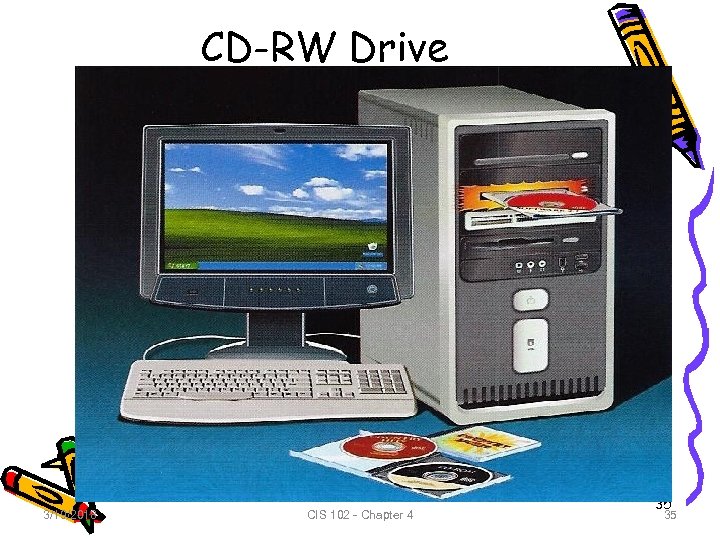 CD-RW Drive 3/19/2018 CIS 102 - Chapter 4 35 35
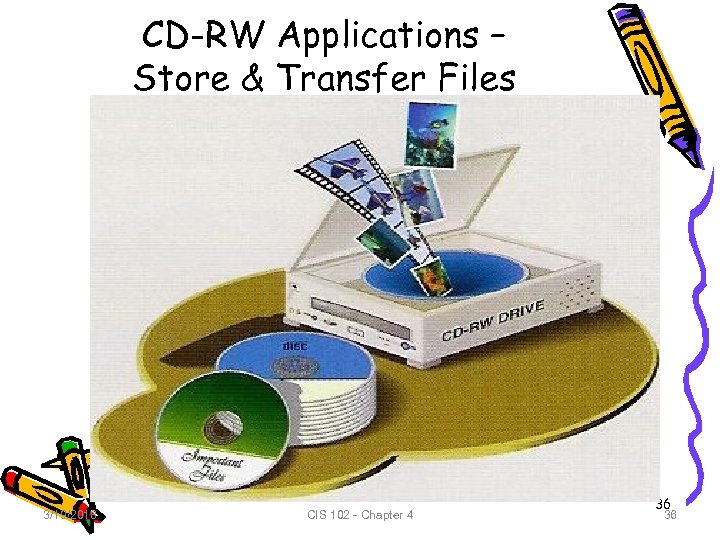 CD-RW Applications – Store & Transfer Files 3/19/2018 CIS 102 - Chapter 4 36 36
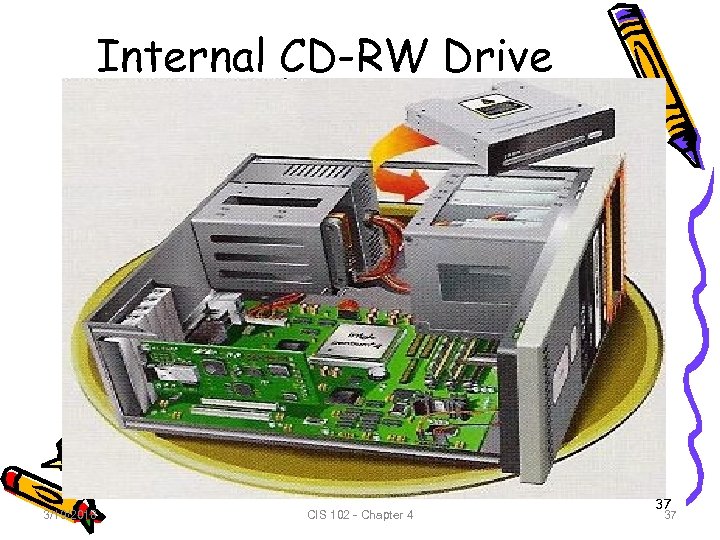 Internal CD-RW Drive 3/19/2018 CIS 102 - Chapter 4 37 37
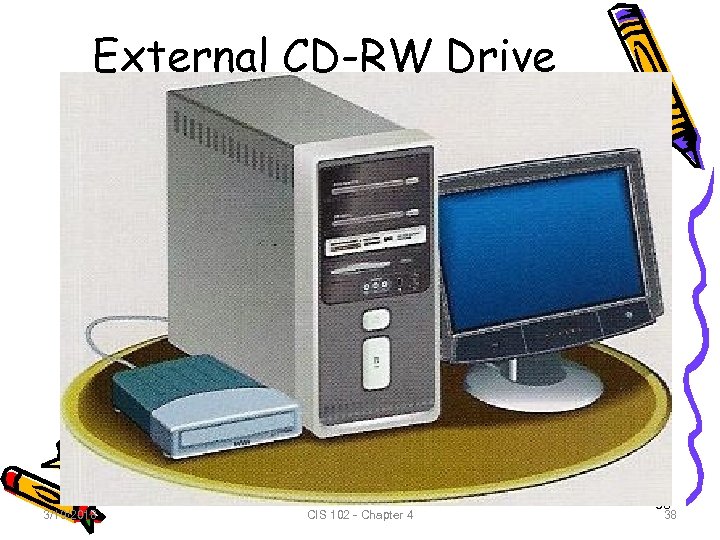 External CD-RW Drive 3/19/2018 CIS 102 - Chapter 4 38 38
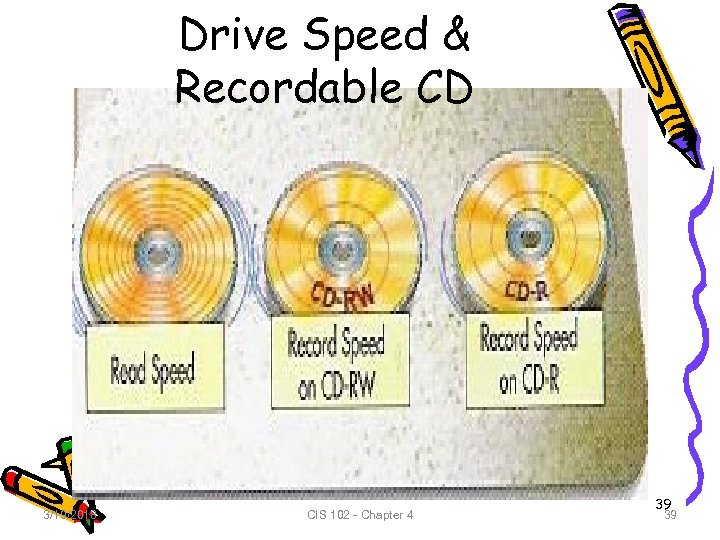 Drive Speed & Recordable CD 3/19/2018 CIS 102 - Chapter 4 39 39
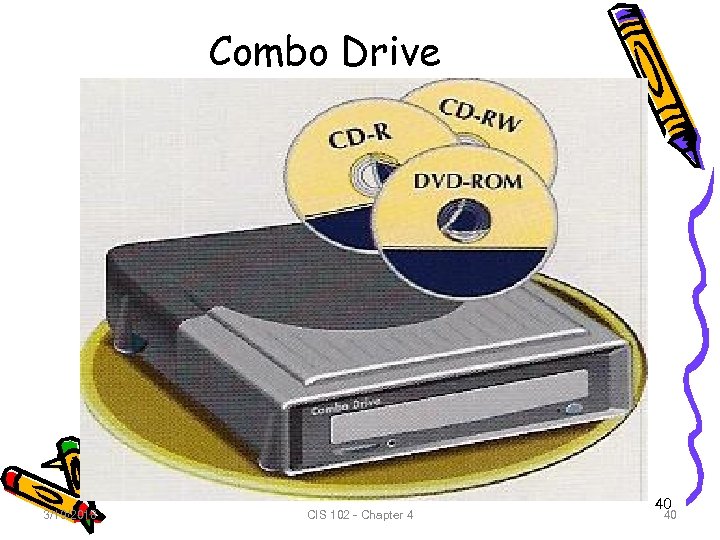 Combo Drive 3/19/2018 CIS 102 - Chapter 4 40 40
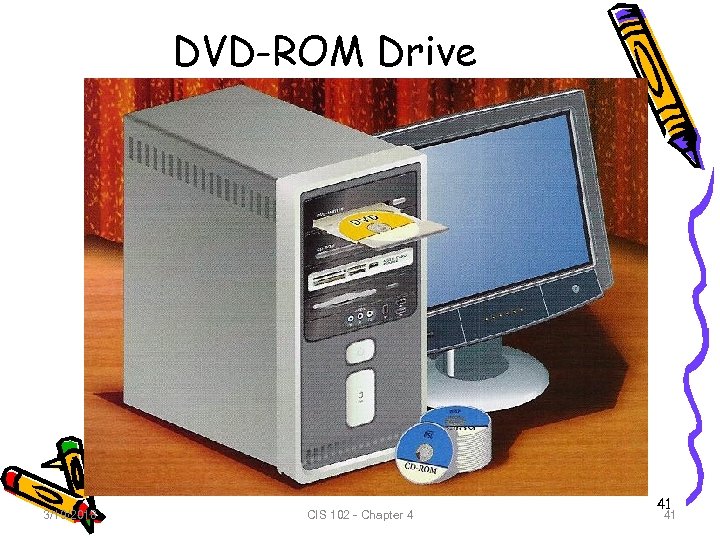 DVD-ROM Drive 3/19/2018 CIS 102 - Chapter 4 41 41
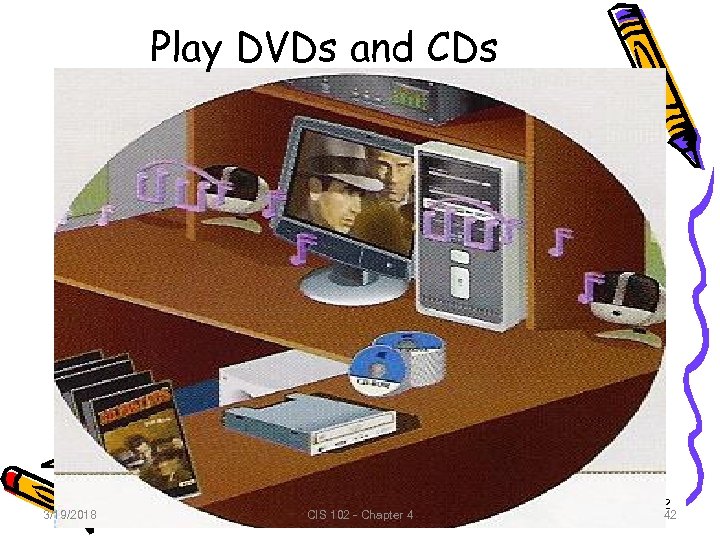 Play DVDs and CDs 3/19/2018 CIS 102 - Chapter 4 42 42
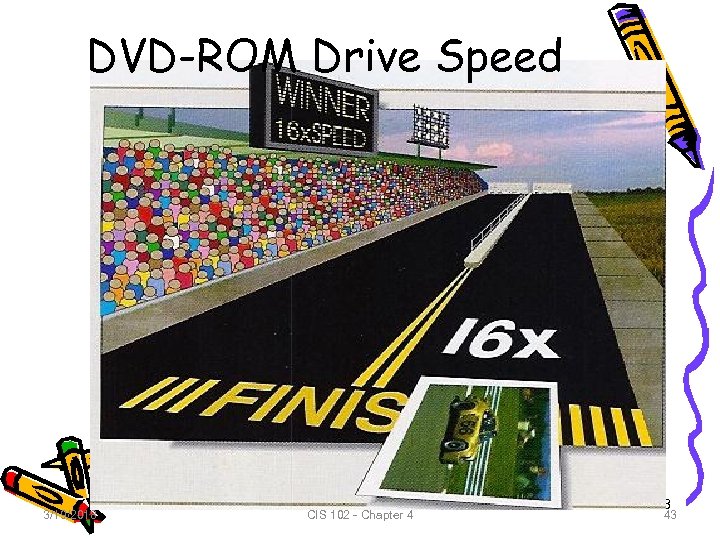 DVD-ROM Drive Speed 3/19/2018 CIS 102 - Chapter 4 43 43
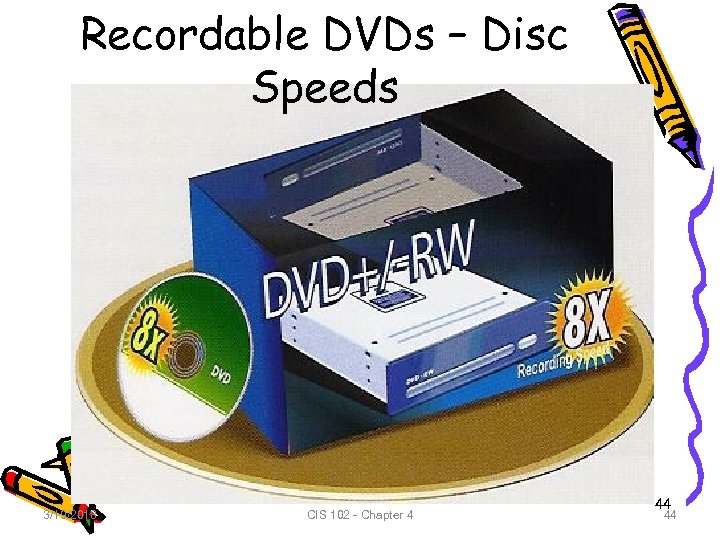 Recordable DVDs – Disc Speeds 3/19/2018 CIS 102 - Chapter 4 44 44
 Types of Recordable Disc • DVD+/-RW records several types of recordable DVDs. • Can record: – DVD+R (recordable) – DVD-R records only once – DVD+RW (Re. Writable) or DVD-RW can erase and re-record hundreds of times • DVD+R and DVD-R less expensive than DVD+RW or DVD-RW 3/19/2018 CIS 102 - Chapter 4 45 45
 Disc Storage Capacity • DVD can be single or double-sided • All DVD+/-RW can play and record on single and double-sided DVDs. • To record on double-sided you must flip over. • Can store 1 or 2 layers of data on each side • All DVD drive can play single and dual-layer discs, but need special dual-layer drive to record on dual-layer 3/19/2018 CIS 102 - Chapter 4 46 46
 Disc Storage (cont. ) • The capacity is determined by single, double, single-layer, or dual-layer Single-Layer (SL) Single-sides (SS) 4. 7 GB 8. 5 GB Double-sided (DS) 3/19/2018 Dual-Layer (DL) 9. 4 GB 17 GB CIS 102 - Chapter 4 47 47
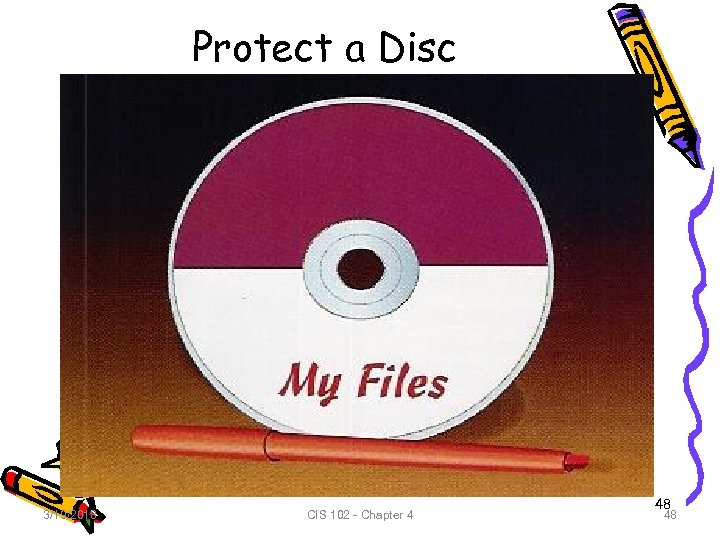 Protect a Disc 3/19/2018 CIS 102 - Chapter 4 48 48
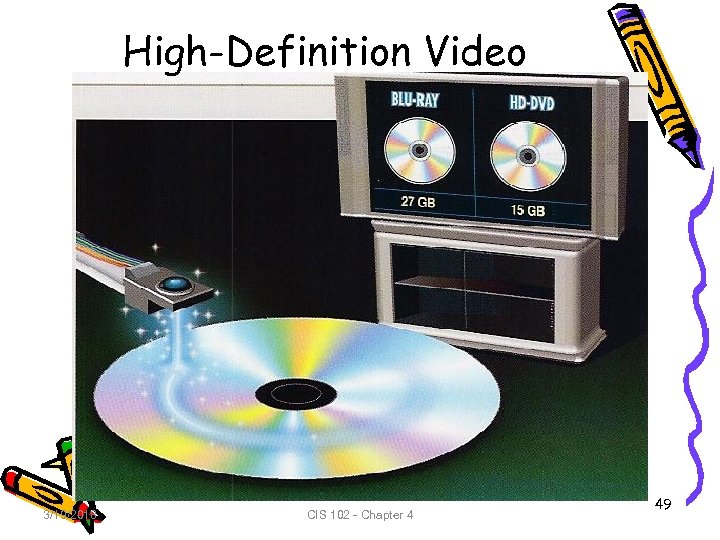 High-Definition Video 3/19/2018 CIS 102 - Chapter 4 49
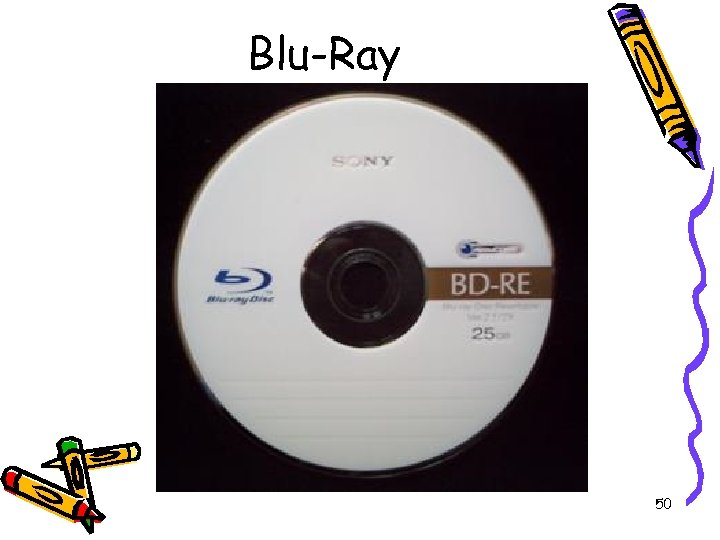 Blu-Ray 50
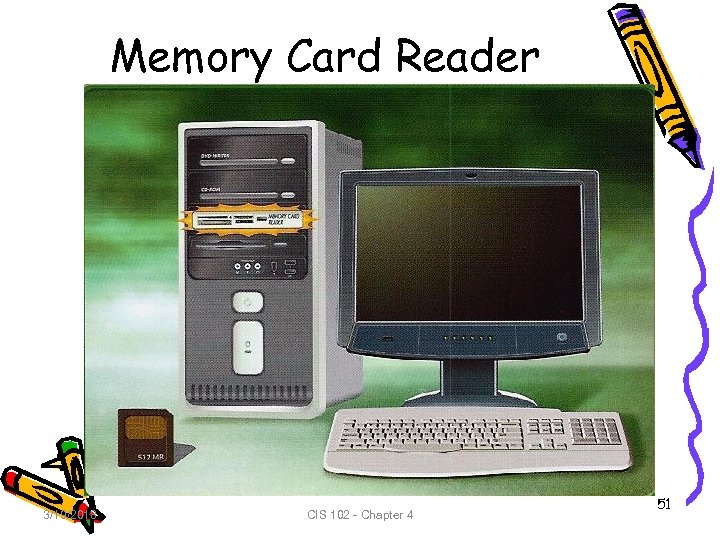 Memory Card Reader 3/19/2018 CIS 102 - Chapter 4 51
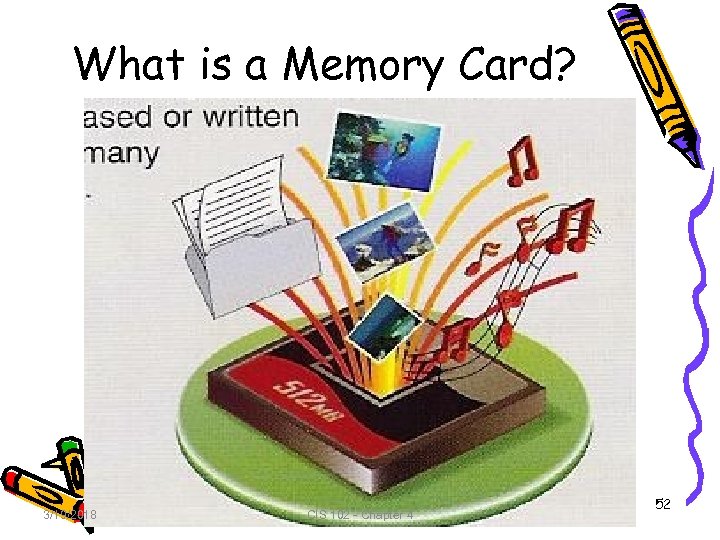 What is a Memory Card? 3/19/2018 CIS 102 - Chapter 4 52
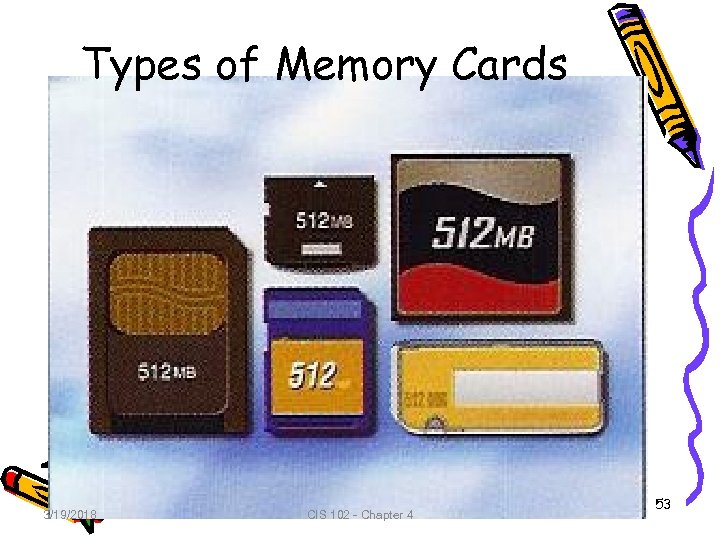 Types of Memory Cards 3/19/2018 CIS 102 - Chapter 4 53
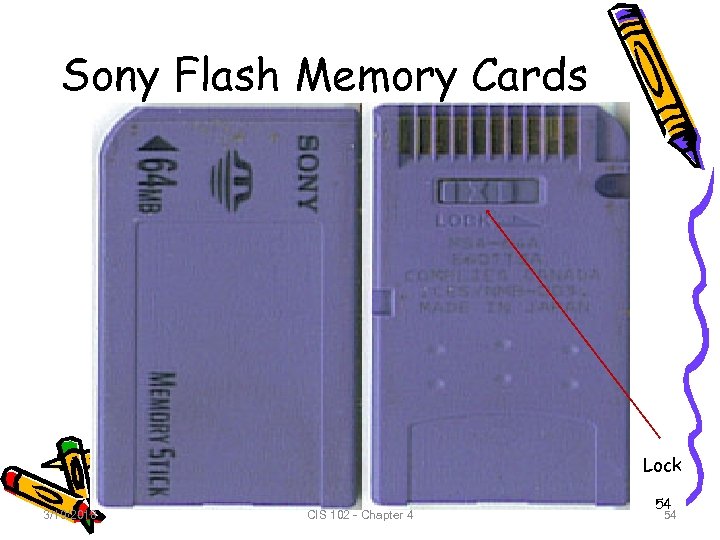 Sony Flash Memory Cards Lock 3/19/2018 CIS 102 - Chapter 4 54 54
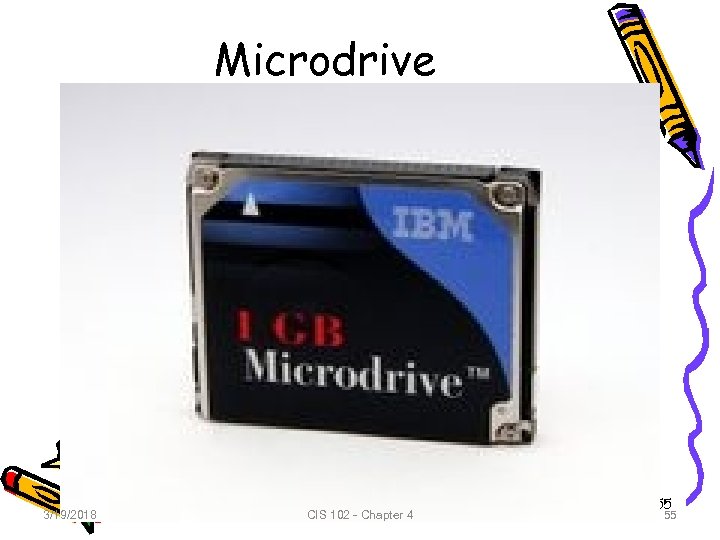 Microdrive 3/19/2018 CIS 102 - Chapter 4 55 55
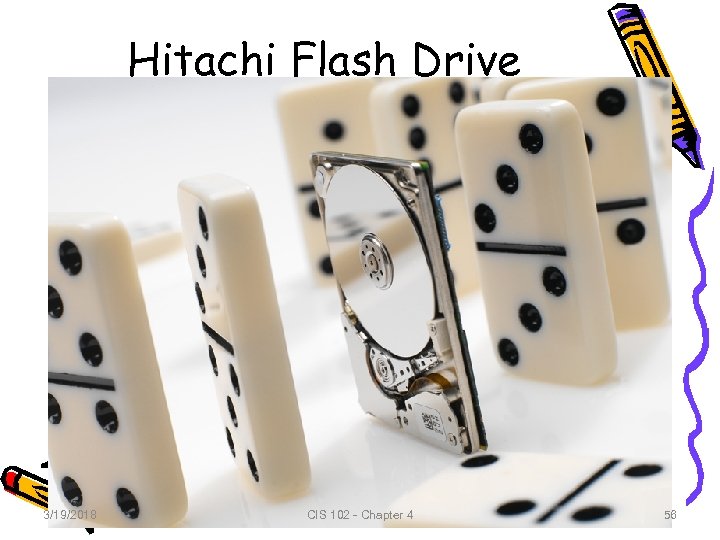 Hitachi Flash Drive 3/19/2018 CIS 102 - Chapter 4 56 56
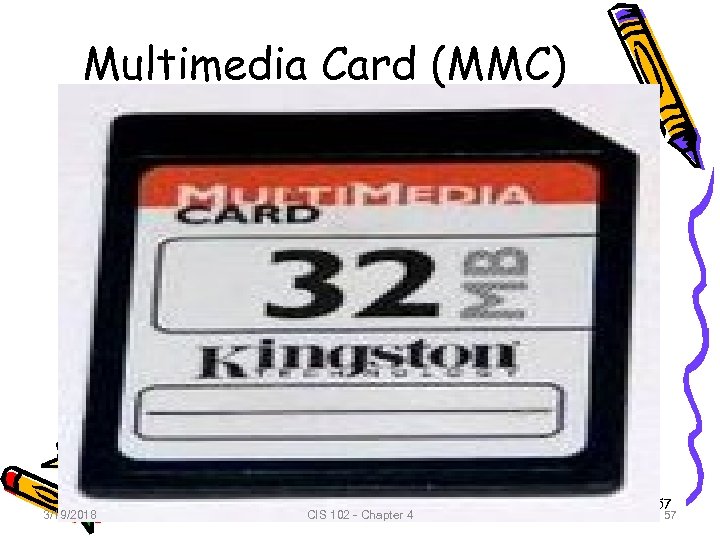 Multimedia Card (MMC) 3/19/2018 CIS 102 - Chapter 4 57 57
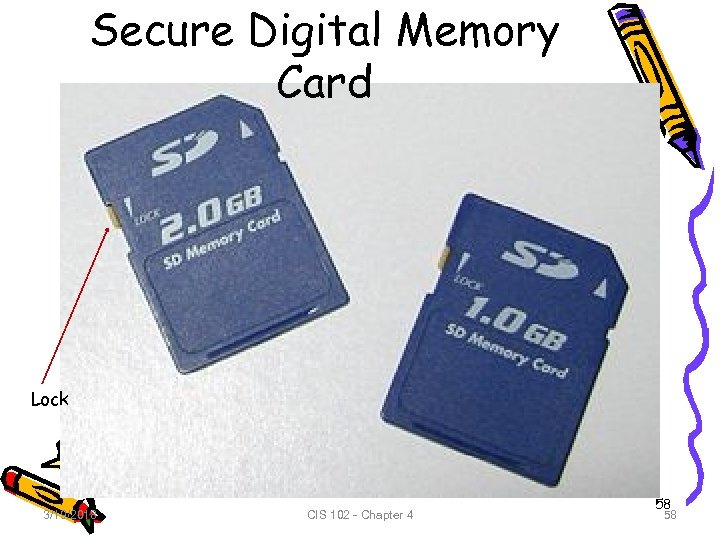 Secure Digital Memory Card Lock 3/19/2018 CIS 102 - Chapter 4 58 58
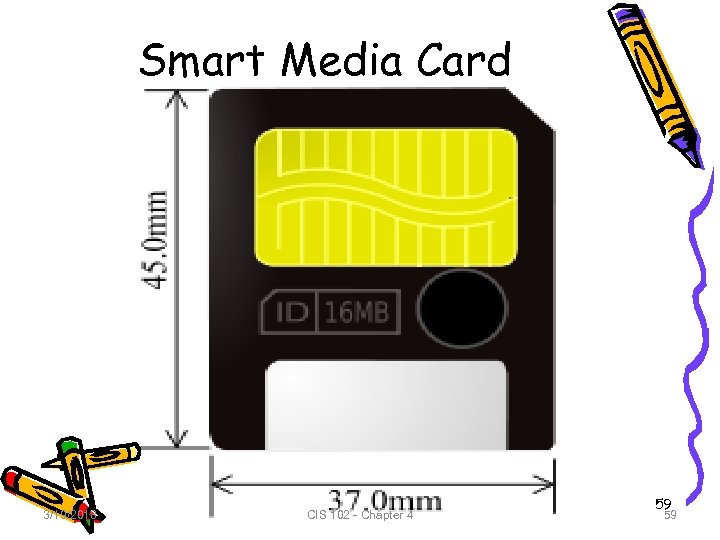 Smart Media Card 3/19/2018 CIS 102 - Chapter 4 59 59
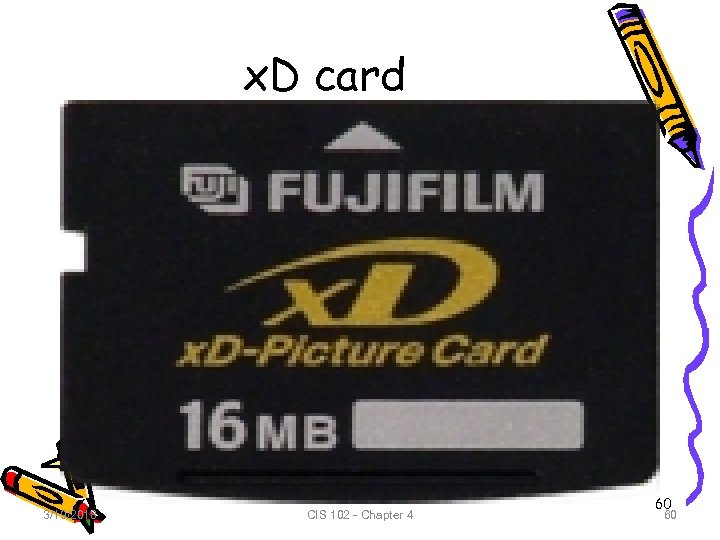 x. D card 3/19/2018 CIS 102 - Chapter 4 60 60
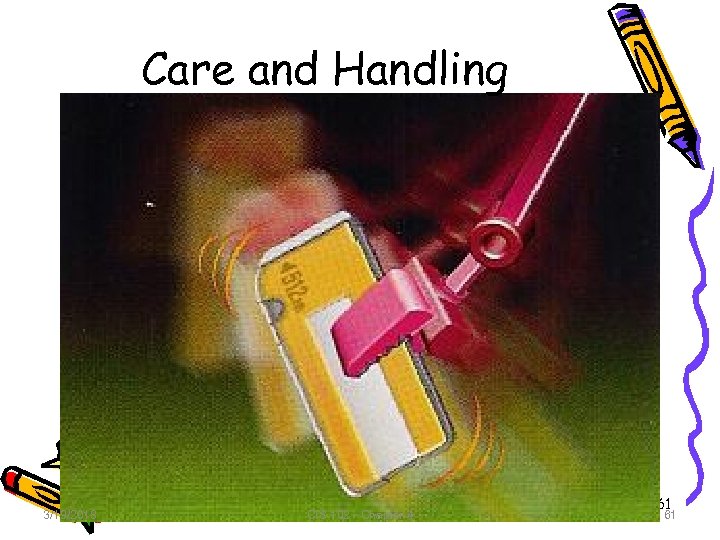 Care and Handling 3/19/2018 CIS 102 - Chapter 4 61 61
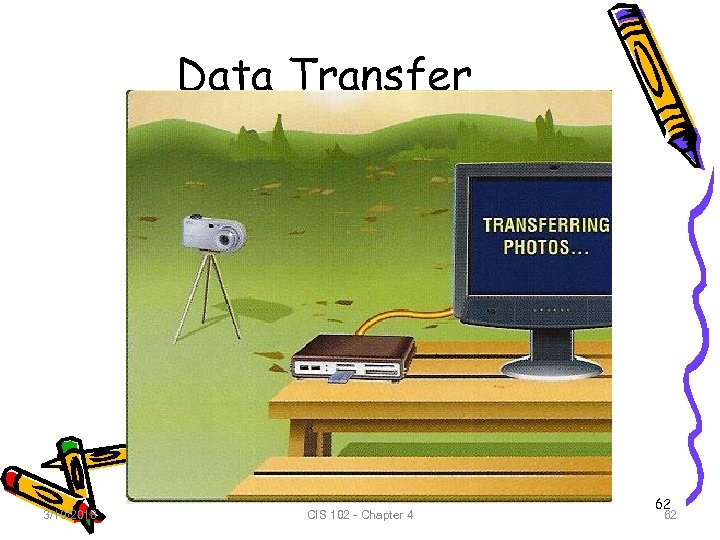 Data Transfer 3/19/2018 CIS 102 - Chapter 4 62 62
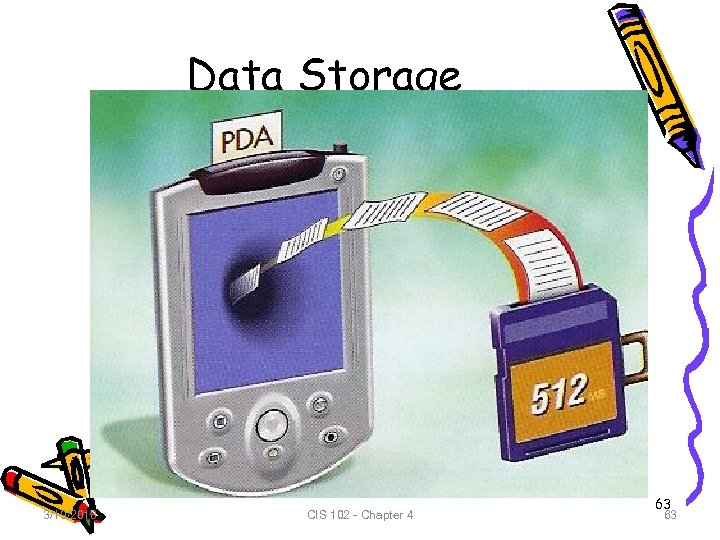 Data Storage 3/19/2018 CIS 102 - Chapter 4 63 63
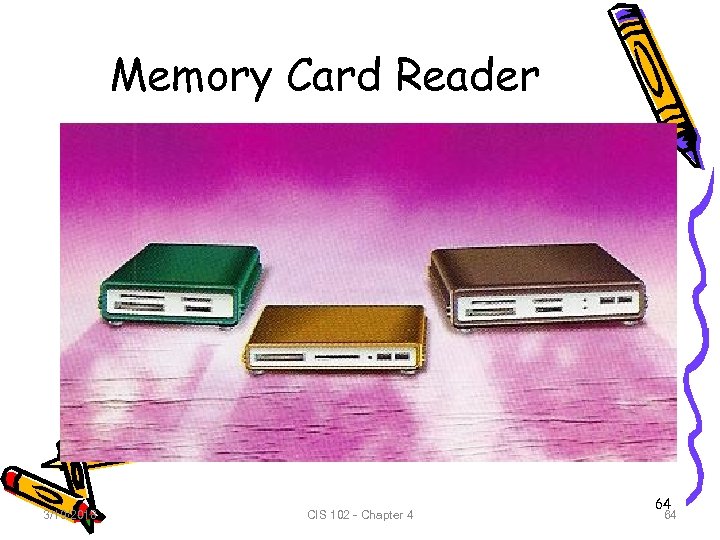 Memory Card Reader 3/19/2018 CIS 102 - Chapter 4 64 64
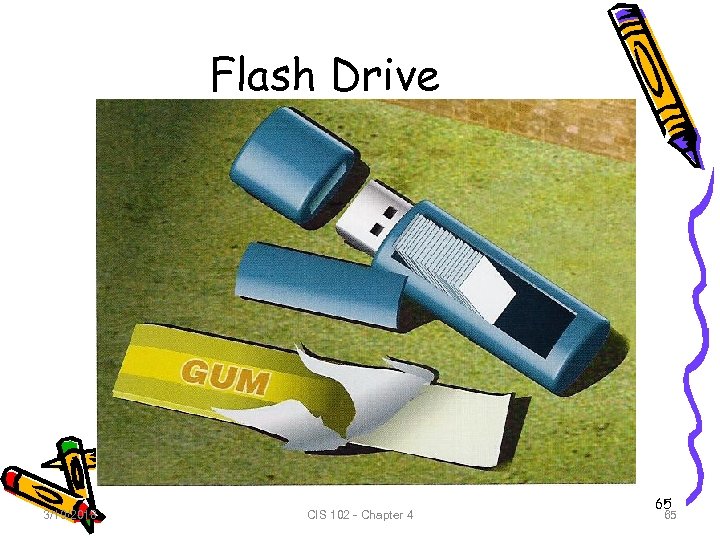 Flash Drive 3/19/2018 CIS 102 - Chapter 4 65 65
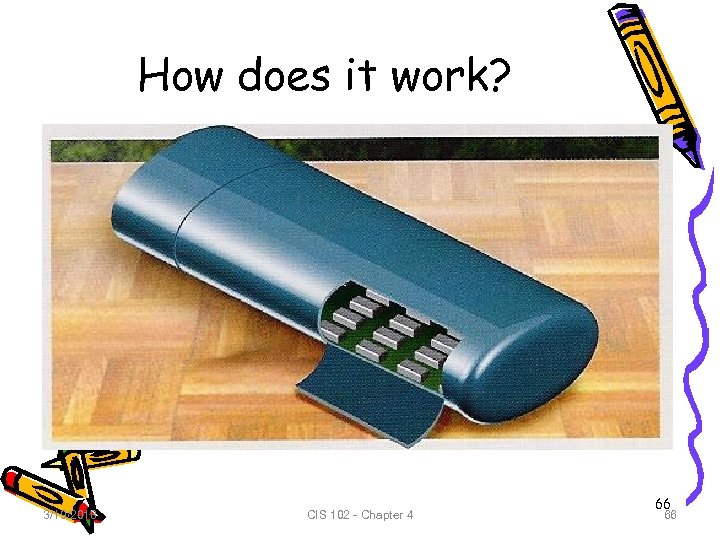 How does it work? 3/19/2018 CIS 102 - Chapter 4 66 66
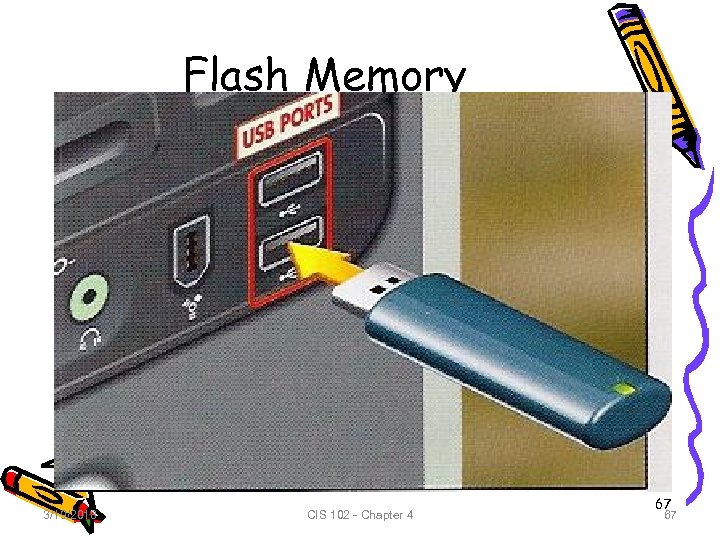 Flash Memory 3/19/2018 CIS 102 - Chapter 4 67 67
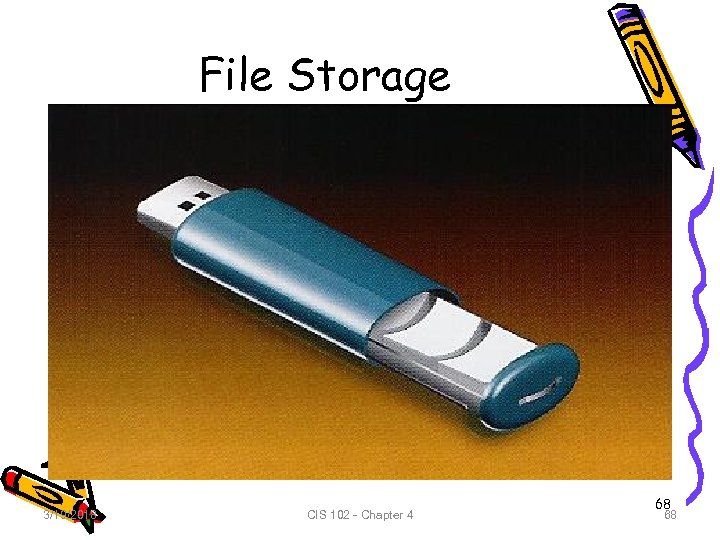 File Storage 3/19/2018 CIS 102 - Chapter 4 68 68
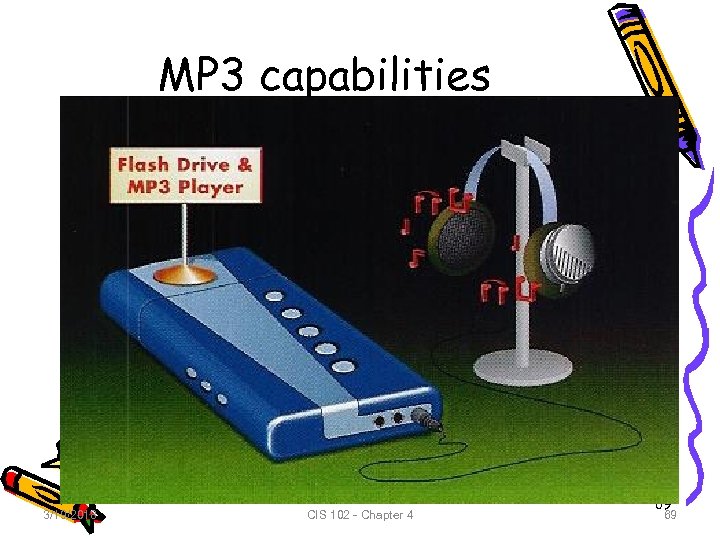 MP 3 capabilities 3/19/2018 CIS 102 - Chapter 4 69 69
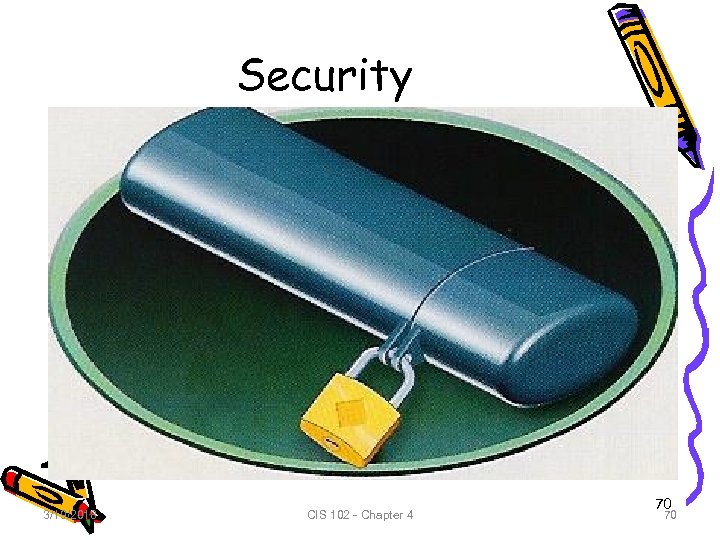 Security 3/19/2018 CIS 102 - Chapter 4 70 70
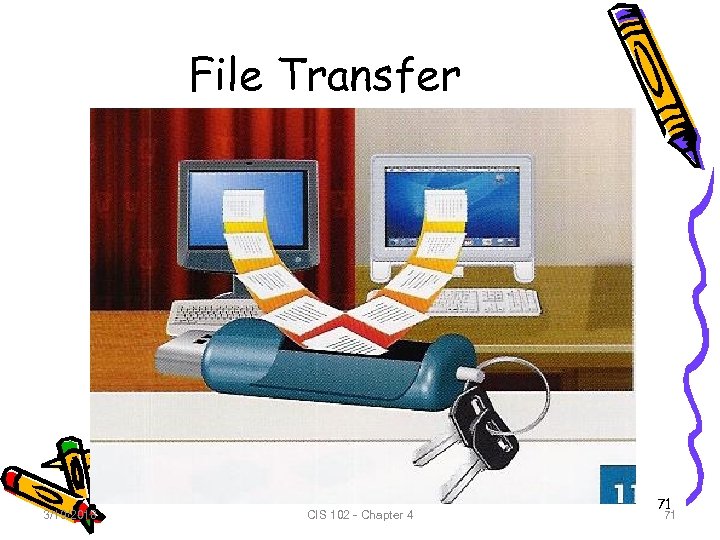 File Transfer 3/19/2018 CIS 102 - Chapter 4 71 71
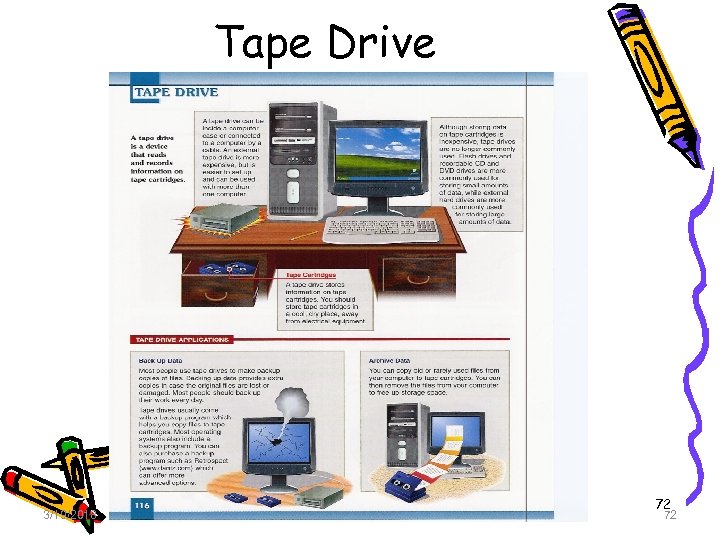 Tape Drive 3/19/2018 CIS 102 - Chapter 4 72 72
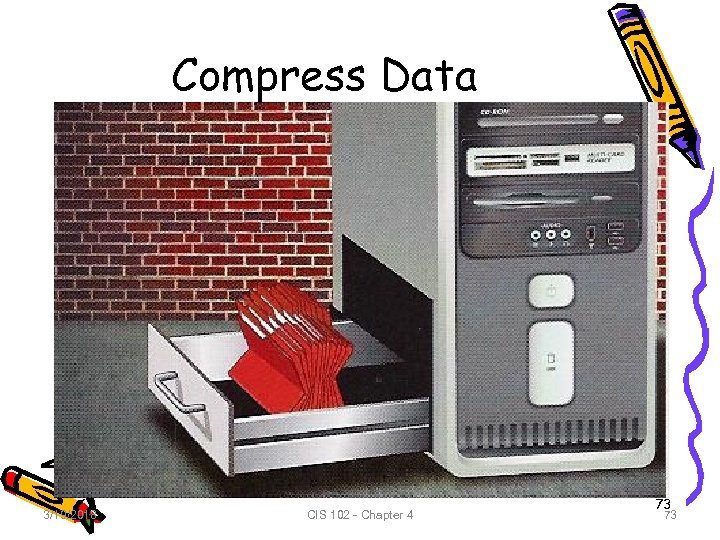 Compress Data 3/19/2018 CIS 102 - Chapter 4 73 73
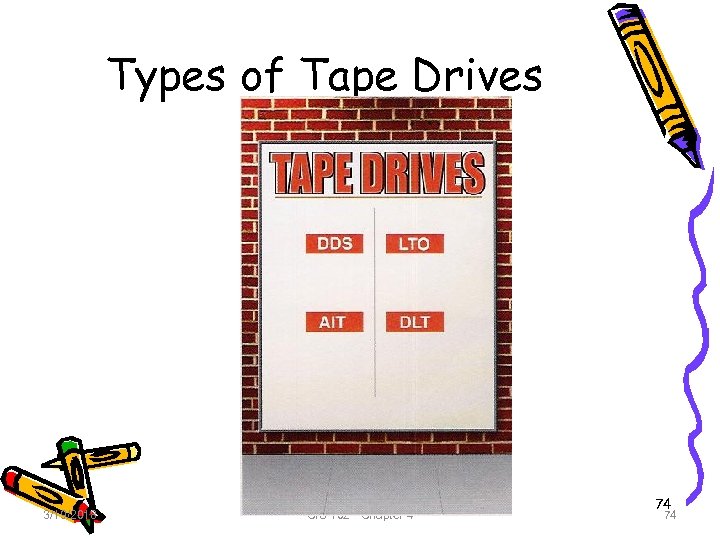 Types of Tape Drives 3/19/2018 CIS 102 - Chapter 4 74 74