 Скачать презентацию Chapter 20 Vulnerability Analysis Background Penetration
b02f9b52ba2bd197b90ed479d18ad694.ppt
- Количество слайдов: 87



Chapter 20: Vulnerability Analysis • • Background Penetration Studies Example Vulnerabilities Classification Frameworks November 1, 2004 Introduction to Computer Security © 2004 Matt Bishop 1
DMZ • http: //en. wikipedia. org/wiki/Image: DMZ_n etwork_diagram_1_firewall. png November 1, 2004 Introduction to Computer Security © 2004 Matt Bishop 2
Definitions • Vulnerability, security flaw: failure of security policies, procedures, and controls that allow a subject to commit an action that violates the security policy – Subject is called an attacker – Using the failure to violate the policy is exploiting the vulnerability or breaking in November 1, 2004 Introduction to Computer Security © 2004 Matt Bishop 3
Formal Verification • Mathematically verifying that a system satisfies certain constraints • Preconditions state assumptions about the system • Postconditions are result of applying system operations to preconditions, inputs • Required: postconditions satisfy constraints November 1, 2004 Introduction to Computer Security © 2004 Matt Bishop 4
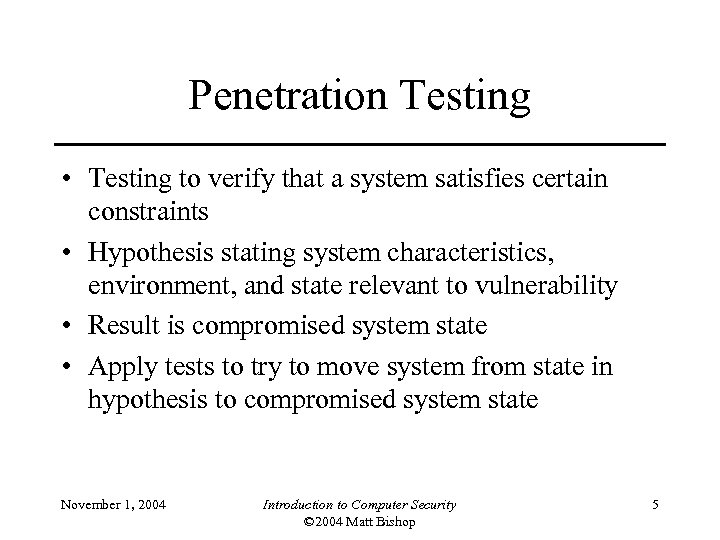
Penetration Testing • Testing to verify that a system satisfies certain constraints • Hypothesis stating system characteristics, environment, and state relevant to vulnerability • Result is compromised system state • Apply tests to try to move system from state in hypothesis to compromised system state November 1, 2004 Introduction to Computer Security © 2004 Matt Bishop 5
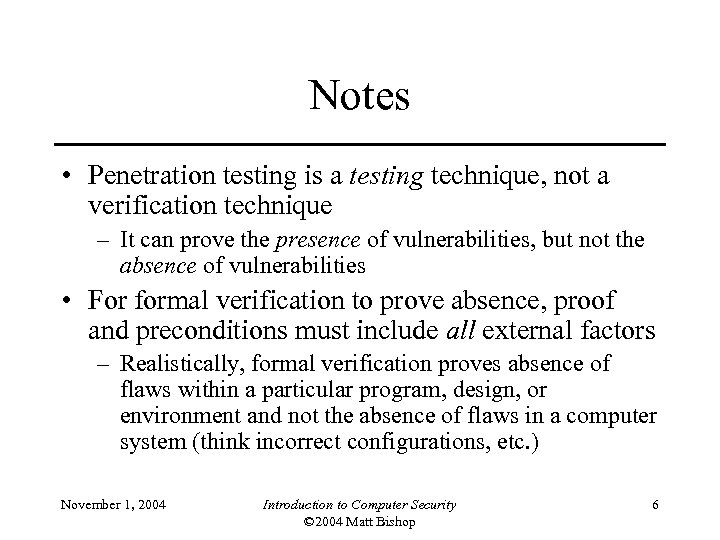
Notes • Penetration testing is a testing technique, not a verification technique – It can prove the presence of vulnerabilities, but not the absence of vulnerabilities • For formal verification to prove absence, proof and preconditions must include all external factors – Realistically, formal verification proves absence of flaws within a particular program, design, or environment and not the absence of flaws in a computer system (think incorrect configurations, etc. ) November 1, 2004 Introduction to Computer Security © 2004 Matt Bishop 6
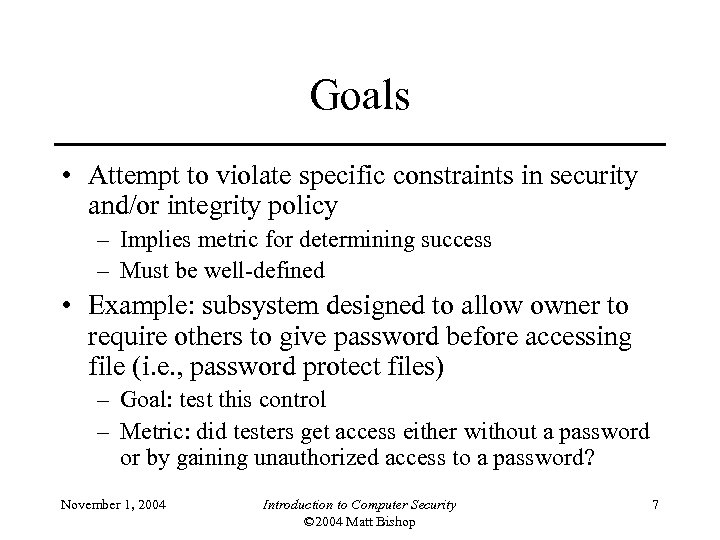
Goals • Attempt to violate specific constraints in security and/or integrity policy – Implies metric for determining success – Must be well-defined • Example: subsystem designed to allow owner to require others to give password before accessing file (i. e. , password protect files) – Goal: test this control – Metric: did testers get access either without a password or by gaining unauthorized access to a password? November 1, 2004 Introduction to Computer Security © 2004 Matt Bishop 7
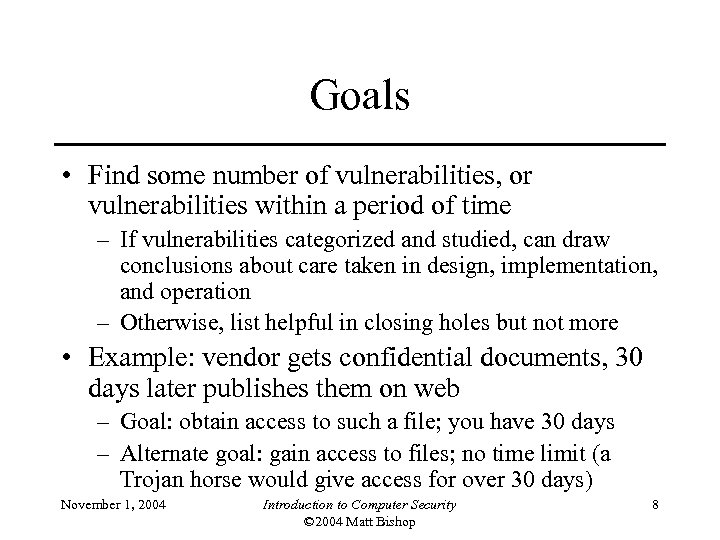
Goals • Find some number of vulnerabilities, or vulnerabilities within a period of time – If vulnerabilities categorized and studied, can draw conclusions about care taken in design, implementation, and operation – Otherwise, list helpful in closing holes but not more • Example: vendor gets confidential documents, 30 days later publishes them on web – Goal: obtain access to such a file; you have 30 days – Alternate goal: gain access to files; no time limit (a Trojan horse would give access for over 30 days) November 1, 2004 Introduction to Computer Security © 2004 Matt Bishop 8
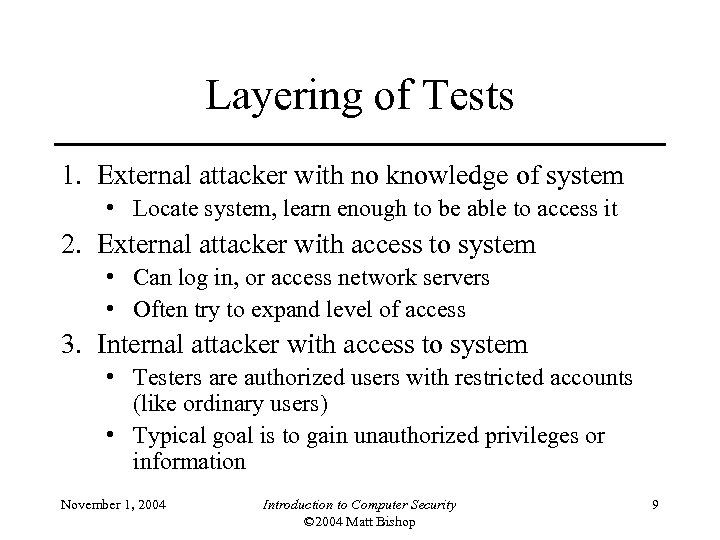
Layering of Tests 1. External attacker with no knowledge of system • Locate system, learn enough to be able to access it 2. External attacker with access to system • Can log in, or access network servers • Often try to expand level of access 3. Internal attacker with access to system • Testers are authorized users with restricted accounts (like ordinary users) • Typical goal is to gain unauthorized privileges or information November 1, 2004 Introduction to Computer Security © 2004 Matt Bishop 9
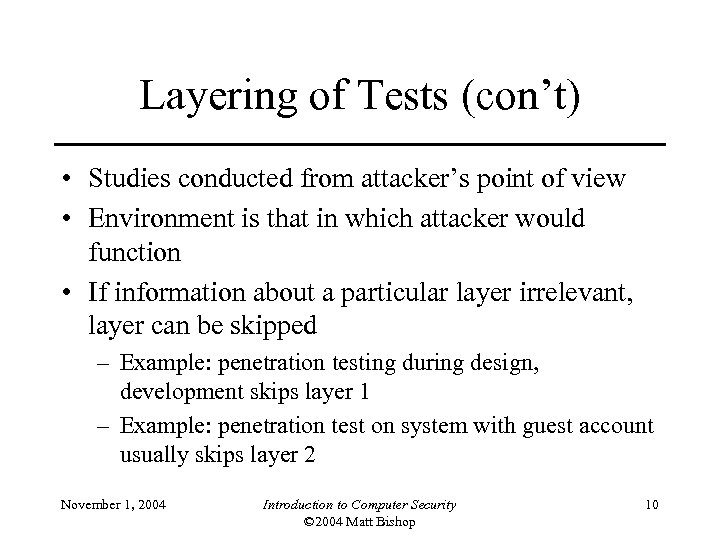
Layering of Tests (con’t) • Studies conducted from attacker’s point of view • Environment is that in which attacker would function • If information about a particular layer irrelevant, layer can be skipped – Example: penetration testing during design, development skips layer 1 – Example: penetration test on system with guest account usually skips layer 2 November 1, 2004 Introduction to Computer Security © 2004 Matt Bishop 10
Methodology • Usefulness of penetration study comes from documentation, conclusions – Indicates whether flaws are endemic or not – It does not come from success or failure of attempted penetration • Degree of penetration’s success also a factor – In some situations, obtaining access to unprivileged account may be less successful than obtaining access to privileged account November 1, 2004 Introduction to Computer Security © 2004 Matt Bishop 11
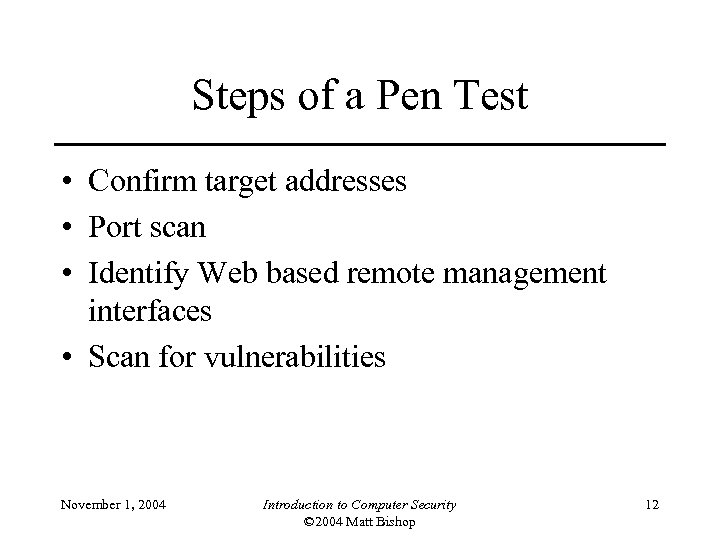
Steps of a Pen Test • Confirm target addresses • Port scan • Identify Web based remote management interfaces • Scan for vulnerabilities November 1, 2004 Introduction to Computer Security © 2004 Matt Bishop 12
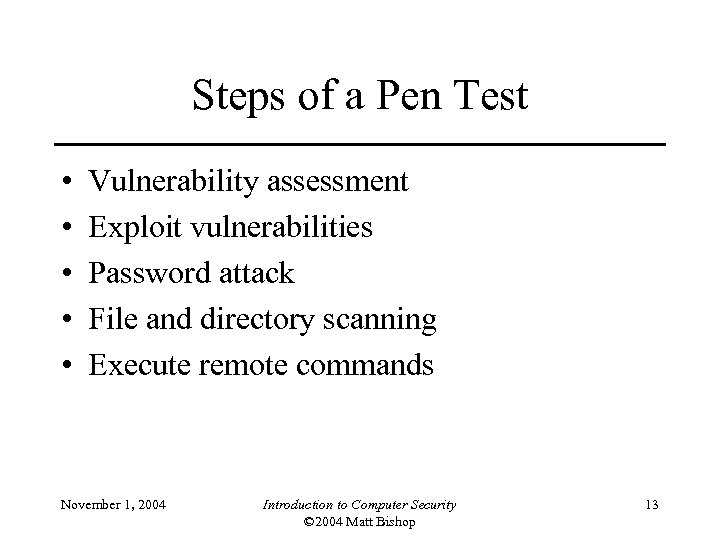
Steps of a Pen Test • • • Vulnerability assessment Exploit vulnerabilities Password attack File and directory scanning Execute remote commands November 1, 2004 Introduction to Computer Security © 2004 Matt Bishop 13
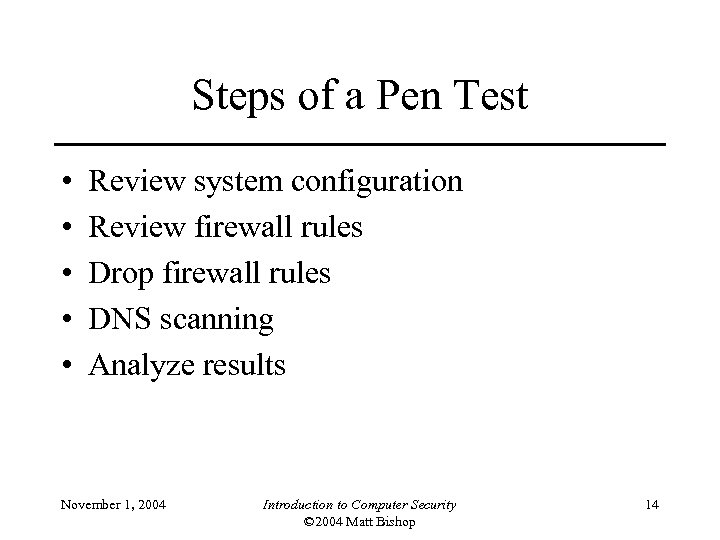
Steps of a Pen Test • • • Review system configuration Review firewall rules Drop firewall rules DNS scanning Analyze results November 1, 2004 Introduction to Computer Security © 2004 Matt Bishop 14
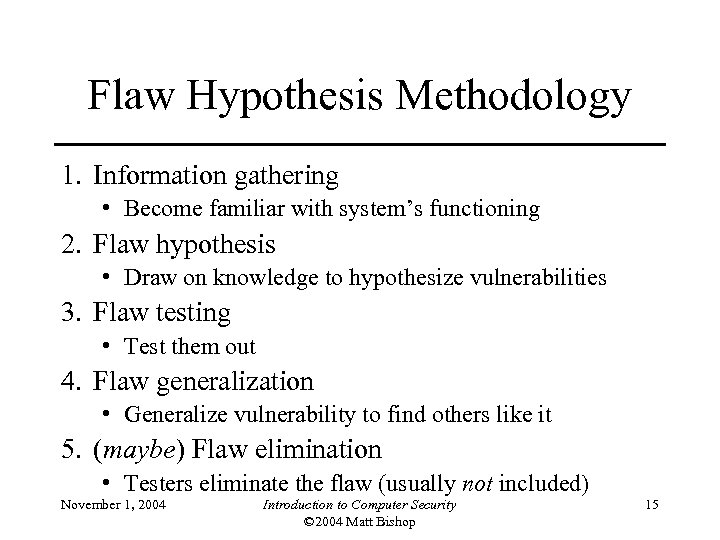
Flaw Hypothesis Methodology 1. Information gathering • Become familiar with system’s functioning 2. Flaw hypothesis • Draw on knowledge to hypothesize vulnerabilities 3. Flaw testing • Test them out 4. Flaw generalization • Generalize vulnerability to find others like it 5. (maybe) Flaw elimination • Testers eliminate the flaw (usually not included) November 1, 2004 Introduction to Computer Security © 2004 Matt Bishop 15
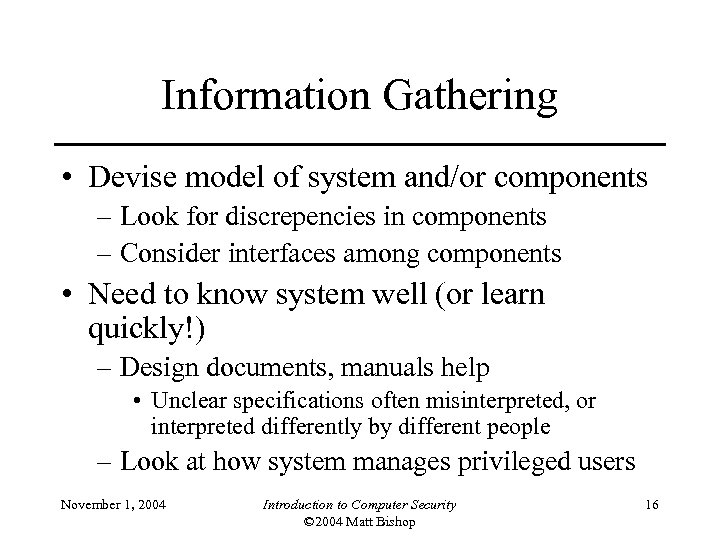
Information Gathering • Devise model of system and/or components – Look for discrepencies in components – Consider interfaces among components • Need to know system well (or learn quickly!) – Design documents, manuals help • Unclear specifications often misinterpreted, or interpreted differently by different people – Look at how system manages privileged users November 1, 2004 Introduction to Computer Security © 2004 Matt Bishop 16
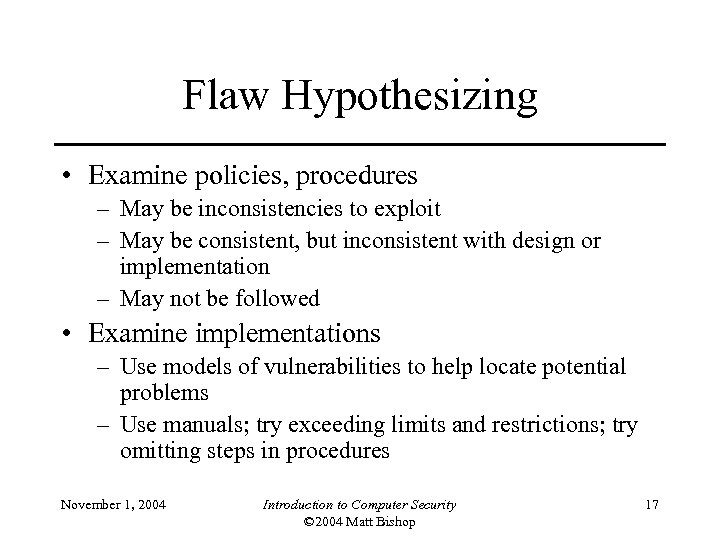
Flaw Hypothesizing • Examine policies, procedures – May be inconsistencies to exploit – May be consistent, but inconsistent with design or implementation – May not be followed • Examine implementations – Use models of vulnerabilities to help locate potential problems – Use manuals; try exceeding limits and restrictions; try omitting steps in procedures November 1, 2004 Introduction to Computer Security © 2004 Matt Bishop 17
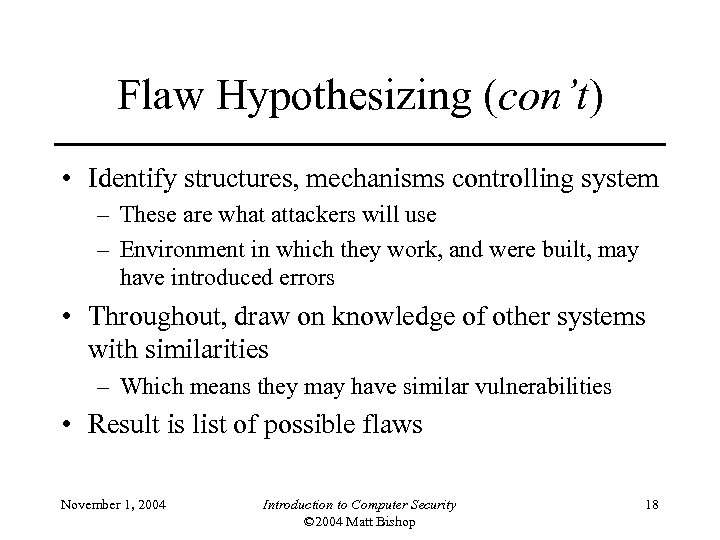
Flaw Hypothesizing (con’t) • Identify structures, mechanisms controlling system – These are what attackers will use – Environment in which they work, and were built, may have introduced errors • Throughout, draw on knowledge of other systems with similarities – Which means they may have similar vulnerabilities • Result is list of possible flaws November 1, 2004 Introduction to Computer Security © 2004 Matt Bishop 18
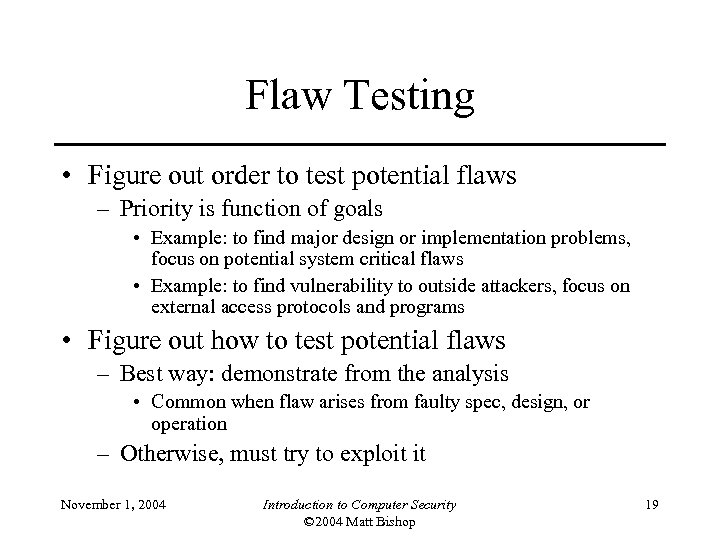
Flaw Testing • Figure out order to test potential flaws – Priority is function of goals • Example: to find major design or implementation problems, focus on potential system critical flaws • Example: to find vulnerability to outside attackers, focus on external access protocols and programs • Figure out how to test potential flaws – Best way: demonstrate from the analysis • Common when flaw arises from faulty spec, design, or operation – Otherwise, must try to exploit it November 1, 2004 Introduction to Computer Security © 2004 Matt Bishop 19
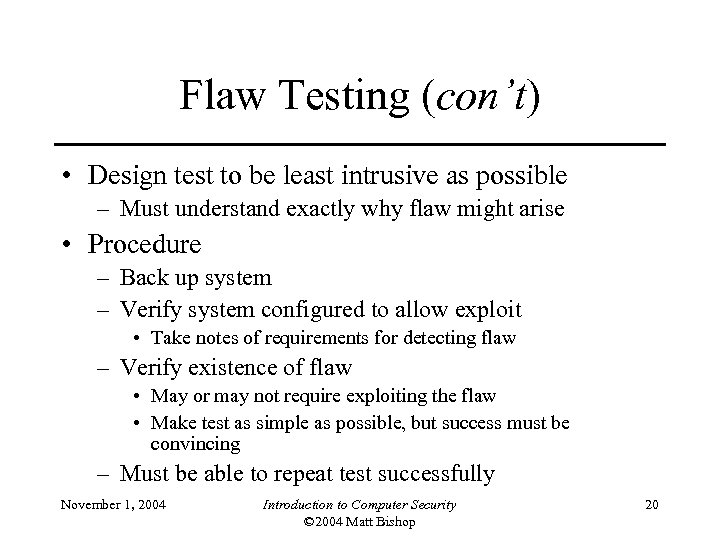
Flaw Testing (con’t) • Design test to be least intrusive as possible – Must understand exactly why flaw might arise • Procedure – Back up system – Verify system configured to allow exploit • Take notes of requirements for detecting flaw – Verify existence of flaw • May or may not require exploiting the flaw • Make test as simple as possible, but success must be convincing – Must be able to repeat test successfully November 1, 2004 Introduction to Computer Security © 2004 Matt Bishop 20
Flaw Generalization • As tests succeed, classes of flaws emerge – Example: programs read input into buffer on stack, leading to buffer overflow attack; others copy command line arguments into buffer on stack these are vulnerable too • Sometimes two different flaws may combine for devastating attack – Example: flaw 1 gives external attacker access to unprivileged account on system; second flaw allows any user on that system to gain full privileges any external attacker can get full privileges November 1, 2004 Introduction to Computer Security © 2004 Matt Bishop 21
Flaw Elimination • Usually not included as testers are not best folks to fix this – Designers and implementers are • Requires understanding of context, details of flaw including environment, and possibly exploit – Design flaw uncovered during development can be corrected and parts of implementation redone • Don’t need to know how exploit works – Design flaw uncovered at production site may not be corrected fast enough to prevent exploitation • So need to know how exploit works November 1, 2004 Introduction to Computer Security © 2004 Matt Bishop 22
Penetrating a System • Goal: gain access to system • We know its network address and nothing else • First step: scan network ports of system – Protocols on ports 79, 111, 512, 513, 514, and 540 are typically run on UNIX systems • Assume UNIX system; SMTP agent probably sendmail – This program has had lots of security problems – Maybe system running one such version … • Next step: connect to sendmail on port 25 November 1, 2004 Introduction to Computer Security © 2004 Matt Bishop 23
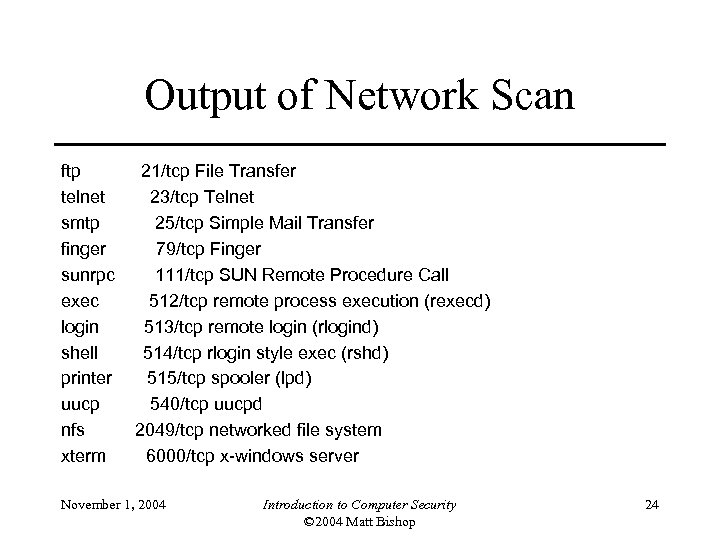
Output of Network Scan ftp telnet smtp finger sunrpc exec login shell printer uucp nfs xterm 21/tcp File Transfer 23/tcp Telnet 25/tcp Simple Mail Transfer 79/tcp Finger 111/tcp SUN Remote Procedure Call 512/tcp remote process execution (rexecd) 513/tcp remote login (rlogind) 514/tcp rlogin style exec (rshd) 515/tcp spooler (lpd) 540/tcp uucpd 2049/tcp networked file system 6000/tcp x-windows server November 1, 2004 Introduction to Computer Security © 2004 Matt Bishop 24
Vulnerability Classification • Describe flaws from differing perspectives – Exploit-oriented – Hardware, software, interface-oriented • Goals vary; common ones are: – Specify, design, implement computer system without vulnerabilities – Analyze computer system to detect vulnerabilities – Address any vulnerabilities introduced during system operation – Detect attempted exploitations of vulnerabilities November 1, 2004 Introduction to Computer Security © 2004 Matt Bishop 25
Program Analysis (PA) • Goal: develop techniques to find vulnerabilities • Tried to break problem into smaller, more manageable pieces • Developed general strategy, applied it to several OSes – Found previously unknown vulnerabilities November 1, 2004 Introduction to Computer Security © 2004 Matt Bishop 26
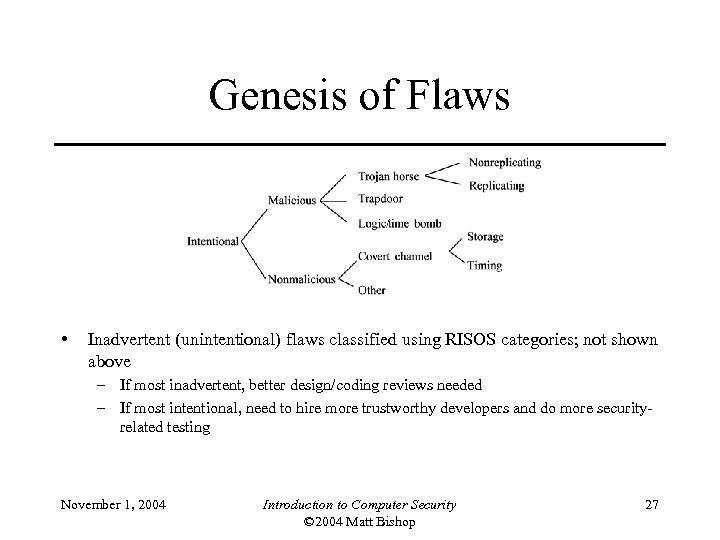
Genesis of Flaws • Inadvertent (unintentional) flaws classified using RISOS categories; not shown above – If most inadvertent, better design/coding reviews needed – If most intentional, need to hire more trustworthy developers and do more securityrelated testing November 1, 2004 Introduction to Computer Security © 2004 Matt Bishop 27
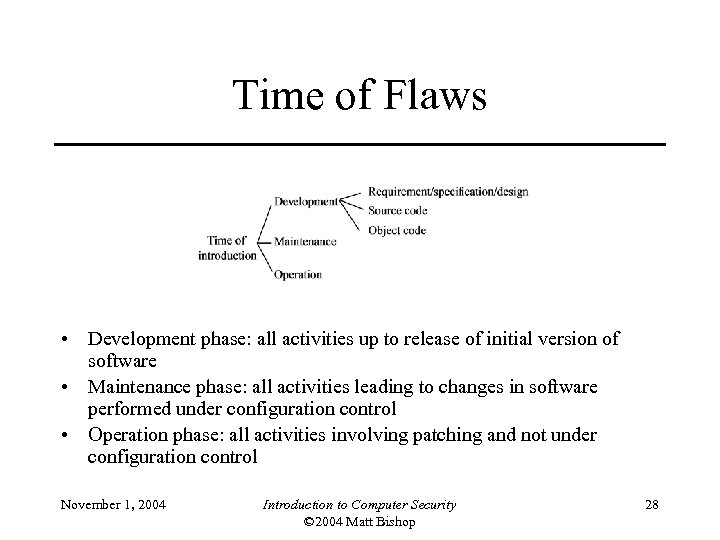
Time of Flaws • Development phase: all activities up to release of initial version of software • Maintenance phase: all activities leading to changes in software performed under configuration control • Operation phase: all activities involving patching and not under configuration control November 1, 2004 Introduction to Computer Security © 2004 Matt Bishop 28
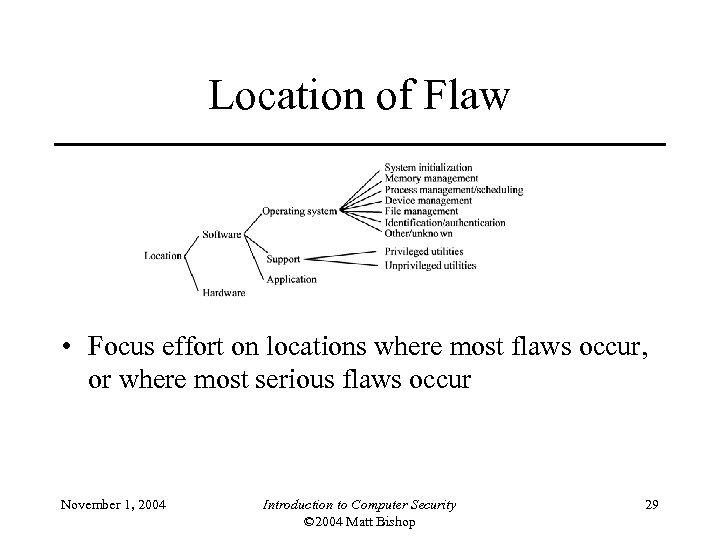
Location of Flaw • Focus effort on locations where most flaws occur, or where most serious flaws occur November 1, 2004 Introduction to Computer Security © 2004 Matt Bishop 29
Coding Faults • Synchronization errors: improper serialization of operations, timing window between two operations creates flaw – Example: xterm flaw • Condition validation errors: bounds not checked, access rights ignored, input not validated, authentication and identification fails – Example: fingerd flaw November 1, 2004 Introduction to Computer Security © 2004 Matt Bishop 30
Emergent Faults • Configuration errors: program installed incorrectly – Example: tftp daemon installed so it can access any file; then anyone can copy any file • Environmental faults: faults introduced by environment – Example: on some UNIX systems, any shell with “-” as first char of name is interactive, so find a setuid shell script, create a link to name “-gotcha”, run it, and you has a privileged interactive shell November 1, 2004 Introduction to Computer Security © 2004 Matt Bishop 31
Key Points • Given large numbers of non-secure systems in use now, unrealistic to expect less vulnerable systems to replace them • Penetration studies are effective tests of systems provided the test goals are known and tests are structured well • Vulnerability classification schemes aid in flaw generalization and hypothesis November 1, 2004 Introduction to Computer Security © 2004 Matt Bishop 32
Chapter 21: Auditing • • • Overview What is auditing? What does an audit system look like? How do you design an auditing system? Auditing mechanisms November 1, 2004 Introduction to Computer Security © 2004 Matt Bishop 33
What is Auditing? • Logging – Recording events or statistics to provide information about system use and performance • Auditing – Analysis of log records to present information about the system in a clear, understandable manner November 1, 2004 Introduction to Computer Security © 2004 Matt Bishop 34
Problems • What do you log? – Hint: looking for violations of a policy, so record at least what will show such violations • What do you audit? – Need not audit everything – Key: what is the policy involved? November 1, 2004 Introduction to Computer Security © 2004 Matt Bishop 35
Audit System Structure • Logger – Records information, usually controlled by parameters • Analyzer – Analyzes logged information looking for something • Notifier – Reports results of analysis November 1, 2004 Introduction to Computer Security © 2004 Matt Bishop 36
Logger • Type, quantity of information recorded controlled by system or program configuration parameters • May be human readable or not – If not, usually viewing tools supplied – Space available, portability influence storage format November 1, 2004 Introduction to Computer Security © 2004 Matt Bishop 37
Analyzer • Analyzes one or more logs – Logs may come from multiple systems, or a single system – May lead to changes in logging – May lead to a report of an event November 1, 2004 Introduction to Computer Security © 2004 Matt Bishop 38
Notifier • Informs analyst, other entities of results of analysis • May reconfigure logging and/or analysis on basis of results November 1, 2004 Introduction to Computer Security © 2004 Matt Bishop 39
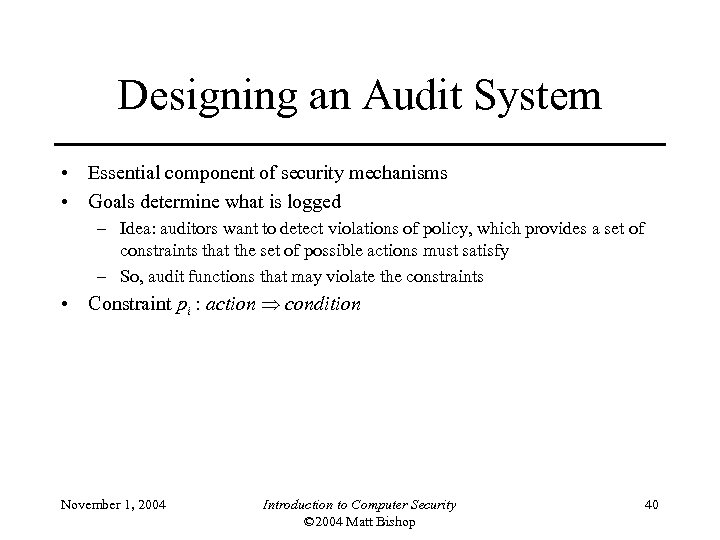
Designing an Audit System • Essential component of security mechanisms • Goals determine what is logged – Idea: auditors want to detect violations of policy, which provides a set of constraints that the set of possible actions must satisfy – So, audit functions that may violate the constraints • Constraint pi : action condition November 1, 2004 Introduction to Computer Security © 2004 Matt Bishop 40
Implementation Issues • Show non-security or find violations? – Former requires logging initial state as well as changes • Defining violations – Does “write” include “append” and “create directory”? • Multiple names for one object – Logging goes by object and not name – Representations can affect this (if you read raw disks, you’re reading files; can your auditing system determine which file? ) November 1, 2004 Introduction to Computer Security © 2004 Matt Bishop 41
Log Sanitization • U set of users, P policy defining set of information C(U) that U cannot see; log sanitized when all information in C(U) deleted from log • Two types of P – C(U) can’t leave site • People inside site are trusted and information not sensitive to them – C(U) can’t leave system • People inside site not trusted or (more commonly) information sensitive to them • Don’t log this sensitive information November 1, 2004 Introduction to Computer Security © 2004 Matt Bishop 42
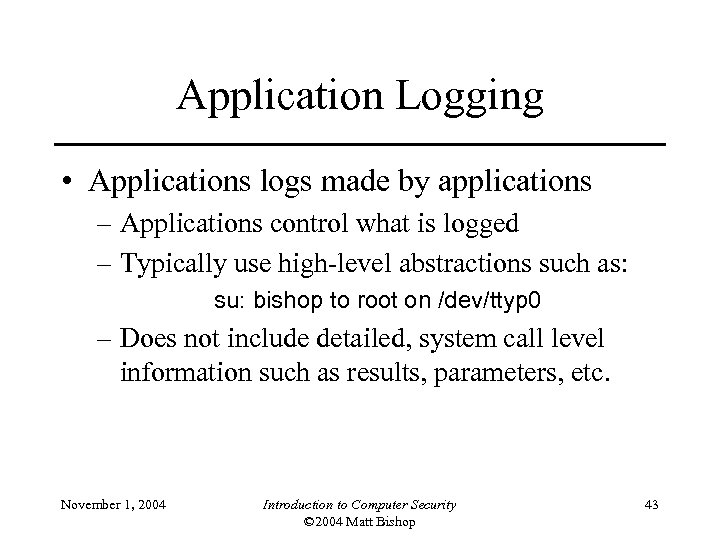
Application Logging • Applications logs made by applications – Applications control what is logged – Typically use high-level abstractions such as: su: bishop to root on /dev/ttyp 0 – Does not include detailed, system call level information such as results, parameters, etc. November 1, 2004 Introduction to Computer Security © 2004 Matt Bishop 43
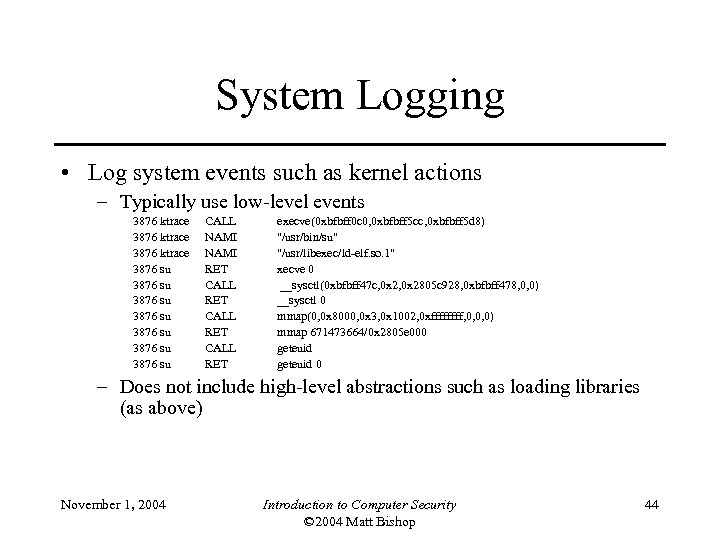
System Logging • Log system events such as kernel actions – Typically use low-level events 3876 ktrace 3876 su 3876 su CALL NAMI RET CALL RET execve(0 xbfbff 0 c 0, 0 xbfbff 5 cc, 0 xbfbff 5 d 8) "/usr/bin/su" "/usr/libexec/ld-elf. so. 1" xecve 0 __sysctl(0 xbfbff 47 c, 0 x 2805 c 928, 0 xbfbff 478, 0, 0) __sysctl 0 mmap(0, 0 x 8000, 0 x 3, 0 x 1002, 0 xffff, 0, 0, 0) mmap 671473664/0 x 2805 e 000 geteuid 0 – Does not include high-level abstractions such as loading libraries (as above) November 1, 2004 Introduction to Computer Security © 2004 Matt Bishop 44
Detection • Must spot initial Land packet with source, destination addresses the same • Logging requirement: – source port number, IP address – destination port number, IP address • Auditing requirement: – If source port number = destination port number and source IP address = destination IP address, packet is part of a Land attack November 1, 2004 Introduction to Computer Security © 2004 Matt Bishop 45
Chapter 22: Intrusion Detection • • • Principles Basics Models of Intrusion Detection Architecture of an IDS Organization Incident Response November 1, 2004 Introduction to Computer Security © 2004 Matt Bishop 46
Principles of Intrusion Detection • Characteristics of systems not under attack – User, process actions conform to statistically predictable pattern – User, process actions do not include sequences of actions that subvert the security policy – Process actions correspond to a set of specifications describing what the processes are allowed to do • Systems under attack do not meet at least one of these November 1, 2004 Introduction to Computer Security © 2004 Matt Bishop 47
Example • Goal: insert a back door into a system – Intruder will modify system configuration file or program – Requires privilege; attacker enters system as an unprivileged user and must acquire privilege • Nonprivileged user may not normally acquire privilege (violates #1) • Attacker may break in using sequence of commands that violate security policy (violates #2) • Attacker may cause program to act in ways that violate program’s specification November 1, 2004 Introduction to Computer Security © 2004 Matt Bishop 48
Basic Intrusion Detection • Attack tool is automated script designed to violate a security policy • Example: rootkit – Includes password sniffer – Designed to hide itself using Trojaned versions of various programs (ps, ls, find, netstat, etc. ) – Adds back doors (login, telnetd, etc. ) – Has tools to clean up log entries (zapper, etc. ) November 1, 2004 Introduction to Computer Security © 2004 Matt Bishop 49
Detection • Rootkit configuration files cause ls, du, etc. to hide information – ls lists all files in a directory • Except those hidden by configuration file – dirdump (local program to list directory entries) lists them too • Run both and compare counts • If they differ, ls is doctored • Other approaches possible November 1, 2004 Introduction to Computer Security © 2004 Matt Bishop 50
Key Point • Rootkit does not alter kernel or file structures to conceal files, processes, and network connections – It alters the programs or system calls that interpret those structures – Find some entry point for interpretation that rootkit did not alter – The inconsistency is an anomaly (violates #1) November 1, 2004 Introduction to Computer Security © 2004 Matt Bishop 51
Goals of IDS • Detect wide variety of intrusions – Previously known and unknown attacks – Suggests need to learn/adapt to new attacks or changes in behavior • Detect intrusions in timely fashion – May need to be be real-time, especially when system responds to intrusion • Problem: analyzing commands may impact response time of system – May suffice to report intrusion occurred a few minutes or hours ago November 1, 2004 Introduction to Computer Security © 2004 Matt Bishop 52
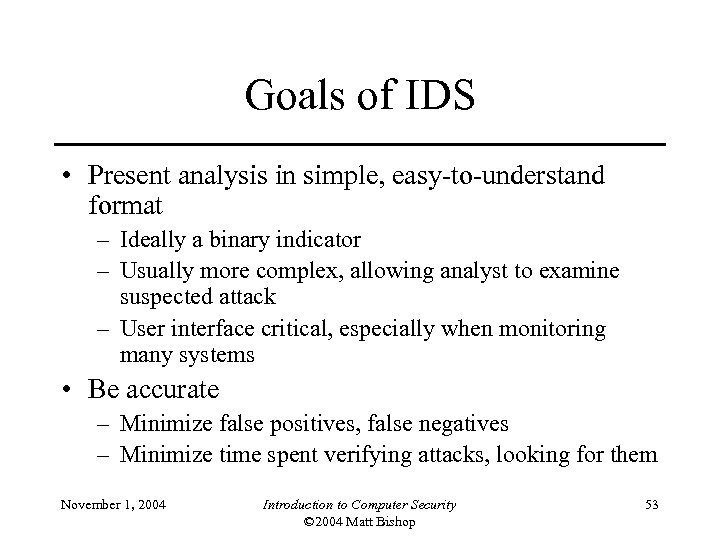
Goals of IDS • Present analysis in simple, easy-to-understand format – Ideally a binary indicator – Usually more complex, allowing analyst to examine suspected attack – User interface critical, especially when monitoring many systems • Be accurate – Minimize false positives, false negatives – Minimize time spent verifying attacks, looking for them November 1, 2004 Introduction to Computer Security © 2004 Matt Bishop 53
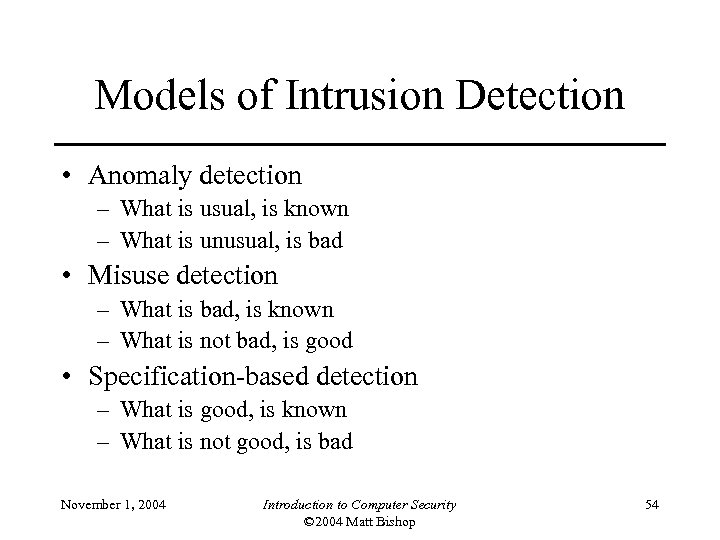
Models of Intrusion Detection • Anomaly detection – What is usual, is known – What is unusual, is bad • Misuse detection – What is bad, is known – What is not bad, is good • Specification-based detection – What is good, is known – What is not good, is bad November 1, 2004 Introduction to Computer Security © 2004 Matt Bishop 54
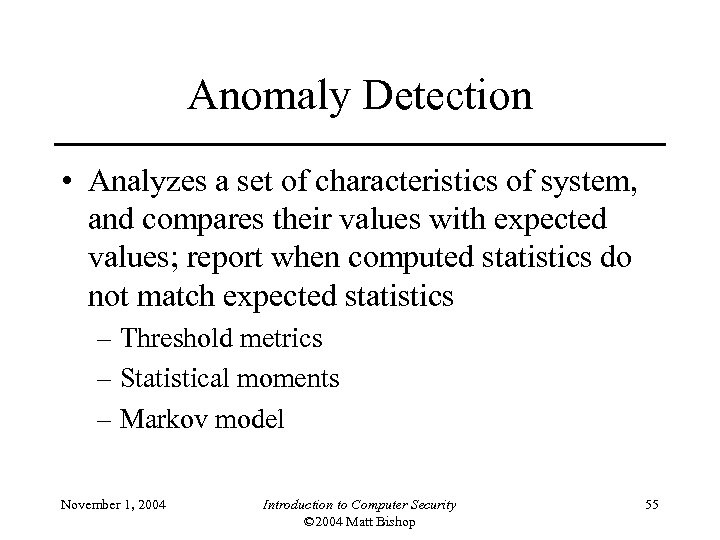
Anomaly Detection • Analyzes a set of characteristics of system, and compares their values with expected values; report when computed statistics do not match expected statistics – Threshold metrics – Statistical moments – Markov model November 1, 2004 Introduction to Computer Security © 2004 Matt Bishop 55
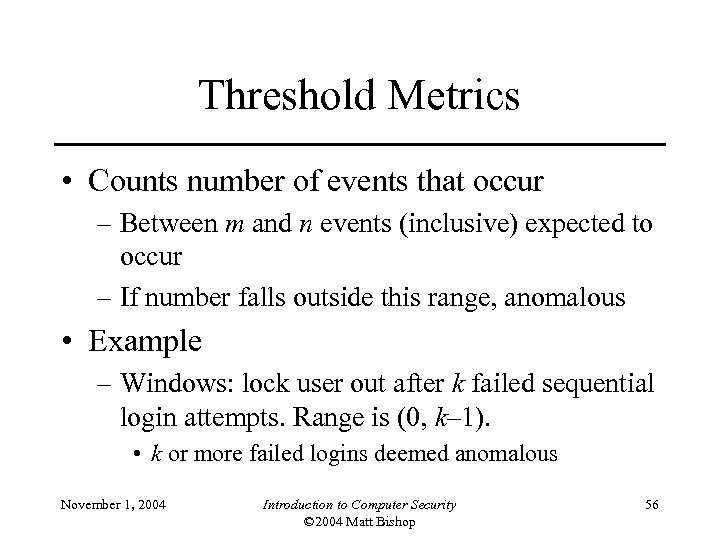
Threshold Metrics • Counts number of events that occur – Between m and n events (inclusive) expected to occur – If number falls outside this range, anomalous • Example – Windows: lock user out after k failed sequential login attempts. Range is (0, k– 1). • k or more failed logins deemed anomalous November 1, 2004 Introduction to Computer Security © 2004 Matt Bishop 56
Difficulties • Appropriate threshold may depend on nonobvious factors – Typing skill of users – If keyboards are US keyboards, and most users are French, typing errors very common • Dvorak vs. non-Dvorak within the US November 1, 2004 Introduction to Computer Security © 2004 Matt Bishop 57
Statistical Moments • Analyzer computes standard deviation (first two moments), other measures of correlation (higher moments) – If measured values fall outside expected interval for particular moments, anomalous • Potential problem – Profile may evolve over time; solution is to weigh data appropriately or alter rules to take changes into account November 1, 2004 Introduction to Computer Security © 2004 Matt Bishop 58
Misuse Modeling • Determines whether a sequence of instructions being executed is known to violate the site security policy – Descriptions of known or potential exploits grouped into rule sets – IDS matches data against rule sets; on success, potential attack found • Cannot detect attacks unknown to developers of rule sets – No rules to cover them November 1, 2004 Introduction to Computer Security © 2004 Matt Bishop 59
IDS Architecture • Basically, a sophisticated audit system – Agent like logger; it gathers data for analysis – Director like analyzer; it analyzes data obtained from the agents according to its internal rules – Notifier obtains results from director, and takes some action • May simply notify security officer • May reconfigure agents, director to alter collection, analysis methods • May activate response mechanism November 1, 2004 Introduction to Computer Security © 2004 Matt Bishop 60
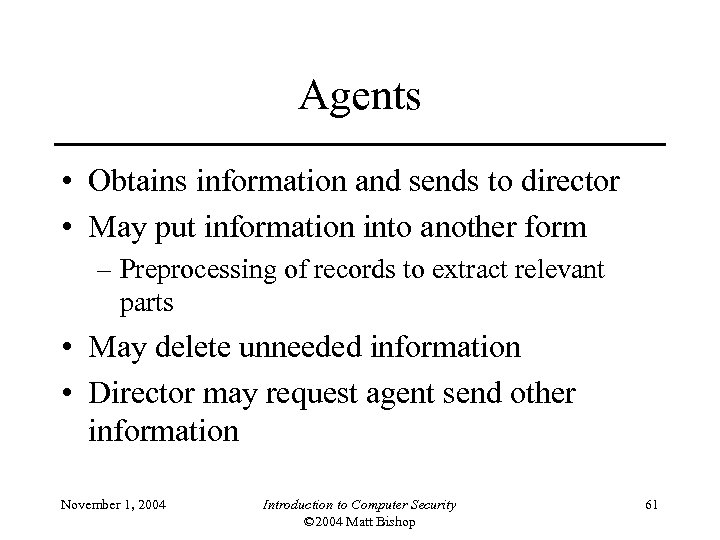
Agents • Obtains information and sends to director • May put information into another form – Preprocessing of records to extract relevant parts • May delete unneeded information • Director may request agent send other information November 1, 2004 Introduction to Computer Security © 2004 Matt Bishop 61
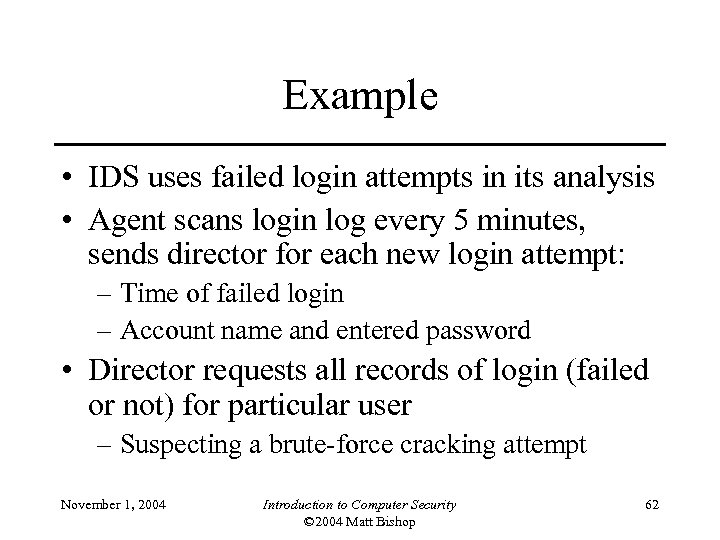
Example • IDS uses failed login attempts in its analysis • Agent scans login log every 5 minutes, sends director for each new login attempt: – Time of failed login – Account name and entered password • Director requests all records of login (failed or not) for particular user – Suspecting a brute-force cracking attempt November 1, 2004 Introduction to Computer Security © 2004 Matt Bishop 62
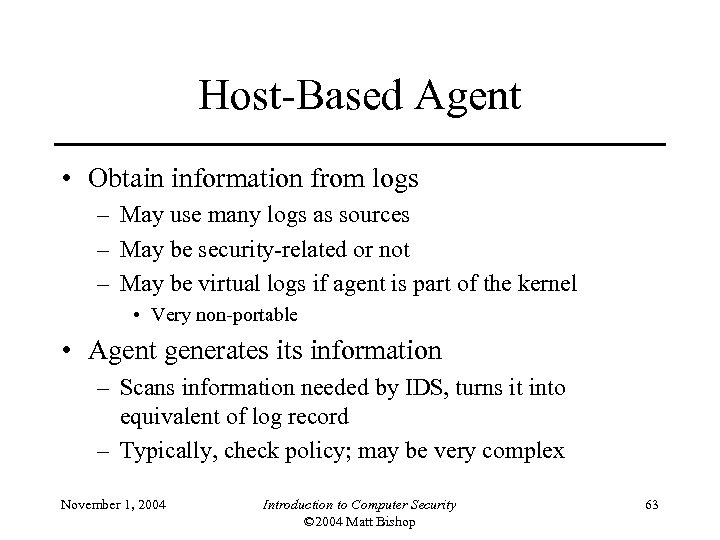
Host-Based Agent • Obtain information from logs – May use many logs as sources – May be security-related or not – May be virtual logs if agent is part of the kernel • Very non-portable • Agent generates its information – Scans information needed by IDS, turns it into equivalent of log record – Typically, check policy; may be very complex November 1, 2004 Introduction to Computer Security © 2004 Matt Bishop 63
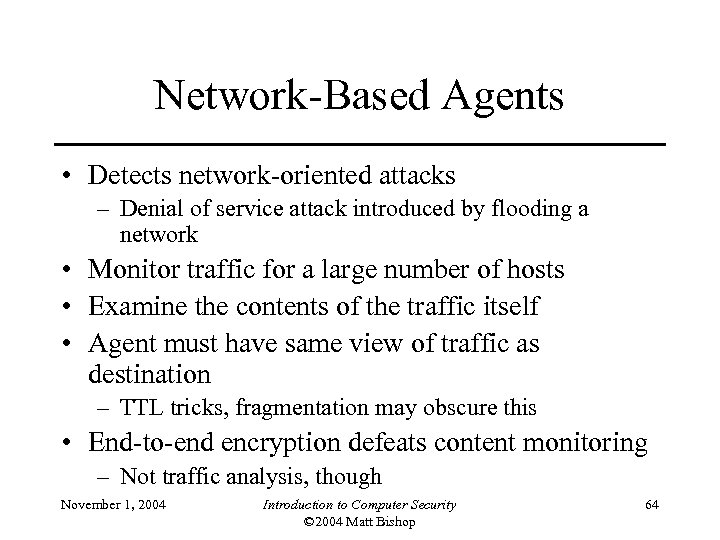
Network-Based Agents • Detects network-oriented attacks – Denial of service attack introduced by flooding a network • Monitor traffic for a large number of hosts • Examine the contents of the traffic itself • Agent must have same view of traffic as destination – TTL tricks, fragmentation may obscure this • End-to-end encryption defeats content monitoring – Not traffic analysis, though November 1, 2004 Introduction to Computer Security © 2004 Matt Bishop 64
Network Issues • Network architecture dictates agent placement – Ethernet or broadcast medium: one agent per subnet – Point-to-point medium: one agent per connection, or agent at distribution/routing point • Focus is usually on intruders entering network – If few entry points, place network agents behind them – Does not help if inside attacks to be monitored November 1, 2004 Introduction to Computer Security © 2004 Matt Bishop 65
Aggregation of Information • Agents produce information at multiple layers of abstraction – Application-monitoring agents provide one view (usually one line) of an event – System-monitoring agents provide a different view (usually many lines) of an event – Network-monitoring agents provide yet another view (involving many network packets) of an event November 1, 2004 Introduction to Computer Security © 2004 Matt Bishop 66
Example • Jane logs in to perform system maintenance during the day • She logs in at night to write reports • One night she begins recompiling the kernel • Agent #1 reports logins and logouts • Agent #2 reports commands executed – Neither agent spots discrepancy – Director correlates log, spots it at once November 1, 2004 Introduction to Computer Security © 2004 Matt Bishop 67
Adaptive Directors • Modify profiles, rule sets to adapt their analysis to changes in system – Usually use machine learning or planning to determine how to do this • Example: use neural nets to analyze logs – Network adapted to users’ behavior over time – Used learning techniques to improve classification of events as anomalous • Reduced number of false alarms November 1, 2004 Introduction to Computer Security © 2004 Matt Bishop 68
Notifier • Accepts information from director • Takes appropriate action – Notify system security officer – Respond to attack • Often GUIs – Well-designed ones use visualization to convey information November 1, 2004 Introduction to Computer Security © 2004 Matt Bishop 69
Organization of an IDS • Monitoring network traffic for intrusions – NSM system • Combining host and network monitoring – DIDS • Making the agents autonomous – AAFID system November 1, 2004 Introduction to Computer Security © 2004 Matt Bishop 70
Monitoring Networks: NSM • Develops profile of expected usage of network, compares current usage • Has 3 -D matrix for data – Axes are source, destination, service – Each connection has unique connection ID – Contents are number of packets sent over that connection for a period of time, and sum of data – NSM generates expected connection data – Expected data masks data in matrix, and anything left over is reported as an anomaly November 1, 2004 Introduction to Computer Security © 2004 Matt Bishop 71
Signatures • Analyst can write rule to look for specific occurrences in matrix – Repeated telnet connections lasting only as long as set-up indicates failed login attempt • Analyst can write rules to match against network traffic – Used to look for excessive logins, attempt to communicate with non-existent host, single host communicating with 15 or more hosts November 1, 2004 Introduction to Computer Security © 2004 Matt Bishop 72
Other • Graphical interface independent of the NSM matrix analyzer • Detected many attacks – But false positives too • Still in use in some places – Signatures have changed, of course • Also demonstrated intrusion detection on network is feasible – Did no content analysis, so would work even with encrypted connections November 1, 2004 Introduction to Computer Security © 2004 Matt Bishop 73
Combining Sources: DIDS • Neither network-based nor host-based monitoring sufficient to detect some attacks – Attacker tries to telnet into system several times using different account names: network-based IDS detects this, but not host-based monitor – Attacker tries to log into system using an account without password: host-based IDS detects this, but not network-based monitor • DIDS uses agents on hosts being monitored, and a network monitor – DIDS director uses expert system to analyze data November 1, 2004 Introduction to Computer Security © 2004 Matt Bishop 74
Layers of Expert System Model 1. Log records 2. Events (relevant information from log entries) 3. Subject capturing all events associated with a user; NID assigned to this subject 4. Contextual information such as time, proximity to other events – Sequence of commands to show who is using the system – Series of failed logins follow November 1, 2004 Introduction to Computer Security © 2004 Matt Bishop 75
Incident Prevention • Identify attack before it completes • Prevent it from completing • Jails useful for this – Attacker placed in a confined environment that looks like a full, unrestricted environment – Attacker may download files, but gets bogus ones – Can imitate a slow system, or an unreliable one – Useful to figure out what attacker wants – MLS systems provide natural jails November 1, 2004 Introduction to Computer Security © 2004 Matt Bishop 76
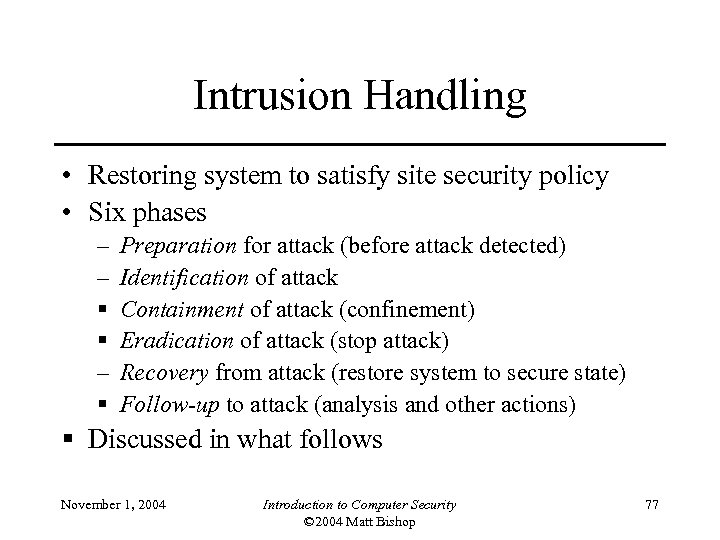
Intrusion Handling • Restoring system to satisfy site security policy • Six phases – – § § – § Preparation for attack (before attack detected) Identification of attack Containment of attack (confinement) Eradication of attack (stop attack) Recovery from attack (restore system to secure state) Follow-up to attack (analysis and other actions) § Discussed in what follows November 1, 2004 Introduction to Computer Security © 2004 Matt Bishop 77
Containment Phase • Goal: limit access of attacker to system resources • Two methods – Passive monitoring – Constraining access November 1, 2004 Introduction to Computer Security © 2004 Matt Bishop 78
Passive Monitoring • Records attacker’s actions; does not interfere with attack – Idea is to find out what the attacker is after and/or methods the attacker is using • Problem: attacked system is vulnerable throughout – Attacker can also attack other systems • Example: type of operating system can be derived from settings of TCP and IP packets of incoming connections – Analyst draws conclusions about source of attack November 1, 2004 Introduction to Computer Security © 2004 Matt Bishop 79
Deception • Deception Tool Kit – – Creates false network interface Can present any network configuration to attackers When probed, can return wide range of vulnerabilities Attacker wastes time attacking non-existent systems while analyst collects and analyzes attacks to determine goals and abilities of attacker – Experiments show deception is effective response to keep attackers from targeting real systems November 1, 2004 Introduction to Computer Security © 2004 Matt Bishop 80
Eradication Phase • Usual approach: deny or remove access to system, or terminate processes involved in attack • Use wrappers to implement access control – Example: wrap system calls • On invocation, wrapper takes control of process • Wrapper can log call, deny access, do intrusion detection • Experiments focusing on intrusion detection used multiple wrappers to terminate suspicious processes – Example: network connections • Wrapper around servers log, do access control on, incoming connections and control access to Web-based databases November 1, 2004 Introduction to Computer Security © 2004 Matt Bishop 81
Firewalls • Mediate access to organization’s network – Also mediate access out to the Internet • Example: Java applets filtered at firewall – Use proxy server to rewrite them • Change “<applet>” to something else – Discard incoming web files with hex sequence CA FE BA BE • All Java class files begin with this – Block all files with name ending in “. class” or “. zip” • Lots of false positives November 1, 2004 Introduction to Computer Security © 2004 Matt Bishop 82
Intrusion Detection and Isolation Protocol • Coordinates response to attacks • Boundary controller is system that can block connection from entering perimeter – Typically firewalls or routers • Neighbor is system directly connected • IDIP domain is set of systems that can send messages to one another without messages passing through boundary controller November 1, 2004 Introduction to Computer Security © 2004 Matt Bishop 83
Counterattacking • Use legal procedures – Collect chain of evidence so legal authorities can establish attack was real – Check with lawyers for this • Rules of evidence very specific and detailed • If you don’t follow them, expect case to be dropped • Technical attack – Goal is to damage attacker seriously enough to stop current attack and deter future attacks November 1, 2004 Introduction to Computer Security © 2004 Matt Bishop 84
Consequences 1. May harm innocent party • Attacker may have broken into source of attack or may be impersonating innocent party 2. May have side effects • If counterattack is flooding, may block legitimate use of network 3. Antithetical to shared use of network • Counterattack absorbs network resources and makes threats more immediate 4. May be legally actionable November 1, 2004 Introduction to Computer Security © 2004 Matt Bishop 85
Example: Counterworm • Counterworm given signature of real worm – Counterworm spreads rapidly, deleting all occurrences of original worm • Some issues – How can counterworm be set up to delete only targeted worm? – What if infected system is gathering worms for research? – How do originators of counterworm know it will not cause problems for any system? • And are they legally liable if it does? November 1, 2004 Introduction to Computer Security © 2004 Matt Bishop 86
Key Points • Intrusion detection is a form of auditing • Anomaly detection looks for unexpected events • Misuse detection looks for what is known to be bad • Specification-based detection looks for what is known not to be good • Intrusion response requires careful thought and planning November 1, 2004 Introduction to Computer Security © 2004 Matt Bishop 87
Скачать презентацию Chapter 20 Vulnerability Analysis Background Penetration
b02f9b52ba2bd197b90ed479d18ad694.ppt