


 Скачать презентацию Chapter 2 Unix Utilities for non-programmers Graham Glass
c4a02a5fde599680b17f7bc5003cce9d.ppt
- Количество слайдов: 45
 Chapter 2 Unix Utilities for non-programmers Graham Glass and King Ables, UNIX for Programmers and Users, Third Edition, Pearson Prentice Hall, 2003. Original Notes by Raj Sunderraman Converted to presentation and updated by Michael Weeks
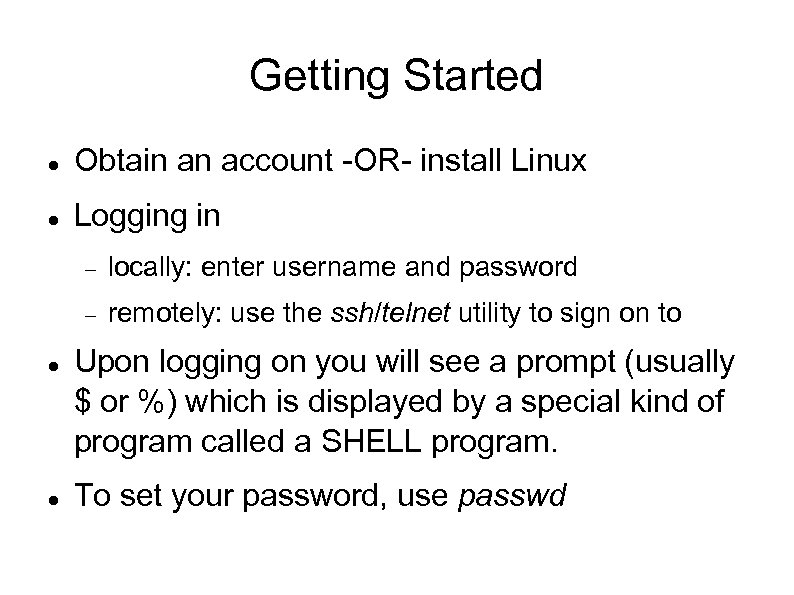 Getting Started Obtain an account -OR- install Linux Logging in locally: enter username and password remotely: use the ssh/telnet utility to sign on to Upon logging on you will see a prompt (usually $ or %) which is displayed by a special kind of program called a SHELL program. To set your password, use passwd
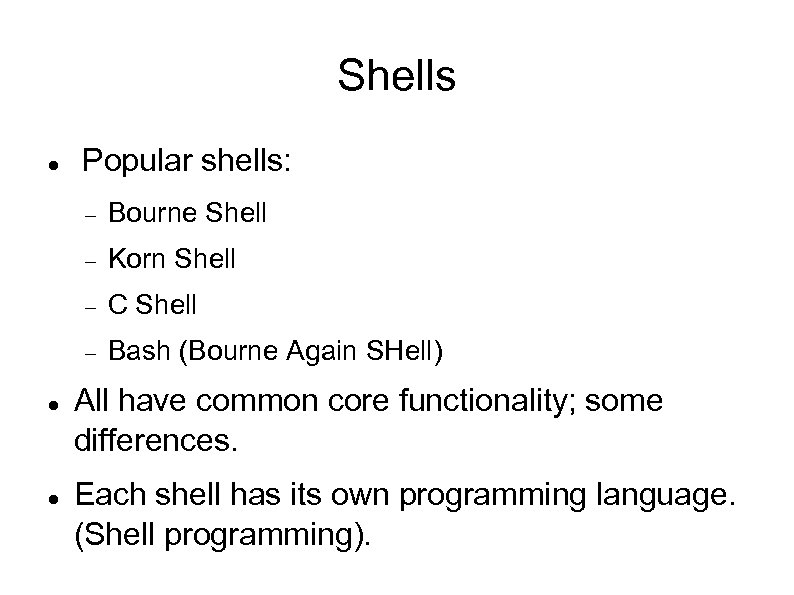 Shells Popular shells: C Shell Korn Shell Bourne Shell Bash (Bourne Again SHell) All have common core functionality; some differences. Each shell has its own programming language. (Shell programming).
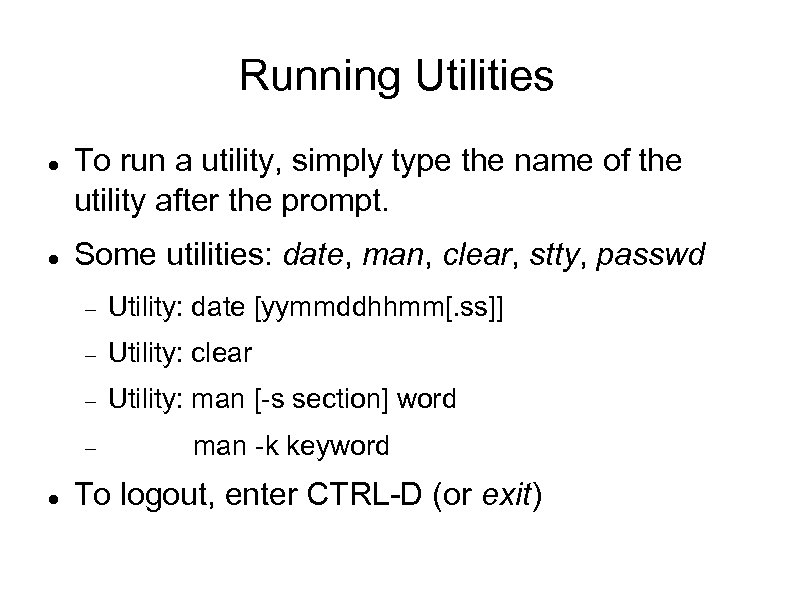 Running Utilities To run a utility, simply type the name of the utility after the prompt. Some utilities: date, man, clear, stty, passwd Utility: date [yymmddhhmm[. ss]] Utility: clear Utility: man [-s section] word man -k keyword To logout, enter CTRL-D (or exit)
 Special Characters list meta characters with stty -a command ^ means control ^C means hold down control key (CTRL) and press the C key
 Special Characters erase: CTRL-H erase character before cursor werase: CTRL-W erase word before cursor kill: CTRL-U erase entire line rprnt: CTRL-R reprint line To test these: type some input like “one two three four” at the terminal prompt move cursor around try the above characters
 Special Characters intr: CTRL-C interrupt running program susp: CTRL-Z program suspend running stop: CTRL-S/CTRL-Q stop printing to screen eof: CTRL-D To test these: give program end of file Try a command like find * For eof, try cat > testfile then CTRL-D on new line
 Some common UNIX utilities pwd cat (like concatenate), more, page, head, tail ls, cd mv, cp, rm mkdir, rmdir file (determine file type), wc (word count), lp vi, pico, emacs groups, chgrp, chmod
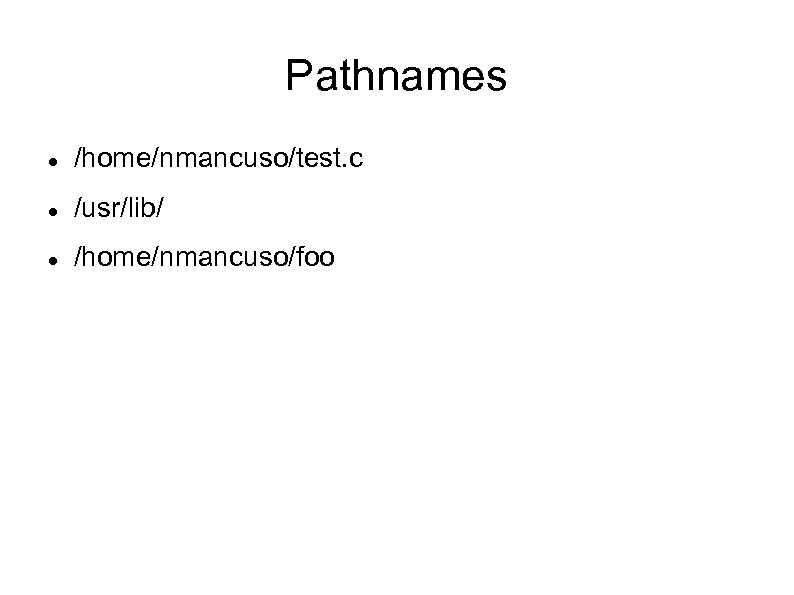 Pathnames /home/nmancuso/test. c /usr/lib/ /home/nmancuso/foo
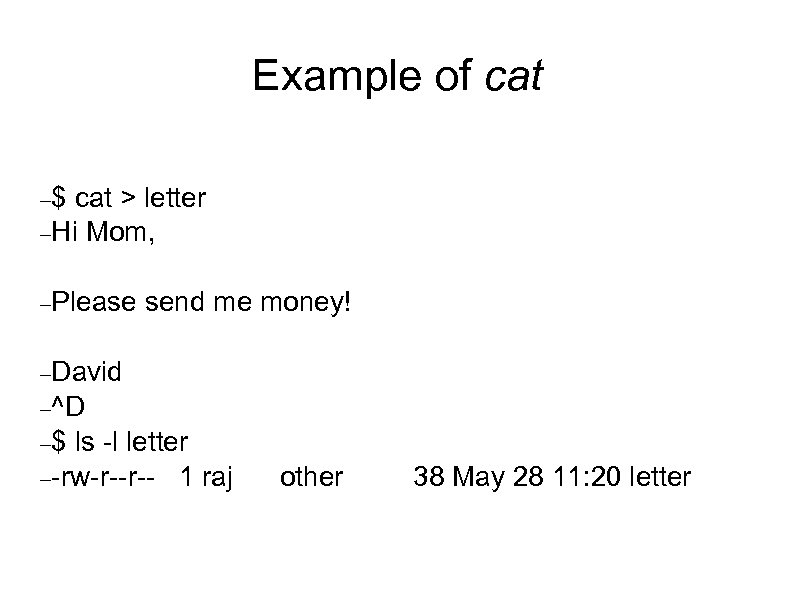 Example of cat $ cat > letter Hi Mom, Please send me money! David ^D $ ls -l letter -rw-r--r-- 1 raj other 38 May 28 11: 20 letter
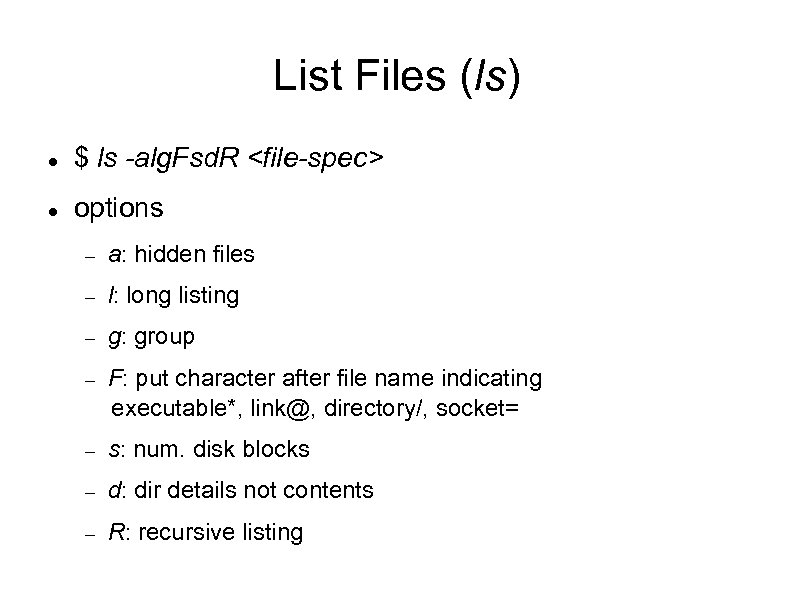 List Files (ls) $ ls -alg. Fsd. R
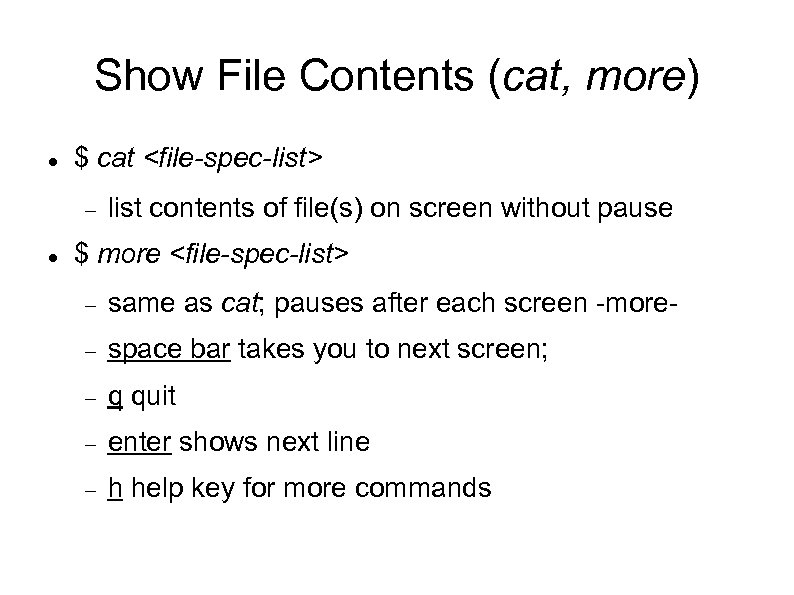 Show File Contents (cat, more) $ cat
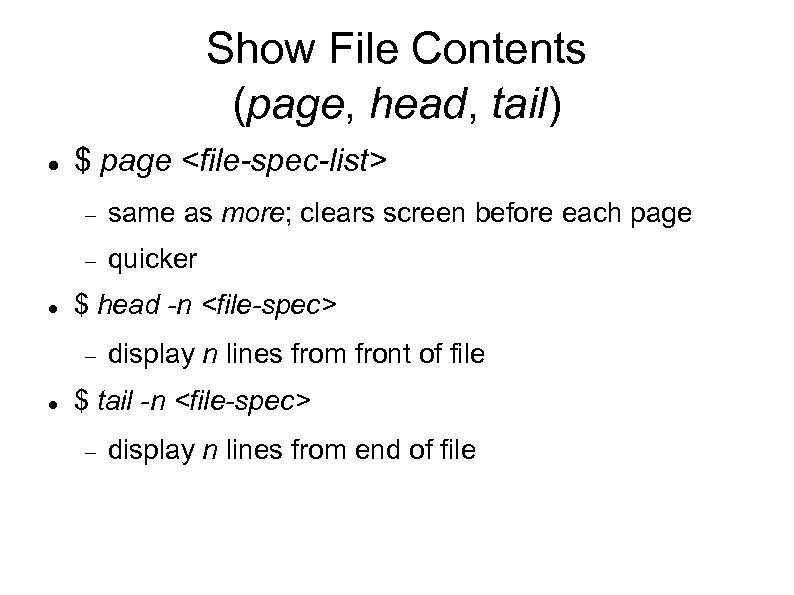 Show File Contents (page, head, tail) $ page
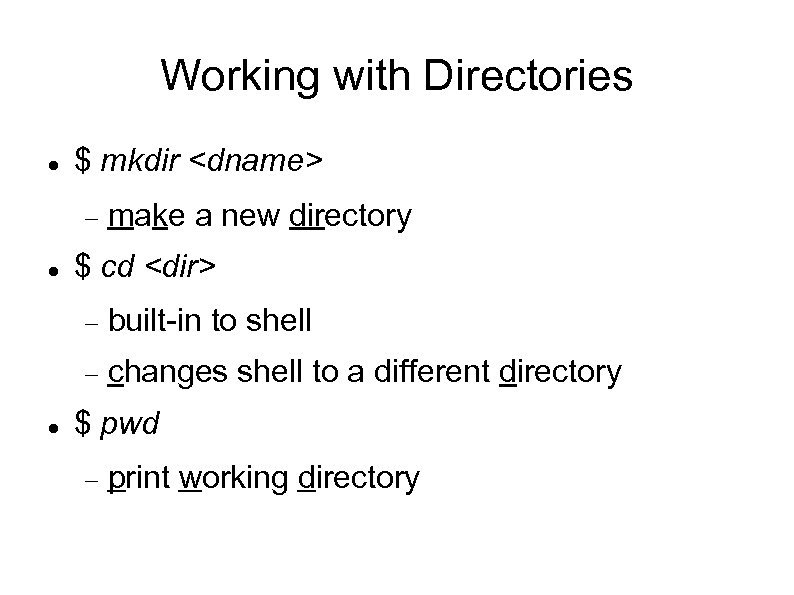 Working with Directories $ mkdir
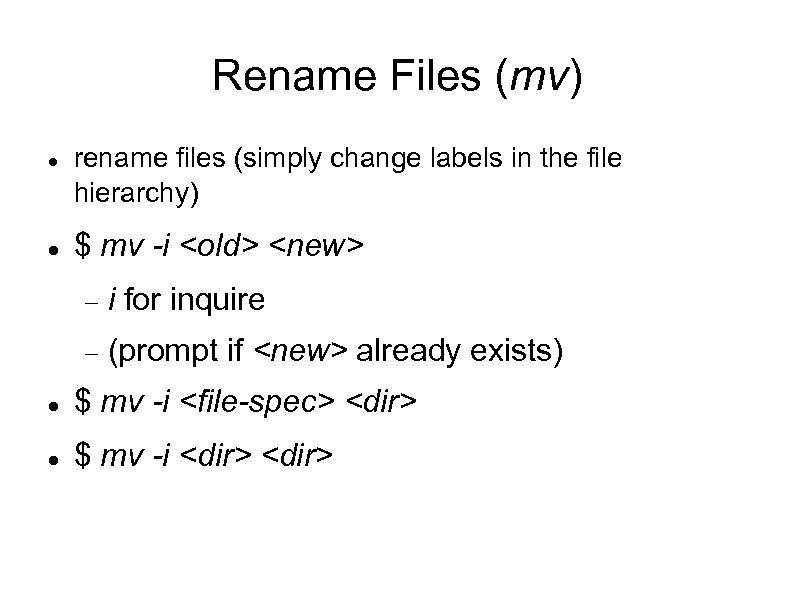 Rename Files (mv) rename files (simply change labels in the file hierarchy) $ mv -i
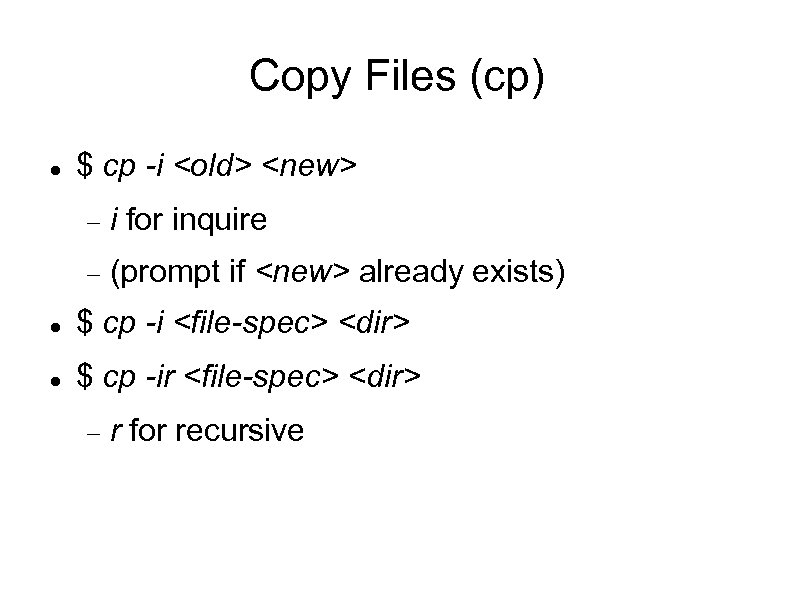 Copy Files (cp) $ cp -i
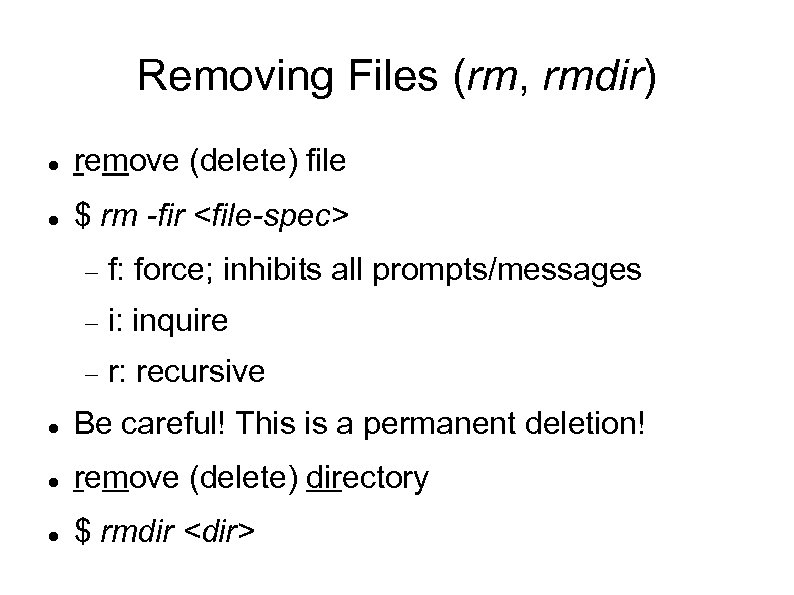 Removing Files (rm, rmdir) remove (delete) file $ rm -fir
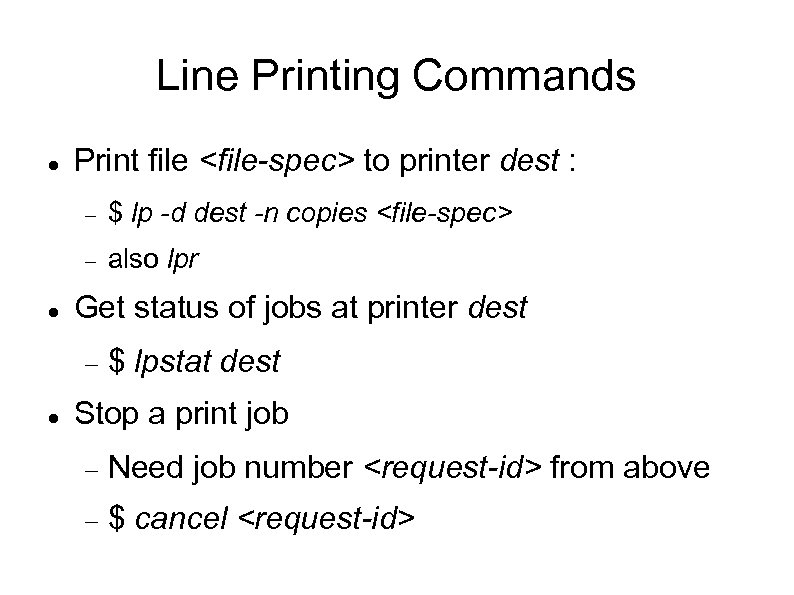 Line Printing Commands Print file
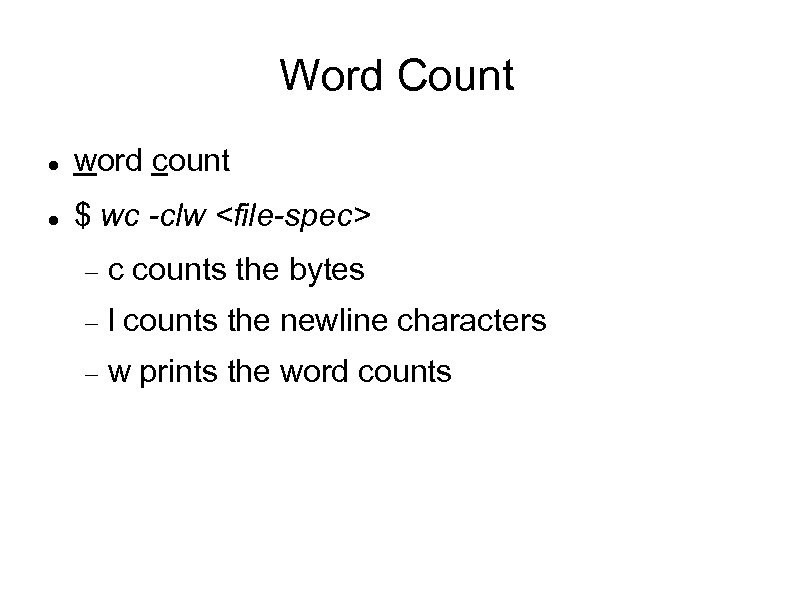 Word Count word count $ wc -clw
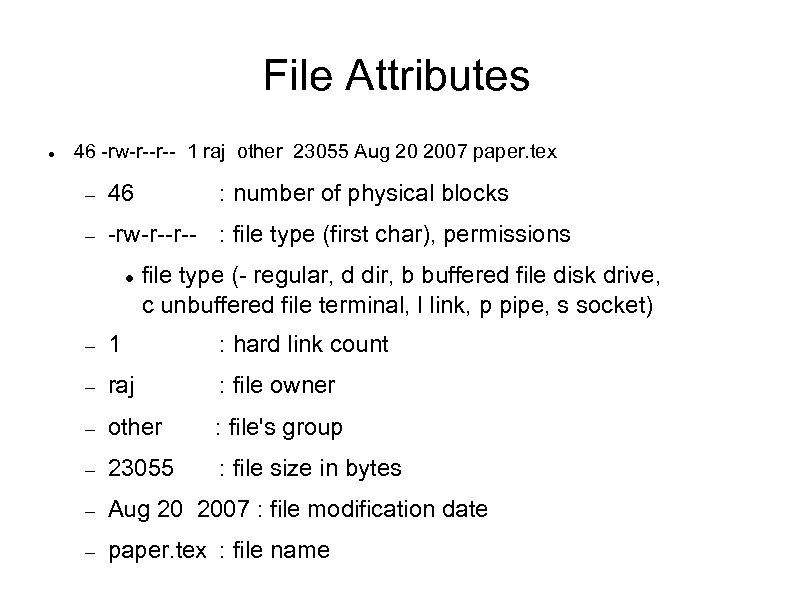 File Attributes 46 -rw-r--r-- 1 raj other 23055 Aug 20 2007 paper. tex 46 -rw-r--r-- : file type (first char), permissions : number of physical blocks file type (- regular, d dir, b buffered file disk drive, c unbuffered file terminal, l link, p pipe, s socket) 1 : hard link count raj : file owner other : file's group 23055 : file size in bytes Aug 20 2007 : file modification date paper. tex : file name
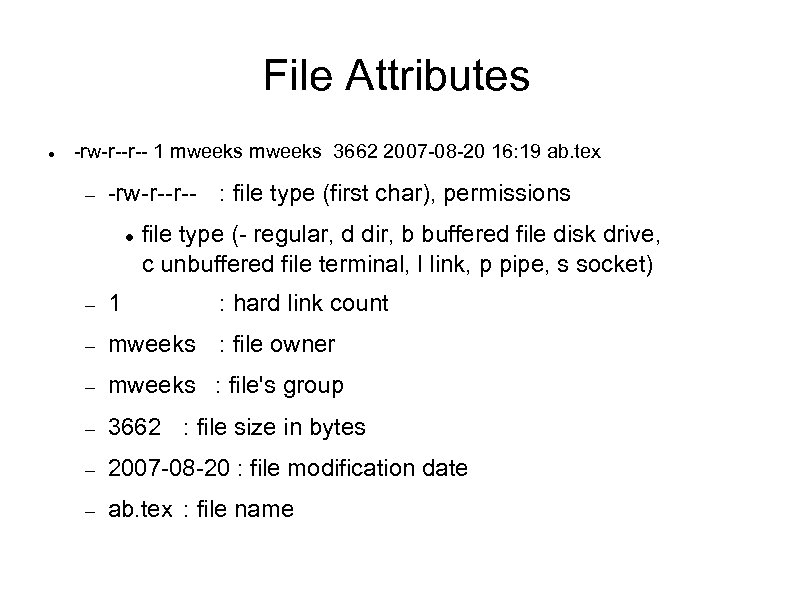 File Attributes -rw-r--r-- 1 mweeks 3662 2007 -08 -20 16: 19 ab. tex -rw-r--r-- : file type (first char), permissions file type (- regular, d dir, b buffered file disk drive, c unbuffered file terminal, l link, p pipe, s socket) 1 : hard link count mweeks : file owner mweeks : file's group 3662 : file size in bytes 2007 -08 -20 : file modification date ab. tex : file name
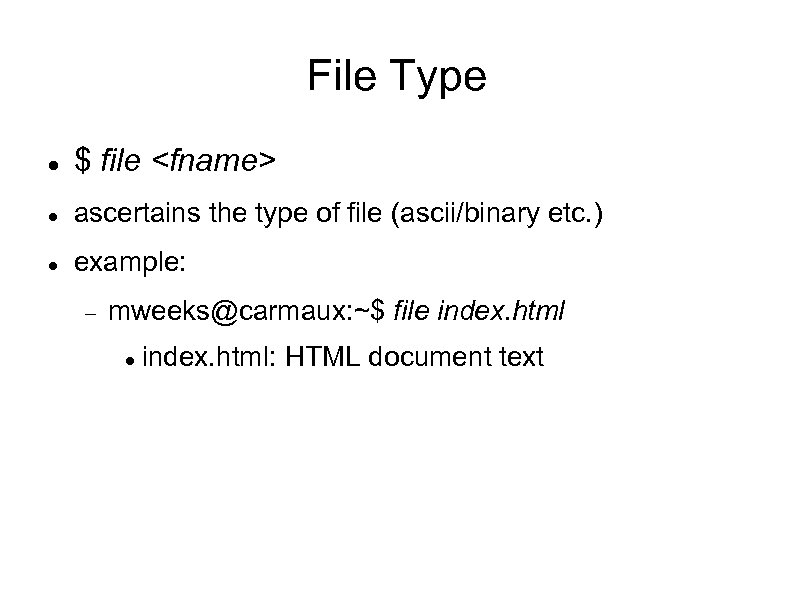 File Type $ file
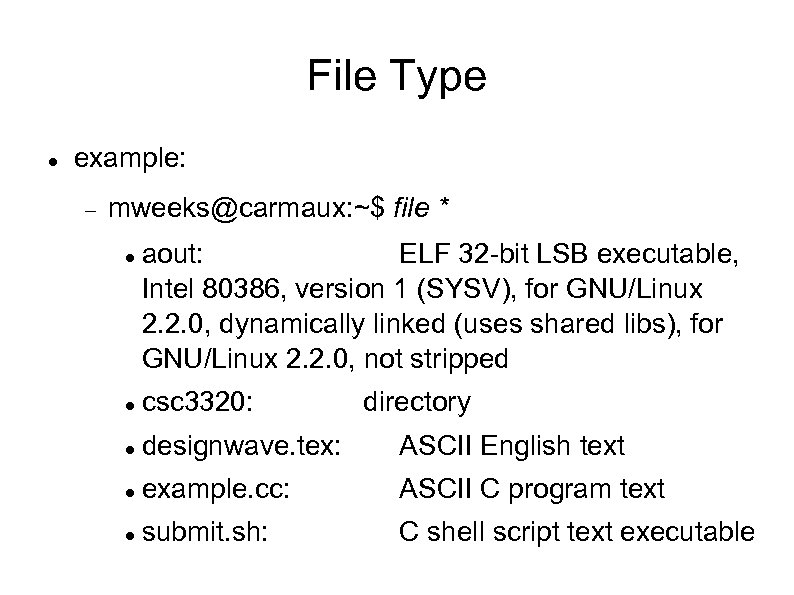 File Type example: mweeks@carmaux: ~$ file * aout: ELF 32 -bit LSB executable, Intel 80386, version 1 (SYSV), for GNU/Linux 2. 2. 0, dynamically linked (uses shared libs), for GNU/Linux 2. 2. 0, not stripped csc 3320: directory designwave. tex: ASCII English text example. cc: ASCII C program text submit. sh: C shell script text executable
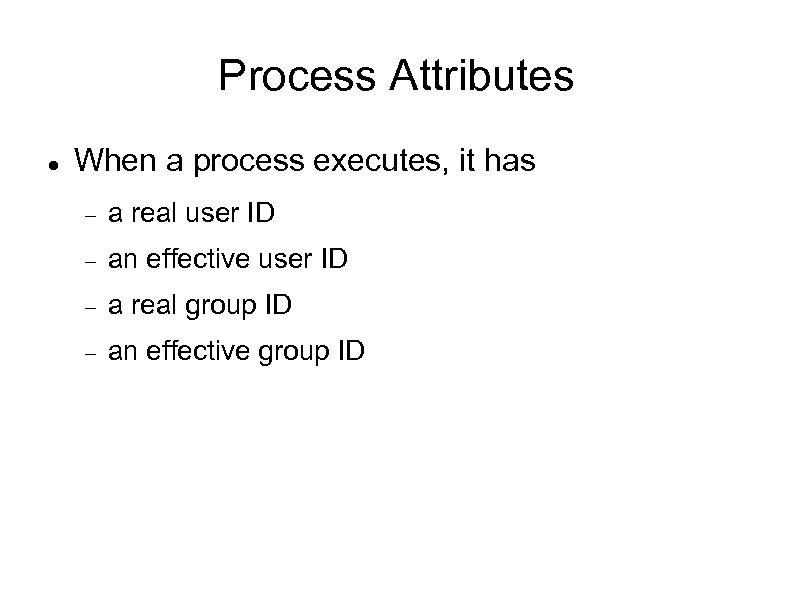 Process Attributes When a process executes, it has a real user ID an effective user ID a real group ID an effective group ID
 Process Attributes When you log in, your login shell process has its real/effective user id set to your user id real/effective group id set to your group id
 Process' File Permissions When a process runs, the file permissions apply as follows: If process' effective user id is not owner of file, but its effective group id = file's group id; Group Privilege applies If process' effective user id = owner of file; User Privilege applies Otherwise Other Privilege applies Real user id is used for accounting purposes only
 Process Access Rights depends on who executes the process, NOT who owns the executable file Sometimes undesirable Example: game of rogue process must have permission to alter the file of best scores the player ends game; NOT by players' shells.
 Process Access Rights Special feature: 2 special file permissions set user ID (s instead of x) set group ID When an executable with set user ID is executed, the effective user ID of the process becomes that of the executable, NOT of the players shell Allows process to modify best scores file
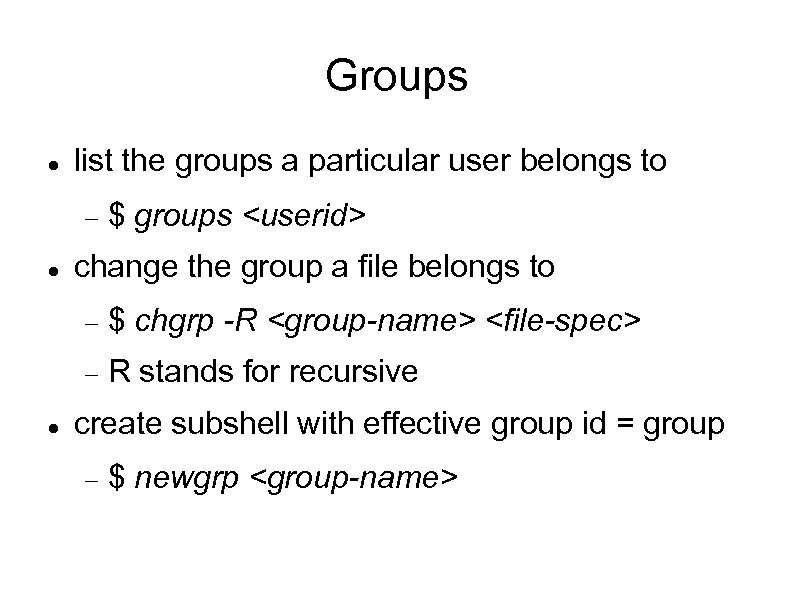 Groups list the groups a particular user belongs to $ groups
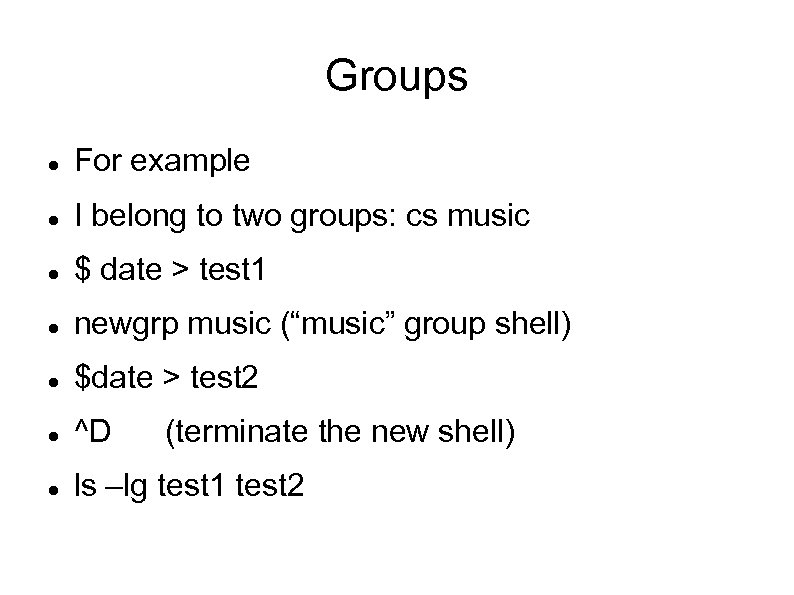 Groups For example I belong to two groups: cs music $ date > test 1 newgrp music (“music” group shell) $date > test 2 ^D ls –lg test 1 test 2 (terminate the new shell)
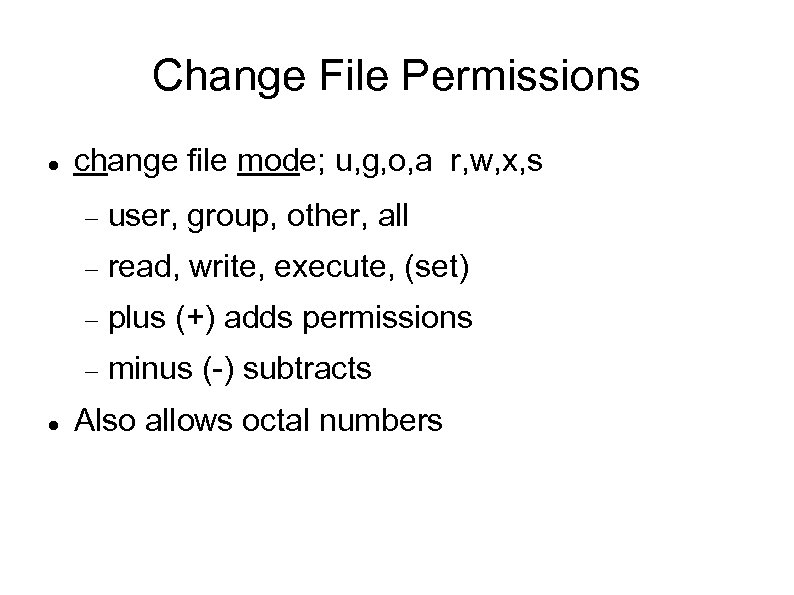 Change File Permissions change file mode; u, g, o, a r, w, x, s read, write, execute, (set) plus (+) adds permissions user, group, other, all minus (-) subtracts Also allows octal numbers
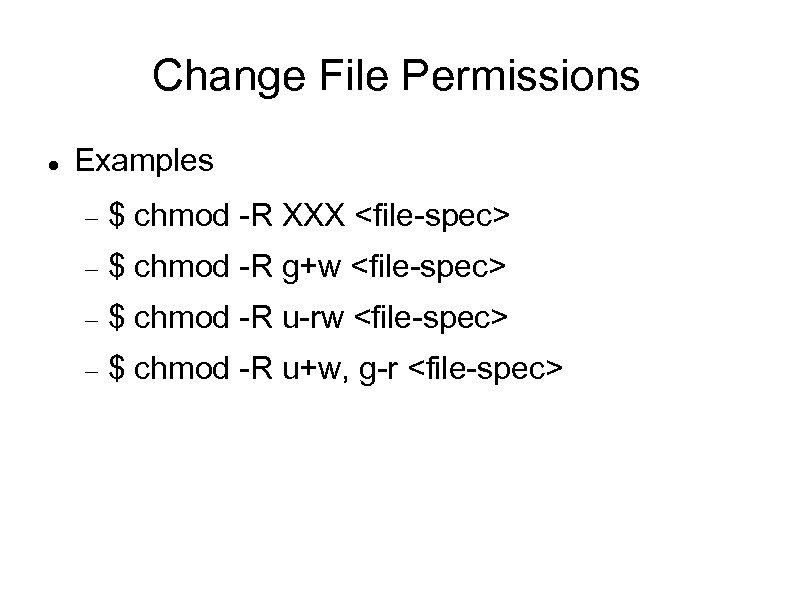 Change File Permissions Examples $ chmod -R XXX
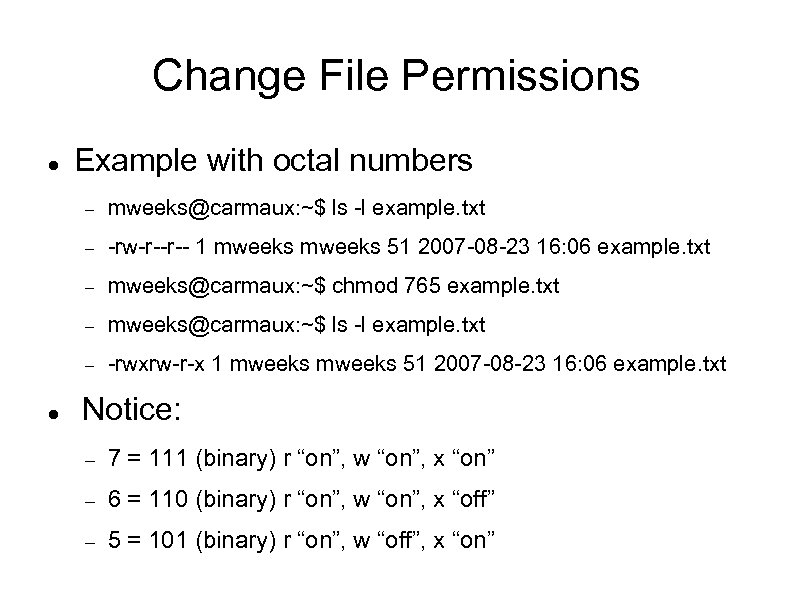 Change File Permissions Example with octal numbers -rw-r--r-- 1 mweeks 51 2007 -08 -23 16: 06 example. txt mweeks@carmaux: ~$ chmod 765 example. txt mweeks@carmaux: ~$ ls -l example. txt -rwxrw-r-x 1 mweeks 51 2007 -08 -23 16: 06 example. txt Notice: 7 = 111 (binary) r “on”, w “on”, x “on” 6 = 110 (binary) r “on”, w “on”, x “off” 5 = 101 (binary) r “on”, w “off”, x “on”
 Change File Owner change owner of file $ chown
 The vi Editor visual text editor Very common on Unix systems Created by Bill Joy in 1976 Many versions exist, including vim vi improved
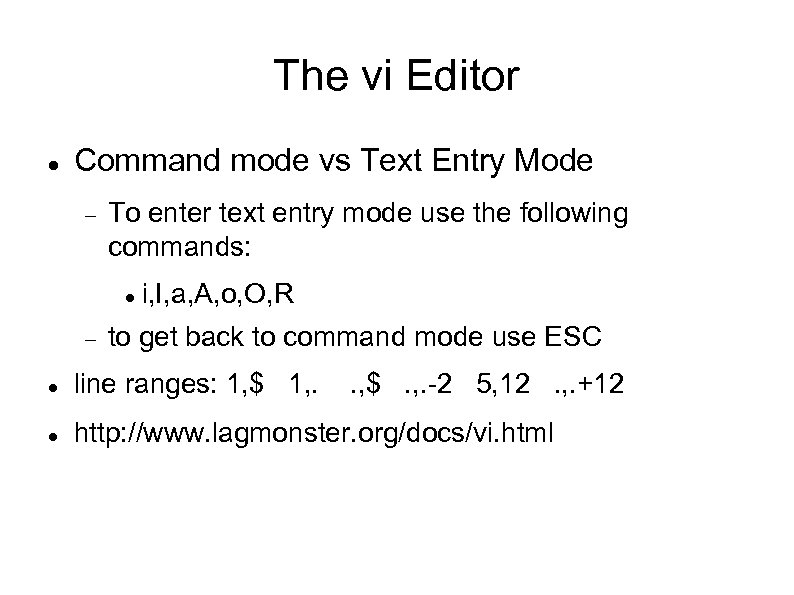 The vi Editor Command mode vs Text Entry Mode To enter text entry mode use the following commands: i, I, a, A, o, O, R to get back to command mode use ESC line ranges: 1, $ 1, . . , $. , . -2 5, 12. , . +12 http: //www. lagmonster. org/docs/vi. html
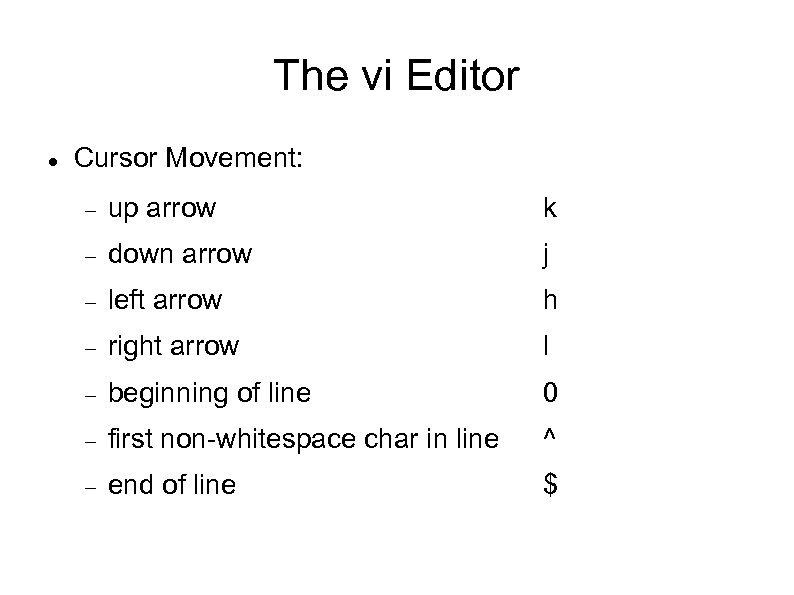 The vi Editor Cursor Movement: up arrow k down arrow j left arrow h right arrow l beginning of line 0 first non-whitespace char in line ^ end of line $
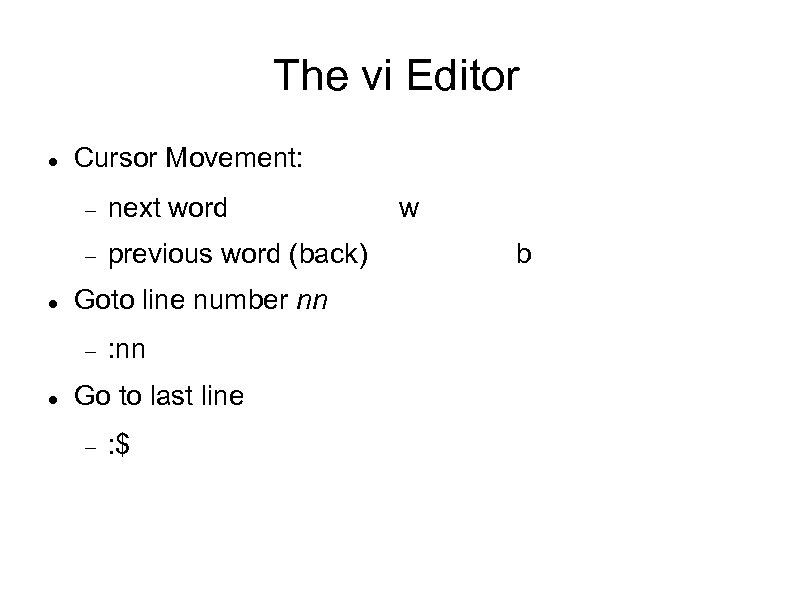 The vi Editor Cursor Movement: next word previous word (back) Goto line number nn : nn Go to last line : $ w b
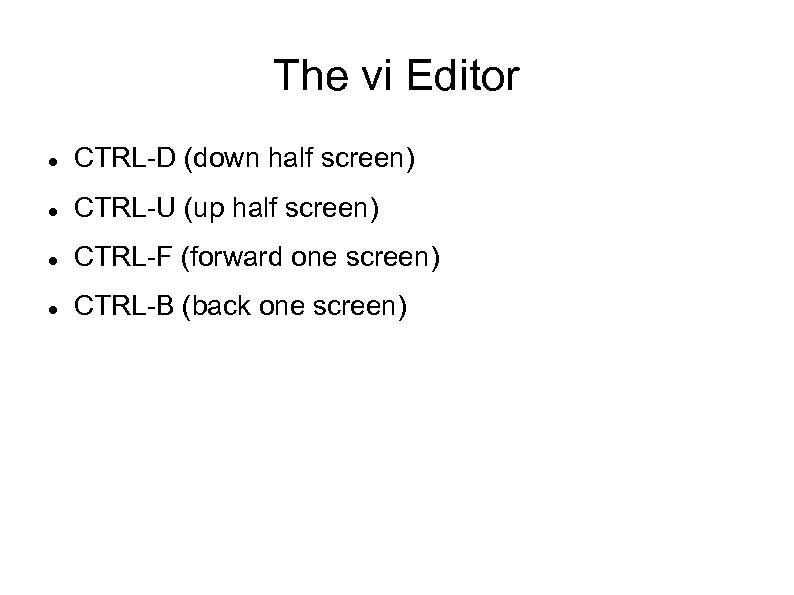 The vi Editor CTRL-D (down half screen) CTRL-U (up half screen) CTRL-F (forward one screen) CTRL-B (back one screen)
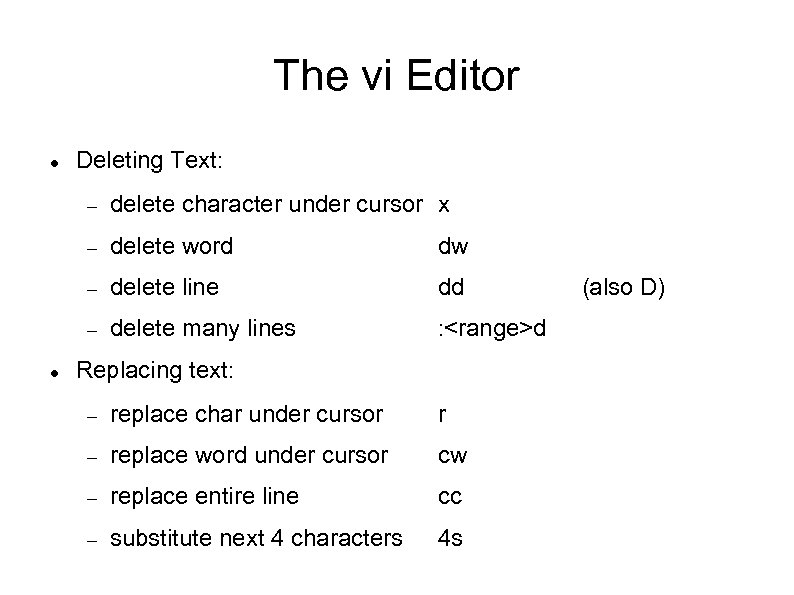 The vi Editor Deleting Text: delete word dw delete line dd delete character under cursor x delete many lines :
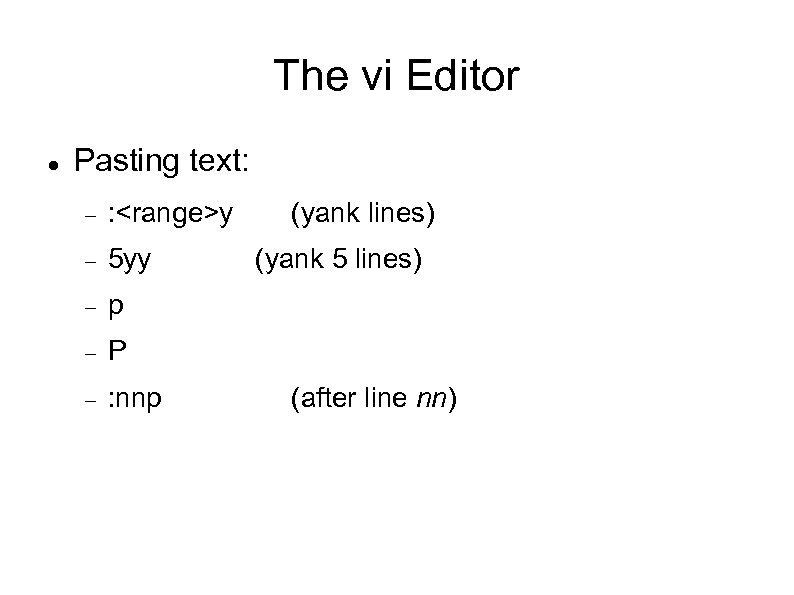 The vi Editor Pasting text: :
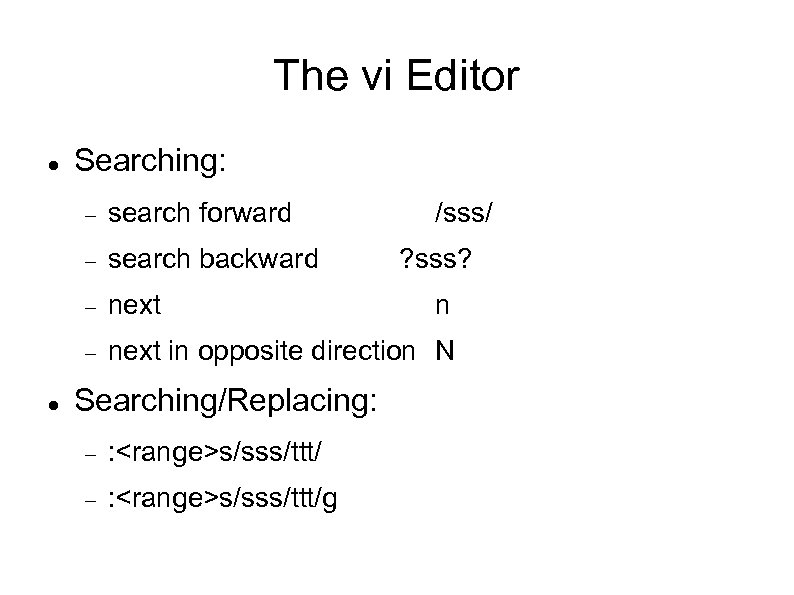 The vi Editor Searching: search backward next search forward next in opposite direction N Searching/Replacing: :
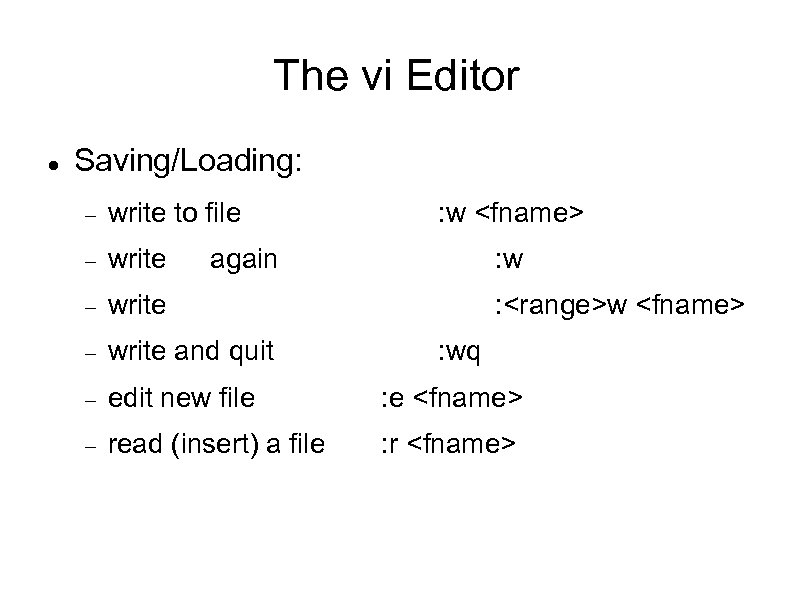 The vi Editor Saving/Loading: write to file : w
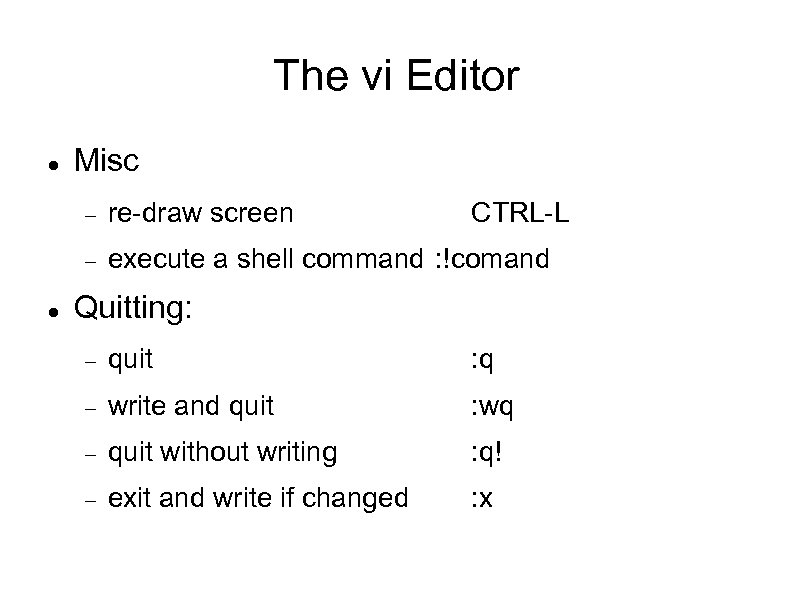 The vi Editor Misc re-draw screen CTRL-L execute a shell command : !comand Quitting: quit : q write and quit : wq quit without writing : q! exit and write if changed : x
 Review Shells and Special Characters Common Utilities Working with Directories Removing Files File Attributes/Types Process Attributes File permissions, groups, and owner The vi editor