


 Скачать презентацию Chapter 1 Introduction to Programming Extended Prelude to
f4b07d941f15c6fafadea187b33a6490.ppt
- Количество слайдов: 20
 Chapter 1: Introduction to Programming Extended Prelude to Programming Concepts & Design, 3/e by Stewart Venit and Elizabeth Drake Copyright © 2007 Pearson Education, Inc. Publishing as Pearson Addison-Wesley
 1. 1 What is Programming? • A program is a list of instructions that is executed by a computer to accomplish a particular task. • Creating those instructions is programming • Program development cycle: – – Analyze the problem Design a program to solve the problem Code the program Test the program 1 -2
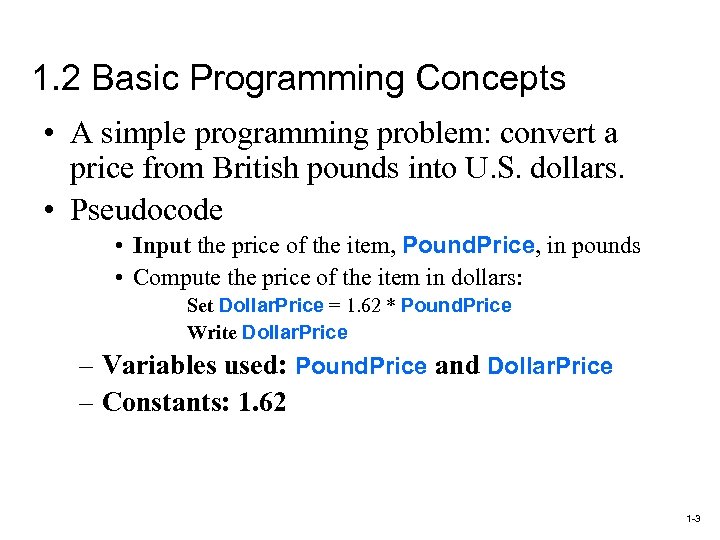 1. 2 Basic Programming Concepts • A simple programming problem: convert a price from British pounds into U. S. dollars. • Pseudocode • Input the price of the item, Pound. Price, in pounds • Compute the price of the item in dollars: Set Dollar. Price = 1. 62 * Pound. Price Write Dollar. Price – Variables used: Pound. Price and Dollar. Price – Constants: 1. 62 1 -3
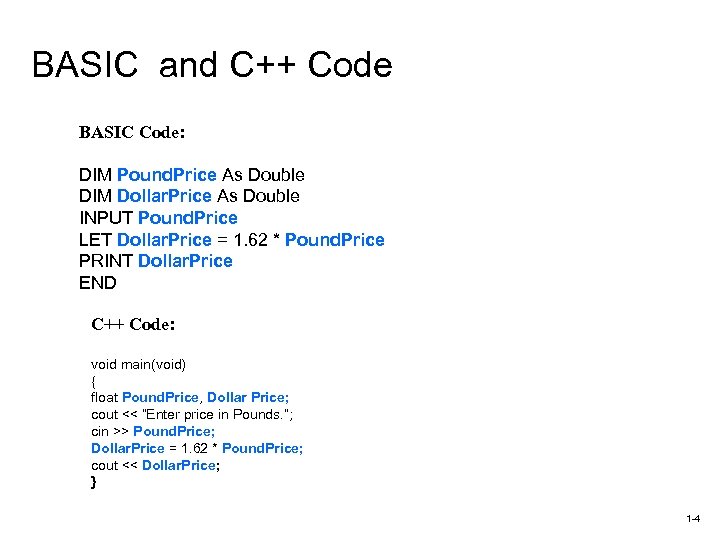 BASIC and C++ Code BASIC Code: DIM Pound. Price As Double DIM Dollar. Price As Double INPUT Pound. Price LET Dollar. Price = 1. 62 * Pound. Price PRINT Dollar. Price END C++ Code: void main(void) { float Pound. Price, Dollar Price; cout << “Enter price in Pounds. ”; cin >> Pound. Price; Dollar. Price = 1. 62 * Pound. Price; cout << Dollar. Price; } 1 -4
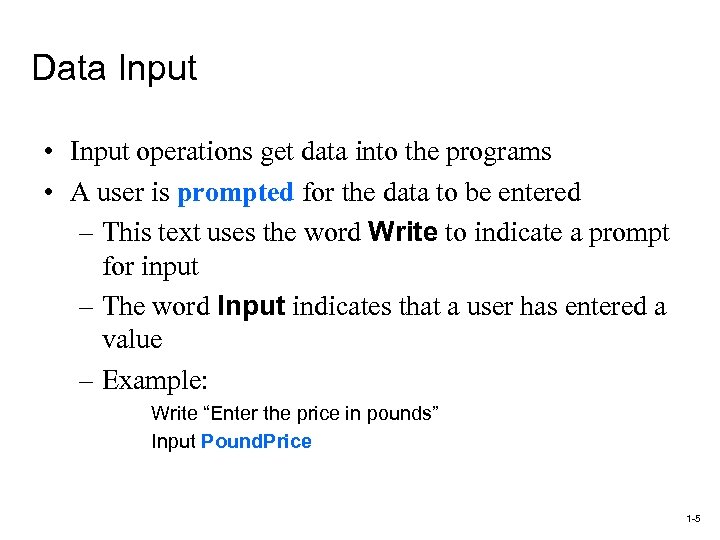 Data Input • Input operations get data into the programs • A user is prompted for the data to be entered – This text uses the word Write to indicate a prompt for input – The word Input indicates that a user has entered a value – Example: Write “Enter the price in pounds” Input Pound. Price 1 -5
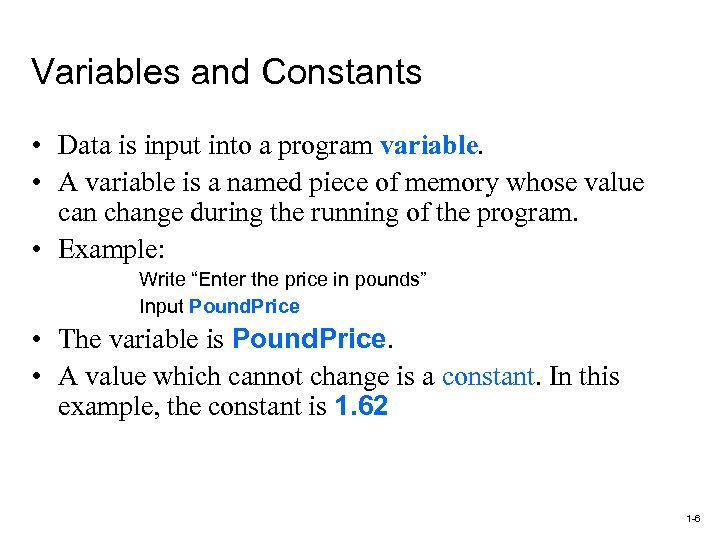 Variables and Constants • Data is input into a program variable. • A variable is a named piece of memory whose value can change during the running of the program. • Example: Write “Enter the price in pounds” Input Pound. Price • The variable is Pound. Price. • A value which cannot change is a constant. In this example, the constant is 1. 62 1 -6
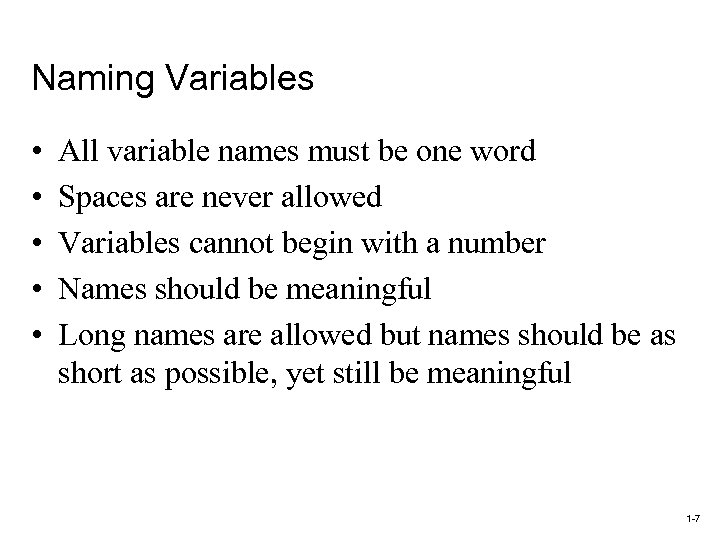 Naming Variables • • • All variable names must be one word Spaces are never allowed Variables cannot begin with a number Names should be meaningful Long names are allowed but names should be as short as possible, yet still be meaningful 1 -7
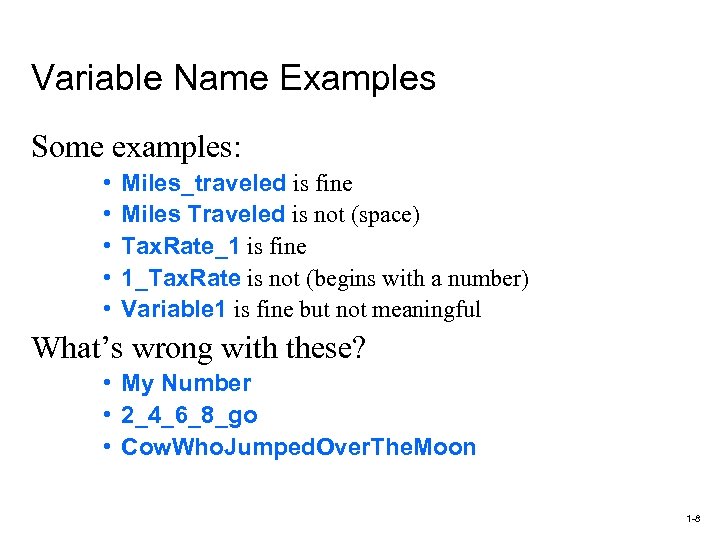 Variable Name Examples Some examples: • • • Miles_traveled is fine Miles Traveled is not (space) Tax. Rate_1 is fine 1_Tax. Rate is not (begins with a number) Variable 1 is fine but not meaningful What’s wrong with these? • My Number • 2_4_6_8_go • Cow. Who. Jumped. Over. The. Moon 1 -8
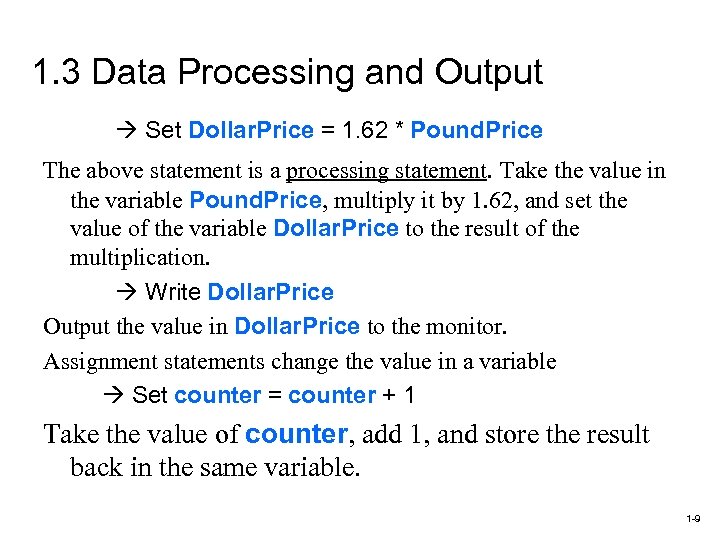 1. 3 Data Processing and Output Set Dollar. Price = 1. 62 * Pound. Price The above statement is a processing statement. Take the value in the variable Pound. Price, multiply it by 1. 62, and set the value of the variable Dollar. Price to the result of the multiplication. Write Dollar. Price Output the value in Dollar. Price to the monitor. Assignment statements change the value in a variable Set counter = counter + 1 Take the value of counter, add 1, and store the result back in the same variable. 1 -9
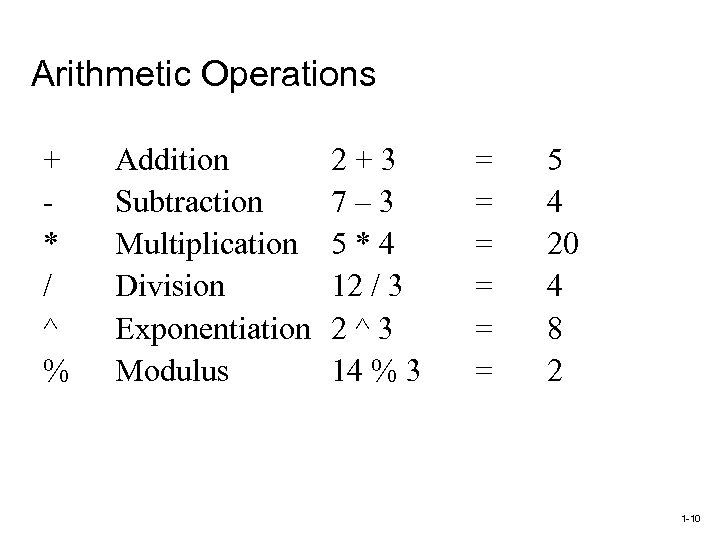 Arithmetic Operations + * / ^ % Addition Subtraction Multiplication Division Exponentiation Modulus 2+3 7– 3 5*4 12 / 3 2^3 14 % 3 = = = 5 4 20 4 8 2 1 -10
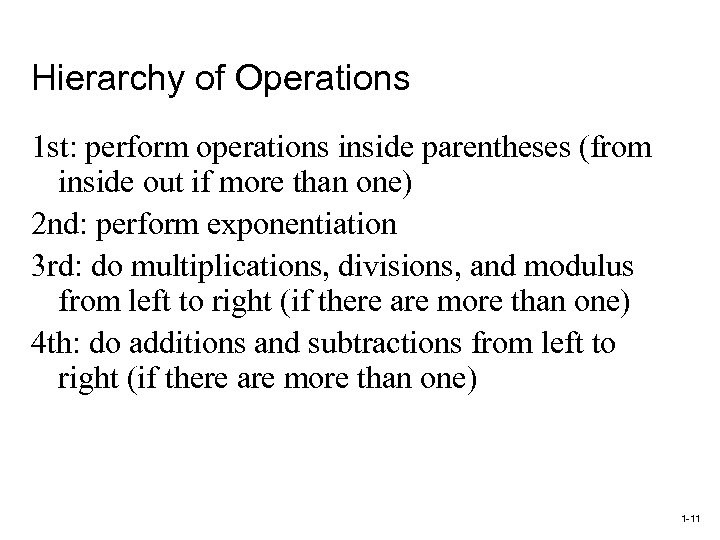 Hierarchy of Operations 1 st: perform operations inside parentheses (from inside out if more than one) 2 nd: perform exponentiation 3 rd: do multiplications, divisions, and modulus from left to right (if there are more than one) 4 th: do additions and subtractions from left to right (if there are more than one) 1 -11
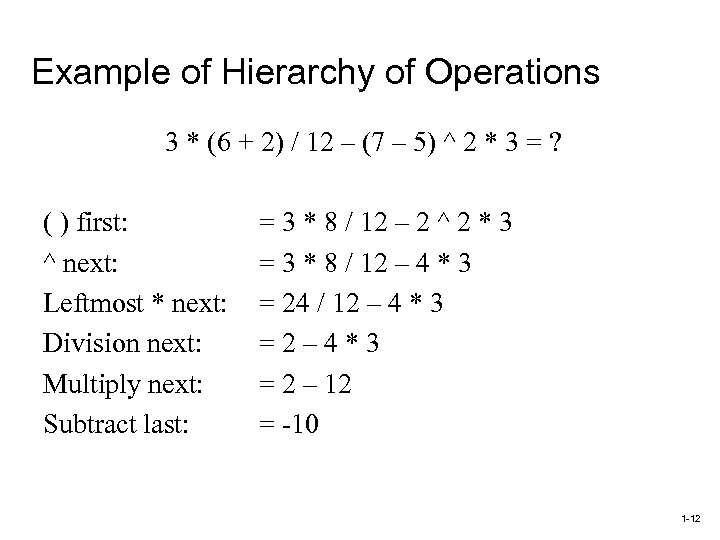 Example of Hierarchy of Operations 3 * (6 + 2) / 12 – (7 – 5) ^ 2 * 3 = ? ( ) first: ^ next: Leftmost * next: Division next: Multiply next: Subtract last: = 3 * 8 / 12 – 2 ^ 2 * 3 = 3 * 8 / 12 – 4 * 3 = 24 / 12 – 4 * 3 =2– 4*3 = 2 – 12 = -10 1 -12
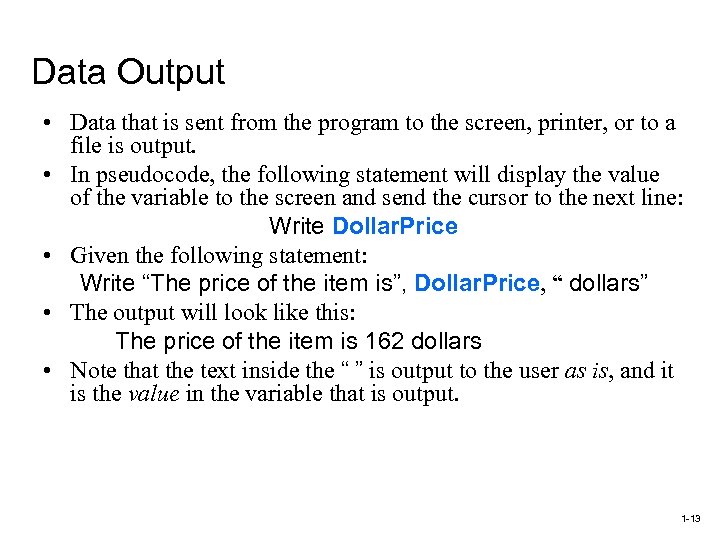 Data Output • Data that is sent from the program to the screen, printer, or to a file is output. • In pseudocode, the following statement will display the value of the variable to the screen and send the cursor to the next line: Write Dollar. Price • Given the following statement: Write “The price of the item is”, Dollar. Price, “ dollars” • The output will look like this: The price of the item is 162 dollars • Note that the text inside the “ ” is output to the user as is, and it is the value in the variable that is output. 1 -13
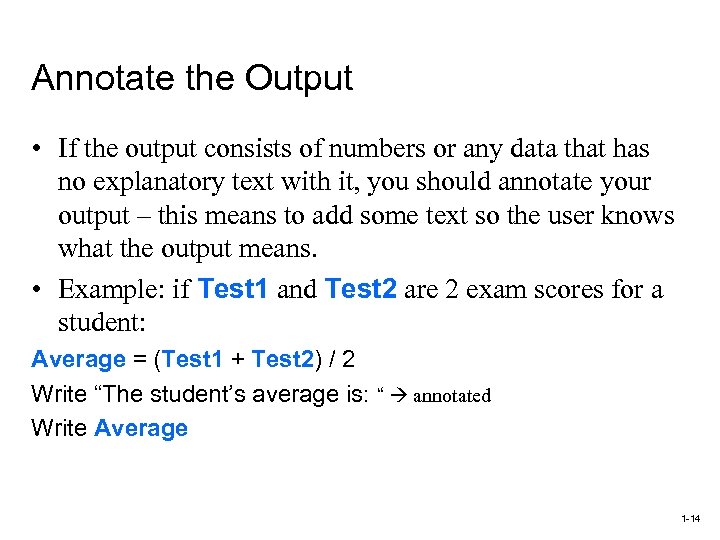 Annotate the Output • If the output consists of numbers or any data that has no explanatory text with it, you should annotate your output – this means to add some text so the user knows what the output means. • Example: if Test 1 and Test 2 are 2 exam scores for a student: Average = (Test 1 + Test 2) / 2 Write “The student’s average is: “ annotated Write Average 1 -14
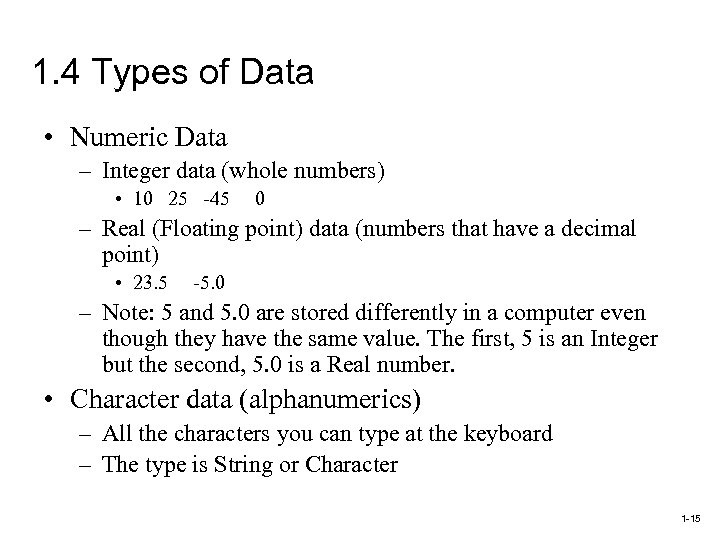 1. 4 Types of Data • Numeric Data – Integer data (whole numbers) • 10 25 -45 0 – Real (Floating point) data (numbers that have a decimal point) • 23. 5 -5. 0 – Note: 5 and 5. 0 are stored differently in a computer even though they have the same value. The first, 5 is an Integer but the second, 5. 0 is a Real number. • Character data (alphanumerics) – All the characters you can type at the keyboard – The type is String or Character 1 -15
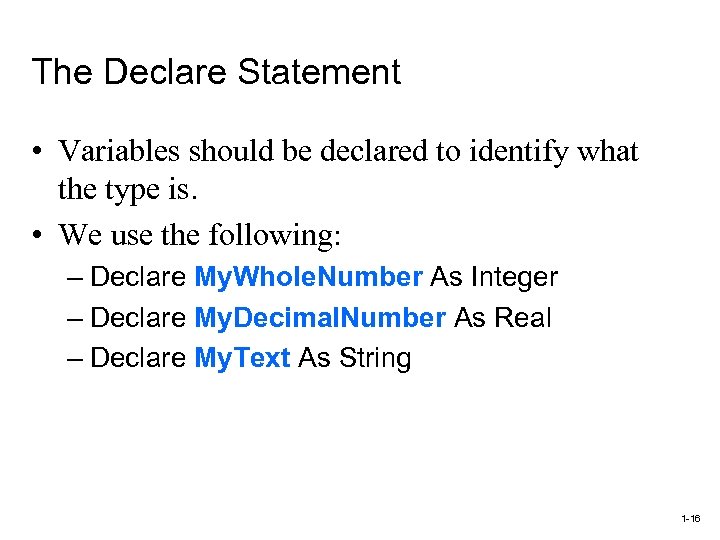 The Declare Statement • Variables should be declared to identify what the type is. • We use the following: – Declare My. Whole. Number As Integer – Declare My. Decimal. Number As Real – Declare My. Text As String 1 -16
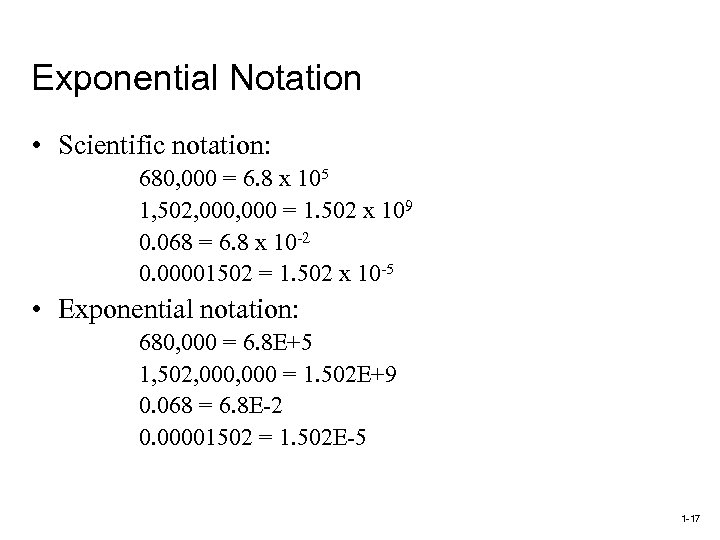 Exponential Notation • Scientific notation: 680, 000 = 6. 8 x 10⁵ 1, 502, 000 = 1. 502 x 109 0. 068 = 6. 8 x 10 -2 0. 00001502 = 1. 502 x 10 -5 • Exponential notation: 680, 000 = 6. 8 E+5 1, 502, 000 = 1. 502 E+9 0. 068 = 6. 8 E-2 0. 00001502 = 1. 502 E-5 1 -17
 Character String Data • Character: any symbol that can be typed at the keyboard • Character string: a sequence of characters • Character and String Data Types: – Declare My. Initial As Character declares a variable named My. Initial as a Character type – Declare My. Name As String declares a variable named My. Name as a String type 1 -18
 Concatenation • Concatenation takes two strings and joins them to create a string result • The concatenation operator is symbolized, in pseudocode, with a + sign • Example: if: String 1 = “yellow” and String 2 = “duckie” then the statement: Set My. Friend = String 1 + String 2 results in: My. Friend = “yellow duckie” 1 -19
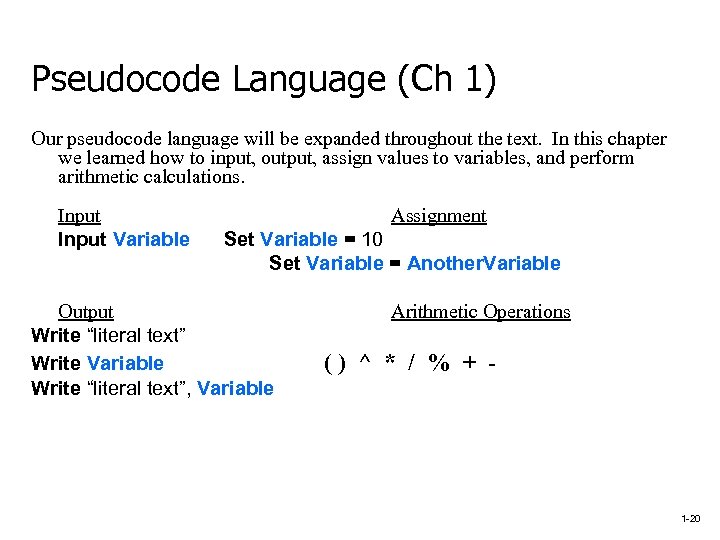 Pseudocode Language (Ch 1) Our pseudocode language will be expanded throughout the text. In this chapter we learned how to input, output, assign values to variables, and perform arithmetic calculations. Input Variable Assignment Set Variable = 10 Set Variable = Another. Variable Output Write “literal text” Write Variable Write “literal text”, Variable Arithmetic Operations () ^ * / % + - 1 -20