


![Creating an Array (continued) • Array name and brackets syntax is: $array_name[ ] $Provinces[]](https://present5.com/presentation/9aa67e0e560fd20994f5a2f2235b9392/image-51.jpg "Creating an Array (continued) • Array name and brackets syntax is: $array_name[ ] $Provinces[]")
 Скачать презентацию Chapter 1 Getting Started with PHP Programming with
9aa67e0e560fd20994f5a2f2235b9392.ppt
- Количество слайдов: 82
 Chapter 1 Getting Started with PHP Programming with My. SQL 2 nd Edition
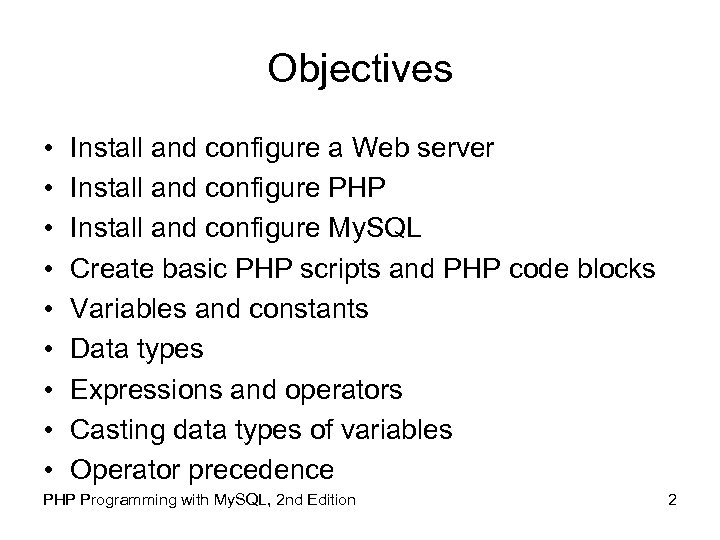 Objectives • • • Install and configure a Web server Install and configure PHP Install and configure My. SQL Create basic PHP scripts and PHP code blocks Variables and constants Data types Expressions and operators Casting data types of variables Operator precedence PHP Programming with My. SQL, 2 nd Edition 2
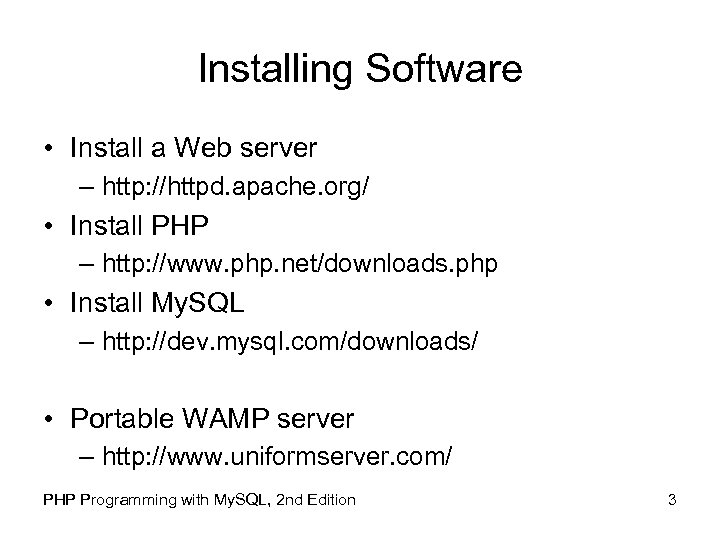 Installing Software • Install a Web server – http: //httpd. apache. org/ • Install PHP – http: //www. php. net/downloads. php • Install My. SQL – http: //dev. mysql. com/downloads/ • Portable WAMP server – http: //www. uniformserver. com/ PHP Programming with My. SQL, 2 nd Edition 3
 Understanding Binary and Source Code Installations • Binary format (or binaries) refer to compiled files, such as executable installation programs • Source code is the original programming code in which an application was written • Source code must be compiled, or processed, and assembled into an executable format before it is used • Compiled programs only need to be recompiled when their code changes PHP Programming with My. SQL, 2 nd Edition 4
 Installing and Configuring a Web Server • Apache is the most popular Web server software used on the Internet • Microsoft IIS for Windows is the second most popular server software • In Windows, a service refers to a program that performs a specific function to support other programs PHP Programming with My. SQL, 2 nd Edition 5
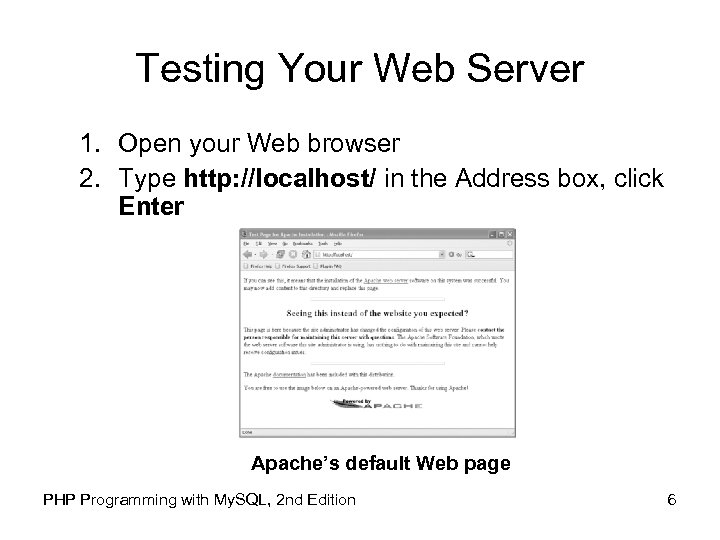 Testing Your Web Server 1. Open your Web browser 2. Type http: //localhost/ in the Address box, click Enter Apache’s default Web page PHP Programming with My. SQL, 2 nd Edition 6
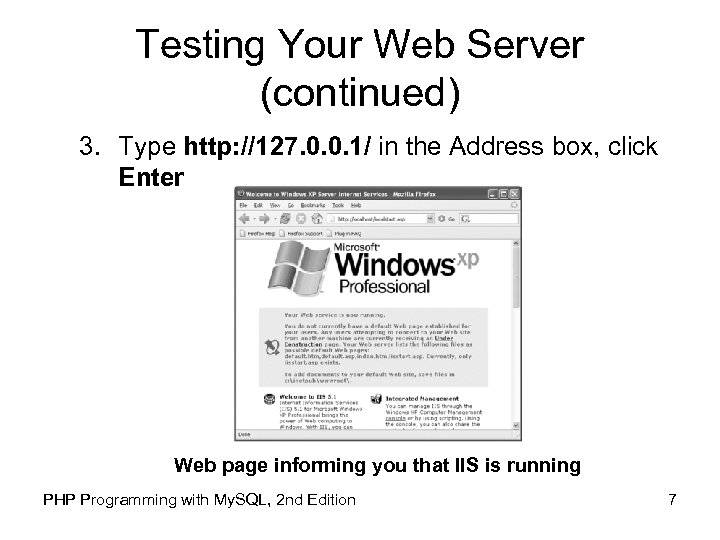 Testing Your Web Server (continued) 3. Type http: //127. 0. 0. 1/ in the Address box, click Enter Web page informing you that IIS is running PHP Programming with My. SQL, 2 nd Edition 7
 Configuring Apache • To configure ports and other settings you must edit the httpd. conf file • For UNIX/Linux – /usr/local/apache 2/conf • For Windows – C: Program FilesApache GroupApache 2conf • Lines that begin with the pound sign (#) are informational comments • Lines without pound signs contain directives PHP Programming with My. SQL, 2 nd Edition 8
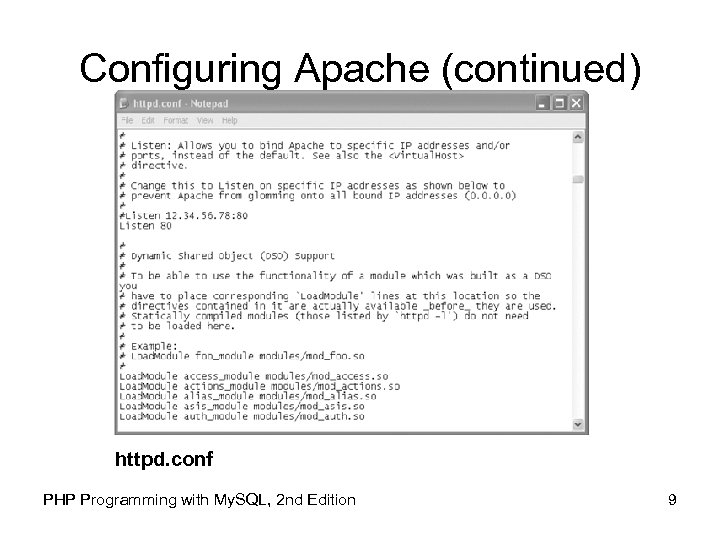 Configuring Apache (continued) httpd. conf PHP Programming with My. SQL, 2 nd Edition 9
 Configuring Apache (continued) • Directives define information about how a program should be configured • The Document. Root directive identifies the default directory from where Apache serves Web pages • The Alias directive identifies other directories that Apache can use to serve Web pages PHP Programming with My. SQL, 2 nd Edition 10
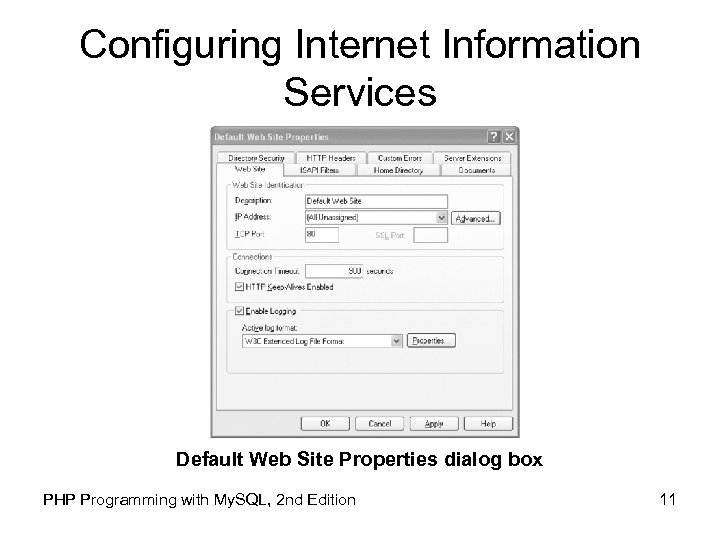 Configuring Internet Information Services Default Web Site Properties dialog box PHP Programming with My. SQL, 2 nd Edition 11
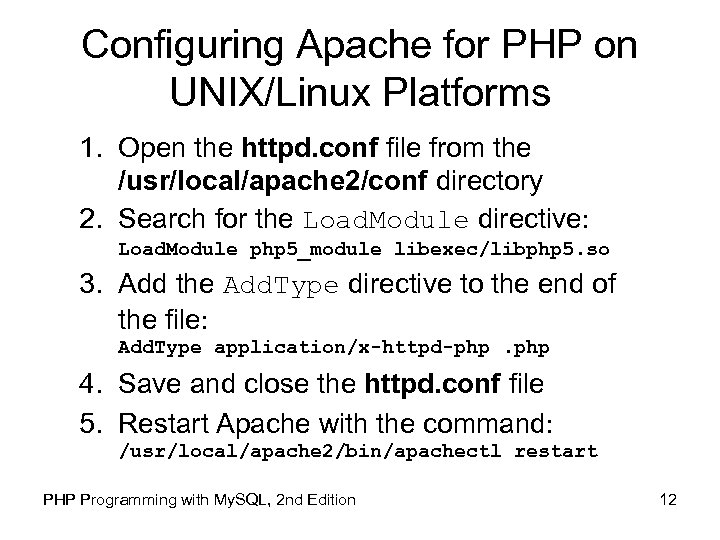 Configuring Apache for PHP on UNIX/Linux Platforms 1. Open the httpd. conf file from the /usr/local/apache 2/conf directory 2. Search for the Load. Module directive: Load. Module php 5_module libexec/libphp 5. so 3. Add the Add. Type directive to the end of the file: Add. Type application/x-httpd-php. php 4. Save and close the httpd. conf file 5. Restart Apache with the command: /usr/local/apache 2/bin/apachectl restart PHP Programming with My. SQL, 2 nd Edition 12
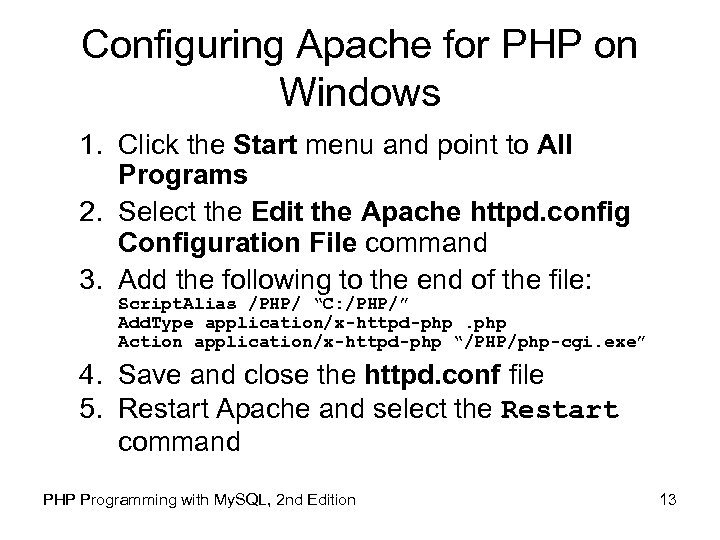 Configuring Apache for PHP on Windows 1. Click the Start menu and point to All Programs 2. Select the Edit the Apache httpd. config Configuration File command 3. Add the following to the end of the file: Script. Alias /PHP/ “C: /PHP/” Add. Type application/x-httpd-php. php Action application/x-httpd-php “/PHP/php-cgi. exe” 4. Save and close the httpd. conf file 5. Restart Apache and select the Restart command PHP Programming with My. SQL, 2 nd Edition 13
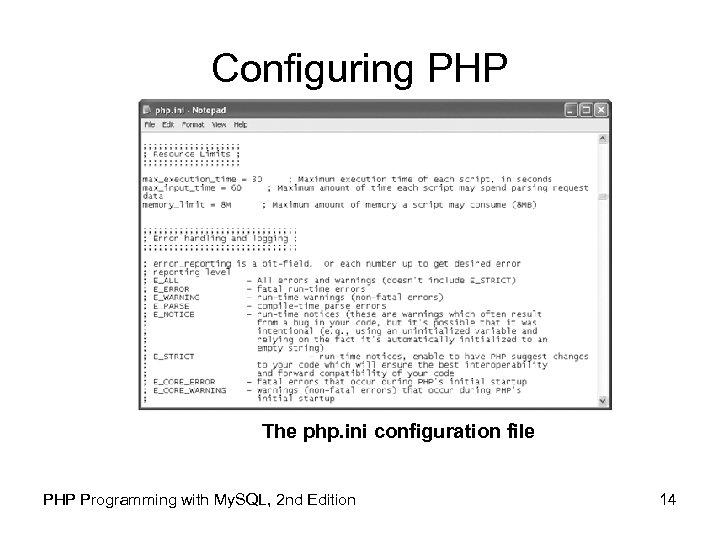 Configuring PHP The php. ini configuration file PHP Programming with My. SQL, 2 nd Edition 14
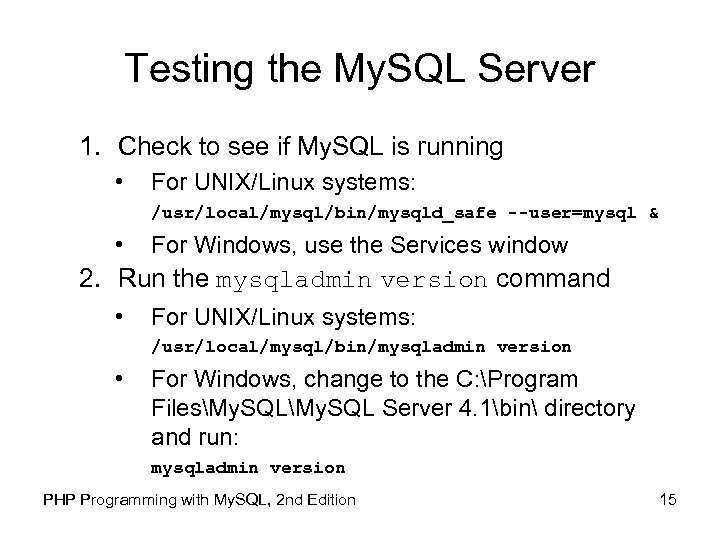 Testing the My. SQL Server 1. Check to see if My. SQL is running • For UNIX/Linux systems: /usr/local/mysql/bin/mysqld_safe --user=mysql & • For Windows, use the Services window 2. Run the mysqladmin version command • For UNIX/Linux systems: /usr/local/mysql/bin/mysqladmin version • For Windows, change to the C: Program FilesMy. SQL Server 4. 1bin directory and run: mysqladmin version PHP Programming with My. SQL, 2 nd Edition 15
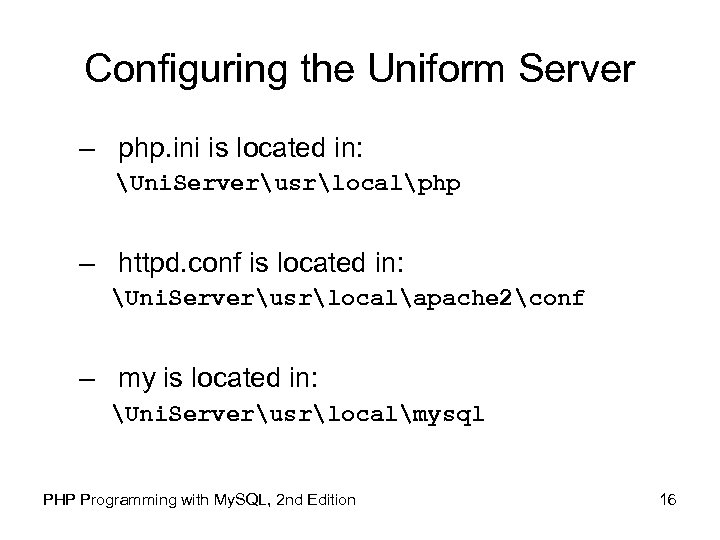 Configuring the Uniform Server – php. ini is located in: Uni. Serverusrlocalphp – httpd. conf is located in: Uni. Serverusrlocalapache 2conf – my is located in: Uni. Serverusrlocalmysql PHP Programming with My. SQL, 2 nd Edition 16
 Creating Basic PHP Scripts • Embedded language refers to code that is embedded within a Web page (XHTML document) • PHP code is typed directly into a Web page as a separate section • A Web page document containing PHP code must have an extension of. php • PHP code is never sent to a client’s Web browser PHP Programming with My. SQL, 2 nd Edition 17
 Creating Basic PHP Scripts (continued) • The Web page generated from the PHP code, and HTML or XHTML elements found within the PHP file, is returned to the client • A PHP file that does not contain any PHP code should have an. html extension • . php is the default extension that most Web servers use to process PHP scripts PHP Programming with My. SQL, 2 nd Edition 18
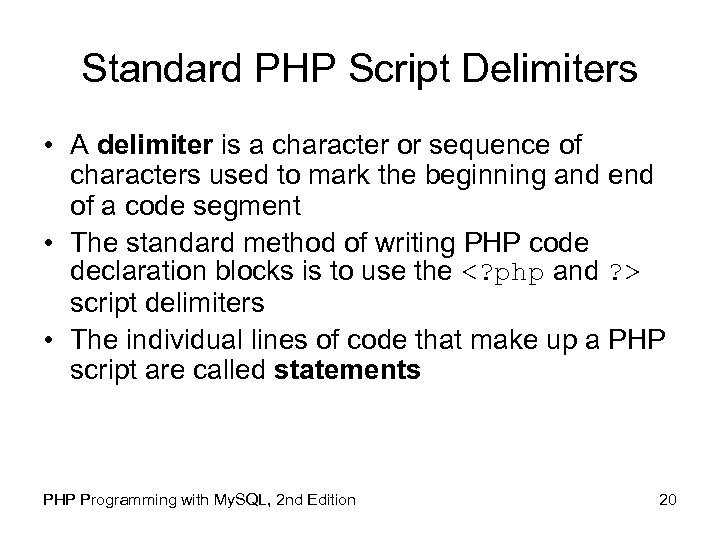
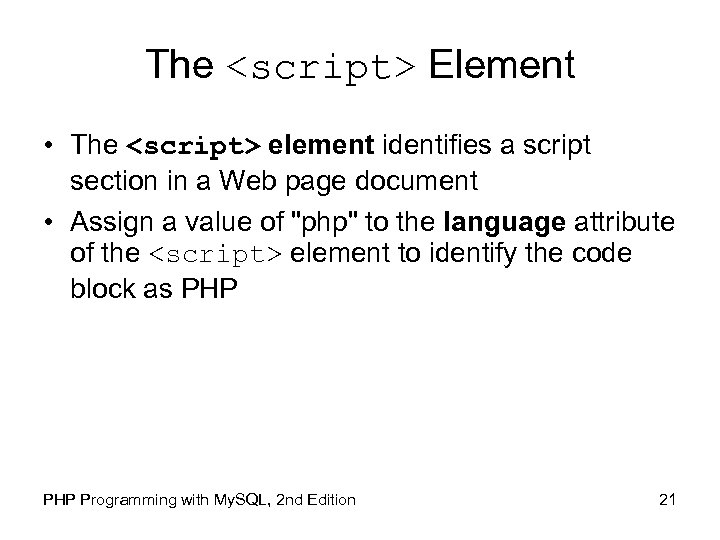
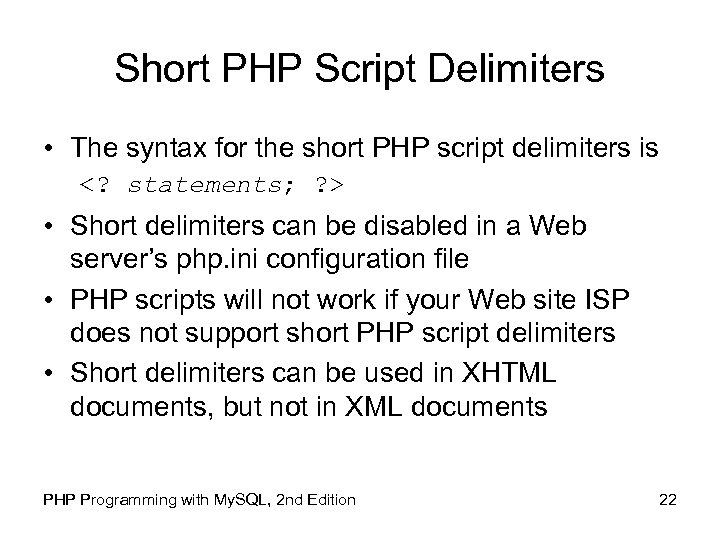
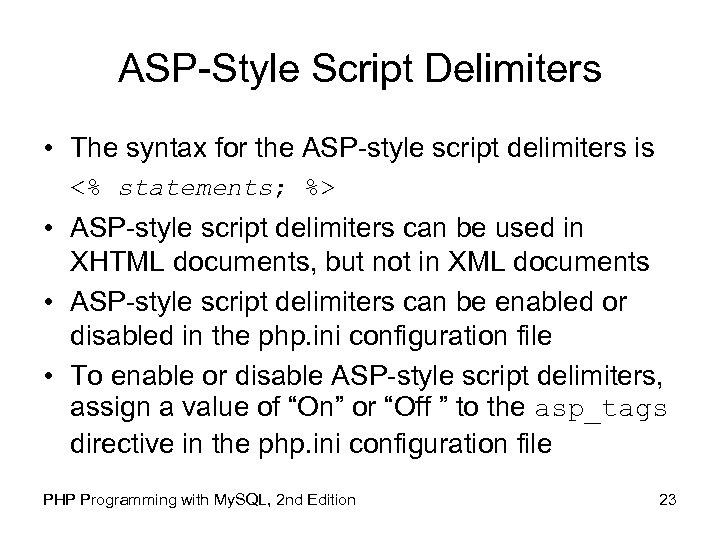
 Creating PHP Code Blocks • Code declaration blocks are separate sections within a Web page that are interpreted by the scripting engine • There are four types of code declaration blocks: – Standard PHP script delimiters – The