


 Скачать презентацию Ch 5 Securing Hosts and Data Comp TIA
22356aed39d010e29b2e63c10958064a.ppt
- Количество слайдов: 61
 Ch 5: Securing Hosts and Data Comp. TIA Security+: Get Certified Get Ahead: SY 0 -301 Study Guide Darril Gibson
 Implementing Host Security
 Hardening Systems A host is any device with an IP address; such as servers, workstations, printers, etc. Hardening is the practice of making the system more secure than a default installation – Disabling unnecessary services – Disabling unneeded applications – Protecting management interfaces and applications
 Disabling Unnecessary Services Provides protection against zero-day attacks – Undisclosed vulnerabilities Reduces risks from open ports – Ports won’t be open when scanned
 Using Baselines Security baseline Configuration baseline Performance baseline
 Security Baseline Starting point for OS Deployed by – Group policy Group Policy Objects (GPOs) On Windows domains – Security templates – Imaging
 Security Templates Preconfigured settings for various common computer types – Domain Controller – Email server – Web server – etc.
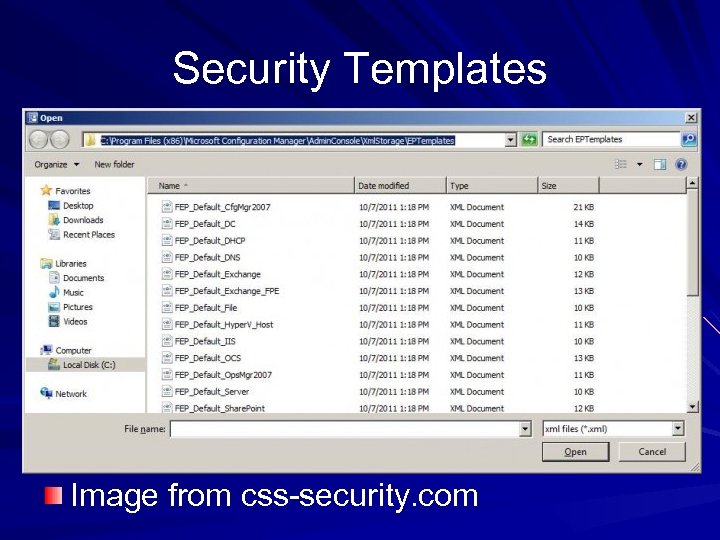 Security Templates Image from css-security. com
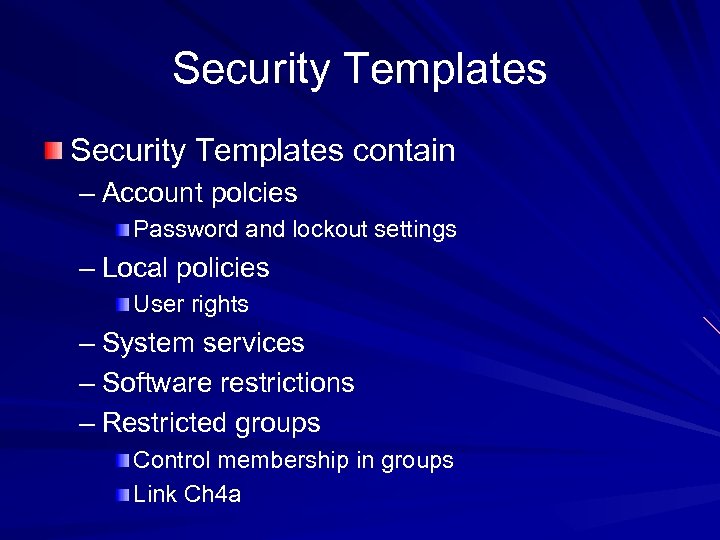 Security Templates contain – Account polcies Password and lockout settings – Local policies User rights – System services – Software restrictions – Restricted groups Control membership in groups Link Ch 4 a
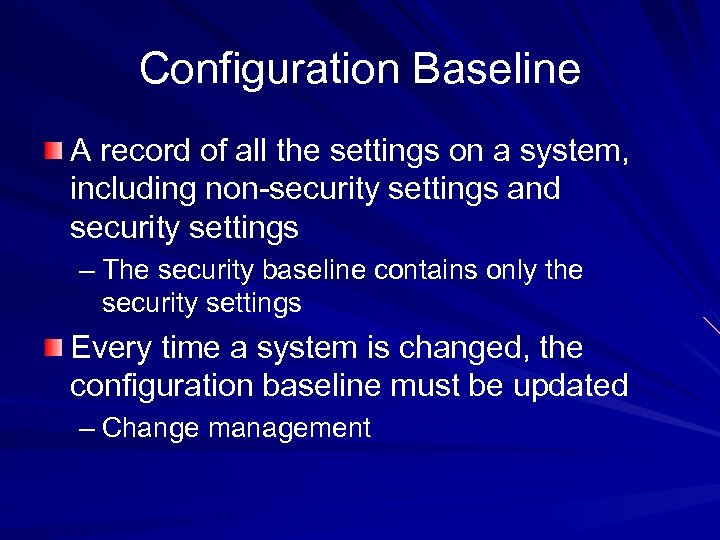 Configuration Baseline A record of all the settings on a system, including non-security settings and security settings – The security baseline contains only the security settings Every time a system is changed, the configuration baseline must be updated – Change management
 Performance Baselines Documents the overall performance of a system at a point in time Useful for reference later when performance changes
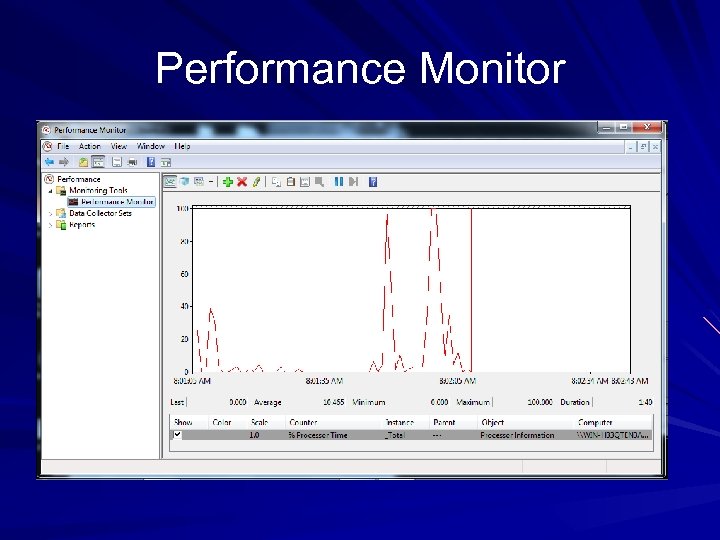 Performance Monitor
 Baseline Reporting A document that records normal system performance for later reference Can be used to identify abnormal activitity Similar to anomaly-based IDS baselines
 Understanding Imaging
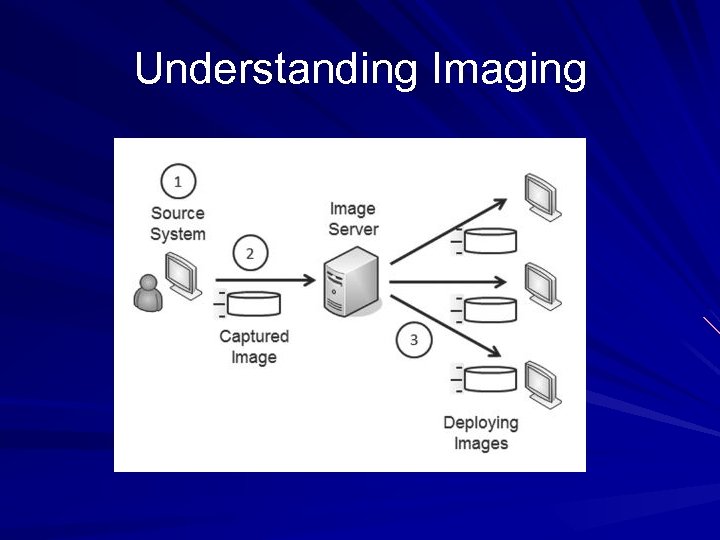
 Capturing and Deploying Images Prepare a reference computer with everything installed and configured properly Capture an image of the reference computer Deploy the image to many computers
 Image Deployment Tools Norton Ghost Acronis True. Image Microsoft Windows Image Backup Windows Automated Installation Kit Windows Deployment Services Many others
 Imaging Benefits Secure starting point Reduced costs – Maintenance is much simpler – Laptops are often sold with built-in images, to restore factory default settings – Reduces Total Cost of Ownership
 Virtualization and Images can be deployed to virtual or physical computers Physical machines can be converted to virtual machines, and vice versa
 US Gov't Configuration Baseline (USGCB) First: Standard Desktop Core Configuration (SDCC) in the Air Force Then: Federal Desktop Core Configuration (FDCC) – Mandated by the Office of Management and Budget (OMB) for all federal agencies Current version is the USGCB, also mandated by the OMB
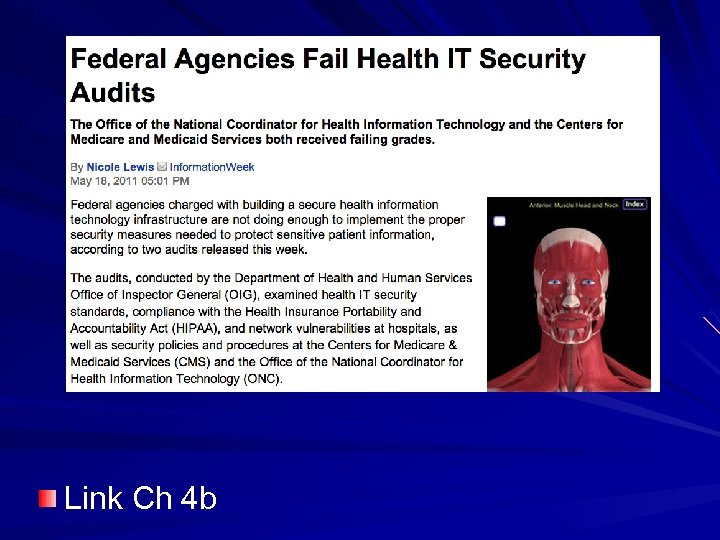 Link Ch 4 b
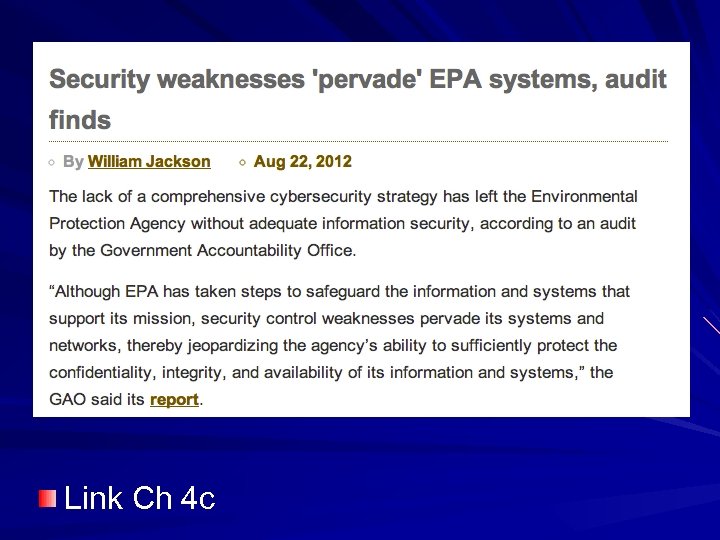 Link Ch 4 c
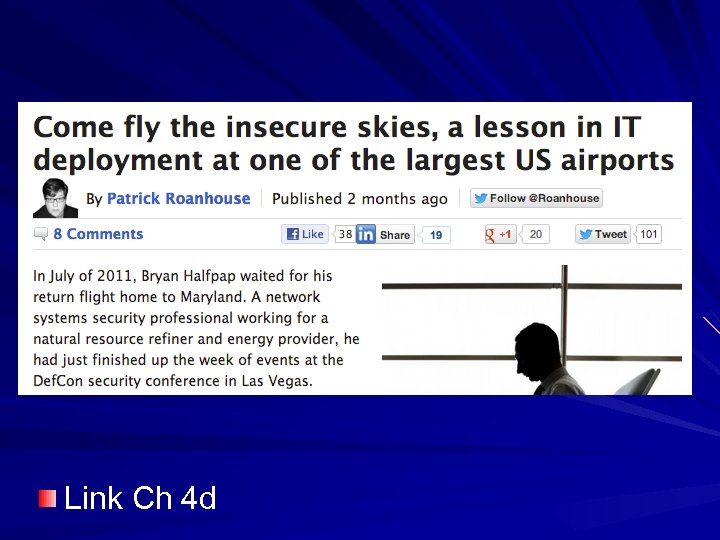 Link Ch 4 d
 Understanding Virtualization
 Understanding Virtualization Reduces costs; makes deploying machines cheaper and faster VM can run any OS – Windows, Linux, Unix – Even OS X although that violates Apple's license agreement Host computer needs more resources to host VMs – RAM, Hard disk space, processor speed
 Virtualization Technologies VMware – VMware Workstation – VMware Player (free) – VMware Server (free) – VMware ESXi (Enterprise solution) Microsoft's Hyper-V – Also Virtual PC Sun's Virtual. Box (free)
 Reduced Footprint – Amount of physical space and power consumed by an IT system VMs have smaller footprint – Many VMs can run on a single physical server – Many physical servers are under-utilized – VMs use servers more efficiently – Save power and money
 Increased Availability Virtual servers are easy to copy and convert into clusters Easy to restore a failed server from a snapshot or image
 Isolation Virtual machines can be isolated from a network, making it easy to – Test risky software – Analyze malware – Perform attacks to test security products – Safe training environments
 Virtualization Weakness VM Escape – An attack that starts in a VM and accesses the host system VM Sprawl – Non-IT departments at companies now set up VMs – Easy to do with Amazon E 2 C – But they rarely patch, update, and secure them
 Loss of Confidentiality Each VM may have confidential company data So there are more copies of the data that could be lot or stolen Encrypt VMs as well as physical machines
 Loss of Availability A single physical server can host multiple VMs But the physical server is a single point of failure Redundant physical servers are still needed
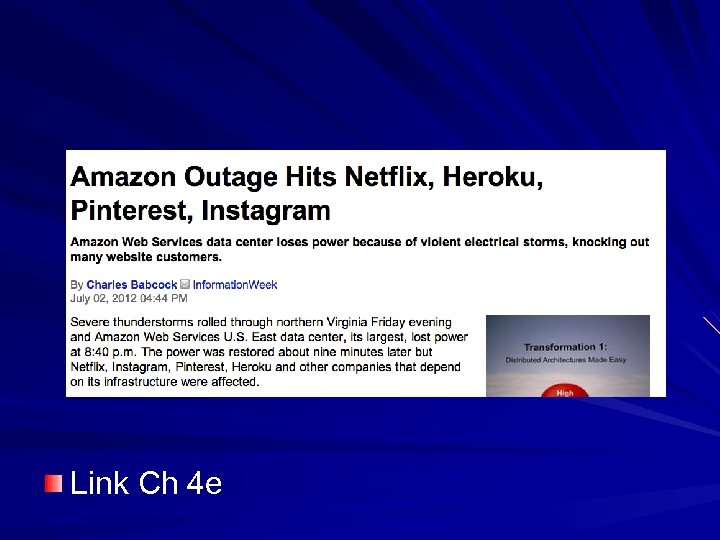 Link Ch 4 e
 Implementing Patch Management
 Comparing Updates Patch – Small piece of code to fix a single bug Hotfix – A patch you apply without rebooting the system Service pack – A collection of patches and fixes – Useful to apply all patches up to a certain date at once
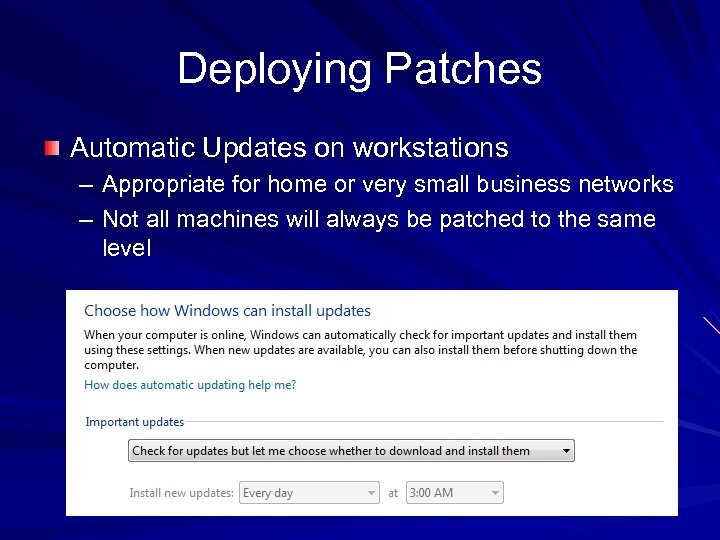 Deploying Patches Automatic Updates on workstations – Appropriate for home or very small business networks – Not all machines will always be patched to the same level
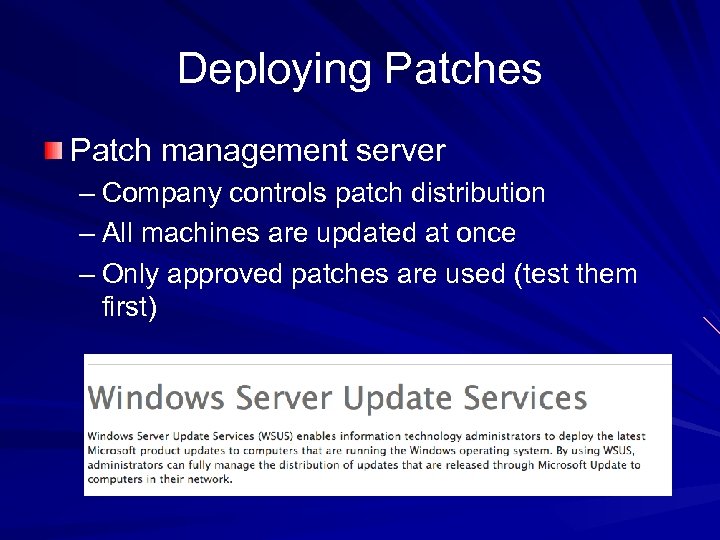 Deploying Patches Patch management server – Company controls patch distribution – All machines are updated at once – Only approved patches are used (test them first)
 Testing Patches Some patches create problems All patches must be tested before deployment onto a large company network Test them in an environment that mirrors the production network Regression testing – Administrators run a series of known tests on a system – Compare results to tests run before patching
 Scheduling Patches Patch Tuesday – Microsoft issues patches on 2 nd Tues of month Exploit Wednesday – Attackers reverse-engineer the patches and attack systems the next day – This is why Microsoft keeps vulnerabilities secret and doesn't patch them till there attacks in the wild
 Understanding Change Management
 Goals of Change Management Ensure that changes do not cause unintended outages Provide an accounting structure or method to document all changes
 Effect of Change Management Administrators are discouraged from making ad-hoc changes Approval is needed before making a change Simple changes should be approved quickly Formal change review board is slower but more thorough
 Protecting Data
 Protecting Data loss can cause – Harm to customers – Reputation damage to company – Regulatory fines – Lawsuits
 Data Categories Data at rest – Stored on a hard disk, USB drive, mobile phone, external drive, backups Data in motion – Travelling over a network – Data Loss Prevention (DLP) detects sensitive data travelling over a network – Encrypt traffic: IPsec, SSH, SFTP, etc.
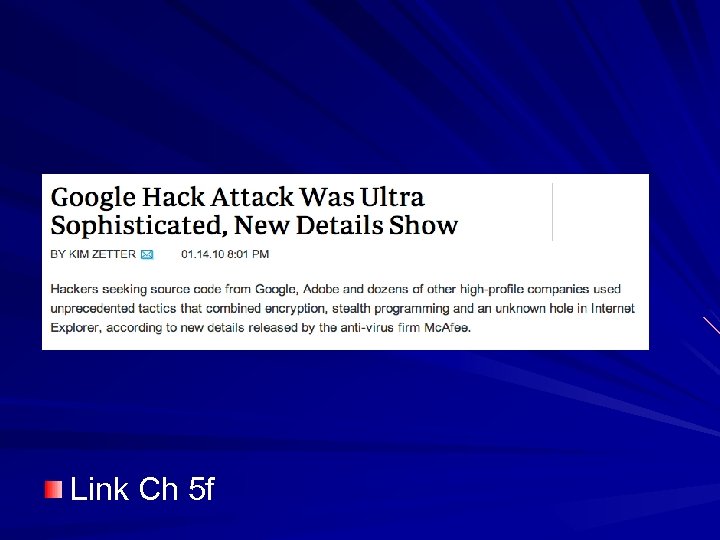 Link Ch 5 f
 Data Categories Data in use – Data in RAM while in use on a workstation – Applications are responsible for protecting data in use – This is why whole-disk encryption is needed to protect data on laptops Temporary copies of the data are stored in the clear on the hard drive, even when the original data file is encrypted
 Software-Based Encryption NTFS permissions don't protect data if the attacker can boot the system from a disk File and folder-level encryption protect files at rest – But not in use Applications can encrypt data – Oracle can encrypt sensitive data in a database
 Hardware-Based Encryption Trusted Platform Module (TPM) – Cryptographic co-processor – Used with Microsoft's Bit. Locker whole-drive encryption Hardware Security Module (HSM) – Details below Much quicker to use Slower to deploy
 TPM is a hardware chip on the motherboard of a laptop Includes an unique RSA asymmetricencryption key Can generate and store other keys Provides full-disk encryption Used by Bit. Locker in Windows 7
 HSM A security device you can add to a system Manages, generates, and securely stores cryptographic keys Can be connected to a network, expansion card, or computer port External device, as opposed to TPM
 Usages of HSMs High-speed SSL sessions – E-commerce sites use SSL accelerators with HSMs Mission-critical systems – High-speed services in high availability clusters Certificate Authorities (CAs) – HSMs used to create, store, and manage the Public Key Infrastructure (PKI)
 Data Leakage Data Loss Prevention – Inspects network data – Looks for unauthorized data transmissions – Usually network-based – Scans text of emails and content of attached files – Looks for sensitive data, as defined by an administrator Such as SSNs, by format ###-##-#### Data classification: Sensitive or Secret
 Portable Storage Devices USB hard drives and flash drives Very risky: employees can lose the device with company data on it Encryption is the best defense True. Crypt is the free solution Microsoft's Bit. Locker To Go is another solution
 Protecting Mobile Devices Encrypt the data Locate them with GPS Remote wipe Lock passcode Mobile. Me for i. Phone and i. Pad
 Understanding Cloud Computing
 Cloud Computing Accessing computers elsewhere, usually over the Internet Example: Gmail Three specific services: – Saa. S (Software as a Service) – Iaa. S (Infrastructure as a Service) Also known as Hardware as a Service – Paa. S (Platform as a Service)
 Software as a Service Gmail – Customer can use any computer, OS, Browser – Service provides all the software required Google Docs – No need to have Microsoft Office yourself Security concern: data is now stored in the cloud
 Infrastructure as a Service Outsource equipment requirements Servers, routers, switches I use a Rapid. Xen virtual server
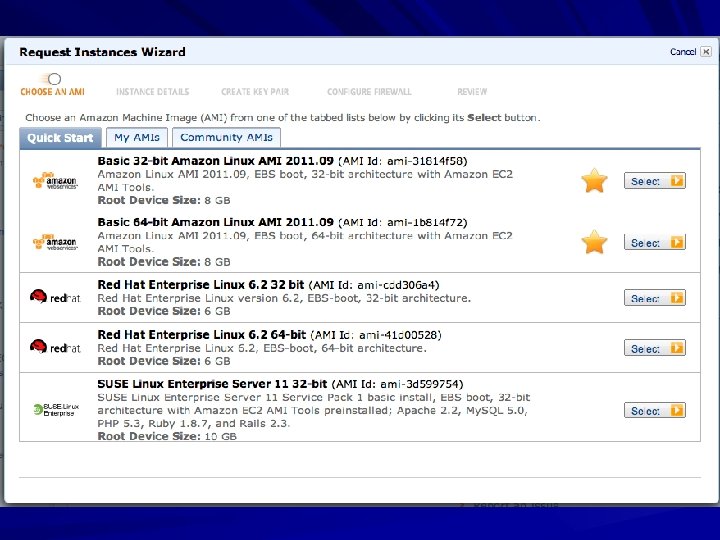
 Platform as a Service Provides a computing platform with an easy-to-configure operating system Amazon E 2 C Customers rent virtual machines and configure them as needed
 Drawbacks to Cloud Computing Lose physical control of your data Cloud service could steal or lose your data Example: Dropbox failed to enforce passwords briefly in June 2011