


 Скачать презентацию Ch 11 Exploring Operational Security Comp TIA Security
cc5ea27c38c3dad079b1f503b8932d7e.ppt
- Количество слайдов: 63
 Ch 11: Exploring Operational Security Comp. TIA Security+: Get Certified Get Ahead: SY 0 -401 Study Guide Darril Gibson
 Exploring Security Policies
 Security Policies Written documents Created as an early step to mitigate risks Brief, high-level statements that identify goals Guidelines and Procedures are created later to support the policies – They provide details Security controls enforce the requirements of a security policy
 Personnel Policies Acceptable use Mandatory vacations Separation of duties Job rotation Clean desk
 Acceptable Use Defines proper system usage Includes definitions and examples of unacceptable use – Personal shopping on company computers – Web browsing Users must agree to the policy – Sometimes a written document they sign – Sometimes a logon banner or email
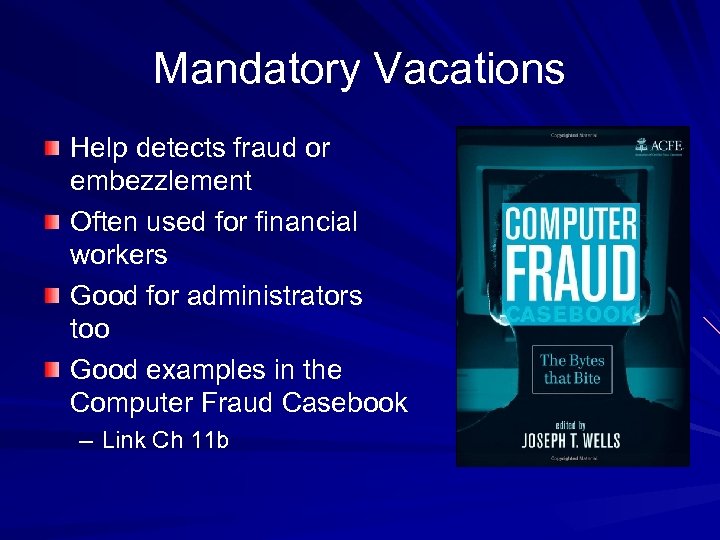 Mandatory Vacations Help detects fraud or embezzlement Often used for financial workers Good for administrators too Good examples in the Computer Fraud Casebook – Link Ch 11 b
 Separation of Duties Prevents any one person from completing all the steps of a critical or sensitive process Prevents fraud, theft, and errors Accounting is designed this way IT systems need this protection too – The "all-powerful administrator" violates this principle
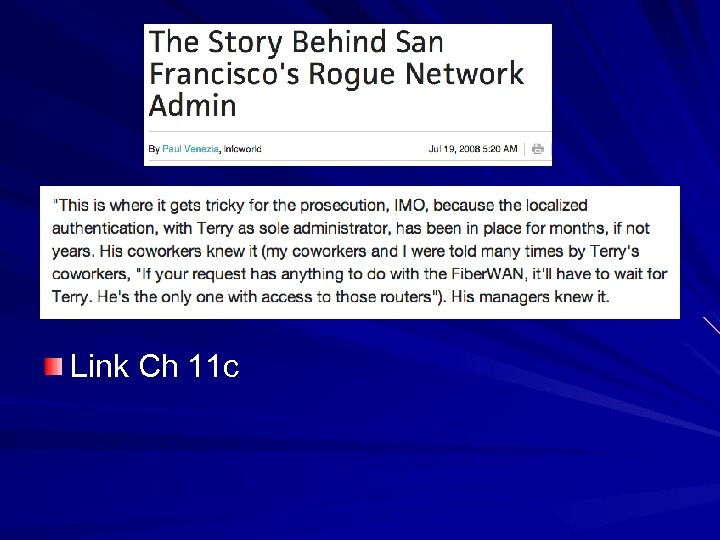 Link Ch 11 c
 Job Rotation Employees rotate through different jobs They learn the processes and procedures for each job Helps expose dangerous shortcuts or fraudulent activity No one person can retain control of any process or data
 Clean Desk Policy Keep desks organized and free of papers Prevents data theft or inadvertent disclosure of information Also presents a positive, professional image
 Items Left on a Desk Keys Cell phones Access cards Sensitive papers Logged-in computer Printouts left in printer Passwords on sticky notes File cabinets left open or unlocked Personal items such as mail with PII
 Account Management Policies Least privilege policy – Users have only the rights and permissions needed to do their jobs Account disablement policy – Administrators must disable accounts quickly when a user leaves the organization – Audits and reviews can verify compliance with this policy
 Require Administrators to Use Two Accounts One account for regular work, with limited privileges Elevated account only for administrative work – This protects against the "Pass the Hash" and other privilege escalation attacks (Link Ch 11 a) – Or the simpler problem of an administrator accidentally leaving a workstation logged in
 Never Use Shared Accounts If two users share an account, you lose these things: – Identification – Authentication – Authorization
 Third-Party Issues Business partners like contractors have access to user data Non-disclosure agreement – Privacy considerations – Data ownnership – Data backups – Unauthorized data sharing – Security policy and procedures – Reviews
 Interoperability Agreements Interconnection Security Agreement (ISA) – Specifies technical and security requirements for a secure connection between entities Service Level Agreement (SLA) – Specifies minimum uptime and penalties Memorandum of Understanding (MOU) – Expresses an intention of working together towards a common goal – Defines responsibilities, but not penalties
 Interoperability Agreements Business Partner Agreement ( BPA) – Details each partner's obligations – Shares of profit or loss – Responsibilities – What to do if one partner leaves – Helps to settle conflicts if they arise
 Change Management Policy Ensures that changes in IT systems don't cause unintended outages Provides an accounting structure to document changes Includes patch management
 Change Management Process Change request Review of request Approval Technician implements change Every step is documented Plan for reversal of change if necessary
 Data Policies Companies must protect private data – Research & Development – Customer databases – Proprietary information on products
 Data Policies Types of Data Policies – Information classification – Data labeling and handling – Data wiping and disposing – Storage and retention – PII (Personally Identifiable Information) – Privacy policy for websites – Social media – P 2 P
 Information Classification Identify, classify, and label data Gov't – Top Secret, Confidential, Unclassified Companies – Proprietary, Private, Classified, Public
 Data Labeling and Handling Label media such as backup tapes File labels – Properties, headers, footers, watermarks Prevents accidental disclosure of confidential data during talks, etc. Backups need labeling and careful handling
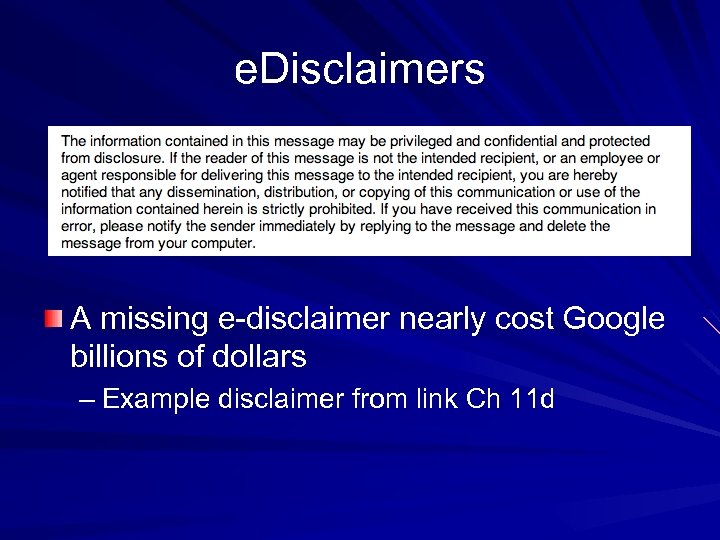 e. Disclaimers A missing e-disclaimer nearly cost Google billions of dollars – Example disclaimer from link Ch 11 d
 Data Wiping and Disposing Must clean computers before discarding or donating them Hard drives are the greatest risk – Bit-level overwrite – Degaussing – Physical descruction Copiers also have hard drives Paper must be shredded or burned
 Wiping Files Securely erasing individual files File shredders are included in some antivirus products Must erase entire cluster to eliminate all possible fragments of a file
 Storage and Retention Policies Defines what data is stored and for how long Reduces legal liability – Old data has little value, and can be required as evidence in a lawsuit
 PII (Personally Identifiable Information) Two or more of – Full name – Birthday or birth place – Medical or health information – Address – Biometric data – SSN, Driver's License #, or any other ID # One item is not enough to count as PII – Passwords don't count as PII
 PII Data Breach Many real data breaches each year Two recent events that were NOT PII data breaches – Linked. In's loss of thousands of password hashes – CCSF's bogus "virus" scandal (even if the viruses had been real)
 Protecting PII If a company collects PII data, it must be protected California and many other states require notification of customers when a PII breach occurs Many breaches come from employees' sloppy handling of PII – USB sticks – Backup tapes – Files on public servers
 Privacy Policy for Websites States how a website collects data Also how the data is used, and whom it is shared with California law requires a conspicuously posted privacy policy – On websites that collect information about CA residents – Even if the website is hosted outside CA
 Social Networking Facebook, Twitter, etc. Users post personal information, including answers to security questions, such as birthday, home town, etc. Information can also be used in scams Employers search social networking sites when hiring
 SSO and Social Media Facebook can be used to log into many other sites If someone gets your Facebook password, all those sites are compromised too Use two-factor authentication!
 Banner Ads and Malvertisements Malware delivered through ads Have appeared on the New York Times and Yahoo! Either through hacking the servers, or simply purchasing ad space
 P 2 P Peer-to-peer or file-sharing Used to share pirated MP 3 s, videos, and software Napster, Mega. Upload, Bittorrent, Pirate Bay, etc. Can be blocked by content-aware firewalls – Also called Layer 7 Firewalls
 P 2 P Risks Copyright infringement Bandwidth consumption Data leakage – President's helicopter plans found in Iran in 2009, shared accidentally on P 2 P – A schoolgirl found pornography on her computer that she didn't put there P 2 P stores files for others on your system
 Responding to Incidents
 Security Incident Attacks Malware Infection Security policy violation Unauthorized access to data Inappropriate usage of sytems
 Incident Response Team Senior management – With enough authority to get things done Network administrator/engineer Security expert – Able to preform forensic analysis Communications expert – Public relations
 Incident Response Procedures Preparation – Establishing procedures and reviewing them – Establishing incident prevention policies First responder – First ecurity-trained individual on the scene Incidentification – Verify that this is an actual incident, not just a false positive
 Incident Response Procedures Incident isolation – Prevent problem from getting worse – May involve removing devices from the network Damage and loss control – Use a public relations specialist to communicate with the media to limit bad publicity
 Incident Response Procedures Escalation and notification – Inform appropriate personnel, such as the Incident Response Team (if there is one) – IR policy will typically list other personnel to inform, such as security managers – Forensic examination may begin Reporting – May need to notify executives of serious incidents – Sometimes customers must be notified
 Incident Response Procedures Data breach – Must determine the extent of the loss – Determine if outside entities are affected – Breach notification requirements (vary from state to state) Recovery/reconstitution procedures – Restore system to service
 Incident Response Procedures Lessons learned – Decide how to prevent another incident like this Mitigation steps – Recommend revised security controls, such as updates
 Basic Forensic Procedures Collect and preserve evidence Forensic software suites – En. Case – FTK – Pro. Discover
 Order of Volatility RAM – Running processes – Network connections – Application remnants Hard disk Logs stored on remote systems Archived data
 Capture Images Image is a snapshot of a hard disk, or of RAM Ghost images are used to deploy operating systems, but they don't include unused parts of the disk Forensic images include every usable bit on the disk
 Write-Blocker Ensures that a disk is not modified during collection of data All analysis uses copies of the data, not the original disk MD 5 or SHA-1 hash is stored with image, to verify that copies are exact Original disk must be preserved to bring to court as evidence
 Network Traffic and Logs IP address or MAC address used to identify system – MAC address is better, but neither are perfect Logs record events that happened during an incident
 Chain of Custody A document that identifies people who controlled and handled the evidence Avoid gaps—or evidence may be worthless in court Lock evidence in a safe or evidence locker Record every time anyone accessed it
 Video Surveillance Video records are very common Excellent source of evidence
 Record Time Offset Times are very important, to identify who was using the computer Perps modify time settings to mislead investigators
 Screenshots Screen images of desktop display You use them to turn in homework One way to collect data from a cell phone is to just photograph the screen while paging through the messages
 Witnesses Eyewitness testimony is very influential in court Despite studies that show unreliable it is
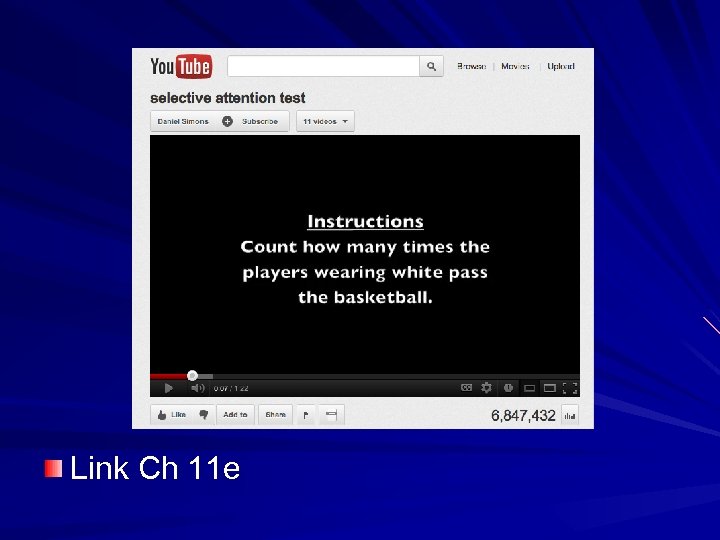 Link Ch 11 e
 Track Hours and Expense Investigations can take many hours and cost a lot of money Include costs in quantitative risk assessment
 Big Data Analysis Databases so large that tools don't exist to extract meaningful information from them Specialists are required to develop custom tools for each case
 Security Awareness and Training Minimizes risk posed by users Helps reinforce user compliance with policies Risks of USB drives Awareness and training plan needs support from senior management Refresher training required periodically
 Role-Based Training Executive personnel – Need high-level briefings – Warning about whaling Incident response team – Detailed training on how to respond – Forensic procedures Administrators End users
 Training Topics Security policy contents Keeping cipher codes private Acceptable use and user responsibilities Protection of PII Data labeling, handling, and disposal Information classification
 Training Topics Laws, best practices, and standards Threat awareness Risky user habits like sharing passwords and tailgating Social networks and file-sharing
 Training and Compliance Issues Many laws cover PII Other regulations may apply – Payment Card Industry Data Security Standard (PCI-DSS) – FERPA for colleges – FISMA for gov't entities – HIPAA for health-care companies
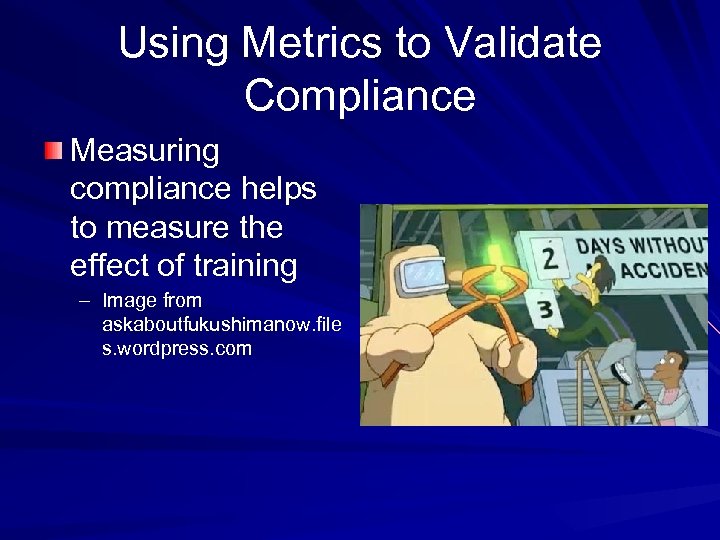 Using Metrics to Validate Compliance Measuring compliance helps to measure the effect of training – Image from askaboutfukushimanow. file s. wordpress. com