


 Скачать презентацию CGI and AJAX CS-260 Dick Steflik CGI
b84f5a3681e4c3b55fa3def1e117e5b4.ppt
- Количество слайдов: 24
 CGI and AJAX CS-260 Dick Steflik
 CGI • Common Gateway Interface – A set of standards that define how information is exchanged between a web server and a ccustom script – CGI Spec is maintained by NCSA (National Center for Supercomputing Applications – A standard for external gateway programs to interface with information servers such as HTTP servers
 • When running a python program as a CGI program sysin , sysout and syserr are redefined to : – sysin: instead of coming from the keyboard is the incoming data stream from the tcpip socket (the remote host, the user’s browser). This will actually be handled via CGI Environment variables – sysout: instead of printing to the screen prints to the tcpip outgoing data stream, to the user’s browser)
 Input • Input for your CGI program will be handled by the HTTP server (Apache) and will be placed in a set of HTTP environment variables, and in a special data structure called Field. Storage.
 Field. Storage • Methods: – add_field(name, value – clear() – get(name, default) – getfirst(name[, default]) – getlist(name) – has_key(name) – Items() – keys()
 What is AJAX • Asynchronous Javascript And XML – allows the updating of a web page without doing a page reload • creates much nicer user experience • AJAX is not really a technology by itself – combination of Javascript, XML and some server-side scripting to create the XML • server-side scripting could be done in PHP, . NET, Java Servlet or Java Server Page (JSP)
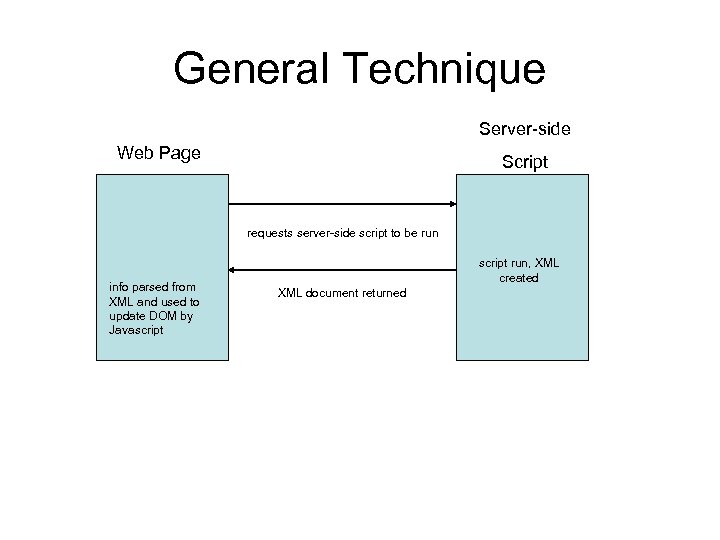 General Technique Server-side Web Page Script requests server-side script to be run info parsed from XML and used to update DOM by Javascript run, XML created XML document returned
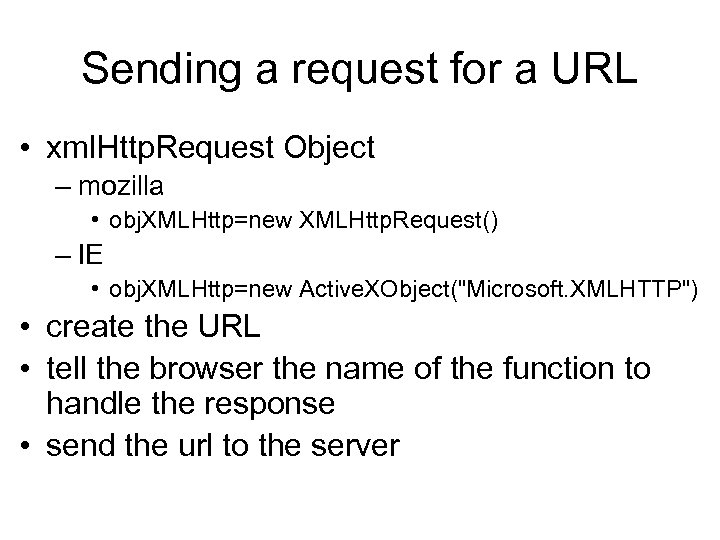 Sending a request for a URL • xml. Http. Request Object – mozilla • obj. XMLHttp=new XMLHttp. Request() – IE • obj. XMLHttp=new Active. XObject("Microsoft. XMLHTTP") • create the URL • tell the browser the name of the function to handle the response • send the url to the server
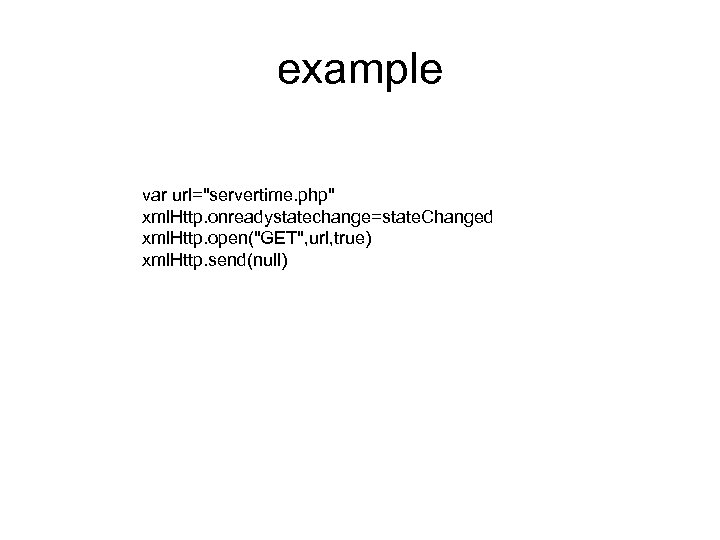 example var url="servertime. php" xml. Http. onreadystatechange=state. Changed xml. Http. open("GET", url, true) xml. Http. send(null)
 The server-side script • creates a “well formed XML document” • sets the content type to text/xml • can be written in any language – Python – PHP – ASP –. NET – Java – JSP
"); print("
 state. Change • when the document is received by the browser control is transferred to where ever we told it to – xml. Http. onreadystatechange=state. Changed – in this case the function named state. Changed
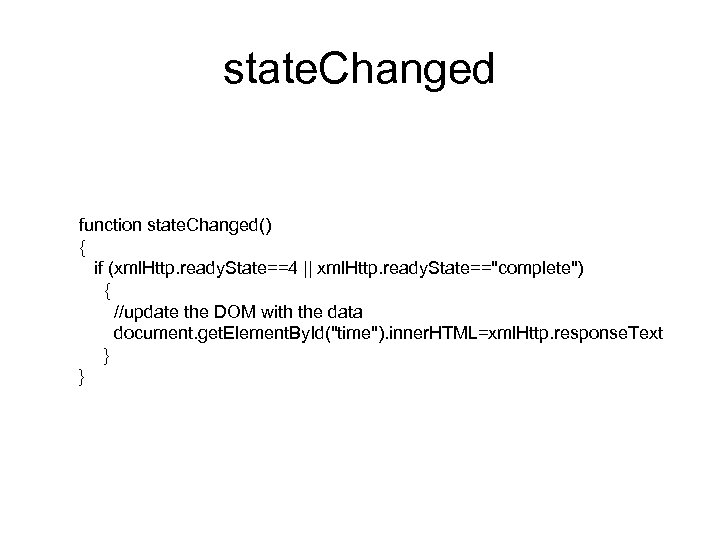 state. Changed function state. Changed() { if (xml. Http. ready. State==4 || xml. Http. ready. State=="complete") { //update the DOM with the data document. get. Element. By. Id("time"). inner. HTML=xml. Http. response. Text } }
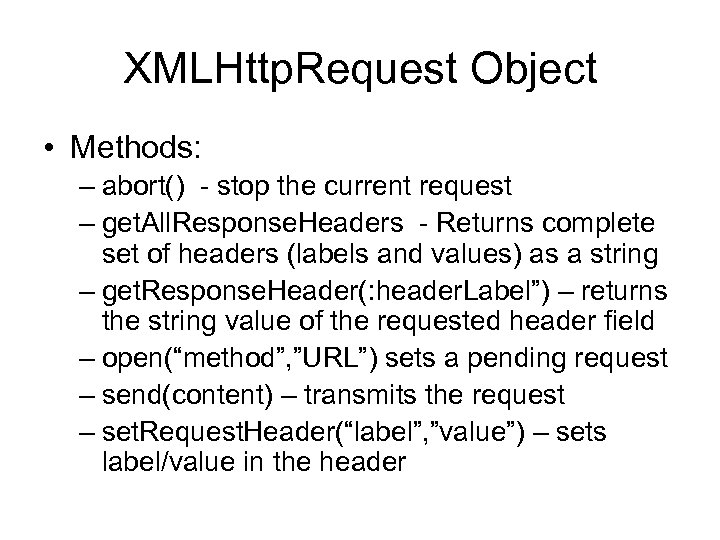 XMLHttp. Request Object • Methods: – abort() - stop the current request – get. All. Response. Headers - Returns complete set of headers (labels and values) as a string – get. Response. Header(: header. Label”) – returns the string value of the requested header field – open(“method”, ”URL”) sets a pending request – send(content) – transmits the request – set. Request. Header(“label”, ”value”) – sets label/value in the header
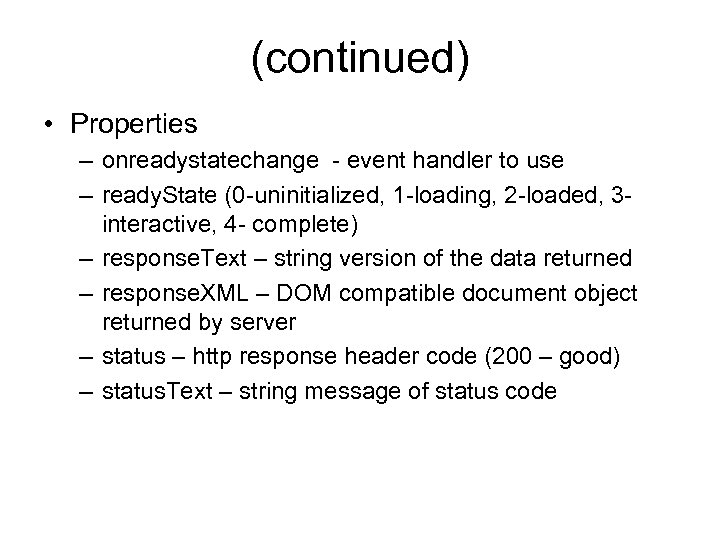 (continued) • Properties – onreadystatechange - event handler to use – ready. State (0 -uninitialized, 1 -loading, 2 -loaded, 3 interactive, 4 - complete) – response. Text – string version of the data returned – response. XML – DOM compatible document object returned by server – status – http response header code (200 – good) – status. Text – string message of status code
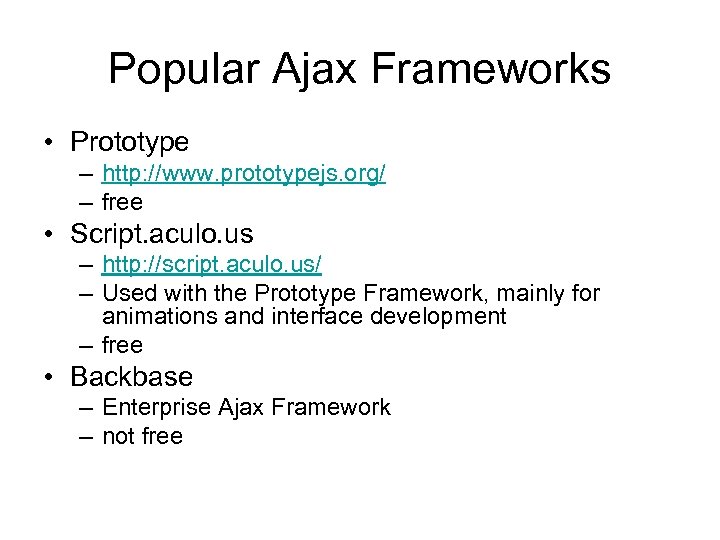 Popular Ajax Frameworks • Prototype – http: //www. prototypejs. org/ – free • Script. aculo. us – http: //script. aculo. us/ – Used with the Prototype Framework, mainly for animations and interface development – free • Backbase – Enterprise Ajax Framework – not free
 JSON • Java. Script Object Notation – Text based open standard for human readable data interchange • Often used in AJAX interchange techniques • RFC-4627 ( http: //www. ietf. org/rfc 4627. txt ) • An alternative to using XML for AJAX
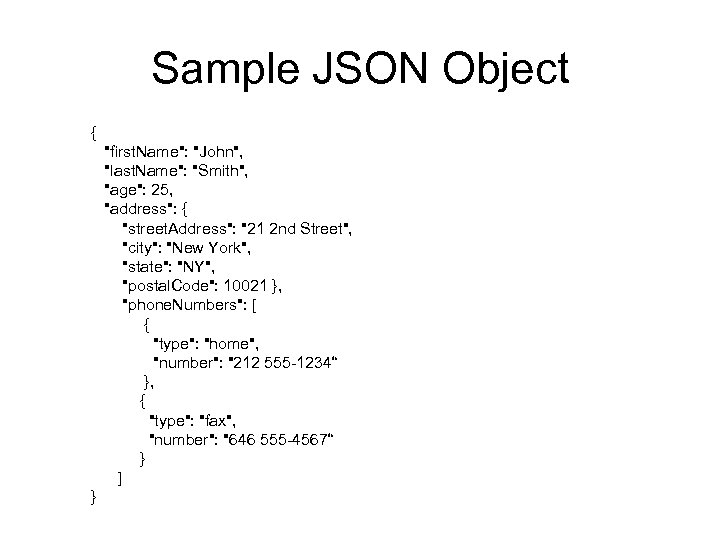 Sample JSON Object { "first. Name": "John", "last. Name": "Smith", "age": 25, "address": { "street. Address": "21 2 nd Street", "city": "New York", "state": "NY", "postal. Code": 10021 }, "phone. Numbers": [ { "type": "home", "number": "212 555 -1234“ }, { "type": "fax", "number": "646 555 -4567“ } ] }
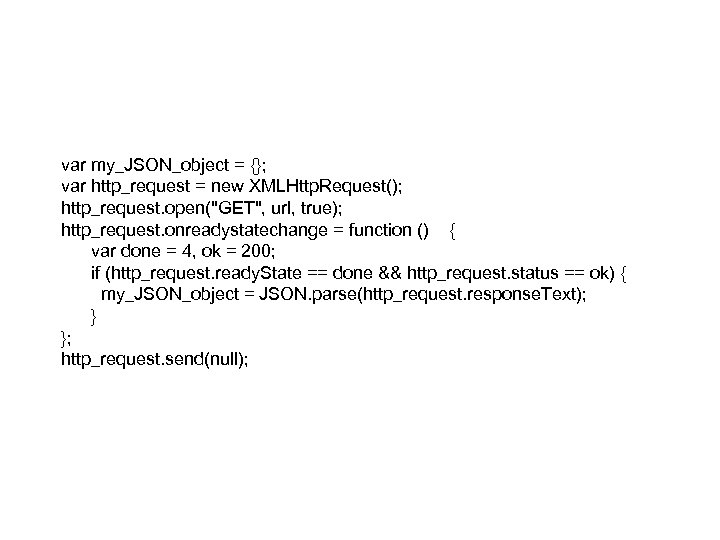 var my_JSON_object = {}; var http_request = new XMLHttp. Request(); http_request. open("GET", url, true); http_request. onreadystatechange = function () { var done = 4, ok = 200; if (http_request. ready. State == done && http_request. status == ok) { my_JSON_object = JSON. parse(http_request. response. Text); } }; http_request. send(null);
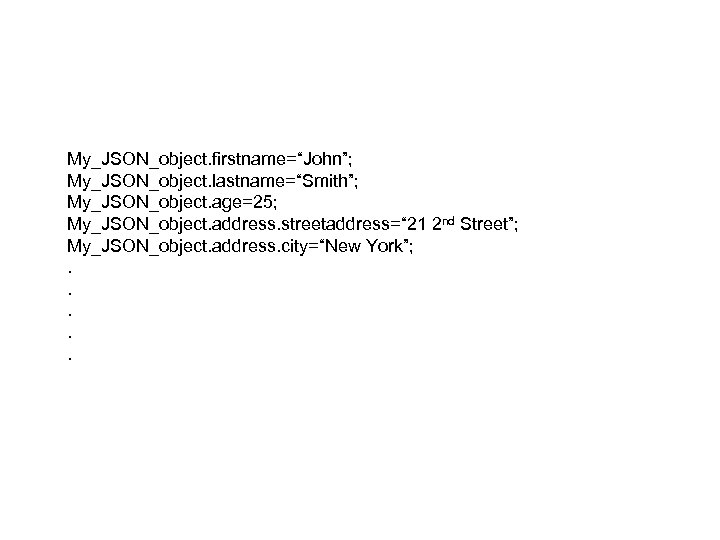 My_JSON_object. firstname=“John”; My_JSON_object. lastname=“Smith”; My_JSON_object. age=25; My_JSON_object. address. streetaddress=“ 21 2 nd Street”; My_JSON_object. address. city=“New York”; . . .
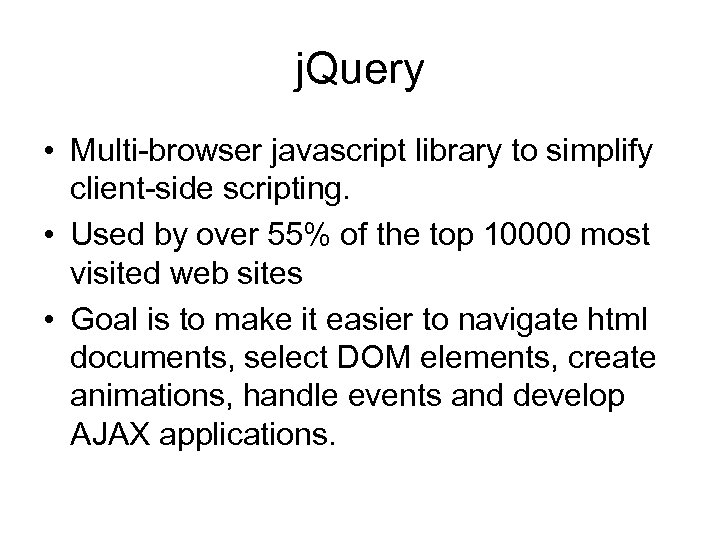 j. Query • Multi-browser javascript library to simplify client-side scripting. • Used by over 55% of the top 10000 most visited web sites • Goal is to make it easier to navigate html documents, select DOM elements, create animations, handle events and develop AJAX applications.
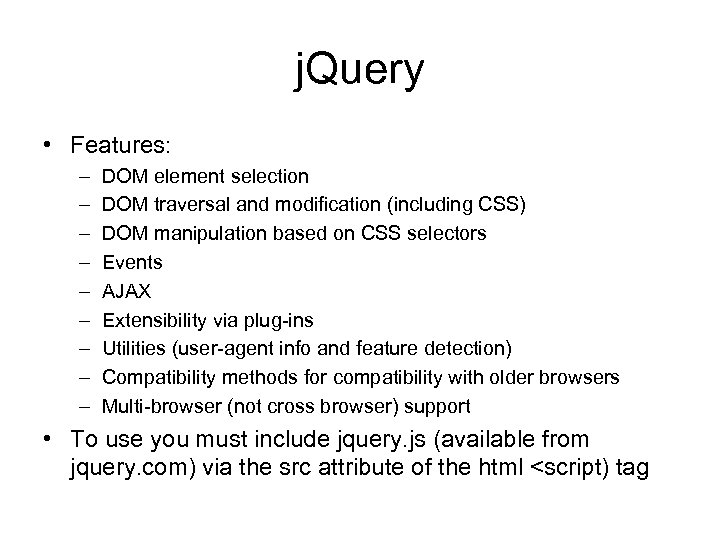 j. Query • Features: – – – – – DOM element selection DOM traversal and modification (including CSS) DOM manipulation based on CSS selectors Events AJAX Extensibility via plug-ins Utilities (user-agent info and feature detection) Compatibility methods for compatibility with older browsers Multi-browser (not cross browser) support • To use you must include jquery. js (available from jquery. com) via the src attribute of the html
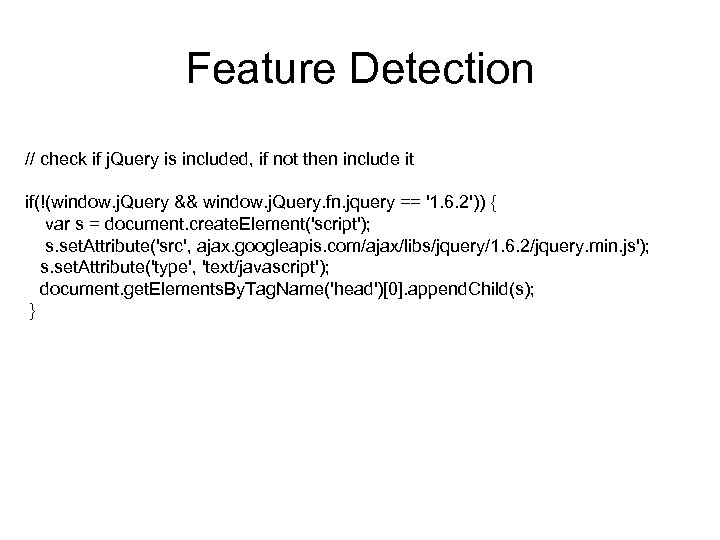 Feature Detection // check if j. Query is included, if not then include it if(!(window. j. Query && window. j. Query. fn. jquery == '1. 6. 2')) { var s = document. create. Element('script'); s. set. Attribute('src', ajax. googleapis. com/ajax/libs/jquery/1. 6. 2/jquery. min. js'); s. set. Attribute('type', 'text/javascript'); document. get. Elements. By. Tag. Name('head')[0]. append. Child(s); }
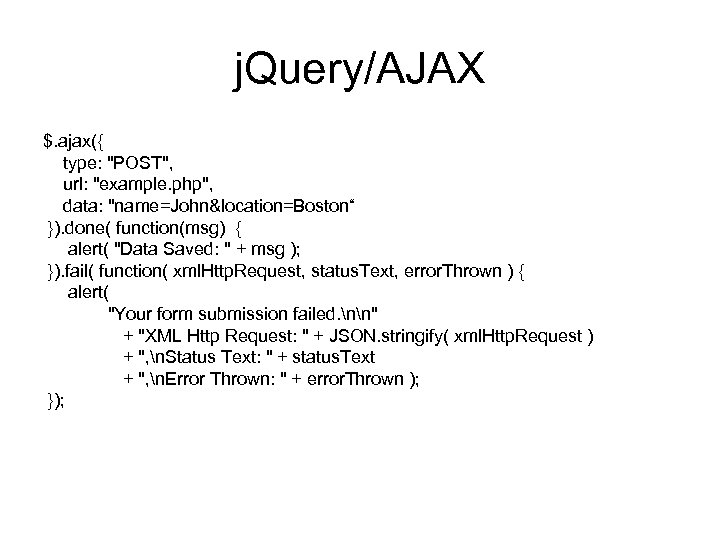 j. Query/AJAX $. ajax({ type: "POST", url: "example. php", data: "name=John&location=Boston“ }). done( function(msg) { alert( "Data Saved: " + msg ); }). fail( function( xml. Http. Request, status. Text, error. Thrown ) { alert( "Your form submission failed. nn" + "XML Http Request: " + JSON. stringify( xml. Http. Request ) + ", n. Status Text: " + status. Text + ", n. Error Thrown: " + error. Thrown ); });