


 Скачать презентацию CD central data storage and movement Facilities
da551bb0963d7c33fa18d2e393afde5a.ppt
- Количество слайдов: 35
 CD central data storage and movement
 Facilities • Central Mass Store • Enstore • Network connectivity
 Central Mass Store • • Disk cache Tape library Server Software Network Client Software FNALU integration Exabyte Import and Export Policies
 Hardware • • • IBM 3494 Library 8 IBM 3590 tape drives 1 TB of staging disk internal to system Three IBM TBD mover node FDDI network, 10 MB/sec to outside world Servers
 A cache • Conceptually a cache, not a primary data repository. • Implemented as a hierarchical store, with tape at the lowest level. • The data are subject to loss should the tape fail. • Quotas are refunded as tapes are squeezed. • For “large files”
 Allocation • The CD Division office gives an allocation in terms of 10 GB volumes • Experiments are to use system
 Interface
 Enstore
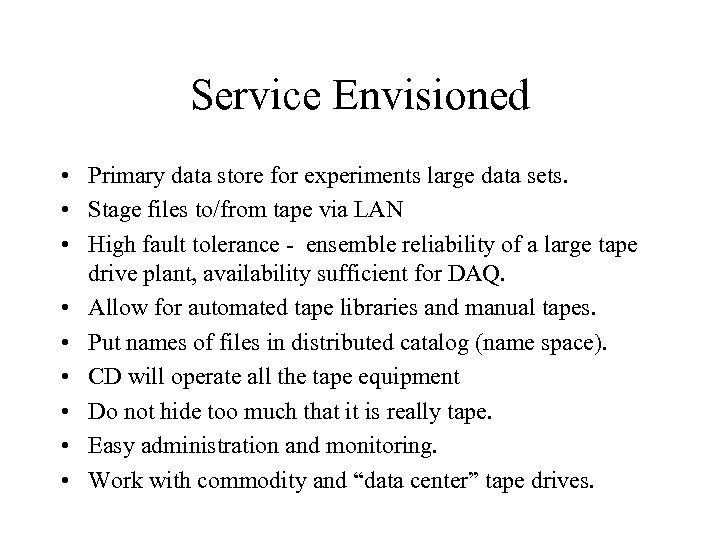 Service Envisioned • Primary data store for experiments large data sets. • Stage files to/from tape via LAN • High fault tolerance - ensemble reliability of a large tape drive plant, availability sufficient for DAQ. • Allow for automated tape libraries and manual tapes. • Put names of files in distributed catalog (name space). • CD will operate all the tape equipment • Do not hide too much that it is really tape. • Easy administration and monitoring. • Work with commodity and “data center” tape drives.
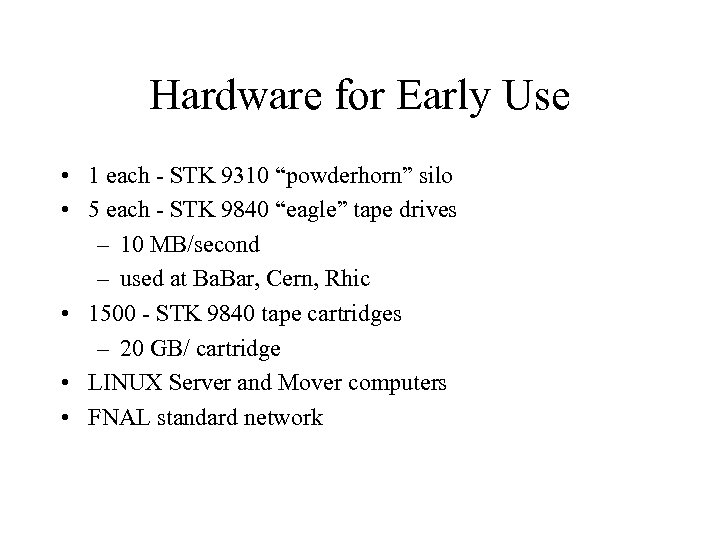 Hardware for Early Use • 1 each - STK 9310 “powderhorn” silo • 5 each - STK 9840 “eagle” tape drives – 10 MB/second – used at Ba. Bar, Cern, Rhic • 1500 - STK 9840 tape cartridges – 20 GB/ cartridge • LINUX Server and Mover computers • FNAL standard network
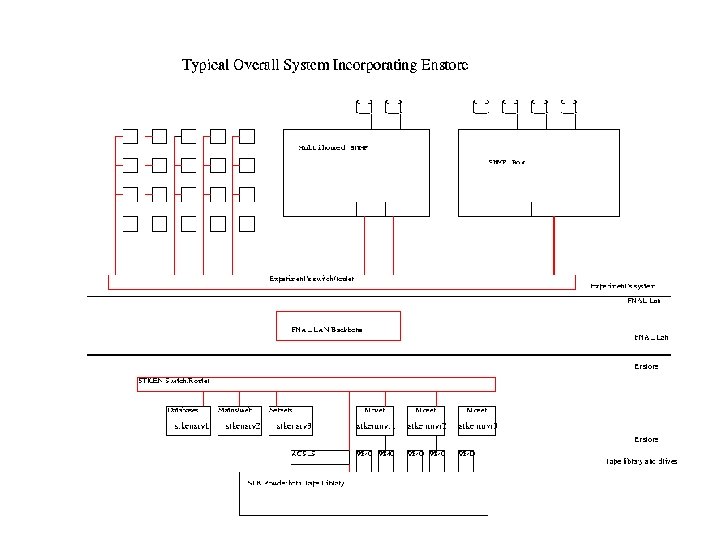
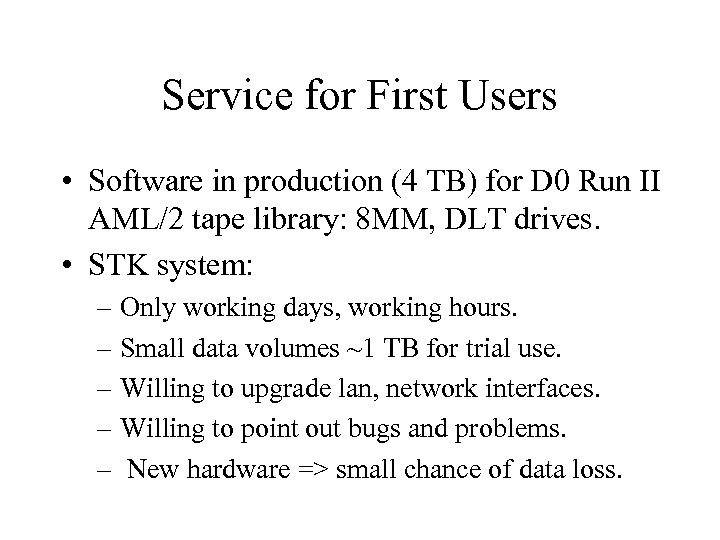 Service for First Users • Software in production (4 TB) for D 0 Run II AML/2 tape library: 8 MM, DLT drives. • STK system: – Only working days, working hours. – Small data volumes ~1 TB for trial use. – Willing to upgrade lan, network interfaces. – Willing to point out bugs and problems. – New hardware => small chance of data loss.
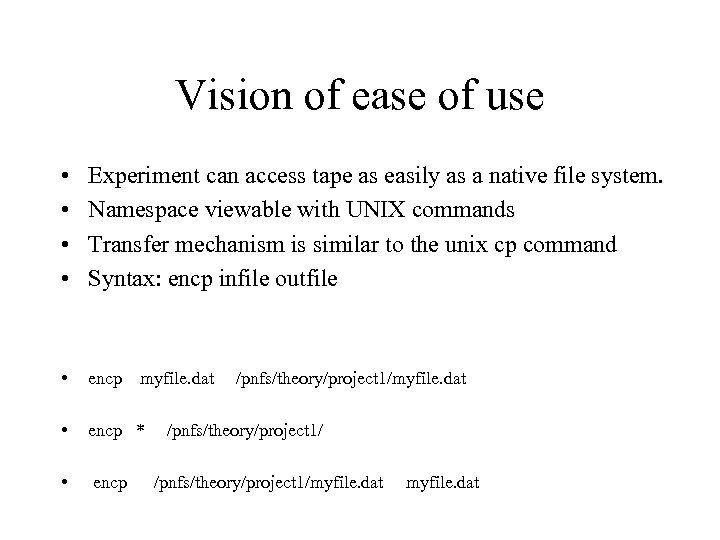 Vision of ease of use • • Experiment can access tape as easily as a native file system. Namespace viewable with UNIX commands Transfer mechanism is similar to the unix cp command Syntax: encp infile outfile • encp * • encp myfile. dat /pnfs/theory/project 1/myfile. dat
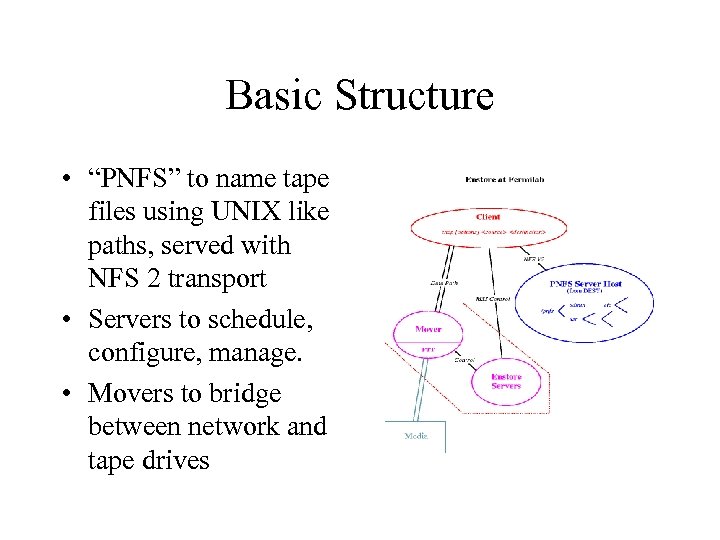 Basic Structure • “PNFS” to name tape files using UNIX like paths, served with NFS 2 transport • Servers to schedule, configure, manage. • Movers to bridge between network and tape drives
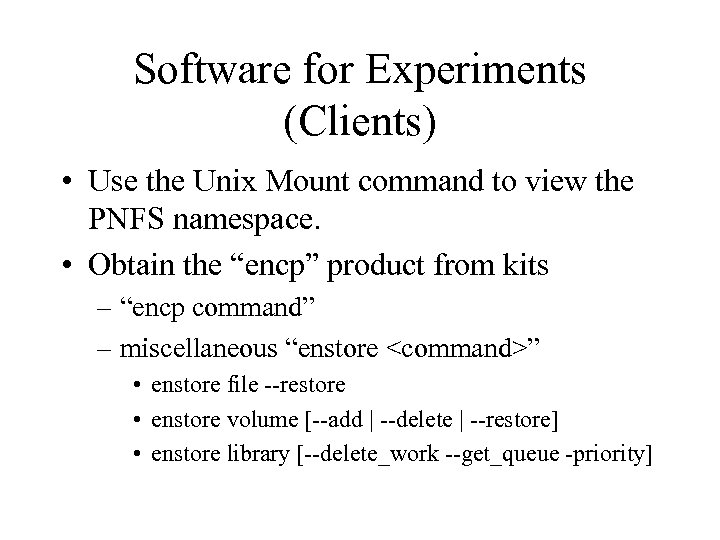 Software for Experiments (Clients) • Use the Unix Mount command to view the PNFS namespace. • Obtain the “encp” product from kits – “encp command” – miscellaneous “enstore
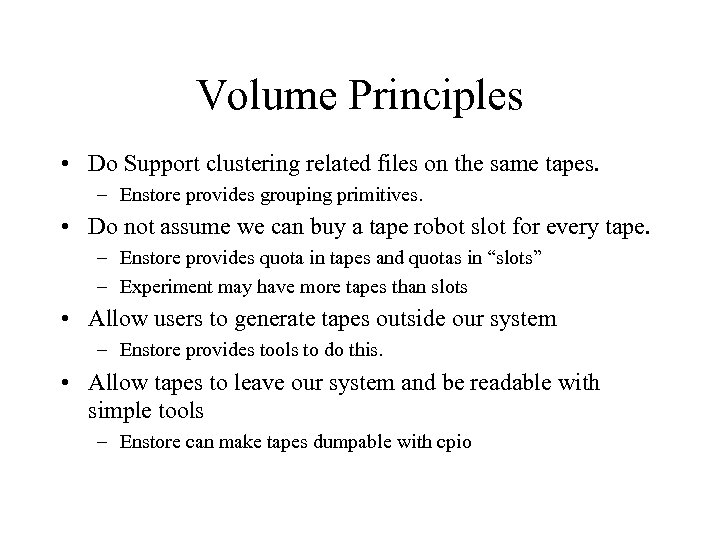 Volume Principles • Do Support clustering related files on the same tapes. – Enstore provides grouping primitives. • Do not assume we can buy a tape robot slot for every tape. – Enstore provides quota in tapes and quotas in “slots” – Experiment may have more tapes than slots • Allow users to generate tapes outside our system – Enstore provides tools to do this. • Allow tapes to leave our system and be readable with simple tools – Enstore can make tapes dumpable with cpio
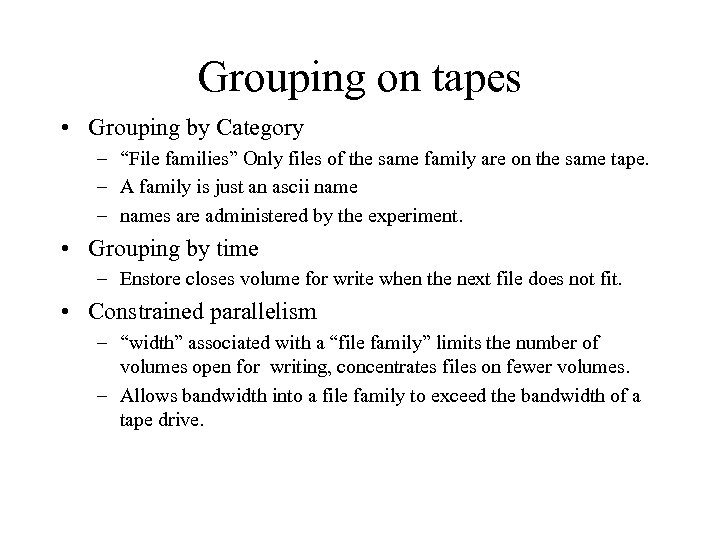 Grouping on tapes • Grouping by Category – “File families” Only files of the same family are on the same tape. – A family is just an ascii name – names are administered by the experiment. • Grouping by time – Enstore closes volume for write when the next file does not fit. • Constrained parallelism – “width” associated with a “file family” limits the number of volumes open for writing, concentrates files on fewer volumes. – Allows bandwidth into a file family to exceed the bandwidth of a tape drive.
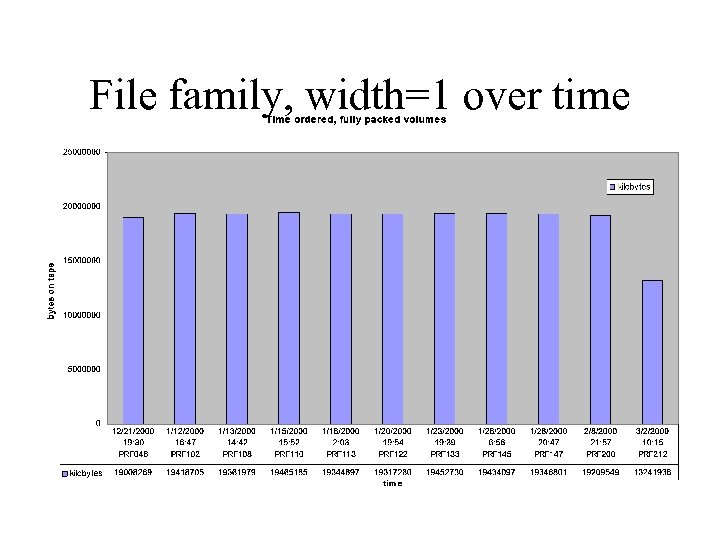 File family, width=1 over time
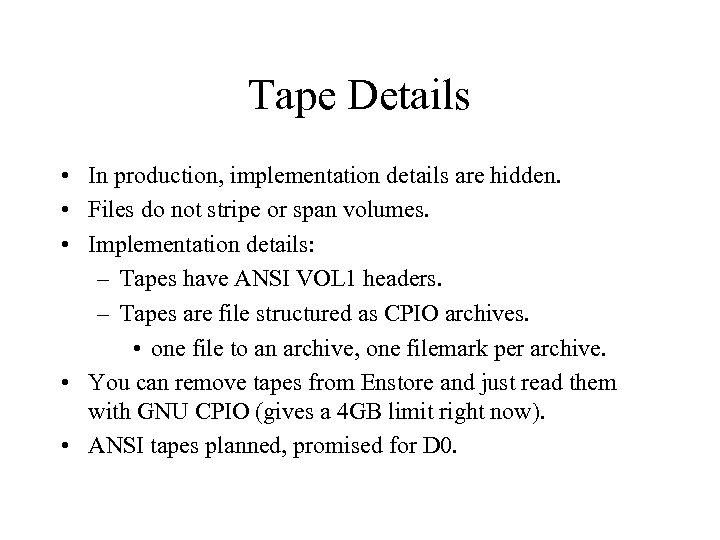 Tape Details • In production, implementation details are hidden. • Files do not stripe or span volumes. • Implementation details: – Tapes have ANSI VOL 1 headers. – Tapes are file structured as CPIO archives. • one file to an archive, one filemark per archive. • You can remove tapes from Enstore and just read them with GNU CPIO (gives a 4 GB limit right now). • ANSI tapes planned, promised for D 0.
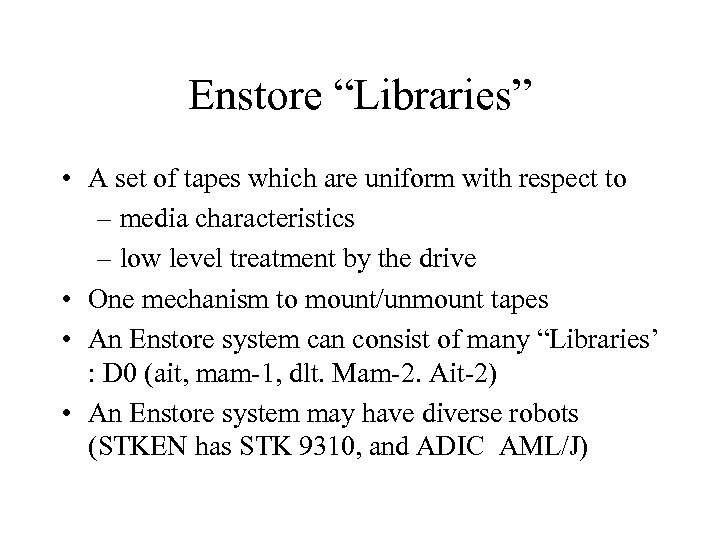 Enstore “Libraries” • A set of tapes which are uniform with respect to – media characteristics – low level treatment by the drive • One mechanism to mount/unmount tapes • An Enstore system can consist of many “Libraries’ : D 0 (ait, mam-1, dlt. Mam-2. Ait-2) • An Enstore system may have diverse robots (STKEN has STK 9310, and ADIC AML/J)
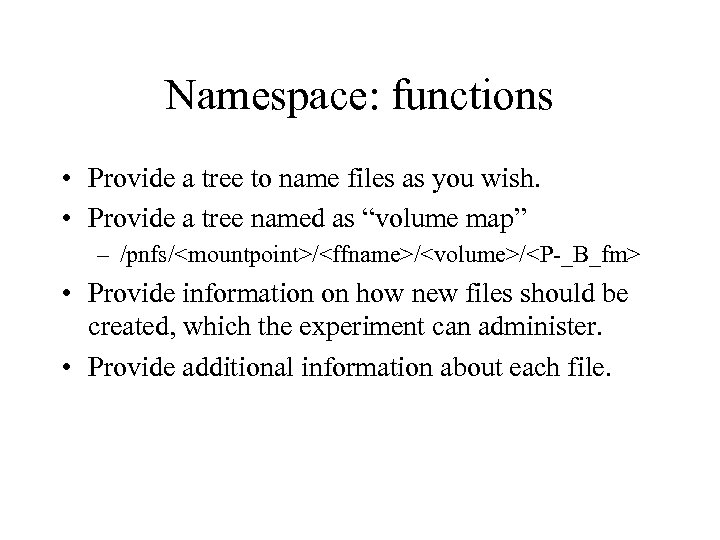 Namespace: functions • Provide a tree to name files as you wish. • Provide a tree named as “volume map” – /pnfs/
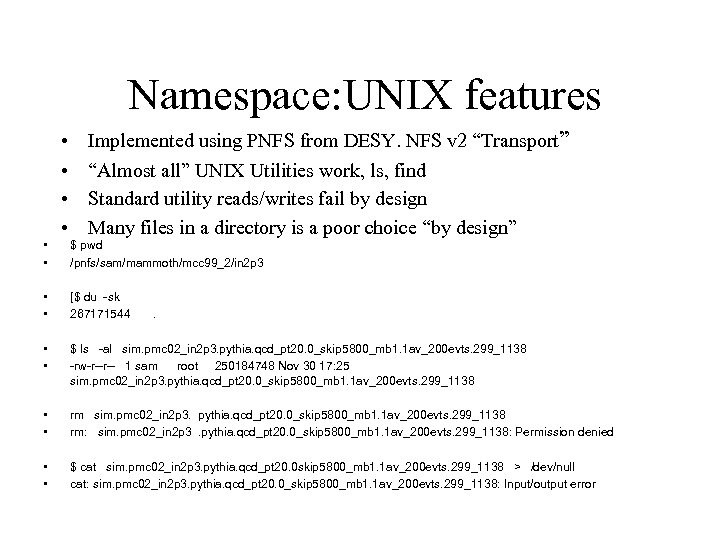 Namespace: UNIX features • • • Implemented using PNFS from DESY. NFS v 2 “Transport” “Almost all” UNIX Utilities work, ls, find Standard utility reads/writes fail by design Many files in a directory is a poor choice “by design” $ pwd /pnfs/sam/mammoth/mcc 99_2/in 2 p 3 • • [$ du -sk 267171544 • • $ ls -al sim. pmc 02_in 2 p 3. pythia. qcd_pt 20. 0_skip 5800_mb 1. 1 av_200 evts. 299_1138 -rw-r--r-- 1 sam root 250184748 Nov 30 17: 25 sim. pmc 02_in 2 p 3. pythia. qcd_pt 20. 0_skip 5800_mb 1. 1 av_200 evts. 299_1138 • • rm sim. pmc 02_in 2 p 3. pythia. qcd_pt 20. 0_skip 5800_mb 1. 1 av_200 evts. 299_1138 rm: sim. pmc 02_in 2 p 3. pythia. qcd_pt 20. 0_skip 5800_mb 1. 1 av_200 evts. 299_1138: Permission denied • • $ cat sim. pmc 02_in 2 p 3. pythia. qcd_pt 20. 0 skip 5800_mb 1. 1 av_200 evts. 299_1138 > /dev/null cat: sim. pmc 02_in 2 p 3. pythia. qcd_pt 20. 0_skip 5800_mb 1. 1 av_200 evts. 299_1138: Input/output error .
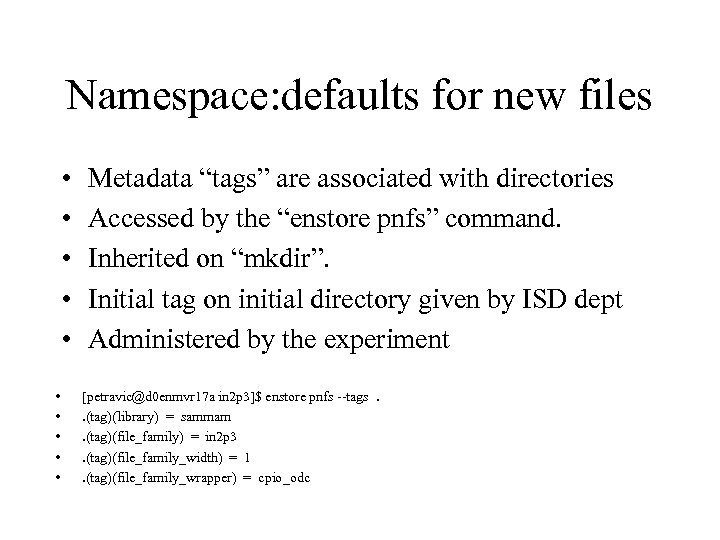 Namespace: defaults for new files • • • Metadata “tags” are associated with directories Accessed by the “enstore pnfs” command. Inherited on “mkdir”. Initial tag on initial directory given by ISD dept Administered by the experiment [petravic@d 0 enmvr 17 a in 2 p 3]$ enstore pnfs --tags. . (tag)(library) = sammam. (tag)(file_family) = in 2 p 3. (tag)(file_family_width) = 1. (tag)(file_family_wrapper) = cpio_odc
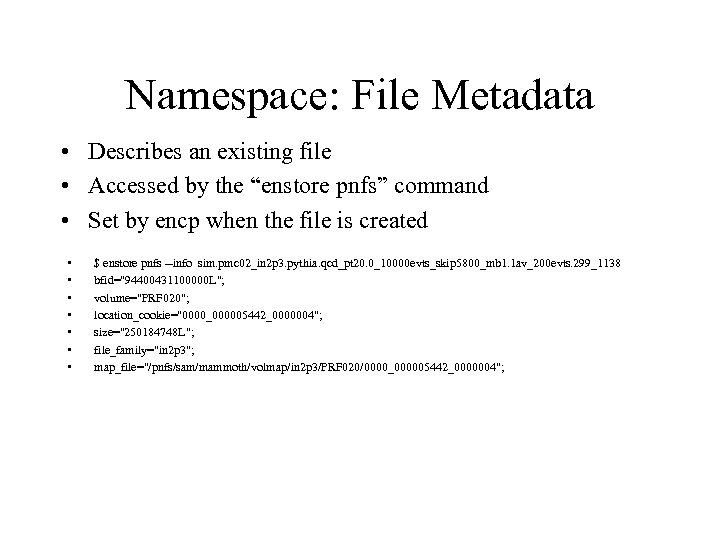 Namespace: File Metadata • Describes an existing file • Accessed by the “enstore pnfs” command • Set by encp when the file is created • • $ enstore pnfs --info sim. pmc 02_in 2 p 3. pythia. qcd_pt 20. 0_10000 evts_skip 5800_mb 1. 1 av_200 evts. 299_1138 bfid="94400431100000 L"; volume="PRF 020"; location_cookie="0000_000005442_0000004"; size="250184748 L"; file_family="in 2 p 3"; map_file="/pnfs/sam/mammoth/volmap/in 2 p 3/PRF 020/0000_000005442_0000004";
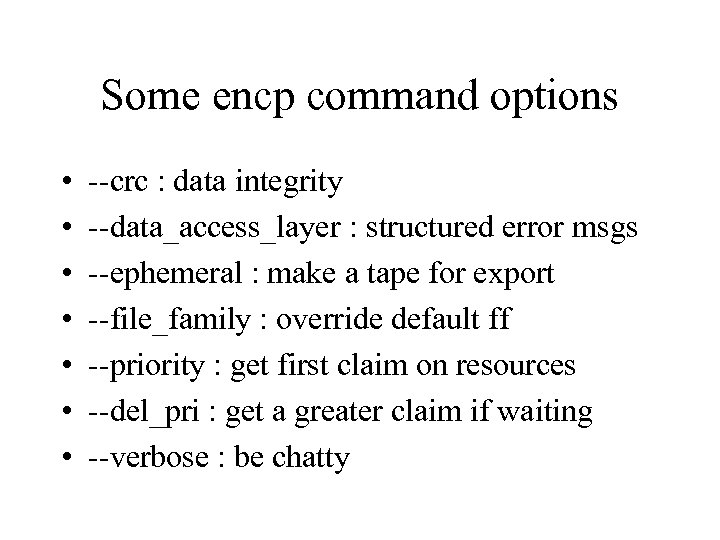 Some encp command options • • --crc : data integrity --data_access_layer : structured error msgs --ephemeral : make a tape for export --file_family : override default ff --priority : get first claim on resources --del_pri : get a greater claim if waiting --verbose : be chatty
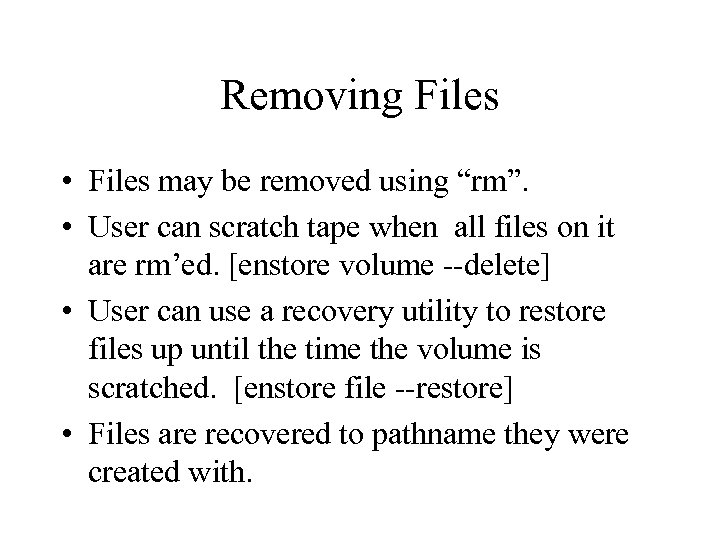 Removing Files • Files may be removed using “rm”. • User can scratch tape when all files on it are rm’ed. [enstore volume --delete] • User can use a recovery utility to restore files up until the time the volume is scratched. [enstore file --restore] • Files are recovered to pathname they were created with.
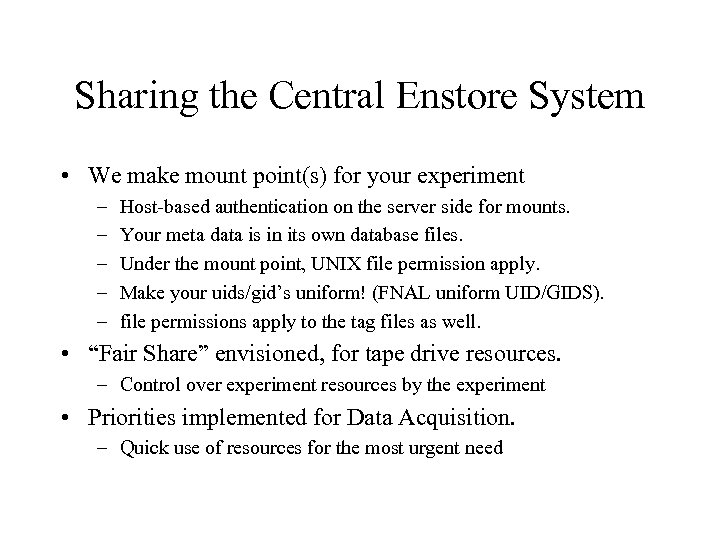 Sharing the Central Enstore System • We make mount point(s) for your experiment – – – Host-based authentication on the server side for mounts. Your meta data is in its own database files. Under the mount point, UNIX file permission apply. Make your uids/gid’s uniform! (FNAL uniform UID/GIDS). file permissions apply to the tag files as well. • “Fair Share” envisioned, for tape drive resources. – Control over experiment resources by the experiment • Priorities implemented for Data Acquisition. – Quick use of resources for the most urgent need
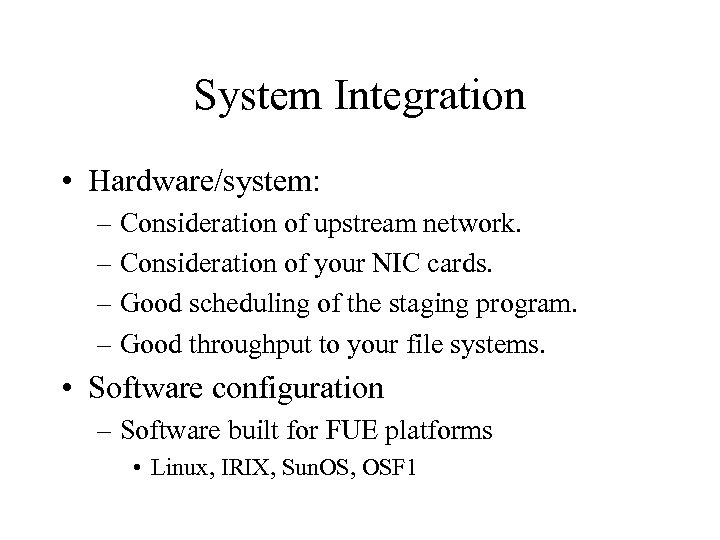 System Integration • Hardware/system: – Consideration of upstream network. – Consideration of your NIC cards. – Good scheduling of the staging program. – Good throughput to your file systems. • Software configuration – Software built for FUE platforms • Linux, IRIX, Sun. OS, OSF 1
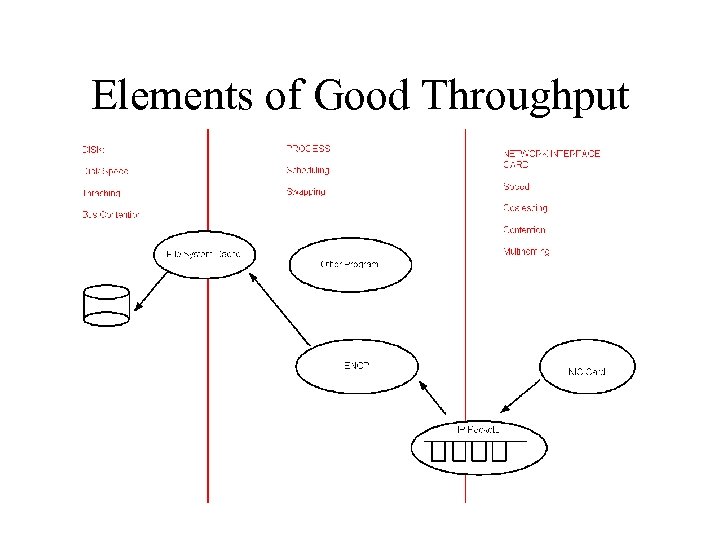 Elements of Good Throughput
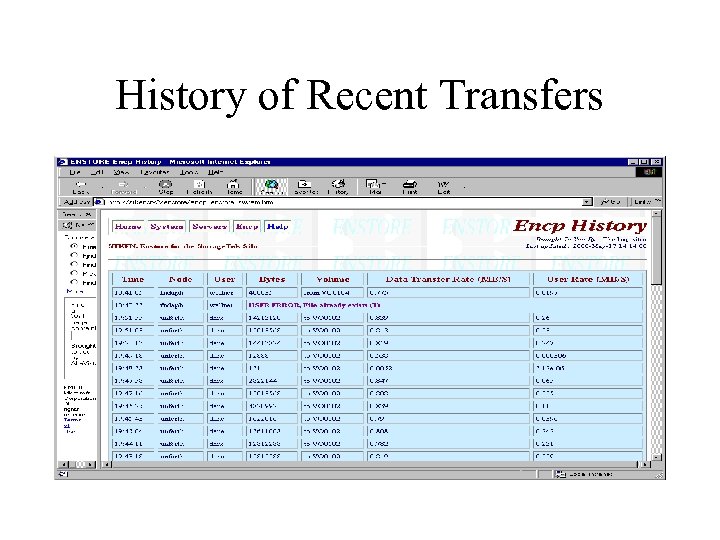
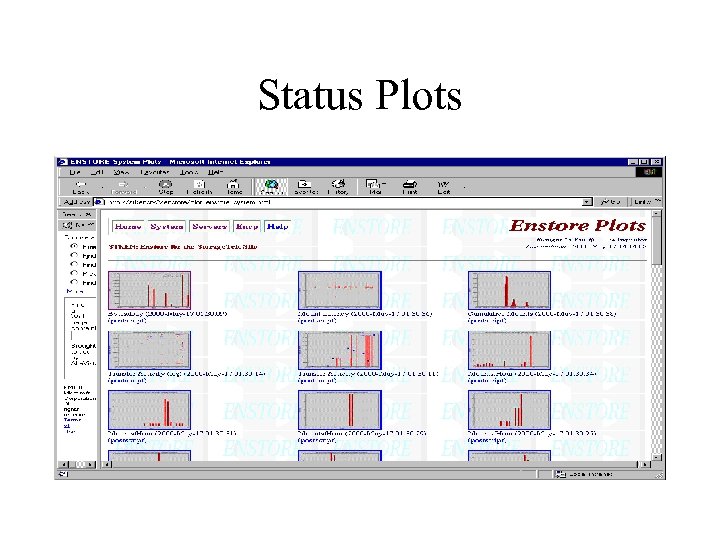
 http: //stkensrv 2. fnal. gov/enstore/ • Source of interesting monitoring info • Most updates are batched. • Can see – recent transfers – the system is up or down – what transfers are queued – more
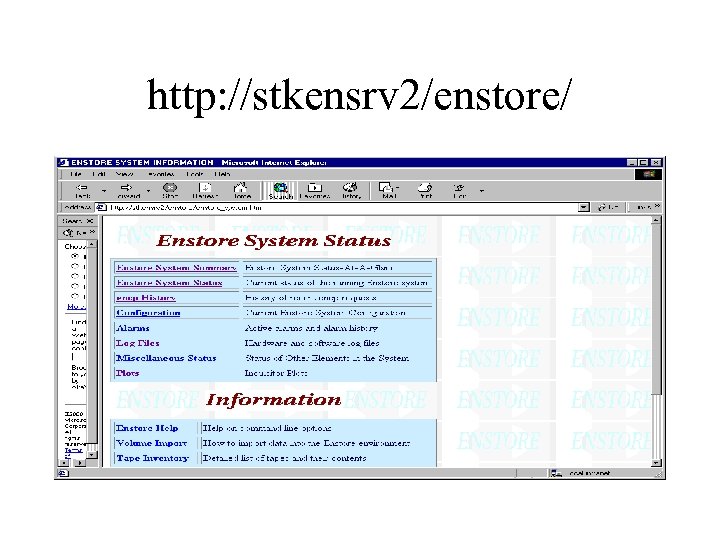 http: //stkensrv 2/enstore/
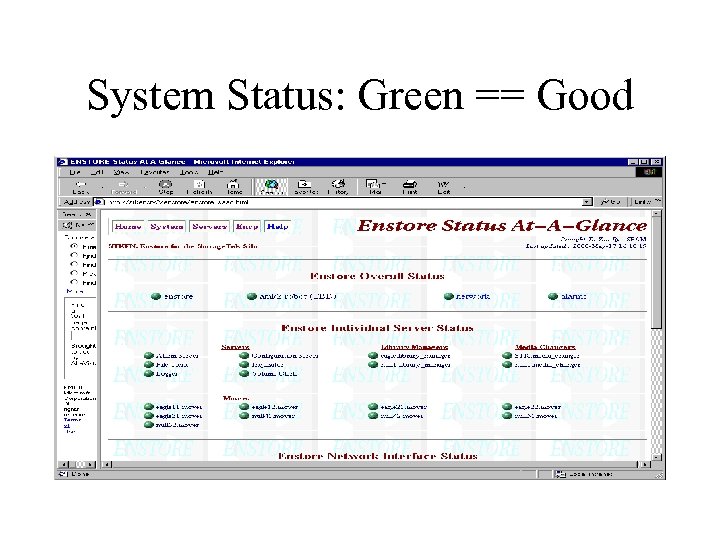 System Status: Green == Good
 History of Recent Transfers
 Status Plots
 Checklist to use Enstore • Be authorized by the computing division. • Identify performant disks and computers. – Use “bonnie” and “streams” • Provide suitable network connectivity. – Use “enstore monitor” to measure. • Plan use of namespace, file families. • Regularize UIDs and GIDs if required. • Mount the namespace. • Use encp to access your files.