 Скачать презентацию CBSN Brewer Software Status by Tom Grajnar and
489cd0e3b3541680c962cf87ad2b4c57.ppt
- Количество слайдов: 22



CBSN Brewer Software Status by: Tom Grajnar and Stephn Seko December 2002
Summary of Previous Presentations n n n n n Why New CBSN Brewer Software? Philosophy Behind New Software User Interface—General Appearance User Interface—Components User Interface—Ozone Measurements Stages of Software Development Monitoring Development Status Software Developer Software Status
This Presentation n (TG) Update stages of software development n (SS) Current status of software n (SS) Upgrades and changes incorporated n (TG) Proposed upgrades and prioritization
Stage I: Conversion n Conversion of GW Basic Brewer software to a MKII Brewer with old electronics on a simple schedule.
Stage II: Control all Brewers n Conversion Upgraded with ability to run MKII, IV and V with old electronics (either RCA or IOS micro board) or new K&Z electronics
Stage III: User-Transparent Upgrades n n Improve B-file data content, data dissemination capabilities, measurement quality and instrument operation without fundamental changes to data formats Hopefully maximize global Brewer user implementation since most existing data analysis and processing software should still function or require only minor upgrades
Stage IV: User non-Transparent Upgrades n n Improvements which will affect the fundamental operation, calibration, or file formats Likely render most existing Brewer data analysis, calibration and presentation software inoperative and thus in need of upgrade or rewrite
Stage V: Ongoing Support n Continue to address software problems, concerns and potential upgrades as suggested by members of the global Brewer user community
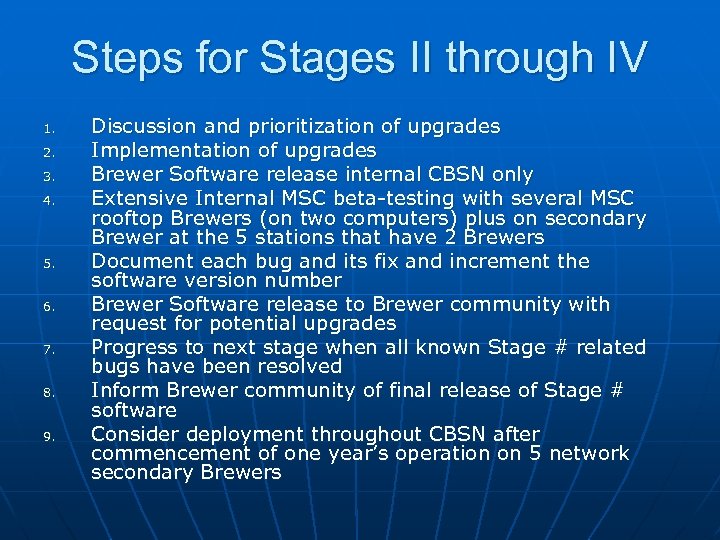
Steps for Stages II through IV 1. 2. 3. 4. 5. 6. 7. 8. 9. Discussion and prioritization of upgrades Implementation of upgrades Brewer Software release internal CBSN only Extensive Internal MSC beta-testing with several MSC rooftop Brewers (on two computers) plus on secondary Brewer at the 5 stations that have 2 Brewers Document each bug and its fix and increment the software version number Brewer Software release to Brewer community with request for potential upgrades Progress to next stage when all known Stage # related bugs have been resolved Inform Brewer community of final release of Stage # software Consider deployment throughout CBSN after commencement of one year’s operation on 5 network secondary Brewers
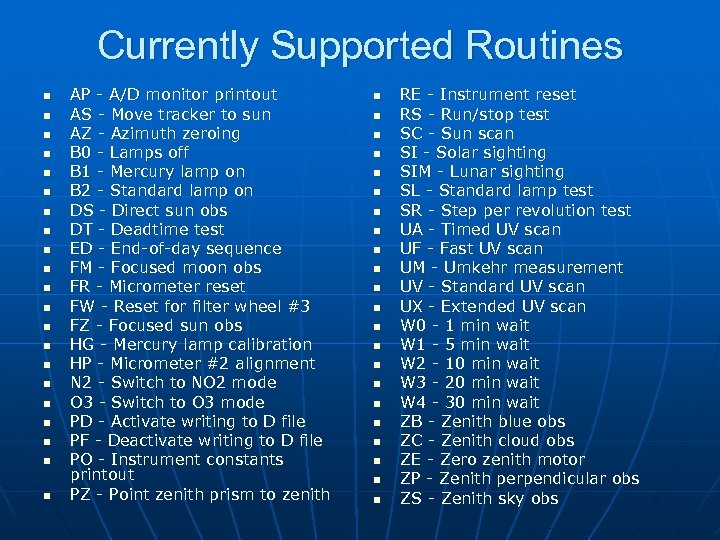
Currently Supported Routines n n n n n n AP - A/D monitor printout AS - Move tracker to sun AZ - Azimuth zeroing B 0 - Lamps off B 1 - Mercury lamp on B 2 - Standard lamp on DS - Direct sun obs DT - Deadtime test ED - End-of-day sequence FM - Focused moon obs FR - Micrometer reset FW - Reset for filter wheel #3 FZ - Focused sun obs HG - Mercury lamp calibration HP - Micrometer #2 alignment N 2 - Switch to NO 2 mode O 3 - Switch to O 3 mode PD - Activate writing to D file PF - Deactivate writing to D file PO - Instrument constants printout PZ - Point zenith prism to zenith n n n n n n RE - Instrument reset RS - Run/stop test SC - Sun scan SI - Solar sighting SIM - Lunar sighting SL - Standard lamp test SR - Step per revolution test UA - Timed UV scan UF - Fast UV scan UM - Umkehr measurement UV - Standard UV scan UX - Extended UV scan W 0 - 1 min wait W 1 - 5 min wait W 2 - 10 min wait W 3 - 20 min wait W 4 - 30 min wait ZB - Zenith blue obs ZC - Zenith cloud obs ZE - Zero zenith motor ZP - Zenith perpendicular obs ZS - Zenith sky obs
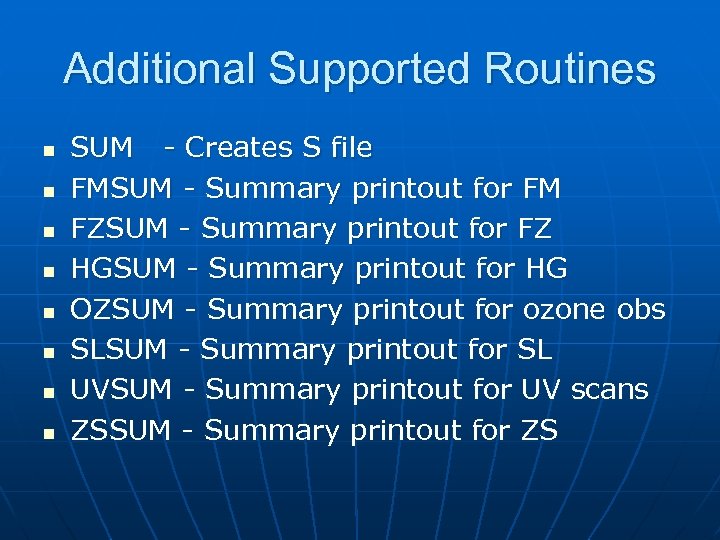
Additional Supported Routines n n n n SUM - Creates S file FMSUM - Summary printout for FM FZSUM - Summary printout for FZ HGSUM - Summary printout for HG OZSUM - Summary printout for ozone obs SLSUM - Summary printout for SL UVSUM - Summary printout for UV scans ZSSUM - Summary printout for ZS
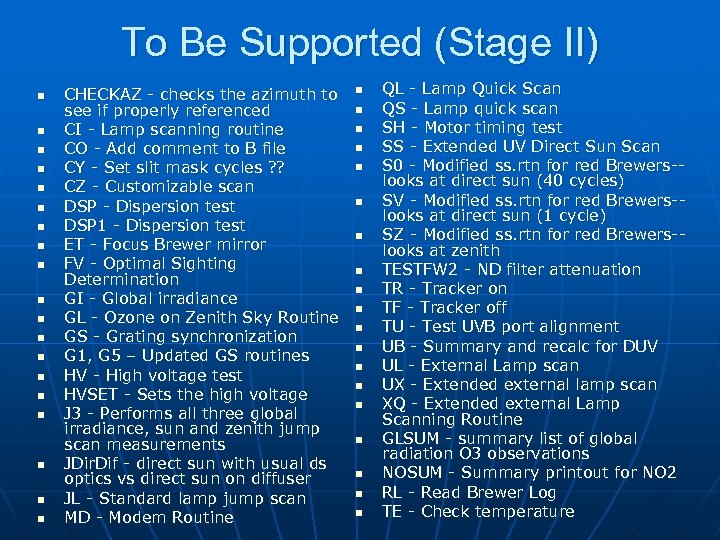
To Be Supported (Stage II) n n n n n CHECKAZ - checks the azimuth to see if properly referenced CI - Lamp scanning routine CO - Add comment to B file CY - Set slit mask cycles ? ? CZ - Customizable scan DSP - Dispersion test DSP 1 - Dispersion test ET - Focus Brewer mirror FV - Optimal Sighting Determination GI - Global irradiance GL - Ozone on Zenith Sky Routine GS - Grating synchronization G 1, G 5 – Updated GS routines HV - High voltage test HVSET - Sets the high voltage J 3 - Performs all three global irradiance, sun and zenith jump scan measurements JDir. Dif - direct sun with usual ds optics vs direct sun on diffuser JL - Standard lamp jump scan MD - Modem Routine n n n n n QL - Lamp Quick Scan QS - Lamp quick scan SH - Motor timing test SS - Extended UV Direct Sun Scan S 0 - Modified ss. rtn for red Brewers-looks at direct sun (40 cycles) SV - Modified ss. rtn for red Brewers-looks at direct sun (1 cycle) SZ - Modified ss. rtn for red Brewers-looks at zenith TESTFW 2 - ND filter attenuation TR - Tracker on TF - Tracker off TU - Test UVB port alignment UB - Summary and recalc for DUV UL - External Lamp scan UX - Extended external lamp scan XQ - Extended external Lamp Scanning Routine GLSUM - summary list of global radiation O 3 observations NOSUM - Summary printout for NO 2 RL - Read Brewer Log TE - Check temperature
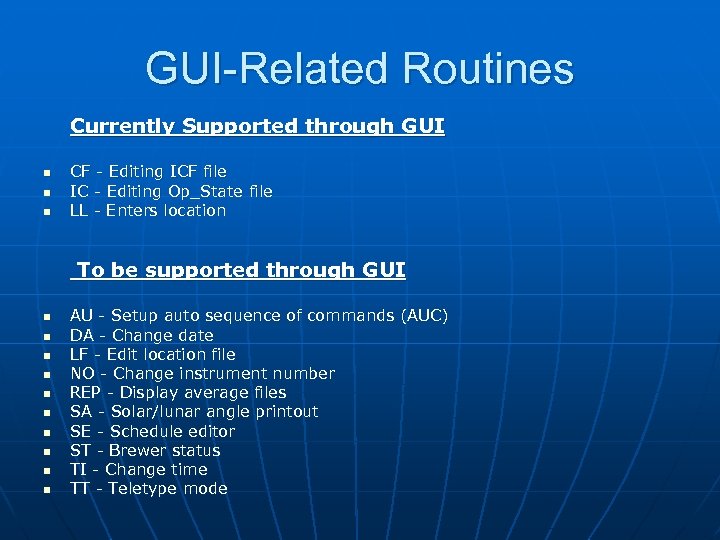
GUI-Related Routines Currently Supported through GUI n n n CF - Editing ICF file IC - Editing Op_State file LL - Enters location To be supported through GUI n n n n n AU - Setup auto sequence of commands (AUC) DA - Change date LF - Edit location file NO - Change instrument number REP - Display average files SA - Solar/lunar angle printout SE - Schedule editor ST - Brewer status TI - Change time TT - Teletype mode
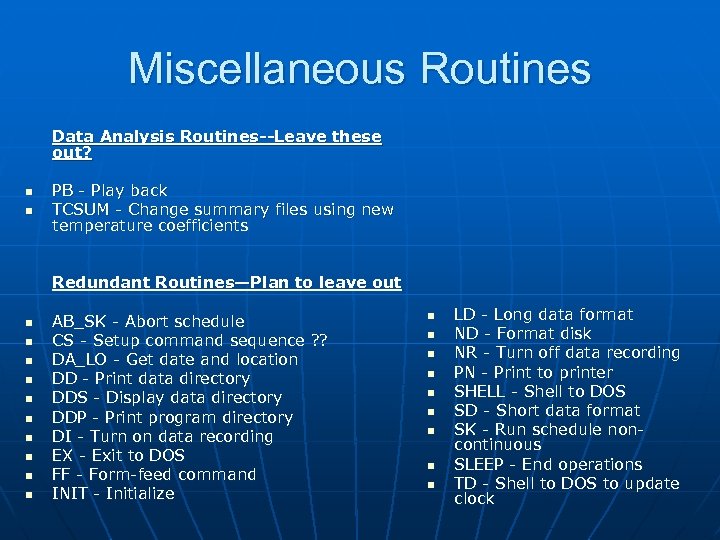
Miscellaneous Routines Data Analysis Routines--Leave these out? n n PB - Play back TCSUM - Change summary files using new temperature coefficients Redundant Routines—Plan to leave out n n n n n AB_SK - Abort schedule CS - Setup command sequence ? ? DA_LO - Get date and location DD - Print data directory DDS - Display data directory DDP - Print program directory DI - Turn on data recording EX - Exit to DOS FF - Form-feed command INIT - Initialize n n n n n LD - Long data format ND - Format disk NR - Turn off data recording PN - Print to printer SHELL - Shell to DOS SD - Short data format SK - Run schedule noncontinuous SLEEP - End operations TD - Shell to DOS to update clock
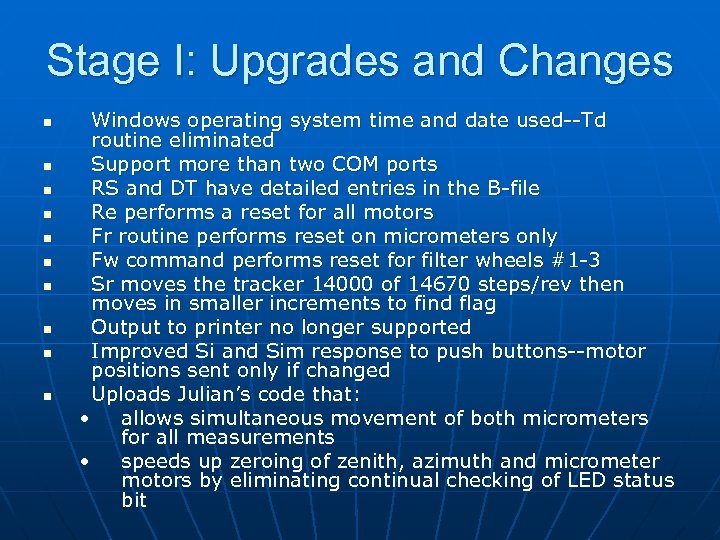
Stage I: Upgrades and Changes n n n n n Windows operating system time and date used--Td routine eliminated Support more than two COM ports RS and DT have detailed entries in the B-file Re performs a reset for all motors Fr routine performs reset on micrometers only Fw command performs reset for filter wheels #1 -3 Sr moves the tracker 14000 of 14670 steps/rev then moves in smaller increments to find flag Output to printer no longer supported Improved Si and Sim response to push buttons--motor positions sent only if changed Uploads Julian’s code that: • allows simultaneous movement of both micrometers for all measurements • speeds up zeroing of zenith, azimuth and micrometer motors by eliminating continual checking of LED status bit
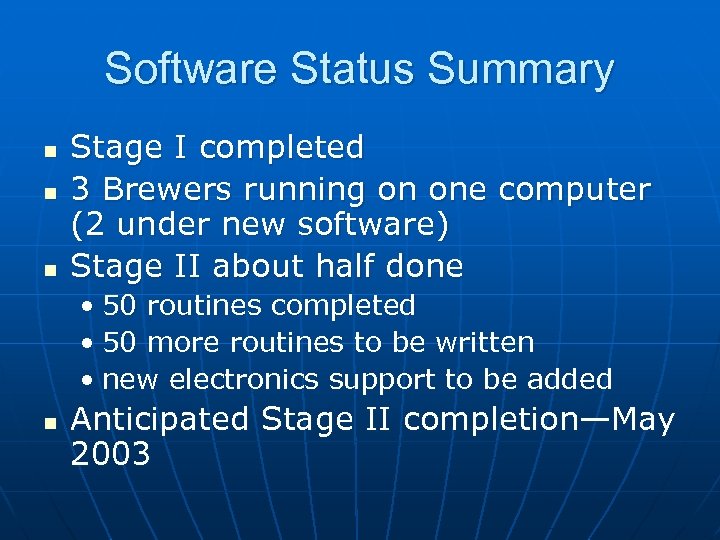
Software Status Summary n n n Stage I completed 3 Brewers running on one computer (2 under new software) Stage II about half done • 50 routines completed • 50 more routines to be written • new electronics support to be added n Anticipated Stage II completion—May 2003
Stage II: Proposed Upgrades and Changes n n n n n Include support for use of Brewer clock Include Brewer software version at beginning of every B-file using format “Brewer software version: A-B-C-D” where A is the programming environment, B is the software development stage #, C is the release number, and D is the compilation number DSP routine to include lamp and wavelength configuration option used by CBSN and automatically log both initial and final hg tests, lamp used, wavelength, slit and FW 2 position to D-file. If calculated step is beyond range of micrometer then note this in Dfile and proceed to next slit. Modify dsp routine to select correct ND filter based on an intensity test to optimize signal to noise and prevent PMT saturation. SH routine modified to not require initial pd and to provide default values for the test. Record results into B-file also Provide default values for HV test and log results into B-file Harmonize dssum. rtn with md. rtn so they use same acceptance criteria and log acceptance criteria in dssum d-file header Low disk space warning (20 MB). Upload change in shutter timing constant if changed in cf
Stage III: Minor Upgrades and Changes n n n n n Implement hg 296. 7 line for hg calibrations but also support 302. 2 line Make the Hp routine a part of the Hg routine Display error messages when schedule aborted Error log file to record date, time and information for all error messages Elimination of NO 2 offset constant Check if previous day’s B-file complete on software startup—if not then create S-file and update avg files Option to specify to exit to menu immediately or exit after the current measurement when home key pressed Modify md routine to create bulletins that include ds zs fm gi um red and from uv o 3 values and create daily summaries for all of these measurements Routine to scan sl and hg lamp to determine the optimum zenith offset value Modify ap routine to measure humidity Automate sr check and update of constant if it is within 5 steps of previous value or repeat again to confirm results consistent. If not consistent after 3 tries then log error message Log all relevant values to avg files Upgrade the tu test to perform ze both before and after the tu and to log this information to the B-file. Also expand the number of steps scanned to 40 Check box option to ftp B UV etc. files to various data centres along with option to send real-time ozone and UV bulletins. Az, Ze and Fw end of day values on screen Low disk space warning Log all “waiting for za…” messages to d-file Add suncscan output to B-file Add NO 2 heading under UV on UI with ds and zs subheadings Possible to perform dsp using only lines in the visible (say from a Neon bulb) for a MKIV and MKV and the correlation to the UV dispersion is 100%-set up default config in dsp
Stage III: Major Upgrades and Changes n n n n n Allow user FTP bulletins to user-specified site(s) in real-time--prompt the user for this information the first time that the program is run Allow user to select file types (B, D, UV, etc. or ALL) to automatically send to one or more FTP—sites at end of day (available defaults should include WOUDC and other regional data centres)--prompt the user for this information the first time that the program is run Apply grating slope and intercept information to all measurements and consider changing this function to something other than a linear one in order to better model the actual relationship Add target step value to B-file hg test output Incorporate real-time ozone determination from GI UV UM Red scans Incorporate stray-light reduction algorithm from Mc. Linden Option to send email to a specified user list on user-selectable conditions —ex. Temperature or humidity, sighting values, drive discrepancy values beyond acceptable limits etc. Incorporate Julian’s fv (sighting check) routine and update of sighting correction values. Also incorporate data from all calibrations into B-file (ex. , dsp, ul, xl, ql, ci, cz, sh, hv, tu, etc. ) Implement appropriate Rayleigh Scattering Coefficients (re: Annex I – Recommendations from the 5 th Brewer Workshop, Halkidiki, Greece, 1998)
Stage IV: Upgrades and Changes n n n n n Hg routine could be made to run automatically without needing to be entered in schedules based on a 2 or 3 degree change in temperature—must be user selectable XL should have overlap at filter change Fix the dark count file format error in the UV UX Ul Xl files Place results of all routines, tests and calibrations into B-file and consider eliminating all other output files Julian’s new dispersion routine which uses a polynomial fit Examine Julian’s modified 3. 74 d Brewer software run on 119 for potential upgrades Examine Julian’s Mat. Lab Brewer software for potential upgrades The program could be made to run more than one Brewer at the same time A code generator or a sort of high level scripting language that will allow users to create and customize routines without having to change the program itself. A better solution to the above would be to make the measurement and test routines available as an editable VB file that can be compiled into a resource dll to be utilized by the main program which will only be available as the compiled program and, therefore, not changeable by the users. The modules that they can edit or create will use only the appropriate resources of the main program which should be accessed programmatically in a way that is simple and concise?
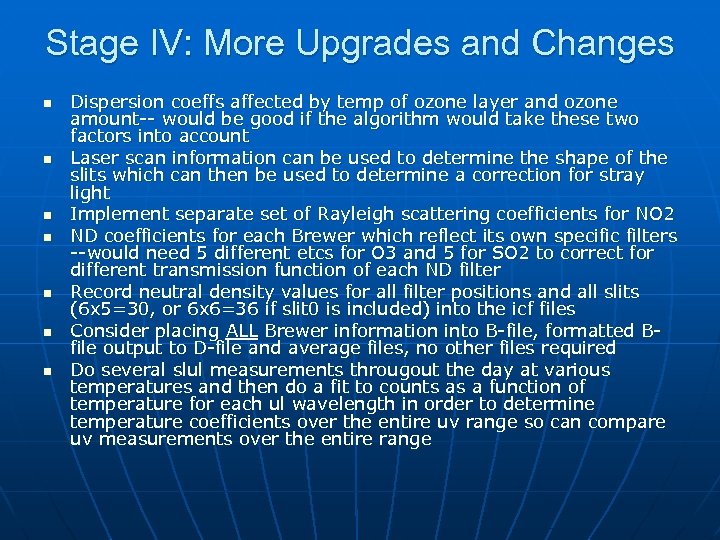
Stage IV: More Upgrades and Changes n n n n Dispersion coeffs affected by temp of ozone layer and ozone amount-- would be good if the algorithm would take these two factors into account Laser scan information can be used to determine the shape of the slits which can then be used to determine a correction for stray light Implement separate set of Rayleigh scattering coefficients for NO 2 ND coefficients for each Brewer which reflect its own specific filters --would need 5 different etcs for O 3 and 5 for SO 2 to correct for different transmission function of each ND filter Record neutral density values for all filter positions and all slits (6 x 5=30, or 6 x 6=36 if slit 0 is included) into the icf files Consider placing ALL Brewer information into B-file, formatted Bfile output to D-file and average files, no other files required Do several slul measurements througout the day at various temperatures and then do a fit to counts as a function of temperature for each ul wavelength in order to determine temperature coefficients over the entire uv range so can compare uv measurements over the entire range
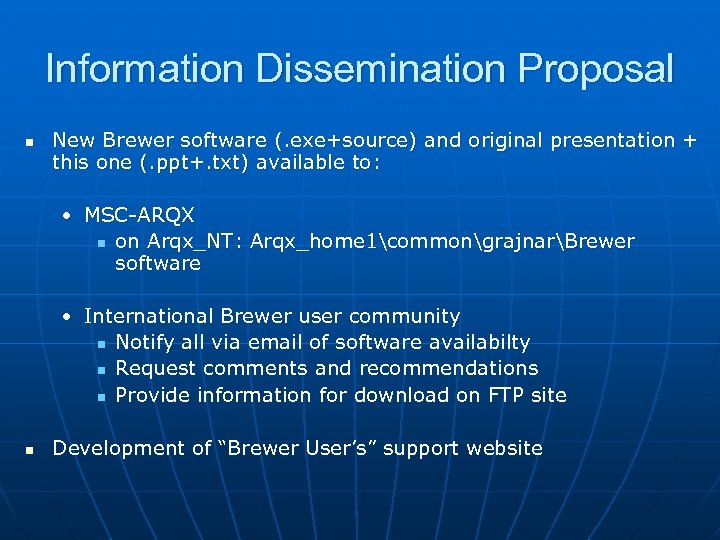
Information Dissemination Proposal n New Brewer software (. exe+source) and original presentation + this one (. ppt+. txt) available to: • MSC-ARQX n on Arqx_NT: Arqx_home 1commongrajnarBrewer software • International Brewer user community n Notify all via email of software availabilty n Request comments and recommendations n Provide information for download on FTP site n Development of “Brewer User’s” support website
Скачать презентацию CBSN Brewer Software Status by Tom Grajnar and
489cd0e3b3541680c962cf87ad2b4c57.ppt