


 Скачать презентацию Case Study — Summary Company Description Caus Effects
aacc2ea4c1c6f8ae2c7caa62b55a0795.ppt
- Количество слайдов: 4
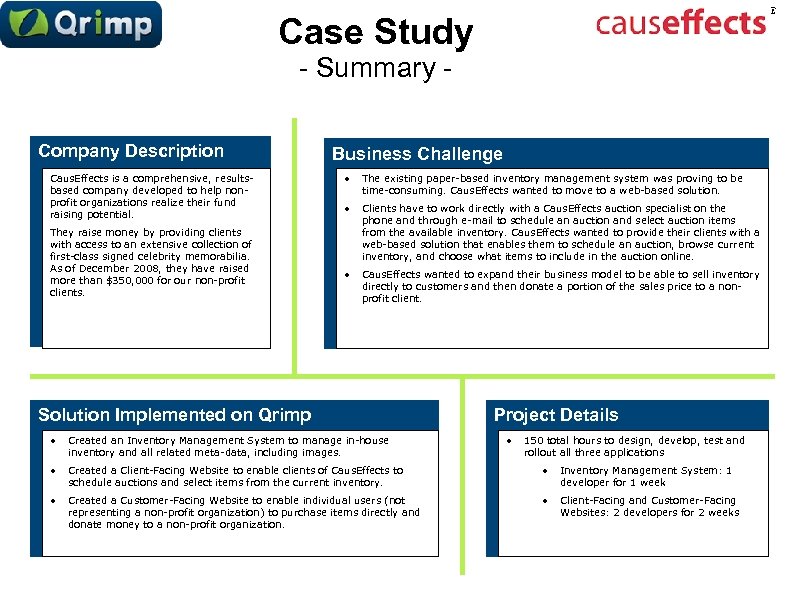 Case Study - Summary Company Description Caus. Effects is a comprehensive, resultsbased company developed to help nonprofit organizations realize their fund raising potential. They raise money by providing clients with access to an extensive collection of first-class signed celebrity memorabilia. As of December 2008, they have raised more than $350, 000 for our non-profit clients. Business Challenge • The existing paper-based inventory management system was proving to be time-consuming. Caus. Effects wanted to move to a web-based solution. • Clients have to work directly with a Caus. Effects auction specialist on the phone and through e-mail to schedule an auction and select auction items from the available inventory. Caus. Effects wanted to provide their clients with a web-based solution that enables them to schedule an auction, browse current inventory, and choose what items to include in the auction online. • Caus. Effects wanted to expand their business model to be able to sell inventory directly to customers and then donate a portion of the sales price to a nonprofit client. Solution Implemented on Qrimp Project Details • Created an Inventory Management System to manage in-house inventory and all related meta-data, including images. • • Created a Client-Facing Website to enable clients of Caus. Effects to schedule auctions and select items from the current inventory. • Inventory Management System: 1 developer for 1 week • Created a Customer-Facing Website to enable individual users (not representing a non-profit organization) to purchase items directly and donate money to a non-profit organization. • Client-Facing and Customer-Facing Websites: 2 developers for 2 weeks 150 total hours to design, develop, test and rollout all three applications
 Case Study - Solution Details • Inventory Management System • Features Include: • Add and manage data for inventory items online, including uploading multiple images • Add and manage data for past and future auction events, including packing lists and integration with Google Maps for an auction’s location • Add and manage all client data, such as contact information • Client-Facing Website for Auction Management • Features include: • Integrated with the underlying database for the Inventory Management System • Update the Inventory Management System to provide a dashboard to see all upcoming auctions and a custom workflow to close out past auctions • Enabled clients to log-in, schedule a future auction, view past auctions, and add items to a future auction from the current inventory • Customer-Facing Website for Individual Sales • Features Include: • Integrated with the underlying database for the Inventory Management System • Use a dashboard to see and process all orders for specific items from customers, including packing lists. • Enabled customers to log-in, buy items in the inventory directly from Caus. Effects, and donate a percentage of the purchase price to a non-profit organization that is registered with Caus. Effects.
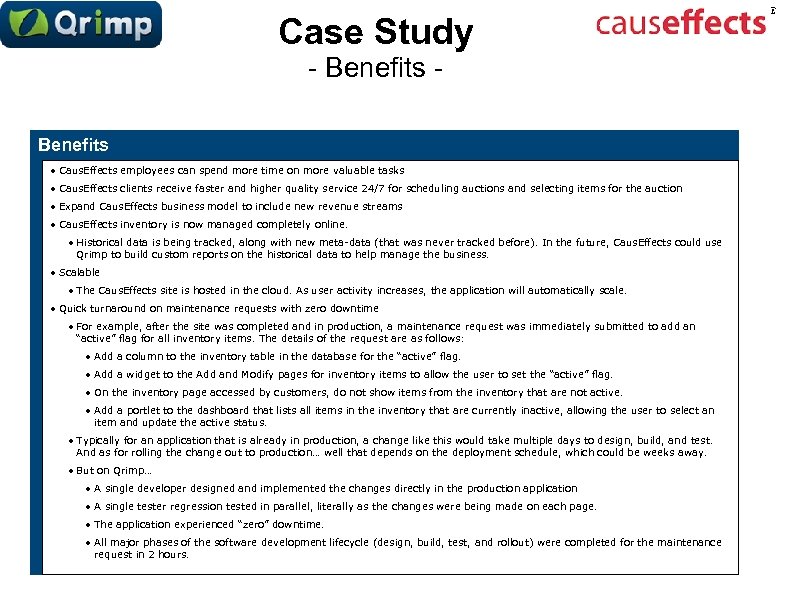 Case Study - Benefits • Caus. Effects employees can spend more time on more valuable tasks • Caus. Effects clients receive faster and higher quality service 24/7 for scheduling auctions and selecting items for the auction • Expand Caus. Effects business model to include new revenue streams • Caus. Effects inventory is now managed completely online. • Historical data is being tracked, along with new meta-data (that was never tracked before). In the future, Caus. Effects could use Qrimp to build custom reports on the historical data to help manage the business. • Scalable • The Caus. Effects site is hosted in the cloud. As user activity increases, the application will automatically scale. • Quick turnaround on maintenance requests with zero downtime • For example, after the site was completed and in production, a maintenance request was immediately submitted to add an “active” flag for all inventory items. The details of the request are as follows: • Add a column to the inventory table in the database for the “active” flag. • Add a widget to the Add and Modify pages for inventory items to allow the user to set the “active” flag. • On the inventory page accessed by customers, do not show items from the inventory that are not active. • Add a portlet to the dashboard that lists all items in the inventory that are currently inactive, allowing the user to select an item and update the active status. • Typically for an application that is already in production, a change like this would take multiple days to design, build, and test. And as for rolling the change out to production… well that depends on the deployment schedule, which could be weeks away. • But on Qrimp… • A single developer designed and implemented the changes directly in the production application • A single tester regression tested in parallel, literally as the changes were being made on each page. • The application experienced “zero” downtime. • All major phases of the software development lifecycle (design, build, test, and rollout) were completed for the maintenance request in 2 hours.
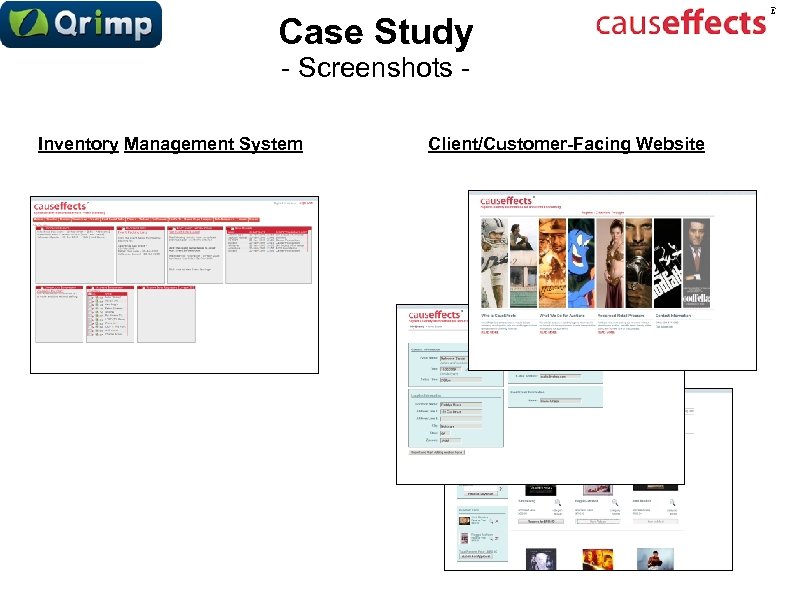 Case Study - Screenshots Inventory Management System Client/Customer-Facing Website