Скачать презентацию Cameras and Vision Giving Your Games Sight Antonio
761e7e2a16d73a73eca0945fa9f01997.ppt
- Количество слайдов: 162
 Cameras and Vision: Giving Your Games Sight Antonio Haro Nokia Research Center Computer Graphics and Vision Group
 e s r Cameras and Vision: Giving Your Games Sight h s u o C Antonio Haro Nokia Research Center Computer Graphics and Vision Group C a r
 Current Mobile Challenges (Non-technical) > Carrier closed camera APIs > Depends on hardware/company/country > APIs can be poorly documented > Biggest challenge: portability > > Camera APIs will be different Most are still changing
 Current Mobile Challenges (Non-technical) > Chicken and egg problem > Situation should improve soon – demand for imaging/camera applications is increasing > Third-party development is key
 Current Mobile Challenges Limited computation > Lens quality > Limited frame rate > Imaging processors > Lack of floating point (for now) > Adaptive exposure (for now) >
 Current Mobile Challenges Limited computation > Lens quality > Limited frame rate > Imaging processors > Lack of floating point (for now) > Adaptive exposure (for now) > = Mid 80 s – early 90 s desktop hardware
 Outline 1. 2. 3. 4. Cameras & eyeballs Motion & tracking Gesture recognition Case studies
 1. Cameras & Eyeballs
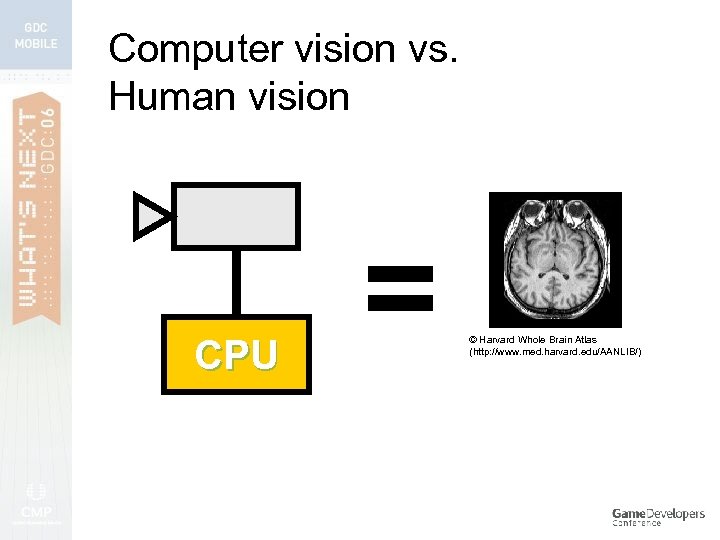 Computer vision vs. Human vision CPU = © Harvard Whole Brain Atlas (http: //www. med. harvard. edu/AANLIB/)
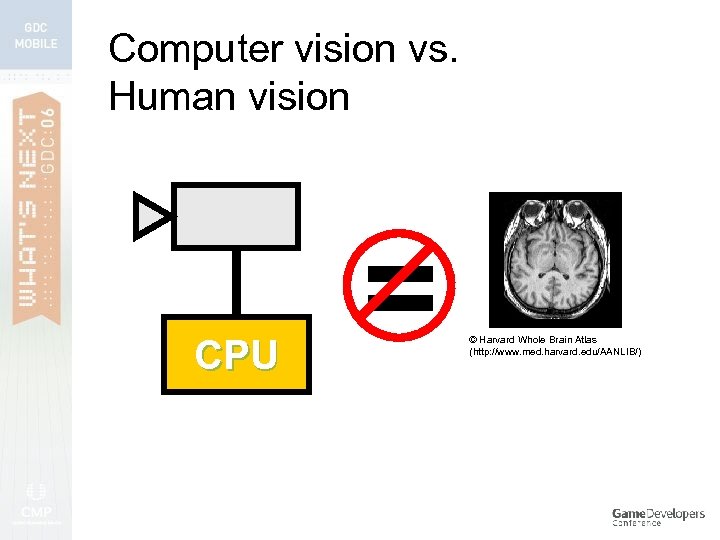 Computer vision vs. Human vision CPU = © Harvard Whole Brain Atlas (http: //www. med. harvard. edu/AANLIB/)
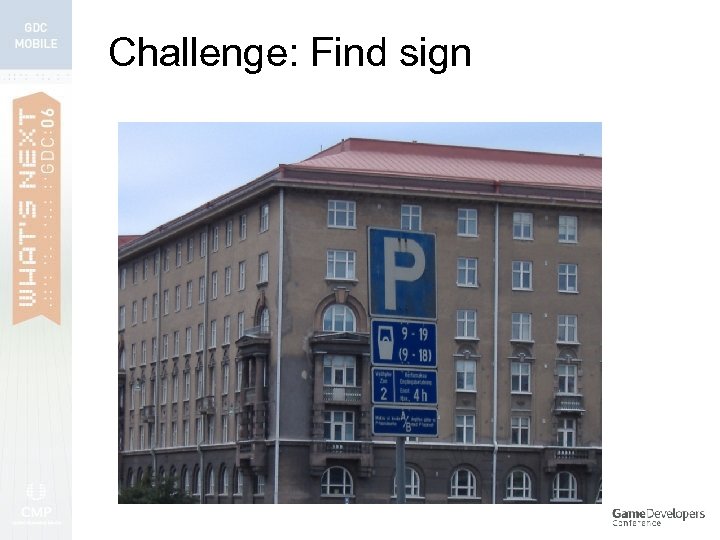 Challenge: Find sign
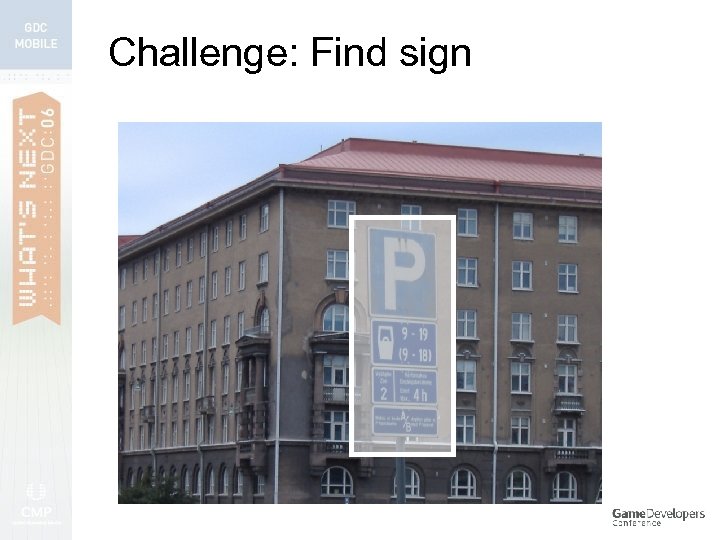 Challenge: Find sign
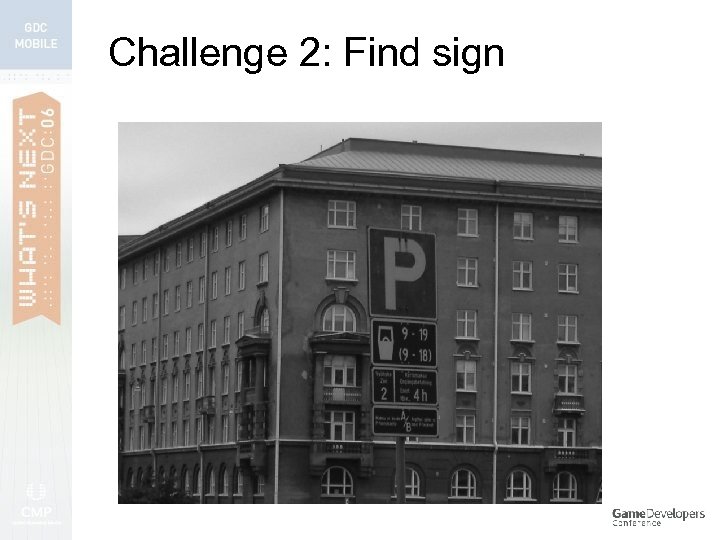 Challenge 2: Find sign
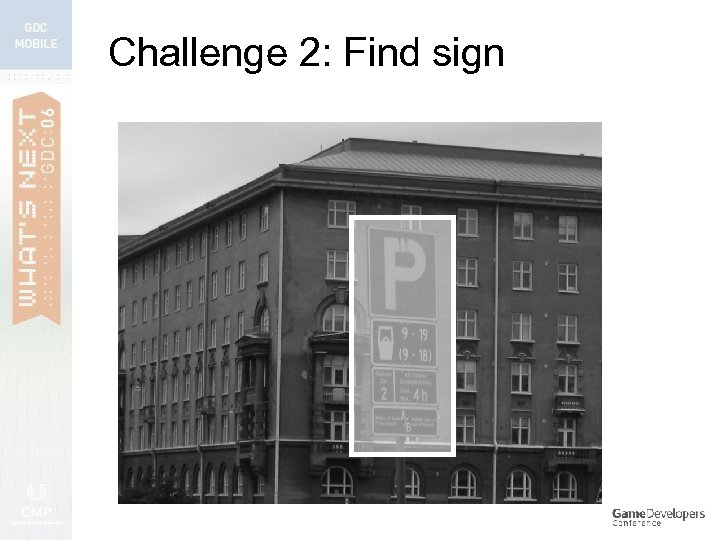 Challenge 2: Find sign
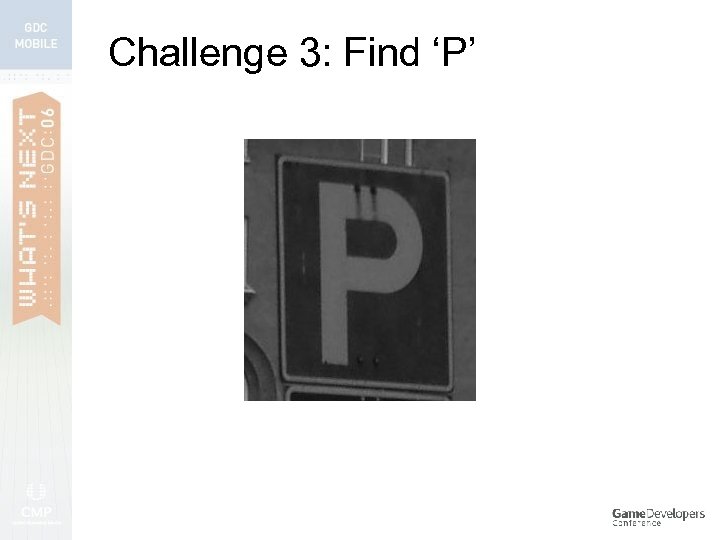 Challenge 3: Find ‘P’
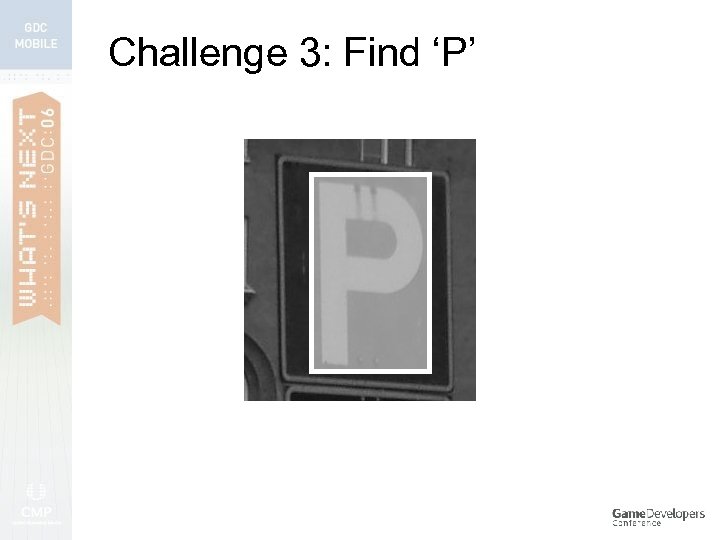 Challenge 3: Find ‘P’
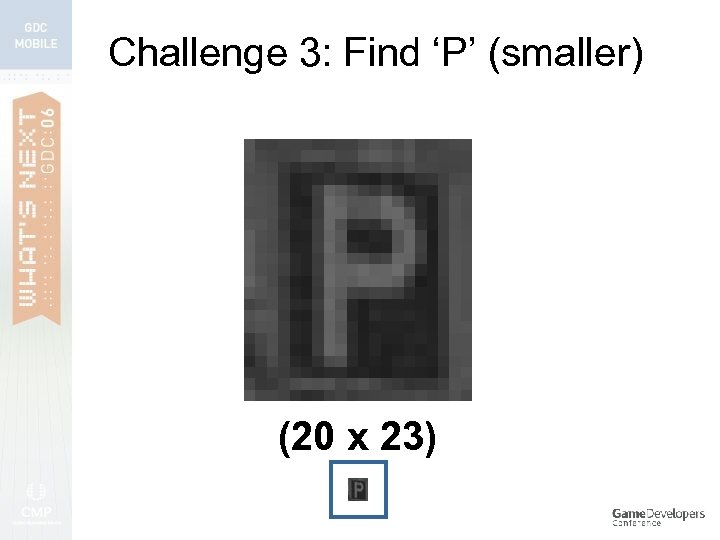 Challenge 3: Find ‘P’ (smaller) (20 x 23)
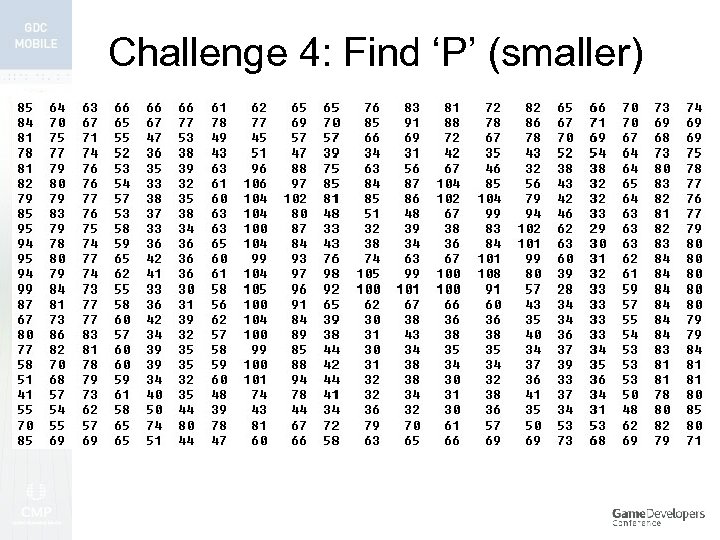 Challenge 4: Find ‘P’ (smaller)
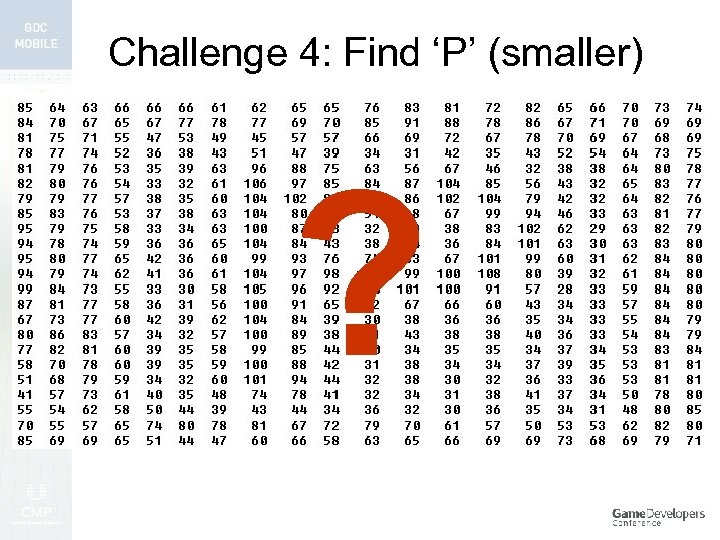 Challenge 4: Find ‘P’ (smaller) ?
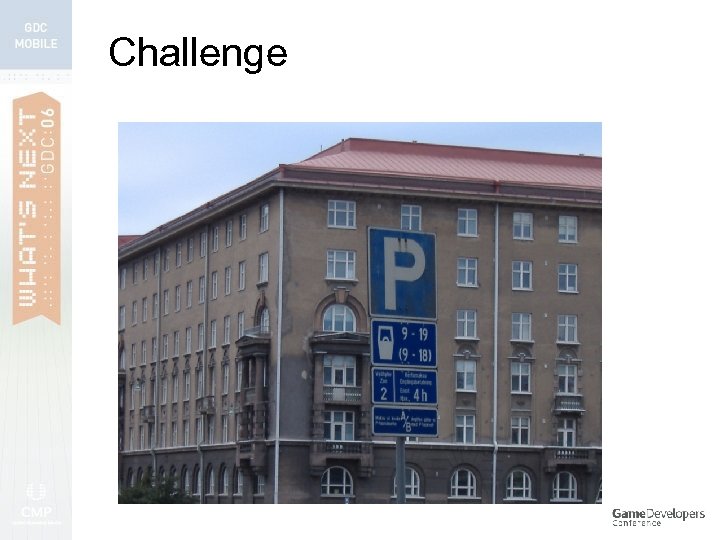 Challenge
 Well, just look for blue
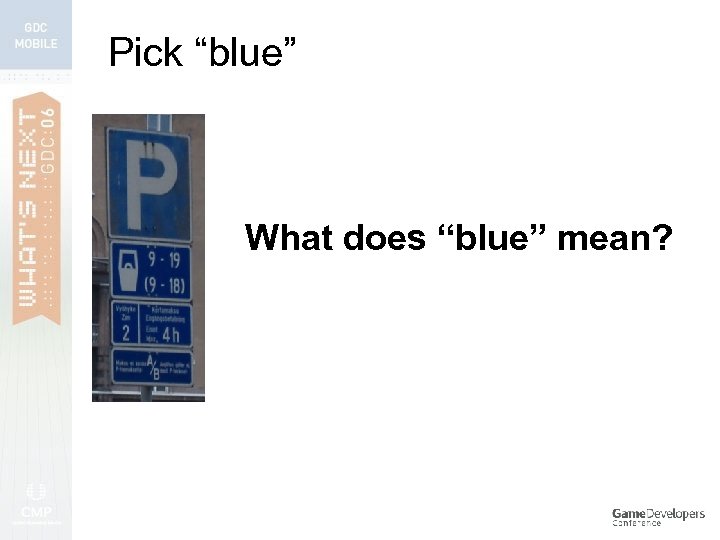 Pick “blue” What does “blue” mean?
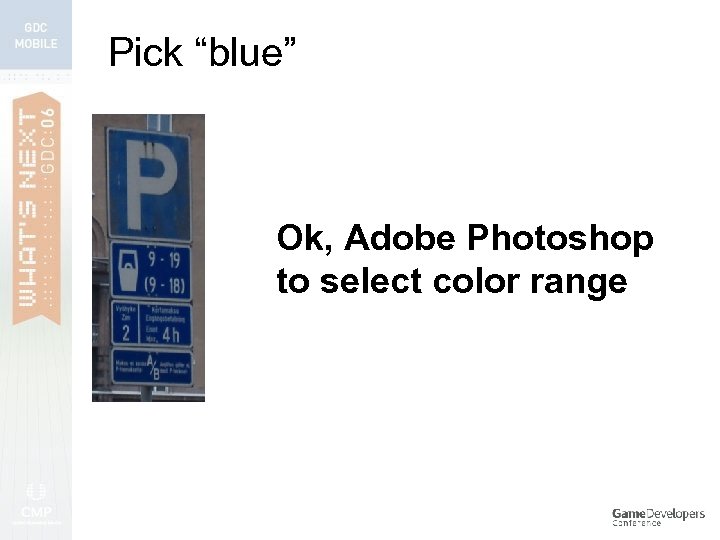 Pick “blue” Ok, Adobe Photoshop to select color range
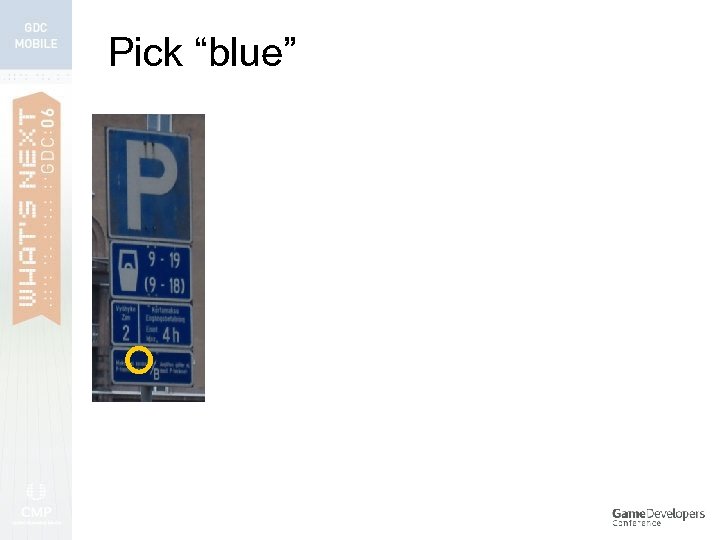 Pick “blue”
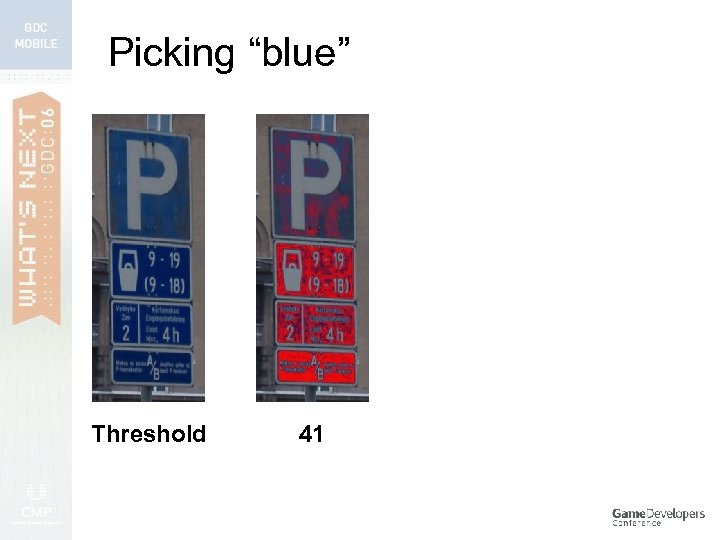 Picking “blue” Threshold 41
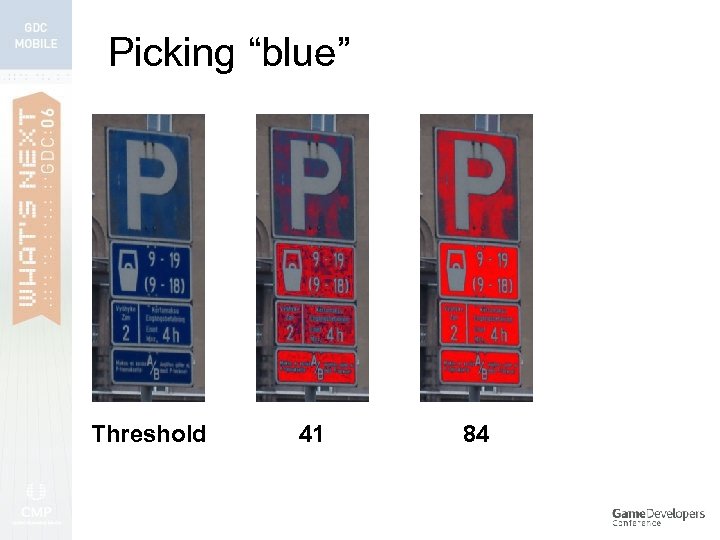 Picking “blue” Threshold 41 84
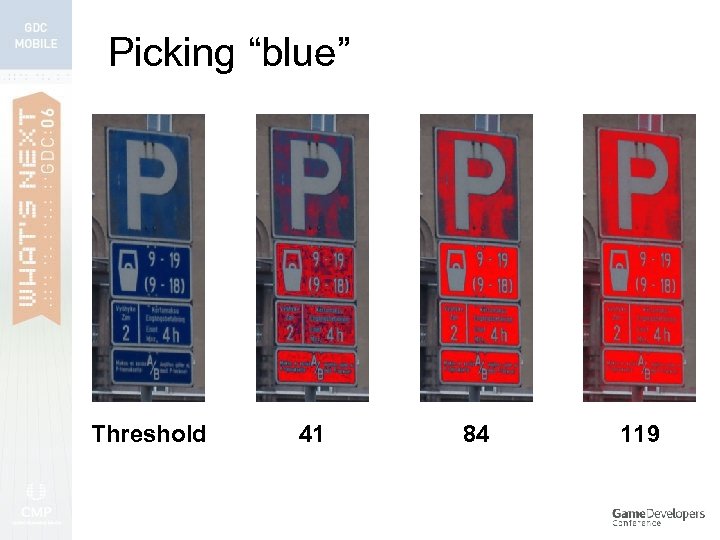 Picking “blue” Threshold 41 84 119
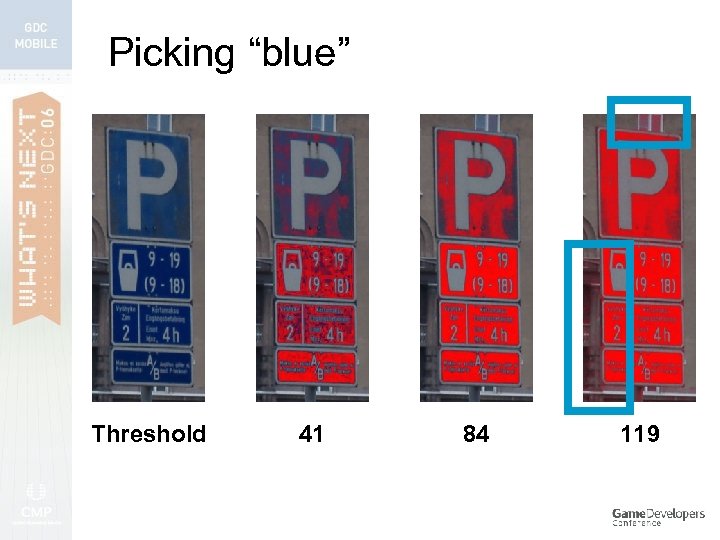 Picking “blue” Threshold 41 84 119
 1. Colors change wildly - even in 20 seconds 2. Colors can change frame to frame
 1. Colors change wildly - even in 20 seconds 2. Colors can change frame to frame
 Well, just look at the edges
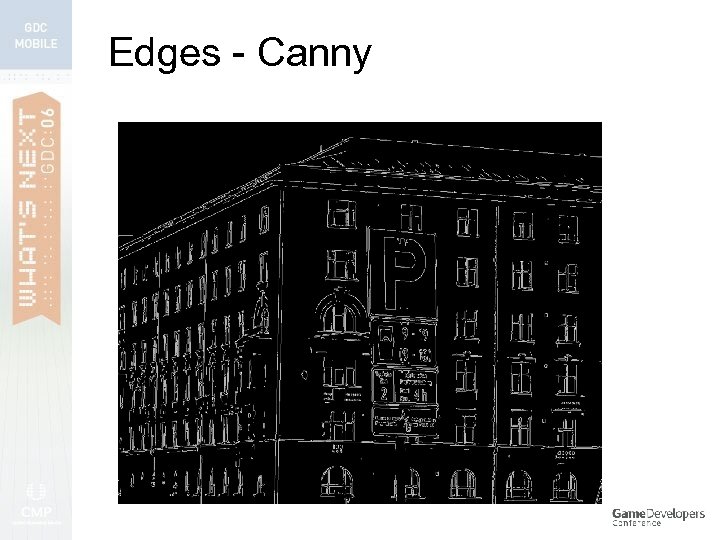 Edges - Canny
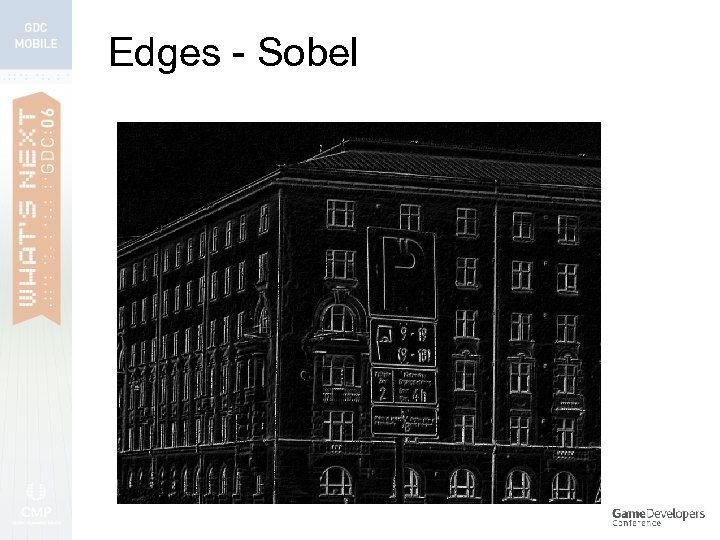 Edges - Sobel
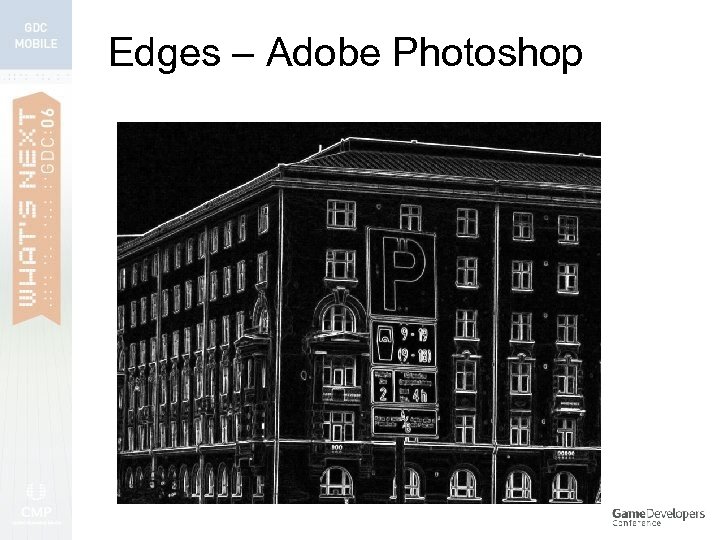 Edges – Adobe Photoshop
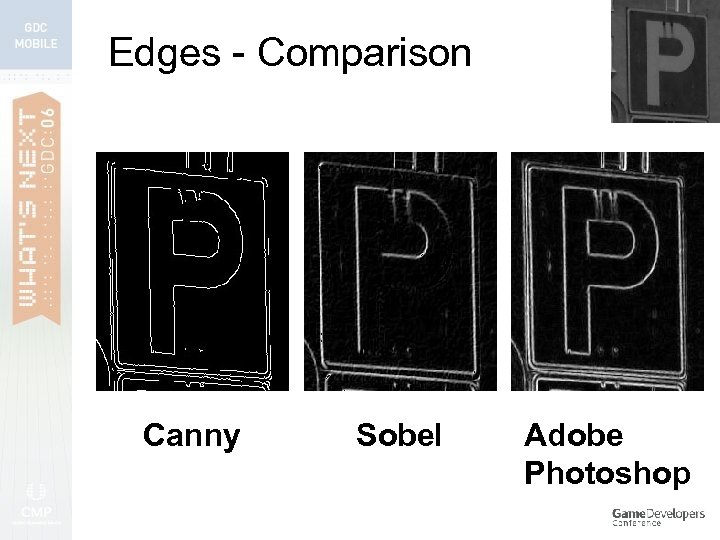 Edges - Comparison Canny Sobel Adobe Photoshop
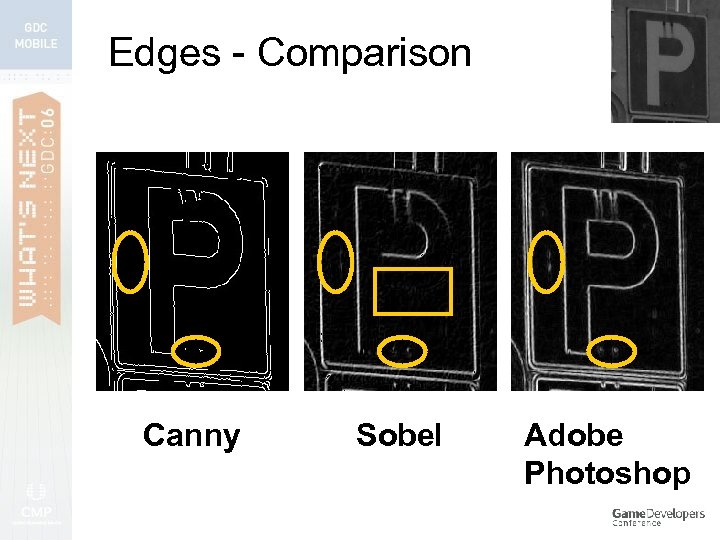 Edges - Comparison Canny Sobel Adobe Photoshop
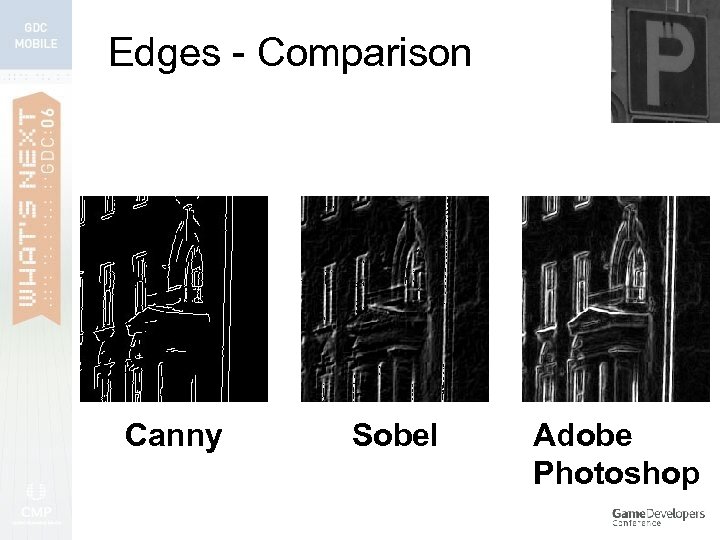 Edges - Comparison Canny Sobel Adobe Photoshop
 1. Edges are rarely connected 2. Edges change frame to frame
 1. Edges are rarely connected 2. Edges change frame to frame
 Q: Why are edges and colors unreliable?
 Q: Why are edges and colors unreliable? A: Meet the enemy….
 Q: Why are edges and colors unreliable? A: Meet the enemy…. NOISE
 Noise? > Source of problems described (and more)
 Noise? Source of problems described (and more) > Affects colors, edges, motion, …, everything! >
 Noise? Source of problems described (and more) > Affects colors, edges, motion, …, everything! > > We can fight it!
 But first…
 How are images created?
 Image formation Object
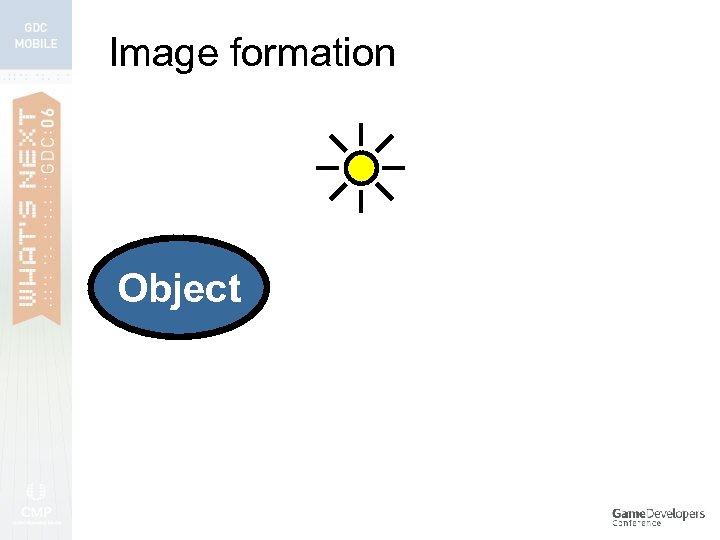 Image formation Object
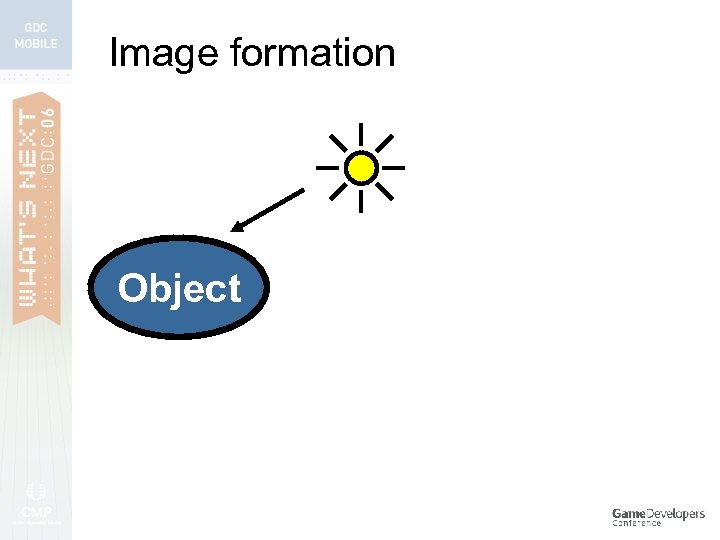 Image formation Object
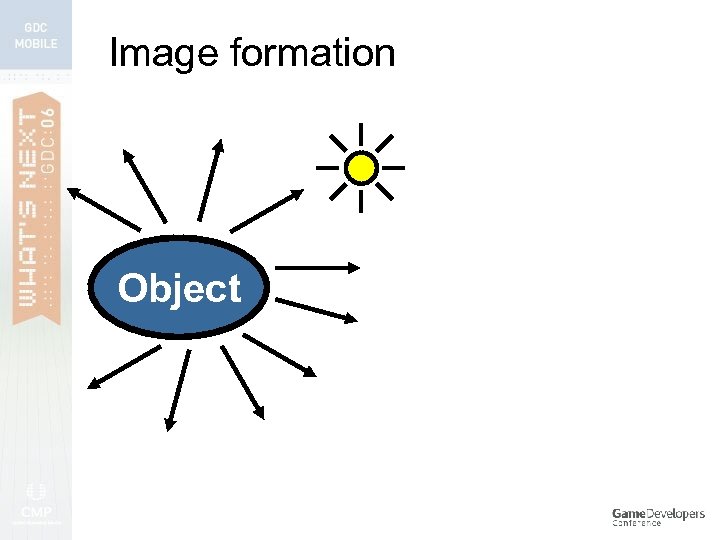 Image formation Object
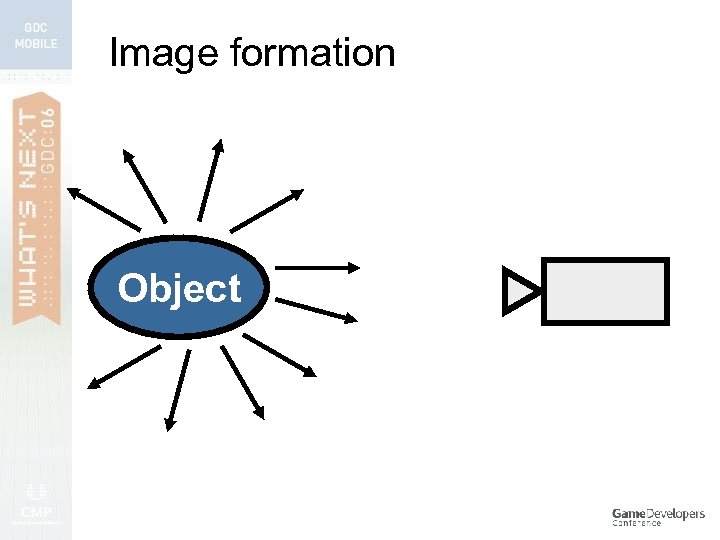 Image formation Object
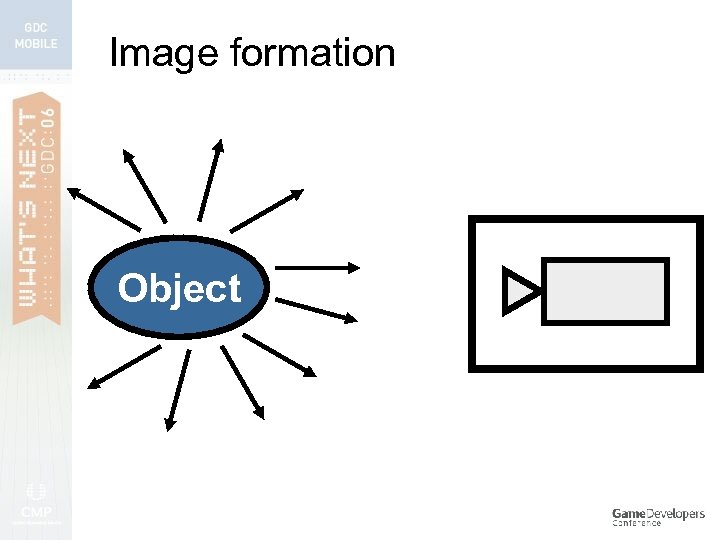 Image formation Object
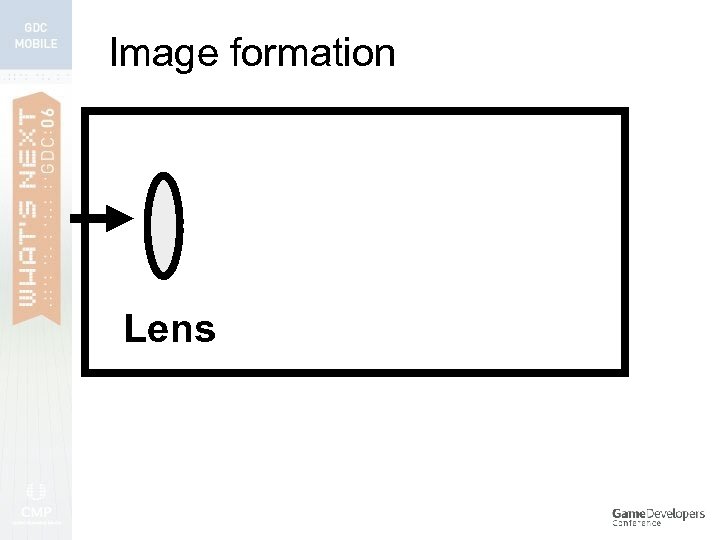 Image formation Lens
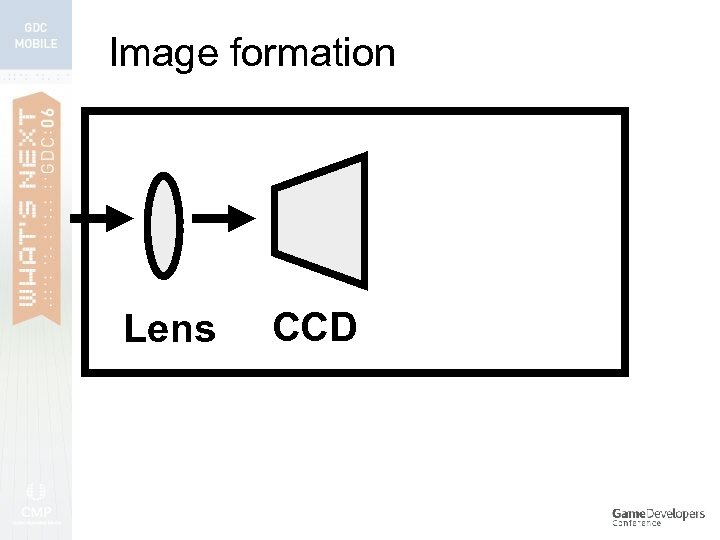 Image formation Lens CCD
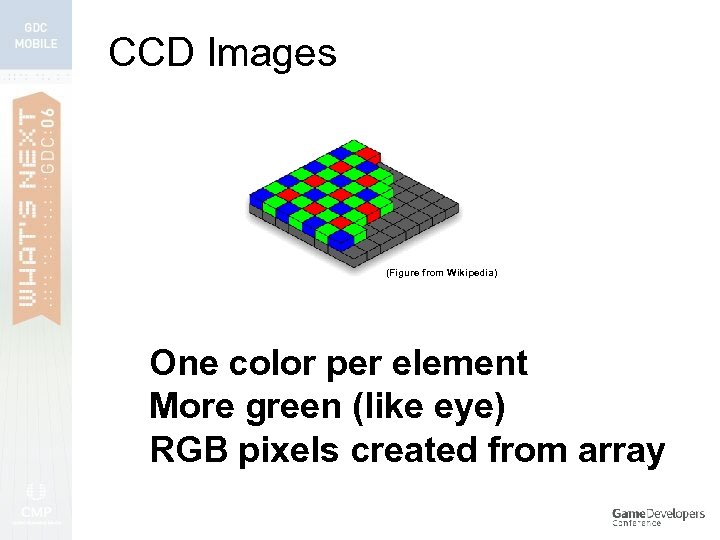 CCD Images (Figure from Wikipedia) One color per element More green (like eye) RGB pixels created from array
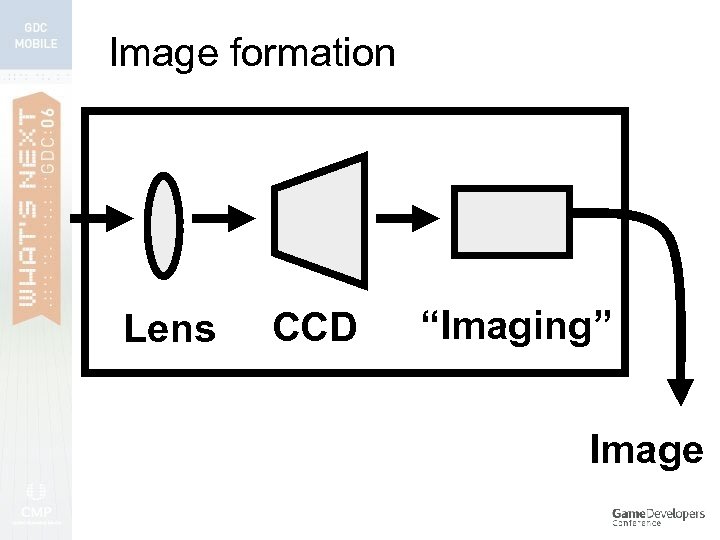 Image formation Lens CCD “Imaging” Image
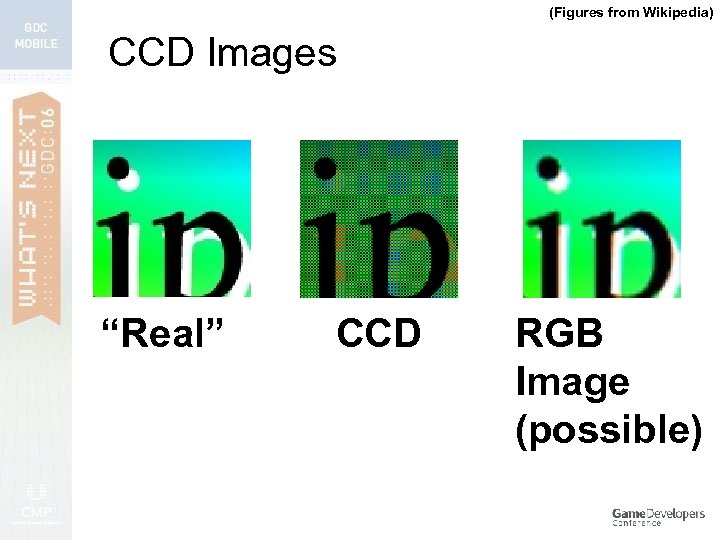 (Figures from Wikipedia) CCD Images “Real” CCD RGB Image (possible)
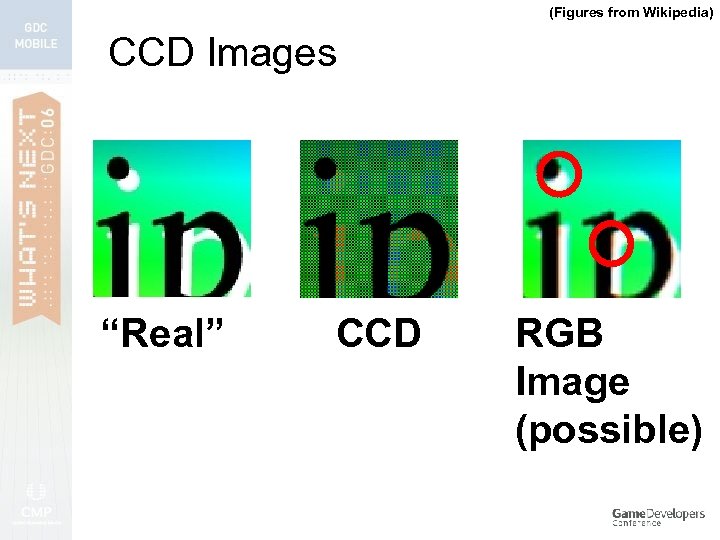 (Figures from Wikipedia) CCD Images “Real” CCD RGB Image (possible)
 Image noise sources 1. Bad lens
 Image noise sources 1. 2. Bad lens Electronic noise (CCD)
 Image noise sources 1. 2. 3. Bad lens Electronic noise (CCD) Imaging chain 1. White balance, correction: exposure, gamma, color, shading, geometrical, noise reduction, etc.
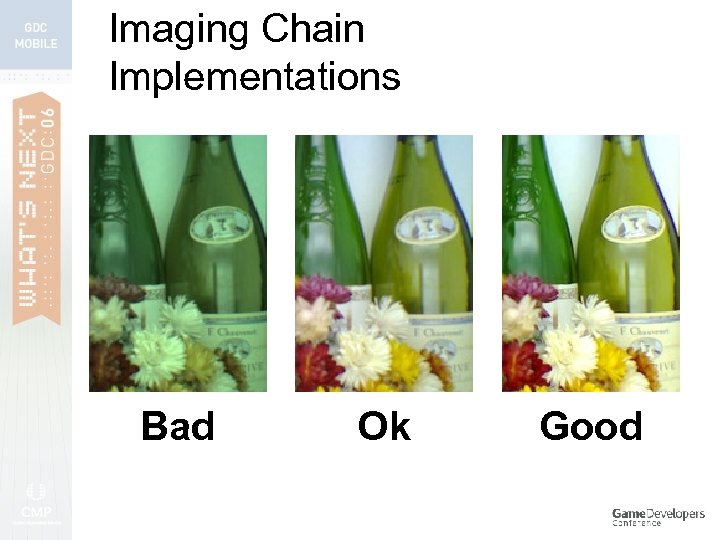 Imaging Chain Implementations Bad Ok Good
 Also… > > Amount of intra-frame processing varies per chain What happens over seconds? Minutes? Hours?
 Noise is always present Noise is unavoidable
 Images are unstable
 Images are unstable (unlike human vision)
 2. Motion & Tracking
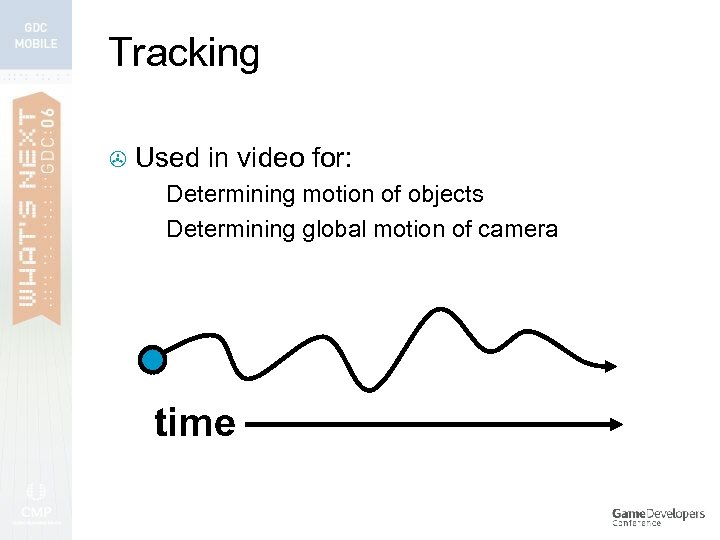 Tracking > Used in video for: Determining motion of objects > Determining global motion of camera > time
 Tracking Very complex algorithms possible > “Guts” composed of: > Image filtering > Thresholding > Statistics > Linear algebra >
 Tracking Very complex algorithms possible > “Guts” composed of: > Image filtering > Thresholding > Statistics > Linear algebra >
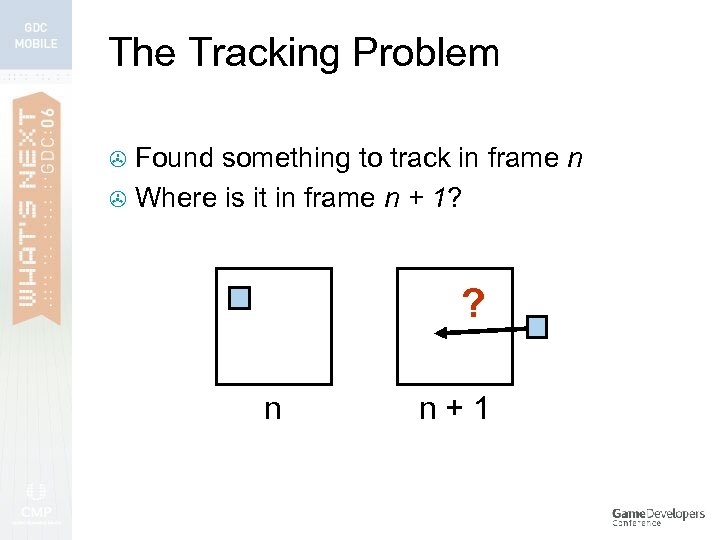 The Tracking Problem Found something to track in frame n > Where is it in frame n + 1? > ? n n+1
 Tracking > Many approaches to: Finding something to start tracking Finding it over and over
 Tracking > Many approaches to: Finding something to start tracking (for now) Finding it over and over
 Simplest tracking > Two algorithms, but there are many more: > Template > Optical > Most Matching flow games out now use one/both
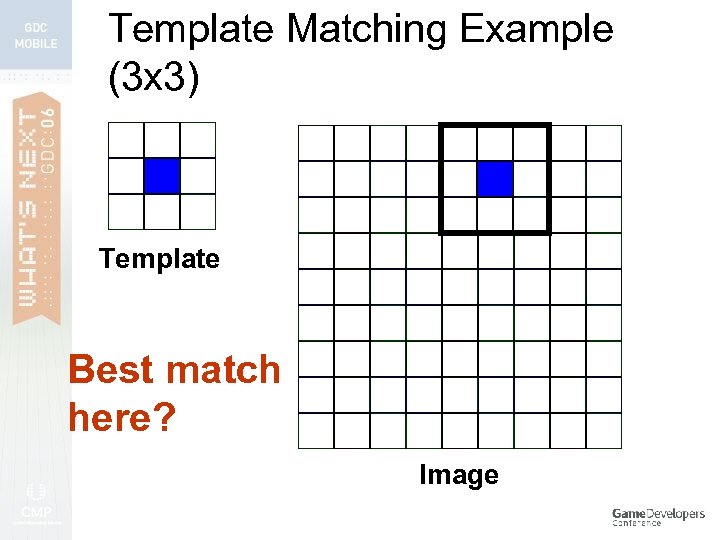
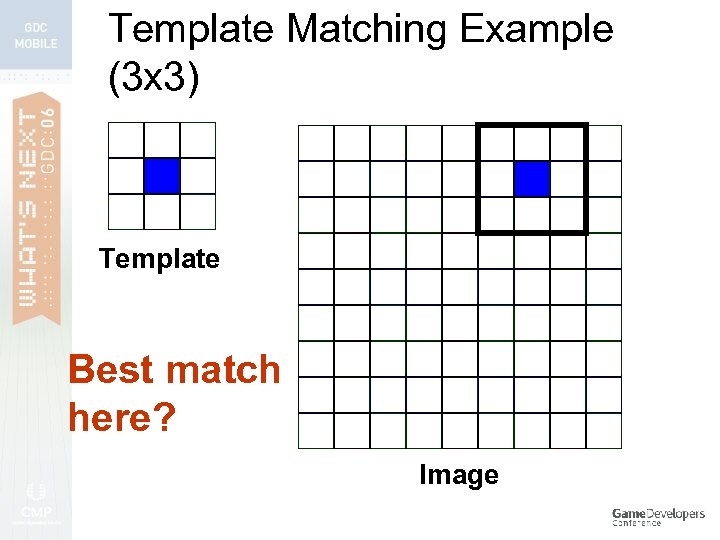
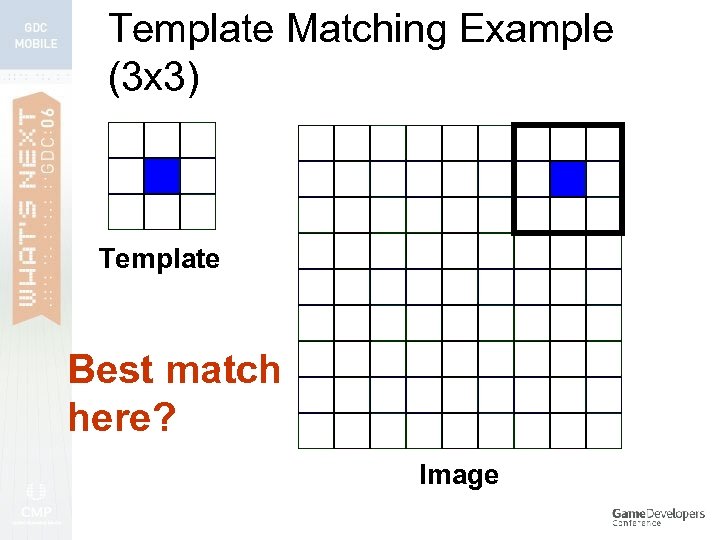
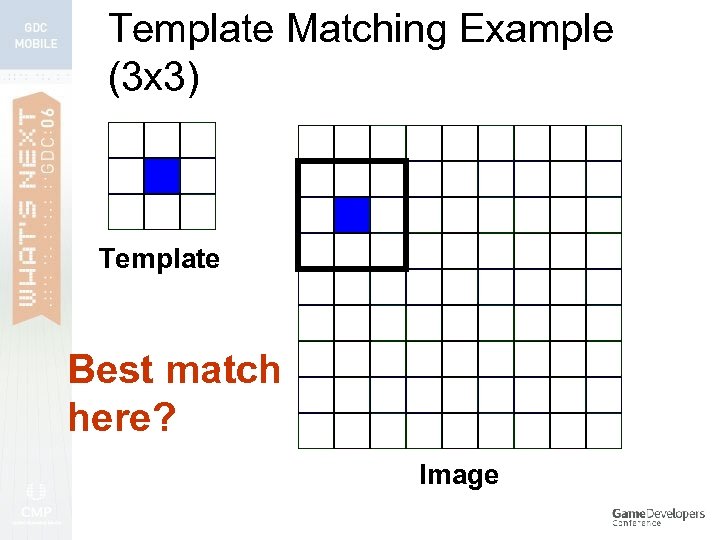
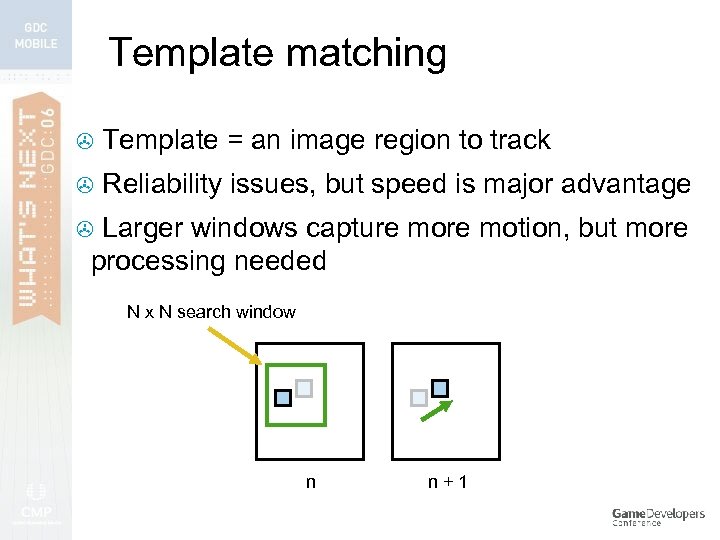 Template matching > Template = an image region to track > Reliability issues, but speed is major advantage Larger windows capture motion, but more processing needed > N x N search window n n+1
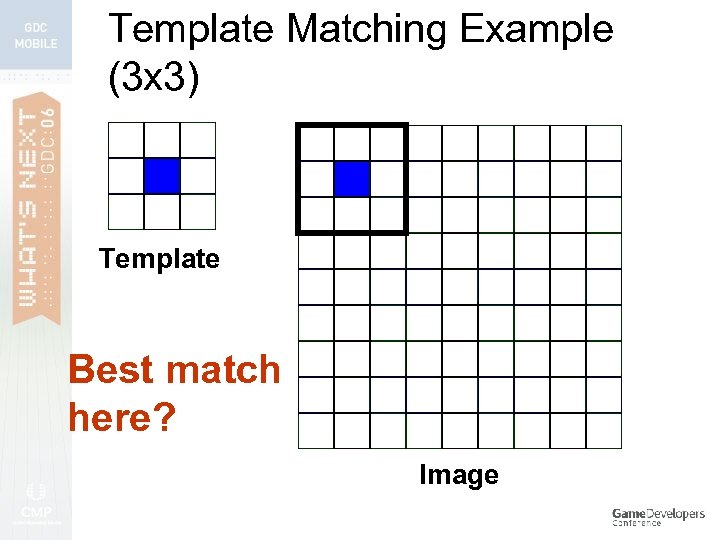 Template Matching Example (3 x 3) Template Best match here? Image
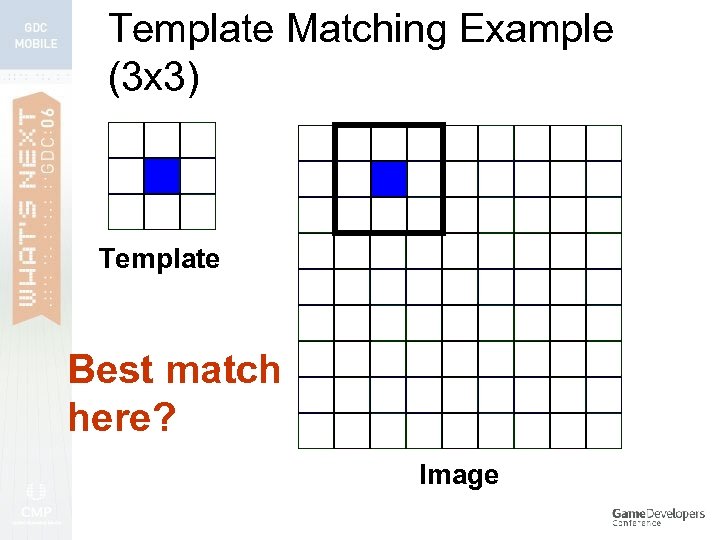 Template Matching Example (3 x 3) Template Best match here? Image
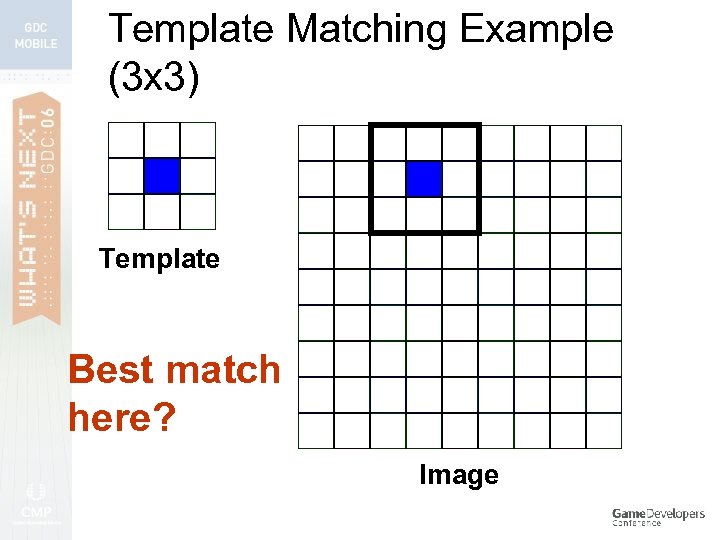 Template Matching Example (3 x 3) Template Best match here? Image
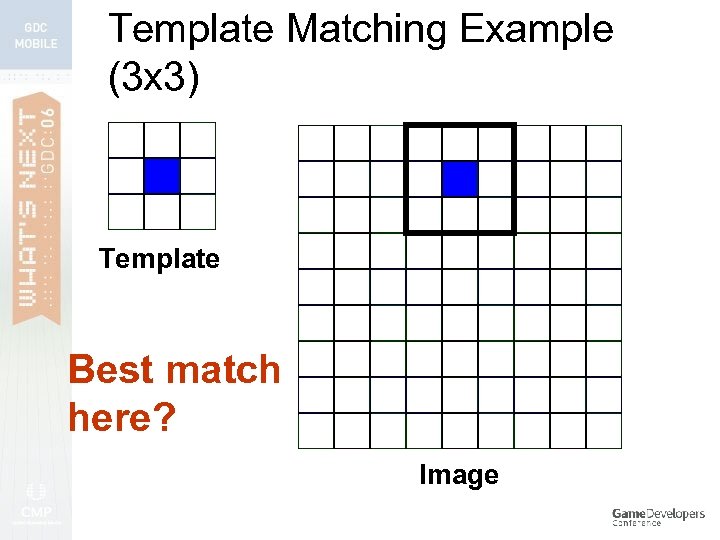 Template Matching Example (3 x 3) Template Best match here? Image
 Template Matching Example (3 x 3) Template Best match here? Image
 Template Matching Example (3 x 3) Template Best match here? Image
 Template Matching Example (3 x 3) Template Best match here? Image
 Template Matching Example (3 x 3) Template Best match here? Image
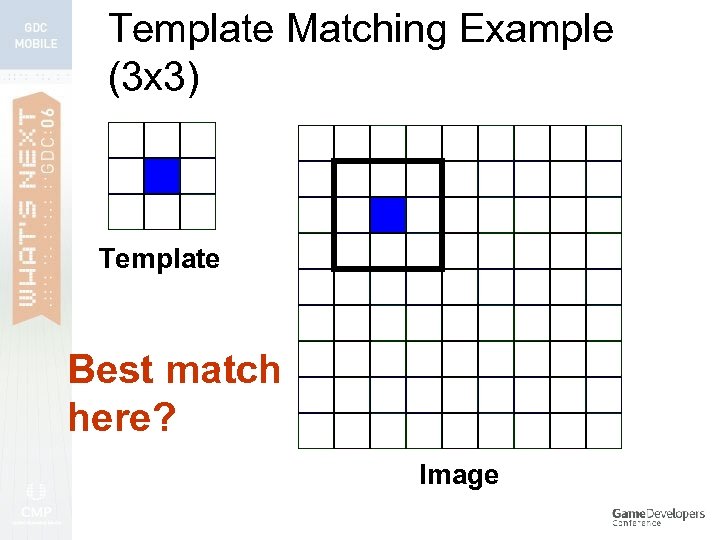 Template Matching Example (3 x 3) Template Best match here? Image
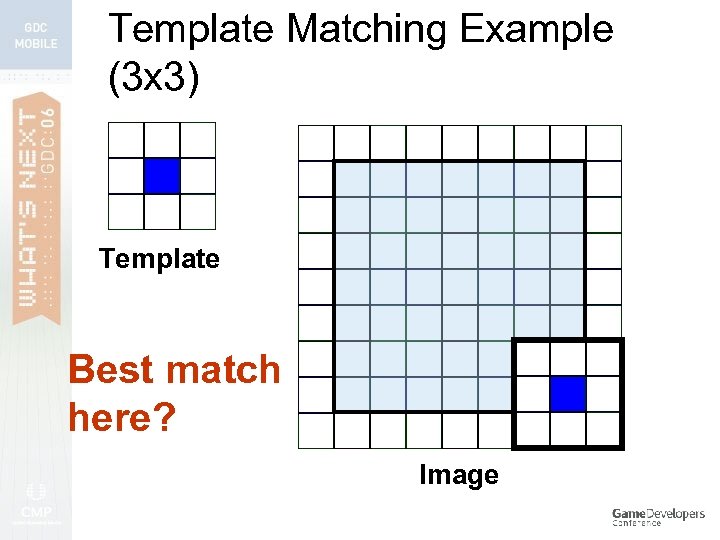 Template Matching Example (3 x 3) Template Best match here? Image
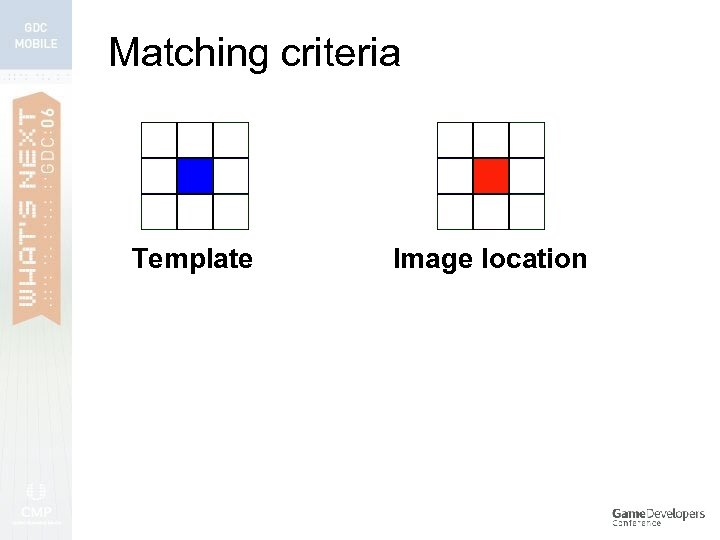 Matching criteria Template Image location
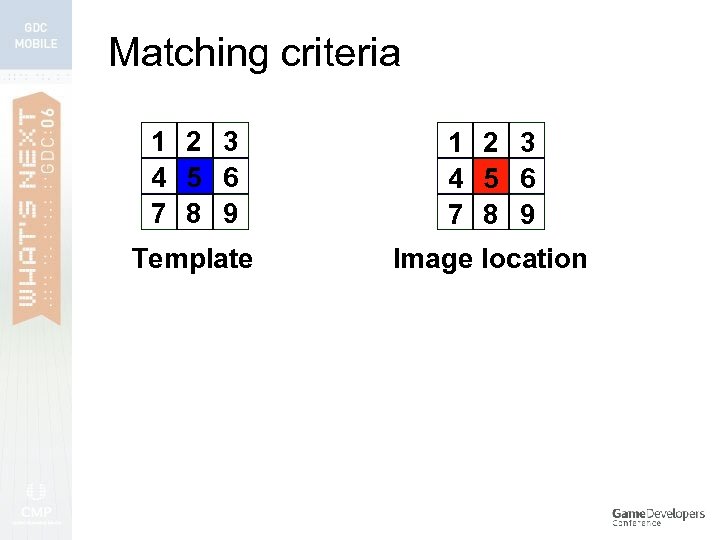 Matching criteria 1 2 3 4 5 6 7 8 9 Template Image location
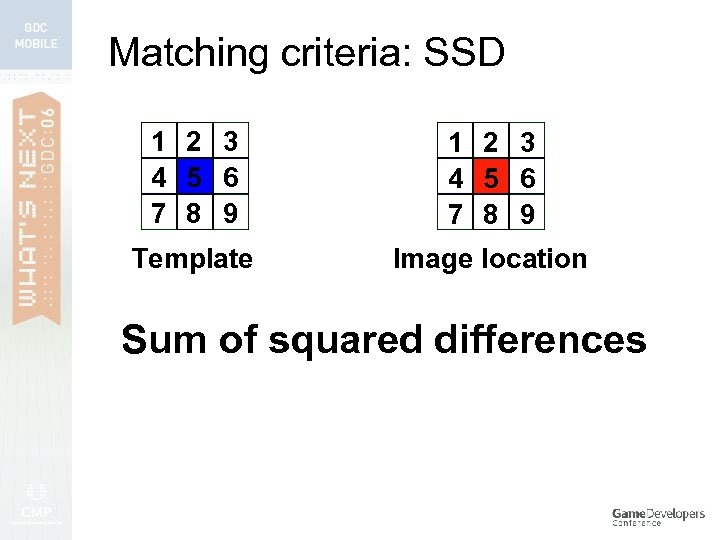 Matching criteria: SSD 1 2 3 4 5 6 7 8 9 Template Image location Sum of squared differences
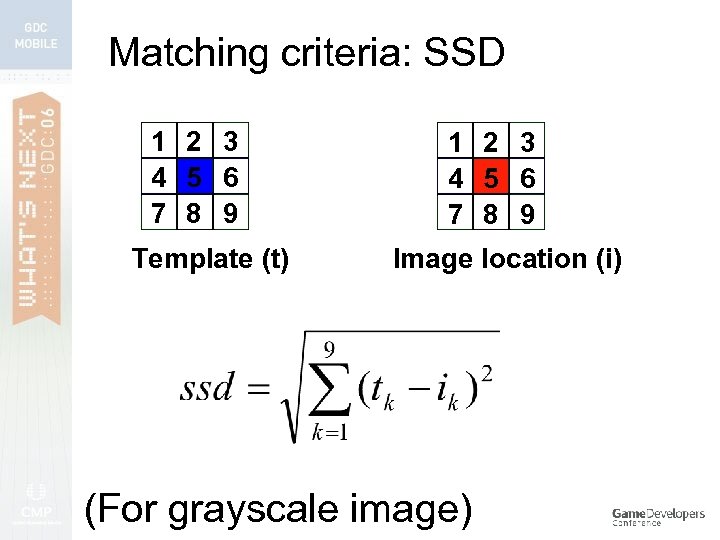 Matching criteria: SSD 1 2 3 4 5 6 7 8 9 Template (t) 1 2 3 4 5 6 7 8 9 Image location (i) (For grayscale image)
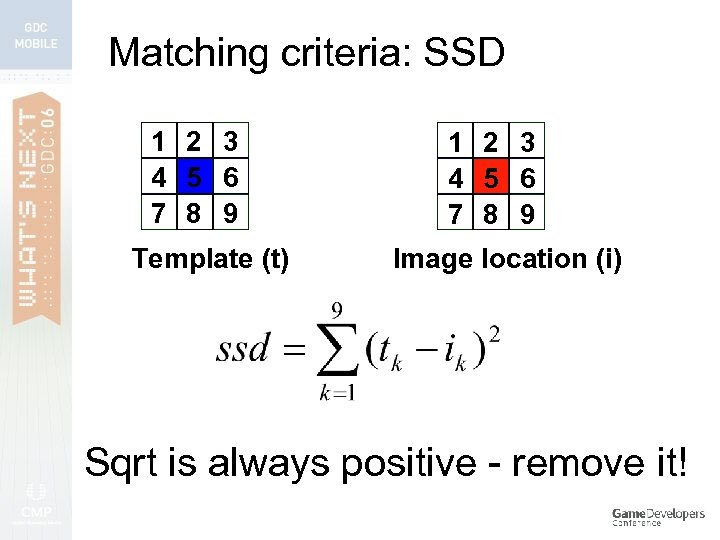 Matching criteria: SSD 1 2 3 4 5 6 7 8 9 Template (t) 1 2 3 4 5 6 7 8 9 Image location (i) Sqrt is always positive - remove it!
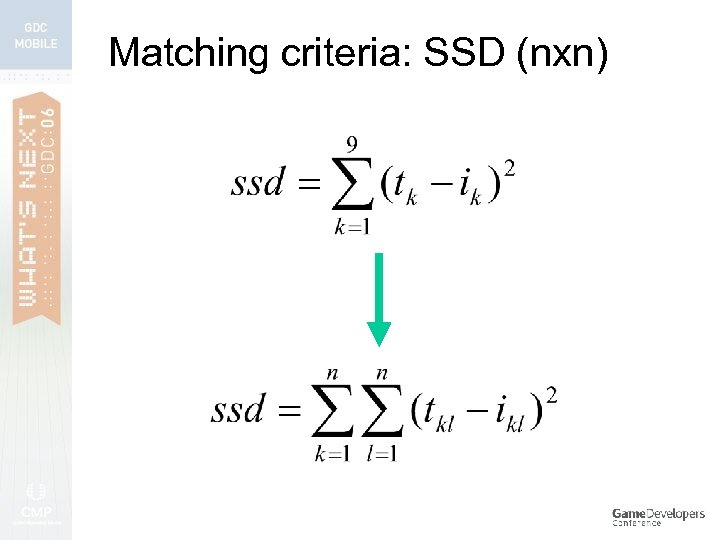 Matching criteria: SSD (nxn)
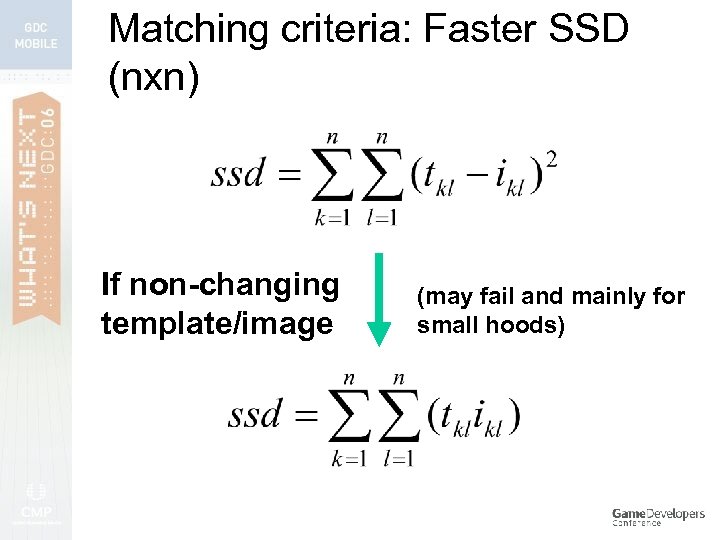 Matching criteria: Faster SSD (nxn) If non-changing template/image (may fail and mainly for small hoods)
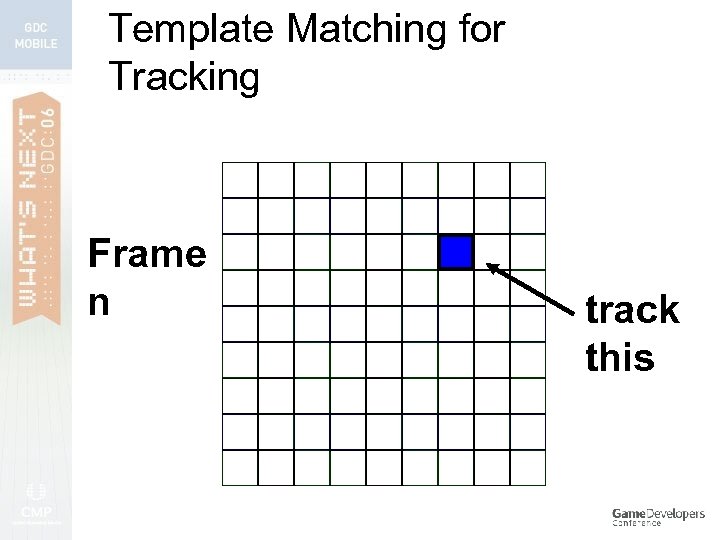 Template Matching for Tracking Frame n track this
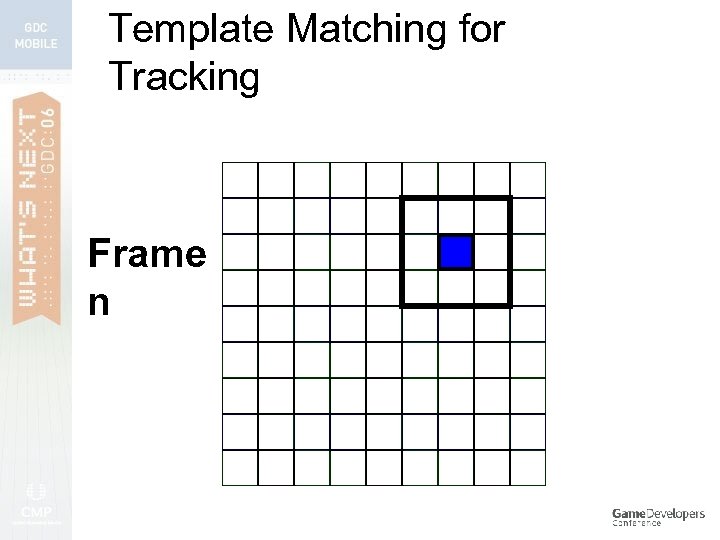 Template Matching for Tracking Frame n
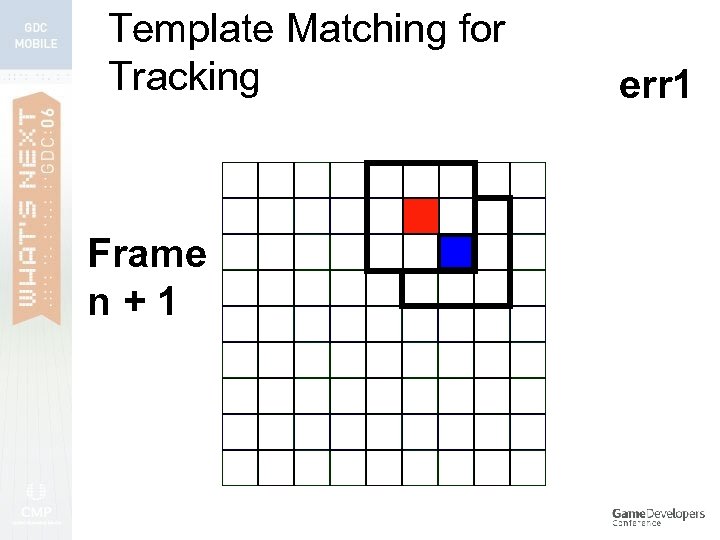 Template Matching for Tracking Frame n+1 err 1
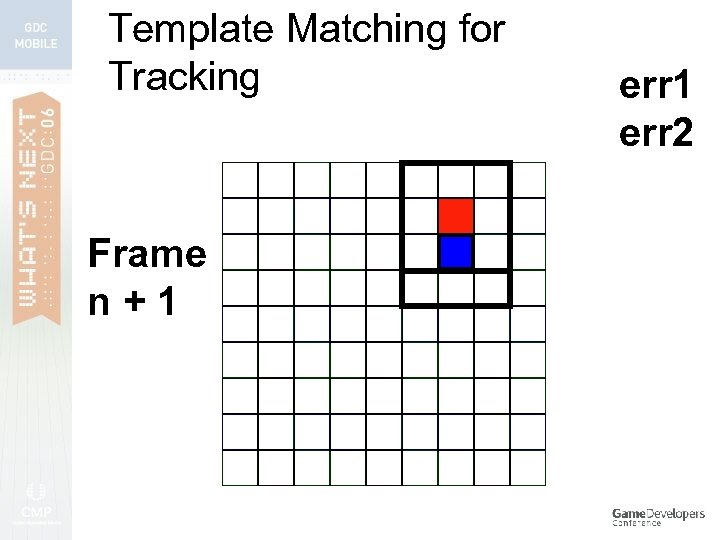 Template Matching for Tracking Frame n+1 err 2
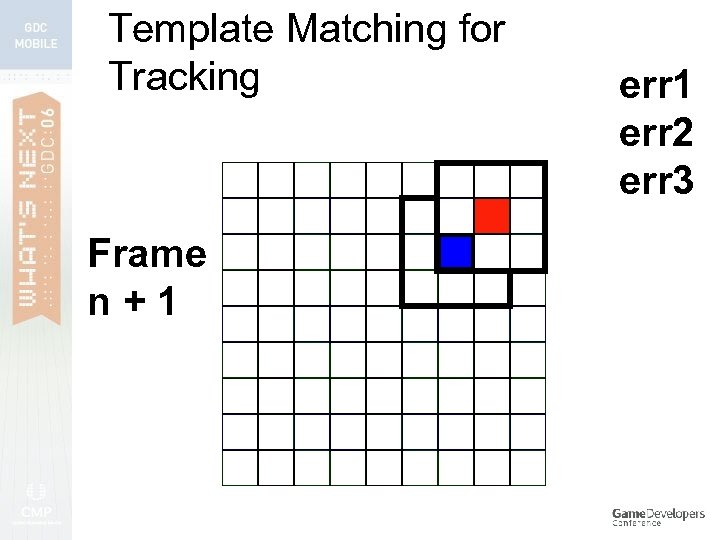 Template Matching for Tracking Frame n+1 err 2 err 3
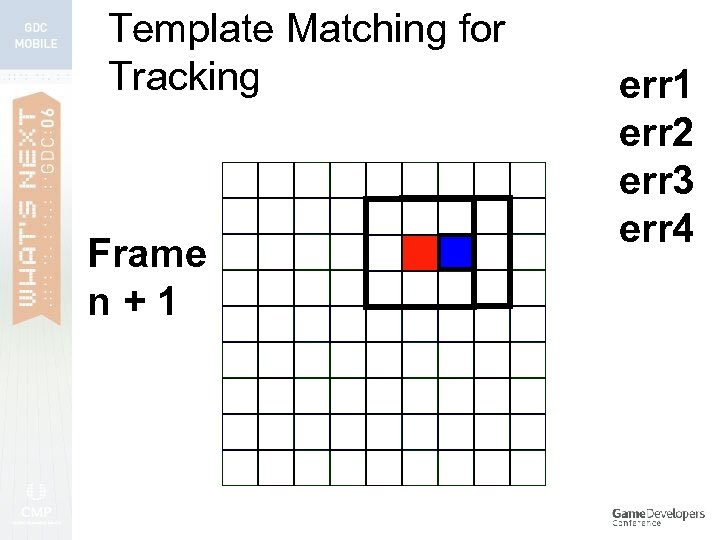 Template Matching for Tracking Frame n+1 err 2 err 3 err 4
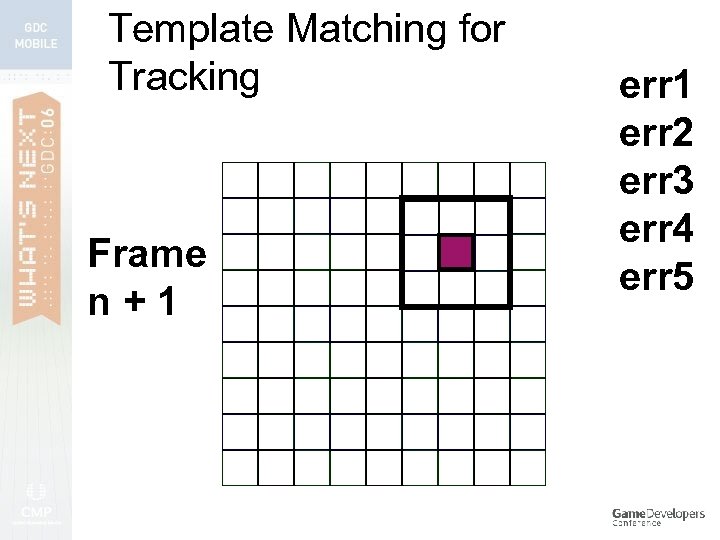 Template Matching for Tracking Frame n+1 err 2 err 3 err 4 err 5
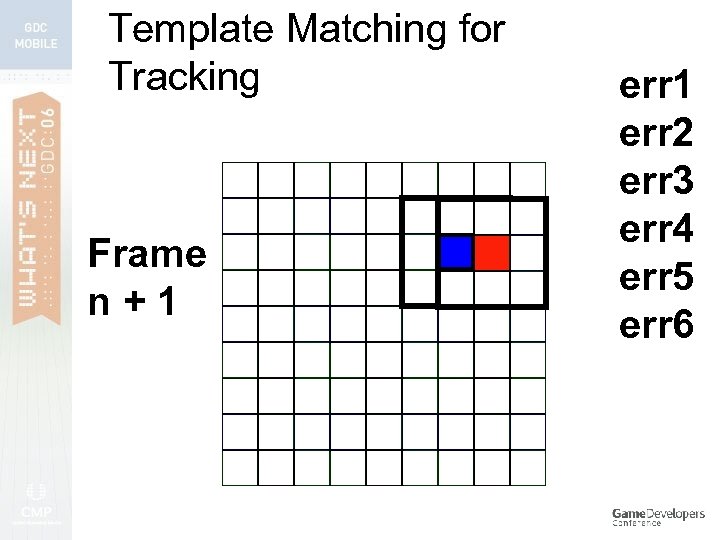 Template Matching for Tracking Frame n+1 err 2 err 3 err 4 err 5 err 6
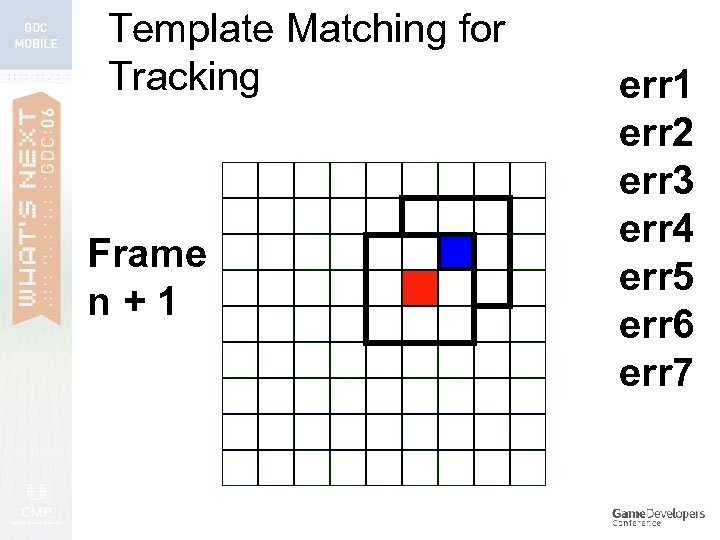 Template Matching for Tracking Frame n+1 err 2 err 3 err 4 err 5 err 6 err 7
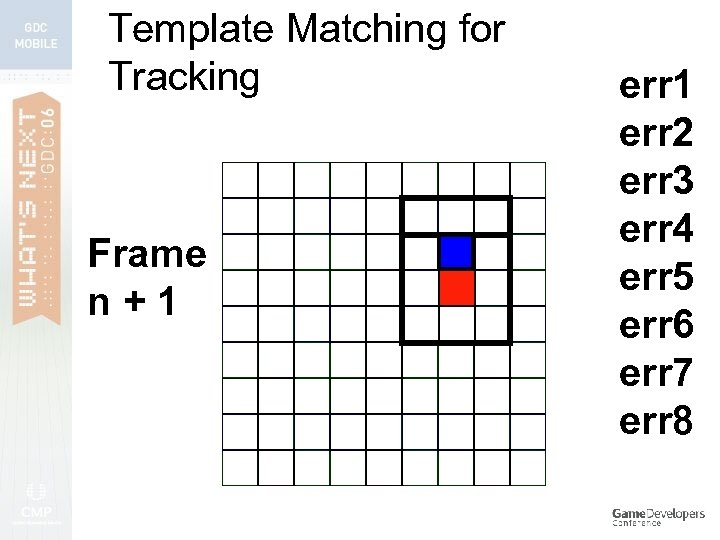 Template Matching for Tracking Frame n+1 err 2 err 3 err 4 err 5 err 6 err 7 err 8
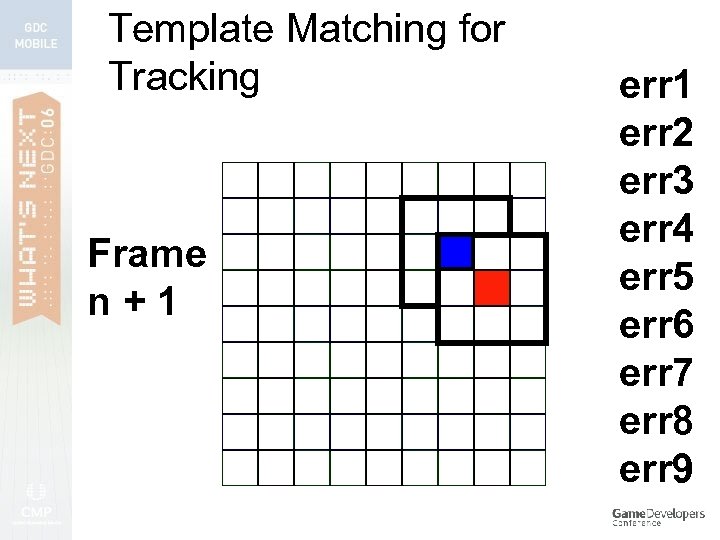 Template Matching for Tracking Frame n+1 err 2 err 3 err 4 err 5 err 6 err 7 err 8 err 9
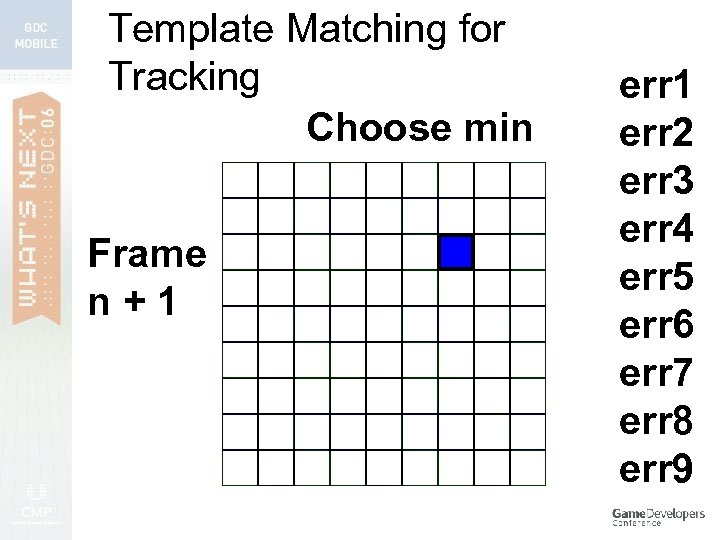 Template Matching for Tracking Choose min Frame n+1 err 2 err 3 err 4 err 5 err 6 err 7 err 8 err 9
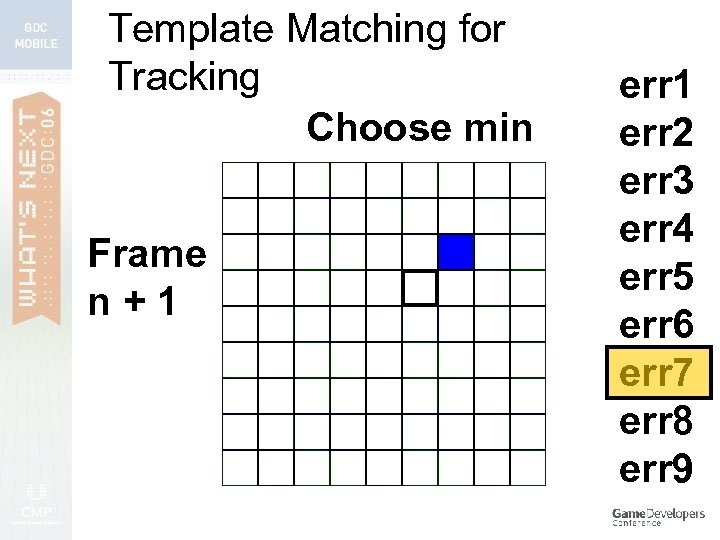 Template Matching for Tracking Choose min Frame n+1 err 2 err 3 err 4 err 5 err 6 err 7 err 8 err 9
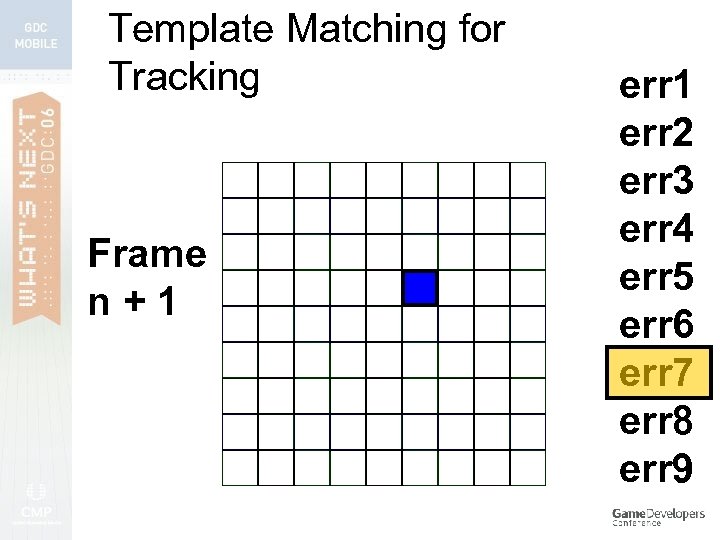 Template Matching for Tracking Frame n+1 err 2 err 3 err 4 err 5 err 6 err 7 err 8 err 9
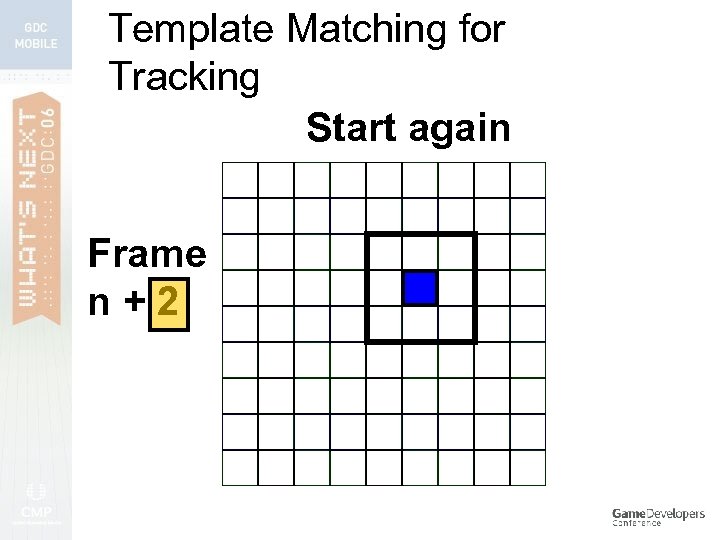 Template Matching for Tracking Start again Frame n+2
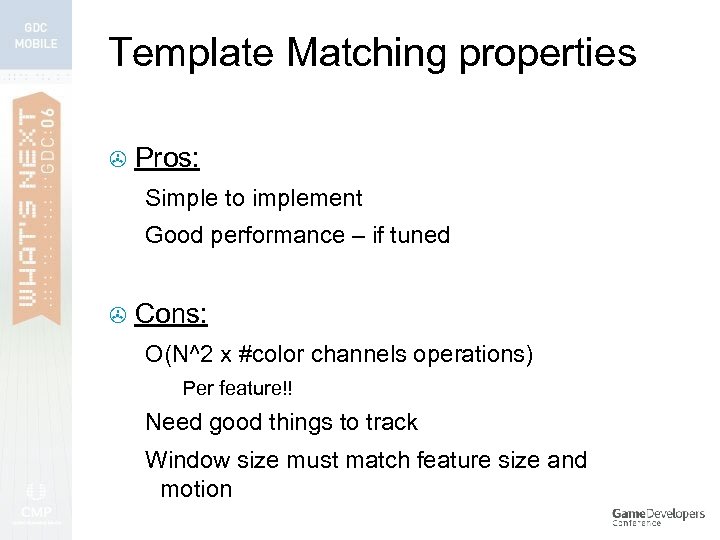 Template Matching properties > Pros: Simple to implement Good performance – if tuned > Cons: O(N^2 x #color channels operations) Per feature!! Need good things to track Window size must match feature size and motion
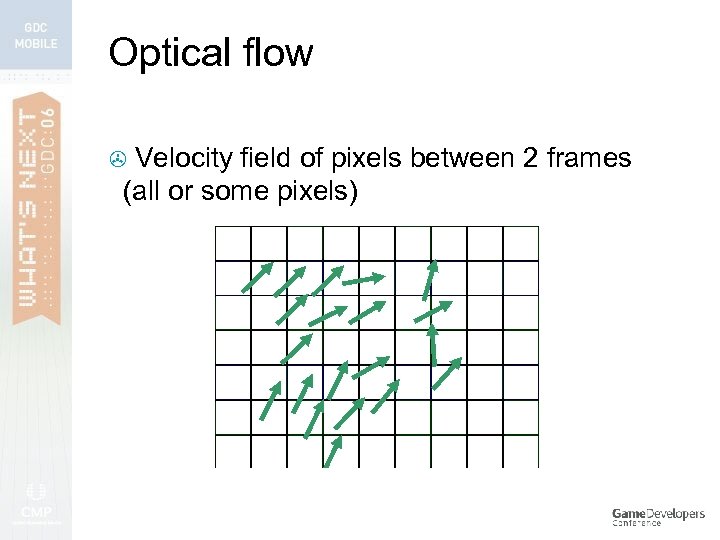 Optical flow Velocity field of pixels between 2 frames (all or some pixels) >
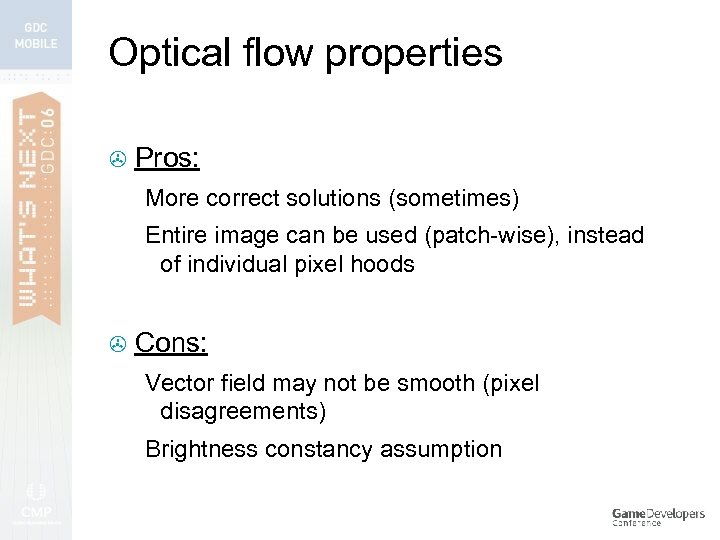 Optical flow properties > Pros: More correct solutions (sometimes) Entire image can be used (patch-wise), instead of individual pixel hoods > Cons: Vector field may not be smooth (pixel disagreements) Brightness constancy assumption
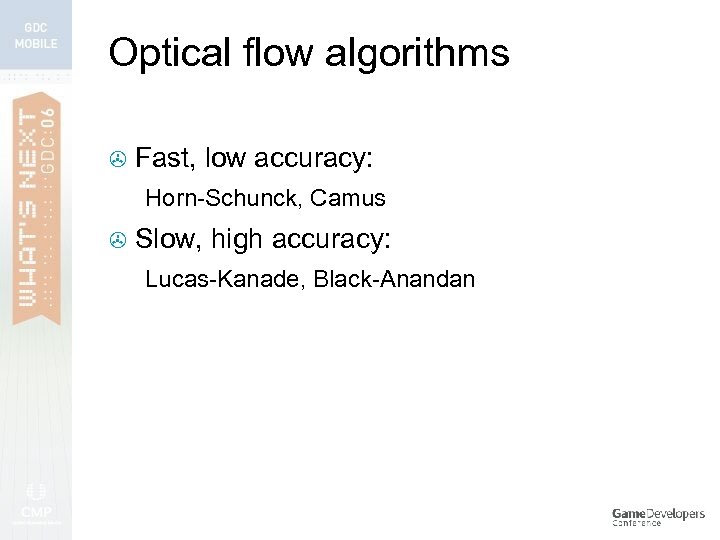 Optical flow algorithms > Fast, low accuracy: Horn-Schunck, Camus > Slow, high accuracy: Lucas-Kanade, Black-Anandan
 Optical flow algorithms > Fast, low accuracy: Horn-Schunck, Camus > Slow, high accuracy: Lucas-Kanade, Black-Anandan
 Tracking > Many approaches to: Finding something to start tracking Finding it over and over
 Image filtering > Filters useful for: Edges > Corners > Enhancing (blurring, sharpening) > > Can be cascaded for complex effects > > (Adobe Photoshop) Useful for finding good things to track
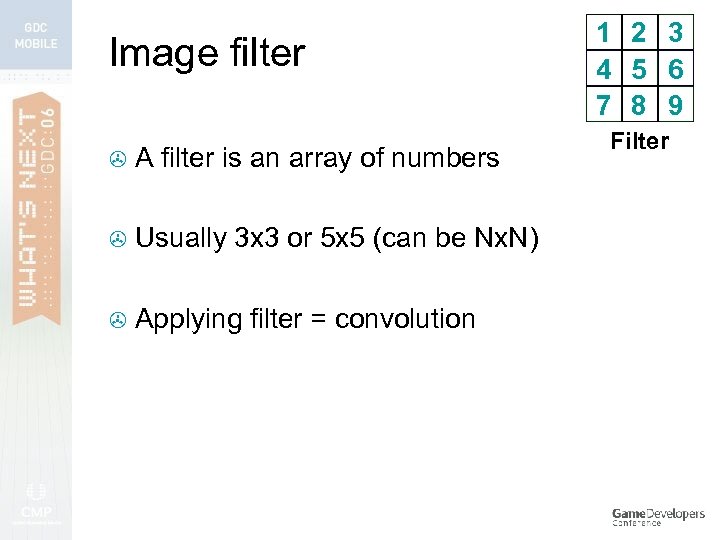 Image filter > A filter is an array of numbers > Usually 3 x 3 or 5 x 5 (can be Nx. N) > Applying filter = convolution 1 2 3 4 5 6 7 8 9 Filter
 Convolution is… > Mathematically (deeply) related to Fourier Transform and DSP > A weighted average of a pixel’s neighbors
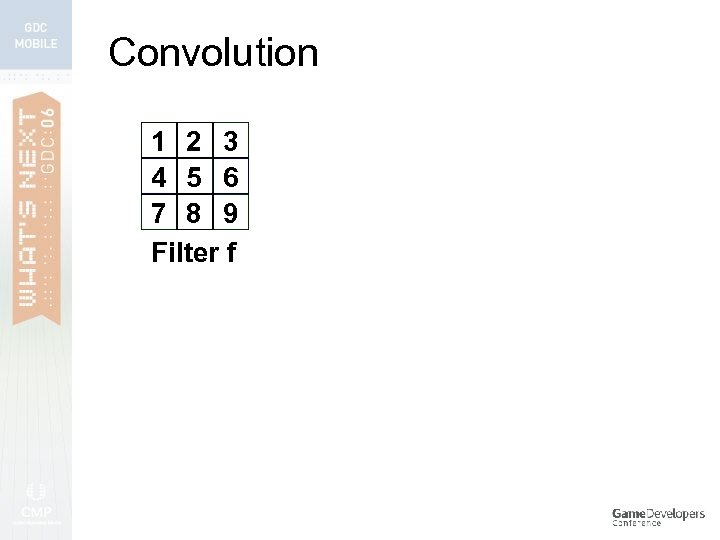 Convolution 1 2 3 4 5 6 7 8 9 Filter f
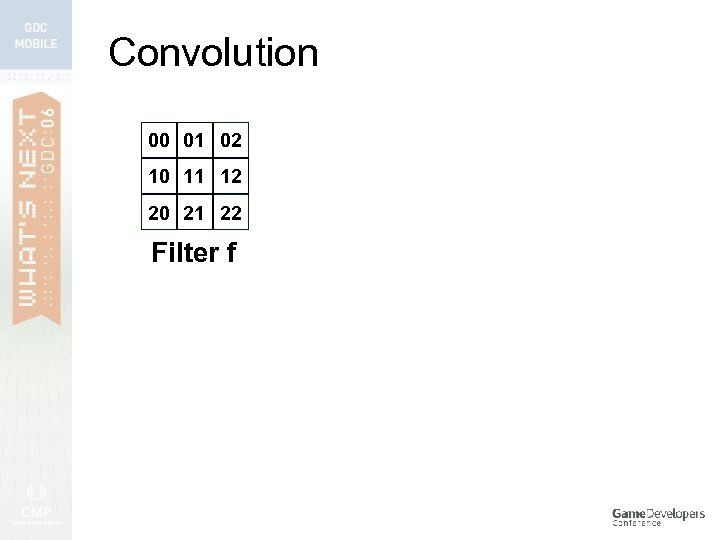 Convolution 00 01 02 10 11 12 20 21 22 Filter f
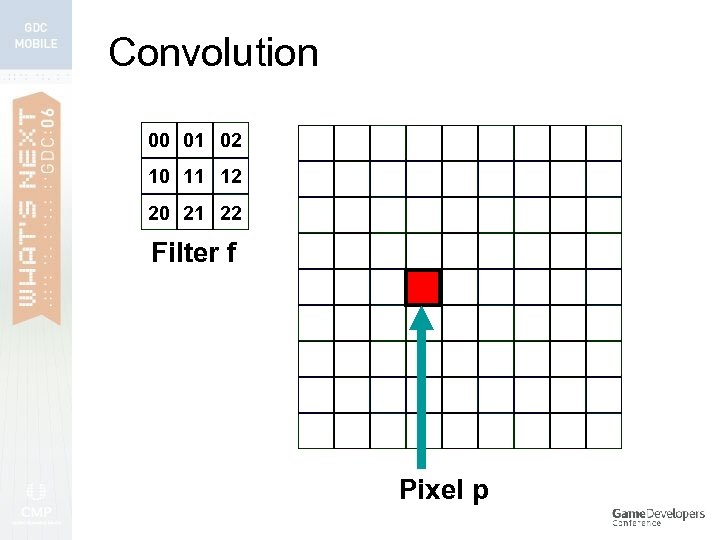 Convolution 00 01 02 10 11 12 20 21 22 Filter f Pixel p
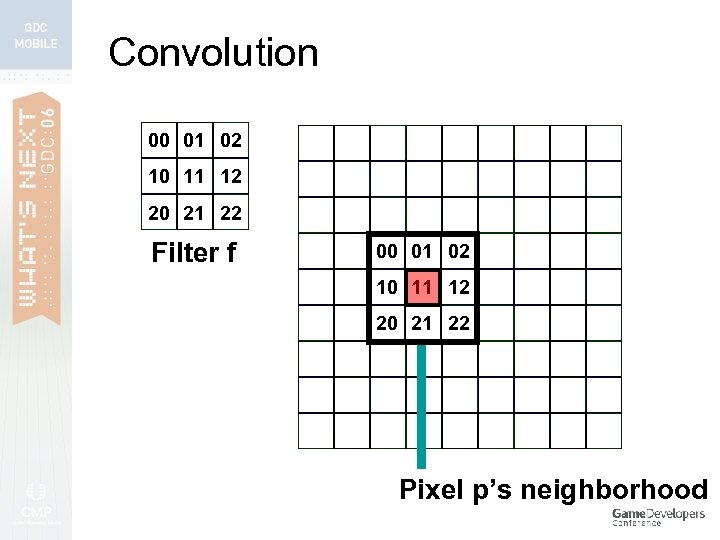 Convolution 00 01 02 10 11 12 20 21 22 Filter f 00 01 02 10 11 12 20 21 22 Pixel p’s neighborhood
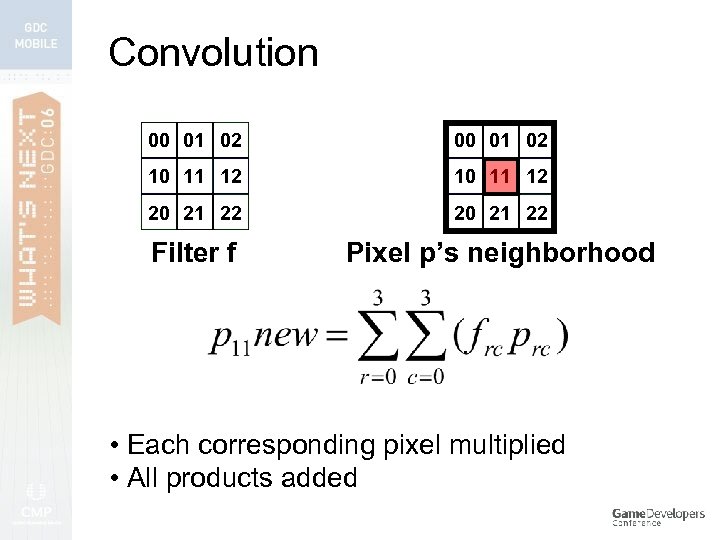 Convolution 00 01 02 10 11 12 20 21 22 Filter f Pixel p’s neighborhood • Each corresponding pixel multiplied • All products added
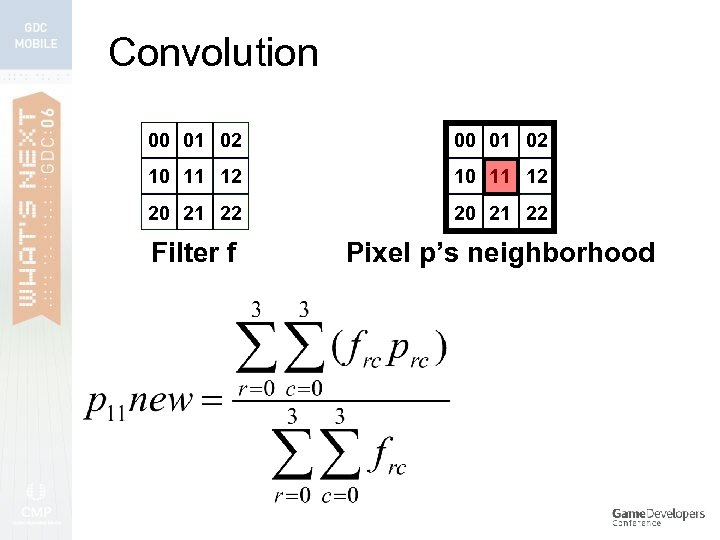 Convolution 00 01 02 10 11 12 20 21 22 Filter f Pixel p’s neighborhood
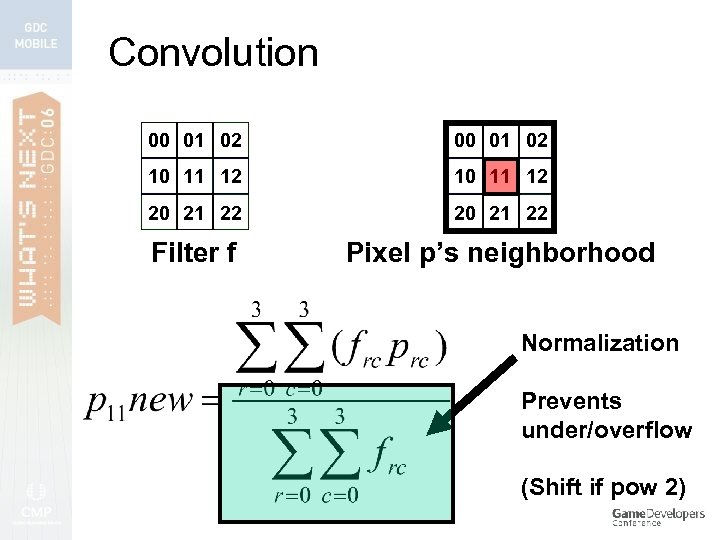 Convolution 00 01 02 10 11 12 20 21 22 Filter f Pixel p’s neighborhood Normalization Prevents under/overflow (Shift if pow 2)
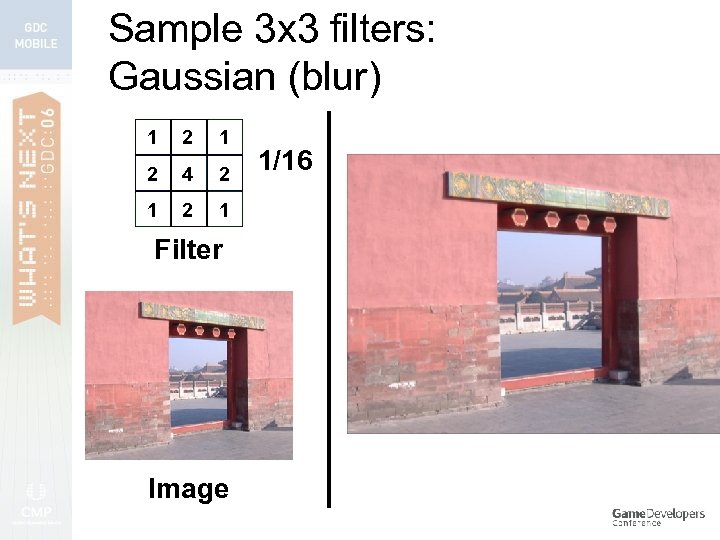 Sample 3 x 3 filters: Gaussian (blur) 1 2 4 2 1 Filter Image 1/16
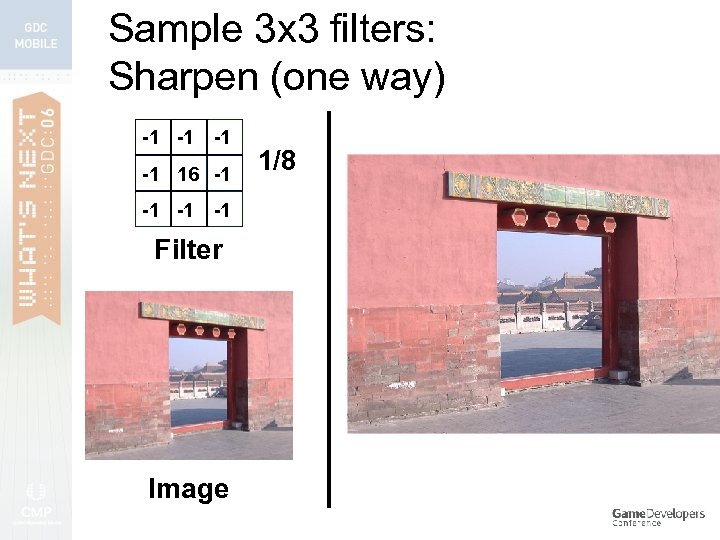 Sample 3 x 3 filters: Sharpen (one way) -1 -1 16 -1 -1 Filter Image 1/8
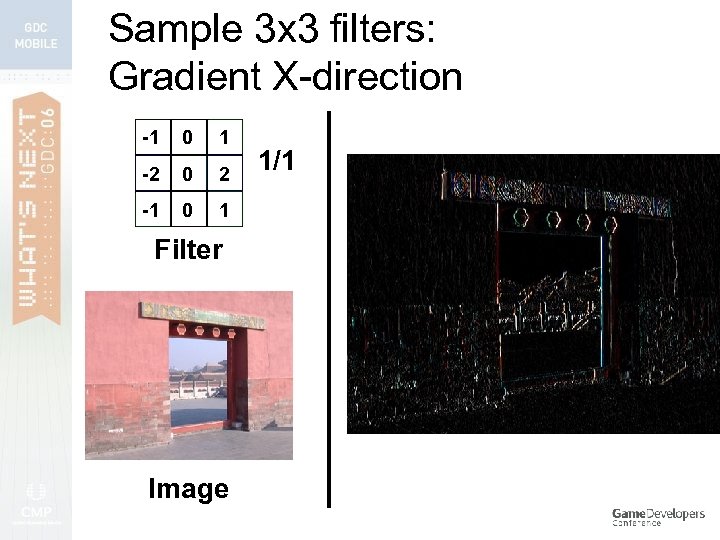 Sample 3 x 3 filters: Gradient X-direction -1 0 1 -2 0 2 -1 0 1 Filter Image 1/1
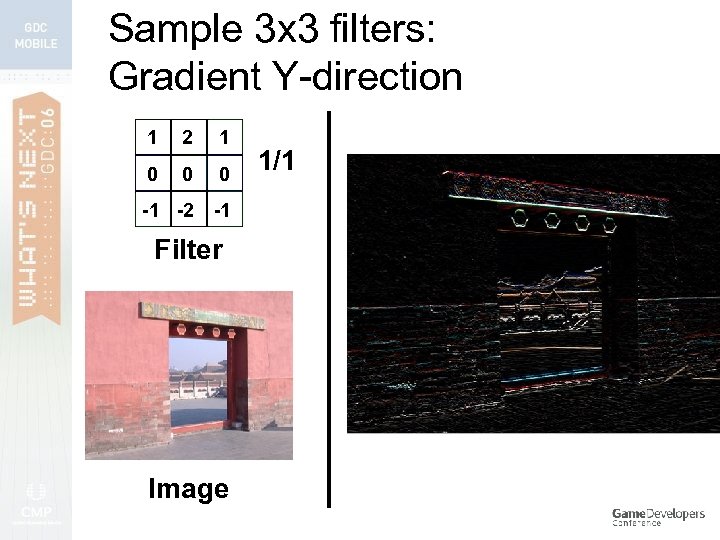 Sample 3 x 3 filters: Gradient Y-direction 1 2 1 0 0 0 -1 -2 -1 Filter Image 1/1
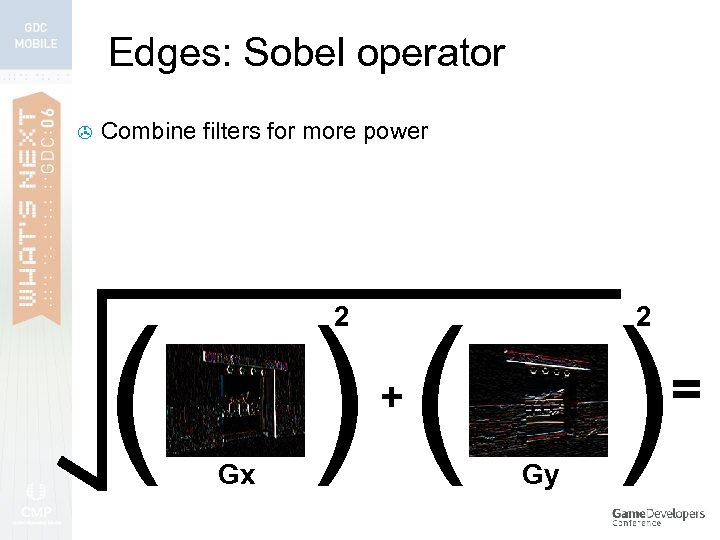 Edges: Sobel operator > Combine filters for more power ( )( ) 2 2 + Gx Gy =
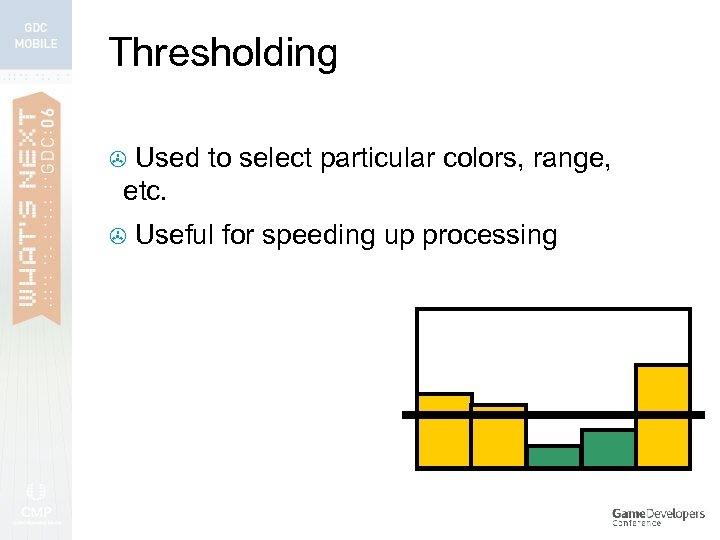 Thresholding Used to select particular colors, range, etc. > > Useful for speeding up processing
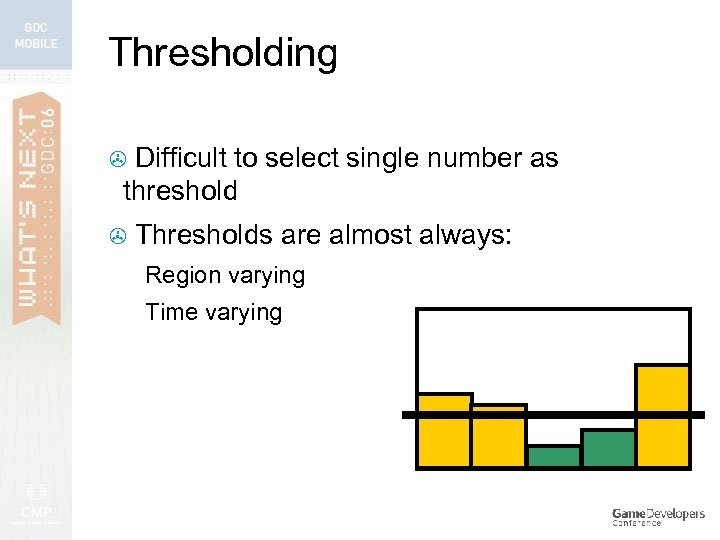 Thresholding Difficult to select single number as threshold > > Thresholds are almost always: Region varying Time varying
 Adaptive Thresholding > Don’t just use a set single number Different threshold calculated for each pixel – neighborhood-based >
 Adaptive Thresholding > Don’t just use a set single number Different threshold calculated for each pixel – neighborhood-based > Much more robust since best thresh is calculated per pixel >
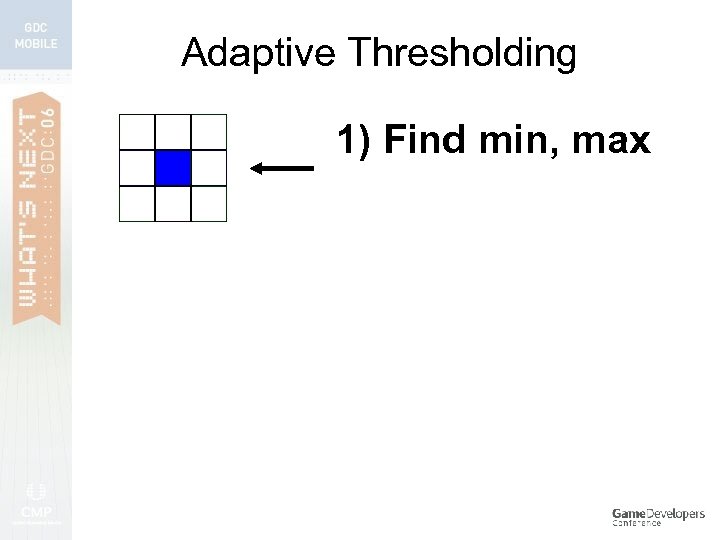 Adaptive Thresholding 1) Find min, max
![Adaptive Thresholding [min-max] 1) Find min, max 2) Threshold = (max – min)/2 -](https://present5.com/presentation/761e7e2a16d73a73eca0945fa9f01997/image-135.jpg "Adaptive Thresholding [min-max] 1) Find min, max 2) Threshold = (max – min)/2 -") Adaptive Thresholding [min-max] 1) Find min, max 2) Threshold = (max – min)/2 - c [find best c for your use case]
Adaptive Thresholding [min-max] 1) Find min, max 2) Threshold = (max – min)/2 - c [find best c for your use case]
![Adaptive Thresholding OR [min-max] 1) Find min, max 2) Threshold = (max – min)/2](https://present5.com/presentation/761e7e2a16d73a73eca0945fa9f01997/image-136.jpg "Adaptive Thresholding OR [min-max] 1) Find min, max 2) Threshold = (max – min)/2") Adaptive Thresholding OR [min-max] 1) Find min, max 2) Threshold = (max – min)/2 - c [find best c for your use case]
Adaptive Thresholding OR [min-max] 1) Find min, max 2) Threshold = (max – min)/2 - c [find best c for your use case]
![Adaptive Thresholding [mean] 1) Threshold = mean - c [find best c for your](https://present5.com/presentation/761e7e2a16d73a73eca0945fa9f01997/image-137.jpg "Adaptive Thresholding [mean] 1) Threshold = mean - c [find best c for your") Adaptive Thresholding [mean] 1) Threshold = mean - c [find best c for your use case]
Adaptive Thresholding [mean] 1) Threshold = mean - c [find best c for your use case]
 3. Gesture Recognition
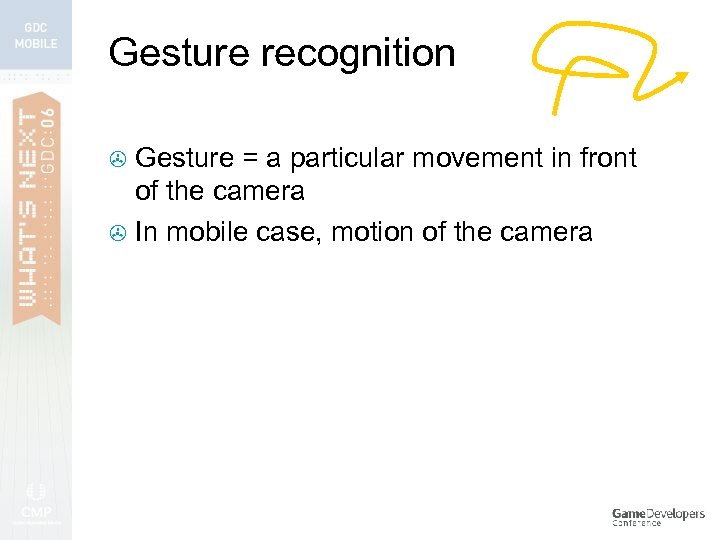 Gesture recognition Gesture = a particular movement in front of the camera > In mobile case, motion of the camera >
 Gesture recognition Gesture = a particular movement in front of the camera > In mobile case, motion of the camera > Can be a motion path (via tracking) [Graffiti] > Or, things like shaking of camera >
 Gesture recognition > Most techniques too intensive for current devices (e. g. Hidden Markov Models)
 Gesture recognition > Lightweight recognition is possible, but for simpler gestures
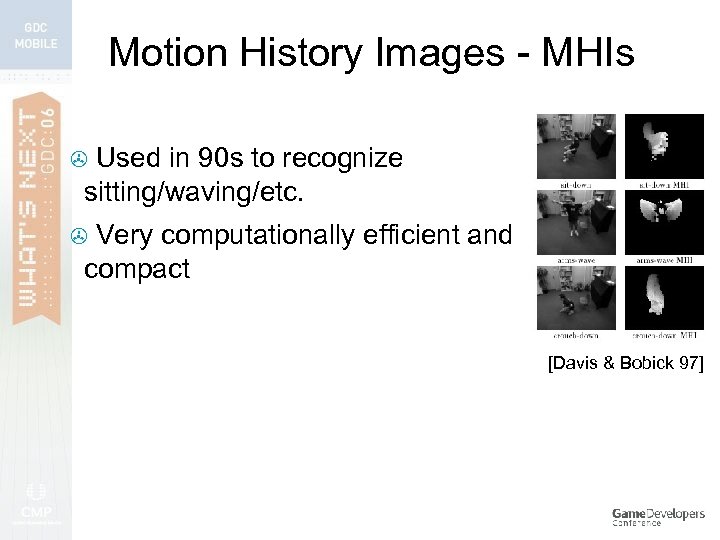 Motion History Images - MHIs Used in 90 s to recognize sitting/waving/etc. > Very computationally efficient and compact > [Davis & Bobick 97]
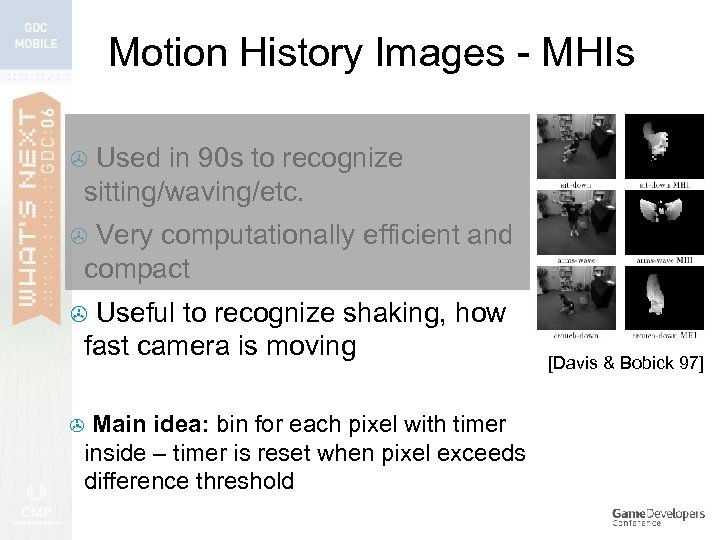 Motion History Images - MHIs Used in 90 s to recognize sitting/waving/etc. > Very computationally efficient and compact > Useful to recognize shaking, how fast camera is moving > Main idea: bin for each pixel with timer inside – timer is reset when pixel exceeds difference threshold > [Davis & Bobick 97]
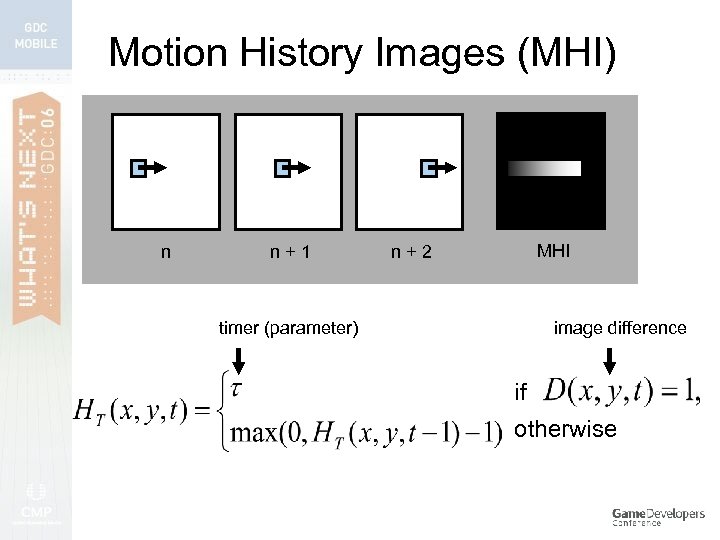 Motion History Images (MHI) n n+1 MHI n+2 timer (parameter) image difference if otherwise
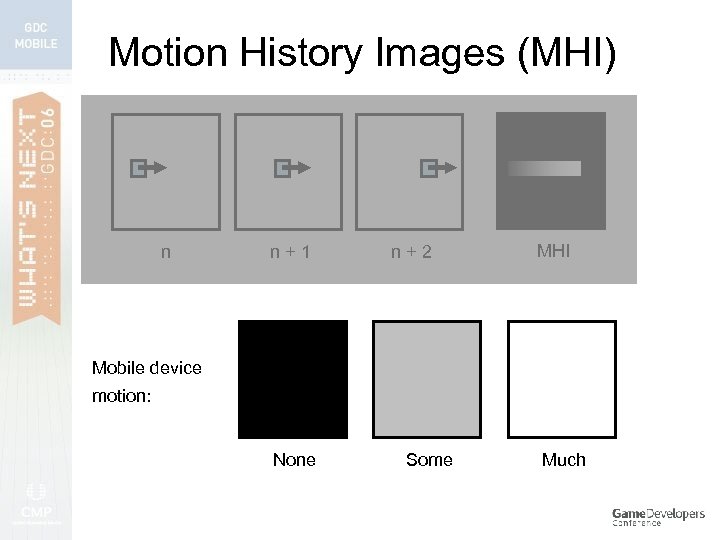 Motion History Images (MHI) n n+1 n+2 MHI Mobile device motion: None Some Much
 4. Case Studies
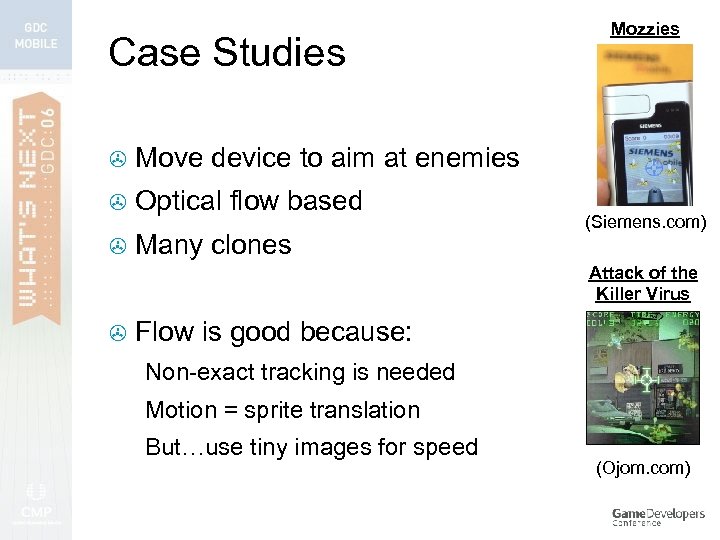 Case Studies > Move device to aim at enemies > Optical flow based > Many clones Mozzies (Siemens. com) Attack of the Killer Virus > Flow is good because: Non-exact tracking is needed Motion = sprite translation But…use tiny images for speed (Ojom. com)
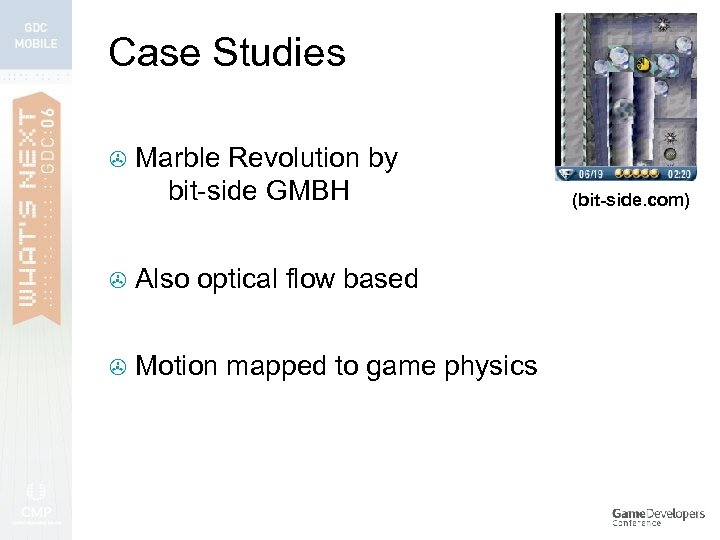 Case Studies > Marble Revolution by bit-side GMBH > Also optical flow based > Motion mapped to game physics (bit-side. com)
![[Stichling, Kleinjohann 02] Case Studies > AR Soccer – foot-based game (1) Sobel filter](https://present5.com/presentation/761e7e2a16d73a73eca0945fa9f01997/image-150.jpg "[Stichling, Kleinjohann 02] Case Studies > AR Soccer – foot-based game (1) Sobel filter") [Stichling, Kleinjohann 02] Case Studies > AR Soccer – foot-based game (1) Sobel filter for edges, (2) edge thinning, (3) line extraction > > Done on interleaved frames (Pocket PC)
[Stichling, Kleinjohann 02] Case Studies > AR Soccer – foot-based game (1) Sobel filter for edges, (2) edge thinning, (3) line extraction > > Done on interleaved frames (Pocket PC)
![Case Studies > [Haro et al. 05] Edge based tracking as joypad pressing -](https://present5.com/presentation/761e7e2a16d73a73eca0945fa9f01997/image-151.jpg "Case Studies > [Haro et al. 05] Edge based tracking as joypad pressing -") Case Studies > [Haro et al. 05] Edge based tracking as joypad pressing - aim MHIs to detect shaking – map to button pressing: jumping, shooting , etc. > (Sprites based on “Track & Field”, © Konami 1985)
Case Studies > [Haro et al. 05] Edge based tracking as joypad pressing - aim MHIs to detect shaking – map to button pressing: jumping, shooting , etc. > (Sprites based on “Track & Field”, © Konami 1985)
 Summary 1. Cameras & eyeballs 2. Motion & tracking 3. Gesture recognition 4. Case studies
![Further reading Davies, “Machine Vision” (2005) [third edition] Deep overview of field and core](https://present5.com/presentation/761e7e2a16d73a73eca0945fa9f01997/image-153.jpg "Further reading Davies, “Machine Vision” (2005) [third edition] Deep overview of field and core") Further reading Davies, “Machine Vision” (2005) [third edition] Deep overview of field and core algorithms
Further reading Davies, “Machine Vision” (2005) [third edition] Deep overview of field and core algorithms
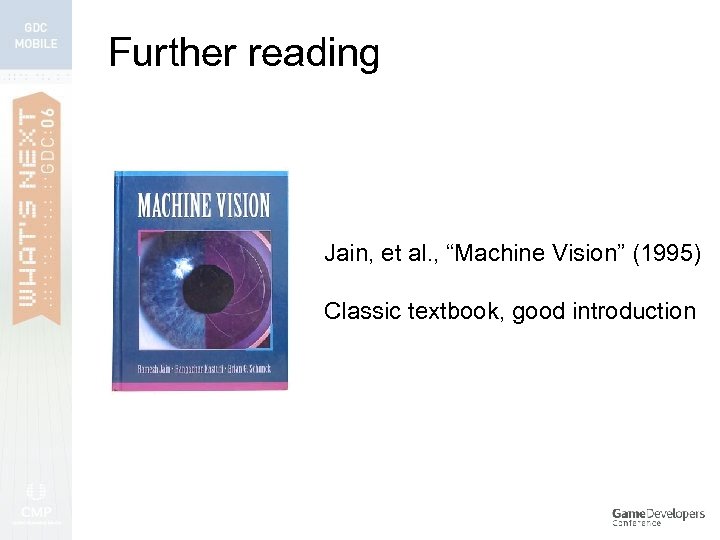 Further reading Jain, et al. , “Machine Vision” (1995) Classic textbook, good introduction
![Further reading Duda, et al. , “Pattern Classification” (2001) [second edition] Essential for any](https://present5.com/presentation/761e7e2a16d73a73eca0945fa9f01997/image-155.jpg "Further reading Duda, et al. , “Pattern Classification” (2001) [second edition] Essential for any") Further reading Duda, et al. , “Pattern Classification” (2001) [second edition] Essential for any work on recognition/classification/learning
Further reading Duda, et al. , “Pattern Classification” (2001) [second edition] Essential for any work on recognition/classification/learning
 Further reading - conferences IEEE International Conf. on Computer Vision CVPR IEEE Computer Vision and Pattern Recognition IAPR International Conf. on Pattern Recognition International Conf. on Computer Vision Theory and Applications IEEE International Conf. on Image Processing ACM Siggraph VMV Eurographics Vision, Modeling, and Visualization
 Publications > A. Haro, K. Mori, V. Setlur, T. Capin, "Mobile Camera-based Adaptive Viewing", 4 th International Conference on Mobile Ubiquitous Multimedia, ACM MUM 2005, Christchurch, New Zealand December 2005. > V. Paelke, C. Reimann, D. Stichling, "Foot-based mobile Interaction with Games", ACM SIGCHI International Conference on Advances in Computer Entertainment Technology (ACE). Singapore, June 2004 > J. Davis and A. Bobick, “The Representation and Recognition of Action Using Temporal Templates”, IEEE Conference on Computer Vision and Pattern Recognition, June 1997, pp. 928934. > Others…
 Software > For learning/prototyping algorithms: Matlab > Scilab > > Desktop PC testing: > > Intel’s Open CV Mobile device development….
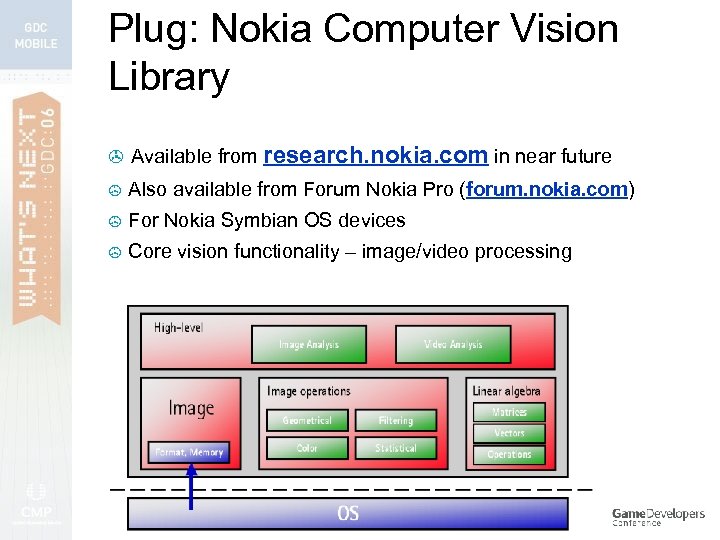 Plug: Nokia Computer Vision Library > Available from research. nokia. com in near future > Also available from Forum Nokia Pro (forum. nokia. com) > For Nokia Symbian OS devices > Core vision functionality – image/video processing
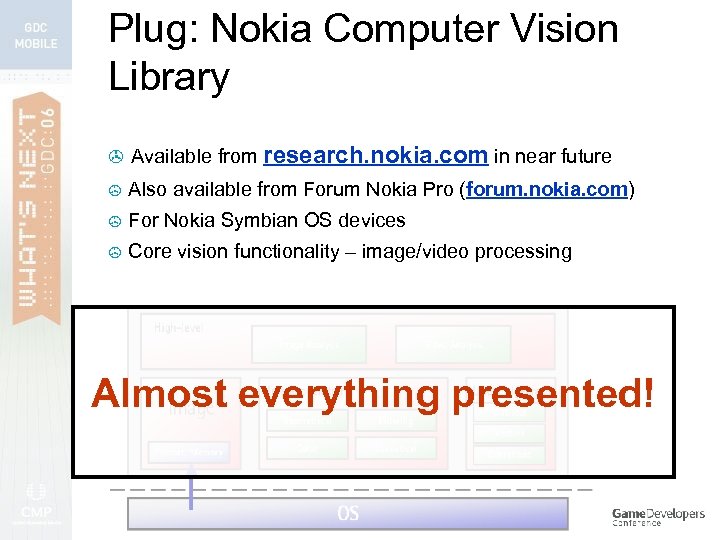 Plug: Nokia Computer Vision Library > Available from research. nokia. com in near future > Also available from Forum Nokia Pro (forum. nokia. com) > For Nokia Symbian OS devices > Core vision functionality – image/video processing Almost everything presented!
 Thanks! Questions/comments?