 Скачать презентацию Business Process and Workflow Management Dickson K W
3e51d7cb5a79ed4538e0a4ad2584f709.ppt
- Количество слайдов: 59



Business Process and Workflow Management Dickson K. W. Chiu Ph. D, SMIEEE, SMACM These notes are based on the book (Wil van der Aalst and Kees van Hee. Workflow Management: Models, Methods, and Systems. The MIT Press, paperback edition, 2004), its associated presentation slides, and also Dr. Franklin Leung’s slides. Thanks to Dr Reynold Cheng. 1
Lecture Objectives n n Workflow management overview Why is workflow important to business? Workflow system architecture Workflow and Groupware: how can they help KM? Dickson Chiu 2008 2
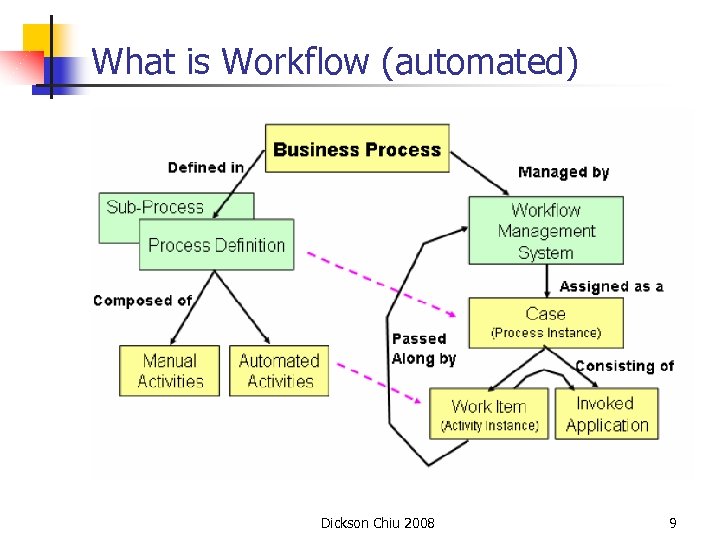
What is Workflow? n n In 1996, the Workflow Management Coalition (WFMC) published a glossary of all useful terms related to workflow. It defines workflow as: The automation of a business process, in whole or part, during which documents, information or tasks are passed from one participant to another for action (activities), according to a set of procedural rules. A participant may be n person or an automated process (computer system) n local or in a separate remote organization. Dickson Chiu 2008 3
Workflow management Goal To manage the flow of work such that the work is done at the right time by the proper person => Knowledge => especially procedural knowledge Definitions n A workflow management system (WFMS) is a software package that can be used to support the definition, management and execution of workflow processes. n A workflow system (WFS) is a system based on a WFMS that supports a specific set of business processes through the execution of computerized process definitions Dickson Chiu 2008 4
Workflow Management n n By supporting integration of existing applications, workflow systems ensure global integration of people and programs in the framework of a business process. During business processing reengineering exercise, business processes are analyzed and streamlined. Dickson Chiu 2008 5
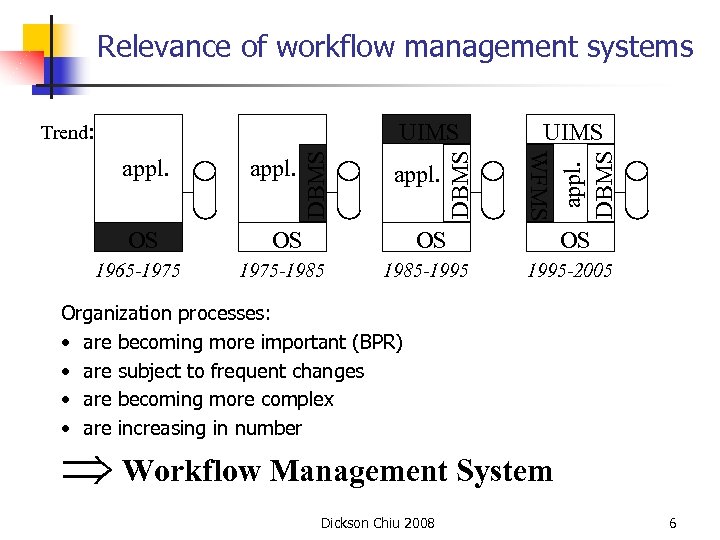
Relevance of workflow management systems appl. DBMS appl. UIMS WFMS appl. DBMS UIMS appl. DBMS Trend: OS OS 1965 -1975 -1985 -1995 -2005 Organization processes: • are becoming more important (BPR) • are subject to frequent changes • are becoming more complex • are increasing in number Þ Workflow Management System Dickson Chiu 2008 6
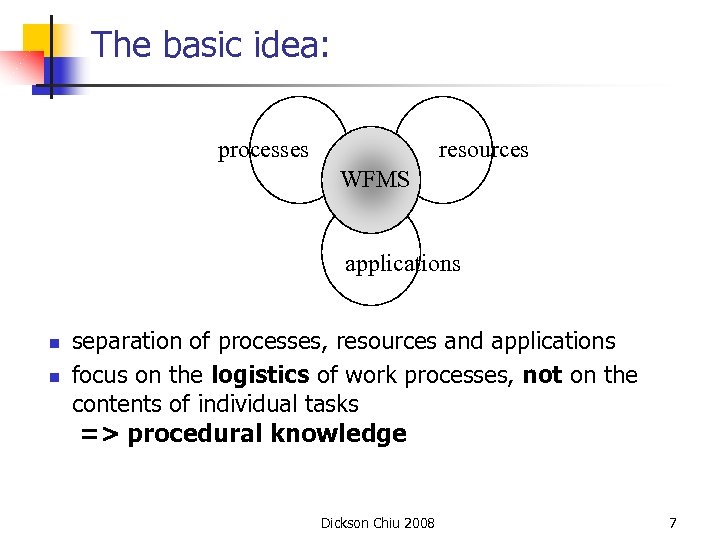
The basic idea: processes resources WFMS applications n n separation of processes, resources and applications focus on the logistics of work processes, not on the contents of individual tasks => procedural knowledge Dickson Chiu 2008 7
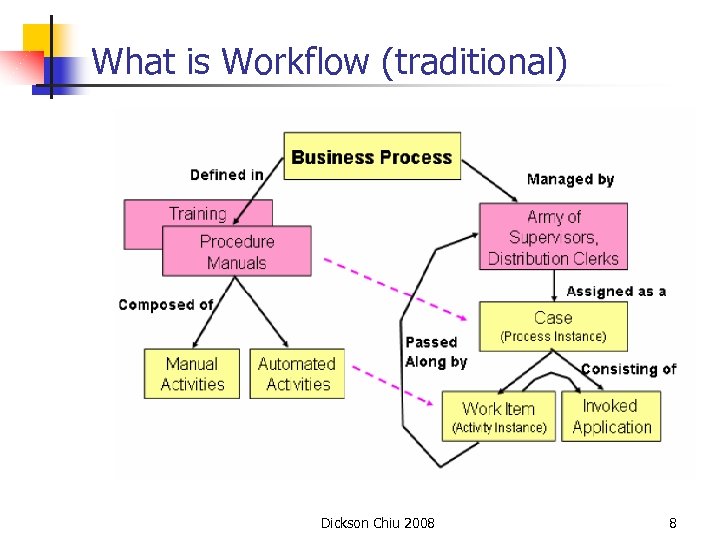
What is Workflow (traditional) Dickson Chiu 2008 8
What is Workflow (automated) Dickson Chiu 2008 9
Workflow Management Systems n Manual - 100 (2000+? ) years of experience n Army of managers and clerks n n Expediters to recover from errors Automated - 15 years of experience n n Control of procedures Automatic distribution and tracking n Best person or machine does the work n n Most important work done first Parallel (concurrent) processes Management focus on staff and business issues Improved customer service Dickson Chiu 2008 10
Dickson Chiu 2008 11
Loan Request Workflow Dickson Chiu 2008 12
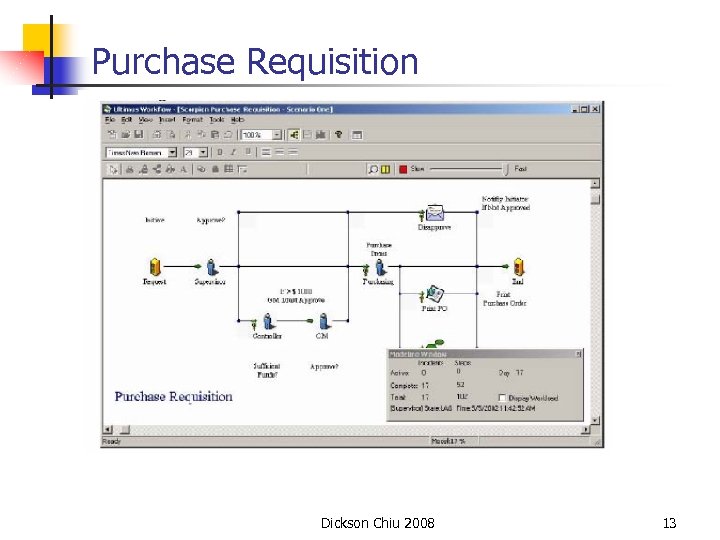
Purchase Requisition Dickson Chiu 2008 13
Lecture Objectives n n Workflow management Why is workflow important to business? Workflow system architecture Workflow and Groupware: how can they help KM? Dickson Chiu 2008 14
Motivation n Processes are important: n Business Process Reengineering (BPR) n Continuous Process Improvement (CPI) n Business Process Management n Workflow Management (WFM) n Logistics Management (LM) Dickson Chiu 2008 15
Business Process Reengineering (BPR) (Business Process Redesign) n n Hammer and Champy: "Reengineering the corporation" (1993) Keywords: n n n fundamental radical dramatic process The "organize before automate"-principle is replaced by "process thinking". Dickson Chiu 2008 16
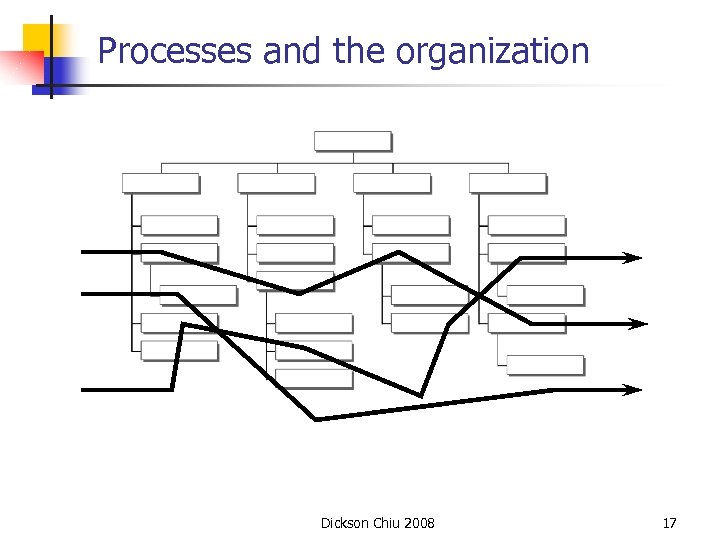
Processes and the organization Dickson Chiu 2008 17
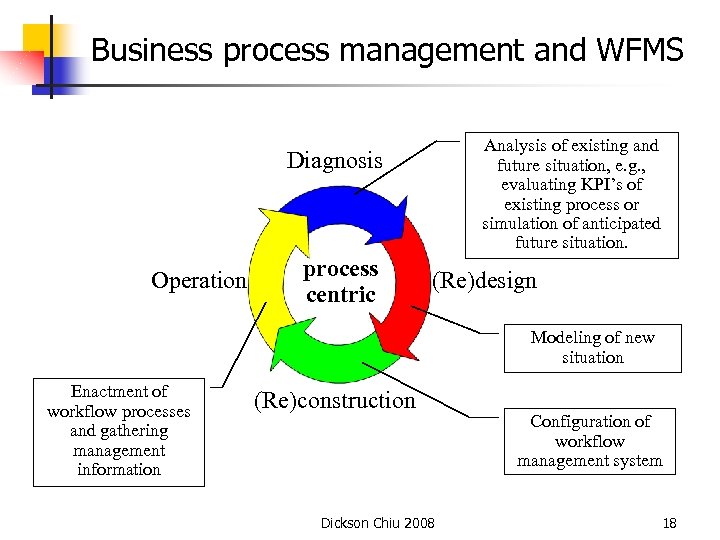
Business process management and WFMS Analysis of existing and future situation, e. g. , evaluating KPI’s of existing process or simulation of anticipated future situation. Diagnosis Operation process centric (Re)design Modeling of new situation Enactment of workflow processes and gathering management information (Re)construction Dickson Chiu 2008 Configuration of workflow management system 18
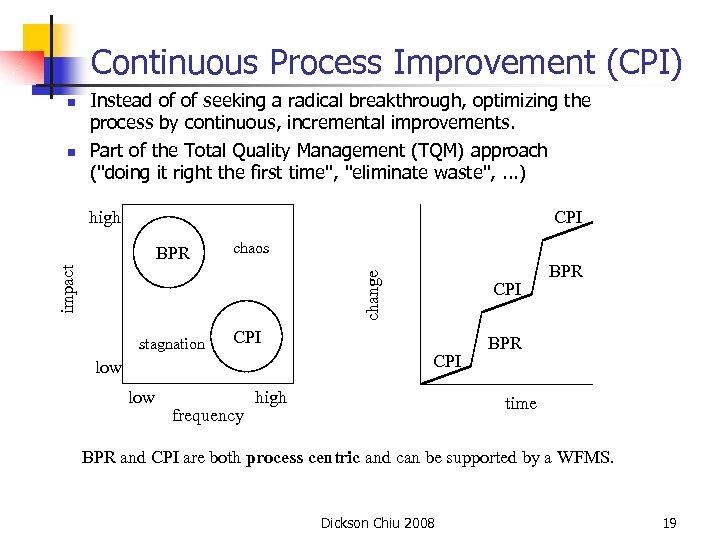
Continuous Process Improvement (CPI) n n Instead of of seeking a radical breakthrough, optimizing the process by continuous, incremental improvements. Part of the Total Quality Management (TQM) approach ("doing it right the first time", "eliminate waste", . . . ) high CPI chaos change impact BPR stagnation CPI low CPI frequency high BPR time BPR and CPI are both process centric and can be supported by a WFMS. Dickson Chiu 2008 19
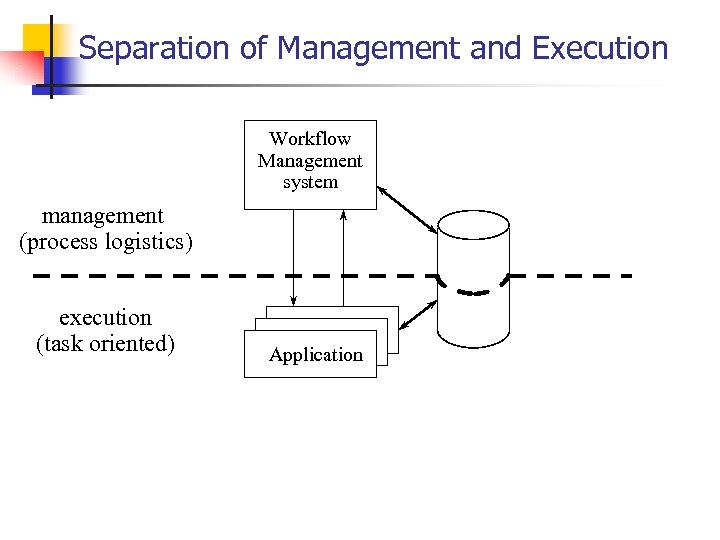
Separation of Management and Execution Workflow Management system management (process logistics) execution (task oriented) Application
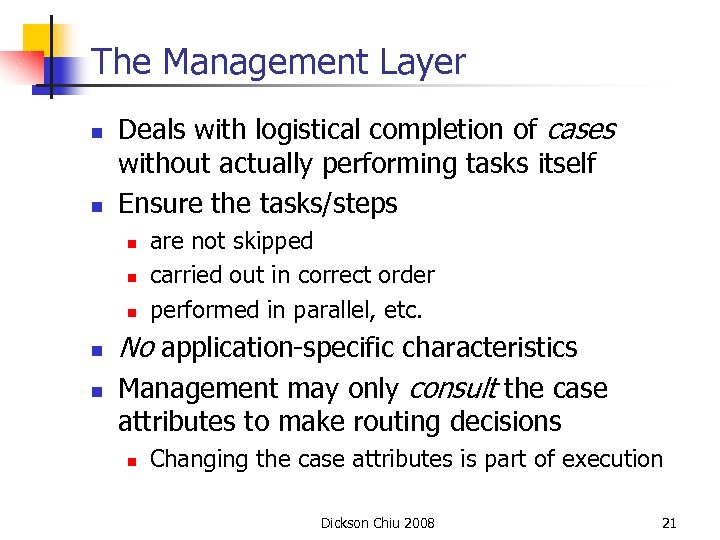
The Management Layer n n Deals with logistical completion of cases without actually performing tasks itself Ensure the tasks/steps n n n are not skipped carried out in correct order performed in parallel, etc. No application-specific characteristics Management may only consult the case attributes to make routing decisions n Changing the case attributes is part of execution Dickson Chiu 2008 21
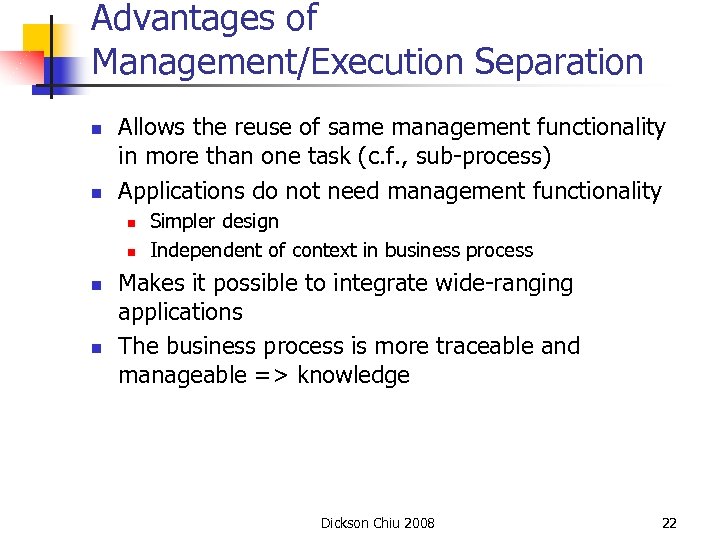
Advantages of Management/Execution Separation n n Allows the reuse of same management functionality in more than one task (c. f. , sub-process) Applications do not need management functionality n n Simpler design Independent of context in business process Makes it possible to integrate wide-ranging applications The business process is more traceable and manageable => knowledge Dickson Chiu 2008 22
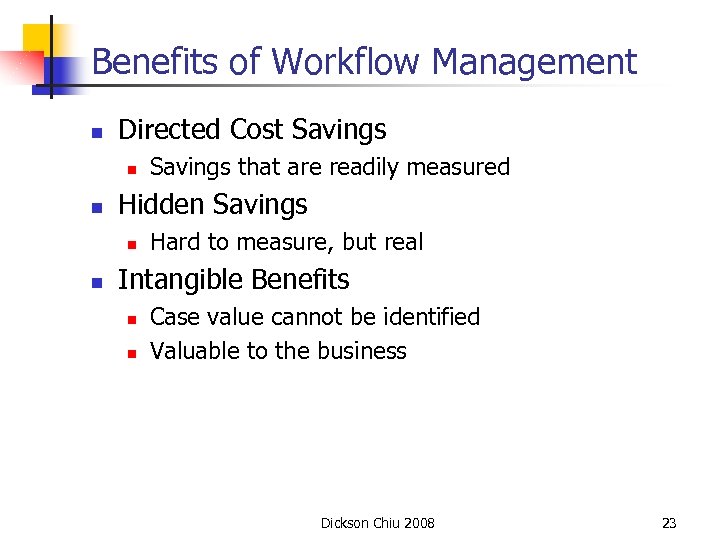
Benefits of Workflow Management n Directed Cost Savings n n Hidden Savings n n Savings that are readily measured Hard to measure, but real Intangible Benefits n n Case value cannot be identified Valuable to the business Dickson Chiu 2008 23
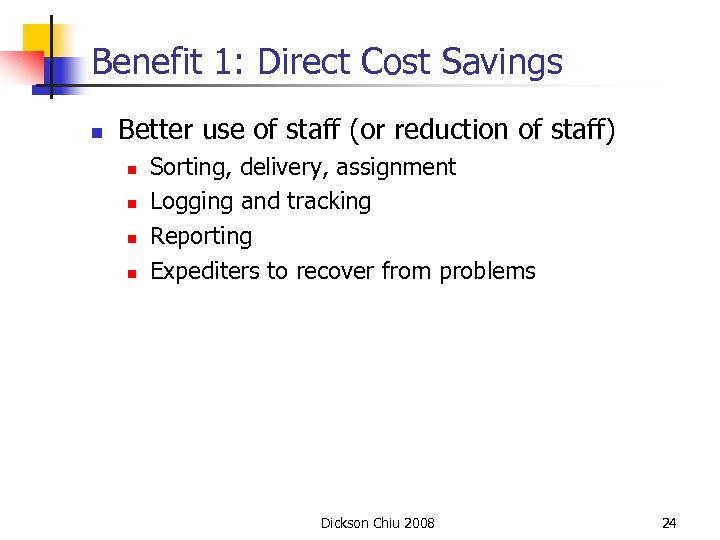
Benefit 1: Direct Cost Savings n Better use of staff (or reduction of staff) n n Sorting, delivery, assignment Logging and tracking Reporting Expediters to recover from problems Dickson Chiu 2008 24
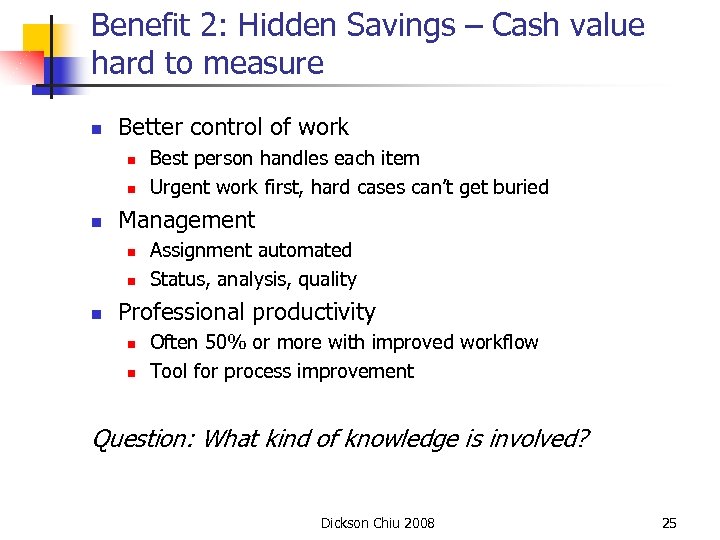
Benefit 2: Hidden Savings – Cash value hard to measure n Better control of work n n n Management n n n Best person handles each item Urgent work first, hard cases can’t get buried Assignment automated Status, analysis, quality Professional productivity n n Often 50% or more with improved workflow Tool for process improvement Question: What kind of knowledge is involved? Dickson Chiu 2008 25
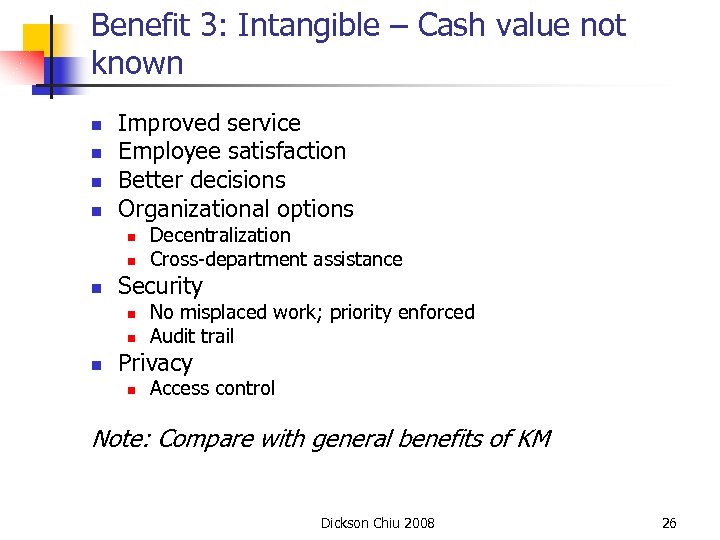
Benefit 3: Intangible – Cash value not known n n Improved service Employee satisfaction Better decisions Organizational options n n n Security n n n Decentralization Cross-department assistance No misplaced work; priority enforced Audit trail Privacy n Access control Note: Compare with general benefits of KM Dickson Chiu 2008 26
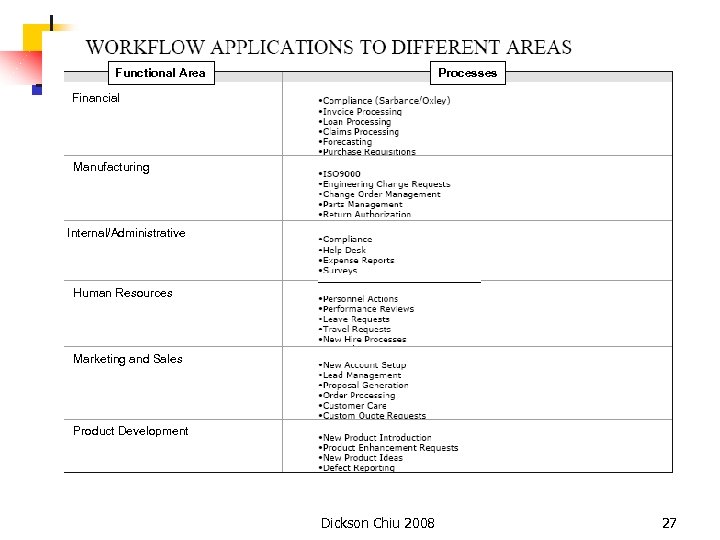
Functional Area Processes Financial Manufacturing Internal/Administrative Human Resources Marketing and Sales Product Development Dickson Chiu 2008 27
Lecture Objectives n n Workflow management and KM Why is workflow important to business? Workflow system architecture Workflow and Groupware: how can they help KM? Dickson Chiu 2008 28
Workflow Management Coalition (Wf. MC) n Workflow management has many aspects: flexibility, system inegration, process optimalization, evolutionary development, and so on. n n n Functionalities can be confused easily Need a standard! The Wf. MC (Workflow Management Coalition) is founded in 1993 Concerned with terminology, standard interfaces, promotion of workflow technologies http: //www. wfmc. org/ Dickson Chiu 2008 29
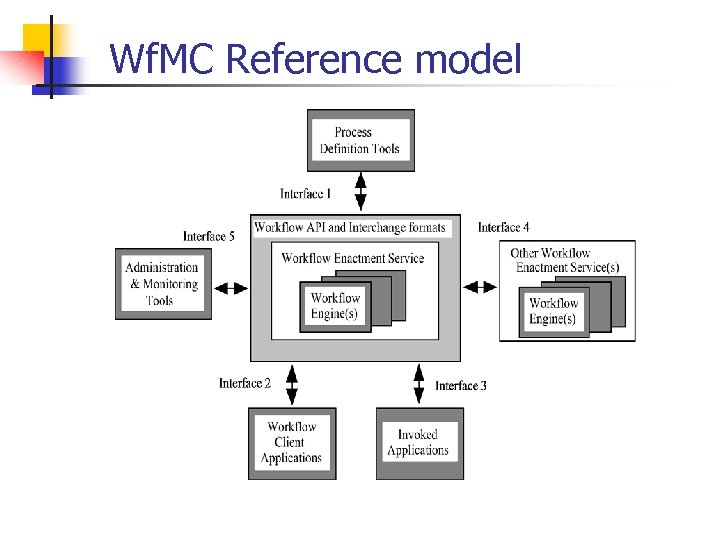
Wf. MC Reference model
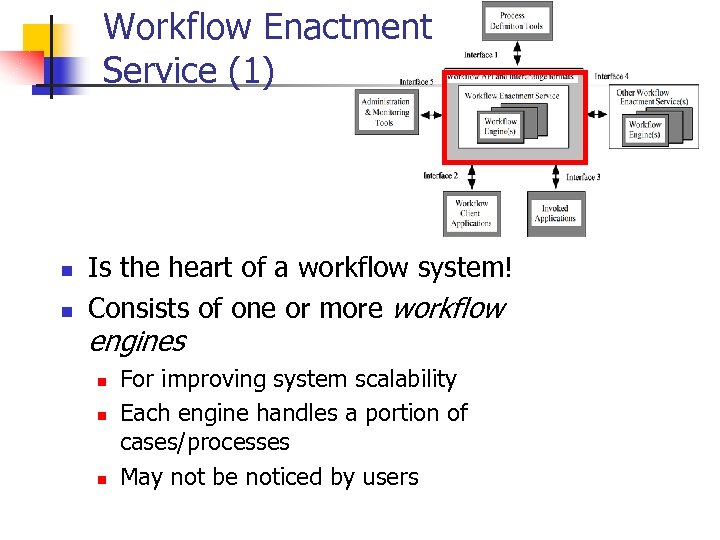
Workflow Enactment Service (1) n n Is the heart of a workflow system! Consists of one or more workflow engines n n n For improving system scalability Each engine handles a portion of cases/processes May not be noticed by users
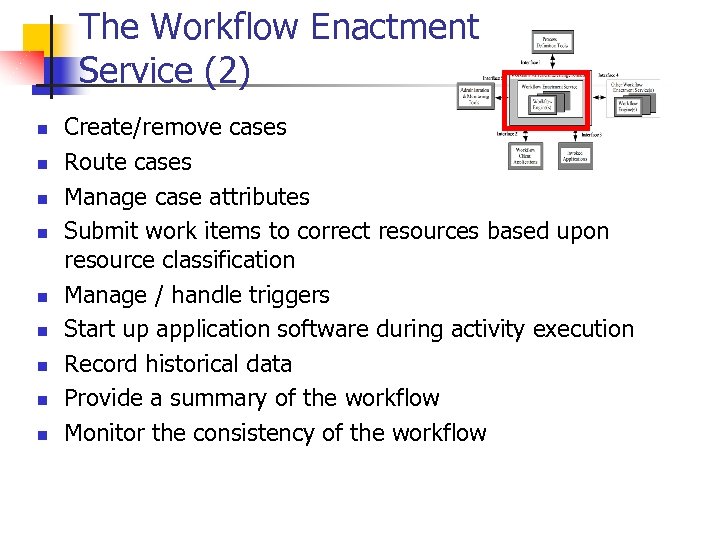
The Workflow Enactment Service (2) n n n n n Create/remove cases Route cases Manage case attributes Submit work items to correct resources based upon resource classification Manage / handle triggers Start up application software during activity execution Record historical data Provide a summary of the workflow Monitor the consistency of the workflow
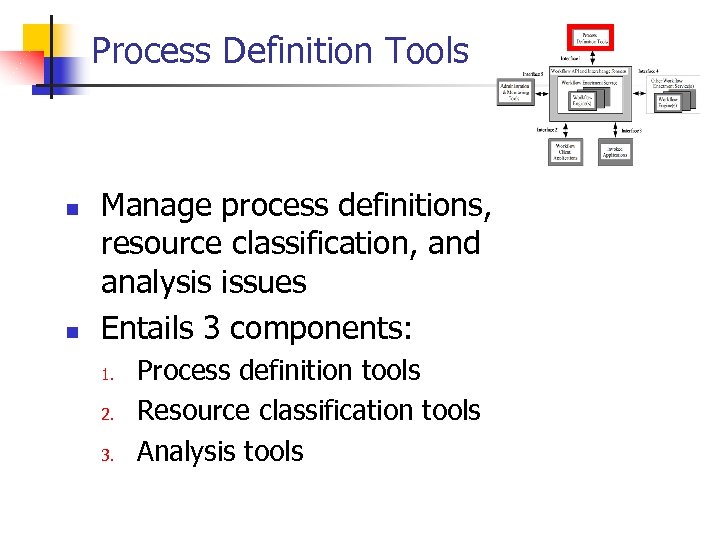
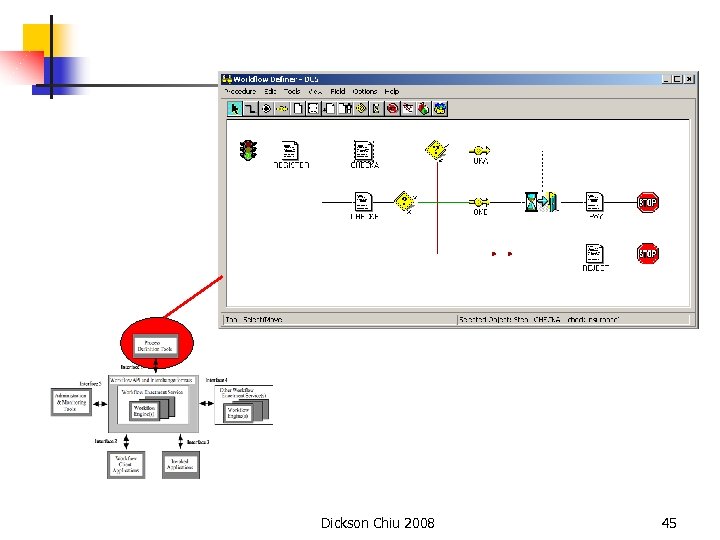
Process Definition Tools n n Manage process definitions, resource classification, and analysis issues Entails 3 components: 1. 2. 3. Process definition tools Resource classification tools Analysis tools
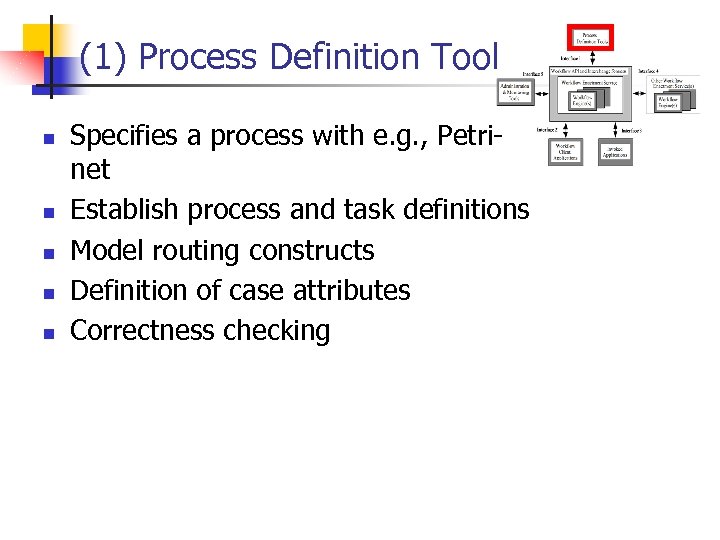
(1) Process Definition Tool n n n Specifies a process with e. g. , Petrinet Establish process and task definitions Model routing constructs Definition of case attributes Correctness checking
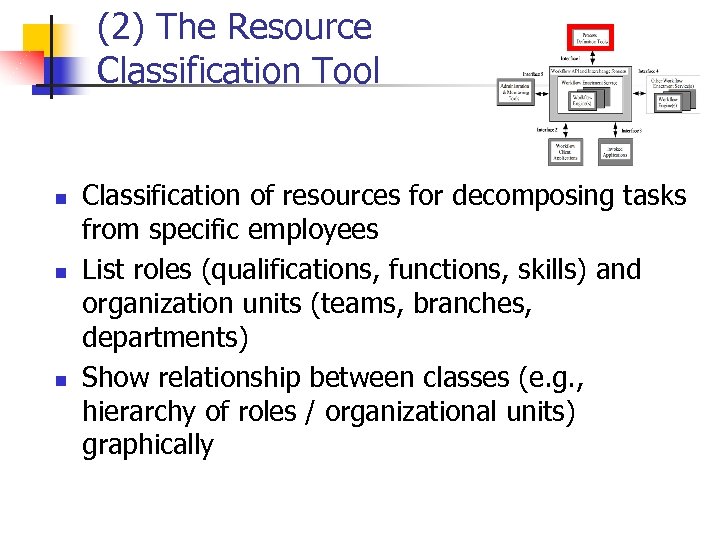
(2) The Resource Classification Tool n n n Classification of resources for decomposing tasks from specific employees List roles (qualifications, functions, skills) and organization units (teams, branches, departments) Show relationship between classes (e. g. , hierarchy of roles / organizational units) graphically
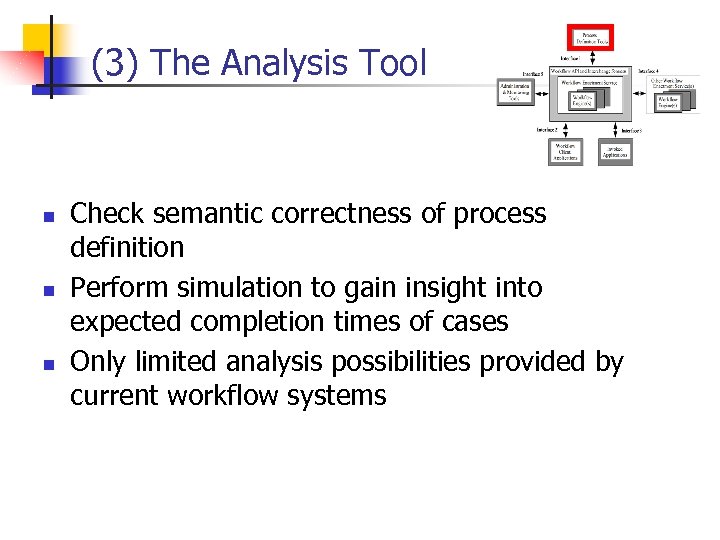
(3) The Analysis Tool n n n Check semantic correctness of process definition Perform simulation to gain insight into expected completion times of cases Only limited analysis possibilities provided by current workflow systems
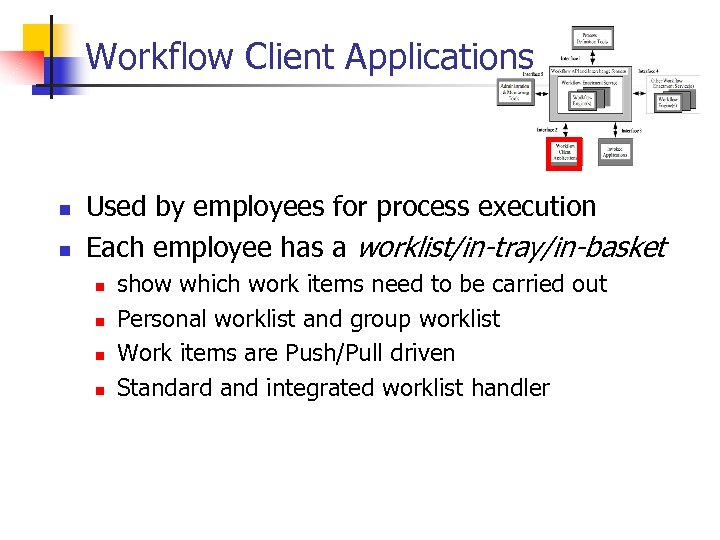
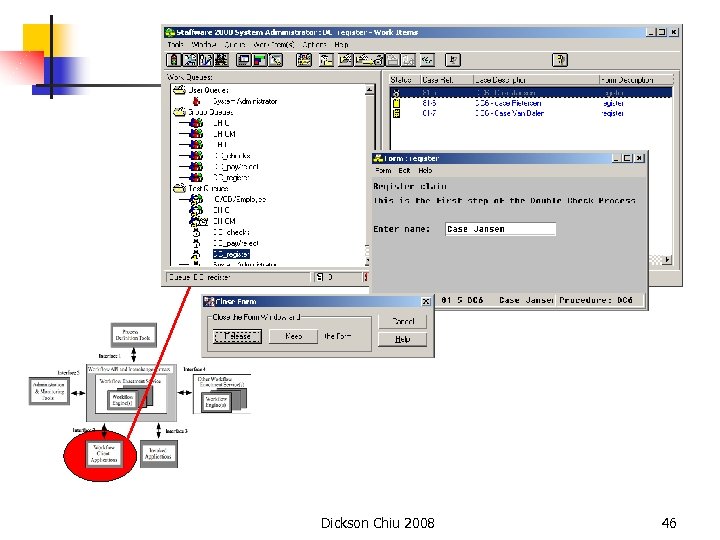
Workflow Client Applications n n Used by employees for process execution Each employee has a worklist/in-tray/in-basket n n show which work items need to be carried out Personal worklist and group worklist Work items are Push/Pull driven Standard and integrated worklist handler
Standard Worklist Handler n n n Presentation of work items and their properties Sort and select Provision of state information Starting of a work item Report the completion of an activity Locking / passing on of a work item
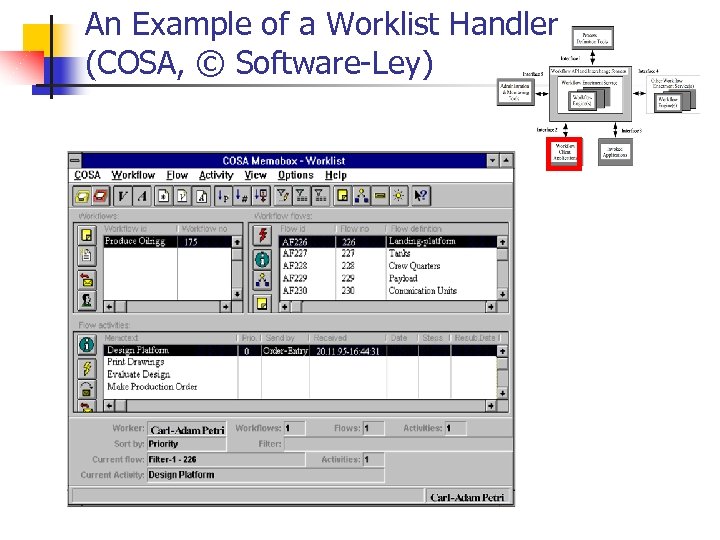
An Example of a Worklist Handler (COSA, © Software-Ley)
The Integrated Worklist Handler n A customized worklist handler adapted to specific situations n n e. g. , additional security and assurance support Supports 2 processing modes: n n n Batch processing: Perform work items of same type (i. e. , repeat the same task) Chained processing: Perform successive tasks for a specific case Avoid continually switching between the worklist handler and applications for higher efficiency
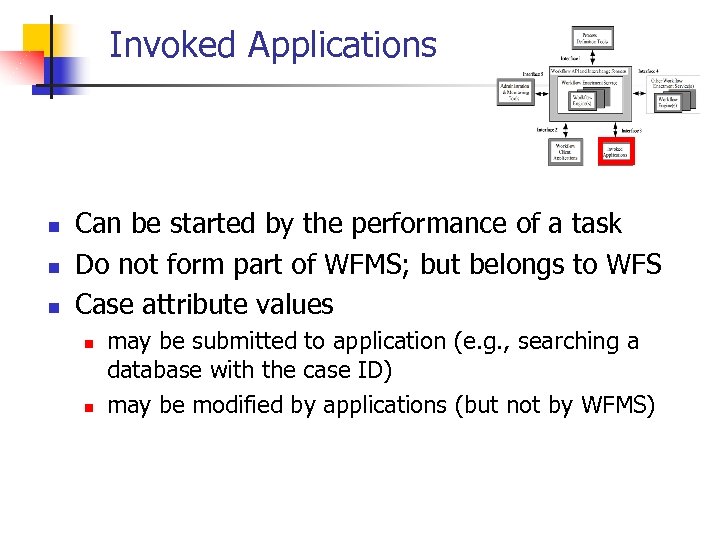
Invoked Applications n n n Can be started by the performance of a task Do not form part of WFMS; but belongs to WFS Case attribute values n n may be submitted to application (e. g. , searching a database with the case ID) may be modified by applications (but not by WFMS)
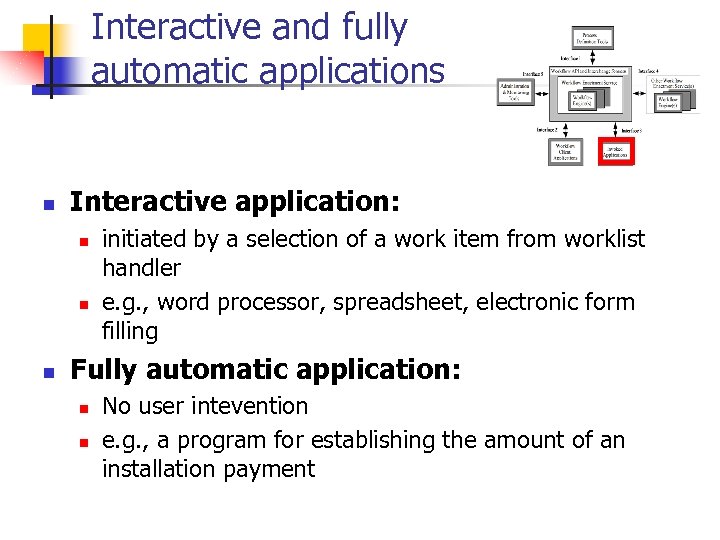
Interactive and fully automatic applications n Interactive application: n n n initiated by a selection of a work item from worklist handler e. g. , word processor, spreadsheet, electronic form filling Fully automatic application: n n No user intevention e. g. , a program for establishing the amount of an installation payment
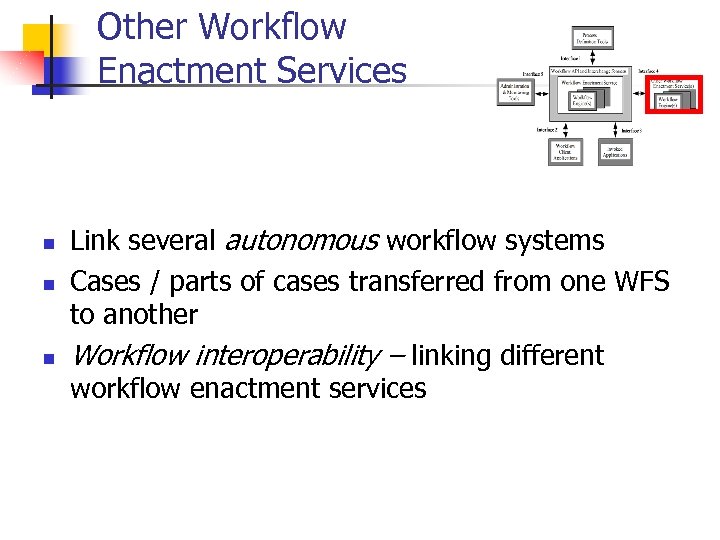
Other Workflow Enactment Services n n n Link several autonomous workflow systems Cases / parts of cases transferred from one WFS to another Workflow interoperability – linking different workflow enactment services
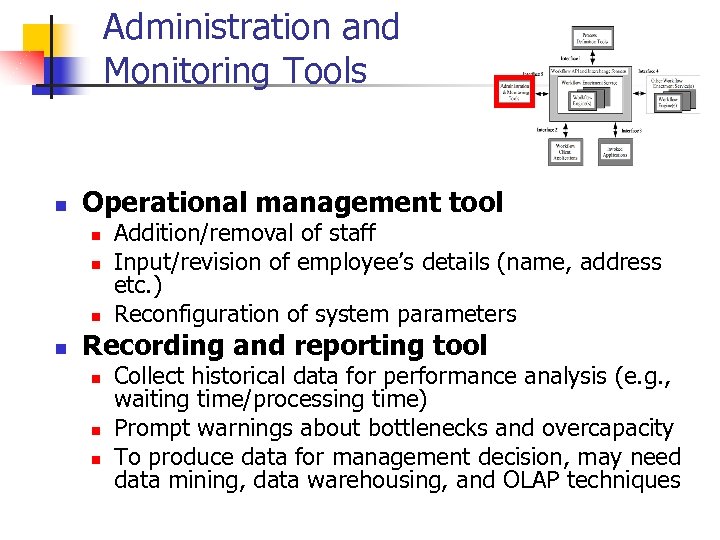
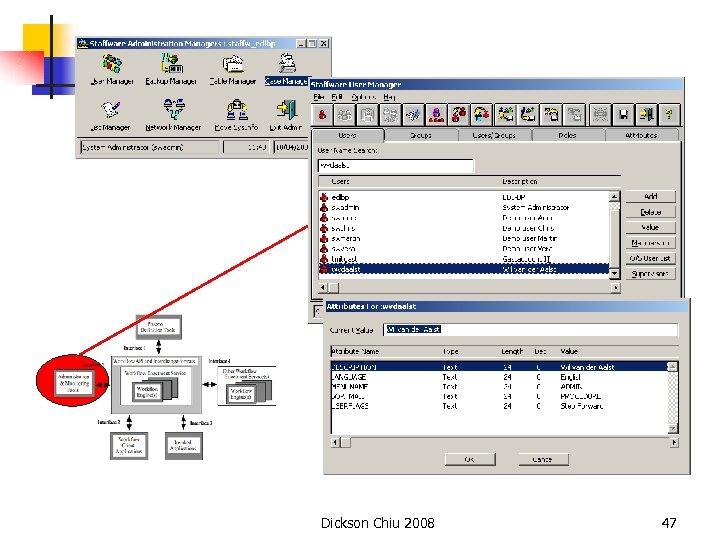
Administration and Monitoring Tools n Operational management tool n n Addition/removal of staff Input/revision of employee’s details (name, address etc. ) Reconfiguration of system parameters Recording and reporting tool n n n Collect historical data for performance analysis (e. g. , waiting time/processing time) Prompt warnings about bottlenecks and overcapacity To produce data for management decision, may need data mining, data warehousing, and OLAP techniques
Dickson Chiu 2008 45
Dickson Chiu 2008 46
Dickson Chiu 2008 47
Lecture Objectives n n Workflow management and KM Why is workflow important to business? Workflow system architecture Workflow and Groupware: how can they help KM? Dickson Chiu 2008 48
Groupware Functions and Applications n Software for enabling collaboration within and between companies n n Promote team work and improve efficiency through Increased information sharing Reducing communications overheads Providing coordination Dickson Chiu 2008 49
Groupware Examples n n n CSCW (computer supported cooperative work) Workgroup systems (WGS) – Gartner Group Big industry – 40 million groupware users Dickson Chiu 2008 50
Groupware Function n n n E-mail Group discussions Document sharing for joint authoring of reports Electronic meetings software such as videoconferencing Group decision support Group coordination software for time management and scheduling Dickson Chiu 2008 51
Distinction between workflow systems and groupware n n Both used for collaboration Considered as separate types of product since groupware is usually used in an ad-hoc way while workflow imposes a more strict, structured way of working Dickson Chiu 2008 52
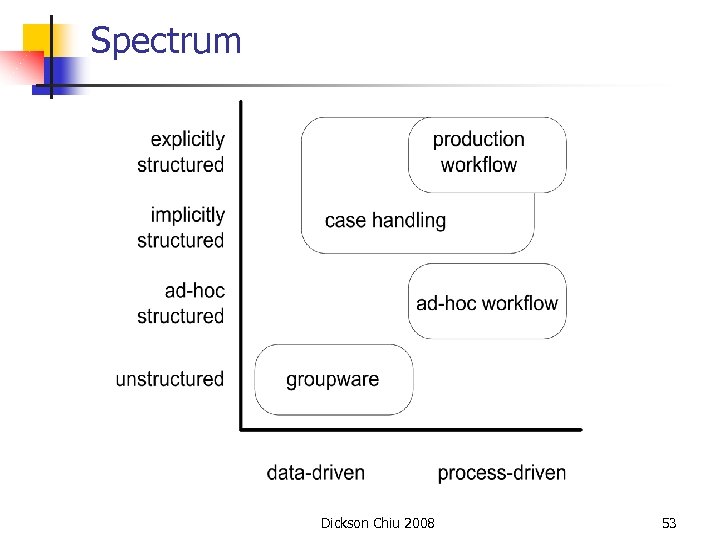
Spectrum Dickson Chiu 2008 53
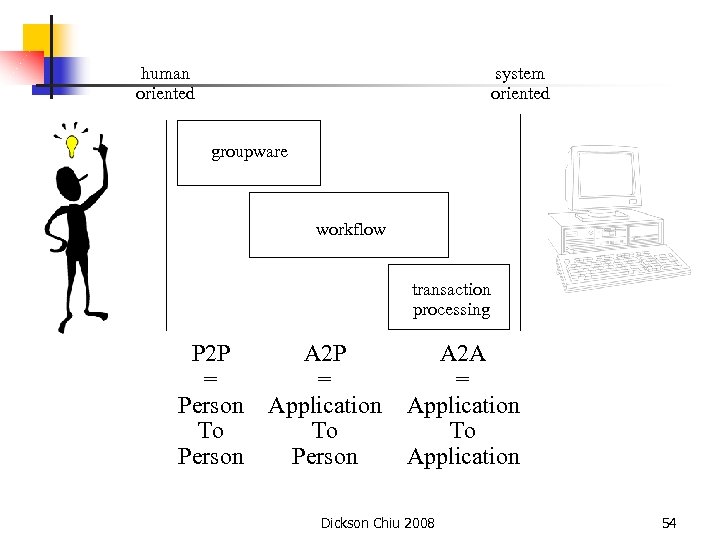
human oriented system oriented groupware workflow transaction processing P 2 P = Person To Person A 2 P = Application To Person A 2 A = Application To Application Dickson Chiu 2008 54
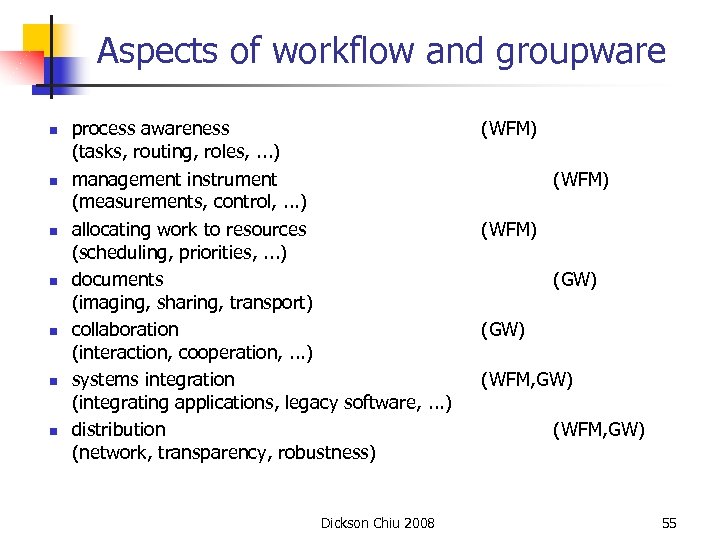
Aspects of workflow and groupware n n n n process awareness (tasks, routing, roles, . . . ) management instrument (measurements, control, . . . ) allocating work to resources (scheduling, priorities, . . . ) documents (imaging, sharing, transport) collaboration (interaction, cooperation, . . . ) systems integration (integrating applications, legacy software, . . . ) distribution (network, transparency, robustness) Dickson Chiu 2008 (WFM) (GW) (WFM, GW) 55
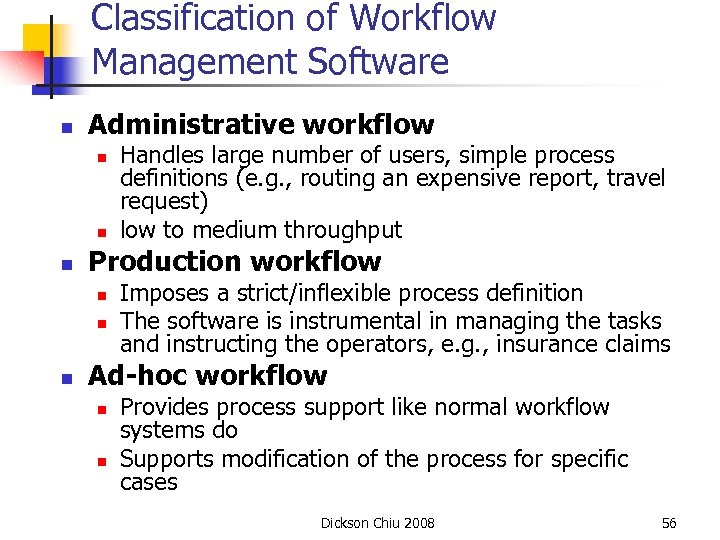
Classification of Workflow Management Software n Administrative workflow n n n Production workflow n n n Handles large number of users, simple process definitions (e. g. , routing an expensive report, travel request) low to medium throughput Imposes a strict/inflexible process definition The software is instrumental in managing the tasks and instructing the operators, e. g. , insurance claims Ad-hoc workflow n n Provides process support like normal workflow systems do Supports modification of the process for specific cases Dickson Chiu 2008 56
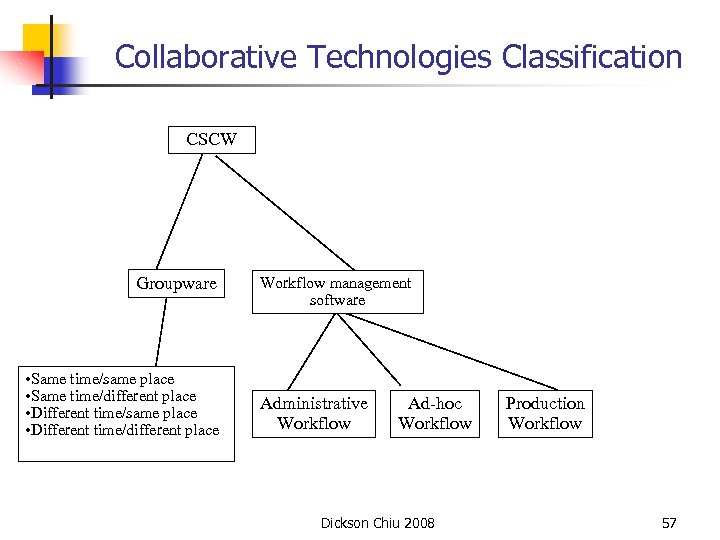
Collaborative Technologies Classification CSCW Groupware • Same time/same place • Same time/different place • Different time/same place • Different time/different place Workflow management software Administrative Workflow Ad-hoc Workflow Dickson Chiu 2008 Production Workflow 57
Workflow Management Trends n Adaptive workflow systems n n Improved simulation tools n n managing changes to workflow while the system is running Example: business simulation game for training new staff Better planning and resource management support Improved application programming interfaces (API) for interaction of WFMS and application software Integration with Internet technologies, e. g. , Java, COBRA Dickson Chiu 2008 58
Extra Resources n n Go to www. wfmc. org and try to have an understanding of the mission of such organization Download and read some articles as listed below: n http: //www. e-workflow. org/White_Papers/index. htm Dickson Chiu 2008 59
Скачать презентацию Business Process and Workflow Management Dickson K W
3e51d7cb5a79ed4538e0a4ad2584f709.ppt