 Скачать презентацию Burglar Fire Alarm Basics Babineau Systems LLC
f73f7ca8334cba9592767e5e5faee2d5.ppt
- Количество слайдов: 59




Burglar & Fire Alarm Basics Babineau Systems LLC 781 -330 -4534 www. babineausystems. com
Objectives • Understanding the basic Security and Fire Alarm system. • Understanding the Security system components. • Understanding zones and the different wiring configurations. • Understanding input and output devices. • Understanding system communications and devices. • Knowing what to have with you on site.
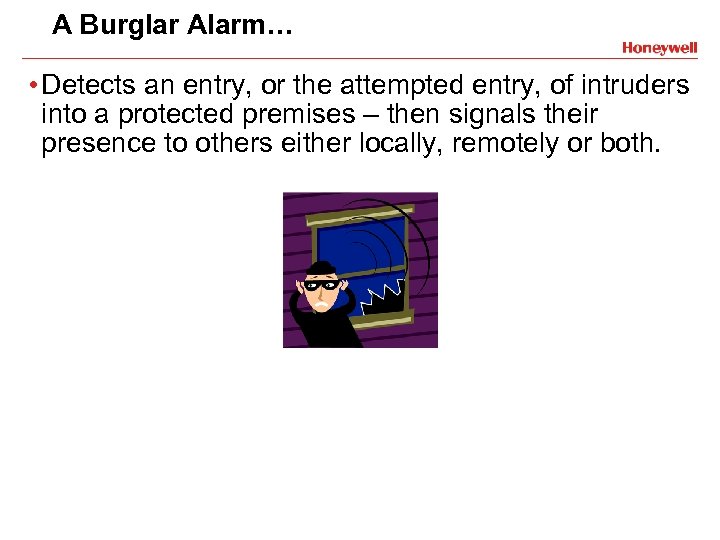
A Burglar Alarm… • Detects an entry, or the attempted entry, of intruders into a protected premises – then signals their presence to others either locally, remotely or both.
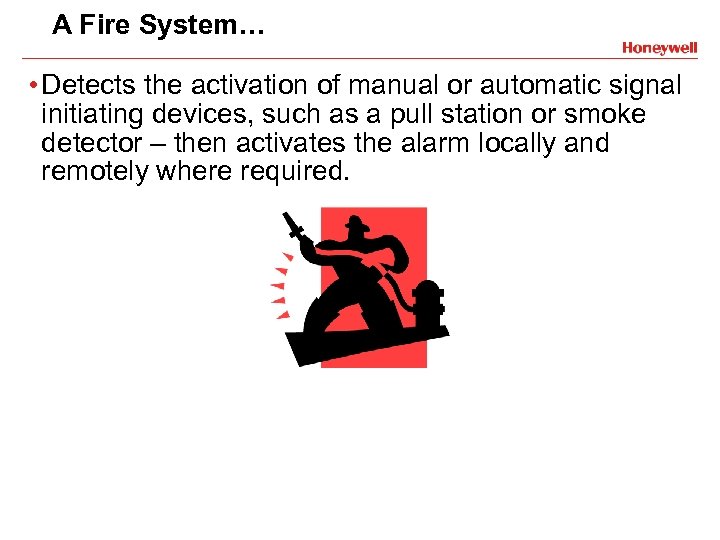
A Fire System… • Detects the activation of manual or automatic signal initiating devices, such as a pull station or smoke detector – then activates the alarm locally and remotely where required.
In Summary… Burglar Alarms Protect Property & Fire Alarms Protect Lives
Installation • Acts as a visible deterrent against - Burglary - Vandalism - Etc. . . • Provides “peace of mind” to users - On premises - Away from the premises - Helps to reduce insurance costs
Login • Warns of an abnormal condition i. e. fire, smoke, high heat, rising temp. • Notifies the premise occupants • Notifies fire department via central station connection when desired • May operate fire safety functions i. e. shut down A/C fans
Burglar & Fire Alarm Basics Security System Components
Security System Components • Control panel • Keypads • Zones • Input devices (contacts, motion detectors, etc. ) • Output devices (horns, strobes, etc. )
The Control Panel • Central Processing Unit (CPU) - Receives signals from initiation devices (contacts, motion detectors, smoke detectors etc. ) and activates appropriate notification devices (dialer, horns, strobes etc. ) - Electrically monitors system wiring and primary power - Processes programmed instructions/reactions
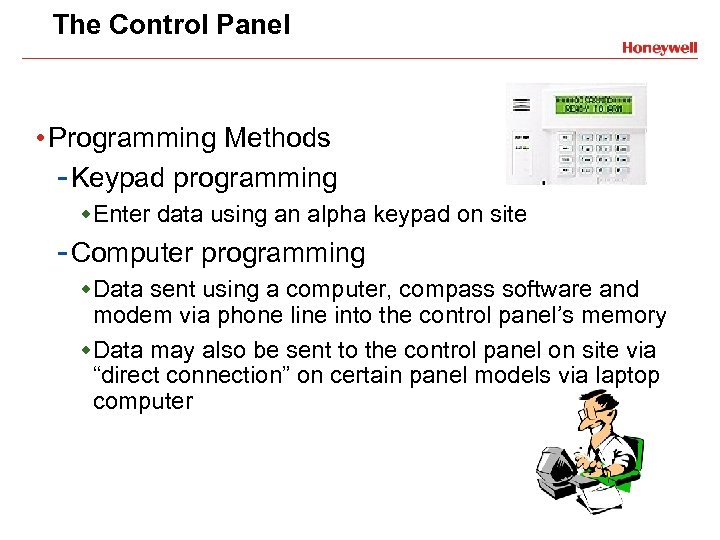
The Control Panel • Programming Methods - Keypad programming w. Enter data using an alpha keypad on site - Computer programming w. Data sent using a computer, compass software and modem via phone line into the control panel’s memory w. Data may also be sent to the control panel on site via “direct connection” on certain panel models via laptop computer
The Control Panel • Power Supply - Use and un-switched outlet less than 50 feet from the panel and run 18 gauge wire from the panel to the transformer. - 9 -18 Volt Transformer w Step down transformer w Ademco systems come with the correct transformer w Transformer may be verified by checking Summary of Connections diagram - Battery Backup w Supplies current for the sounding of bells, horns, etc. w Provides current during AC power outages w Fire systems require specific amounts of available backup time (controlled by local A. H. J. )
Keypads • An input device that allows user to - “Arm” or turn on the burglary portion - “Disarm” or turn off the burglary portion - “Bypass” or remove a portion of the system - In essence, control the system • Provides system status - Visually - Audibly
Burglar & Fire Alarm Basics Zones
What Is A Zone? • A detection circuit, or zone, is a specific part of the security system which is programmed to respond in a certain way to the presence of an intruder, fire, or other condition.
What Is A Zone? • Why do we use them? - Individually programmable - Identifies the area & signal type (burg, fire) - Helps authorities respond more effectively - Simplifies troubleshooting & testing - Bypassing zones allows user to arm only part of the system
Zone Configurations • Hardwire - A zone input which is physically connected to the control panel • Soft Zone - A zone input that does not take a physical location, like a keypad zone or duress (Ambush) code • Wireless - A zone input originating in a self contained device with on board wireless transmitter and battery for power. - Panels that support wireless zones require a wireless receiver to pick up the signals and send them to the control panel for processing (some control panels have a receiver built in, others will require you to add one)
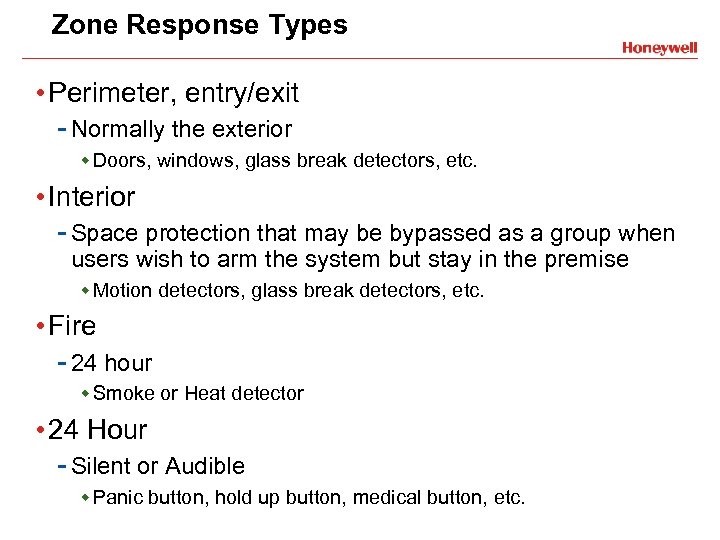
Zone Response Types • Perimeter, entry/exit - Normally the exterior w Doors, windows, glass break detectors, etc. • Interior - Space protection that may be bypassed as a group when users wish to arm the system but stay in the premise w Motion detectors, glass break detectors, etc. • Fire - 24 hour w Smoke or Heat detector • 24 Hour - Silent or Audible w Panic button, hold up button, medical button, etc.
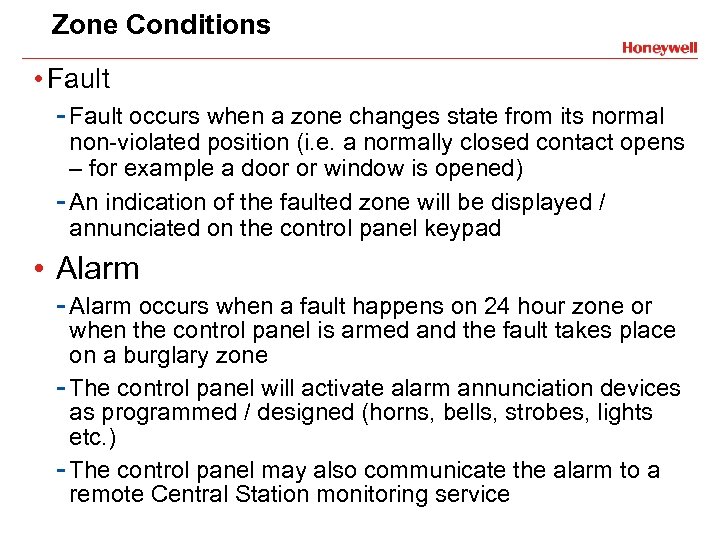
Zone Conditions • Fault - Fault occurs when a zone changes state from its normal non-violated position (i. e. a normally closed contact opens – for example a door or window is opened) - An indication of the faulted zone will be displayed / annunciated on the control panel keypad • Alarm - Alarm occurs when a fault happens on 24 hour zone or when the control panel is armed and the fault takes place on a burglary zone - The control panel will activate alarm annunciation devices as programmed / designed (horns, bells, strobes, lights etc. ) - The control panel may also communicate the alarm to a remote Central Station monitoring service
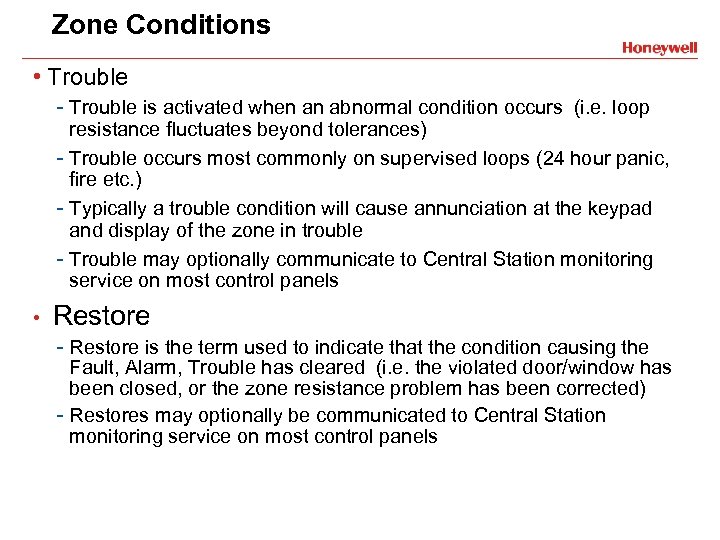
Zone Conditions • Trouble - Trouble is activated when an abnormal condition occurs (i. e. loop resistance fluctuates beyond tolerances) - Trouble occurs most commonly on supervised loops (24 hour panic, fire etc. ) - Typically a trouble condition will cause annunciation at the keypad and display of the zone in trouble - Trouble may optionally communicate to Central Station monitoring service on most control panels • Restore - Restore is the term used to indicate that the condition causing the Fault, Alarm, Trouble has cleared (i. e. the violated door/window has been closed, or the zone resistance problem has been corrected) - Restores may optionally be communicated to Central Station monitoring service on most control panels
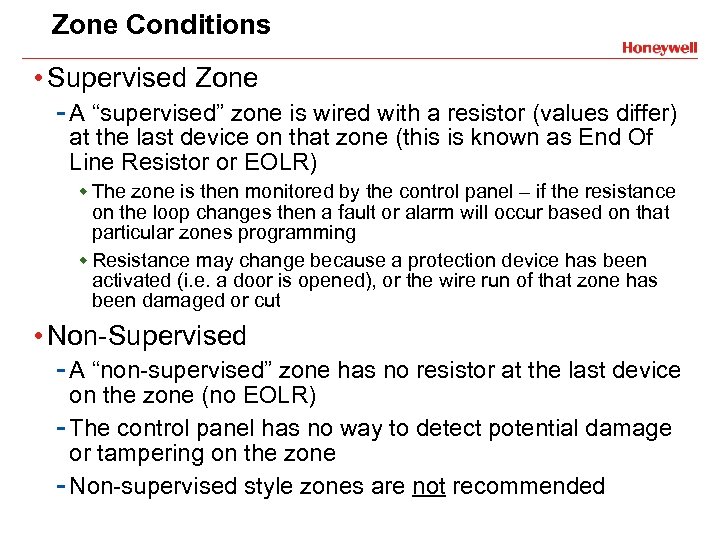
Zone Conditions • Supervised Zone - A “supervised” zone is wired with a resistor (values differ) at the last device on that zone (this is known as End Of Line Resistor or EOLR) w The zone is then monitored by the control panel – if the resistance on the loop changes then a fault or alarm will occur based on that particular zones programming w Resistance may change because a protection device has been activated (i. e. a door is opened), or the wire run of that zone has been damaged or cut • Non-Supervised - A “non-supervised” zone has no resistor at the last device on the zone (no EOLR) - The control panel has no way to detect potential damage or tampering on the zone - Non-supervised style zones are not recommended
Zone Conditions • Ready - “Ready” refers to the state of a specific zone or the control panel as a whole - If a zone is ready there is no current fault, alarm or trouble condition on that zone - When the control panel is ready there are no current faults, alarm memories or trouble conditions on ANY of the zones w A control panel should be “ready” when arming
Wiring Basics • Types of zone loops - Normally closed EOLR (Supervised) - Normally open EOLR (Supervised) • Ways to wire zone loops - Series - Parallel
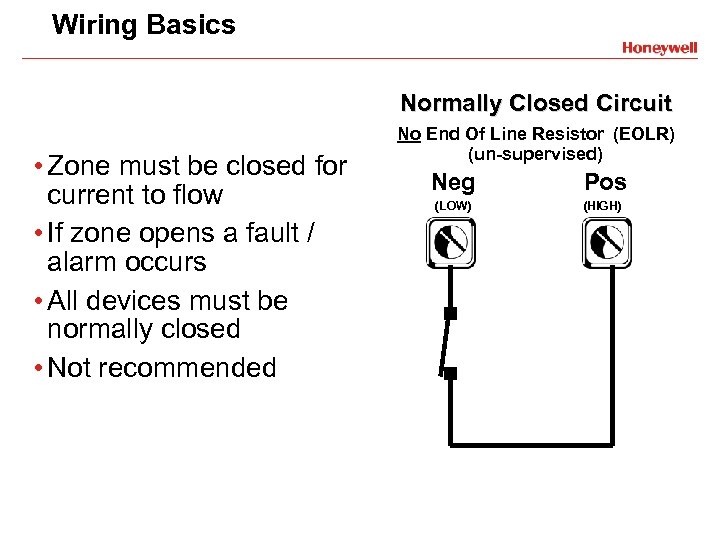
Wiring Basics Normally Closed Circuit • Zone must be closed for current to flow • If zone opens a fault / alarm occurs • All devices must be normally closed • Not recommended No End Of Line Resistor (EOLR) (un-supervised) Neg Pos (LOW) (HIGH)
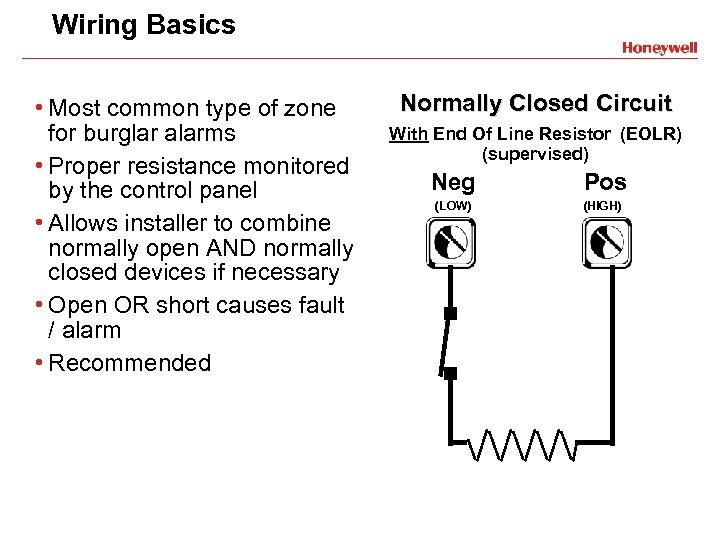
Wiring Basics • Most common type of zone for burglar alarms • Proper resistance monitored by the control panel • Allows installer to combine normally open AND normally closed devices if necessary • Open OR short causes fault / alarm • Recommended Normally Closed Circuit With End Of Line Resistor (EOLR) (supervised) Neg Pos (LOW) (HIGH)
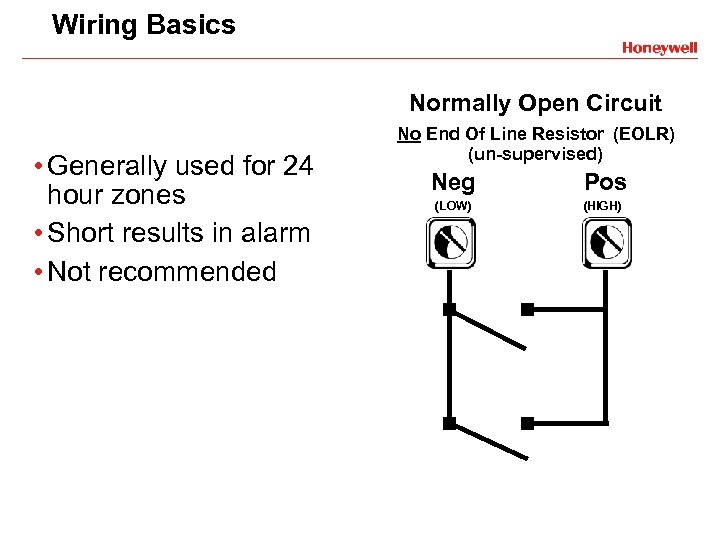
Wiring Basics Normally Open Circuit • Generally used for 24 hour zones • Short results in alarm • Not recommended No End Of Line Resistor (EOLR) (un-supervised) Neg Pos (LOW) (HIGH)
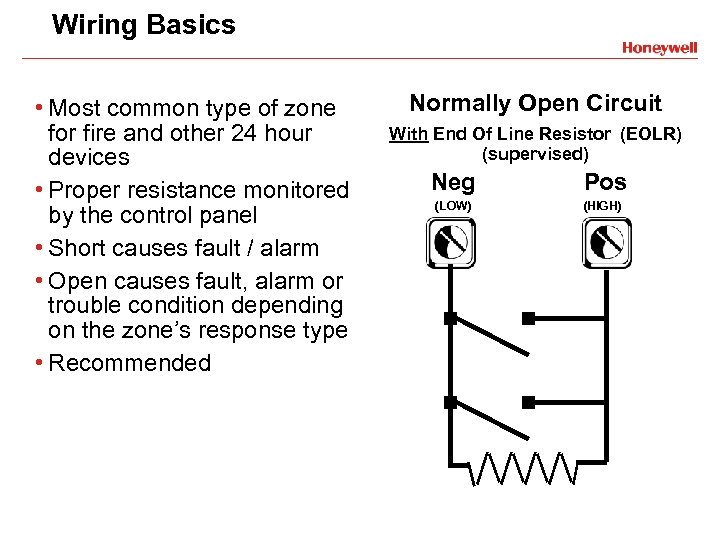
Wiring Basics • Most common type of zone for fire and other 24 hour devices • Proper resistance monitored by the control panel • Short causes fault / alarm • Open causes fault, alarm or trouble condition depending on the zone’s response type • Recommended Normally Open Circuit With End Of Line Resistor (EOLR) (supervised) Neg Pos (LOW) (HIGH)
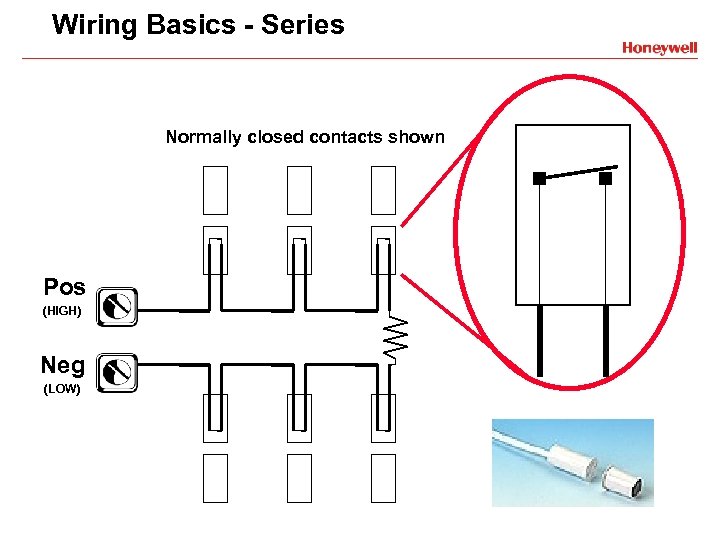
Wiring Basics - Series Normally closed contacts shown Pos (HIGH) Neg (LOW)
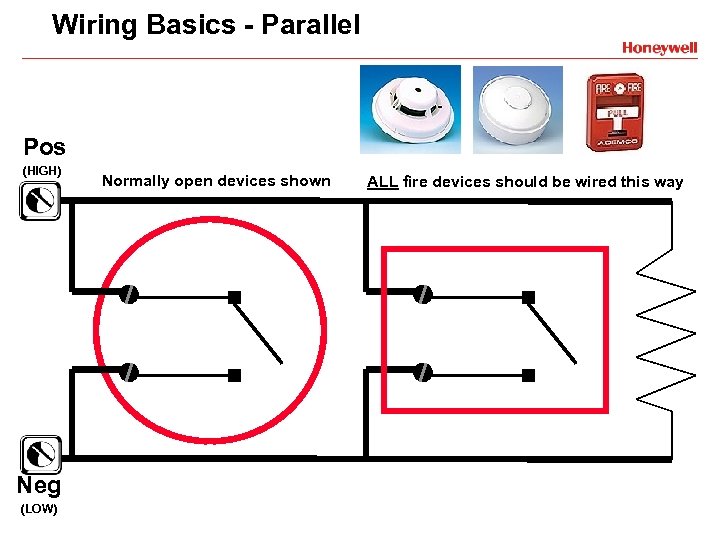
Wiring Basics - Parallel Pos (HIGH) Neg (LOW) Normally open devices shown ALL fire devices should be wired this way
Burglar & Fire Alarm Basics Input Devices
Input Devices - Burg • Monitor specific conditions within the system - Report status changes to the control panel - May be powered by the control panel or optional power supply - The “Eyes & Ears” of the system • Connected to the control panel using zones
Input Devices - Burg • Magnetic contacts • Passive Infra-red motion detectors - Also Called A P. I. R. • Dual technology motion detectors - Use infra-red AND microwave • Glass break detectors • Photoelectric beams • Wireless
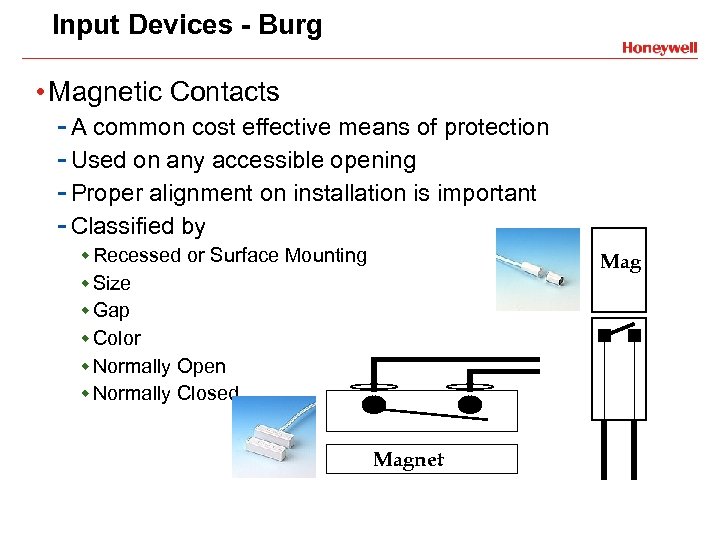
Input Devices - Burg • Magnetic Contacts - A common cost effective means of protection - Used on any accessible opening - Proper alignment on installation is important - Classified by w Recessed or Surface Mounting w Size w Gap w Color w Normally Open w Normally Closed Magnet
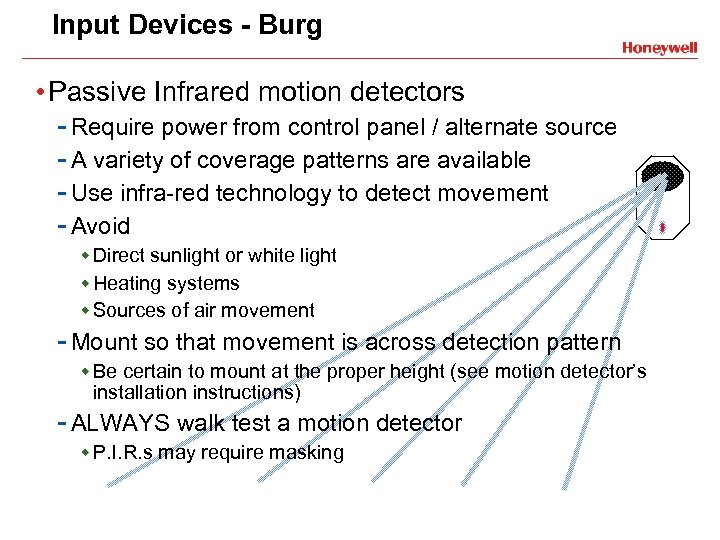
Input Devices - Burg • Passive Infrared motion detectors - Require power from control panel / alternate source - A variety of coverage patterns are available - Use infra-red technology to detect movement - Avoid w Direct sunlight or white light w Heating systems w Sources of air movement - Mount so that movement is across detection pattern w Be certain to mount at the proper height (see motion detector’s installation instructions) - ALWAYS walk test a motion detector w P. I. R. s may require masking
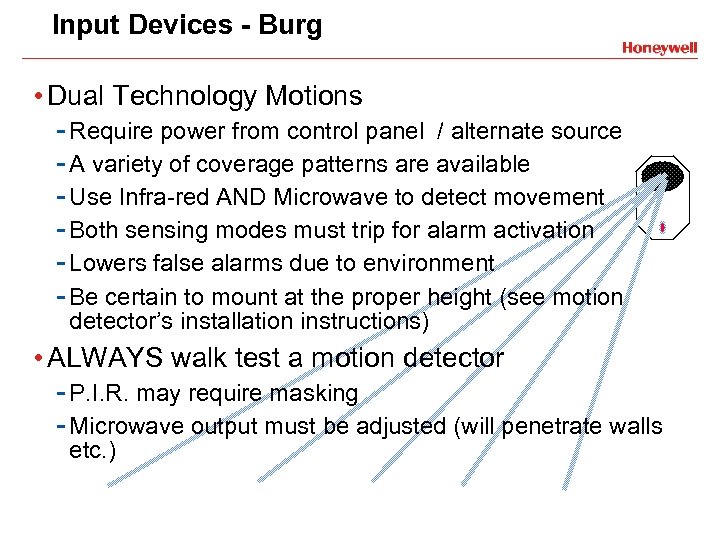
Input Devices - Burg • Dual Technology Motions - Require power from control panel / alternate source - A variety of coverage patterns are available - Use Infra-red AND Microwave to detect movement - Both sensing modes must trip for alarm activation - Lowers false alarms due to environment - Be certain to mount at the proper height (see motion detector’s installation instructions) • ALWAYS walk test a motion detector - P. I. R. may require masking - Microwave output must be adjusted (will penetrate walls etc. )
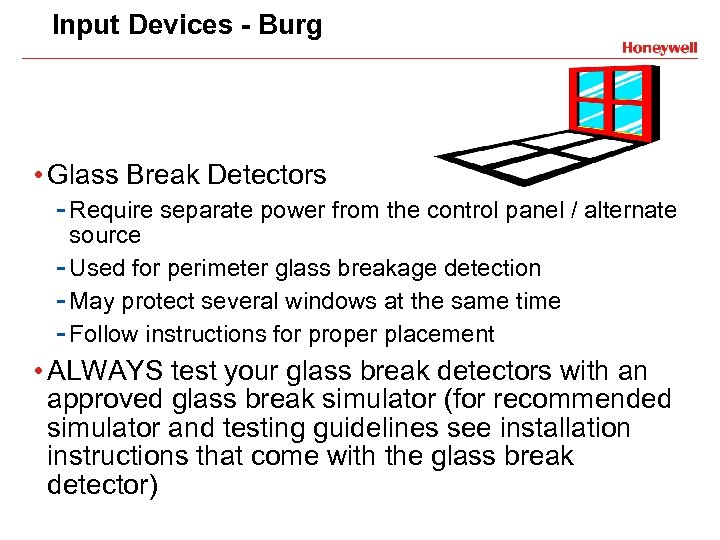
Input Devices - Burg • Glass Break Detectors - Require separate power from the control panel / alternate source - Used for perimeter glass breakage detection - May protect several windows at the same time - Follow instructions for proper placement • ALWAYS test your glass break detectors with an approved glass break simulator (for recommended simulator and testing guidelines see installation instructions that come with the glass break detector)
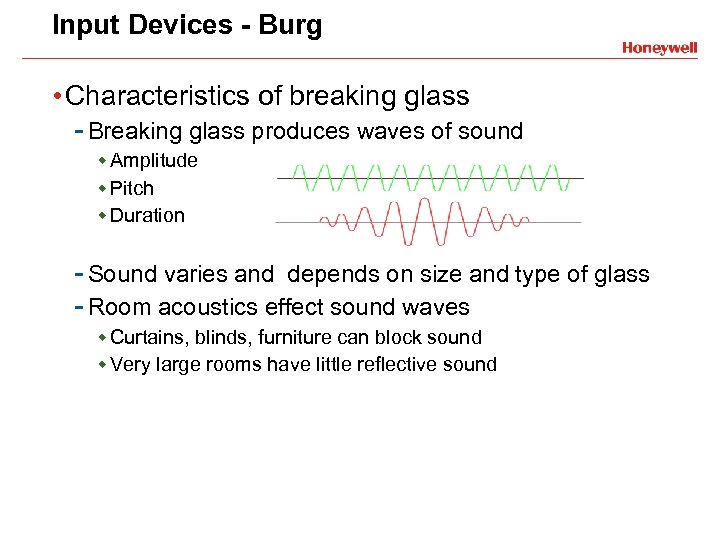
Input Devices - Burg • Characteristics of breaking glass - Breaking glass produces waves of sound w Amplitude w Pitch w Duration - Sound varies and depends on size and type of glass - Room acoustics effect sound waves w Curtains, blinds, furniture can block sound w Very large rooms have little reflective sound
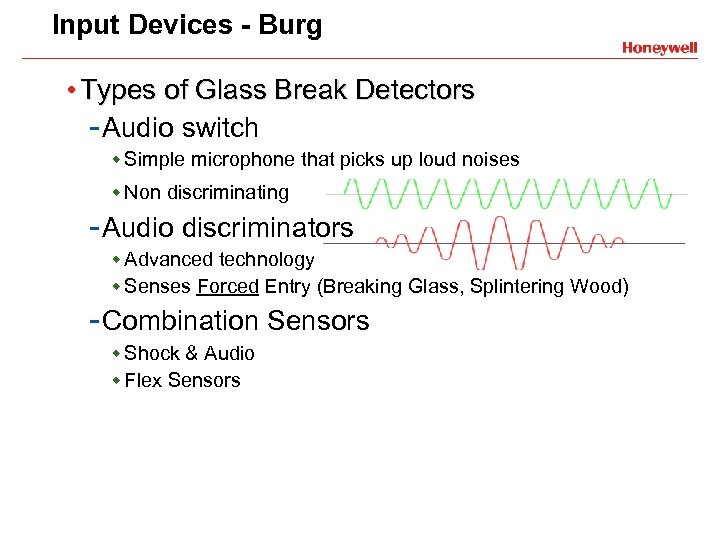
Input Devices - Burg • Types of Glass Break Detectors - Audio switch w Simple microphone that picks up loud noises w Non discriminating - Audio discriminators w Advanced technology w Senses Forced Entry (Breaking Glass, Splintering Wood) - Combination Sensors w Shock & Audio w Flex Sensors
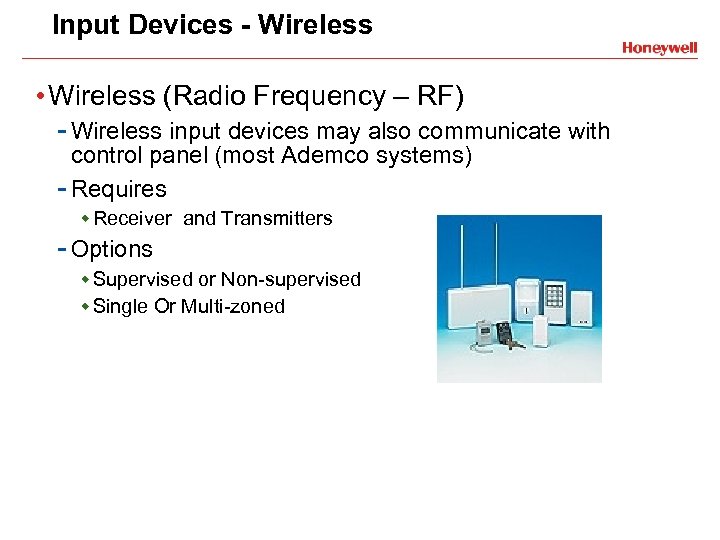
Input Devices - Wireless • Wireless (Radio Frequency – RF) - Wireless input devices may also communicate with control panel (most Ademco systems) - Requires w Receiver and Transmitters - Options w Supervised or Non-supervised w Single Or Multi-zoned
Input Devices Initiating Devices • Fire - Automatic w Smoke Detectors w Heat Detectors w Water Flow Switches w Fire Box (Pull Stations) • Property - Temperature Detectors
Input Devices - Fire Automatic Initiating Devices • Smoke Detectors - Photoelectric models w Works with light scattering principle w Contains light and photosensitive sensor w During normal operation - light does not fall on sensor w Smoke in chamber causes light to reflect onto the photoelectric- eye, causing an alarm condition - Ionization models w Small amount of radioactive material ionizes chamber w Current flows in chamber due to ionized air particles w Smoke decreases conductivity, causing alarm condition
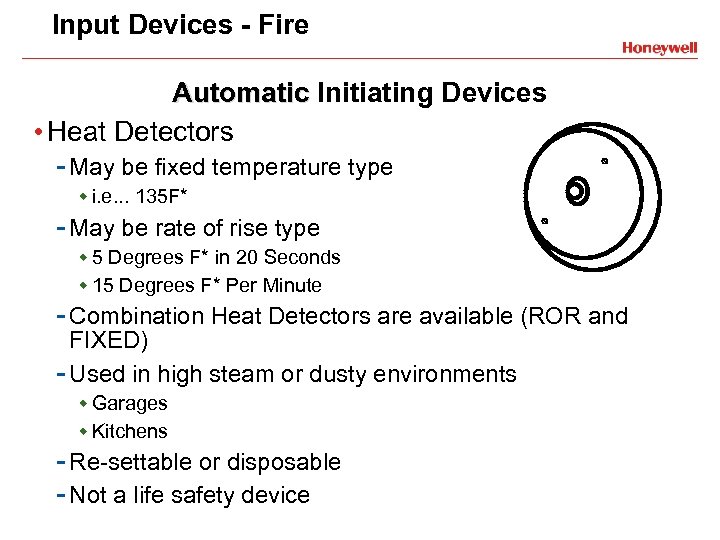
Input Devices - Fire Automatic Initiating Devices • Heat Detectors - May be fixed temperature type w i. e. . . 135 F* - May be rate of rise type w 5 Degrees F* in 20 Seconds w 15 Degrees F* Per Minute - Combination Heat Detectors are available (ROR and FIXED) - Used in high steam or dusty environments w Garages w Kitchens - Re-settable or disposable - Not a life safety device
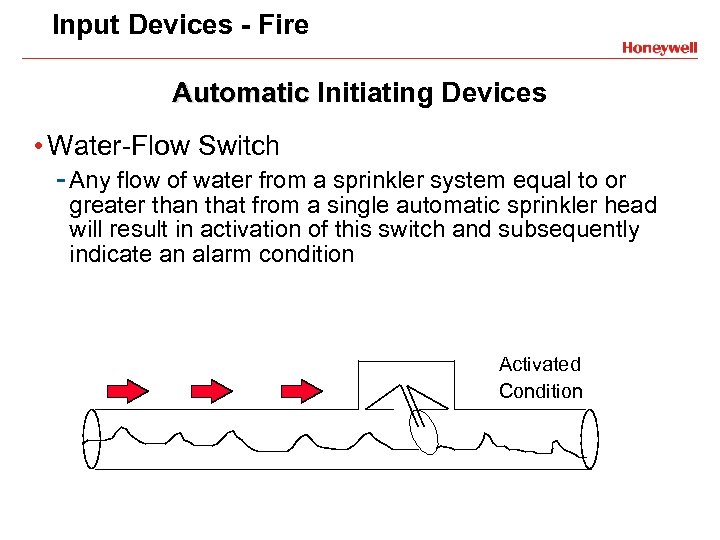
Input Devices - Fire Automatic Initiating Devices • Water-Flow Switch - Any flow of water from a sprinkler system equal to or greater than that from a single automatic sprinkler head will result in activation of this switch and subsequently indicate an alarm condition Activated Condition
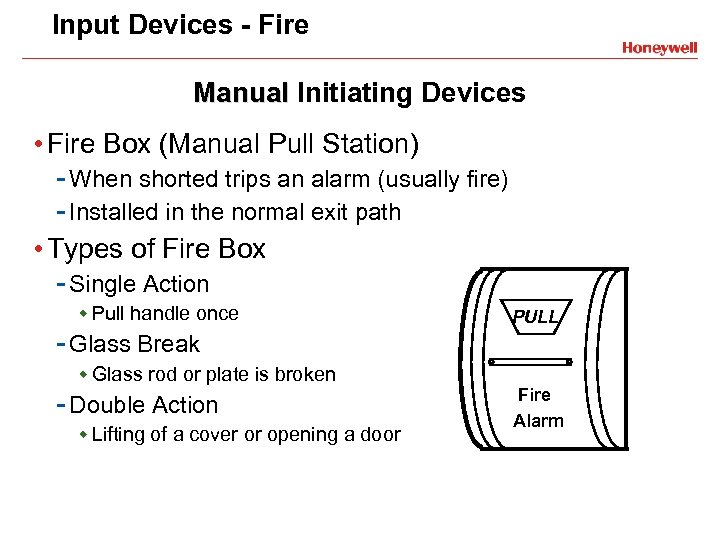
Input Devices - Fire Manual Initiating Devices • Fire Box (Manual Pull Station) - When shorted trips an alarm (usually fire) - Installed in the normal exit path • Types of Fire Box - Single Action w Pull handle once - Glass Break w Glass rod or plate is broken - Double Action w Lifting of a cover or opening a door PULL Fire Alarm
Input Devices - Property Automatic Initiating Devices • Temperature Detectors - Digital - Fixed or programmable operation - Used in. . . w Cold storage w Freezers w Computer rooms - Require power from the control panel / alternate source
Burglar & Fire Alarm Basics Output Devices
Output Devices • Controlled by the panel • Can be visual, audible or both • Can be local or remote • More than one may be activated at any given time
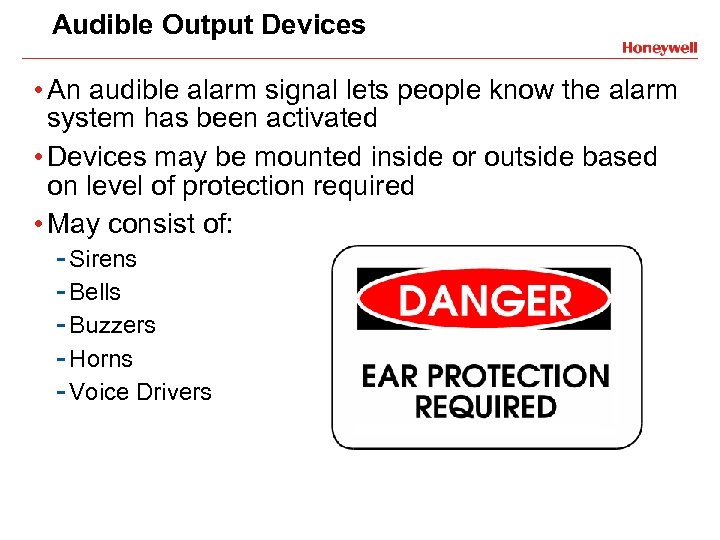
Audible Output Devices • An audible alarm signal lets people know the alarm system has been activated • Devices may be mounted inside or outside based on level of protection required • May consist of: - Sirens - Bells - Buzzers - Horns - Voice Drivers
Visual Output Devices Automatic Initiating Devices • A visual signal lets users know the status of the alarm system if activated • Visual devices may be mounted inside or outside • May consist of. . . - Strobe lights - LED’s - Line carrier ie. X 10 Pro - On / Off site printer
Burglar & Fire Alarm Basics System Communications
Alarm Communications • Local • Central Station
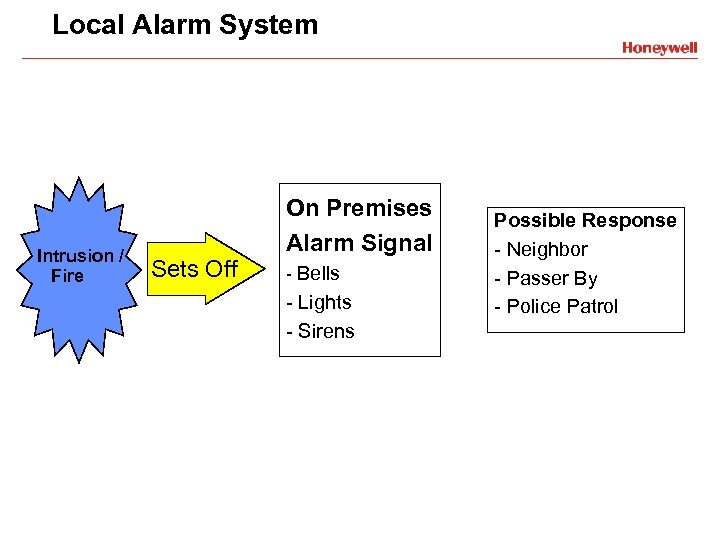
Local Alarm System Intrusion / Fire On Premises Alarm Signal Sets Off - Bells - Lights - Sirens Possible Response - Neighbor - Passer By - Police Patrol
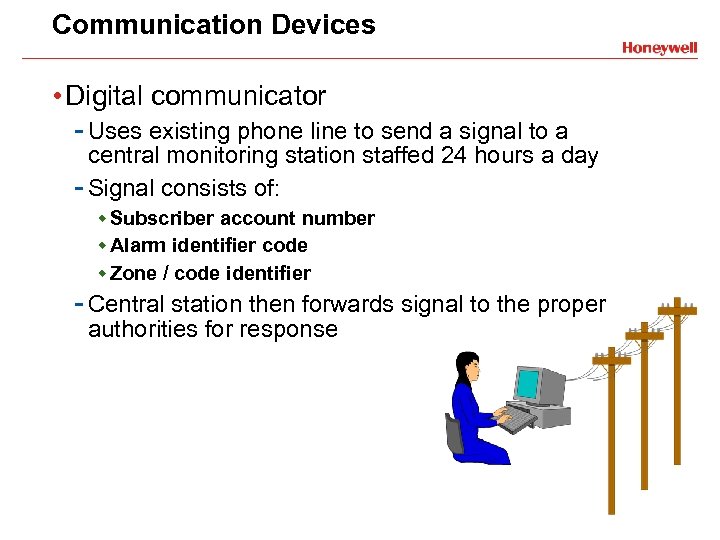
Communication Devices • Digital communicator - Uses existing phone line to send a signal to a central monitoring station staffed 24 hours a day - Signal consists of: w Subscriber account number w Alarm identifier code w Zone / code identifier - Central station then forwards signal to the proper authorities for response
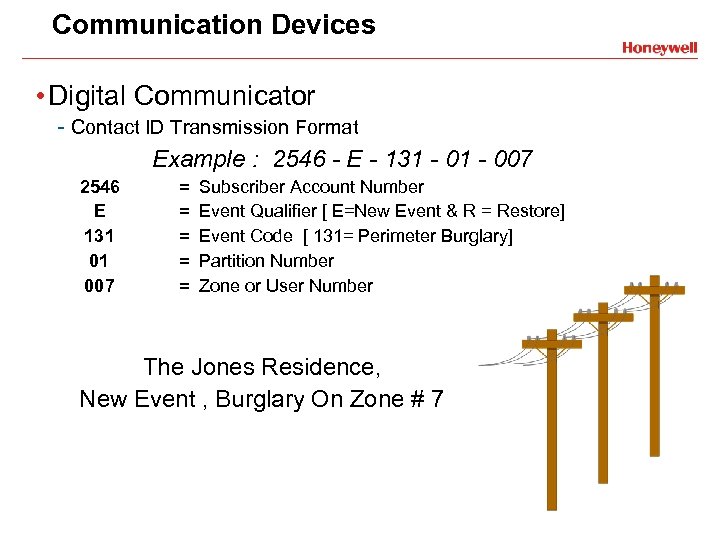
Communication Devices • Digital Communicator - Contact ID Transmission Format Example : 2546 - E - 131 - 007 2546 E 131 01 007 = = = Subscriber Account Number Event Qualifier [ E=New Event & R = Restore] Event Code [ 131= Perimeter Burglary] Partition Number Zone or User Number The Jones Residence, New Event , Burglary On Zone # 7
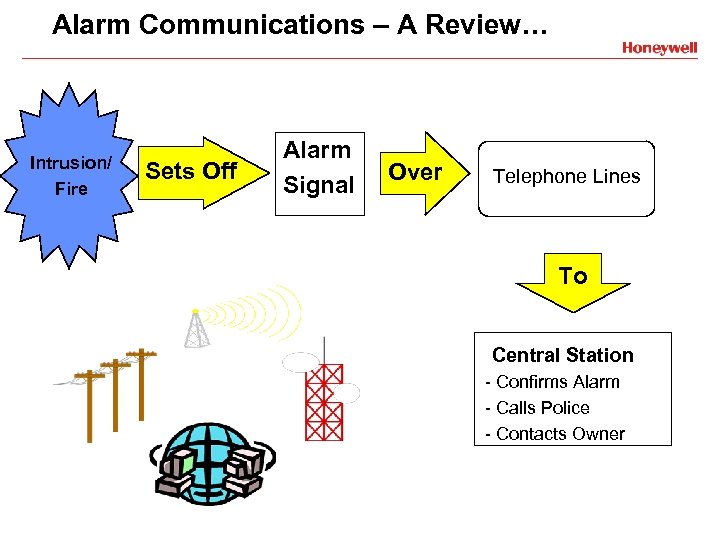
Alarm Communications – A Review… Intrusion/ Fire Sets Off Alarm Signal Over Telephone Lines To Central Station - Confirms Alarm - Calls Police - Contacts Owner
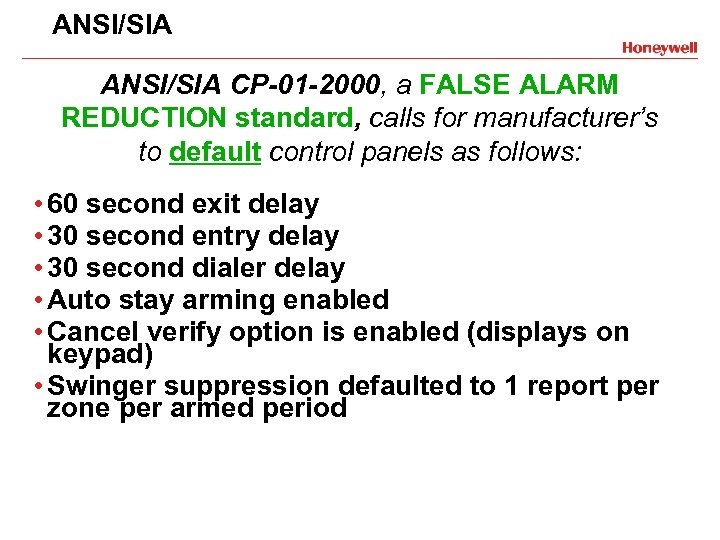
ANSI/SIA CP-01 -2000, a FALSE ALARM REDUCTION standard, calls for manufacturer’s to default control panels as follows: • 60 second exit delay • 30 second entry delay • 30 second dialer delay • Auto stay arming enabled • Cancel verify option is enabled (displays on keypad) • Swinger suppression defaulted to 1 report per zone per armed period
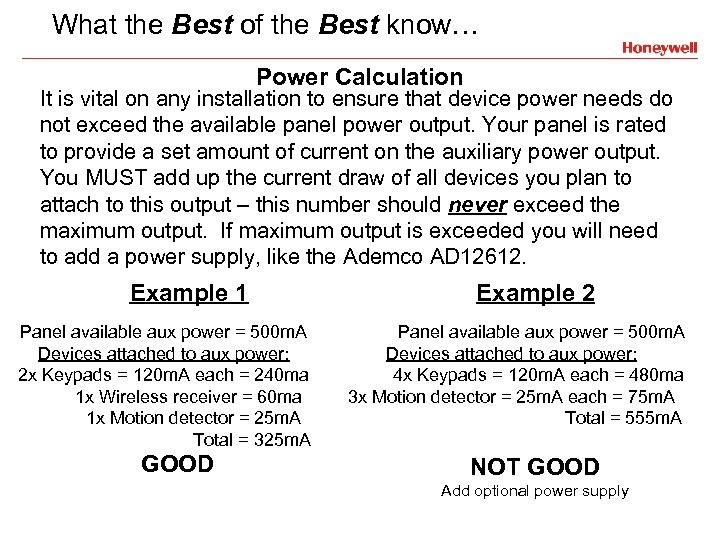
What the Best of the Best know… Power Calculation It is vital on any installation to ensure that device power needs do not exceed the available panel power output. Your panel is rated to provide a set amount of current on the auxiliary power output. You MUST add up the current draw of all devices you plan to attach to this output – this number should never exceed the maximum output. If maximum output is exceeded you will need to add a power supply, like the Ademco AD 12612. Example 1 Panel available aux power = 500 m. A Devices attached to aux power: 2 x Keypads = 120 m. A each = 240 ma 1 x Wireless receiver = 60 ma 1 x Motion detector = 25 m. A Total = 325 m. A GOOD Example 2 Panel available aux power = 500 m. A Devices attached to aux power: 4 x Keypads = 120 m. A each = 480 ma 3 x Motion detector = 25 m. A each = 75 m. A Total = 555 m. A NOT GOOD Add optional power supply
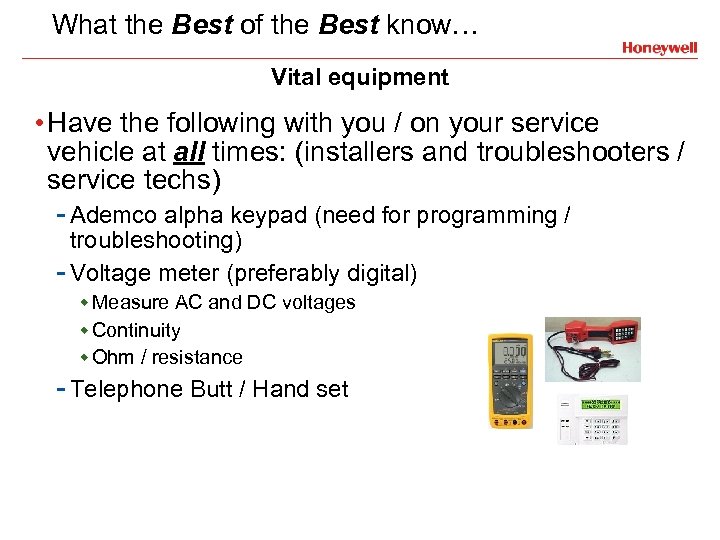
What the Best of the Best know… Vital equipment • Have the following with you / on your service vehicle at all times: (installers and troubleshooters / service techs) - Ademco alpha keypad (need for programming / troubleshooting) - Voltage meter (preferably digital) w Measure AC and DC voltages w Continuity w Ohm / resistance - Telephone Butt / Hand set
 Скачать презентацию Burglar Fire Alarm Basics Babineau Systems LLC
f73f7ca8334cba9592767e5e5faee2d5.ppt