 Скачать презентацию Building blocks making the composed MODCA P AFP
cce08d023cfb1e623832648188f34919.ppt
- Количество слайдов: 17



Building blocks making the composed MODCA: P (AFP) documents leif schmidt Nordea l. schmidt@nordea. com
AFP building blocks l l Electronic overlays l Formdef – Copy groups – Subgroups l Pagedef – Pageformats – conditions l 2 Font – Raster, Outline (vector) – Character set – Code page Segment – (IOCA, GOCA, FS 12…) 20 October 2010 AFP byggeklodser
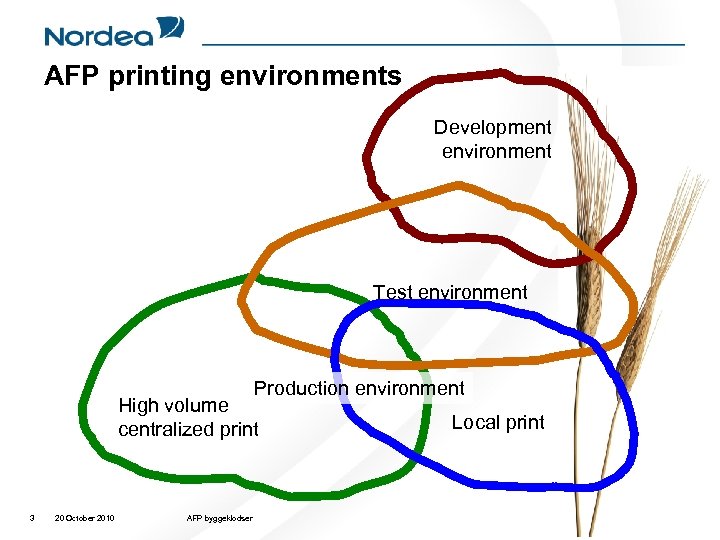
AFP printing environments Development environment Test environment Production environment High volume centralized print 3 20 October 2010 AFP byggeklodser Local print
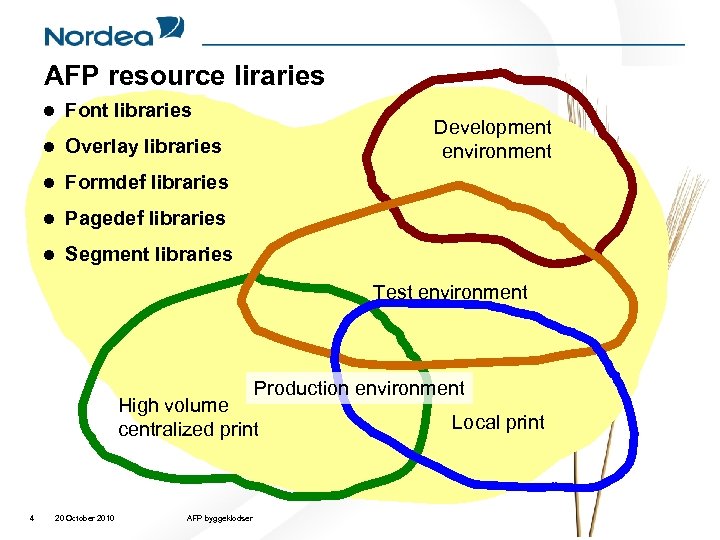
AFP resource liraries l Font libraries l Overlay libraries l Formdef libraries l Pagedef libraries l Segment libraries Development environment Test environment Production environment High volume centralized print 4 20 October 2010 AFP byggeklodser Local print
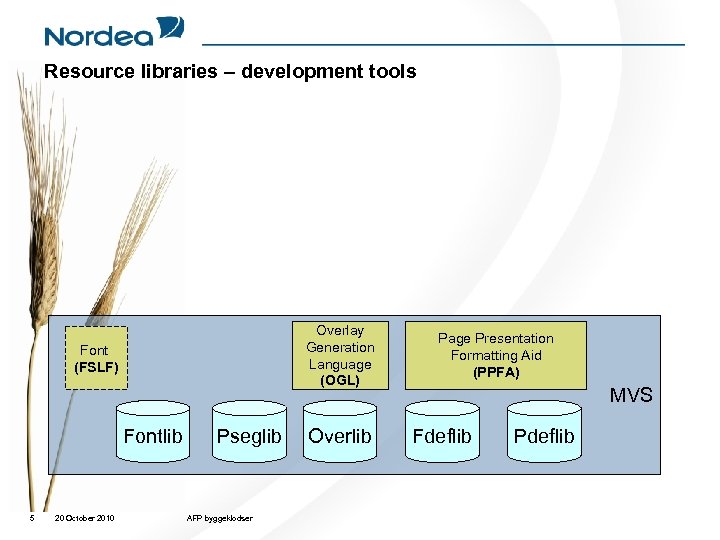
Resource libraries – development tools Overlay Generation Language (OGL) Font (FSLF) Fontlib 5 20 October 2010 Pseglib AFP byggeklodser Overlib Page Presentation Formatting Aid (PPFA) MVS Fdeflib Pdeflib
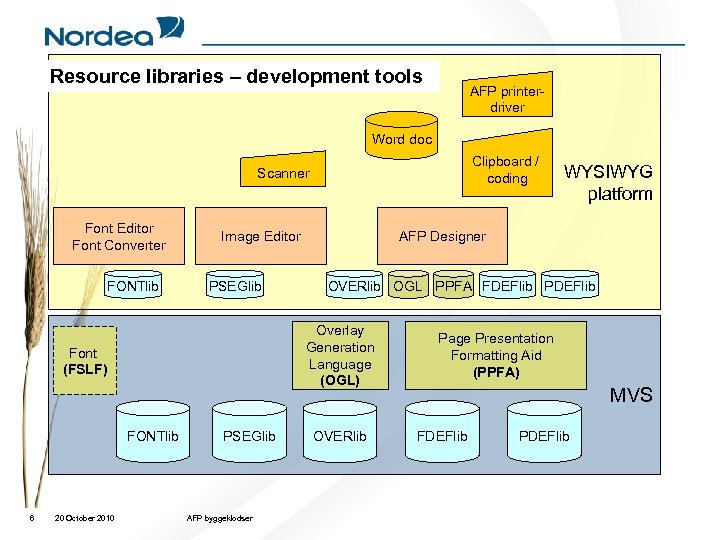
Resource libraries – development tools AFP printerdriver Word doc Clipboard / coding Scanner Font Editor Font Converter FONTlib Image Editor PSEGlib FONTlib 6 20 October 2010 AFP Designer OVERlib OGL PPFA FDEFlib PDEFlib Overlay Generation Language (OGL) Font (FSLF) PSEGlib AFP byggeklodser WYSIWYG platform OVERlib Page Presentation Formatting Aid (PPFA) MVS FDEFlib PDEFlib
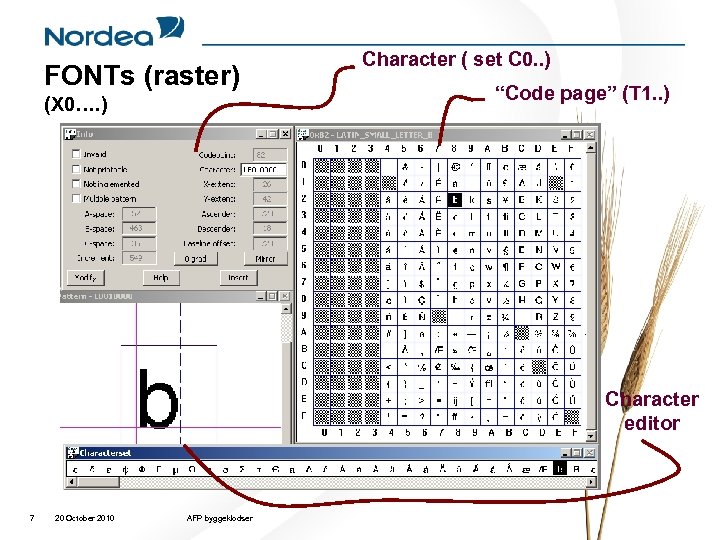
FONTs (raster) (X 0…. ) Character ( set C 0. . ) “Code page” (T 1. . ) Character editor 7 20 October 2010 AFP byggeklodser
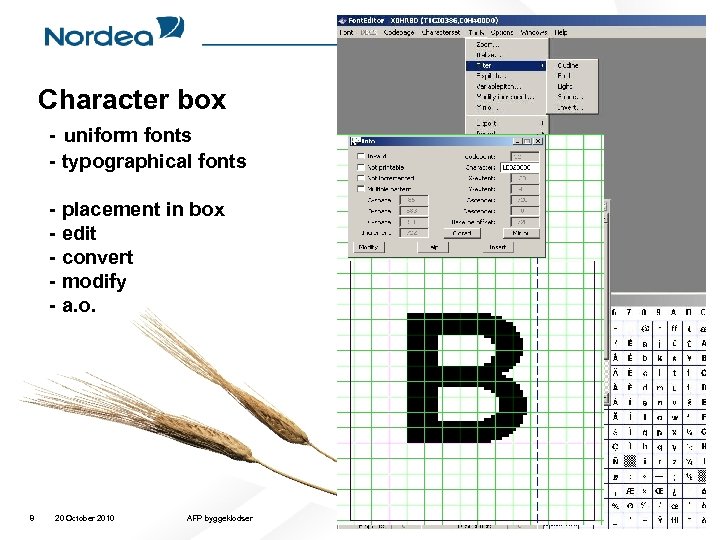
Character box - uniform fonts - typographical fonts - placement in box - edit - convert - modify - a. o. 8 20 October 2010 AFP byggeklodser
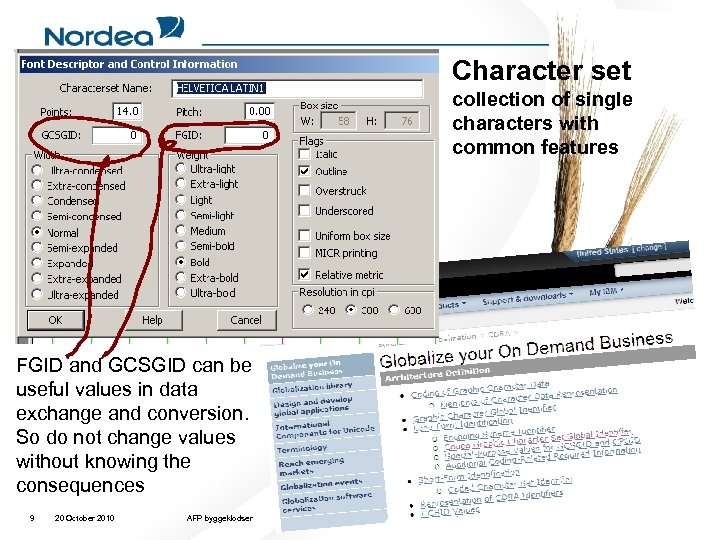
Character set collection of single characters with common features FGID and GCSGID can be useful values in data exchange and conversion. So do not change values without knowing the consequences 9 20 October 2010 AFP byggeklodser
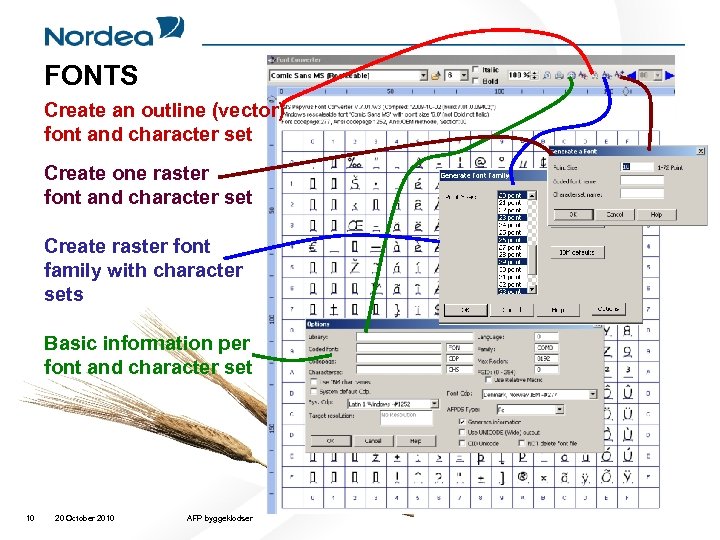
FONTS Create an outline (vector) font and character set Create one raster font and character set Create raster font family with character sets Basic information per font and character set 10 20 October 2010 AFP byggeklodser
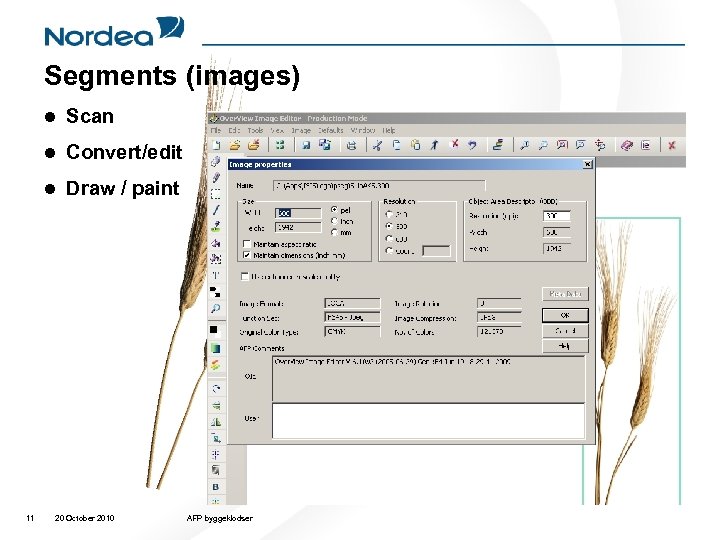
Segments (images) l l Convert/edit l 11 Scan Draw / paint 20 October 2010 AFP byggeklodser
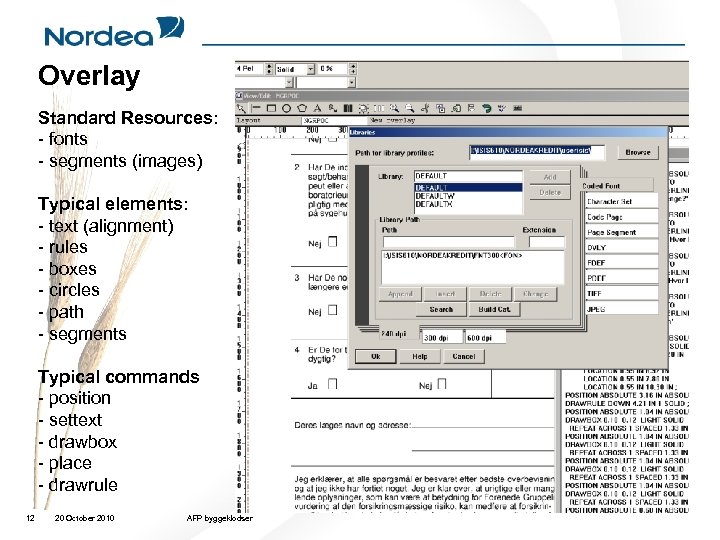
Overlay Standard Resources: - fonts - segments (images) Typical elements: - text (alignment) - rules - boxes - circles - path - segments Typical commands - position - settext - drawbox - place - drawrule 12 20 October 2010 AFP byggeklodser
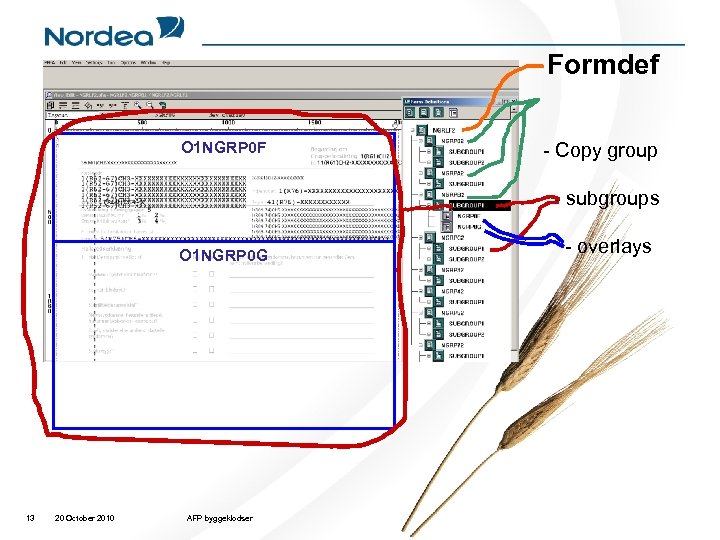
Formdef O 1 NGRP 0 F - Copy group - subgroups O 1 NGRP 0 G 13 20 October 2010 AFP byggeklodser - overlays
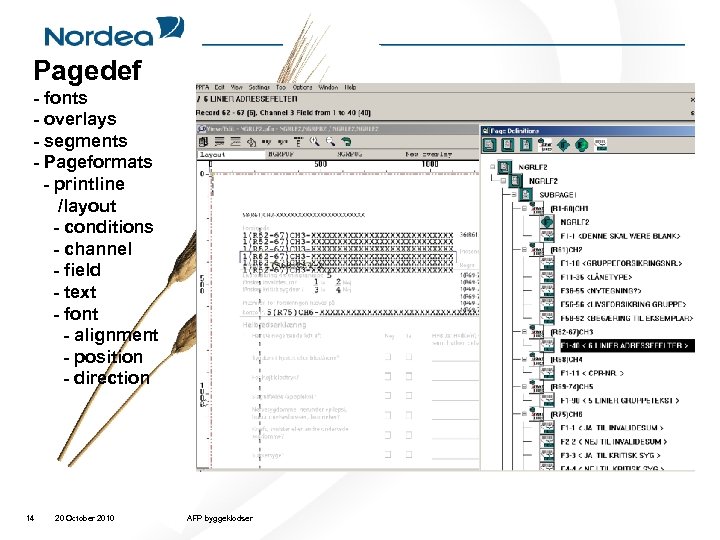
Pagedef - fonts - overlays - segments - Pageformats - printline /layout - conditions - channel - field - text - font - alignment - position - direction 14 20 October 2010 AFP byggeklodser
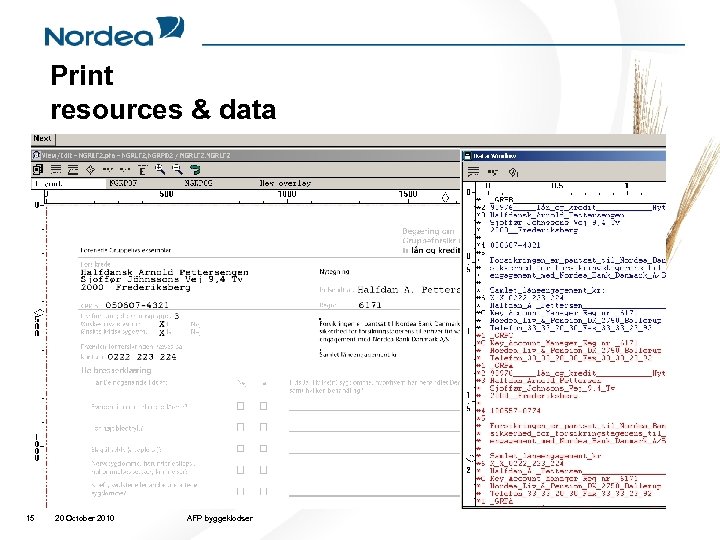
Print resources & data 15 20 October 2010 AFP byggeklodser
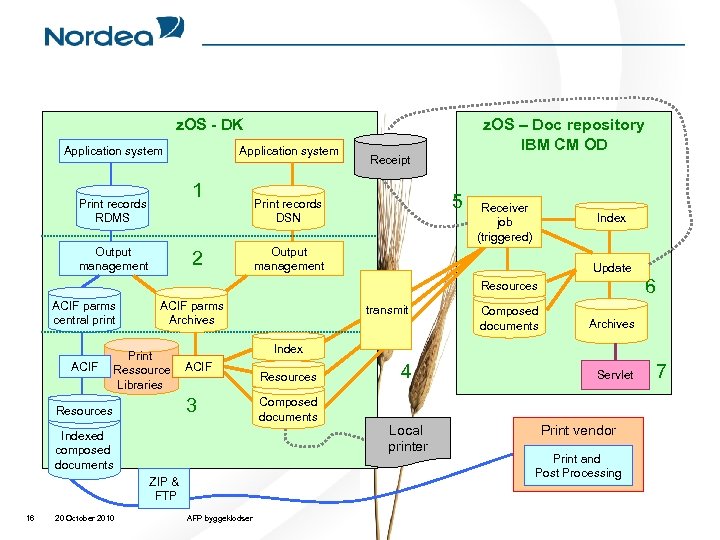
z. OS - DK Application system 1 Print records RDMS Output management 2 z. OS – Doc repository IBM CM OD Receipt 5 Print records DSN Receiver job (triggered) Index Output management Update 6 Resources ACIF parms central print ACIF parms Archives Print Ressource Libraries ACIF Indexed composed documents ZIP & FTP 16 20 October 2010 Composed documents Archives Index 3 Resources transmit AFP byggeklodser Resources Composed documents 4 Local printer Servlet Print vendor Print and Post Processing 7
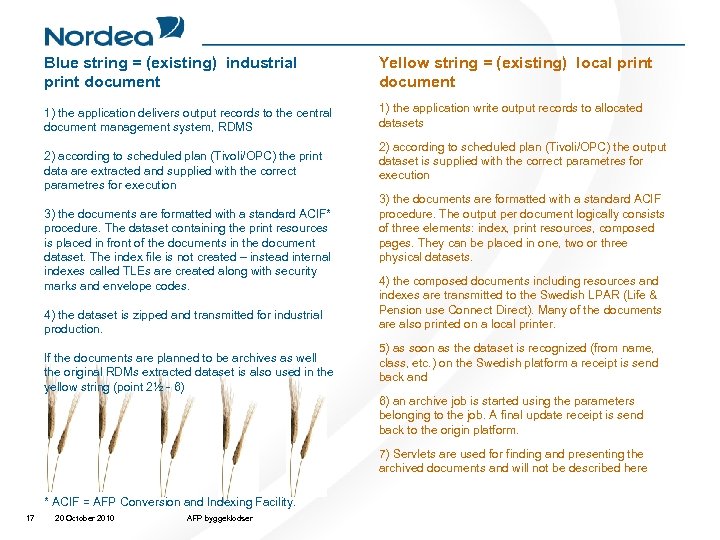
Blue string = (existing) industrial print document Yellow string = (existing) local print document 1) the application delivers output records to the central document management system, RDMS 1) the application write output records to allocated datasets 2) according to scheduled plan (Tivoli/OPC) the print data are extracted and supplied with the correct parametres for execution 3) the documents are formatted with a standard ACIF* procedure. The dataset containing the print resources is placed in front of the documents in the document dataset. The index file is not created – instead internal indexes called TLEs are created along with security marks and envelope codes. 4) the dataset is zipped and transmitted for industrial production. If the documents are planned to be archives as well the original RDMs extracted dataset is also used in the yellow string (point 2½ - 6) 2) according to scheduled plan (Tivoli/OPC) the output dataset is supplied with the correct parametres for execution 3) the documents are formatted with a standard ACIF procedure. The output per document logically consists of three elements: index, print resources, composed pages. They can be placed in one, two or three physical datasets. 4) the composed documents including resources and indexes are transmitted to the Swedish LPAR (Life & Pension use Connect Direct). Many of the documents are also printed on a local printer. 5) as soon as the dataset is recognized (from name, class, etc. ) on the Swedish platform a receipt is send back and 6) an archive job is started using the parameters belonging to the job. A final update receipt is send back to the origin platform. 7) Servlets are used for finding and presenting the archived documents and will not be described here * ACIF = AFP Conversion and Indexing Facility. 17 20 October 2010 AFP byggeklodser
Скачать презентацию Building blocks making the composed MODCA P AFP
cce08d023cfb1e623832648188f34919.ppt