 Скачать презентацию Buddy Space Enhanced Presence Management Thoughts as of
9c2903d47bffb698e9a519aea2a36a04.ppt
- Количество слайдов: 38



Buddy. Space Enhanced Presence Management Thoughts as of November 2001 Prof. Marc Eisenstadt Knowledge Media Institute, The Open University
Massive/enriched presence (1) • Presence is motivating (P 2 P growth), central (comms & location based services), & complex (context, devices, locations, intentions). • Jabber = open source XML-based communications infrastructure, supporting dynamic presence detection and management (and enabling people/device/system/application intercommunication). • Crowds present a qualitatively different kind of experience, i. e. massive scale is a positive asset to the end-user experience, rather than a liability.
Massive/enriched presence (2) • Presence visualisation can provide a stepping stone to scalability and enrichment of ways to convey presence. • Presence semantics can help us think about more powerful ways to convey presence.
What’s ‘massive’ • Thousands of peers at once (asset, not liability) • Quality end-user experience • Large audience-participation webcasts • Massively multiplayer cooperative games • Instant Messaging based on ‘pure presence’ (Buddy. Space)
Presence defined The aggregated view of a person’s dynamically changing attributes Source: Dr. R. Chakraborty (Versada Networks), Jabbecon’ 01 • • • Availability (“I’m logged on for a videoconference”) Preference (“Only my boss can interrupt me now”) Capability (“My device can accept video calls” Characteristics (“Translate to French”) Location (“I’m abroad… urgent calls only”)
Buddy. Space Background • Instant messaging is one of the fastest growing communication services ever • Over 4 million new registrations/month • Initially, high usage among teens, home users, and international • Corporate use ‘taking off’ big
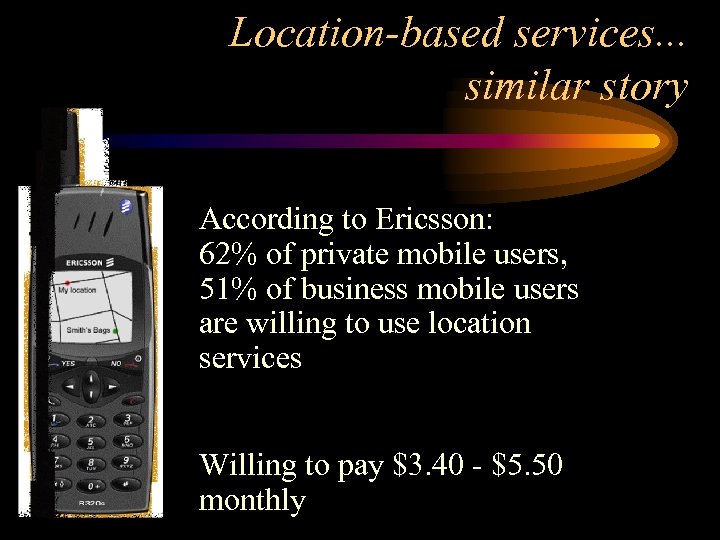
Location-based services. . . similar story According to Ericsson: 62% of private mobile users, 51% of business mobile users are willing to use location services Willing to pay $3. 40 - $5. 50 monthly
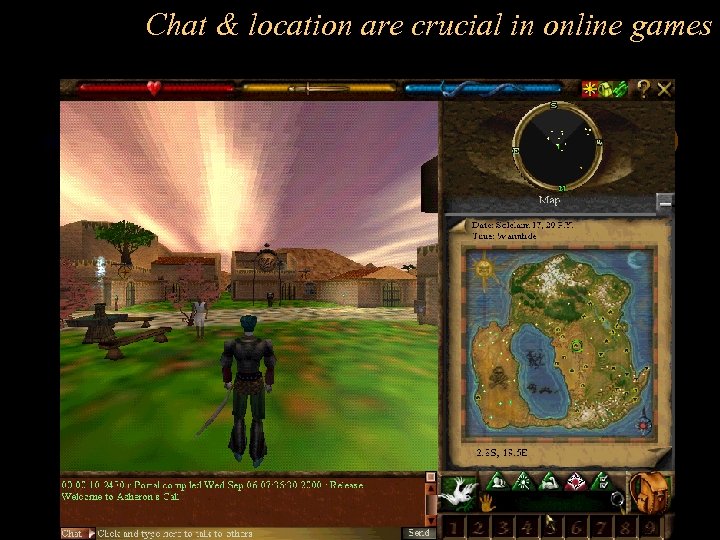
Chat & location are crucial in online games
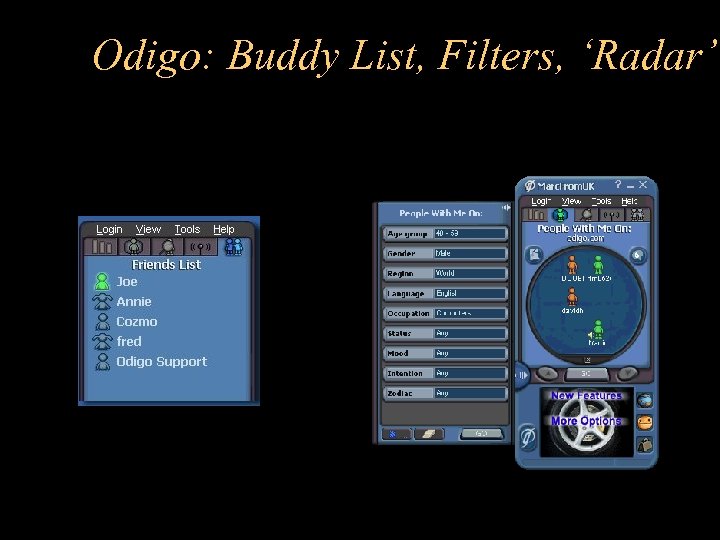
Odigo: Buddy List, Filters, ‘Radar’
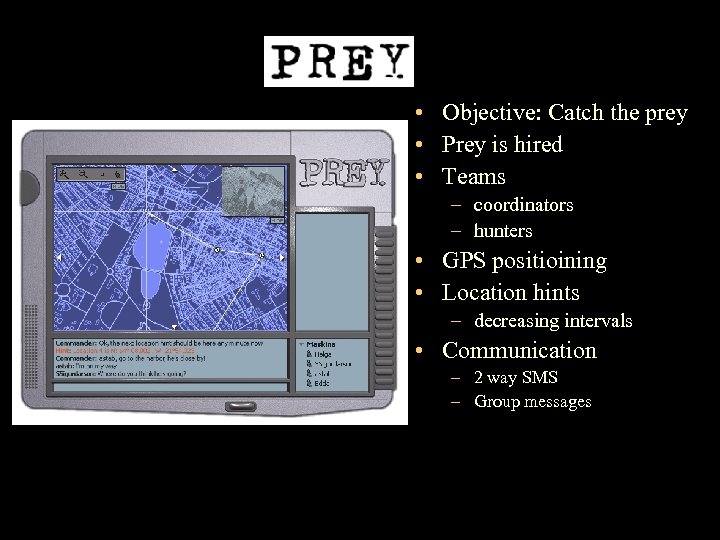
• Objective: Catch the prey • Prey is hired • Teams – coordinators – hunters • GPS positioining • Location hints – decreasing intervals • Communication – 2 way SMS – Group messages
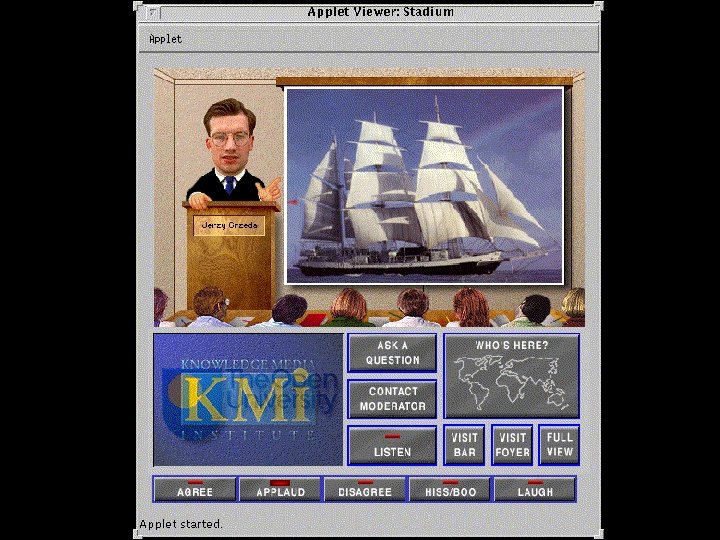
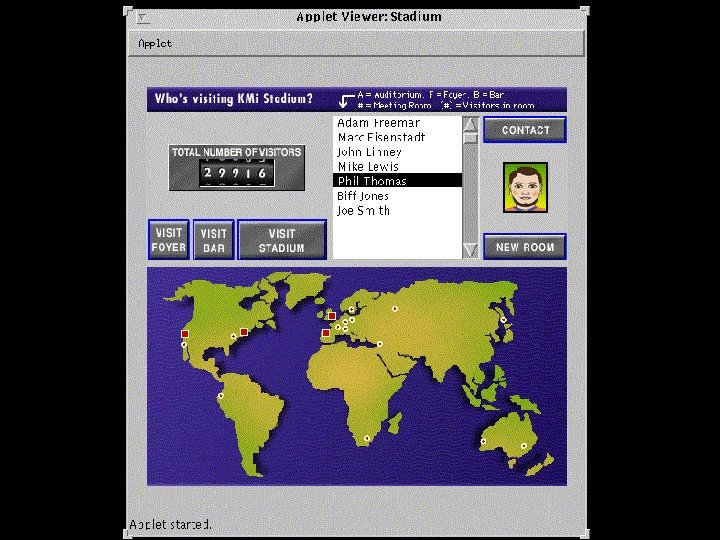
KMi’s experience • KMi Stadium • 5 years of ‘virtual classrooms’ • ‘Remote telepresence’
Key thoughts/steps • • • ‘Killer app’ / ‘Killer game’ misguided ‘Pure presence’ is what appeals to users ‘Dots on maps’ can scale up…. …filtering + smart clustering algorithm ‘Buddy list’ -> ‘Buddy Space’ Screensaver = inobtrusive!
First prototype • 157, 000 individuals (OU student database) • Runs as standalone app or screensaver • Let’s see it…
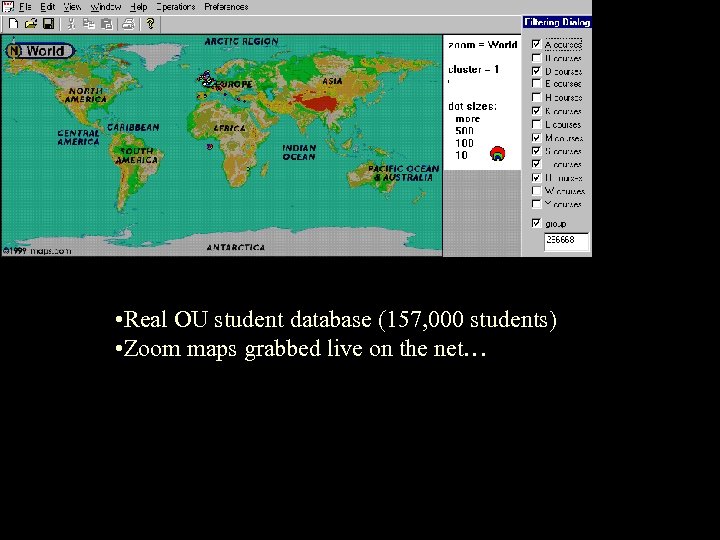
• Real OU student database (157, 000 students) • Zoom maps grabbed live on the net…
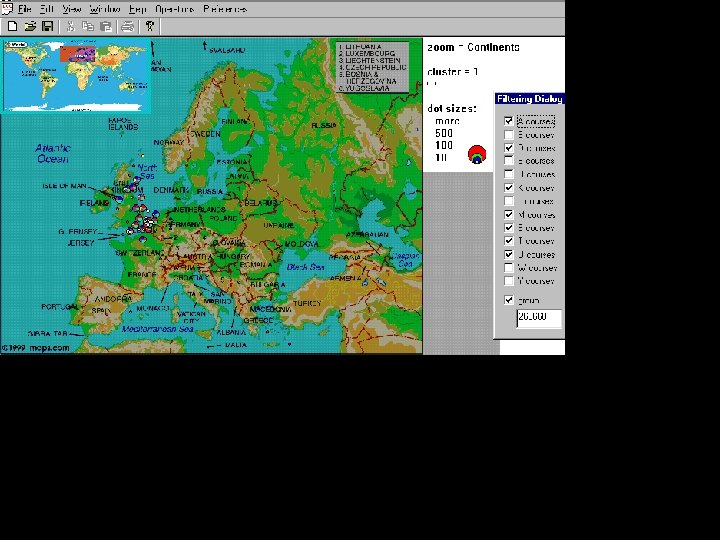
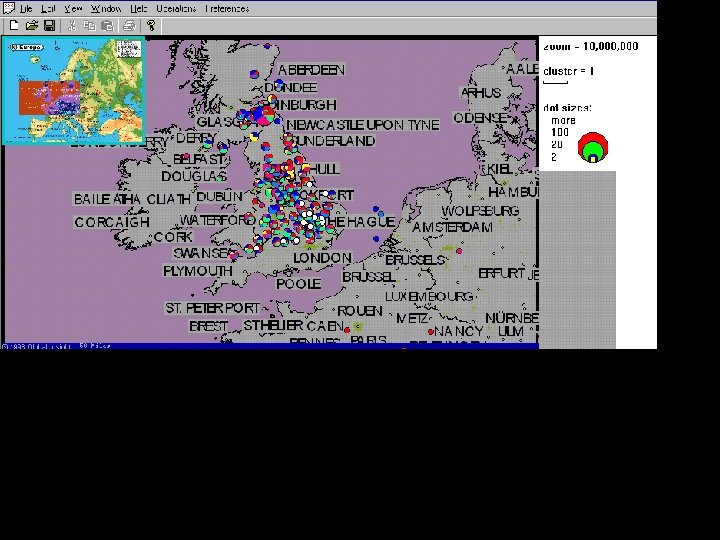
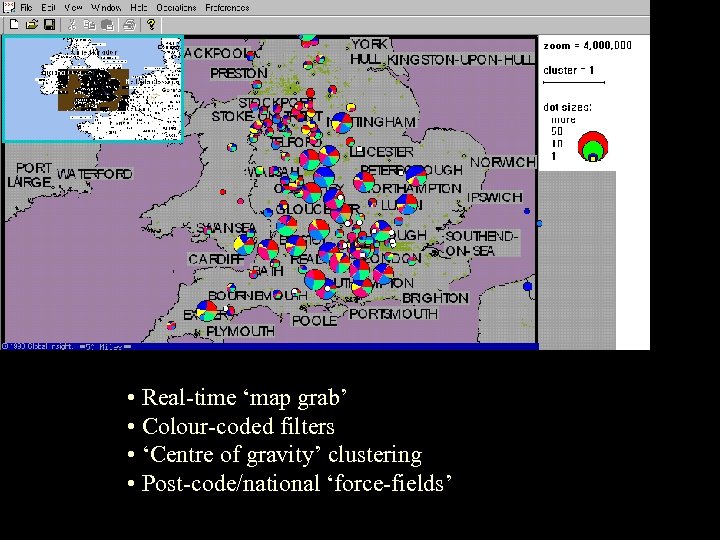
• Real-time ‘map grab’ • Colour-coded filters • ‘Centre of gravity’ clustering • Post-code/national ‘force-fields’
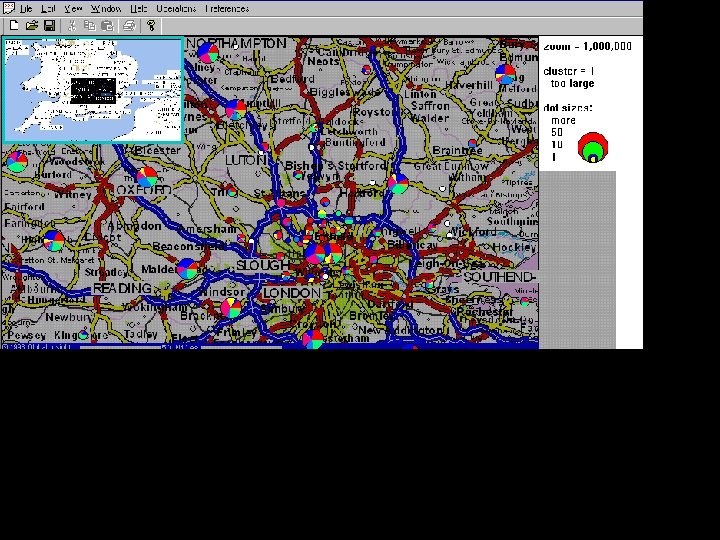
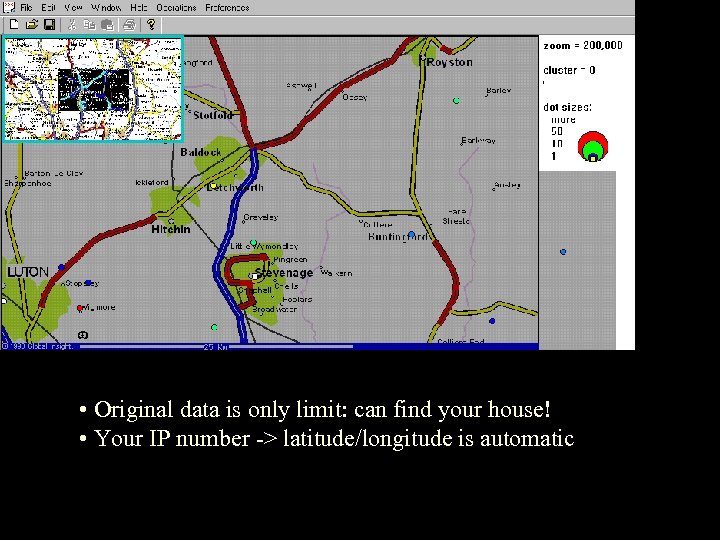
• Original data is only limit: can find your house! • Your IP number -> latitude/longitude is automatic
Custom displays • Geographical – high-quality maps (just licensed ‘Maps in Minutes’) • Logical (e. g. corporate campus, ‘tower block’, etc. ) • ‘Artistic’ (Mexican wave, Graffiti wall, Tetris, etc. )
Possible uses • • OU / Virtual U: peer group visibility Corporate: who’s doing what? Parents: where are kids? Teenagers: my mates Games: search & capture, prizes, etc. Emergency healthcare Enhance dire rock-webcasts Plug-ins / value-added to ‘big 5’ (ICQ, AIM, Yahoo, MSN, Odigo)
Buddy. Space IM • • • Lightweight ‘radar view’ ‘Pushed roster’ automatically constructed Custom maps Embeddable maps 9 screen-shots follow
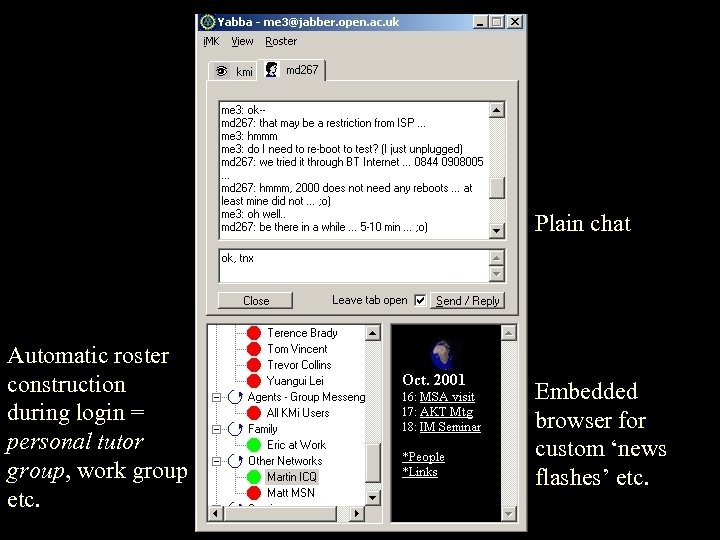
Plain chat Automatic roster construction during login = personal tutor group, work group etc. Embedded browser for custom ‘news flashes’ etc.
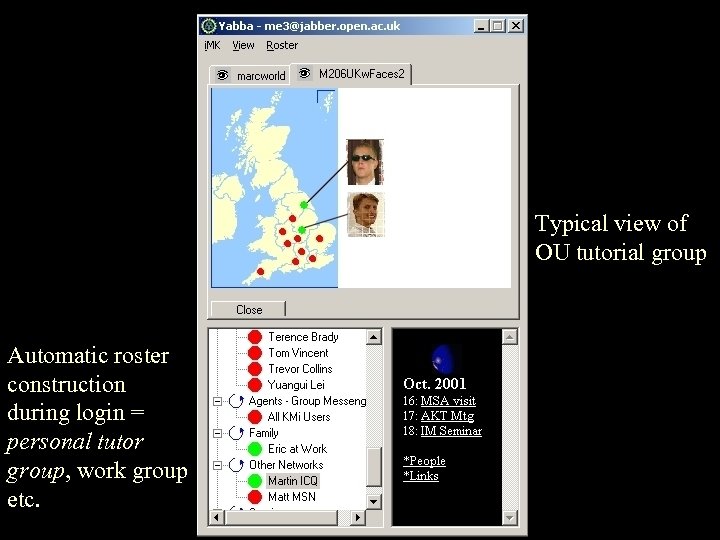
Typical view of OU tutorial group Automatic roster construction during login = personal tutor group, work group etc.
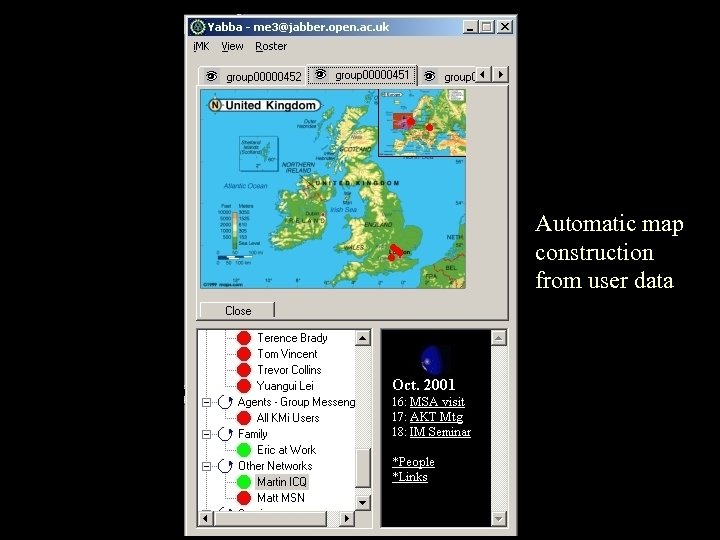
Automatic map construction from user data
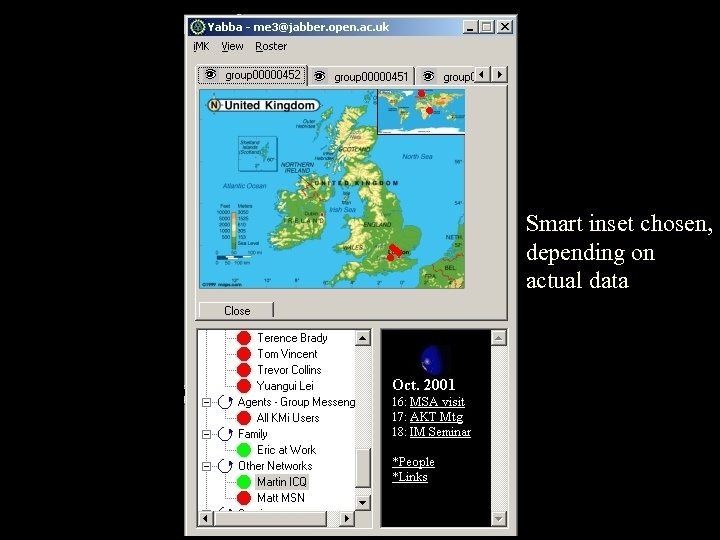
Smart inset chosen, depending on actual data
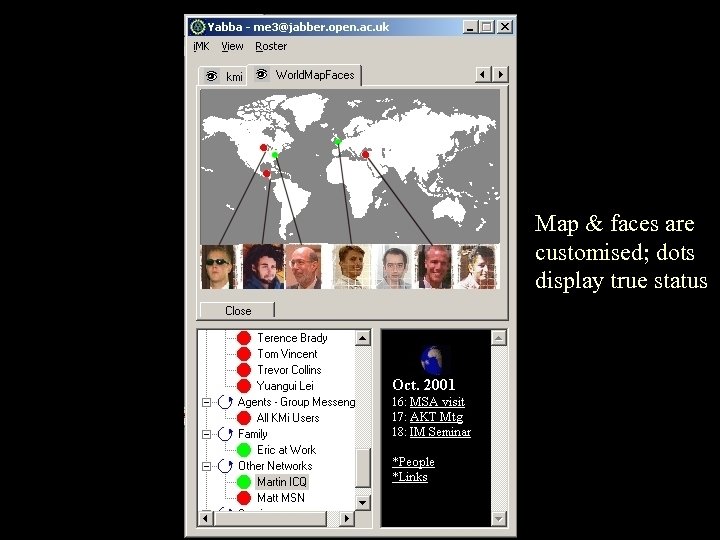
Map & faces are customised; dots display true status
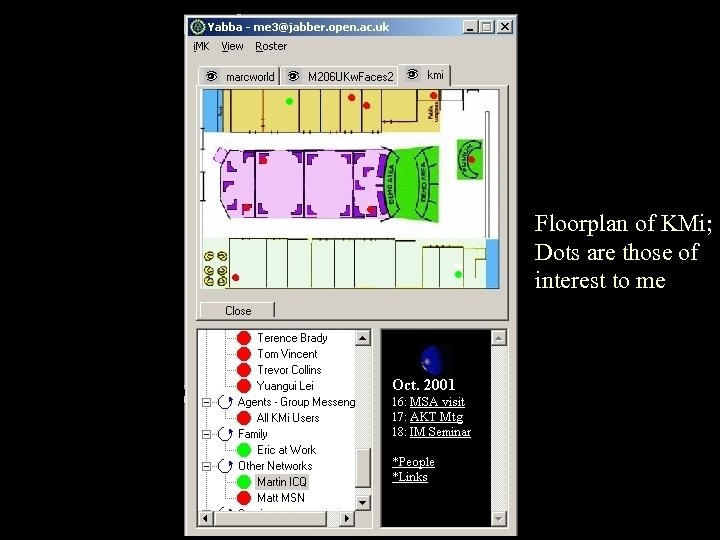
Floorplan of KMi; Dots are those of interest to me
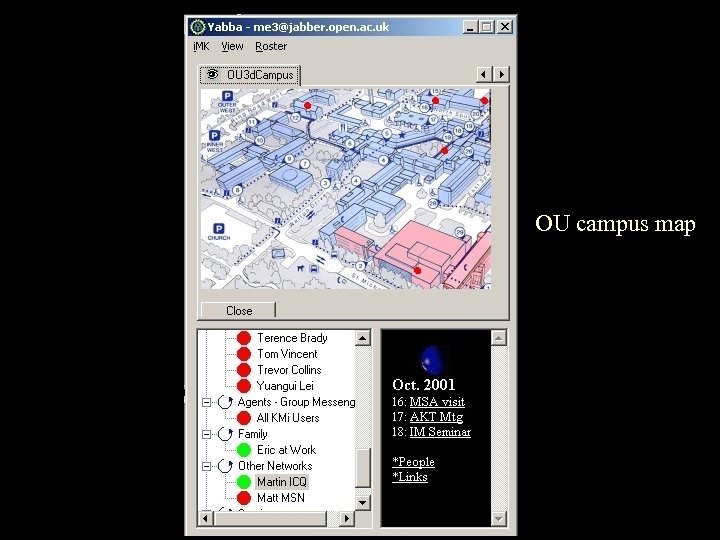
OU campus map
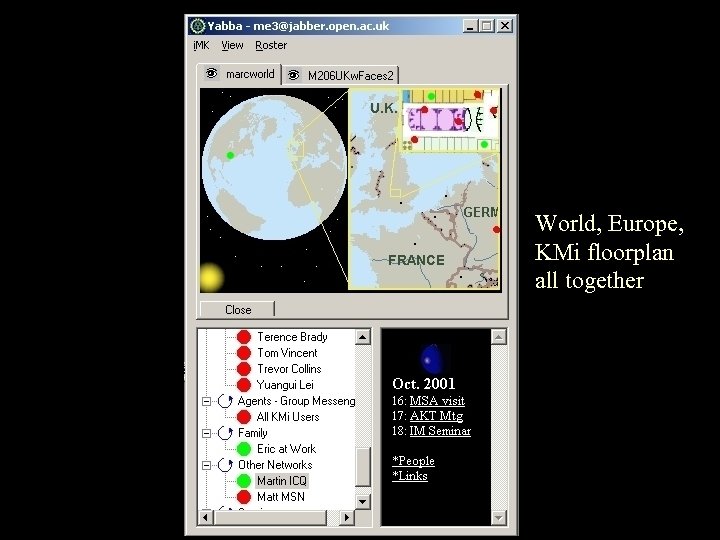
World, Europe, KMi floorplan all together
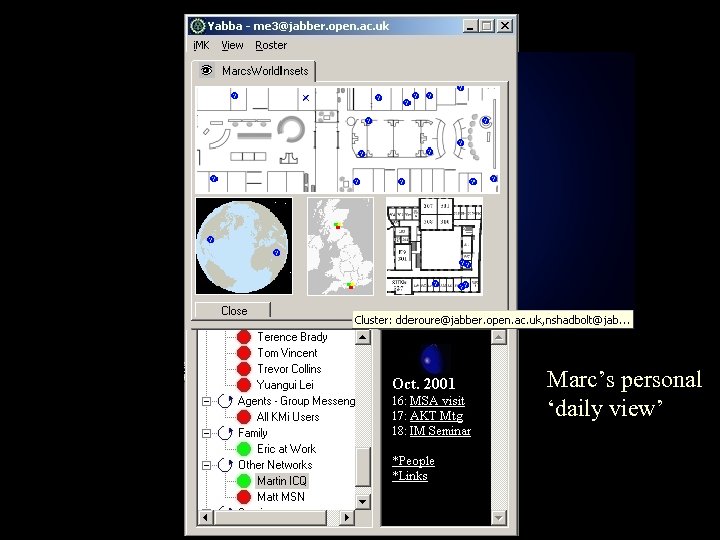
Marc’s personal ‘daily view’
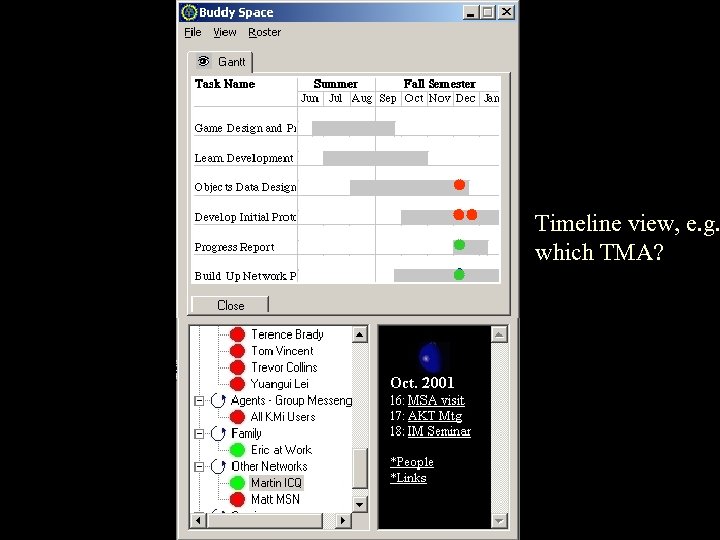
Timeline view, e. g. which TMA?
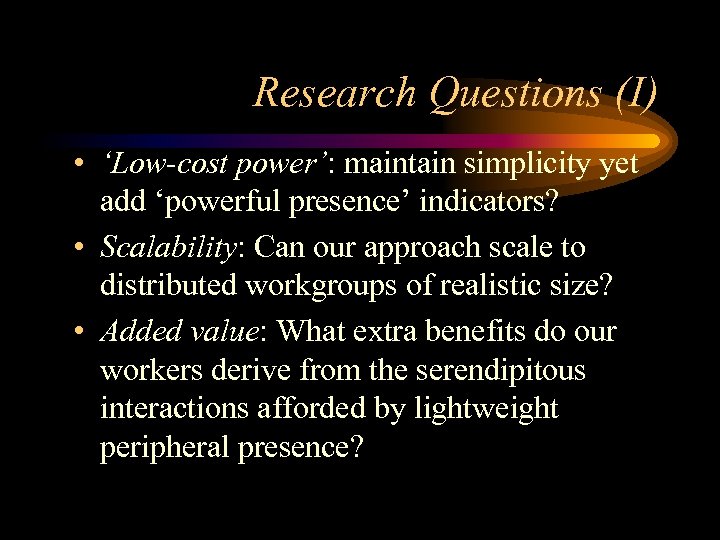
Research Questions (I) • ‘Low-cost power’: maintain simplicity yet add ‘powerful presence’ indicators? • Scalability: Can our approach scale to distributed workgroups of realistic size? • Added value: What extra benefits do our workers derive from the serendipitous interactions afforded by lightweight peripheral presence?
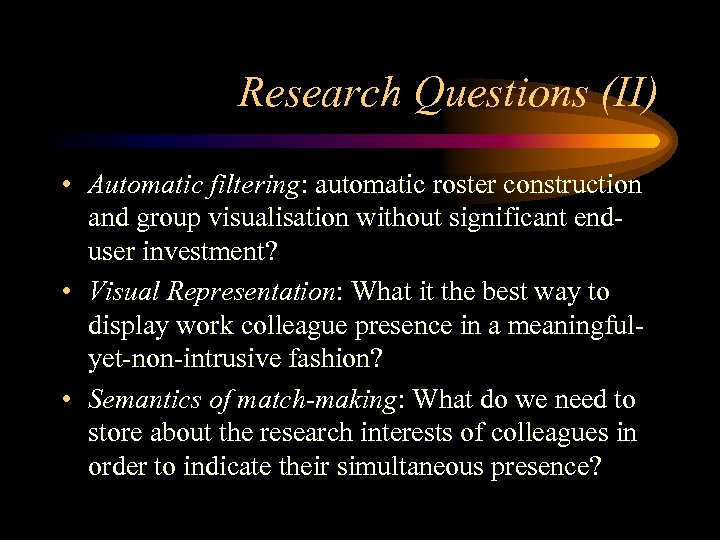
Research Questions (II) • Automatic filtering: automatic roster construction and group visualisation without significant enduser investment? • Visual Representation: What it the best way to display work colleague presence in a meaningfulyet-non-intrusive fashion? • Semantics of match-making: What do we need to store about the research interests of colleagues in order to indicate their simultaneous presence?
Research Questions (III) • Semantics of presence: ‘online’, ‘away’, ‘busy’ and ‘offline’ less useful than ‘now working on work-package X’, so we need to develop a richer presence vocabulary to reflect this. What should this vocabulary look like?
Research Questions (IV) • Massively muliplayer cooperative games: Can we leverage ‘pure presence’ to create a ‘Mexican Wave’ effect? – Big numbers = asset, not liability – Remote audience = 1 st class citizen – Smoke-and-mirrors synchronization tricks
Скачать презентацию Buddy Space Enhanced Presence Management Thoughts as of
9c2903d47bffb698e9a519aea2a36a04.ppt