 Скачать презентацию BTE CORPORATION Smart Master TM Distributed Controller 3 18 2018
28d17cf120d4655977a9e1891c1b92a5.ppt
- Количество слайдов: 15



BTE CORPORATION Smart. Master. TM Distributed Controller 3/18/2018 Copyright © 1998 – 2016 BTE Corporation, All Rights Reserved 1
Design Goals • Design Goals: – Adopt more industry standards – Be Smart Grid ready – Enhance scalability – Enhance modularity – Improve user experience – Use latest tools and technologies 3/18/2018 Copyright © 1998 – 2016 BTE Corporation, All Rights Reserved 2
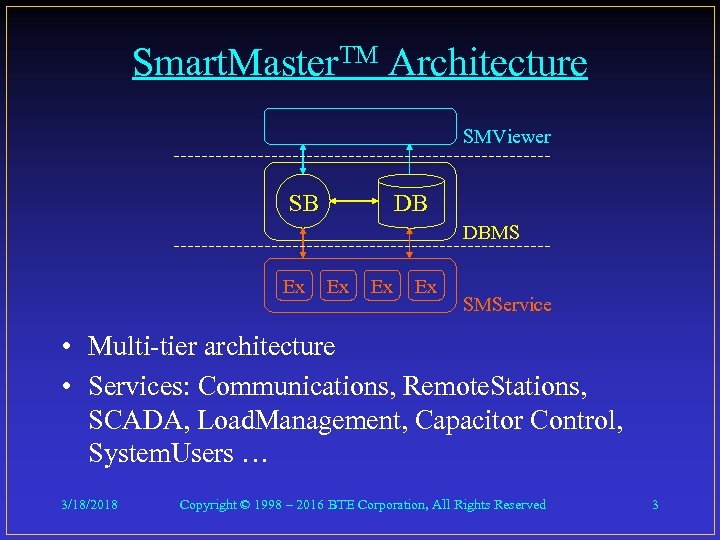
Smart. Master. TM Architecture SMViewer SB DB DBMS Ex Ex SMService • Multi-tier architecture • Services: Communications, Remote. Stations, SCADA, Load. Management, Capacitor Control, System. Users … 3/18/2018 Copyright © 1998 – 2016 BTE Corporation, All Rights Reserved 3
More Industry Standards • Database Engine – Microsoft SQL 2016 Server DBMS • Communications Protocols – DNP 3. 0, Modbus (all flavors), Multi. Speak • Security – Use of industry standard encryption methods using asymmetric keys and digital certificates to encrypt stored data and communications 3/18/2018 Copyright © 1998 – 2016 BTE Corporation, All Rights Reserved 4
Smart Grid Ready • Make sure to support protocols in the Smart Grid specification • Implement system architecture better capable to exist in the Smart Grid environment – Easily selectable data binding interface – System is a collection of loosely-bound, independent services talking to each other asynchronously via the Service Broker. 3/18/2018 Copyright © 1998 – 2016 BTE Corporation, All Rights Reserved 5
Enhance Scalability • • 10 or 10, 000, 000 accounts More efficient data processing Multi-channel, asynchronous data scanning Multi-channel, asynchronous control code dispatching • 500 PB (500, 000 TB) database capacity 3/18/2018 Copyright © 1998 – 2016 BTE Corporation, All Rights Reserved 6
Enhance Modularity • Multi-tier design • Components can be on same machine, or different machines • Components can be stand-alone, with no UI, remotely administered • Business logic implemented as Windows services – no UI required to run the services • Can run as a data concentrator 3/18/2018 Copyright © 1998 – 2016 BTE Corporation, All Rights Reserved 7
Better User Experience - I • User logs on to Windows, starts SMViewer • SMViewer & DBMS & Windows - Security integrated • User credentials determined from Windows account • Automated software updates • Better backup, archiving and user notification services via DBMS. 3/18/2018 Copyright © 1998 – 2016 BTE Corporation, All Rights Reserved 8
Better User Experience - II • SMViewer is an agnostic user interface: – No business logic in Viewer – Standard table views – Users can create custom views of existing tables – Users can create custom data tables – Built in report server and report builder – Multi-media capabilities – Resizable screens – vector graphics 3/18/2018 Copyright © 1998 – 2016 BTE Corporation, All Rights Reserved 9
Better User Experience - III • For larger, or more demanding systems: – Load balancing – Fail-over redundancy – No down time options 3/18/2018 Copyright © 1998 – 2016 BTE Corporation, All Rights Reserved 10
Use Latest Tools & Technologies • Platforms – SQL Server 2016, Report Server 2016, Windows 10, CLR, . Net 4. 5 • Tools – VS 2016, SSMS 2016, Report Builder • Languages – C#, XML, XAML, SQL, T-SQL • Technologies – ADO. NET, Silverlight, WPF, Service Broker 3/18/2018 Copyright © 1998 – 2016 BTE Corporation, All Rights Reserved 11
Configuration Examples - I • Small SCADA system with Load Management, remote access – Windows 10 workstation running SQL Server, SMServices, SMViewer, and a VPN – Service Executives: Communications, Remote Stations, SCADA, Load Management – Other SMViewer machines access the system via LAN & Internet 3/18/2018 Copyright © 1998 – 2016 BTE Corporation, All Rights Reserved 12
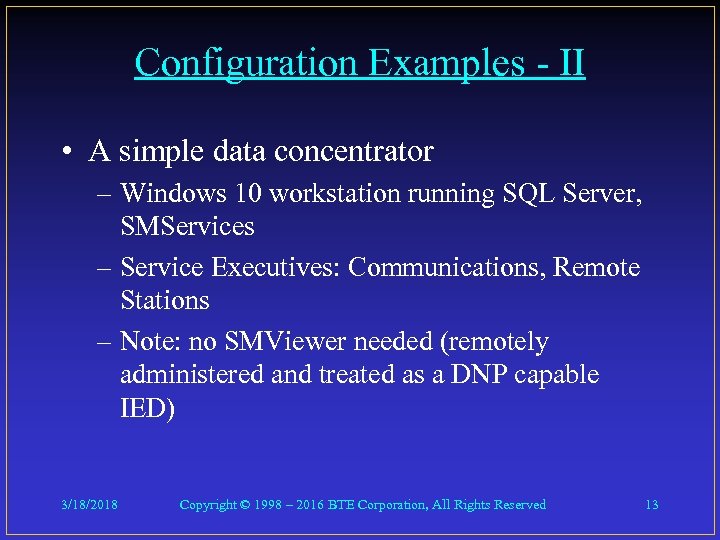
Configuration Examples - II • A simple data concentrator – Windows 10 workstation running SQL Server, SMServices – Service Executives: Communications, Remote Stations – Note: no SMViewer needed (remotely administered and treated as a DNP capable IED) 3/18/2018 Copyright © 1998 – 2016 BTE Corporation, All Rights Reserved 13
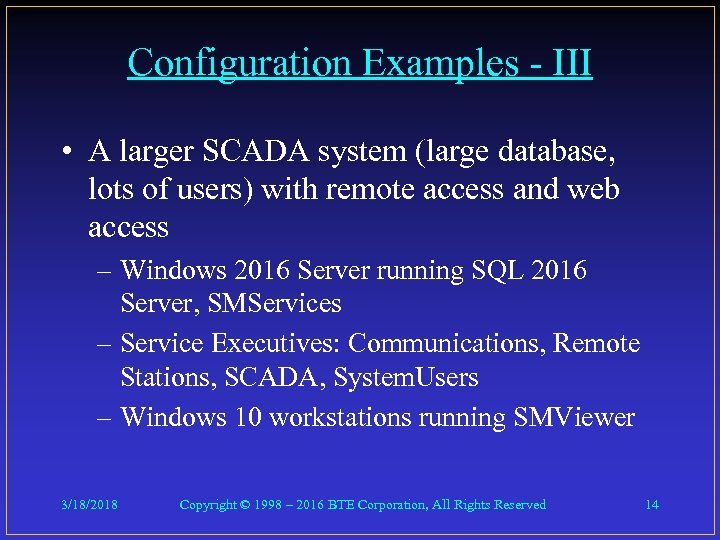
Configuration Examples - III • A larger SCADA system (large database, lots of users) with remote access and web access – Windows 2016 Server running SQL 2016 Server, SMServices – Service Executives: Communications, Remote Stations, SCADA, System. Users – Windows 10 workstations running SMViewer 3/18/2018 Copyright © 1998 – 2016 BTE Corporation, All Rights Reserved 14
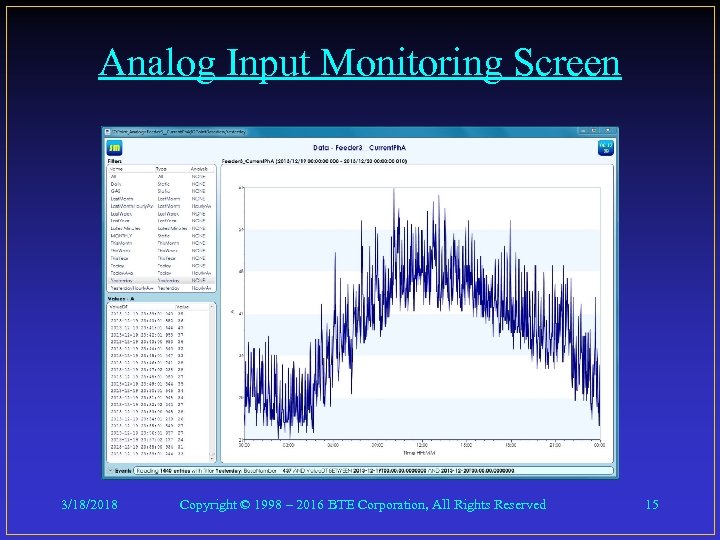
Analog Input Monitoring Screen 3/18/2018 Copyright © 1998 – 2016 BTE Corporation, All Rights Reserved 15
Скачать презентацию BTE CORPORATION Smart Master TM Distributed Controller 3 18 2018
28d17cf120d4655977a9e1891c1b92a5.ppt