 Скачать презентацию Bluetooth Technology Jason Babel Kyle Musal
cab02502e541adeb6c2081c0bdca9dfe.ppt
- Количество слайдов: 37



Bluetooth Technology • • Jason Babel Kyle Musal Joshua Turella Zdravko Tyankov
History • 1994 – Ericsson Initiated Study • Low-power, lowcost radio interface • Unite computer devices and telecommunications
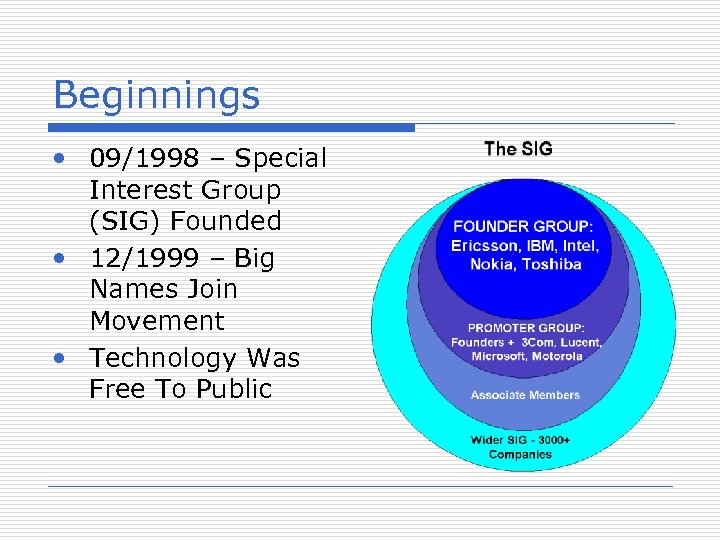
Beginnings • 09/1998 – Special Interest Group (SIG) Founded • 12/1999 – Big Names Join Movement • Technology Was Free To Public
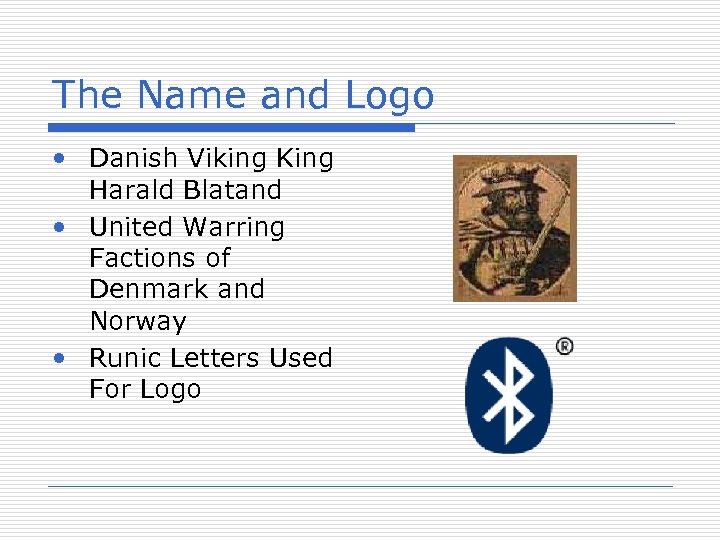
The Name and Logo • Danish Viking King Harald Blatand • United Warring Factions of Denmark and Norway • Runic Letters Used For Logo
Bluetooth Communication • Bluetooth operates on the ISM band (2. 402 -2. 480 GHz) • The ISM band is set aside for Industrial, Scientific and Medical devices. • ISM is a low powered unlicensed frequency band. http: //bluetooth. com
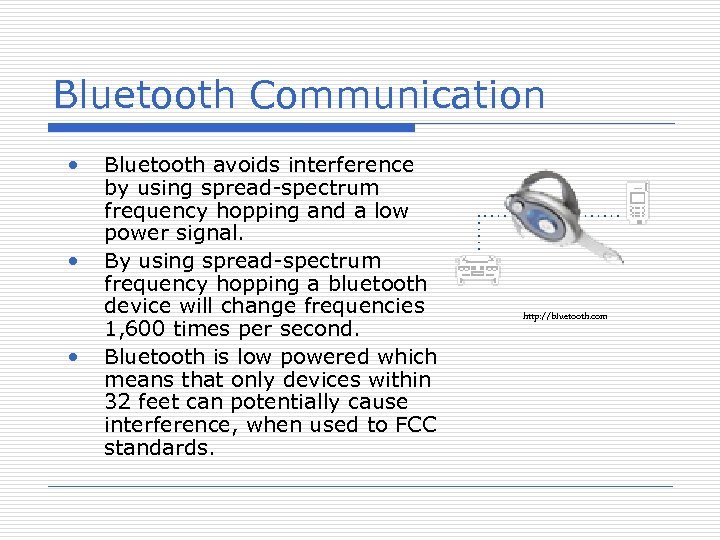
Bluetooth Communication • • • Bluetooth avoids interference by using spread-spectrum frequency hopping and a low power signal. By using spread-spectrum frequency hopping a bluetooth device will change frequencies 1, 600 times per second. Bluetooth is low powered which means that only devices within 32 feet can potentially cause interference, when used to FCC standards. http: //bluetooth. com
Avoiding Interference • By using spread-spectrum frequency hopping, a bluetooth device can pick from 79 different channels within the ISM band; 1, 600 times per second. • This avoids interference because if two Bluetooth devices operate on the same frequency and interfere with each other the interference will only last 1/1600 second. • This short period of interference will not be noticed by the user.
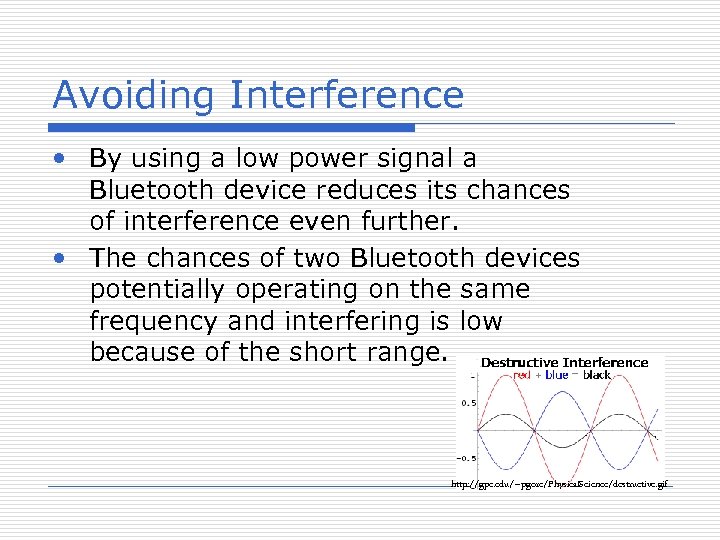
Avoiding Interference • By using a low power signal a Bluetooth device reduces its chances of interference even further. • The chances of two Bluetooth devices potentially operating on the same frequency and interfering is low because of the short range. http: //gpc. edu/~pgore/Physical. Science/destructive. gif
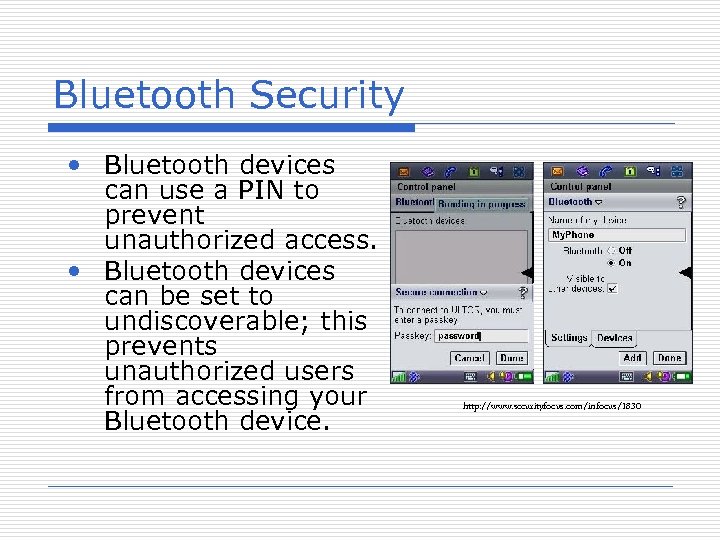
Bluetooth Security • Bluetooth devices can use a PIN to prevent unauthorized access. • Bluetooth devices can be set to undiscoverable; this prevents unauthorized users from accessing your Bluetooth device. http: //www. securityfocus. com/infocus/1830
Bluetooth Security • • • Bluetooth devices use a unique 48 bit device identifier, a MAC address. This address takes the form 00: 8 F: DF: 02: BF: 7 C. Because of the amount of addresses it is difficult for a “hacker” to find the MAC address of a Bluetooth device set to undiscoverable. The MAC address of Bluetooth devices is not encrypted during communication and maybe intercepted potentially allowing unauthorized access to your Bluetooth device.
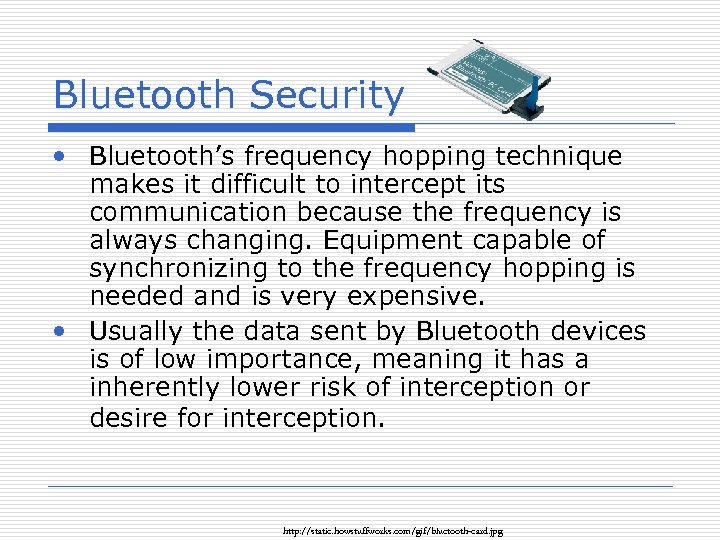
Bluetooth Security • Bluetooth’s frequency hopping technique makes it difficult to intercept its communication because the frequency is always changing. Equipment capable of synchronizing to the frequency hopping is needed and is very expensive. • Usually the data sent by Bluetooth devices is of low importance, meaning it has a inherently lower risk of interception or desire for interception. http: //static. howstuffworks. com/gif/bluetooth-card. jpg
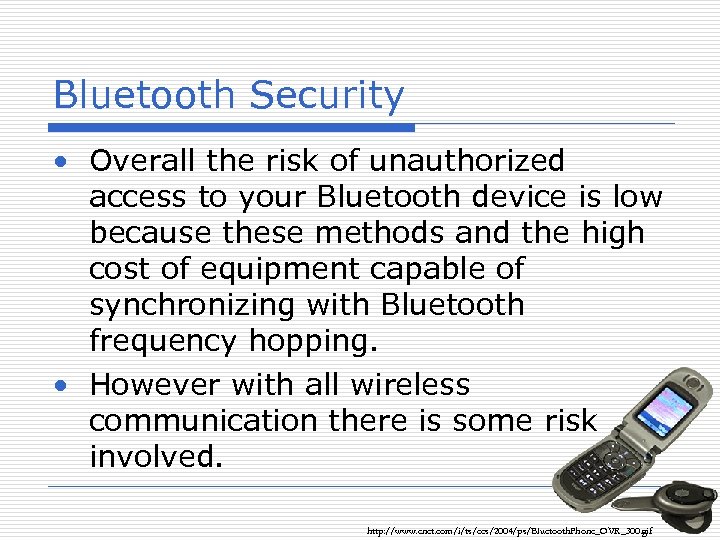
Bluetooth Security • Overall the risk of unauthorized access to your Bluetooth device is low because these methods and the high cost of equipment capable of synchronizing with Bluetooth frequency hopping. • However with all wireless communication there is some risk involved. http: //www. cnet. com/i/ts/ces/2004/ps/Bluetooth. Phone_OVR_300. gif
So What Exactly is Bluetooth? • Hardware • A chip that establishes links and protocols • Software • Where the user actual can interact • Programs are written to handle the data
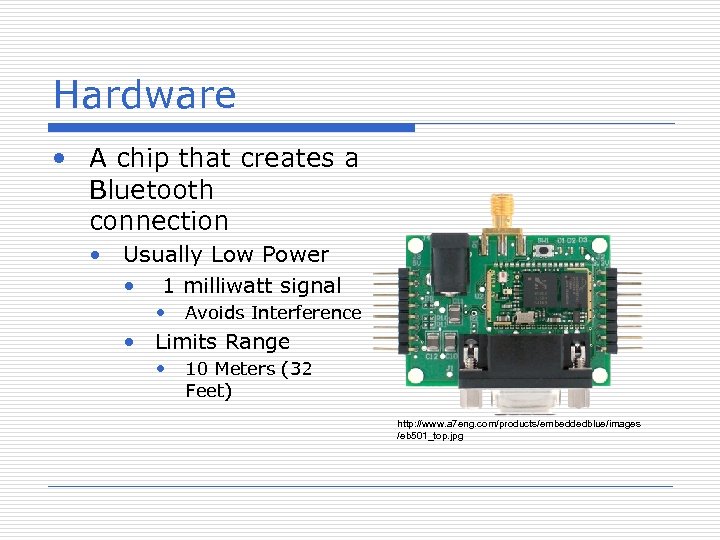
Hardware • A chip that creates a Bluetooth connection • Usually Low Power • 1 milliwatt signal • Avoids Interference • Limits Range • 10 Meters (32 Feet) http: //www. a 7 eng. com/products/embeddedblue/images /eb 501_top. jpg
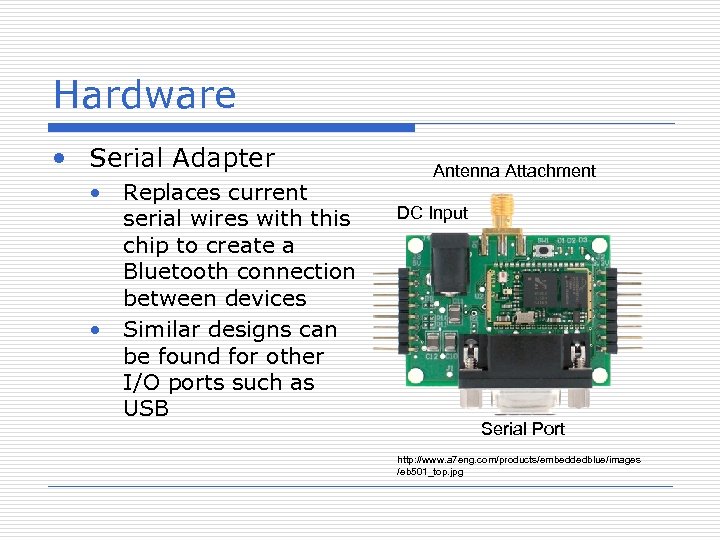
Hardware • Serial Adapter • Replaces current serial wires with this chip to create a Bluetooth connection between devices • Similar designs can be found for other I/O ports such as USB Antenna Attachment DC Input Serial Port http: //www. a 7 eng. com/products/embeddedblue/images /eb 501_top. jpg
Software • Once connection is established, the software determines what to do with data • User can create his/her own applications if savvy enough
Software • A Multitude of Software is out there • Software to do things such as: • Transfer files to and from your phone • Route Mobile Calls to Your Home Phone when in Range • Use your Phone as a remote for you computer (good for Power. Point presentations)
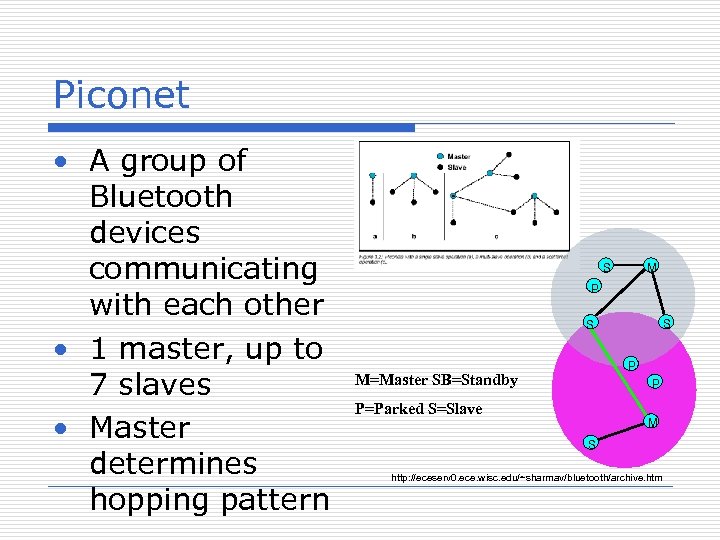
Piconet • A group of Bluetooth devices communicating with each other • 1 master, up to 7 slaves • Master determines hopping pattern S M P S S P M=Master SB=Standby P P=Parked S=Slave M S http: //eceserv 0. ece. wisc. edu/~sharmav/bluetooth/archive. htm
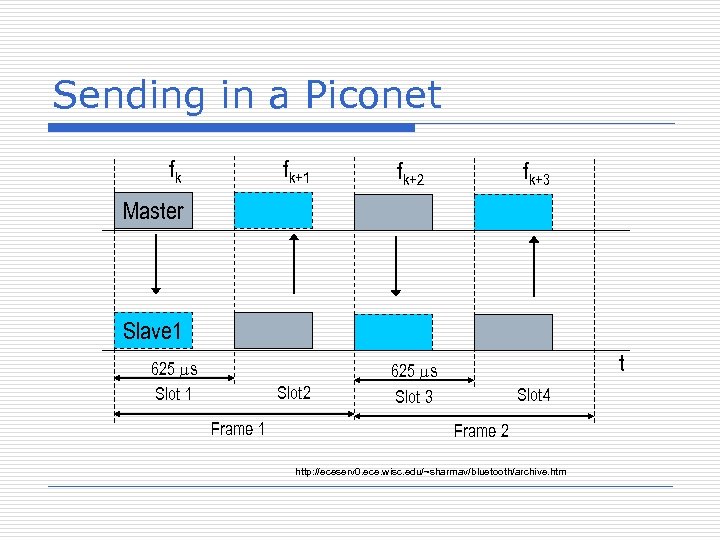
Sending in a Piconet fk fk+1 fk+2 Slot 2 625 ms Slot 3 fk+3 Master Slave 1 625 ms Slot 1 Frame 1 t Slot 4 Frame 2 http: //eceserv 0. ece. wisc. edu/~sharmav/bluetooth/archive. htm
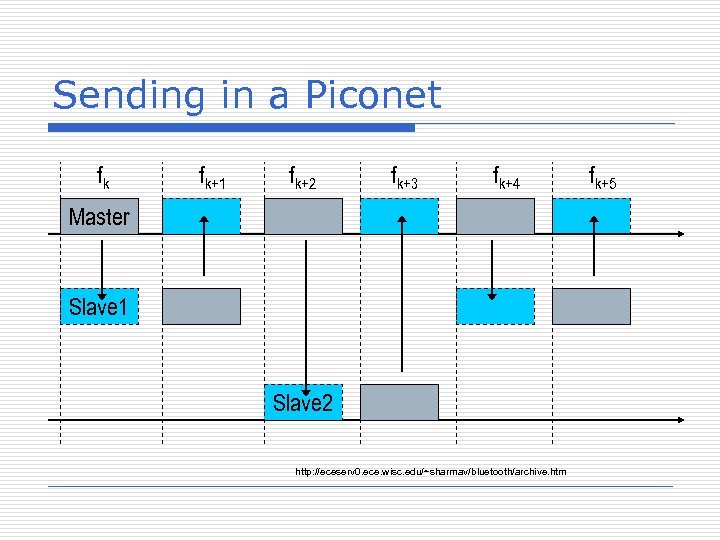
Sending in a Piconet fk fk+1 fk+2 fk+3 fk+4 Master Slave 1 Slave 2 http: //eceserv 0. ece. wisc. edu/~sharmav/bluetooth/archive. htm fk+5
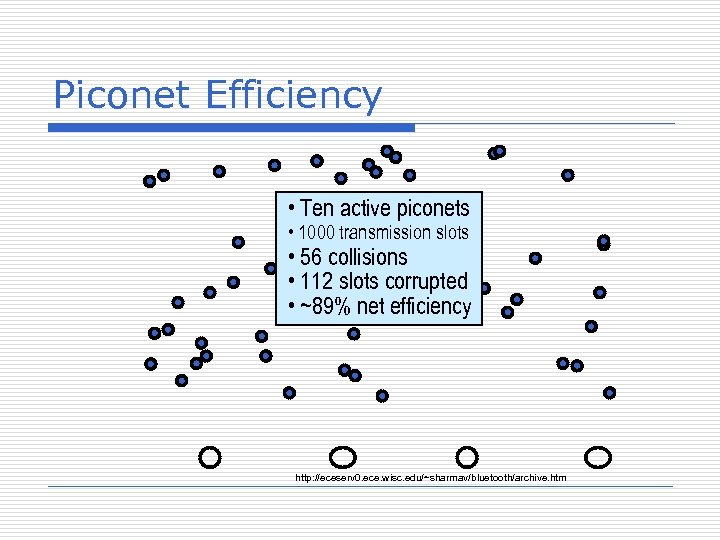
Piconet Efficiency • Ten active piconets • 1000 transmission slots • 56 collisions • 112 slots corrupted • ~89% net efficiency http: //eceserv 0. ece. wisc. edu/~sharmav/bluetooth/archive. htm
Pairing • To become paired: • Two devices A and B • A is searching for other devices to connect to it • B enters the range and A detects it • A Passkey is entered into both devices • If A’s Passkey matches B’s passkey • A trusted pair is formed • As long as it is enabled on the devices, authentication shouldn’t have to be done again if Device B leaves range and enters again later
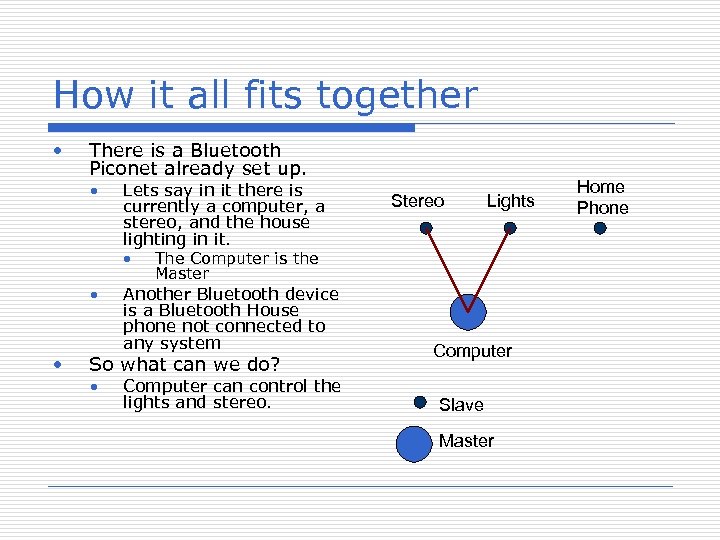
How it all fits together • There is a Bluetooth Piconet already set up. • • • Lets say in it there is currently a computer, a stereo, and the house lighting in it. • The Computer is the Lights Master Another Bluetooth device is a Bluetooth House phone not connected to any system So what can we do? • Stereo Computer can control the lights and stereo. Computer Slave Master Home Phone
Things to Realize • The Computer talks to both the Stereo and the Lights, and they both talk back. • Stereo and Lights never talk to each other • Computer determines hop pattern. • All Devices Have Been on the Network Before • Already Paired
Enter New Device • Add a Cell phone • Person Walks into Room • As it gets in range a radio signal is sent out with its address • A range of addresses are given for the type of device • If a device can connect to the device (it knows what range addresses it can connect to) it will.
We’re Talking Now • The Computer and Home phone respond • The Computer sees that it has paired with it before and connects it as a slave to its group • The Computer sets up the pseudorandom hopping sequence using its clock and address • The Cell Phone does the same with the Home Phone
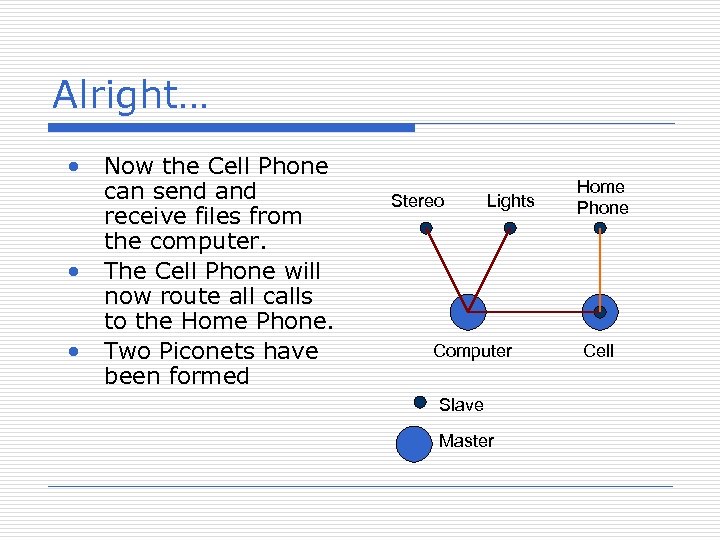
Alright… • • • Now the Cell Phone can send and receive files from the computer. The Cell Phone will now route all calls to the Home Phone. Two Piconets have been formed Stereo Lights Computer Slave Master Home Phone Cell
Advantages • • Bluetooth Devices are wireless Bluetooth Tech is inexpensive Bluetooth is automatic Standardized Protocol
Advantages • • Low Interference Low Energy Consumption Share Voice and Data Endless applications…
Disadvantages • Low Data Transfer Rate • 721 Kbps • Range – 30 ft • Mediocre Security • • bluejacking bluebugging bluesnarfing Car Whisperer
Where is it used? • Wireless Control & Communication • Data Transmission • Cordless Desktop PC • Mobile Gaming
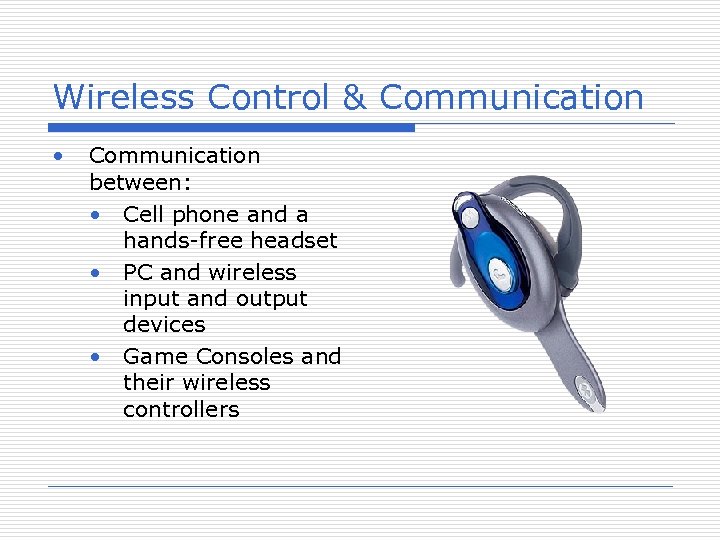
Wireless Control & Communication • Communication between: • Cell phone and a hands-free headset • PC and wireless input and output devices • Game Consoles and their wireless controllers
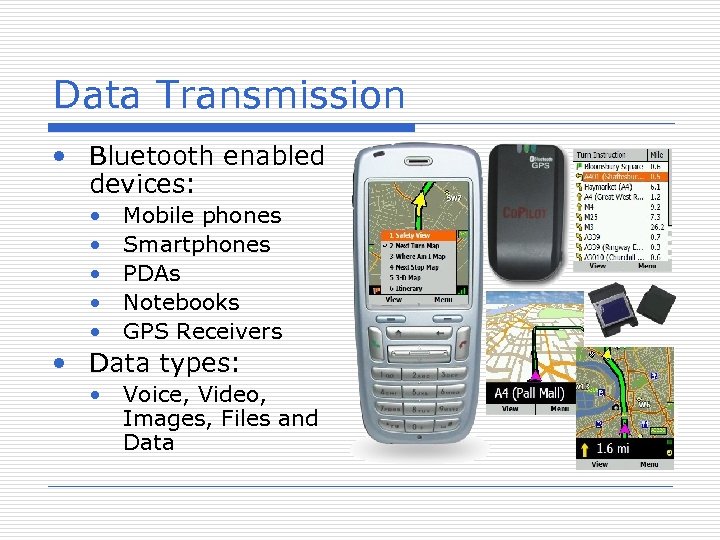
Data Transmission • Bluetooth enabled devices: • • • Mobile phones Smartphones PDAs Notebooks GPS Receivers • Data types: • Voice, Video, Images, Files and Data
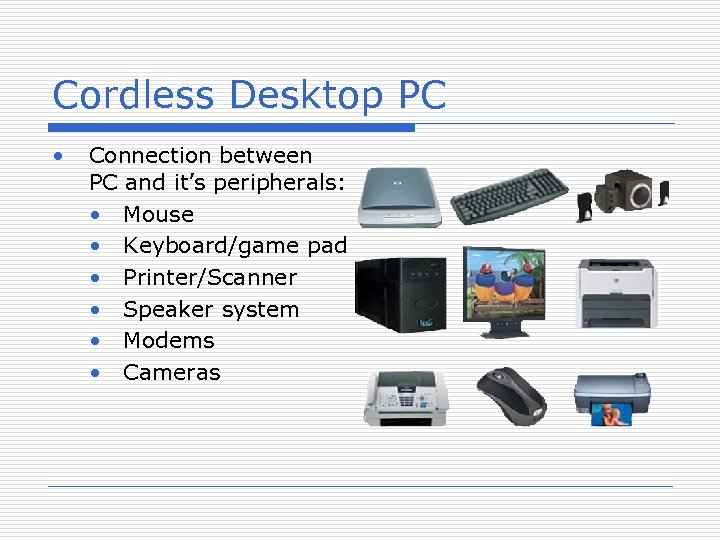
Cordless Desktop PC • Connection between PC and it’s peripherals: • Mouse • Keyboard/game pad • Printer/Scanner • Speaker system • Modems • Cameras
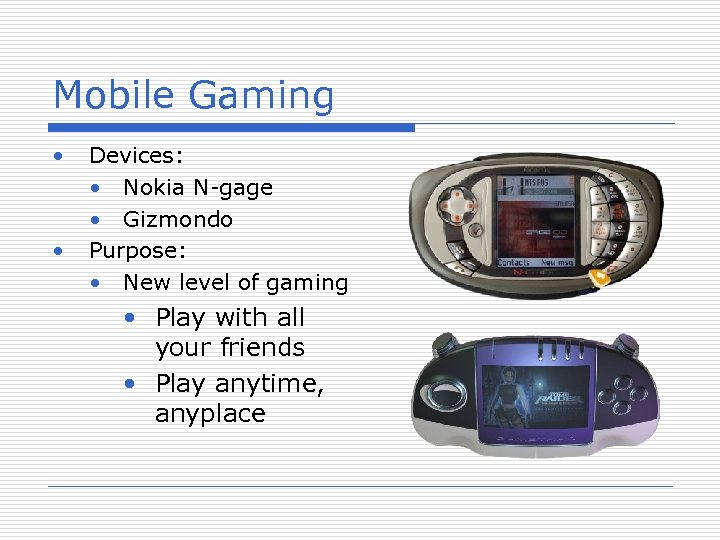
Mobile Gaming • • Devices: • Nokia N-gage • Gizmondo Purpose: • New level of gaming • Play with all your friends • Play anytime, anyplace
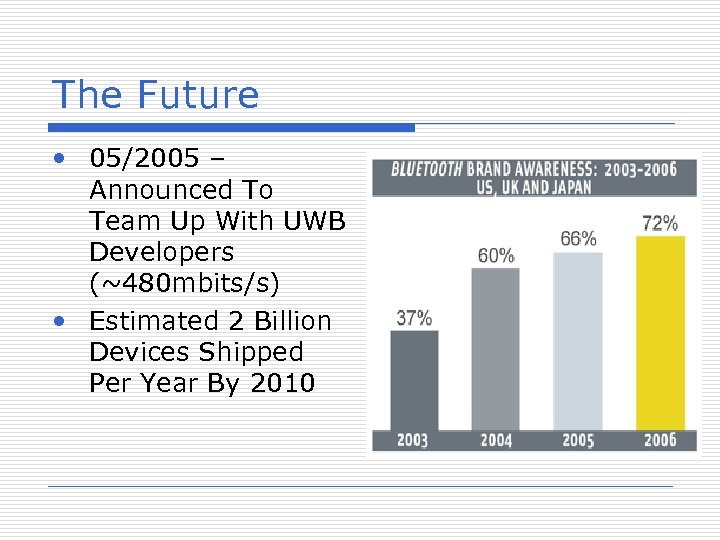
The Future • 05/2005 – Announced To Team Up With UWB Developers (~480 mbits/s) • Estimated 2 Billion Devices Shipped Per Year By 2010
Questions?
Скачать презентацию Bluetooth Technology Jason Babel Kyle Musal
cab02502e541adeb6c2081c0bdca9dfe.ppt