 Скачать презентацию Bing Hong OSIsoft Internationalization Localization OSIsoft
762ee46ae2700fbf6e135b24cef7f0df.ppt
- Количество слайдов: 44



Bing Hong OSIsoft
Internationalization & Localization @OSIsoft
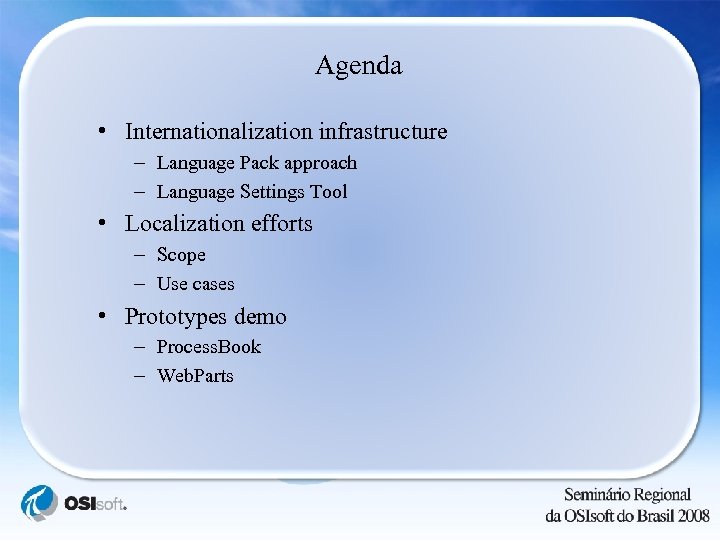
Agenda • Internationalization infrastructure – Language Pack approach – Language Settings Tool • Localization efforts – Scope – Use cases • Prototypes demo – Process. Book – Web. Parts
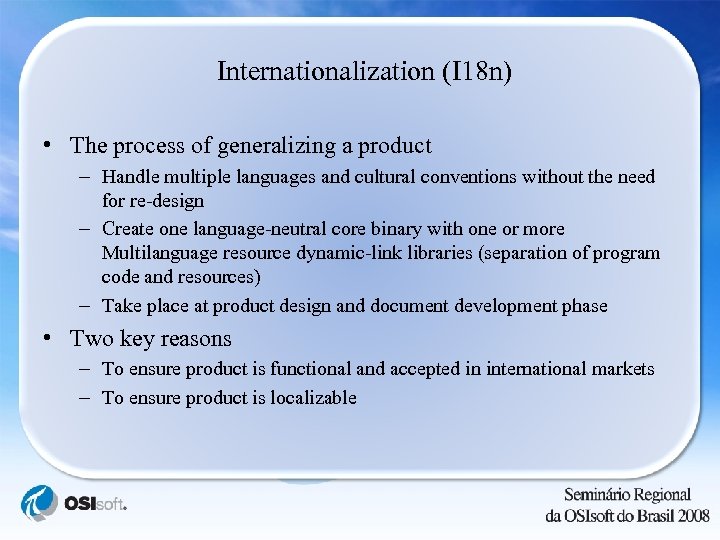
Internationalization (I 18 n) • The process of generalizing a product – Handle multiple languages and cultural conventions without the need for re-design – Create one language-neutral core binary with one or more Multilanguage resource dynamic-link libraries (separation of program code and resources) – Take place at product design and document development phase • Two key reasons – To ensure product is functional and accepted in international markets – To ensure product is localizable
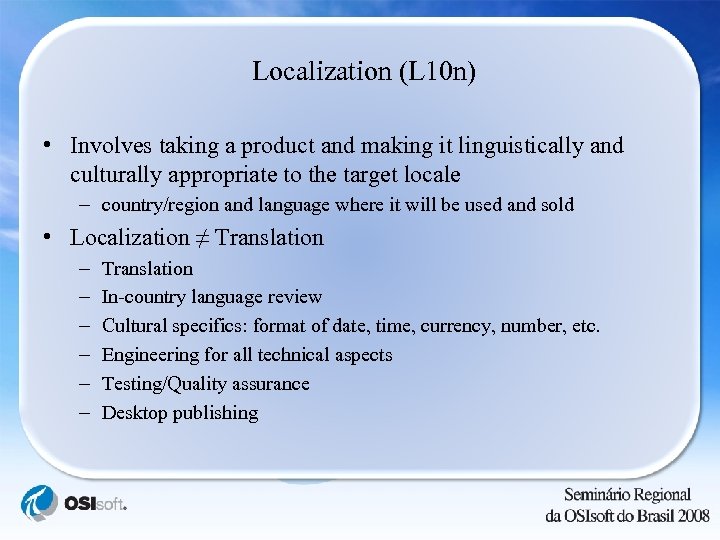
Localization (L 10 n) • Involves taking a product and making it linguistically and culturally appropriate to the target locale – country/region and language where it will be used and sold • Localization ≠ Translation – – – Translation In-country language review Cultural specifics: format of date, time, currency, number, etc. Engineering for all technical aspects Testing/Quality assurance Desktop publishing
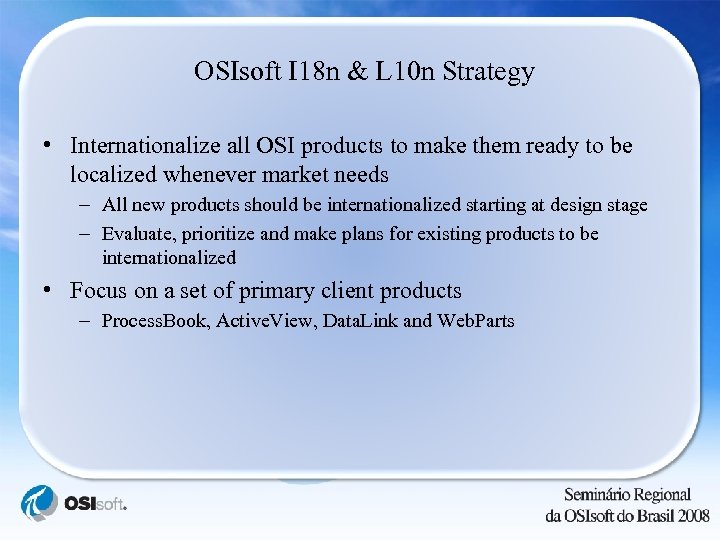
OSIsoft I 18 n & L 10 n Strategy • Internationalize all OSI products to make them ready to be localized whenever market needs – All new products should be internationalized starting at design stage – Evaluate, prioritize and make plans for existing products to be internationalized • Focus on a set of primary client products – Process. Book, Active. View, Data. Link and Web. Parts
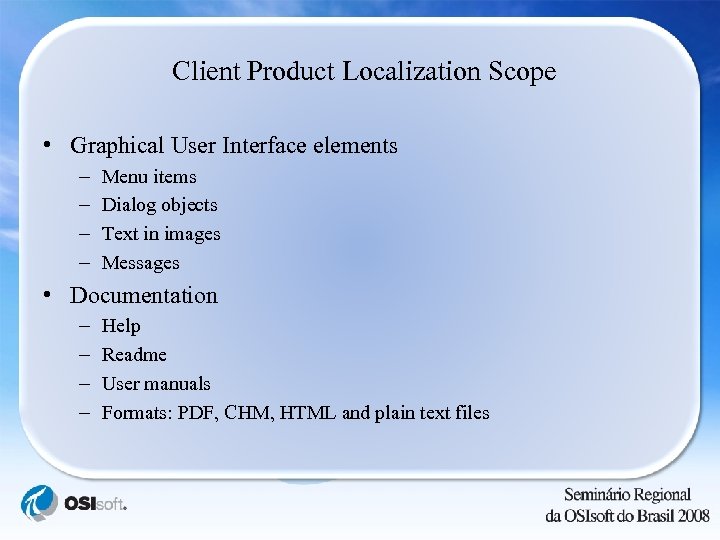
Client Product Localization Scope • Graphical User Interface elements – – Menu items Dialog objects Text in images Messages • Documentation – – Help Readme User manuals Formats: PDF, CHM, HTML and plain text files
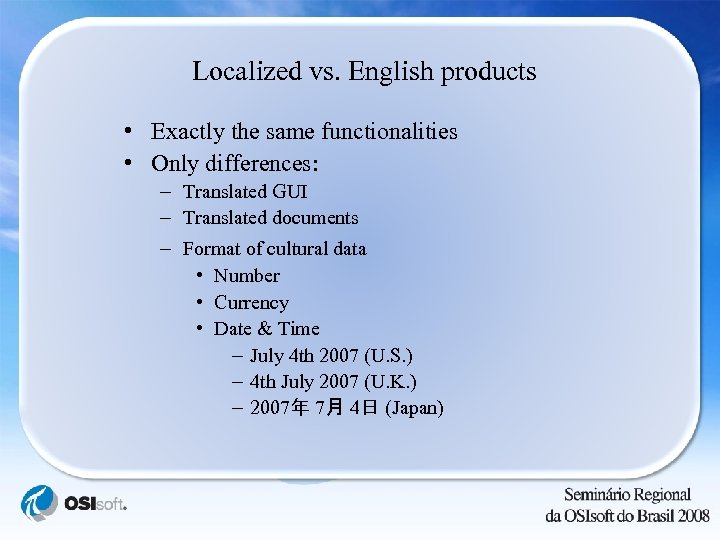
Localized vs. English products • Exactly the same functionalities • Only differences: – Translated GUI – Translated documents – Format of cultural data • Number • Currency • Date & Time – July 4 th 2007 (U. S. ) – 4 th July 2007 (U. K. ) – 2007年 7月 4日 (Japan)
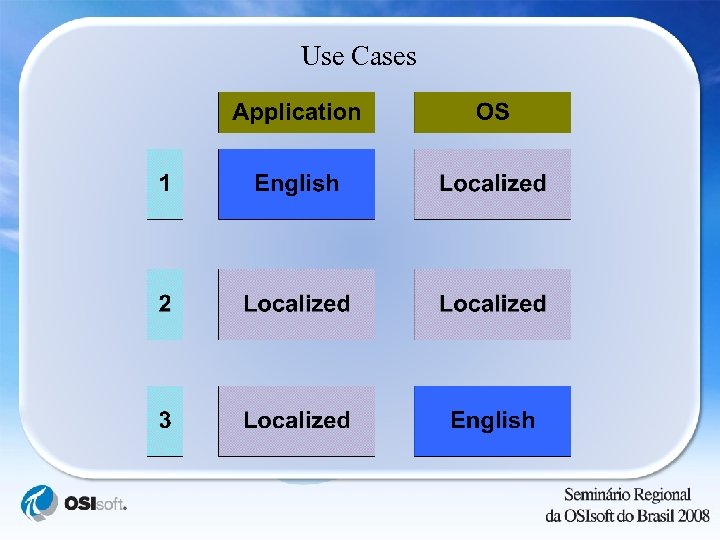
Use Cases
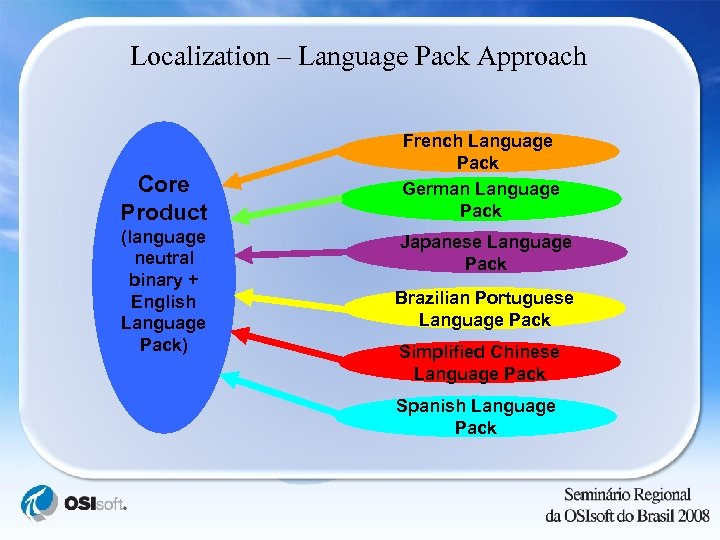
Localization – Language Pack Approach Core Product (language neutral binary + English Language Pack) French Language Pack German Language Pack Japanese Language Pack Brazilian Portuguese Language Pack Simplified Chinese Language Pack Spanish Language Pack
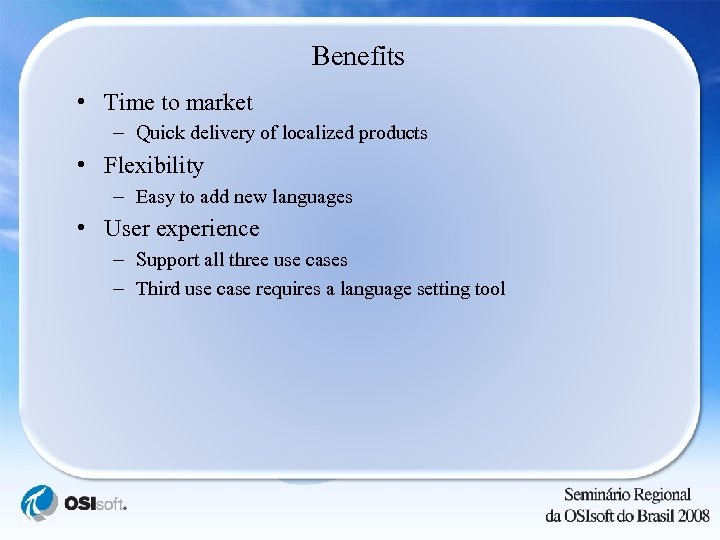
Benefits • Time to market – Quick delivery of localized products • Flexibility – Easy to add new languages • User experience – Support all three use cases – Third use case requires a language setting tool
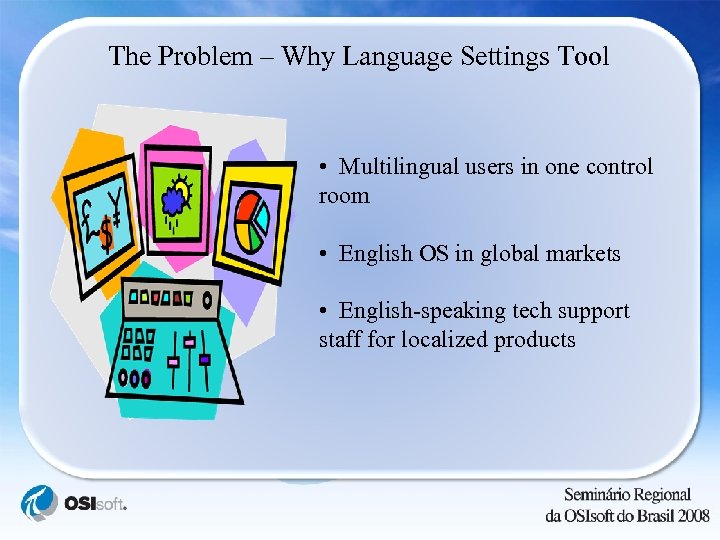
The Problem – Why Language Settings Tool • Multilingual users in one control room • English OS in global markets • English-speaking tech support staff for localized products
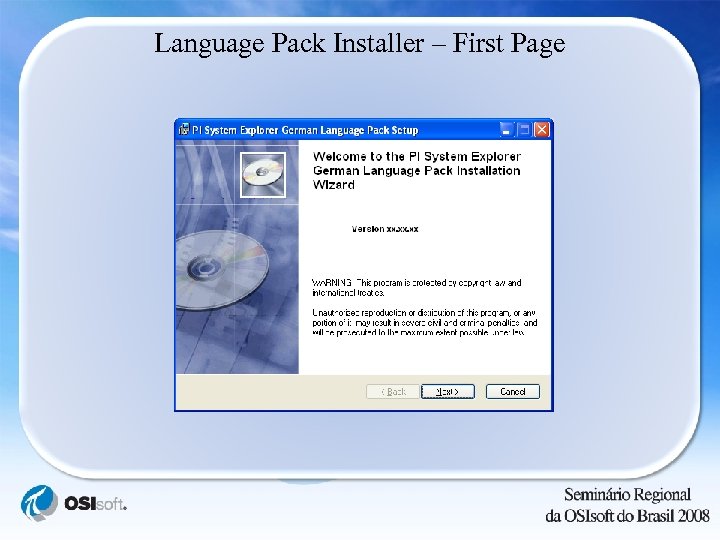
Language Pack Installer – First Page
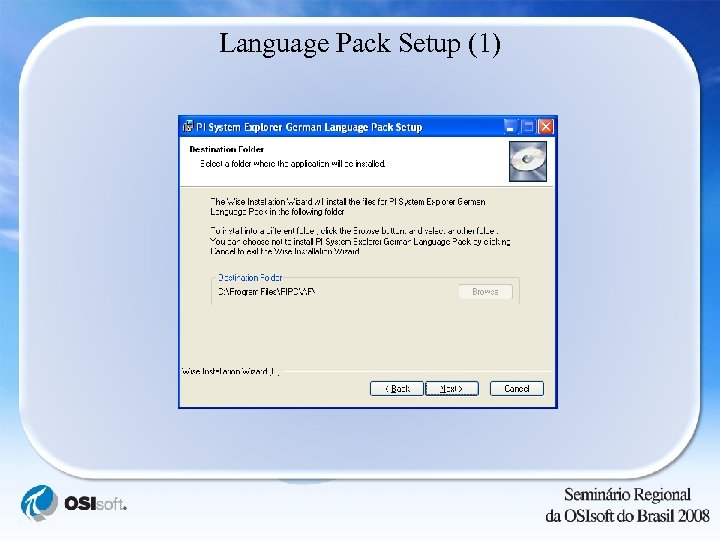
Language Pack Setup (1)
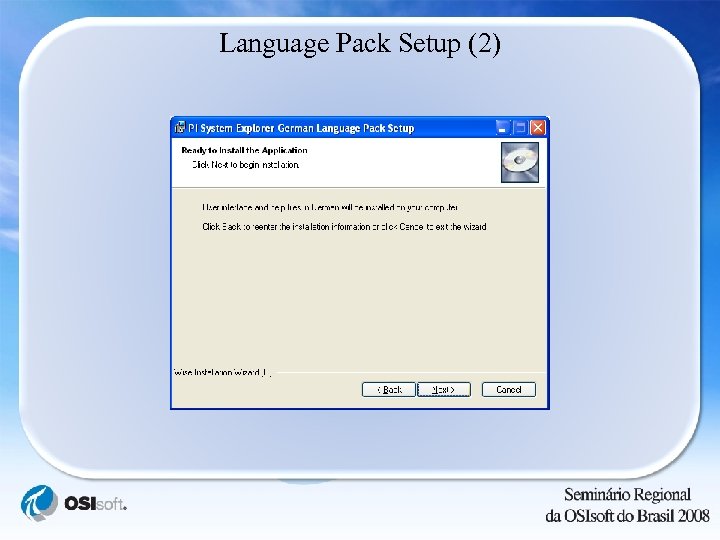
Language Pack Setup (2)
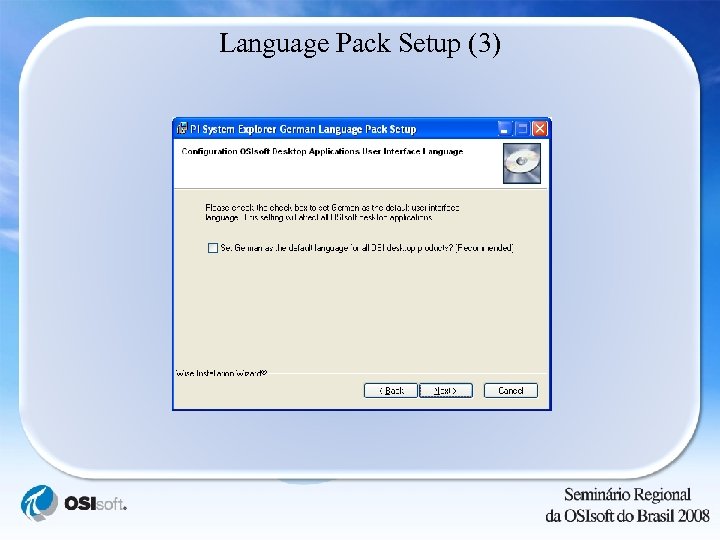
Language Pack Setup (3)
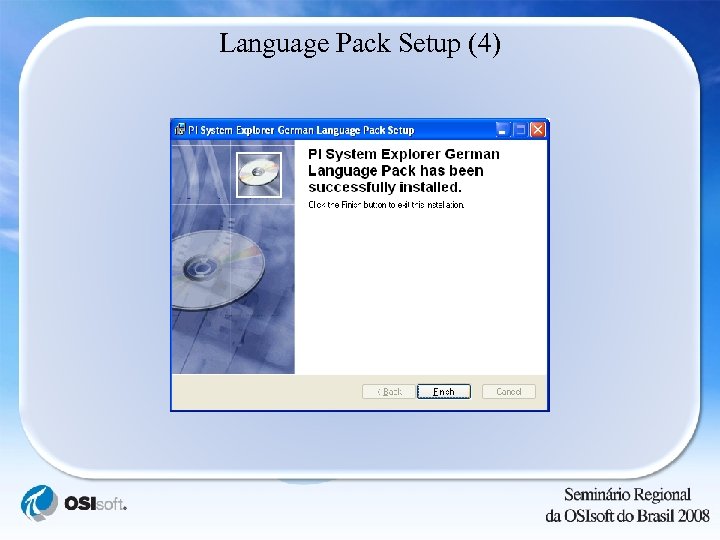
Language Pack Setup (4)
Application Display Language • Default display language – Set by system admin at installation time – Per machine basis • User defined display language – – Use Language Settings Tool Per user basis Need to restart the application to take effect Setting applies to all localized OSIsoft desktop applications
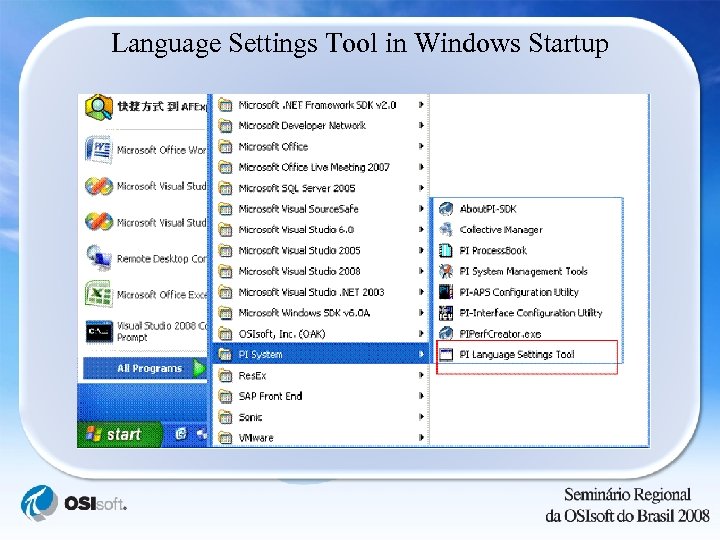
Language Settings Tool in Windows Startup
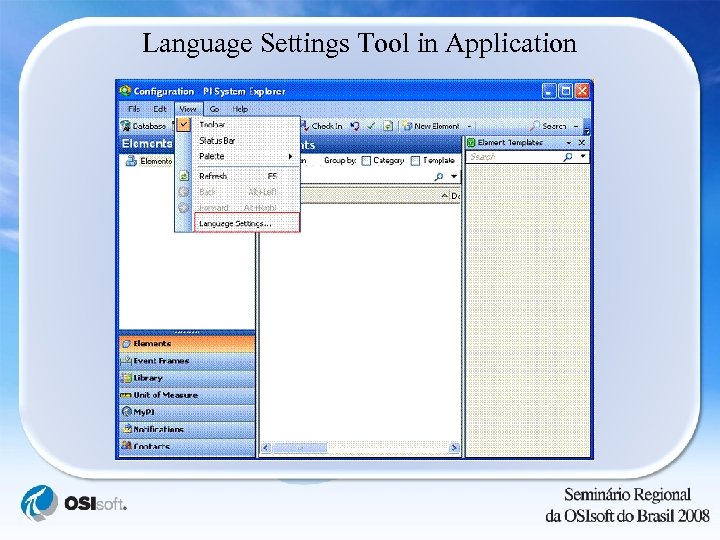
Language Settings Tool in Application
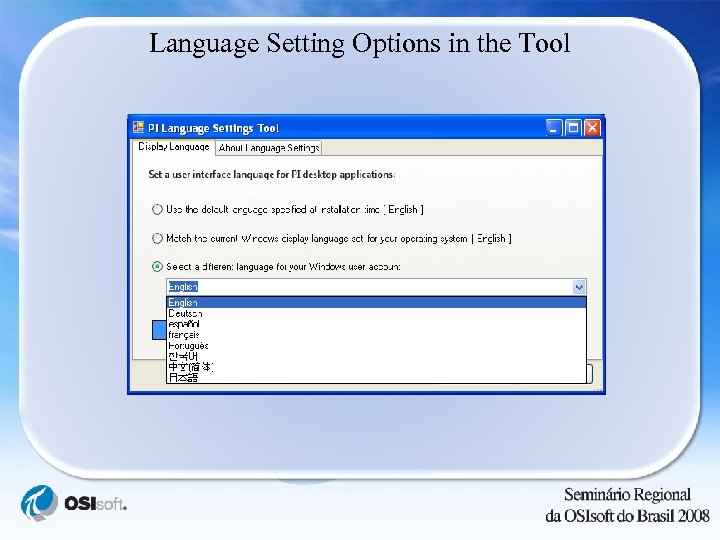
Language Setting Options in the Tool
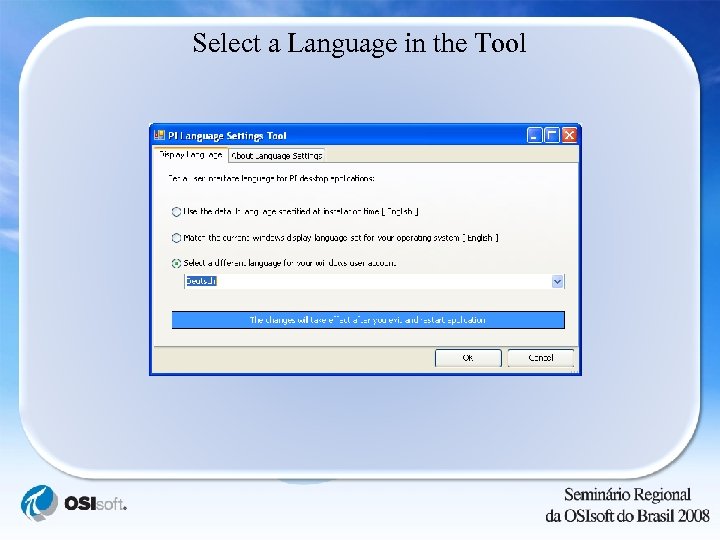
Select a Language in the Tool
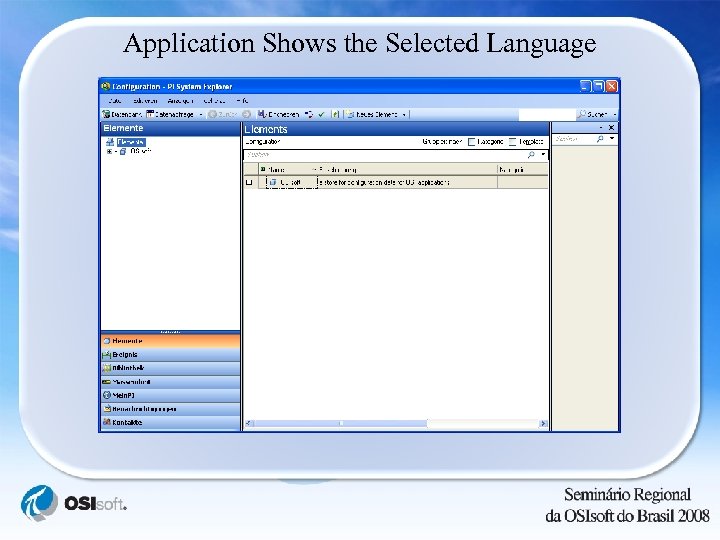
Application Shows the Selected Language
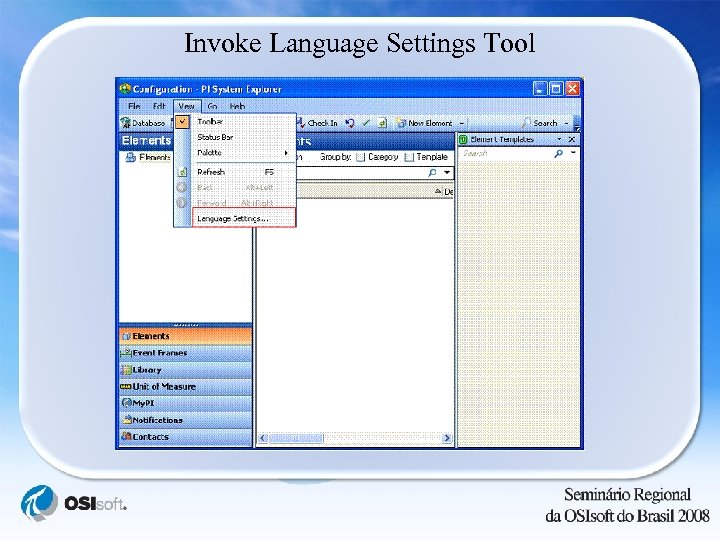
Invoke Language Settings Tool
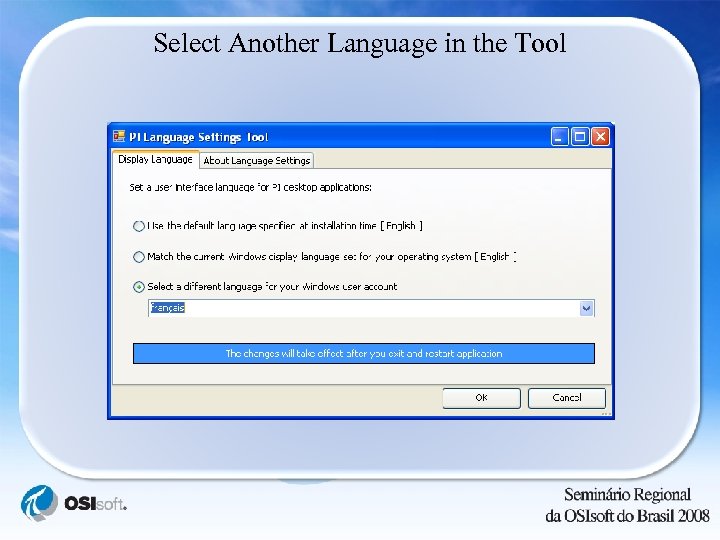
Select Another Language in the Tool
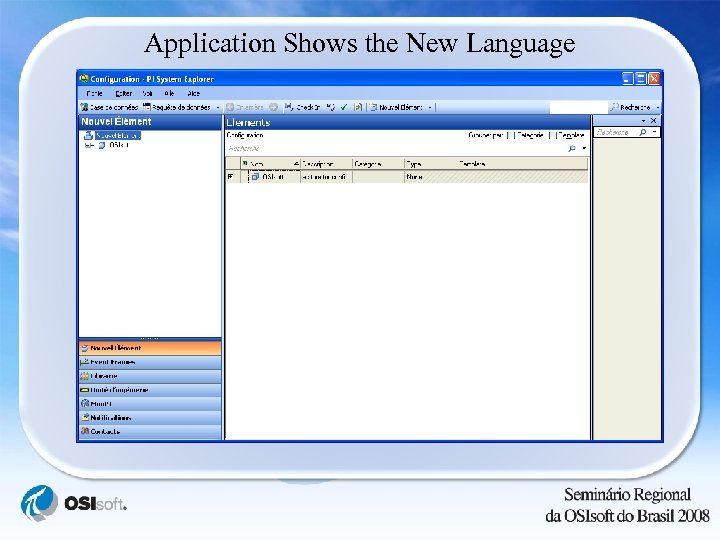
Application Shows the New Language
Prototype Demo - 1 Brazilian Portuguese Process. Book
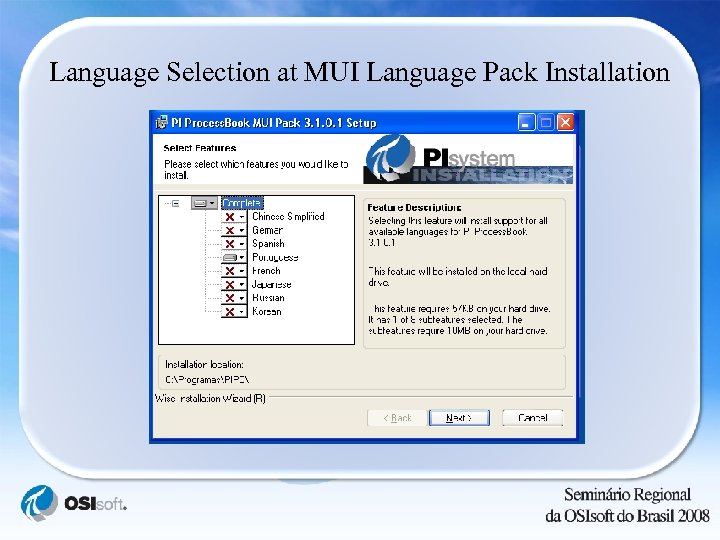
Language Selection at MUI Language Pack Installation
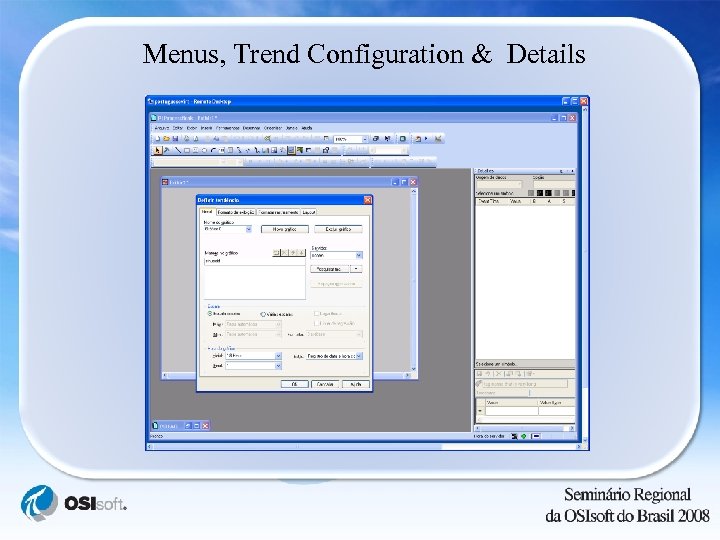
Menus, Trend Configuration & Details
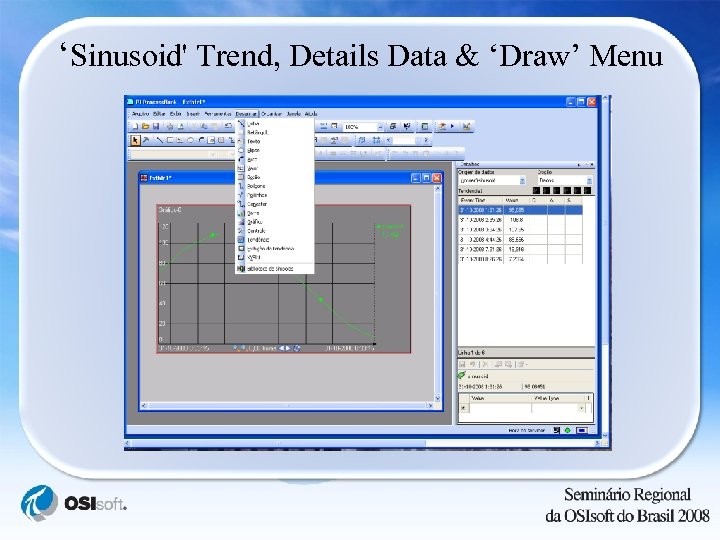
‘Sinusoid' Trend, Details Data & ‘Draw’ Menu
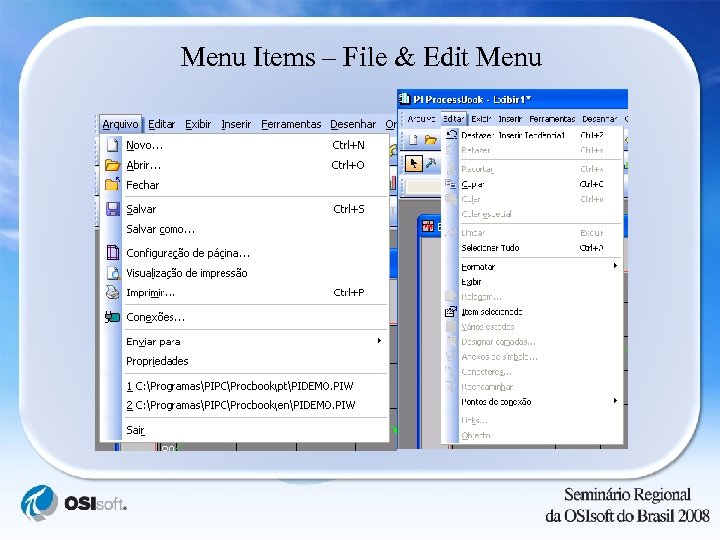
Menu Items – File & Edit Menu
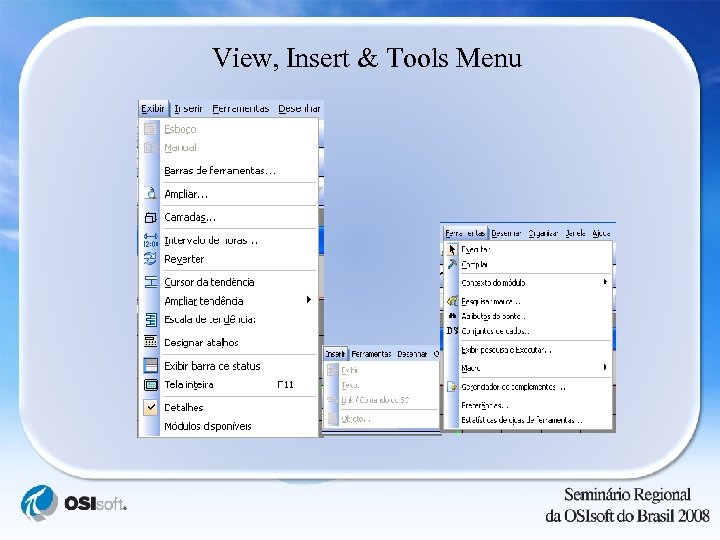
View, Insert & Tools Menu
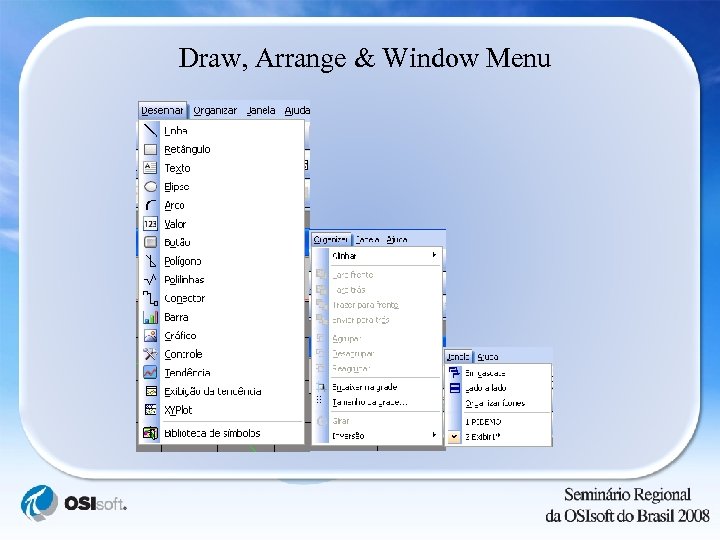
Draw, Arrange & Window Menu
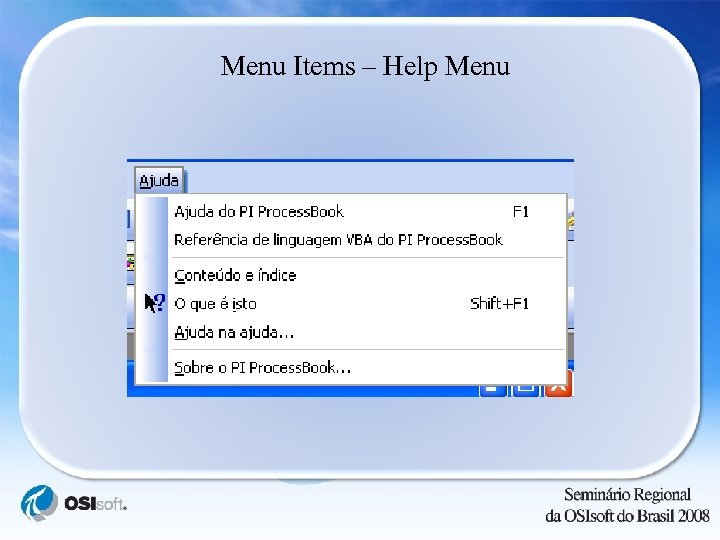
Menu Items – Help Menu
Prototype Demo - 2 Brazilian Portuguese Web. Parts
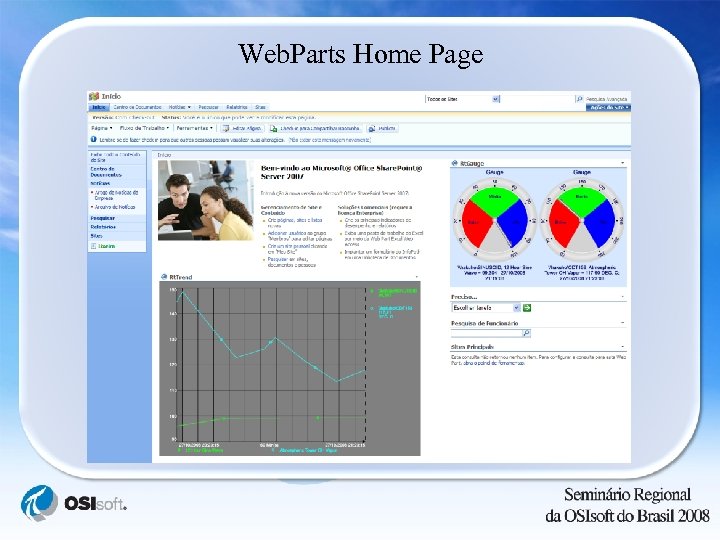
Web. Parts Home Page
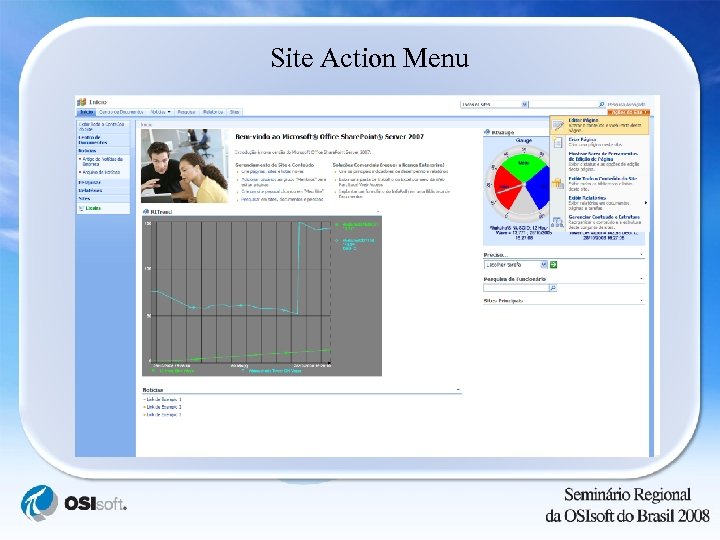
Site Action Menu
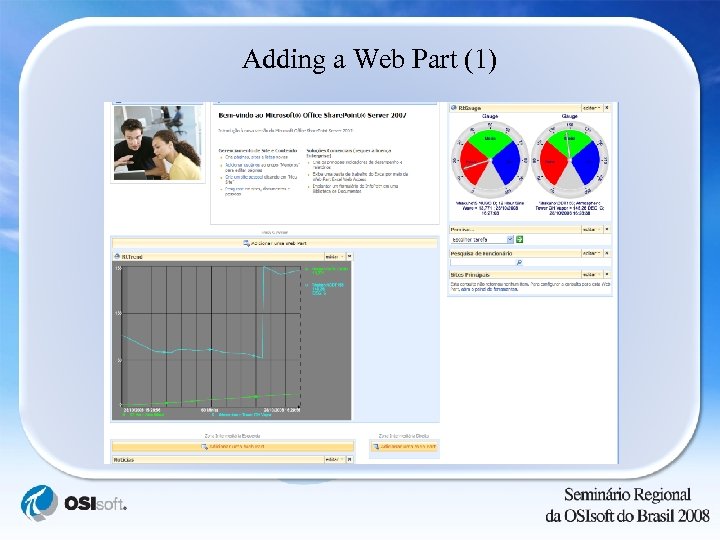
Adding a Web Part (1)
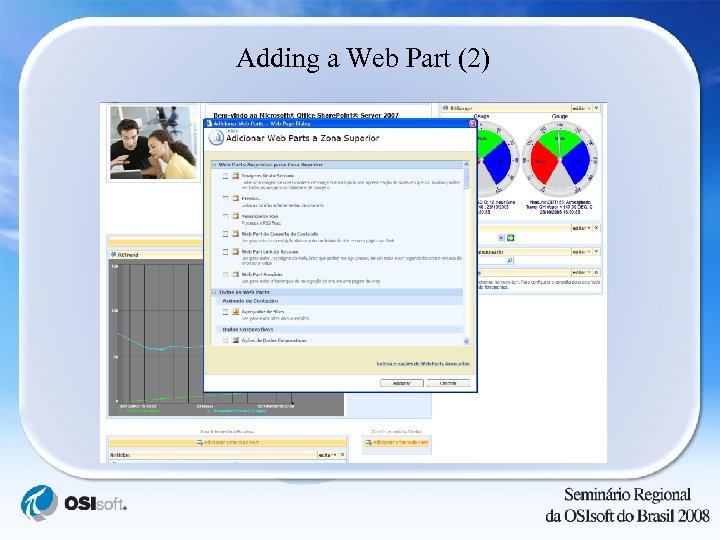
Adding a Web Part (2)
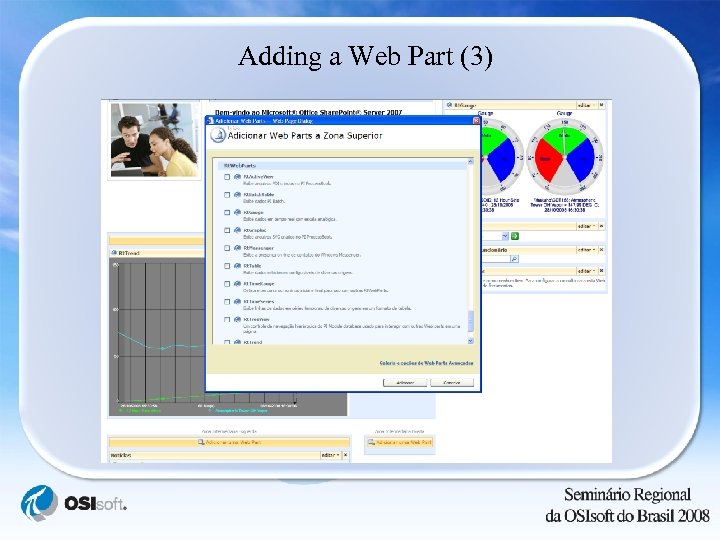
Adding a Web Part (3)
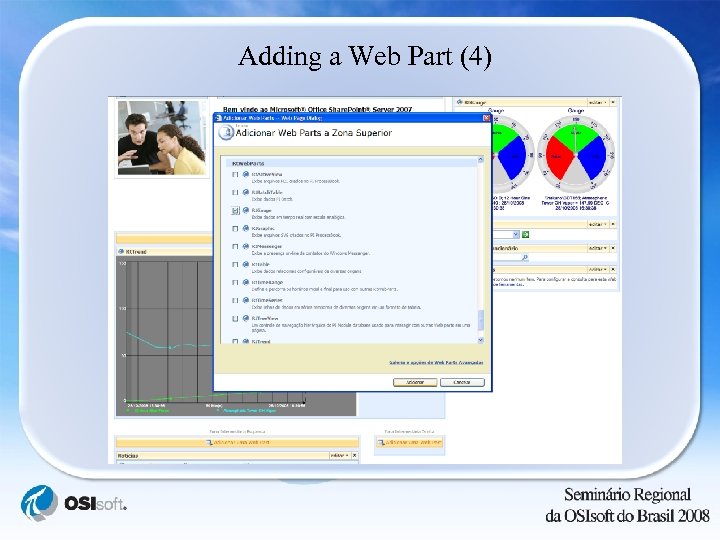
Adding a Web Part (4)
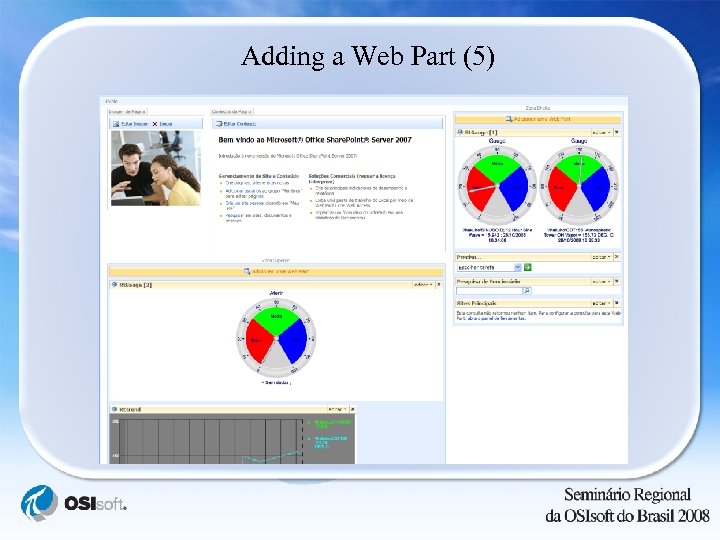
Adding a Web Part (5)

Thank You!
Скачать презентацию Bing Hong OSIsoft Internationalization Localization OSIsoft
762ee46ae2700fbf6e135b24cef7f0df.ppt