 Скачать презентацию Basic Concepts Of Electronic Printing William J Bill
0b3fd598e5c195e793d4d01ce9c58625.ppt
- Количество слайдов: 103



Basic Concepts Of Electronic Printing William J. “Bill” Mc. Calpin EDPP, CDIA, MIT, LIT The Xenos Group (972) 857 -0776 Xplor Global Conference Los Angeles, CA 1999 T
About The Speaker • Mr. Mc. Calpin is Director of Product Management at Xenos Group • He received the EDPP from Xplor International in 1992. • He received the CDIA from Comp. TIA in 1996. • He received the MIT from AIIM in 1997. • He received the LIT from AIIM in 1998. T
About The Speaker (cont. ) • Mr. Mc. Calpin writes and speaks frequently on subjects in the electronic printing and imaging industries. He has spoken more than forty times at Xplor, AIIM, Docu. Group, and Guide meetings. • Mr. Mc. Calpin is a member of both Xplor and AIIM. He serves on multiple committees in AIIM and Xplor. T
A (Very Brief) History Of Printing T
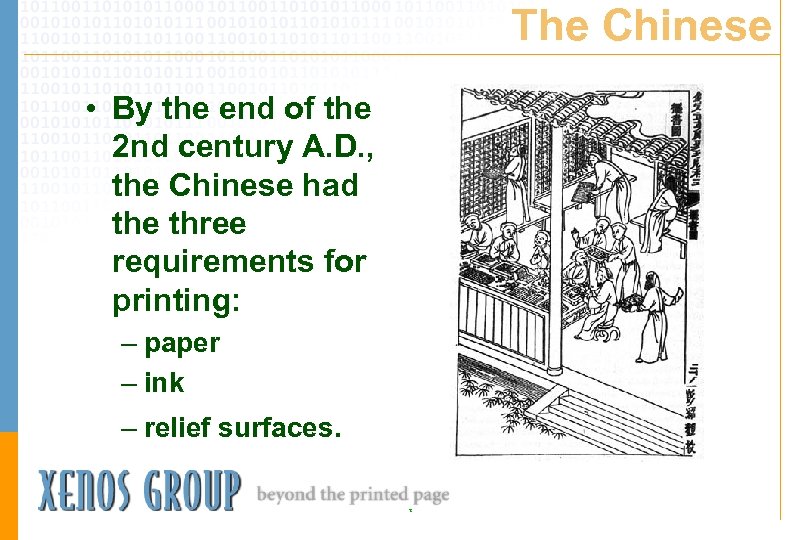
The Chinese • By the end of the 2 nd century A. D. , the Chinese had the three requirements for printing: – paper – ink – relief surfaces. T
The Chinese (cont. ) • By the 8 th century, wooden blocks were used for the reliefs. The oldest known printed works date from this time – 764 -770 - Buddhist incantations printed in Japan – 868 - The first known book was made in China, ‘The Diamond Sutra. ” T
The Chinese (cont. ) • Movable type was invented in China in the 11 th century, but this invention did not catch on. • In the early 14 th century, a Chinese magistrate had a set of 60, 000 Chinese characters carved on wooden blocks for the printing of a treatise on the history of technology. T
The Arabs Bring Paper To The West • 8 th century - The knowledge of how to make paper came through the caravan routes of Central Asia. • 12 th century - Italians begin trading with the Arabs to bring paper to Europe. • 13 th & 14 th centuries - Europeans create papermaking centers in Italy, France, and Germany. T
Europe Learned About Paper, But Not Printing Despite trade and the travels of people like Marco Polo, Europeans never learned the art of xylography (printing from wood carving) from the Chinese. The ability to print in this way was spontaneously learned by the Europeans no earlier than the last quarter of the 14 th century. T
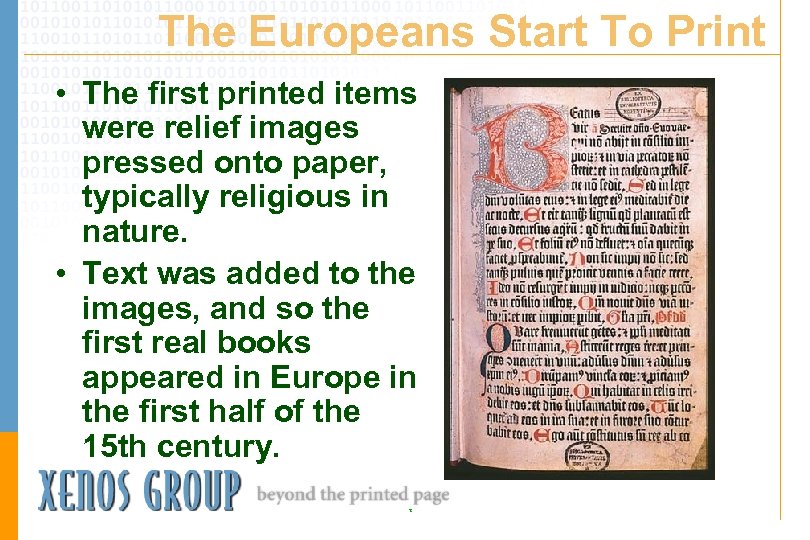
The Europeans Start To Print • The first printed items were relief images pressed onto paper, typically religious in nature. • Text was added to the images, and so the first real books appeared in Europe in the first half of the 15 th century. T
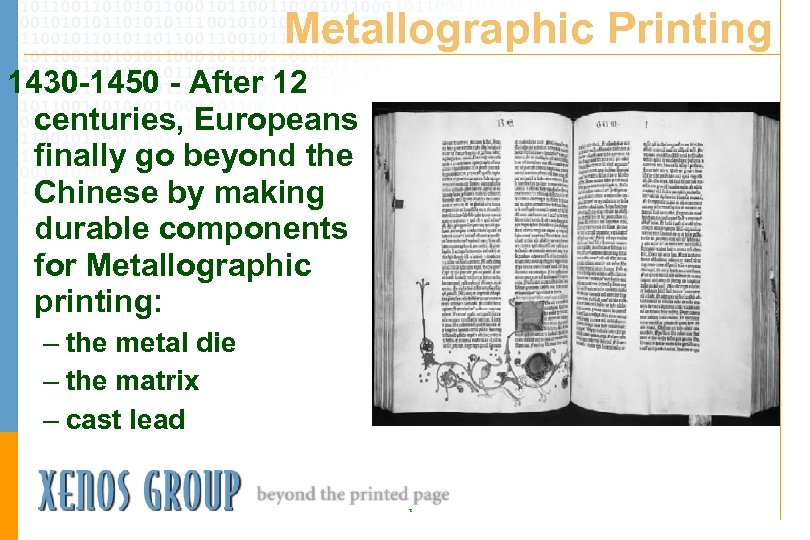
Metallographic Printing 1430 -1450 - After 12 centuries, Europeans finally go beyond the Chinese by making durable components for Metallographic printing: – the metal die – the matrix – cast lead T
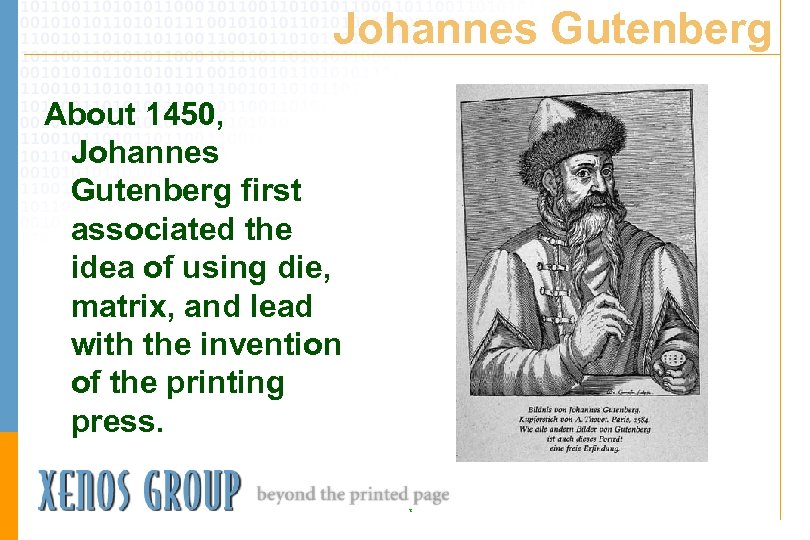
Johannes Gutenberg About 1450, Johannes Gutenberg first associated the idea of using die, matrix, and lead with the invention of the printing press. T
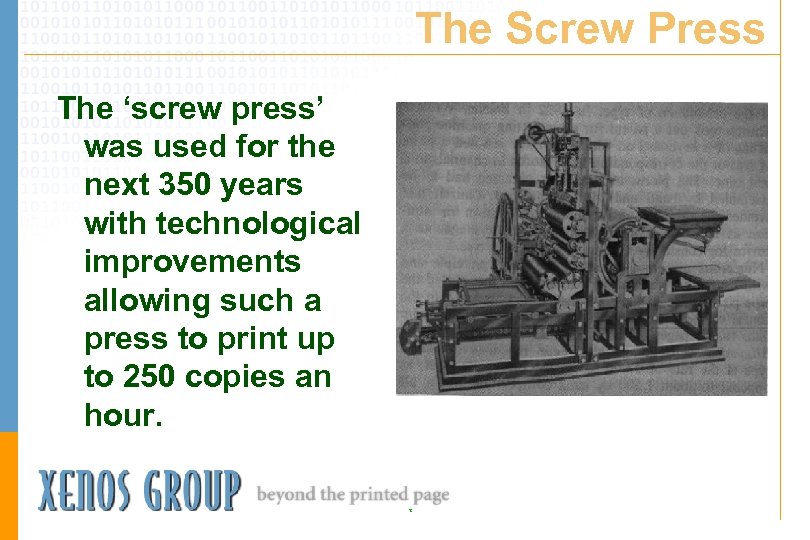
The Screw Press The ‘screw press’ was used for the next 350 years with technological improvements allowing such a press to print up to 250 copies an hour. T
Technology Improves Printing 19 th Century The 19 th century saw the introduction of: – stereotypy (stereotyped plates allow several presses to print the same text at the same time) – steam power – cylinder presses – roll-fed rotary presses – typecasting machines such as the Linotype and Monotype. T
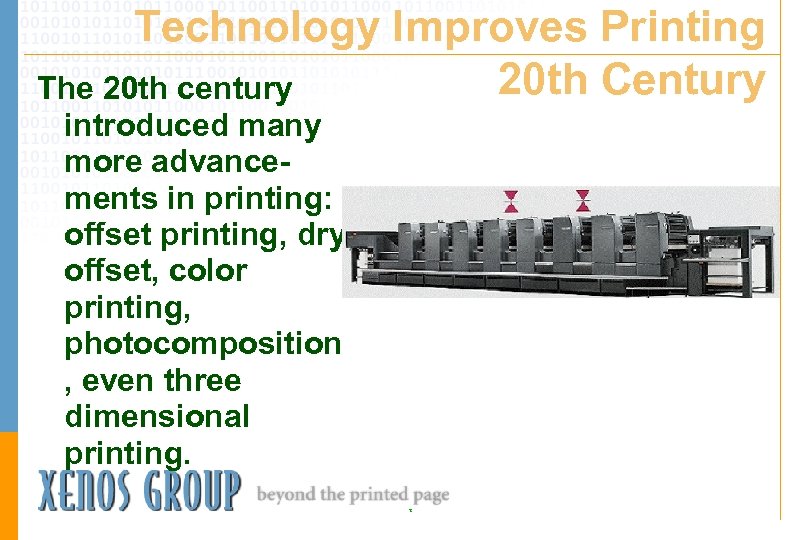
Technology Improves Printing 20 th Century The 20 th century introduced many more advancements in printing: offset printing, dry offset, color printing, photocomposition , even three dimensional printing. T
At Last - Electronic Printing! • 1923 - Electrostatic printing was first demonstrated when the ink of a cylindrical typeform was attracted to paper by means of an electronic charge. • 1948 - two Americans conceived the idea of using a dry powder rather than ink, and the first modern office copiers were born. T
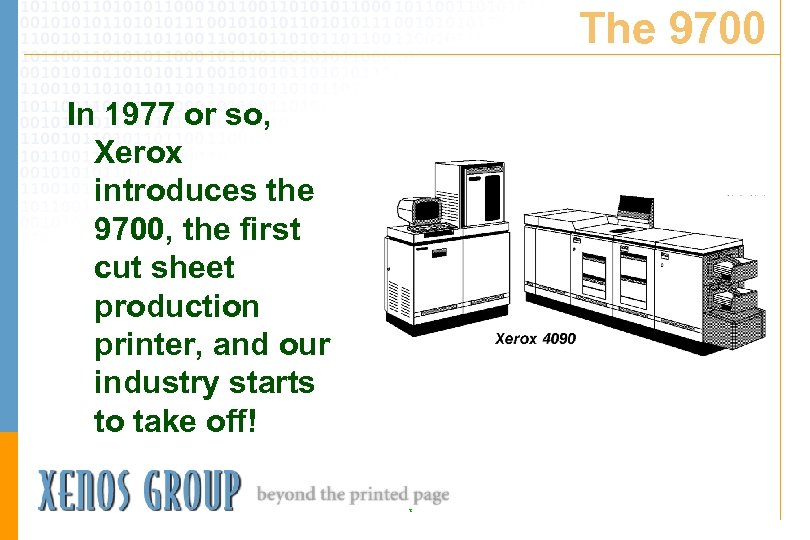
The 9700 In 1977 or so, Xerox introduces the 9700, the first cut sheet production printer, and our industry starts to take off! T
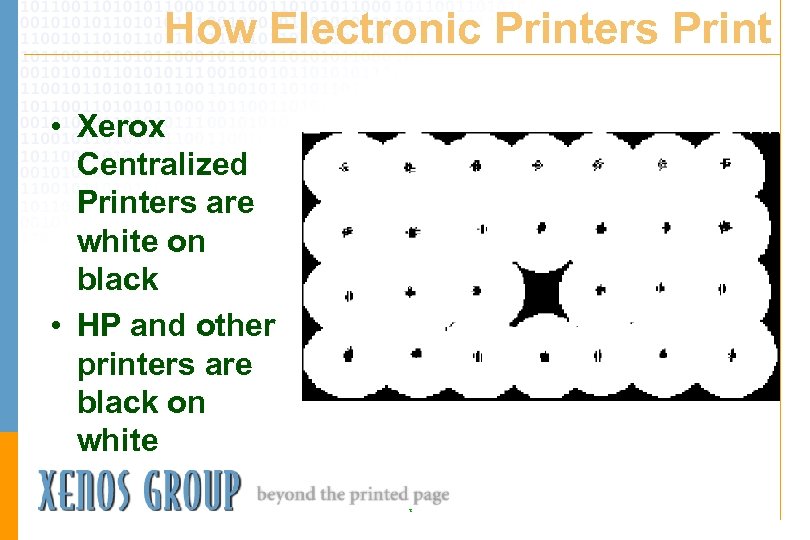
How Electronic Printers Print • Xerox Centralized Printers are white on black • HP and other printers are black on white T
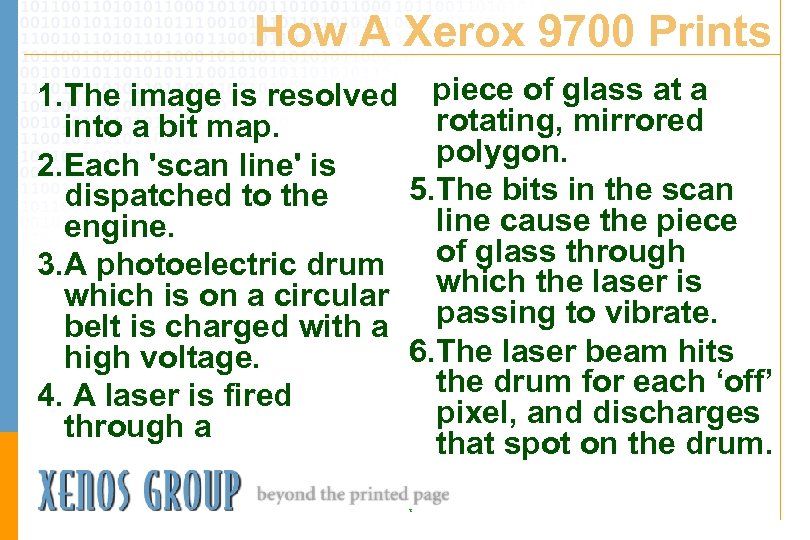
How A Xerox 9700 Prints 1. The image is resolved piece of glass at a rotating, mirrored into a bit map. polygon. 2. Each 'scan line' is 5. The bits in the scan dispatched to the line cause the piece engine. of glass through 3. A photoelectric drum which is on a circular which the laser is passing to vibrate. belt is charged with a 6. The laser beam hits high voltage. the drum for each ‘off’ 4. A laser is fired pixel, and discharges through a that spot on the drum. T
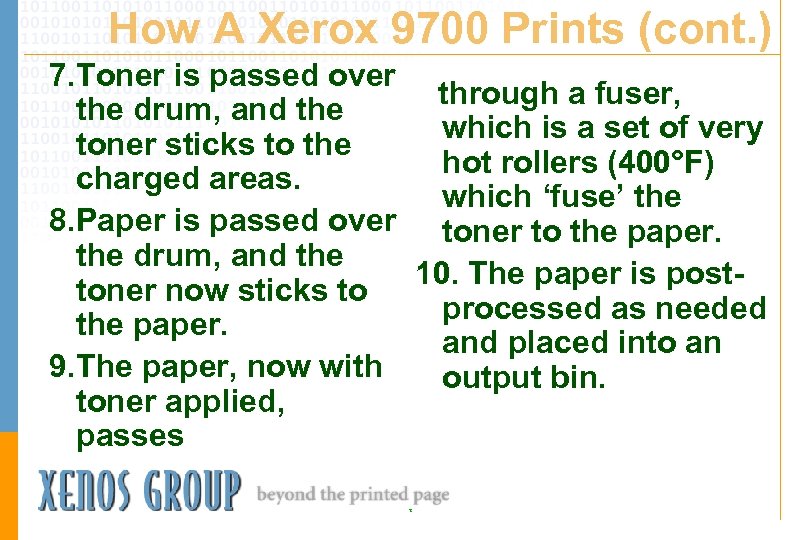
How A Xerox 9700 Prints (cont. ) 7. Toner is passed over through a fuser, the drum, and the which is a set of very toner sticks to the hot rollers (400°F) charged areas. which ‘fuse’ the 8. Paper is passed over toner to the paper. the drum, and the 10. The paper is posttoner now sticks to processed as needed the paper. and placed into an 9. The paper, now with output bin. toner applied, passes T
Definitions In Electronic Printing Or, how what Gutenberg did five centuries still affects you today. . . T
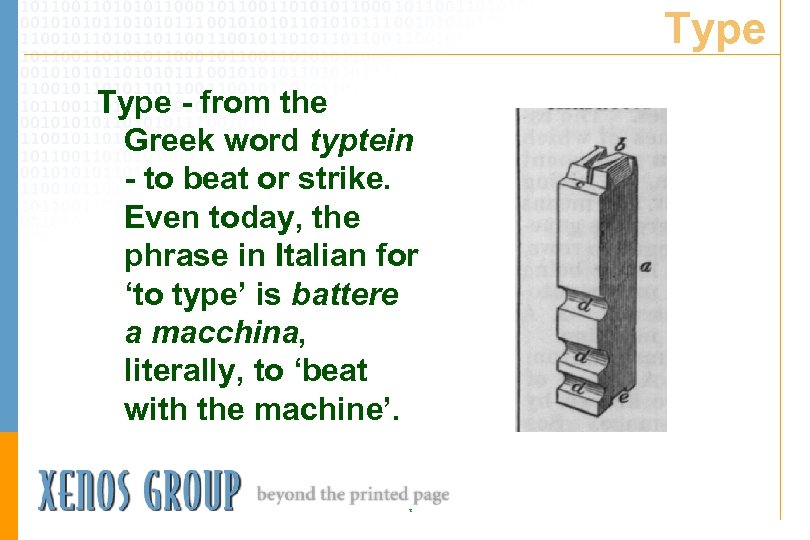
Type - from the Greek word typtein - to beat or strike. Even today, the phrase in Italian for ‘to type’ is battere a macchina, literally, to ‘beat with the machine’. T
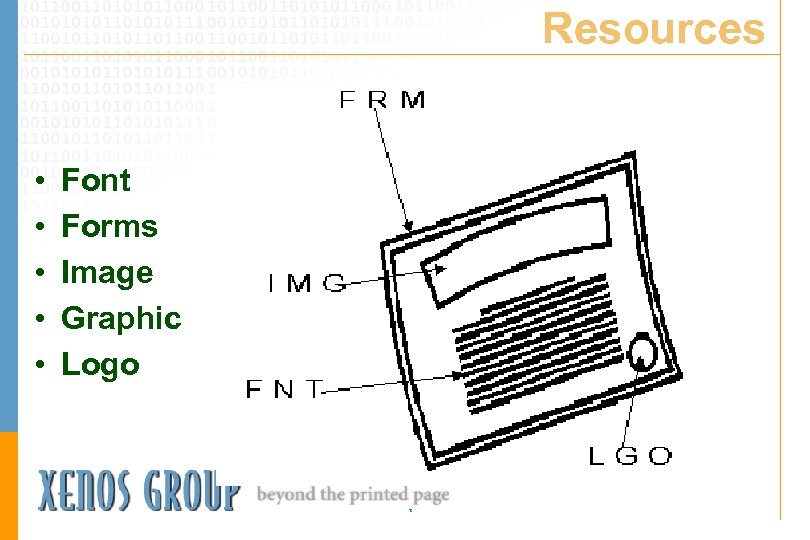
Resources • • • Font Forms Image Graphic Logo T
Please Note • In AFP, a graphic refers only to a vector representation. • In AFP, an image refers only to a raster representation. • The word logo is a reference to a Xerox-specific object. • In AFP, a form is called an overlay. T
Measurements • • • x-height • em space • en space Point Pica Pitch Monopitch Proportional T
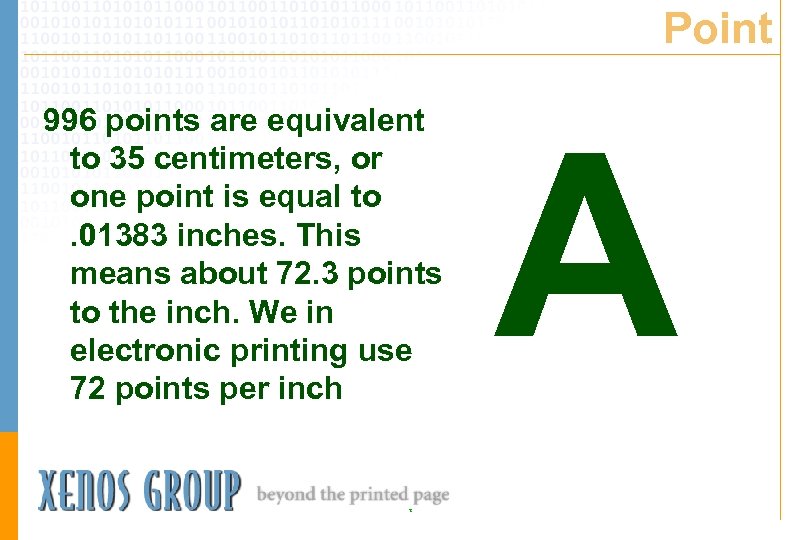
Point 996 points are equivalent to 35 centimeters, or one point is equal to. 01383 inches. This means about 72. 3 points to the inch. We in electronic printing use 72 points per inch T A
Pica From the Medieval Latin word for directory, probably referring to the usual size of the type used A letter-sized sheet of to print a directory, paper in the U. S. is 66 about 1/6 th of an picas long. inch; hence, 12 points make up a pica, and 6 picas make up an inch. T
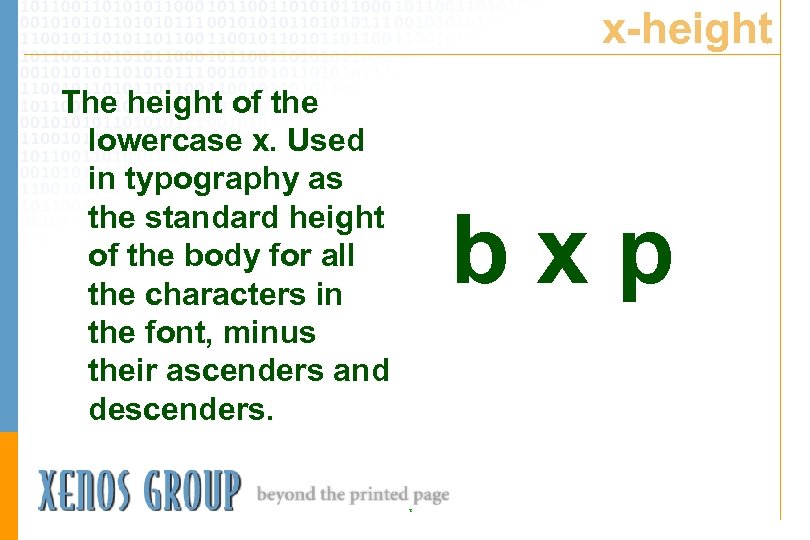
x-height The height of the lowercase x. Used in typography as the standard height of the body for all the characters in the font, minus their ascenders and descenders. bxp T
em Originally, a unit of measure equal to the width of the capital M, the widest character in a font. Now the em space is equal to the height of the font, hence the em space of a 10 point font is 10 points (wide). The default word space for this font is 1/3 an em space. T
en Half an em space. Two ens add up to an em. T
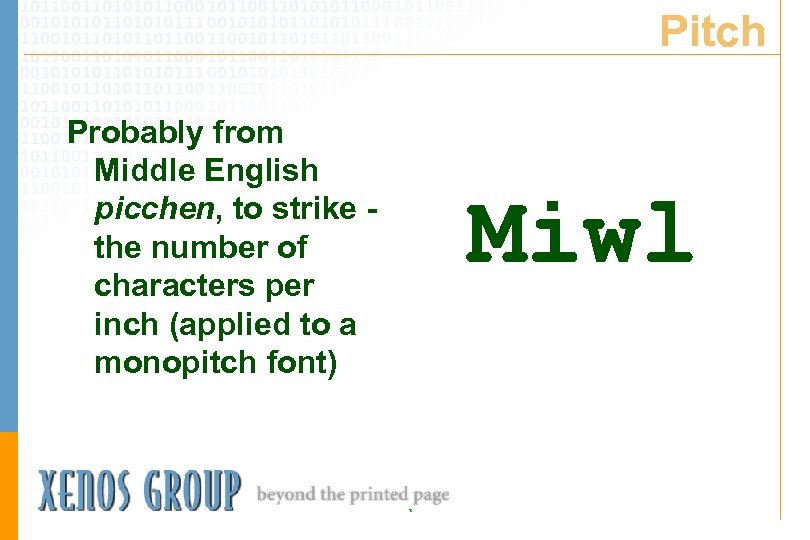
Pitch Probably from Middle English picchen, to strike the number of characters per inch (applied to a monopitch font) Miwl T
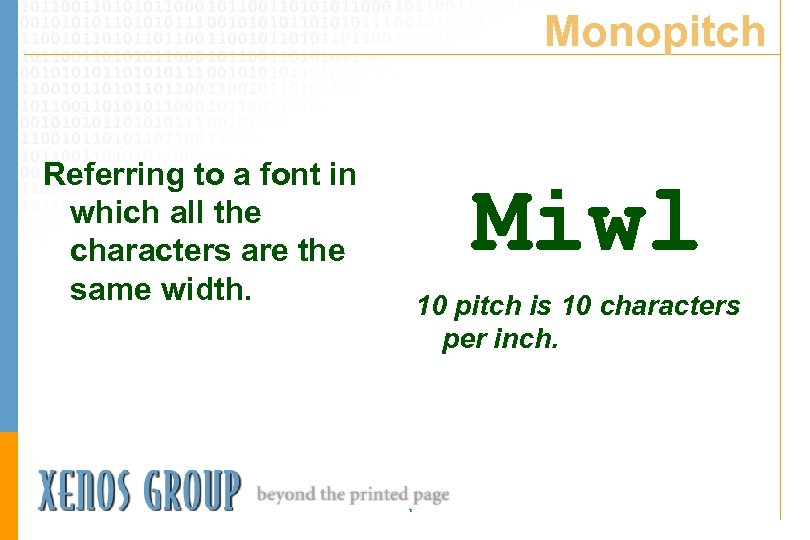
Monopitch Referring to a font in which all the characters are the same width. Miwl 10 pitch is 10 characters per inch. T
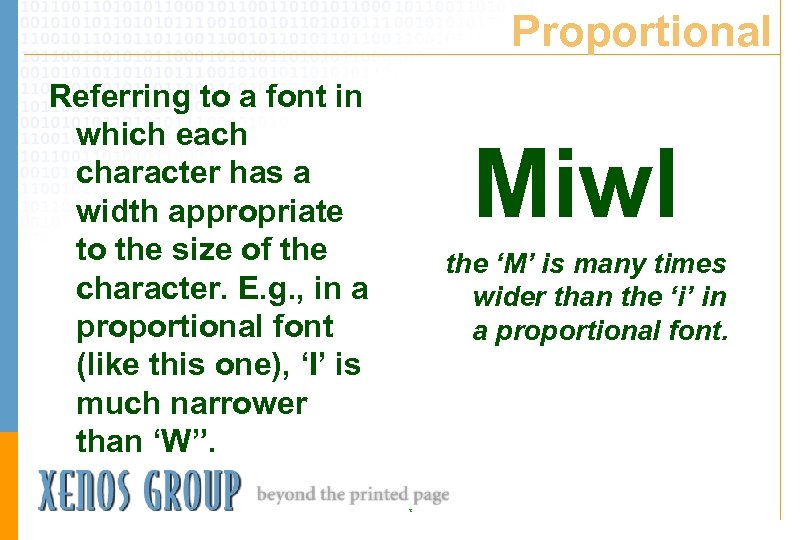
Proportional Referring to a font in which each character has a width appropriate to the size of the character. E. g. , in a proportional font (like this one), ‘I’ is much narrower than ‘W”. Miwl the ‘M’ is many times wider than the ‘i’ in a proportional font. T
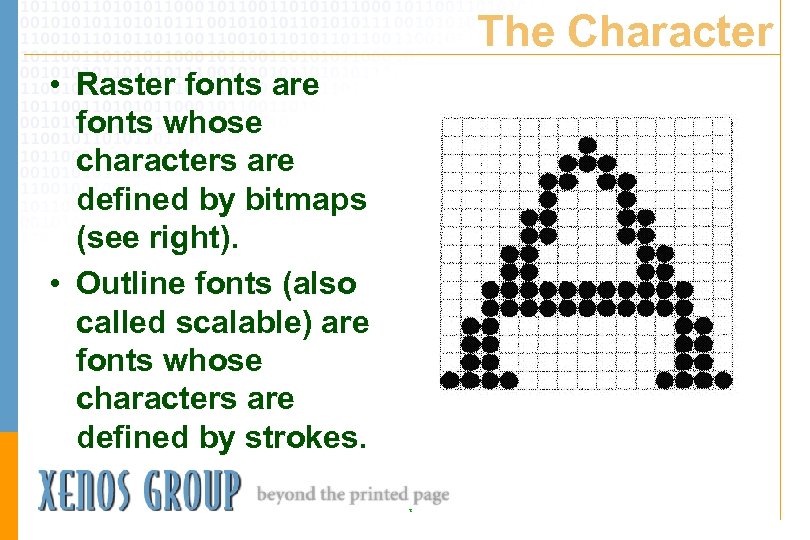
The Character • Raster fonts are fonts whose characters are defined by bitmaps (see right). • Outline fonts (also called scalable) are fonts whose characters are defined by strokes. T
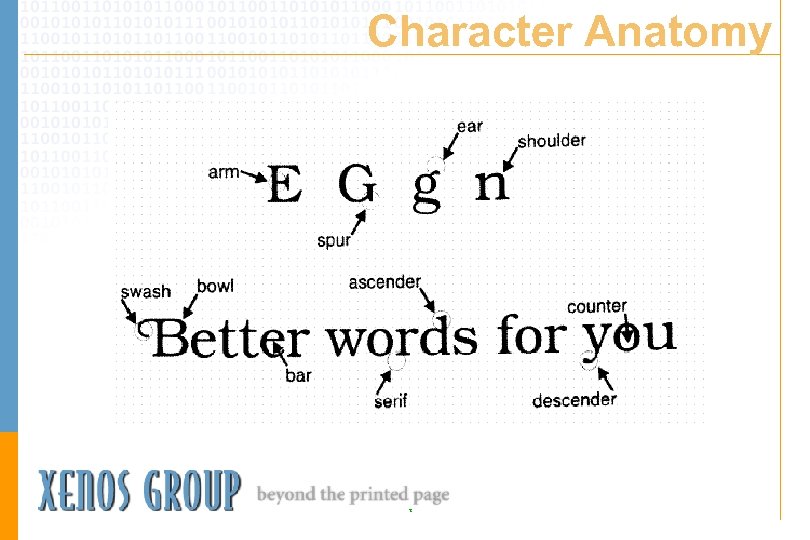
Character Anatomy T
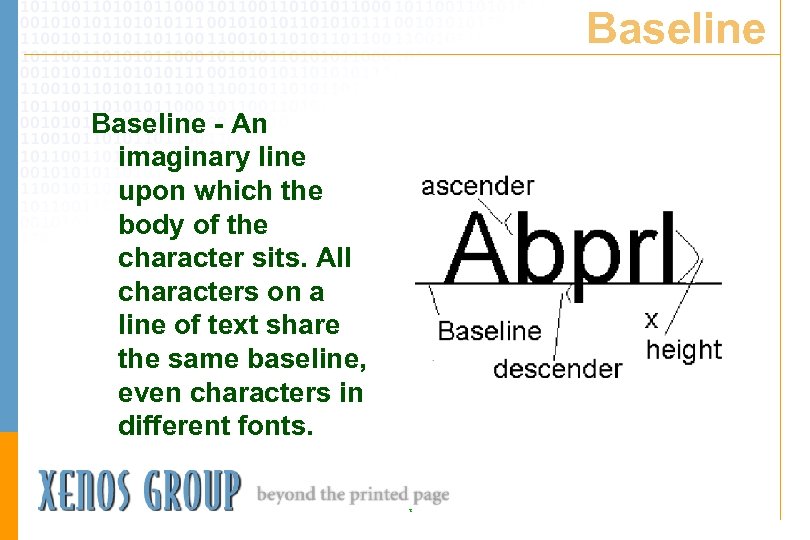
Baseline - An imaginary line upon which the body of the character sits. All characters on a line of text share the same baseline, even characters in different fonts. T
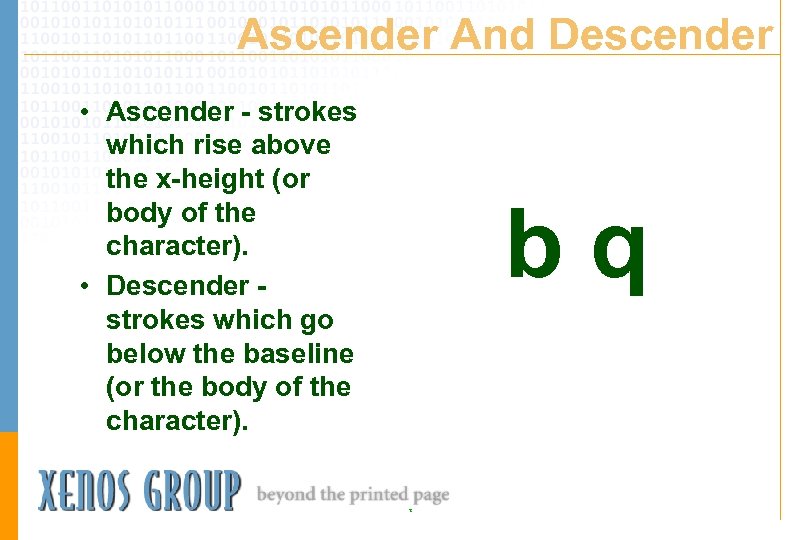
Ascender And Descender • Ascender - strokes which rise above the x-height (or body of the character). • Descender strokes which go below the baseline (or the body of the character). bq T
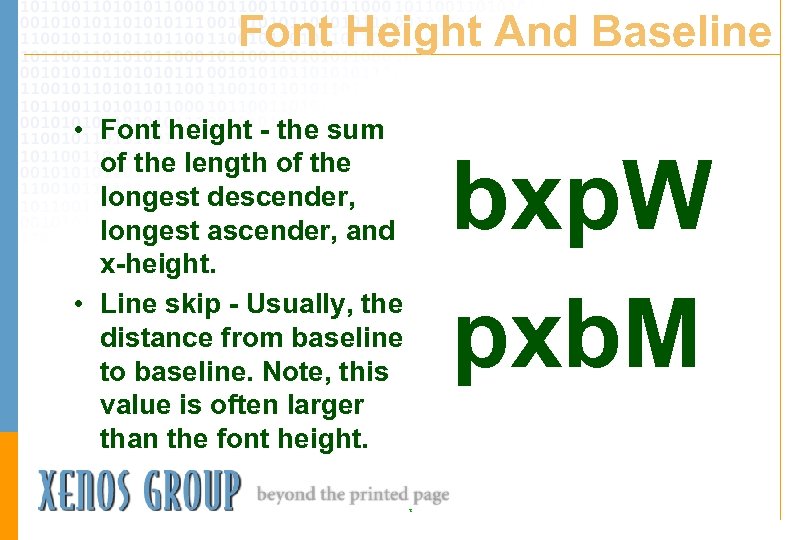
Font Height And Baseline • Font height - the sum of the length of the longest descender, longest ascender, and x-height. • Line skip - Usually, the distance from baseline to baseline. Note, this value is often larger than the font height. bxp. W pxb. M T
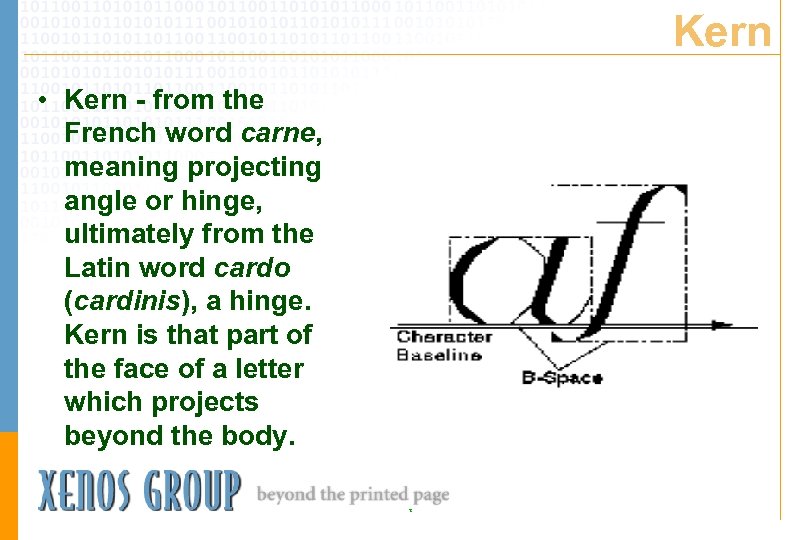
Kern • Kern - from the French word carne, meaning projecting angle or hinge, ultimately from the Latin word cardo (cardinis), a hinge. Kern is that part of the face of a letter which projects beyond the body. T
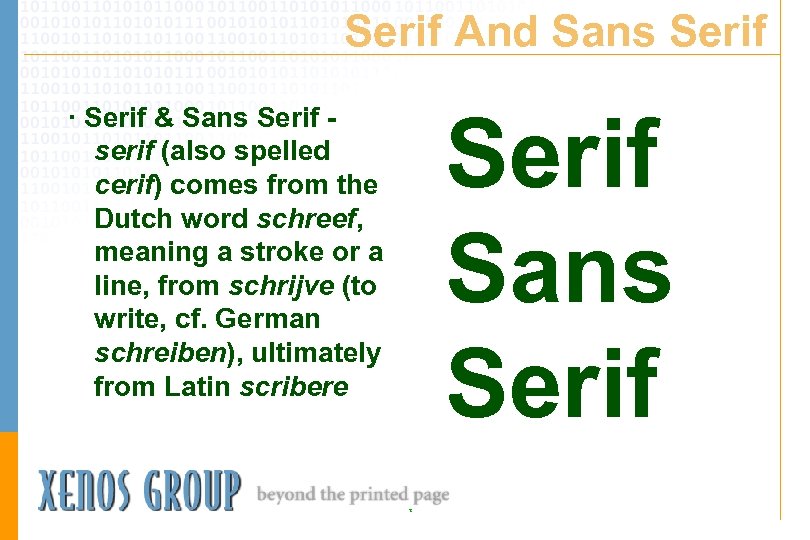
Serif And Sans Serif · Serif & Sans Serif serif (also spelled cerif) comes from the Dutch word schreef, meaning a stroke or a line, from schrijve (to write, cf. German schreiben), ultimately from Latin scribere T
Leading - blank dies made of the metal lead were inserted between characters on a line of type to enable justifying the line of text to fit the print area • This text has been left and right justified so the word spaces vary. T
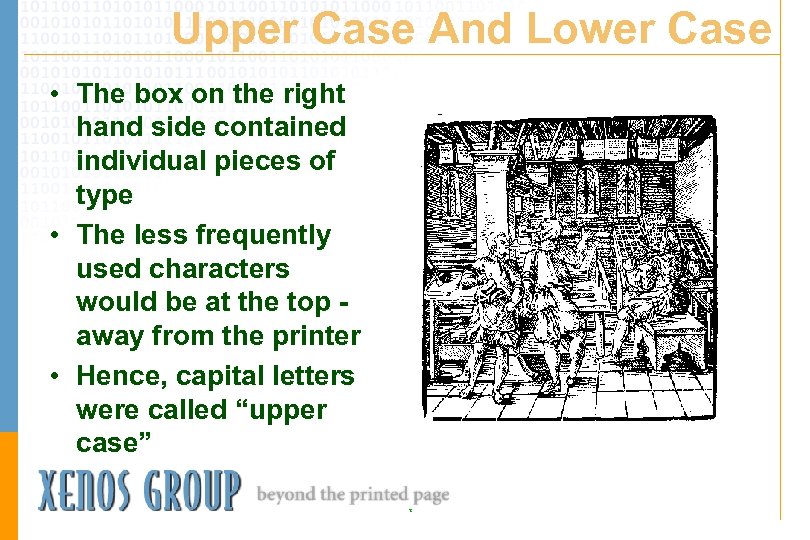
Upper Case And Lower Case • The box on the right hand side contained individual pieces of type • The less frequently used characters would be at the top away from the printer • Hence, capital letters were called “upper case” T
Mind Your P’s And Q’s • “p’s and q’s” - the phrase mind your p’s and q’s comes from the days of metal type. On metal type, the image of the character is backwards from the printed image. Since a ‘p’ and a ‘q’ are mirror images of each other, it is easy to confuse them, hence the warning. T
The Family Tree of Printer Data Streams T
Philology • Philology is the study of language, normally human languages • One field of study in philology is the relationship that different languages have to one another • What happens if we apply philology to electronic printing? T
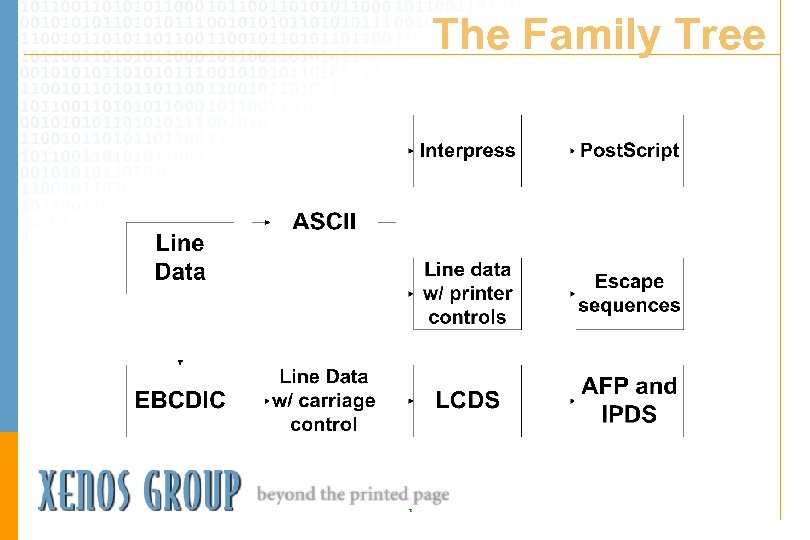
The Family Tree T
In The Beginning • The first computer created tables for artillery • Mechanical typewriters • ‘Line Data’ T
EBCDIC Versus ASCII • BCD - Binary Coded Decimal • BCDIC - Binary Coded Decimal Interchange Code • EBCDIC - IBM Extended Binary Coded Decimal Interchange Code • ASCII - American Standard Code for Information Interchange T
EBCDIC Line Data • EBCDIC encoded - 8 bit • Record-oriented because of IBM OS’s • Carriage controls – Machine carriage controls – ANSI carriage controls T
ASCII Line Data • ASCII encoded - 7 bit • ‘Record’ orientation is not intrinsic to OS • Text files use print controls to delimit records • Common print controls – x’ 0 d’ carriage return – x’ 0 a’ line feed – x’ 0 c’ form feed T
The EBCDIC Family Tree • EBCDIC text • 1403 data - EBCDIC records with a carriage control • LCDS - ‘Line conditioned’ data stream – 3800 Mod I – 3211 data with Xerox DJDEs – Others • AFP and IPDS T
The ASCII Family Tree • ASCII text with print controls • ASCII text with escape sequences Epson MX-80 QMS QUIC HP PCL Xerox UDK (XES) IBM PPDS Xerox Metacode • Print programming languages using ASCII Interpress Post. Script T
Escape Sequences Versus Programming Language • For escape sequence data streams, the host completely formats the documents - the printer merely follows the instructions • For programming language data streams, the host describes the document to be printed - the printer finishes the composition process T
Escape Sequences Versus Programming Language (cont. ) • Escape sequence data streams normally print faster on the printer • Programming language data streams enable superior graphics • Both are capable of printing the average business document: text, fonts, graphics, scanned images, etc. T
Line Data versus APA Data • Line Data – Character-based – Row and column oriented • All Points Addressable – Lets you place toner almost anywhere on a page – Requires significantly more information to print or view than “line data” T
Printing Resources: Basics • Anything the printer needs to resolve the print datastream • Specialized groups of control records • Fonts, Forms, and Graphics T
Fonts • The file(s) that define how the characters should appear when the file is created • One or more files in a vendor-specific format • Contain mappings of specific codepoints (codepages/symbol sets) to images of the characters T
Font Basics • • • Serif or Sans Serif Weight: Ultra. Light or Ultra. Bold Stress: Roman, Oblique, Italic Point Size - 72 points per inch Character set / Code page Custom Logo and signature fonts No two shops have exactly the same set of fonts installed! T
Forms / Overlays / Macros • Contain data used repeatedly • designed to replace preprinted forms • may contain lines, text and/or graphics • may be inline or in a separatelycalled file • format is different for each datastream T
Images / Graphics • Bitmap images are made of a pattern of dots • Vector graphics are mathematical instructions for drawing lines • All datastreams support one or more types of bitmap images • Not all datastreams support vectors T
The Datastreams • • What are they? What are the pieces? (resources) Where do you find the pieces? Who uses them? T
What is AFP? • Advanced Function Printing (1980’s) / Presentation (1990’s) • Publicly documented, open architecture from IBM - an industry standard • Provides integration of data and resources to create pages for printing, viewing, or archiving • All Points Addressable datastream T
AFPDS • The device independent, objectbased structured datastream • Contains text, image, forms, fonts, bar codes, graphics, formatting instructions, tagging for indexing or finishing • Uses internal and external fonts, graphics, & forms • Resources are centrally controlled T
Print Services Facility • Printers are most often attached to a mainframe or workstation that maintains control of the print process via PSF • PSF transforms device independent AFPDS to device dependent IPDS • PSF provides error recovery T
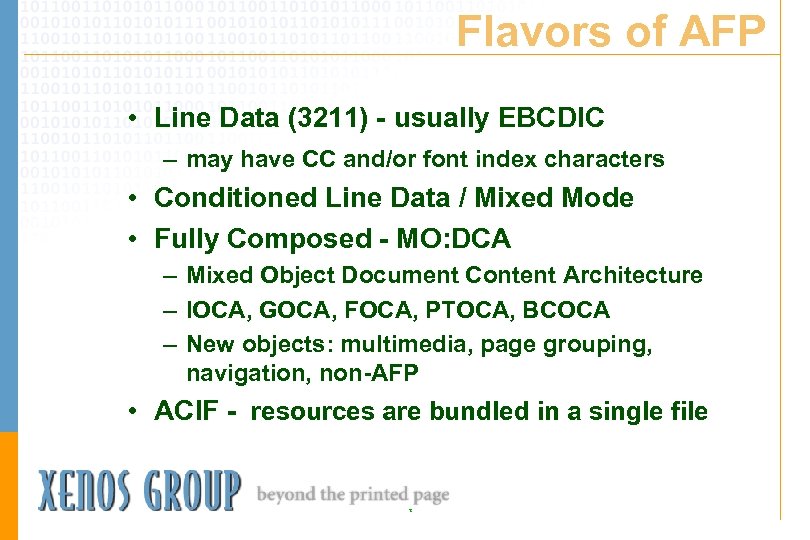
Flavors of AFP • Line Data (3211) - usually EBCDIC – may have CC and/or font index characters • Conditioned Line Data / Mixed Mode • Fully Composed - MO: DCA – Mixed Object Document Content Architecture – IOCA, GOCA, FOCA, PTOCA, BCOCA – New objects: multimedia, page grouping, navigation, non-AFP • ACIF - resources are bundled in a single file T
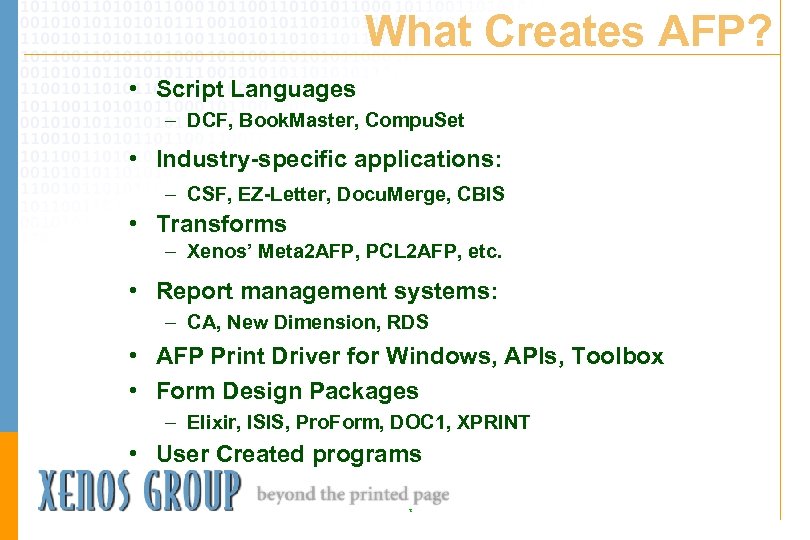
What Creates AFP? • Script Languages – DCF, Book. Master, Compu. Set • Industry-specific applications: – CSF, EZ-Letter, Docu. Merge, CBIS • Transforms – Xenos’ Meta 2 AFP, PCL 2 AFP, etc. • Report management systems: – CA, New Dimension, RDS • AFP Print Driver for Windows, APIs, Toolbox • Form Design Packages – Elixir, ISIS, Pro. Form, DOC 1, XPRINT • User Created programs T
AFP Wrap-up • IBM AFP is based on an architecture, which is published • AFP printers are centrally managed from a host • Resources normally reside on the host, not the printer T
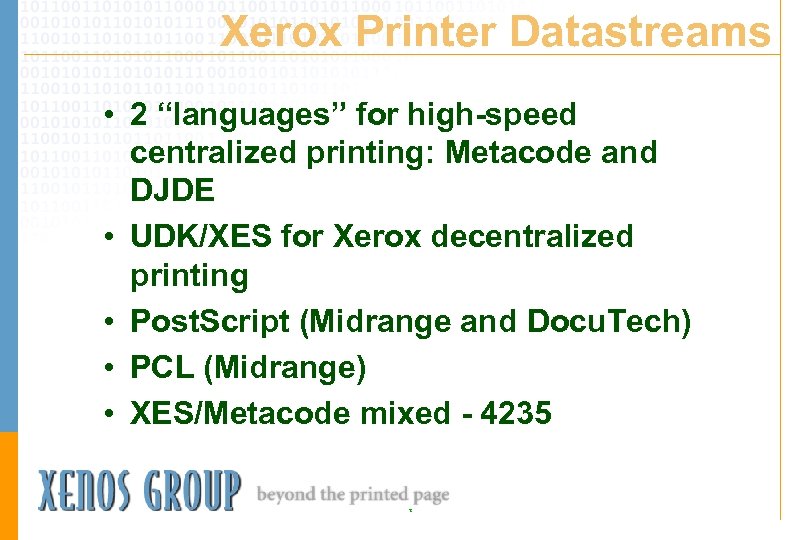
Xerox Printer Datastreams • 2 “languages” for high-speed centralized printing: Metacode and DJDE • UDK/XES for Xerox decentralized printing • Post. Script (Midrange and Docu. Tech) • PCL (Midrange) • XES/Metacode mixed - 4235 T
Xerox Terms • Online Printing: Printer is attached to a host computer which controls the print job. • Offline Printing: Printer is not attached to a host computer. Print jobs are fed via an attached peripheral device, usually a tape drive. Some commands behave differently. T
What is Metacode? • Native printer language to Xerox ESS/Centralized printers • Fastest way to print on a Xerox Centralized printer • Partially documented, proprietary Xerox Format - not an architecture • A set of ASCII formatting controls that more closely resembles stream I/O T
Metacode / DJDEs • Printer control commands may be interspersed with print data; sometimes the printer control commands appear within the same record as the print data. • The Metacode printer may switch between EBCDIC and ASCII data modes between print jobs, or within jobs as required. T
Other Flavors of “Metacode” • Conditioned Line Data: DJDE – line data with DJDE records to change fonts, and call forms and images – The bulk of all Xerox printing • Mixed Mode – Metacode and line data in the same print file, sometimes in alternating records – Usually generated by 3 rd-party products – “page interleaved” files slow the printer down T
What Creates Metacode? • Script Languages – DCF/Book. Master with DCF/PLUS, Compu. Set/XICS • Industry-specific applications – CSF, EZ-Letter, or Docu. Merge • Transforms – Xenos’ AFP 2 Meta, PCL 2 Meta, etc. • Forms design packages – Elixir or Intran, Proform • User created programs (rare) • Application of DJDEs to legacy line data T
Metacode Wrap-up • Metacode is not an architecture • There is no PSF to monitor resource usage • Resources are usually stored on the printer • Data and printer commands can be either ASCII or EBCDIC T
What is PCL? • All Points Addressable Datastream • Publicly documented, owned by HP • Provides integration of data and resources to create pages for printing • ASCII data with escape sequences to designate printer commands • Many levels, newest is Level 6 • Levels 4 and 5 are most commonly used T
What Creates PCL? • A variety of programs such as People. Soft • User created programs • Print Drivers • Transforms such as Xenos’s AFP 2 PCL, Meta 2 PCL, XES 2 PCL, PDF 2 PCL T
PCL Wrap-up • PCL is an ASCII datastream most often generated by PC-based programs • PCL uses very few external resource files • PCL fonts are often stored on the printer either in ROM or on cartridges T
What is Post. Script? • Adobe’s Document Formatting Language • All Points Addressable • Complex Language with standard computing operators • Still changing • Designed for flexibility, not speed T
What Creates Post. Script? • Adobe and 3 rd Party Software packages • Many graphics and page layout programs • User created software (rare) • Windows Print Drivers • Transforms such as Xenos’s AFP 2 PS, Meta 2 PS, PCL 2 PS, XES 2 PS T
What is PDF? • • • Adobe’s Portable Document Format NOT exactly Post. Script -No math or GOTOs Self-contained for easier sharing Designed for rapid Viewing Designed to support Acrobat Reader and Acrobat Exchange. • Supported by web browsers via plug-in • Designed for cross-platform compatibility (Windows, MAC, UNIX, WWW) T
What Can You Do with PDF? • Post documents on the WWW • Create viewable versions of business documents • Index, annotate, link and bookmark documents • Combine, extract, and manipulate document pages • View Thumbnails of pages T
What Creates PDF? • Created from Post. Script files by Adobe Distiller • PDF Writer (emulates a print driver) • Transforms such as Xenos’s AFP 2 PDF, Meta 2 PDF, PCL 2 PDF, and XES 2 PDF • A growing number of other software packages T
The Other Pieces - Adobe Fonts • Define how the characters should appear when the file is created • Printer-resident fonts used for most Post. Script jobs. • True. Type and Type 1 scaleable fonts may reside on the host and be sent to the printer with the job • May also use Type 3 bitmapped fonts T
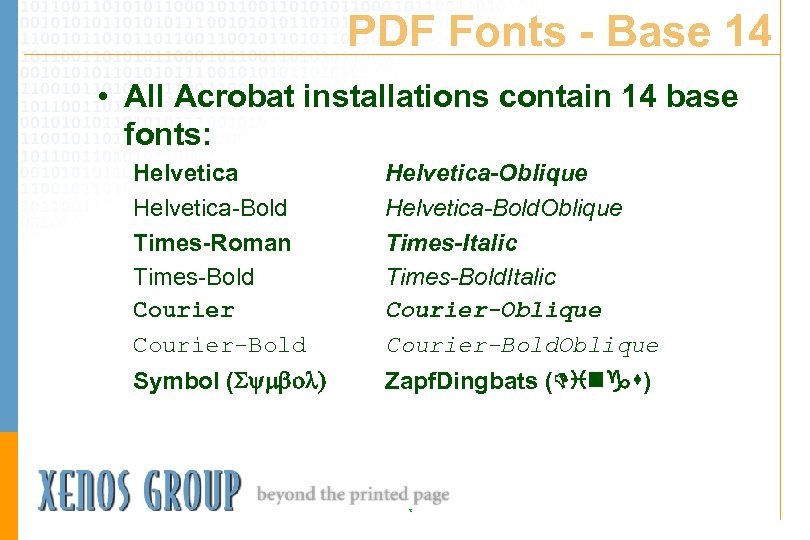
PDF Fonts - Base 14 • All Acrobat installations contain 14 base fonts: Helvetica-Bold Times-Roman Times-Bold Courier-Bold Helvetica-Oblique Helvetica-Bold. Oblique Times-Italic Times-Bold. Italic Courier-Oblique Courier-Bold. Oblique Symbol ( Zapf. Dingbats ( ) T
Post. Script Wrap-up • Post. Script in a complex printer language that allows inline programming • Post. Script is evolving into a language which can be used in high volume printing applications T
PDF Wrap-up • PDF is optimized for online viewing and offers many features not available with printed paper. • PDF is changing …. PDF 1. 3 was announced earlier this year. T
What is XES? • Xerox Escape Sequences, also called UDK for User Defined Keys • Proprietary Xerox text-based formatting for Xerox low-speed decentralized (departmental) printers • Usually ASCII • Obsolete - these printers have been “end-of-life’d” by Xerox T
XES Pieces • Bitmapped font files are usually stored on the printer • Forms are usually defined inline • Bitmapped image and logo files are usually stored on the printer • Vector Graphics (Line Draw) may be defined inline T
What Creates XES? • XES only has about 20 commands so it is usually hand coded or built by user-created programs T
What Do We Do With XES? • Since XES printers have been “end-of-life’d” by Xerox, users will have to: – Convert applications generating XES to PCL or Post. Script (usually), or – Acquire 3 rd party transforms such as Xenos’ XES 2 PCL or XES 2 PS, or – Find someone willing to support these obsolete printers T
XES Wrap-up • XES is an obsolete Xerox format for low-speed printers • Most XES users are looking for a way to convert to less-costly PCL or Post. Script printers T
AFP and Xerox Discussion Lists • Discussion lists are for people interested in particular things to exchange information • Discussion lists communicate via e-mail to registered users, rather than public bulletin boards. • Xerox list-serve: xerox-lcdssubscribe@topica. com • AFP list-serve: afp-l-subscribe@topica. com T
Additional Sessions This Week • CAV 01 - A broad view of document standards Marilyn Wright WED 3: 00 PM - 4: 00 PM • FOC 21 - Moving your legacy documents to new media Pat Mc. Grew, EDPP WED 7: 15 AM - 8: 15 AM T
Additional Sessions This Week • FOC 32 - The EDPP certification process revealed Stephen Wowelko, EDPP, Diana Hillman, EDPP WED 12: 30 PM - 1: 30 PM • INT 20 - XML update - Where is XML going and how will it affect you? Bill Mc. Calpin - EDPP THU 10: 00 AM - 11: 30 AM T
Additional Sessions This Week • FUN 06 - From hardcopy to electronic delivery: making the migration Stephen Poe, EDPP WED 11: 30 AM - 12: 30 PM • FUN 04 - Buzz word central David Weinberger and Stephen Poe, EDPP TUE 1: 00 PM - 2: 00 PM (right now!) T
Additional Sessions This Week • KNO 07 - What knowledge management is and isn't David Weinberger THU 3: 00 PM - 4: 00 PM • ORG 25 - Is the document dead? Bill Mc. Calpin, EDPP, and Bill Mc. Daniel, EDPP THU 3: 00 PM - 4: 00 PM T
Credits • ‘Kern’- graphic from IBM’s Font Object Content Architecture manual found at http: //booksrv 2. raleigh. ibm. com: 80/cgibin/bookmgr. cmd/BOOKS/HA 3 F 2 M 00/4. 2. 9 • Many data stream slides courtesy of Linda Mc. Daniel, EDPP, Xenos Group T
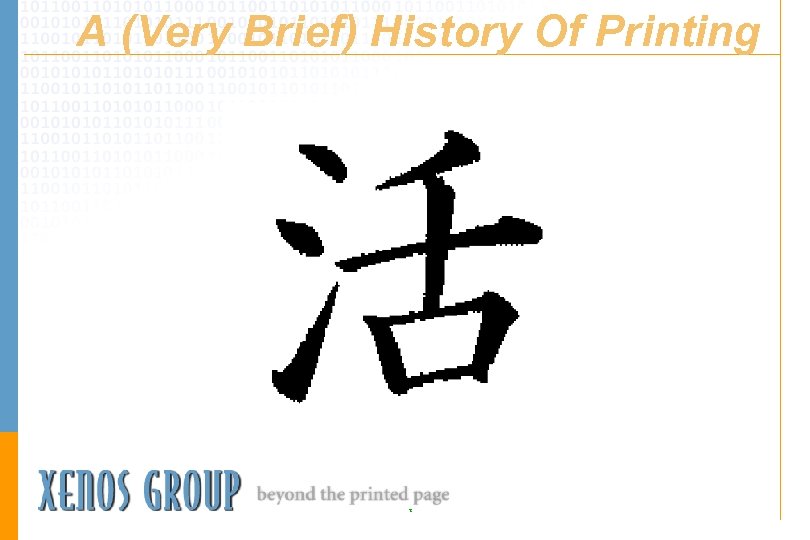
Credits • Gutenberg Bible graphic - found at http: //www. huntington. org/Library. Div /Gutenberg. Pict. html • ‘A. . . History Of Printing’ (Japanese character for vigor) - found at http: //www. jmac. co. jp/amusement/steve/kanji/kan jiframe. html T
Credits • ‘Technology. . 20 th Century’ (actually a SM 102 Heidelberg press) - found at http: //www. heidelbergaus. com. au/Sm aster/SM 102 P. HTM • History of Printing - Encyclopaedia Britannica • ‘Screw Press’ (actually the first stopcylinder press) - Encyclopaedia Britannica T
Credits • ‘Type’ - graphic from The Imperial Dictionary Of The English Language • ‘The Character’ (raster A) - from ‘In. House Publishing In A Mainframe Environment (Mc. Grew/Mc. Daniel) • ‘Character Anatomy’ - from ‘The New York Public Library Writer’s Guide To Style And Usage’ T
Credits • ‘The 9700’ (actually a 4090) - from a PC graphics package • ‘Chinese print shop’, portrait of Gutenberg, image of single page of manuscript, woodcut of a European print shop, and the outside of the Gutenberg Museum are all found at http: //www. gutenberg. de T
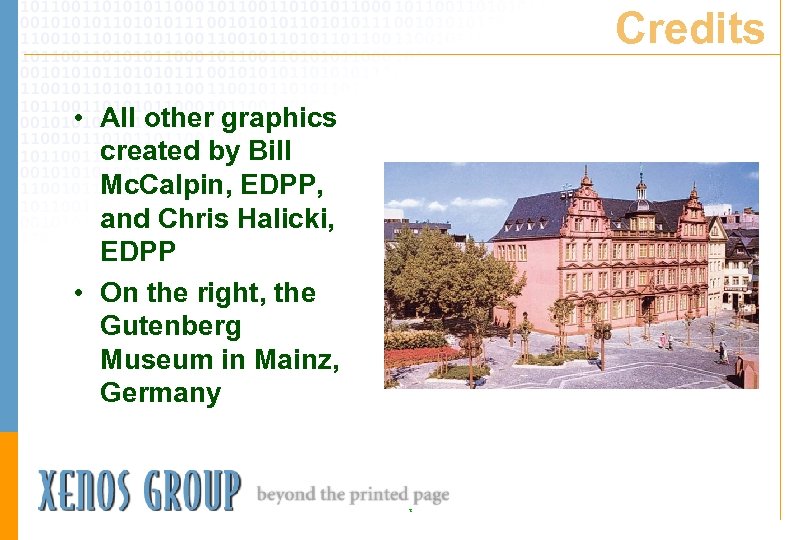
Credits • All other graphics created by Bill Mc. Calpin, EDPP, and Chris Halicki, EDPP • On the right, the Gutenberg Museum in Mainz, Germany T
Bill Mc. Calpin EDPP, CDIA, MIT, LIT Director of Product Management Xenos Group 3010 LBJ Freeway Suite 1500 Dallas, TX 75234 (972) 857 -0776 (voice) (972) 857 -0979 (fax) bmccalpin@xenosgroup. com www. xenosgroup. com T
Скачать презентацию Basic Concepts Of Electronic Printing William J Bill
0b3fd598e5c195e793d4d01ce9c58625.ppt