 Скачать презентацию Back Early Online Activity Together Blog Beware Quiz
d395f56ae8eb57f4aa89cb62539f10ee.ppt
- Количество слайдов: 34



Back Early? Online Activity Together Blog Beware Quiz: Net. Smartz • http: //www. netsmartz. org/services/NSXML Quiz. Page/Quiz. Request. aspx? quiz=Blog+ Beware+Quiz See Handout
Curricula • • i. Keep. Safe Net. Smart. Z i. SAFE Cyber. Smart Stay. Safe. Online MANY others Tool. Kit See Handouts
Social Networking Sites & Activities (Group Review) • • FTC http: //onguardonline. gov/socialnetworking. html Net. Smartz http: //www. netsmartz. org/netteens. htm Stay. Safe. Online. org http: //www. staysafeonline. info/ Social Networking Sites http: //www. edtechpolicy. org/mindtools. html#networki ngenviron • More http: //www. edtechpolicy. org/C 3 Institute/c 3 resources. html
Current Issues/Hot Topics • Sexting • Net Banging • Cyberbullying – Seattle Public Schools and a Grant from Qwest Foundation http: //www. seattleschools. org/area/prevention/ cbms. html – Cyber. Smart! http: //www. cybersmartcurriculum. org/cyberbull ying/
Social Networking Sites & Activities (Group Review) • • FTC http: //onguardonline. gov/socialnetworking. html Net. Smartz http: //www. netsmartz. org/netteens. htm Stay. Safe. Online. org http: //www. staysafeonline. info/ Social Networking Sites http: //www. edtechpolicy. org/mindtools. html#networki ngenviron • More http: //www. edtechpolicy. org/C 3 Institute/c 3 resources. html
Manage your Online Reputation (ORM) • Positive – Sell yourself • Check – Co. mments – Monitor. This – Google Alerts – Technorati (blogs) – Board Tracker (forums) (Suggestions from Life. Hacker) http: //lifehacker. com/357460/manage-your-onlinereputation
Shape your message…. Self-literacy: A new dimension to digital literacy • • Blogging What message do you Flickr want the world to see? friends/family You. Tube teachers/coaches Digg employment/internships Wikipedia How do/will you manage your Facebook online reputation? Twitter Don’t forget others can tag, comment, link, archive & copy
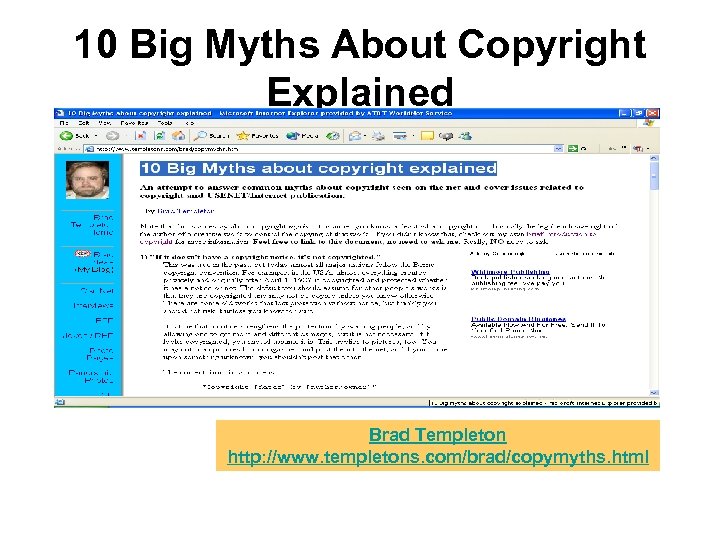
10 Big Myths About Copyright Explained Brad Templeton http: //www. templetons. com/brad/copymyths. html
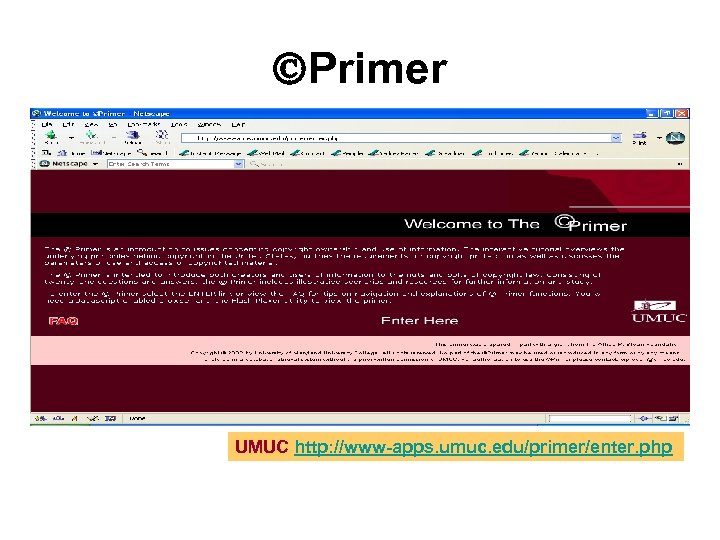
Primer UMUC http: //www-apps. umuc. edu/primer/enter. php
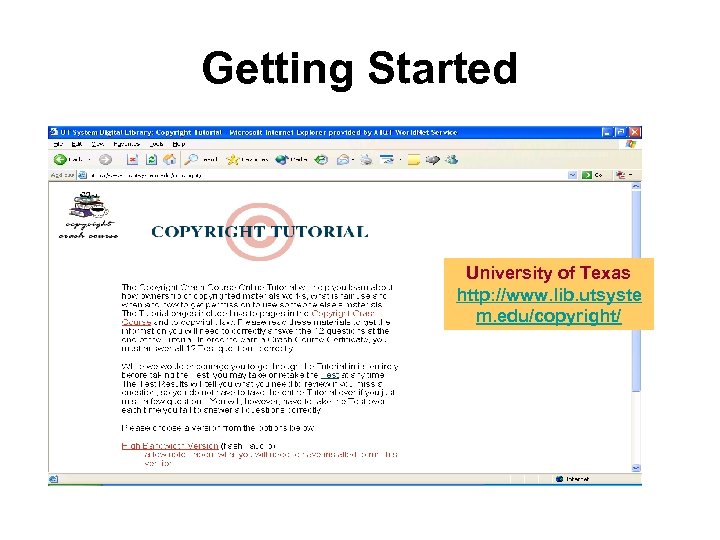
Getting Started University of Texas http: //www. lib. utsyste m. edu/copyright/
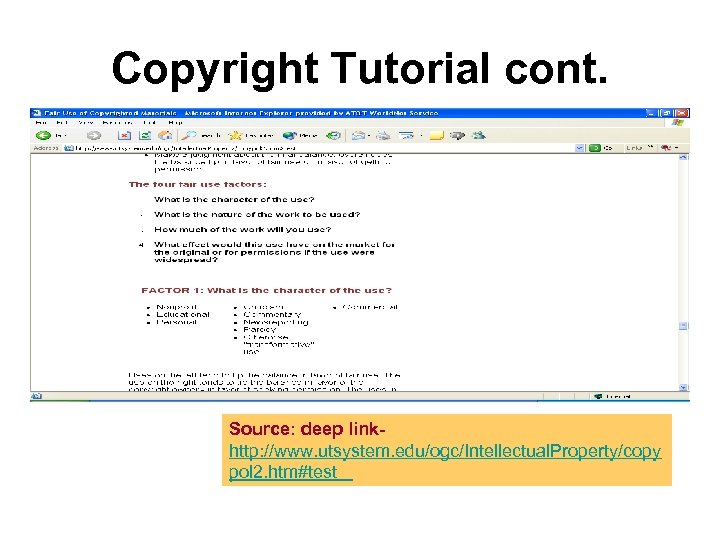
Copyright Tutorial cont. Source: deep linkhttp: //www. utsystem. edu/ogc/Intellectual. Property/copy pol 2. htm#test
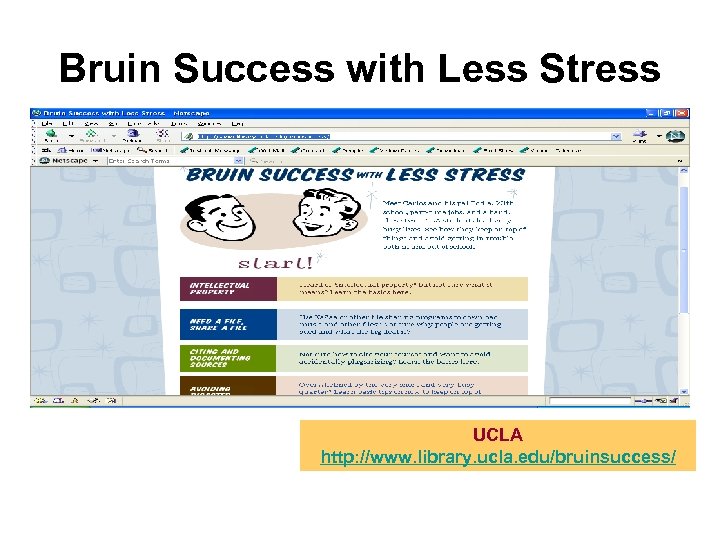
Bruin Success with Less Stress UCLA http: //www. library. ucla. edu/bruinsuccess/
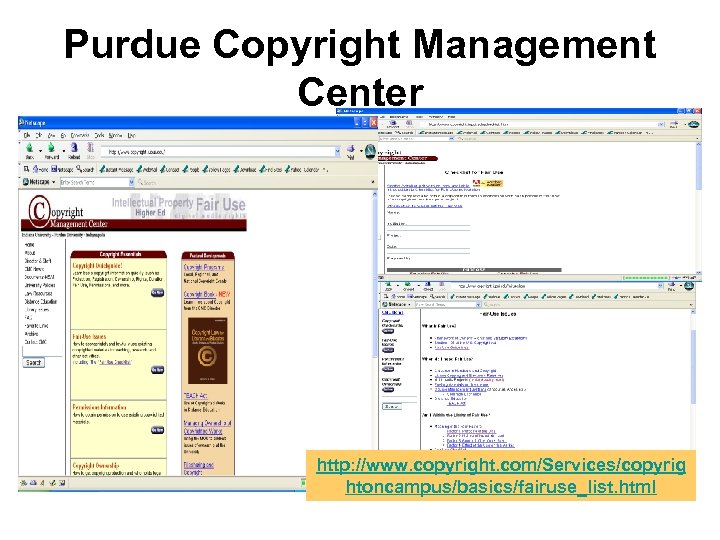
Purdue Copyright Management Center http: //www. copyright. com/Services/copyrig htoncampus/basics/fairuse_list. html
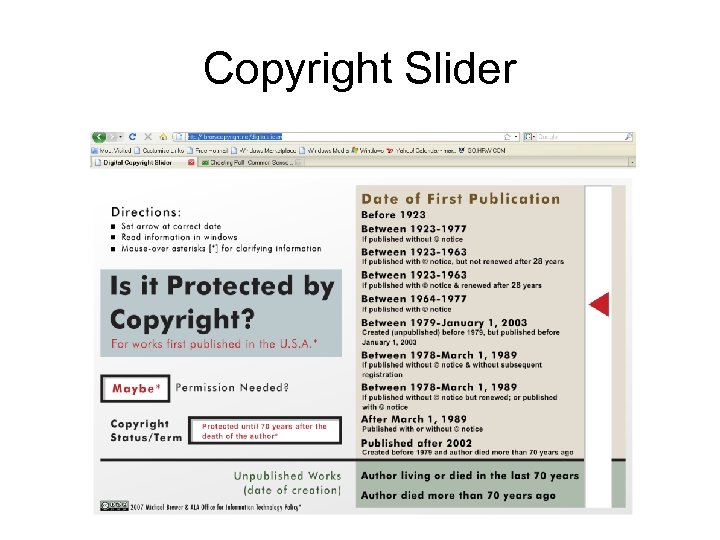
Copyright Slider
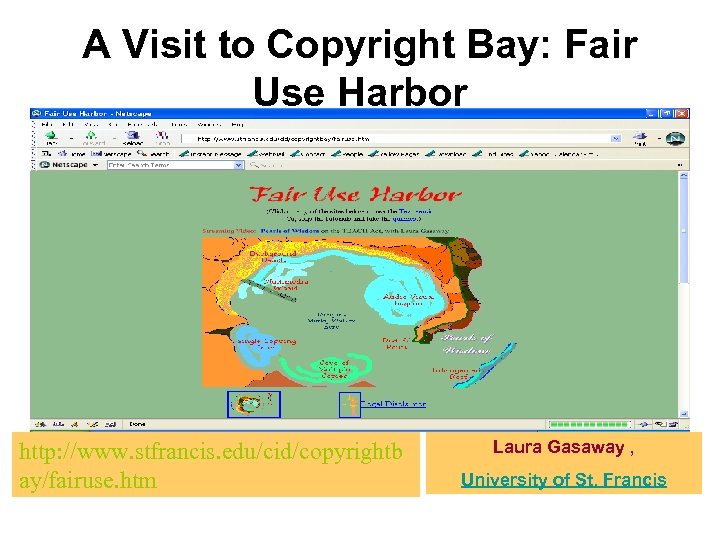
A Visit to Copyright Bay: Fair Use Harbor http: //www. stfrancis. edu/cid/copyrightb ay/fairuse. htm Laura Gasaway , University of St. Francis
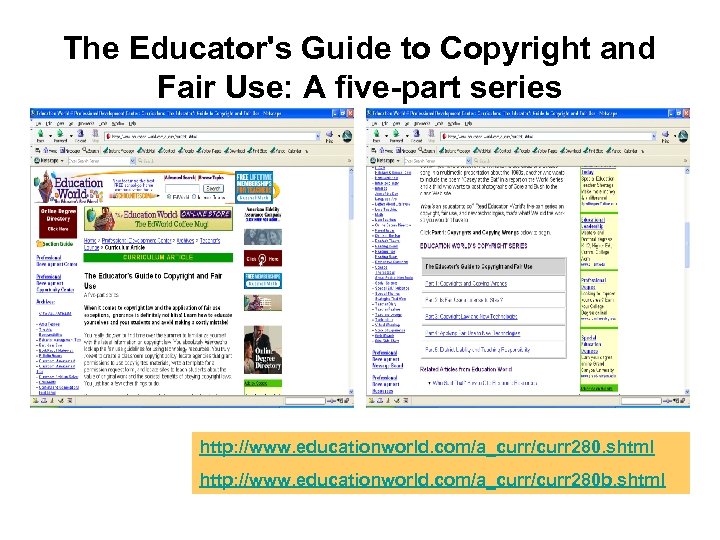
The Educator's Guide to Copyright and Fair Use: A five-part series http: //www. educationworld. com/a_curr/curr 280. shtml http: //www. educationworld. com/a_curr/curr 280 b. shtml
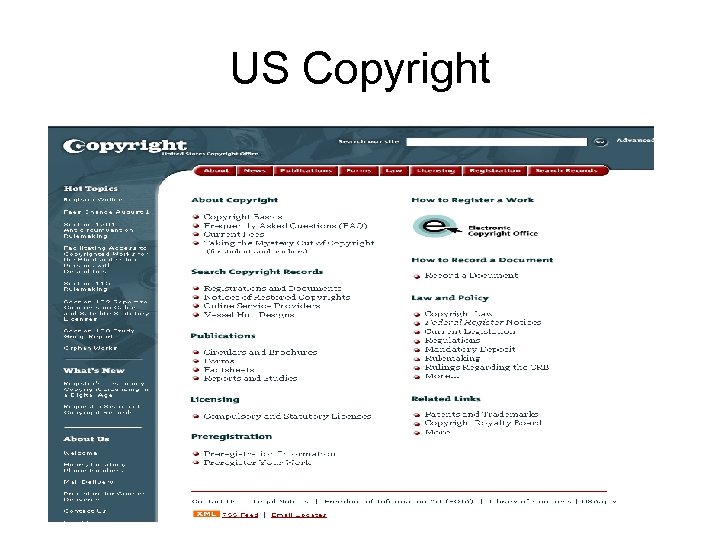
US Copyright
Internet Citizenship Presentation by Karen Reuter • http: //www. edtechpoli cy. org/cyberethicsse minar. html
Other Netiquette Snippets: Warm-ups • Take the Core Rules Netiquette Quiz – http: //www. albion. com/ netiquette/corerules. ht ml
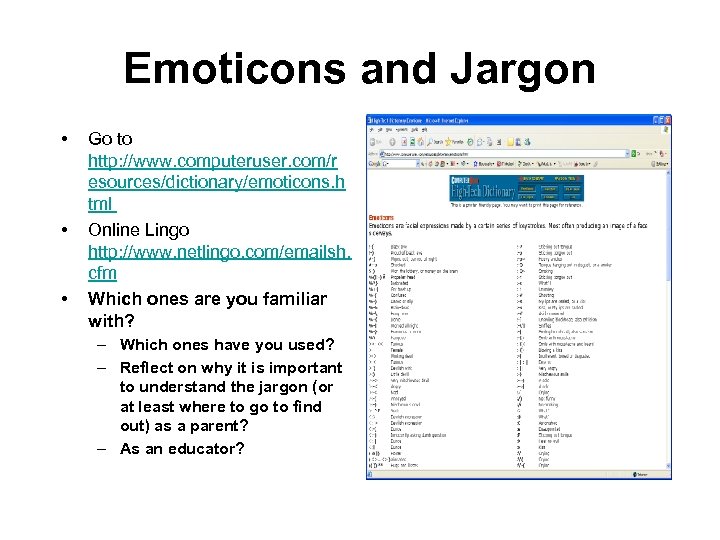
Emoticons and Jargon • • • Go to http: //www. computeruser. com/r esources/dictionary/emoticons. h tml Online Lingo http: //www. netlingo. com/emailsh. cfm Which ones are you familiar with? – Which ones have you used? – Reflect on why it is important to understand the jargon (or at least where to go to find out) as a parent? – As an educator?
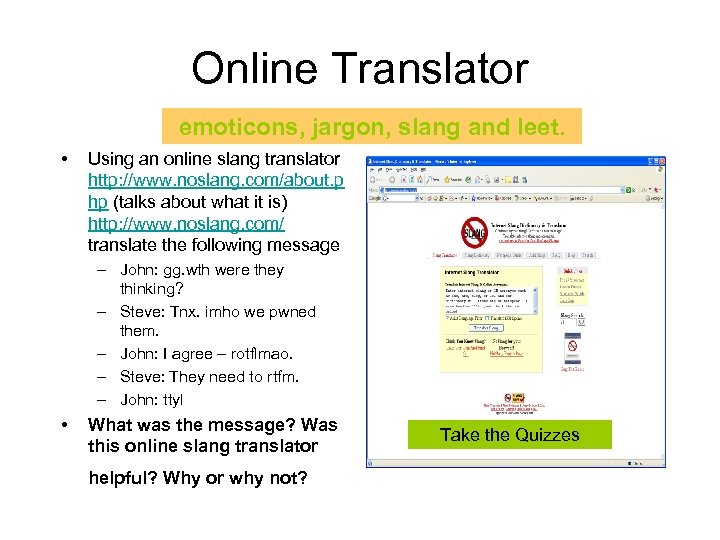
Online Translator emoticons, jargon, slang and leet. • Using an online slang translator http: //www. noslang. com/about. p hp (talks about what it is) http: //www. noslang. com/ translate the following message – John: gg. wth were they thinking? – Steve: Tnx. imho we pwned them. – John: I agree – rotflmao. – Steve: They need to rtfm. – John: ttyl • What was the message? Was this online slang translator helpful? Why or why not? Take the Quizzes
Plagiarism Tutorials Test what you have learned today with some of these tutorials: • http: //tutorials. sjlibrary. org/tutorial/plagiarism/selector. htm • http: //library. indstate. edu/tools/tutorials/plagiarism/ • http: //www. lib. sfu. ca/researchhelp/tutorials/interactive/ plagiarism/tutorial/introduction. htm Academic Integrity Blog • http: //www. techlearning. com/blogs/20864 Tapped. In C 3 PD monthly event – 1 st Monday evening 8 PM EST • http: //tappedin. org/tappedin/
Identity Theft • Phishing – Phishing is a popular and growing method of identity theft, typically performed either through email or through the creation of a Web site that appears to represent a legitimate company. Victims are asked to provide personal information such as passwords and credit card numbers in a reply email or at the bogus Web site. • Spear phishing – The practice of targeting an attack to a specific group is gaining in sophistication and frequency. • Pharming – A scamming practice in which malicious code is installed on a personal computer or server, misdirecting users to fraudulent Web sites without their knowledge or consent. Pharming has been called "phishing without a lure. "
Lingo • Spamming – Sending of unsolicited bulk unsolicited e-mail and received by multiple recipients • Solutions – Source-based blocking solutions prevent receipt of spam – Content filtering solutions identify spam after it’s been received – Disposable identities • Spoofing – One person or program successfully pretends to be another by falsifying data and thereby gains an illegitimate advantage • Webpage spoofing – A legitimate web page such as a bank's site is reproduced in "look and feel" on another server under control of the attacker. They fool users into thinking they are connected to a trusted site, to gather user names and passwords.
Lingo • Vishing – (Voice ph. ISHING) Also called "Vo. IP phishing, " SPIT (spam over Internet telephony), or sometimes known as vam -- is the voice counterpart to phishing. Instead of being directed by e-mail to a Web site, an e-mail message asks the user to make a telephone call. The call triggers a voice response system that asks for the user's credit card number. The initial bait can also be a telephone call with a recording that instructs the user to phone an 800 number. In either case, because people are used to entering credit card numbers over the phone, this technique can be effective. Voice over IP (Vo. IP) is used for vishing because caller IDs can be spoofed, and the entire operation can be brought up and taken down in a short time, compared to a real telephone line. • Smishing – The mobile phone counterpart to phishing. Instead of being directed by e-mail to a Web site, a text message is sent to the user's cellphone with some ploy to click on a link. The link causes a Trojan to be installed in the phone • Voice Spam – schemes includes the use of Interactive Voice Response (IVR) systems in conjunction with automated telemarketing sales to repeatedly initiate call setups and fill voicemail boxes.
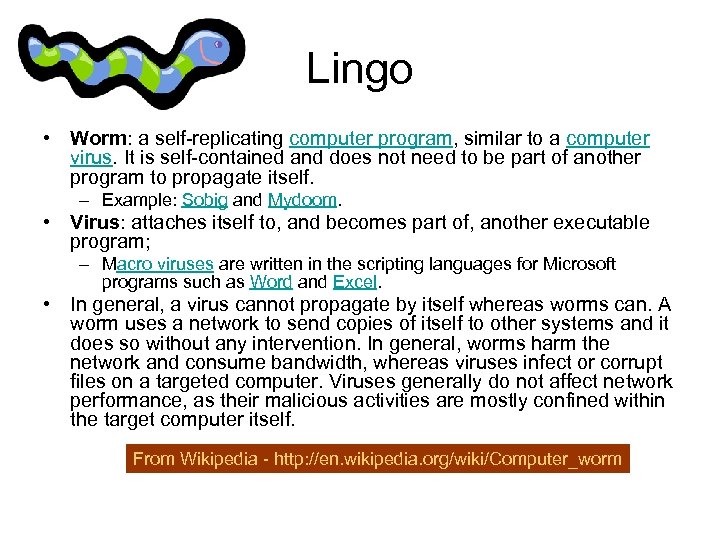
Lingo • Worm: a self-replicating computer program, similar to a computer virus. It is self-contained and does not need to be part of another program to propagate itself. – Example: Sobig and Mydoom. • Virus: attaches itself to, and becomes part of, another executable program; – Macro viruses are written in the scripting languages for Microsoft programs such as Word and Excel. • In general, a virus cannot propagate by itself whereas worms can. A worm uses a network to send copies of itself to other systems and it does so without any intervention. In general, worms harm the network and consume bandwidth, whereas viruses infect or corrupt files on a targeted computer. Viruses generally do not affect network performance, as their malicious activities are mostly confined within the target computer itself. From Wikipedia - http: //en. wikipedia. org/wiki/Computer_worm
Lingo • Trojan Horse: A malicious program that is disguised as legitimate software – These are often those attachments to email that entice you to open them • Malware: Software designed to infiltrate or damage a computer system, without the owner's consent – Includes computer viruses, Trojan horses, spyware and adware
Lingo • Adware – Software package which automatically plays, displays, or downloads advertising material to a computer after the software is installed on it or while the application is being used. • Spyware – designed to intercept or take partial control of a computer's operation without the informed consent of that machine's owner or legitimate user.
How to Use Hotspots Safely • • • Connect only to legitimate wi-fi hot-spots - "Know your network" Encrypt sensitive data Use and update your Anti-virus software Use a firewall Update your operating system
Public Hotspots Prioritize Ease of Use Over Security • Use a firewall and a VPN -Virtual Private Network • Use antivirus software • Turn off ad-hoc networking features-before they arrive at a wireless hot spot • Turn off file share mode • Turn off Wi Fi • Encrypt Source: Carmen Nobel: http: //bmighty. com/security/show. Article. jhtml? article. ID=201801882
How to Turn Off Ad-hoc Mode in Windows • In the Network Connections menu, click "Wireless Network Connection. " • Click "change the settings of this connection" • Wait for the Windows Network Connection Properties window to open. • Click the little tab that says "Wireless Networks" • In that tab, click "Advanced" • In the "Advanced" window, click "Access point (infrastructure) networks only" Source: Carmen Nobel: http: //bmighty. com/security/show. Article. jhtml? article. ID=201801882
How to Turn Off the File Sharing Feature • • • File sharing feature is turned on by default On the Start menu, select Settings Select Network Connections Find the Internet connection and right-click to select Properties Find the General tab. If there's a check mark next to File and Printer Sharing for Microsoft Networks, then click to uncheck it. (If it's already unchecked, then leave well enough alone) Source: Carmen Nobel: http: //bmighty. com/security/show. Article. jhtml? article. ID=201801882
How to Turn off Wi Fi Connection • • • Turn off the radio when you don't need it Right-click on the wireless network icon in the righthand corner of the screen. (That's the picture of the computer with radio waves coming out of it. ) Click disable or wireless off Source: Carmen Nobel: http: //bmighty. com/security/show. Article. jhtml? article. ID=201801882
Don't be Lazy About Encryption • Process may vary depending on the version of Windows on any given machine • EX: Windows XP – Open Windows Explorer – Right-click the file or folder that you want to encrypt, and then click Properties – On the General tab, click Advanced – Check the box that says, "Encrypt contents to secure data check" Source: Carmen Nobel: http: //bmighty. com/security/show. Article. jhtml? article. ID=201801882
Скачать презентацию Back Early Online Activity Together Blog Beware Quiz
d395f56ae8eb57f4aa89cb62539f10ee.ppt