Скачать презентацию Avoiding the Top i Chain Technical Support
c3d41464d117bbe45575398da1a3777c.ppt
- Количество слайдов: 124
 Avoiding the Top i. Chain ® Technical Support Issues www. novell. com Neil Cashell Technical Support Engineer Novell, Inc. ncashell@novell. com Shane Johns Senior Software Engineer Novell, Inc. sjohns@novell. com
 Vision…one Net A world where networks of all types—corporate and public, intranets, extranets, and the Internet—work together as one Net and securely connect employees, customers, suppliers, and partners across organizational boundaries Mission To solve complex business and technical challenges with Net business solutions that enable people, processes, and systems to work together and our customers to profit from the opportunities of a networked world
 Presentation Outline • i. Chain ® configuration files • i. Chain troubleshooting tools • i. Chain components 4 Interfaces • Inputs and outputs • Flow of information 4 Troubleshooting 4 Common issues 4 Case study steps
 i. Chain Configuration Files
 i. Chain Configuration/Info Files • i. Chain Proxy Server 4 Configuration • • • CURRENT. NAS TCPIP. CFG OAC. PROPERTIES/TRACERMEDIA. PROPERTIES Custom login/logout pages APPSTART. NCF and TUNE. NCF 4 Troubleshooting • • • CONSOLE. LOG TRACE. TXT CAPTERR. LOG and CAPTOUT. LOG DEBUG 00 X. LOG/DEBUG. LOG Proxy and aclcheck log files
 i. Chain Configuration/Info Files • i. Chain e. Directory ™ LDAP Server 4 LDIF file showing schema objects/attributes • ICE or LDAP browser can export this to file • Form. Fill profile • i. Chain Authentication Server 4 Debug output for authentication method • ‘Radius debug on’ captured to console log (radius) • DSTRACE. LOG with +LDAP/TIME enabled (LDAP authentication) (cont. )
 i. Chain Configuration/Info Files • Network layout 4 Firewalls 4 L 4 switches 4 DMZ (cont. )
 Generic i. Chain Troubleshooting Tools
 Generic i. Chain Troubleshooting Tools • Console. One® 4 LDAP Group Object 4 ISO object attributes • Protected resource mode and OLAC parameters • Password management setup 4 Rule. Object attributes (Rule TAB) 4 Rules applying to users (User TAB) • ICE (Server and client-based) 4 Export configuration to file
 Generic i. Chain Troubleshooting Tools (cont. ) • LDAP browser 4 http: //www. iit. edu/~gawojar/ldap/ 4 Easily export configuration to file 4 Confirm i. Chain objects and attribute values are valid • LSEARCH. NLM from LDAP client SDK 4 LDAP bind done for every request 4 http: //developer. novell. com/ndk/cldap. htm
 Generic i. Chain Troubleshooting Tools (cont. ) • ICS GUI 4 Home->Health status for details of services running 4 Monitor TAB gives services and stats information • Services running • Disk space info, CPU utilization, cache hit ratio 4 Access ACLCHECK and Proxy logs via MONITOR TAB • ICS Java console 4 Proxy authentication and aclcheck profiles exists
 Generic i. Chain Troubleshooting Tools (cont. ) • Proxycfg debug screen 4 LDAP profile errors • TCPCON 4 Connectivity specific tool (ICMP, TCP issues) 4 Active TCP listeners • Logs from authentication servers 4 DSTRACE. NLM for LDAP (view DS trace traffic for object/attribute resolution) 4 ‘Radius debug ON’ trace from Radius server
 Generic i. Chain Troubleshooting Tools (cont. ) • Network layout information 4 Firewalls/L 4 may pose Connectivity/State problems • LAN analyzer 4 Trace traffic between proxy and auth server 4 Trace traffic between browser and proxy server 4 Trace traffic between proxy and origin server
 i. Chain Components “Proxy Authentication”
 Proxy Interfaces • Inputs and outputs • Flow of information
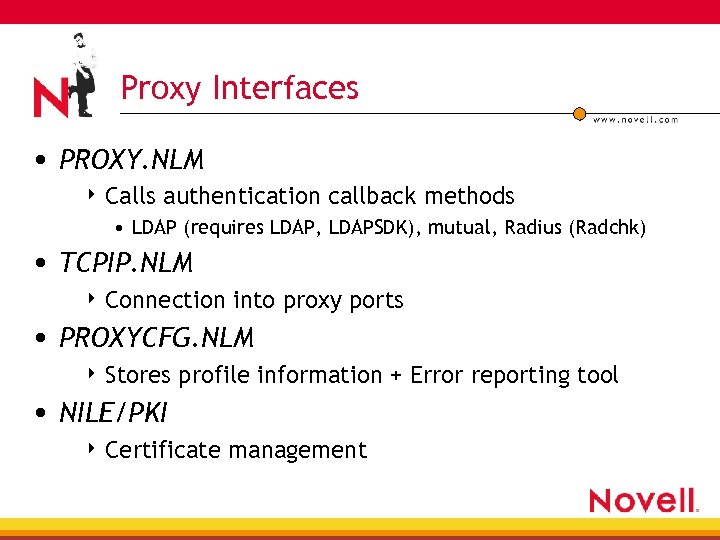 Proxy Interfaces • PROXY. NLM 4 Calls authentication callback methods • LDAP (requires LDAP, LDAPSDK), mutual, Radius (Radchk) • TCPIP. NLM 4 Connection into proxy ports • PROXYCFG. NLM 4 Stores profile information + Error reporting tool • NILE/PKI 4 Certificate management
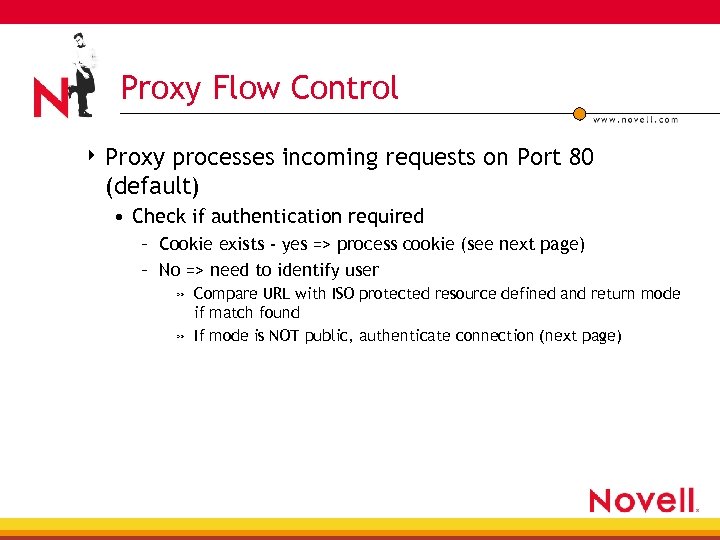 Proxy Flow Control 4 Proxy processes incoming requests on Port 80 (default) • Check if authentication required – Cookie exists - yes => process cookie (see next page) – No => need to identify user » Compare URL with ISO protected resource defined and return mode if match found » If mode is NOT public, authenticate connection (next page)
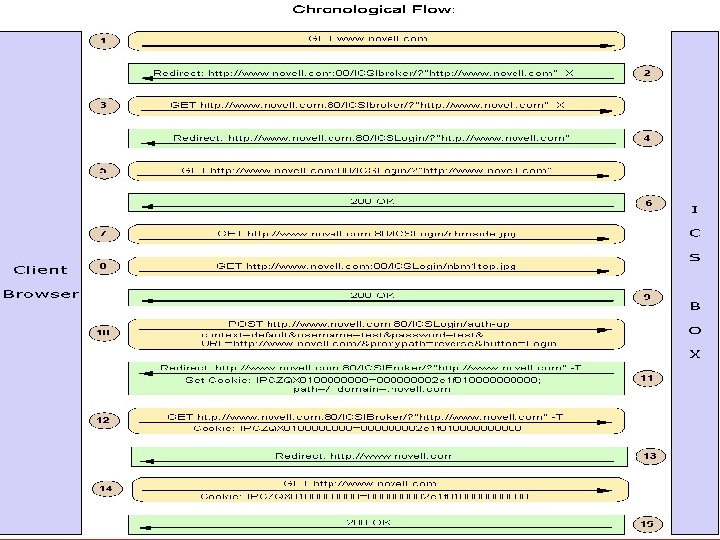
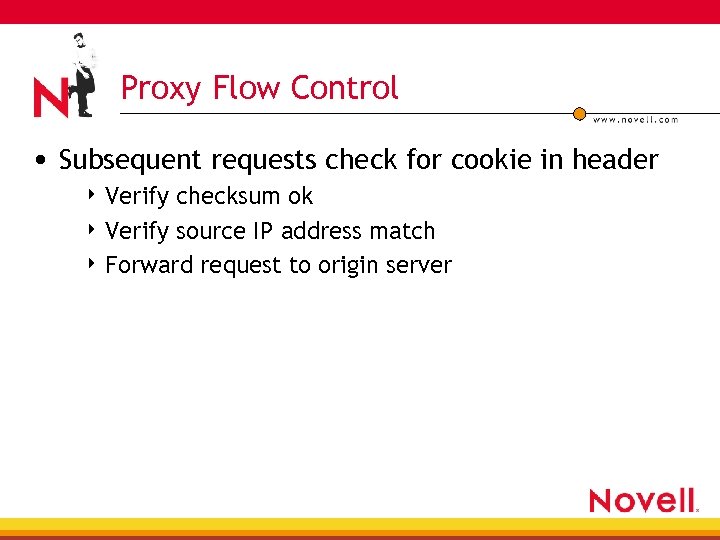 Proxy Flow Control • Subsequent requests check for cookie in header 4 Verify checksum ok 4 Verify source IP address match 4 Forward request to origin server
 Proxy Troubleshooting Tools
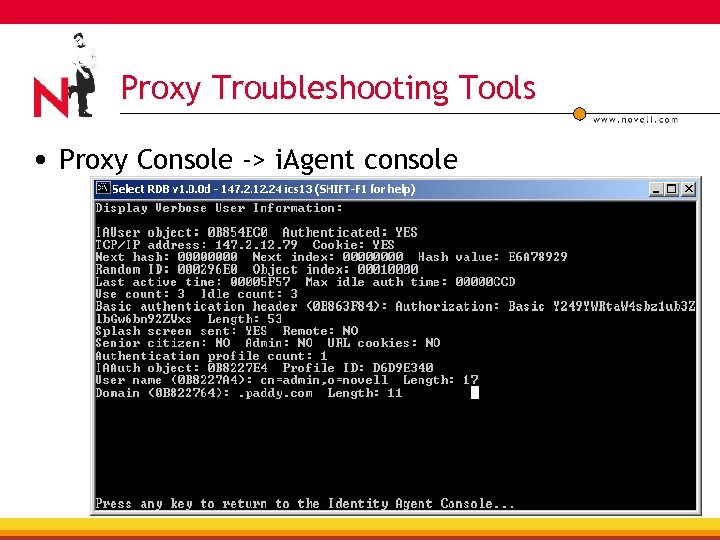 Proxy Troubleshooting Tools • Proxy Console -> i. Agent console
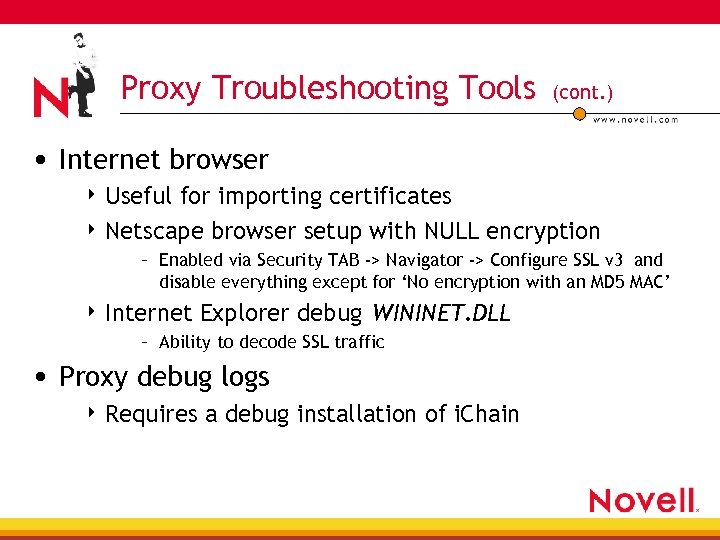 Proxy Troubleshooting Tools (cont. ) • Internet browser 4 Useful for importing certificates 4 Netscape browser setup with NULL encryption – Enabled via Security TAB -> Navigator -> Configure SSL v 3 and disable everything except for ‘No encryption with an MD 5 MAC’ 4 Internet Explorer debug WININET. DLL – Ability to decode SSL traffic • Proxy debug logs 4 Requires a debug installation of i. Chain
 Proxy Troubleshooting Steps
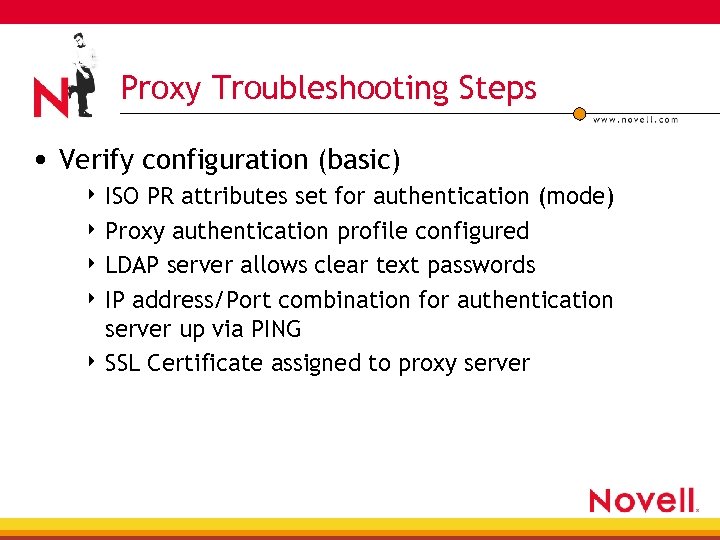 Proxy Troubleshooting Steps • Verify configuration (basic) 4 ISO PR attributes set for authentication (mode) 4 Proxy authentication profile configured 4 LDAP server allows clear text passwords 4 IP address/Port combination for authentication server up via PING 4 SSL Certificate assigned to proxy server
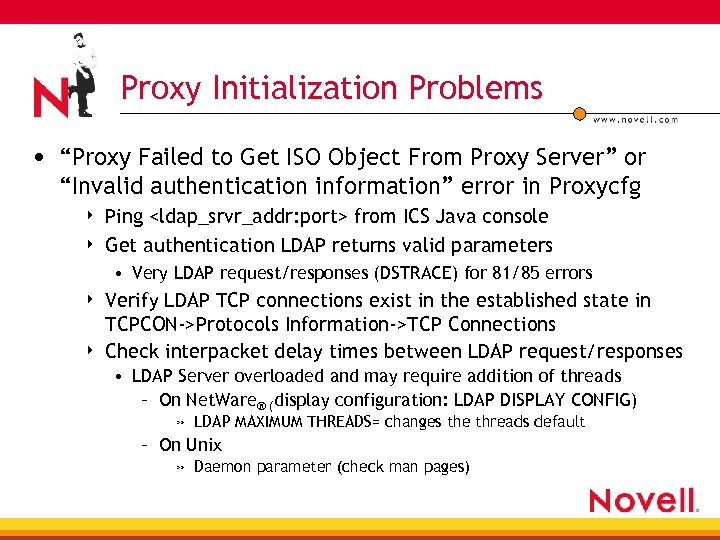 Proxy Initialization Problems • “Proxy Failed to Get ISO Object From Proxy Server” or “Invalid authentication information” error in Proxycfg 4 4 Ping
 Proxy Initialization Problems (cont. ) • If LDAP over SSL enabled, try without SSL and verify if certificate-related problem • Check for service errors in health screen of ICS GUI 4 Service failure error detected
 Proxy Authentication Problems (cont. ) • Access granted to users that should NOT have access 4 ISO protected resource mode (public mode setup)
 Proxy Authentication Problems (cont. ) • Login page not displayed 4 Failure at this level would indicate an SSL/PKI issue • Look closely at the SSL diagnostic screens on the i. Chain Proxy server and try and check for SSL handshake errors • Trace client to proxy connection and verify, after the first redirect, – That you see cert chains being transferred – That the ICS box doesn’t have time set in the future (Non US)
 Proxy Authentication Problems (cont. ) • Login page not displayed 4 Failure at this level would indicate an SSL/PKI issue • Trace proxy and CRL server (if CDP attribute for CRLs enabled) and verify CRL downloaded – Time issues could occur here too. Look for two entries that look like 010309154821 Z—this translates to a year of 01, a month of 03, a day of 09, a time of 15: 48 and 21 seconds—The first date listed is the creation date of the CRL, the second date is effectively the expiry • Try using another browser type to see if the problem is unique to one type of browser • Try and generate another certificate with small key size and see if the SSL handshake succeeds
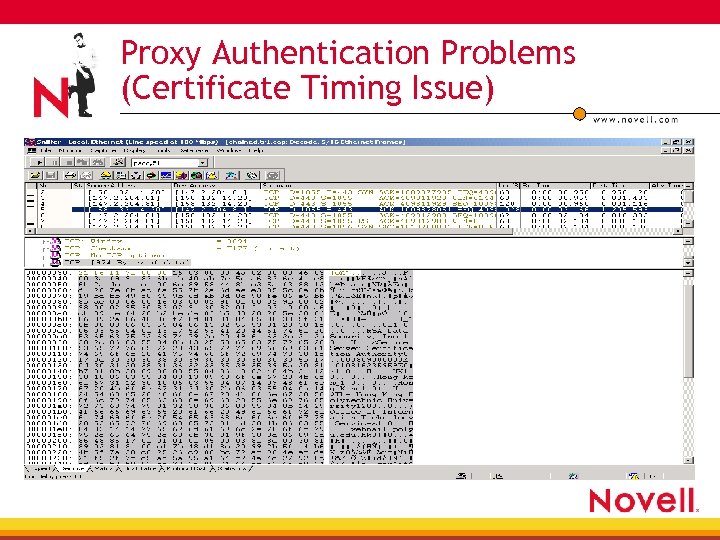 Proxy Authentication Problems (Certificate Timing Issue)
 Proxy Authentication Problems (cont. ) • Login page not displayed 4 Verify if login page customized (java scripts) • Revert to original and retest • Check with multiple browsers to see if issue exists 4 Verify is authentication over HTTP works fine • Confirmation of SSL certificate issue – – ICS box has newer timestamp Old certificate expired CRL communication invalid Corrupt certificates
 Proxy Authentication Problems (cont. ) • Login page displayed but authentication fails 4 Verify the authentication profile settings 4 Verify the authentication server is active via PING 4 Verify that login page hasn’t been customized 4 Verify that no intermediate device stripping cookies 4 Verify browser is sending the correct credentials when POSTing information to the i. Chain Proxy server • No encryption on browser required • Check authentication server logs (DSTRACE, Radius) to see if user being validated
 Proxy Authentication Problems (cont. ) • Login page displayed but authentication fails 4 Problem • • with customized pages No LDAP request sent to authentication server Login page missing required attributes Attributes correct but of order Browser failures
 Proxy Authentication Problems (cont. ) • Login page displayed but authentication fails 4 Verify accelerator name and cookie domain (IE issue) • Case sensitivity 4 Verify that browser accepts and gets cookies • ‘Warn me before accepting cookies’ on Netscape->Edit>Preferences->Advanced • ‘Allow cookies that are stored on your computer’ in IE->Tools ->Internet Options->Security->Custom Level • Verify cookie sending valid (Opera TID #10063326) 4 Verify if all authentication profiles have problems • e. g. , Try authenticating based on email address in LDAP
 Proxy Authentication Problems (cont. ) • Login page displayed but authentication fails 4 Verify whether or not it is possible to login to the directory using the users credentials • Password management servlet enabled – Case sensitive java servlet 4 Verify if user authentication information available in Proxy Console’s i. Agent screen
 Proxy Authentication Problems (cont. ) • LDAP problems 4 LDAP profile has valid BIND username/password • Must have Read (not just browse!) rights to DS 4 no LDAP request sent in trace • Stale LDAP handles at firewall/L 4 switch • Max. LDAP handles reached and active – 30 handles allocated—LDAP error 81 if all handles in use 4 LDAP Server slow to respond to requests (need more threads) – On Net. Ware display configuration: LDAP DISPLAY CONFIG) » LDAP MAXIMUM THREADS= changes the threads default – On UNIX » Daemon parameter (check man pages)
 Proxy Authentication Problems (cont. ) • Radius problems 4 Radius profile has valid radius secret with DAS object 4 Radius server listening on UDP port 1812/1645 4 Radius server has a valid DAS profile setup • Radius client is valid ICS address 4 Radius debug commands show no errors 4 LAN trace shows successful RADIUS response • Timeout issues
 Proxy Case Study HTTP 403 Forbidden error: “Your browser must support cookies. ”
 403 Forbidden Error • i. Chain 2. 0 setup to accelerate secured PR 4 Browser hits Proxy and prompted to authenticate 4 After entering credentials, gets above 403 error • Disabled aclcheck (restricted PR) but 403 errors still sent • Verified LDAP traffic generated • Enabled browser option to prompt when accepting cookies – Cookies were being set • checked Proxy Console->IAgent screen • Checked PROXYCFG/Proxy Console screens for errors
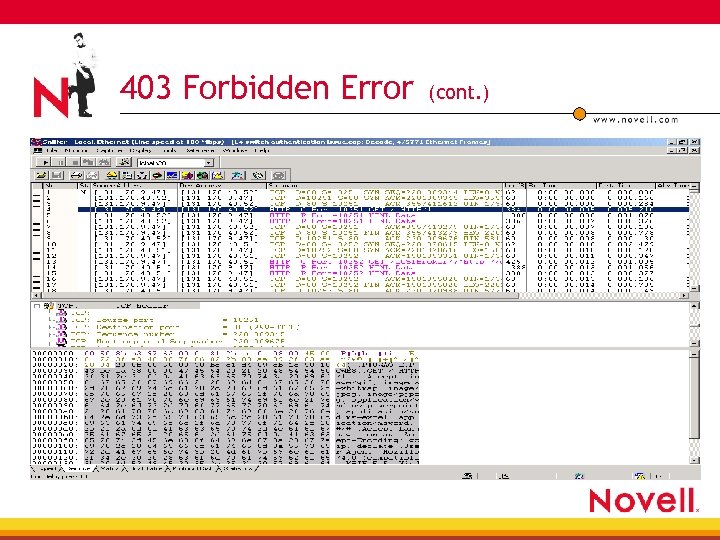
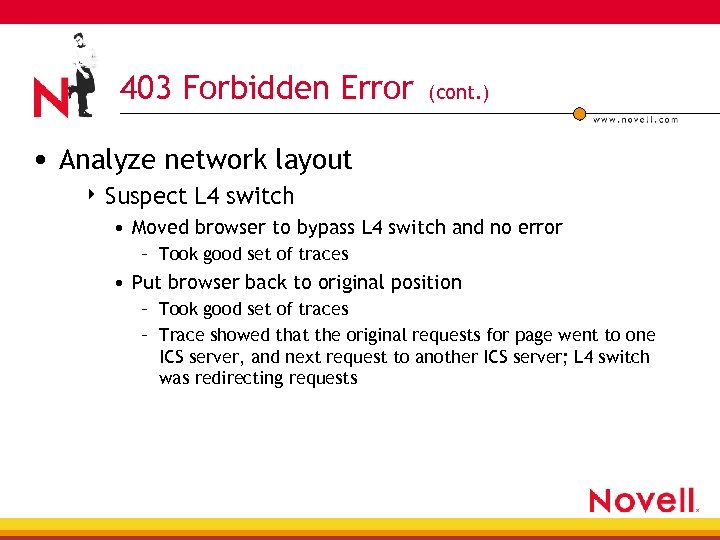 403 Forbidden Error (cont. ) • Analyze network layout 4 Suspect L 4 switch • Moved browser to bypass L 4 switch and no error – Took good set of traces • Put browser back to original position – Took good set of traces – Trace showed that the original requests for page went to one ICS server, and next request to another ICS server; L 4 switch was redirecting requests
 403 Forbidden Error (cont. )
 403 Forbidden Error (cont. ) • Enabled IP hashing option on L 4 switch 4 Forces a map of incoming client session to destination IP address 4 Note that enabling session broker in this scenario will fail because the SB kicks in after a successful authentication has taken place
 i. Chain Components “Session Broker”
 Session. Broker (SB) Interfaces • Inputs and outputs • Flow of information
 Session. Broker Interfaces • PROXY. NLM 4 Stores session broker profile information 4 Calls SB code during authentication phase • Winsock modules 4 Winsock APIs used for connectivity between ICS and SB servers • SB. NLM 4 SB server listening on TCP 5001 on both primary and secondary
 Session. Broker Interfaces (cont. ) • LDAPSDK. NLM 4 Generate LDAP request for ISO SB attributes • i. Chain. Primary. Session. IPAddress • i. Chain. Secondary. Session. IPAddress • i. Chain. Master. Proxy. IPAddress
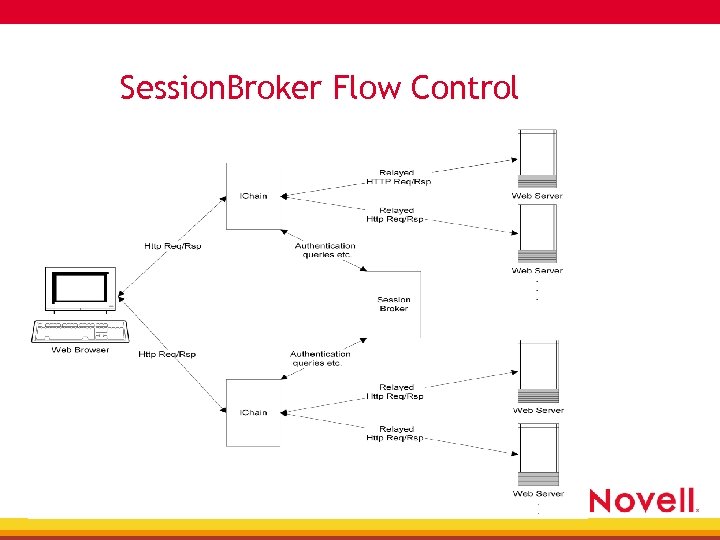 Session. Broker Flow Control
 Session. Broker Flow Control (cont. ) • Initialization—LDAP request sent to ISO object to extract SB attributes • Proxy authentication phase 4 iagent locates entry in database • yes => allow request through • no => ICS server sends message to primary SB server 4 SB primary server locates entry in database • YES => allow request through • NO => force authentication
 Session. Broker Flow Control (cont. ) • When user successfully authenticated to ICS server, primary SB updated with • • Authentication profile type Authorization basic HTTP header Username Cookie domain • Primary SB server returns a hash key for subsequent requests
 Session. Broker (SB) specific Troubleshooting Tools
 SB Troubleshooting Tools • TCPCON 4 Procotol Information -> TCP Connections • TCP port 5001 listening • Unencrypted Session. Broker sessions 4 createnullsessionbrokerkey when generating SB key 4 Allows legible trace information to be obtained • SB command line parameters 4 -n => no encryption 4 -d => verbose information
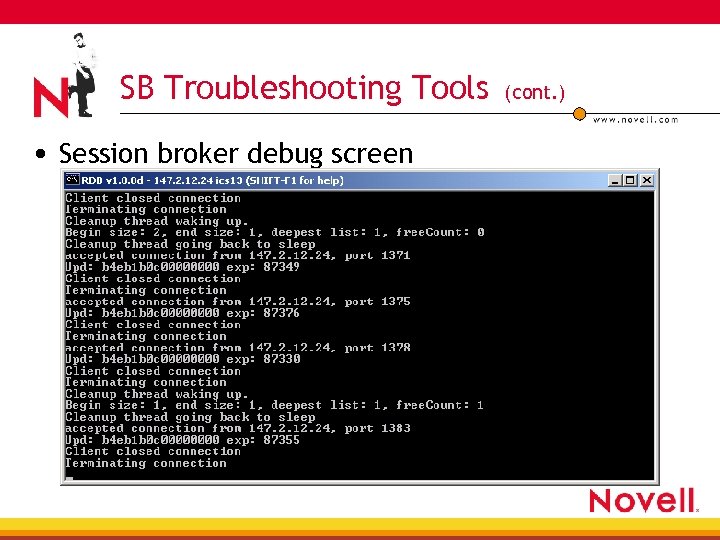 SB Troubleshooting Tools • Session broker debug screen (cont. )
 Session. Broker Troubleshooting Steps
 Session. Broker Troubleshooting Steps • Verify configuration (basic) 4 sessionbroker keys exist and installed 4 Set authentication sessionbrokerenabled 4 SB. NLM loaded with no errors • ISO attributes found 4 Authentication with no SB works fine 4 Third party L 4 switches in network layout
 Session. Broker Initialization Problems • “Unable to initialize the Session Broker” 4 Regenerate keys and verify ok • SESSION. DAT file exists on floppy 4 Memory errors on ICS server (NBMALERT) 4 Verify TCP connections 5100 listening in TCPCON>Protocols->TCP Connections • Check the SB debug screen for read or write errors – recv() failed: error
 Session. Broker Problems • SB Authentication issues 4 Multiple ICS servers in SB domain must have authentication profile with same name • Shared data on TCP 5001 4 Connectivity issues between ICS and SB servers • No set/get traffic completed 4 L 4 switches redirecting authentication traffic between ICS boxes
 Session. Broker Case Study Slow login when SB-enabled
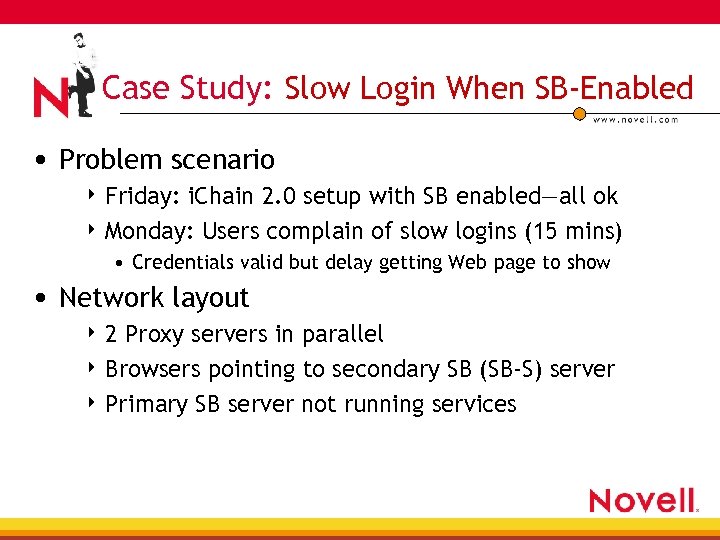 Case Study: Slow Login When SB-Enabled • Problem scenario 4 Friday: i. Chain 2. 0 setup with SB enabled—all ok 4 Monday: Users complain of slow logins (15 mins) • Credentials valid but delay getting Web page to show • Network layout 42 Proxy servers in parallel 4 Browsers pointing to secondary SB (SB-S) server 4 Primary SB server not running services
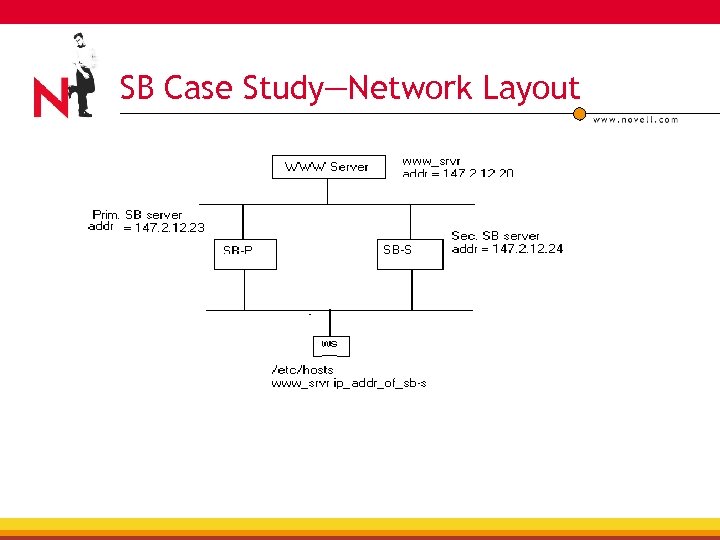 SB Case Study—Network Layout
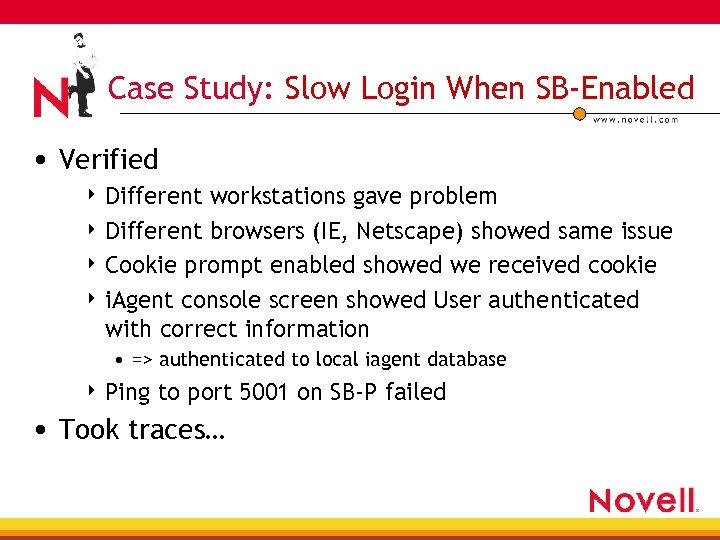 Case Study: Slow Login When SB-Enabled • Verified 4 Different workstations gave problem 4 Different browsers (IE, Netscape) showed same issue 4 Cookie prompt enabled showed we received cookie 4 i. Agent console screen showed User authenticated with correct information • => authenticated to local iagent database 4 Ping to port 5001 on SB-P failed • Took traces…
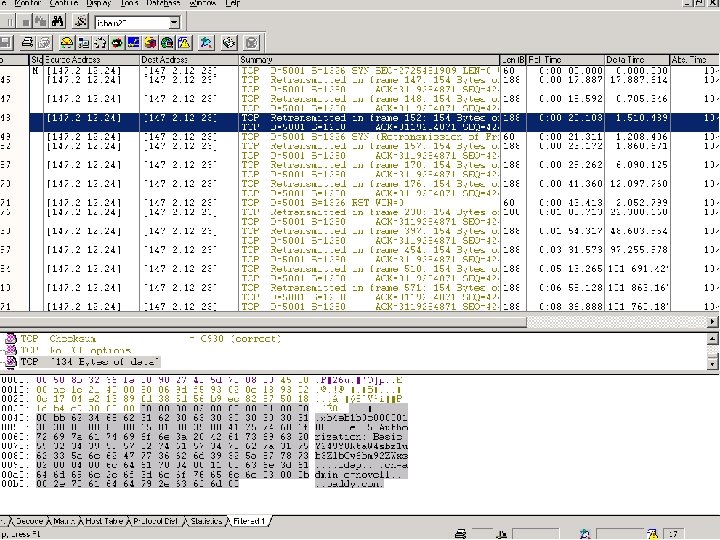
 Case Study: Slow Login When SB-Enabled • Solution 4 Re-connect SB-P to the network 4 SB-S was processing authentication requests and trying to update the primary • Request sent to SB-P with user’s authentication information • Response with hash key never arrives • Request resent 12 times with increasing retransmission timeouts => waited ~20 mins for TCP RST to occur
 i. Chain Components “ACLCHECK”
 ACLCHECK Interfaces • Inputs and outputs • Flow of information
 ACLCHECK Interfaces • PROXY. NLM 4 Stores profile information 4 Calls authorization code after authentication • ACLCHECK. NLM 4 Process URL requests for matches with rules 4 Generates LDAP queries into e. Directory • e. Directory 4 Repository for configuration info 4 Repository for rule objects and protected resources
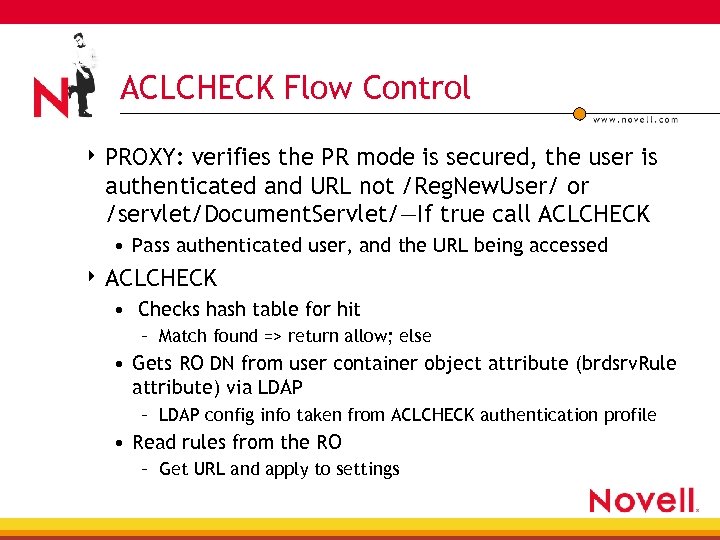 ACLCHECK Flow Control 4 PROXY: verifies the PR mode is secured, the user is authenticated and URL not /Reg. New. User/ or /servlet/Document. Servlet/—If true call ACLCHECK • Pass authenticated user, and the URL being accessed 4 ACLCHECK • Checks hash table for hit – Match found => return allow; else • Gets RO DN from user container object attribute (brdsrv. Rule attribute) via LDAP – LDAP config info taken from ACLCHECK authentication profile • Read rules from the RO – Get URL and apply to settings
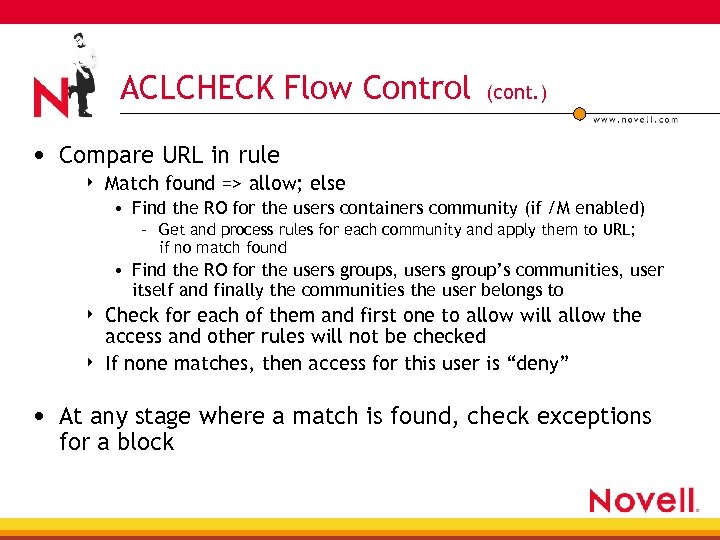 ACLCHECK Flow Control (cont. ) • Compare URL in rule 4 Match found => allow; else • Find the RO for the users containers community (if /M enabled) – Get and process rules for each community and apply them to URL; if no match found • Find the RO for the users groups, users group’s communities, user itself and finally the communities the user belongs to 4 4 Check for each of them and first one to allow will allow the access and other rules will not be checked If none matches, then access for this user is “deny” • At any stage where a match is found, check exceptions for a block
 ACLCHECK Specific Troubleshooting Tools
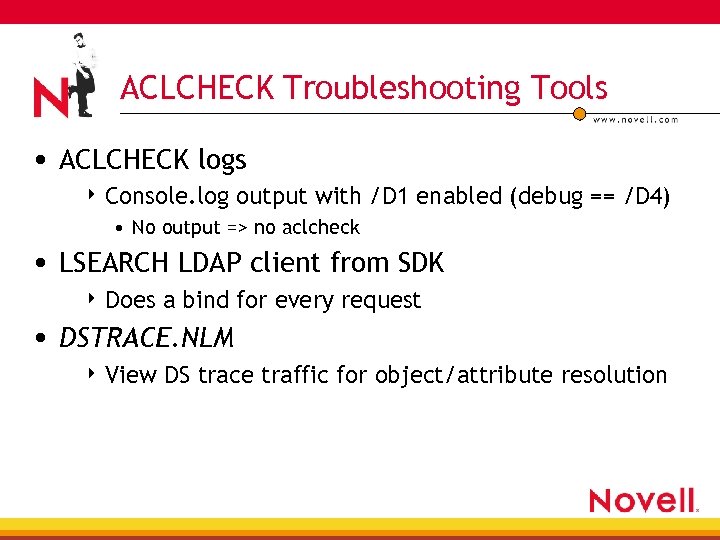 ACLCHECK Troubleshooting Tools • ACLCHECK logs 4 Console. log output with /D 1 enabled (debug == /D 4) • No output => no aclcheck • LSEARCH LDAP client from SDK 4 Does a bind for every request • DSTRACE. NLM 4 View DS trace traffic for object/attribute resolution
 ACLCHECK Troubleshooting Steps
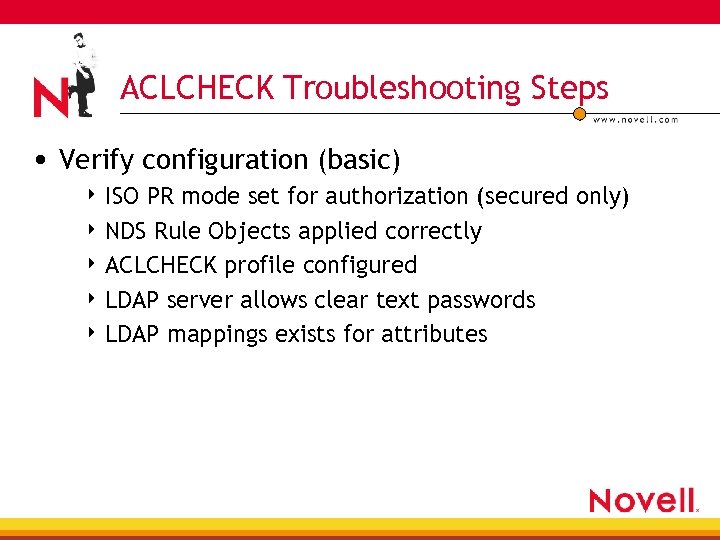 ACLCHECK Troubleshooting Steps • Verify configuration (basic) 4 ISO PR mode set for authorization (secured only) 4 NDS Rule Objects applied correctly 4 ACLCHECK profile configured 4 LDAP server allows clear text passwords 4 LDAP mappings exists for attributes
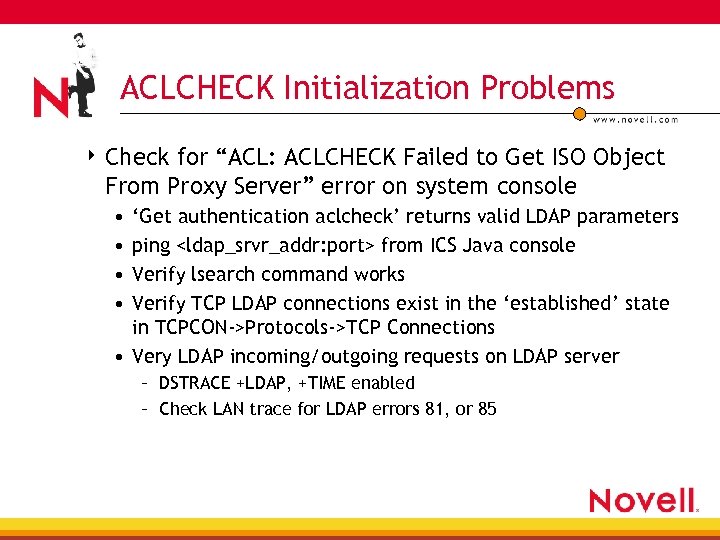 ACLCHECK Initialization Problems 4 Check for “ACL: ACLCHECK Failed to Get ISO Object From Proxy Server” error on system console • • ‘Get authentication aclcheck’ returns valid LDAP parameters ping
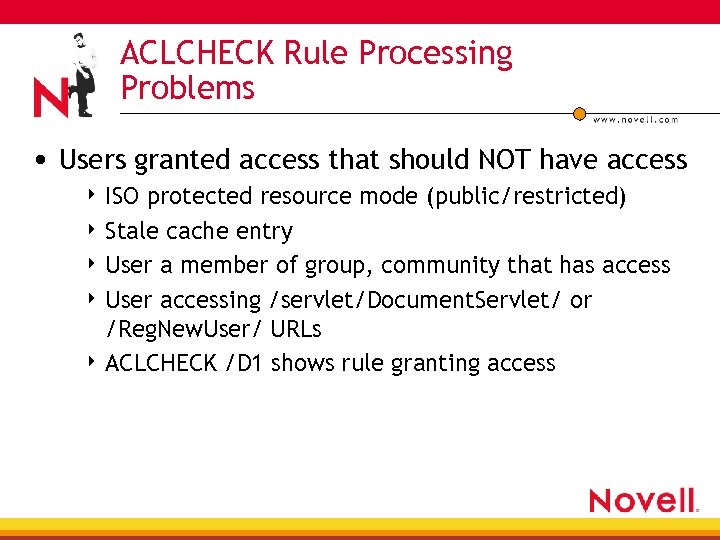 ACLCHECK Rule Processing Problems • Users granted access that should NOT have access 4 ISO protected resource mode (public/restricted) 4 Stale cache entry 4 User a member of group, community that has access 4 User accessing /servlet/Document. Servlet/ or /Reg. New. User/ URLs 4 ACLCHECK /D 1 shows rule granting access
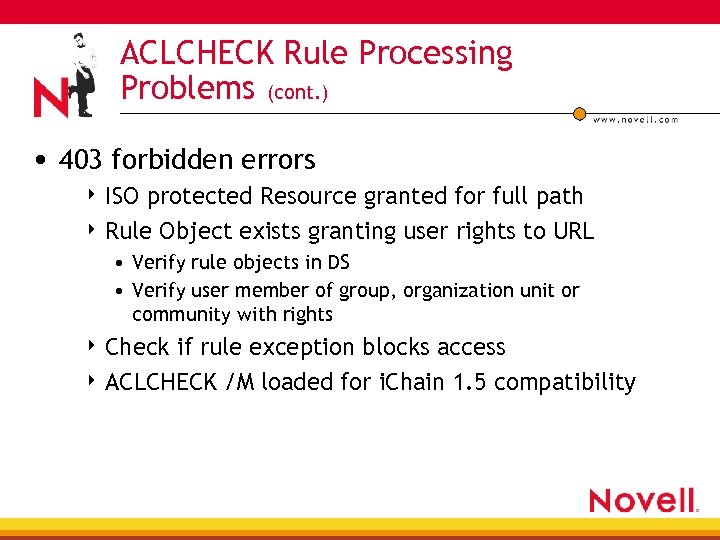 ACLCHECK Rule Processing Problems (cont. ) • 403 forbidden errors 4 ISO protected Resource granted for full path 4 Rule Object exists granting user rights to URL • Verify rule objects in DS • Verify user member of group, organization unit or community with rights 4 Check if rule exception blocks access 4 ACLCHECK /M loaded for i. Chain 1. 5 compatibility
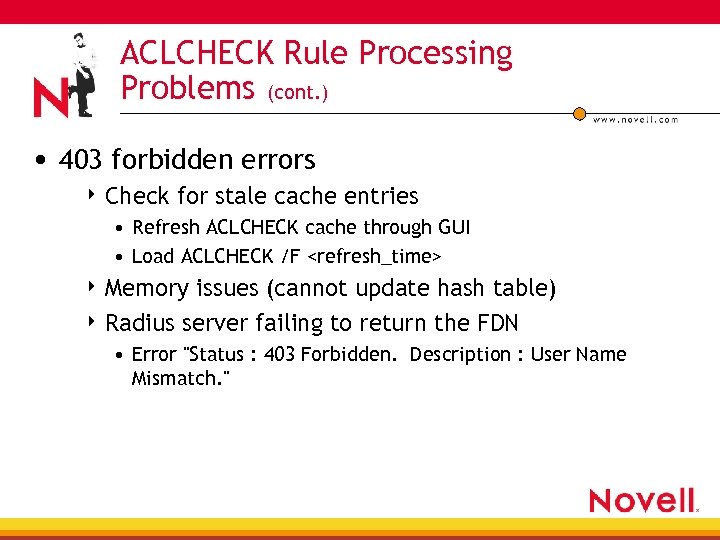 ACLCHECK Rule Processing Problems (cont. ) • 403 forbidden errors 4 Check for stale cache entries • Refresh ACLCHECK cache through GUI • Load ACLCHECK /F
 ACLCHECK Rule Processing Problems (cont. ) • LDAP problems 4 LDAP profile has valid BIND username/password 4 Stale LDAP handles • Lsearch application works • L 4/firewall switch resetting ‘valid’ sessions • Max. LDAP handles reached (use /C
 ACLCHECK Case Study 403 Forbidden Error: “Organizational policies prohibit access to this page”
 ACLCHECK Case Study— 403 Errors • i. Chain 2. 0 setup for authentication/authorization 4 FW-1 firewall exists between Proxy and LDAP servers 4 All working fine • Following morning users reporting 403 errors after authentication • Verified 4 No changes to setup (DS timestamps, current. nas) • LDAP authentication profile existed, e. Directory objects unchanged 4 Ping to LDAP server successful
 ACLCHECK Case Study— 403 Errors (cont. ) • Verified 4 LSEARCH worked 4 DSTRACE (+LDAP) showed no incoming LDAP requests 4 TCPCON showed no established LDAP sessions 4 LAN trace showed outgoing request with TCP RSTs responses from L 4 switch 4 ACLCHECK /D 4 showed LDAP error 81 returned • Occurs when no LDAP handles available to make request 4 Everything works with no firewall between LDAP and Proxy servers
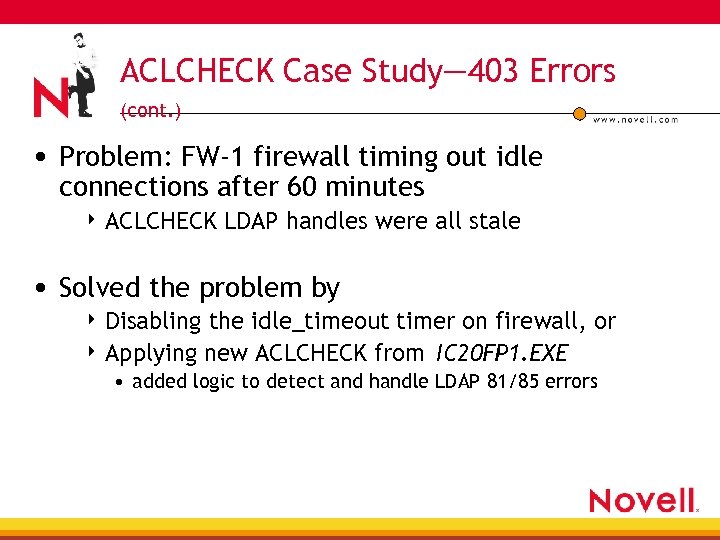 ACLCHECK Case Study— 403 Errors (cont. ) • Problem: FW-1 firewall timing out idle connections after 60 minutes 4 ACLCHECK LDAP handles were all stale • Solved the problem by 4 Disabling the idle_timeout timer on firewall, or 4 Applying new ACLCHECK from IC 20 FP 1. EXE • added logic to detect and handle LDAP 81/85 errors
 i. Chain Components “Object Level Access Control”
 OLAC Interfaces • Inputs and outputs • Flow of information
 OLAC Interfaces • PROXY. NLM • OACINT. NLM 4 shim to java application • OACJAVA. NCF 4 ldap, oac jar files 4 jnet, jcert, jsse if SSL-enabled • PROXYCFG. NLM
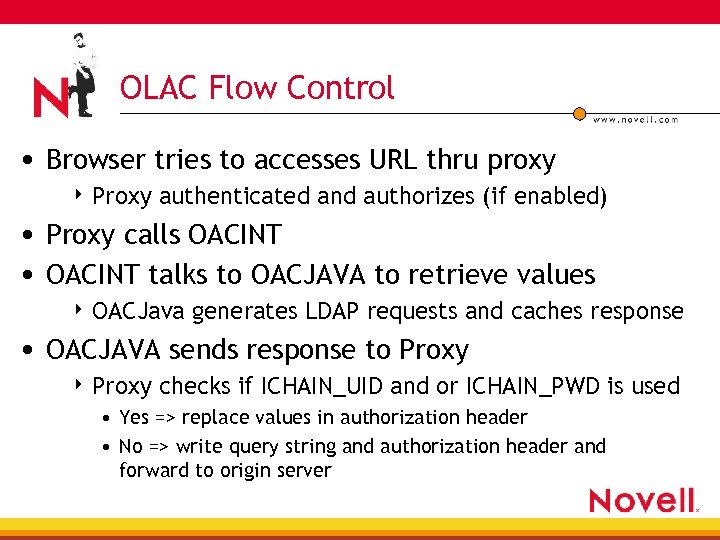 OLAC Flow Control • Browser tries to accesses URL thru proxy 4 Proxy authenticated and authorizes (if enabled) • Proxy calls OACINT • OACINT talks to OACJAVA to retrieve values 4 OACJava generates LDAP requests and caches response • OACJAVA sends response to Proxy 4 Proxy checks if ICHAIN_UID and or ICHAIN_PWD is used • Yes => replace values in authorization header • No => write query string and authorization header and forward to origin server
 OLAC Troubleshooting Tools
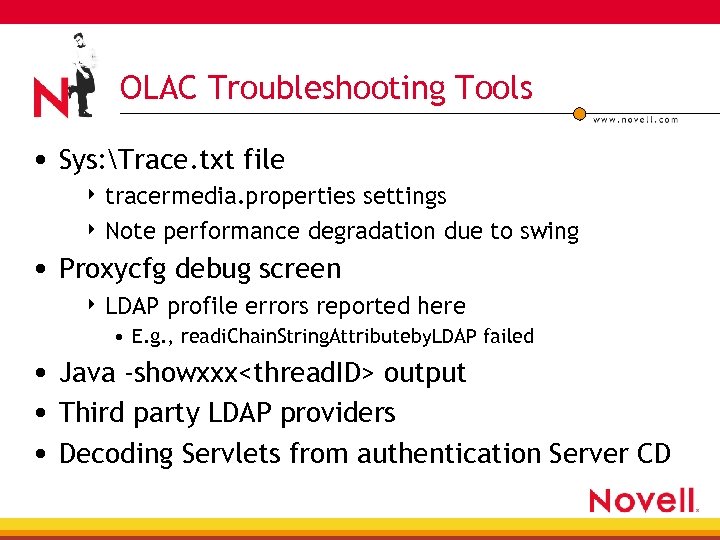 OLAC Troubleshooting Tools • Sys: Trace. txt file 4 tracermedia. properties settings 4 Note performance degradation due to swing • Proxycfg debug screen 4 LDAP profile errors reported here • E. g. , readi. Chain. String. Attributeby. LDAP failed • Java -showxxx
 OLAC Troubleshooting Steps
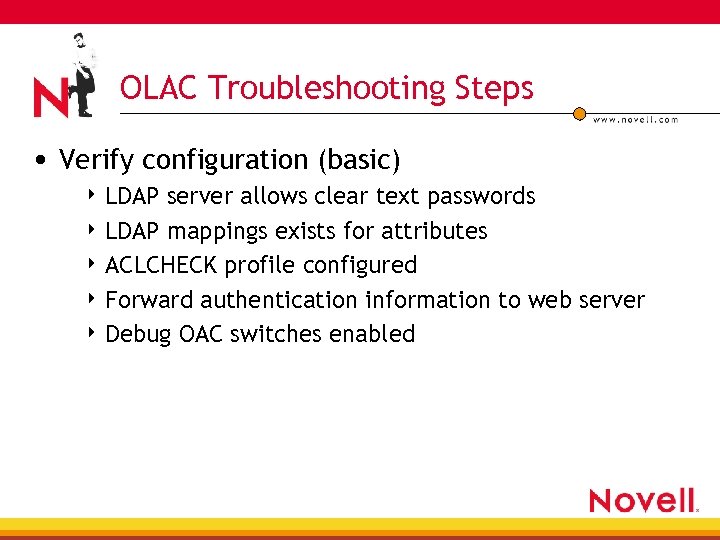 OLAC Troubleshooting Steps • Verify configuration (basic) 4 LDAP server allows clear text passwords 4 LDAP mappings exists for attributes 4 ACLCHECK profile configured 4 Forward authentication information to web server 4 Debug OAC switches enabled
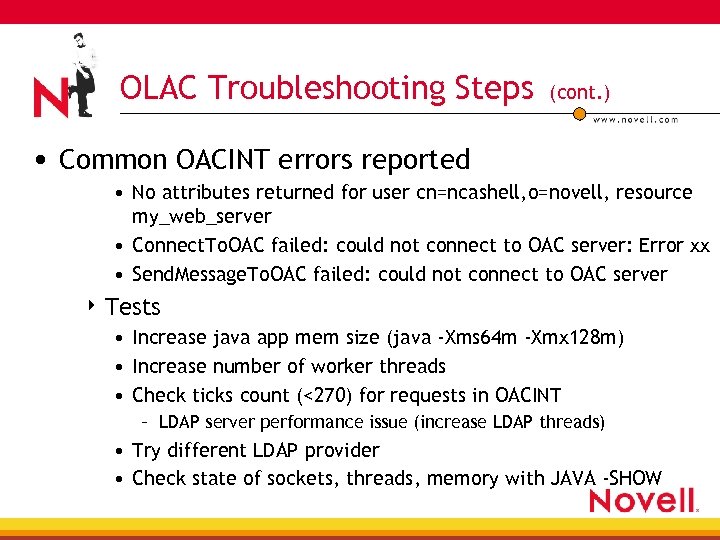 OLAC Troubleshooting Steps (cont. ) • Common OACINT errors reported • No attributes returned for user cn=ncashell, o=novell, resource my_web_server • Connect. To. OAC failed: could not connect to OAC server: Error xx • Send. Message. To. OAC failed: could not connect to OAC server 4 Tests • Increase java app mem size (java -Xms 64 m -Xmx 128 m) • Increase number of worker threads • Check ticks count (<270) for requests in OACINT – LDAP server performance issue (increase LDAP threads) • Try different LDAP provider • Check state of sockets, threads, memory with JAVA -SHOW
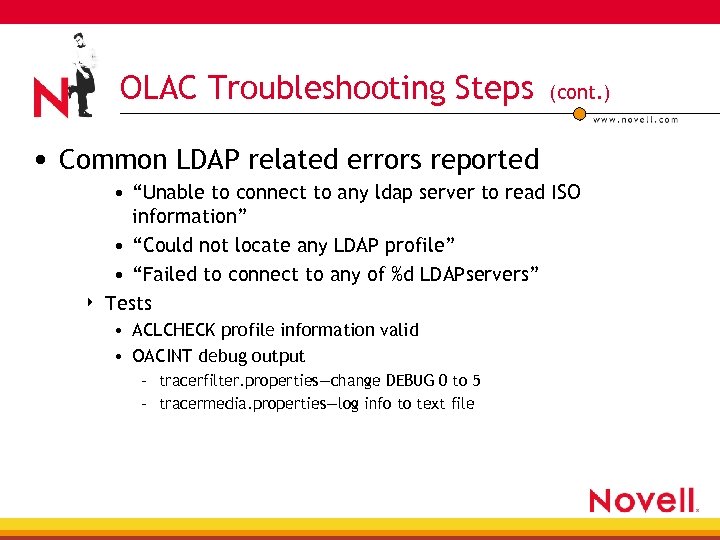 OLAC Troubleshooting Steps (cont. ) • Common LDAP related errors reported 4 • “Unable to connect to any ldap server to read ISO information” • “Could not locate any LDAP profile” • “Failed to connect to any of %d LDAPservers” Tests • ACLCHECK profile information valid • OACINT debug output – tracerfilter. properties—change DEBUG 0 to 5 – tracermedia. properties—log info to text file
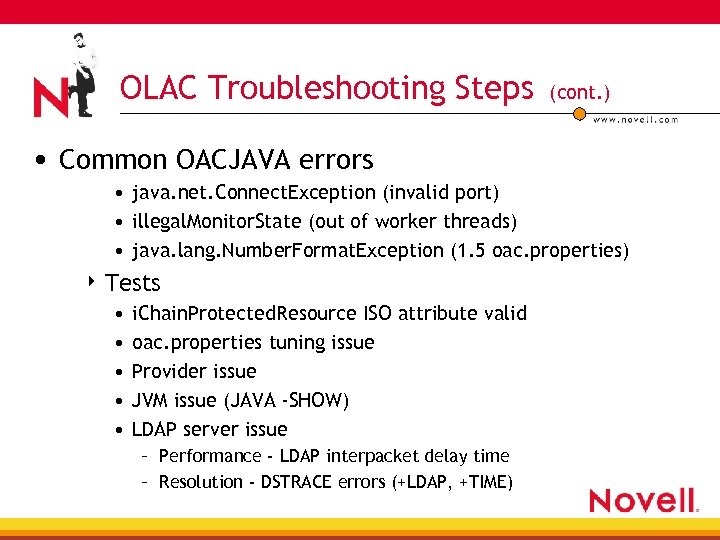 OLAC Troubleshooting Steps (cont. ) • Common OACJAVA errors • java. net. Connect. Exception (invalid port) • illegal. Monitor. State (out of worker threads) • java. lang. Number. Format. Exception (1. 5 oac. properties) 4 Tests • • • i. Chain. Protected. Resource ISO attribute valid oac. properties tuning issue Provider issue JVM issue (JAVA -SHOW) LDAP server issue – Performance - LDAP interpacket delay time – Resolution - DSTRACE errors (+LDAP, +TIME)
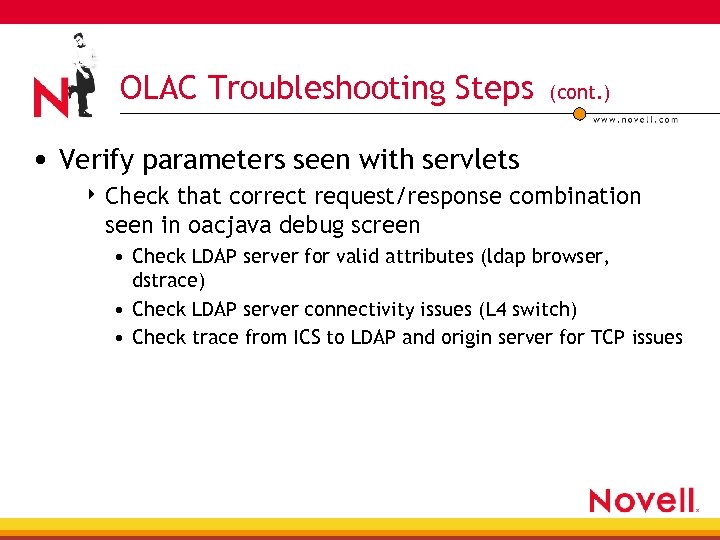 OLAC Troubleshooting Steps (cont. ) • Verify parameters seen with servlets 4 Check that correct request/response combination seen in oacjava debug screen • Check LDAP server for valid attributes (ldap browser, dstrace) • Check LDAP server connectivity issues (L 4 switch) • Check trace from ICS to LDAP and origin server for TCP issues
 OLAC Case Study Duplicate Parameter Passed
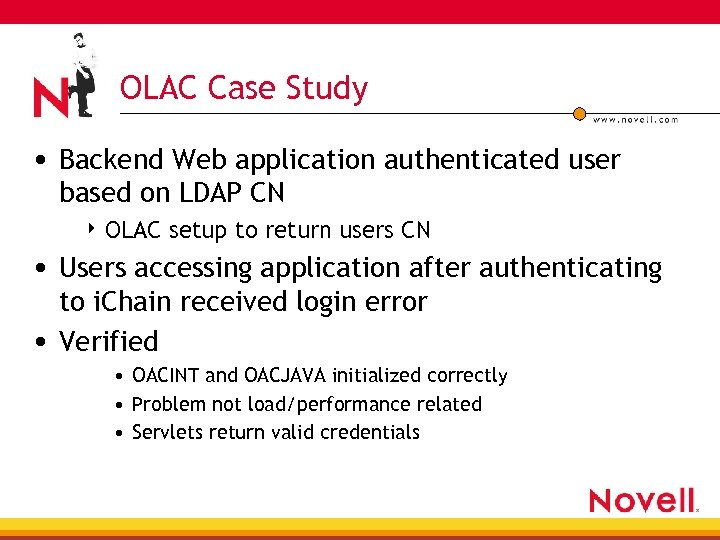 OLAC Case Study • Backend Web application authenticated user based on LDAP CN 4 OLAC setup to return users CN • Users accessing application after authenticating to i. Chain received login error • Verified • OACINT and OACJAVA initialized correctly • Problem not load/performance related • Servlets return valid credentials
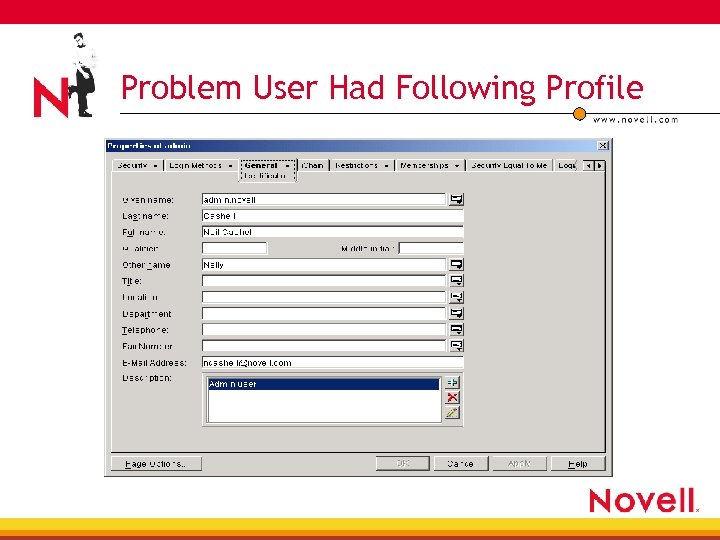 Problem User Had Following Profile
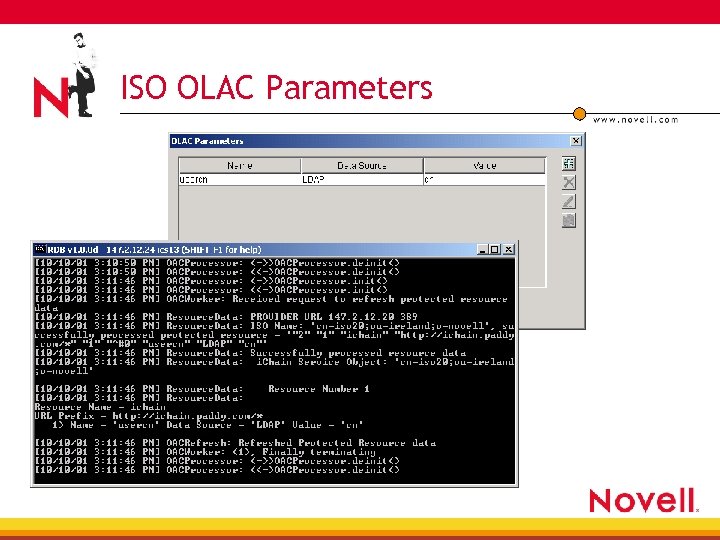 ISO OLAC Parameters
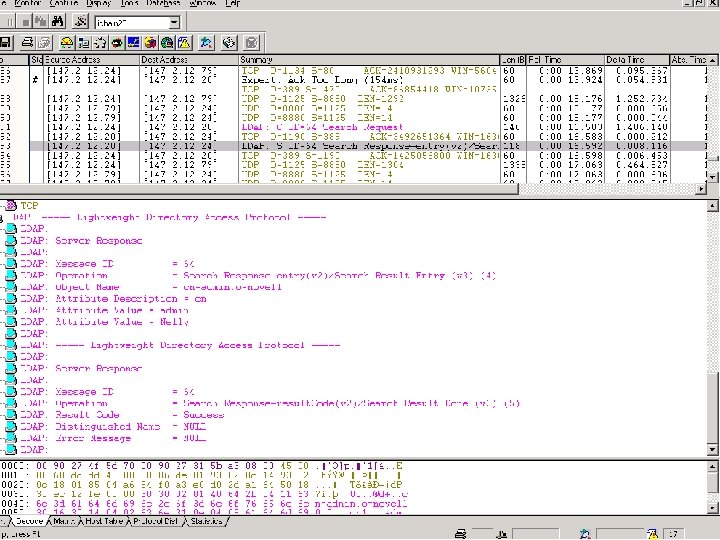
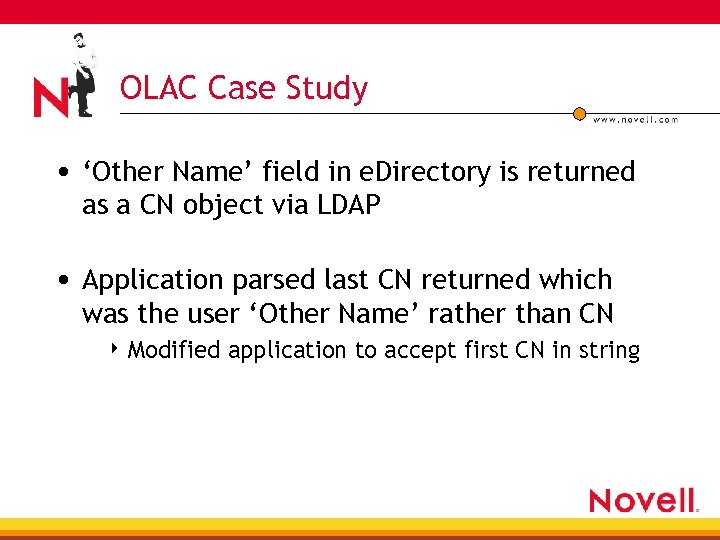 OLAC Case Study • ‘Other Name’ field in e. Directory is returned as a CN object via LDAP • Application parsed last CN returned which was the user ‘Other Name’ rather than CN 4 Modified application to accept first CN in string
 i. Chain Components “Form. Fill”
 Form. Fill Interfaces • Inputs and outputs • Flow of information
 Form. Fill Interfaces • PROXY. NLM 4 Filter. Framework (FF) model • SSO. NLM 4 Interface into Proxy Filter. Frame. Work via callbacks • e. Directory 4 ISO object attributes 4 User attributes (Novell Secret. Store ®)
 Form. Fill Interfaces (cont. ) • LDAPSDK. NLM 4 Pull formfill parameters from ISO object • SSCLD. NLM 4 Secret. Store LDAP client • NILE/PKI 4 Certificate management if secure LDAP-enabled
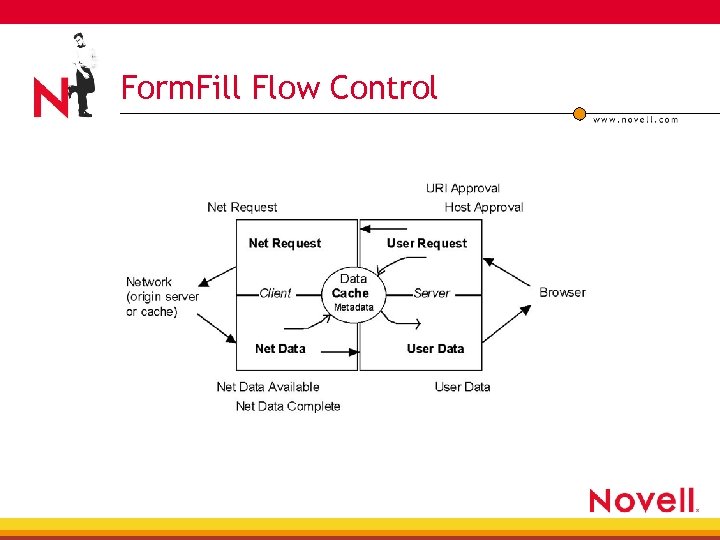
 Form. Fill Flow Control • Initialization requires 4 Generation of LDAP pool of handles • Using authentication profile for LDAP 4 Use LDAP to read Form. Fill ISO attributes • Reading of Form. Fill profile • Secret. Store enabled • Proxy processing 4 Request passed to filter framework code at various stages where SSO filter created
 Form. Fill Flow Control
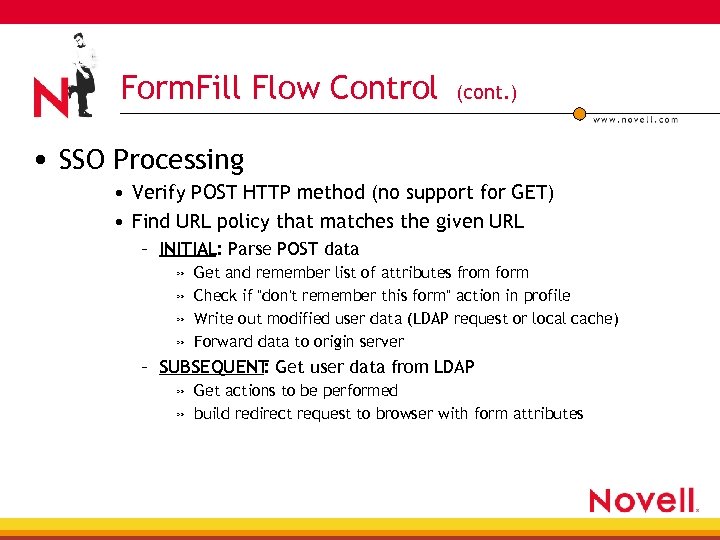 Form. Fill Flow Control (cont. ) • SSO Processing • Verify POST HTTP method (no support for GET) • Find URL policy that matches the given URL – INITIAL: Parse POST data » » Get and remember list of attributes from form Check if "don't remember this form" action in profile Write out modified user data (LDAP request or local cache) Forward data to origin server – SUBSEQUENT Get user data from LDAP : » Get actions to be performed » build redirect request to browser with form attributes
 Form. Fill Troubleshooting Tools
 Form. Fill Troubleshooting Tools • LDAP Browser/Console. One ® 4 Confirm ISO Form. Fill attribute (profile, Secret. Store) 4 User “i. Chain. Form. Fill. Crib” attribute • ‘FFichain refresh rule’ server console command • i. Chain server console screens for Secret. Store 4 SSL stack and server screens • Use to check the state of the LDAP SSL sessions handshake • LAN traces 4 Most useful troubleshooting tool
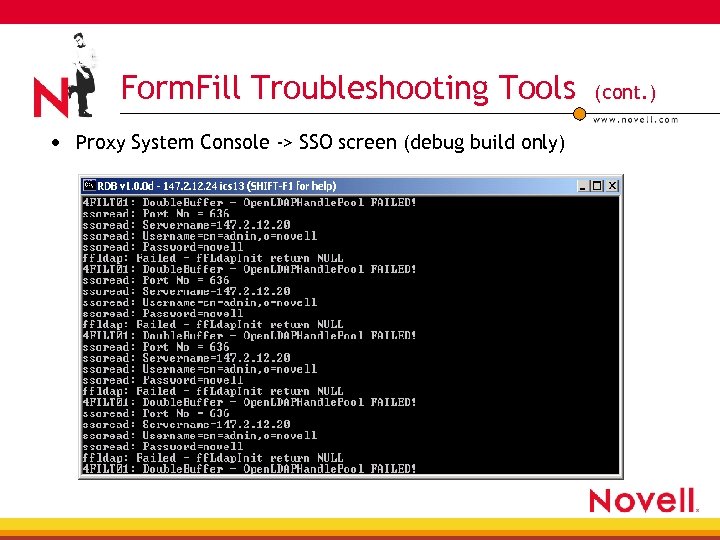 Form. Fill Troubleshooting Tools • Proxy System Console -> SSO screen (debug build only) (cont. )
 Form. Fill Troubleshooting Steps
 Form. Fill Troubleshooting Steps • Verify configuration (basic) 4 LDAP server allows clear text passwords 4 Proxy authentication profile configured and correct 4 Ping IP address/Port combination for LDAP server 4 ISO attributes set formfill (profile, SSO) 4 SSL Certificate imported to proxy server (SS only) 4 Login form includes java script? • Only support HTML forms in current release 4 HTML page must POST credentials (no GET support)
 Common Form. Fill Problems • Non-Secret. Store problems 4 Form. Fill profile matching HTML information 4 Remove POST/ from Form. Fill profile to only fill 4 Simplify profile to one variable if possible • Use test profile written to confirm (available from support) 4 Verify i. Chain. Form. Fill. Crib attribute created 4 Verify DSTRACE +LDAP setting show valid responses 4 Verify LAN trace • Confirm redirects and LDAP communication 4 Apply debug SSO. NLM and view debug screen
 Common Form. Fill Problems (cont. ) • Secret. Store problems 4 Verify all works fine without Secret. Store 4 Verify LDAP over SSL authenticates fine • Import trusted root • Timestamp issues with certificates 4 Delete user i. Chain. Form. Fill. Crib attribute 4 Enable DSTRACE logs with +LDAP, +TIME
 Form. Fill Case Study Authentication Failure to Web Application
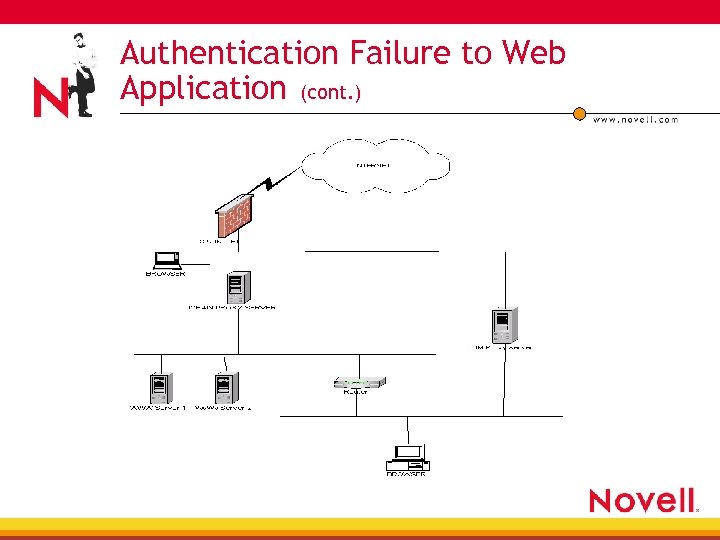
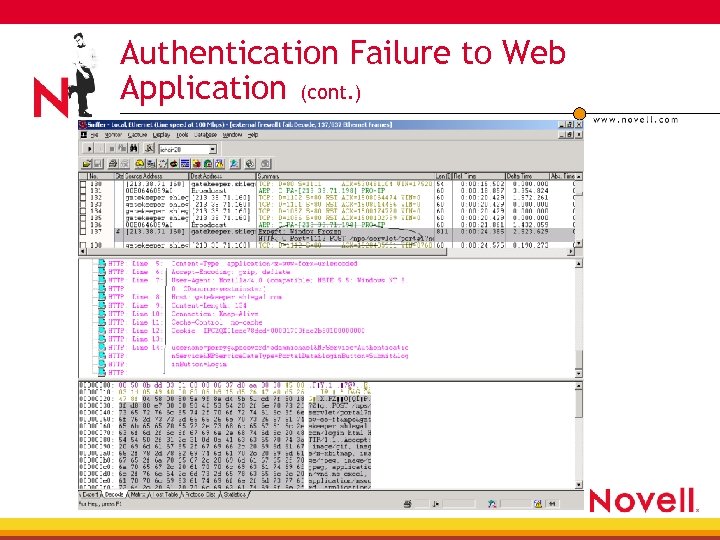
 Authentication Failure to Web Application • Problem: Back-end application, using Form. Fill feature to authenticate, continuously prompting user to enter credentials for external users 4 Form Fill POSTing NULLs for external users; worked fine for internal users • Network layout 4 BM Server proxy’ing internal users to i. Chain 4 Gauntlet firewall proxy’ing external users to i. Chain
 Authentication Failure to Web Application (cont. )
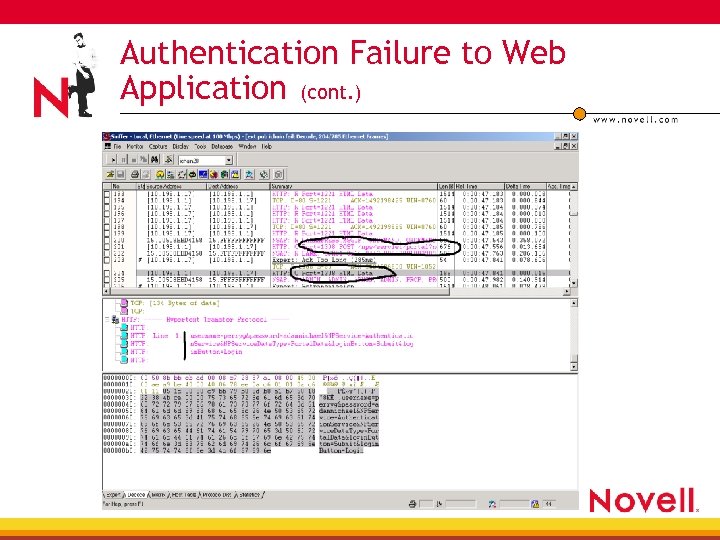
 Authentication Failure to Web Application (cont. ) • Troubleshooting 4 Removed Secret. Store setup—also failed 4 Removed POST/ entry from Profile—showed blanks 4 Looked at DSTRACE +LDAP info from LDAP server • Updating entries correctly 4 Got a trace of working/non working scenarios • Saw that the POST header and data split thru gauntlet
 Authentication Failure to Web Application (cont. )
 Authentication Failure to Web Application (cont. )
 Authentication Failure to Web Application (cont. ) • SSO. NLM expected POST header and data to be in the same packet 4 Didn’t find POST data so assumed and wrote NULL • i. Chain. Form. Fill. Crib attribute existed but without data • New SSO. NLM in IC 20 FP 3. EXE fixes problem
 Miscellaneous Issues
 Miscellaneous i. Chain Issues • Troubleshooting i. Chain installation issues— 10068257 • Troubleshooting Mutual authentication issues— 10066648 • Custom rewriter issues— 10066908 • External rewriter issues— 10068222
 Summary • Proxy interfaces 4 Inputs and outputs from all dependent modules 4 Flow of information through i. Chain • Proxy troubleshooting tools 4 More than enough • Proxy troubleshooting steps 4 Follow flow and identify broken interface