Скачать презентацию Automated train station Introduction My project
85d8bb7d6f61a87e14145ee8ff95dfc0.ppt
- Количество слайдов: 19
 Automated train station
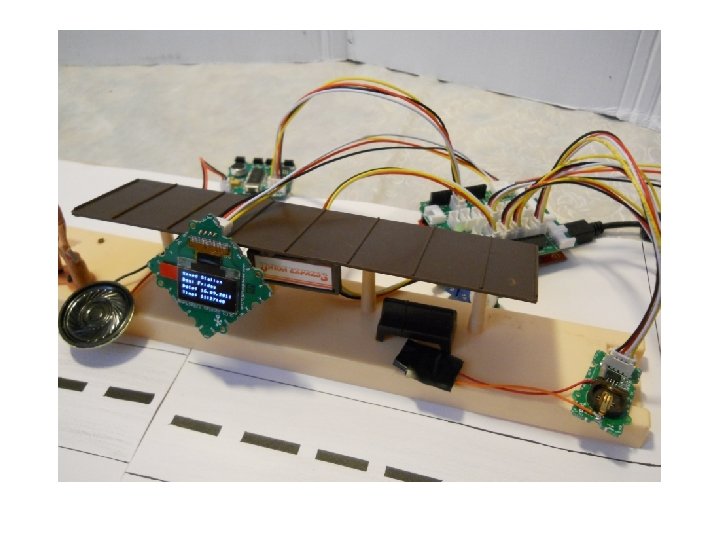
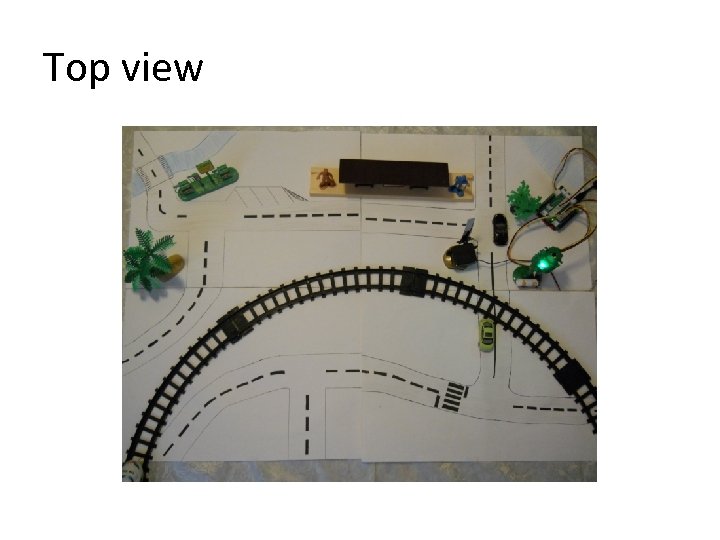
 Introduction • My project is about a automated railway system. The basic idea is to use the Grove kit to determine the time, to play the corresponding sound when a train reaches the station, and to know when the train reaches the crossover.
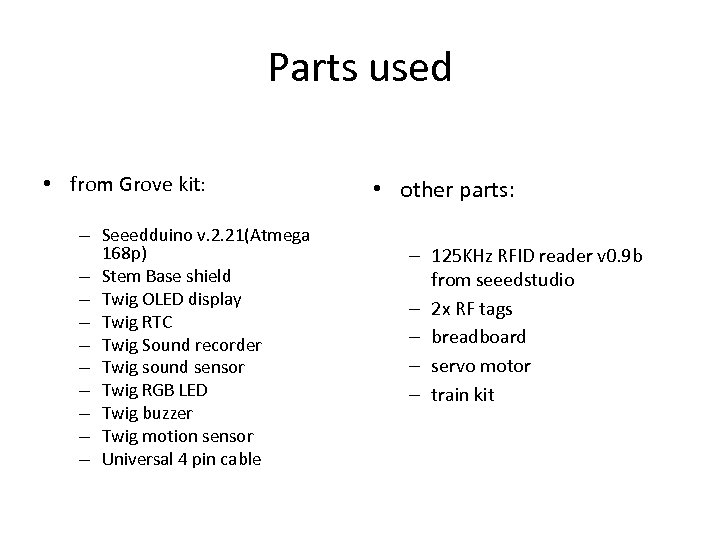 Parts used • from Grove kit: – Seeedduino v. 2. 21(Atmega 168 p) – Stem Base shield – Twig OLED display – Twig RTC – Twig Sound recorder – Twig sound sensor – Twig RGB LED – Twig buzzer – Twig motion sensor – Universal 4 pin cable • other parts: – 125 KHz RFID reader v 0. 9 b from seeedstudio – 2 x RF tags – breadboard – servo motor – train kit
 Top view
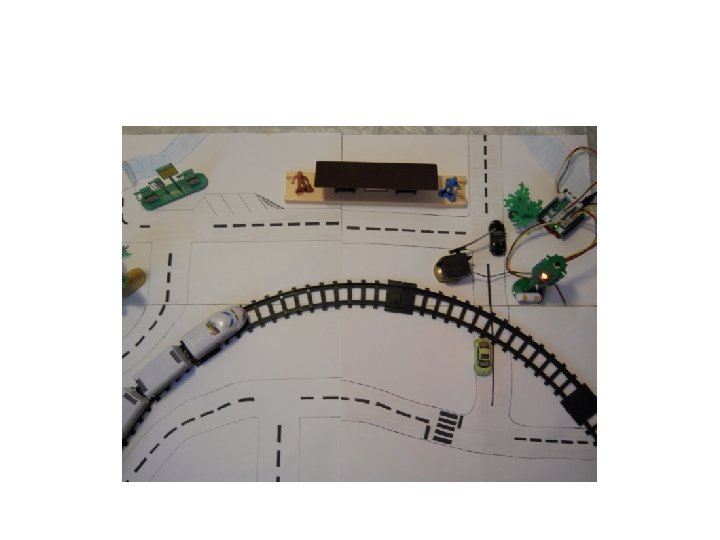
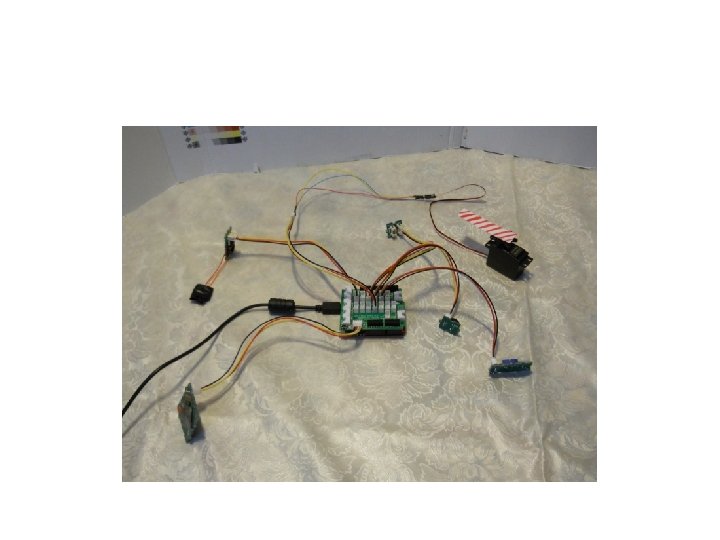
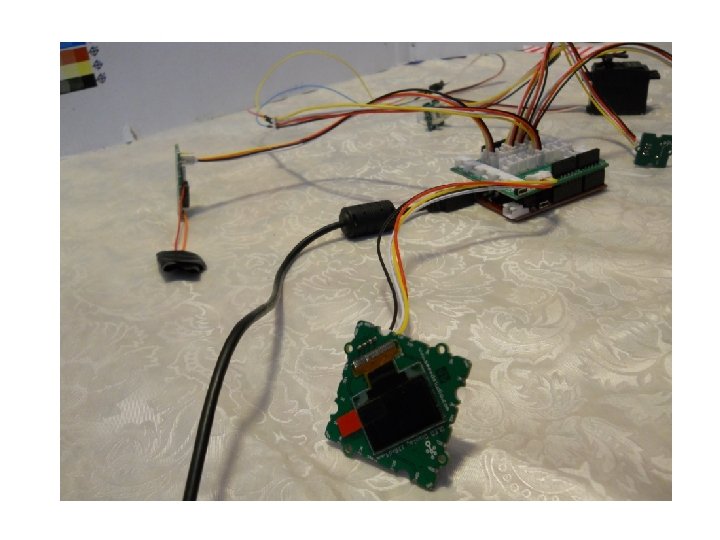
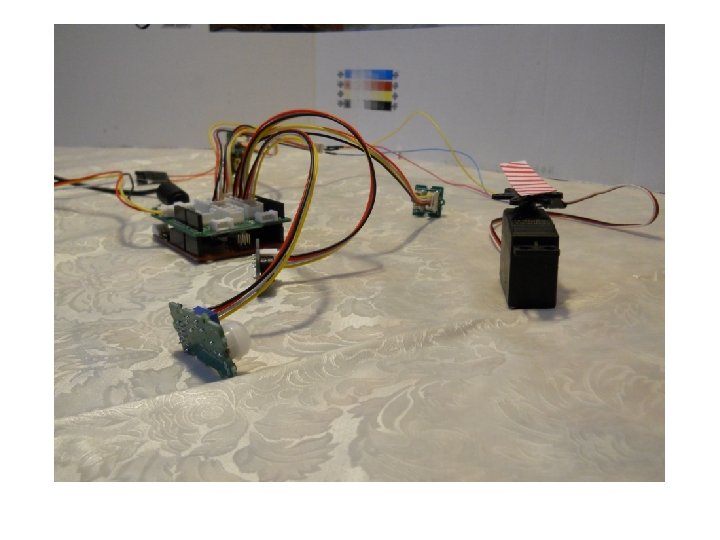
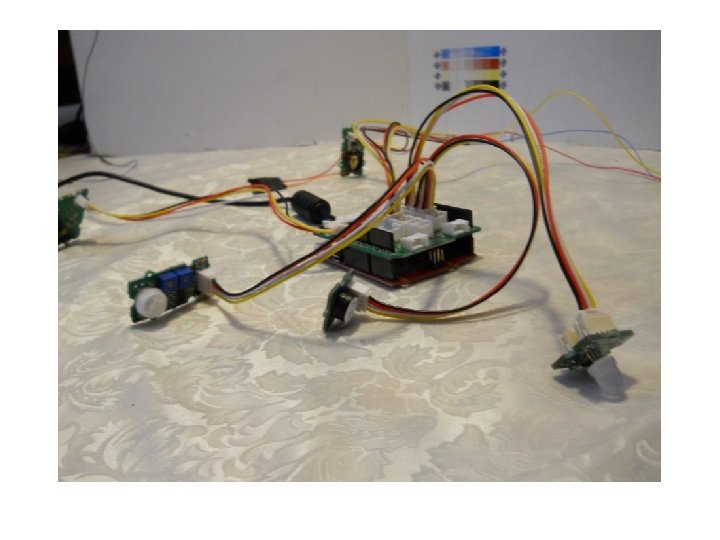
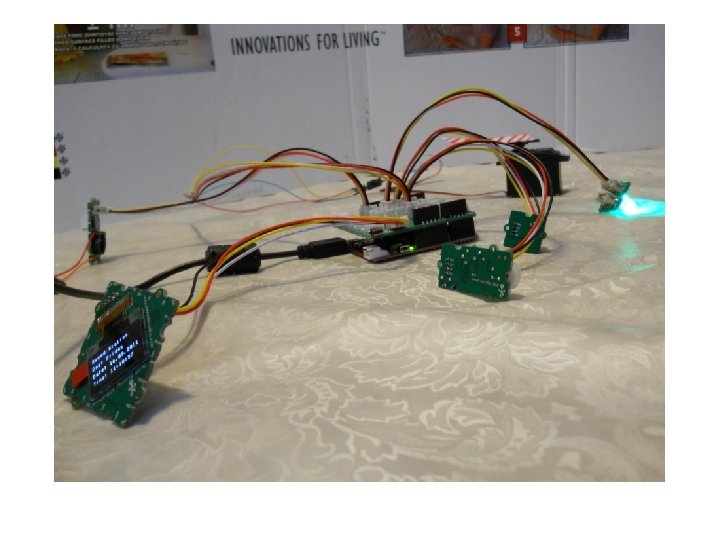
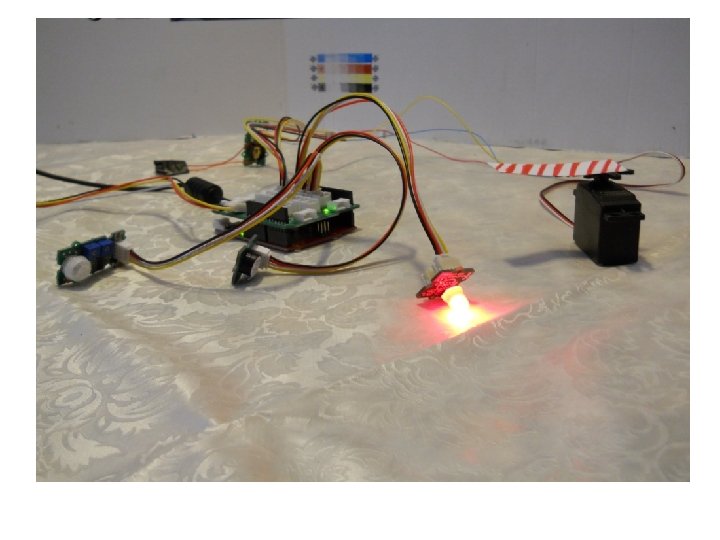
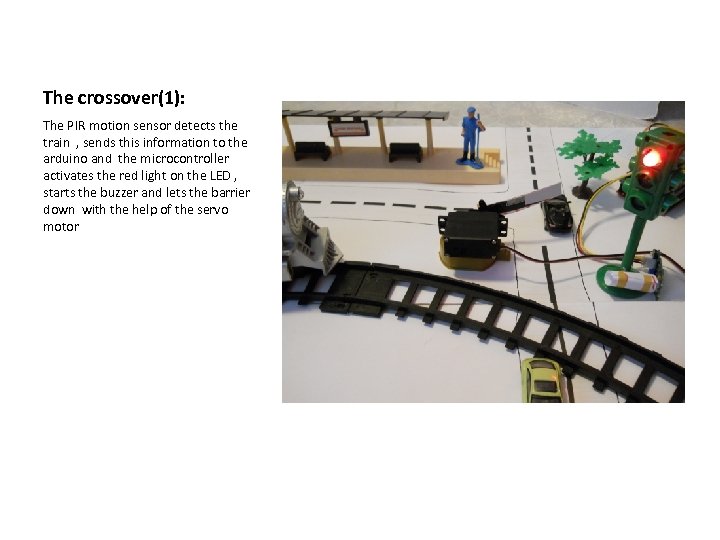 The crossover(1): The PIR motion sensor detects the train , sends this information to the arduino and the microcontroller activates the red light on the LED , starts the buzzer and lets the barrier down with the help of the servo motor
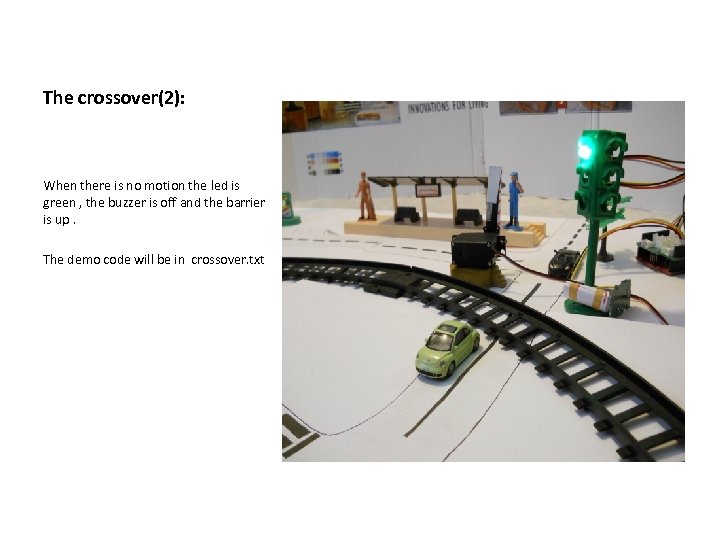 The crossover(2): When there is no motion the led is green , the buzzer is off and the barrier is up. The demo code will be in crossover. txt
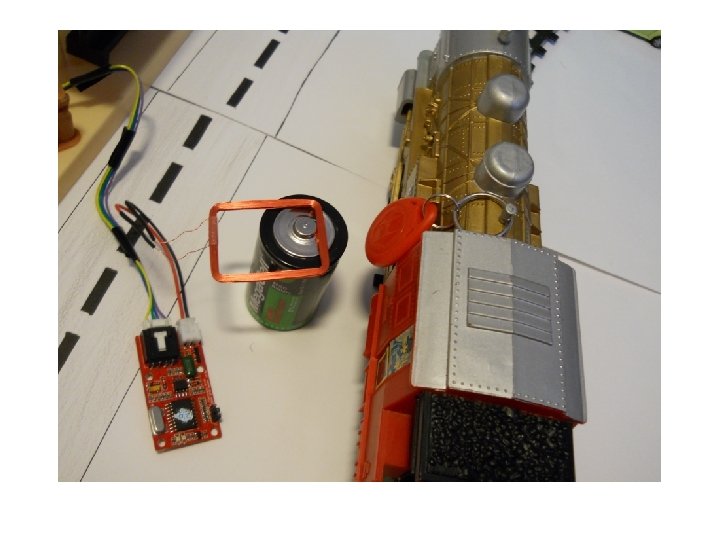
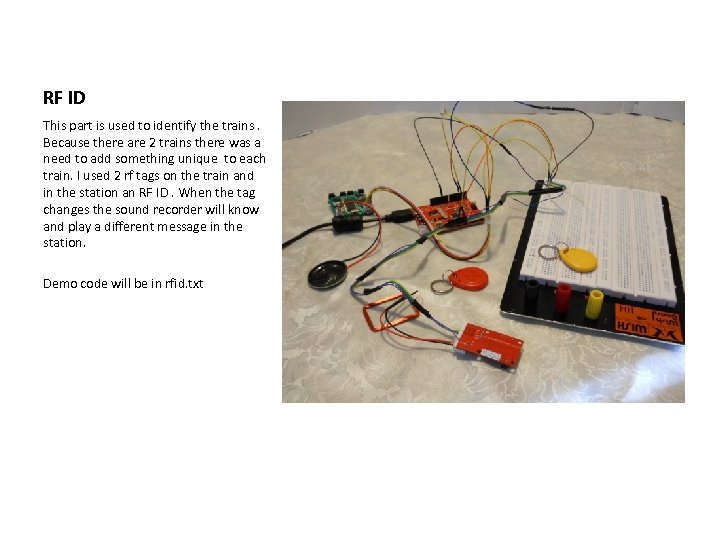 RF ID This part is used to identify the trains. Because there are 2 trains there was a need to add something unique to each train. I used 2 rf tags on the train and in the station an RF ID. When the tag changes the sound recorder will know and play a different message in the station. Demo code will be in rfid. txt
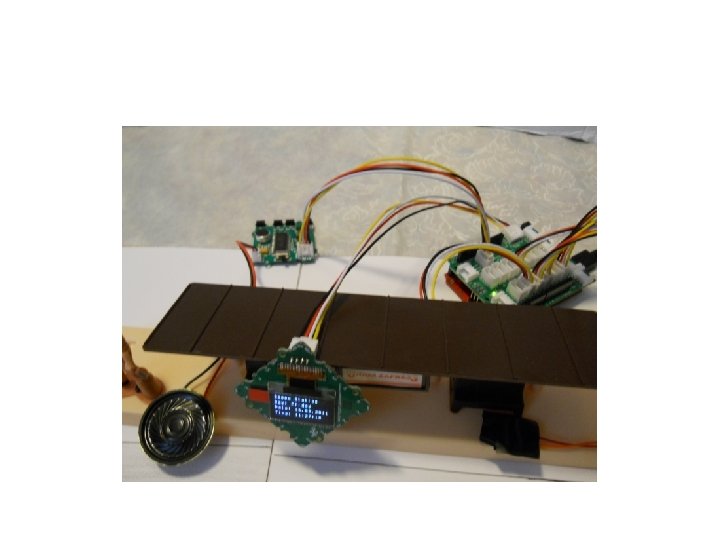
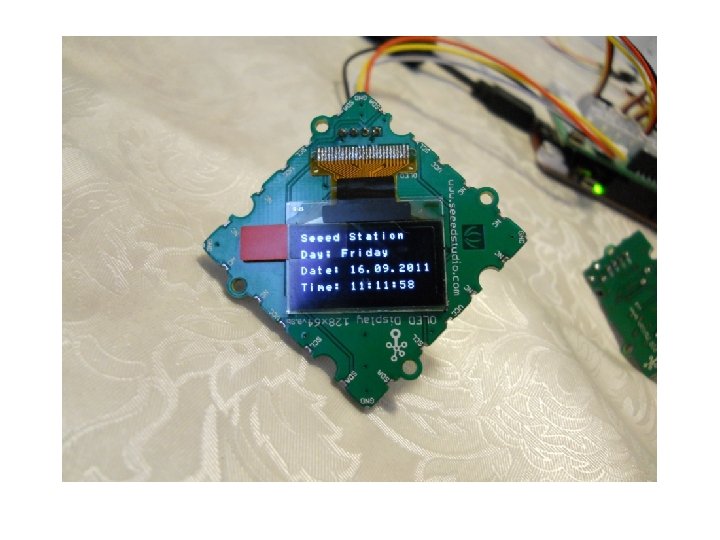
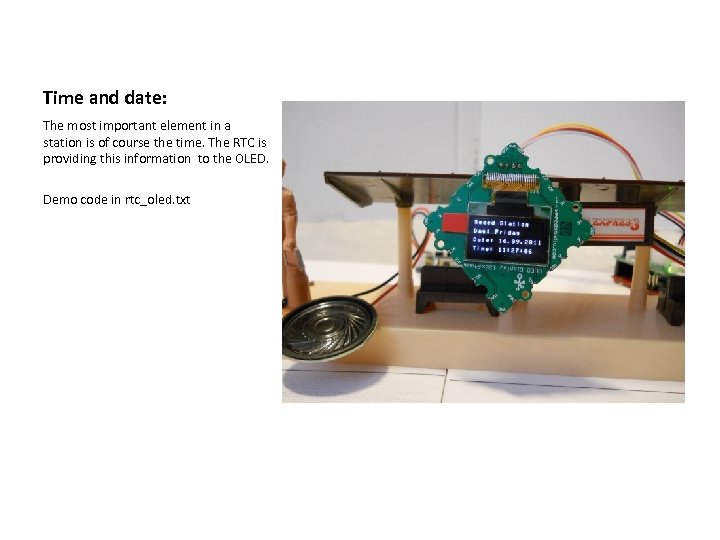 Time and date: The most important element in a station is of course the time. The RTC is providing this information to the OLED. Demo code in rtc_oled. txt