


 Скачать презентацию Automated Systems Standard Grade What Is An
817e9a93dd99d4b69d21e18589fc2e48.ppt
- Количество слайдов: 27
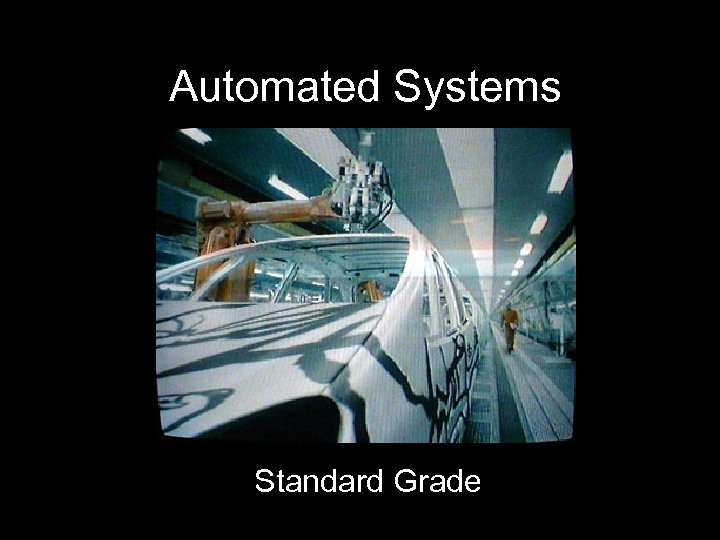 Automated Systems Standard Grade
 What Is An Automated System? • A system in which computers are used to control machines and equipment • For example: – Traffic light system – Robot arms in car manufacturing industry – To control and monitor the temperatures of dangerous chemicals processes in such places as oil refineries
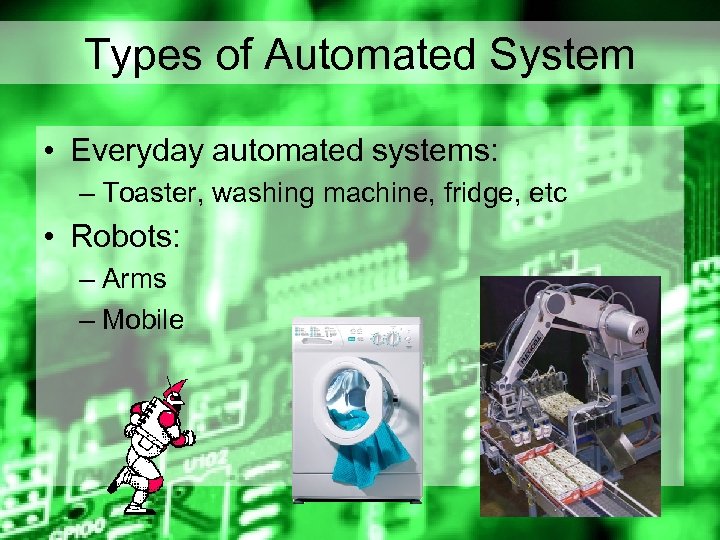 Types of Automated System • Everyday automated systems: – Toaster, washing machine, fridge, etc • Robots: – Arms – Mobile
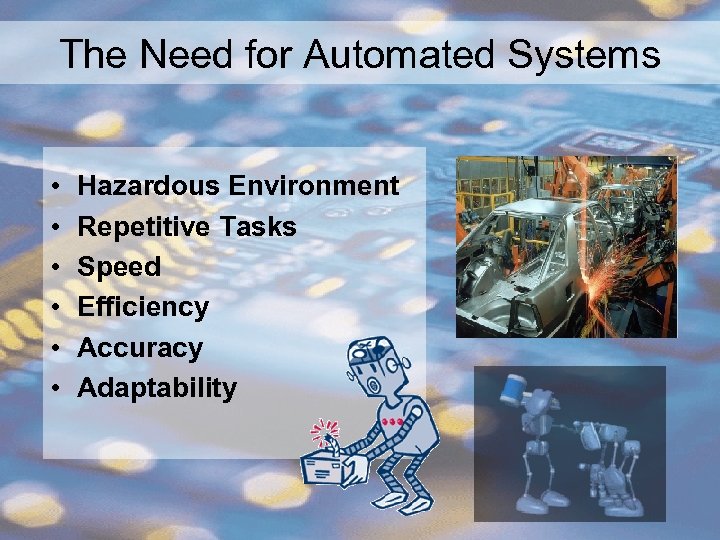 The Need for Automated Systems • • • Hazardous Environment Repetitive Tasks Speed Efficiency Accuracy Adaptability
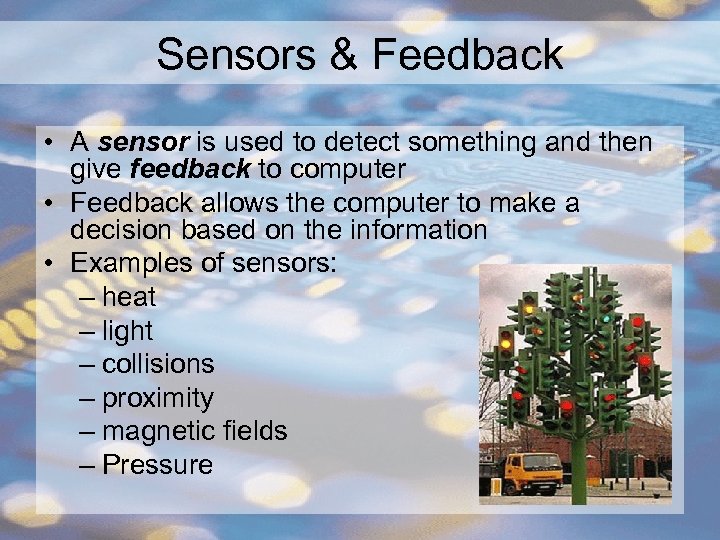 Sensors & Feedback • A sensor is used to detect something and then give feedback to computer • Feedback allows the computer to make a decision based on the information • Examples of sensors: – heat – light – collisions – proximity – magnetic fields – Pressure
 Signal Converters • A computer is connected to a device by a circuit called an interface. • The interface must be able to convert the computer’s digital signals to analogue signals if required. • This is done by a digital to analogue converter. • Signals can be changed in the other direction by an analogue to digital converter.
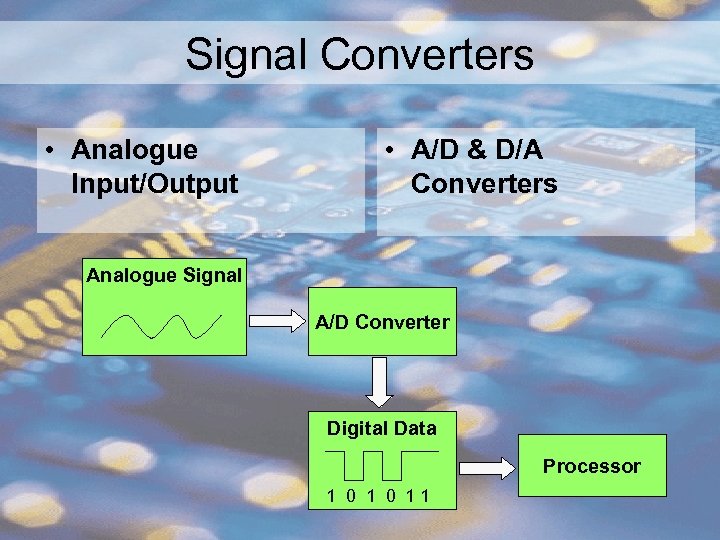 Signal Converters • Analogue Input/Output • A/D & D/A Converters Analogue Signal A/D Converter Digital Data Processor 1 0 11
 Real-Time Processing Example: • A nuclear power station uses an automated system to control temperature of the dangerous chemicals • The temperature rises above safe levels which could cause a major explosion • The system is not real-time and will get to the problem when it next gets the chance!
 Hardware & Software • ROM Software – ROM is faster to load than disk – But are more expensive • Embedded systems – Are a small computer inside a large piece of machinery (Like a washing machine or mobile phone) • Control languages – The programming language that is used to control the automated system
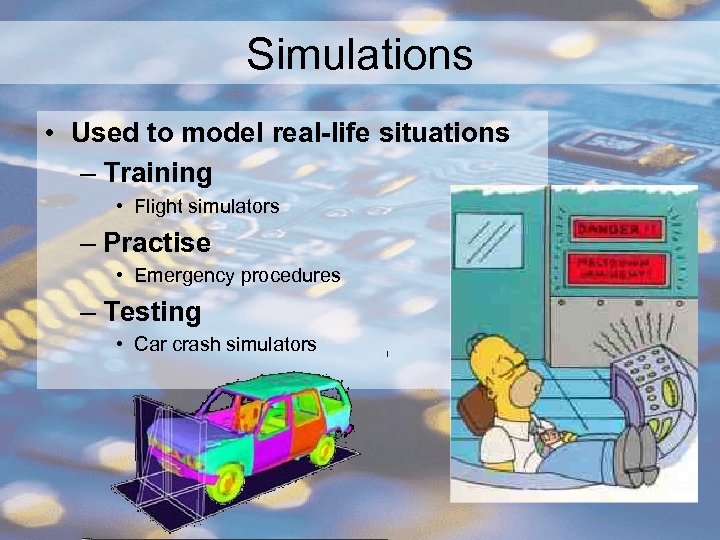 Simulations • Used to model real-life situations – Training • Flight simulators – Practise • Emergency procedures – Testing • Car crash simulators
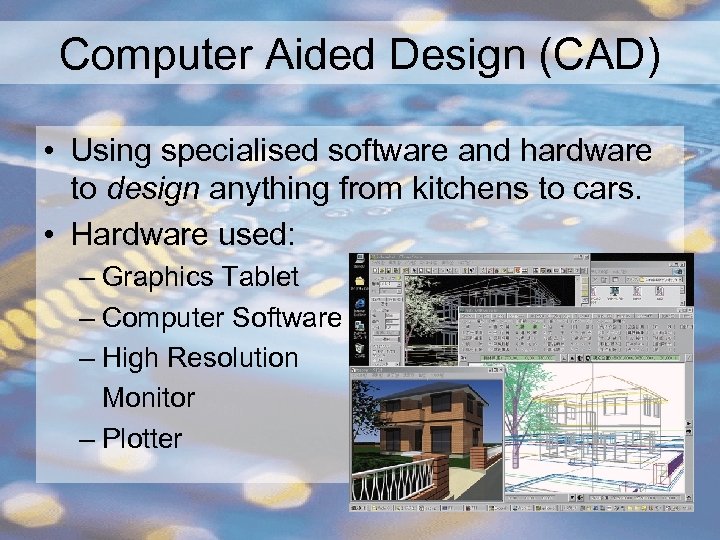 Computer Aided Design (CAD) • Using specialised software and hardware to design anything from kitchens to cars. • Hardware used: – Graphics Tablet – Computer Software – High Resolution Monitor – Plotter
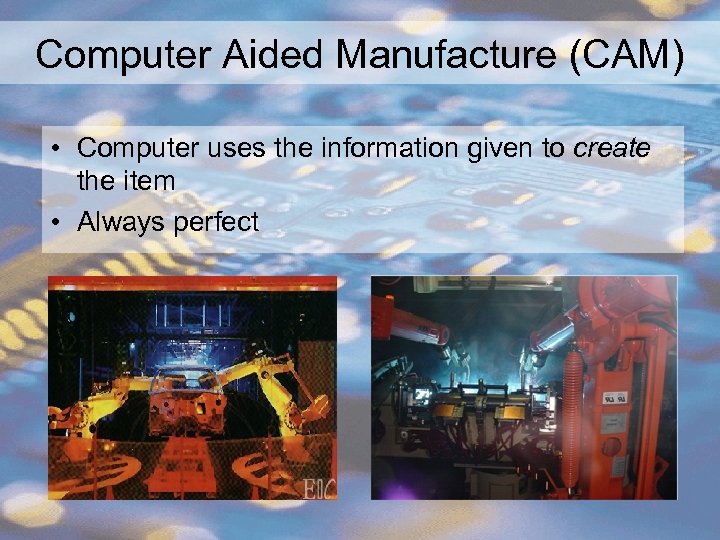 Computer Aided Manufacture (CAM) • Computer uses the information given to create the item • Always perfect
 Automated Systems Standard Grade
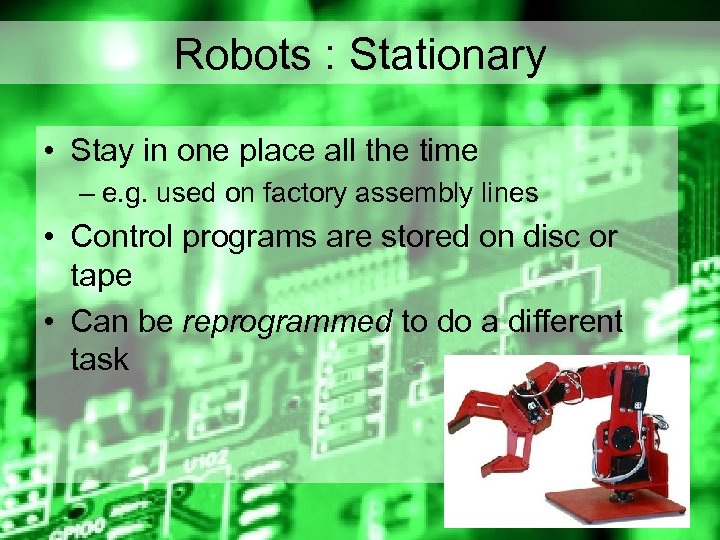 Robots : Stationary • Stay in one place all the time – e. g. used on factory assembly lines • Control programs are stored on disc or tape • Can be reprogrammed to do a different task
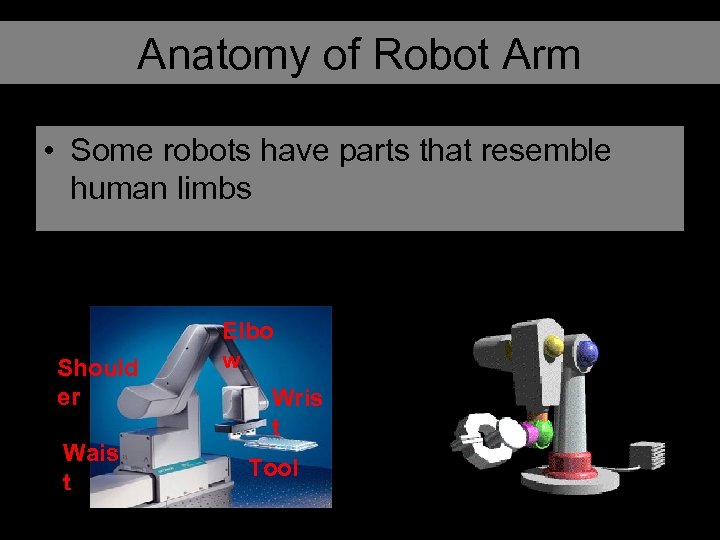 Anatomy of Robot Arm • Some robots have parts that resemble human limbs Should er Wais t Elbo w Wris t Tool
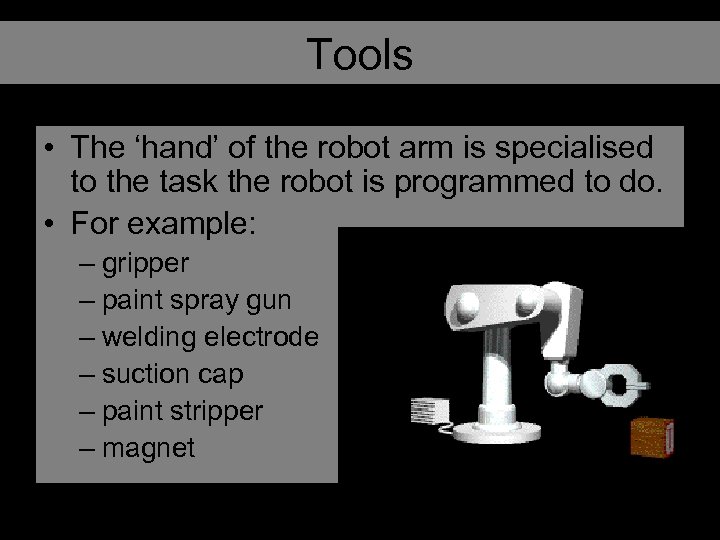 Tools • The ‘hand’ of the robot arm is specialised to the task the robot is programmed to do. • For example: – gripper – paint spray gun – welding electrode – suction cap – paint stripper – magnet
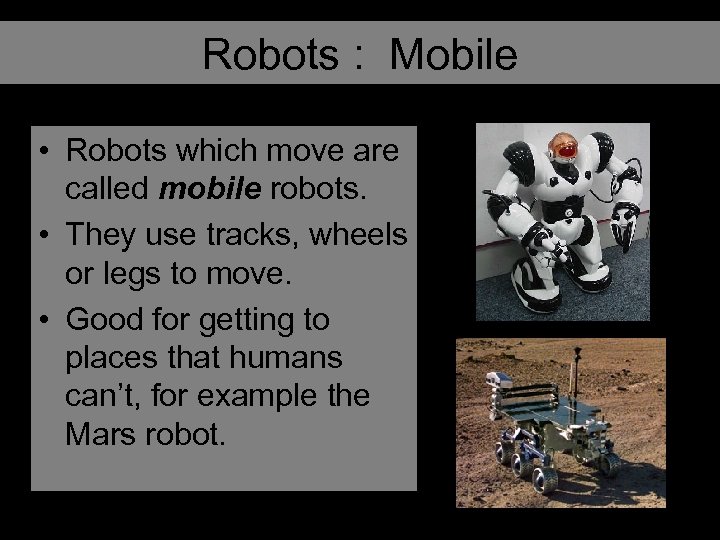 Robots : Mobile • Robots which move are called mobile robots. • They use tracks, wheels or legs to move. • Good for getting to places that humans can’t, for example the Mars robot.
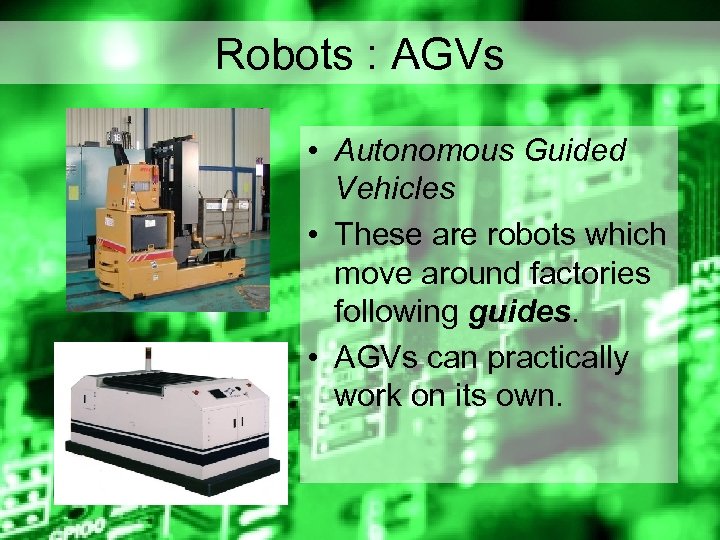 Robots : AGVs • Autonomous Guided Vehicles • These are robots which move around factories following guides. • AGVs can practically work on its own.
 Guides • If a mobile robot is designed to move around a factory it may use guides • Guides can be – Magnetic: Magnetic strips are placed under the surface of the factory floor • Expensive but will not need to be replaced – Light: White lines are painted on floor and robot follows these with light sensors • Very cheap but can wear easily.
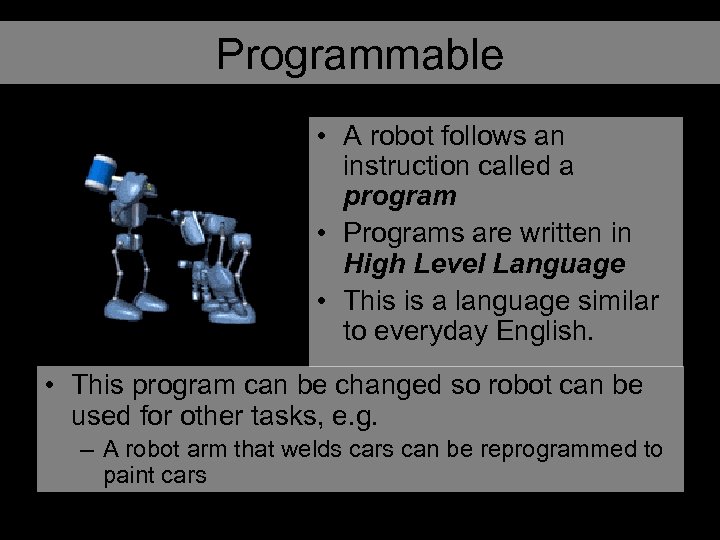 Programmable • A robot follows an instruction called a program • Programs are written in High Level Language • This is a language similar to everyday English. • This program can be changed so robot can be used for other tasks, e. g. – A robot arm that welds cars can be reprogrammed to paint cars
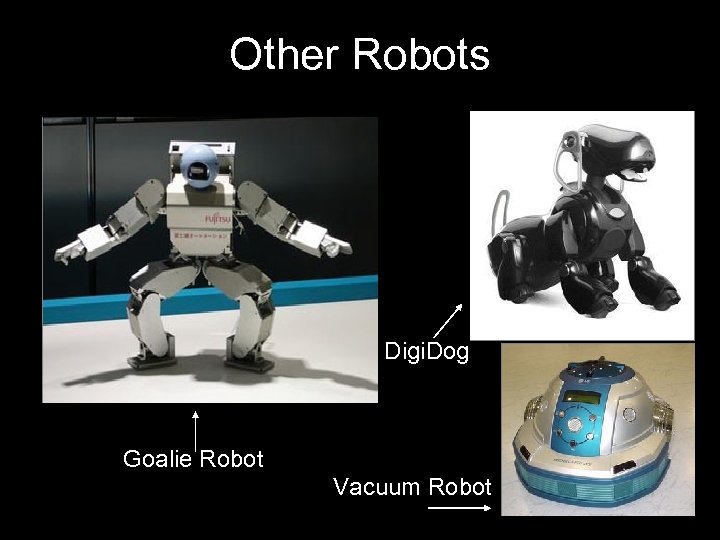 Other Robots Digi. Dog Goalie Robot Vacuum Robot
 The Future?
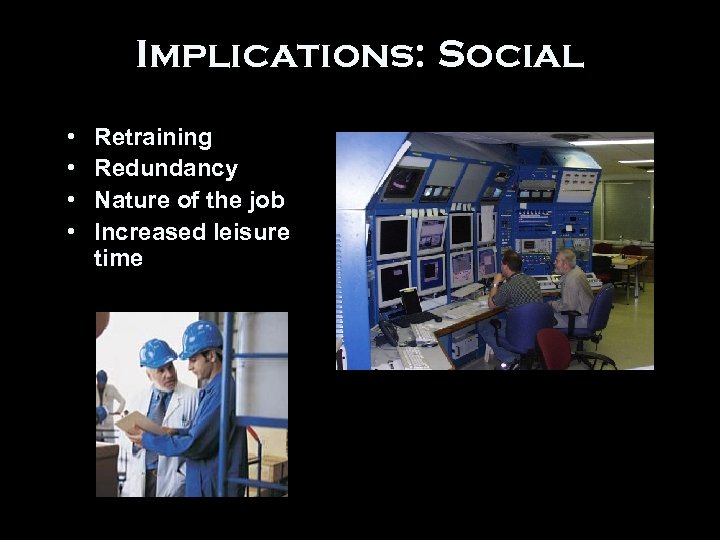 Implications: Social • • Retraining Redundancy Nature of the job Increased leisure time
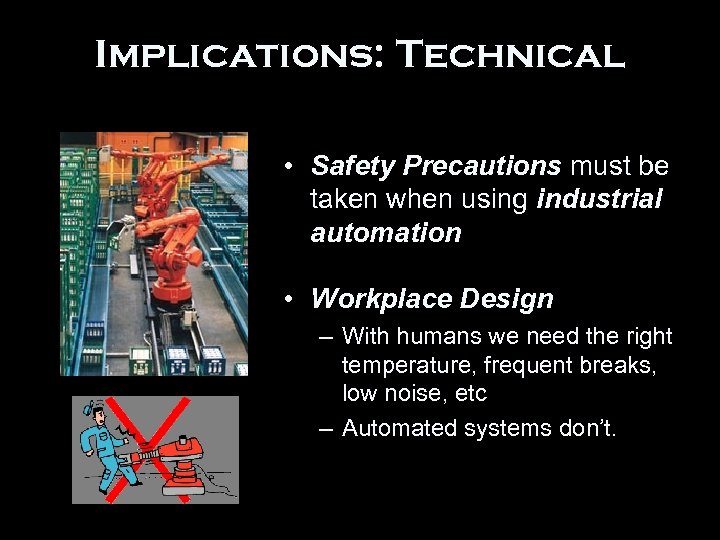 Implications: Technical • Safety Precautions must be taken when using industrial automation • Workplace Design – With humans we need the right temperature, frequent breaks, low noise, etc – Automated systems don’t.
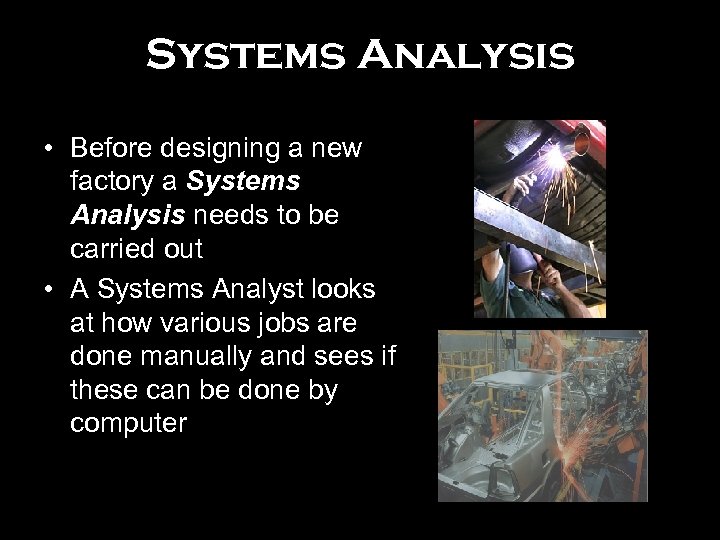 Systems Analysis • Before designing a new factory a Systems Analysis needs to be carried out • A Systems Analyst looks at how various jobs are done manually and sees if these can be done by computer
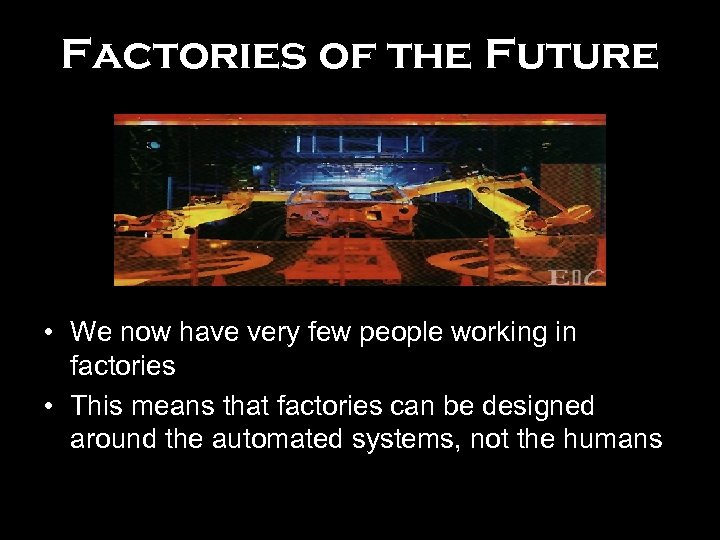 Factories of the Future • We now have very few people working in factories • This means that factories can be designed around the automated systems, not the humans
 Implications : Economic • Labour Intensive – Relies on Workers • Capital Intensive – Uses expensive machinery • Productivity • Replacement Costs • High Initial Cost – Purchasing equipment – Modernising factory • Long term savings – Increased Productivity – Wages £$£$£$£