


 Скачать презентацию Automated Instrumentation and Monitoring System AIMS AIMS
c872c9e26359131ccb75bccdc82c0dfb.ppt
- Количество слайдов: 29
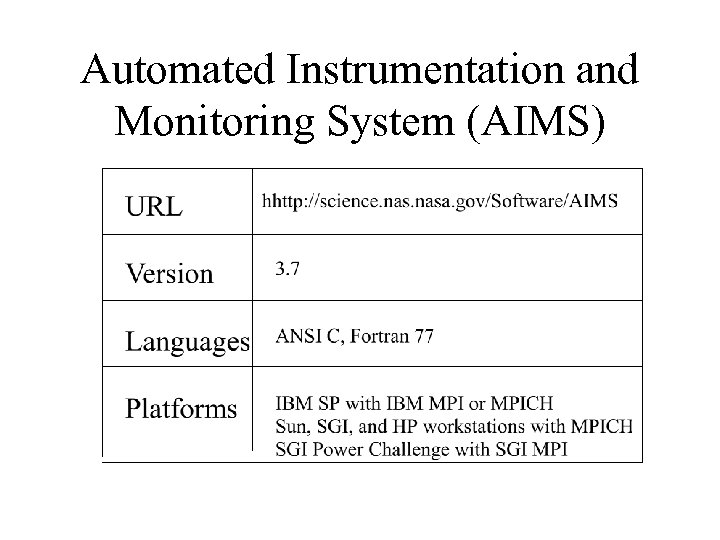 Automated Instrumentation and Monitoring System (AIMS)
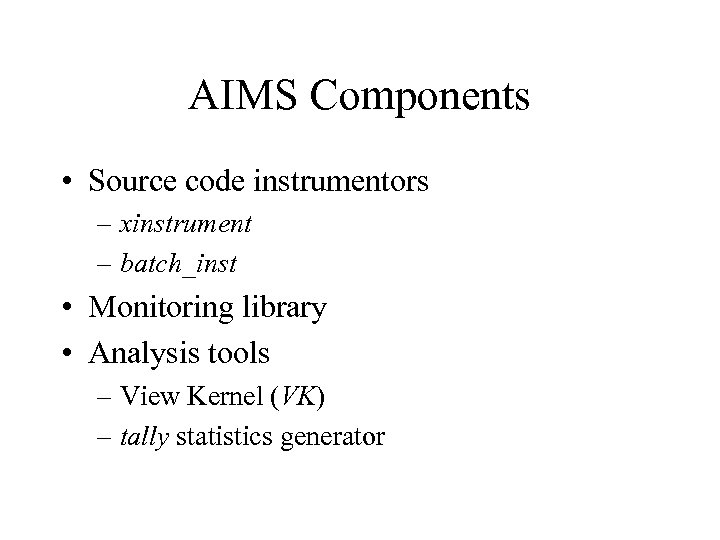 AIMS Components • Source code instrumentors – xinstrument – batch_inst • Monitoring library • Analysis tools – View Kernel (VK) – tally statistics generator
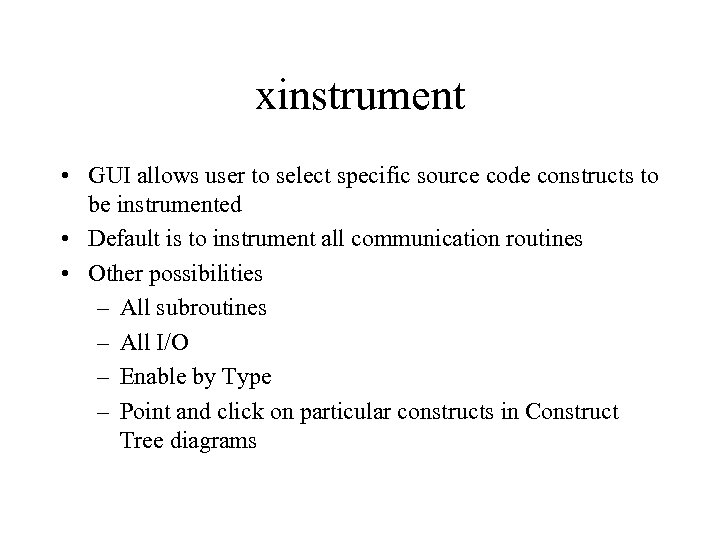 xinstrument • GUI allows user to select specific source code constructs to be instrumented • Default is to instrument all communication routines • Other possibilities – All subroutines – All I/O – Enable by Type – Point and click on particular constructs in Construct Tree diagrams
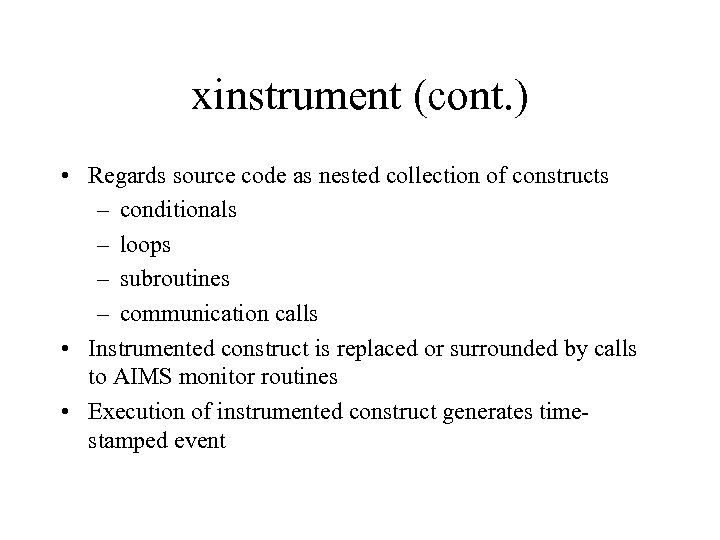 xinstrument (cont. ) • Regards source code as nested collection of constructs – conditionals – loops – subroutines – communication calls • Instrumented construct is replaced or surrounded by calls to AIMS monitor routines • Execution of instrumented construct generates timestamped event
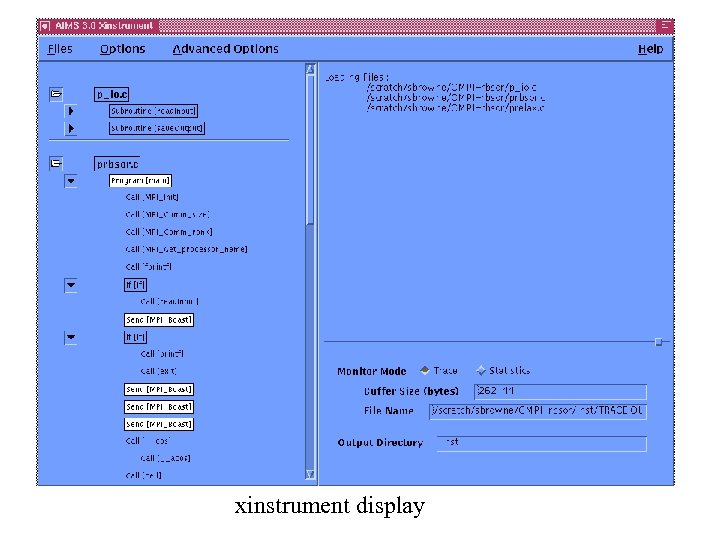 xinstrument display
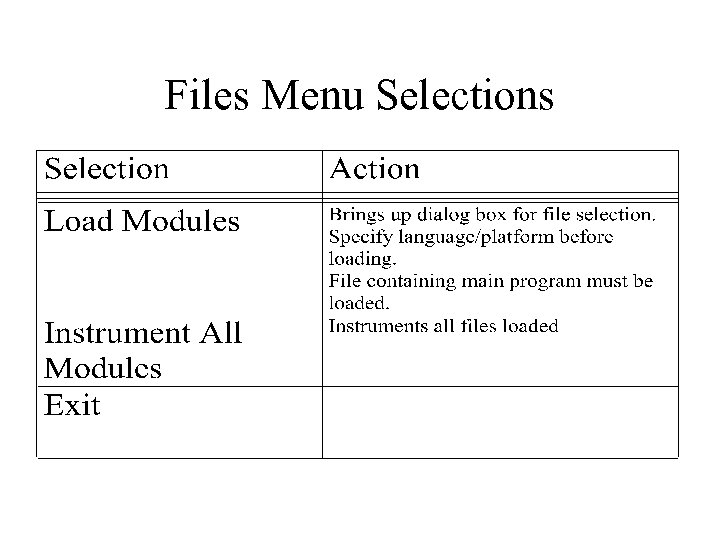 Files Menu Selections
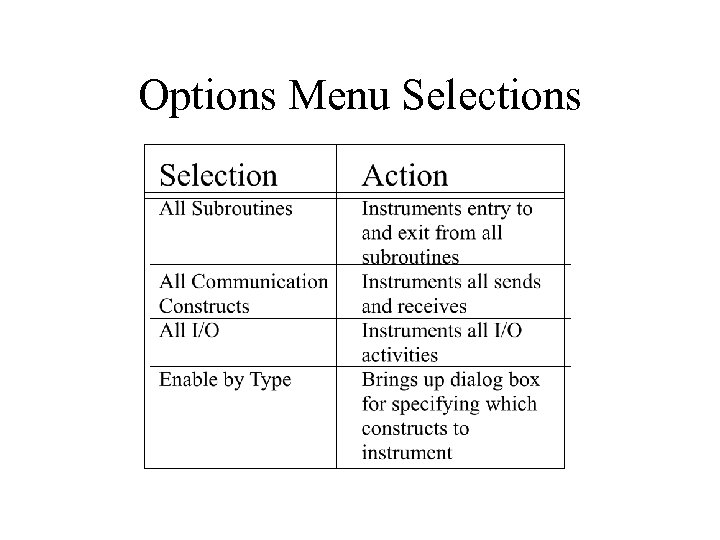 Options Menu Selections
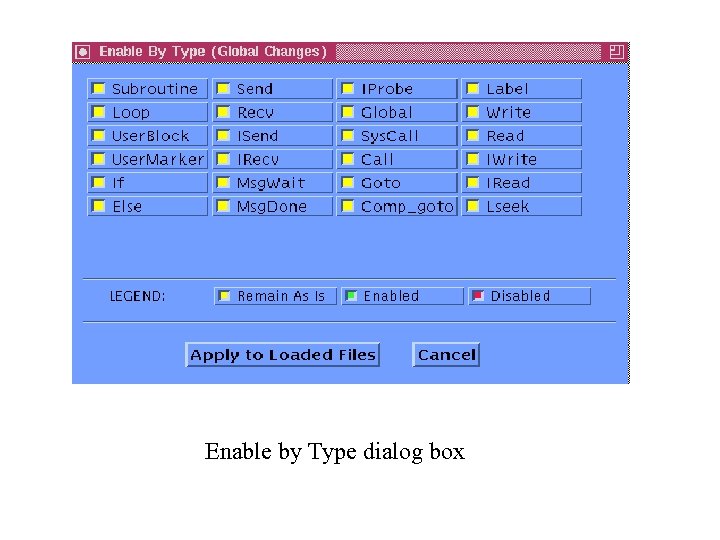 Enable by Type dialog box
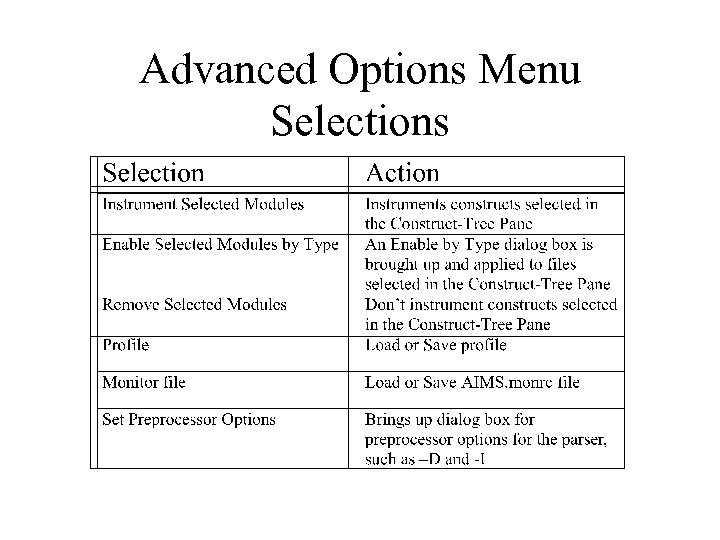 Advanced Options Menu Selections
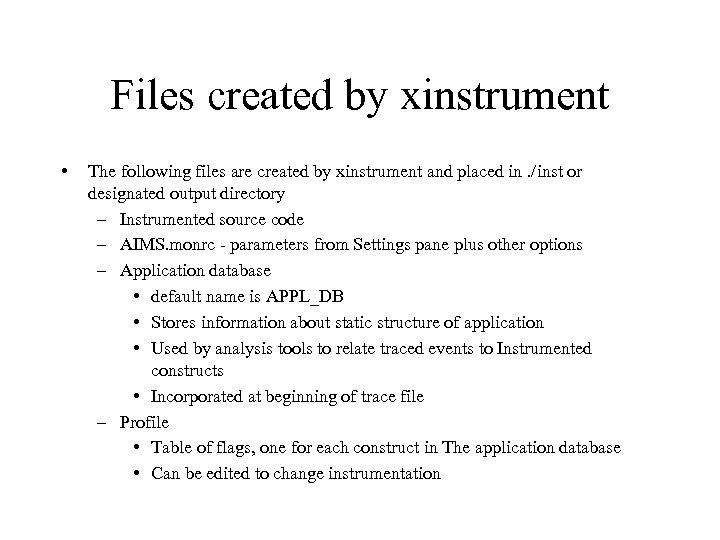 Files created by xinstrument • The following files are created by xinstrument and placed in. /inst or designated output directory – Instrumented source code – AIMS. monrc - parameters from Settings pane plus other options – Application database • default name is APPL_DB • Stores information about static structure of application • Used by analysis tools to relate traced events to Instrumented constructs • Incorporated at beginning of trace file – Profile • Table of flags, one for each construct in The application database • Can be edited to change instrumentation
![batch_inst • Command-line instrumentor batch_inst [-options] [filenames] where options include:](https://present5.com/presentation/c872c9e26359131ccb75bccdc82c0dfb/image-11.jpg "batch_inst • Command-line instrumentor batch_inst [-options] [filenames] where options include:") batch_inst • Command-line instrumentor batch_inst [-options] [filenames] where options include:
batch_inst • Command-line instrumentor batch_inst [-options] [filenames] where options include:
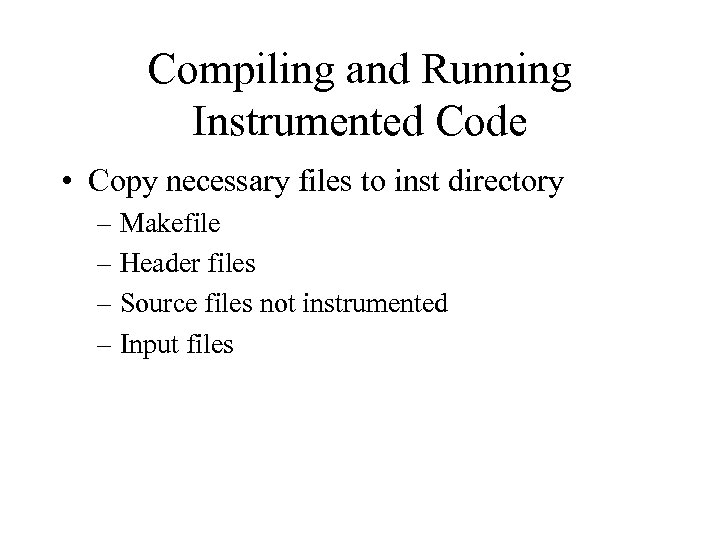 Compiling and Running Instrumented Code • Copy necessary files to inst directory – Makefile – Header files – Source files not instrumented – Input files
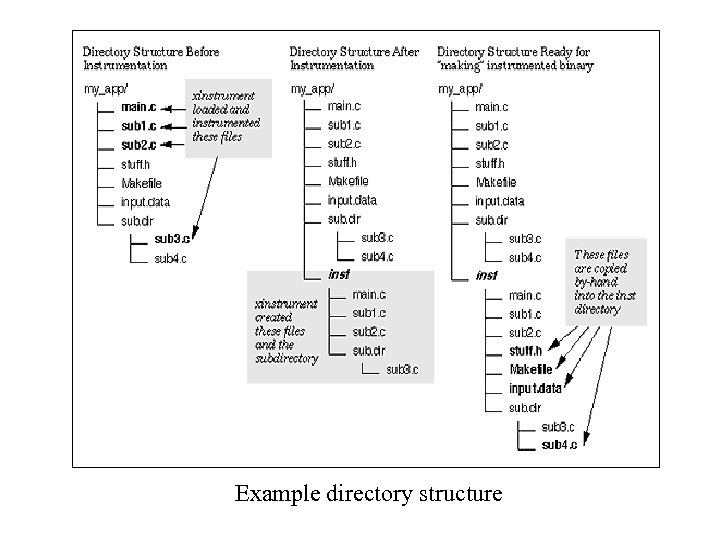 Example directory structure
 Compiling and Running (cont. ) • Link with AIMS MPI monitor library MON_LIB = $(AIMS_DIR)/lib app: $(F 77) -o app_program $(APP_OBJS) $(MON_LIB)/mpilib. a • Set $AIMS_TMP_DIR environment variable to location to store local trace files • Make sure AIMS scripts and executables are in your path • Per-process trace files are automatically collected and merged at end of execution
 Visualizing Trace Files with VK • View Kernel (VK) animates a trace file • VCR-like controls for tracefile playback • Can set breakpoints by time or in specific source code constructs • Source code click-back capability • Timeline display • Spokes view animates messages passed between tasks
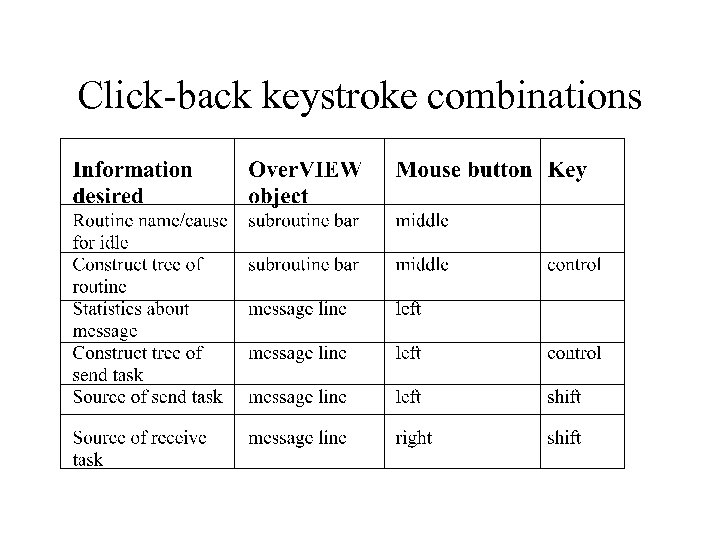
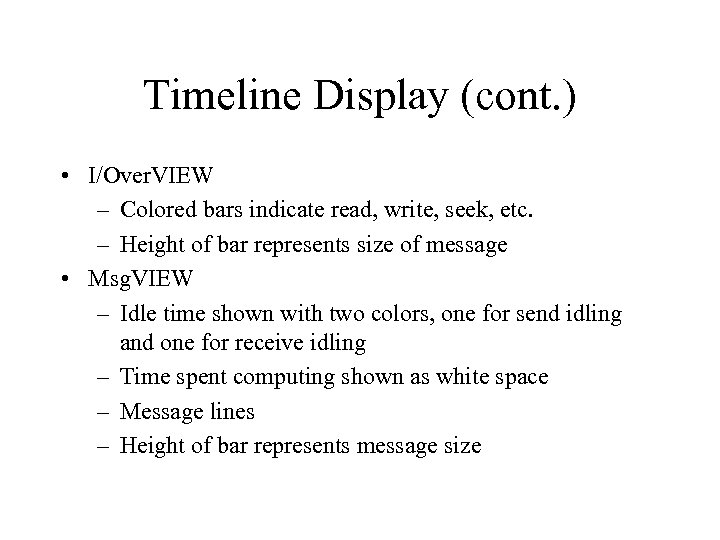
 Timeline Display • Toggles between three different views • Over. VIEW – Horizontal bars represent tasks – Colors represent different instrumented subroutines – White space indicates task is blocked waiting to complete send or receive – XX pattern indicates time spent writing AIMS trace files to disk – Lines between bars represent messages transmitted between ta. Sks – Use keystroke and click combinations to get more information
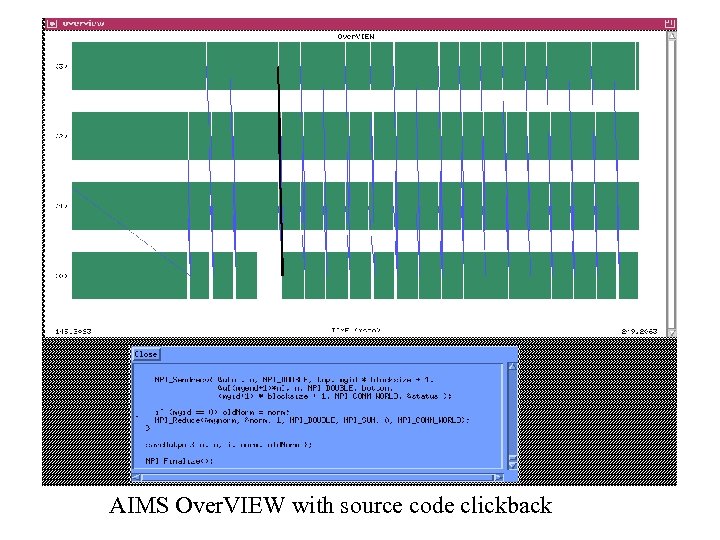 AIMS Over. VIEW with source code clickback
 Click-back keystroke combinations
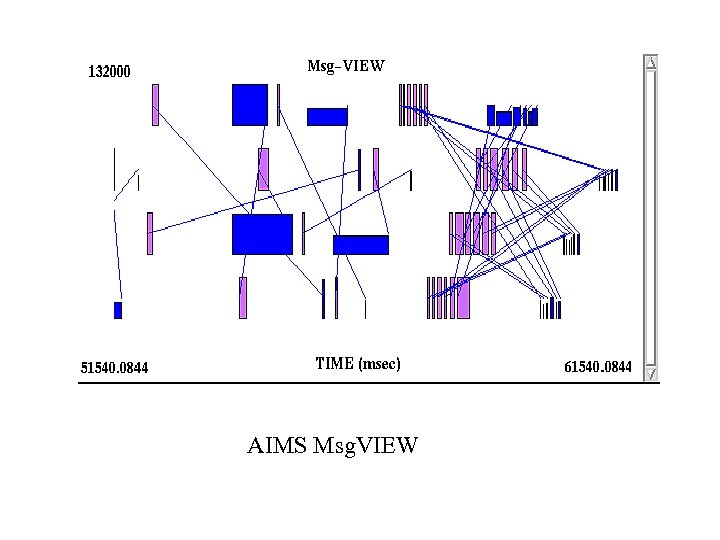
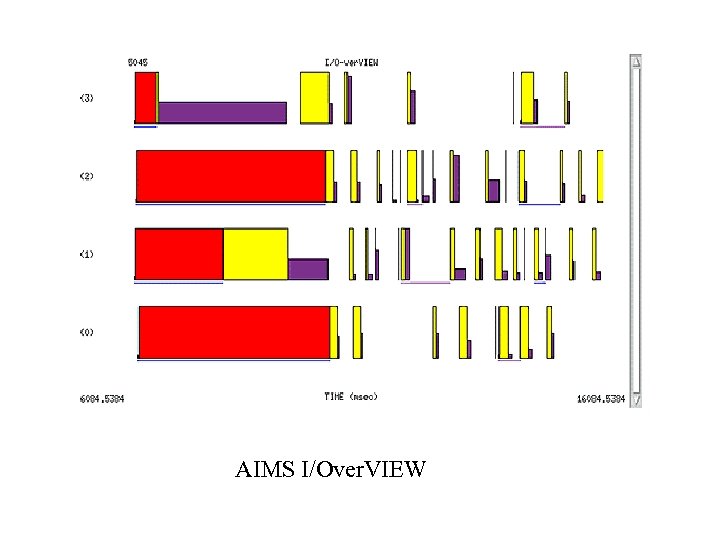
 Timeline Display (cont. ) • I/Over. VIEW – Colored bars indicate read, write, seek, etc. – Height of bar represents size of message • Msg. VIEW – Idle time shown with two colors, one for send idling and one for receive idling – Time spent computing shown as white space – Message lines – Height of bar represents message size
 AIMS Msg. VIEW
 AIMS I/Over. VIEW
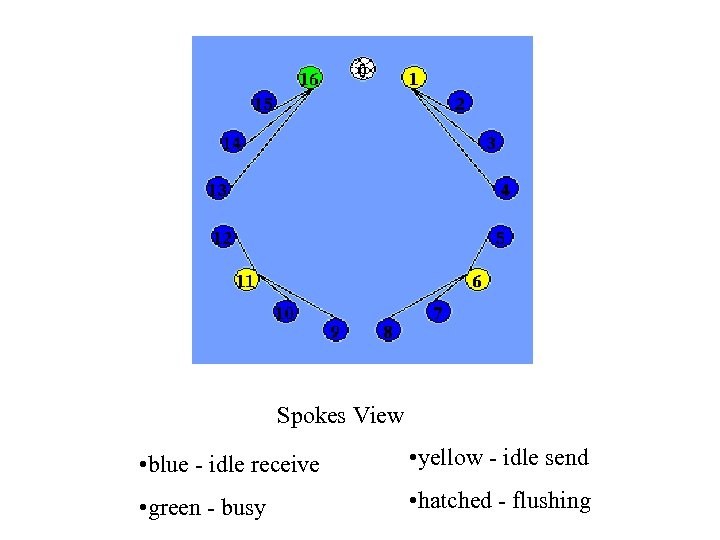 Spokes View • blue - idle receive • yellow - idle send • green - busy • hatched - flushing
 Controlling Scale and Speed of Playback • No scrolling or zooming capabilities • Set jump factor between 0 and 1 to speed up animation • Set pause times or breakpoints to slow down animation • Set scale to view larger or smaller time interval (default is 100 milliseconds)
 tally • Processes trace file to produce resource utilization statistics on node-by-node and routine-by-routine basis • tally output can be input to statistical drawing packages such as Excel or Wing. Z
![tally [options] [sorted tracefile] where options include:](https://present5.com/presentation/c872c9e26359131ccb75bccdc82c0dfb/image-25.jpg "tally [options] [sorted tracefile] where options include:") tally [options] [sorted tracefile] where options include:
tally [options] [sorted tracefile] where options include:
 tally output - tally. summary • Information for each procedure/function: – – – busy time: time spent performing useful work global blocking: time spent in global blocking operation send blocking: time spent in send operation receive blocking: time spent in receive operation life time: exclusive time percentage communication: percentage of total execution time spent in communication – communication index: time spent in routine with respect to total time of program, as well as percentage of time spent in communication in this routine
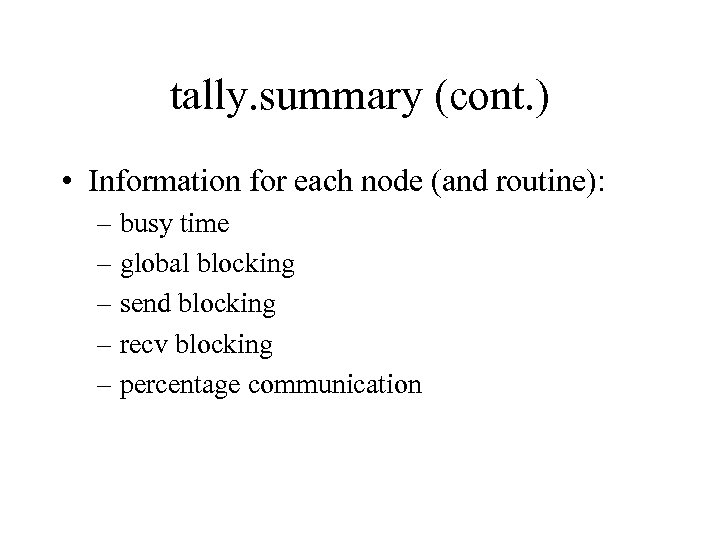 tally. summary (cont. ) • Information for each node (and routine): – busy time – global blocking – send blocking – recv blocking – percentage communication
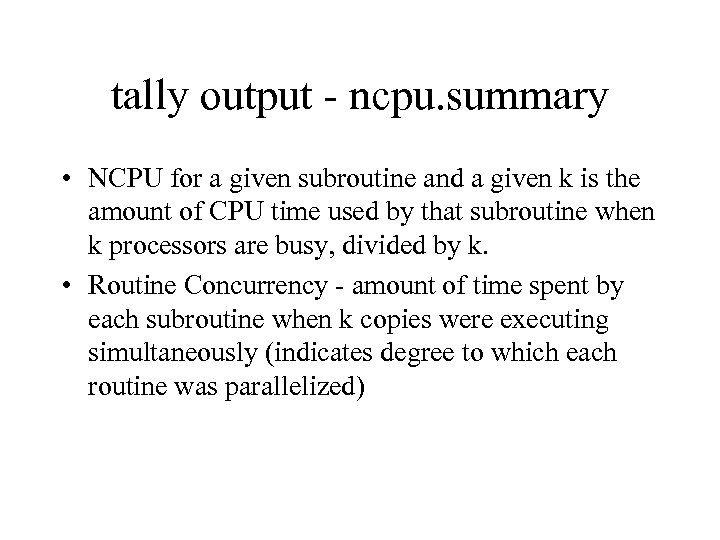 tally output - ncpu. summary • NCPU for a given subroutine and a given k is the amount of CPU time used by that subroutine when k processors are busy, divided by k. • Routine Concurrency - amount of time spent by each subroutine when k copies were executing simultaneously (indicates degree to which each routine was parallelized)
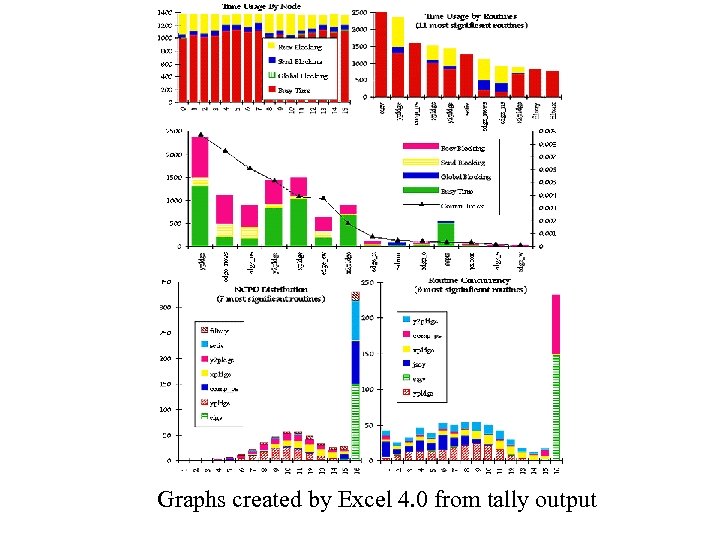 Graphs created by Excel 4. 0 from tally output